to be security-aware. No matter your role at your company, you could be a potential target for cybercriminals; especially given your access and knowledge inside your organization.
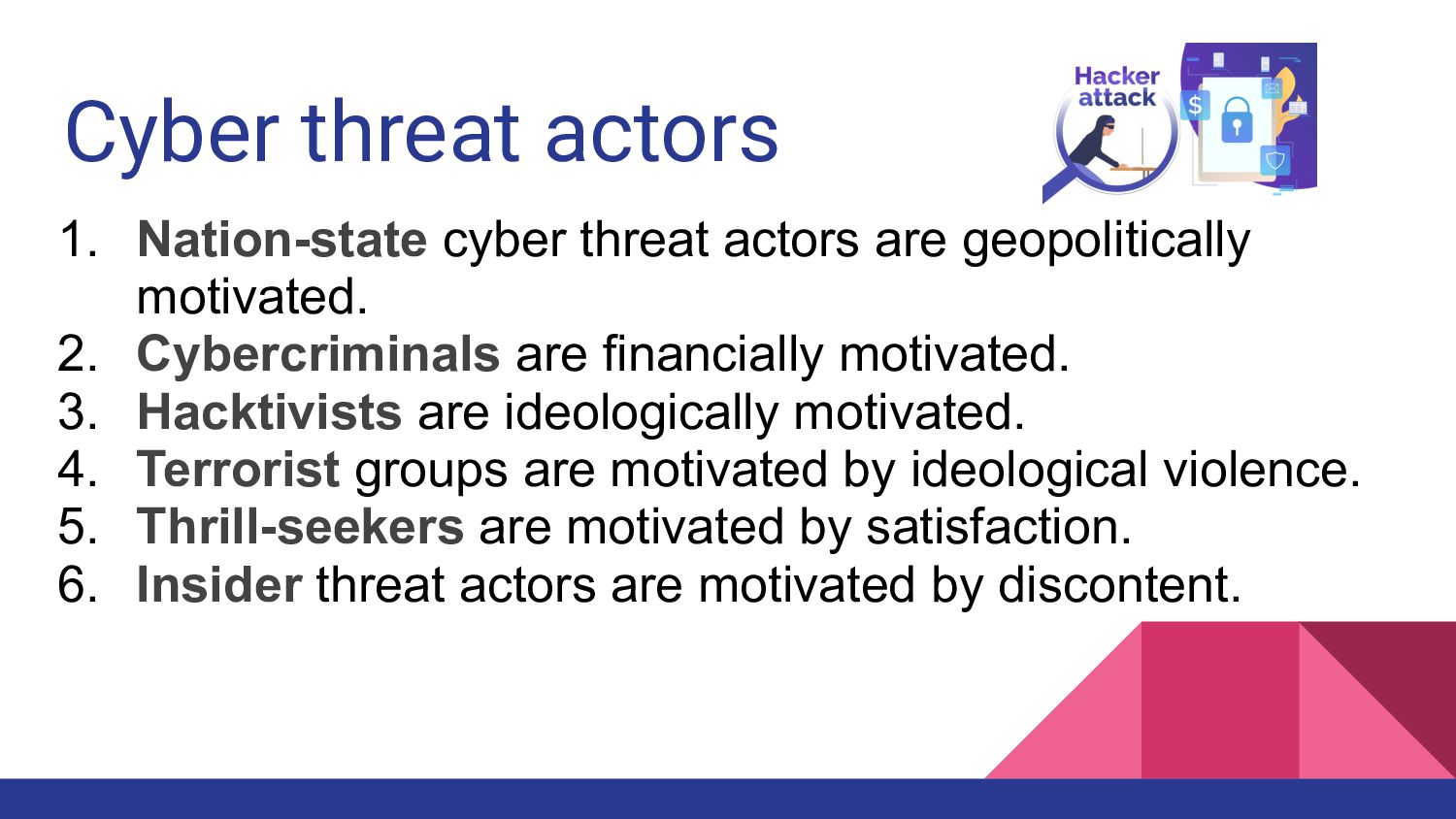
motivated. 2. Cybercriminals are financially motivated. 3. Hacktivists are ideologically motivated. 4. Terrorist groups are motivated by ideological violence. 5. Thrill-seekers are motivated by satisfaction. 6. Insider threat actors are motivated by discontent.
designed to infect a computer and encrypt important files on it. E.g WannaCry, REvil 2. Virus - are malware that work by infecting other programs on a computer. E.g Stuxnet 3. Adware - is malware that is designed to serve unwanted ads to a computer user.
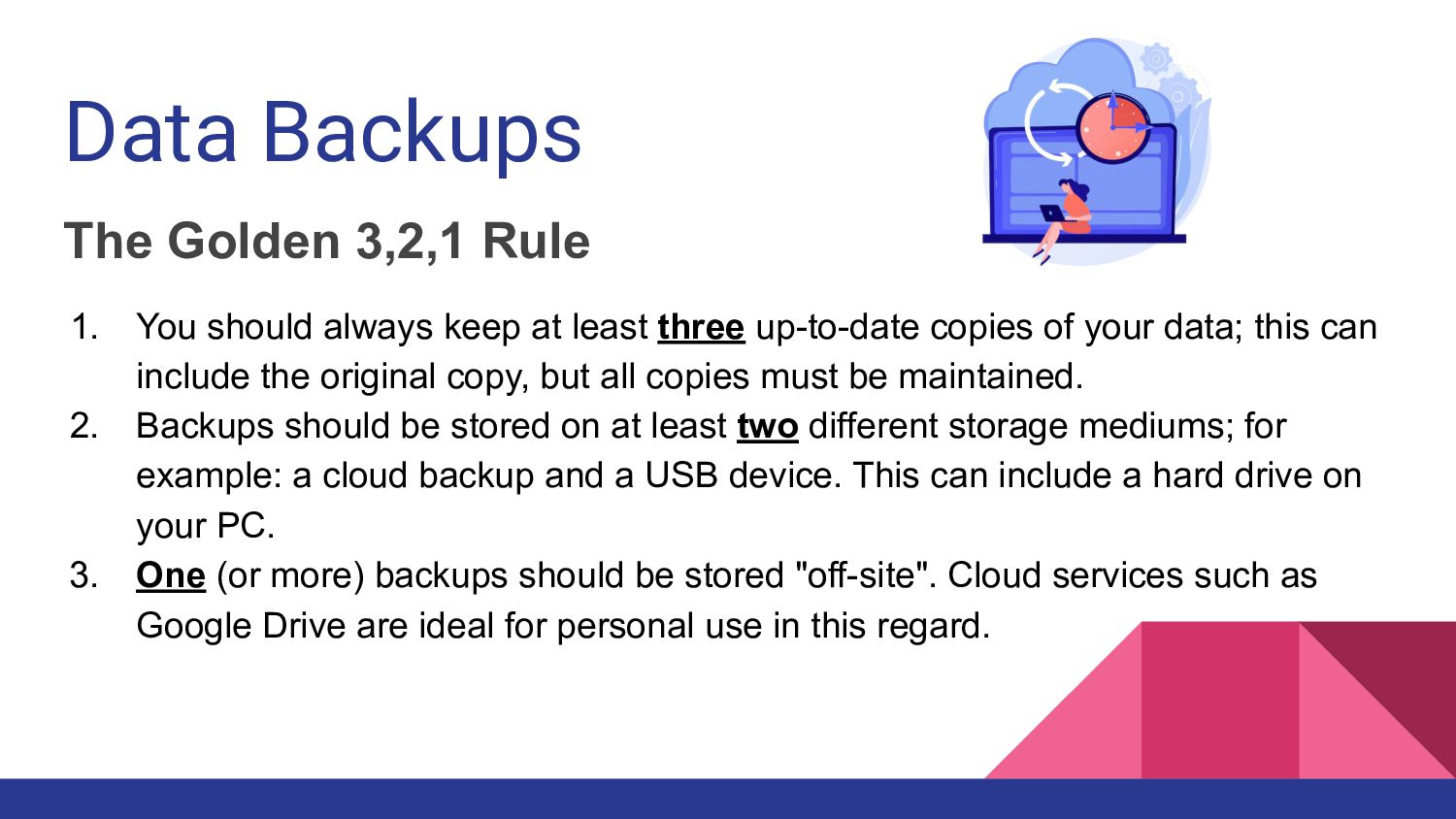
keep at least three up-to-date copies of your data; this can include the original copy, but all copies must be maintained. 2. Backups should be stored on at least two different storage mediums; for example: a cloud backup and a USB device. This can include a hard drive on your PC. 3. One (or more) backups should be stored "off-site". Cloud services such as Google Drive are ideal for personal use in this regard.


 josephkilatya
 shumei_ito
 ivry_presentationmaterials
 namiki64
 bitkey
 yuuuuuuu168
 recruitengineers
 onk
onk
 genda
genda
 shuta13
 pfn
pfn
 yut0naga1_fa
 puhitaku
 garrettdimon
 csswizardry
 techseoconnect
 marcduiker
 akademiya2063
 sarafernandez
 addyosmani
 aemeredith
 codingconduct
 takai
takai
 coloredviolet
 tenderlove