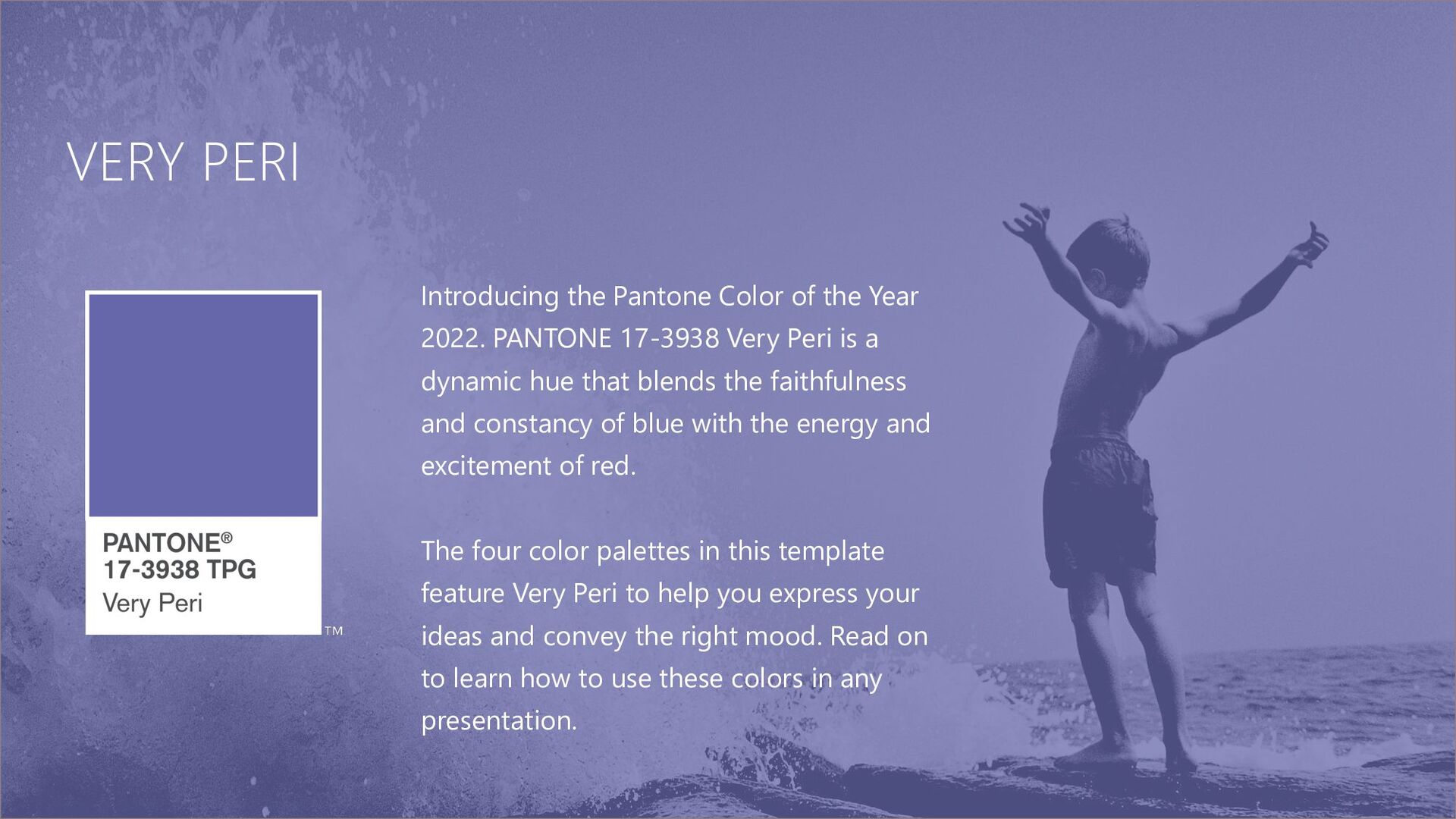
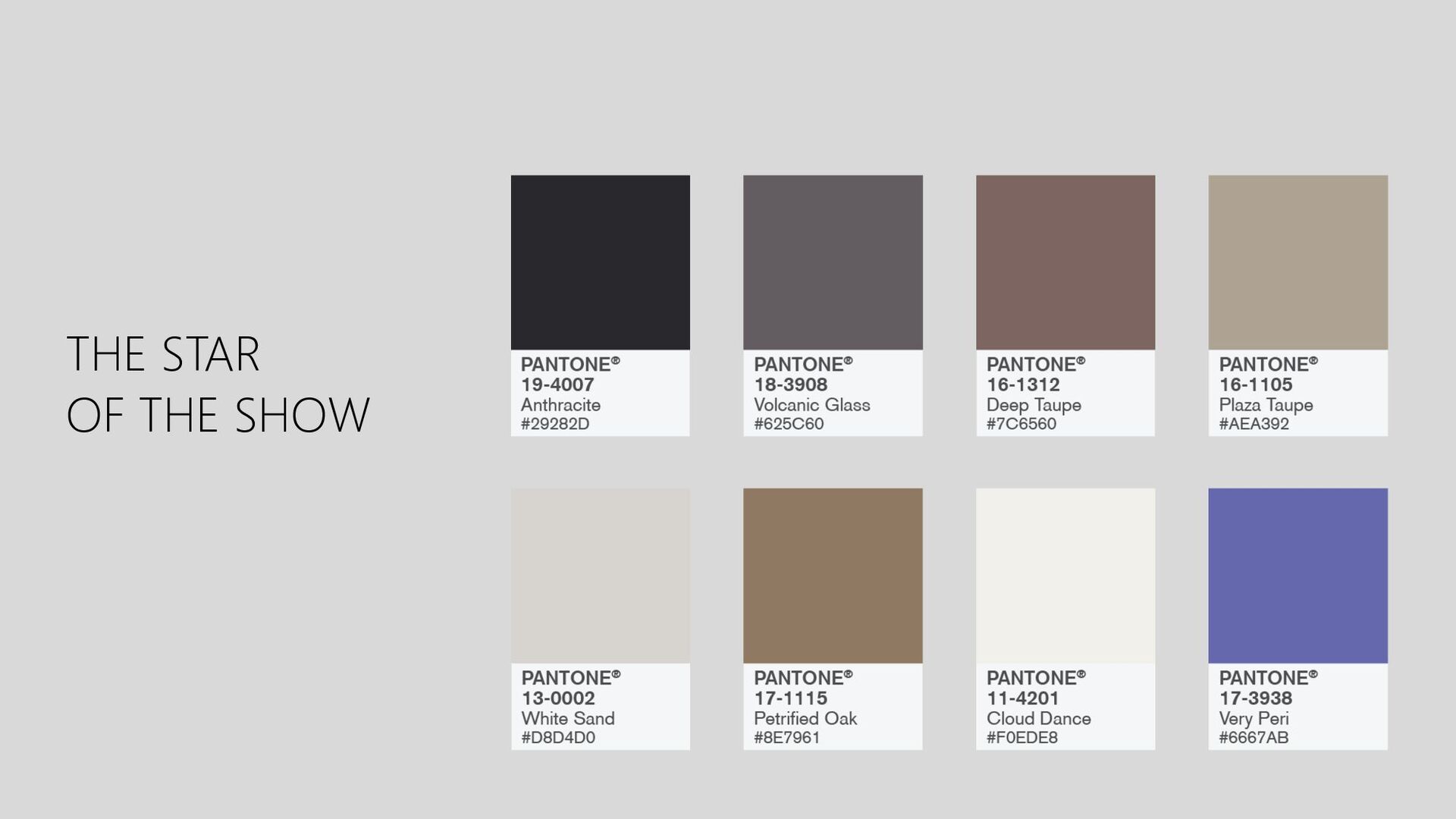
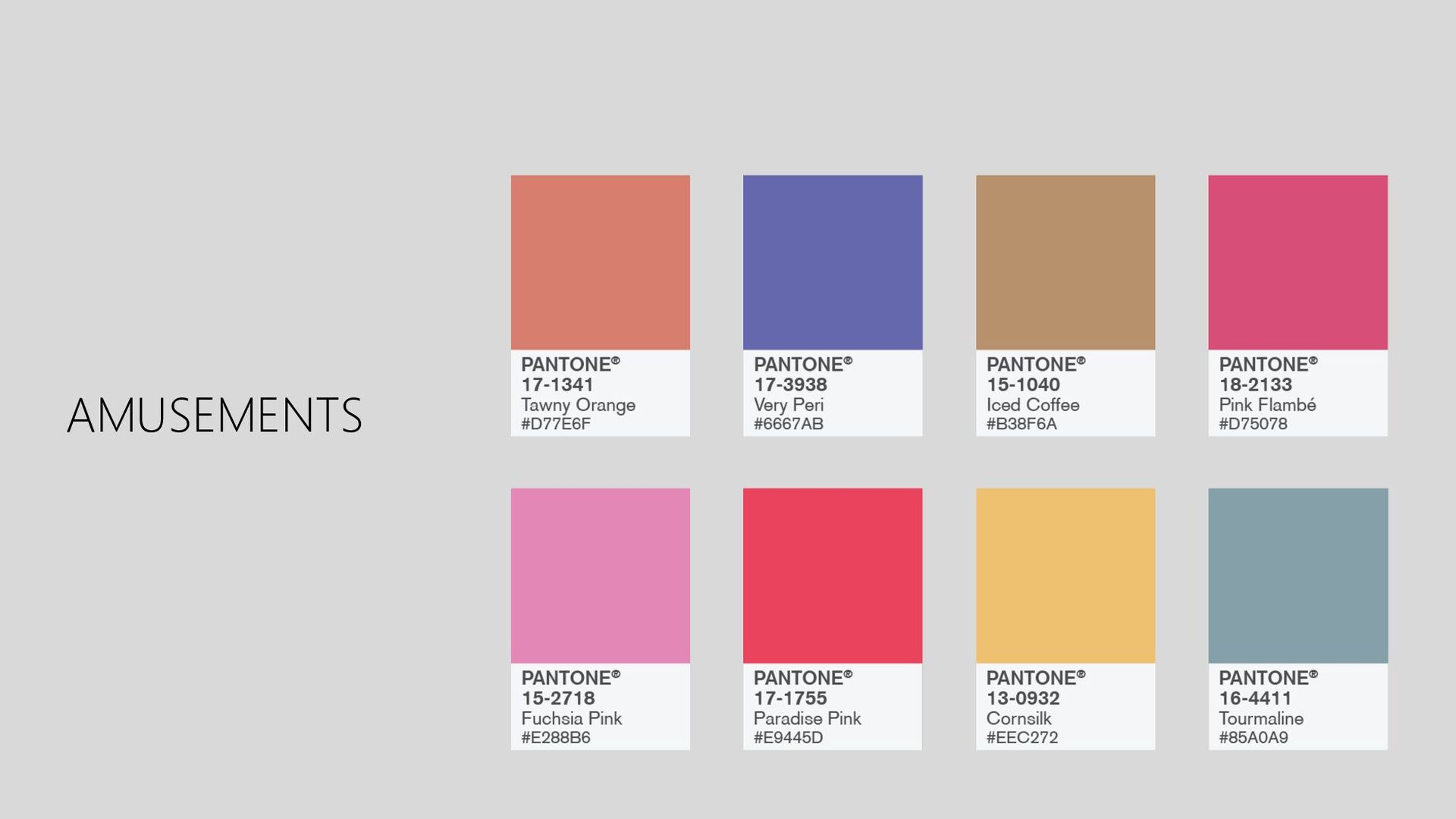
PANTONE 17-3938 Very Peri is a dynamic hue that blends the faithfulness and constancy of blue with the energy and excitement of red. The four color palettes in this template feature Very Peri to help you express your ideas and convey the right mood. Read on to learn how to use these colors in any presentation.
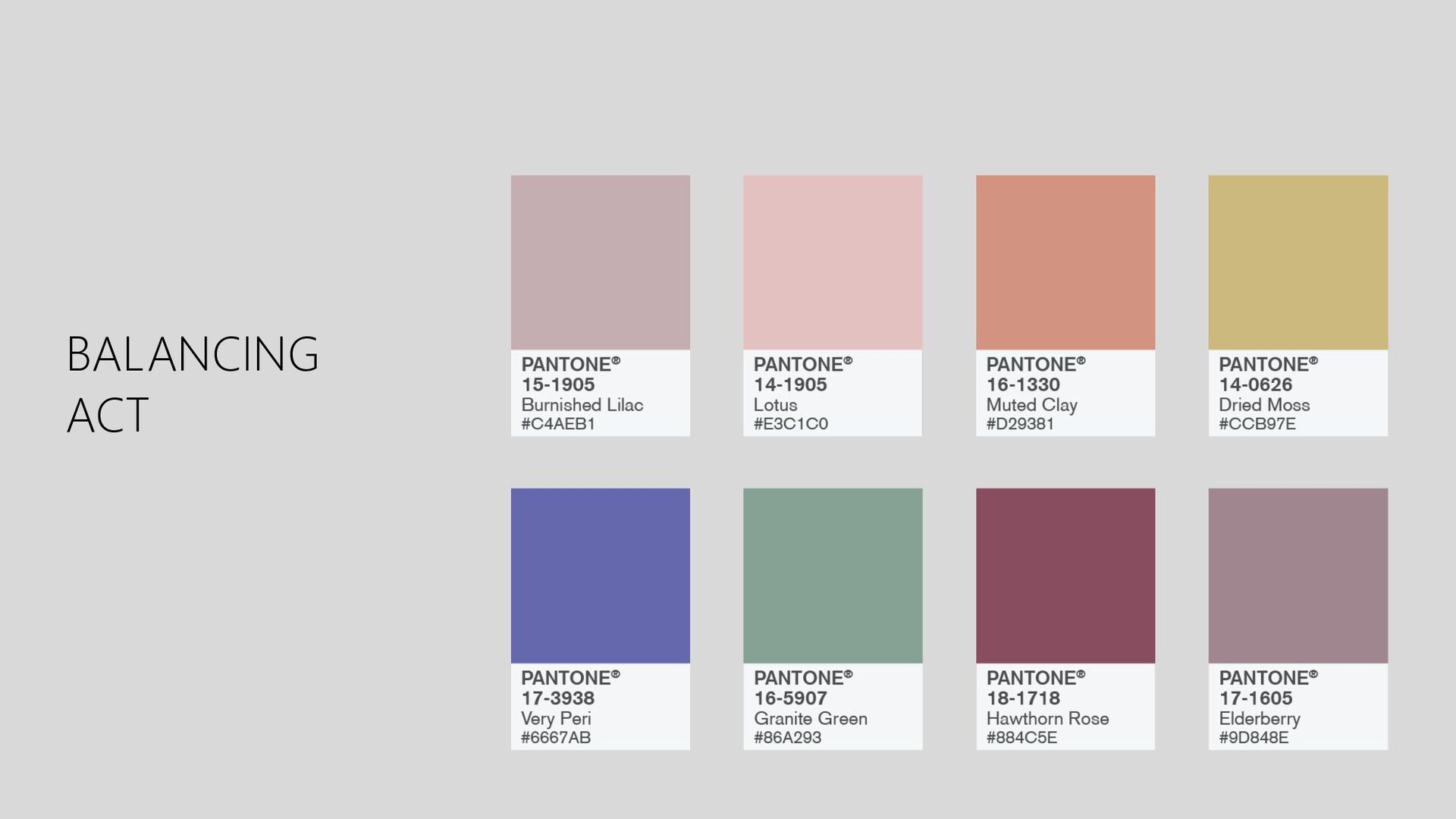
balance between warm and cool. PANTONE Very Peri is intensified within this artfully calibrated palette, injecting a feeling of liveliness and visual vibration.
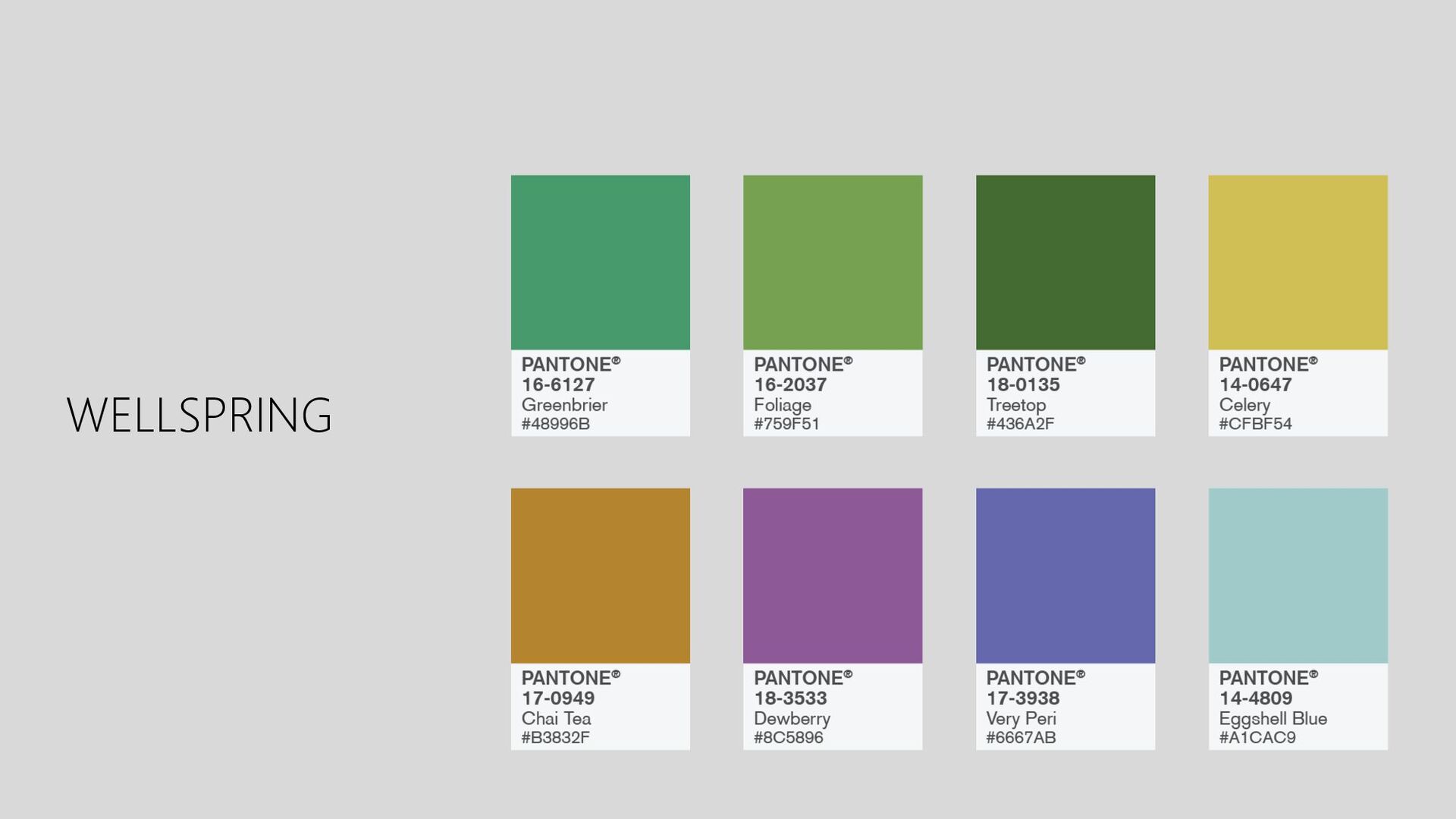
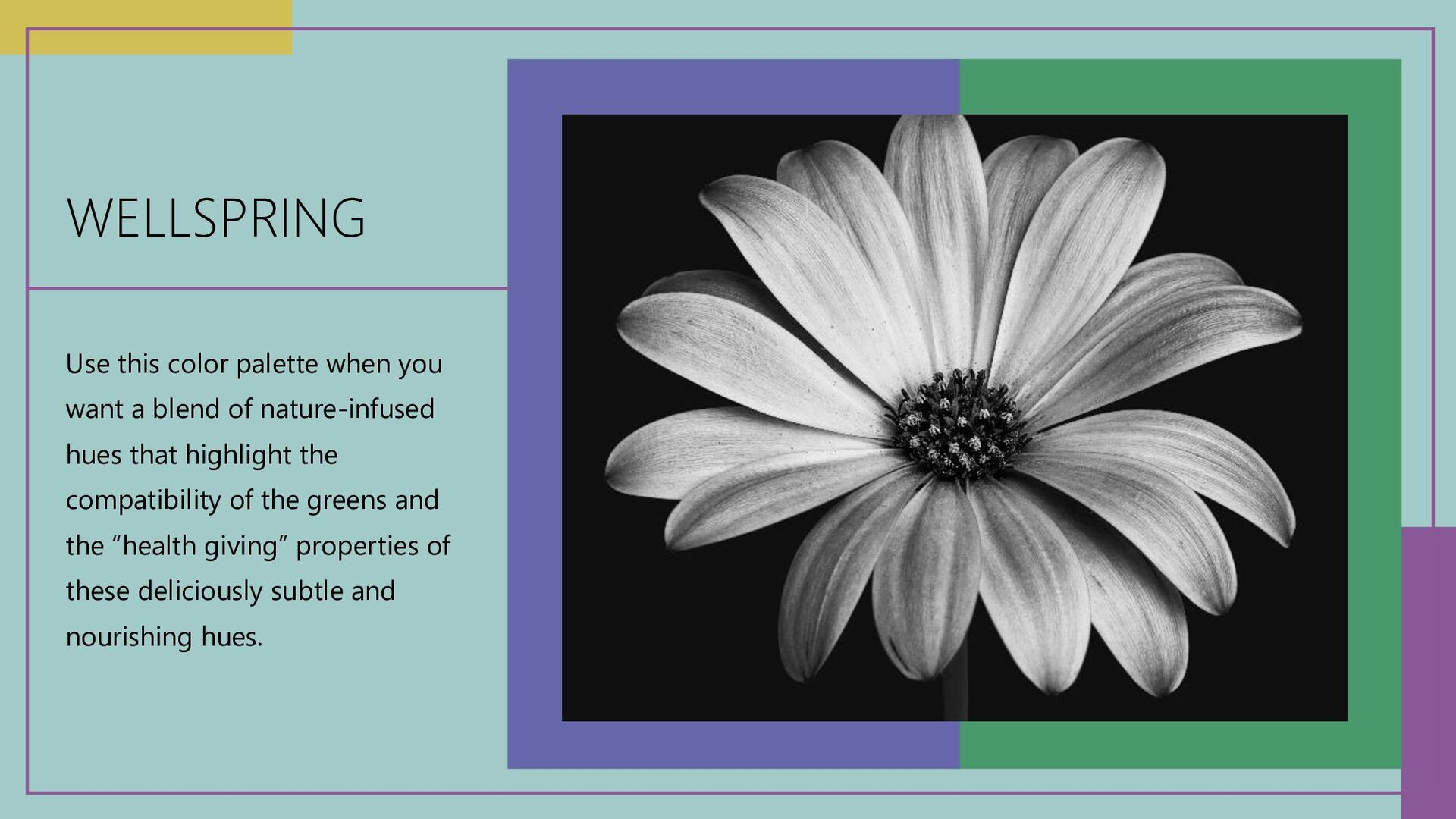
of nature-infused hues that highlight the compatibility of the greens and the “health giving” properties of these deliciously subtle and nourishing hues.
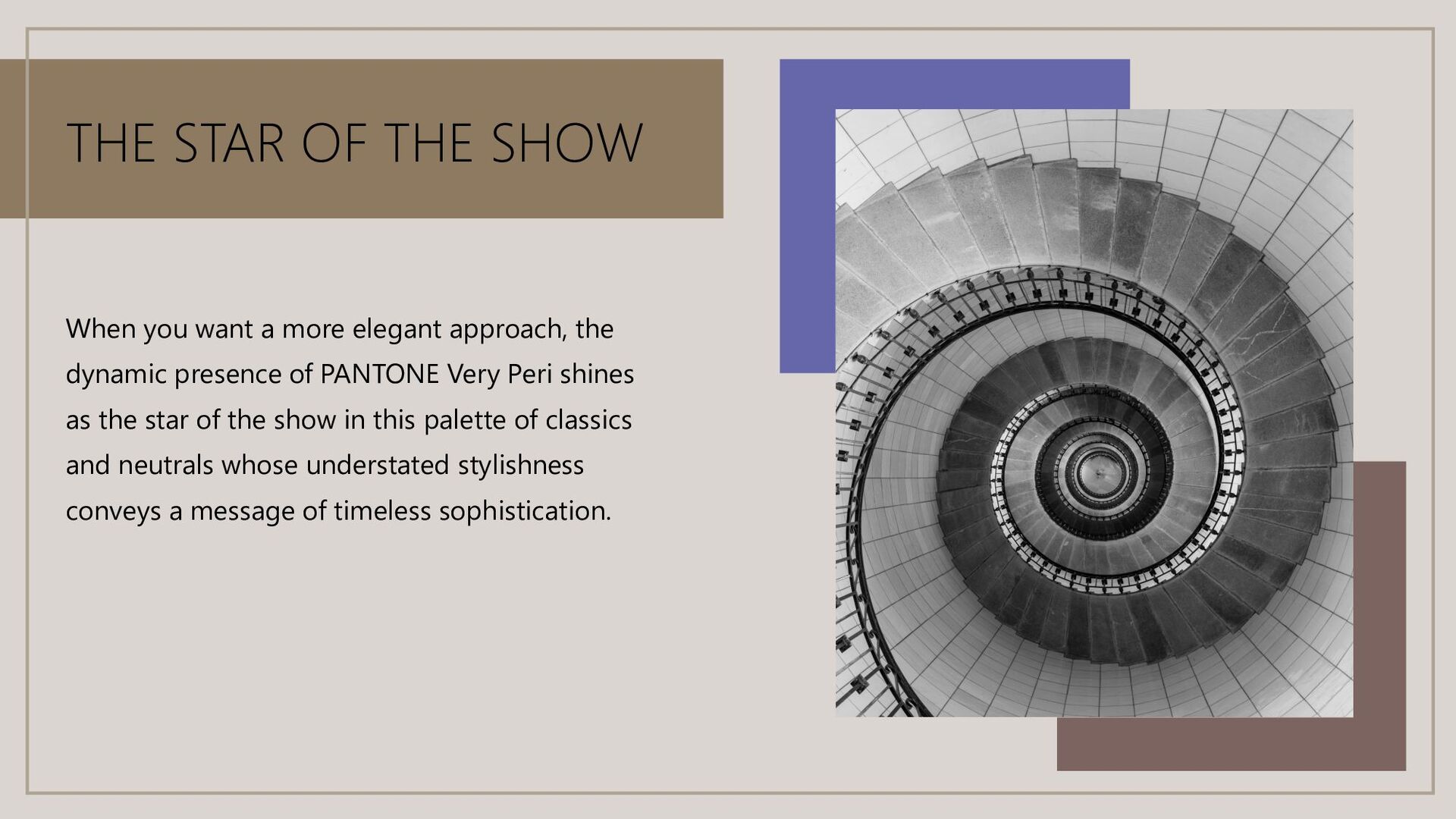
elegant approach, the dynamic presence of PANTONE Very Peri shines as the star of the show in this palette of classics and neutrals whose understated stylishness conveys a message of timeless sophistication.
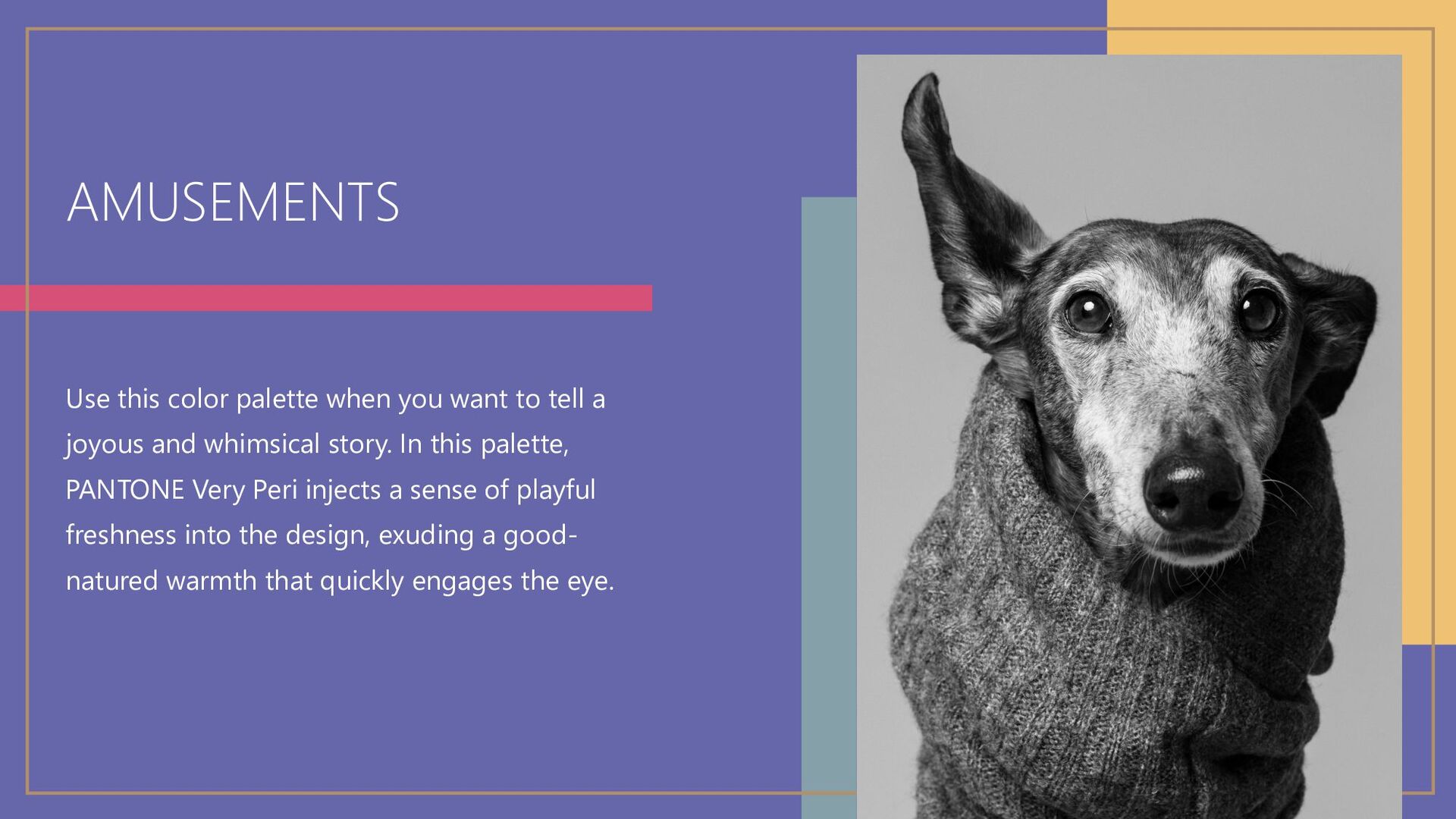
a joyous and whimsical story. In this palette, PANTONE Very Peri injects a sense of playful freshness into the design, exuding a good- natured warmth that quickly engages the eye.
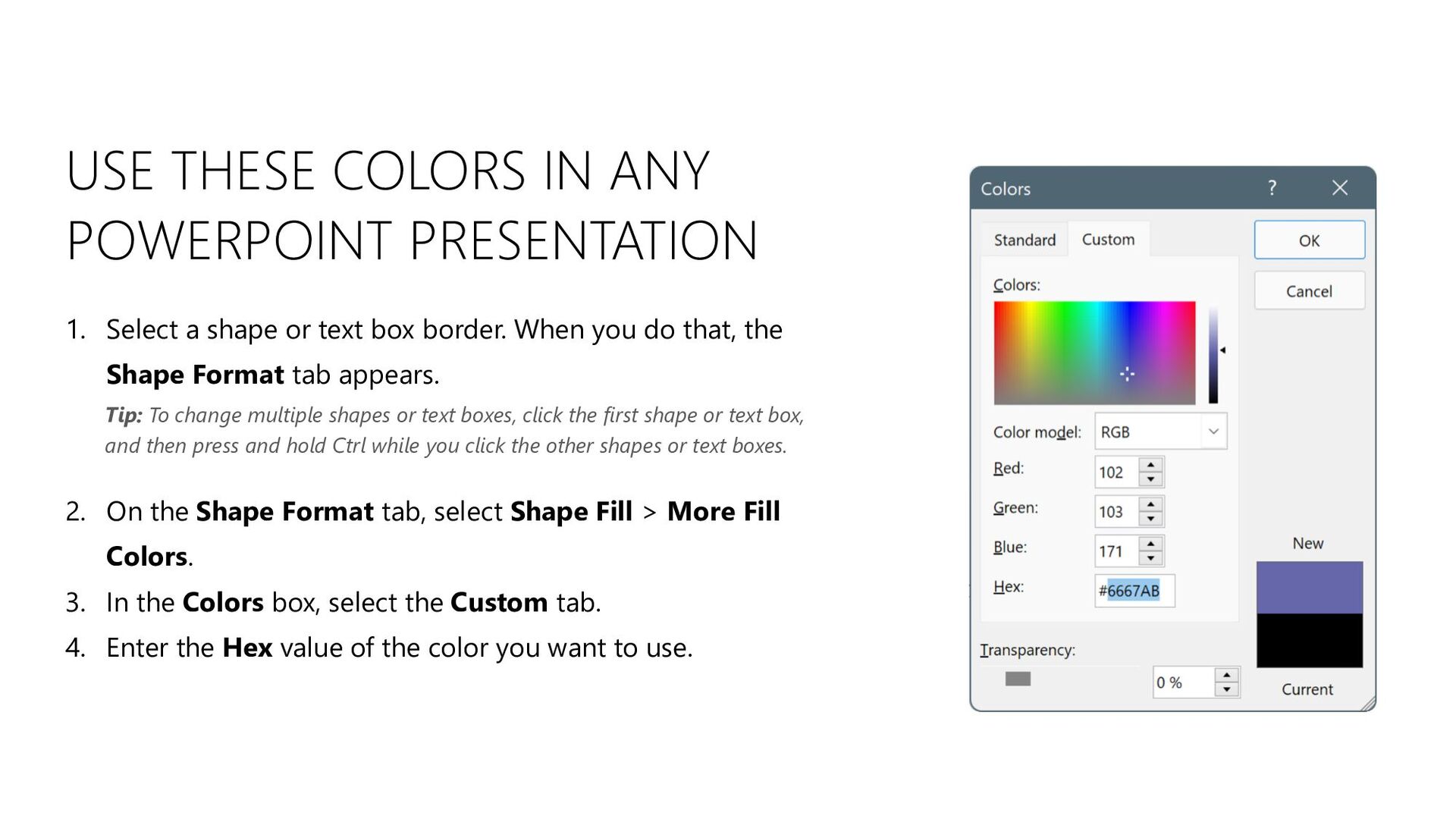
shape or text box border. When you do that, the Shape Format tab appears. 2. On the Shape Format tab, select Shape Fill > More Fill Colors. 3. In the Colors box, select the Custom tab. 4. Enter the Hex value of the color you want to use. Tip: To change multiple shapes or text boxes, click the first shape or text box, and then press and hold Ctrl while you click the other shapes or text boxes.


 jsmith2323
 maltzj
 cassininazir
 sferik
 techseoconnect
 aemeredith
 tamaranovitovic
 eileencodes
 deanohume
 tmiket
.png) helenjbeal
helenjbeal
 aleyda