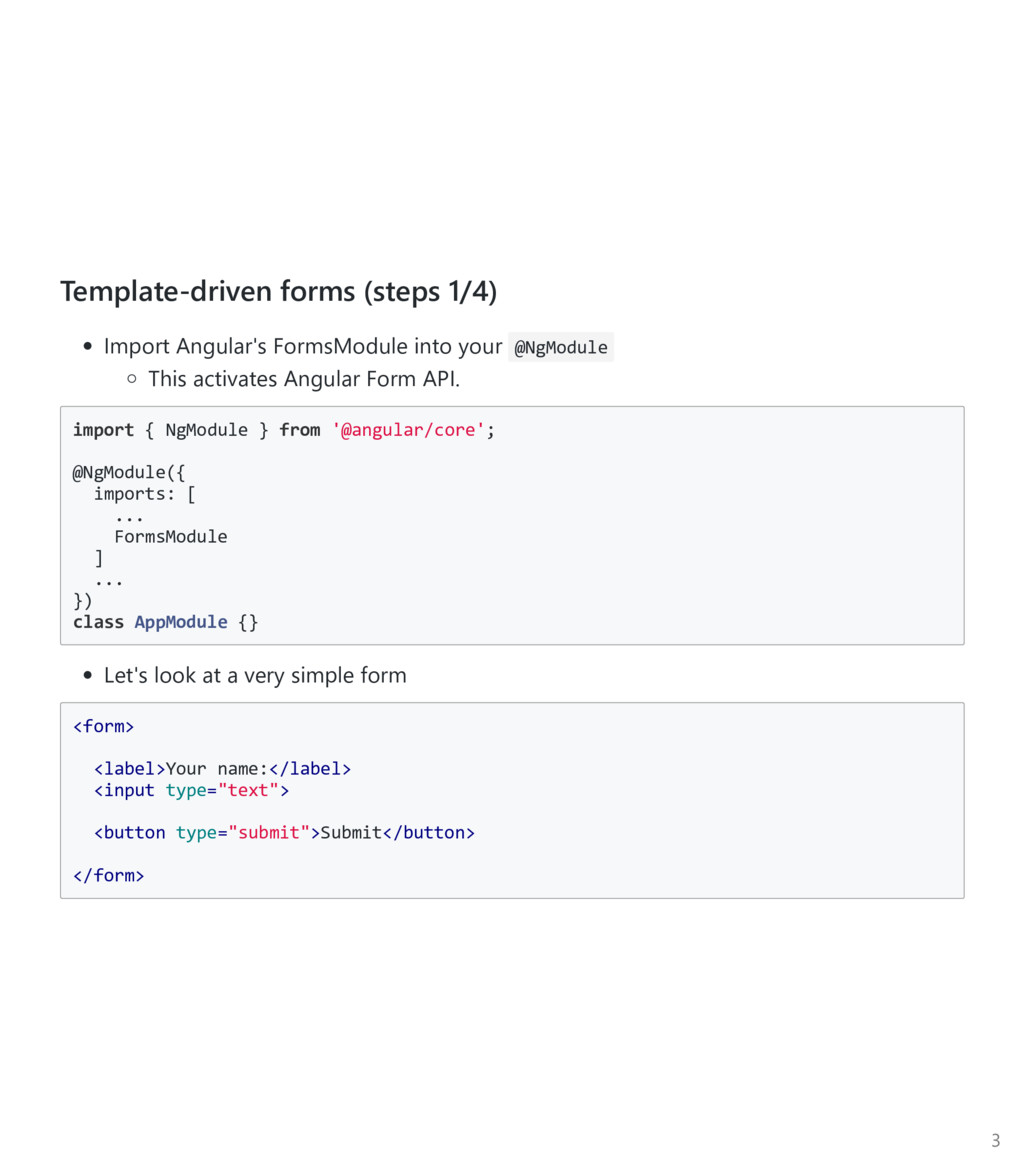
This activates Angular Form API. import { NgModule } from '@angular/core'; @NgModule({ imports: [ ... FormsModule ] ... }) class AppModule {} Let's look at a very simple form <form> <label>Your name:</label> <input type="text"> <button type="submit">Submit</button> </form> 3
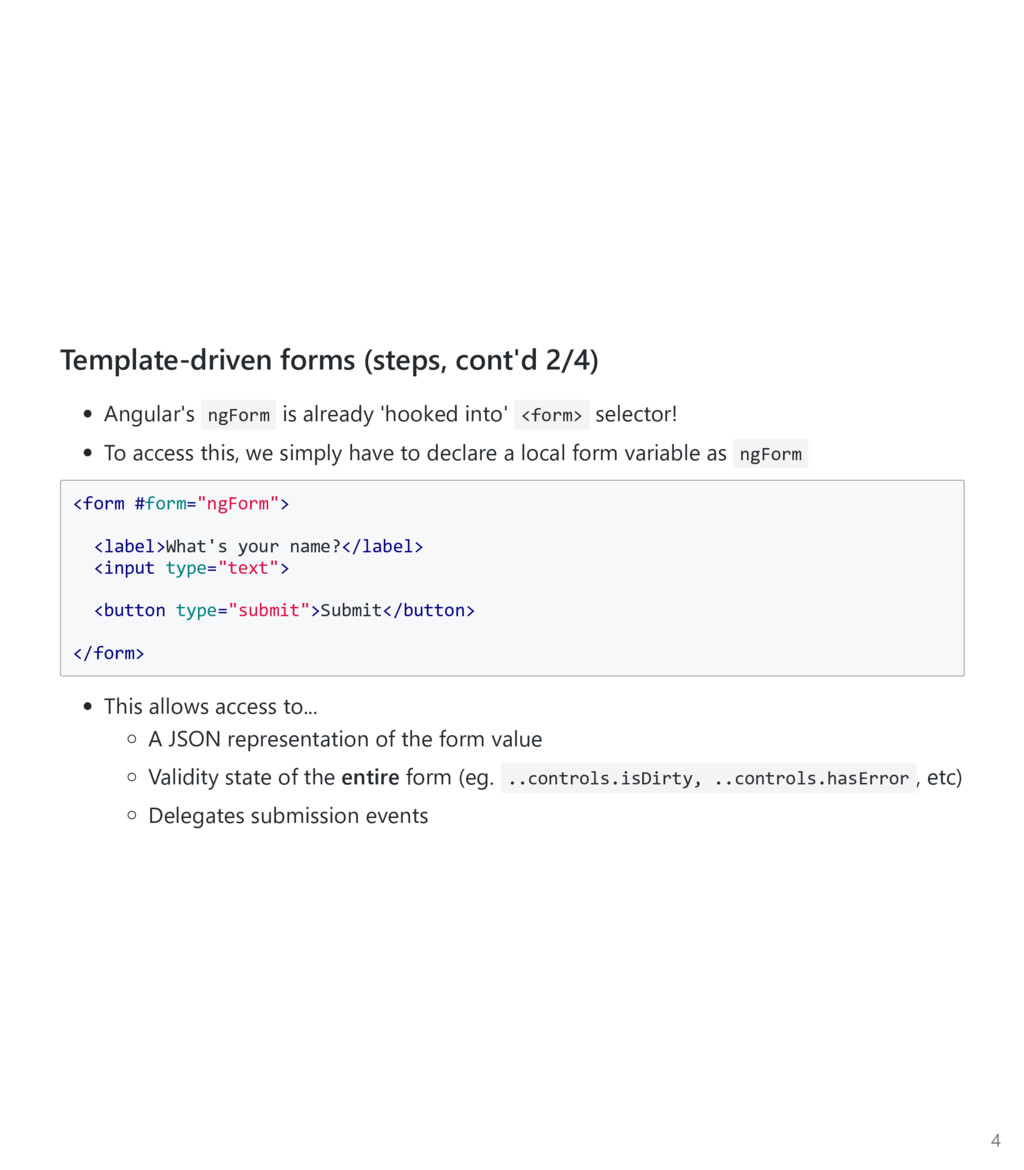
into' <form> selector! To access this, we simply have to declare a local form variable as ngForm <form #form="ngForm"> <label>What's your name?</label> <input type="text"> <button type="submit">Submit</button> </form> This allows access to... A JSON representation of the form value Validity state of the entire form ﴾eg. ..controls.isDirty, ..controls.hasError , etc﴿ Delegates submission events 4
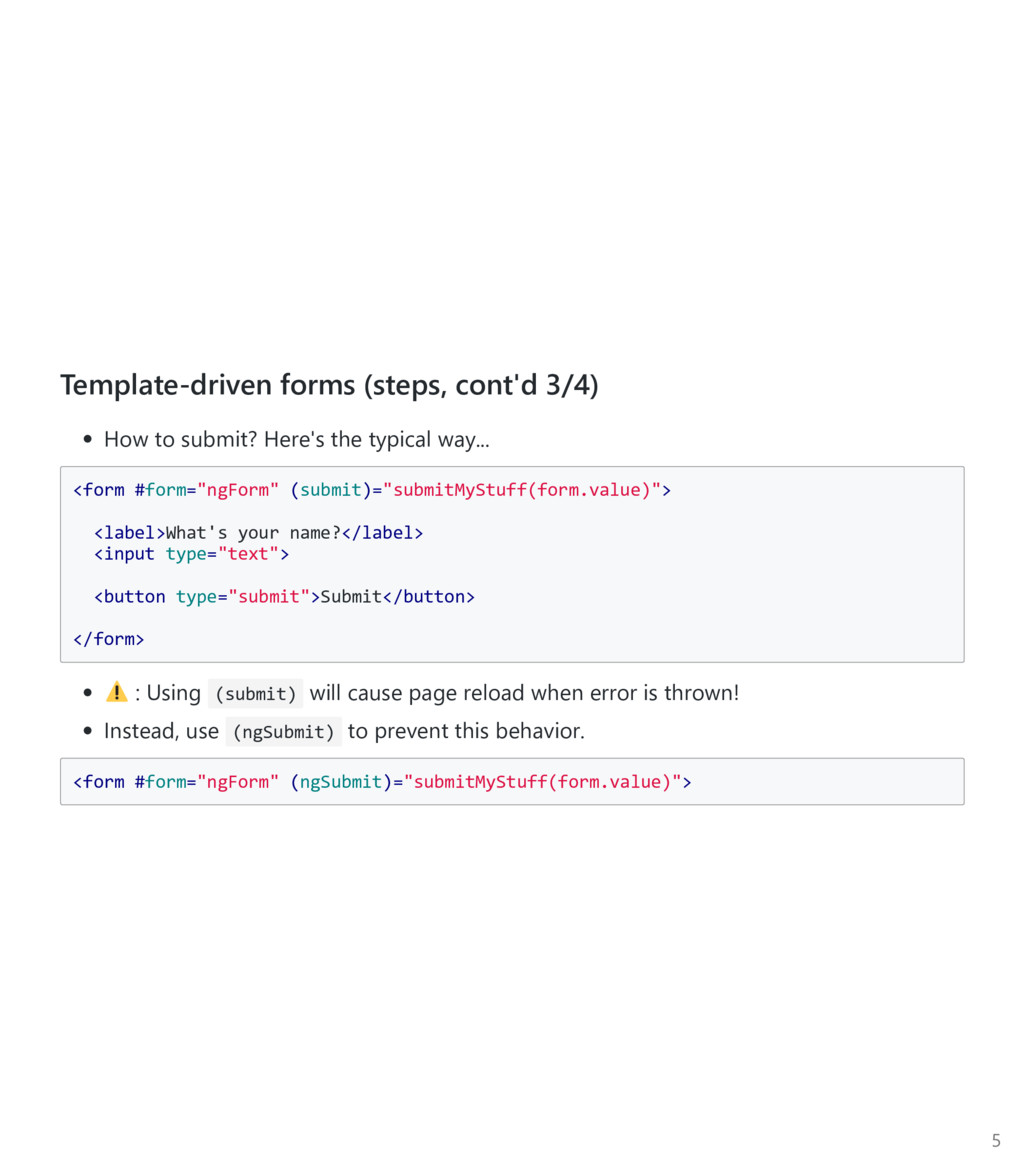
typical way... <form #form="ngForm" (submit)="submitMyStuff(form.value)"> <label>What's your name?</label> <input type="text"> <button type="submit">Submit</button> </form> : Using (submit) will cause page reload when error is thrown! Instead, use (ngSubmit) to prevent this behavior. <form #form="ngForm" (ngSubmit)="submitMyStuff(form.value)"> 5
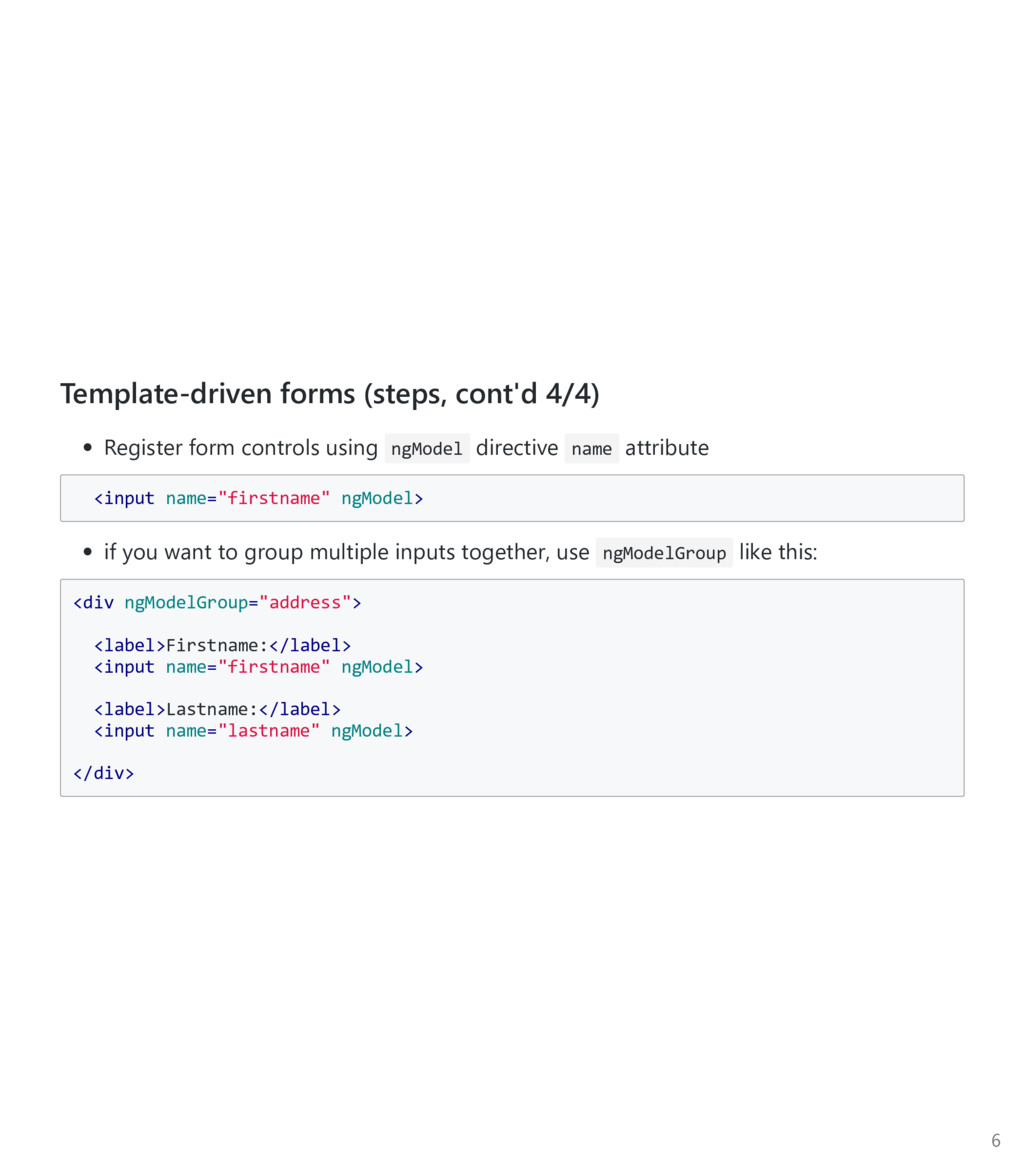
directive name attribute <input name="firstname" ngModel> if you want to group multiple inputs together, use ngModelGroup like this: <div ngModelGroup="address"> <label>Firstname:</label> <input name="firstname" ngModel> <label>Lastname:</label> <input name="lastname" ngModel> </div> 6
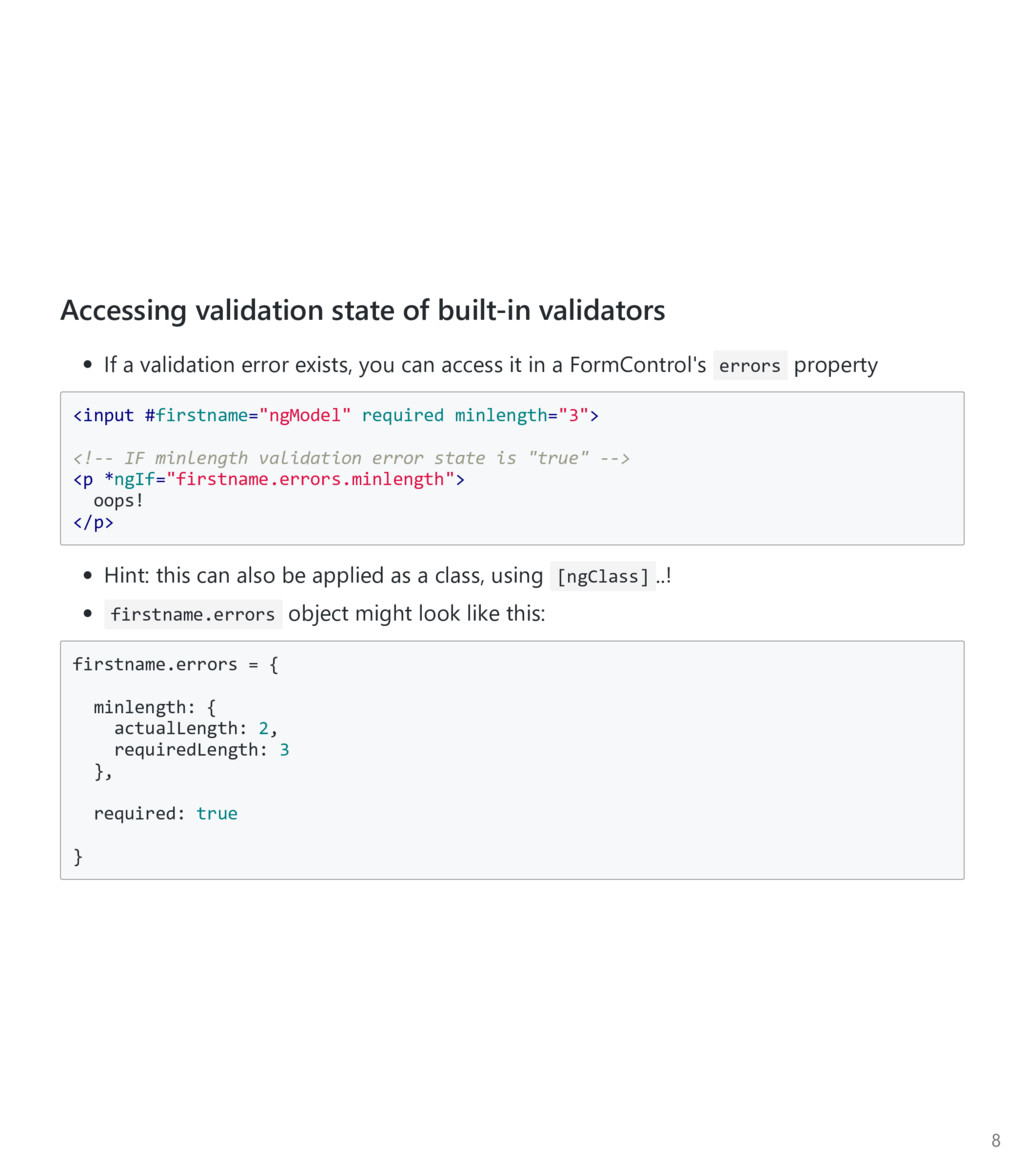
exists, you can access it in a FormControl's errors property <input #firstname="ngModel" required minlength="3"> <!‐‐ IF minlength validation error state is "true" ‐‐> <p *ngIf="firstname.errors.minlength"> oops! </p> Hint: this can also be applied as a class, using [ngClass] ..! firstname.errors object might look like this: firstname.errors = { minlength: { actualLength: 2, requiredLength: 3 }, required: true } 8
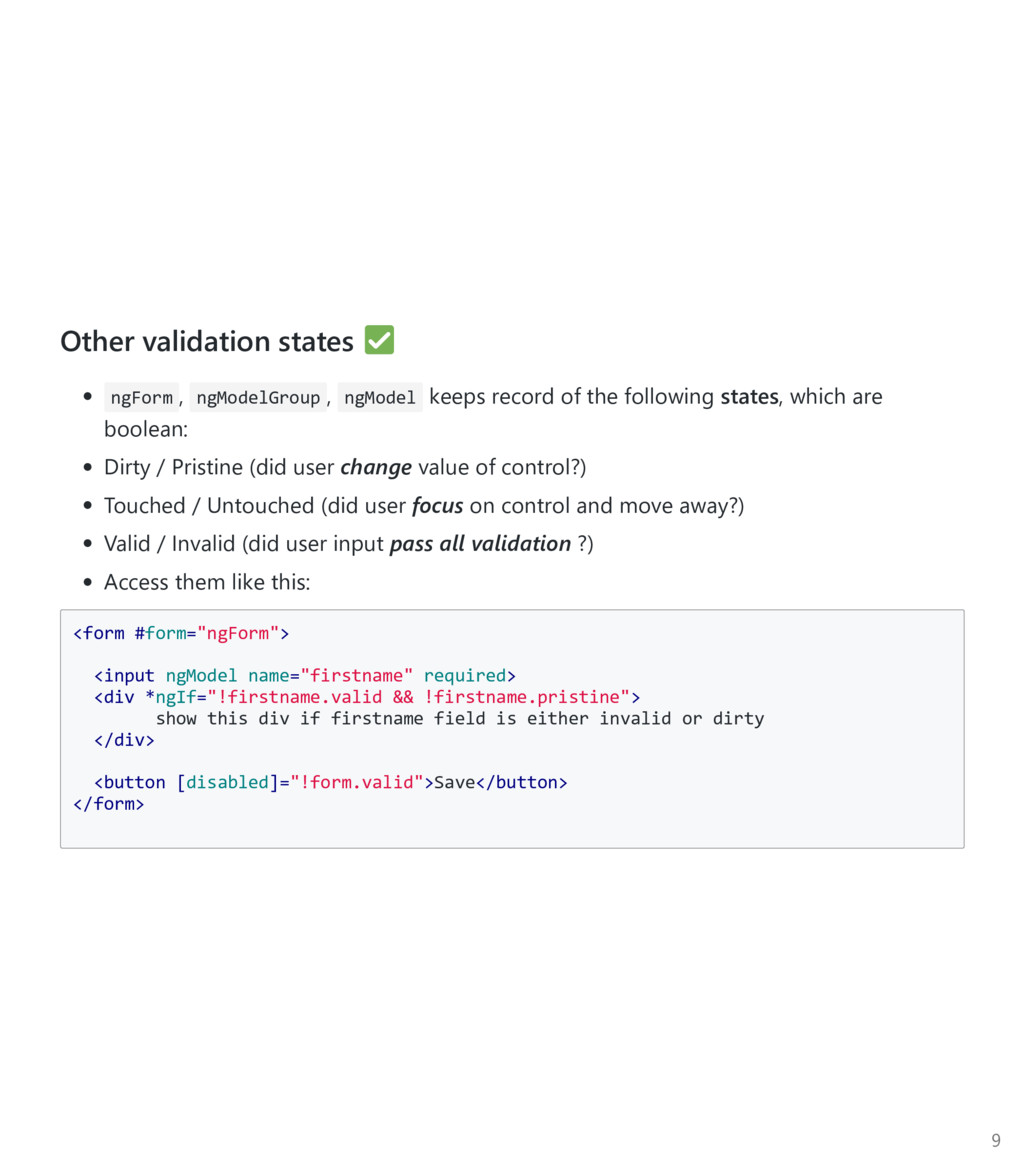
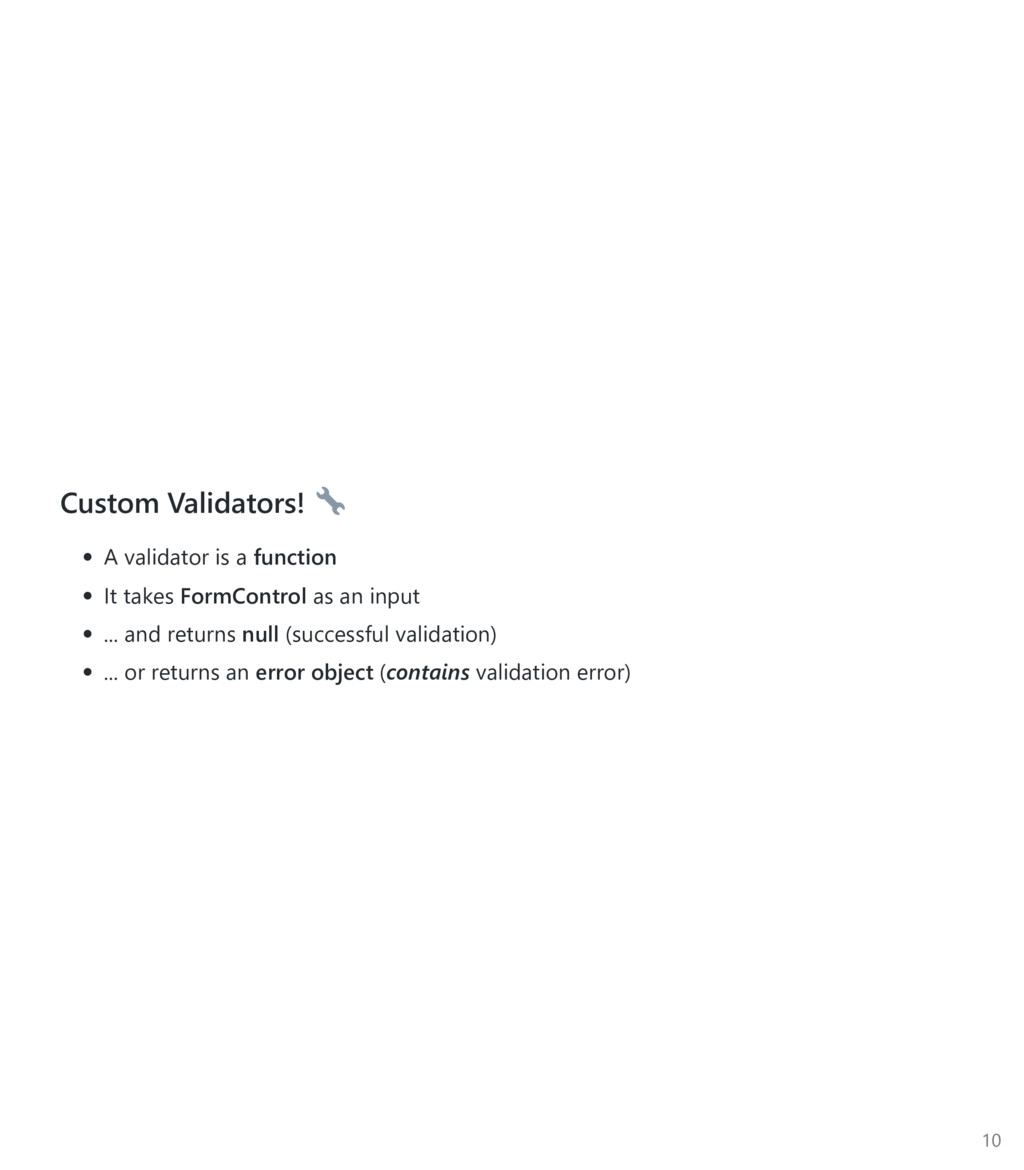
of the following states, which are boolean: Dirty / Pristine ﴾did user change value of control?﴿ Touched / Untouched ﴾did user focus on control and move away?﴿ Valid / Invalid ﴾did user input pass all validation ?﴿ Access them like this: <form #form="ngForm"> <input ngModel name="firstname" required> <div *ngIf="!firstname.valid && !firstname.pristine"> show this div if firstname field is either invalid or dirty </div> <button [disabled]="!form.valid">Save</button> </form> 9
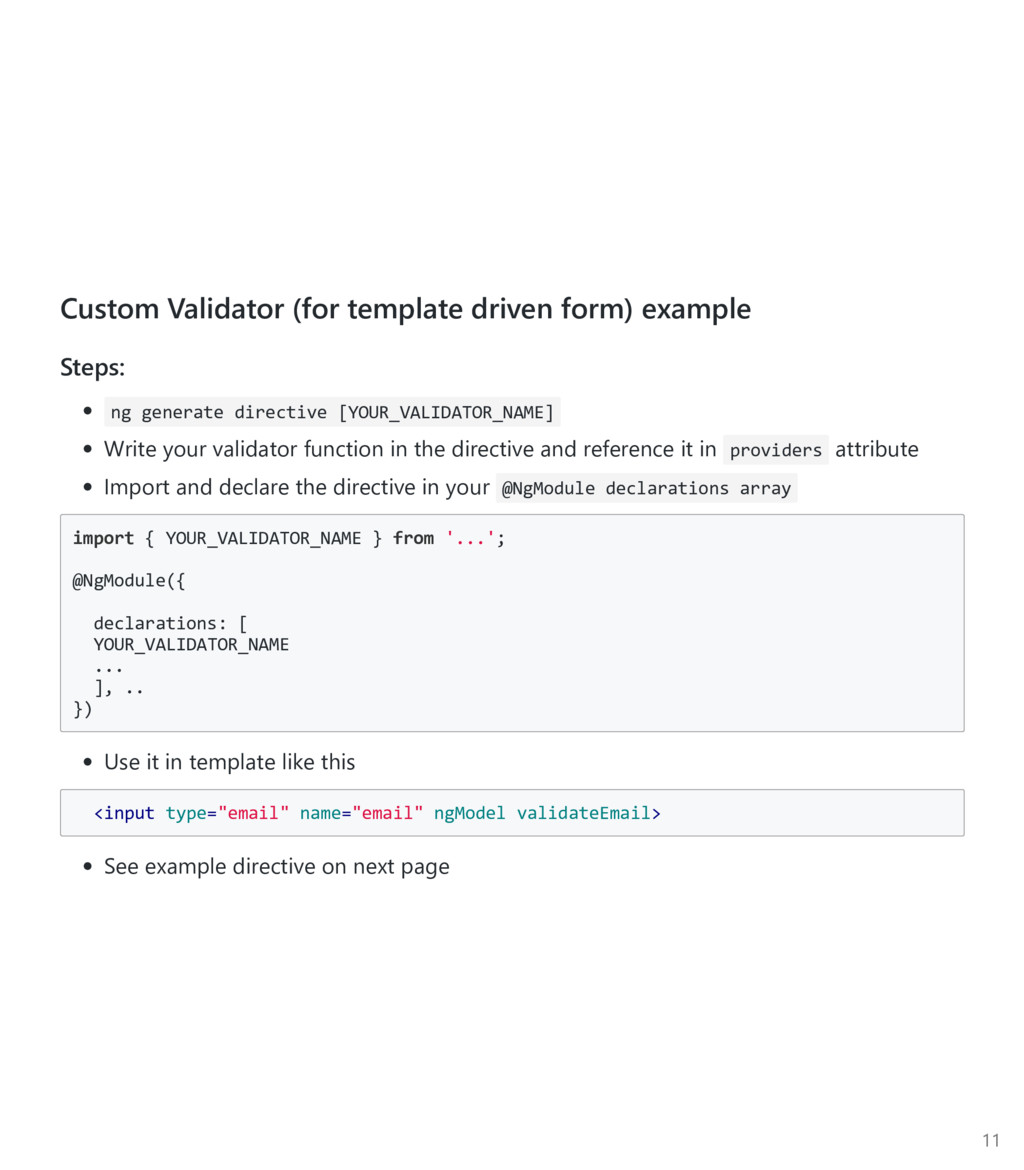
directive [YOUR_VALIDATOR_NAME] Write your validator function in the directive and reference it in providers attribute Import and declare the directive in your @NgModule declarations array import { YOUR_VALIDATOR_NAME } from '...'; @NgModule({ declarations: [ YOUR_VALIDATOR_NAME ... ], .. }) Use it in template like this <input type="email" name="email" ngModel validateEmail> See example directive on next page 11
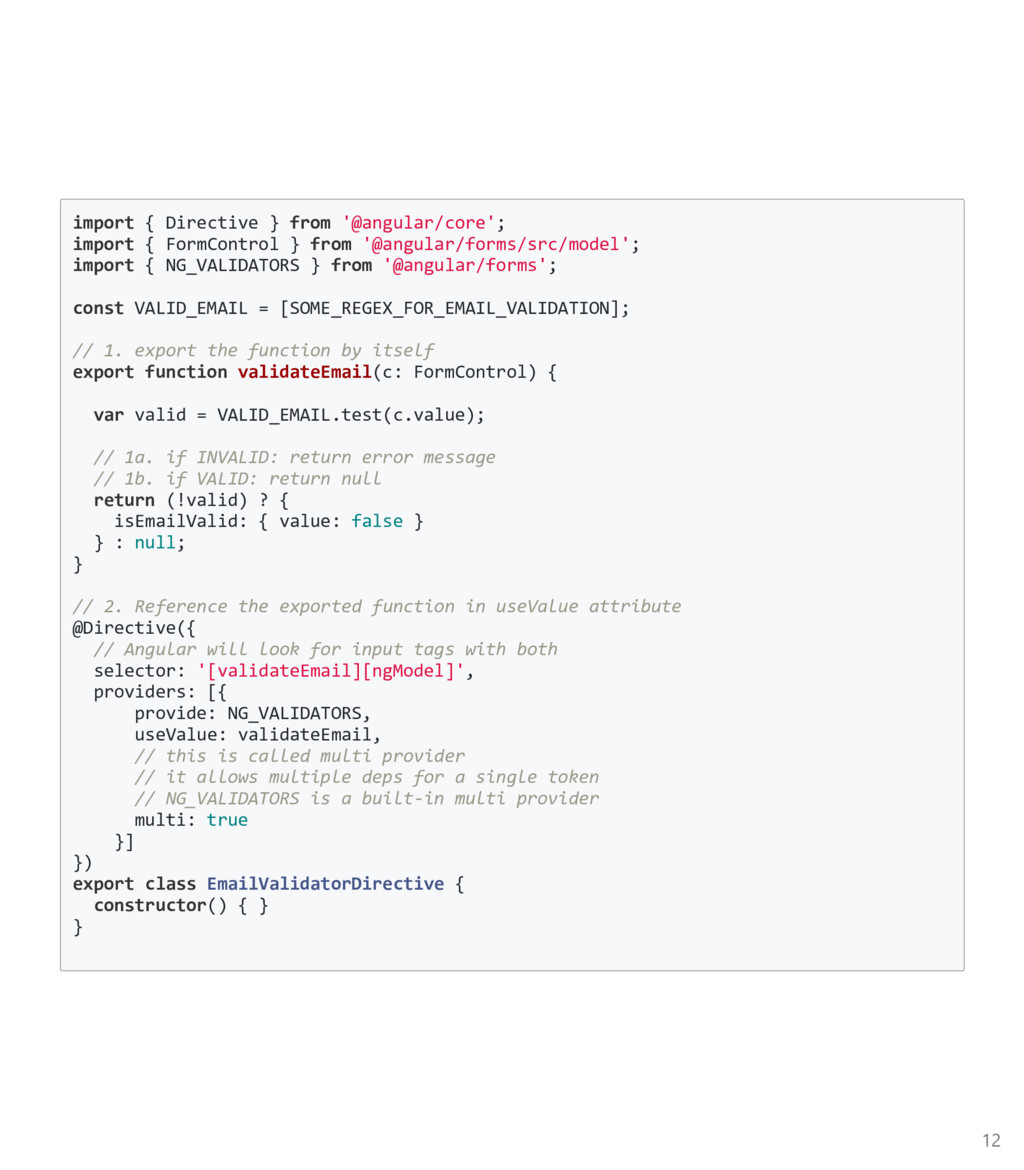
from '@angular/forms/src/model'; import { NG_VALIDATORS } from '@angular/forms'; const VALID_EMAIL = [SOME_REGEX_FOR_EMAIL_VALIDATION]; // 1. export the function by itself export function validateEmail(c: FormControl) { var valid = VALID_EMAIL.test(c.value); // 1a. if INVALID: return error message // 1b. if VALID: return null return (!valid) ? { isEmailValid: { value: false } } : null; } // 2. Reference the exported function in useValue attribute @Directive({ // Angular will look for input tags with both selector: '[validateEmail][ngModel]', providers: [{ provide: NG_VALIDATORS, useValue: validateEmail, // this is called multi provider // it allows multiple deps for a single token // NG_VALIDATORS is a built‐in multi provider multi: true }] }) export class EmailValidatorDirective { constructor() { } } 12
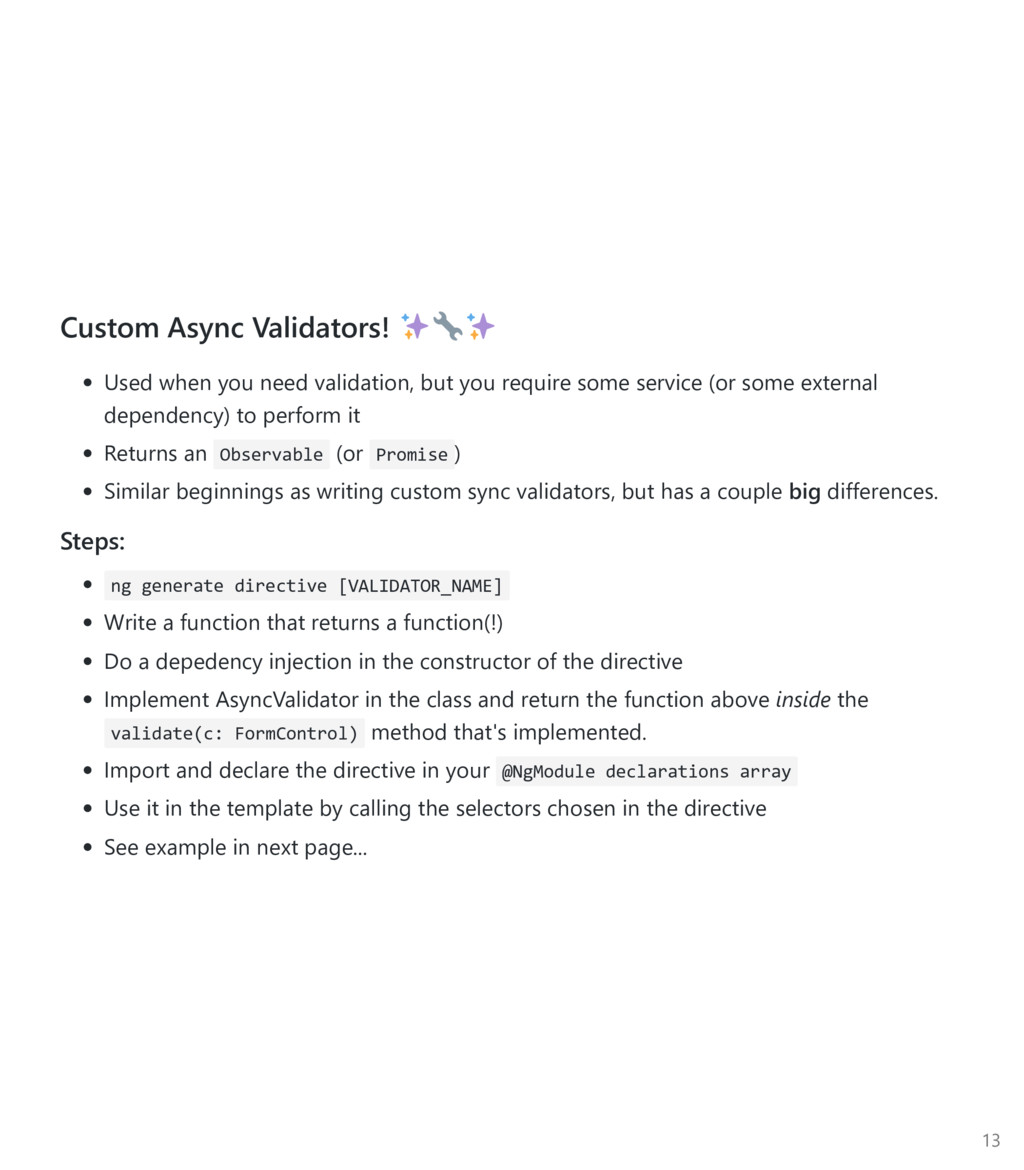
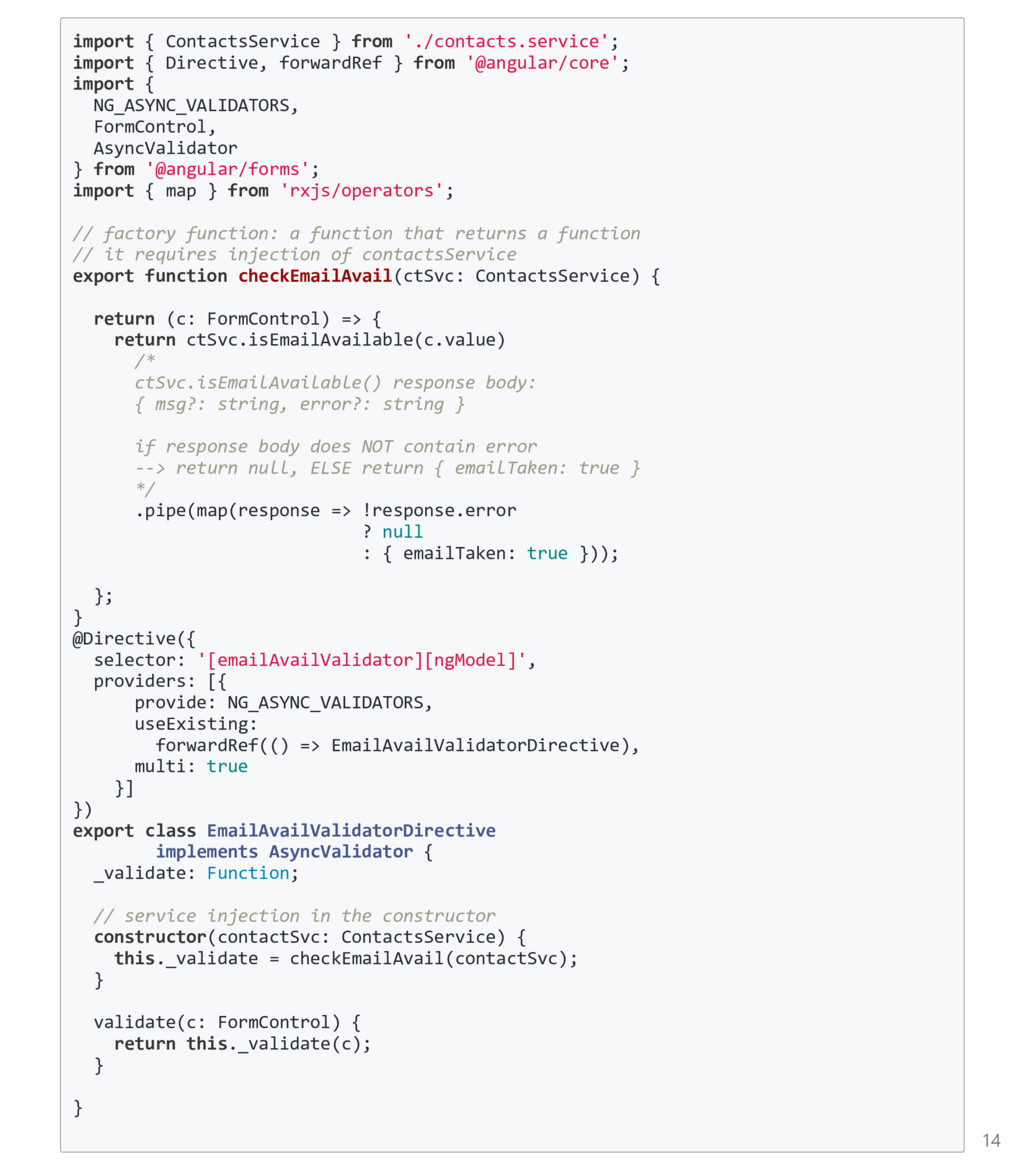
require some service ﴾or some external dependency﴿ to perform it Returns an Observable ﴾or Promise ﴿ Similar beginnings as writing custom sync validators, but has a couple big differences. Steps: ng generate directive [VALIDATOR_NAME] Write a function that returns a function﴾!﴿ Do a depedency injection in the constructor of the directive Implement AsyncValidator in the class and return the function above inside the validate(c: FormControl) method that's implemented. Import and declare the directive in your @NgModule declarations array Use it in the template by calling the selectors chosen in the directive See example in next page... 13
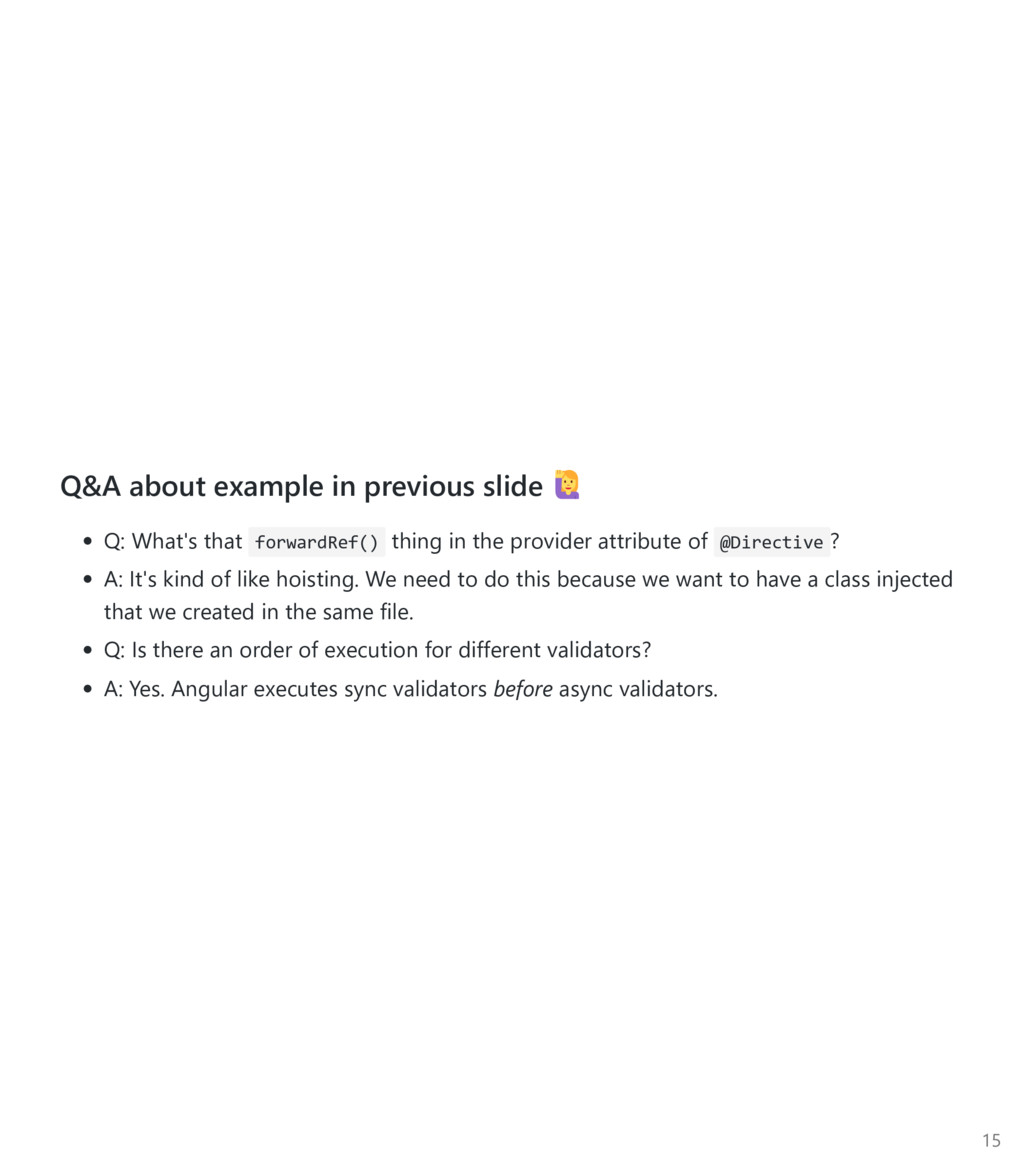
thing in the provider attribute of @Directive ? A: It's kind of like hoisting. We need to do this because we want to have a class injected that we created in the same file. Q: Is there an order of execution for different validators? A: Yes. Angular executes sync validators before async validators. 15
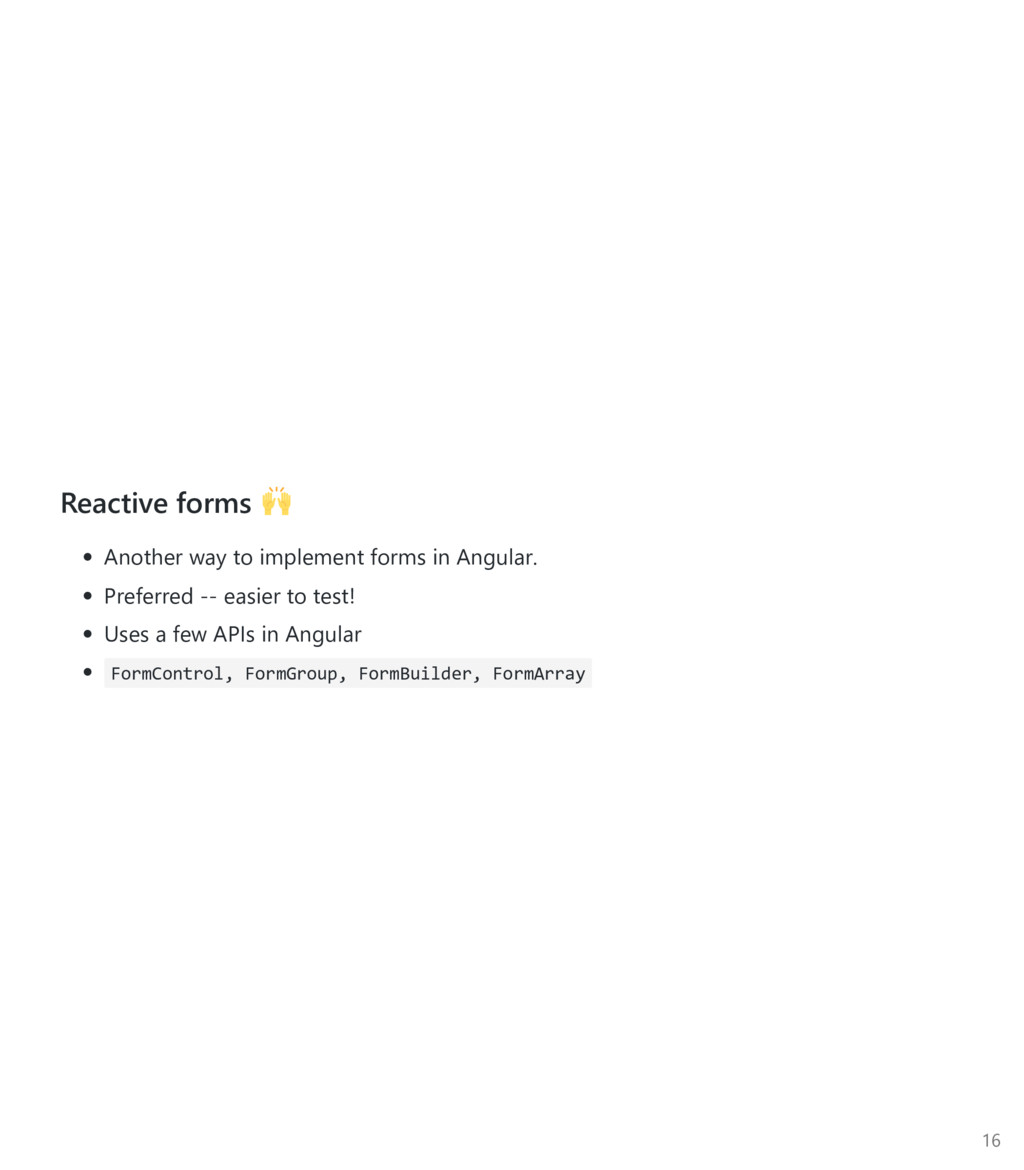
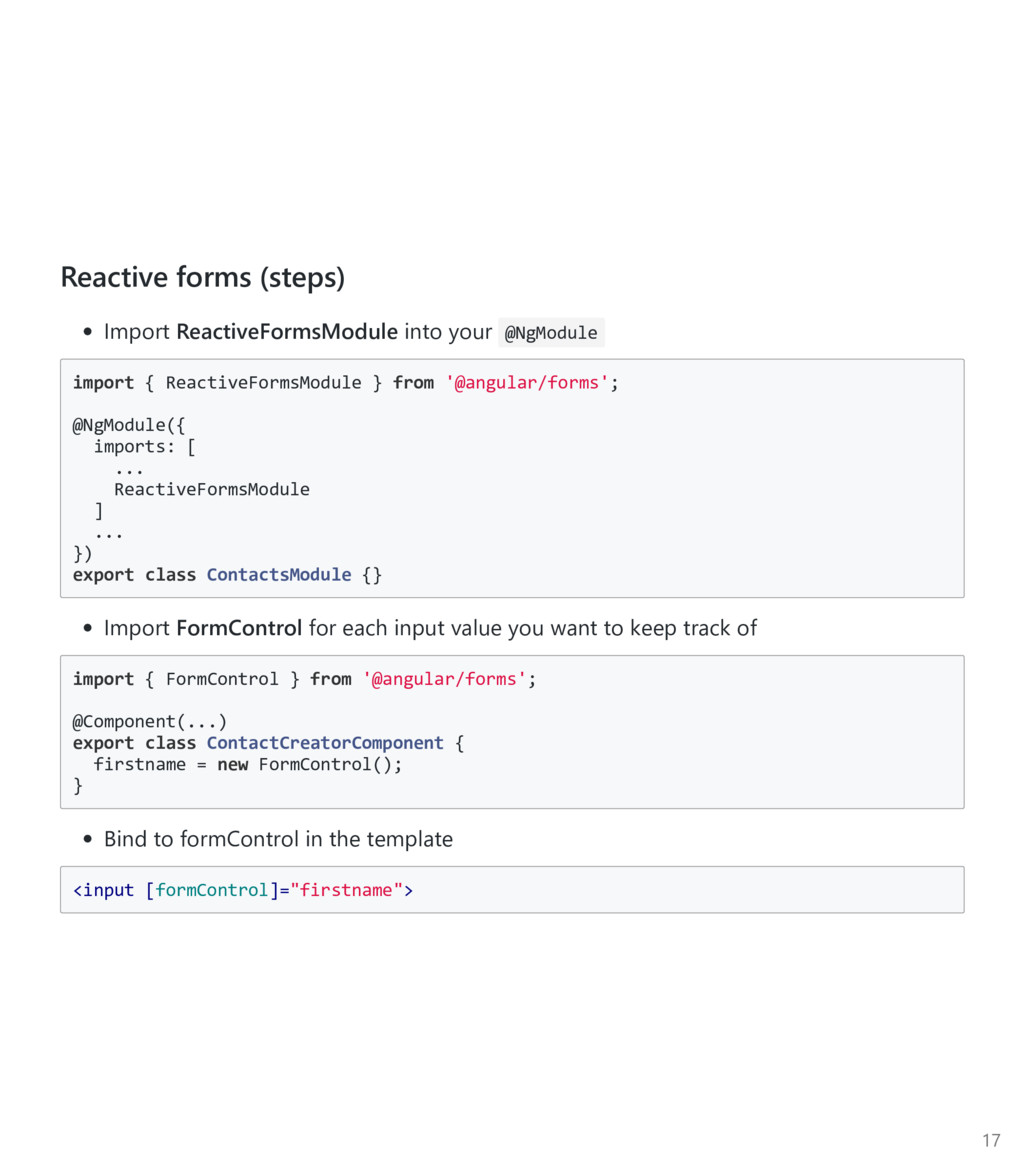
ReactiveFormsModule } from '@angular/forms'; @NgModule({ imports: [ ... ReactiveFormsModule ] ... }) export class ContactsModule {} Import FormControl for each input value you want to keep track of import { FormControl } from '@angular/forms'; @Component(...) export class ContactCreatorComponent { firstname = new FormControl(); } Bind to formControl in the template <input [formControl]="firstname"> 17
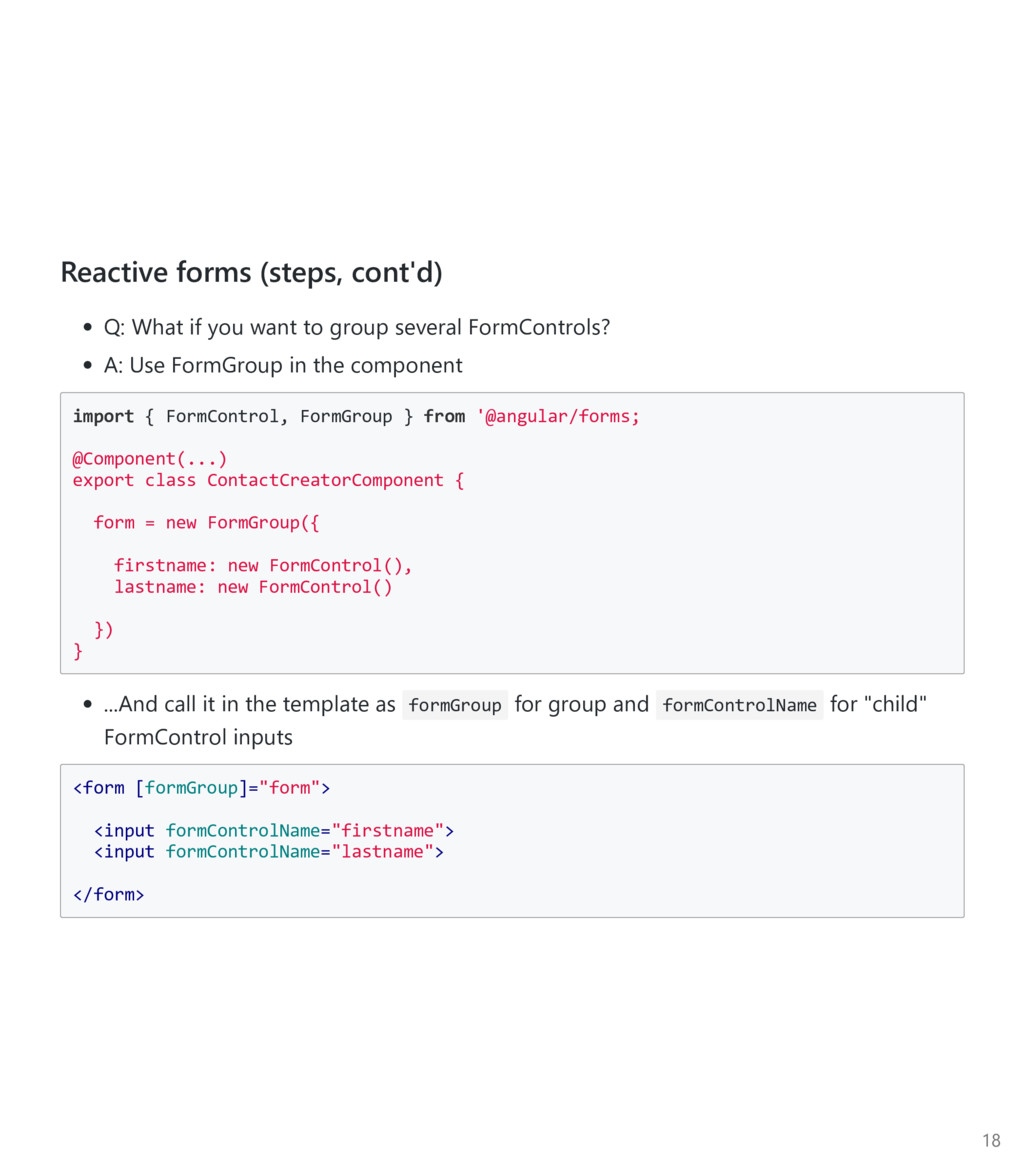
group several FormControls? A: Use FormGroup in the component import { FormControl, FormGroup } from '@angular/forms; @Component(...) export class ContactCreatorComponent { form = new FormGroup({ firstname: new FormControl(), lastname: new FormControl() }) } ...And call it in the template as formGroup for group and formControlName for "child" FormControl inputs <form [formGroup]="form"> <input formControlName="firstname"> <input formControlName="lastname"> </form> 18
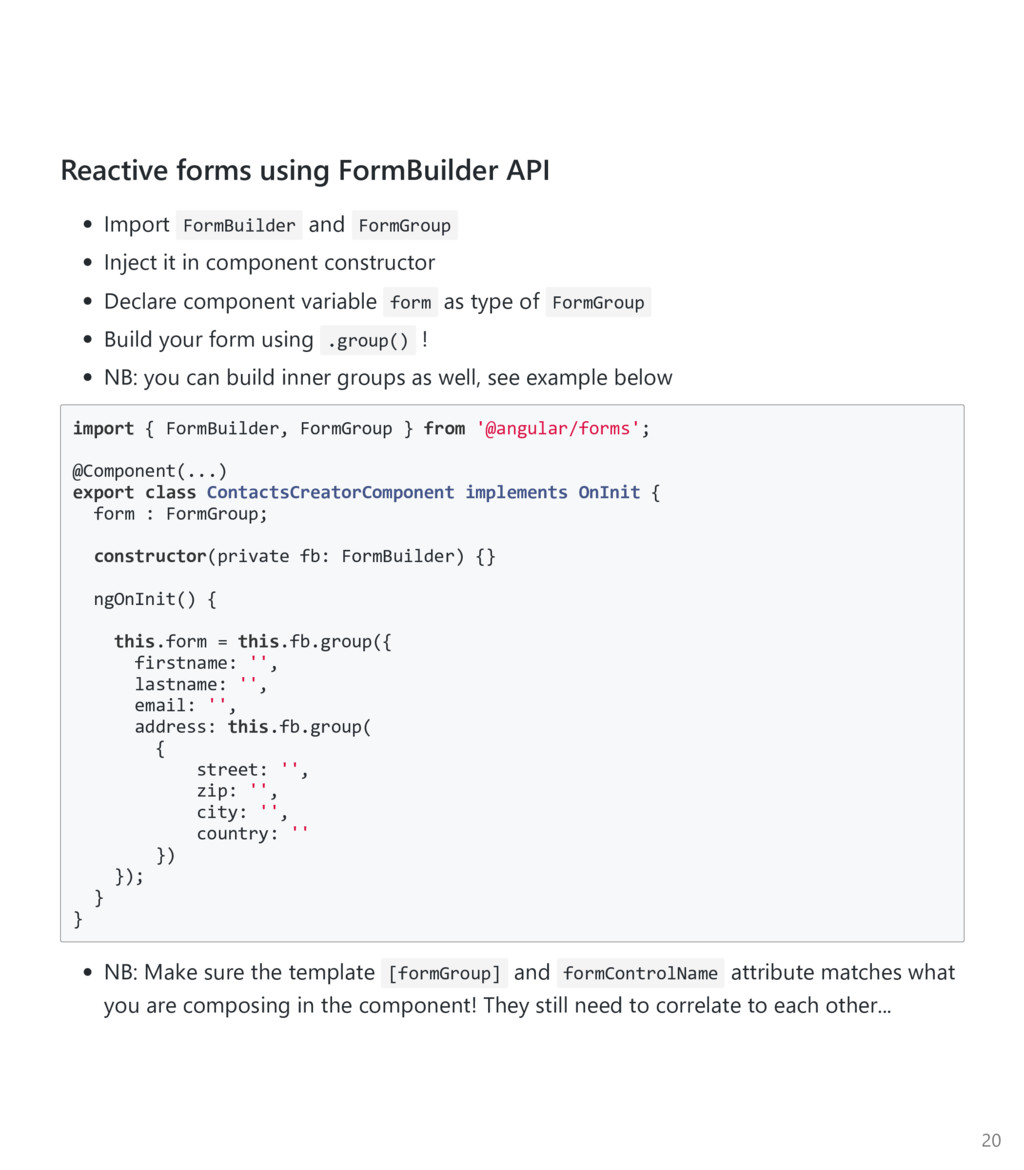
it in component constructor Declare component variable form as type of FormGroup Build your form using .group() ! NB: you can build inner groups as well, see example below import { FormBuilder, FormGroup } from '@angular/forms'; @Component(...) export class ContactsCreatorComponent implements OnInit { form : FormGroup; constructor(private fb: FormBuilder) {} ngOnInit() { this.form = this.fb.group({ firstname: '', lastname: '', email: '', address: this.fb.group( { street: '', zip: '', city: '', country: '' }) }); } } NB: Make sure the template [formGroup] and formControlName attribute matches what you are composing in the component! They still need to correlate to each other... 20
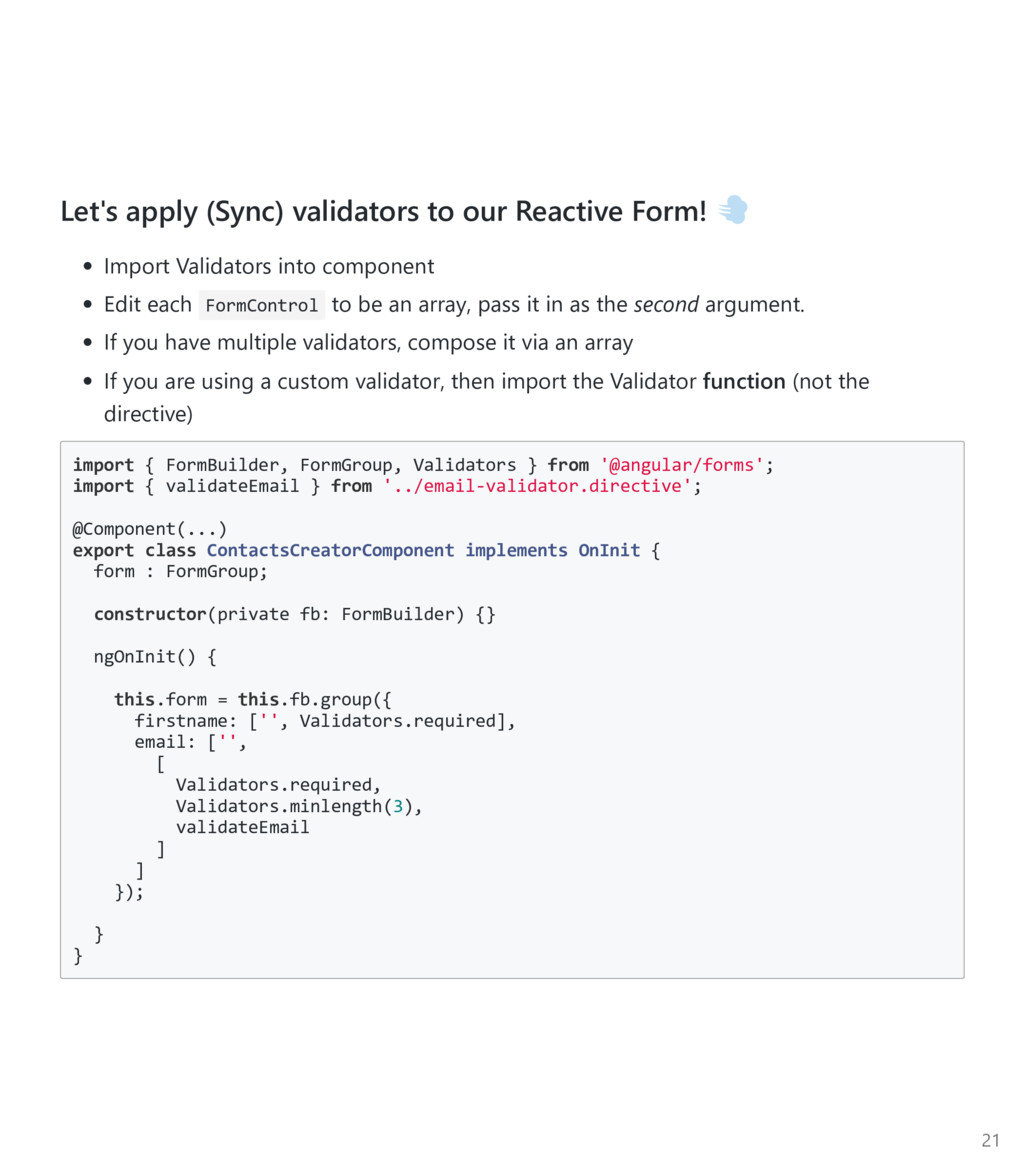
into component Edit each FormControl to be an array, pass it in as the second argument. If you have multiple validators, compose it via an array If you are using a custom validator, then import the Validator function ﴾not the directive﴿ import { FormBuilder, FormGroup, Validators } from '@angular/forms'; import { validateEmail } from '../email‐validator.directive'; @Component(...) export class ContactsCreatorComponent implements OnInit { form : FormGroup; constructor(private fb: FormBuilder) {} ngOnInit() { this.form = this.fb.group({ firstname: ['', Validators.required], email: ['', [ Validators.required, Validators.minlength(3), validateEmail ] ] }); } } 21
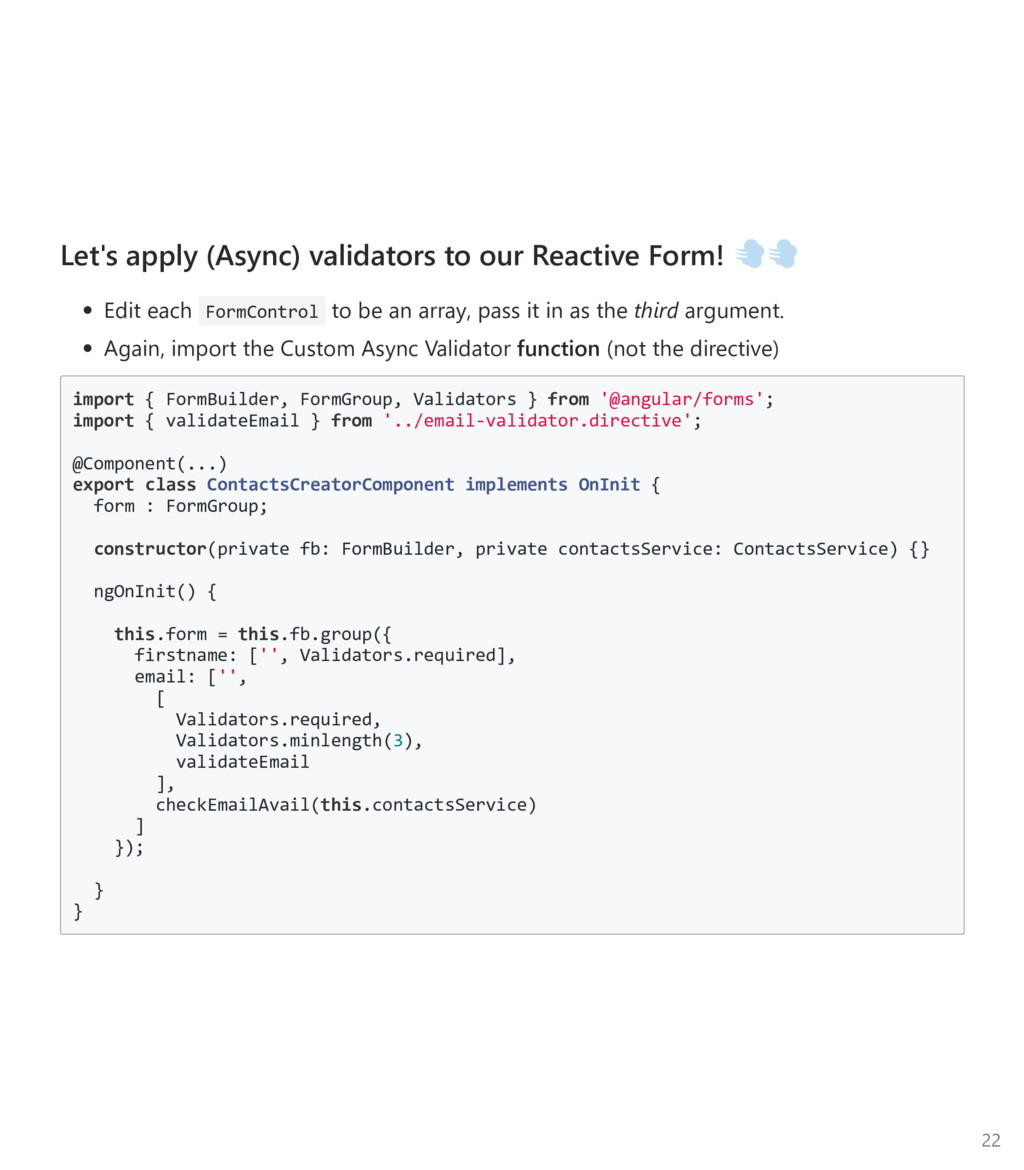
FormControl to be an array, pass it in as the third argument. Again, import the Custom Async Validator function ﴾not the directive﴿ import { FormBuilder, FormGroup, Validators } from '@angular/forms'; import { validateEmail } from '../email‐validator.directive'; @Component(...) export class ContactsCreatorComponent implements OnInit { form : FormGroup; constructor(private fb: FormBuilder, private contactsService: ContactsService) {} ngOnInit() { this.form = this.fb.group({ firstname: ['', Validators.required], email: ['', [ Validators.required, Validators.minlength(3), validateEmail ], checkEmailAvail(this.contactsService) ] }); } } 22
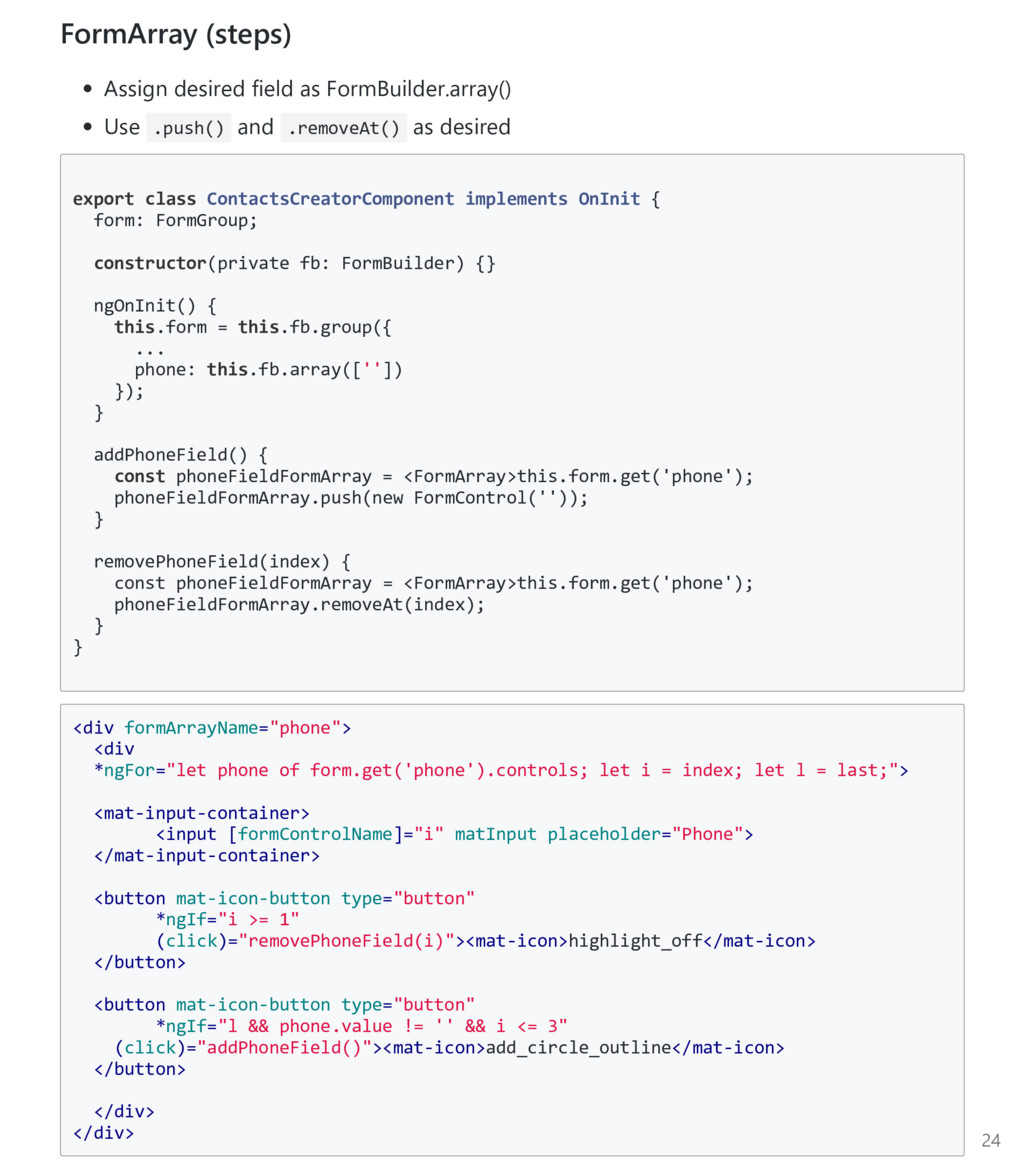
Example: Multiple ﴾optional﴿ phone fields Requires the use of FormArray API ﴾which we can call from FormBuilder.array() ﴿ FormArray API exposes push(c: FormControl) and removeAt(index: Number) 23


 inesmontani
 samtorres
 keavy
keavy
 reverentgeek
 lara
lara
 caitiem20
 morganepeng
 stephenakadiri
 paigeccino
 axbom
axbom
 baasie
 sarafernandez