Upgrade to Pro — share decks privately, control downloads, hide ads and more …

Web Exploitation I (Client-Side Attacks) [Lect ...

Web Exploitation I (Client-Side Attacks) [Lect 7: Competitive Cybersecurity 101]

Focusing on the principle that "the client is never to be trusted," this lecture explores the architecture of web applications and the vulnerabilities inherent in client-side execution. Students learn to weaponize browser Developer Tools (F12) to manipulate the live DOM, bypass HTML input restrictions, and hijack session state by editing plaintext cookies. The session concludes by demonstrating the inherent flaws of client-side JavaScript validation, teaching students how to read source code to extract hardcoded credentials.

Kannan Murugapandian

October 13, 2026

Transcript

15 slides
  1. Competitive Cybersecurity 101 Session 7: Web Exploitation I (Client-Side Attacks)

    Kannan Murugapandian August 21, 2026 Kannan Murugapandian Competitive Cybersecurity 101 August 21, 2026 1 / 15
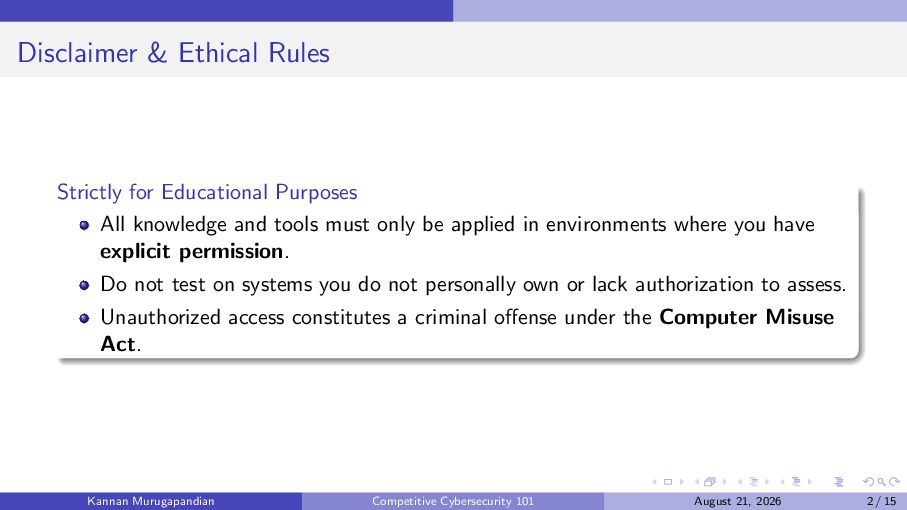
  2. Disclaimer & Ethical Rules Strictly for Educational Purposes All knowledge

    and tools must only be applied in environments where you have explicit permission. Do not test on systems you do not personally own or lack authorization to assess. Unauthorized access constitutes a criminal offense under the Computer Misuse Act. Kannan Murugapandian Competitive Cybersecurity 101 August 21, 2026 2 / 15
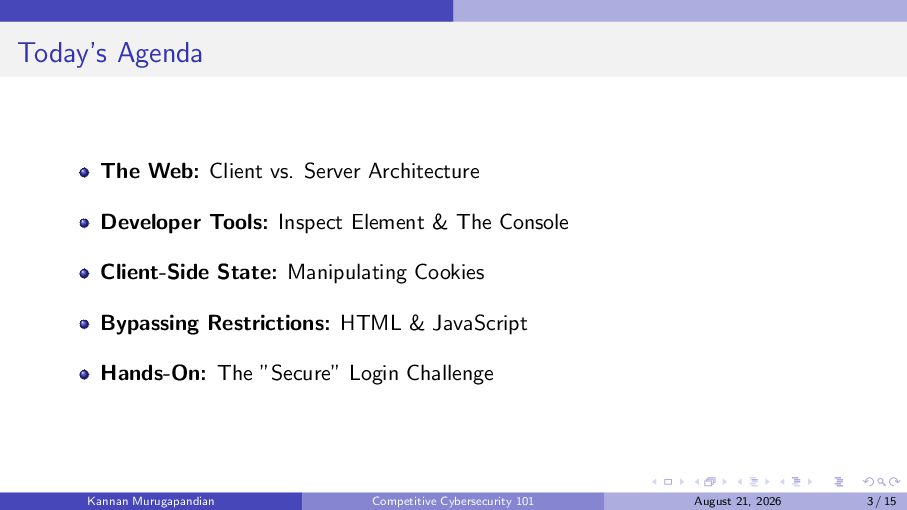
  3. Today’s Agenda The Web: Client vs. Server Architecture Developer Tools:

    Inspect Element & The Console Client-Side State: Manipulating Cookies Bypassing Restrictions: HTML & JavaScript Hands-On: The ”Secure” Login Challenge Kannan Murugapandian Competitive Cybersecurity 101 August 21, 2026 3 / 15
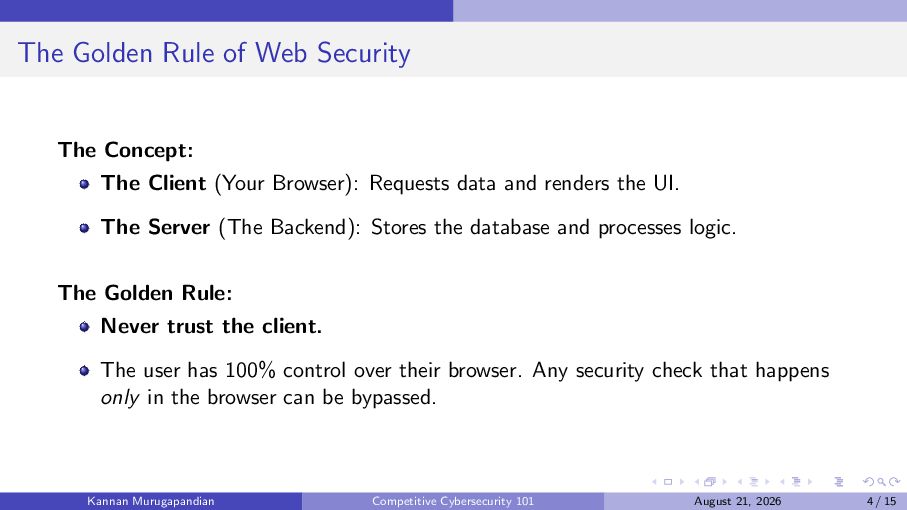
  4. The Golden Rule of Web Security The Concept: The Client

    (Your Browser): Requests data and renders the UI. The Server (The Backend): Stores the database and processes logic. The Golden Rule: Never trust the client. The user has 100% control over their browser. Any security check that happens only in the browser can be bypassed. Kannan Murugapandian Competitive Cybersecurity 101 August 21, 2026 4 / 15
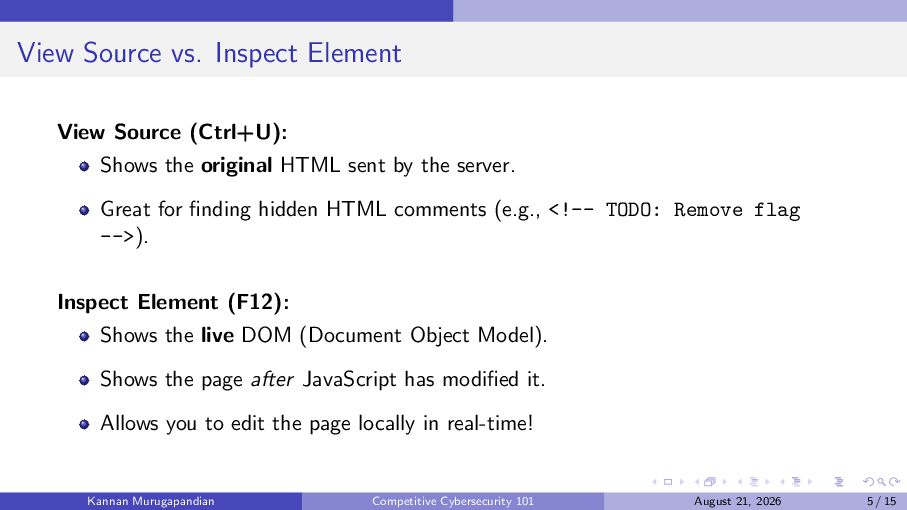
  5. View Source vs. Inspect Element View Source (Ctrl+U): Shows the

    original HTML sent by the server. Great for finding hidden HTML comments (e.g., <!-- TODO: Remove flag -->). Inspect Element (F12): Shows the live DOM (Document Object Model). Shows the page after JavaScript has modified it. Allows you to edit the page locally in real-time! Kannan Murugapandian Competitive Cybersecurity 101 August 21, 2026 5 / 15
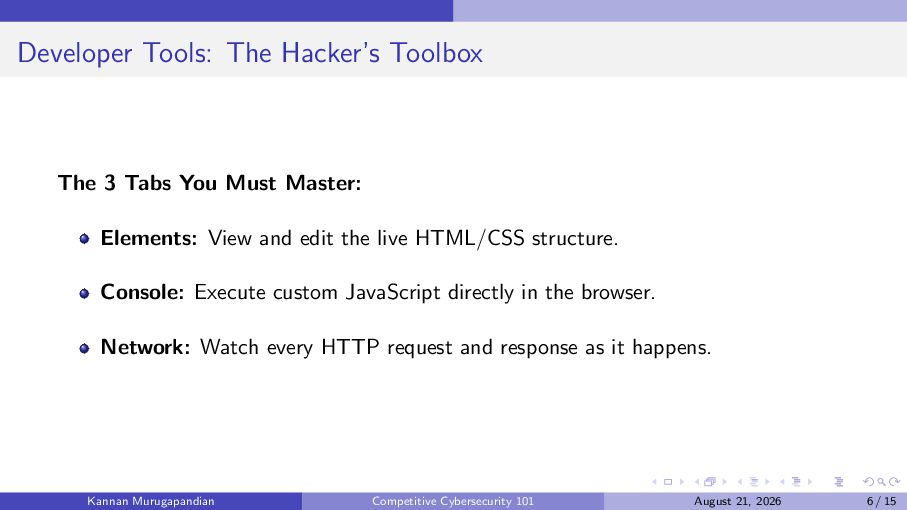
  6. Developer Tools: The Hacker’s Toolbox The 3 Tabs You Must

    Master: Elements: View and edit the live HTML/CSS structure. Console: Execute custom JavaScript directly in the browser. Network: Watch every HTTP request and response as it happens. Kannan Murugapandian Competitive Cybersecurity 101 August 21, 2026 6 / 15
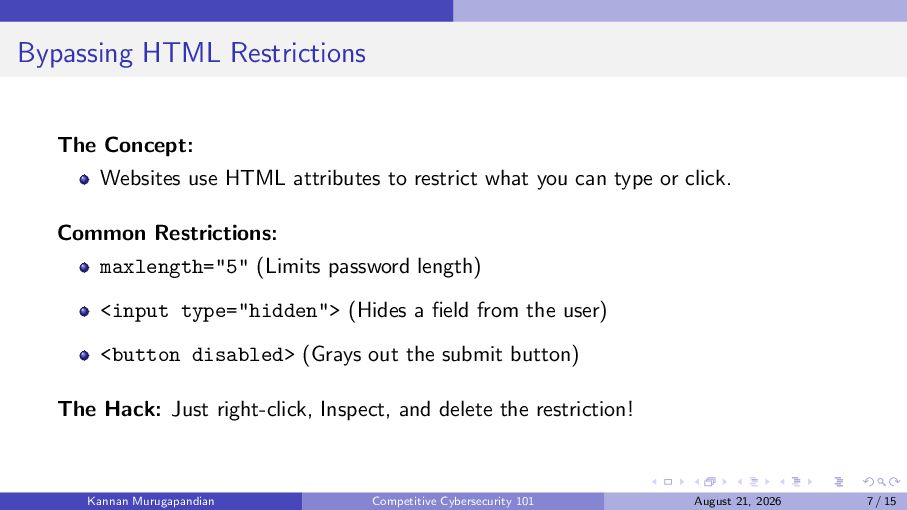
  7. Bypassing HTML Restrictions The Concept: Websites use HTML attributes to

    restrict what you can type or click. Common Restrictions: maxlength="5" (Limits password length) <input type="hidden"> (Hides a field from the user) <button disabled> (Grays out the submit button) The Hack: Just right-click, Inspect, and delete the restriction! Kannan Murugapandian Competitive Cybersecurity 101 August 21, 2026 7 / 15
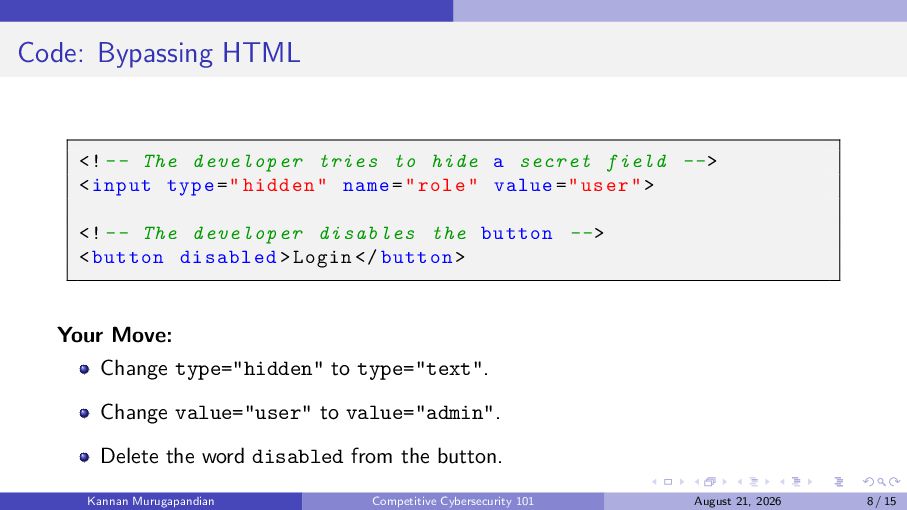
  8. Code: Bypassing HTML <! -- The developer tries to hide

    a secret field -- > < input type = " hidden " name = " role " value = " user " > <! -- The developer disables the button -- > < button disabled > Login </ button > Your Move: Change type="hidden" to type="text". Change value="user" to value="admin". Delete the word disabled from the button. Kannan Murugapandian Competitive Cybersecurity 101 August 21, 2026 8 / 15
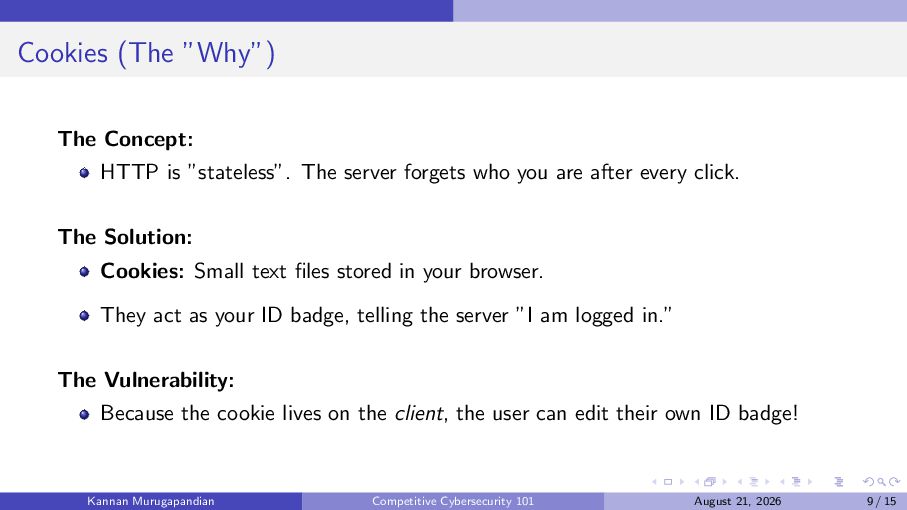
  9. Cookies (The ”Why”) The Concept: HTTP is ”stateless”. The server

    forgets who you are after every click. The Solution: Cookies: Small text files stored in your browser. They act as your ID badge, telling the server ”I am logged in.” The Vulnerability: Because the cookie lives on the client, the user can edit their own ID badge! Kannan Murugapandian Competitive Cybersecurity 101 August 21, 2026 9 / 15
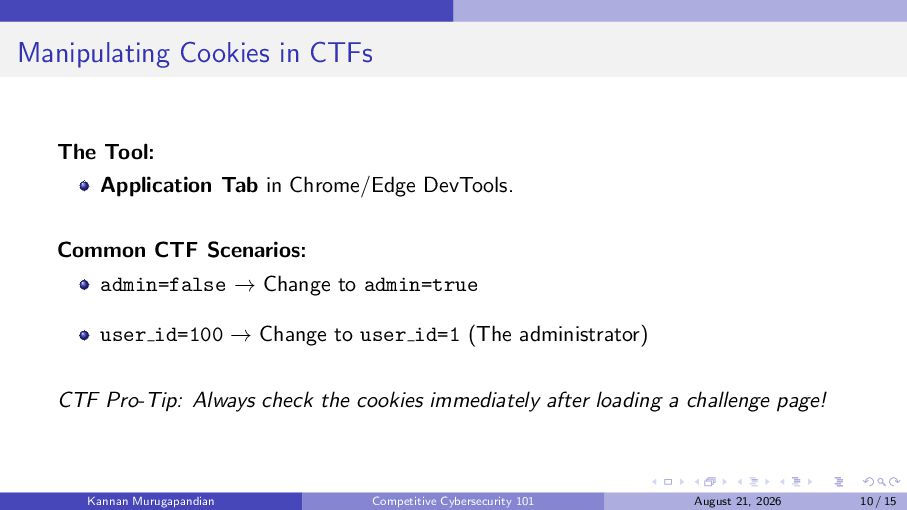
  10. Manipulating Cookies in CTFs The Tool: Application Tab in Chrome/Edge

    DevTools. Common CTF Scenarios: admin=false → Change to admin=true user id=100 → Change to user id=1 (The administrator) CTF Pro-Tip: Always check the cookies immediately after loading a challenge page! Kannan Murugapandian Competitive Cybersecurity 101 August 21, 2026 10 / 15
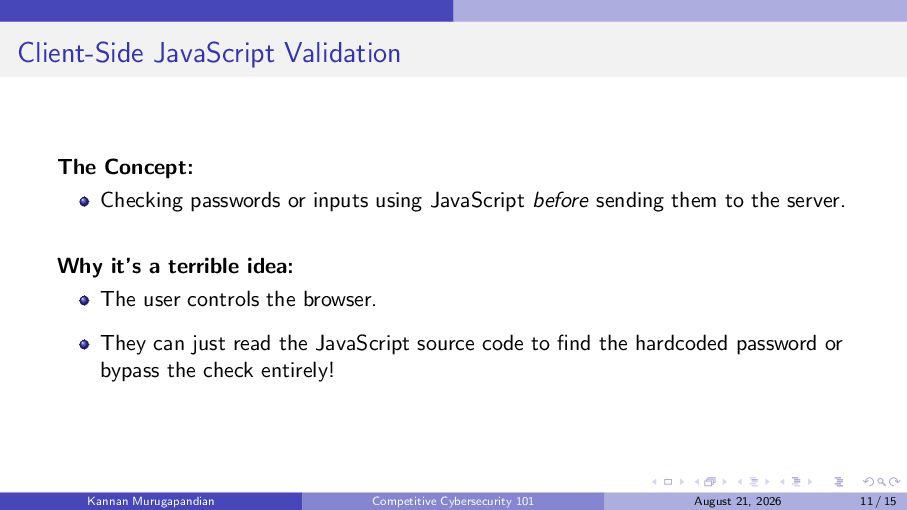
  11. Client-Side JavaScript Validation The Concept: Checking passwords or inputs using

    JavaScript before sending them to the server. Why it’s a terrible idea: The user controls the browser. They can just read the JavaScript source code to find the hardcoded password or bypass the check entirely! Kannan Murugapandian Competitive Cybersecurity 101 August 21, 2026 11 / 15
  12. Code: Reading JS Validation function checkLogin () { let pass

    = document . getElementById ( " pass " ) . value ; // The developer hardcoded the secret ! if ( pass === " Sup er Se cr et Fl ag 12 3 " ) { alert ( " Access Granted ! " ) ; } else { alert ( " Wrong Password ! " ) ; } } Your Move: Open the ”Sources” or ”Debugger” tab. Read the code and just type SuperSecretFlag123 into the box! Kannan Murugapandian Competitive Cybersecurity 101 August 21, 2026 12 / 15
  13. Mini Challenge: The ”Secure” Login Scenario: You are given a

    URL to a ”highly secure” admin portal. Your Tasks: 1 Inspect the HTML to find a hidden input field and change your role to ”admin”. 2 Read the JavaScript to find the hardcoded password. 3 Check your cookies to see if the server gave you an authenticated token! Practice on the course hub: kannan.bearblog.dev/ctf-dps/ Kannan Murugapandian Competitive Cybersecurity 101 August 21, 2026 13 / 15
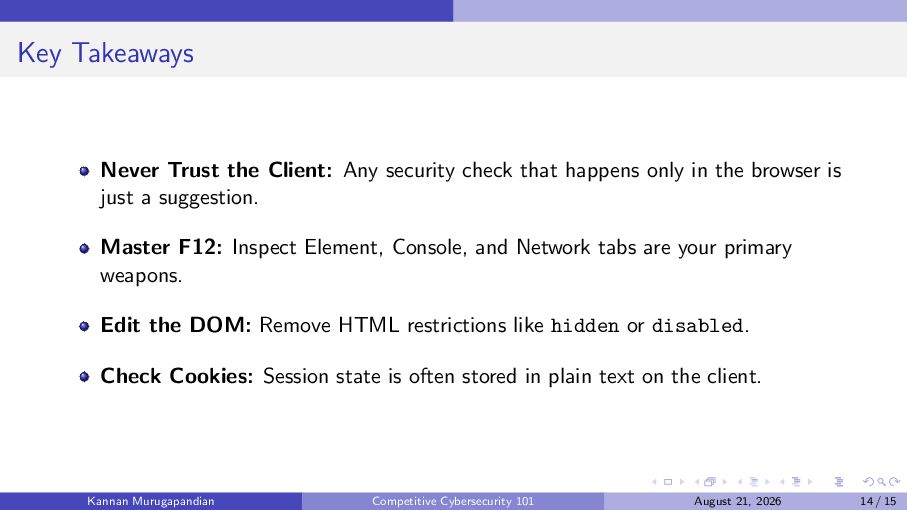
  14. Key Takeaways Never Trust the Client: Any security check that

    happens only in the browser is just a suggestion. Master F12: Inspect Element, Console, and Network tabs are your primary weapons. Edit the DOM: Remove HTML restrictions like hidden or disabled. Check Cookies: Session state is often stored in plain text on the client. Kannan Murugapandian Competitive Cybersecurity 101 August 21, 2026 14 / 15
  15. Thank You! Questions? Email: [email protected] Course Hub: kannan.bearblog.dev/ctf-dps/ Next Session:

    Web Exploitation II (Server-Side & Mini CTF) August 28, 2026 Kannan Murugapandian Competitive Cybersecurity 101 August 21, 2026 15 / 15

More Decks by Kannan Murugapandian

Other Decks in Technology