Upgrade to Pro — share decks privately, control downloads, hide ads and more …

Forensics I (Files, Metadata & Steganography) [...

Sponsored · SiteGround - Reliable hosting with speed, security, and support you can count on. →

Forensics I (Files, Metadata & Steganography) [Lect 5: Competitive Cybersecurity 101]

Grounded in Locard’s Exchange Principle, this lecture introduces the digital forensic mindset required to recover and analyze hidden evidence without altering the original files. Students learn to bypass deceptive file extensions by verifying Magic Bytes and extracting hidden metadata using industry-standard tools like `exiftool` and hex editors. The session also covers the art of steganography, teaching students how to uncover data hidden in image color planes (LSB) and audio spectrograms, as well as how to extract embedded files using `strings` and `binwalk`.

Kannan Murugapandian

October 13, 2026

Transcript

16 slides
  1. Competitive Cybersecurity 101 Session 5: Forensics I (Files, Metadata &

    Steganography) Kannan Murugapandian August 07, 2026 Kannan Murugapandian Competitive Cybersecurity 101 August 07, 2026 1 / 16
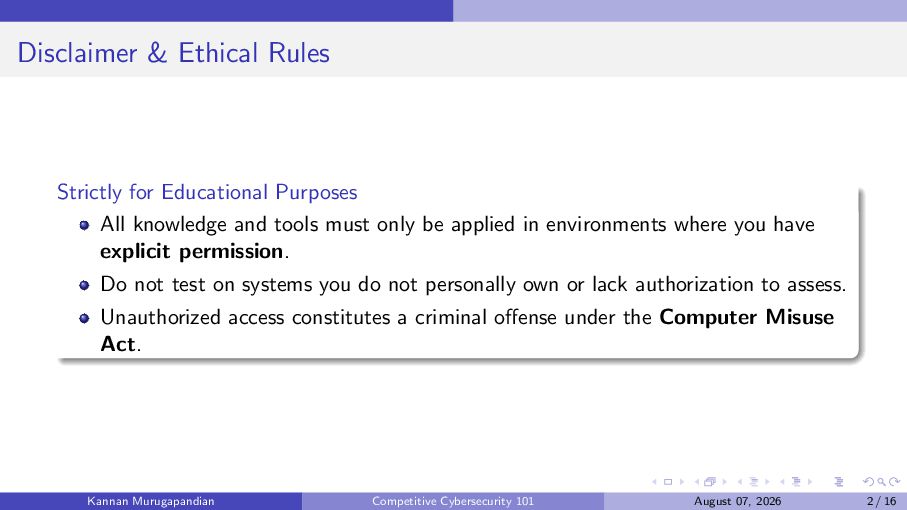
  2. Disclaimer & Ethical Rules Strictly for Educational Purposes All knowledge

    and tools must only be applied in environments where you have explicit permission. Do not test on systems you do not personally own or lack authorization to assess. Unauthorized access constitutes a criminal offense under the Computer Misuse Act. Kannan Murugapandian Competitive Cybersecurity 101 August 07, 2026 2 / 16
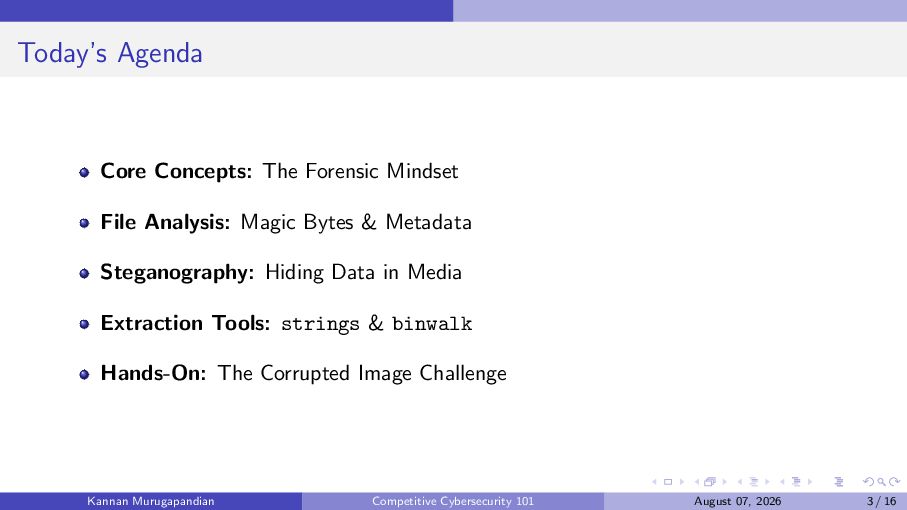
  3. Today’s Agenda Core Concepts: The Forensic Mindset File Analysis: Magic

    Bytes & Metadata Steganography: Hiding Data in Media Extraction Tools: strings & binwalk Hands-On: The Corrupted Image Challenge Kannan Murugapandian Competitive Cybersecurity 101 August 07, 2026 3 / 16
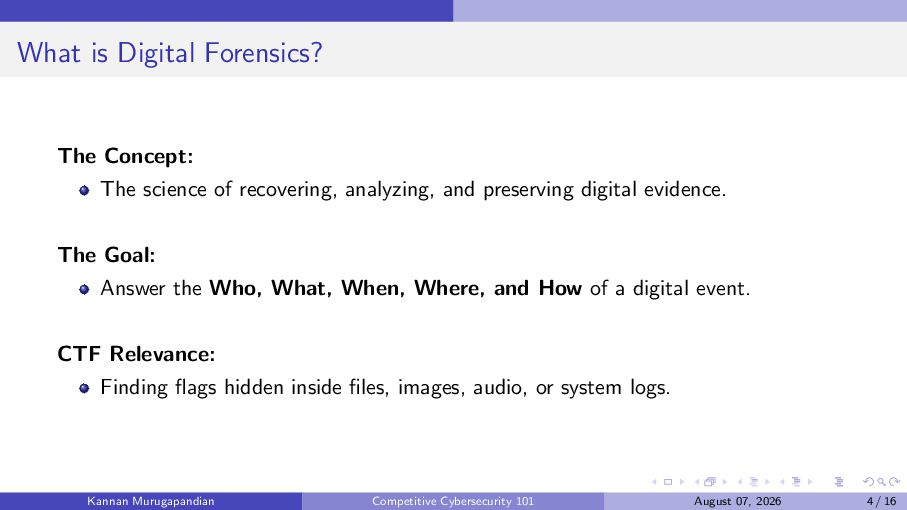
  4. What is Digital Forensics? The Concept: The science of recovering,

    analyzing, and preserving digital evidence. The Goal: Answer the Who, What, When, Where, and How of a digital event. CTF Relevance: Finding flags hidden inside files, images, audio, or system logs. Kannan Murugapandian Competitive Cybersecurity 101 August 07, 2026 4 / 16
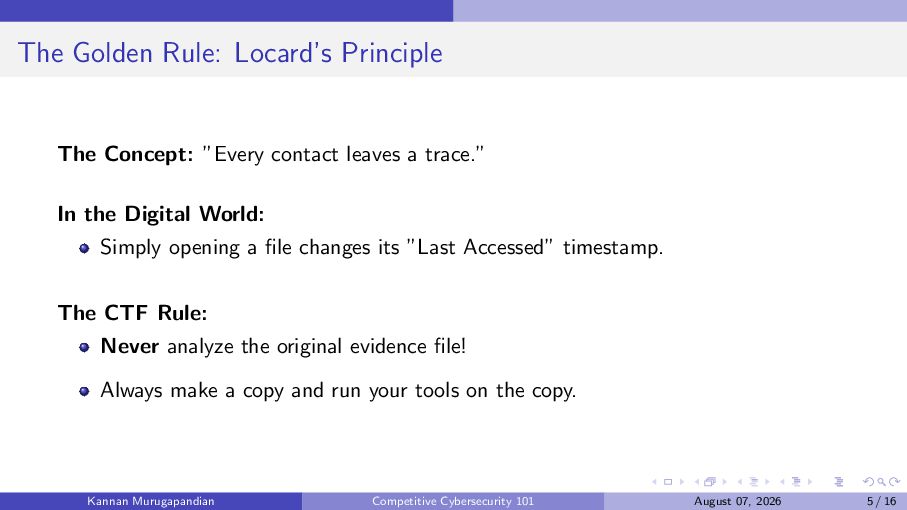
  5. The Golden Rule: Locard’s Principle The Concept: ”Every contact leaves

    a trace.” In the Digital World: Simply opening a file changes its ”Last Accessed” timestamp. The CTF Rule: Never analyze the original evidence file! Always make a copy and run your tools on the copy. Kannan Murugapandian Competitive Cybersecurity 101 August 07, 2026 5 / 16
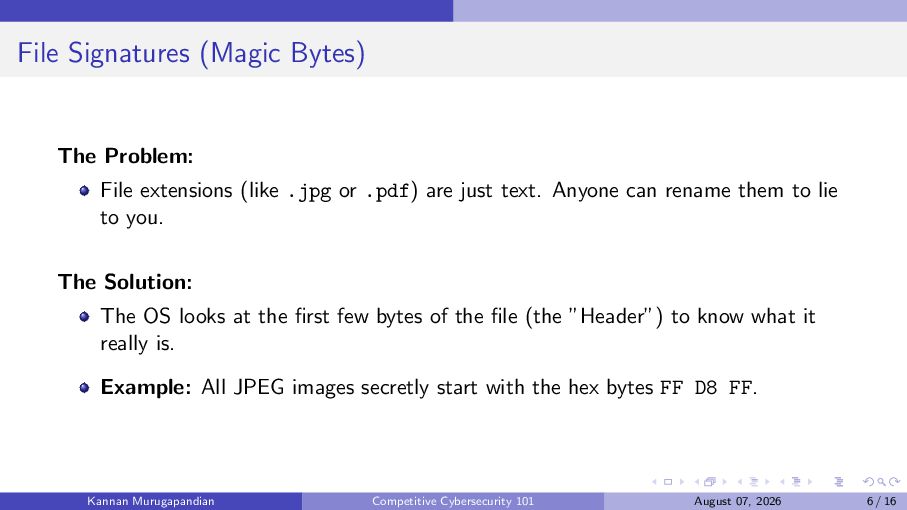
  6. File Signatures (Magic Bytes) The Problem: File extensions (like .jpg

    or .pdf) are just text. Anyone can rename them to lie to you. The Solution: The OS looks at the first few bytes of the file (the ”Header”) to know what it really is. Example: All JPEG images secretly start with the hex bytes FF D8 FF. Kannan Murugapandian Competitive Cybersecurity 101 August 07, 2026 6 / 16
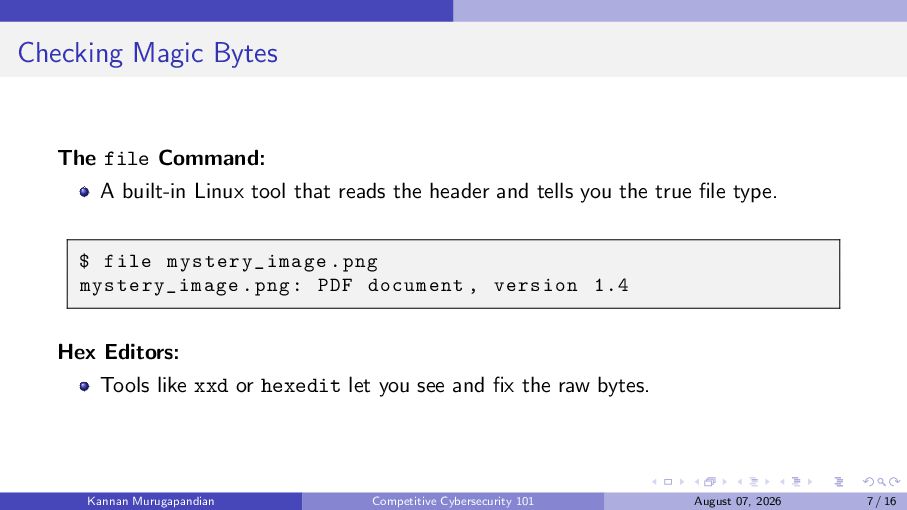
  7. Checking Magic Bytes The file Command: A built-in Linux tool

    that reads the header and tells you the true file type. $ file mystery_image . png mystery_image . png : PDF document , version 1.4 Hex Editors: Tools like xxd or hexedit let you see and fix the raw bytes. Kannan Murugapandian Competitive Cybersecurity 101 August 07, 2026 7 / 16
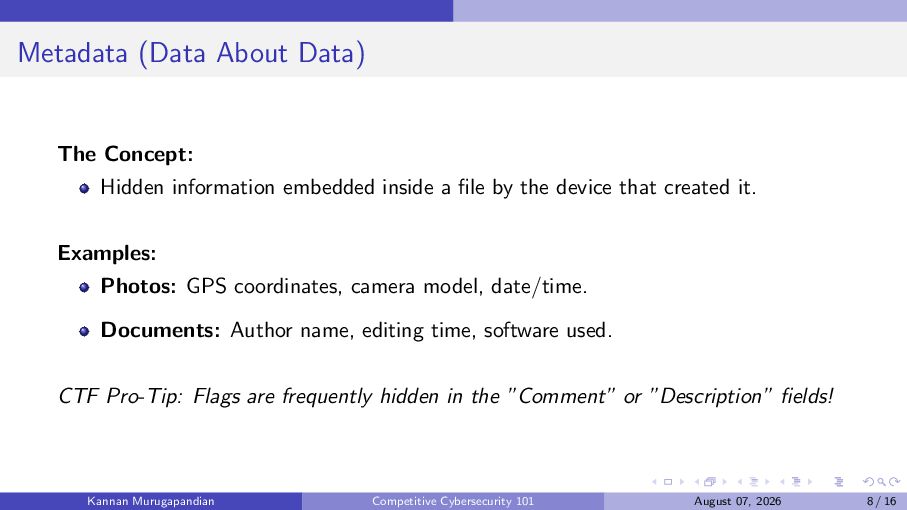
  8. Metadata (Data About Data) The Concept: Hidden information embedded inside

    a file by the device that created it. Examples: Photos: GPS coordinates, camera model, date/time. Documents: Author name, editing time, software used. CTF Pro-Tip: Flags are frequently hidden in the ”Comment” or ”Description” fields! Kannan Murugapandian Competitive Cybersecurity 101 August 07, 2026 8 / 16
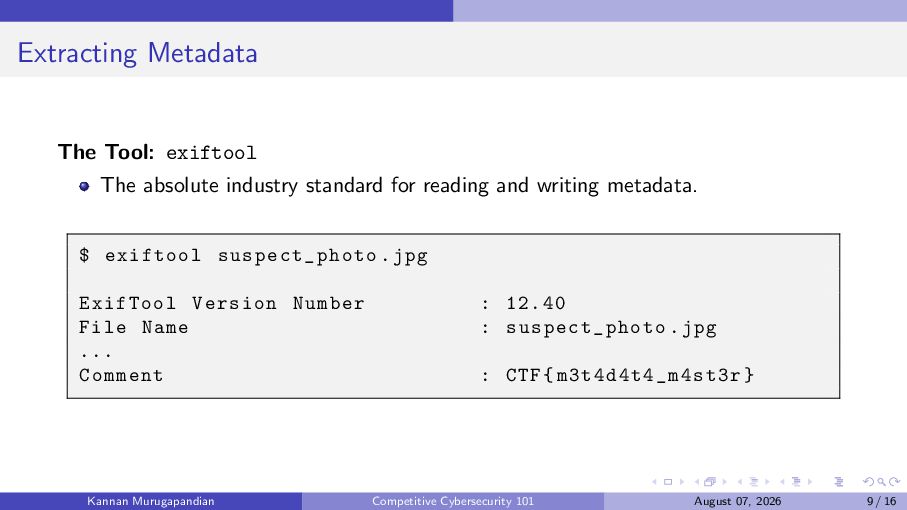
  9. Extracting Metadata The Tool: exiftool The absolute industry standard for

    reading and writing metadata. $ exiftool suspect_photo . jpg ExifTool Version Number File Name ... Comment Kannan Murugapandian : 12.40 : suspect_photo . jpg : CTF { m3t4d4t4_m4st3r } Competitive Cybersecurity 101 August 07, 2026 9 / 16
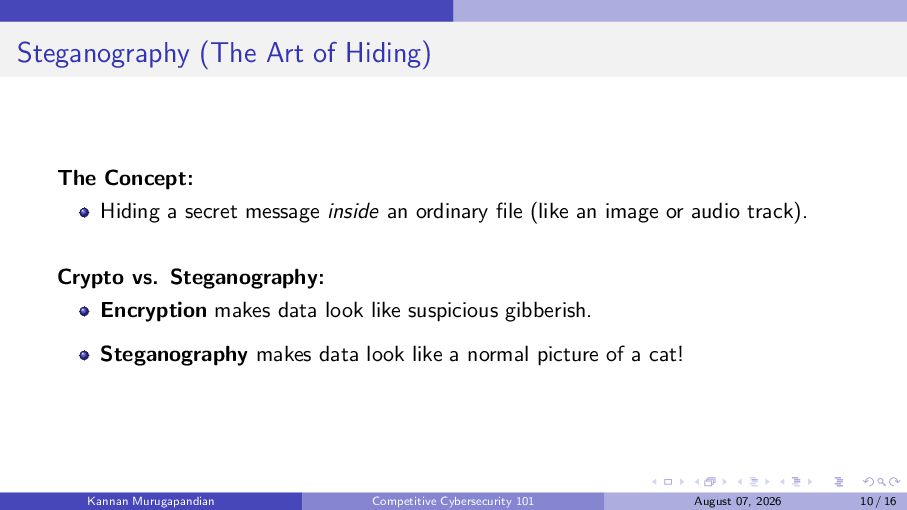
  10. Steganography (The Art of Hiding) The Concept: Hiding a secret

    message inside an ordinary file (like an image or audio track). Crypto vs. Steganography: Encryption makes data look like suspicious gibberish. Steganography makes data look like a normal picture of a cat! Kannan Murugapandian Competitive Cybersecurity 101 August 07, 2026 10 / 16
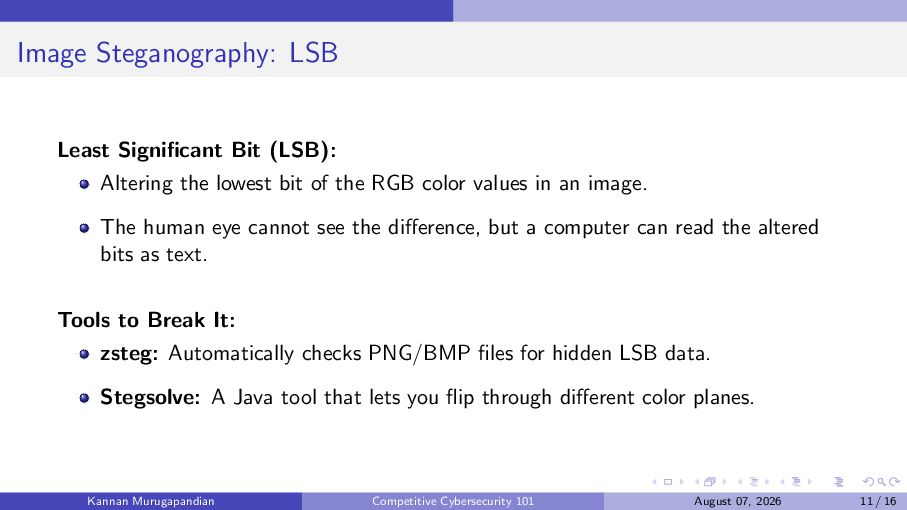
  11. Image Steganography: LSB Least Significant Bit (LSB): Altering the lowest

    bit of the RGB color values in an image. The human eye cannot see the difference, but a computer can read the altered bits as text. Tools to Break It: zsteg: Automatically checks PNG/BMP files for hidden LSB data. Stegsolve: A Java tool that lets you flip through different color planes. Kannan Murugapandian Competitive Cybersecurity 101 August 07, 2026 11 / 16
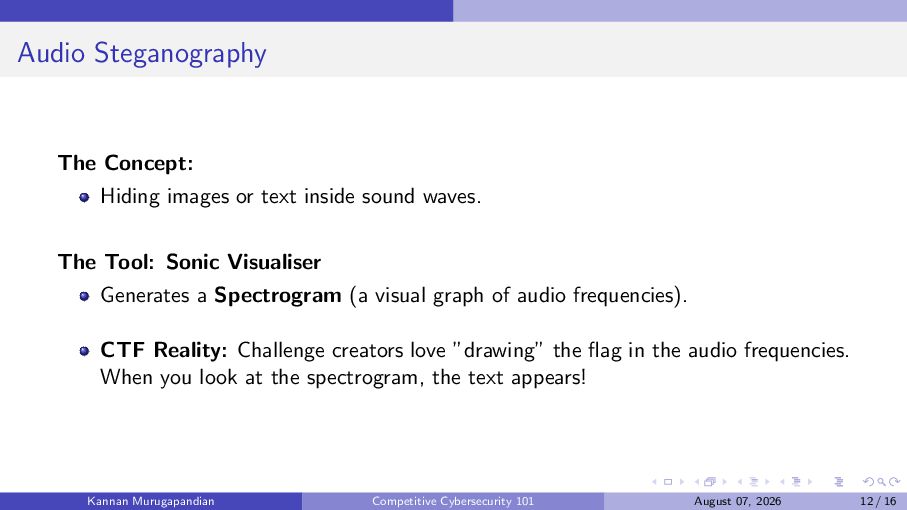
  12. Audio Steganography The Concept: Hiding images or text inside sound

    waves. The Tool: Sonic Visualiser Generates a Spectrogram (a visual graph of audio frequencies). CTF Reality: Challenge creators love ”drawing” the flag in the audio frequencies. When you look at the spectrogram, the text appears! Kannan Murugapandian Competitive Cybersecurity 101 August 07, 2026 12 / 16
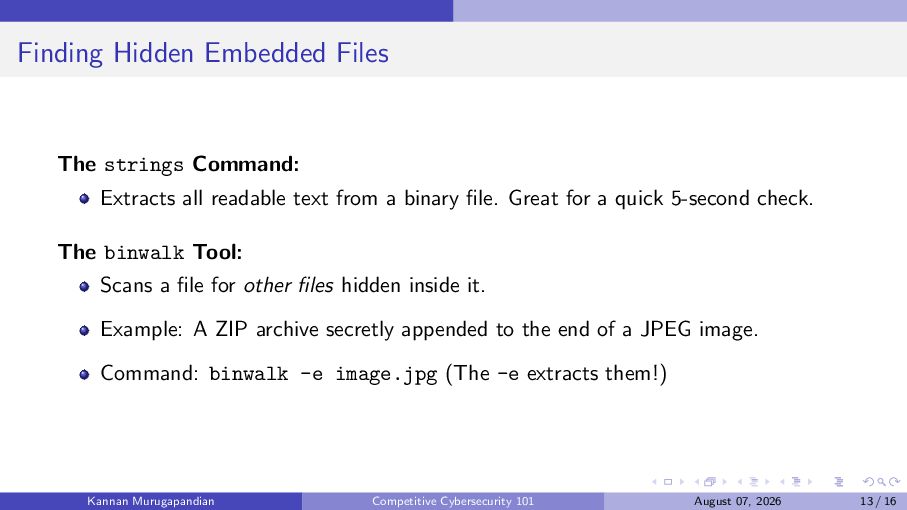
  13. Finding Hidden Embedded Files The strings Command: Extracts all readable

    text from a binary file. Great for a quick 5-second check. The binwalk Tool: Scans a file for other files hidden inside it. Example: A ZIP archive secretly appended to the end of a JPEG image. Command: binwalk -e image.jpg (The -e extracts them!) Kannan Murugapandian Competitive Cybersecurity 101 August 07, 2026 13 / 16
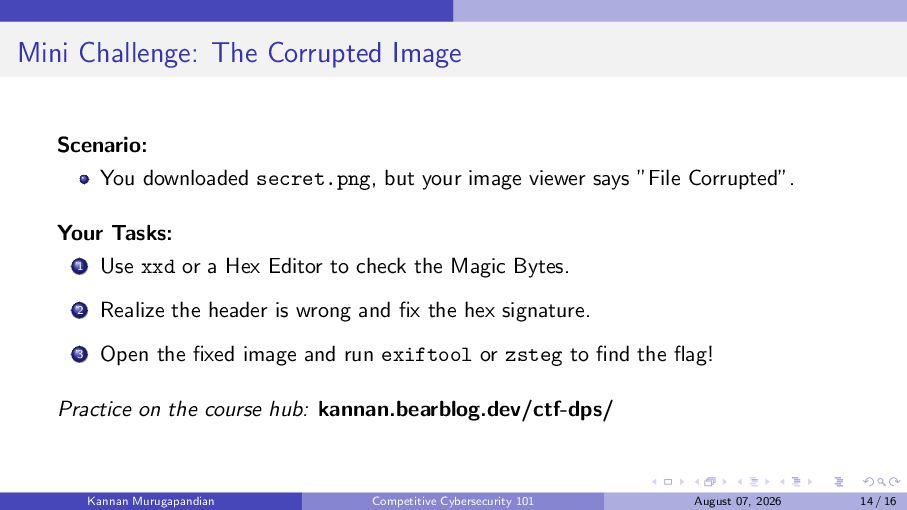
  14. Mini Challenge: The Corrupted Image Scenario: You downloaded secret.png, but

    your image viewer says ”File Corrupted”. Your Tasks: 1 Use xxd or a Hex Editor to check the Magic Bytes. 2 Realize the header is wrong and fix the hex signature. 3 Open the fixed image and run exiftool or zsteg to find the flag! Practice on the course hub: kannan.bearblog.dev/ctf-dps/ Kannan Murugapandian Competitive Cybersecurity 101 August 07, 2026 14 / 16
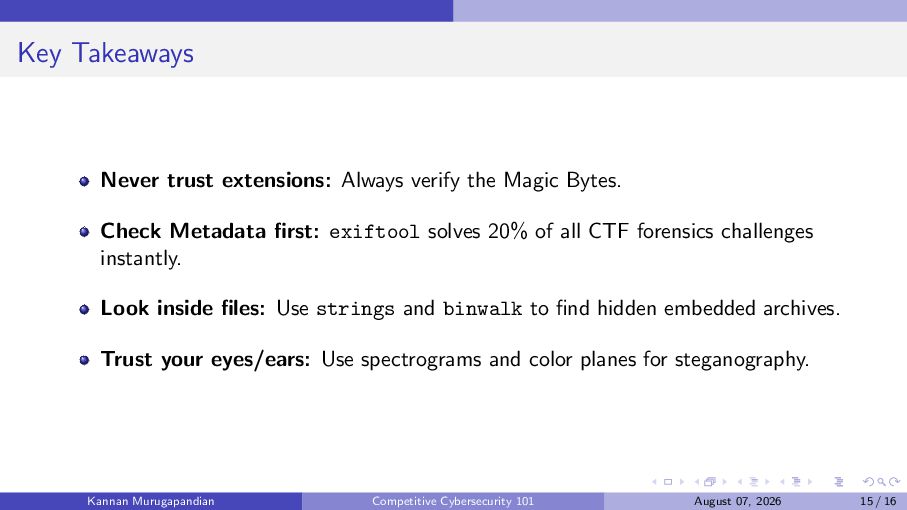
  15. Key Takeaways Never trust extensions: Always verify the Magic Bytes.

    Check Metadata first: exiftool solves 20% of all CTF forensics challenges instantly. Look inside files: Use strings and binwalk to find hidden embedded archives. Trust your eyes/ears: Use spectrograms and color planes for steganography. Kannan Murugapandian Competitive Cybersecurity 101 August 07, 2026 15 / 16
  16. Thank You! Questions? Email: [email protected] Course Hub: kannan.bearblog.dev/ctf-dps/ Next Session:

    Forensics II (Networking & Memory Dumps) August 14, 2026 Kannan Murugapandian Competitive Cybersecurity 101 August 07, 2026 16 / 16

More Decks by Kannan Murugapandian

Other Decks in Technology