Upgrade to Pro — share decks privately, control downloads, hide ads and more …

Practical use of Apache Cassandra with PHP

Practical use of Apache Cassandra with PHP

A relational database model may not be the best solution for all situations. An alternative approach is to use NoSql. I would like to give a high level overview of Apacha Cassandra NoSql database with a brief introduction into its architecture and data model. This talk will cover main features of Apache Cassandra and provide practical examples of using it.

Talk presented at PHP Usergroup Munich on 26.07.2017

Avatar for Tatiana

Tatiana

July 26, 2017

Other Decks in Programming
Transcript

  1. What is Apache Cassandra? ▪ Massively scalable ▪ Open source

    ▪ Non-relational database ▪ Offers: ▪ continuous availability ▪ linear scale performance ▪ operational simplicity ▪ easy data distribution across multiple data centers and cloud availability zones
  2. Key Cassandra features ▪ Massively scalable architecture ▪ All nodes

    may be written to and read from. ▪ Linear scale performance ▪ Continuous availability ▪ Eventual consistency by offering tunable consistency ▪ Flexible and dynamic data model ▪ Multi-data center replication ▪ Data compression ▪ CQL (Cassandra Query Language)
  3. Differences from relational databases ▪ Joins and subqueries are not

    supported ▪ No integrity constraints ▪ No ACID transactions ▪ Restrictions on querying data ▪ Sort criteria needs to be designed ahead
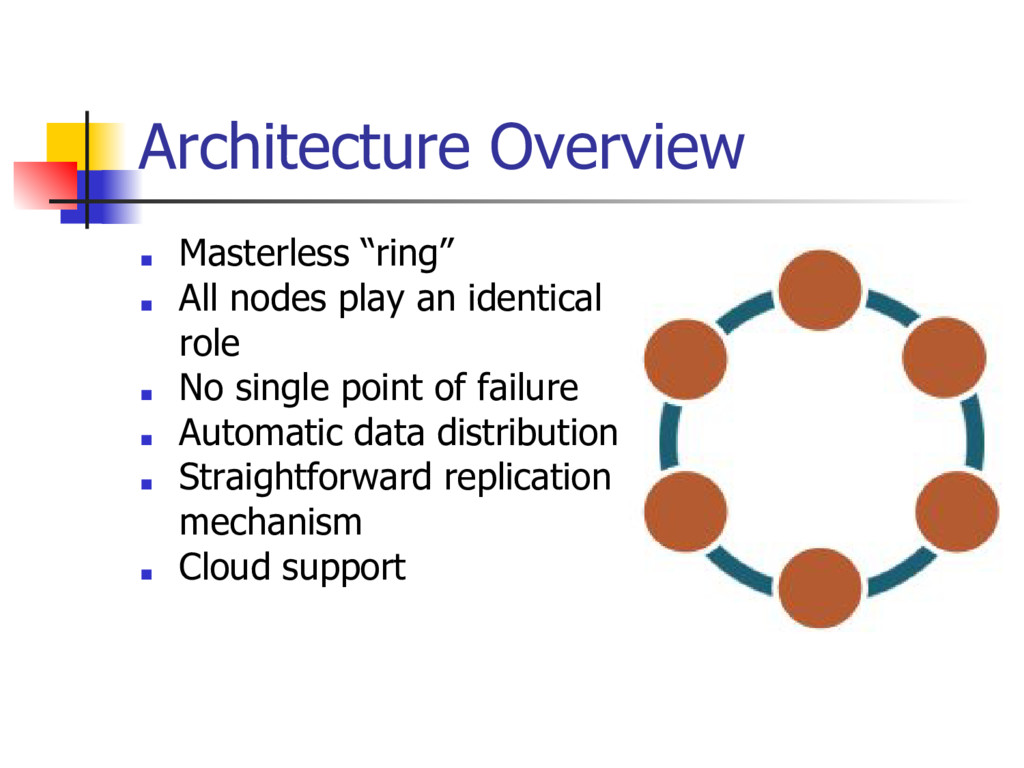
  4. Architecture Overview ▪ Masterless “ring” ▪ All nodes play an

    identical role ▪ No single point of failure ▪ Automatic data distribution ▪ Straightforward replication mechanism ▪ Cloud support
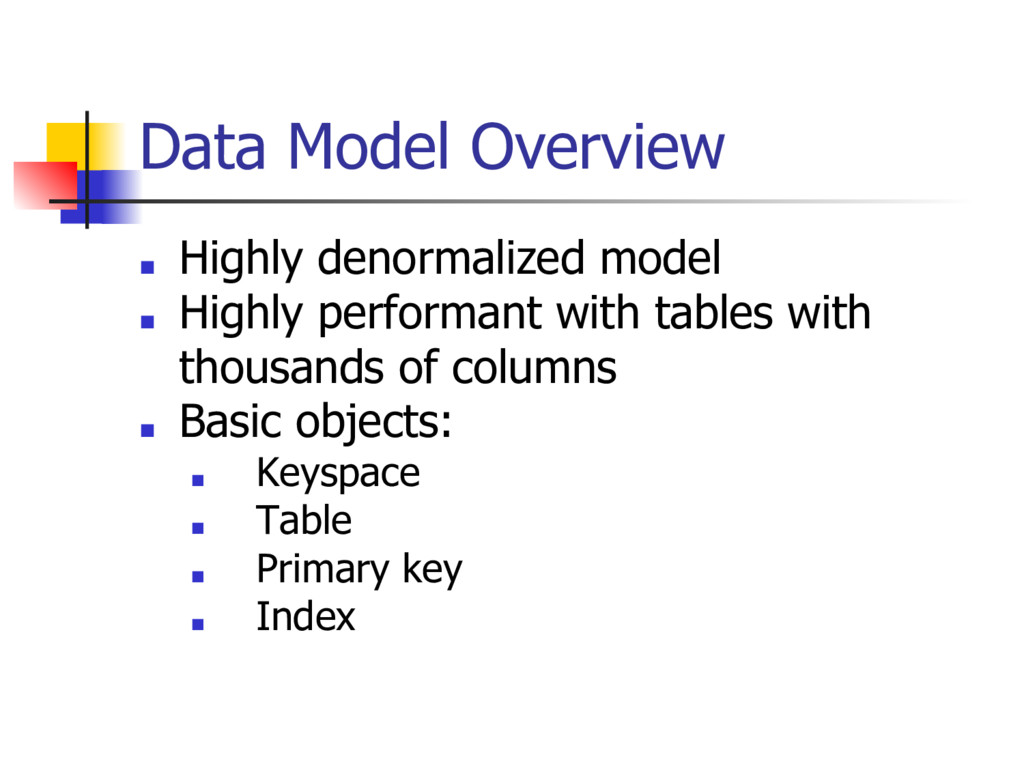
  5. Data Model Overview ▪ Highly denormalized model ▪ Highly performant

    with tables with thousands of columns ▪ Basic objects: ▪ Keyspace ▪ Table ▪ Primary key ▪ Index
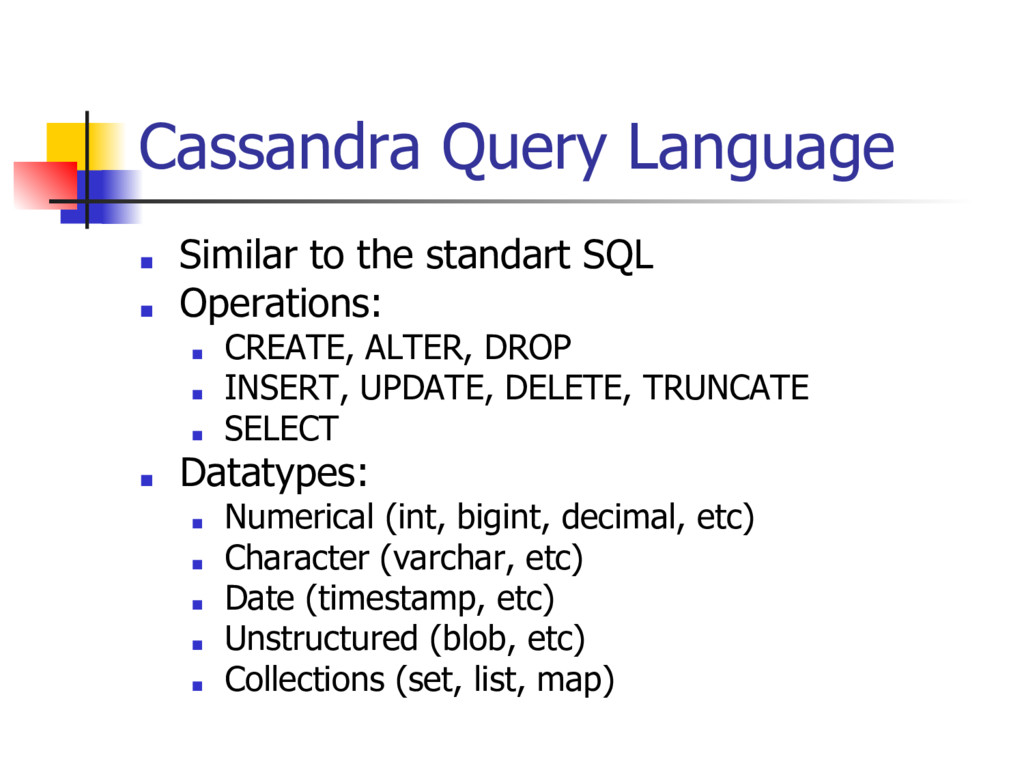
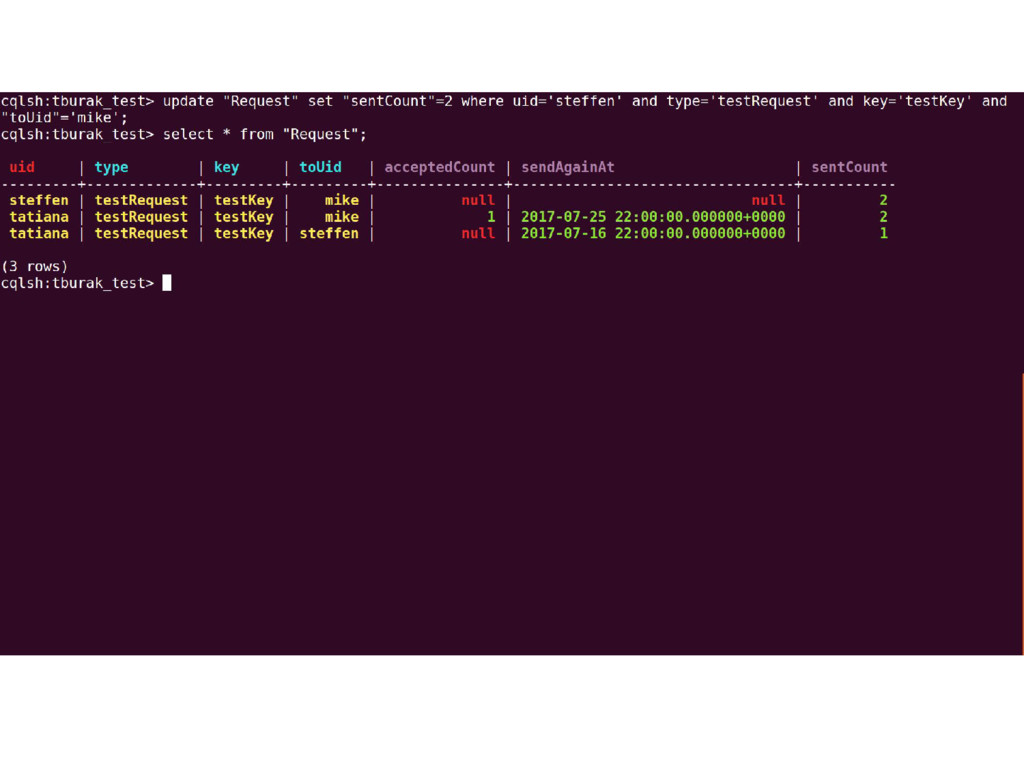
  6. Cassandra Query Language ▪ Similar to the standart SQL ▪

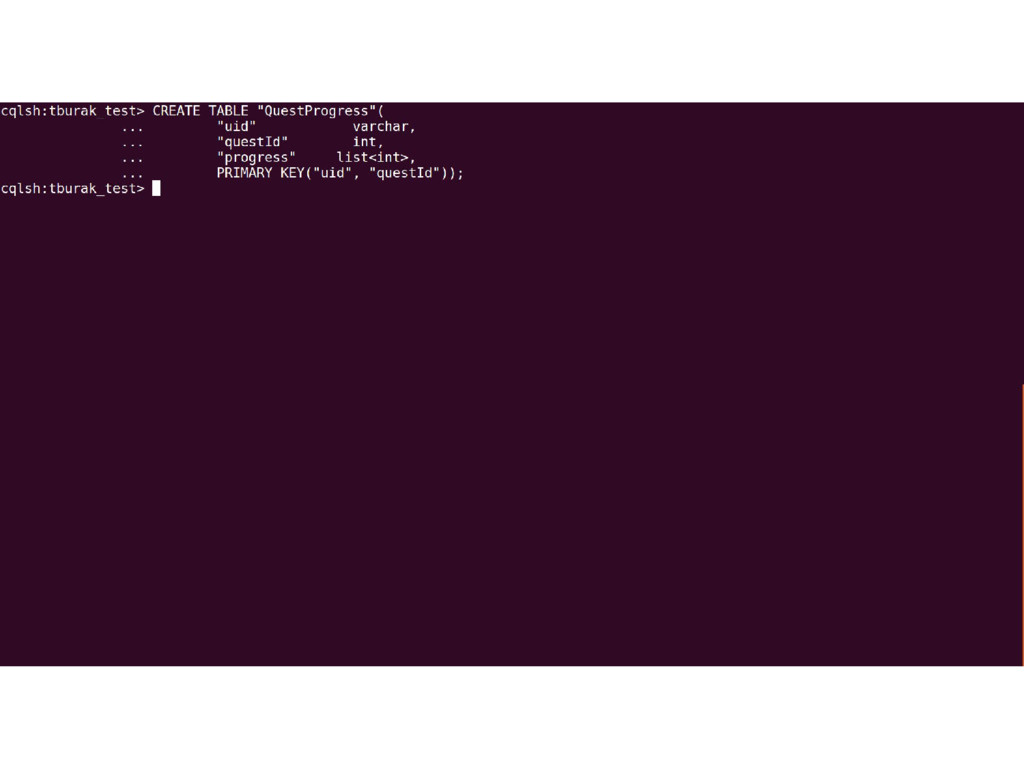
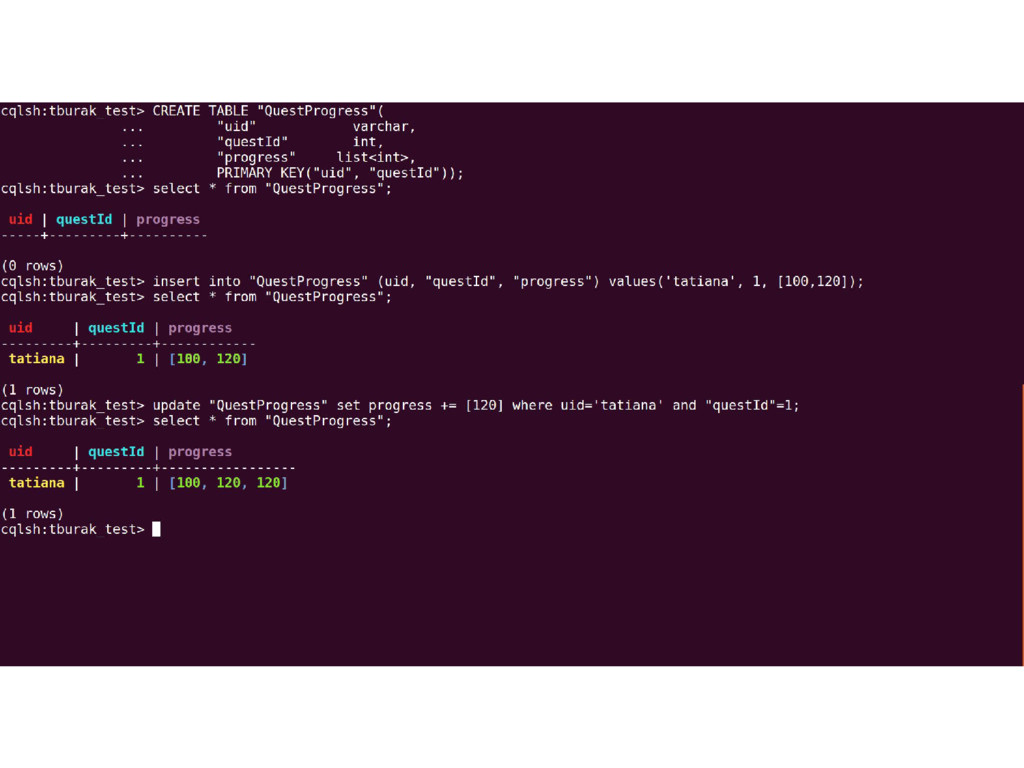
    Operations: ▪ CREATE, ALTER, DROP ▪ INSERT, UPDATE, DELETE, TRUNCATE ▪ SELECT ▪ Datatypes: ▪ Numerical (int, bigint, decimal, etc) ▪ Character (varchar, etc) ▪ Date (timestamp, etc) ▪ Unstructured (blob, etc) ▪ Collections (set, list, map)
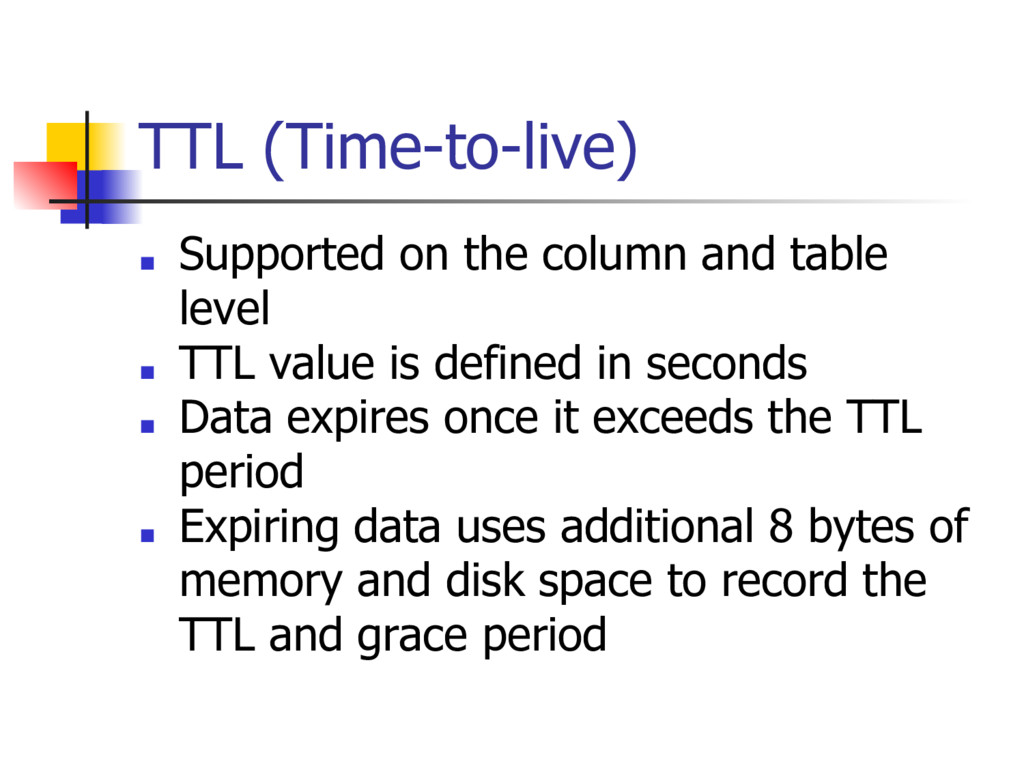
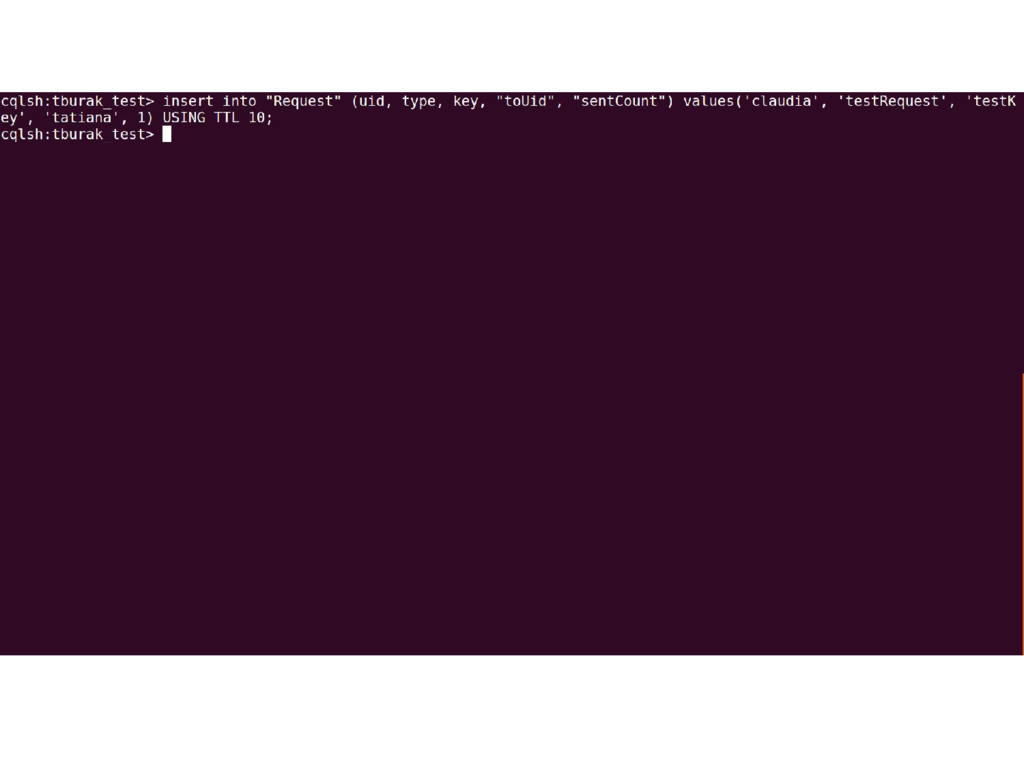
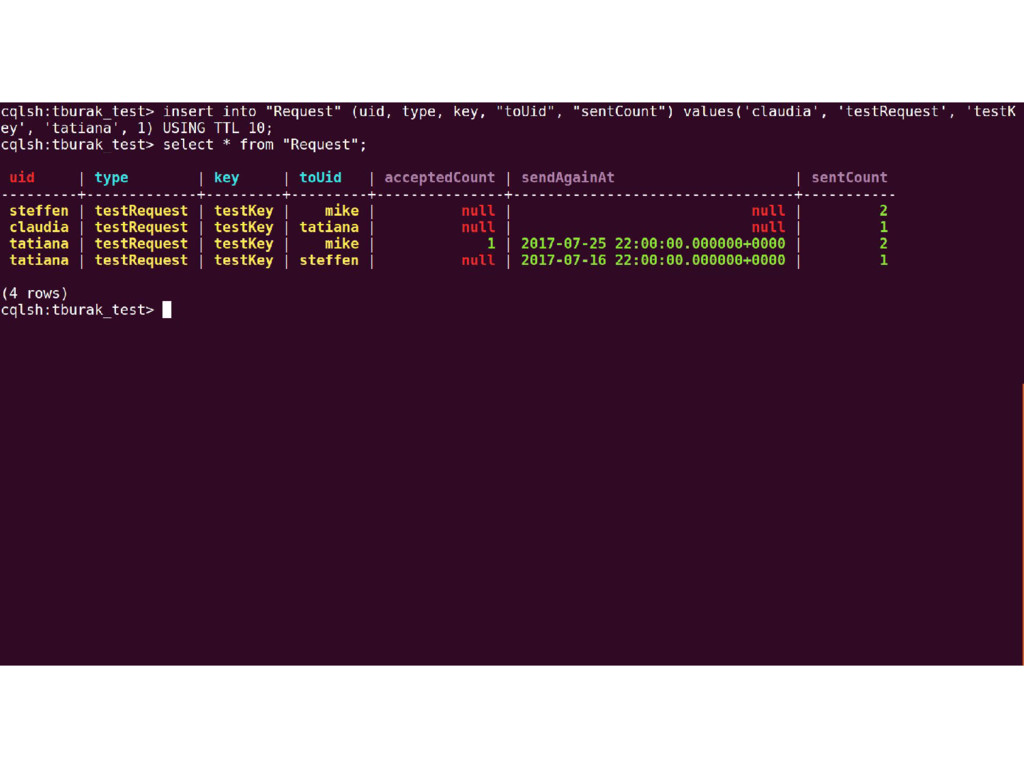
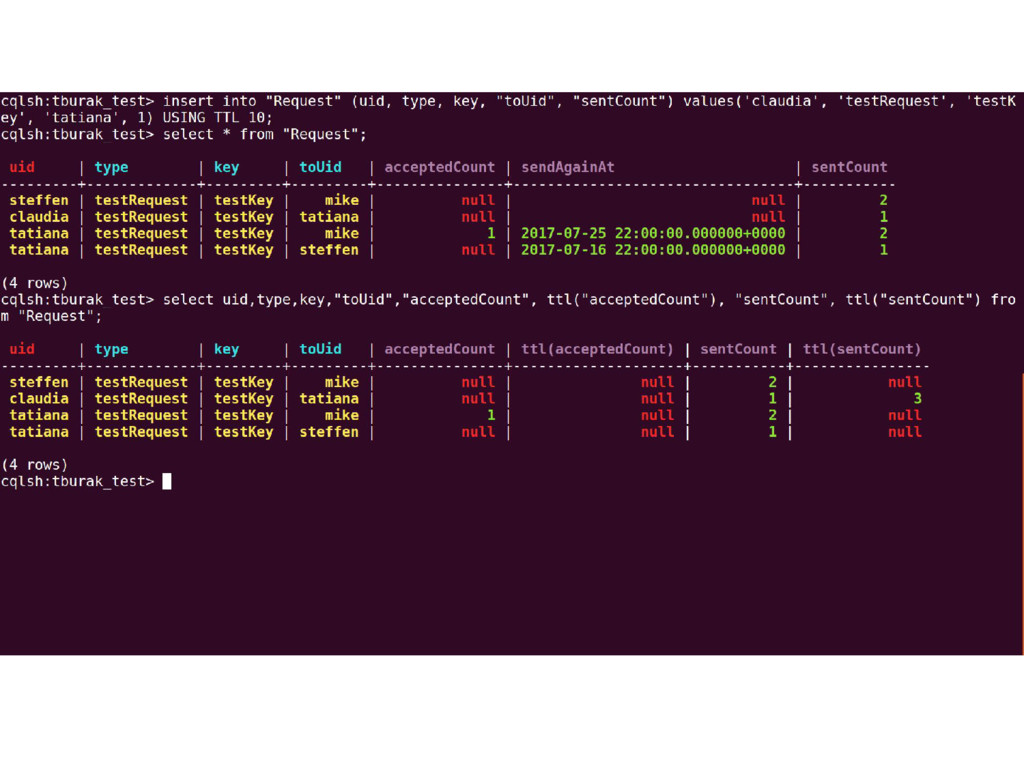
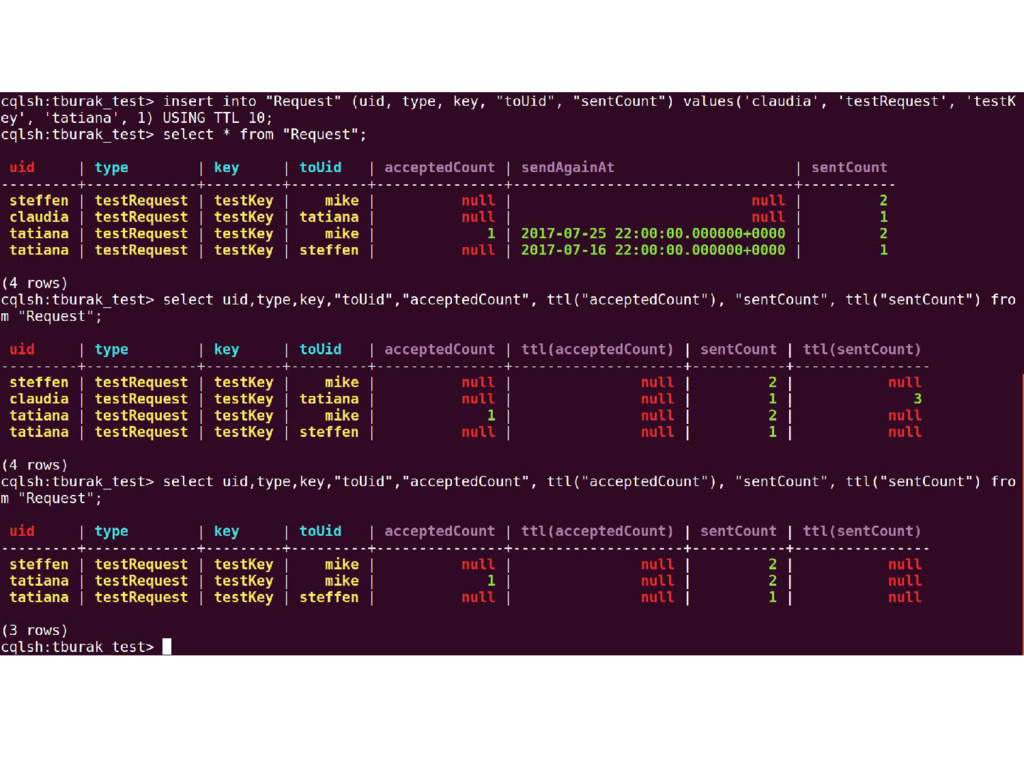
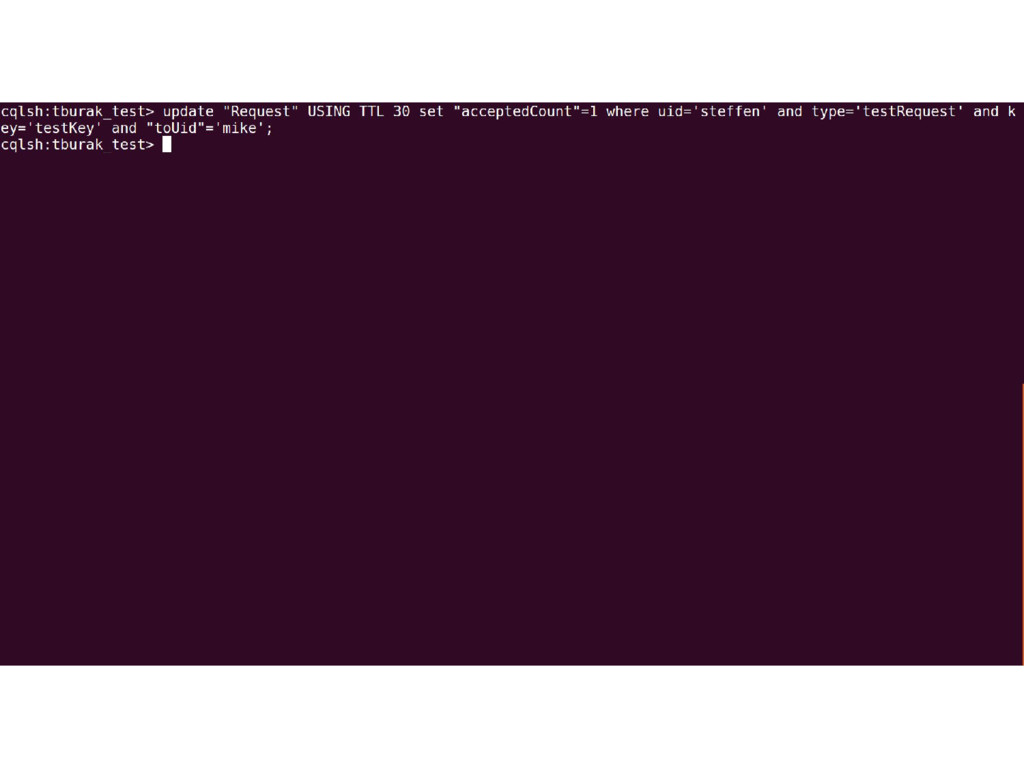
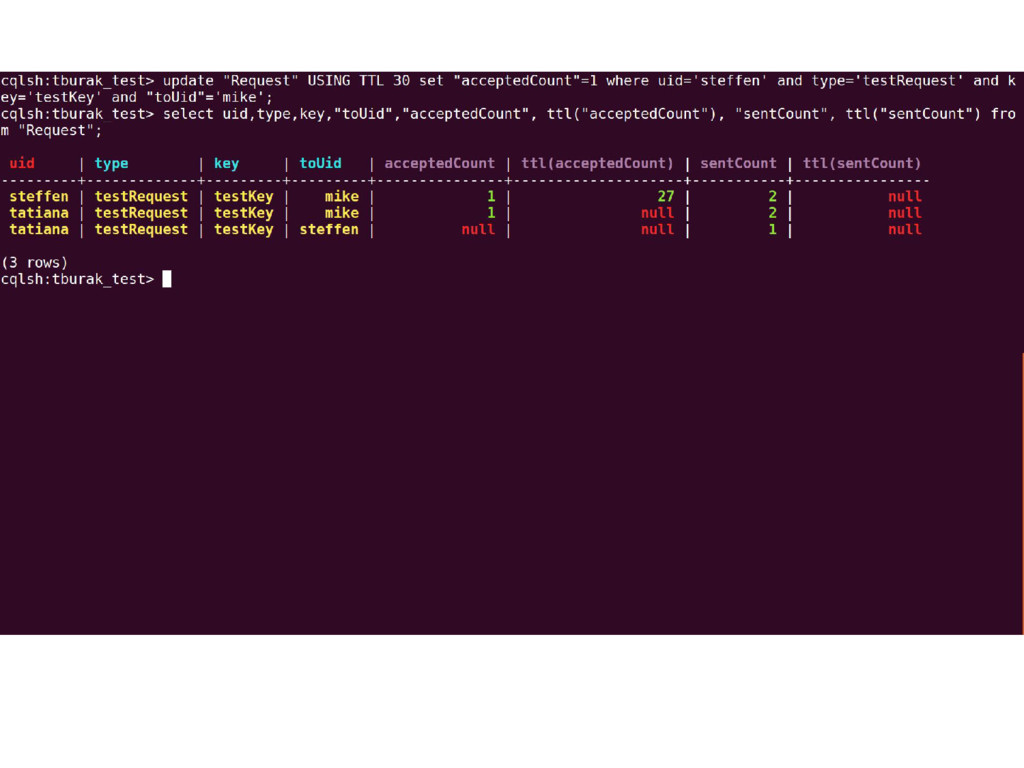
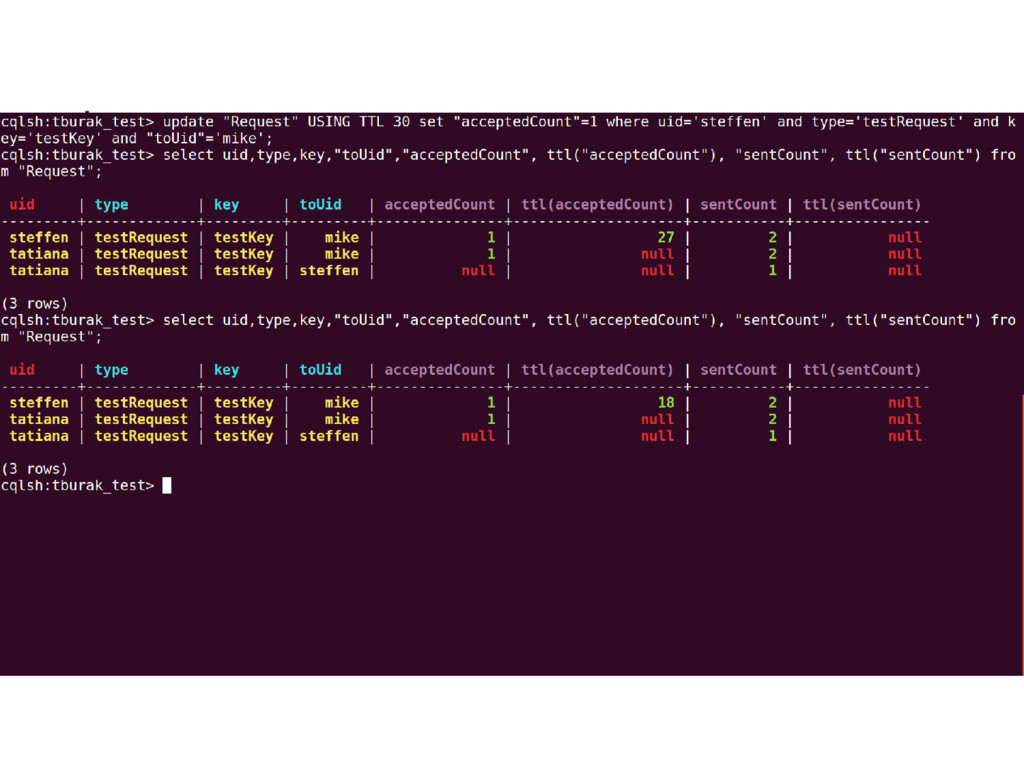
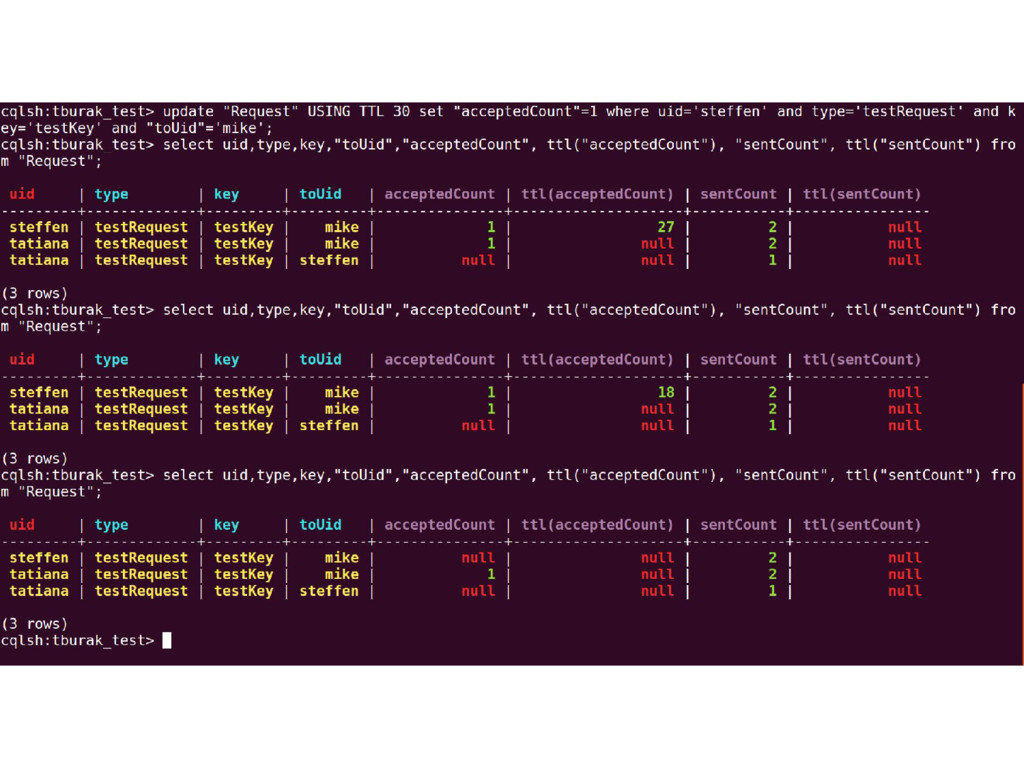
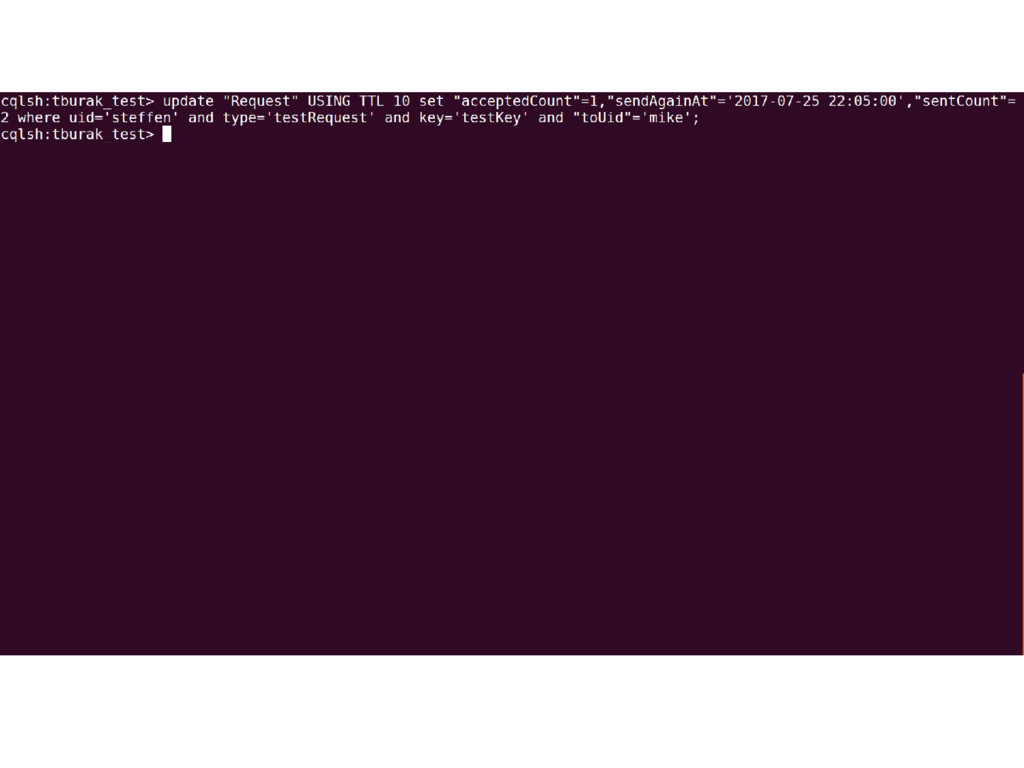
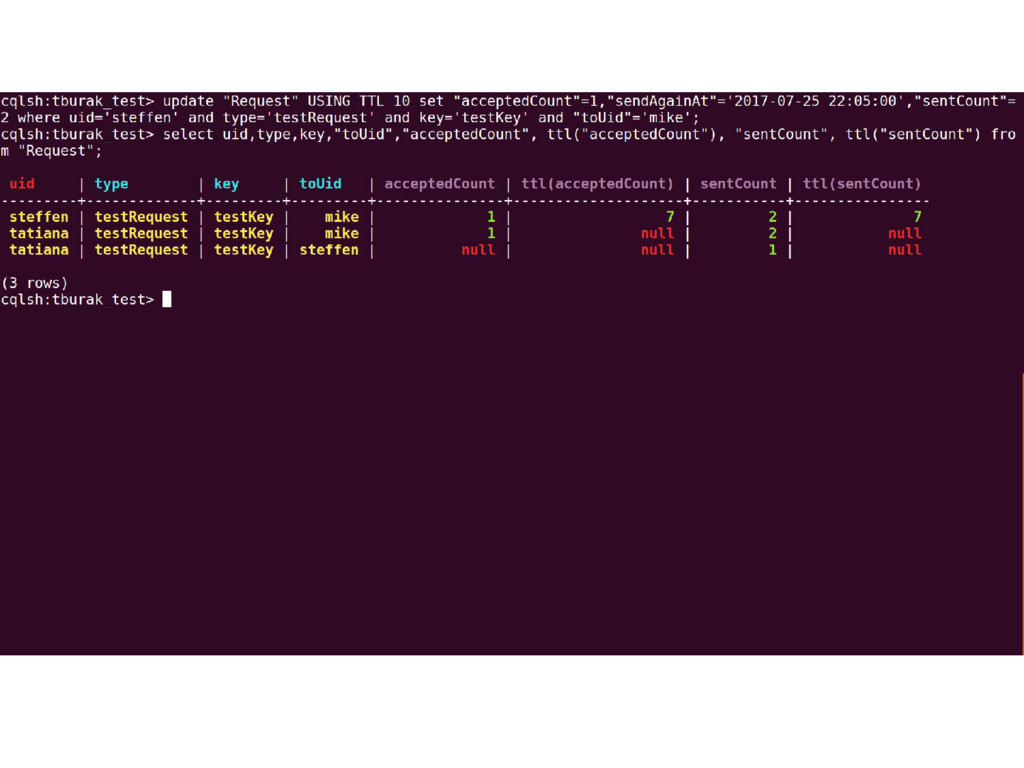
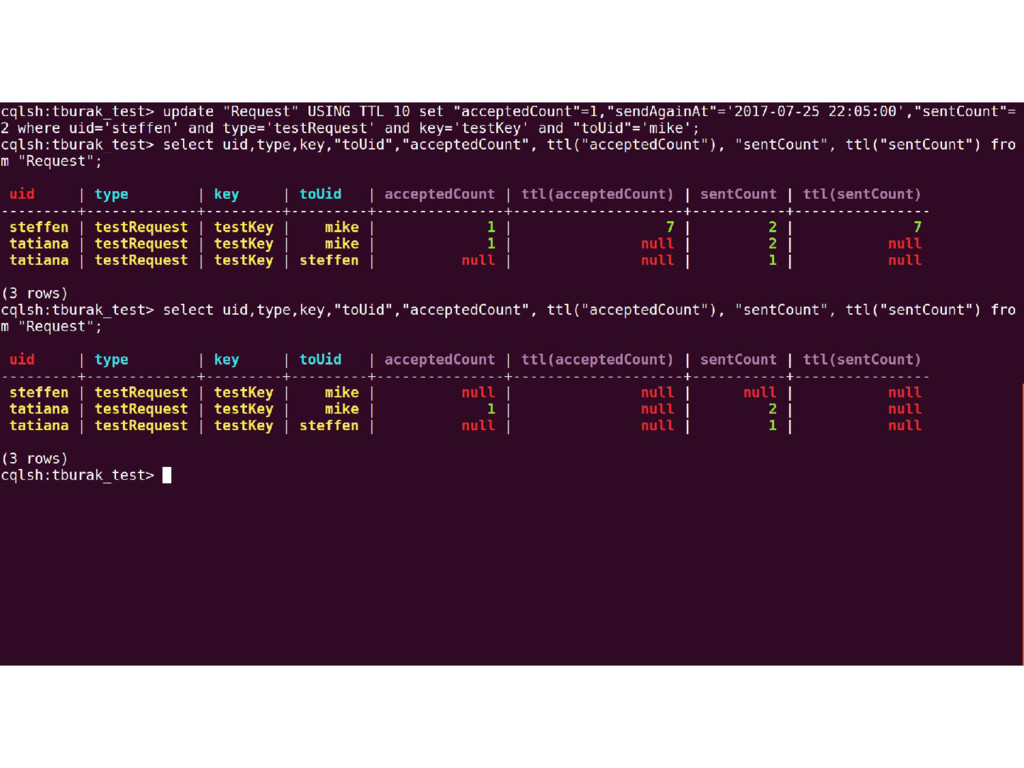
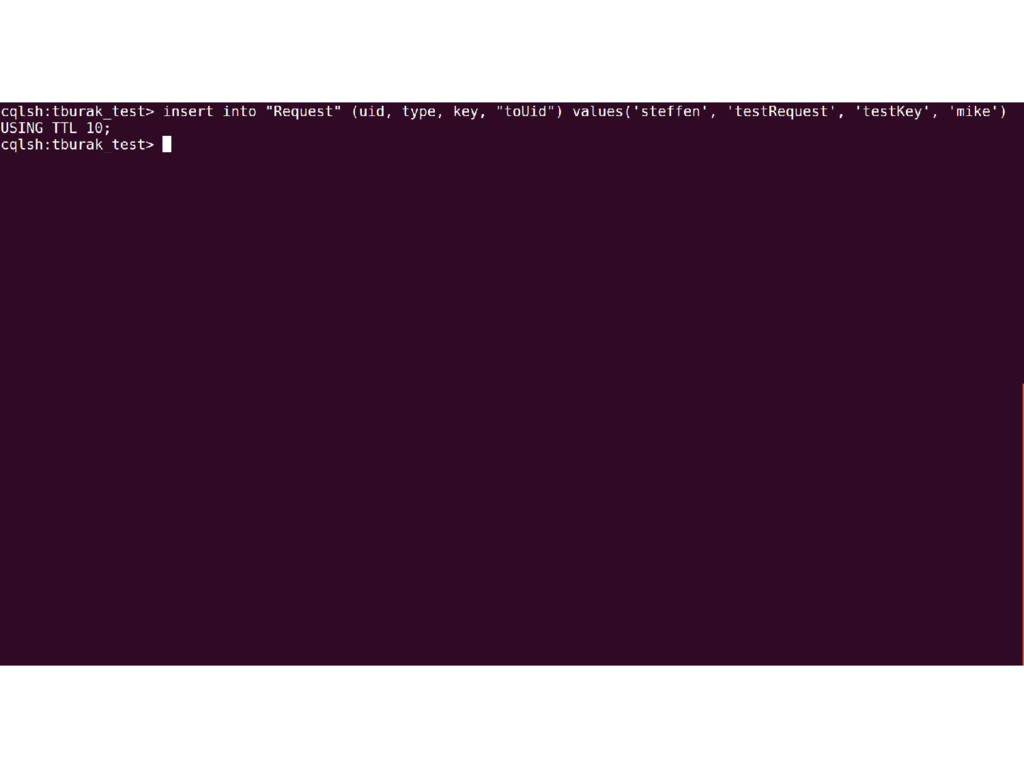
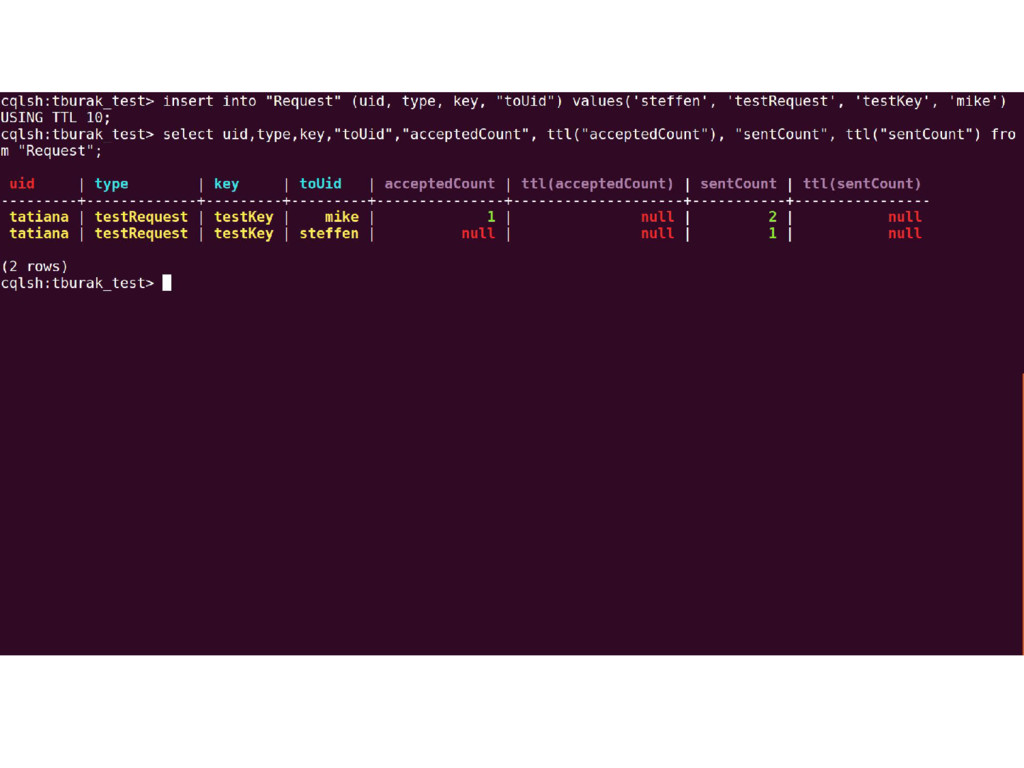
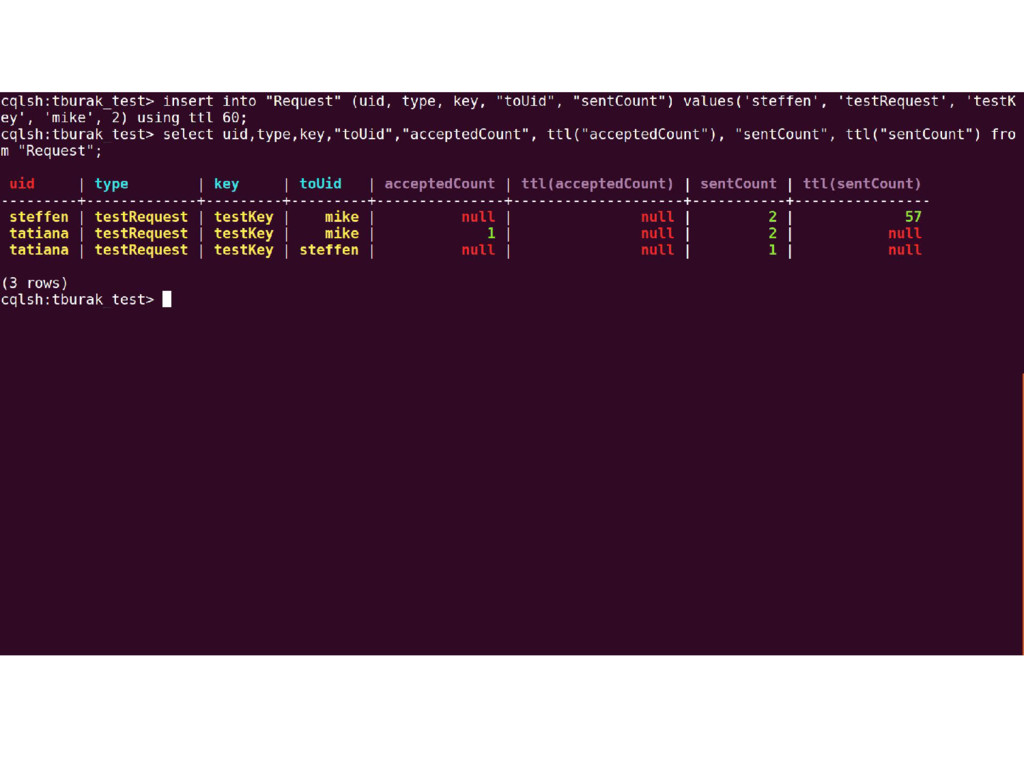
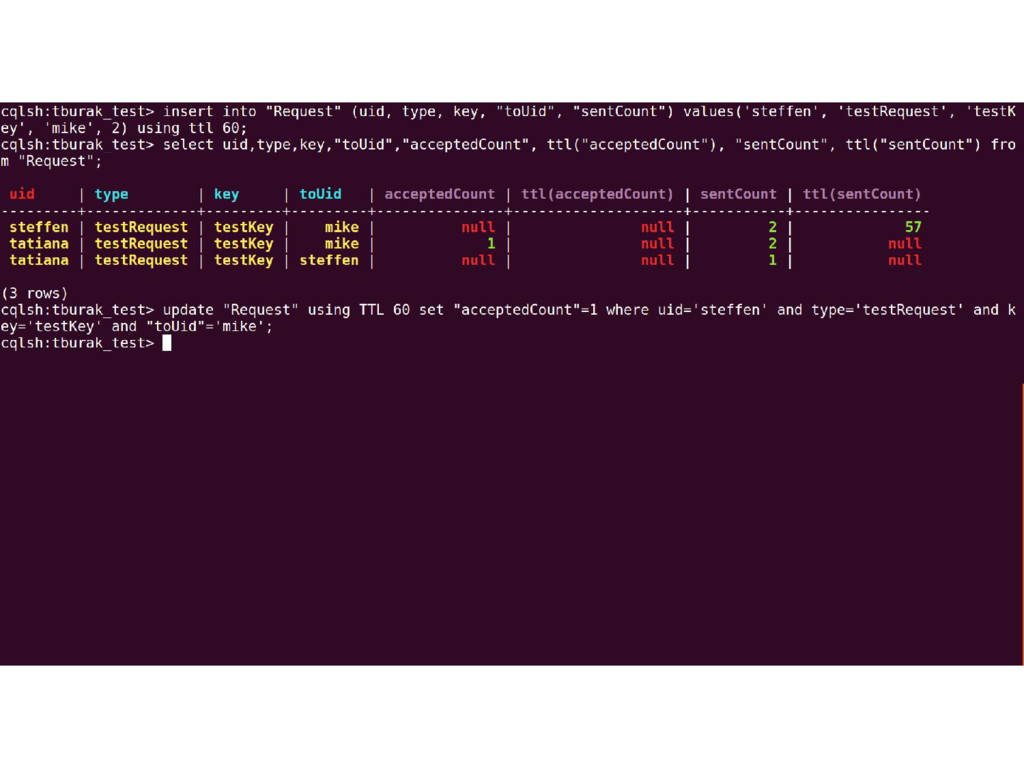
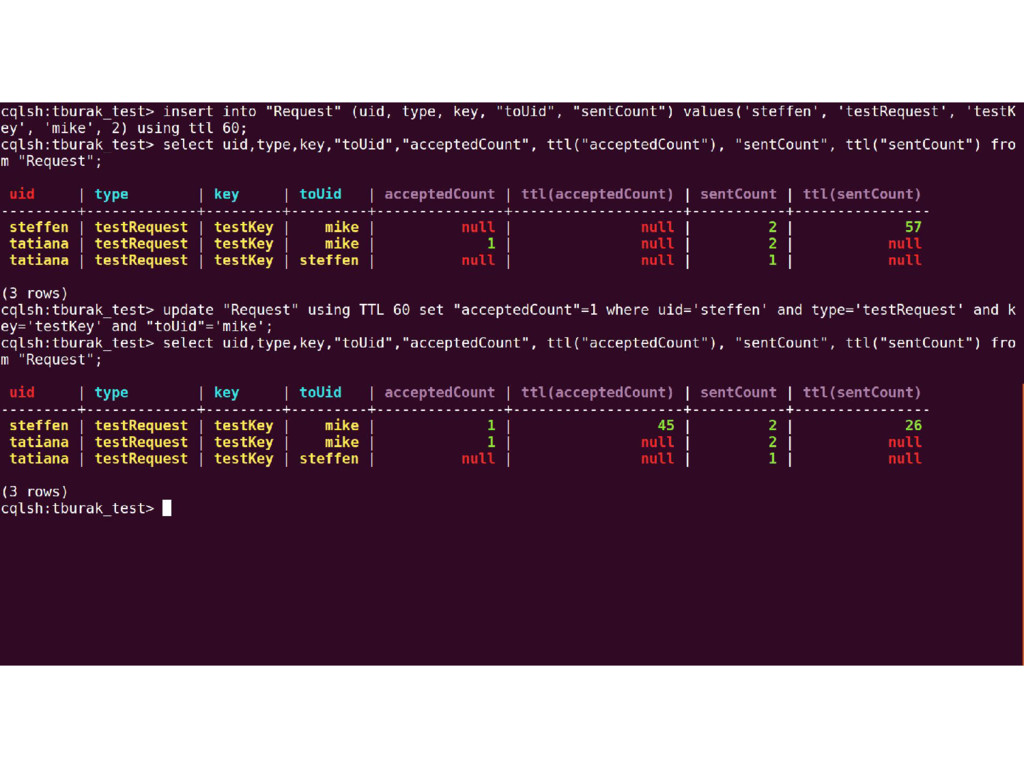
  7. TTL (Time-to-live) ▪ Supported on the column and table level

    ▪ TTL value is defined in seconds ▪ Data expires once it exceeds the TTL period ▪ Expiring data uses additional 8 bytes of memory and disk space to record the TTL and grace period
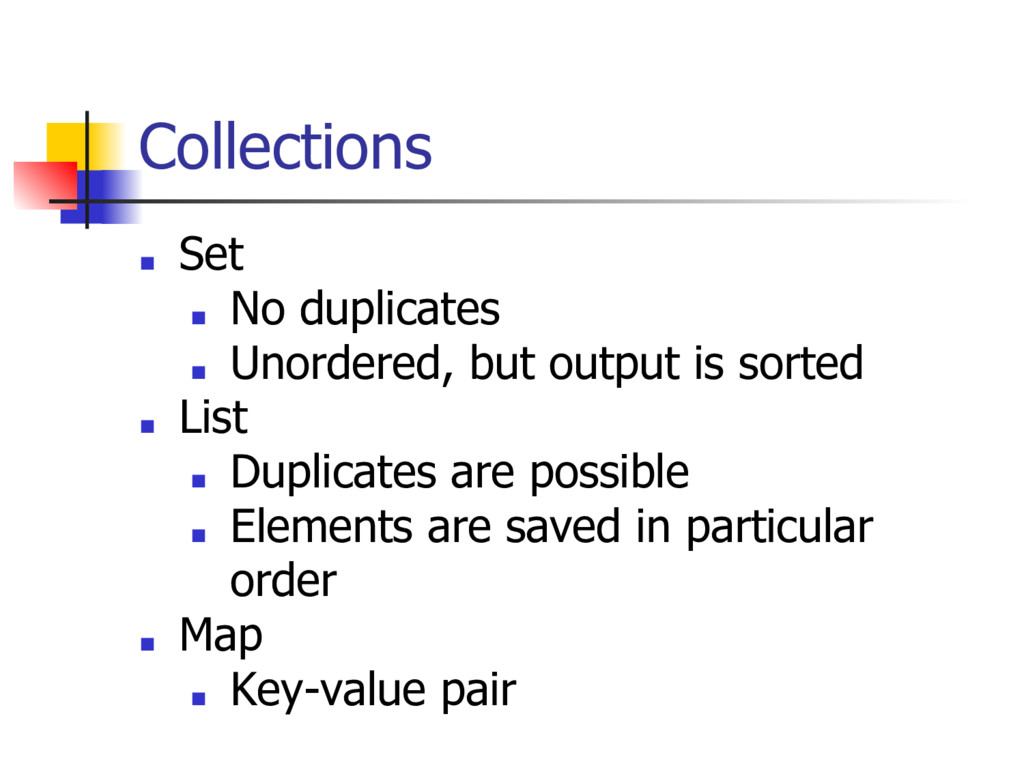
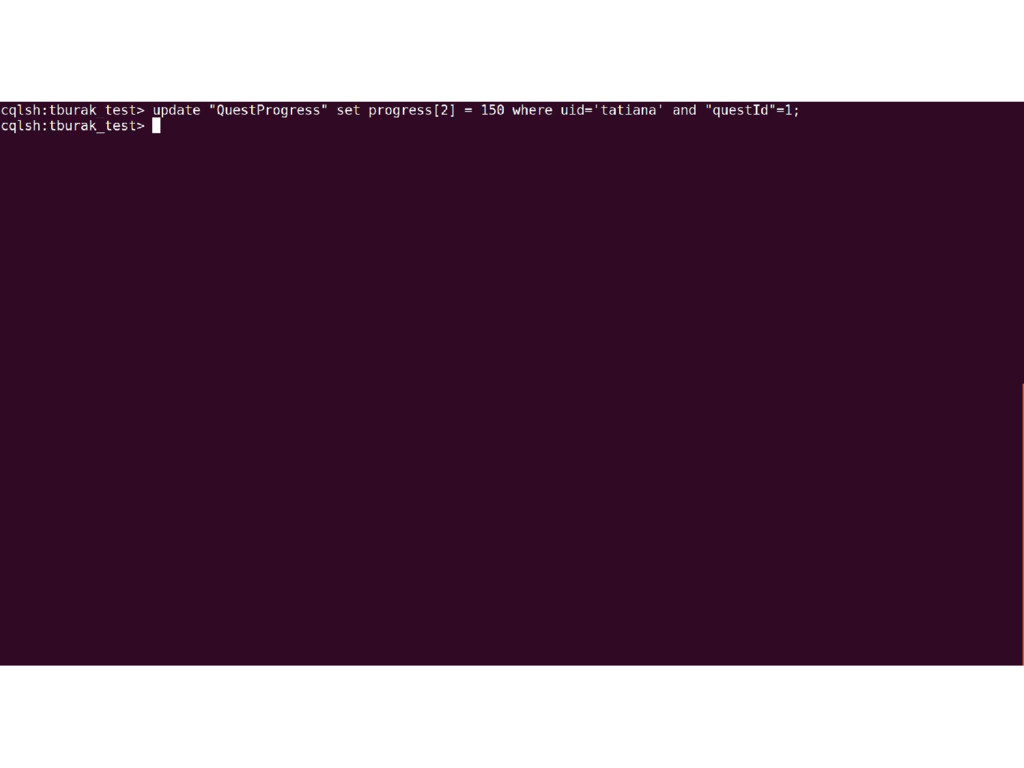
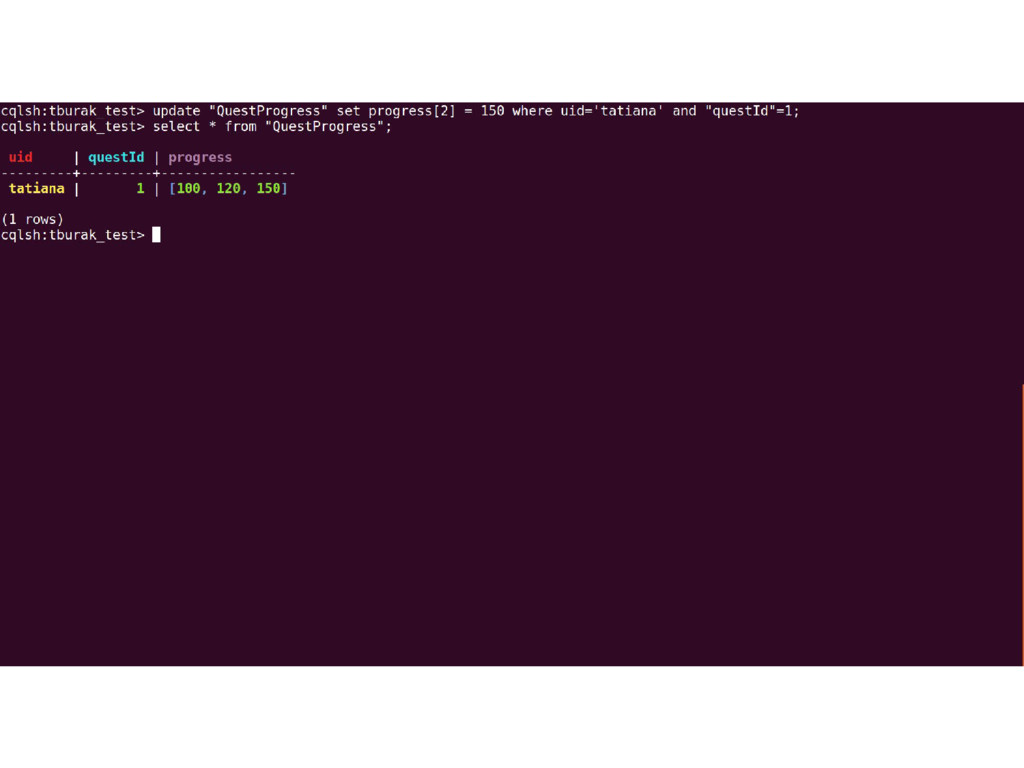
  8. Collections ▪ Set ▪ No duplicates ▪ Unordered, but output

    is sorted ▪ List ▪ Duplicates are possible ▪ Elements are saved in particular order ▪ Map ▪ Key-value pair
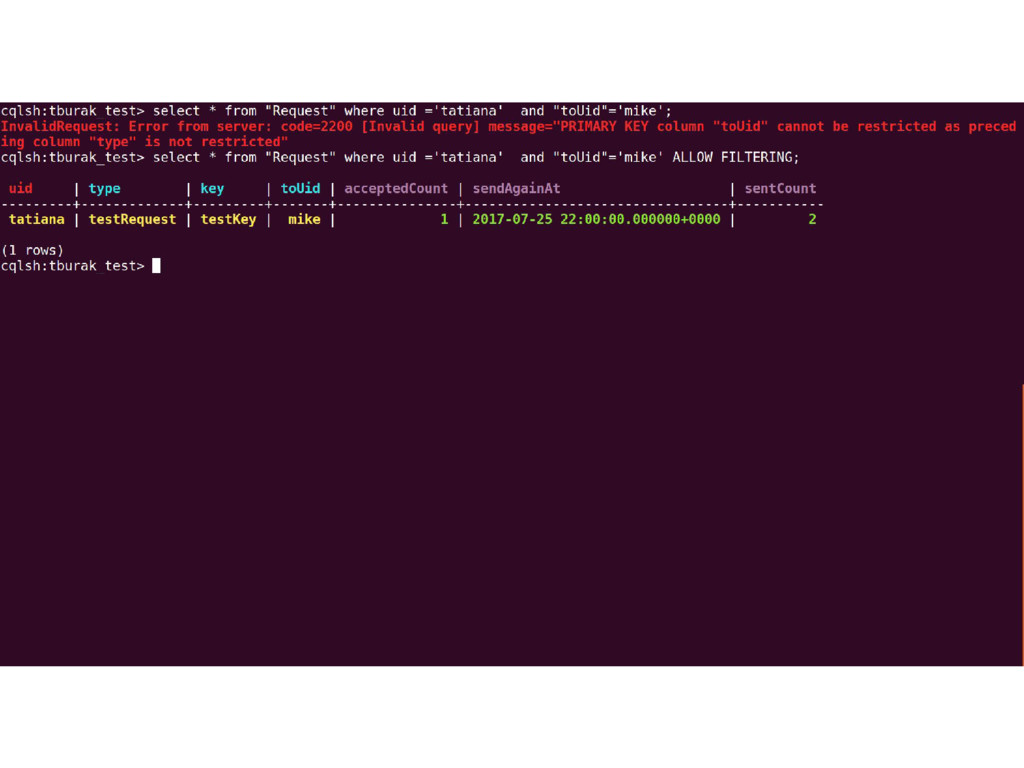
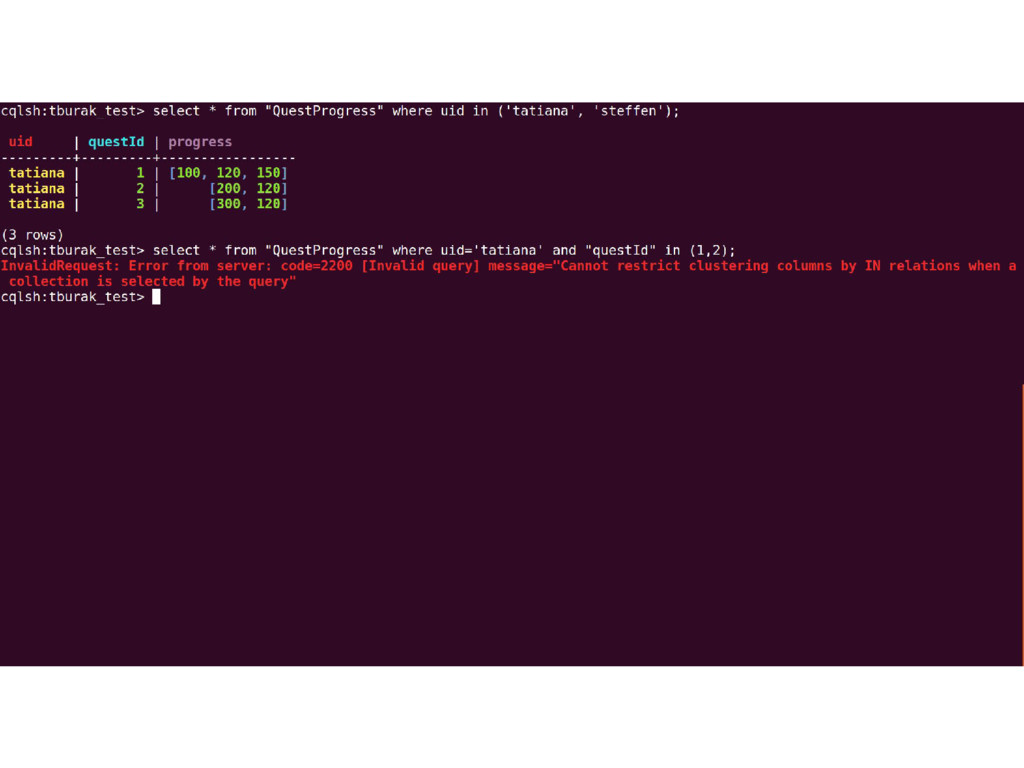
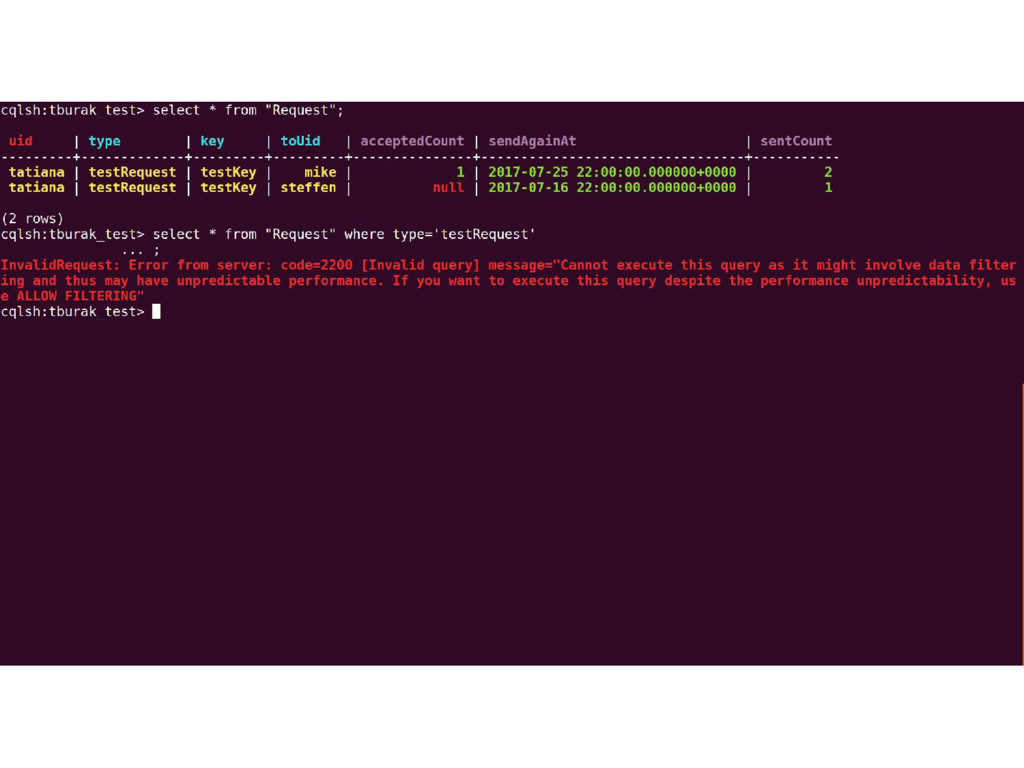
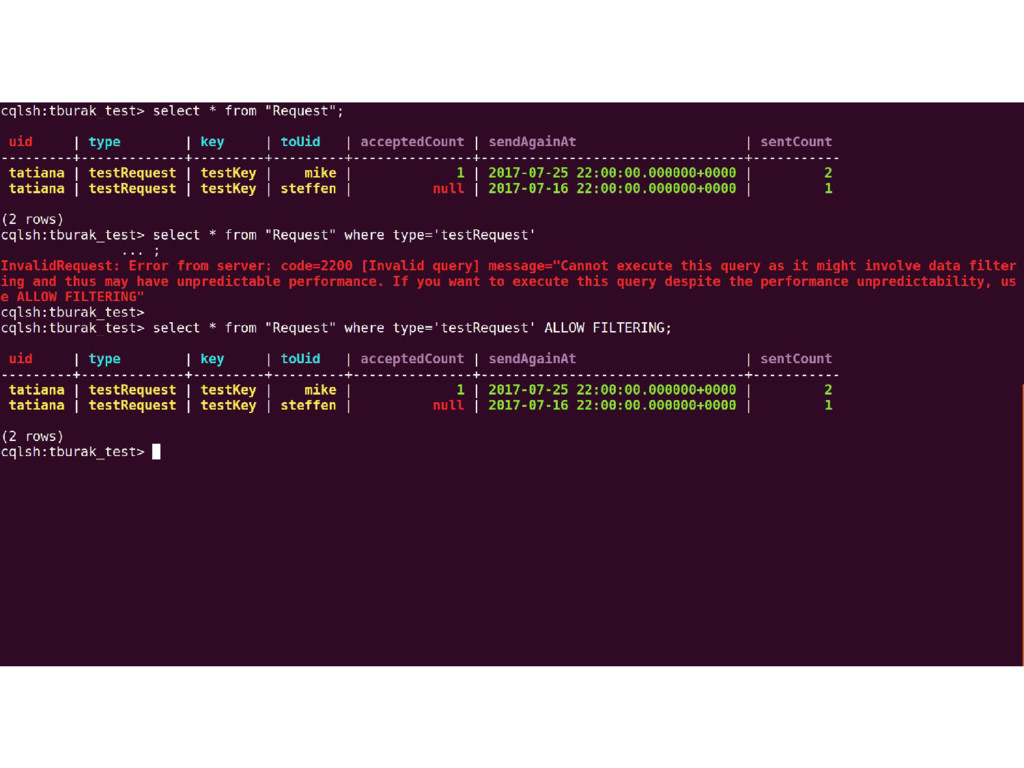
  9. Querying data ▪ Supported operators in WHERE clause: ▪ =,

    IN, >, >=, <, <= ▪ Data should be requested “from left to right”
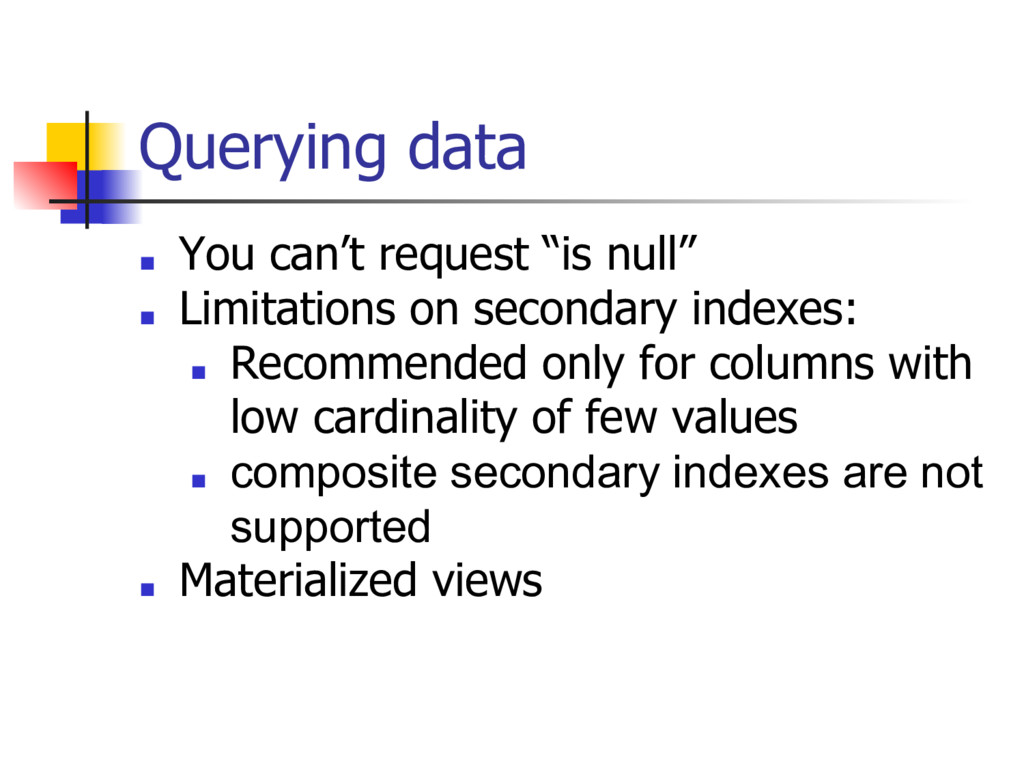
  10. Querying data ▪ You can’t request “is null” ▪ Limitations

    on secondary indexes: ▪ Recommended only for columns with low cardinality of few values ▪ composite secondary indexes are not supported ▪ Materialized views