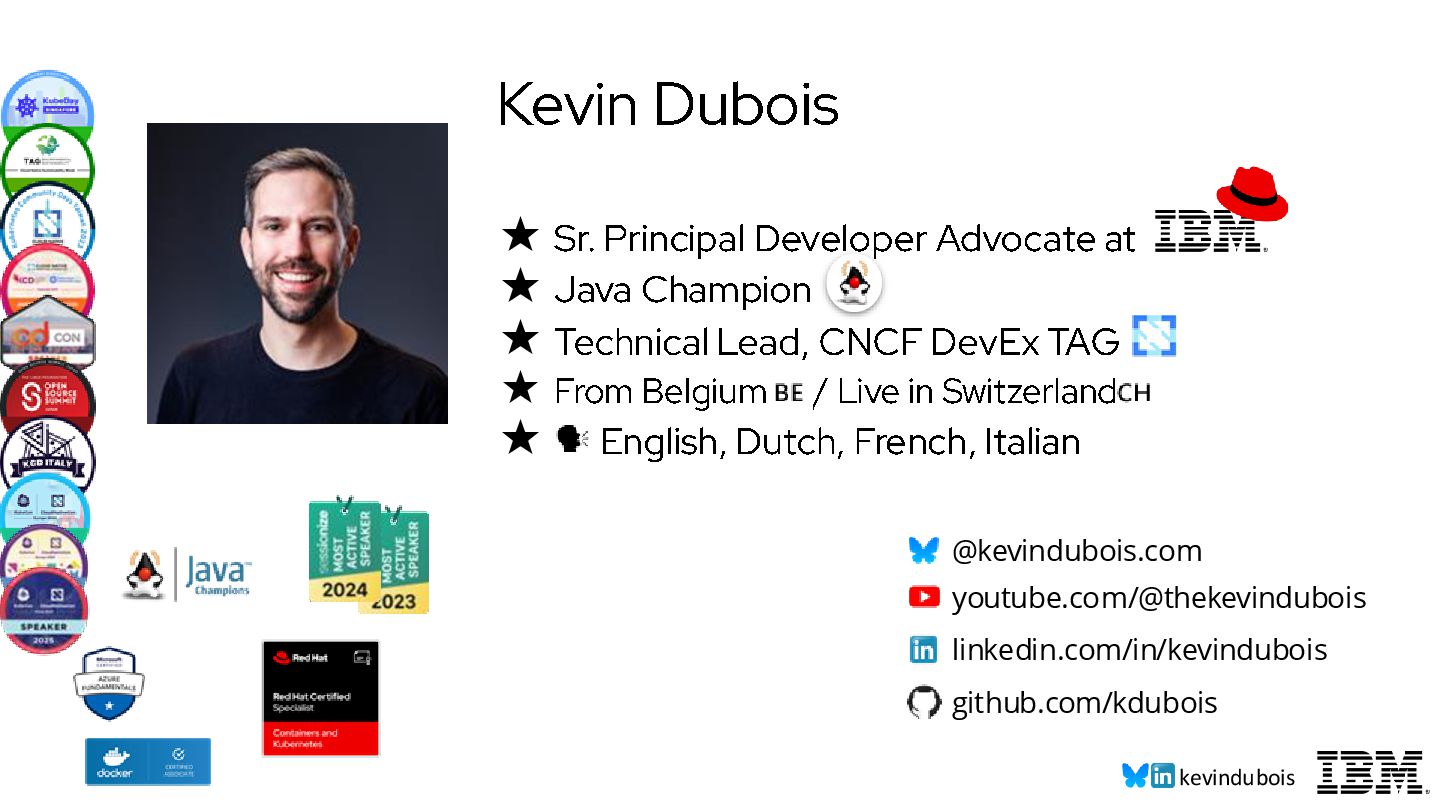
Java Champion ★ Technical Lead, CNCF DevEx TAG ★ From Belgium / Live in Switzerland ★ English, Dutch, French, Italian youtube.com/@thekevindubois linkedin.com/in/kevindubois github.com/kdubois @kevindubois.com
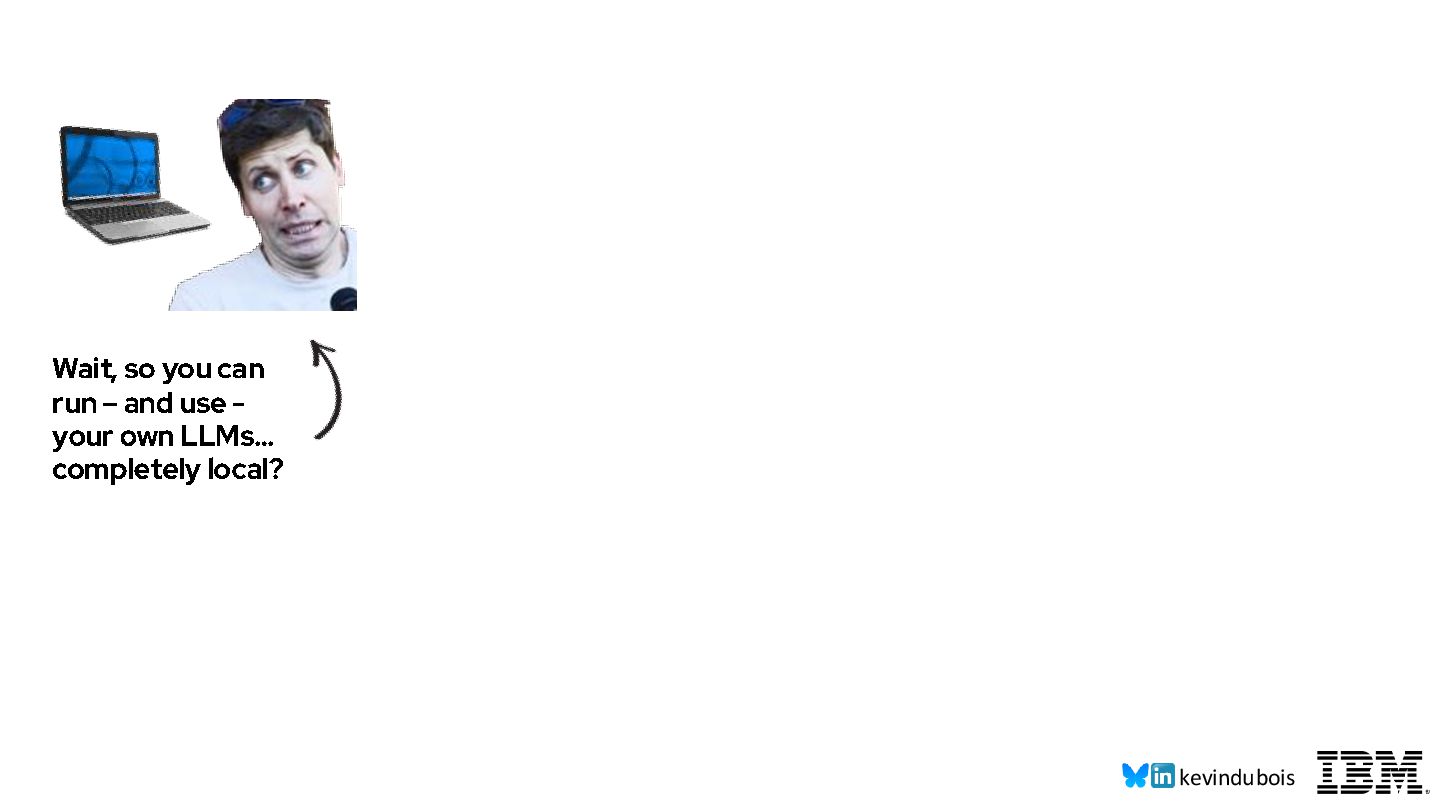
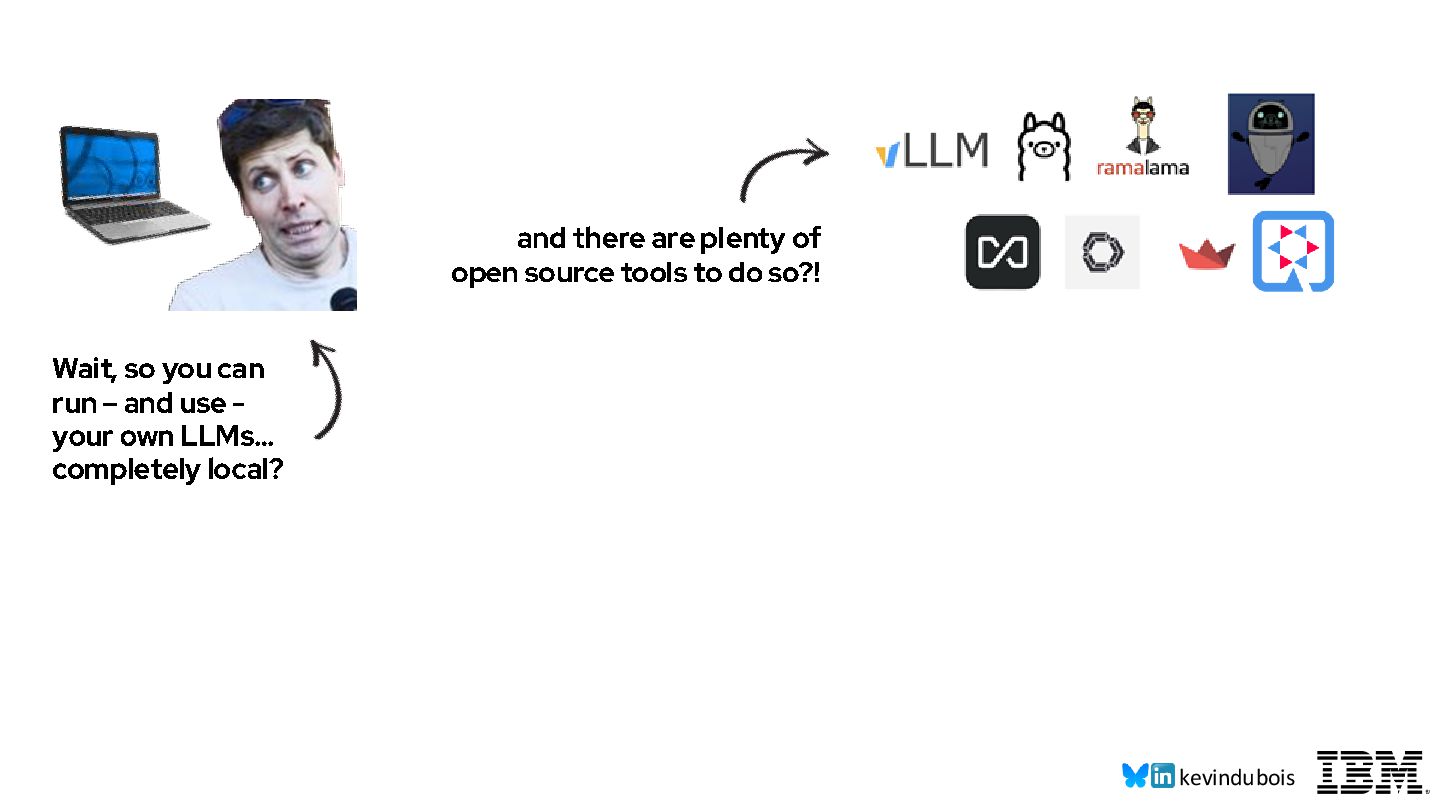
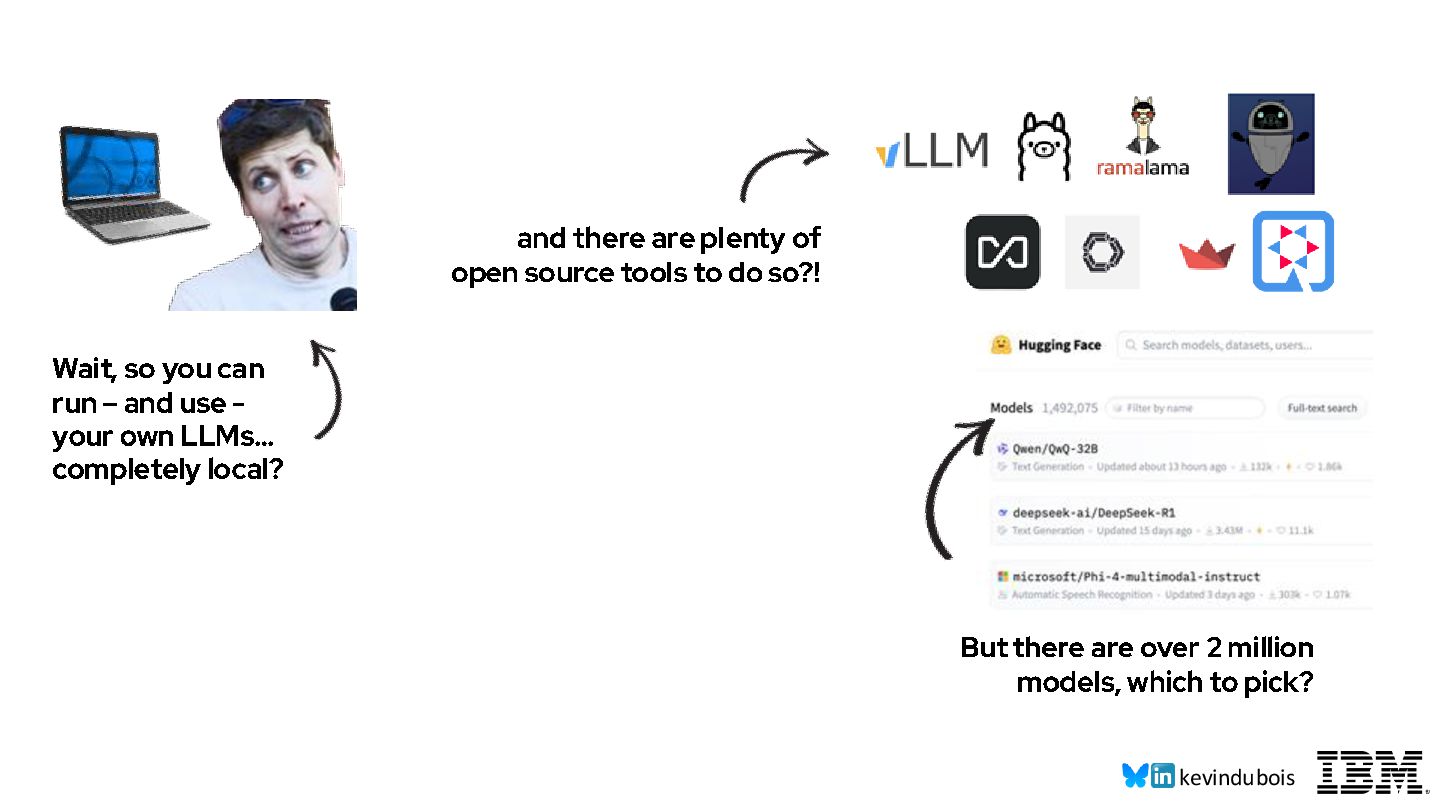
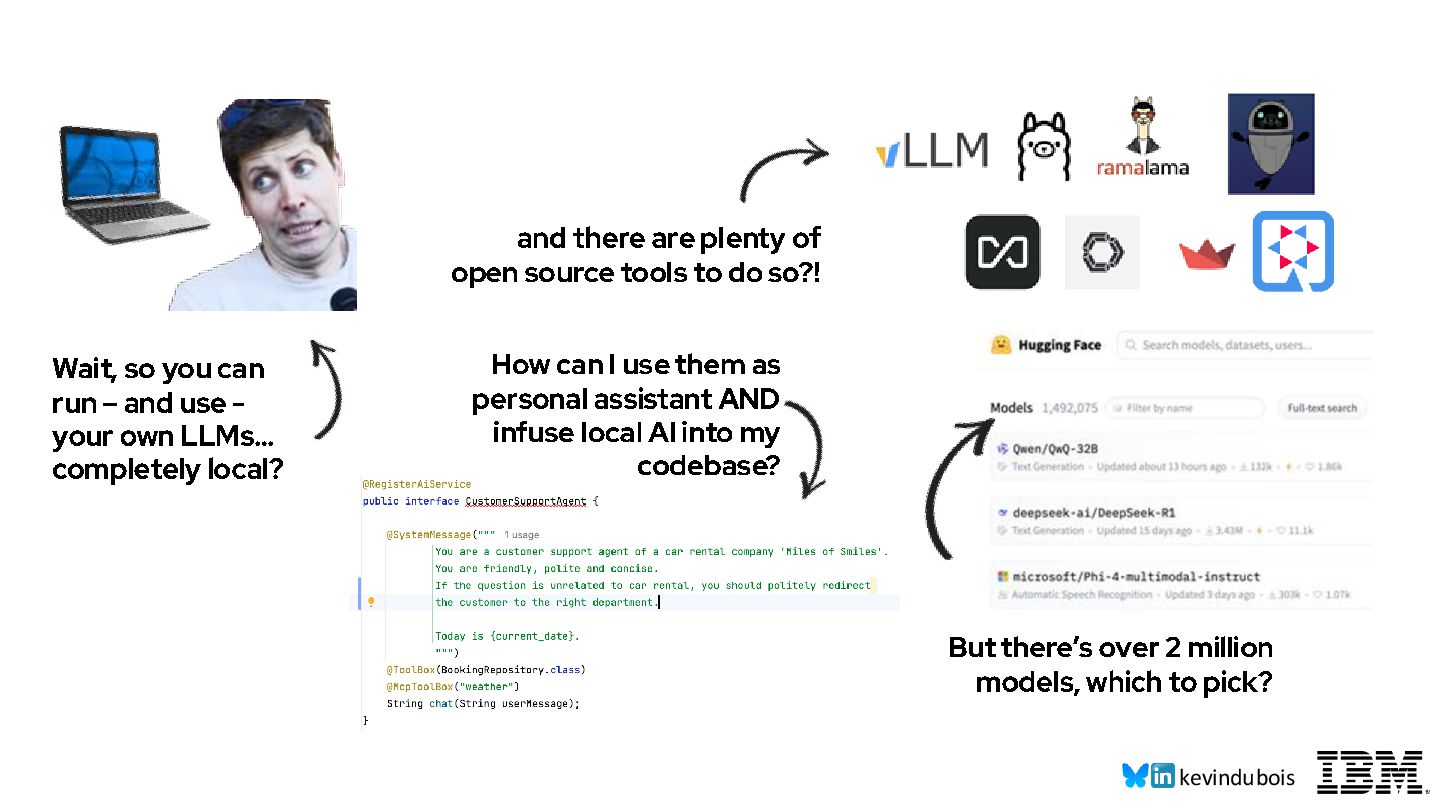
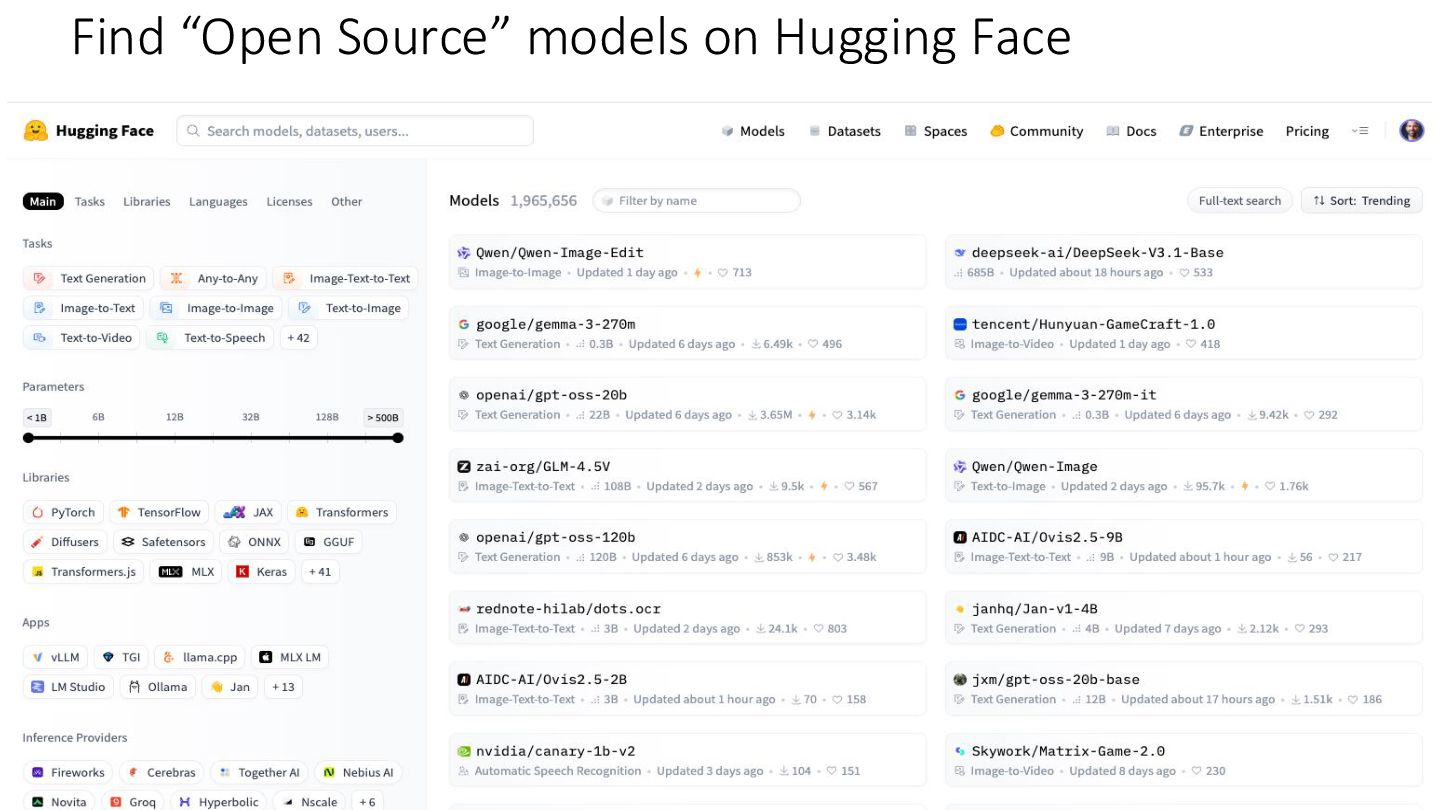
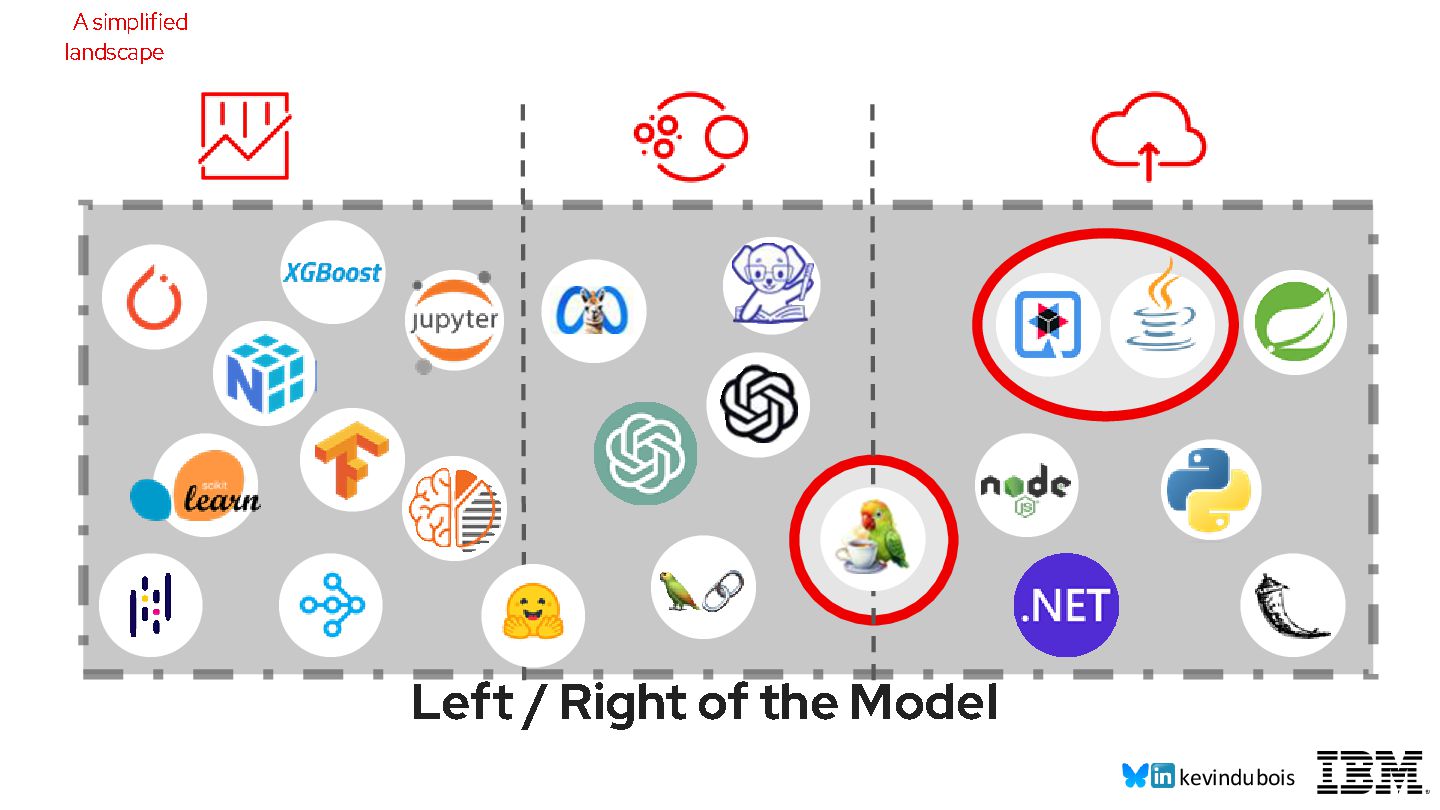
do so?! But there’s over 2 million models, which to pick? How can I use them as personal assistant AND infuse local AI into my codebase? Wait, so you can run – and use - your own LLMs… completely local?
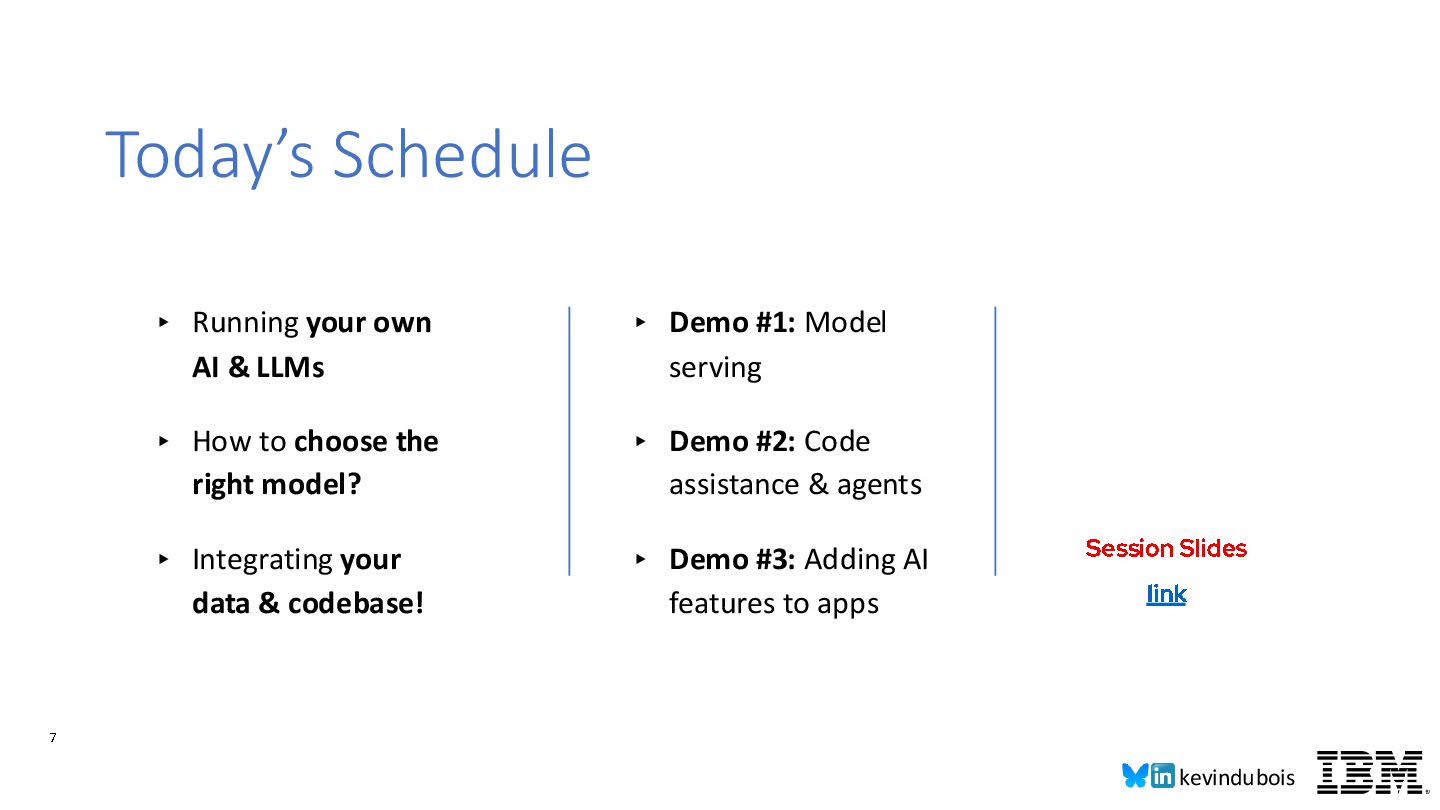
Code assistance & agents ▸ Demo #3: Adding AI features to apps ▸ Running your own AI & LLMs ▸ How to choose the right model? ▸ Integrating your data & codebase! Today’s Schedule Session Slides link
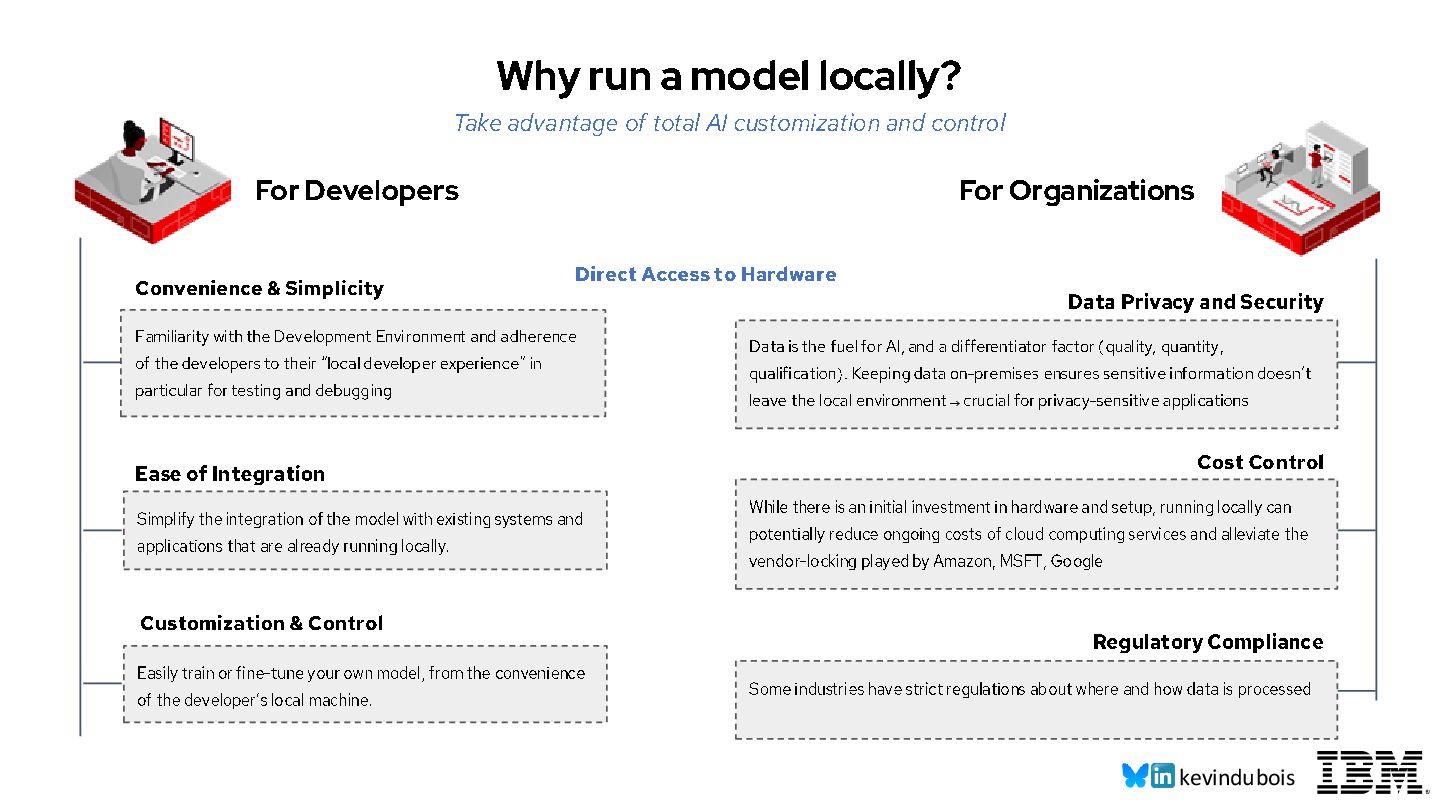
the Development Environment and adherence of the developers to their “local developer experience” in particular for testing and debugging Convenience & Simplicity Direct Access to Hardware Ease of Integration Simplify the integration of the model with existing systems and applications that are already running locally. For Organizations Data Privacy and Security Data is the fuel for AI, and a differentiator factor (quality, quantity, qualification). Keeping data on -premises ensures sensitive information doesn’t leave the local environment → crucial for privacy -sensitive applications Cost Control While there is an initial investment in hardware and setup, running locally can potentially reduce ongoing costs of cloud computing services and alleviate the vendor-locking played by Amazon, MSFT, Google Regulatory Compliance Some industries have strict regulations about where and how data is processed Take advantage of total AI customization and control Customization & Control Easily train or fine -tune your own model, from the convenience of the developer’s local machine.
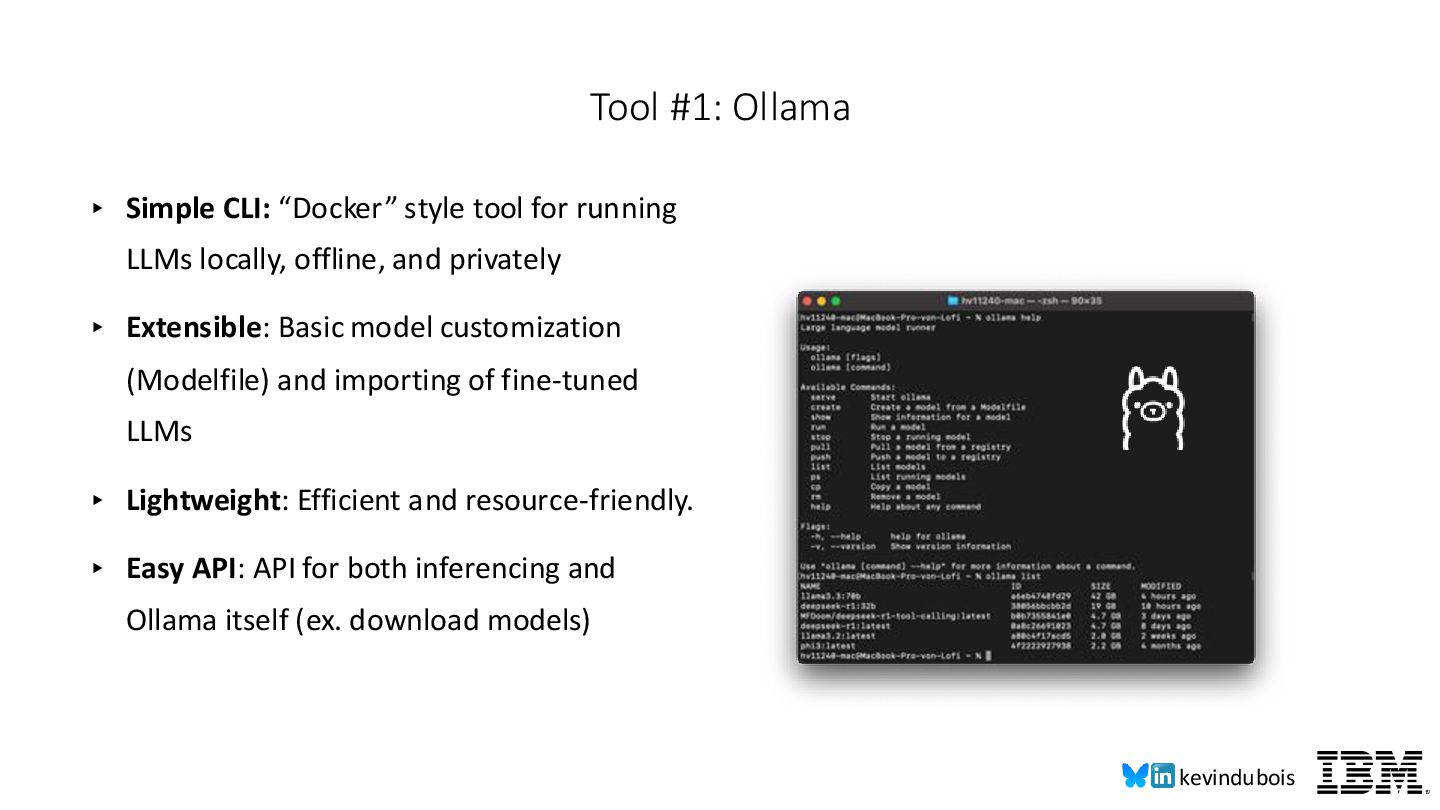
locally, offline, and privately ▸ Extensible: Basic model customization (Modelfile) and importing of fine-tuned LLMs ▸ Lightweight: Efficient and resource-friendly. ▸ Easy API: API for both inferencing and Ollama itself (ex. download models) Tool #1: Ollama
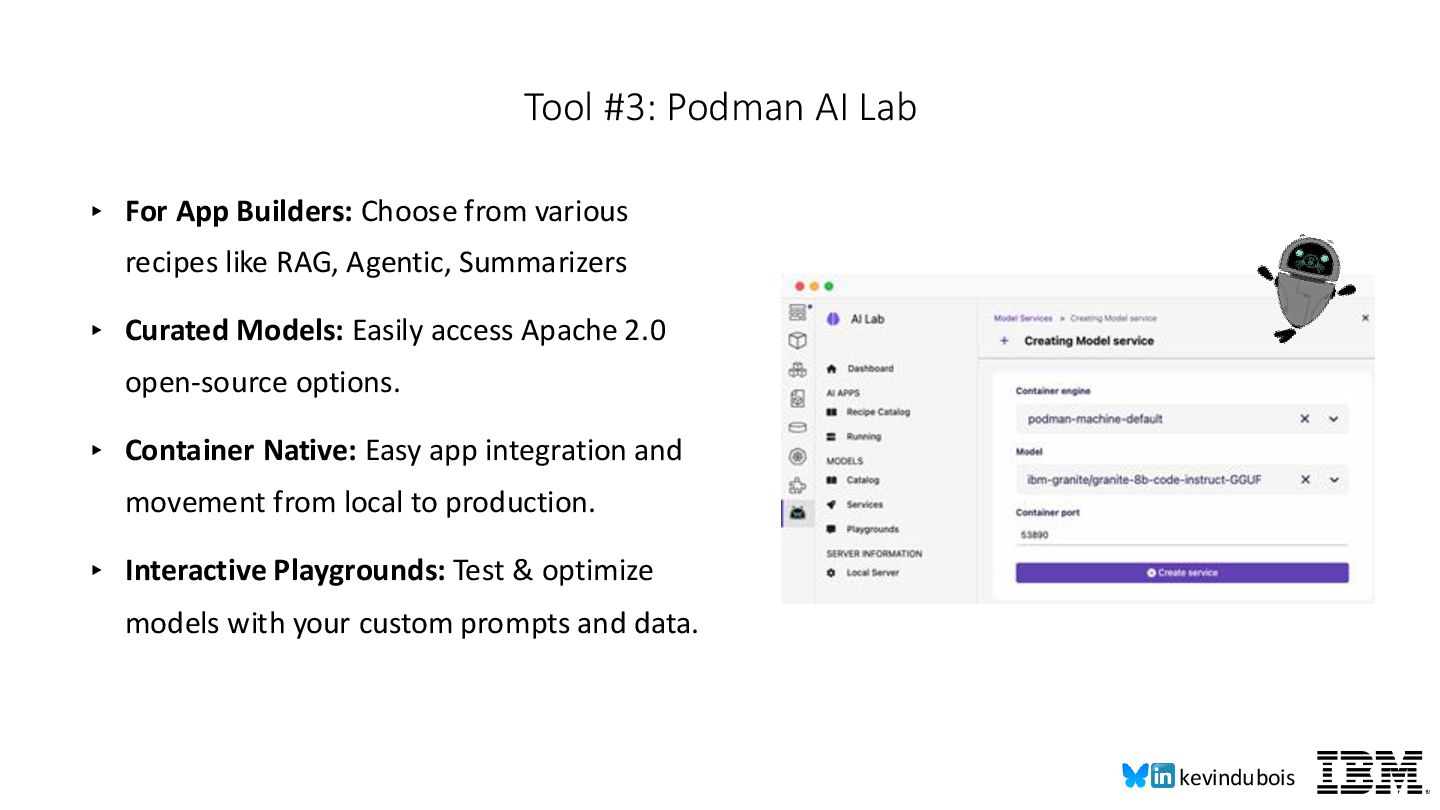
RAG, Agentic, Summarizers ▸ Curated Models: Easily access Apache 2.0 open-source options. ▸ Container Native: Easy app integration and movement from local to production. ▸ Interactive Playgrounds: Test & optimize models with your custom prompts and data. Tool #3: Podman AI Lab
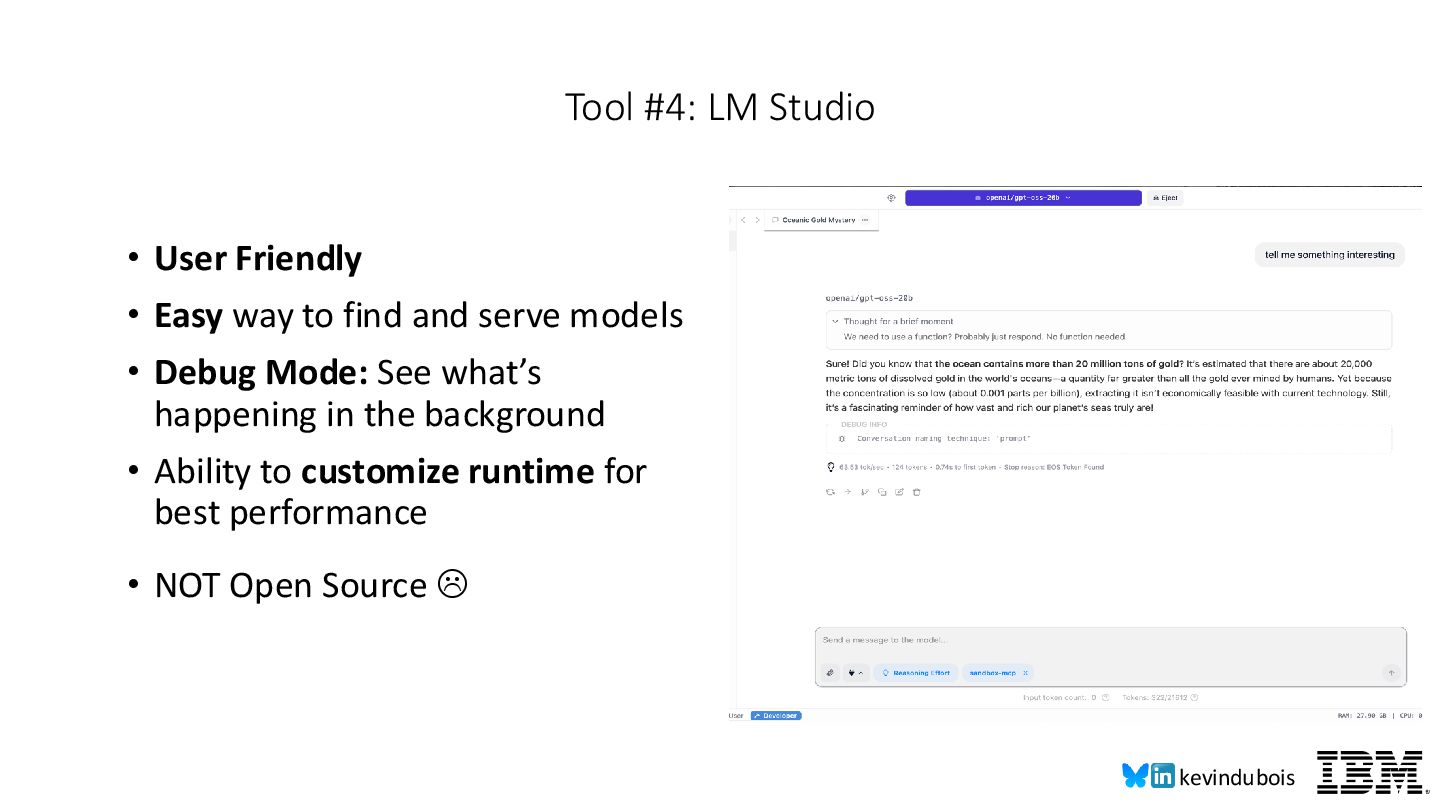
serve models • Debug Mode: See what’s happening in the background • Ability to customize runtime for best performance • NOT Open Source Tool #4: LM Studio
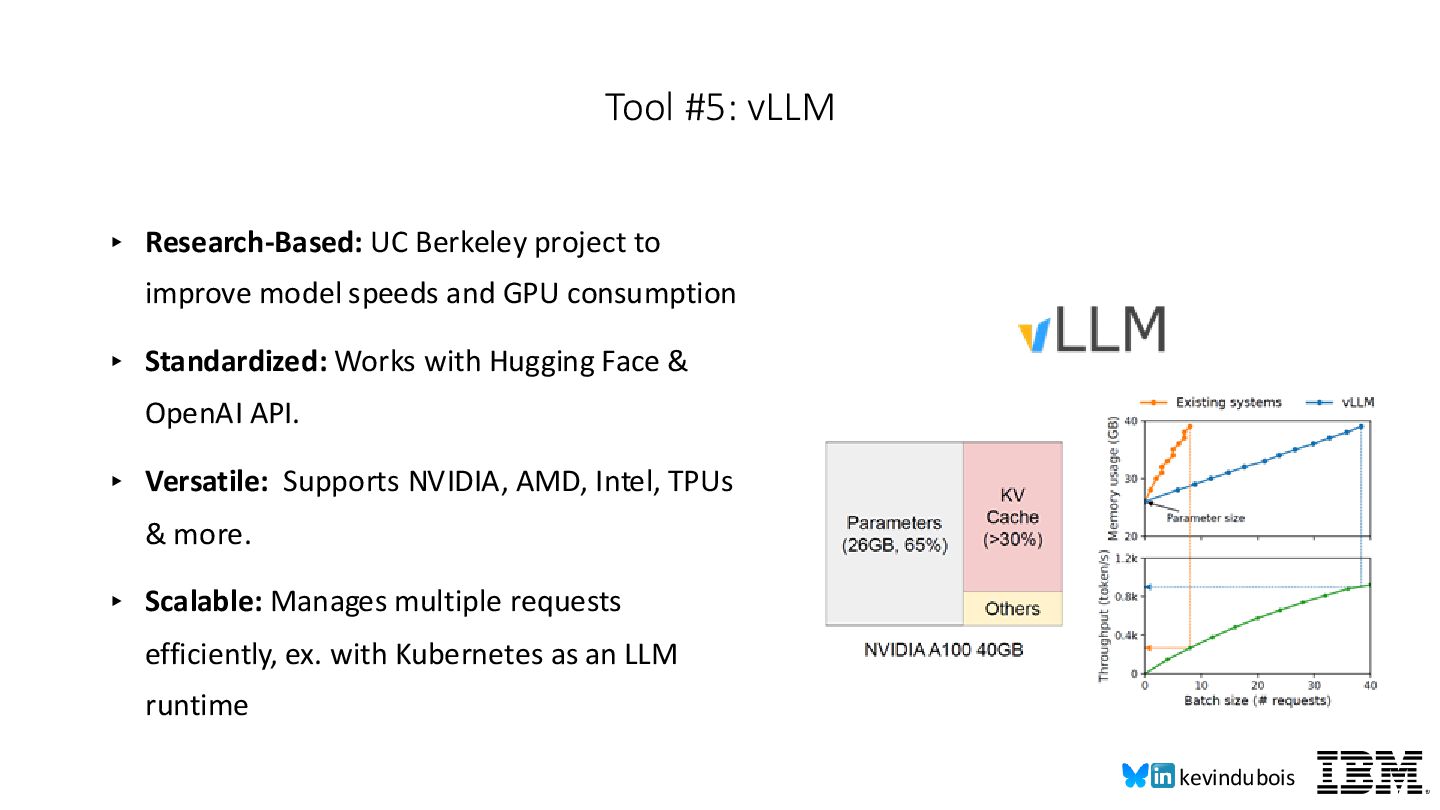
and GPU consumption ▸ Standardized: Works with Hugging Face & OpenAI API. ▸ Versatile: Supports NVIDIA, AMD, Intel, TPUs & more. ▸ Scalable: Manages multiple requests efficiently, ex. with Kubernetes as an LLM runtime Tool #5: vLLM
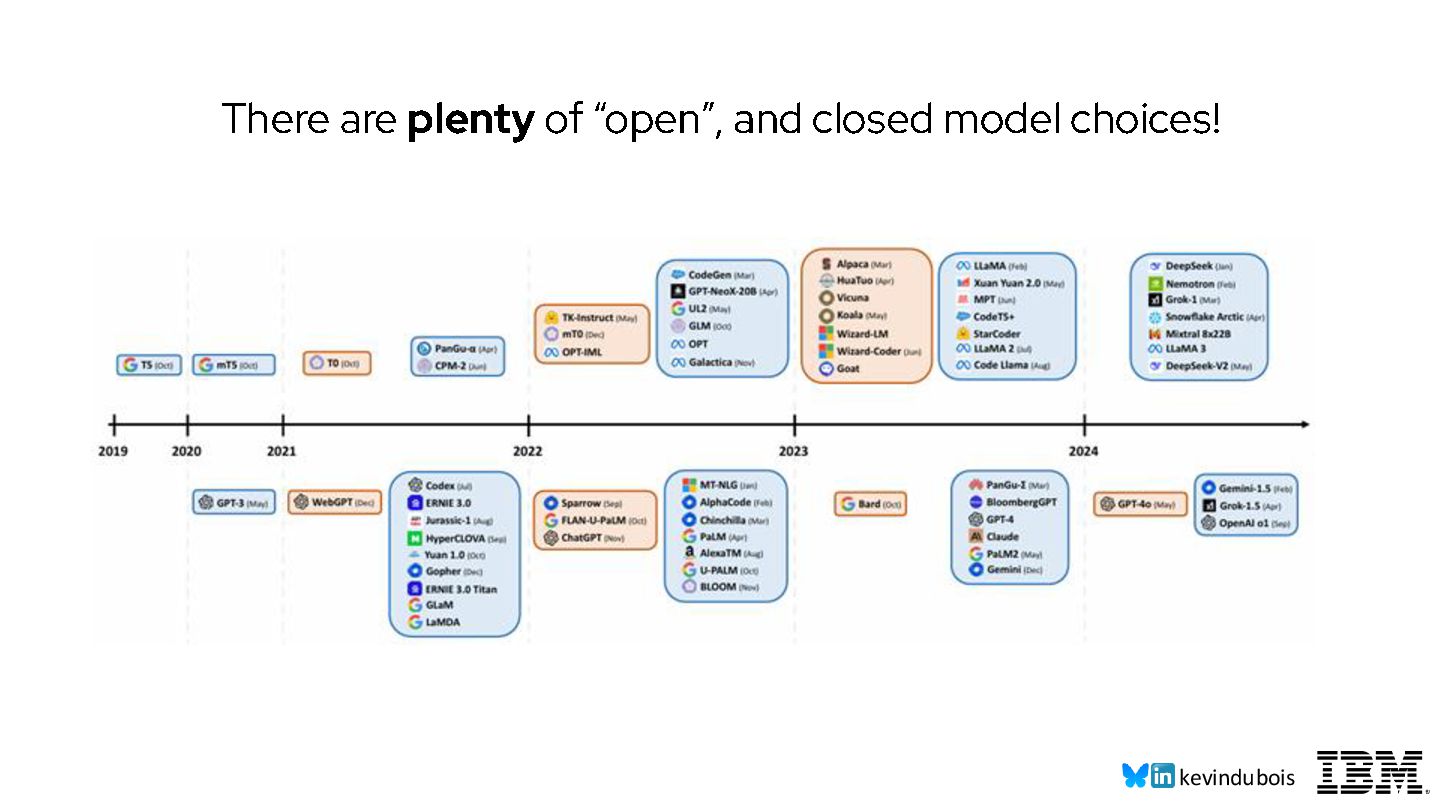
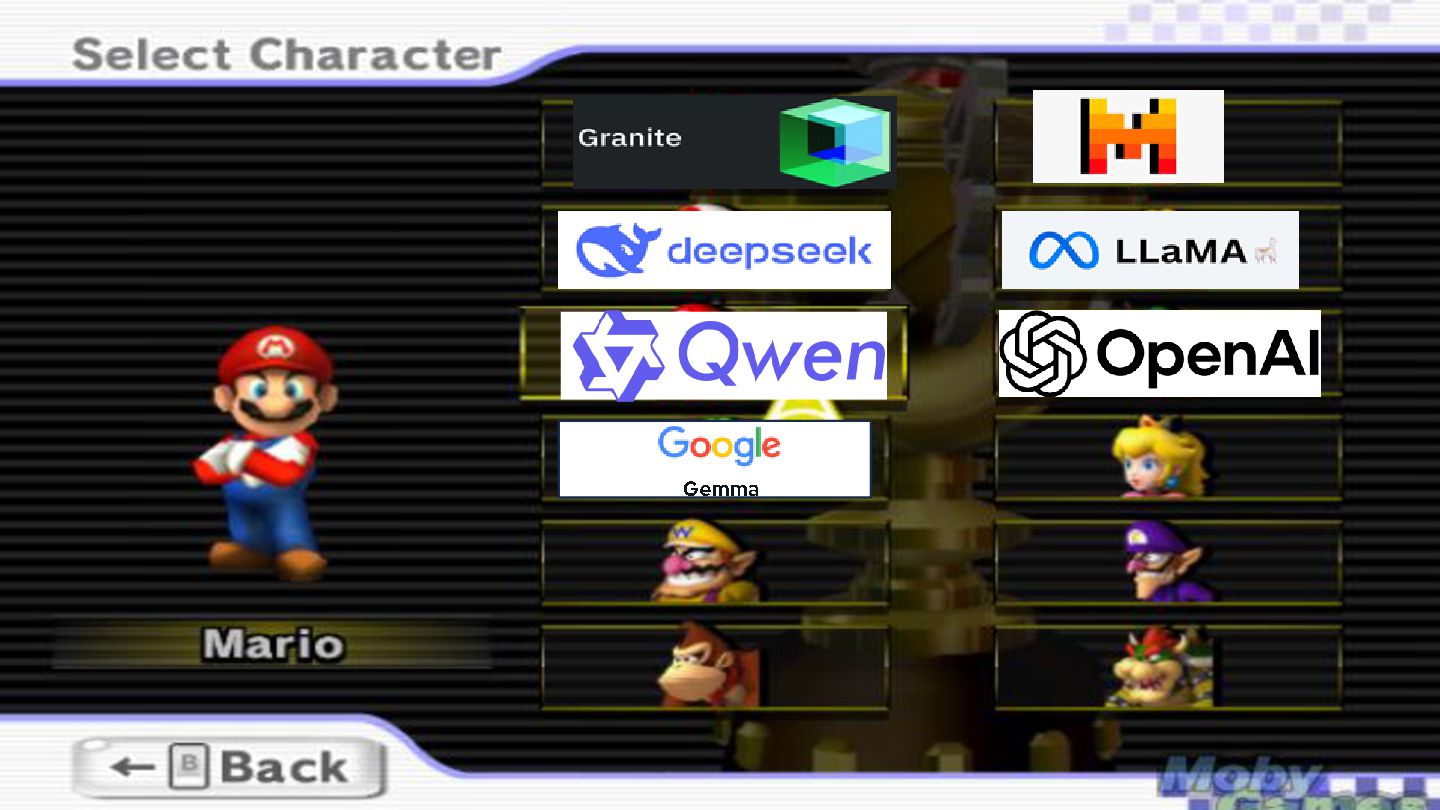
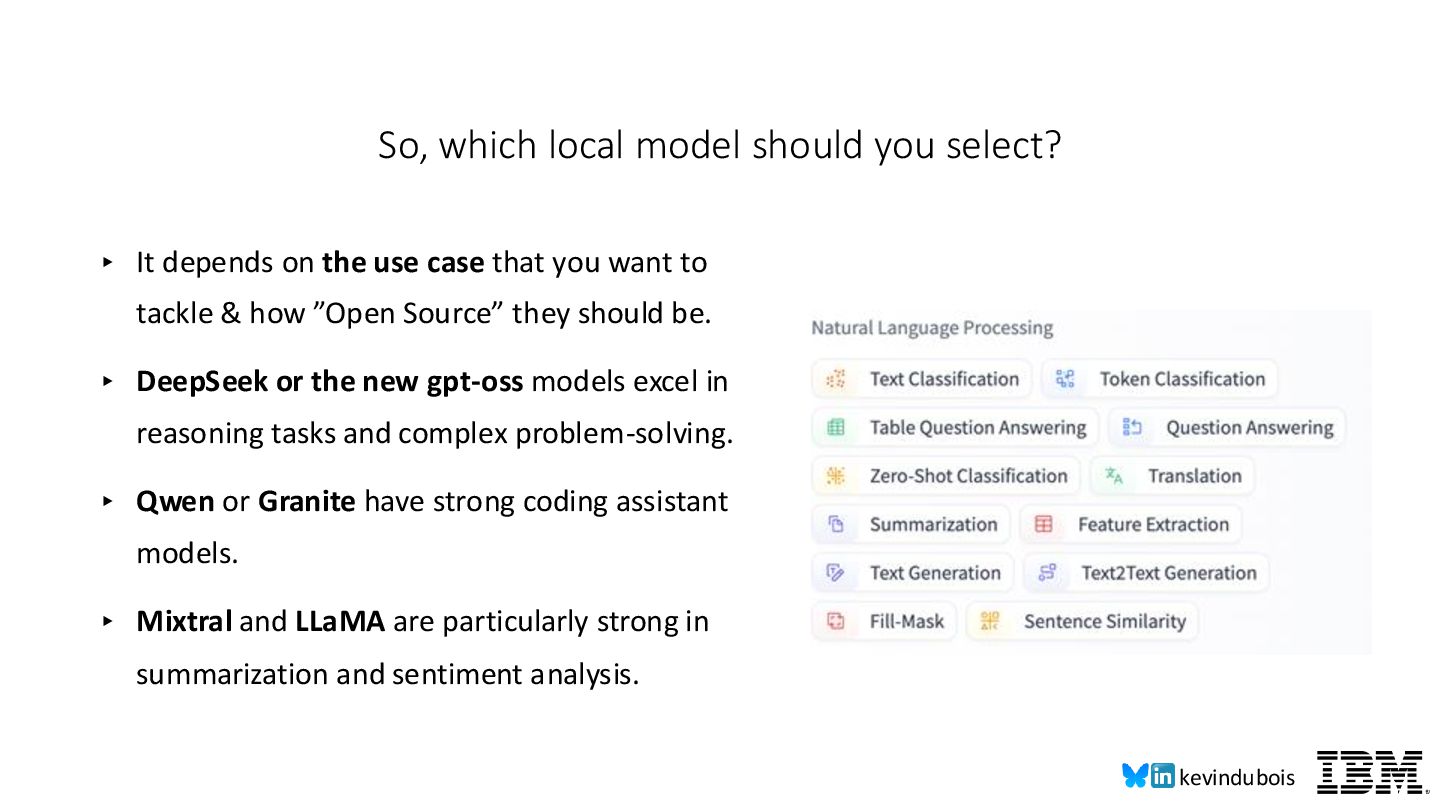
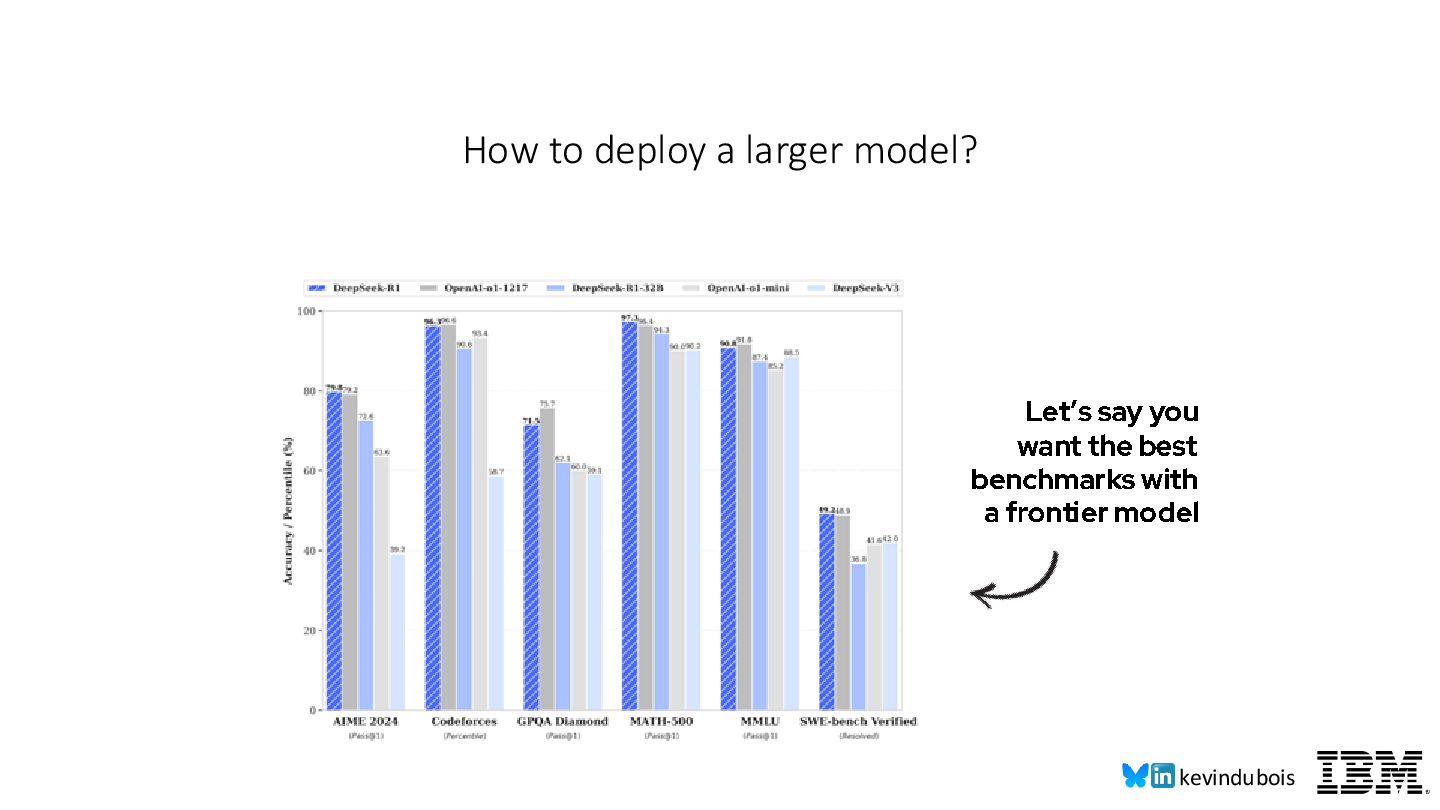
want to tackle & how ”Open Source” they should be. ▸ DeepSeek or the new gpt-oss models excel in reasoning tasks and complex problem-solving. ▸ Qwen or Granite have strong coding assistant models. ▸ Mixtral and LLaMA are particularly strong in summarization and sentiment analysis. So, which local model should you select?
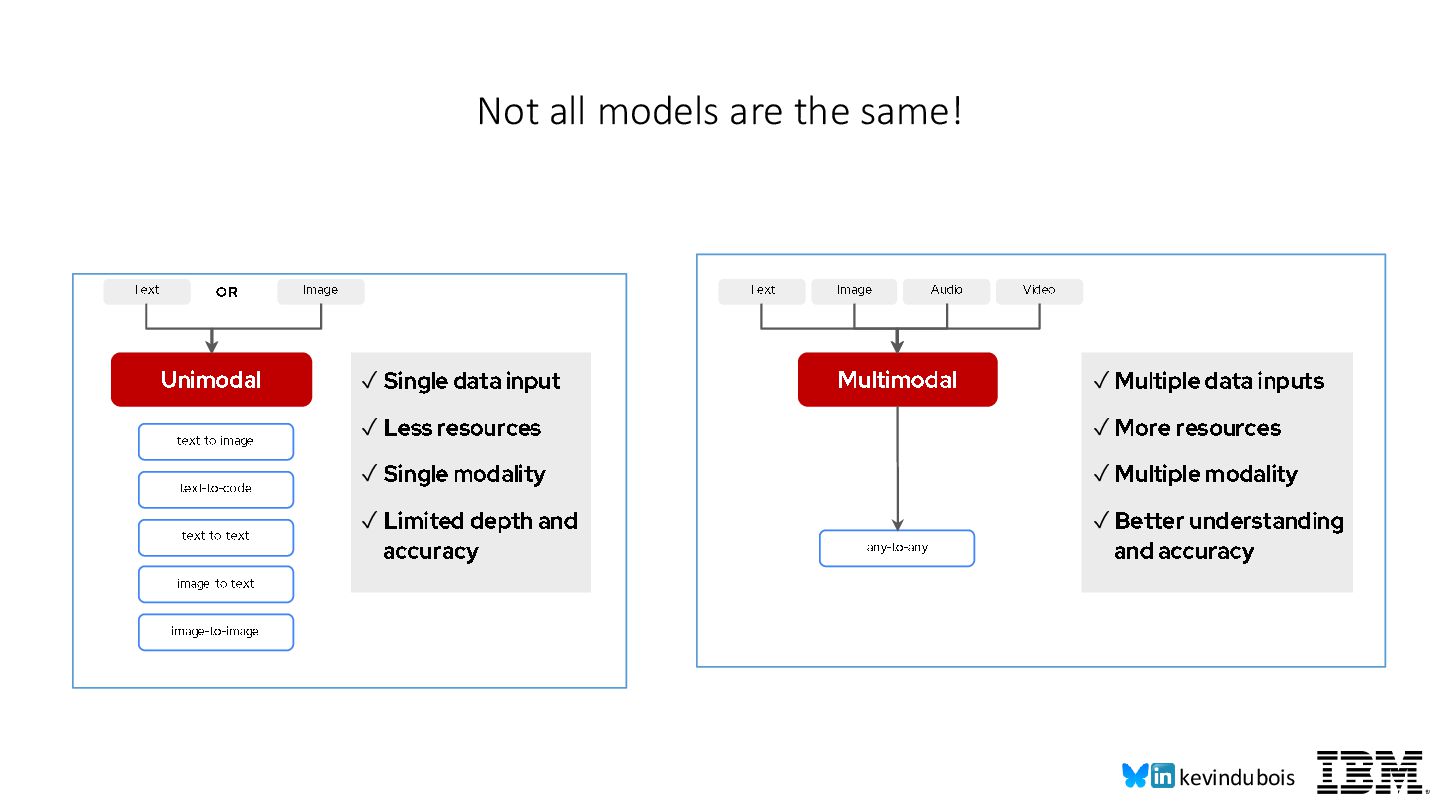
text -to-image text -to-text image -to-text image -to-image text -to-code Text Image Audio Video Multimodal any-to-any ✓ Single data input ✓ Less resources ✓ Single modality ✓ Limited depth and accuracy ✓ Multiple data inputs ✓ More resources ✓ Multiple modality ✓ Better understanding and accuracy OR
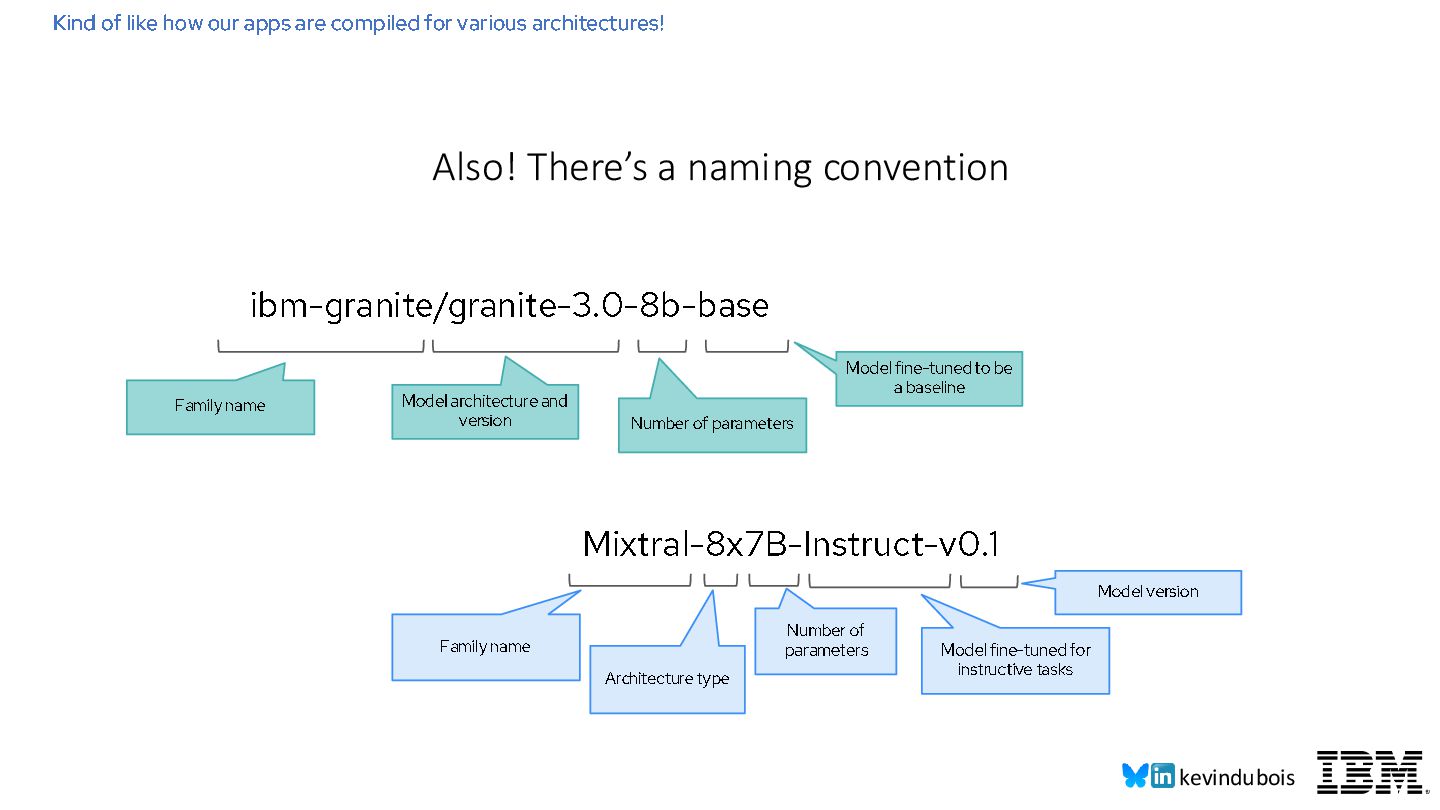
various architectures! Also! There’s a naming convention ibm- granite/granite -3.0 - 8b - base Family name Model architecture and version Number of parameters Model fine-tuned to be a baseline Mixtral - 8x7B - Instruct - v0.1 Family name Model version Number of parameters Model fine-tuned for instructive tasks Architecture type
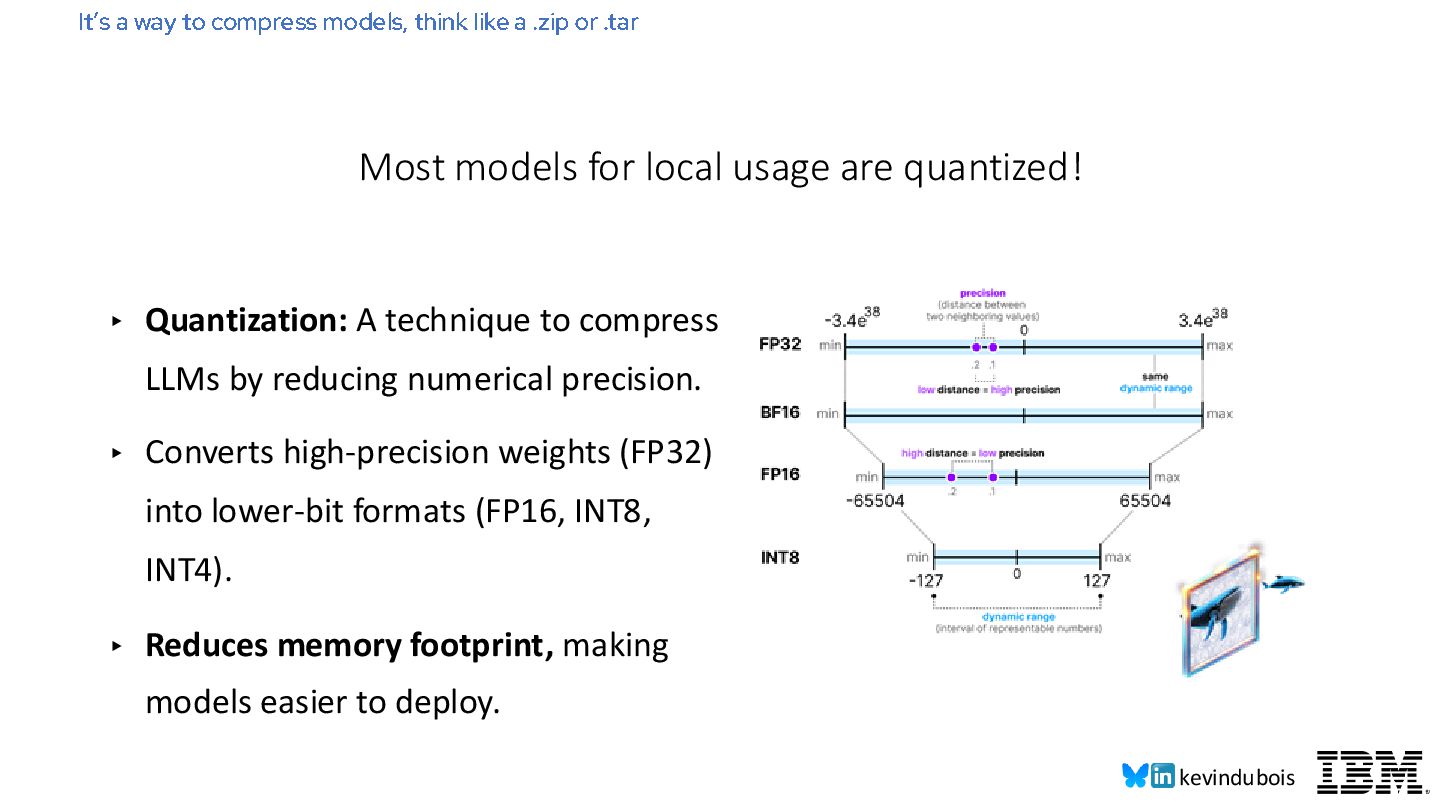
numerical precision. ▸ Converts high-precision weights (FP32) into lower-bit formats (FP16, INT8, INT4). ▸ Reduces memory footprint, making models easier to deploy. It’s a way to compress models, think like a .zip or .tar Most models for local usage are quantized!
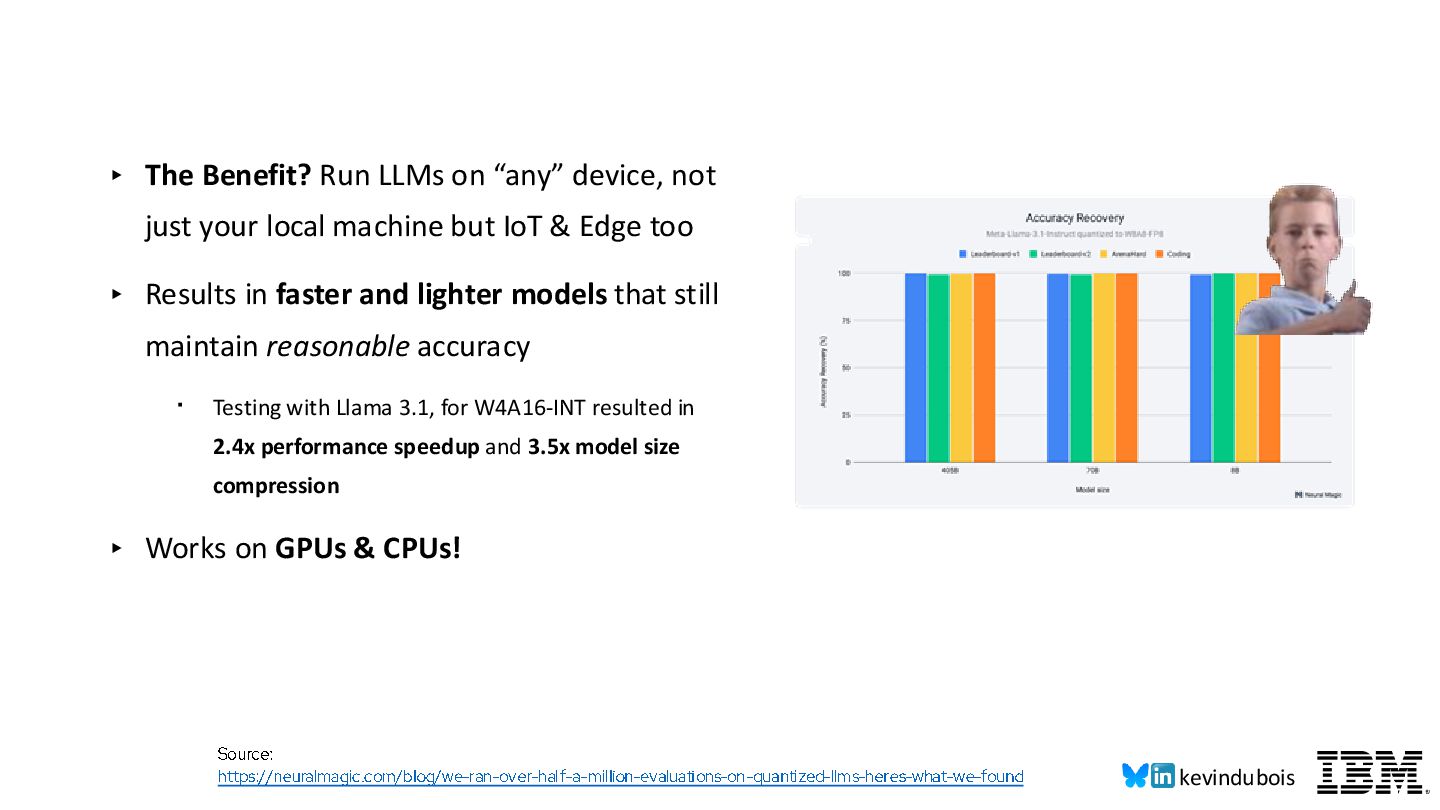
just your local machine but IoT & Edge too ▸ Results in faster and lighter models that still maintain reasonable accuracy ・ Testing with Llama 3.1, for W4A16-INT resulted in 2.4x performance speedup and 3.5x model size compression ▸ Works on GPUs & CPUs! Source: https://neuralmagic.com/blog/we -ran-over-half-a-million-evaluations -on-quantized -llms-heres-what-we-found
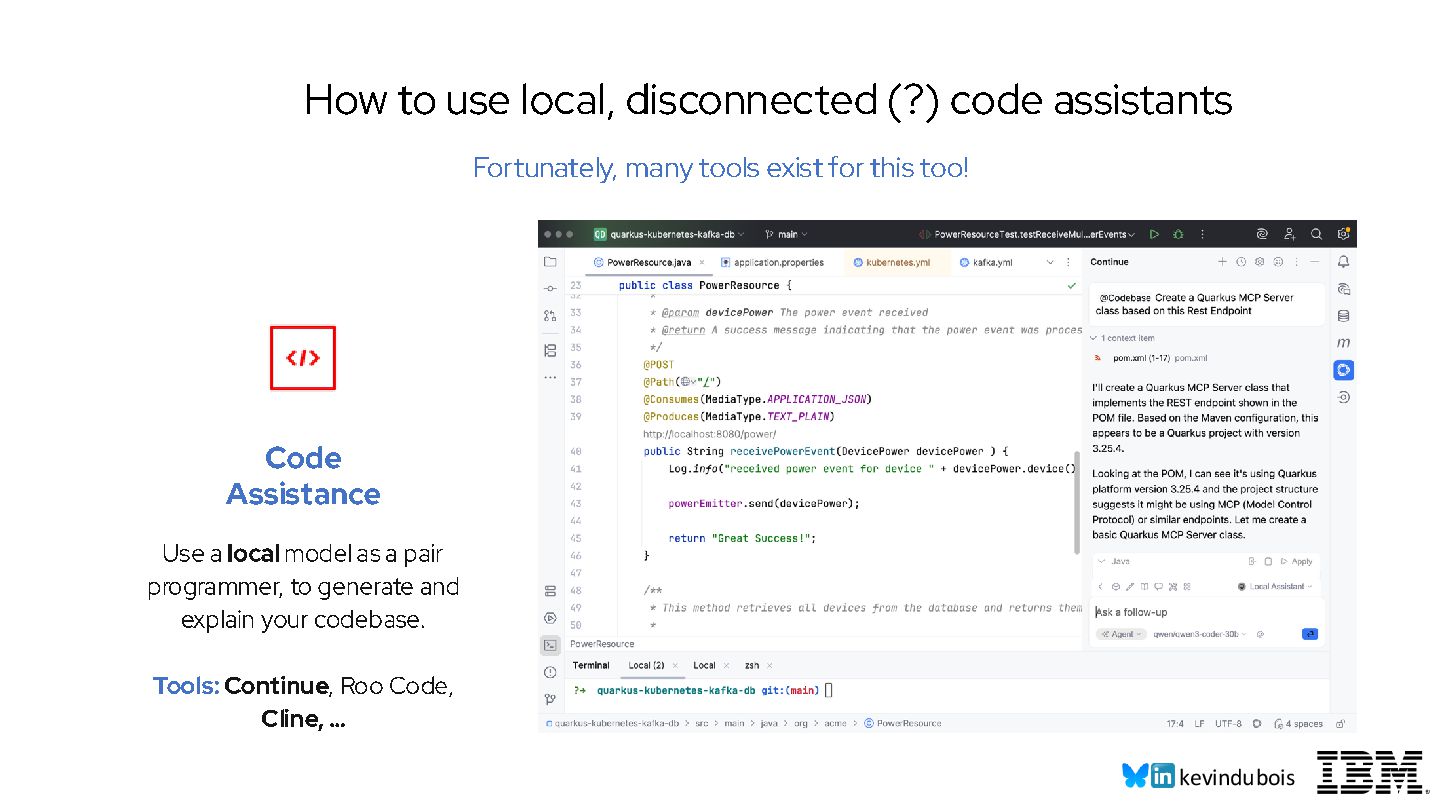
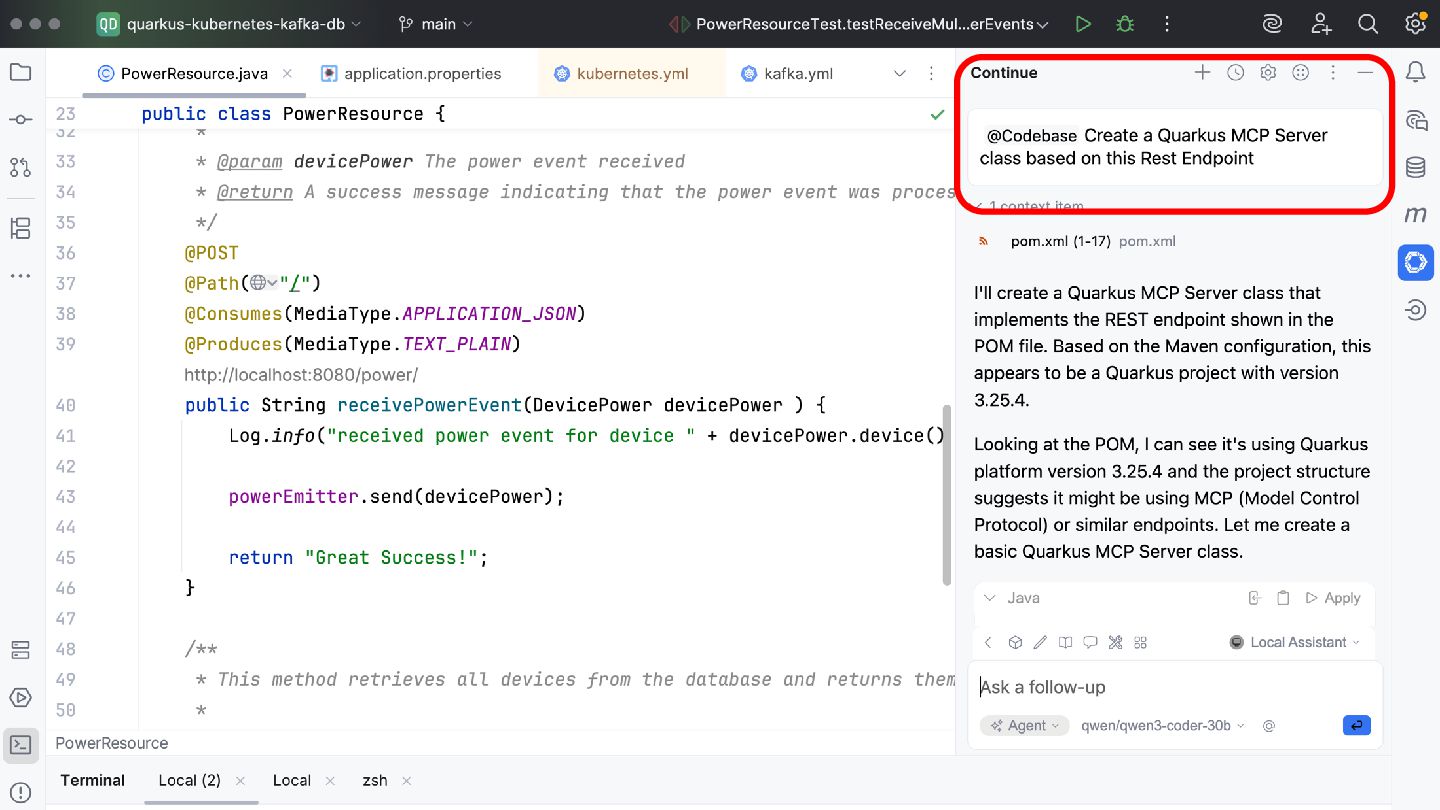
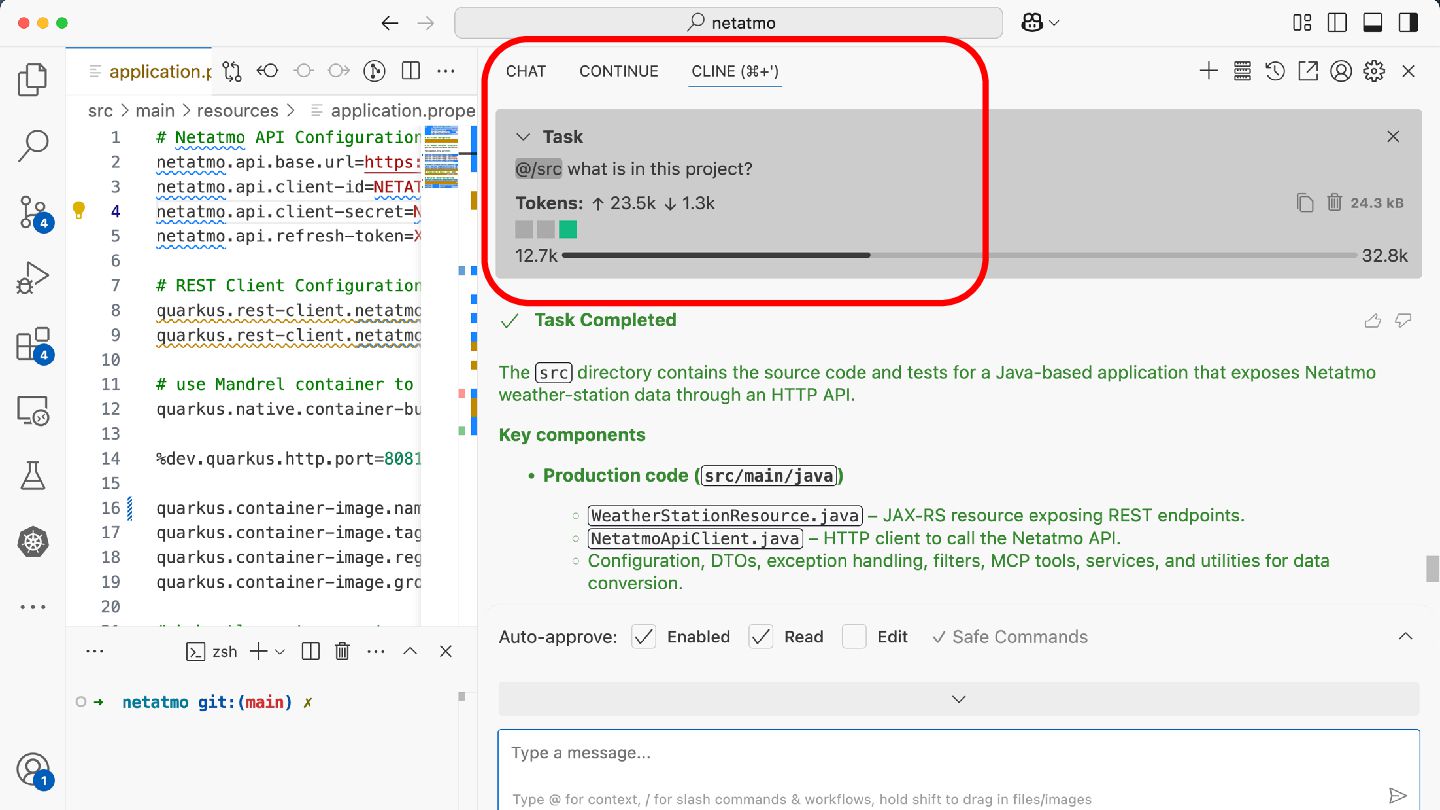
programmer, to generate and explain your codebase. Tools: Continue , Roo Code, Cline, … How to use local, disconnected (?) code assistants Fortunately, many tools exist for this too!
models locally ▸ Pick the right model for the right use case ▸ Local code assistants work… ish. ▸ You might need to ask for hardware upgrades :D ▸ Developing local Agentic AI apps with Java is definitely possible (& kind of fun!). Recap


.jpg)
.jpg)
.jpg) kdubois
kdubois
 sorah
sorah
 ryu1013
 ___akari11
 falcon8823
 hschwentner
 mixplace
 nokomoro3
 kishida
 colorful12
 florets1
 tanahiro2010
 hollycummins
 aleyda
 marcduiker
 pauljervisheath
 marktimemedia
 ianozsvald
 apolaine
 uxyall
 cassininazir
 tomoyanonymous
 eileencodes
 jnunemaker
 lara
lara