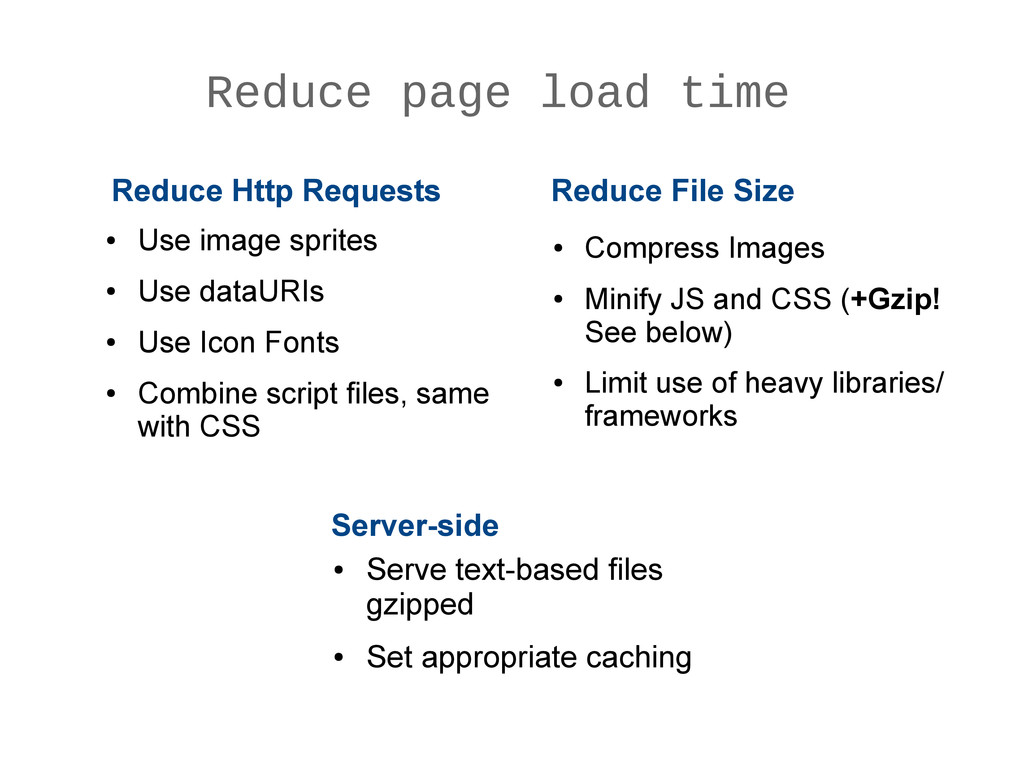
sprites • Use dataURIs • Use Icon Fonts • Combine script files, same with CSS Reduce Http Requests • Compress Images • Minify JS and CSS (+Gzip! See below) • Limit use of heavy libraries/ frameworks Reduce File Size Server-side • Serve text-based files gzipped • Set appropriate caching
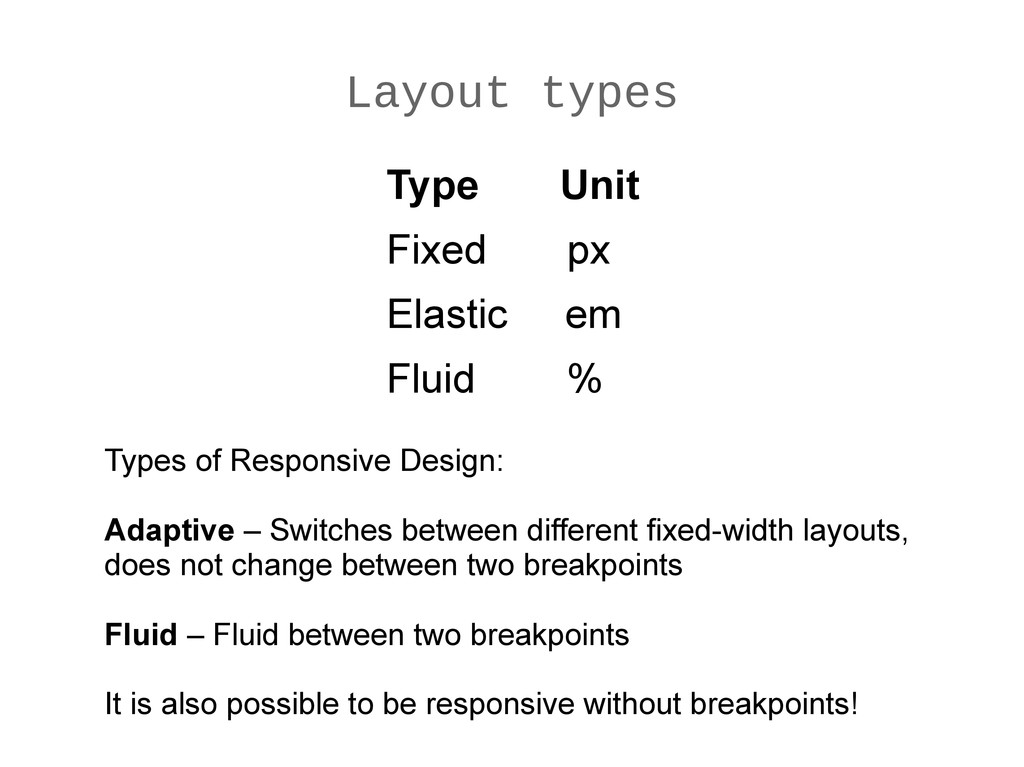
Types of Responsive Design: Adaptive – Switches between different fixed-width layouts, does not change between two breakpoints Fluid – Fluid between two breakpoints It is also possible to be responsive without breakpoints!
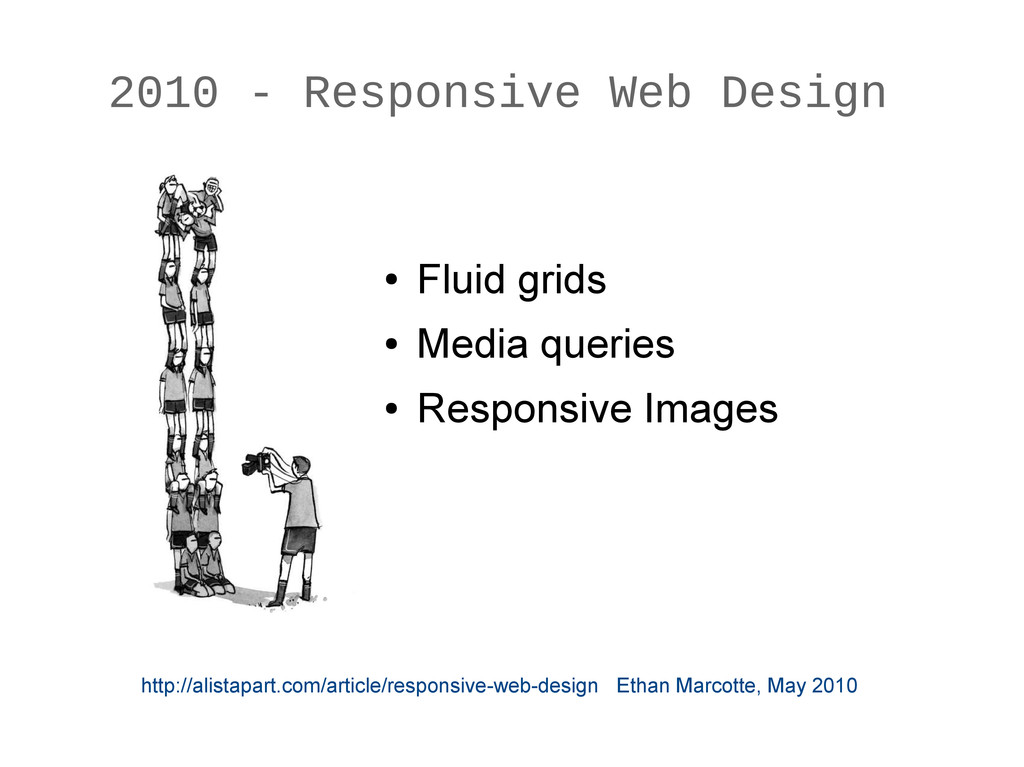
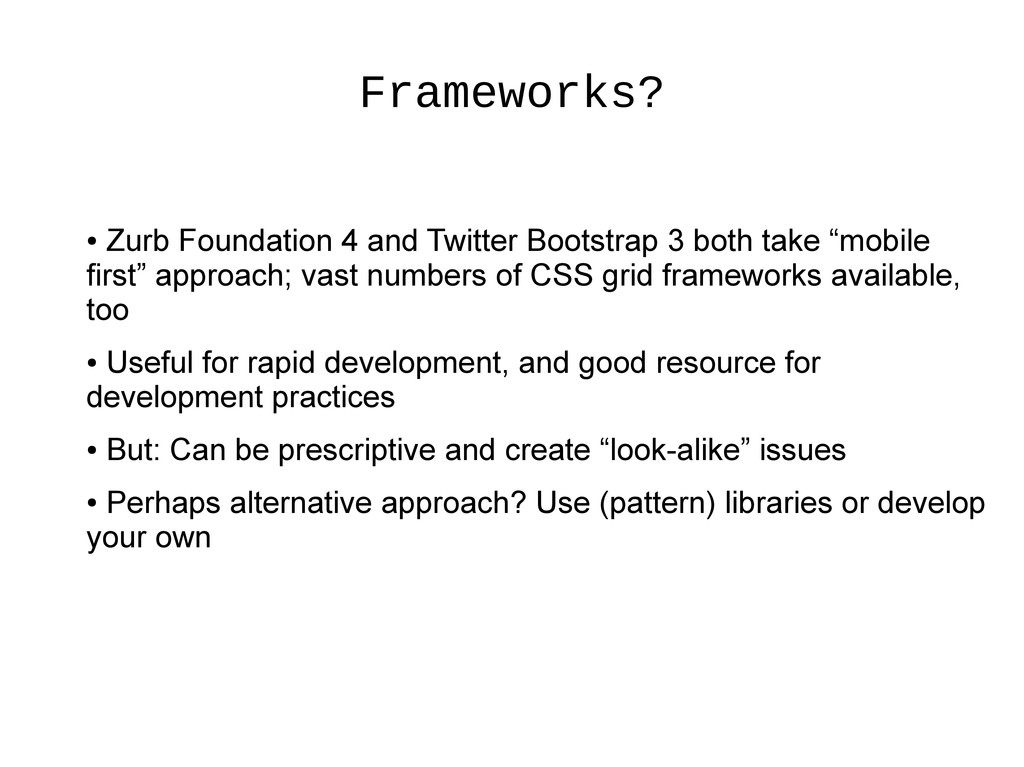
take “mobile first” approach; vast numbers of CSS grid frameworks available, too • Useful for rapid development, and good resource for development practices • But: Can be prescriptive and create “look-alike” issues • Perhaps alternative approach? Use (pattern) libraries or develop your own
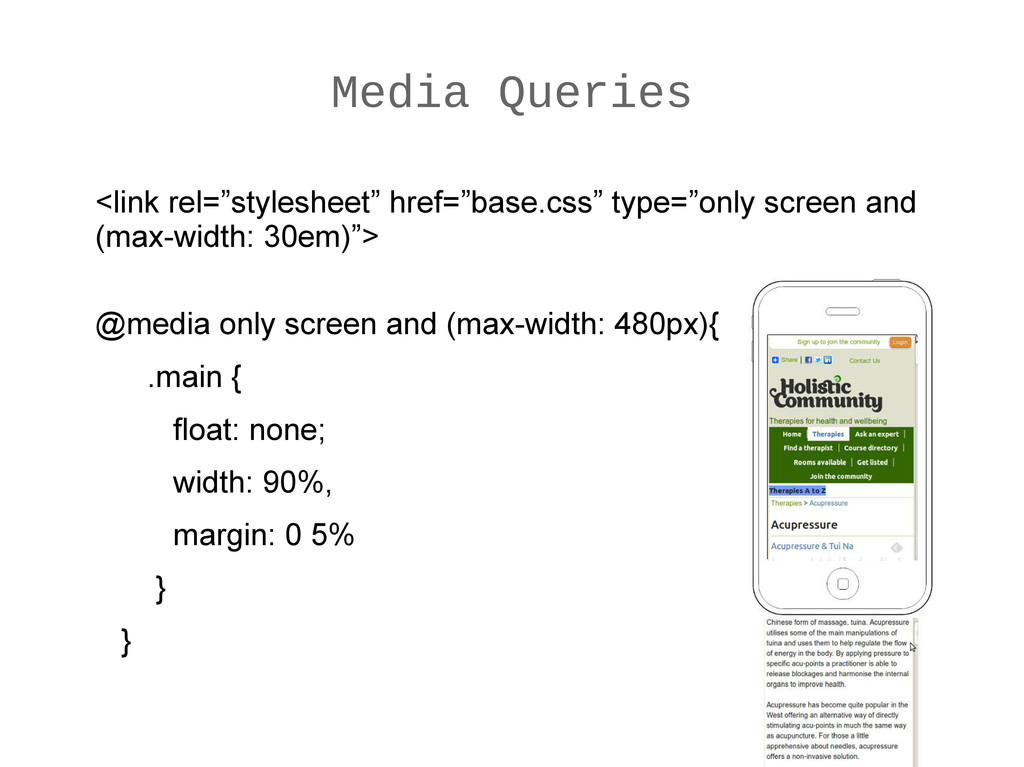
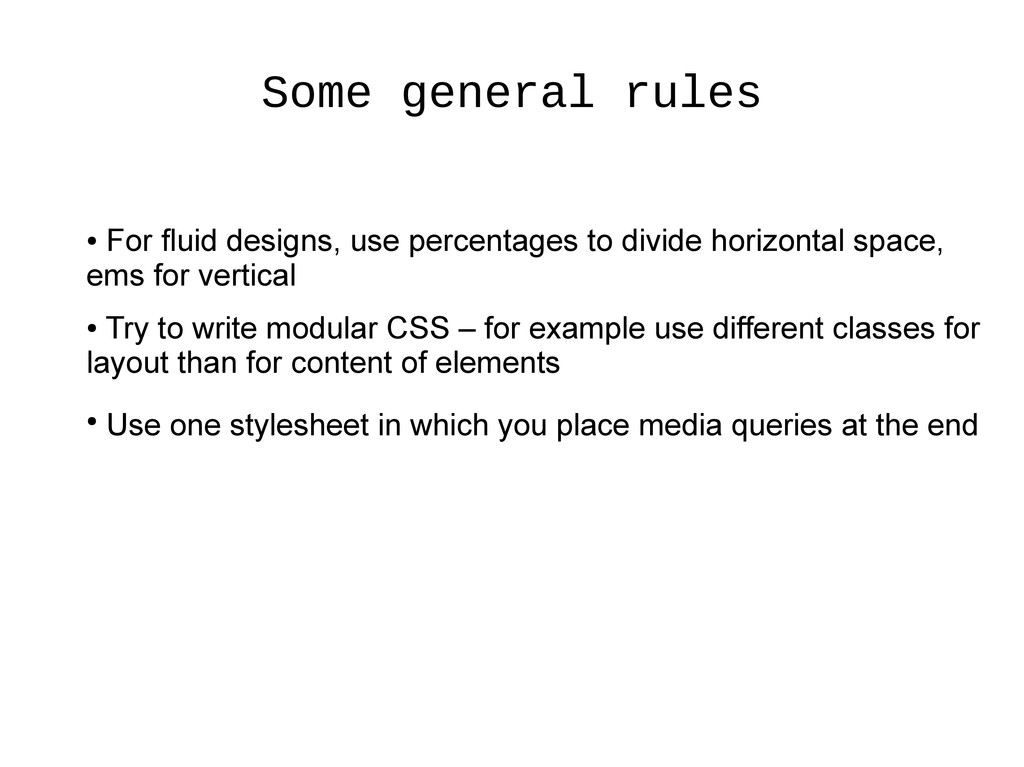
divide horizontal space, ems for vertical • Try to write modular CSS – for example use different classes for layout than for content of elements • Use one stylesheet in which you place media queries at the end
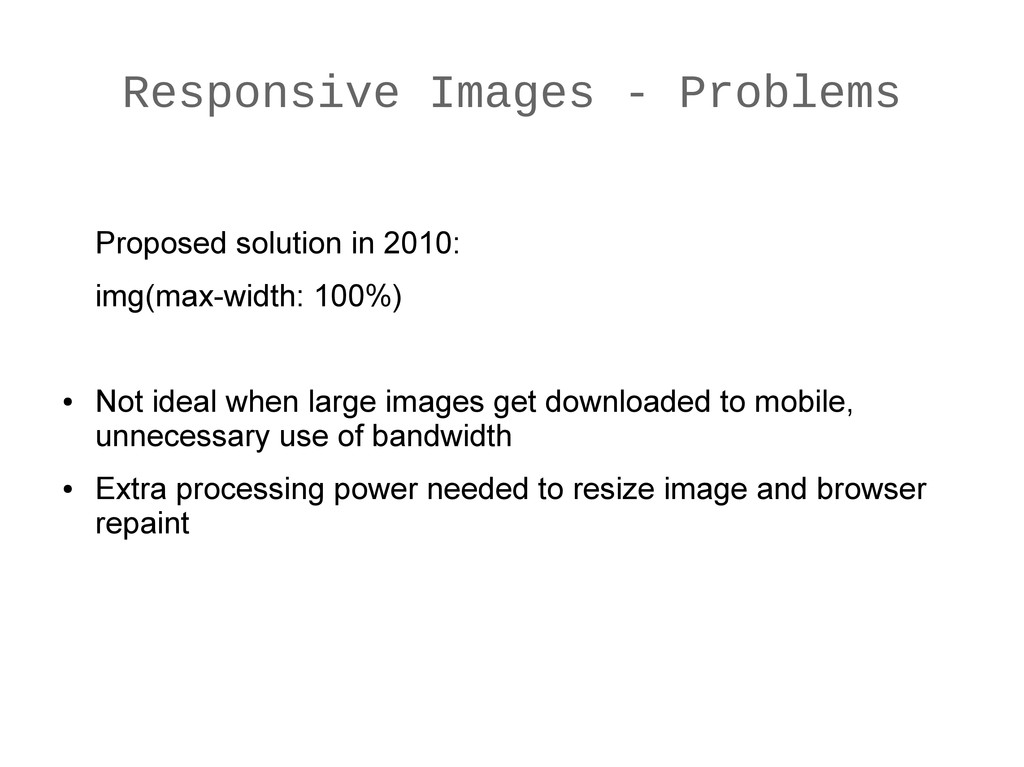
• Not ideal when large images get downloaded to mobile, unnecessary use of bandwidth • Extra processing power needed to resize image and browser repaint
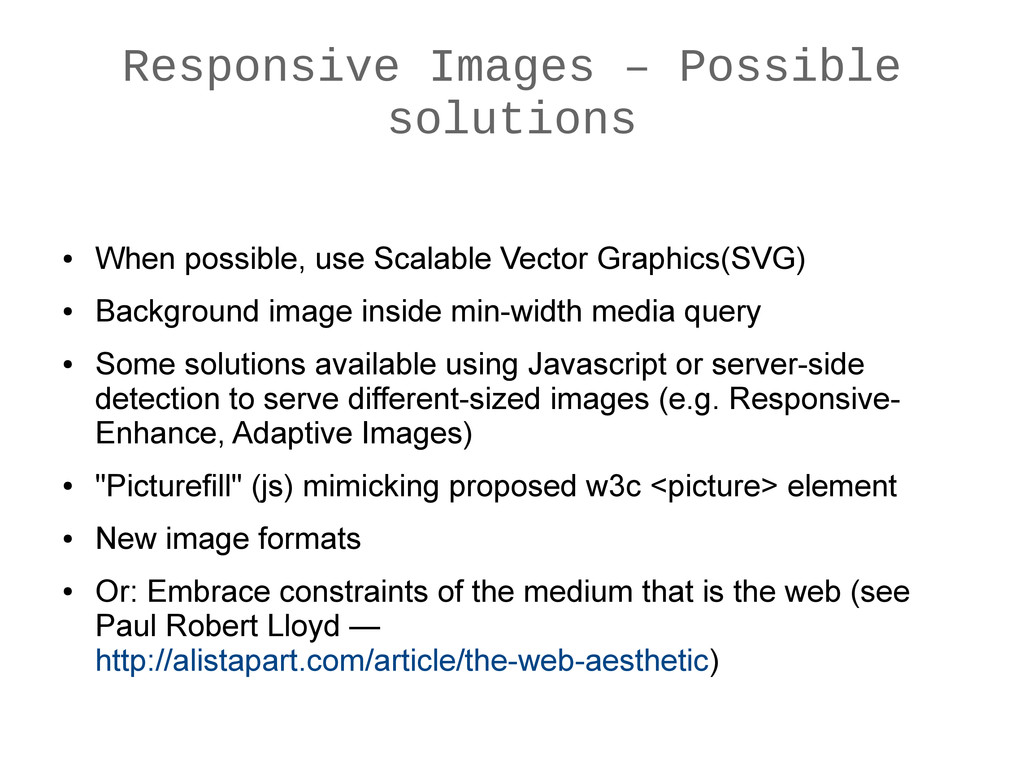
Vector Graphics(SVG) • Background image inside min-width media query • Some solutions available using Javascript or server-side detection to serve different-sized images (e.g. Responsive- Enhance, Adaptive Images) • "Picturefill" (js) mimicking proposed w3c <picture> element • New image formats • Or: Embrace constraints of the medium that is the web (see Paul Robert Lloyd — http://alistapart.com/article/the-web-aesthetic)
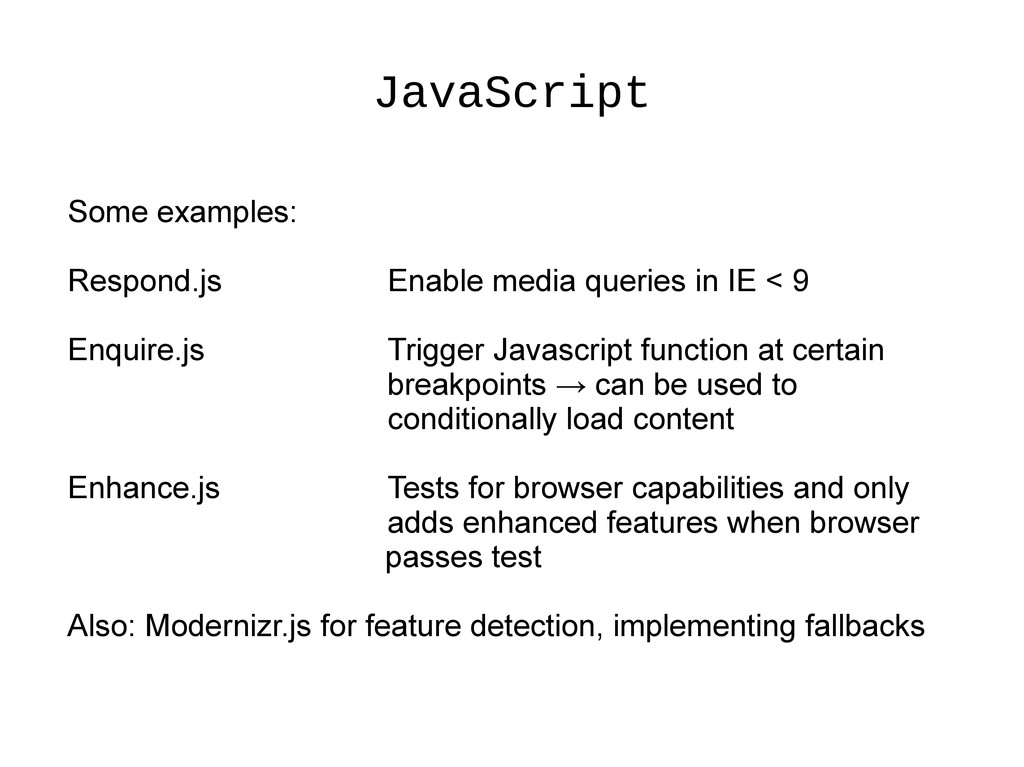
9 Enquire.js Trigger Javascript function at certain breakpoints → can be used to conditionally load content Enhance.js Tests for browser capabilities and only adds enhanced features when browser passes test Also: Modernizr.js for feature detection, implementing fallbacks
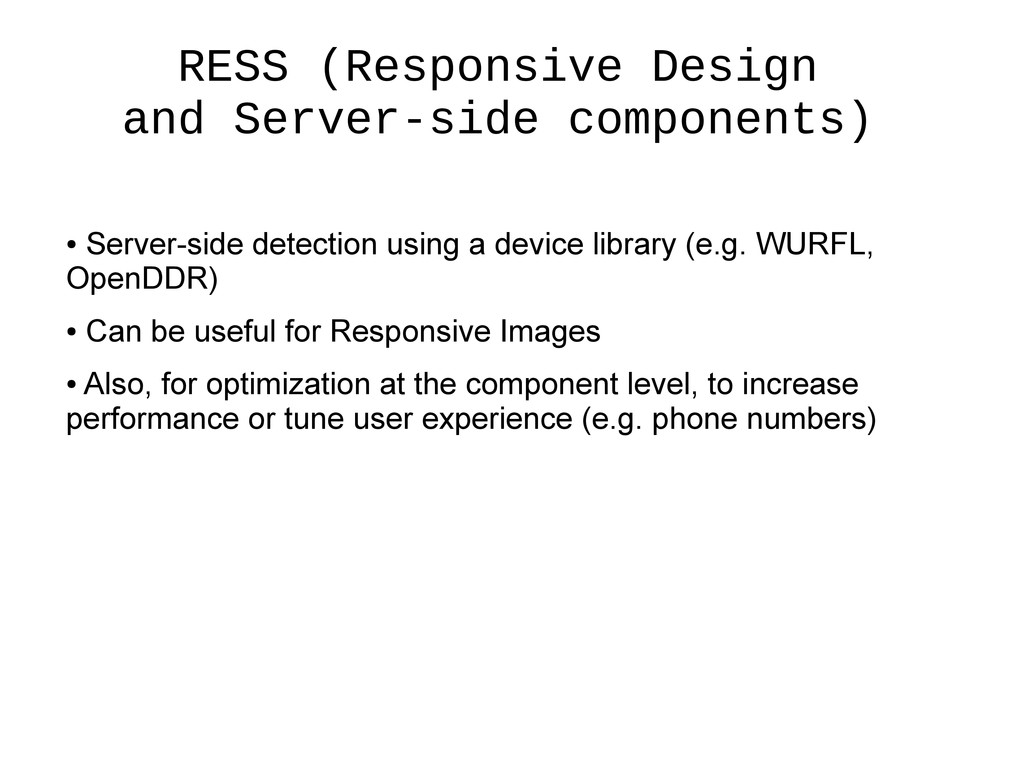
a device library (e.g. WURFL, OpenDDR) • Can be useful for Responsive Images • Also, for optimization at the component level, to increase performance or tune user experience (e.g. phone numbers)
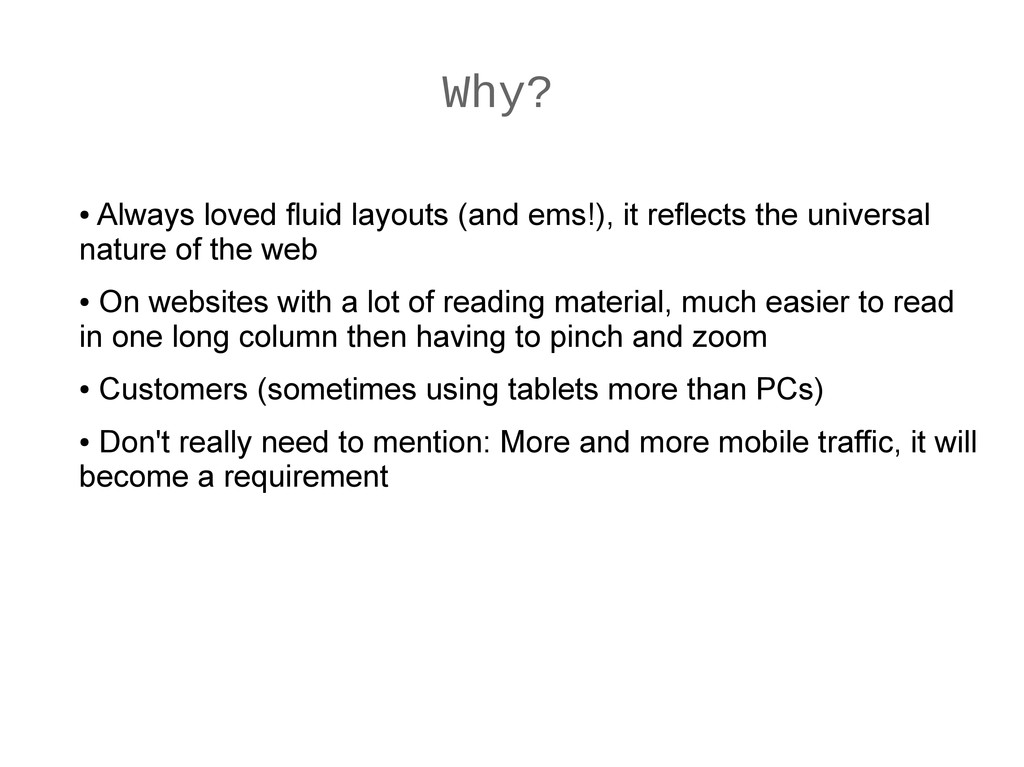
the universal nature of the web • On websites with a lot of reading material, much easier to read in one long column then having to pinch and zoom • Customers (sometimes using tablets more than PCs) • Don't really need to mention: More and more mobile traffic, it will become a requirement
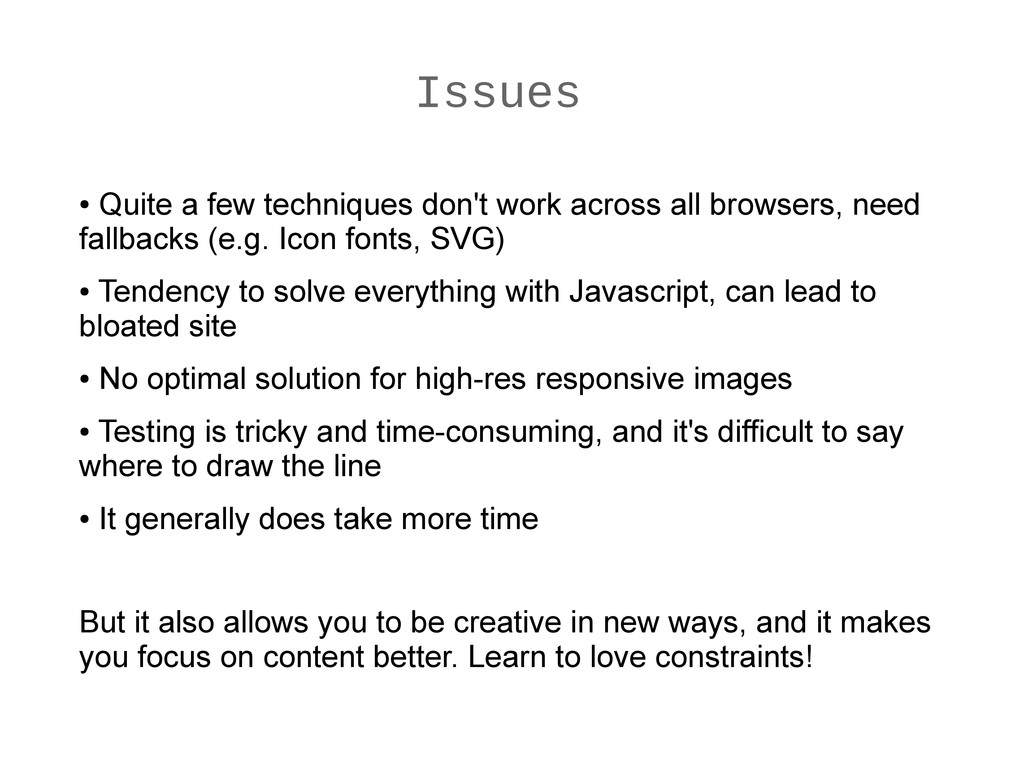
browsers, need fallbacks (e.g. Icon fonts, SVG) • Tendency to solve everything with Javascript, can lead to bloated site • No optimal solution for high-res responsive images • Testing is tricky and time-consuming, and it's difficult to say where to draw the line • It generally does take more time But it also allows you to be creative in new ways, and it makes you focus on content better. Learn to love constraints!
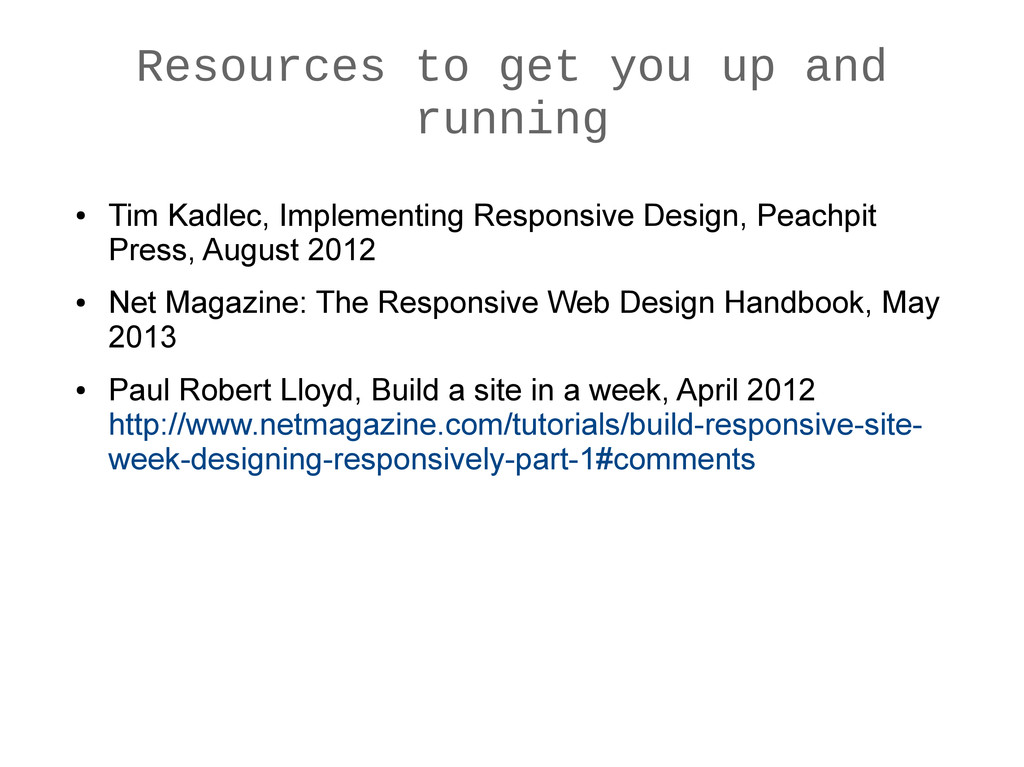
Implementing Responsive Design, Peachpit Press, August 2012 • Net Magazine: The Responsive Web Design Handbook, May 2013 • Paul Robert Lloyd, Build a site in a week, April 2012 http://www.netmagazine.com/tutorials/build-responsive-site- week-designing-responsively-part-1#comments


 rfdnxbro
 kzkhykw1991
 namiki64
 pfn
pfn
 ivry_presentationmaterials
 genda
genda
 mhrtech
 yazm
yazm
 takuroabe
 grimoh
 satomasahiro2005
 persolserverworks
 tammyeverts
 sarafernandez
 aleyda
 nwiizo
 rocio
rocio
 scottboms
 lindahogenes
 productmarketing
 erikaheidi
 csswizardry
 skipperchong
 kneath


![Thank you! Katja Durrani [email protected] @kdurrani](https://files.speakerdeck.com/presentations/4ceb13a0b9e2013033141619a3622006/slide_24.jpg)