mobile framework, but today it powers web and desktop applications with equal capability. While many developers focus on iOS and Android, the web and desktop platforms offer immense potential—with unique challenges and opportunities. This session explores Flutter's true multi-platform power through practical demonstrations and technical insights.
Developer (iOS 7 years, Flutter 3 years, little bit of Android app) - GO Inc. - LinkedIn: https://www.linkedin.com/in/kento-yamazaki-083234193 / - Qiita https://qiita.com/satoru_pripara - Medium https://kento-yamazaki.medium.com/ - Github https://github.com/Satoru-PriChan - X(Twitter) https://x.com/kent_strong_dev -
PWA implementation for Flutter Web applications Desktop Deployment Learn to leverage your web codebase for desktop applications with minimal additional effort Practical Strategies Gain actionable techniques to expand your Flutter projects across all platforms effectively Question for the audience: How many of you have tried Flutter for Web? By the end of this session, you'll see just how powerful multi-platform development with Flutter can be.
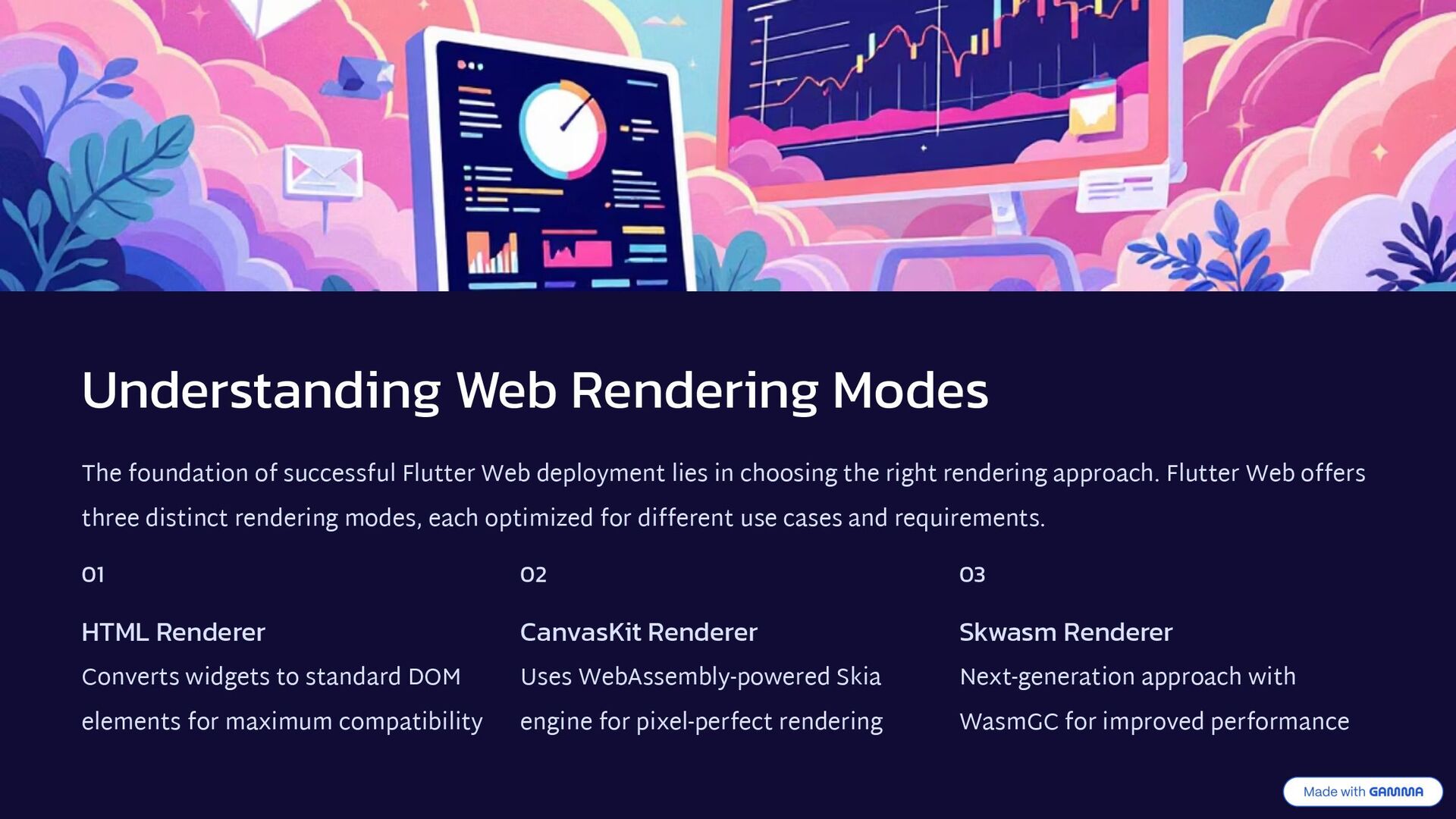
deployment lies in choosing the right rendering approach. Flutter Web offers three distinct rendering modes, each optimized for different use cases and requirements. 01 HTML Renderer Converts widgets to standard DOM elements for maximum compatibility 02 CanvasKit Renderer Uses WebAssembly-powered Skia engine for pixel-perfect rendering 03 Skwasm Renderer Next-generation approach with WasmGC for improved performance
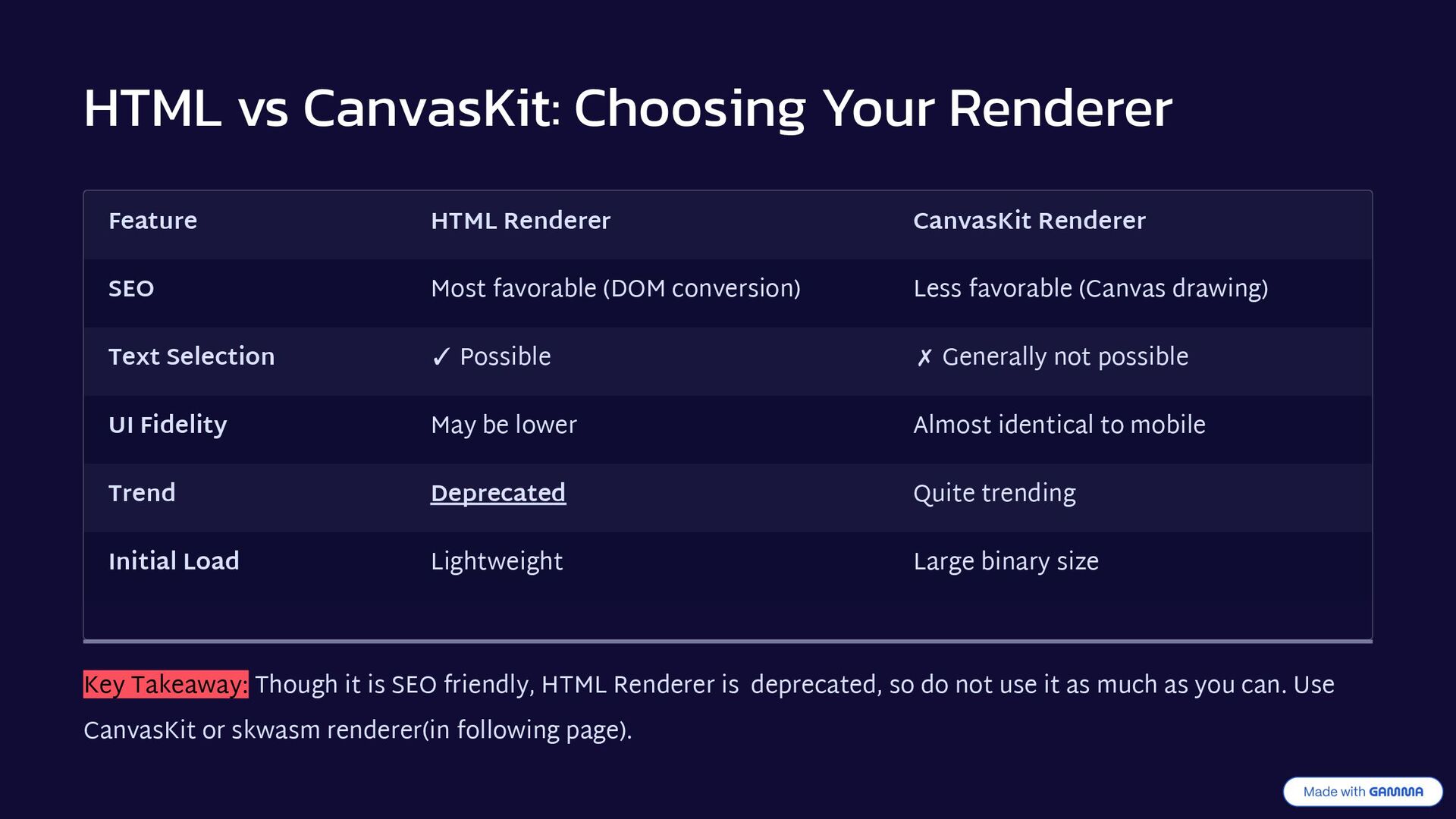
Renderer SEO Most favorable (DOM conversion) Less favorable (Canvas drawing) Text Selection ✓ Possible ✗ Generally not possible UI Fidelity May be lower Almost identical to mobile Trend Deprecated Quite trending Initial Load Lightweight Large binary size Key Takeaway: Though it is SEO friendly, HTML Renderer is deprecated, so do not use it as much as you can. Use CanvasKit or skwasm renderer(in following page).
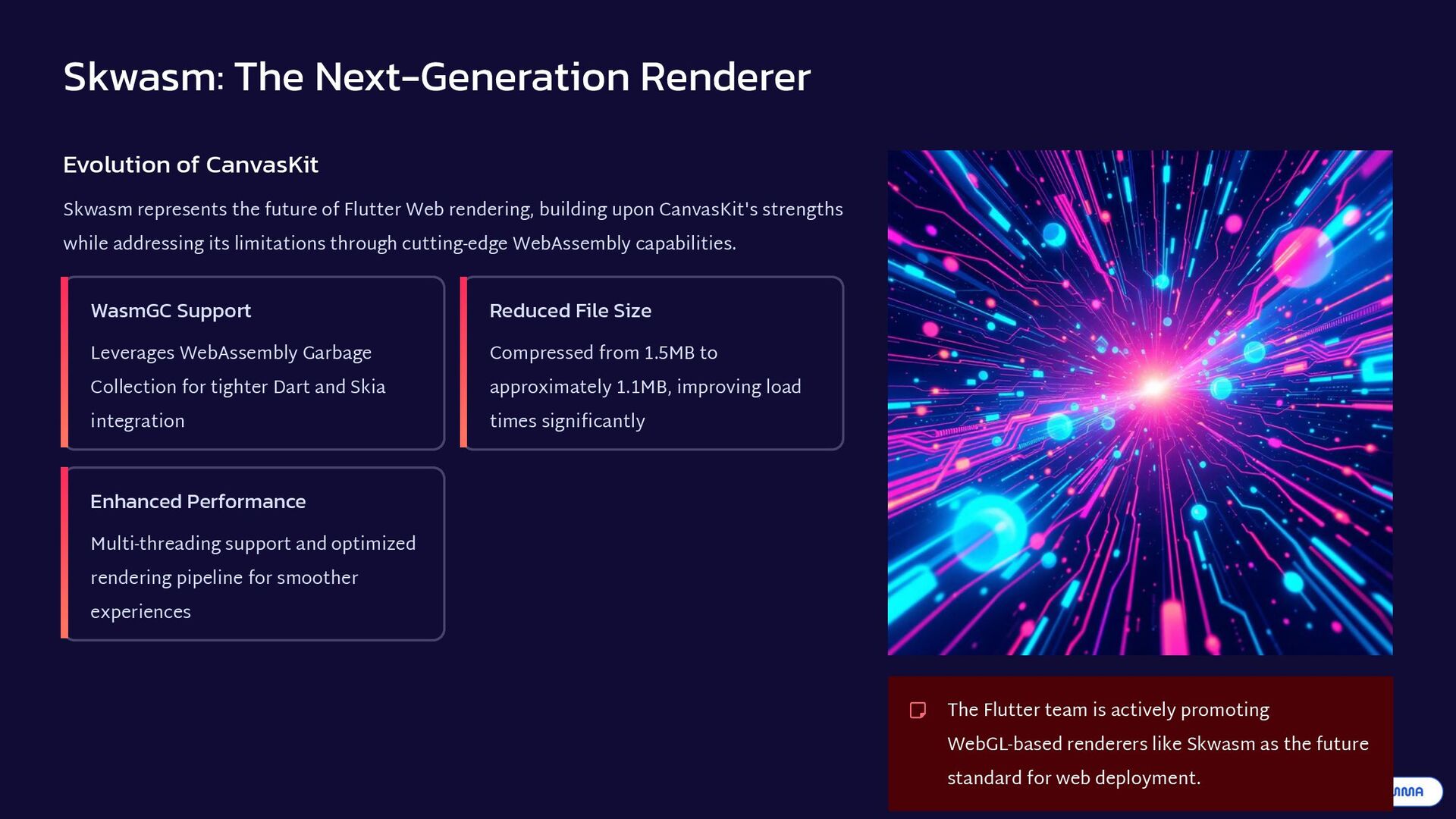
future of Flutter Web rendering, building upon CanvasKit's strengths while addressing its limitations through cutting-edge WebAssembly capabilities. WasmGC Support Leverages WebAssembly Garbage Collection for tighter Dart and Skia integration Reduced File Size Compressed from 1.5MB to approximately 1.1MB, improving load times significantly Enhanced Performance Multi-threading support and optimized rendering pipeline for smoother experiences The Flutter team is actively promoting WebGL-based renderers like Skwasm as the future standard for web deployment.
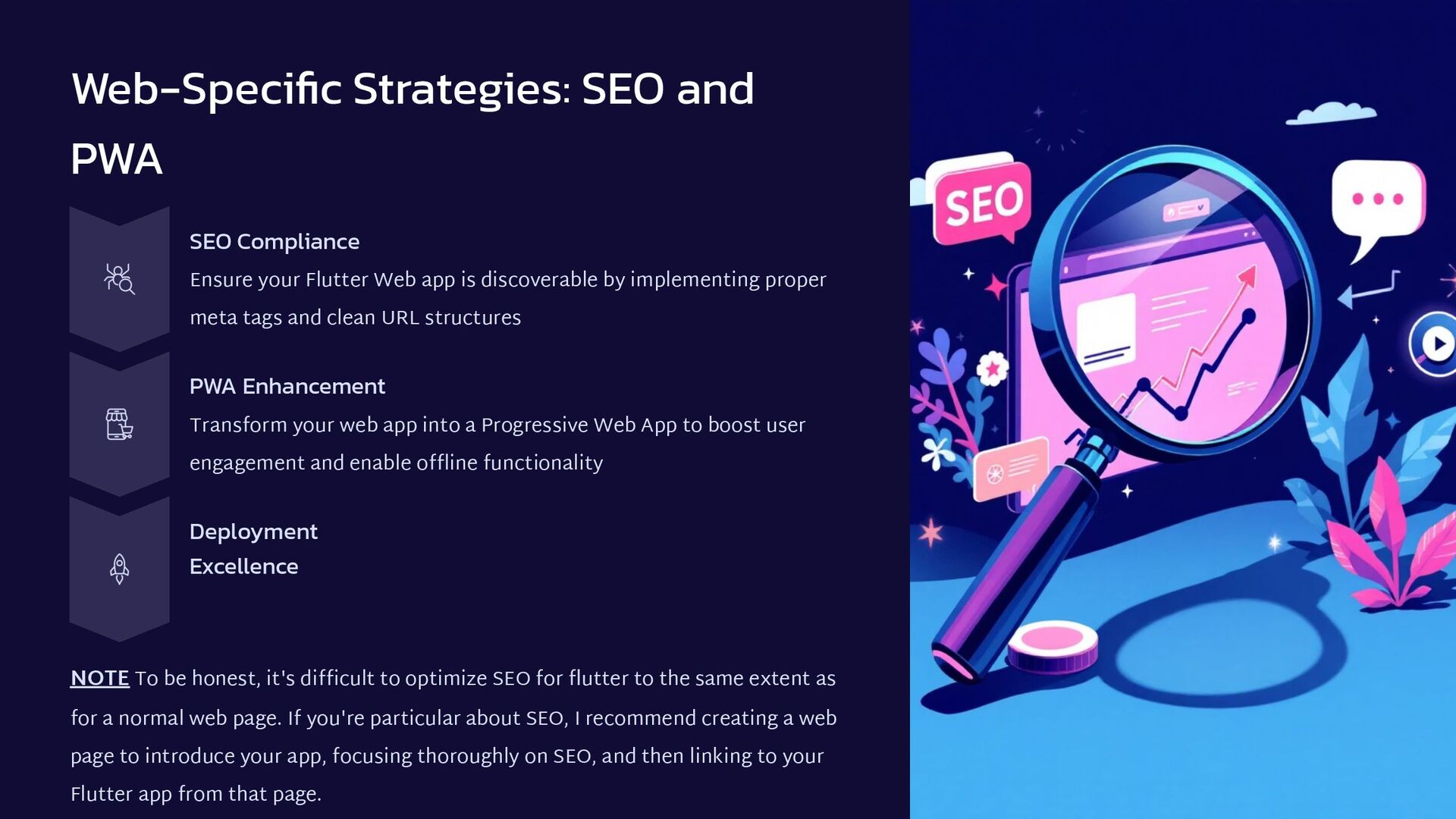
Web app is discoverable by implementing proper meta tags and clean URL structures PWA Enhancement Transform your web app into a Progressive Web App to boost user engagement and enable offline functionality Deployment Excellence NOTE To be honest, it's difficult to optimize SEO for flutter to the same extent as for a normal web page. If you're particular about SEO, I recommend creating a web page to introduce your app, focusing thoroughly on SEO, and then linking to your Flutter app from that page.
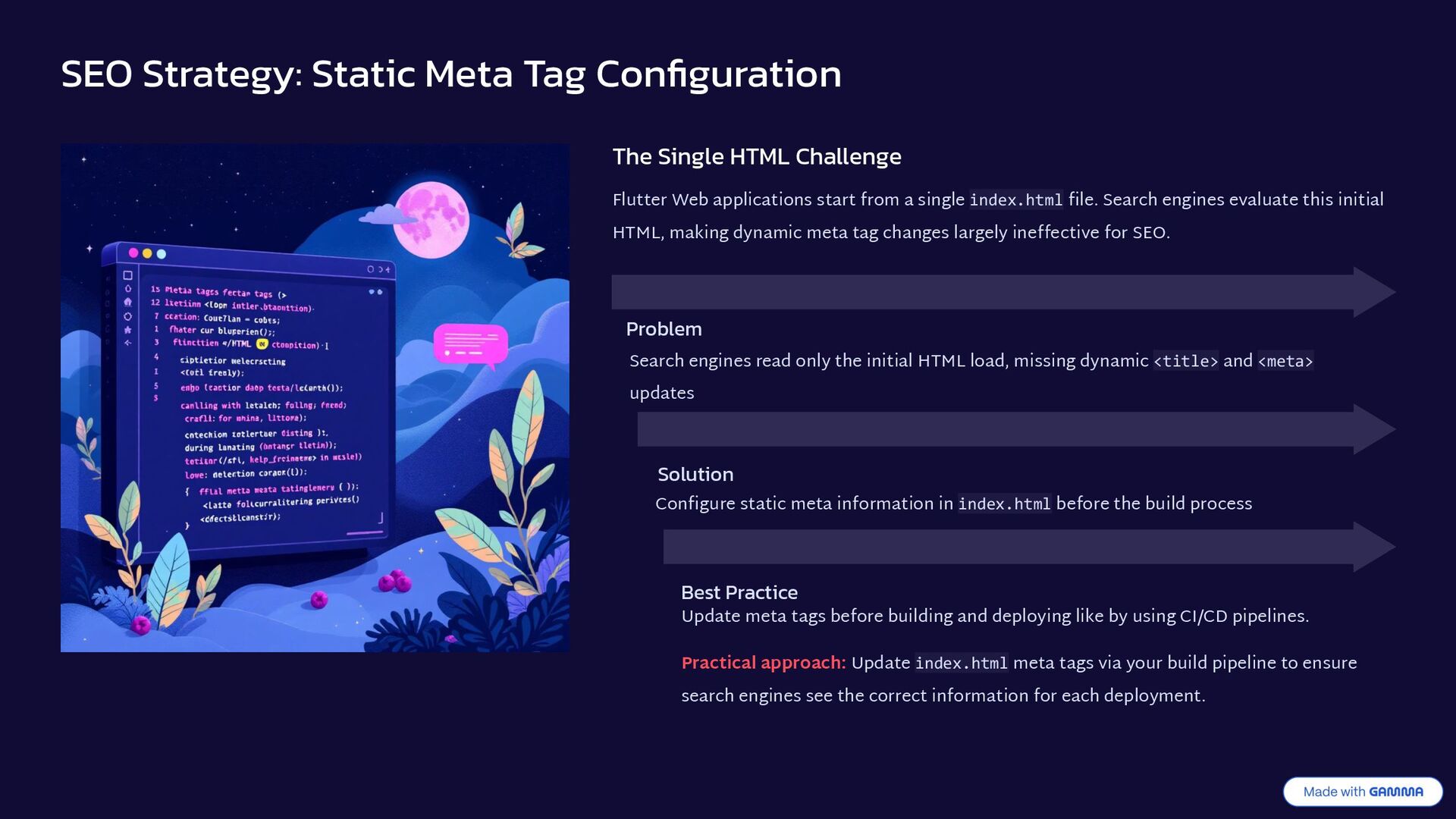
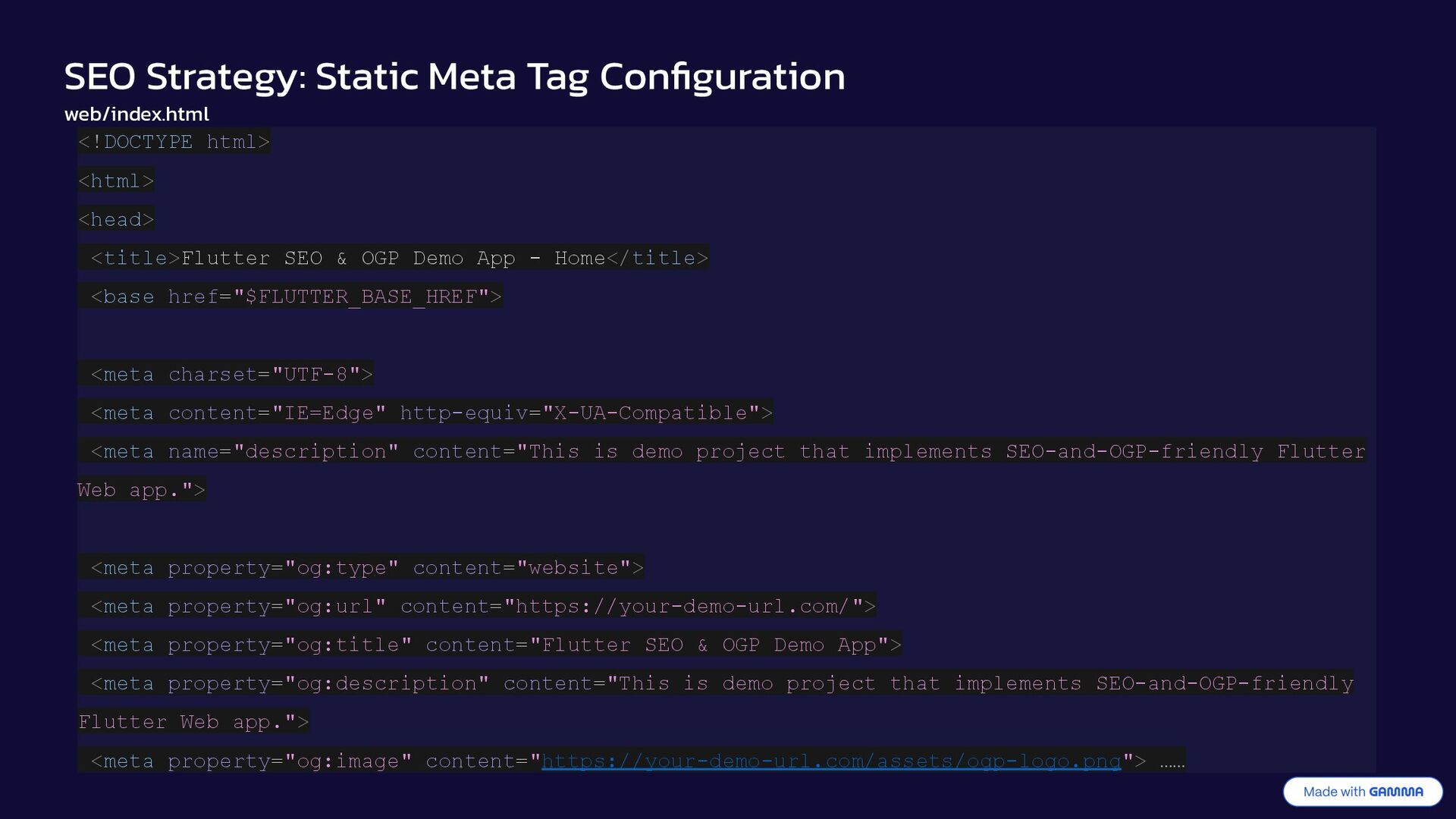
Flutter Web applications start from a single index.html file. Search engines evaluate this initial HTML, making dynamic meta tag changes largely ineffective for SEO. Problem Search engines read only the initial HTML load, missing dynamic <title> and <meta> updates Solution Configure static meta information in index.html before the build process Best Practice Update meta tags before building and deploying like by using CI/CD pipelines. Practical approach: Update index.html meta tags via your build pipeline to ensure search engines see the correct information for each deployment.
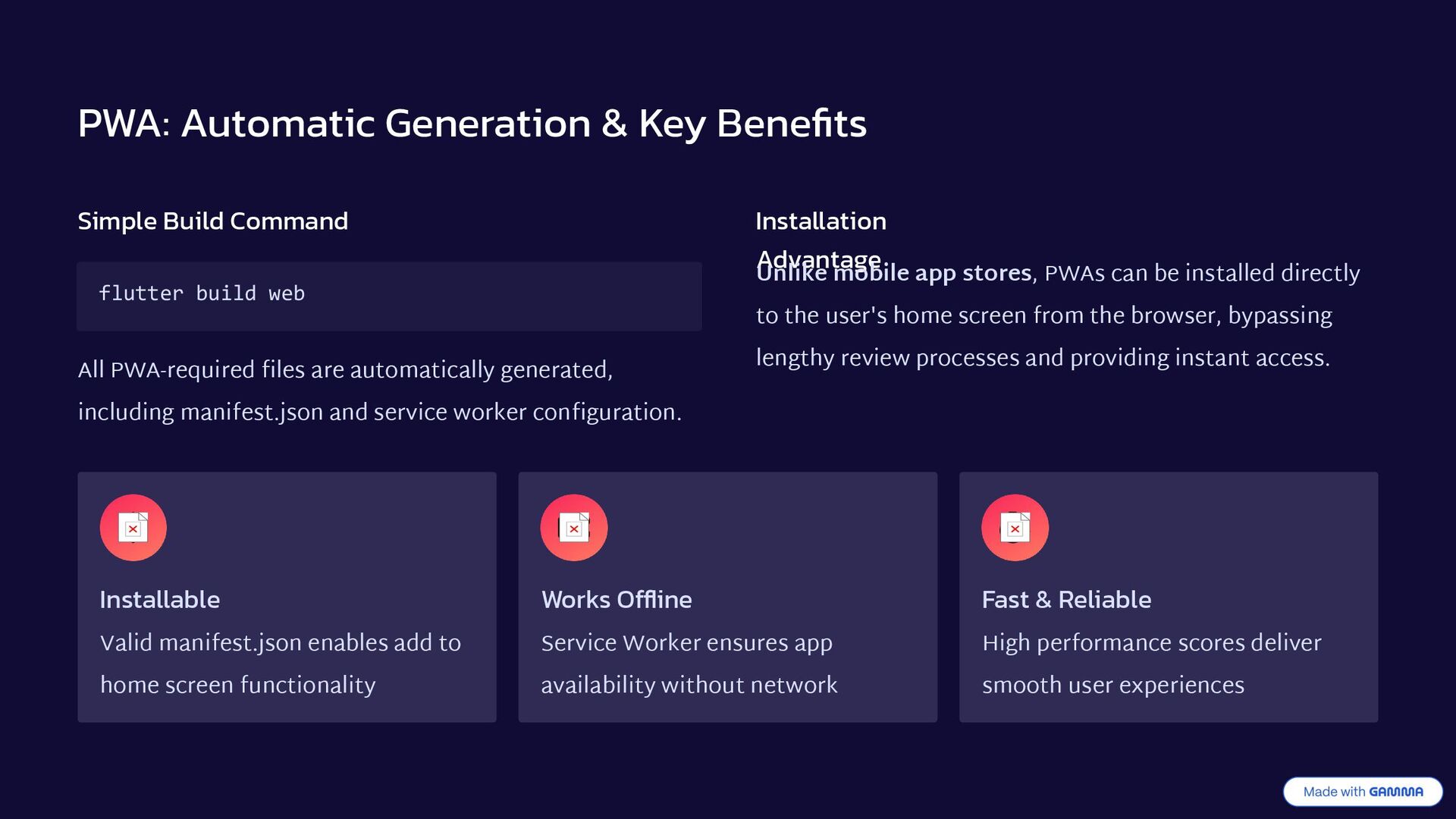
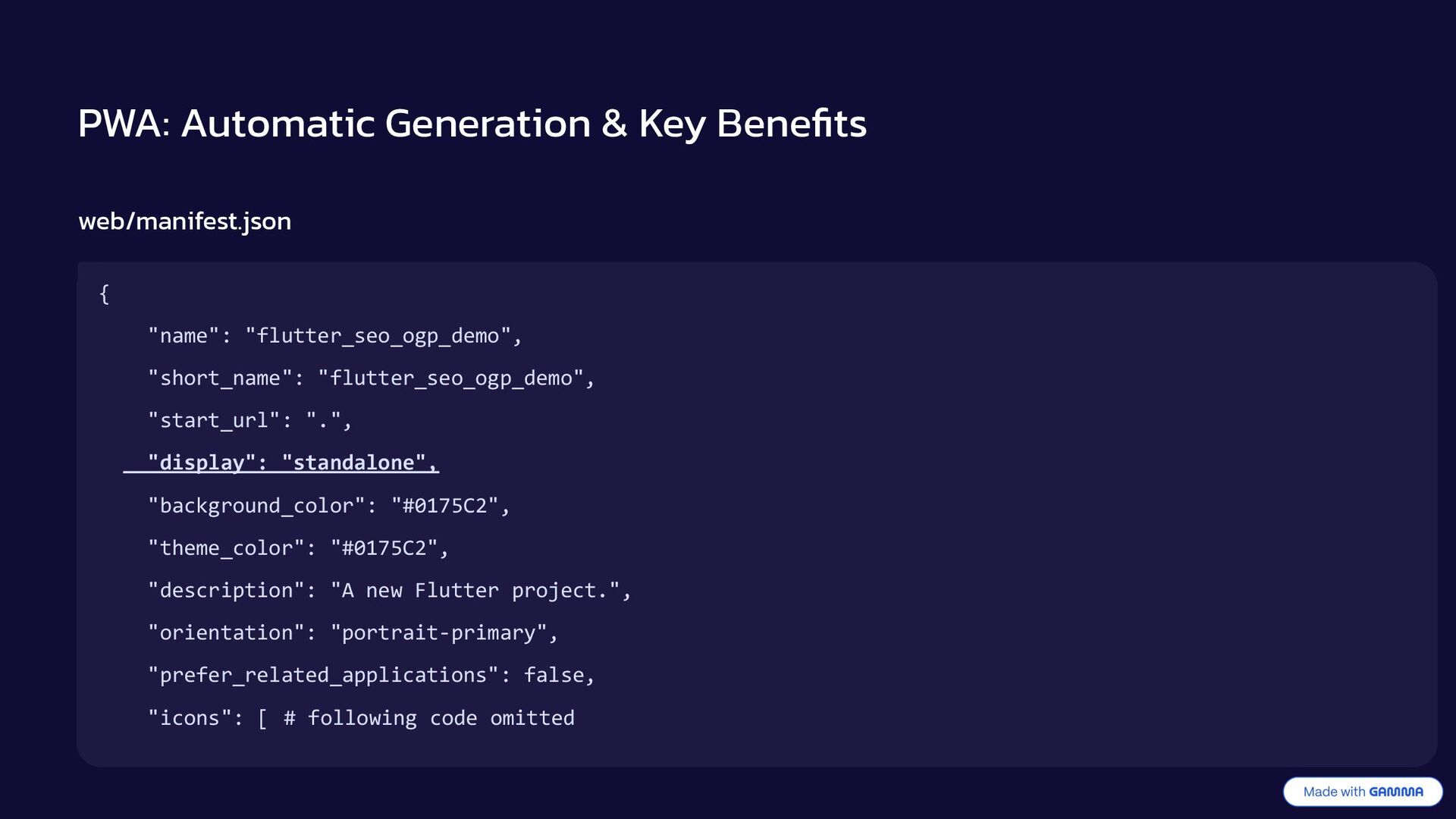
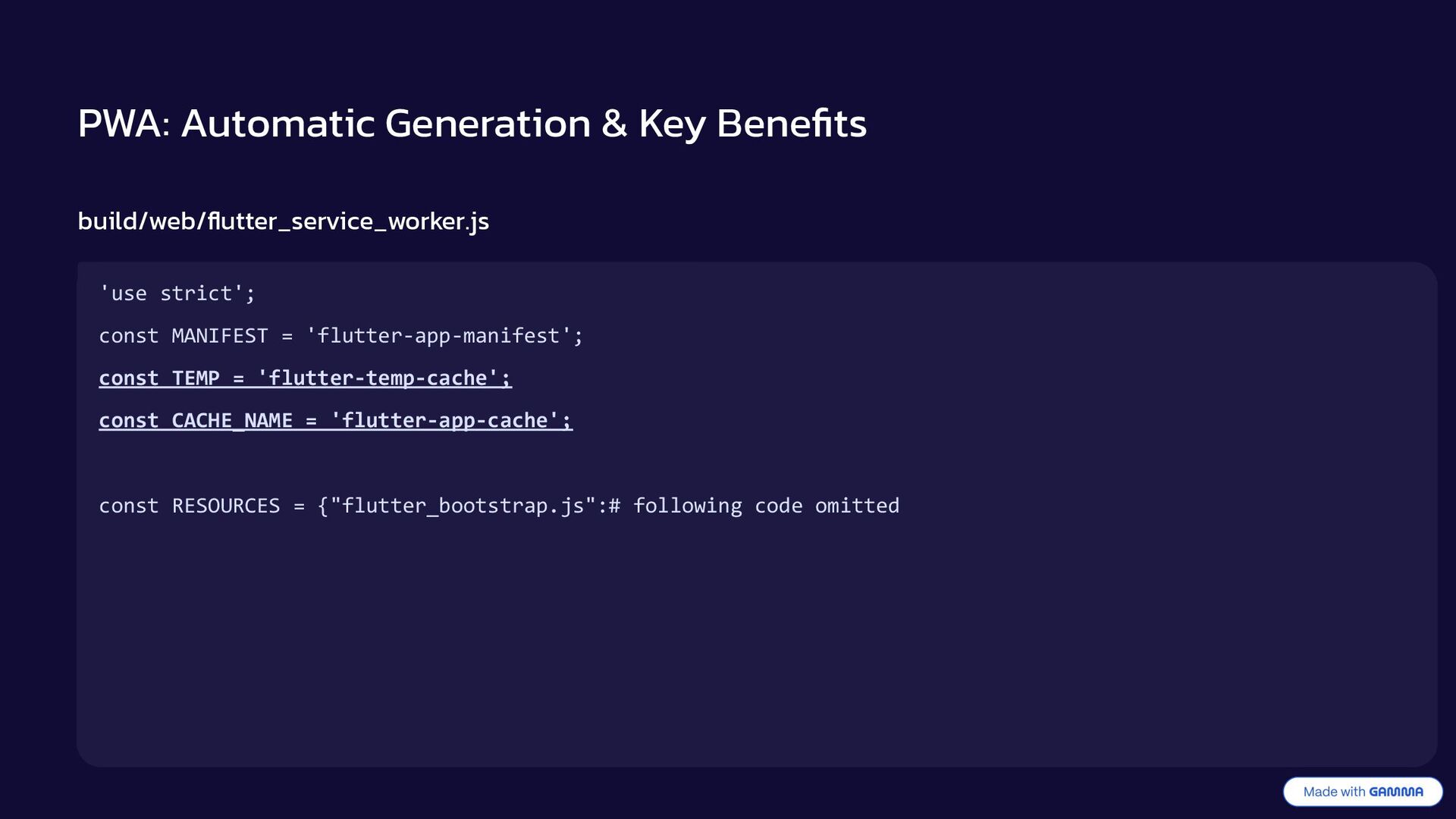
build web All PWA-required files are automatically generated, including manifest.json and service worker configuration. Installation Advantage Unlike mobile app stores, PWAs can be installed directly to the user's home screen from the browser, bypassing lengthy review processes and providing instant access. Installable Valid manifest.json enables add to home screen functionality Works Offline Service Worker ensures app availability without network Fast & Reliable High performance scores deliver smooth user experiences
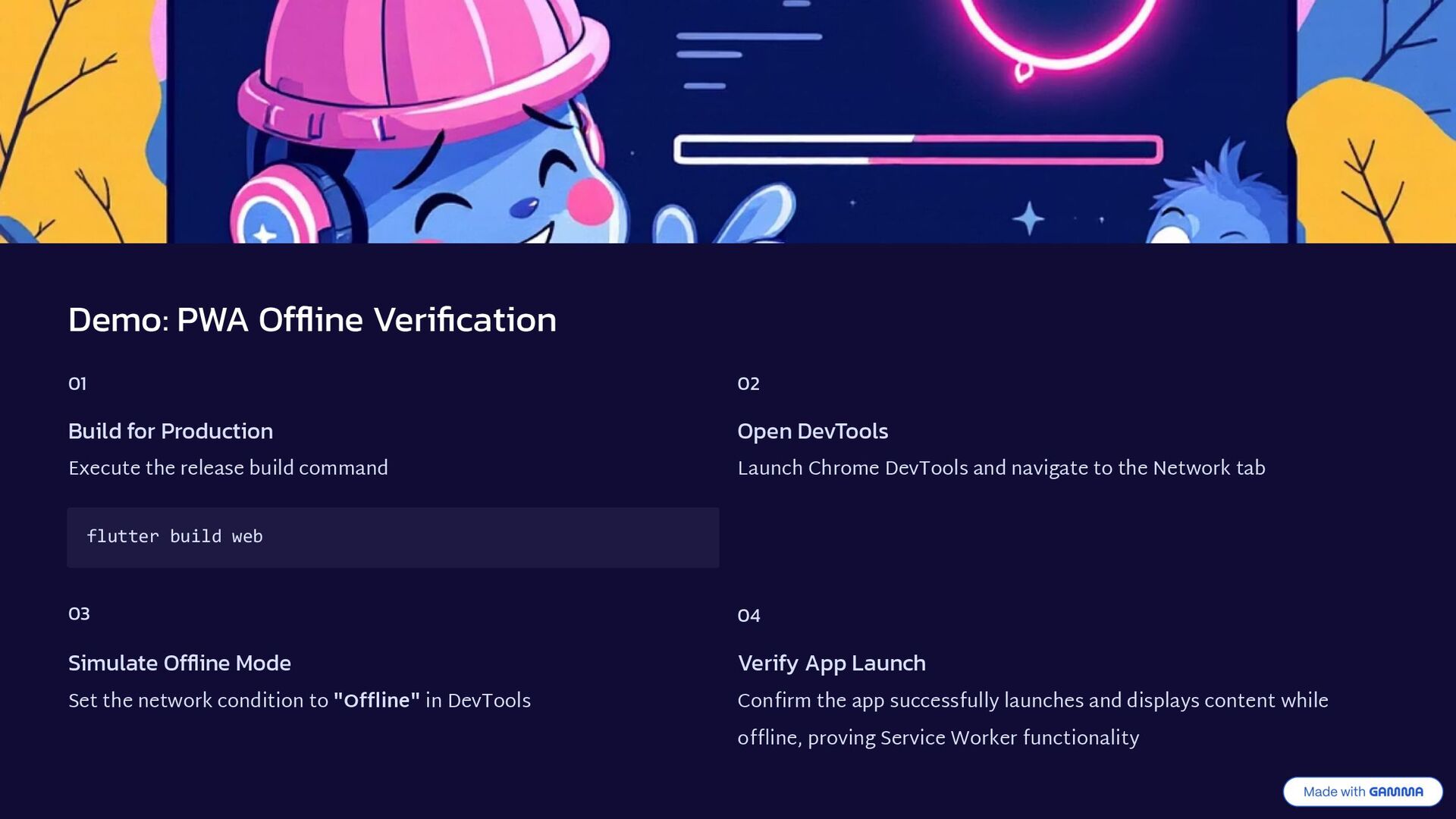
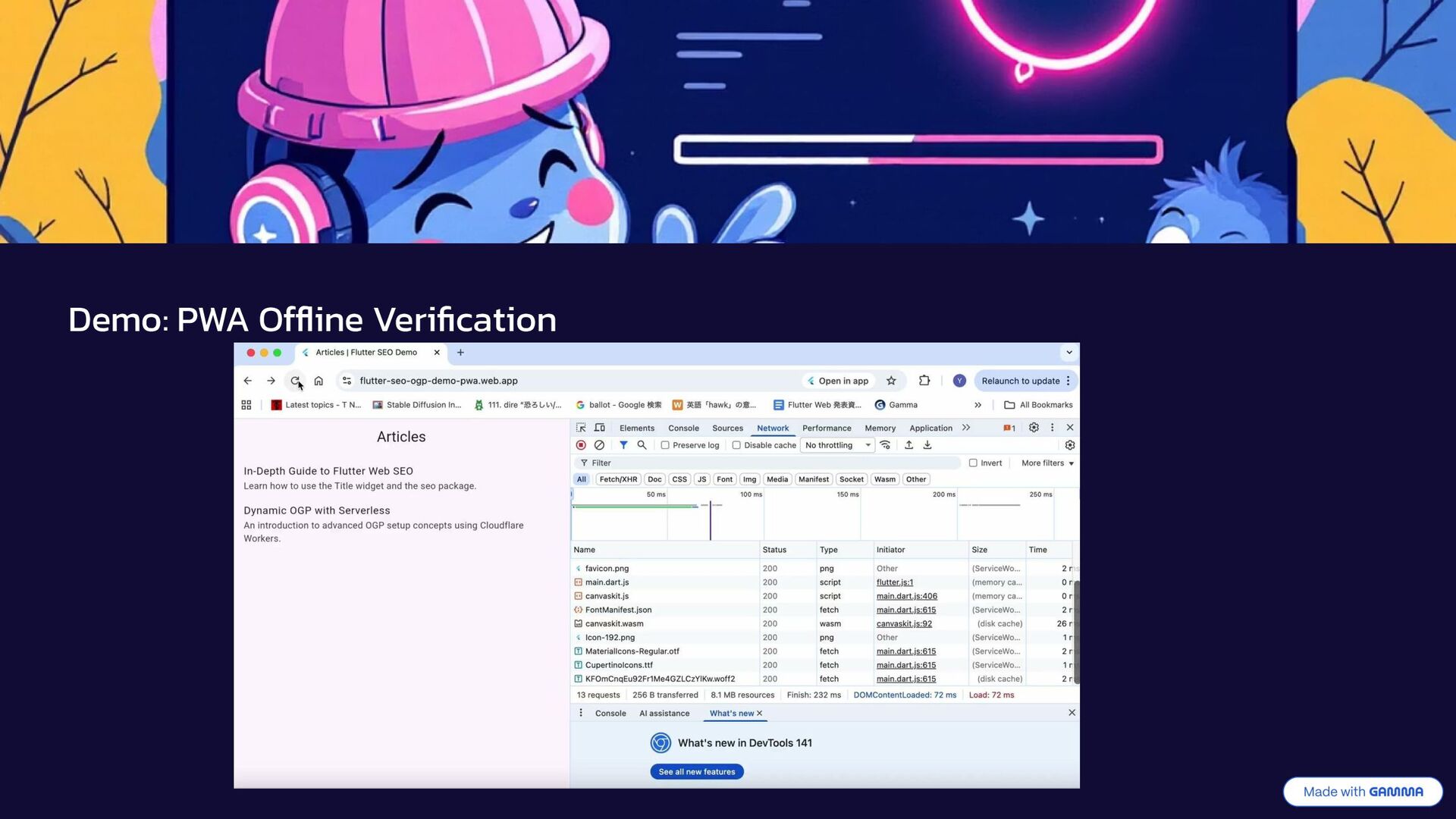
release build command flutter build web 02 Open DevTools Launch Chrome DevTools and navigate to the Network tab 03 Simulate Offline Mode Set the network condition to "Offline" in DevTools 04 Verify App Launch Confirm the app successfully launches and displays content while offline, proving Service Worker functionality
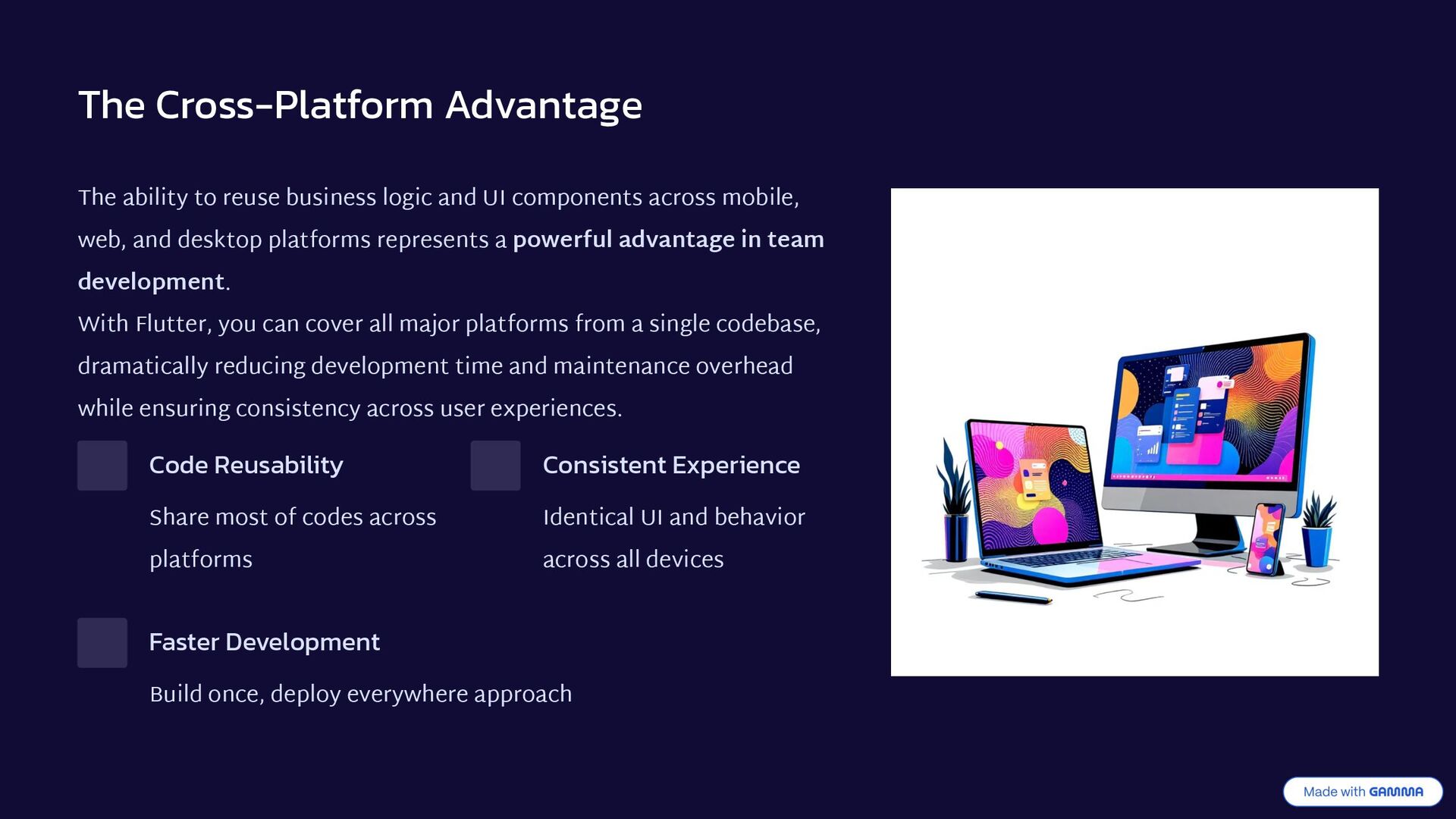
UI components across mobile, web, and desktop platforms represents a powerful advantage in team development. With Flutter, you can cover all major platforms from a single codebase, dramatically reducing development time and maintenance overhead while ensuring consistency across user experiences. Code Reusability Share most of codes across platforms Consistent Experience Identical UI and behavior across all devices Faster Development Build once, deploy everywhere approach
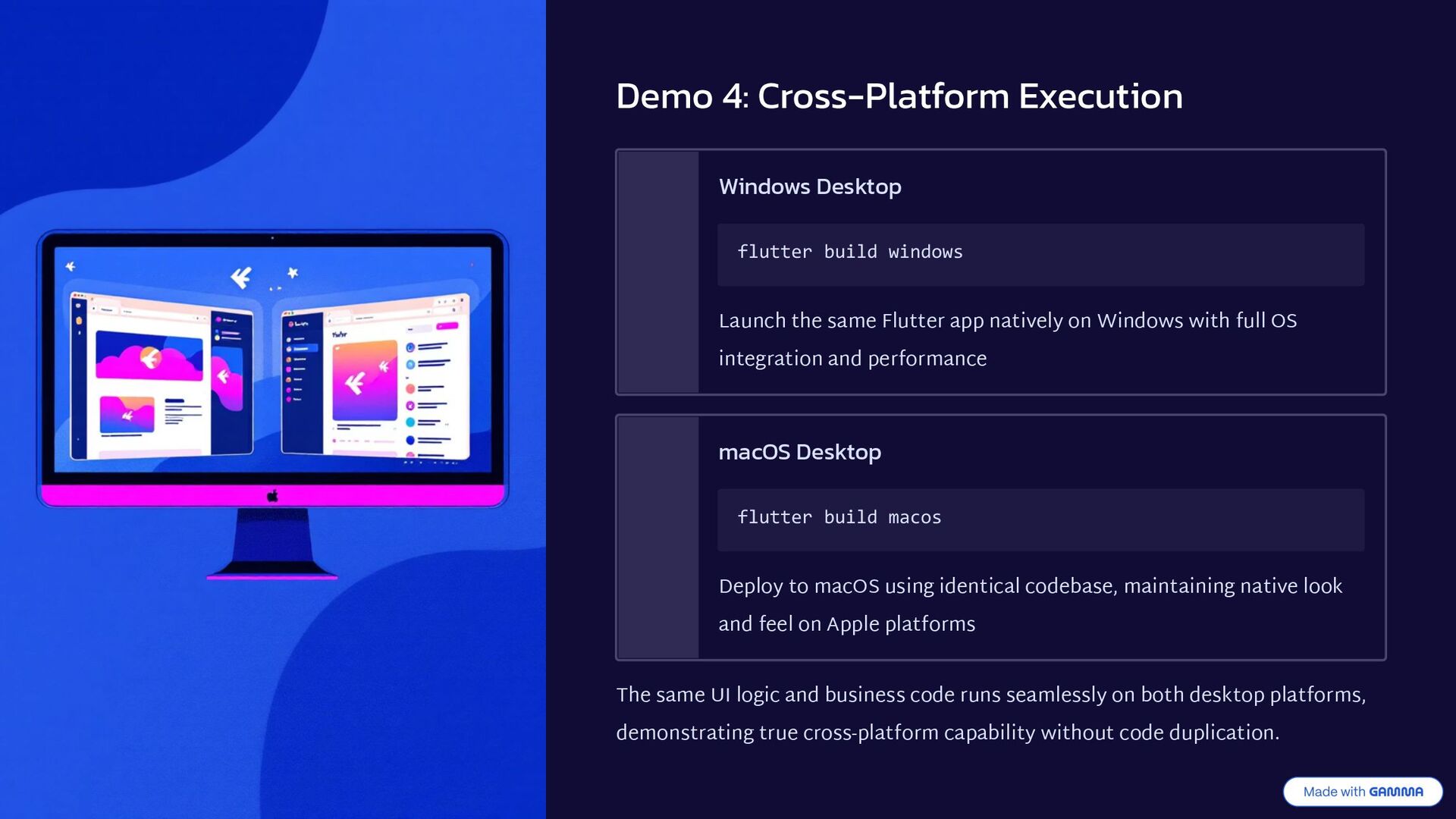
the same Flutter app natively on Windows with full OS integration and performance macOS Desktop flutter build macos Deploy to macOS using identical codebase, maintaining native look and feel on Apple platforms The same UI logic and business code runs seamlessly on both desktop platforms, demonstrating true cross-platform capability without code duplication.
dart:html, which doesn't exist in non-web environments, causing compilation errors. Solution 1: Compile-Time Guard Conditional Imports ensure Web-specific packages are only imported in Web builds Solution 2: Runtime Guard kIsWeb Flag prevents execution of Web-only code on other platforms These two strategies work together to safely separate platform-specific code while maintaining a unified codebase for shared logic.
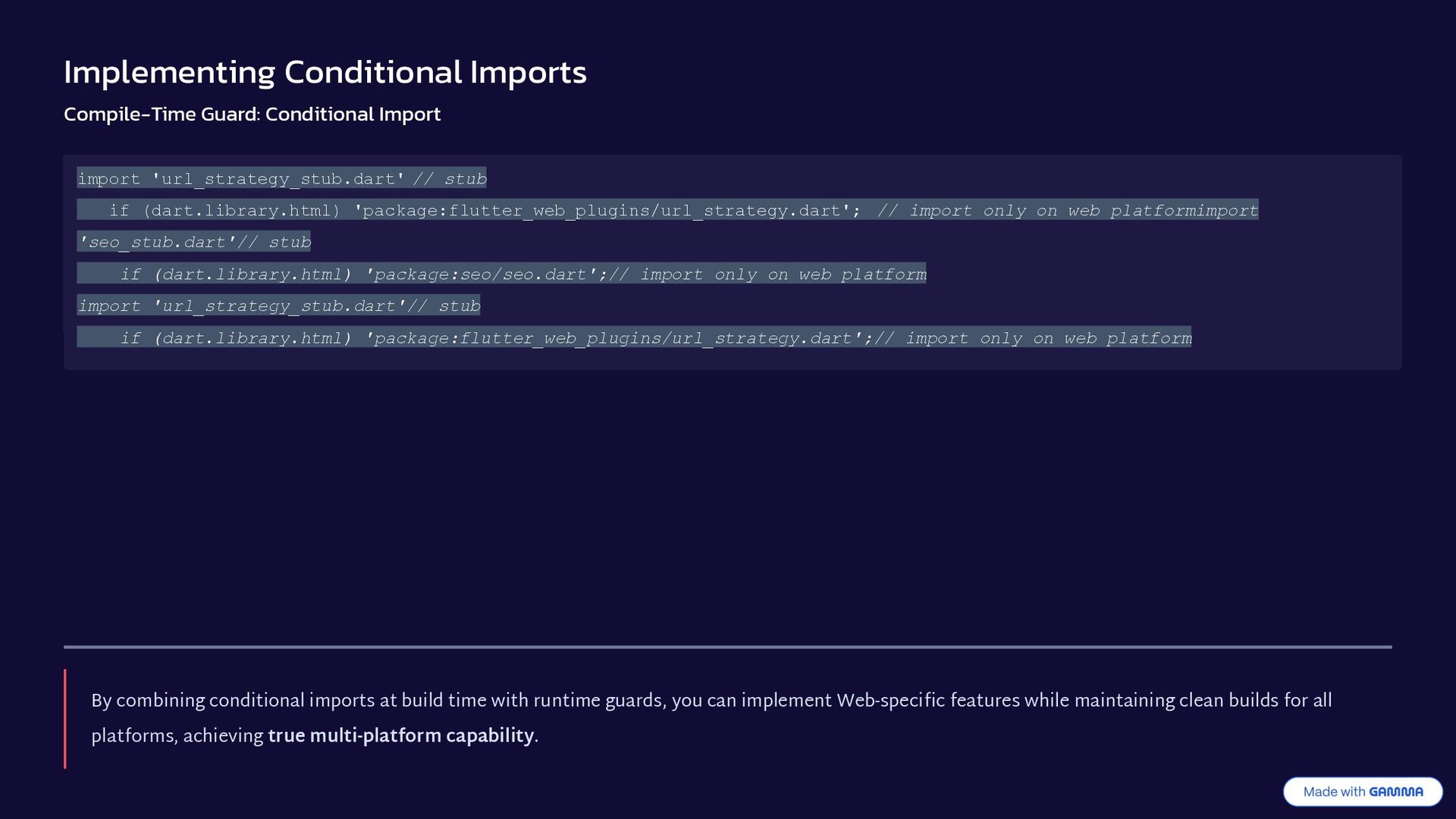
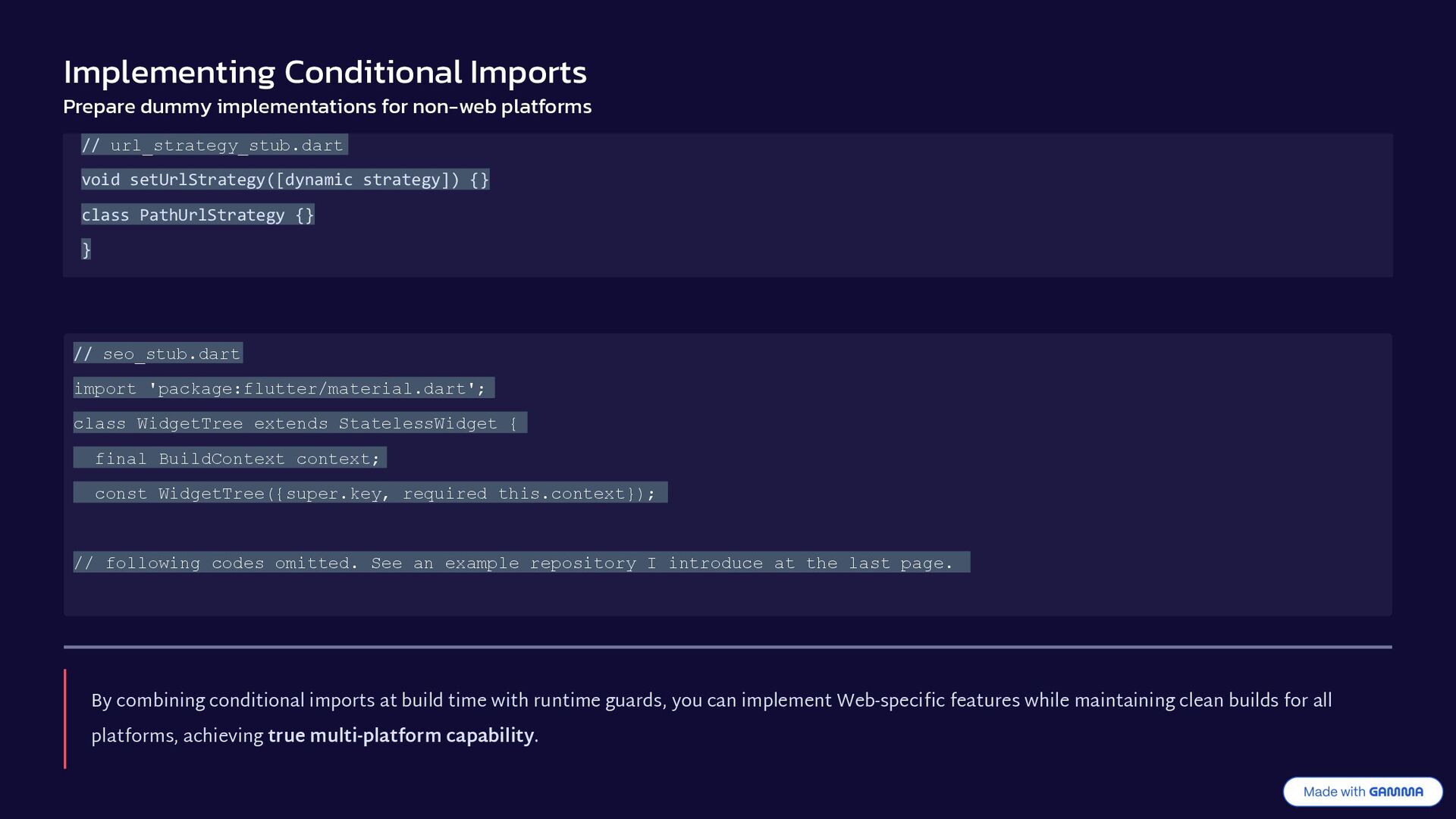
stub if (dart.library.html) 'package:flutter_web_plugins/url_strategy.dart'; // import only on web platformimport 'seo_stub.dart'// stub if (dart.library.html) 'package:seo/seo.dart';// import only on web platform import 'url_strategy_stub.dart'// stub if (dart.library.html) 'package:flutter_web_plugins/url_strategy.dart';// import only on web platform By combining conditional imports at build time with runtime guards, you can implement Web-specific features while maintaining clean builds for all platforms, achieving true multi-platform capability.
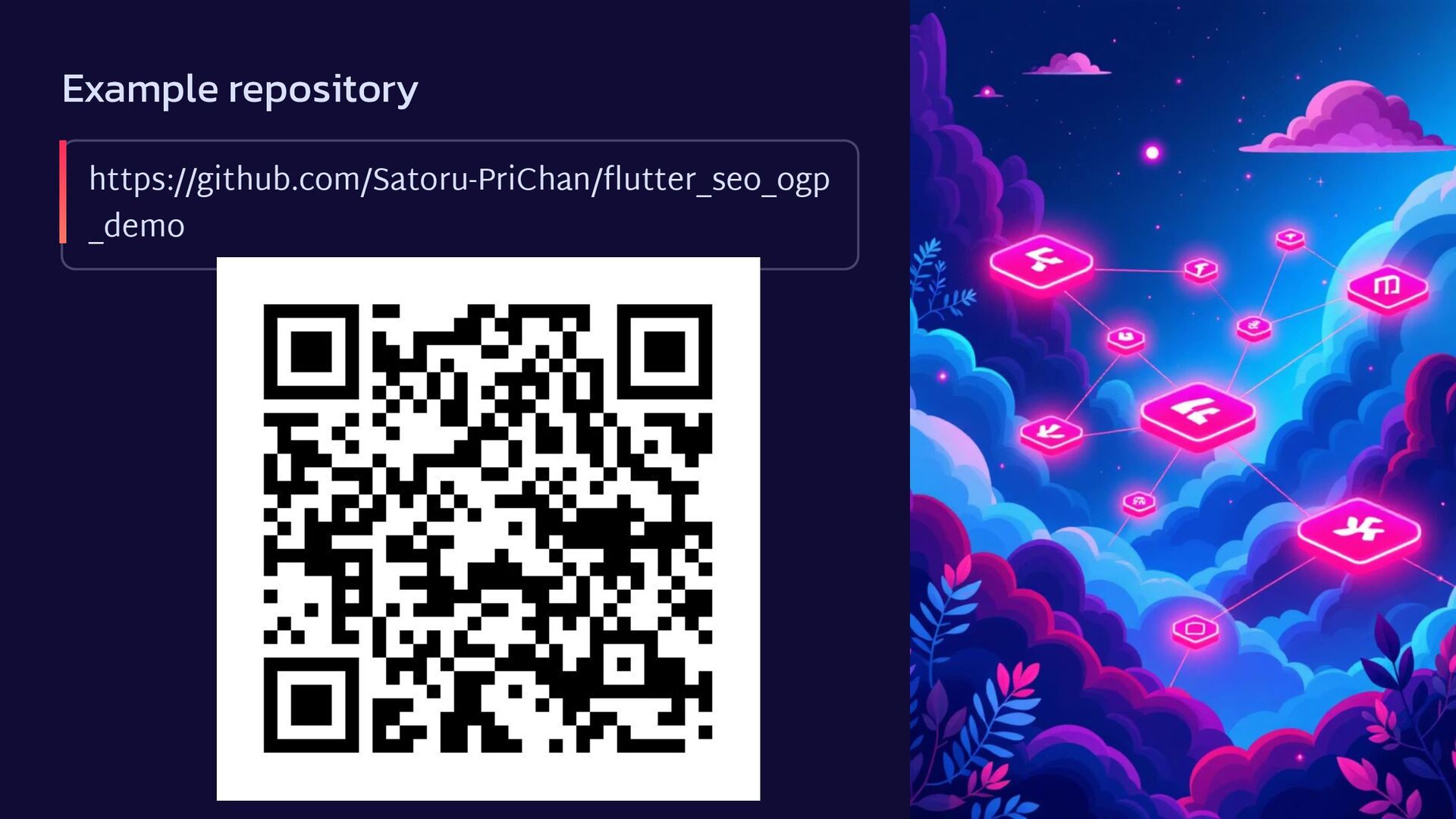
seo_stub.dart import 'package:flutter/material.dart'; class WidgetTree extends StatelessWidget { final BuildContext context; const WidgetTree({super.key, required this.context}); // following codes omitted. See an example repository I introduce at the last page. // url_strategy_stub.dart void setUrlStrategy([dynamic strategy]) {} class PathUrlStrategy {} } By combining conditional imports at build time with runtime guards, you can implement Web-specific features while maintaining clean builds for all platforms, achieving true multi-platform capability.
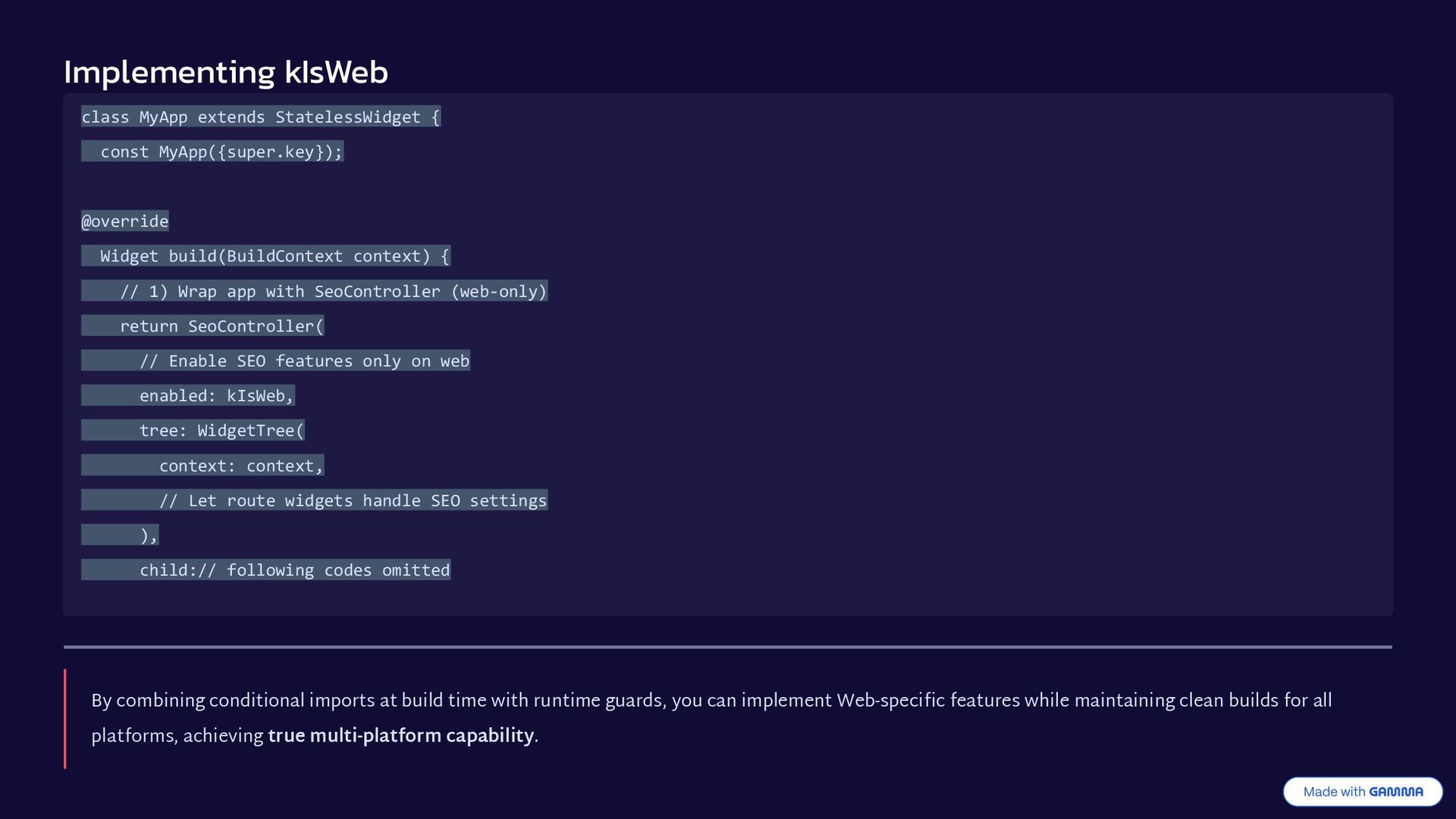
Widget build(BuildContext context) { // 1) Wrap app with SeoController (web-only) return SeoController( // Enable SEO features only on web enabled: kIsWeb, tree: WidgetTree( context: context, // Let route widgets handle SEO settings ), child:// following codes omitted By combining conditional imports at build time with runtime guards, you can implement Web-specific features while maintaining clean builds for all platforms, achieving true multi-platform capability.
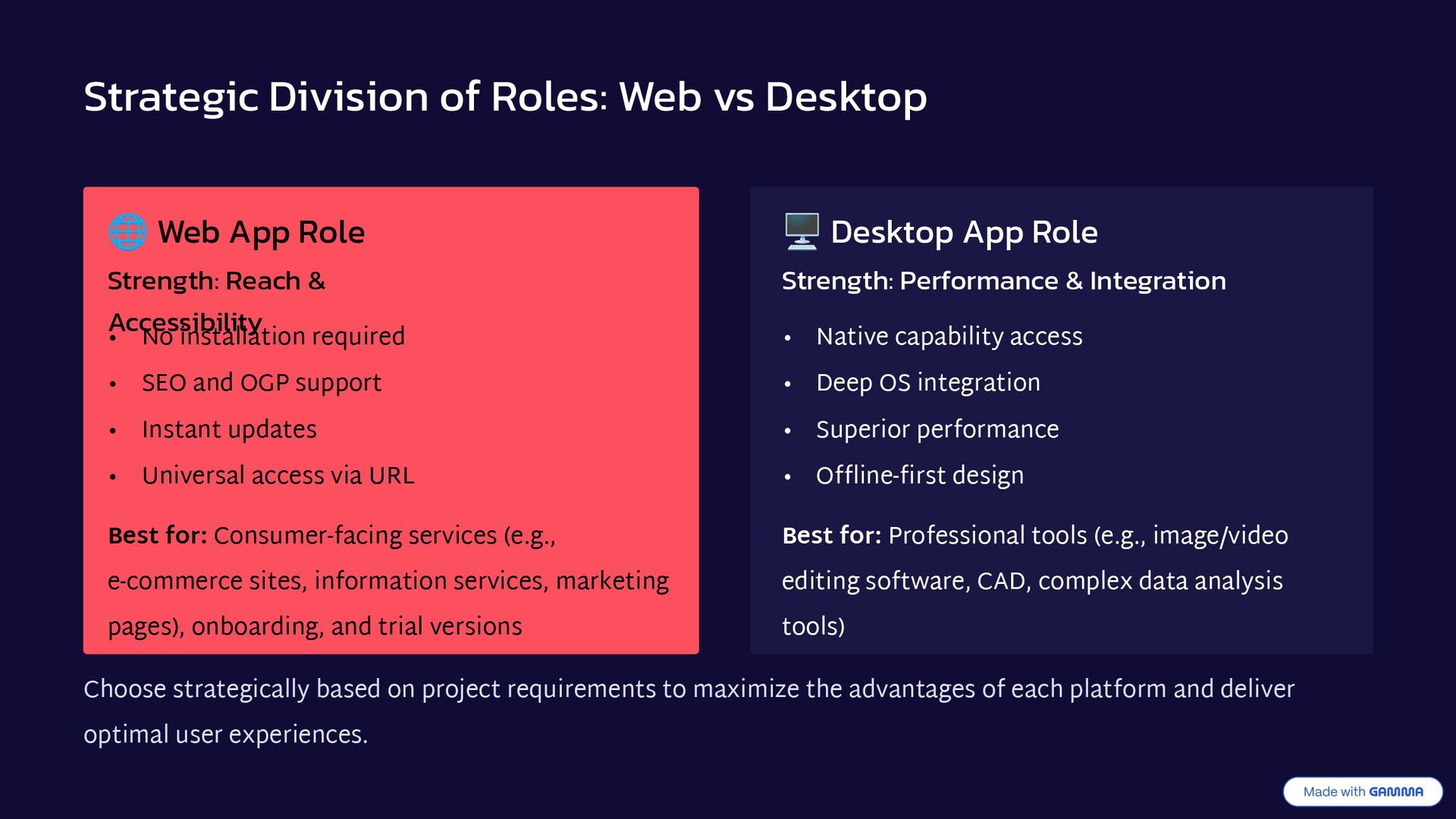
Role Strength: Reach & Accessibility • No installation required • SEO and OGP support • Instant updates • Universal access via URL Best for: Consumer-facing services (e.g., e-commerce sites, information services, marketing pages), onboarding, and trial versions 🖥 Desktop App Role Strength: Performance & Integration • Native capability access • Deep OS integration • Superior performance • Offline-first design Best for: Professional tools (e.g., image/video editing software, CAD, complex data analysis tools) Choose strategically based on project requirements to maximize the advantages of each platform and deliver optimal user experiences.
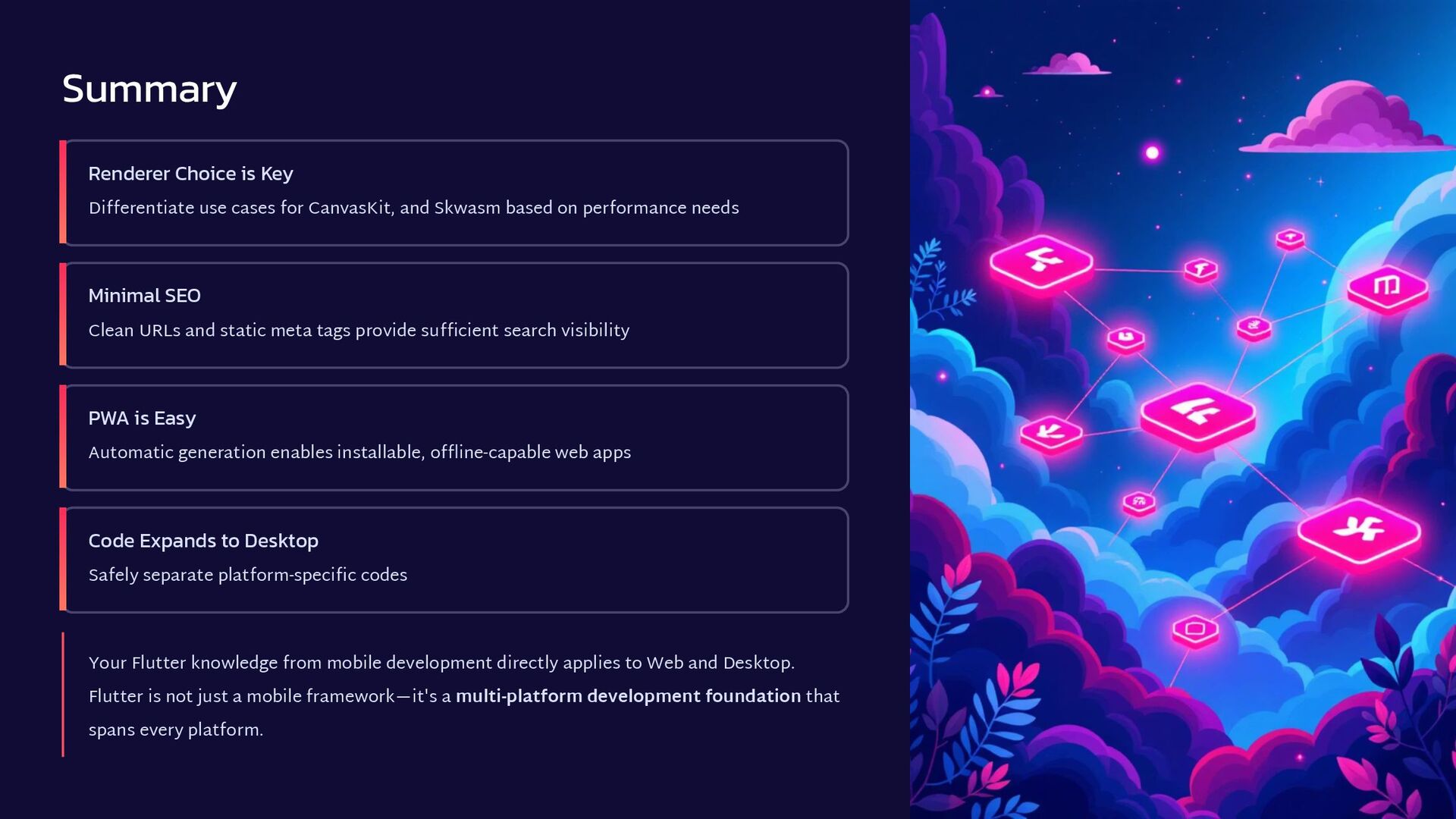
and Skwasm based on performance needs Minimal SEO Clean URLs and static meta tags provide sufficient search visibility PWA is Easy Automatic generation enables installable, offline-capable web apps Code Expands to Desktop Safely separate platform-specific codes Your Flutter knowledge from mobile development directly applies to Web and Desktop. Flutter is not just a mobile framework—it's a multi-platform development foundation that spans every platform.


 rfdnxbro
 satomasahiro2005
 minorun365
 pfn
pfn
 taketakekaho
 takahashim
 takanorip
 tomokusaba
 shuta13
 occhi
occhi
 yamanoku
 shugo
shugo
 mfonobong
 addyosmani
 uxyall
 szymonslowik
 konakalab
 lauravandoore
 tammyeverts
 soudai
 tmiket
 auna
auna
 akihiro_kokubo
 lemiorhan