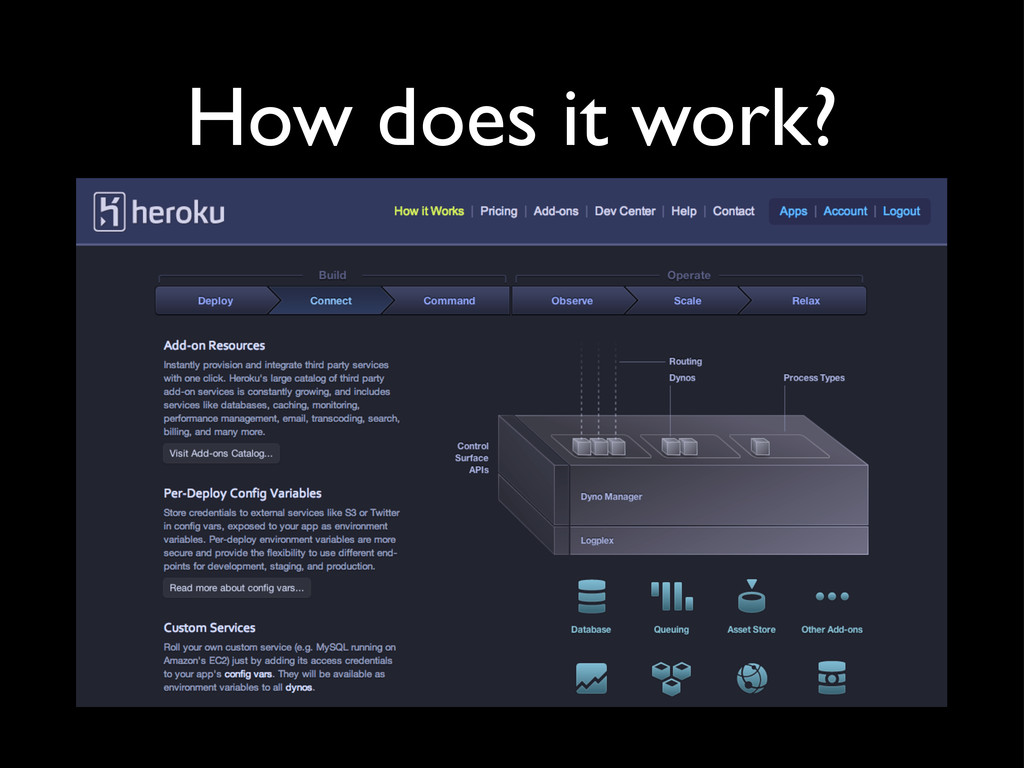
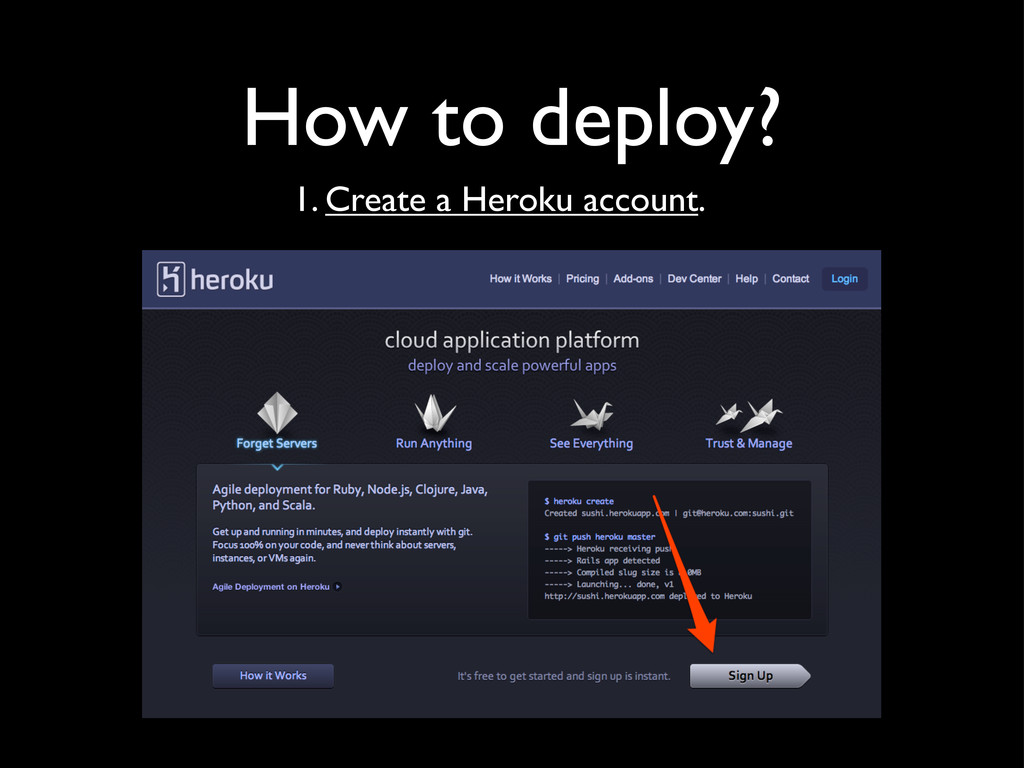
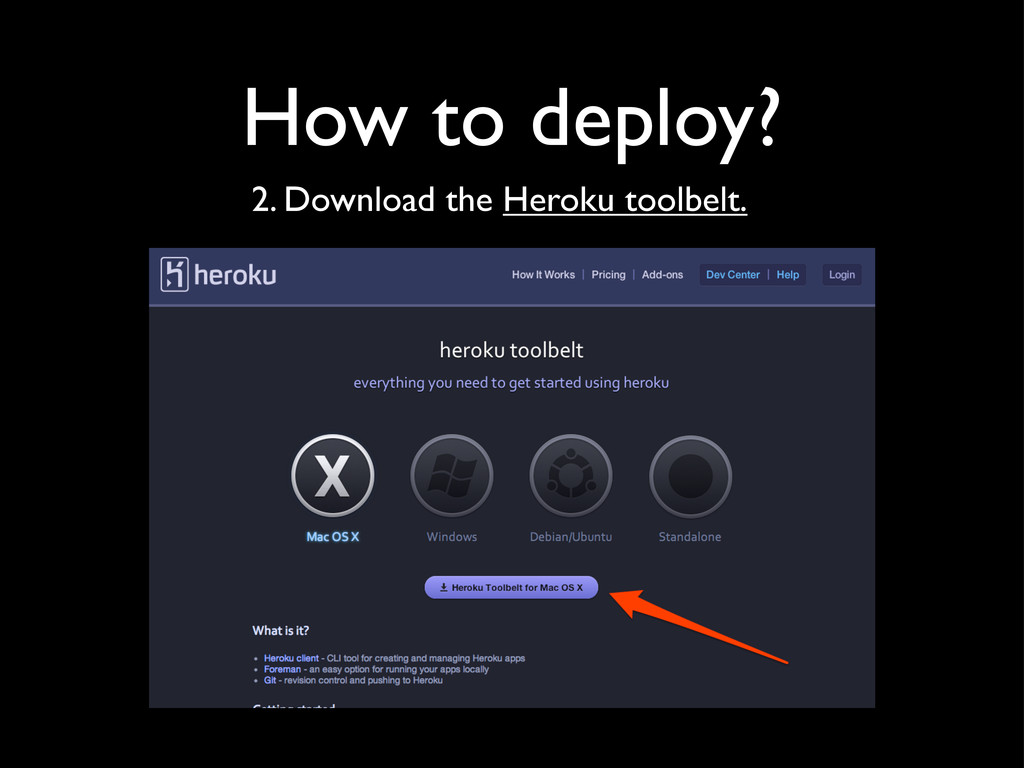
i.e. provides a computing platform and solution stack as a service • Made for developers! • Supports Python, Ruby, Java, Scala, Clojure, Node.js, Logo, and...!
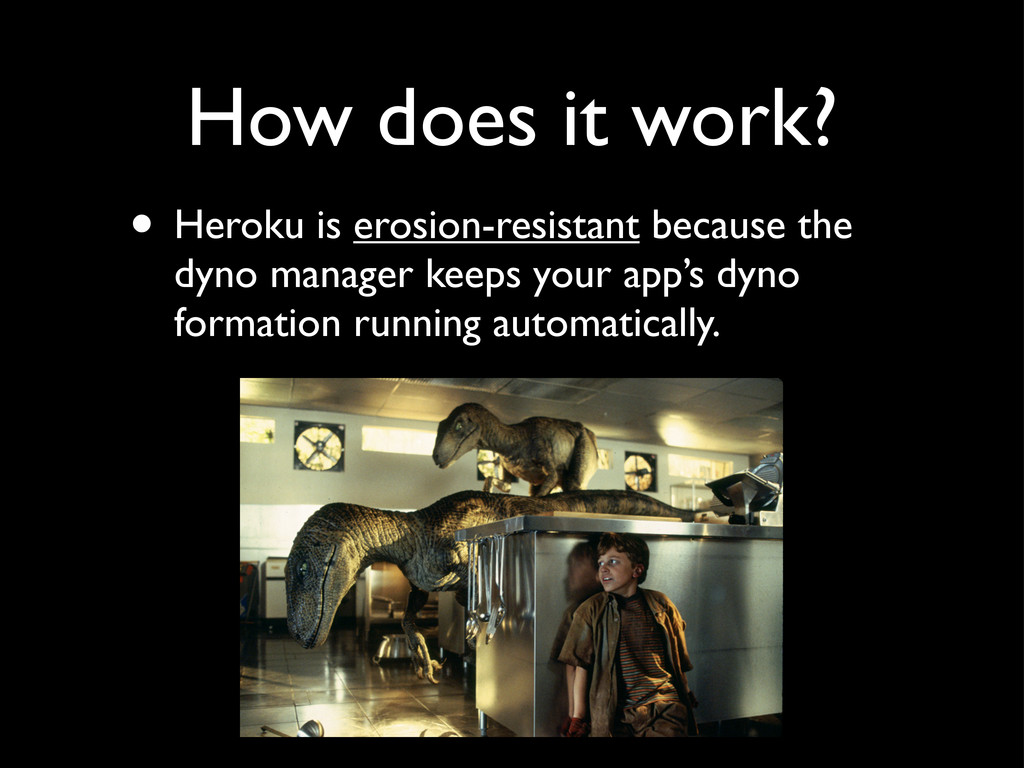
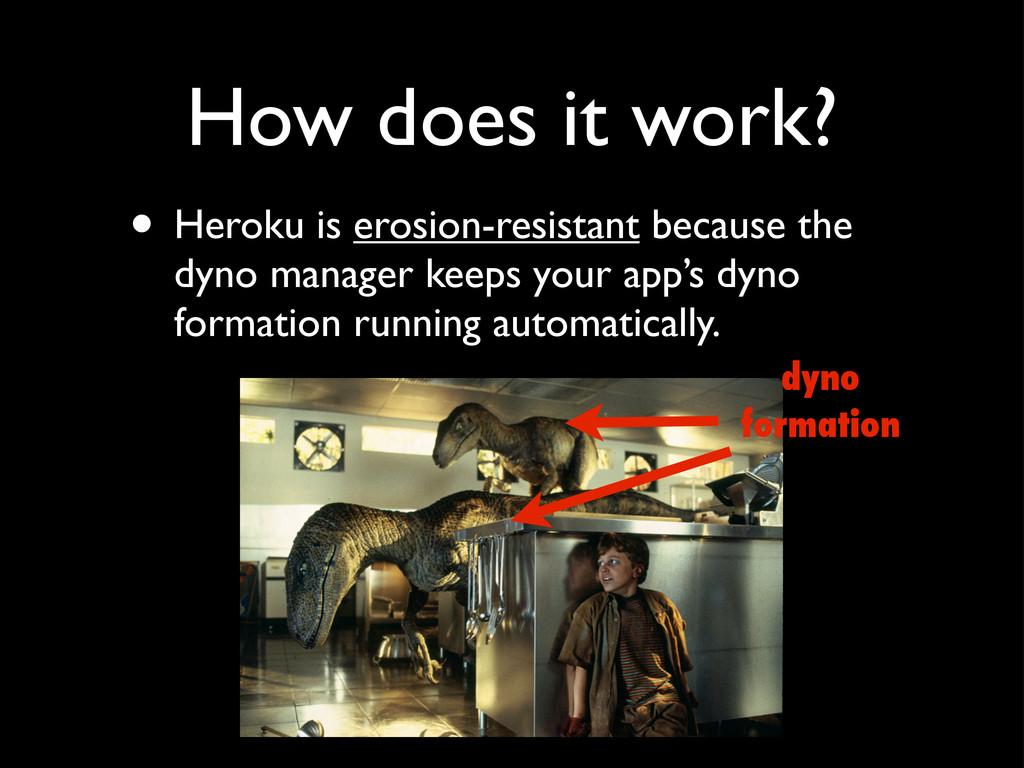
container running a single user-specified command. • A dyno can run any command available in its default environment--what’s supplied in the Cedar stack, which we’ll talk about later--along with your app’s slug.
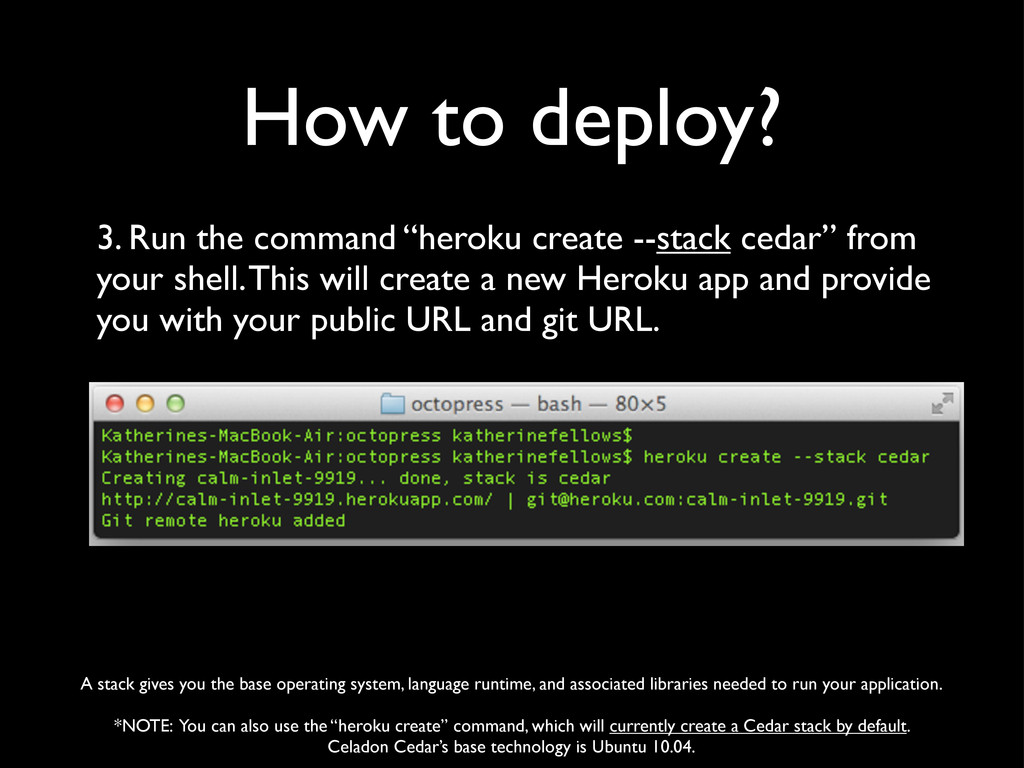
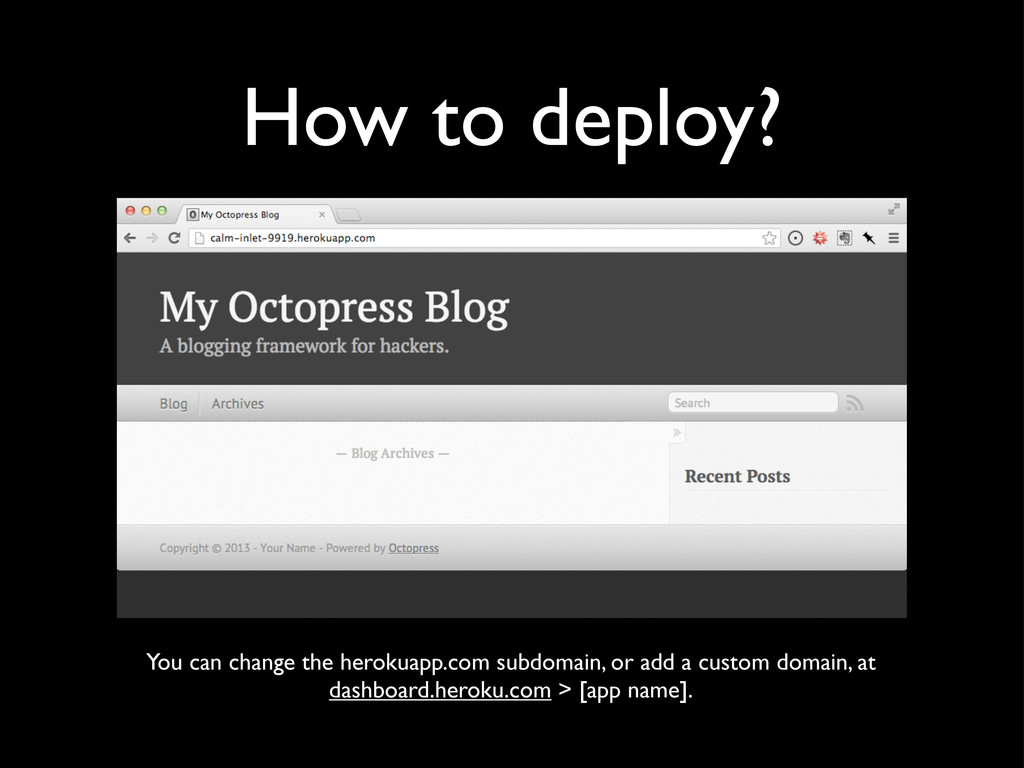
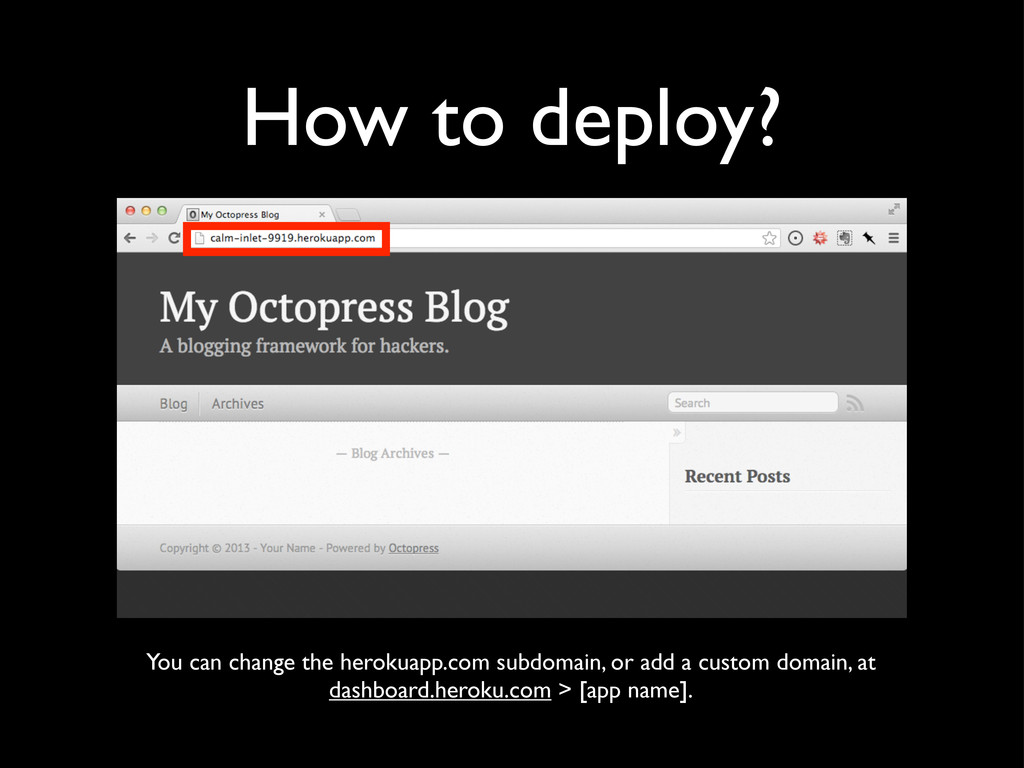
cedar” from your shell. This will create a new Heroku app and provide you with your public URL and git URL. A stack gives you the base operating system, language runtime, and associated libraries needed to run your application. *NOTE: You can also use the “heroku create” command, which will currently create a Cedar stack by default. Celadon Cedar’s base technology is Ubuntu 10.04.
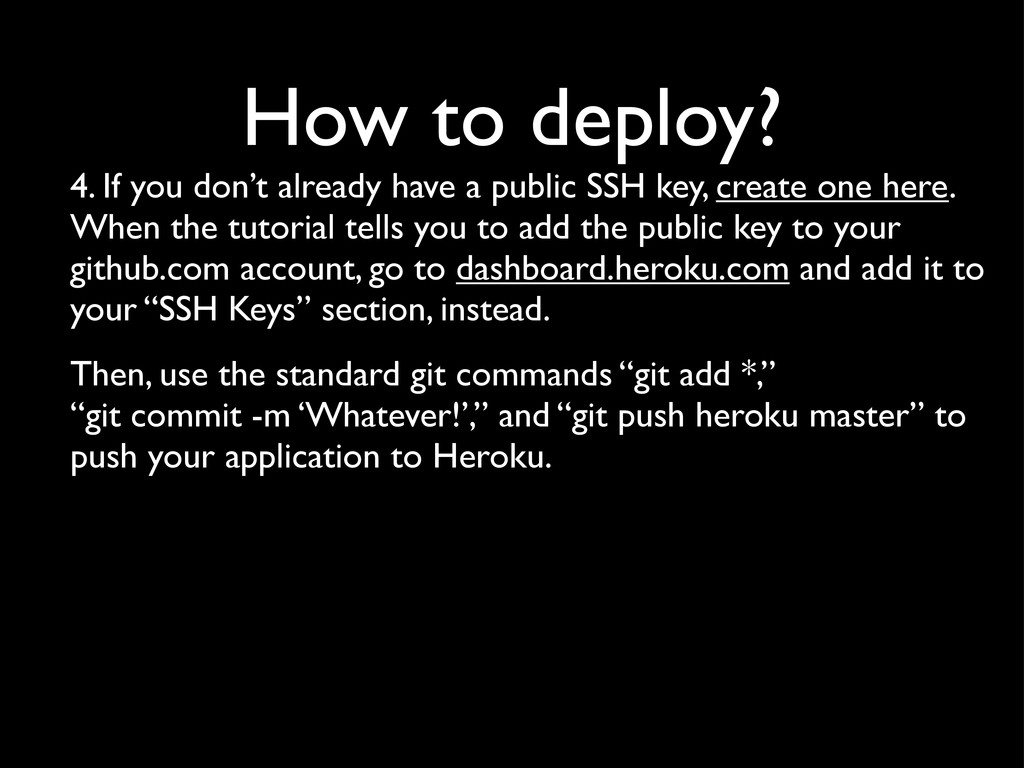
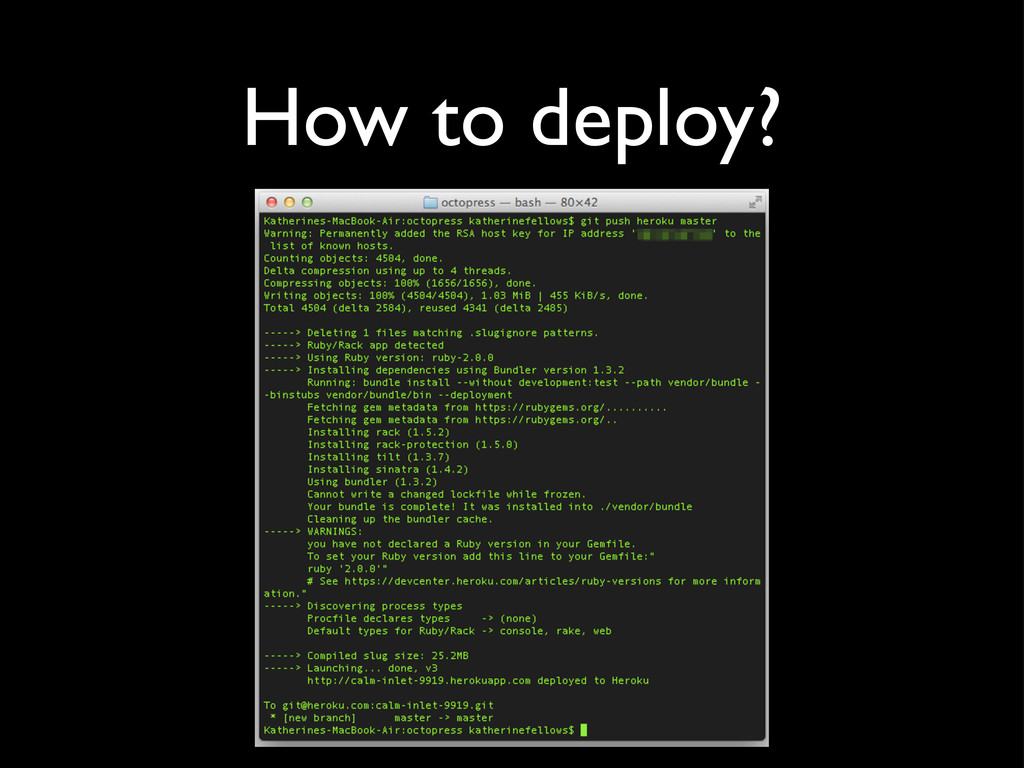
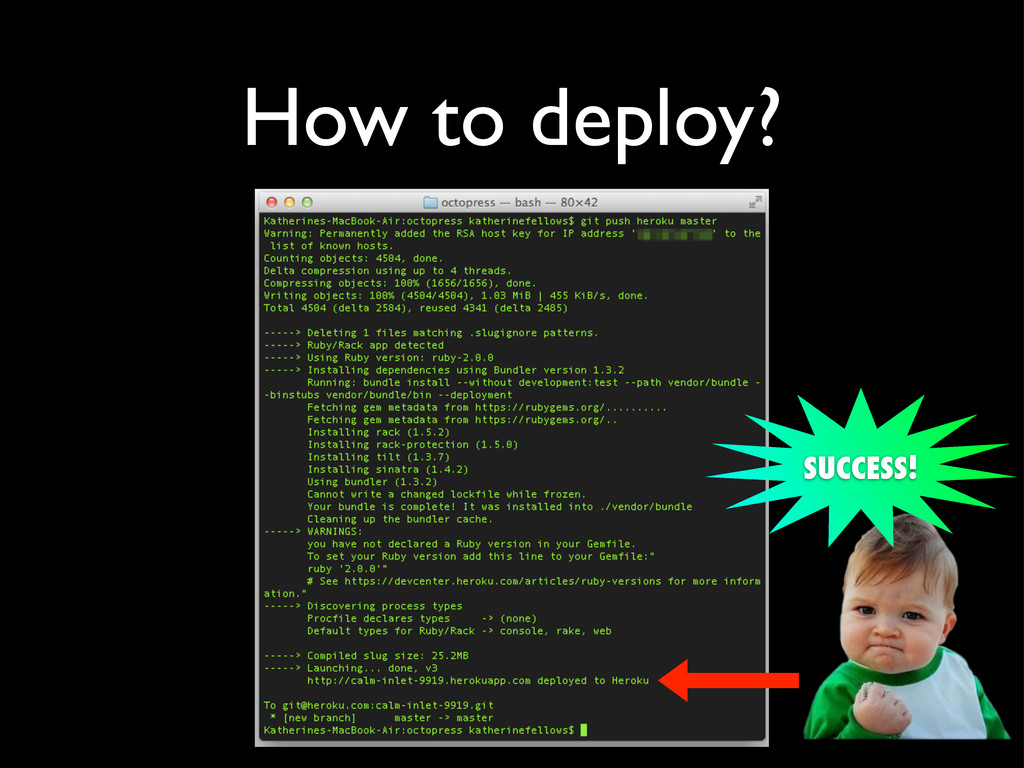
public SSH key, create one here. When the tutorial tells you to add the public key to your github.com account, go to dashboard.heroku.com and add it to your “SSH Keys” section, instead. Then, use the standard git commands “git add *,” “git commit -m ‘Whatever!’,” and “git push heroku master” to push your application to Heroku.


 yasaichi
 mixplace
 mofurune
 htkym
htkym
 akihisaikeda
 ryu1013
 sylph01
 dske104
 hollycummins
 tanahiro2010
 econanringo
 seike460
 aki_iinuma
 frankvandijk
.jpg) cargoodrich
cargoodrich
 62gerente
 signer
 garrettdimon
 ryanjones
 jdejongh
 nikkihalliwell
 apolaine
 mkilby
 baasie