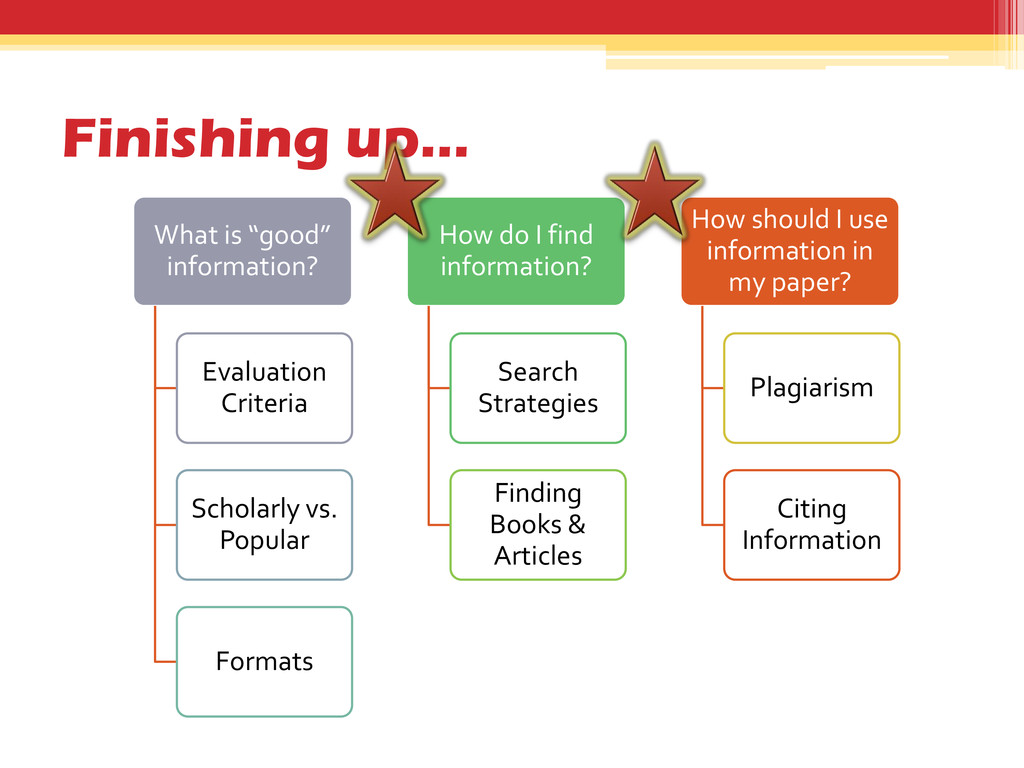
Popular Formats How do I find information? Search Strategies Finding Books & Articles How should I use information in my paper? Plagiarism Citing Information
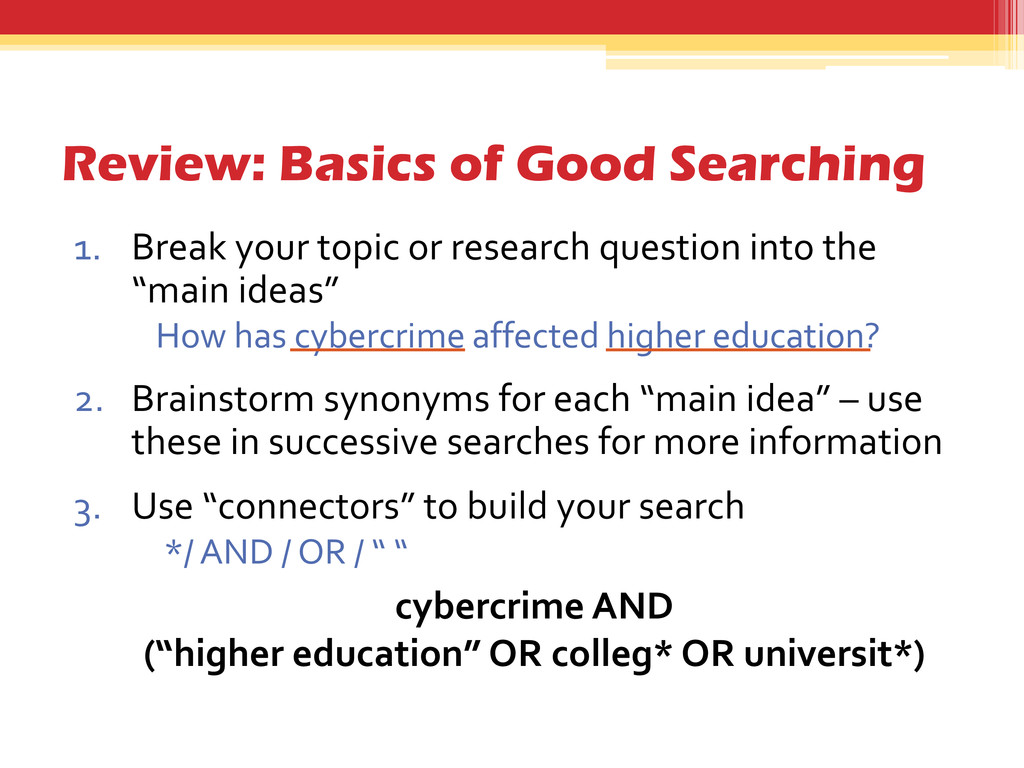
research question into the “main ideas” How has cybercrime affected higher education? 2. Brainstorm synonyms for each “main idea” – use these in successive searches for more information 3. Use “connectors” to build your search */ AND / OR / “ “ cybercrime AND (“higher education” OR colleg* OR universit*)
nearly every subject that is taught at TU? • Look for the “Subject Gateways” icon on our homepage • Look for the Subject Gateway for the major or subject you’re investigating
of the Library's resources at once. • Find books, articles, media, government information, and other library resources all in one place. • Search what Towson owns as well as resources at other USMAI Libraries. *but not ALL!!
to find one scholarly article available electronically that is relevant to your topic • Write down the “bibliographic” information (e.g., author, title, journal, etc.) in the spaces on your handout
• Allows readers to identify and verify your information • Gives credit to the creators of the ideas… avoids plagiarism • University Policy • Required for your assignment
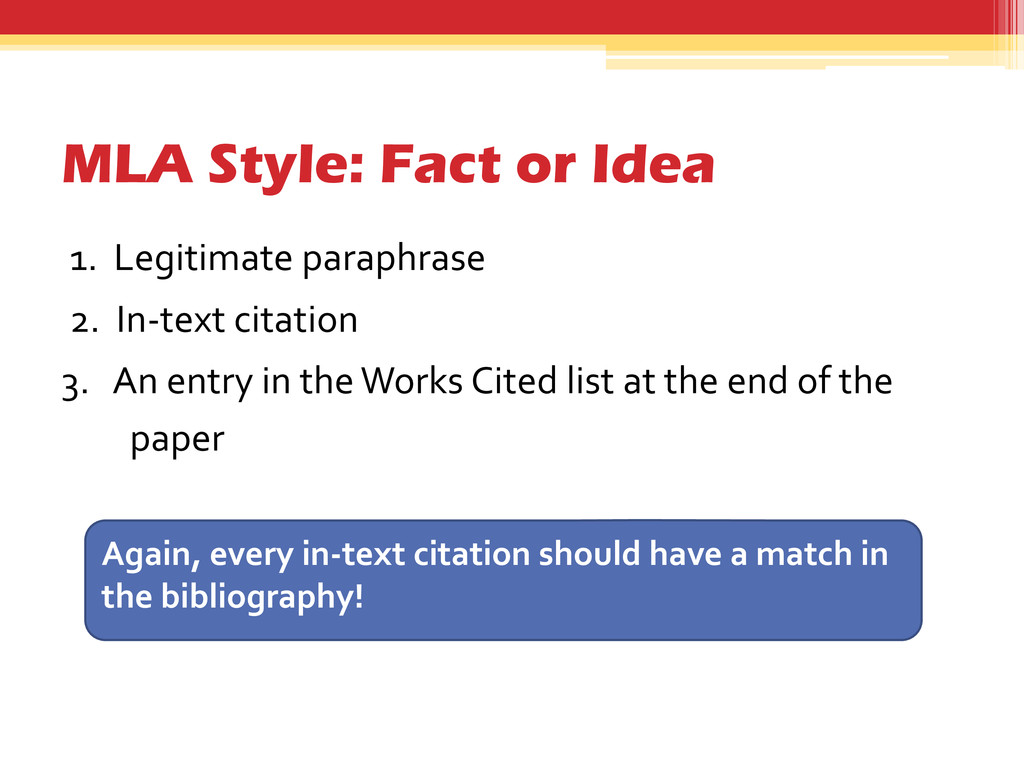
words?” • Paraphrasing- Borrowing an idea and putting it in your own words • Avoid “paraphrase plagiarism”-- where your paraphrase is too similar to original source • Remember to cite! A paraphrase must always be documented
carefully • Note key ideas, then “Shut the book” • Try to summarize the information making sure you understand what you’re reading and providing your own understanding • Proofread! • Learn to write and cite confidently
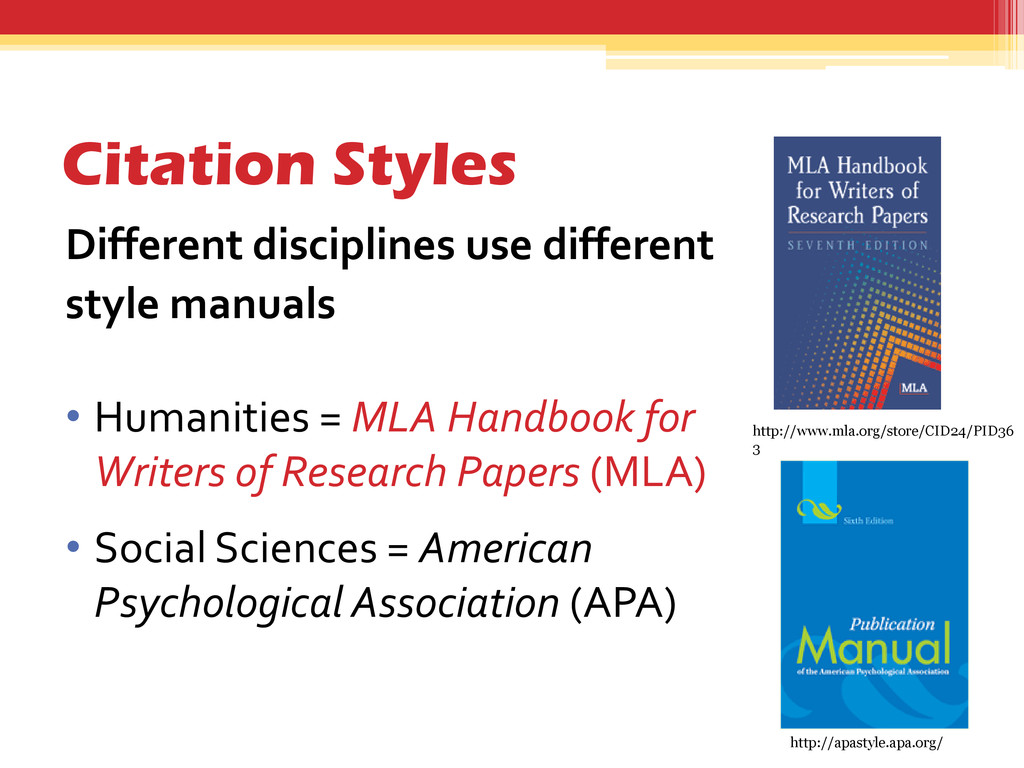
= MLA Handbook for Writers of Research Papers (MLA) • Social Sciences = American Psychological Association (APA) http://apastyle.apa.org/ http://www.mla.org/store/CID24/PID36 3
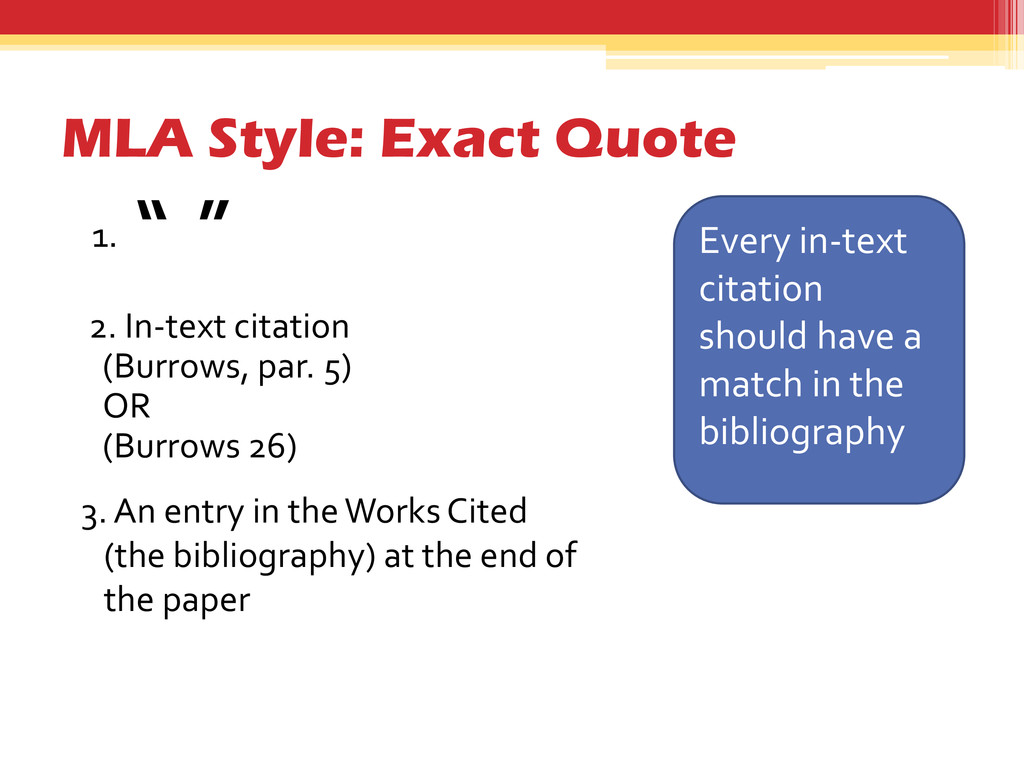
match in the bibliography 1. “ ” 2. In-text citation (Burrows, par. 5) OR (Burrows 26) 3. An entry in the Works Cited (the bibliography) at the end of the paper
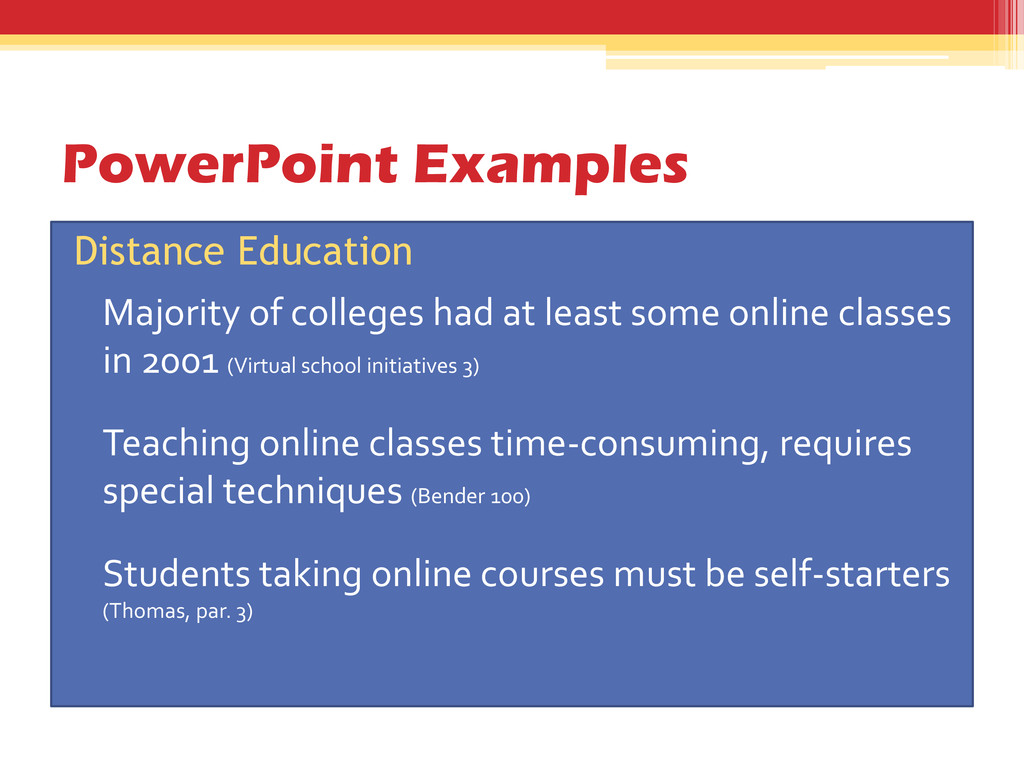
least some online classes in 2001 (Virtual school initiatives 3) • Teaching online classes time-consuming, requires special techniques (Bender 100) • Students taking online courses must be self-starters (Thomas, par. 3)
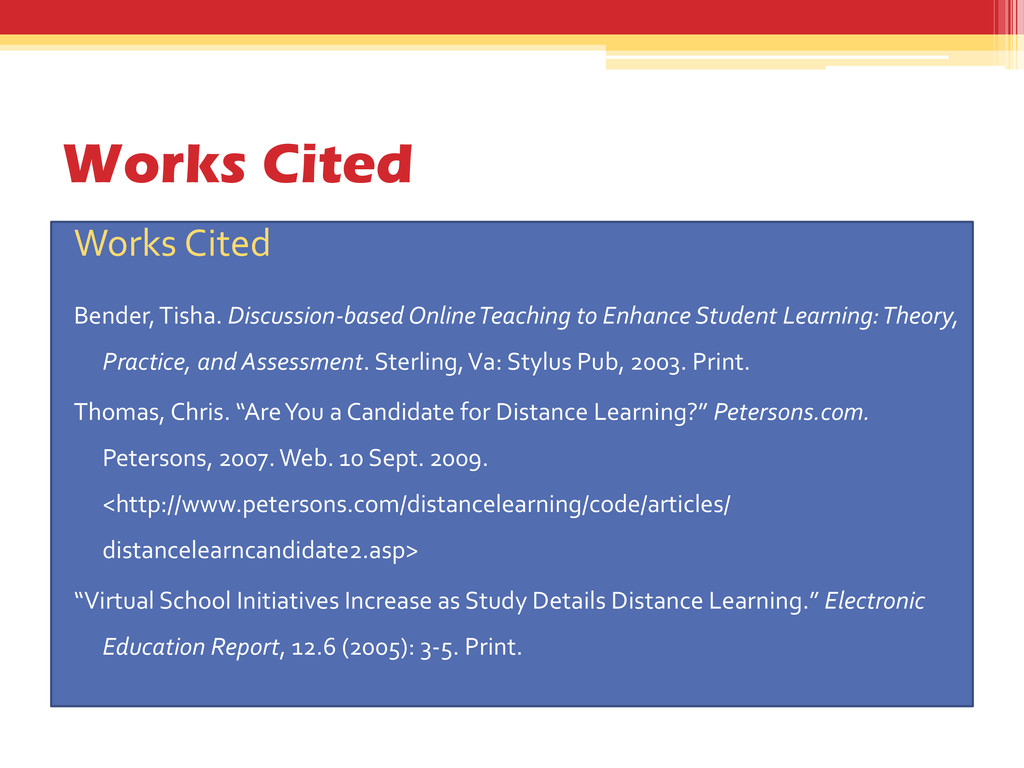
down the “bibliographic” information you need for your citation (e.g., author, title, date, source, page numbers…) 2. Look at an example citation, noting the order in which the pieces are put together and the formatting. 3. Duplicate the example using the information from your source


 kimberlymiller3
 tmiket
 3n
3n
 marcoroth
 sergeychernyshev
 honnibal
 portentint
 sarafernandez
 tammyeverts
 mclloyd
 reverentgeek
 dugsong
 lcolladotor