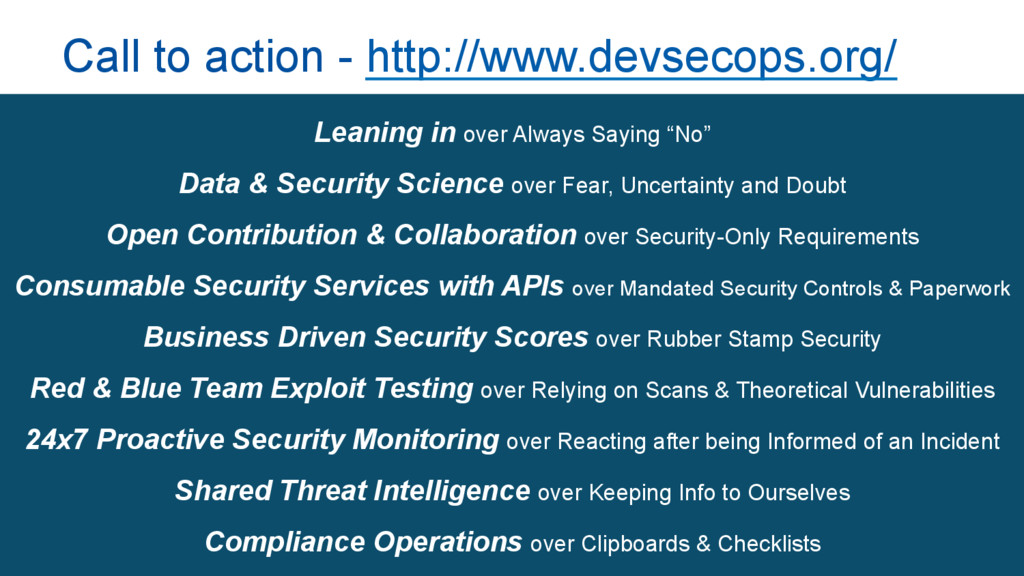
over Fear, Uncertainty and Doubt Open Contribution & Collaboration over Security-Only Requirements Consumable Security Services with APIs over Mandated Security Controls & Paperwork Business Driven Security Scores over Rubber Stamp Security Red & Blue Team Exploit Testing over Relying on Scans & Theoretical Vulnerabilities 24x7 Proactive Security Monitoring over Reacting after being Informed of an Incident Shared Threat Intelligence over Keeping Info to Ourselves Compliance Operations over Clipboards & Checklists Call to action - http://www.devsecops.org/
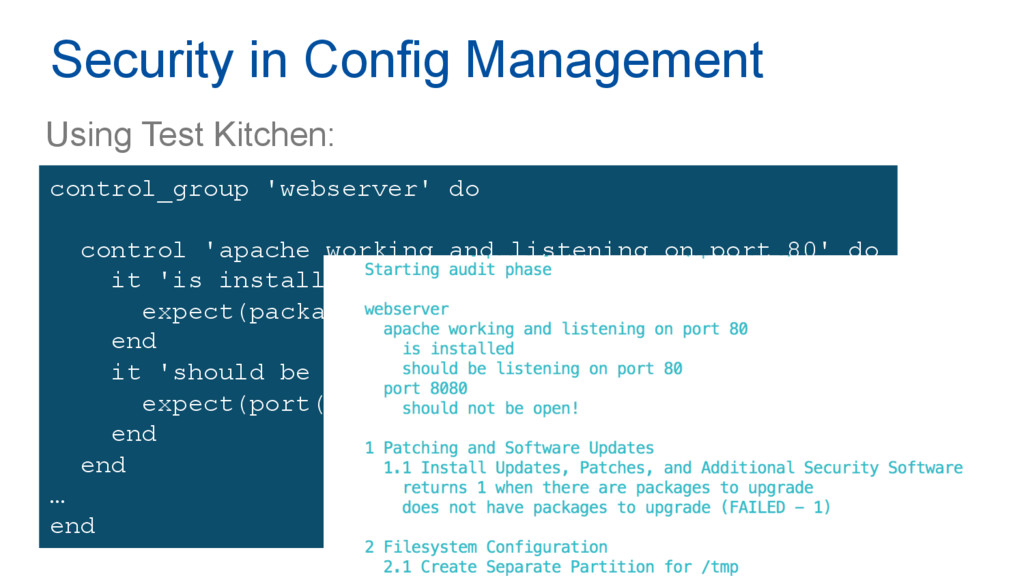
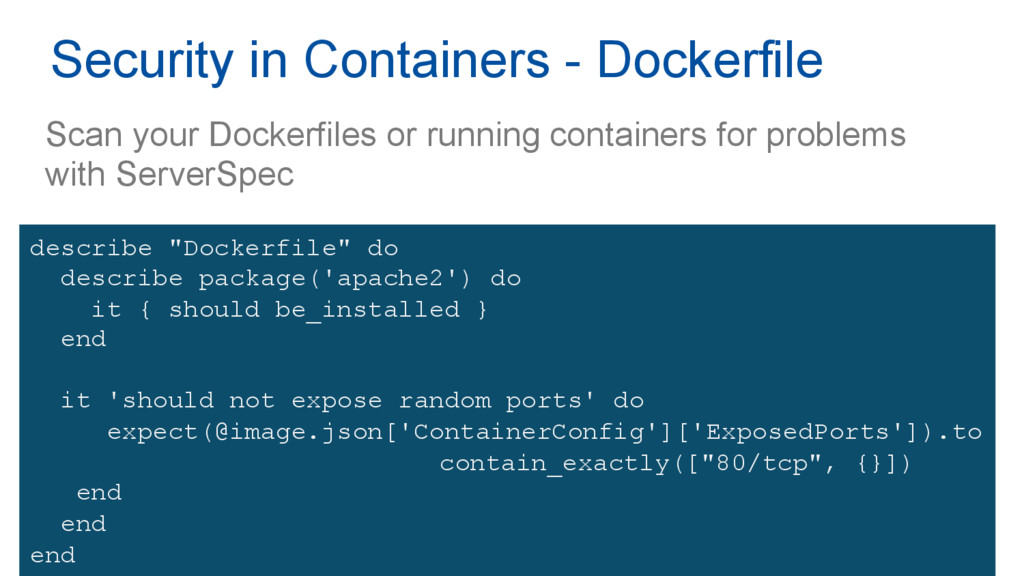
control 'apache working and listening on port 80' do it 'is installed' do expect(package('apache2')).to be_installed end it 'should be listening on port 80' do expect(port(80)).to be_listening end end … end
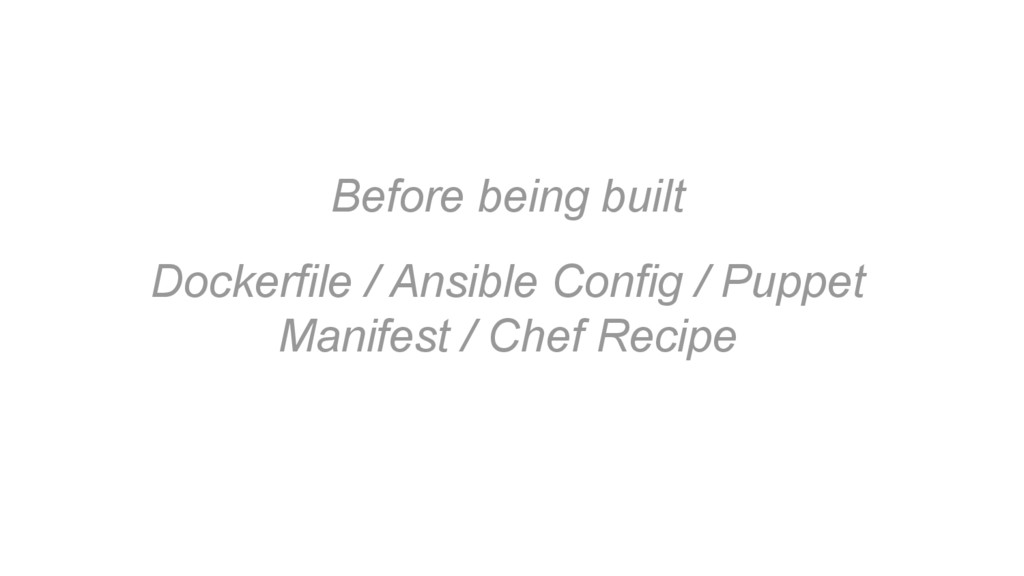
Security in Containers - Dockerfile describe "Dockerfile" do describe package('apache2') do it { should be_installed } end it 'should not expose random ports' do expect(@image.json['ContainerConfig']['ExposedPorts']).to contain_exactly(["80/tcp", {}]) end end end

 SiteGround - Reliable hosting with speed, security, and support you can count on.


 pfn
pfn
 yuuuuuuu168
 teamlab
 onk
onk
 sh_fk2
 riyaamemiya
 gionn
gionn
 recruitengineers
.png) codatum
codatum
 codmoninc
 daidaidai
 rfdnxbro
 shpigford
 lfama
lfama
 kevinliebholz
 mfonobong
 jonoalderson
 427marketing
 garrettdimon
 hannesfritz
 jcasabona
.png) helenjbeal
helenjbeal
 chriscoyier
 palkan
![Automate all the security! Kat McIvor [email protected]](https://files.speakerdeck.com/presentations/5fe588bff055420f87281dfeb7829970/slide_0.jpg)




![[email protected] @Kaiylie Find me over coffee!](https://files.speakerdeck.com/presentations/5fe588bff055420f87281dfeb7829970/slide_31.jpg)