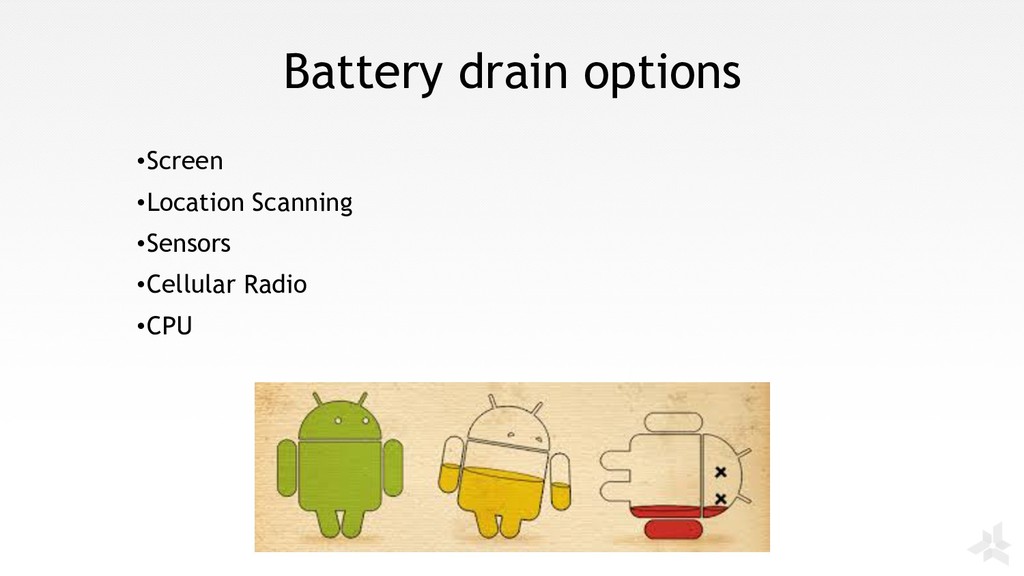
This presentation uncovers what are the main battery drain reasons and how to overcome them. Second part of the presentation gives useful tips and tricks how to develop an app keeping battery performance in mind.
https://youtu.be/ynlQq1hB3Ks
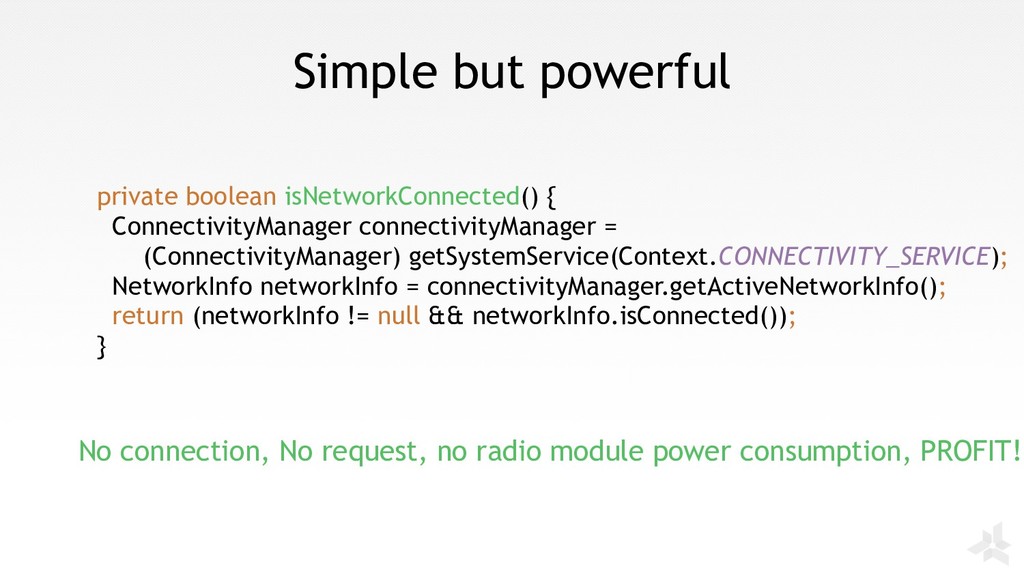
(ConnectivityManager) getSystemService(Context.CONNECTIVITY_SERVICE); NetworkInfo networkInfo = connectivityManager.getActiveNetworkInfo(); return (networkInfo != null && networkInfo.isConnected()); } No connection, No request, no radio module power consumption, PROFIT!
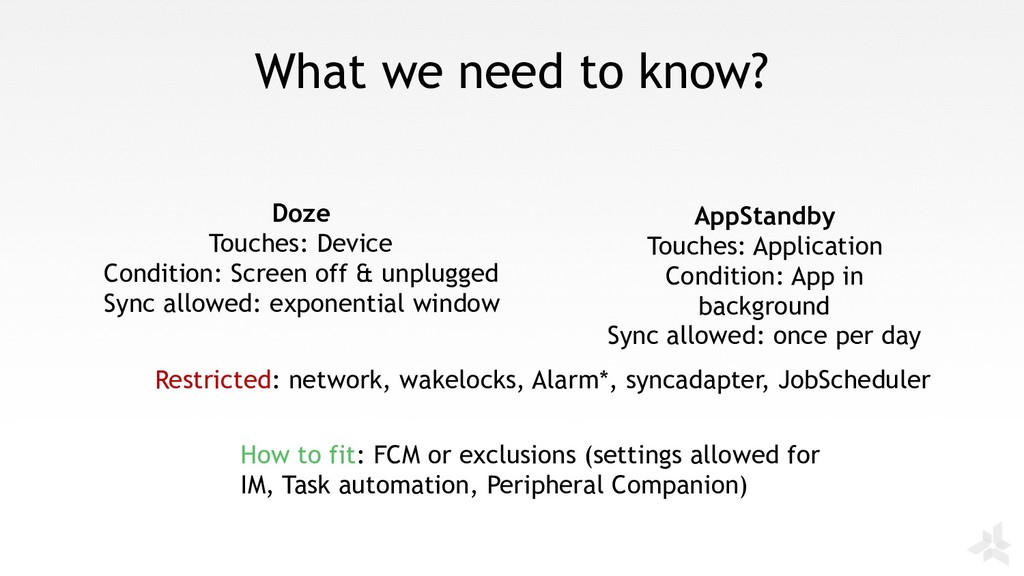
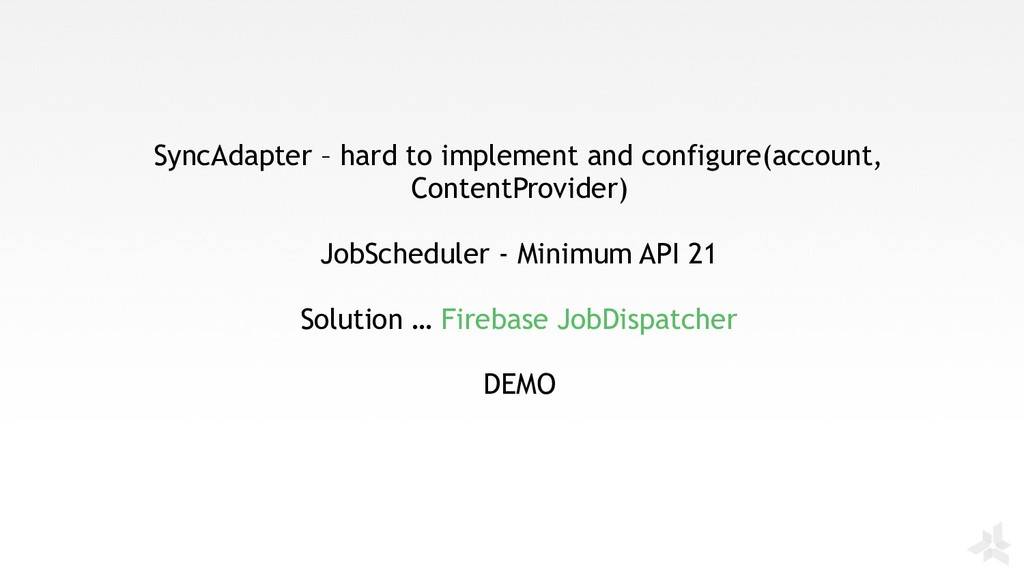
in background Sync allowed: once per day Doze Touches: Device Condition: Screen off & unplugged Sync allowed: exponential window Restricted: network, wakelocks, Alarm*, syncadapter, JobScheduler How to fit: FCM or exclusions (settings allowed for IM, Task automation, Peripheral Companion)


 kozyrevsergey89
 iwatsukayura
 kawashimo0
 siroemk
 akihisaikeda
 utakaha
 gonta
gonta
 kenjiyoneyama
 jame2408
 ryu1013
 oniak3ibm
 tmikov2023
 marcduiker
 honzajavorek
 trallard
.png) helenjbeal
helenjbeal
 tapps
tapps
 sonatard
 soudai
 davidcarrasco
 axbom
axbom
 bluesmoon
 kevinliebholz
 ivargrimstad