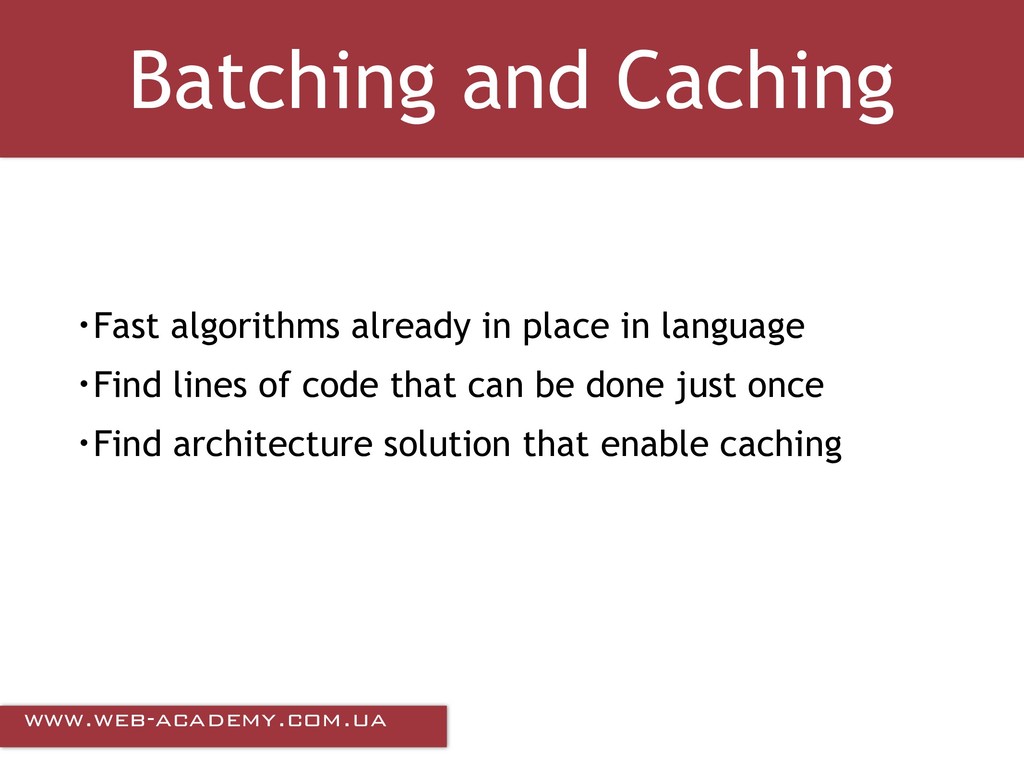
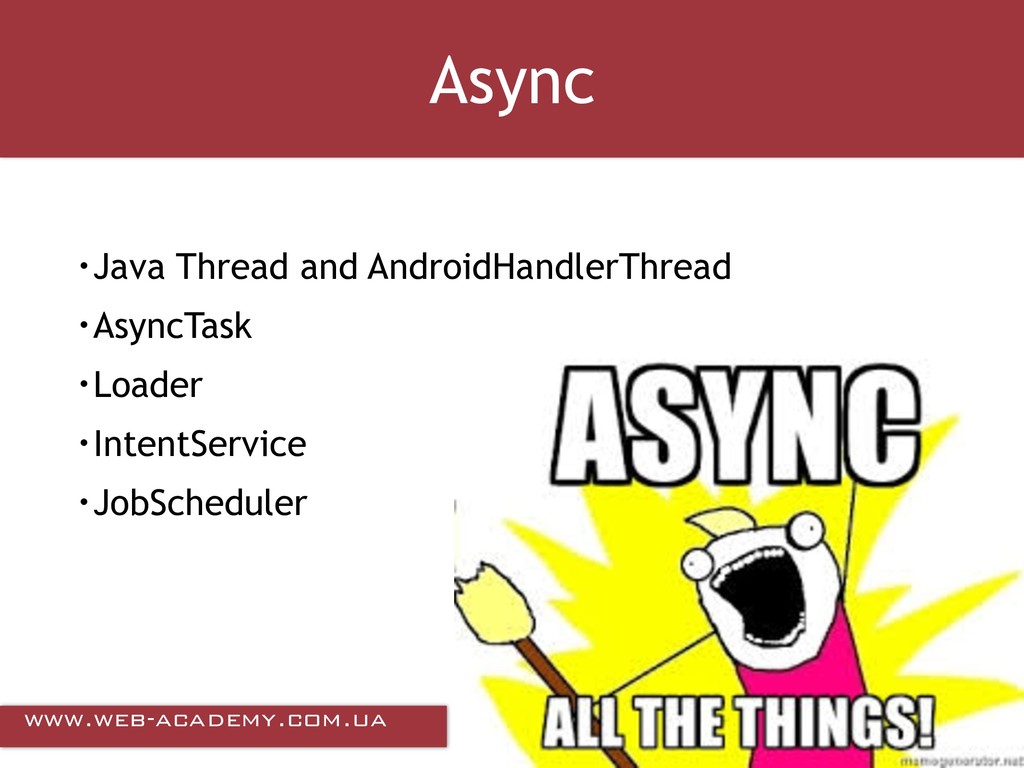
This presentation covers practical aspects of performance optimisations for Android apps, including UI and Layouts performance, batching and caching, memory performance, battery optimisations.
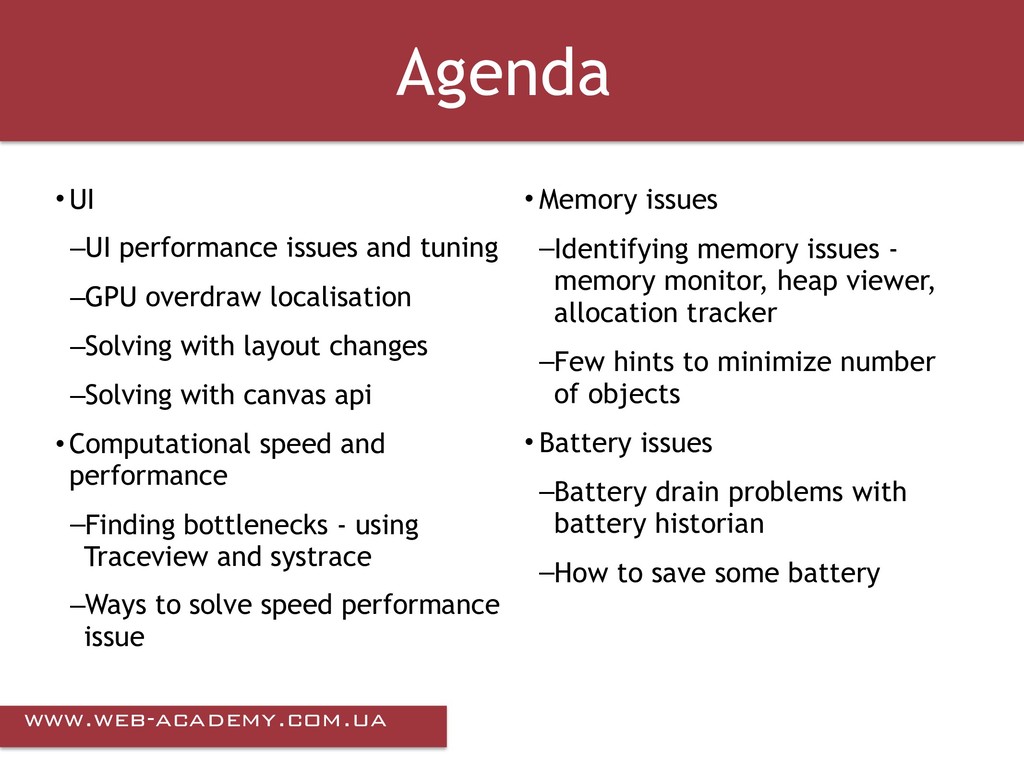
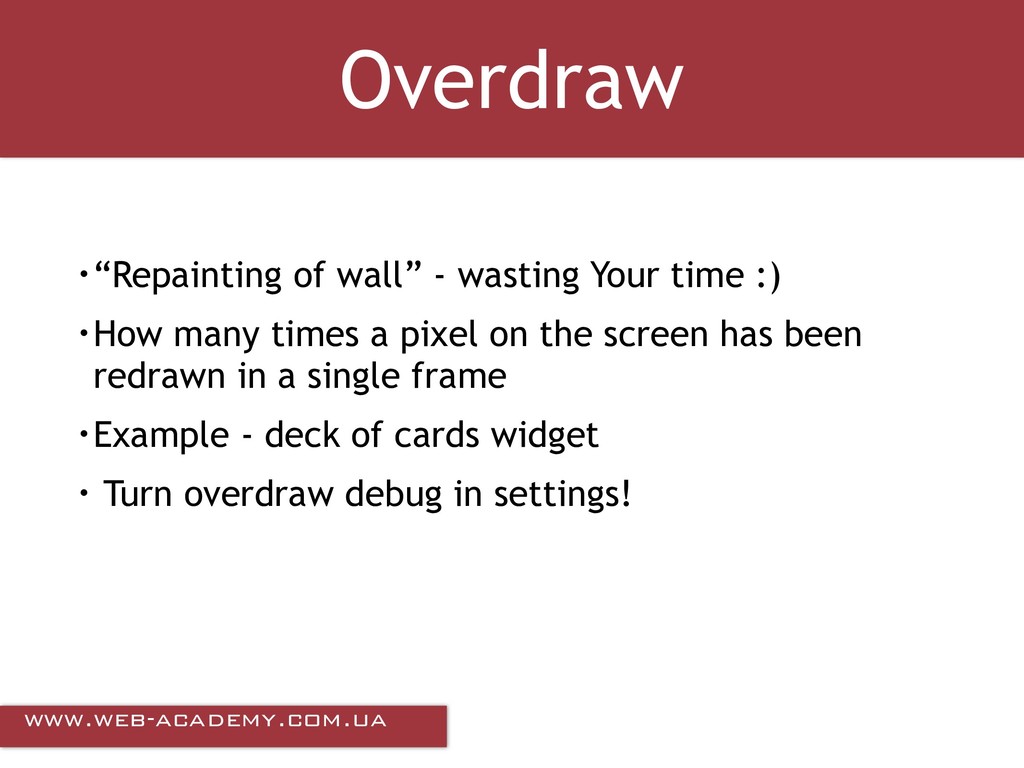
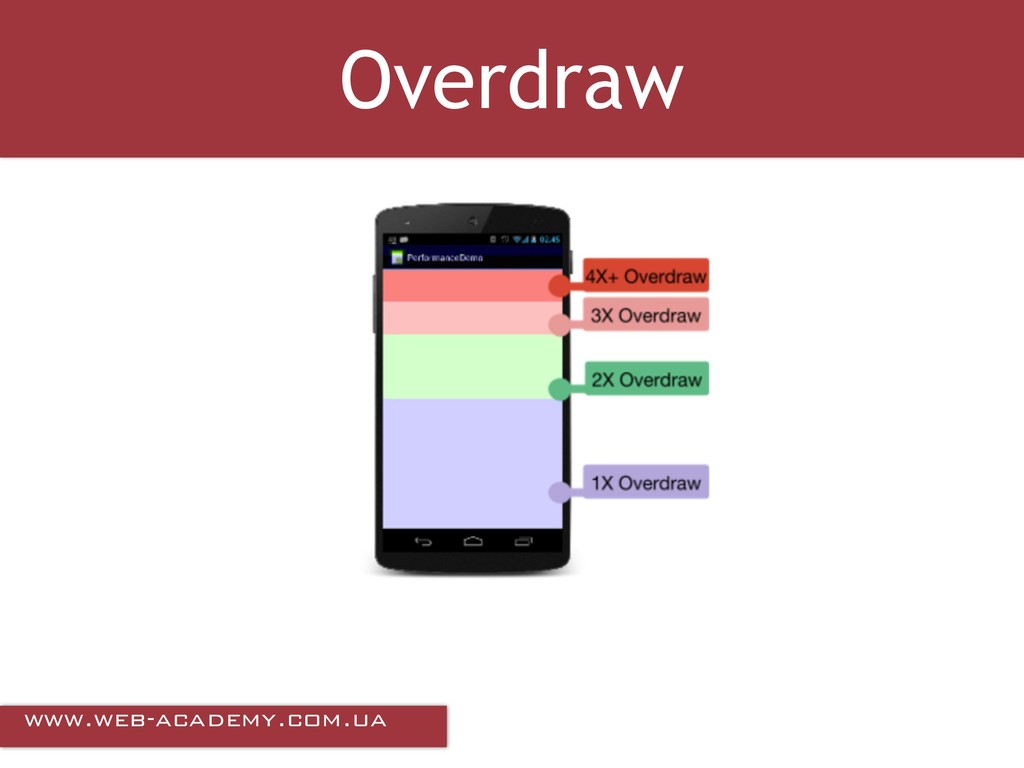
overdraw localisation –Solving with layout changes –Solving with canvas api • Computational speed and performance –Finding bottlenecks - using Traceview and systrace –Ways to solve speed performance issue • Memory issues –Identifying memory issues - memory monitor, heap viewer, allocation tracker –Few hints to minimize number of objects • Battery issues –Battery drain problems with battery historian –How to save some battery
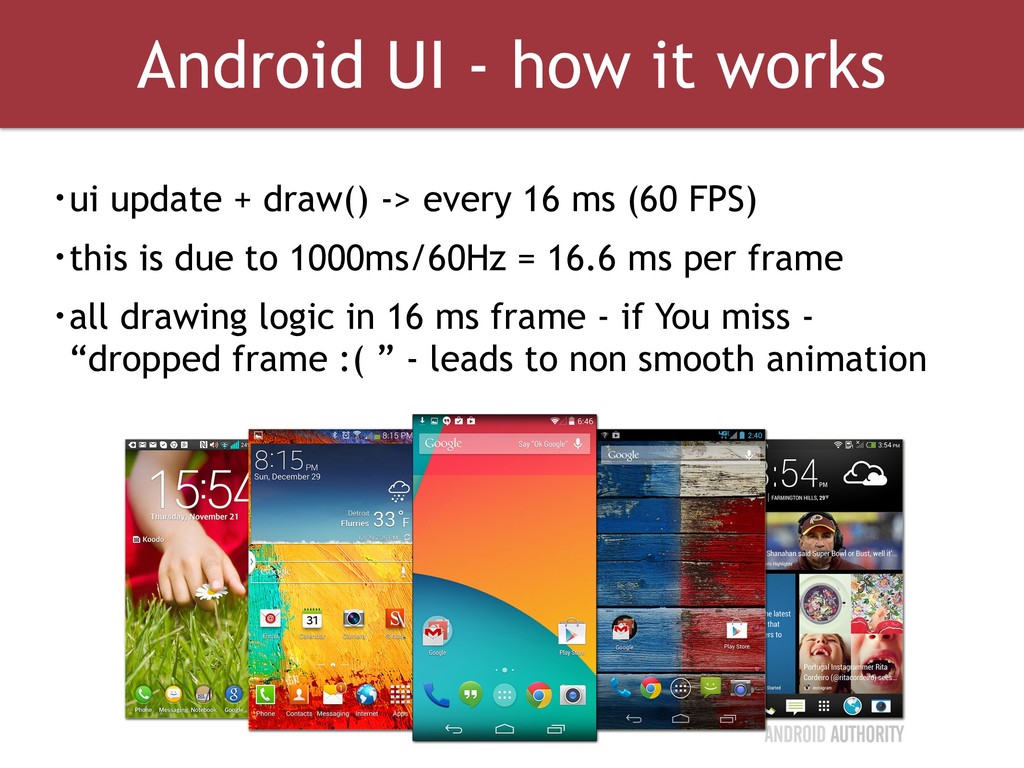
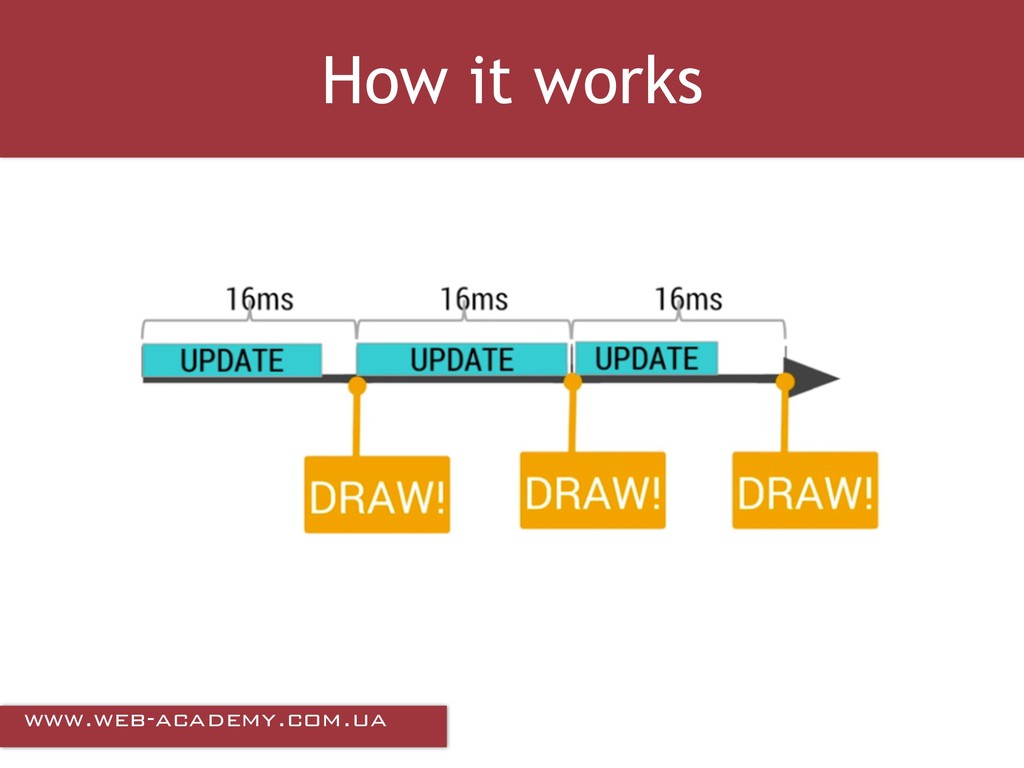
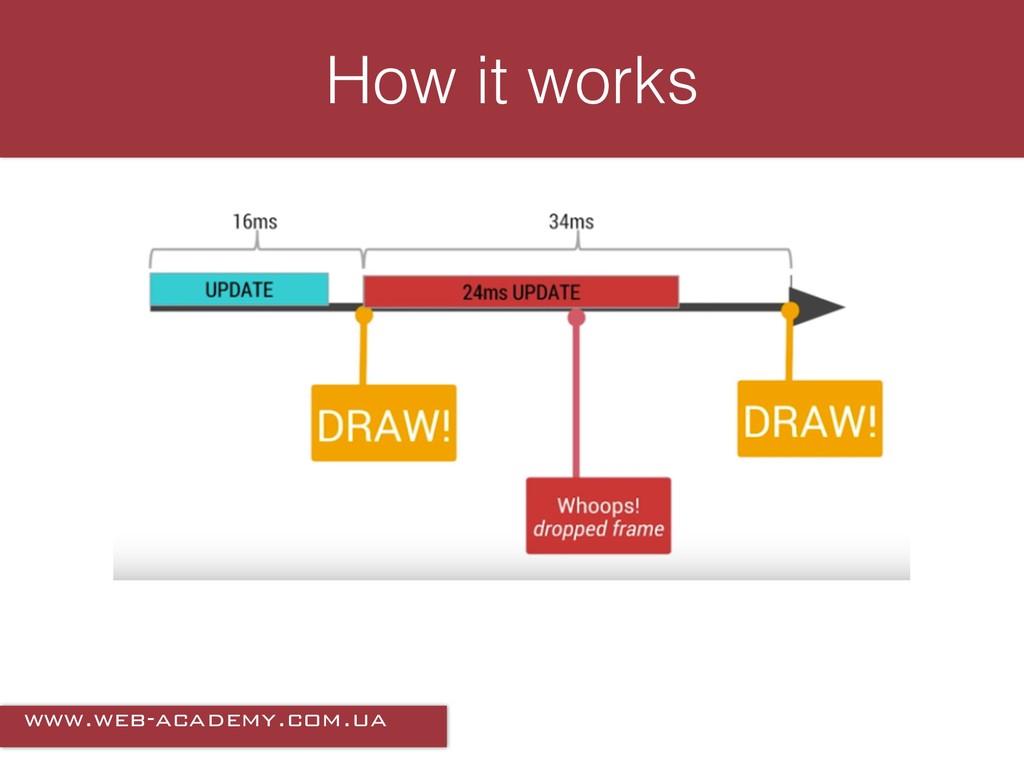
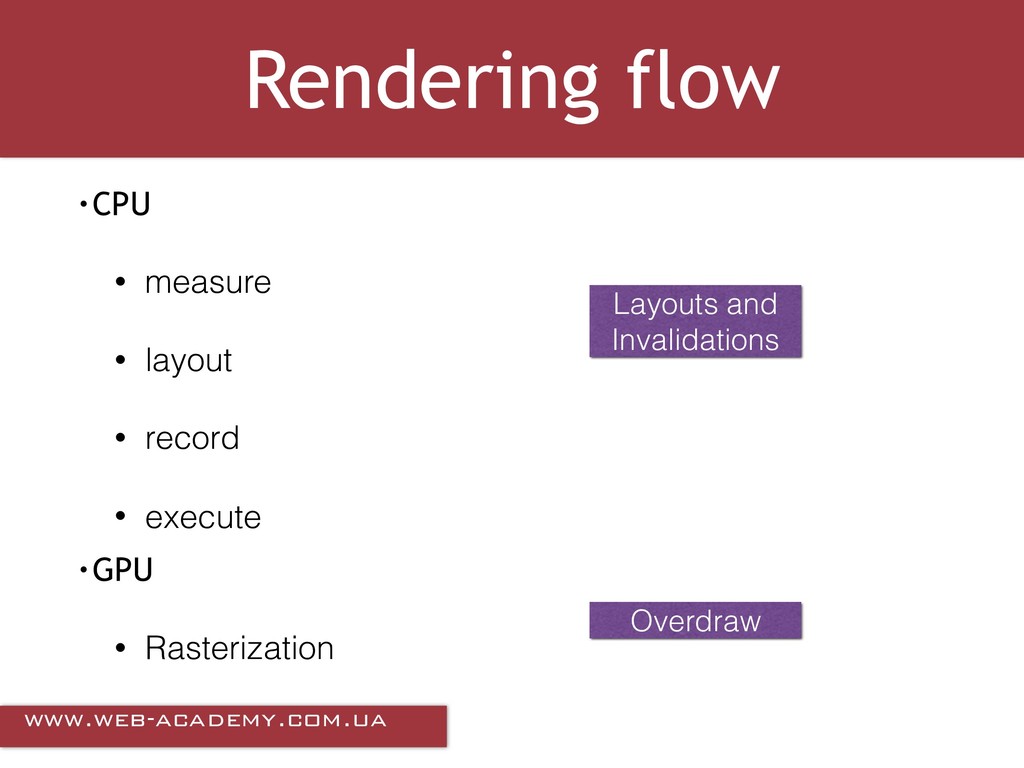
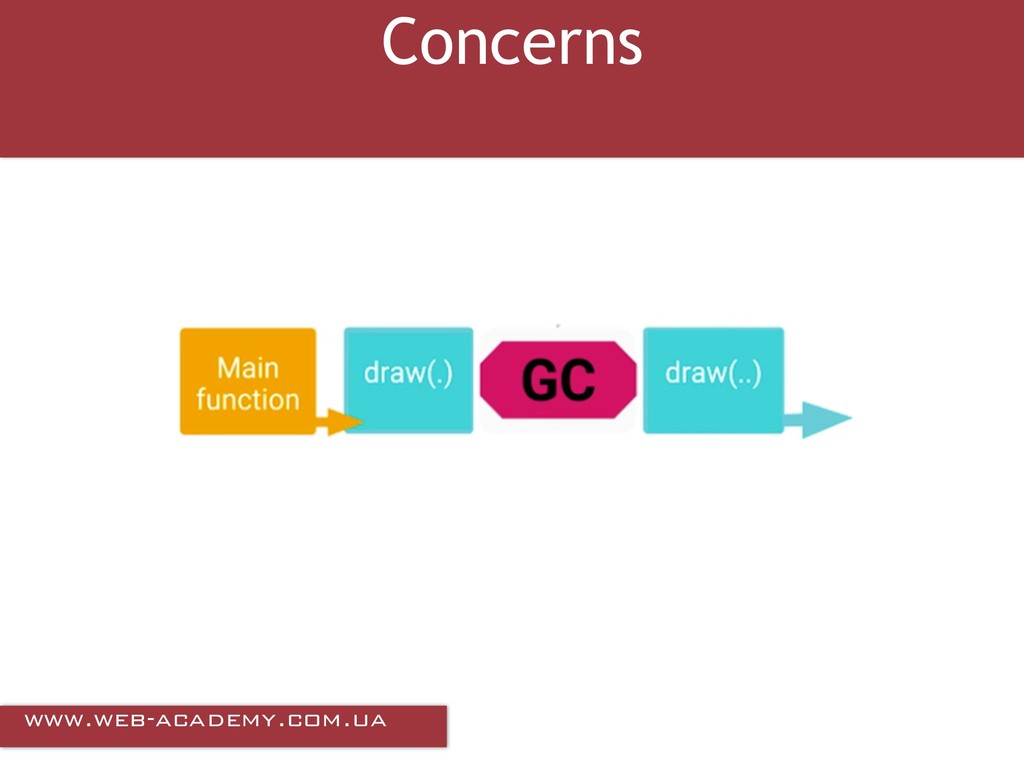
draw() -> every 16 ms (60 FPS) • this is due to 1000ms/60Hz = 16.6 ms per frame • all drawing logic in 16 ms frame - if You miss - “dropped frame :( ” - leads to non smooth animation
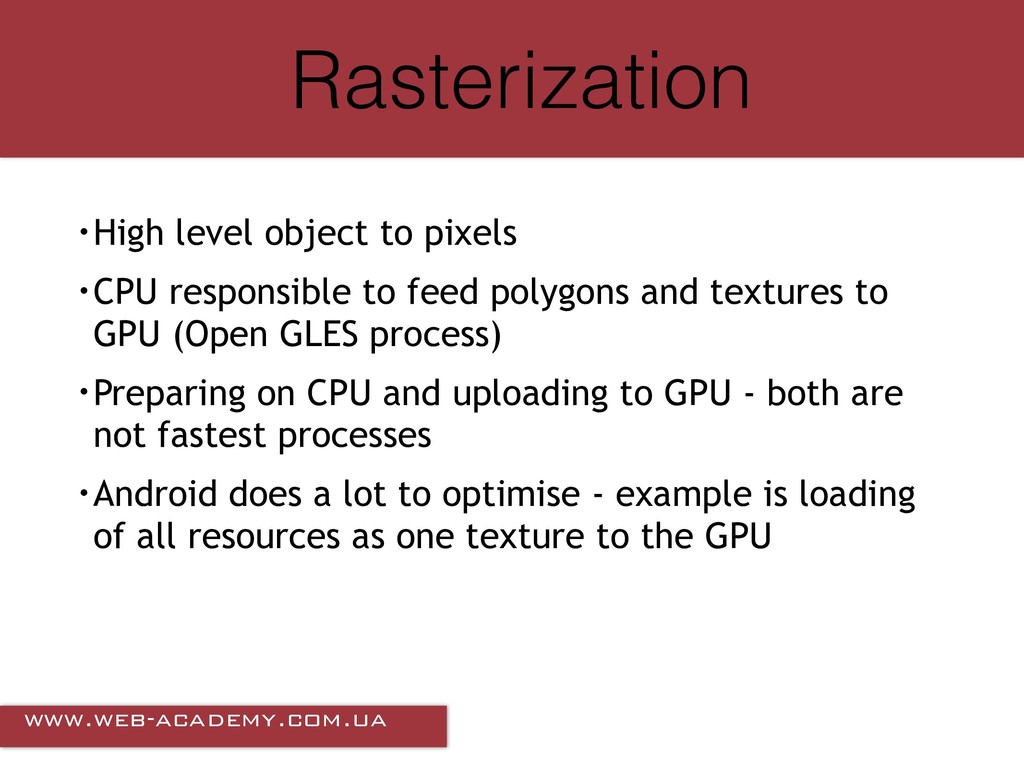
responsible to feed polygons and textures to GPU (Open GLES process) • Preparing on CPU and uploading to GPU - both are not fastest processes • Android does a lot to optimise - example is loading of all resources as one texture to the GPU
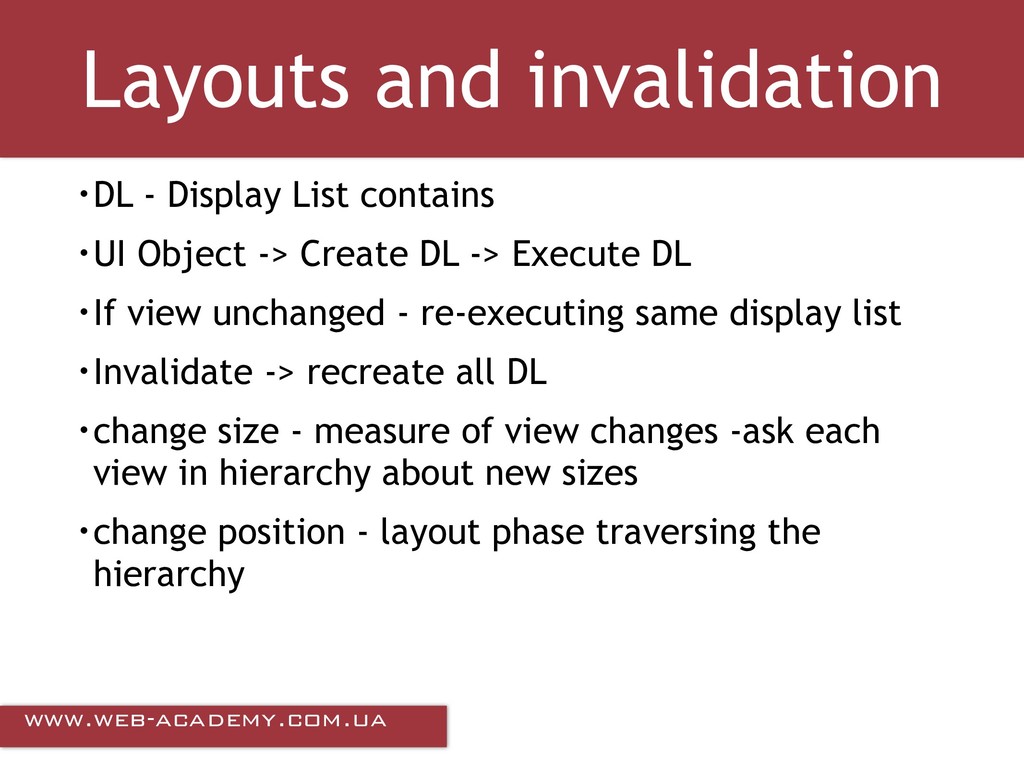
• UI Object -> Create DL -> Execute DL • If view unchanged - re-executing same display list • Invalidate -> recreate all DL • change size - measure of view changes -ask each view in hierarchy about new sizes • change position - layout phase traversing the hierarchy
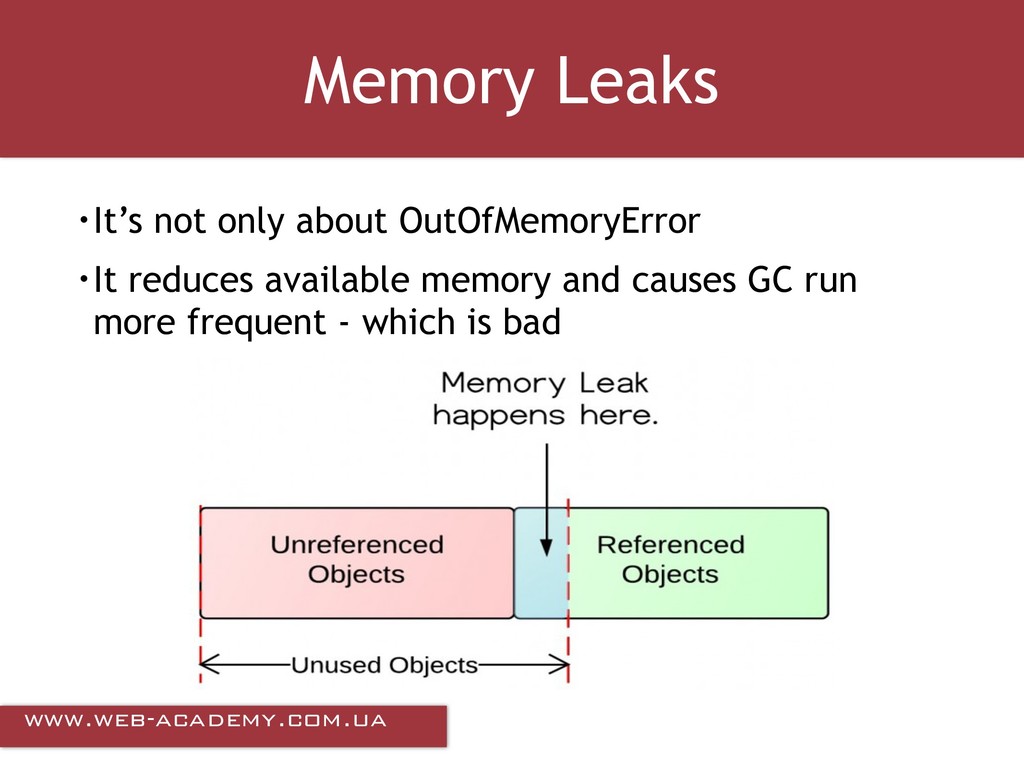
circular referenced objects • Complex - holding a handle to the ClassLoader objects, load in onCreate and don’t check if classes already loaded (no class unload procedure)


 kozyrevsergey89
 colorful12
 nokomoro3
 o0h
o0h
 oniak3ibm
 yub0n
yub0n
 falcon8823
 ryu1013
 sorah
sorah
 kishida
 syumai
 sylph01
 siroemk
 samlambert
 jnunemaker
 tammyeverts
 cassininazir
 ryanjones
 sachag
 soysaucechin
 letsgokoyo
 bkeepers
 3n
3n
 tanoku
 dugsong