Upgrade to Pro
— share decks privately, control downloads, hide ads and more …
Speaker Deck
Sign up for free
Menu
Search
Features
All features
Private URLs
Password Protection
Custom URLS
Scheduled publishing
Remove Branding
Restrict embedding
Deck Collections
Notes
Features
All features
Private URLs
Password Protection
Custom URLS
Scheduled publishing
Remove Branding
Restrict embedding
Deck Collections
Notes
Explore
Featured decks
Featured speakers
Programming
Technology
Storyboards
Explore
Featured decks
Featured speakers
Programming
Technology
Storyboards
Pricing
Search
Sign in
Sign up for free
Compute Shaderに触れてみる | mccmmancc2019
Search
Kuyuri Iroha
December 22, 2019
Technology
62
0
Share
Embed
Copy iframe code
Copy JS code
Copy link
Start on current slide
Compute Shaderに触れてみる | mccmmancc2019
mccmmancc2019のRecreation用資料です。
Kuyuri Iroha
December 22, 2019
Other Decks in Technology
See All in Technology
M5Stackで作る BLEマウス GPSログの世界
tomokusaba
PRO
0
440
『SAR衛星データ解析入門』の ご紹介とその応用
syuchimu
0
120
フロントエンドカンファレンス関西2026 - 速すぎるUIに、待ち時間を
teamlab
PRO
0
180
OptunaHub: ブラックボックス最適化のためのプラットフォーム
pfn
PRO
0
140
ソフトウェア ファクトリー - 再現性のあるソフトウェアの工場づくり / Software factory
iktakahiro
6
5k
AIカンパニーへの転換を支えた、エンジニアの仕事の再定義
kworkdev
PRO
2
1.3k
TinyGoでオブザーバビリティ?OpenTelemetryはTinyGoで使えるのか / Is OpenTelemetry available in TinyGo environment?
ymotongpoo
2
140
古い指輪から広がった JAVA コミュニティ とのつながり
yamad
0
130
二歩目のフロントエンド・ウェブアクセシビリティ
camiha
2
650
Gemini Intelligence 入門 ― AppFunctions と Gemini Nano
takuroabe
0
290
FinOps Agentが生んだ技術負債:コスト自動調査の落とし穴と解消までの道のり
oasis1994liveforever
1
120
大型犬好きによるPugの紹介
yamanoku
1
160
Featured
See All Featured
Practical Orchestrator
shlominoach
192
12k
The MySQL Ecosystem @ GitHub 2015
samlambert
251
13k
Java REST API Framework Comparison - PWX 2021
mraible
34
9.8k
Pawsitive SEO: Lessons from My Dog (and Many Mistakes) on Thriving as a Consultant in the Age of AI
davidcarrasco
0
260
Lightning talk: Run Django tests with GitHub Actions
sabderemane
0
300
The Mindset for Success: Future Career Progression
greggifford
PRO
0
540
Testing 201, or: Great Expectations
jmmastey
46
8.3k
It's Worth the Effort
3n
188
29k
Sam Torres - BigQuery for SEOs
techseoconnect
PRO
0
580
Money Talks: Using Revenue to Get Sh*t Done
nikkihalliwell
0
520
VelocityConf: Rendering Performance Case Studies
addyosmani
331
25k
Breaking role norms: Why Content Design is so much more than writing copy - Taylor Woolridge
uxyall
1
450
Transcript
Compute Shaderに 触れてみる NCC B2 Kuyuri Iroha 2019.12.23 | MCCMMANCC
Kuyuri Irohaについて • FMS 2年 • Twitter ID: @kuyuri_iroha •
Shaderとマテリアルが好き • 数学好き、算数苦⼿
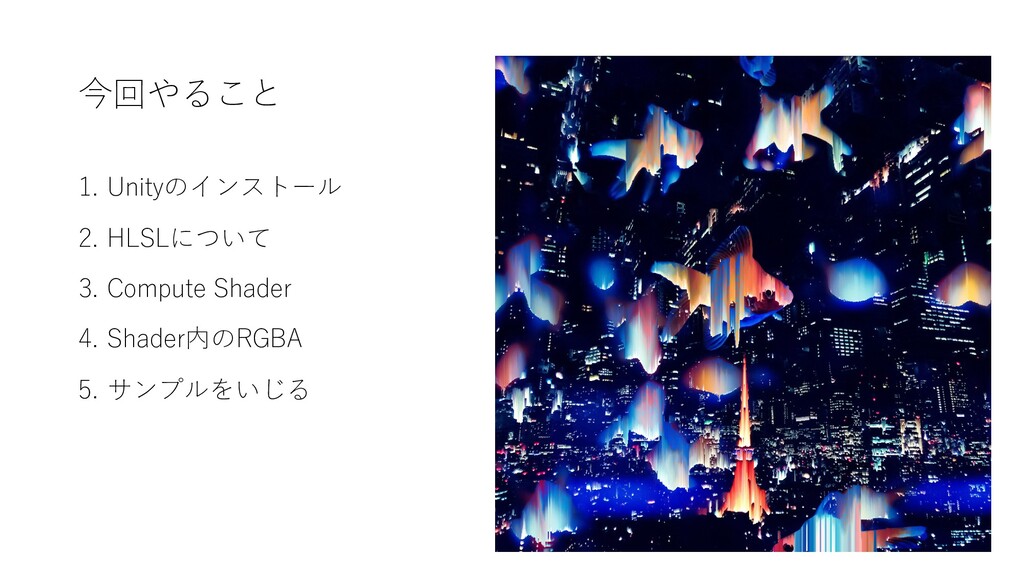
今回やること 1. Unityのインストール 2. HLSLについて 3. Compute Shader 4. Shader内のRGBA
5. サンプルをいじる
Unityのインストール https://unity3d.com/get-unity/download/archive 下記リンクから、Unity 2019.2.15をインストール 今回使うサンプルのリポジトリをクローン https://github.com/Kuyuri-Iroha/mccmmancc2019
HLSLについて UnityのCompute Shaderは ⼤体DirectComputeと同じ書き⽅ができる というわけで サンプルを触る前にHLSLを軽く解説します
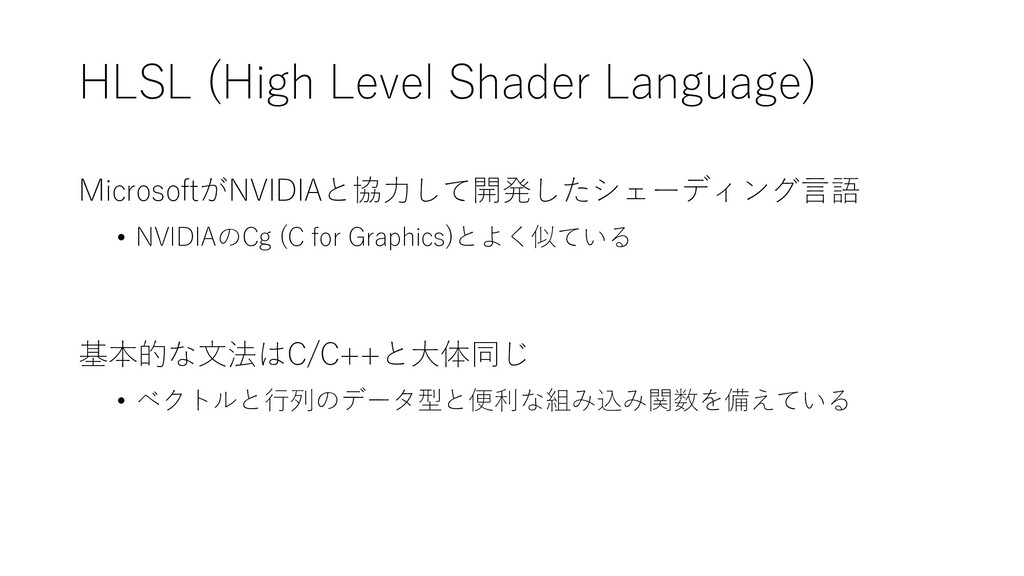
MicrosoftがNVIDIAと協⼒して開発したシェーディング⾔語 • NVIDIAのCg (C for Graphics)とよく似ている 基本的な⽂法はC/C++と⼤体同じ • ベクトルと⾏列のデータ型と便利な組み込み関数を備えている HLSL
(High Level Shader Language)
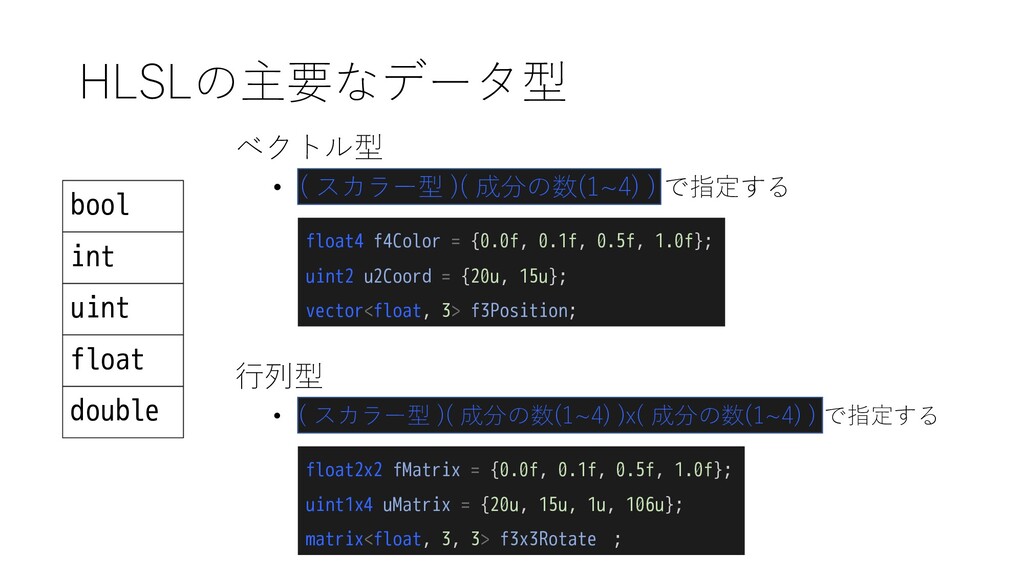
HLSLの主要なデータ型 bool int uint float double ベクトル型 float4 f4Color =
{0.0f, 0.1f, 0.5f, 1.0f}; uint2 u2Coord = {20u, 15u}; vector<float, 3> f3Position; • ( スカラー型 )( 成分の数(1~4) ) で指定する ⾏列型 float2x2 fMatrix = {0.0f, 0.1f, 0.5f, 1.0f}; uint1x4 uMatrix = {20u, 15u, 1u, 106u}; matrix<float, 3, 3> f3x3Rotate ; • ( スカラー型 )( 成分の数(1~4) )x( 成分の数(1~4) ) で指定する
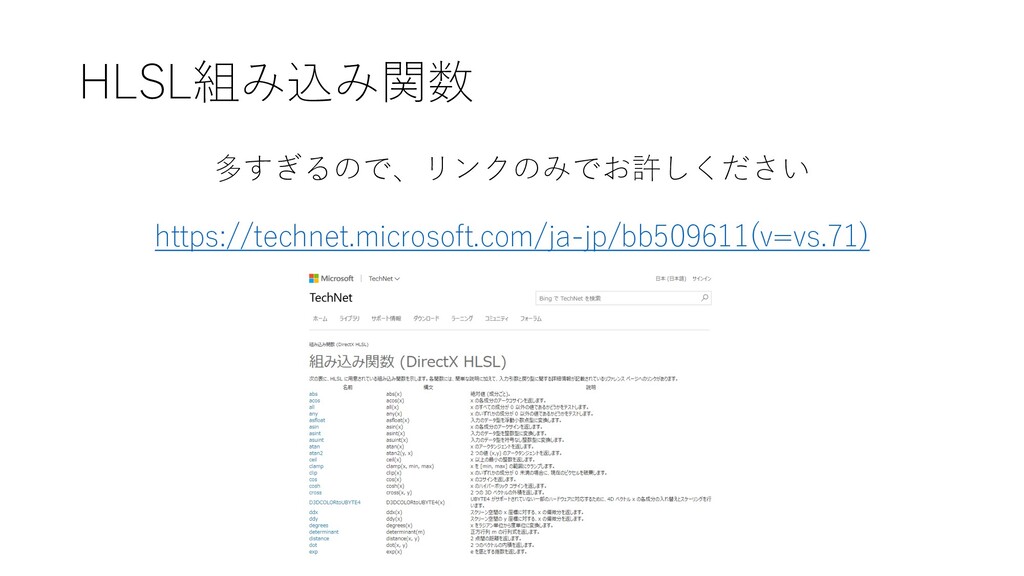
HLSL組み込み関数 https://technet.microsoft.com/ja-jp/bb509611(v=vs.71) 多すぎるので、リンクのみでお許しください
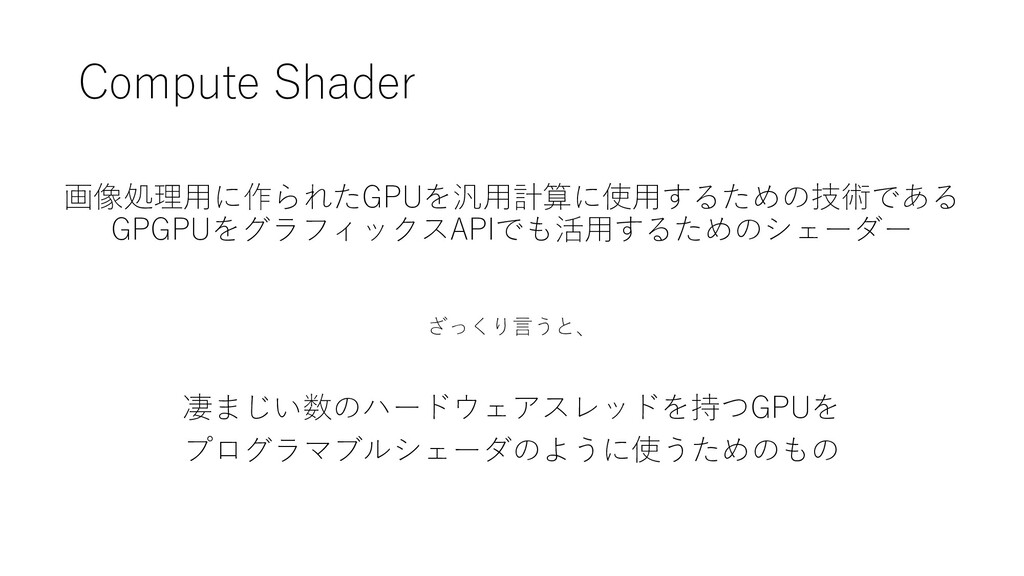
Compute Shader 画像処理⽤に作られたGPUを汎⽤計算に使⽤するための技術である GPGPUをグラフィックスAPIでも活⽤するためのシェーダー 凄まじい数のハードウェアスレッドを持つGPUを プログラマブルシェーダのように使うためのもの ざっくり⾔うと、
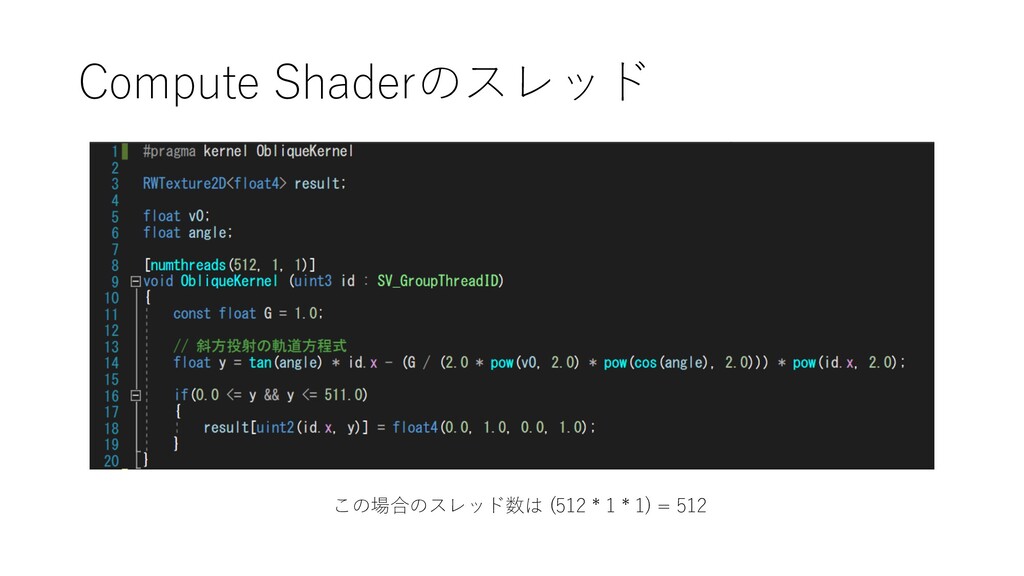
Compute Shaderのスレッド この場合のスレッド数は (512 * 1 * 1) = 512
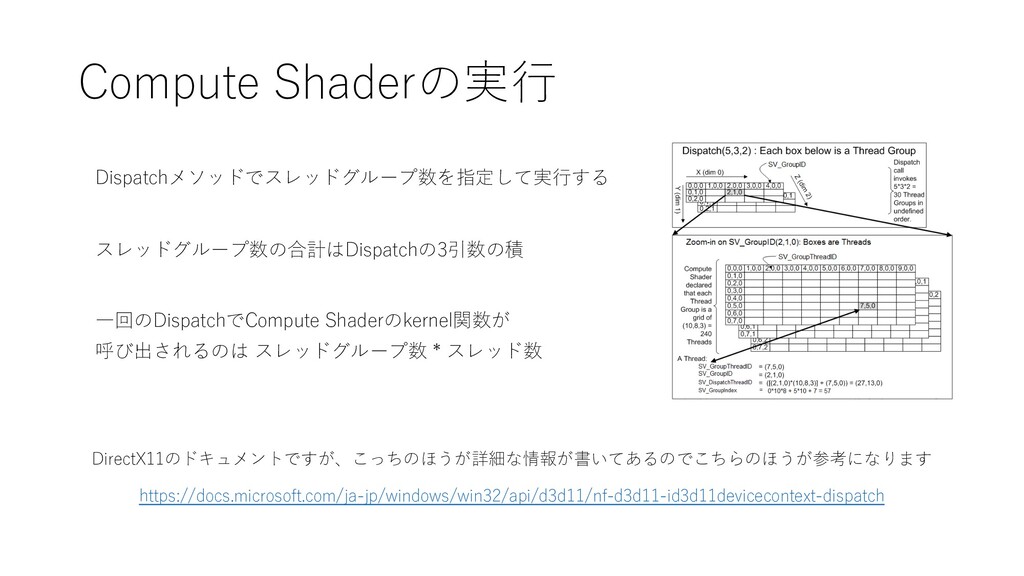
Compute Shaderの実⾏ https://docs.microsoft.com/ja-jp/windows/win32/api/d3d11/nf-d3d11-id3d11devicecontext-dispatch Dispatchメソッドでスレッドグループ数を指定して実⾏する DirectX11のドキュメントですが、こっちのほうが詳細な情報が書いてあるのでこちらのほうが参考になります スレッドグループ数の合計はDispatchの3引数の積 ⼀回のDispatchでCompute Shaderのkernel関数が 呼び出されるのは スレッドグループ数
* スレッド数
e.g. [numthreads(4, 16, 8)]、Dispatch(20, 5, 3)の場合 (4 * 16 *
8) * (20 * 5 * 3) = 153,600 関数の並列実⾏数
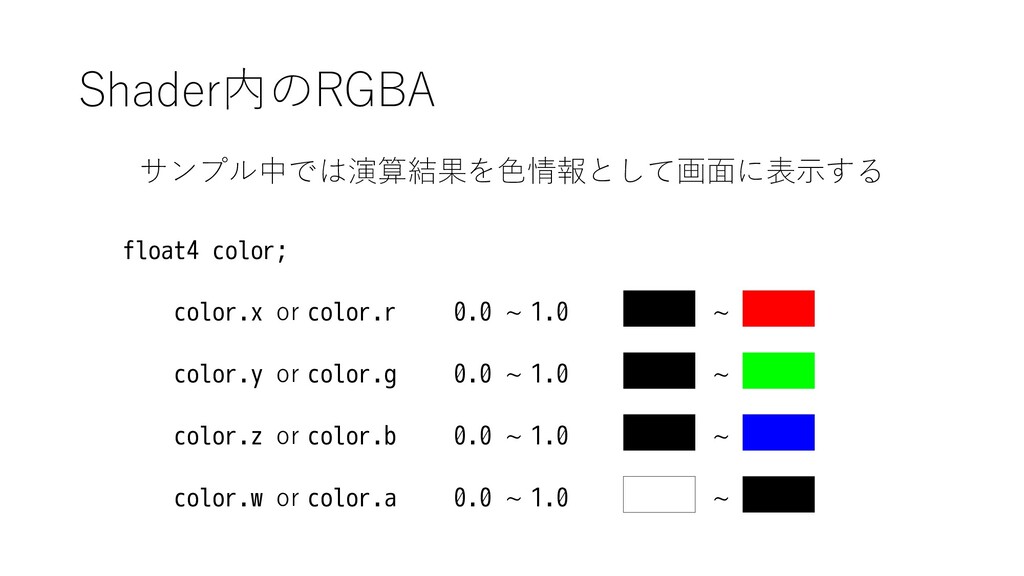
Shader内のRGBA サンプル中では演算結果を⾊情報として画⾯に表⽰する 0.0 ~ 1.0 float4 color; color.x or color.r
color.y or color.g color.z or color.b color.w or color.a 0.0 ~ 1.0 0.0 ~ 1.0 0.0 ~ 1.0 ~ ~ ~ ~
サンプルをいじりましょう


 tomokusaba
 syuchimu
 teamlab
 pfn
pfn
 iktakahiro
 kworkdev
 ymotongpoo
.png) yamad
yamad
 camiha
 takuroabe
 oasis1994liveforever
 yamanoku
 shlominoach
 samlambert
 mraible
 davidcarrasco
 sabderemane
 greggifford
 jmmastey
 3n
3n
 techseoconnect
 nikkihalliwell
 addyosmani
 uxyall

![e.g. [numthreads(4, 16, 8)]、Dispatch(20, 5, 3)の場合 (4 * 16 *](https://files.speakerdeck.com/presentations/3513f228bbda453dbbb7d2b9596f2295/slide_11.jpg)