Upgrade to Pro — share decks privately, control downloads, hide ads and more …

WordPress for Artists

Sponsored · Your Podcast. Everywhere. Effortlessly. Share. Educate. Inspire. Entertain. You do you. We'll handle the rest. →
Avatar for Lara Schenck Lara Schenck
August 24, 2013
43

WordPress for Artists

Avatar for Lara Schenck

Lara Schenck

August 24, 2013

Transcript

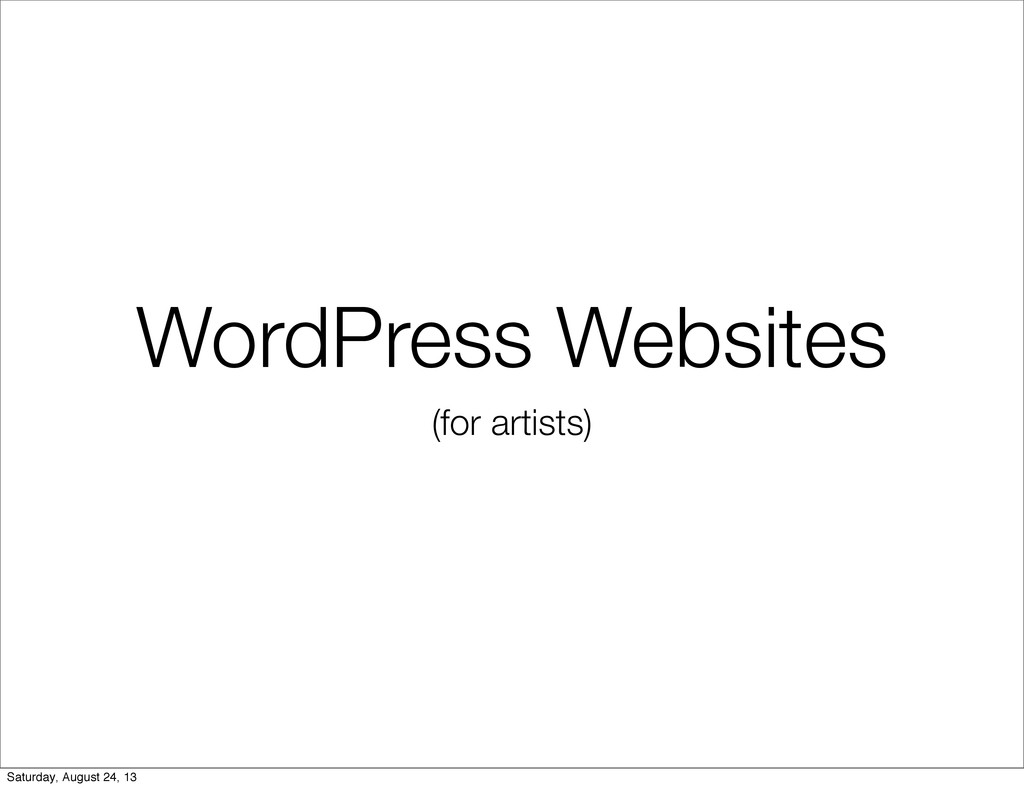
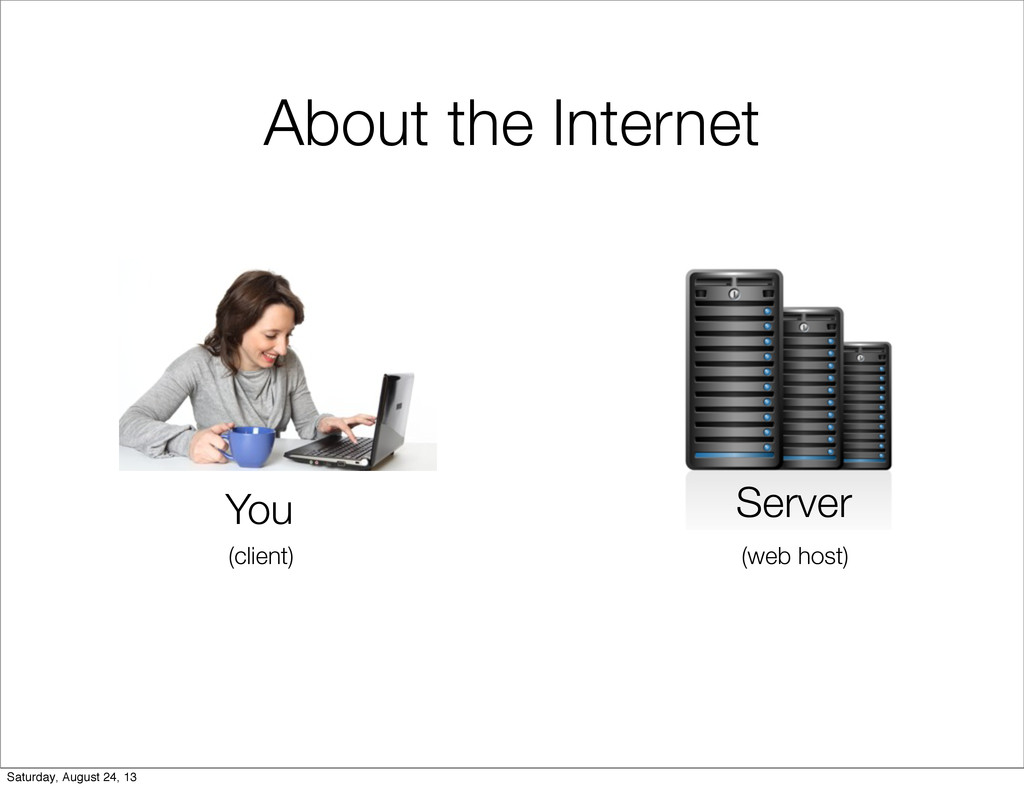
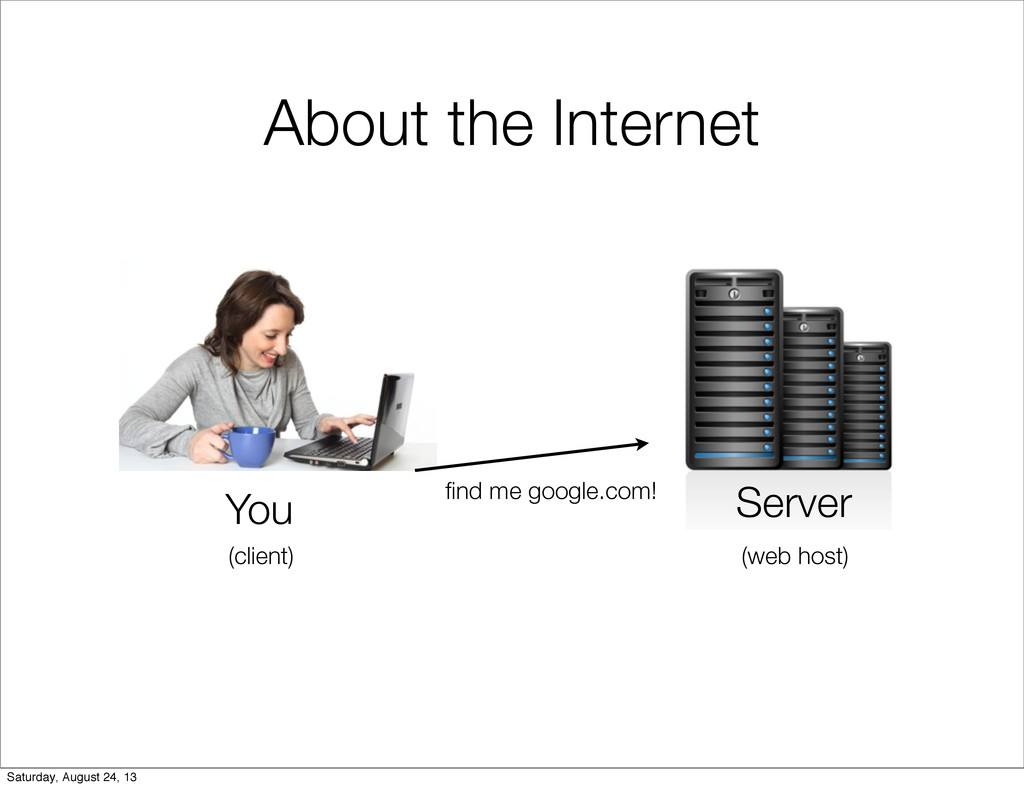
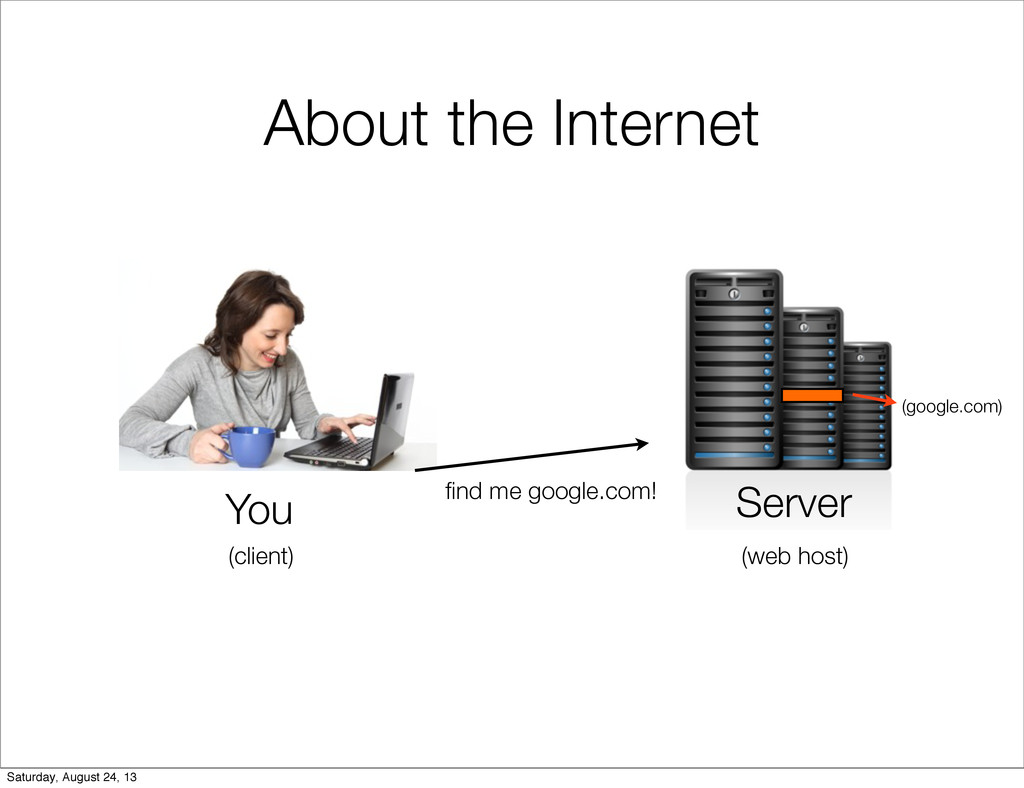
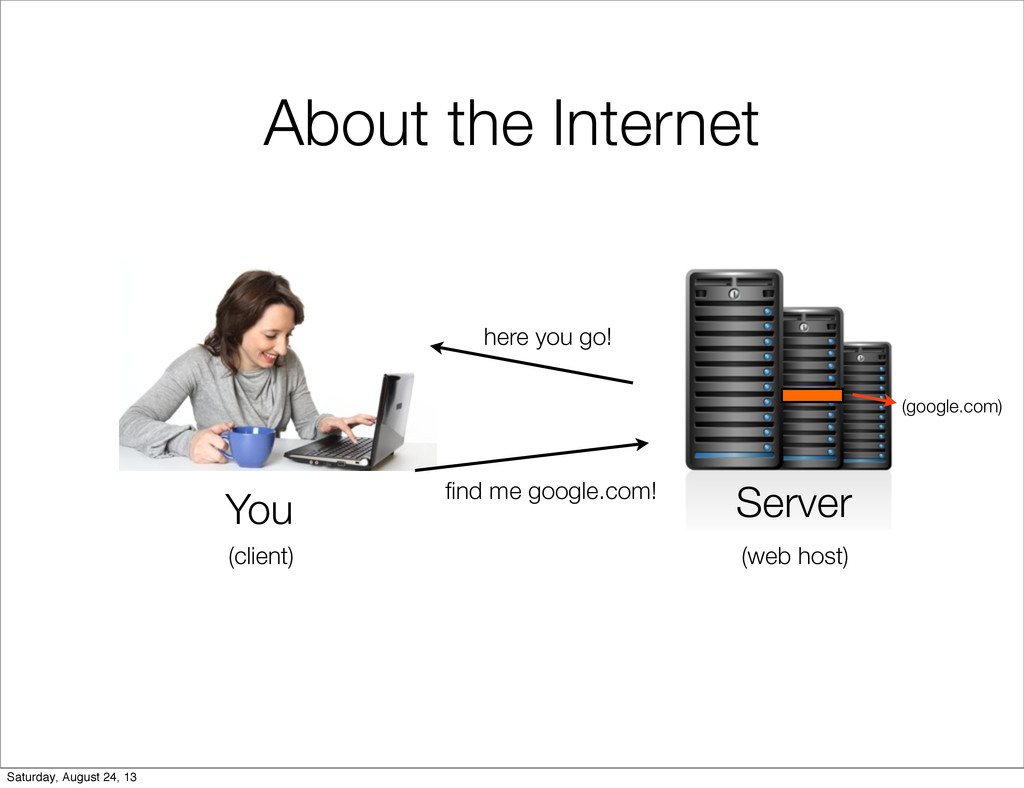
  1. About the Internet Server You find me google.com! (client) (web

    host) (google.com) Saturday, August 24, 13
  2. About the Internet Server You find me google.com! here you

    go! (client) (web host) (google.com) Saturday, August 24, 13
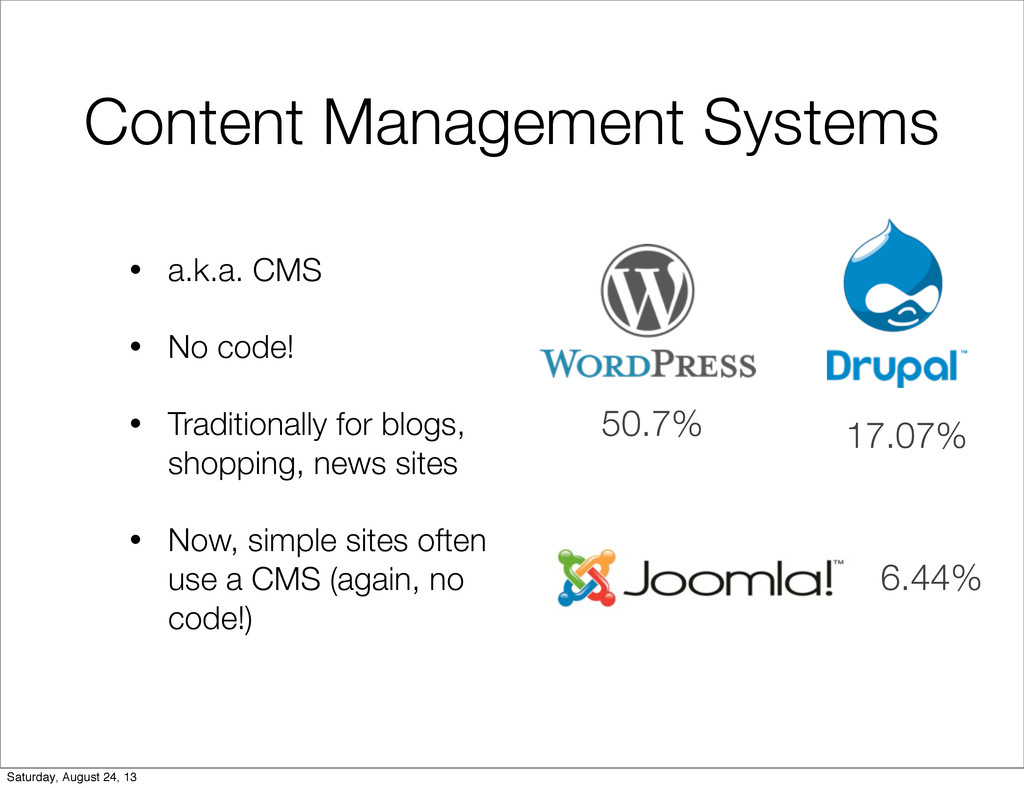
  3. Content Management Systems • a.k.a. CMS • No code! •

    Traditionally for blogs, shopping, news sites • Now, simple sites often use a CMS (again, no code!) 50.7% 17.07% 6.44% Saturday, August 24, 13
  4. • Open source • Lots of information and tutorials online

    • Excellent support community • User friendly interface • Extensible, lots of plugins and themes Why WordPress? Saturday, August 24, 13
  5. WordPress.com vs .org • WordPress.com • Hosted by WP, less

    options, no custom themes and plugins • WordPress.org • Hosted by you, lots of options, you can edit whatever you want Saturday, August 24, 13
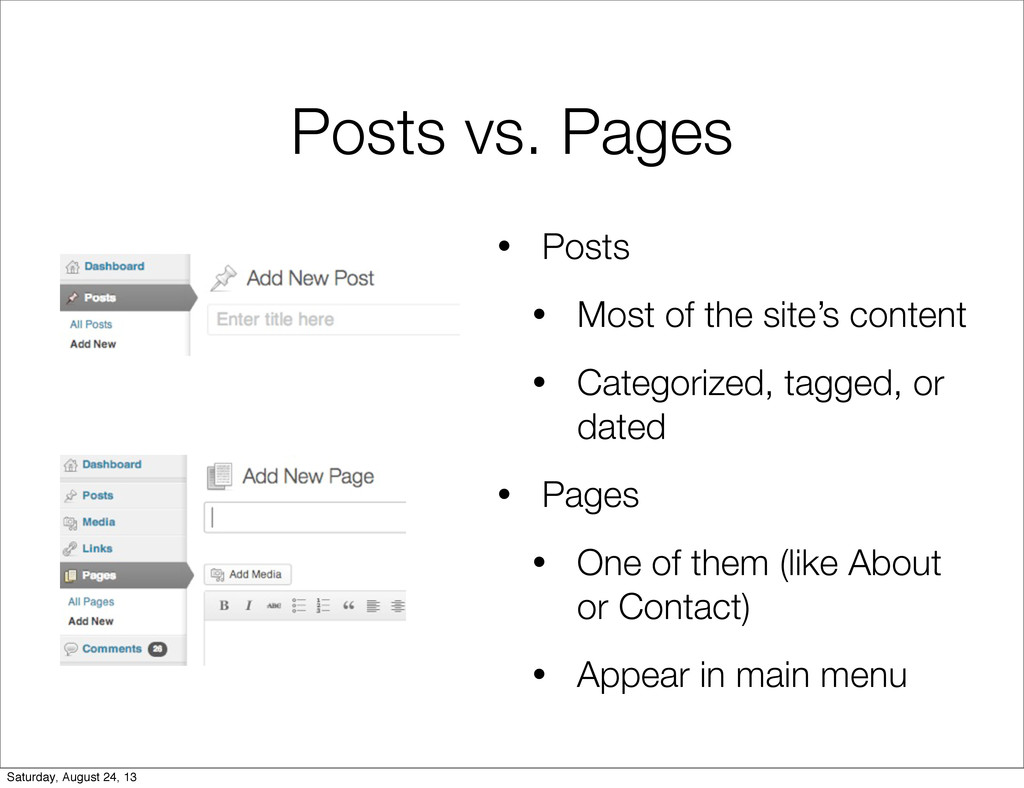
  6. Posts vs. Pages • Posts • Most of the site’s

    content • Categorized, tagged, or dated • Pages • One of them (like About or Contact) • Appear in main menu Saturday, August 24, 13
  7. • Is it static content? Page. • Will there be

    more than one? Post. • Will it be categorized? Post. • Will it have a date? Post. • Will it appear in the main navigation? Page (or post archive). Posts vs. Pages Saturday, August 24, 13
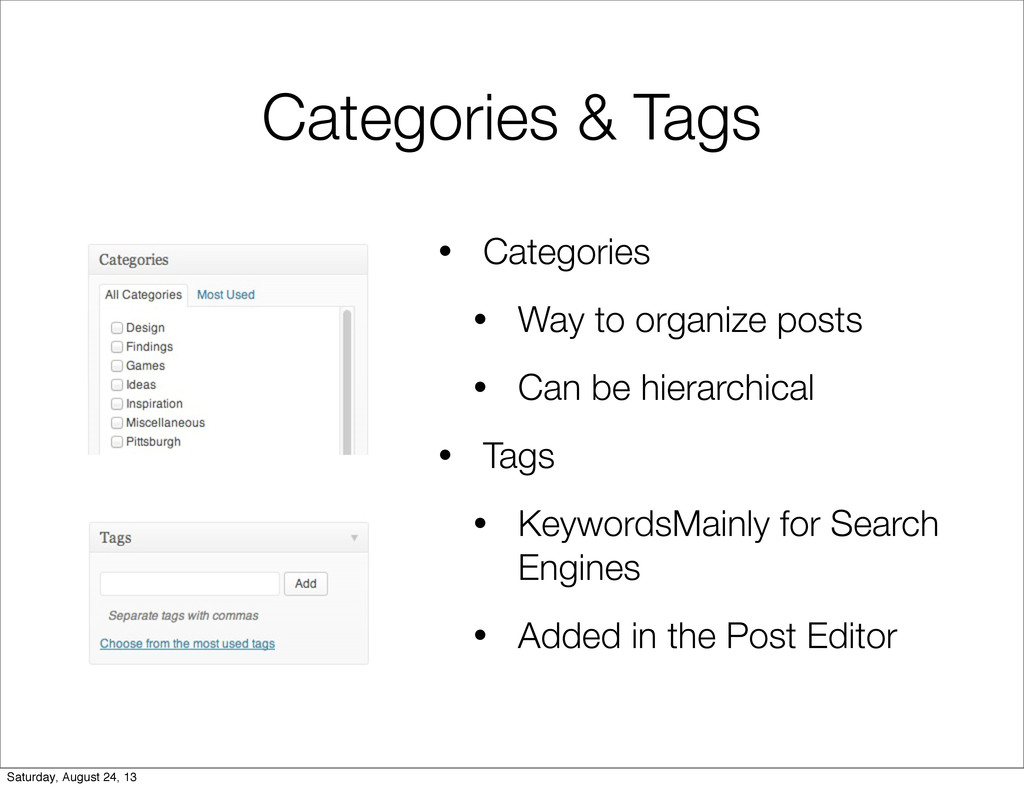
  8. Categories & Tags • Categories • Way to organize posts

    • Can be hierarchical • Tags • KeywordsMainly for Search Engines • Added in the Post Editor Saturday, August 24, 13
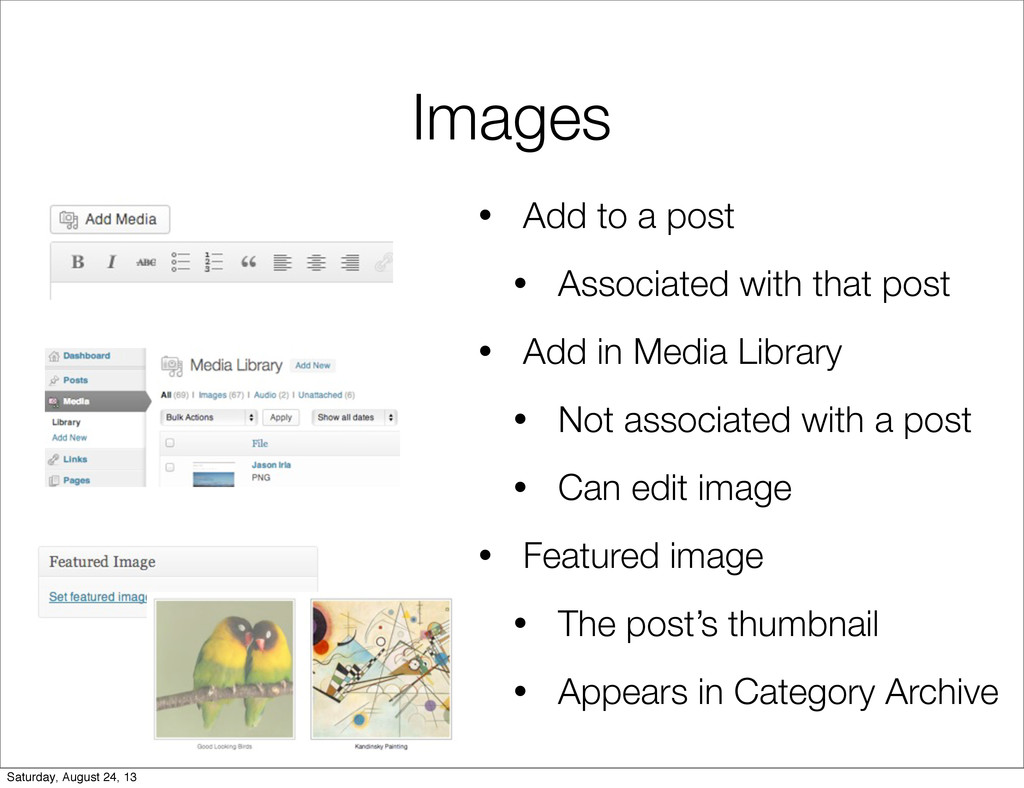
  9. Images • Add to a post • Associated with that

    post • Add in Media Library • Not associated with a post • Can edit image • Featured image • The post’s thumbnail • Appears in Category Archive Saturday, August 24, 13
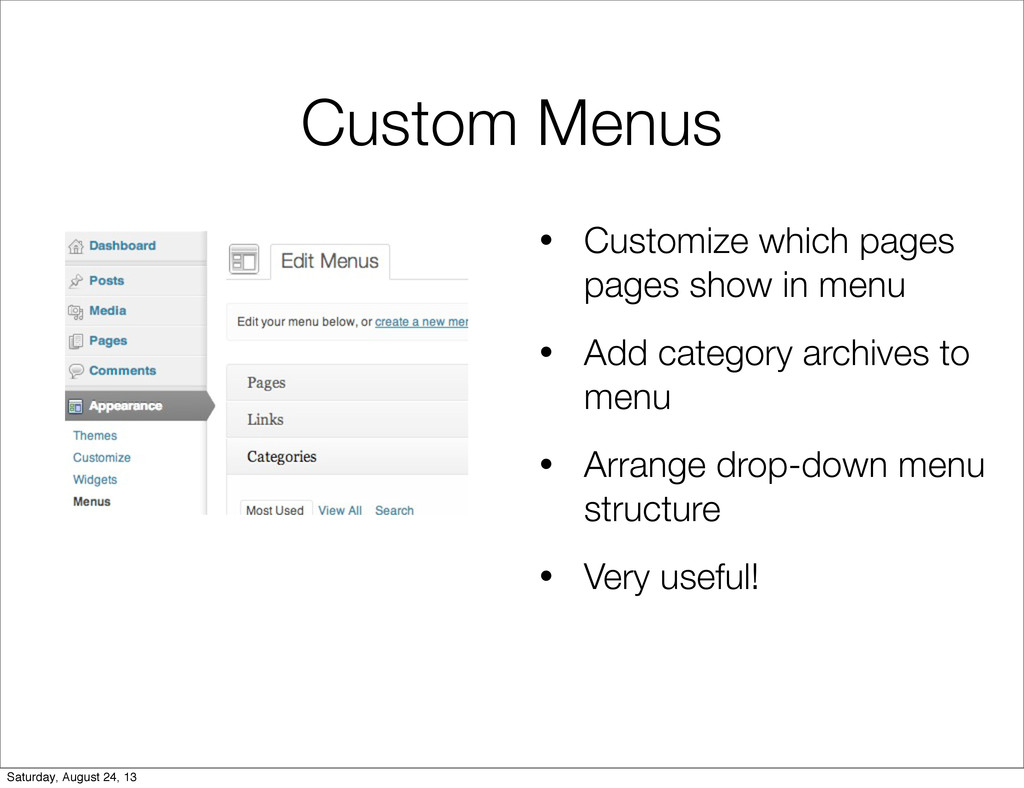
  10. Custom Menus • Customize which pages pages show in menu

    • Add category archives to menu • Arrange drop-down menu structure • Very useful! Saturday, August 24, 13
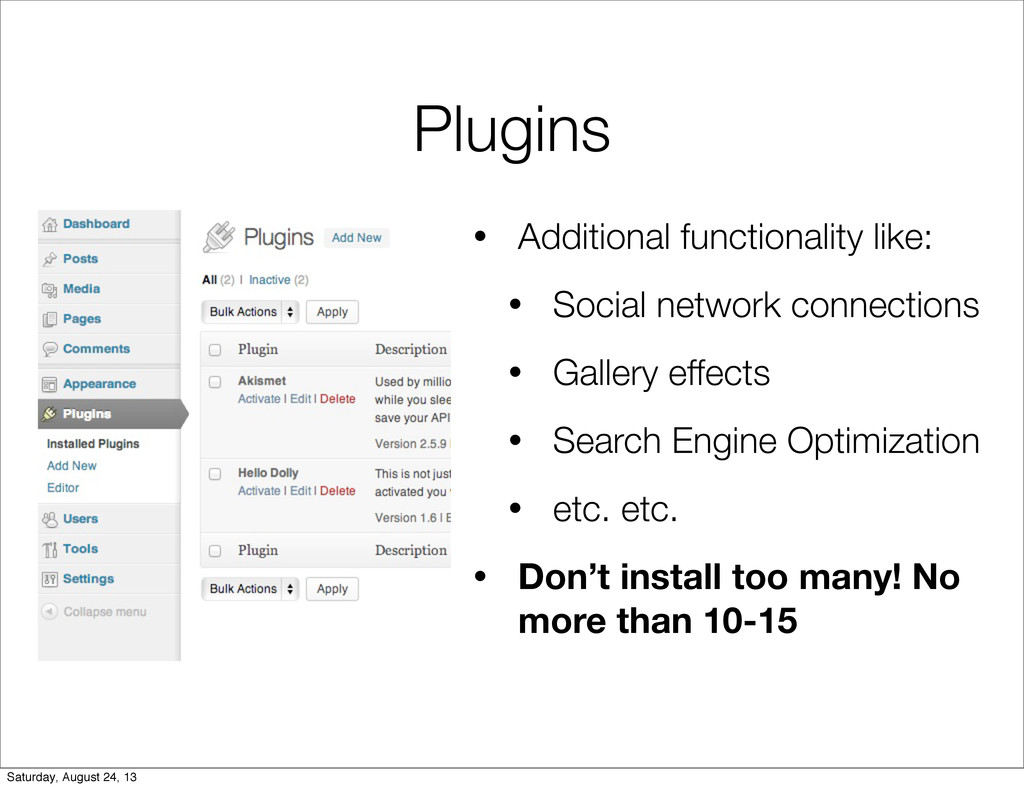
  11. Plugins • Additional functionality like: • Social network connections •

    Gallery effects • Search Engine Optimization • etc. etc. • Don’t install too many! No more than 10-15 Saturday, August 24, 13
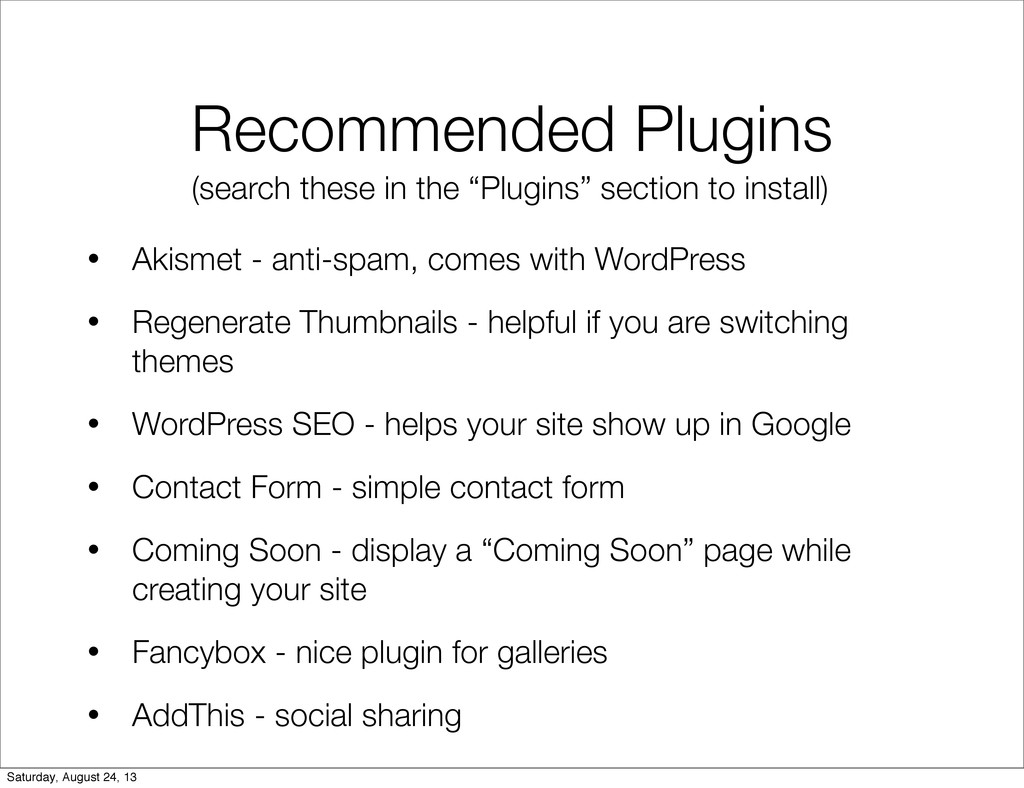
  12. Recommended Plugins • Akismet - anti-spam, comes with WordPress •

    Regenerate Thumbnails - helpful if you are switching themes • WordPress SEO - helps your site show up in Google • Contact Form - simple contact form • Coming Soon - display a “Coming Soon” page while creating your site • Fancybox - nice plugin for galleries • AddThis - social sharing (search these in the “Plugins” section to install) Saturday, August 24, 13
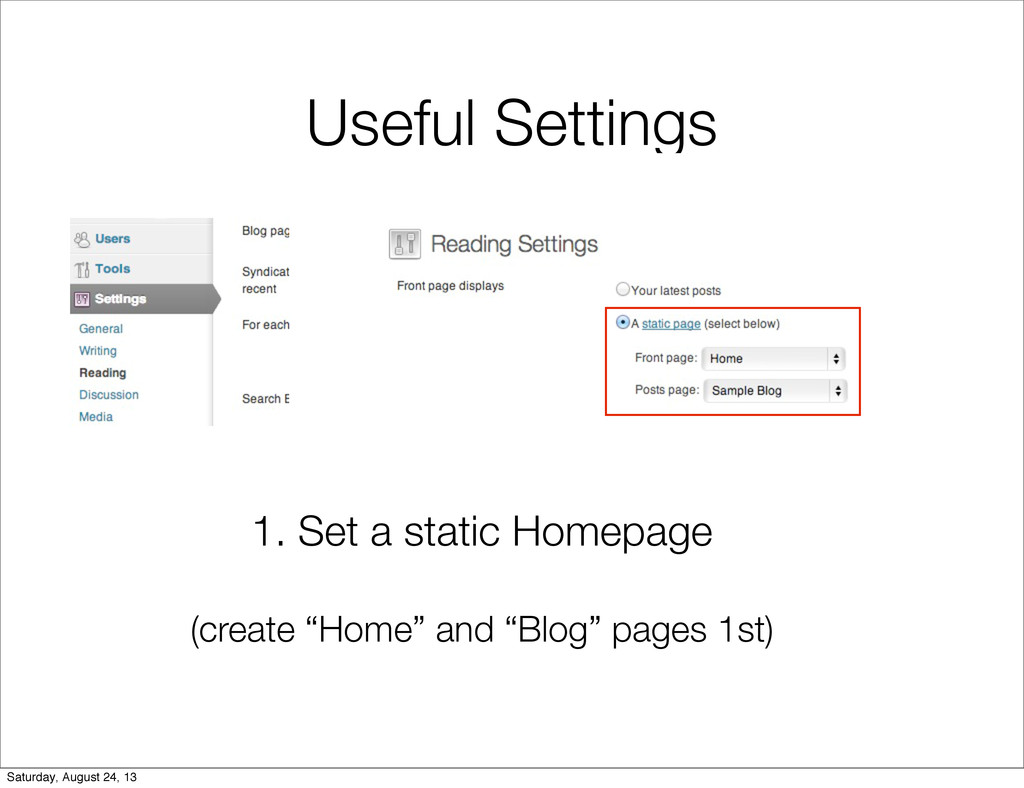
  13. Useful Settings 1. Set a static Homepage (create “Home” and

    “Blog” pages 1st) Saturday, August 24, 13
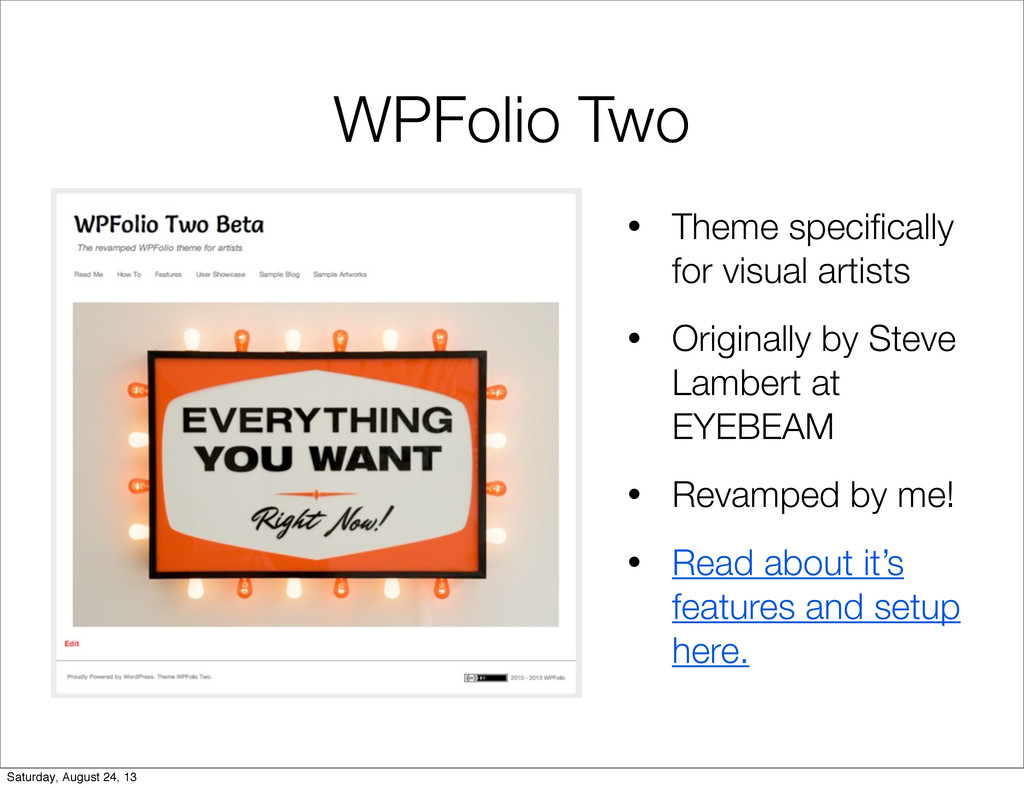
  14. WPFolio Two • Theme specifically for visual artists • Originally

    by Steve Lambert at EYEBEAM • Revamped by me! • Read about it’s features and setup here. Saturday, August 24, 13