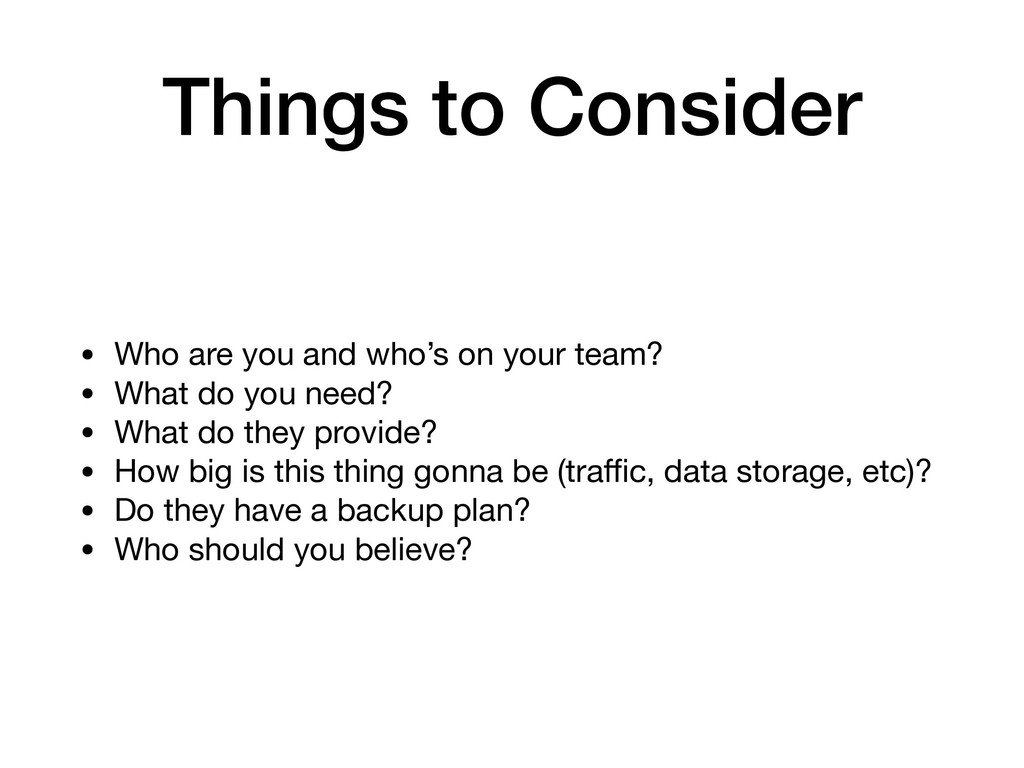
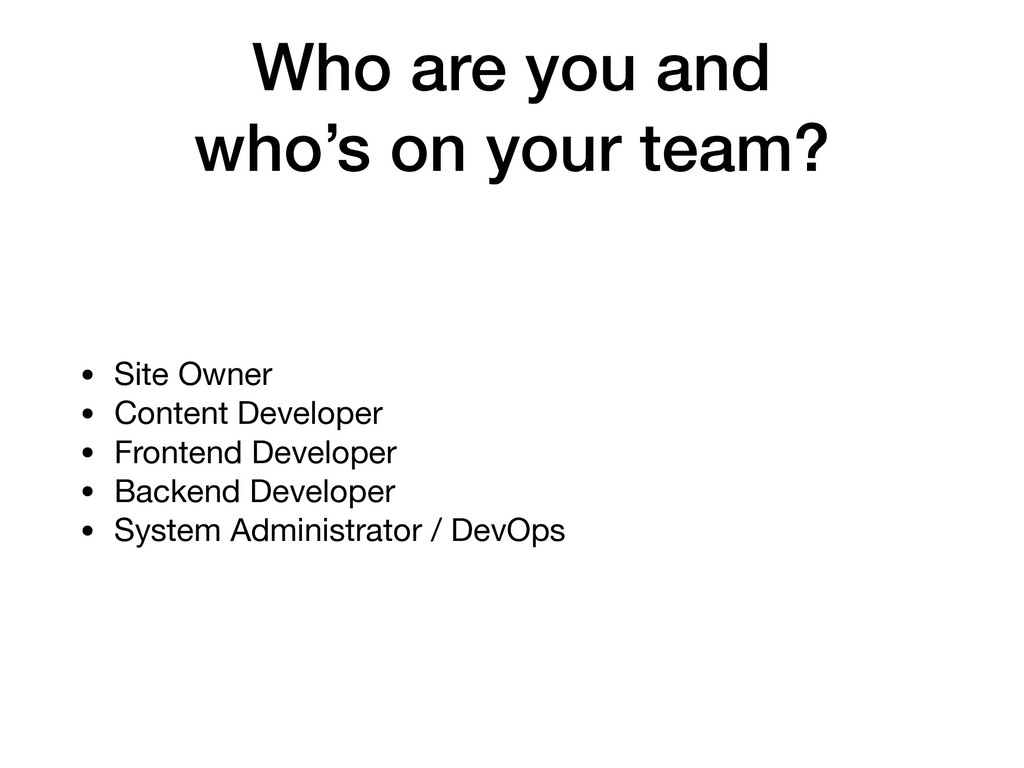
your team? • What do you need? • What do they provide? • How big is this thing gonna be (traffic, data storage, etc)? • Do they have a backup plan? • Who should you believe?
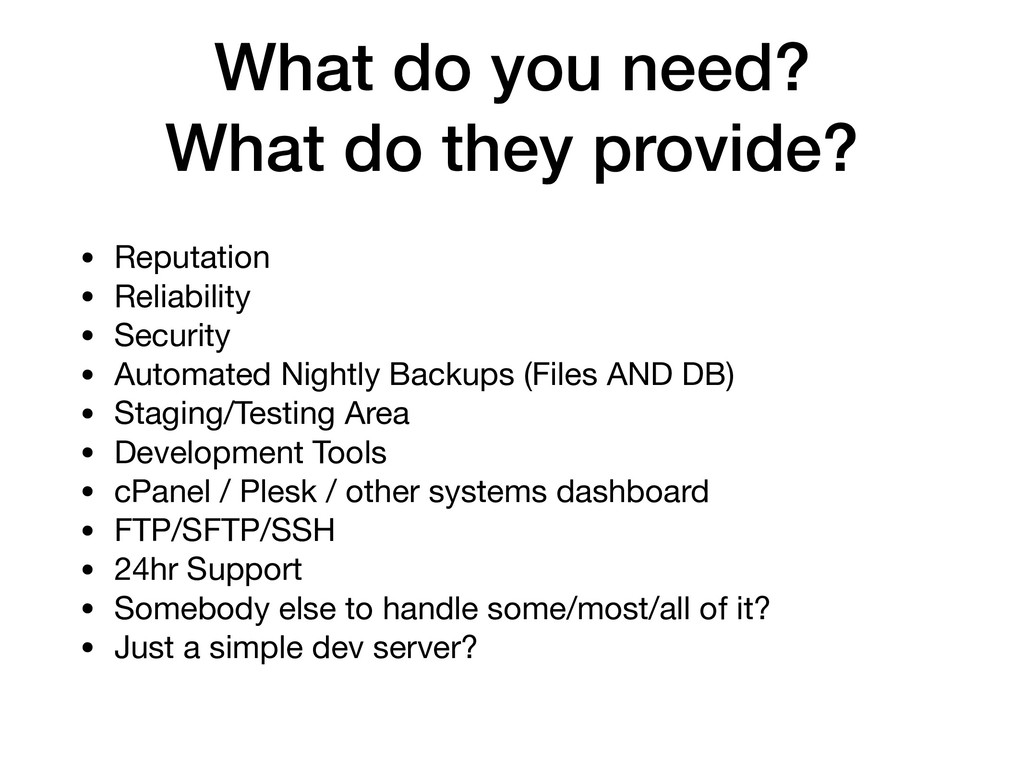
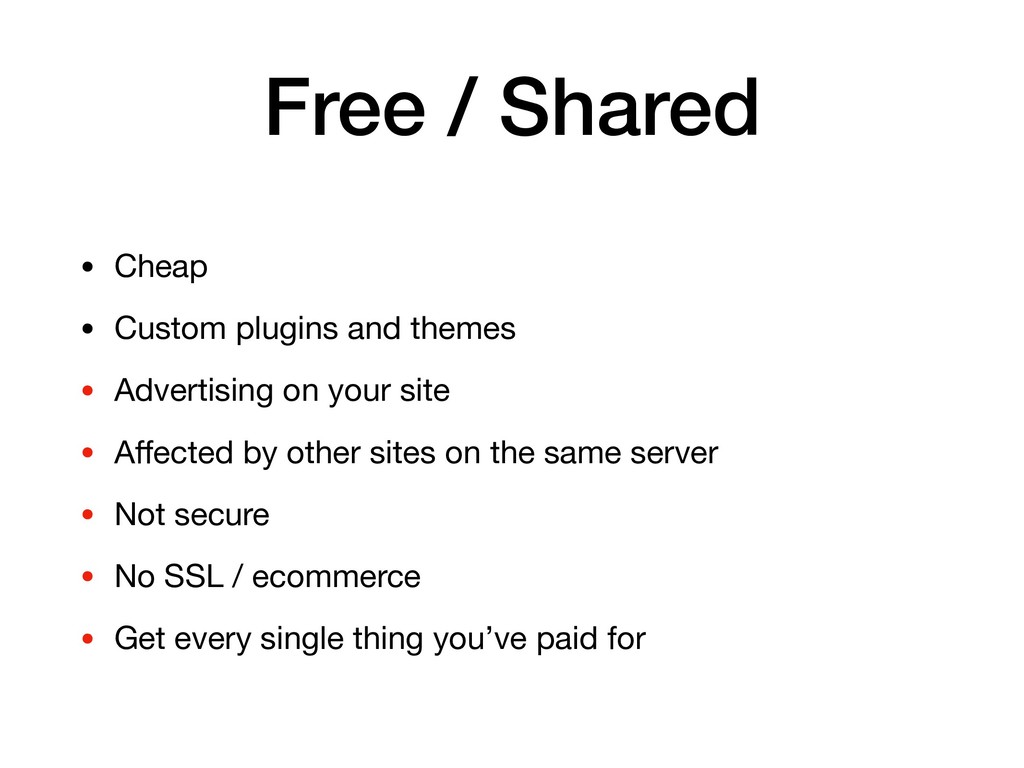
• Reliability • Security • Automated Nightly Backups (Files AND DB) • Staging/Testing Area • Development Tools • cPanel / Plesk / other systems dashboard • FTP/SFTP/SSH • 24hr Support • Somebody else to handle some/most/all of it? • Just a simple dev server?
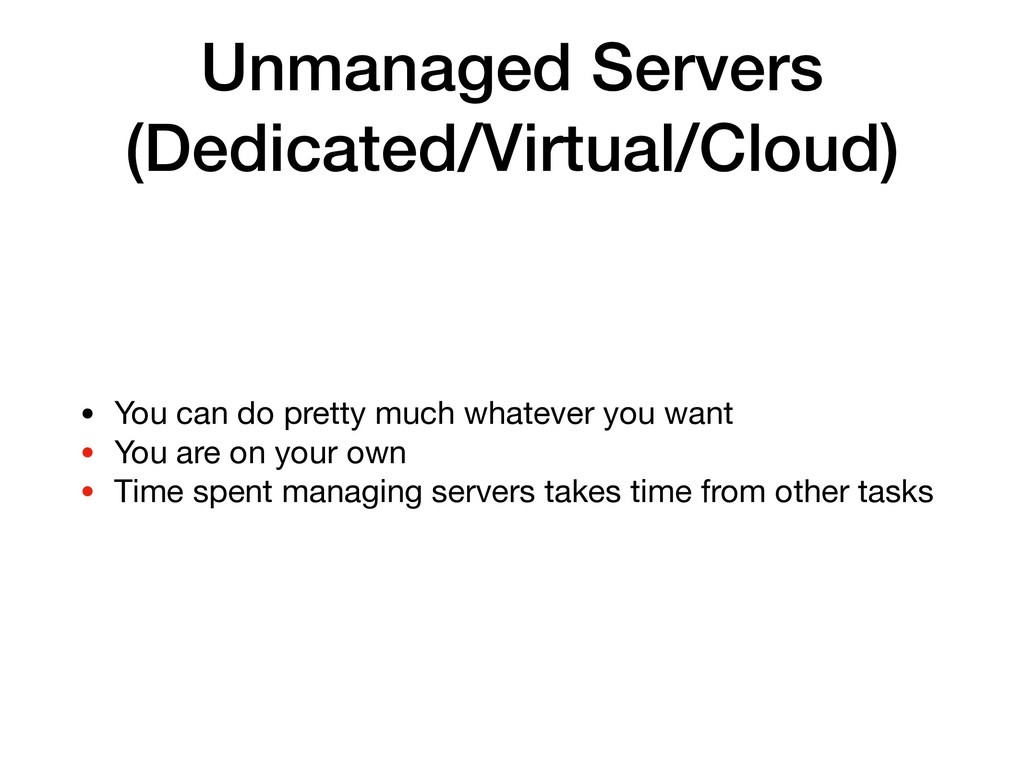
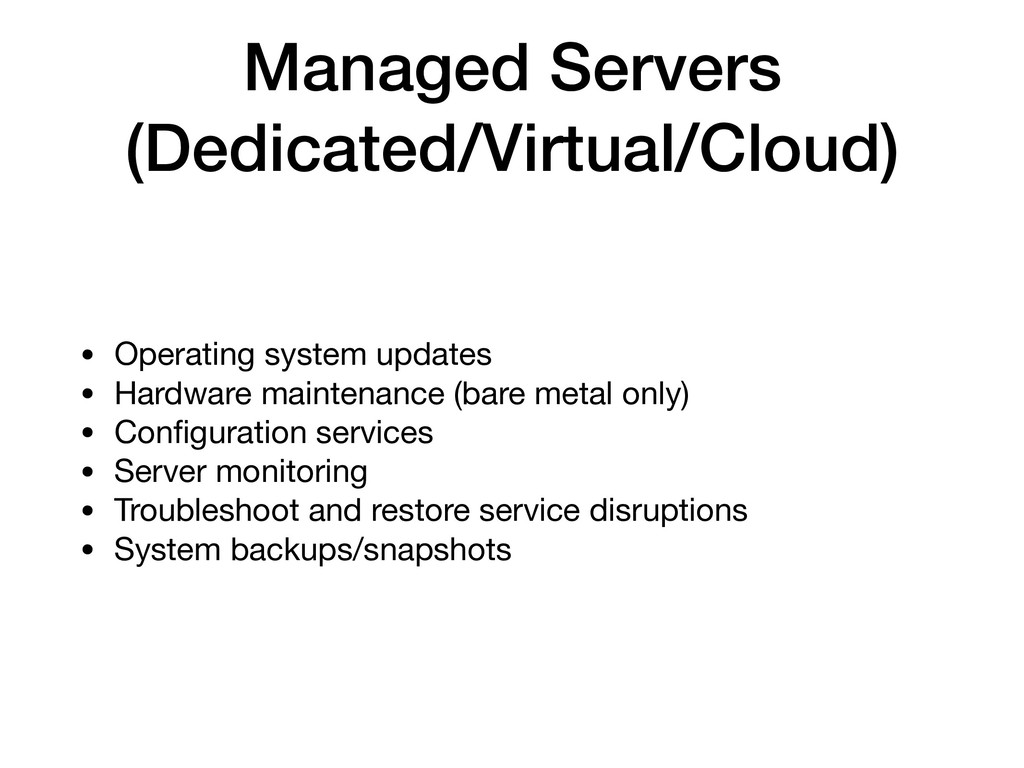
needs: traffic, bandwidth, storage, backup, etc. • Custom built solution based on those specific requirements. • Fully managed and maintained • 24/7 monitoring and support • Expensive
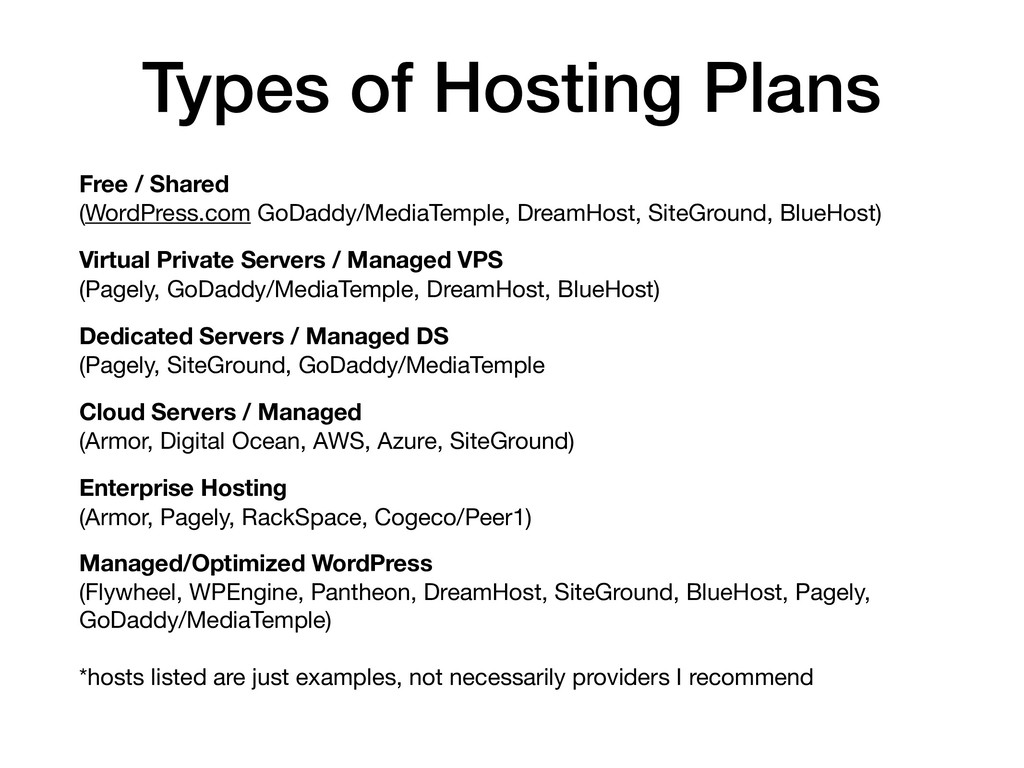
GoDaddy/MediaTemple) • All server architecture is built, maintained, and optimized by the host to serve WordPress as fast as possible. • Development tools • Automated WordPress core updates • Automated Nightly backups • Web Application Firewall (WAF) • SSL • Lower $$ barrier to entry • Tools at different hosts may be more focused on administrative, developer, or general account management
have a marketing plan and budget? • How much traffic do you expect to generate on this marketing campaign? • Is that traffic constant or intermittent? • Can your host handle that traffic with the service level you’ve purchased? • Does your host have the ability to scale with your needs? • Talk to your hosting provider about these things ahead of time whenever possible • The site has to be up to make money. • Too much exposure without a plan can take it down, ruin your reputation, and waste a lot of time and money
• Opinions should be based on firsthand experience • Opinions based on experience should be based on recent experiences (no more than a year old) • Ask people you know and trust where they host their sites and what they like most/least about that company • Where does your competition host their site? • Ten best of 2018 lists are usually full of affiliate links and not useful information
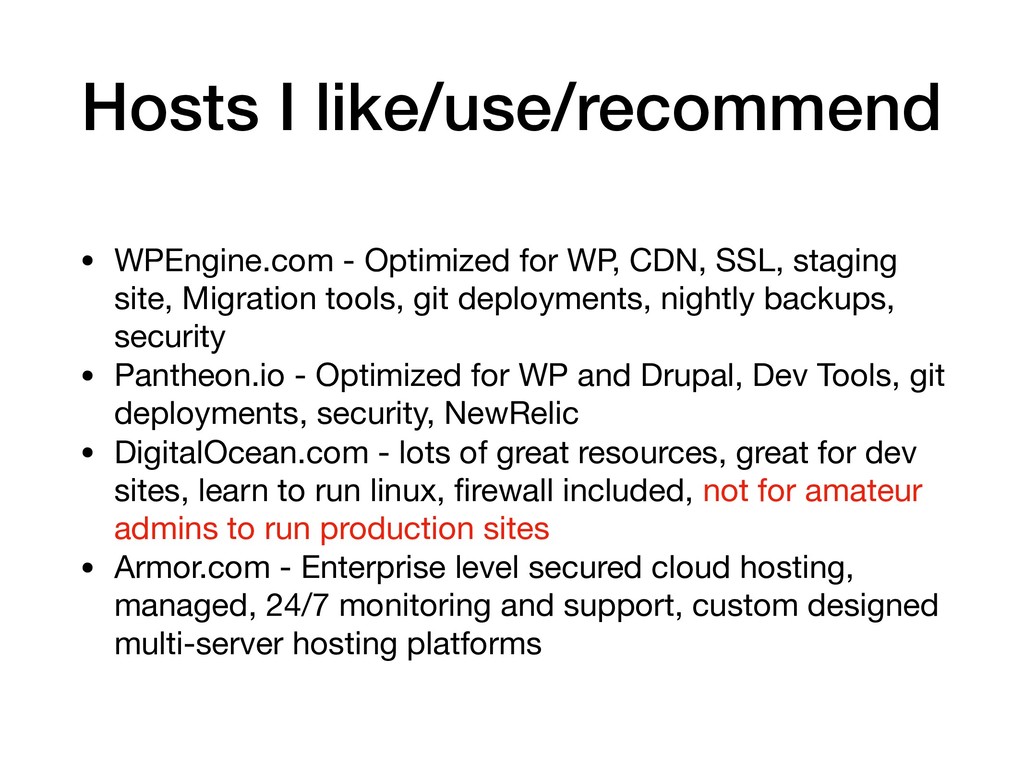
SSL, staging site, Migration tools, git deployments, nightly backups, security • Pantheon.io - Optimized for WP and Drupal, Dev Tools, git deployments, security, NewRelic • DigitalOcean.com - lots of great resources, great for dev sites, learn to run linux, firewall included, not for amateur admins to run production sites • Armor.com - Enterprise level secured cloud hosting, managed, 24/7 monitoring and support, custom designed multi-server hosting platforms


 lightsoutdave
 odashi
 ivry_presentationmaterials
 iktakahiro
 gionn
gionn
 koukihosaka
 kenichiodo
 keeg
keeg
 kzkhykw1991
 genda
genda
 carta_engineering
 ueponx
 codmoninc
 jakevdp
 62gerente
 bkeepers
 tammyeverts
 akademiya2063
 thirion
 szymonslowik
 orderedlist
 twada
twada
 yeseniaperezcruz
 kimpetersen
 livdayseo