Upgrade to Pro — share decks privately, control downloads, hide ads and more …

Safely Swimming with Sharks (Web Security 101)

Safely Swimming with Sharks (Web Security 101)

Security isn't just something you set up and walk away from. It's the result of good habits and vigilantly keeping your information secure. I'll be discussing the various dangers of the web and how to avoid them for both general internet safety and the security of your web site.

Avatar for lightsoutdave

lightsoutdave

December 18, 2019

More Decks by lightsoutdave

Other Decks in Technology

Transcript

  1. What is security? • Security is an ever-moving target •

    Security is a mindset • Security is a behavior • Security is a lifestyle
  2. How do they get in? • Social Engineering / Phishing

    • Brute-force and Dictionary Login Attacks • Credential Stuffing / Password reuse • Outdated software / Zero-Day vulnerabilities • Free WiFi • Keyloggers • USB flash drives/SD Cards • Public USB charging stations
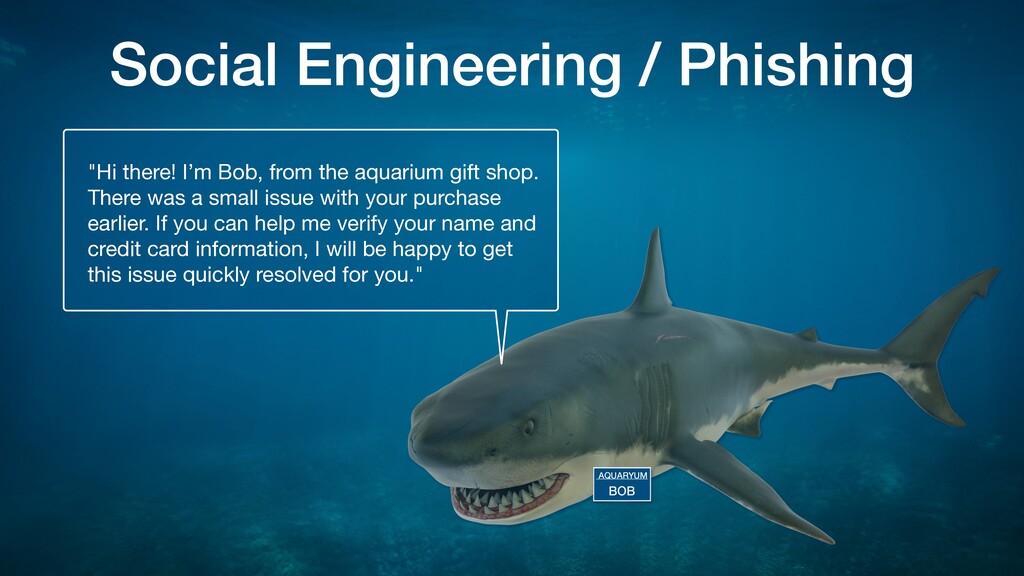
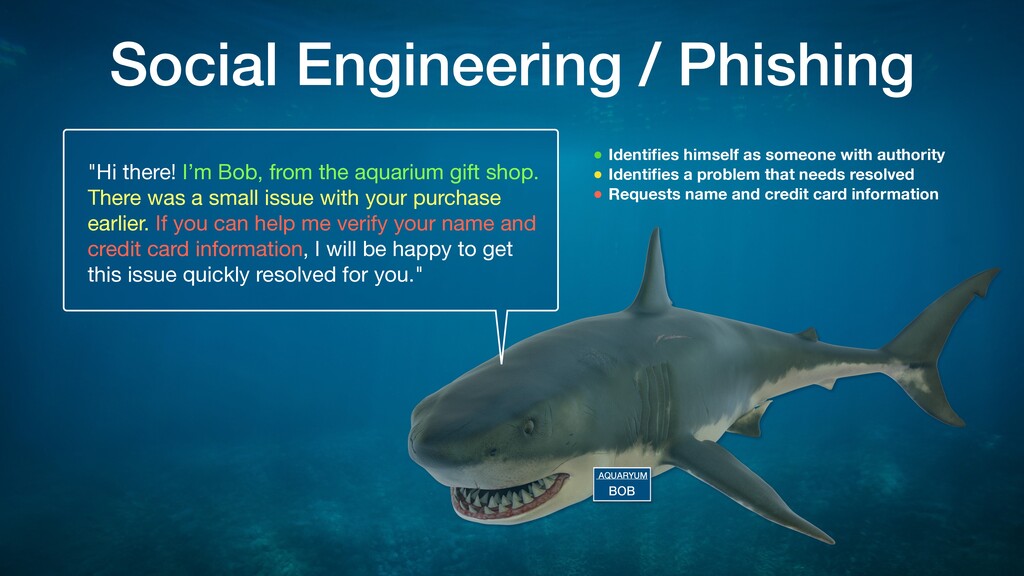
  3. AQUARYUM BOB Social Engineering / Phishing "Hi there! I’m Bob,

    from the aquarium gift shop. There was a small issue with your purchase earlier. If you can help me verify your name and credit card information, I will be happy to get
 this issue quickly resolved for you."
  4. AQUARYUM BOB Social Engineering / Phishing "Hi there! I’m Bob,

    from the aquarium gift shop. There was a small issue with your purchase earlier. If you can help me verify your name and credit card information, I will be happy to get
 this issue quickly resolved for you." • Identifies himself as someone with authority • Identifies a problem that needs resolved • Requests name and credit card information
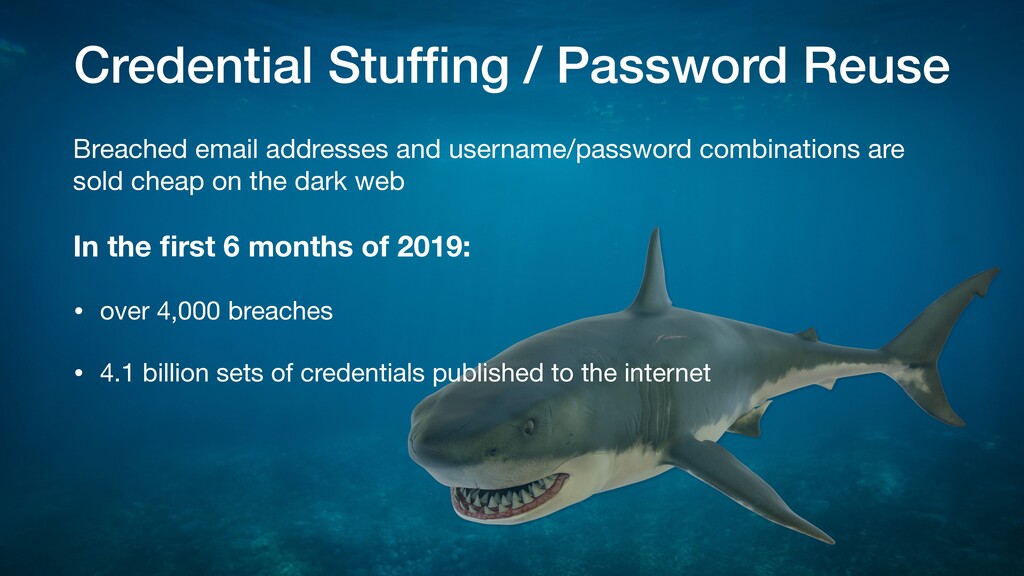
  5. Credential Stuffing / Password Reuse Breached email addresses and username/password

    combinations are sold cheap on the dark web In the first 6 months of 2019: • over 4,000 breaches • 4.1 billion sets of credentials published to the internet
  6. Bruteforce or Dictionary Login Attacks Brute-force The attacker attempts to

    guess your password using software that generates a large number of consecutive guesses and automatically submits them until one works.
  7. Bruteforce or Dictionary Login Attacks Dictionary The attacker uses software

    to automatically submit passwords from a known set of passwords hoping one will match
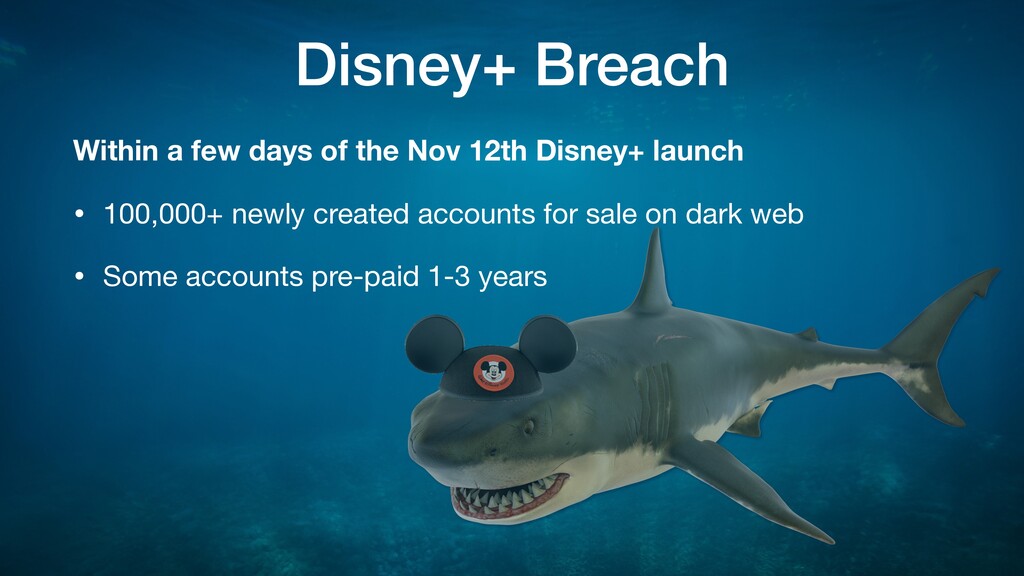
  8. Disney+ Breach Within a few days of the Nov 12th

    Disney+ launch • 100,000+ newly created accounts for sale on dark web • Some accounts pre-paid 1-3 years
  9. Software: Unpatched / Zero-Day Vulnerabilities • Security holes are being

    found and and discretely disclosed to the software developers so it can be fixed and patched before it becomes public • Zero-Day vulnerabilities are those that are found and either acted upon without discrete disclosure or publicly disclosed before a patch can be written or implemented
  10. Free WiFi • Free WiFi networks do not encrypt your

    traffic or encrypt all traffic the same. Anyone on the network can snoop. • Compromised devices may spread virus/trojan/worms to your device • Malicous hotspots can pose as legitimate hotspots and log your data while providing internet access • There is NO PRIVACY on public WiFi
  11. Keyloggers Keyloggers log every keystroke on your device and report

    that information to the attacker. They can be installed by • Employers, parents, family member, friend • Malicious Browser extension • Infected websites • Pirated / Free Software
  12. USB flash drives/SD Cards • Can spread viruses from one

    machine to another • Always scan with AntiVirus software when you connect it. • Only use the ones you’ve purchased • Never use one you’ve found
  13. Public USB Charging Stations • Anything that connects to USB

    on your phone or computer can read or write to your device. • Hackers are targeting public charging stations with viruses that give them access to the phone contents • They can also just pick the unattended phone up and do what they want with it
  14. What can you do? • Get a backup solution •

    Guard personal information • Use but never reuse strong passwords • FTP over TLS or SFTP connections only • HTTPS/lock! • Web Application Firewall • Latest software versions • AntiVirus/Security/VPN • Never connect anything unknown to USB • Use battery pack / plug into power outlet
  15. Website backups give important options if your site does become

    compromised losing minimal to zero data • Completely replace a compromised site in your existing environment with backup copy • Move to a clean hosting environment using the backup Backup Solution
  16. You can back up your system manually or automatically, but

    how often depends on how often the site content changes. Consider e-commerce transactions and user comments in this estimate. • Hourly: content is constantly changing all day • Daily: content changes daily or multiple times per day. • Weekly: content that changes multiple times/week but not daily • Monthly: site is mostly static and never changes. • Backup the site as you add content Backup Solution
  17. Backup your computer data: • iDrive (Universal) • Carbonite (PC)

    • Time Machine (Mac)
 Backup your website data: • Hosting company provided tools • CMS Specific plugins • WordPress: BackupBuddy, VaultPress, UpdraftPlus Backup Solution
  18. Anytime someone approaches you in any way asking for personal

    information, you have to determine whether it’s legitimate or a scam. • Service providers (banks, internet, email, credit cards, etc) will never ask you for your login information • Don’t confirm any information with them at all. • Contact the company they claim to represent using a known valid contact method. • Stay current on all accounts to avoid collection agencies. • You don’t have to deal anyone right now just because they called. • Use privacy options to lock down all social media accounts Guard Personal Information
  19. • Never use the same password twice • Change passwords

    regularly • Use a minimum of 50 characters in all passwords or as many as the service will allow. • Use a Password Manager (LastPass, KeyPass, 1Password) • Don’t share passwords • Use 2 Factor Authentication whenever possible Secure Passwords
  20. When you connect to the server to upload files, you

    want to do it in the safest way possible. FTP (File Transfer Protocol) clients log you in using unencrypted plaintext. Two standard methods that are safe to use and their availability will depend on the hosting platform • FTP over TLS: (File Transfer Protocol over Transport Layer Security) • SFTP: Secure FTP FileZilla is a free FTP client supports both options and works on (Mac/PC/Linux) FTP over TLS or SFTP
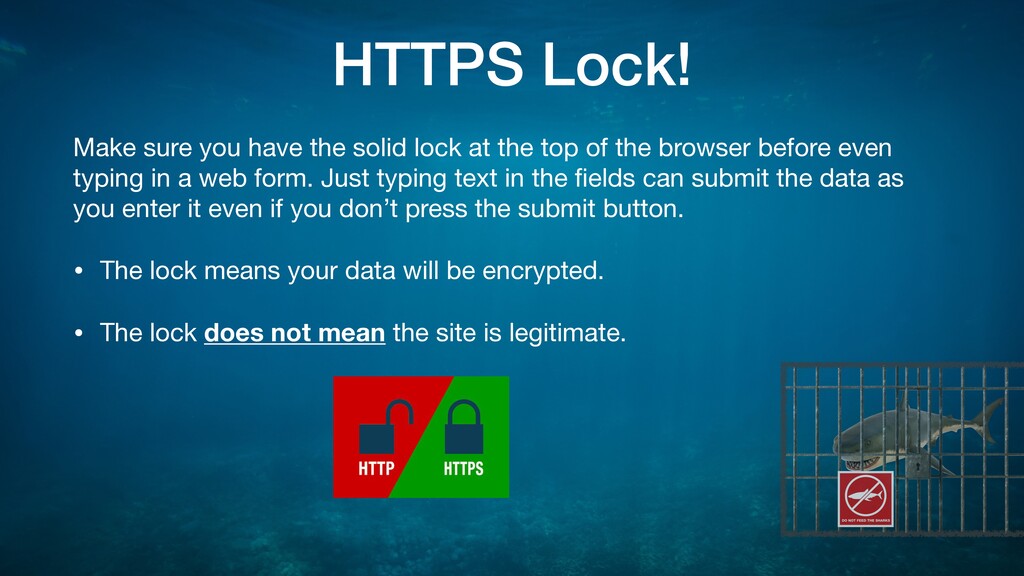
  21. Make sure you have the solid lock at the top

    of the browser before even typing in a web form. Just typing text in the fields can submit the data as you enter it even if you don’t press the submit button. • The lock means your data will be encrypted. • The lock does not mean the site is legitimate. HTTPS Lock!
  22. A Web Application Firewall applies a set of rules to

    incoming requests for your website and uses it to block the ones it deems malicious. They protect against many different type of attacks • Cross-site forgery - forces a logged in user to execute privileged actions in a web application without their knowledge often using code within an iframes • Cross-site scripting (XSS) - Malicious javascript executed within a legitimate script • SQL injection - specially crafted urls can force the server to execute a malicious SQL command • DDoS attacks - Distributed Denial of Service Web Application Firewall (WAF)
  23. Some WAF’s are provided by the host provider, others are

    external. Examples are: • CloudFlare.com • Sucuri.net • Amazon Web Services WAF • Armor Anywhere - armor.com Web Application Firewall (WAF)
  24. This rule applies to both your home/work computer and your

    website/server. Keep your software updated to the latest versions to make sure you’re getting all the security patches as they come out. Exception: Major software releases (version 2.x) are usually new feature releases and may be more buggy. I tend to wait until they release their first minor release (version 2.1) before I upgrade to avoid problems on production websites. WordPress major releases look like Version 5.3 WordPress minor releases look like Version 5.3.1 Latest Software Versions
  25. AntiVirus Software You need an AntiVirus program on your computer.

    Windows • Windows Defender is great (and free) • Bitdefender is great Mac (Yes, you need it too!) • Bitdefender is still great • Sophos is also great
  26. Security Software You need security software on your phone too.

    Android • Bitdefender is great • Lookout Security & Antivirus iPhone • Bitdefender is still great • Antivirus doesn’t work on iOS due to sandboxing of apps
  27. WordPress Security Plugins and Services We deal mostly with WordPress

    so here’s a short list of security plugins that I recommend for helping to secure it. • Sucuri plugin and WAF (Web Application Firewall) • Anti-Malware Security and Brute-Force Firewall • WP Security Audit Log • Cloudflare WAF • iThemes Security
  28. VPN (Virtual Private Network) is a service that allows you

    to use the internet on your own encrypted internet tunnel. This prevents other people on the free wifi network from being able to see what you’re doing or potentially intercept your private data. They also allow you to hide your location and prevent your internet provider from tracking your internet use. Use a VPN at home and especially on the free WiFi at the coffee shop! Here are a few reputable VPN providers • ExpressVPN • IPVanish • Bitdefender VPN
  29. Recap • Implement a backup solution • Guard personal information

    • Use but never reuse strong passwords • FTP over TLS or SFTP connections only • HTTPS/lock! • Web Application Firewall • Latest software versions • AntiVirus/Security/VPN • Never connect anything unknown to USB • Use battery pack / plug into power outlet
  30. • WeLiveSecurity.com • InfoSecInstitute.com • TechRepublic.com • blog.sucuri.net • StaySafeOnline.org

    • US-Cert.gov • Bark.us/blog/ • MMGuardian.com/blog/ Internet Safety and Security Resources
  31. • HaveIBeenPwned.com - Check your email addresses and passwords to

    see if they’ve been involved in a breach • UnmaskParasites.com • sitecheck.sucuri.net • Quttera.com • MageReport.com for Magento Stores Security Scans