Upgrade to Pro
— share decks privately, control downloads, hide ads and more …
Speaker Deck
Sign up for free
Menu
Search
Features
All features
Private URLs
Password Protection
Custom URLS
Scheduled publishing
Remove Branding
Restrict embedding
Deck Collections
Notes
Features
All features
Private URLs
Password Protection
Custom URLS
Scheduled publishing
Remove Branding
Restrict embedding
Deck Collections
Notes
Explore
Featured decks
Featured speakers
Programming
Technology
Storyboards
Explore
Featured decks
Featured speakers
Programming
Technology
Storyboards
Pricing
Search
Sign in
Sign up for free
Arch Components - Navigation
Search
Sponsored
·
SiteGround - Reliable hosting with speed, security, and support you can count on.
→
Luis Mierez
August 29, 2018
Technology
23
0
Share
Embed
Copy iframe code
Copy JS code
Copy link
Start on current slide
Arch Components - Navigation
Luis Mierez
August 29, 2018
Other Decks in Technology
See All in Technology
Claude Code本は、どのように執筆チームで書かれたか
oikon48
1
380
実践! SRE × AI - ABEMA における AIOps -
tetsuya28
8
3.1k
V8のArray.prototype.flatを最大約20倍速くするまでと、巨大OSSへの大規模コミットの道のり
riyaamemiya
0
290
Post AI時代のリファクタリング実践記 / Refactoring in the post AI era
kaminashi
1
230
Rustuna: Rustによる高速なOptuna実装
pfn
PRO
0
190
AI導入は済んだ。次は統制を作り替える番だ_AI×開発組織 Summit 2026
techtekt
PRO
0
210
NDIでApple Vision Proにリアルタイム映像送信
jyouryuusui
0
120
分析の民主化を支えるメタデータ整備の実践
kakehashi
PRO
4
1.4k
Kiro Crewをはじめよう
kizawa2020
1
160
フロントエンドカンファレンス関西2026 - 速すぎるUIに、待ち時間を
teamlab
PRO
0
130
ストレスなくAIと付き合いたい!こんなときどうしてる?
namiki64
3
490
LambdaWebFunctionsを試してみた / exploring-lambda-web-functions
koukihosaka
1
330
Featured
See All Featured
Exploring the Power of Turbo Streams & Action Cable | RailsConf2023
kevinliebholz
37
6.6k
VelocityConf: Rendering Performance Case Studies
addyosmani
331
25k
The Curious Case for Waylosing
cassininazir
1
570
sira's awesome portfolio website redesign presentation
elsirapls
0
450
Statistics for Hackers
jakevdp
799
230k
BBQ
matthewcrist
90
10k
エンジニアに許された特別な時間の終わり
watany
109
250k
Digital Ethics as a Driver of Design Innovation
axbom
PRO
1
460
A Tale of Four Properties
chriscoyier
163
24k
Java REST API Framework Comparison - PWX 2021
mraible
34
9.8k
Making the Leap to Tech Lead
cromwellryan
135
10k
What’s in a name? Adding method to the madness
productmarketing
PRO
24
4.2k
Transcript
NAVIGATION ARCHITECTURE COMPONENTS
NAVIGATION ABOUT ME ▸ Android Developer for about 5 year
▸ Works at Homesnap ▸ Just moved back from DC ▸ Work remote now
NAVIGATION NAVIGATION COMPONENT ▸ Simplifies navigation ▸ Introduced in I/O
18 ▸ Single activity ▸ Still in alpha
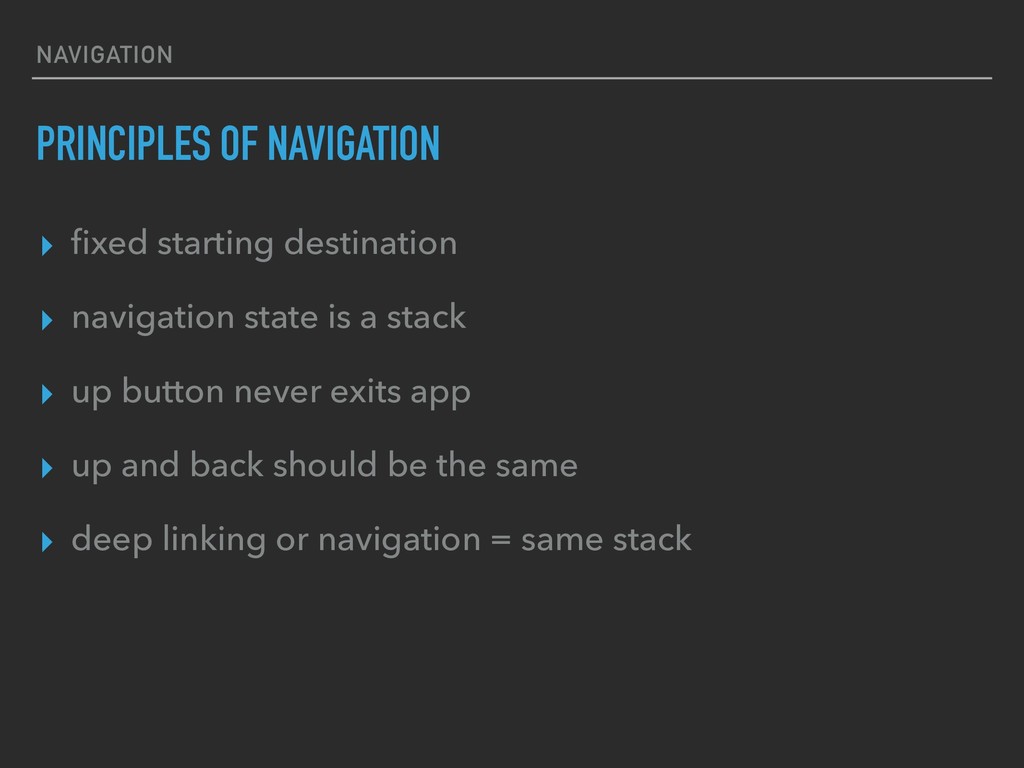
NAVIGATION PRINCIPLES OF NAVIGATION ▸ fixed starting destination ▸ navigation
state is a stack ▸ up button never exits app ▸ up and back should be the same ▸ deep linking or navigation = same stack
SETUP NAVIGATION
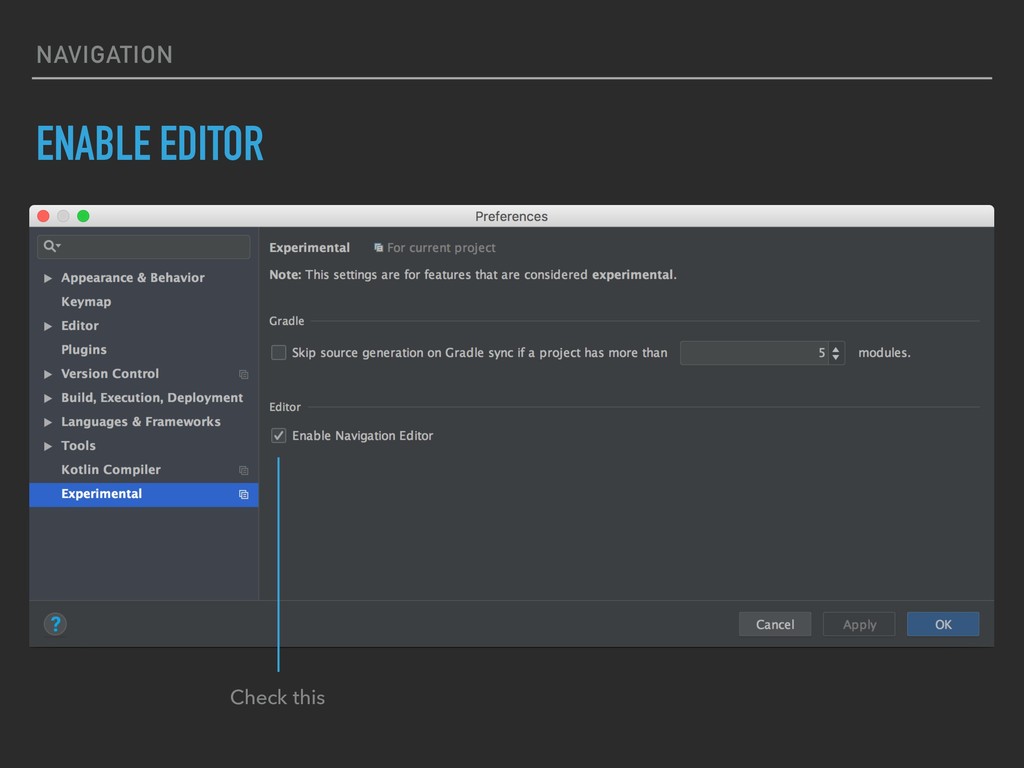
NAVIGATION Check this ENABLE EDITOR
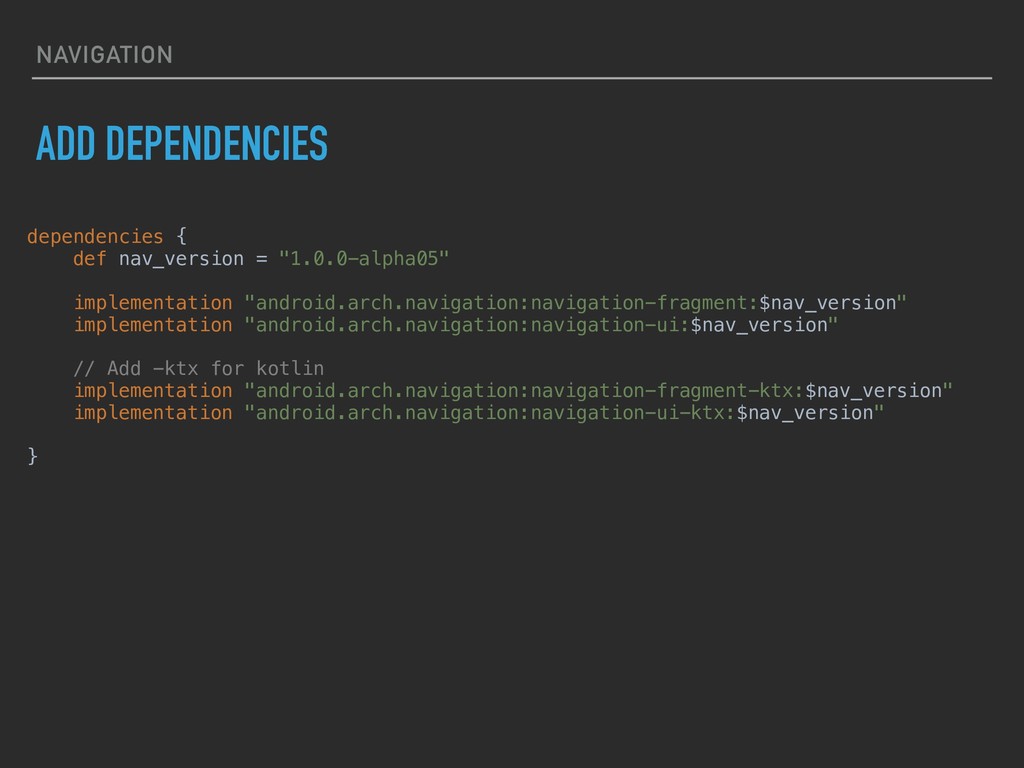
NAVIGATION ADD DEPENDENCIES dependencies { def nav_version = "1.0.0-alpha05" implementation
"android.arch.navigation:navigation-fragment:$nav_version" implementation "android.arch.navigation:navigation-ui:$nav_version" // Add -ktx for kotlin implementation "android.arch.navigation:navigation-fragment-ktx:$nav_version" implementation "android.arch.navigation:navigation-ui-ktx:$nav_version" }
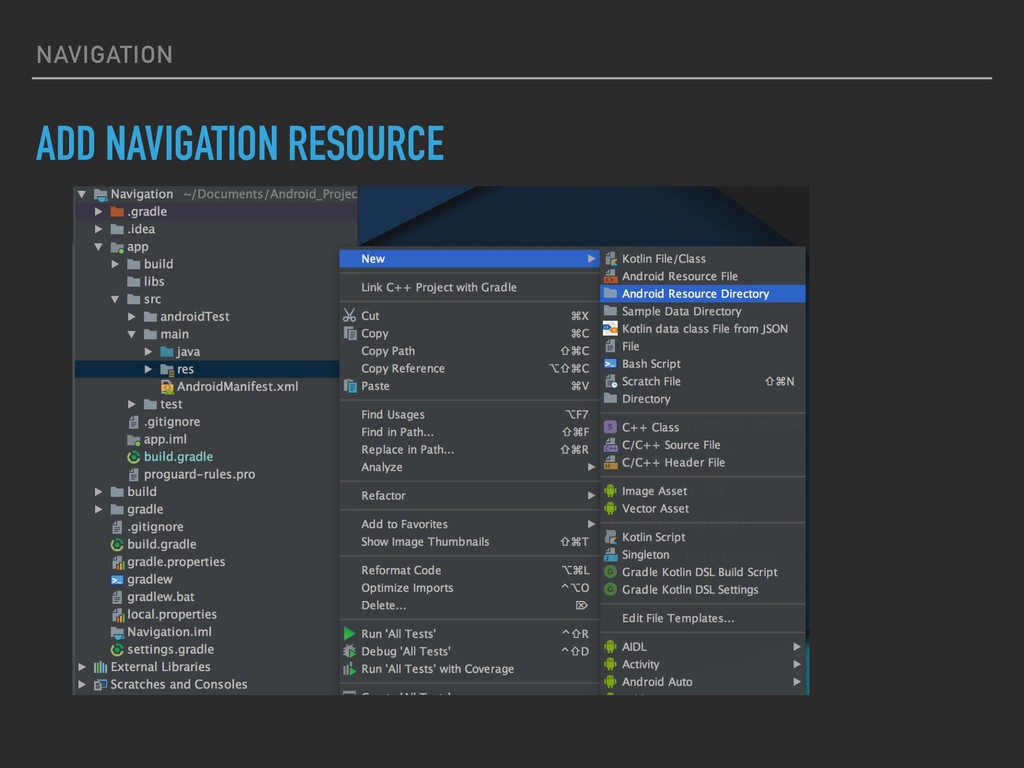
NAVIGATION ADD NAVIGATION RESOURCE
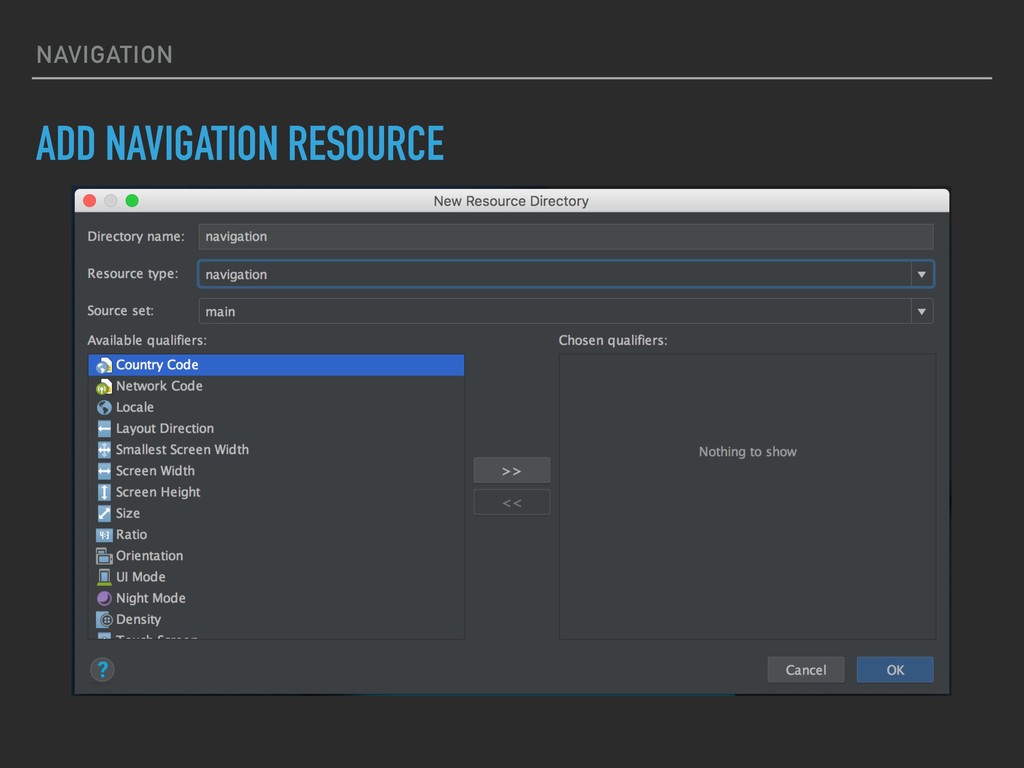
NAVIGATION ADD NAVIGATION RESOURCE
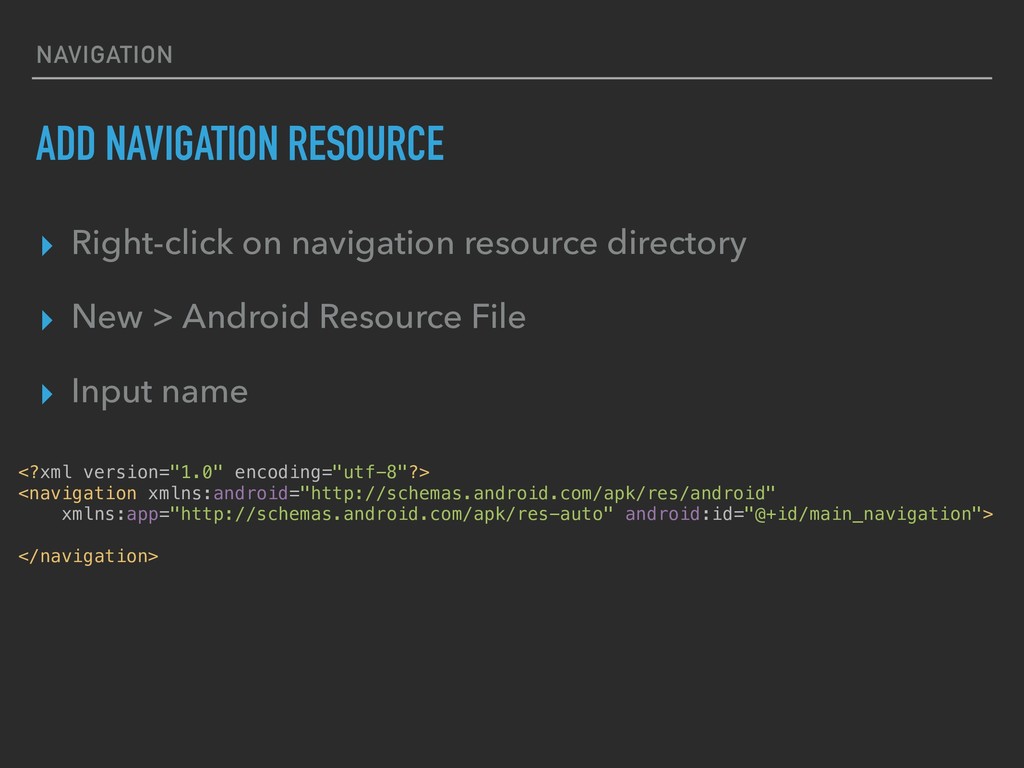
NAVIGATION ADD NAVIGATION RESOURCE ▸ Right-click on navigation resource directory
▸ New > Android Resource File ▸ Input name <?xml version="1.0" encoding="utf-8"?> <navigation xmlns:android="http://schemas.android.com/apk/res/android" xmlns:app="http://schemas.android.com/apk/res-auto" android:id="@+id/main_navigation"> </navigation>
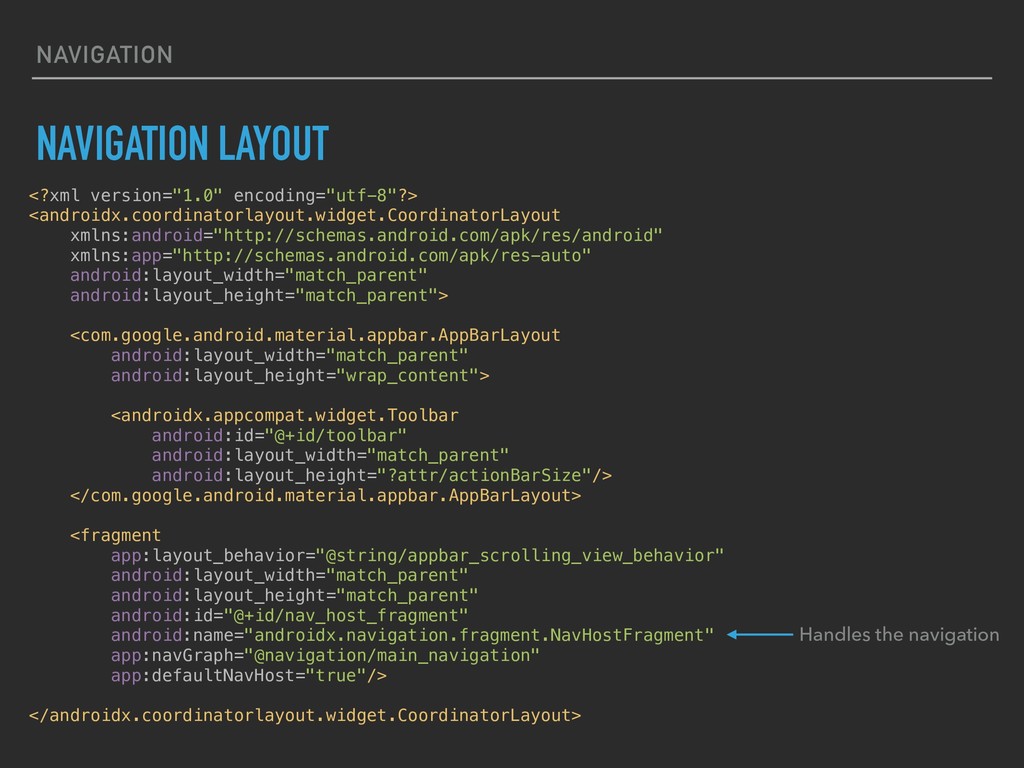
NAVIGATION NAVIGATION LAYOUT <?xml version="1.0" encoding="utf-8"?> <androidx.coordinatorlayout.widget.CoordinatorLayout xmlns:android="http://schemas.android.com/apk/res/android" xmlns:app="http://schemas.android.com/apk/res-auto" android:layout_width="match_parent"
android:layout_height="match_parent"> <com.google.android.material.appbar.AppBarLayout android:layout_width="match_parent" android:layout_height="wrap_content"> <androidx.appcompat.widget.Toolbar android:id="@+id/toolbar" android:layout_width="match_parent" android:layout_height="?attr/actionBarSize"/> </com.google.android.material.appbar.AppBarLayout> <fragment app:layout_behavior="@string/appbar_scrolling_view_behavior" android:layout_width="match_parent" android:layout_height="match_parent" android:id="@+id/nav_host_fragment" android:name="androidx.navigation.fragment.NavHostFragment" app:navGraph="@navigation/main_navigation" app:defaultNavHost="true"/> </androidx.coordinatorlayout.widget.CoordinatorLayout> Handles the navigation
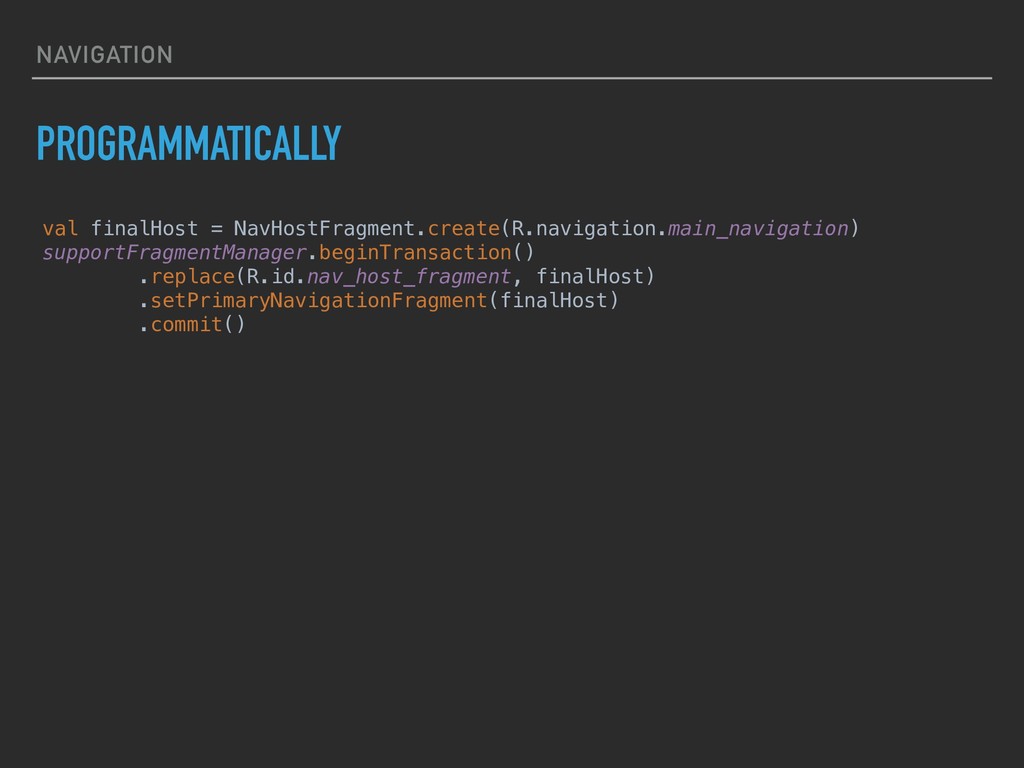
NAVIGATION PROGRAMMATICALLY val finalHost = NavHostFragment.create(R.navigation.main_navigation) supportFragmentManager.beginTransaction() .replace(R.id.nav_host_fragment, finalHost) .setPrimaryNavigationFragment(finalHost)
.commit()
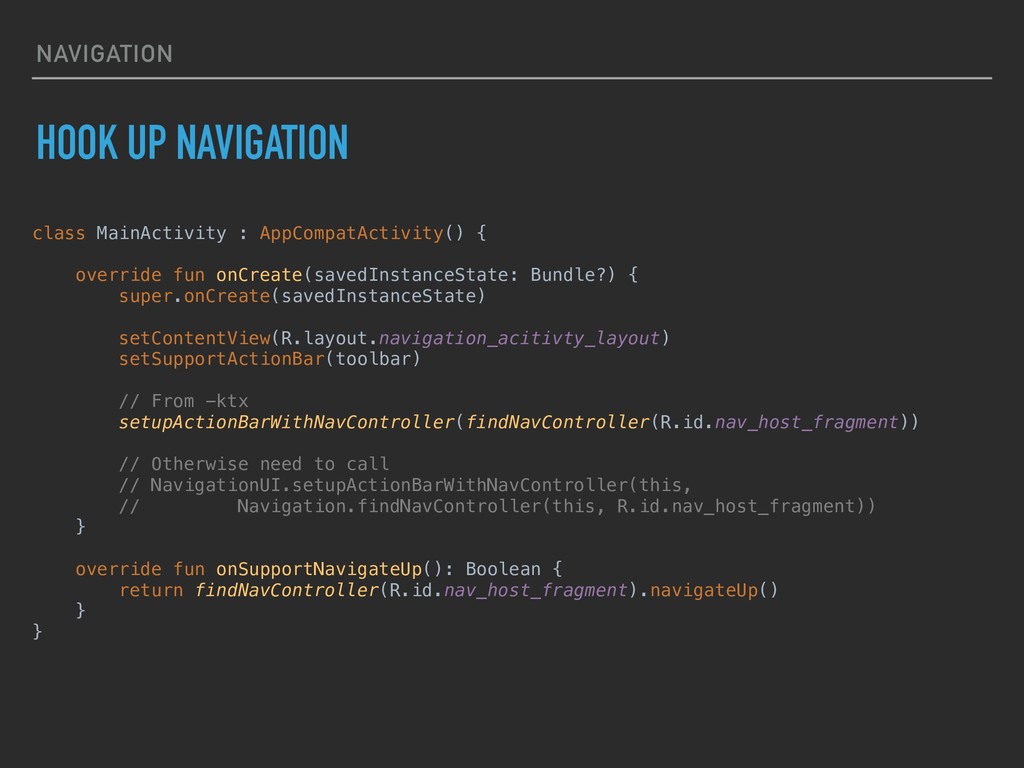
NAVIGATION HOOK UP NAVIGATION class MainActivity : AppCompatActivity() { override
fun onCreate(savedInstanceState: Bundle?) { super.onCreate(savedInstanceState) setContentView(R.layout.navigation_acitivty_layout) setSupportActionBar(toolbar) // From -ktx setupActionBarWithNavController(findNavController(R.id.nav_host_fragment)) // Otherwise need to call // NavigationUI.setupActionBarWithNavController(this, // Navigation.findNavController(this, R.id.nav_host_fragment)) } override fun onSupportNavigateUp(): Boolean { return findNavController(R.id.nav_host_fragment).navigateUp() } }
THAT’S ALL!
TIPS!
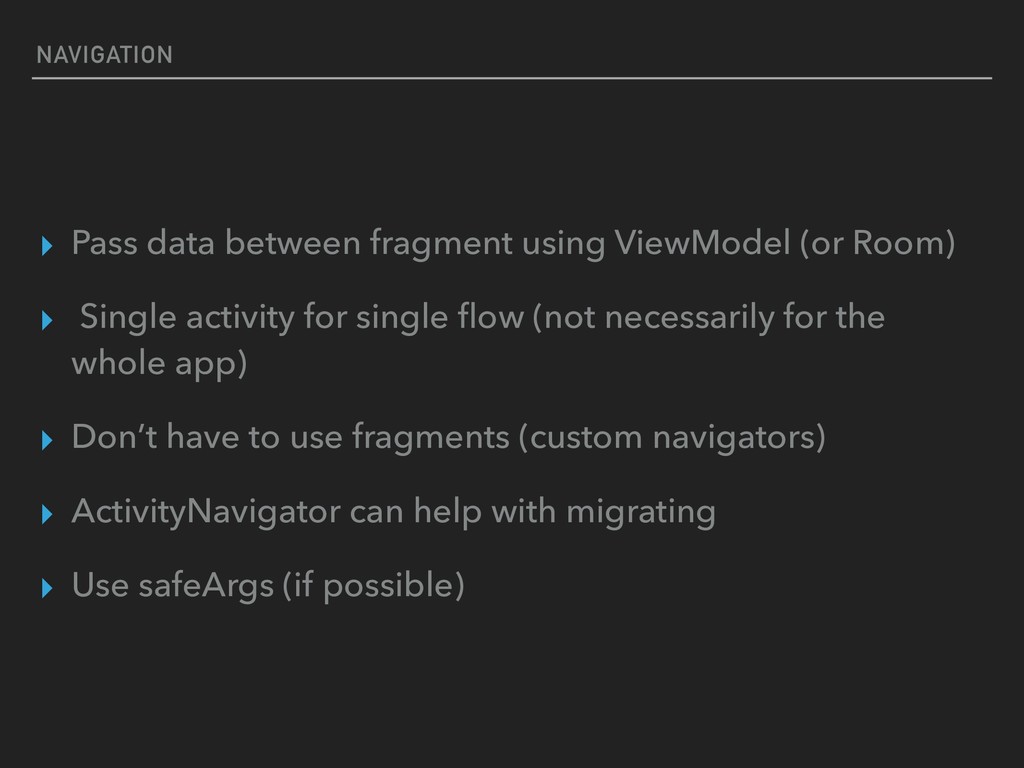
NAVIGATION ▸ Pass data between fragment using ViewModel (or Room)
▸ Single activity for single flow (not necessarily for the whole app) ▸ Don’t have to use fragments (custom navigators) ▸ ActivityNavigator can help with migrating ▸ Use safeArgs (if possible)
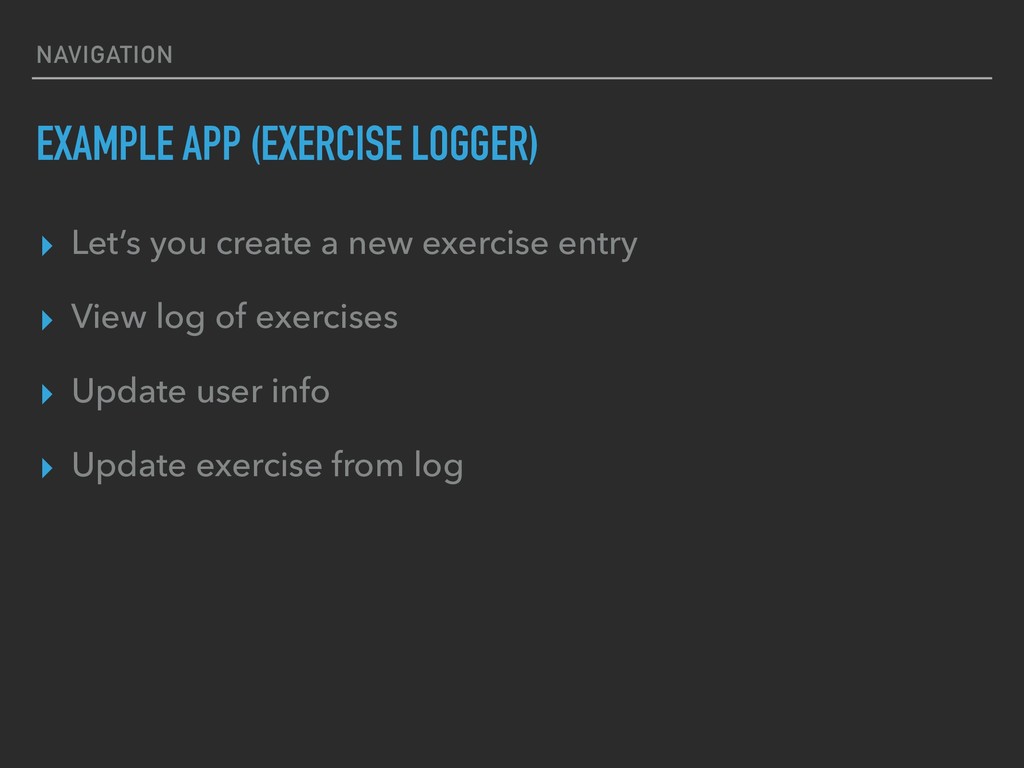
NAVIGATION EXAMPLE APP (EXERCISE LOGGER) ▸ Let’s you create a
new exercise entry ▸ View log of exercises ▸ Update user info ▸ Update exercise from log
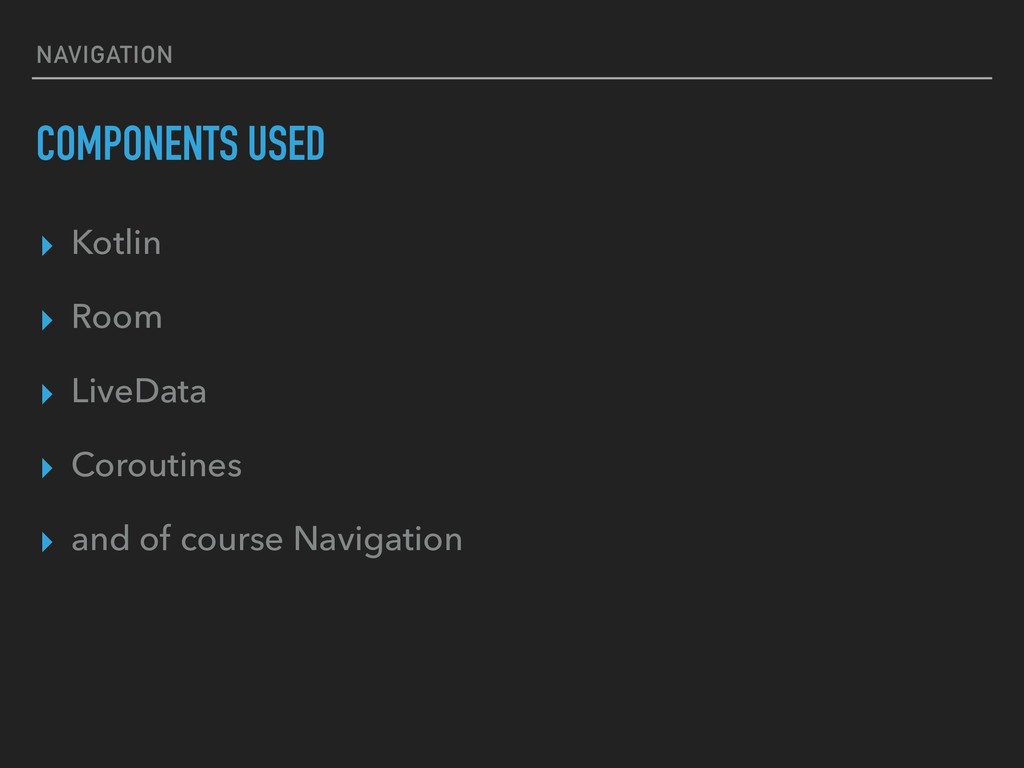
NAVIGATION COMPONENTS USED ▸ Kotlin ▸ Room ▸ LiveData ▸
Coroutines ▸ and of course Navigation
LET’S LOOK AT SOME CODE
CONDITIONAL
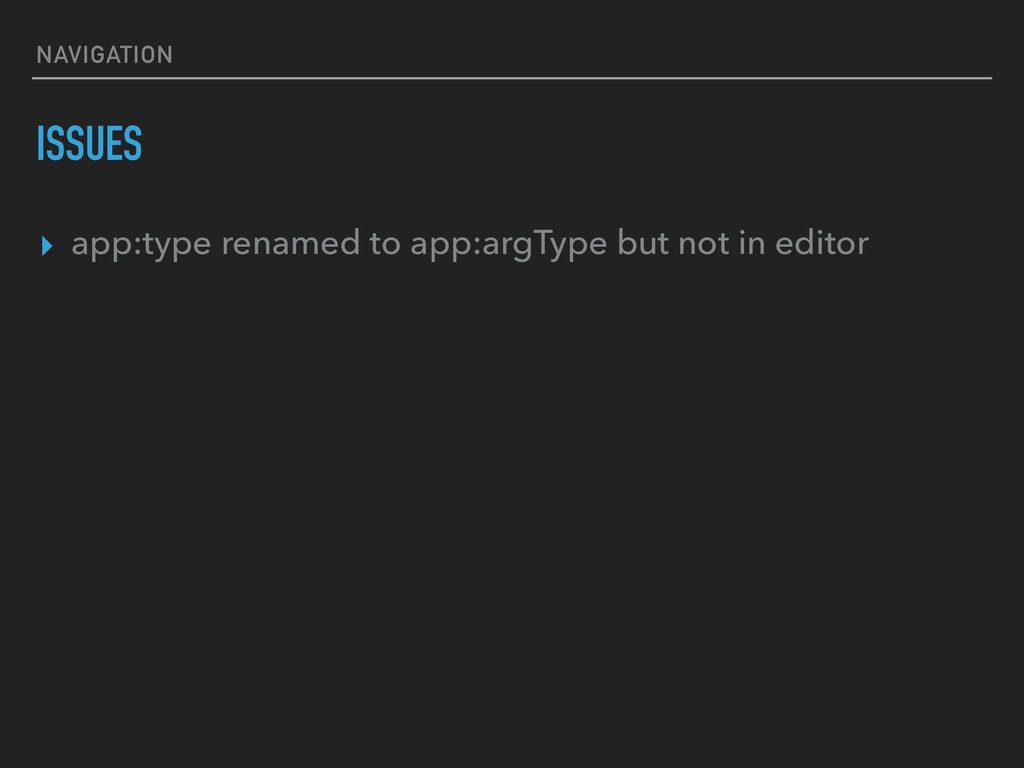
NAVIGATION ISSUES ▸ app:type renamed to app:argType but not in
editor

 SiteGround - Reliable hosting with speed, security, and support you can count on.


 oikon48
 tetsuya28
 riyaamemiya
 kaminashi
 pfn
pfn
 techtekt
 jyouryuusui
 kakehashi
 kizawa2020
 teamlab
 namiki64
 koukihosaka
 kevinliebholz
 addyosmani
 cassininazir
 elsirapls
 jakevdp
 matthewcrist
 watany
 axbom
axbom
 chriscoyier
 mraible
 cromwellryan
 productmarketing