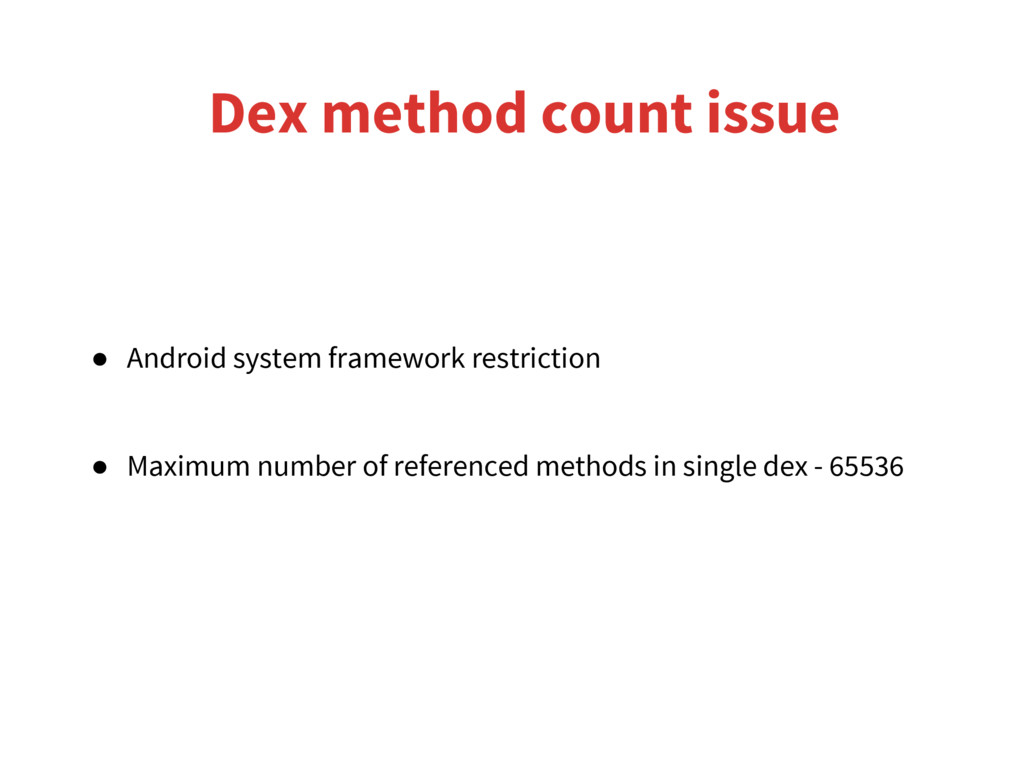
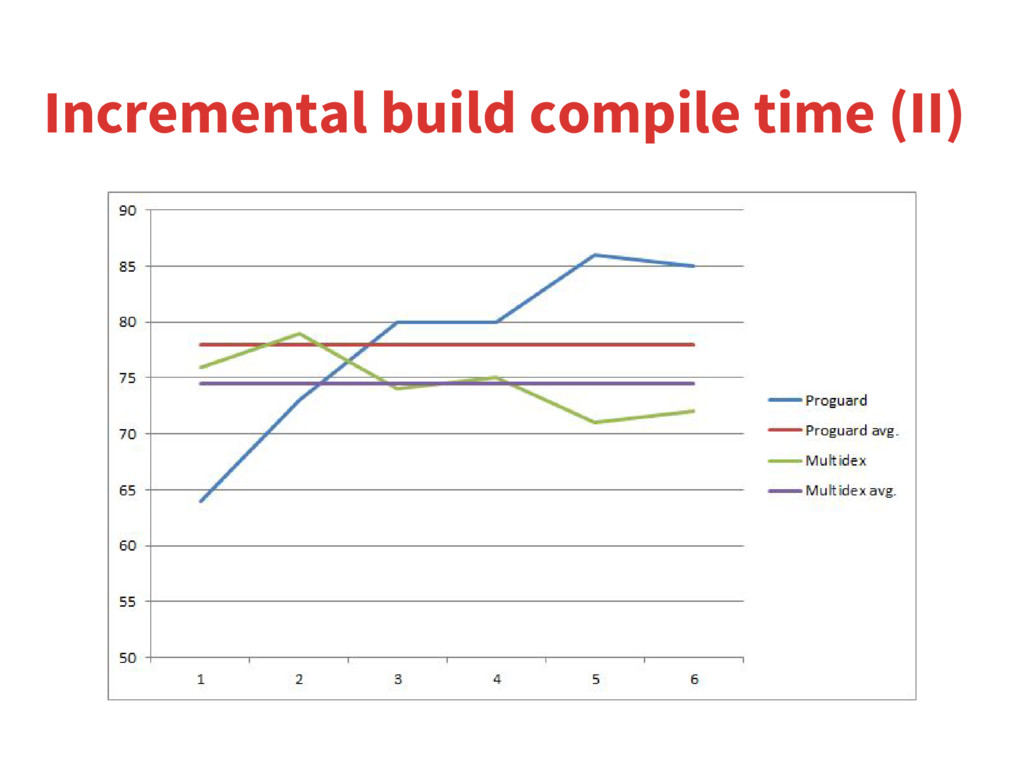
This presentation introduces available techniques for avoiding dex method count issue when developing Android apps which contain over 64k methods. Comparison of those two is also included in this presentation.
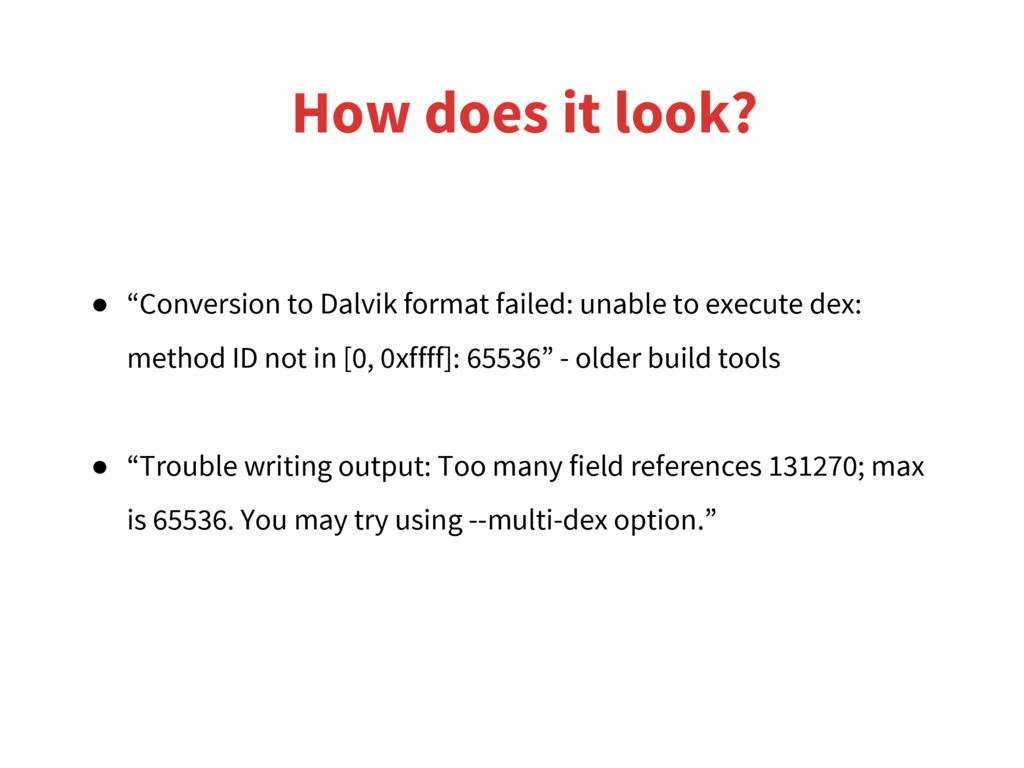
unable to execute dex: method ID not in [0, 0xffff]: 65536” - older build tools • “Trouble writing output: Too many field references 131270; max is 65536. You may try using --multi-dex option.”
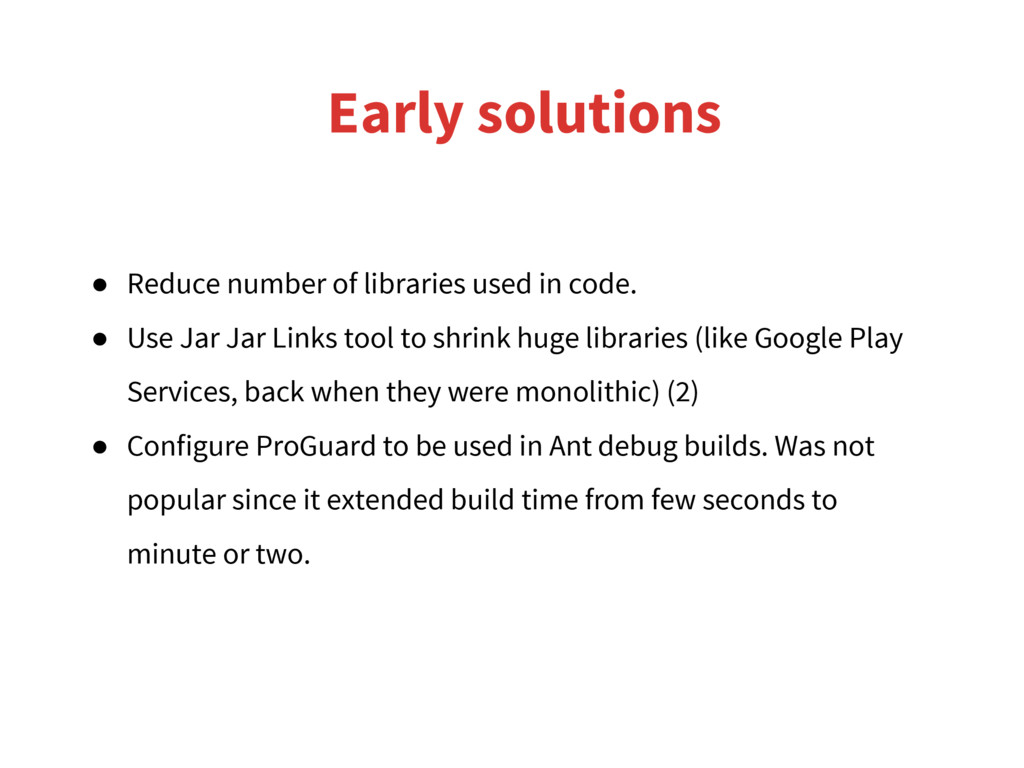
• Use Jar Jar Links tool to shrink huge libraries (like Google Play Services, back when they were monolithic) (2) • Configure ProGuard to be used in Ant debug builds. Was not popular since it extended build time from few seconds to minute or two.
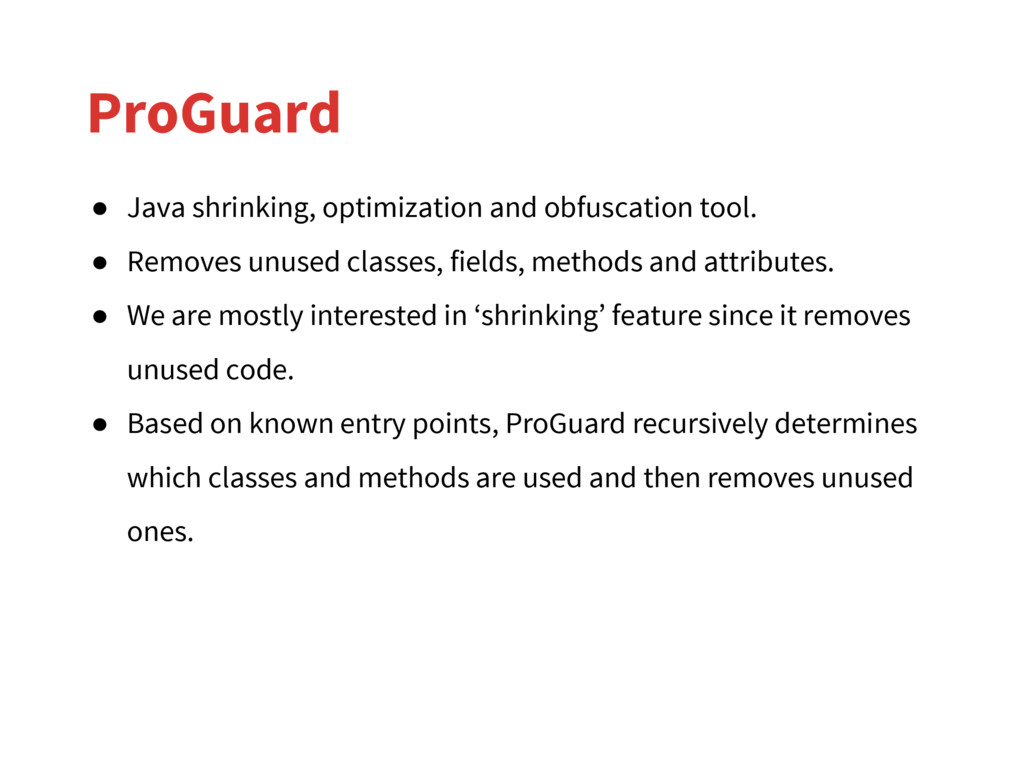
unused classes, fields, methods and attributes. • We are mostly interested in ‘shrinking’ feature since it removes unused code. • Based on known entry points, ProGuard recursively determines which classes and methods are used and then removes unused ones.
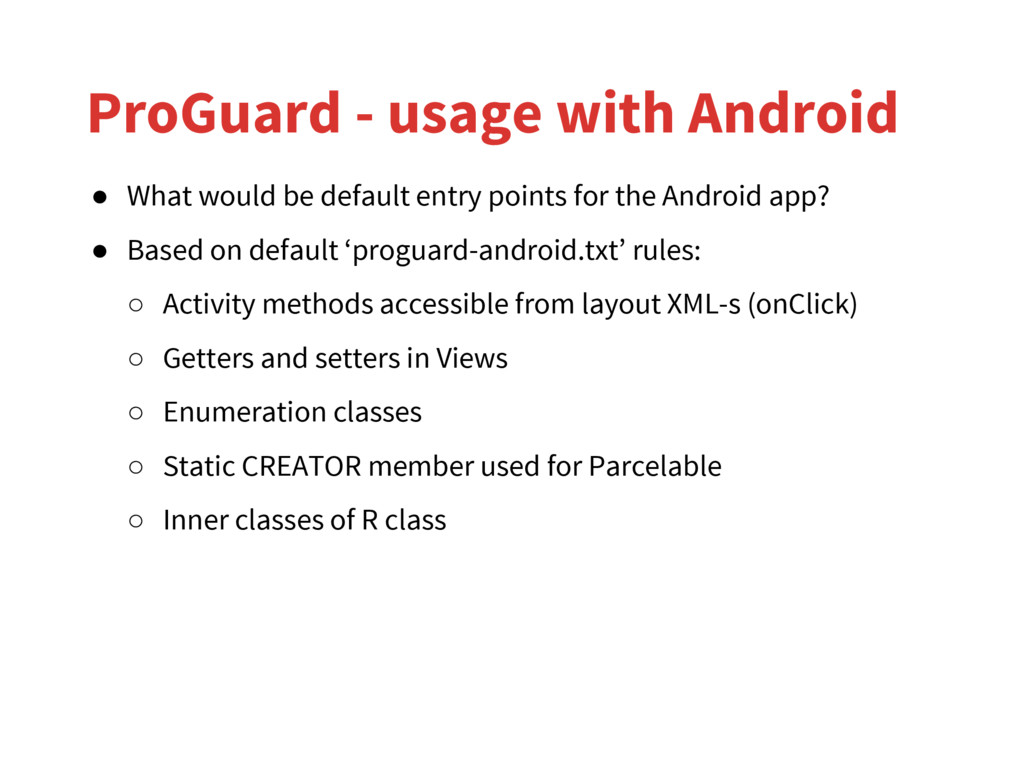
entry points for the Android app? • Based on default ‘proguard-android.txt’ rules: ◦ Activity methods accessible from layout XML-s (onClick) ◦ Getters and setters in Views ◦ Enumeration classes ◦ Static CREATOR member used for Parcelable ◦ Inner classes of R class
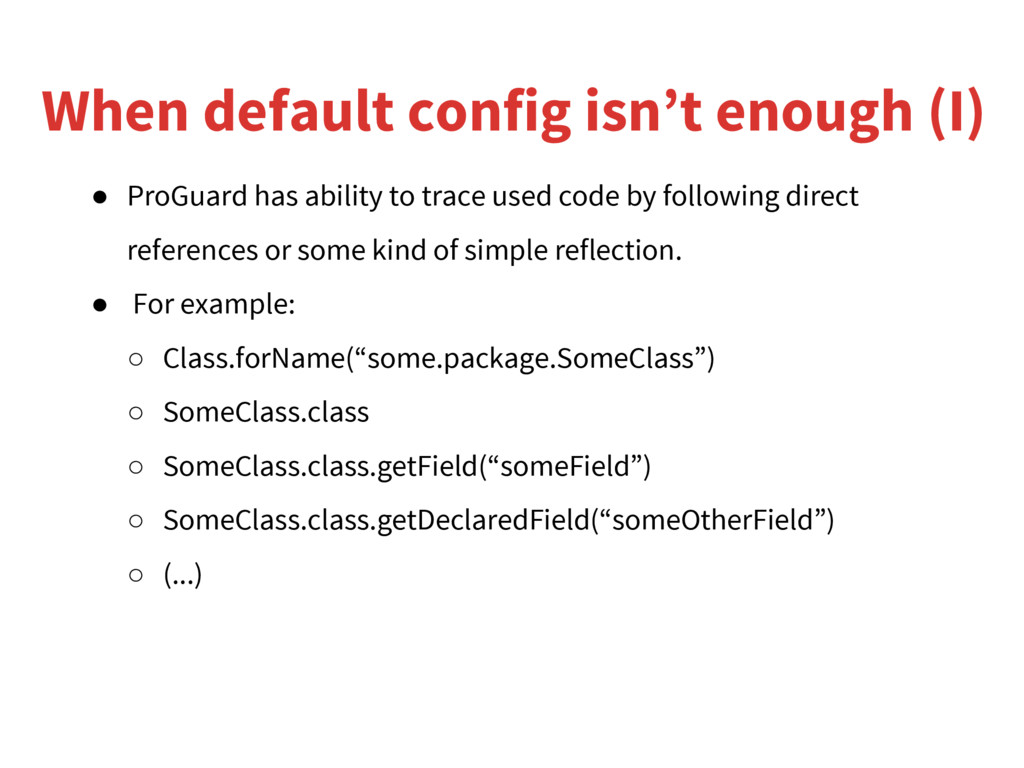
to trace used code by following direct references or some kind of simple reflection. • For example: ◦ Class.forName(“some.package.SomeClass”) ◦ SomeClass.class ◦ SomeClass.class.getField(“someField”) ◦ SomeClass.class.getDeclaredField(“someOtherField”) ◦ (...)
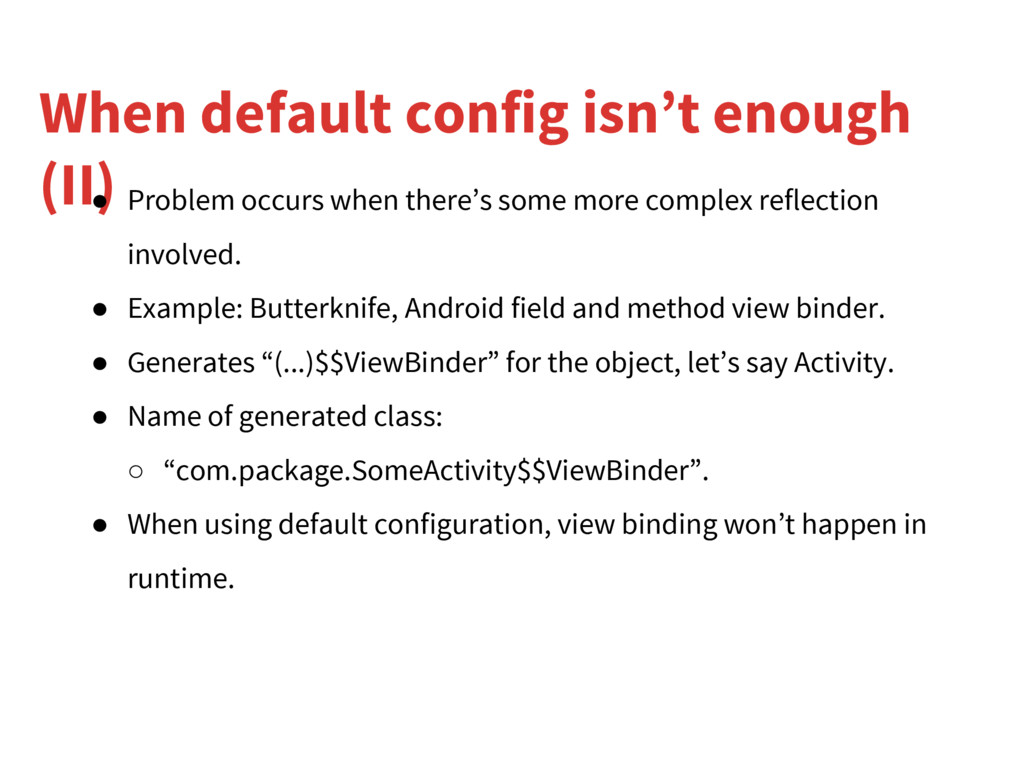
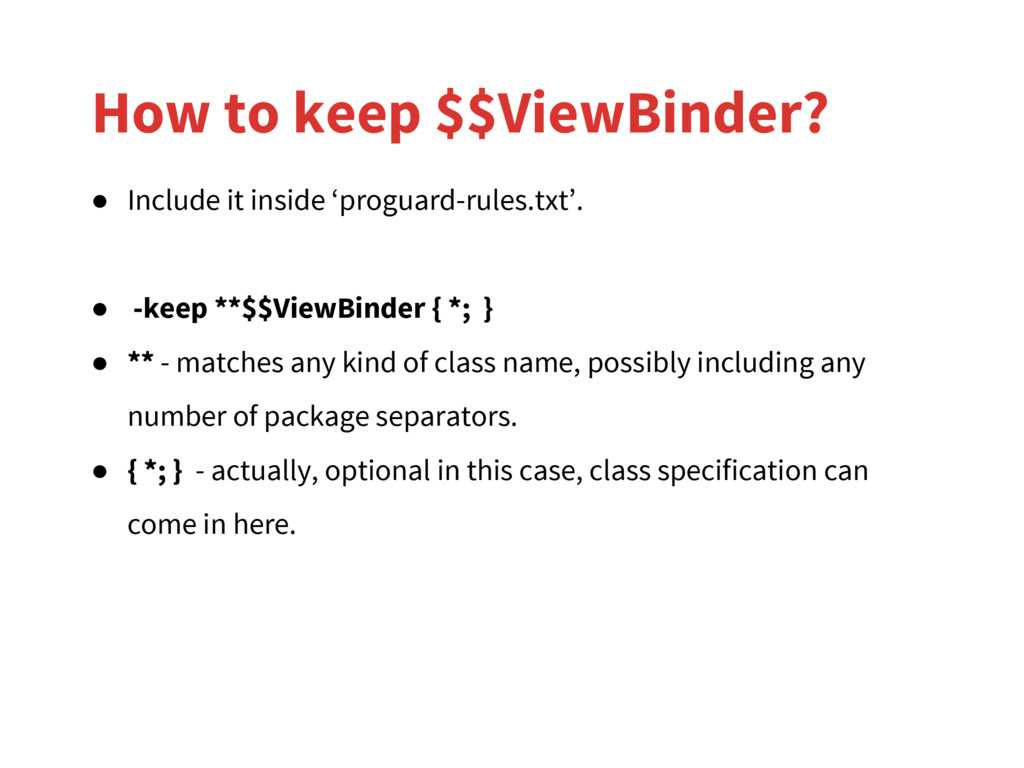
there’s some more complex reflection involved. • Example: Butterknife, Android field and method view binder. • Generates “(...)$$ViewBinder” for the object, let’s say Activity. • Name of generated class: ◦ “com.package.SomeActivity$$ViewBinder”. • When using default configuration, view binding won’t happen in runtime.
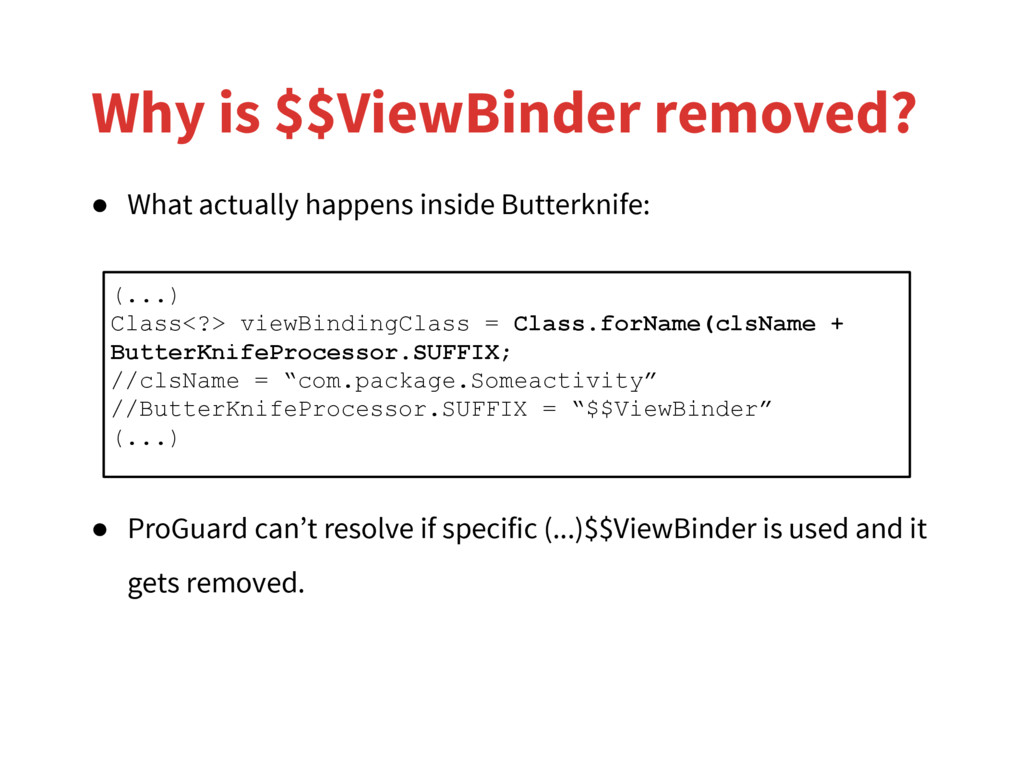
• ProGuard can’t resolve if specific (...)$$ViewBinder is used and it gets removed. (...) Class<?> viewBindingClass = Class.forName(clsName + ButterKnifeProcessor.SUFFIX; //clsName = “com.package.Someactivity” //ButterKnifeProcessor.SUFFIX = “$$ViewBinder” (...)
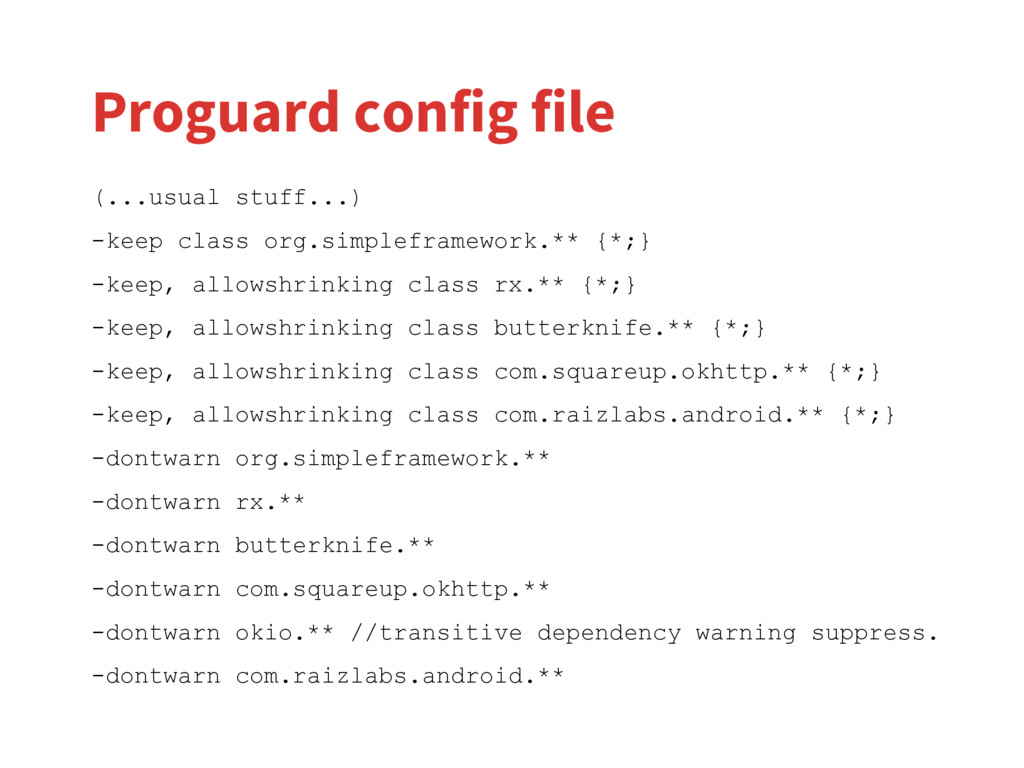
} • ** - matches any kind of class name, possibly including any number of package separators. • { *; } - actually, optional in this case, class specification can come in here. How to keep $$ViewBinder?
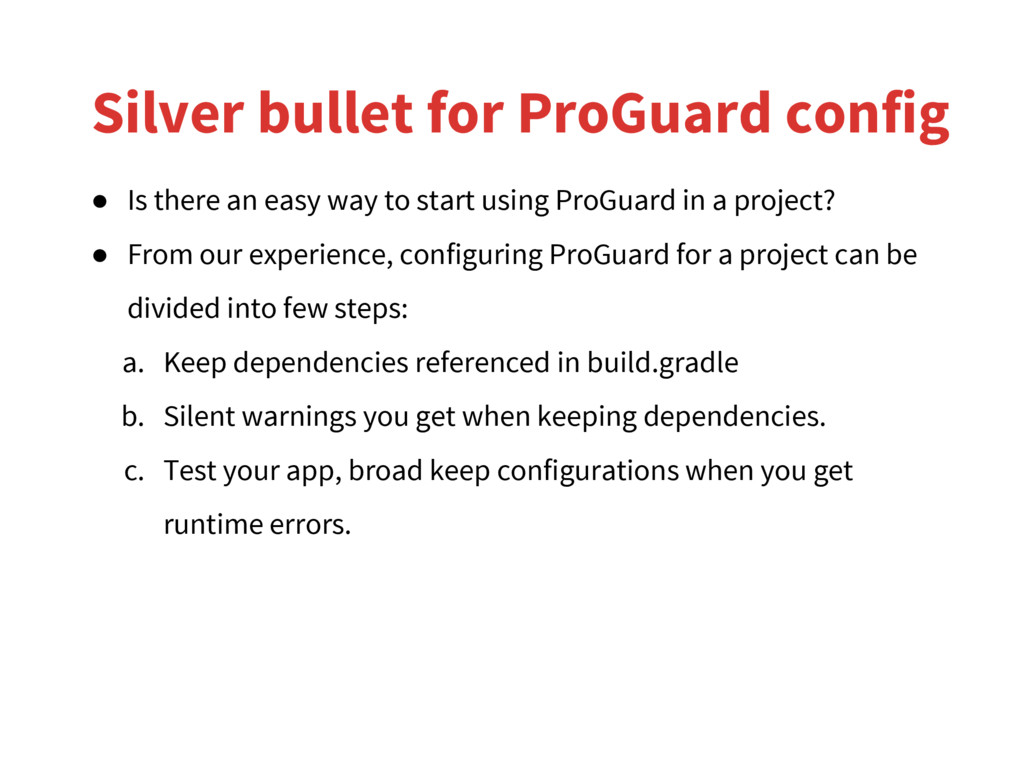
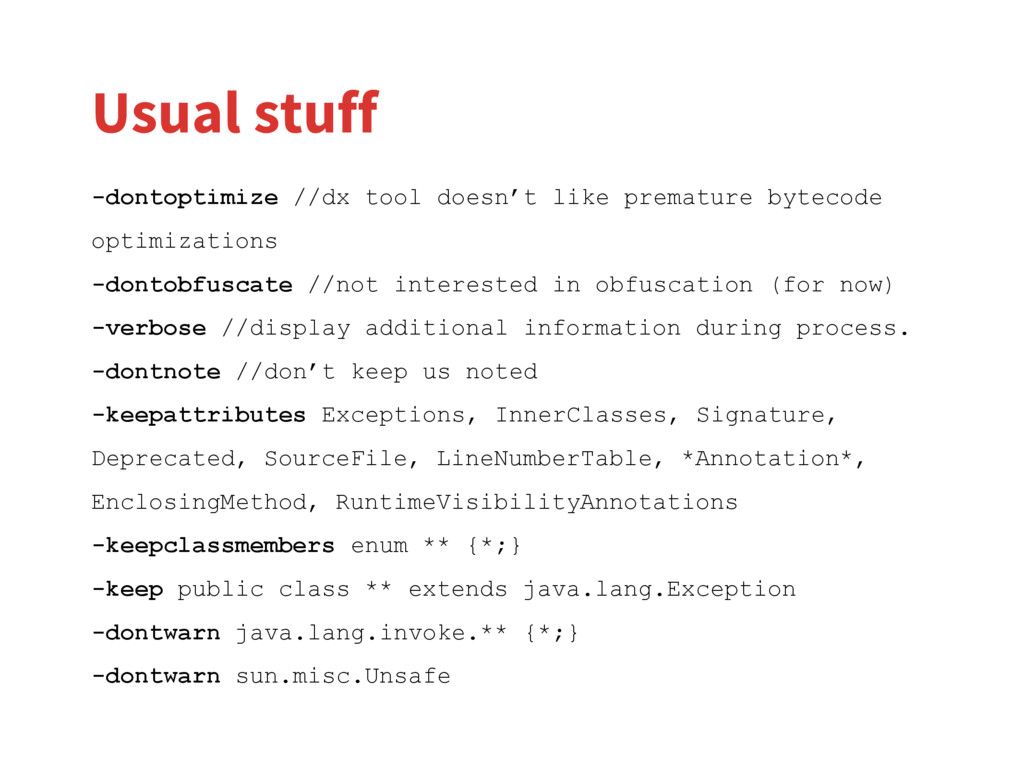
in a project? • From our experience, configuring ProGuard for a project can be divided into few steps: a. Keep dependencies referenced in build.gradle b. Silent warnings you get when keeping dependencies. c. Test your app, broad keep configurations when you get runtime errors. Silver bullet for ProGuard config
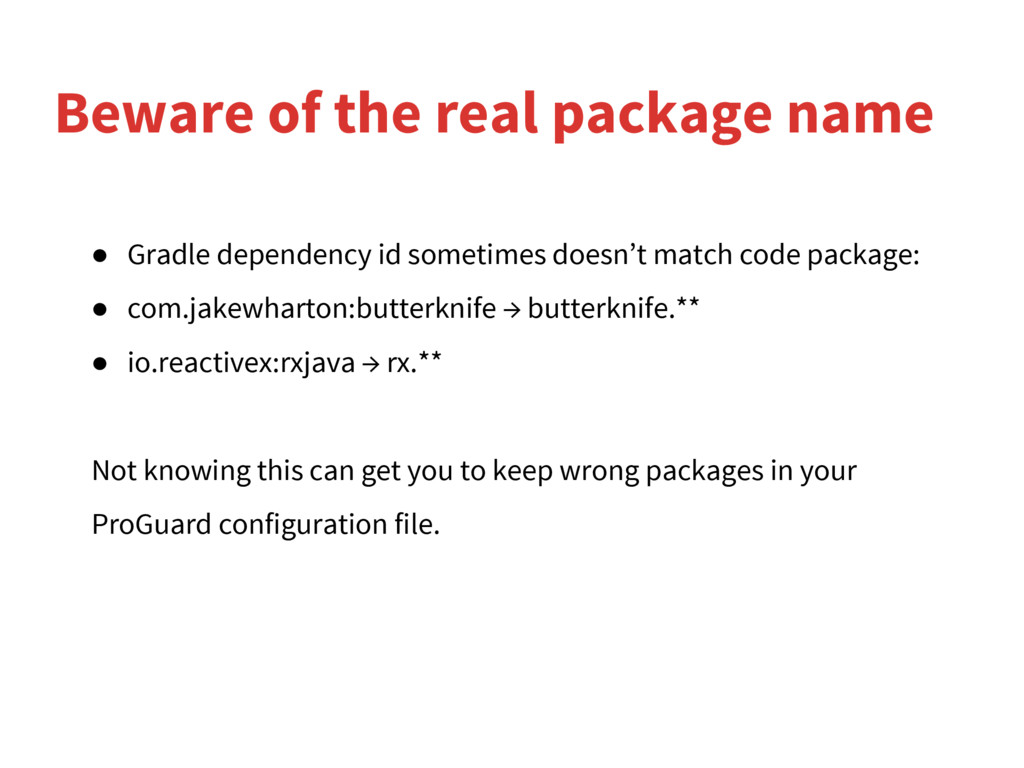
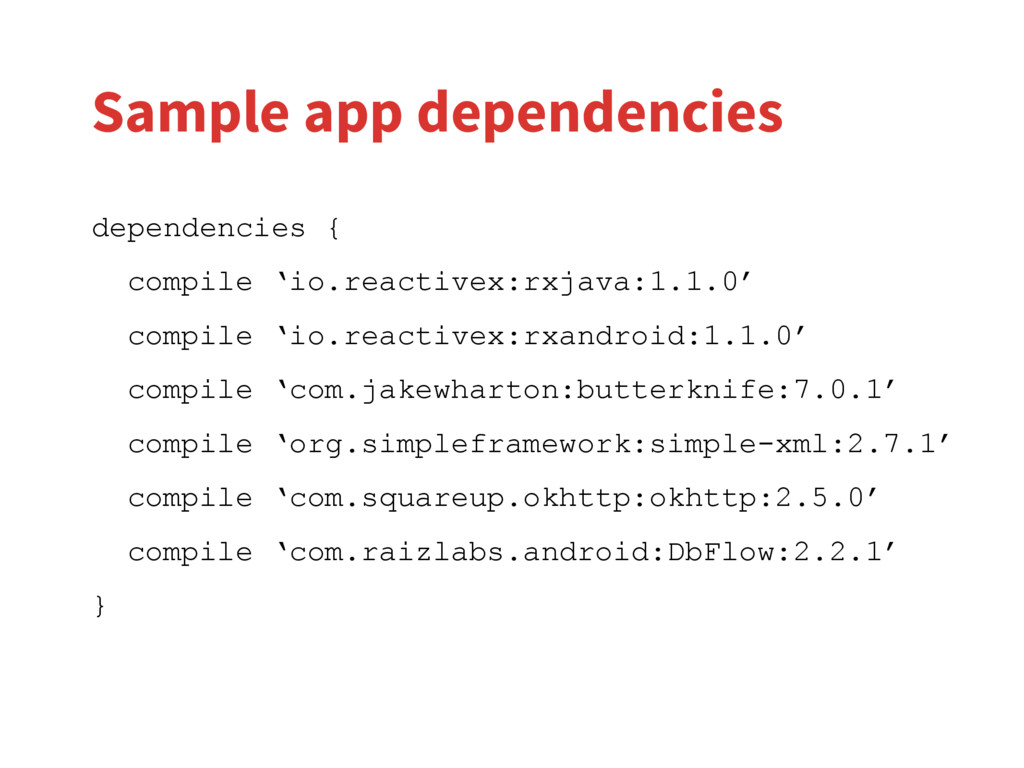
com.jakewharton:butterknife → butterknife.** • io.reactivex:rxjava → rx.** Not knowing this can get you to keep wrong packages in your ProGuard configuration file. Beware of the real package name
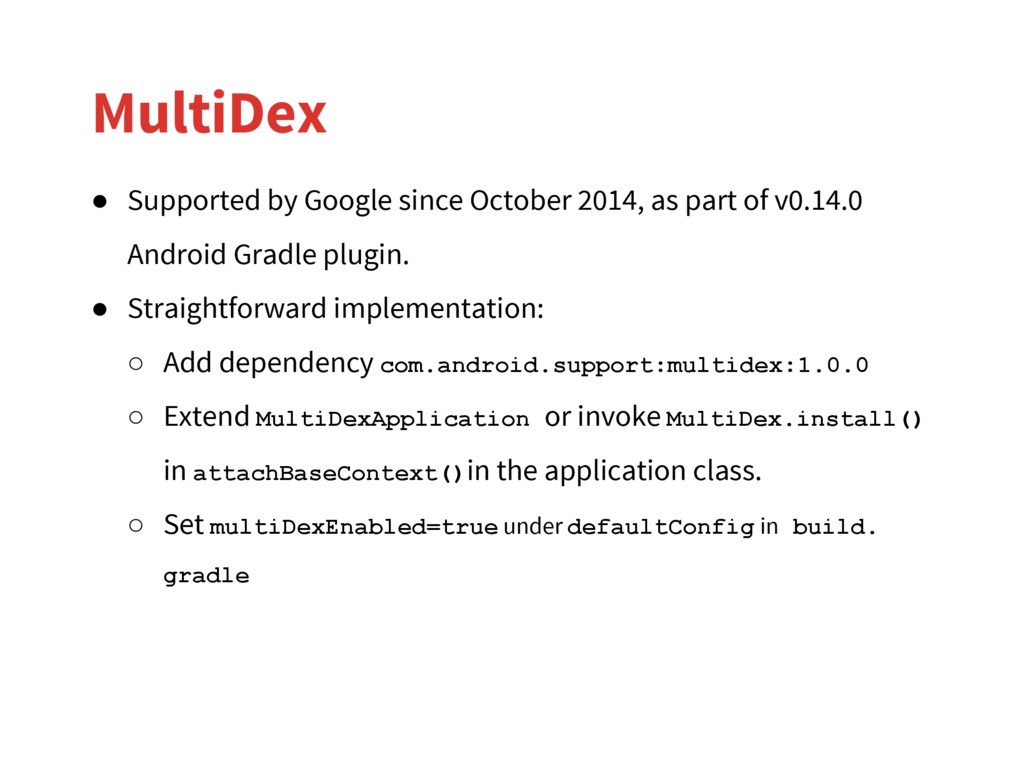
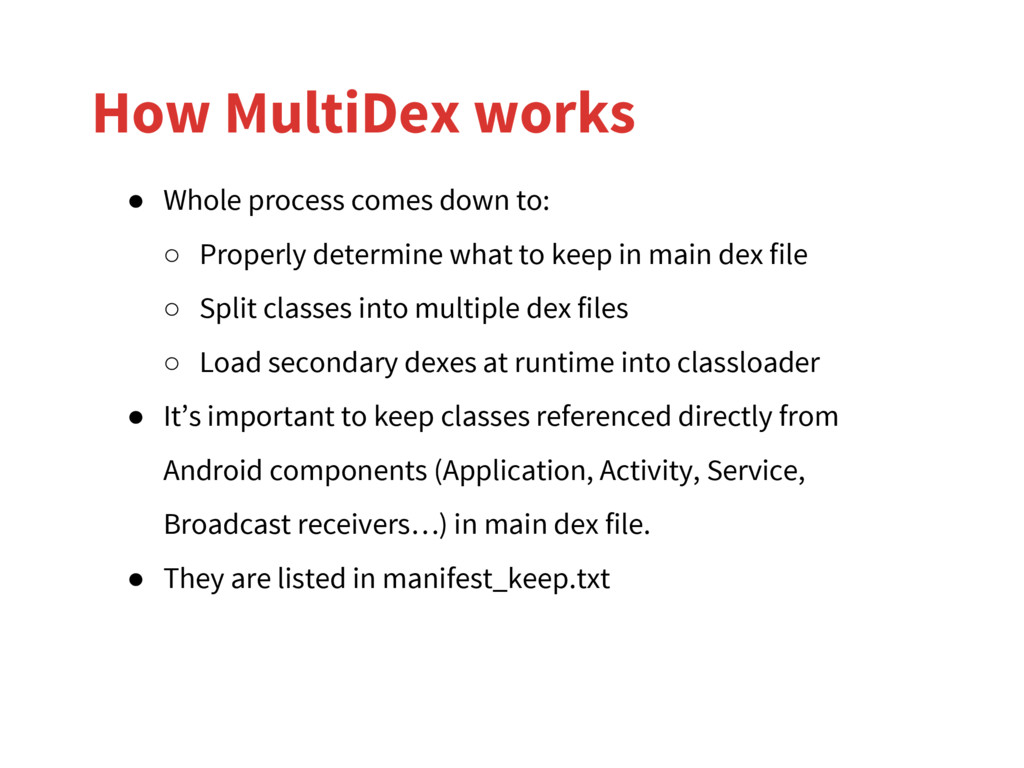
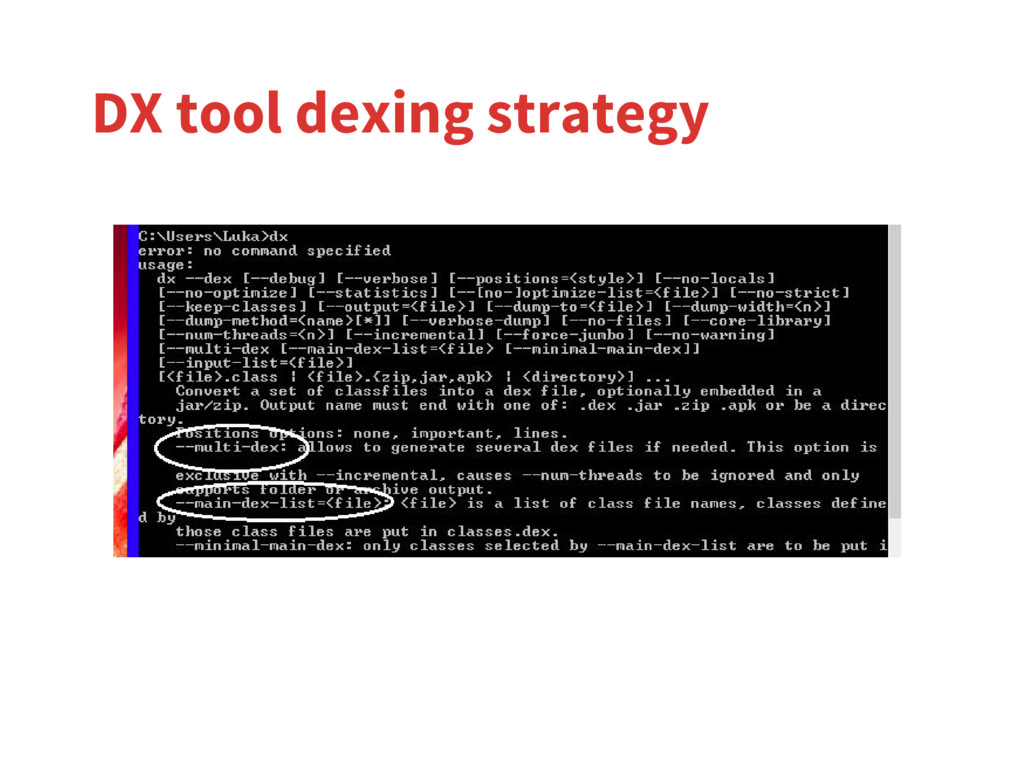
Properly determine what to keep in main dex file ◦ Split classes into multiple dex files ◦ Load secondary dexes at runtime into classloader • It’s important to keep classes referenced directly from Android components (Application, Activity, Service, Broadcast receivers…) in main dex file. • They are listed in manifest_keep.txt
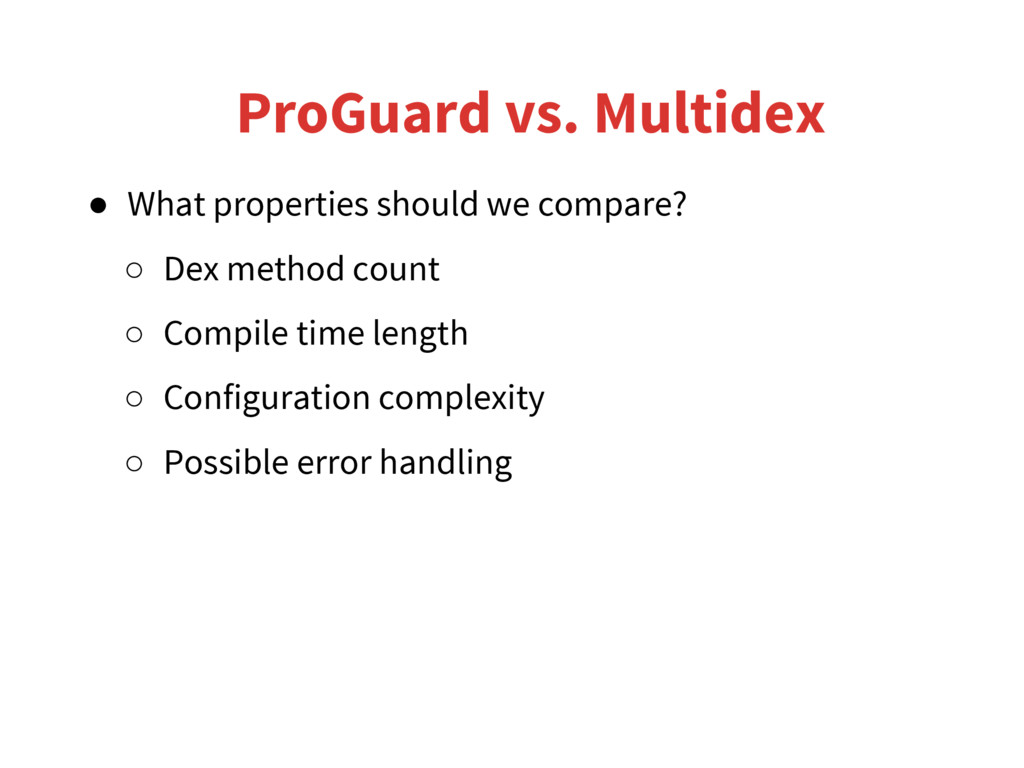
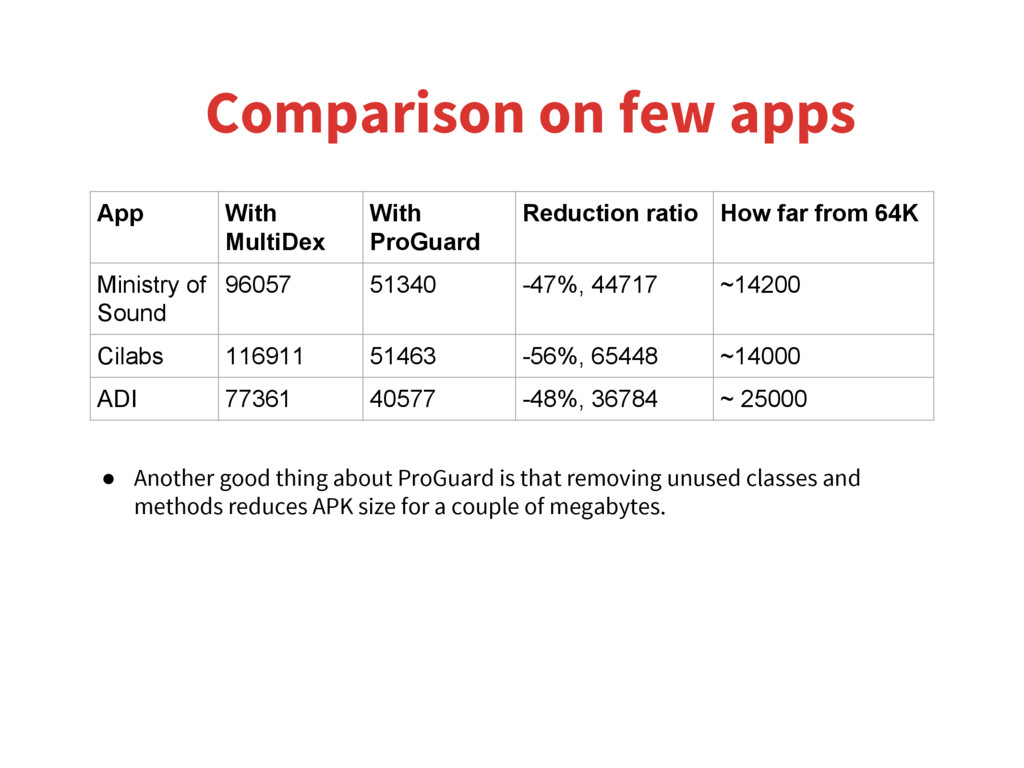
ratio How far from 64K Ministry of Sound 96057 51340 -47%, 44717 ~14200 Cilabs 116911 51463 -56%, 65448 ~14000 ADI 77361 40577 -48%, 36784 ~ 25000 • Another good thing about ProGuard is that removing unused classes and methods reduces APK size for a couple of megabytes.
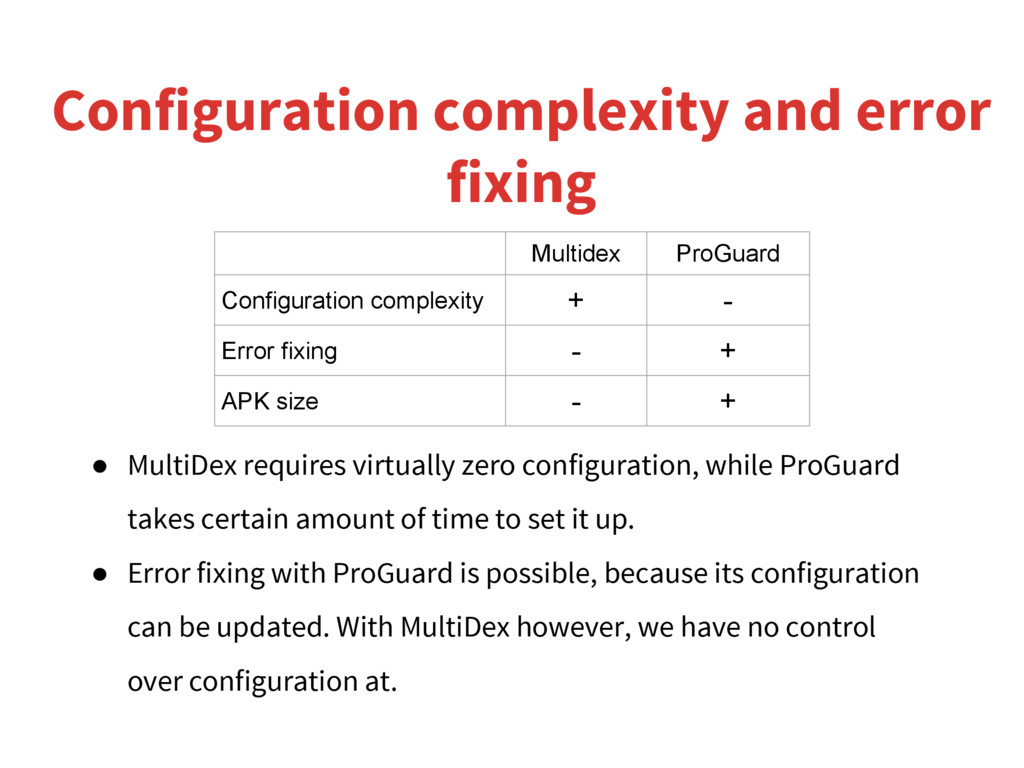
configuration, while ProGuard takes certain amount of time to set it up. • Error fixing with ProGuard is possible, because its configuration can be updated. With MultiDex however, we have no control over configuration at. Multidex ProGuard Configuration complexity + - Error fixing - + APK size - +


 colorful12
 moro
moro
 optim
optim
 minodriven
 rkaga
rkaga
 uyuki234
 tosite
 steliosf
 a_matsuda
 ryu1013
 satoshi256kbyte
 tmiket
 davetheseo
 lindahogenes
 427marketing
 mclloyd
 bluesmoon
 michielstock
 greggifford
 ammeep
 rakko
rakko
 techseoconnect
 sstephenson