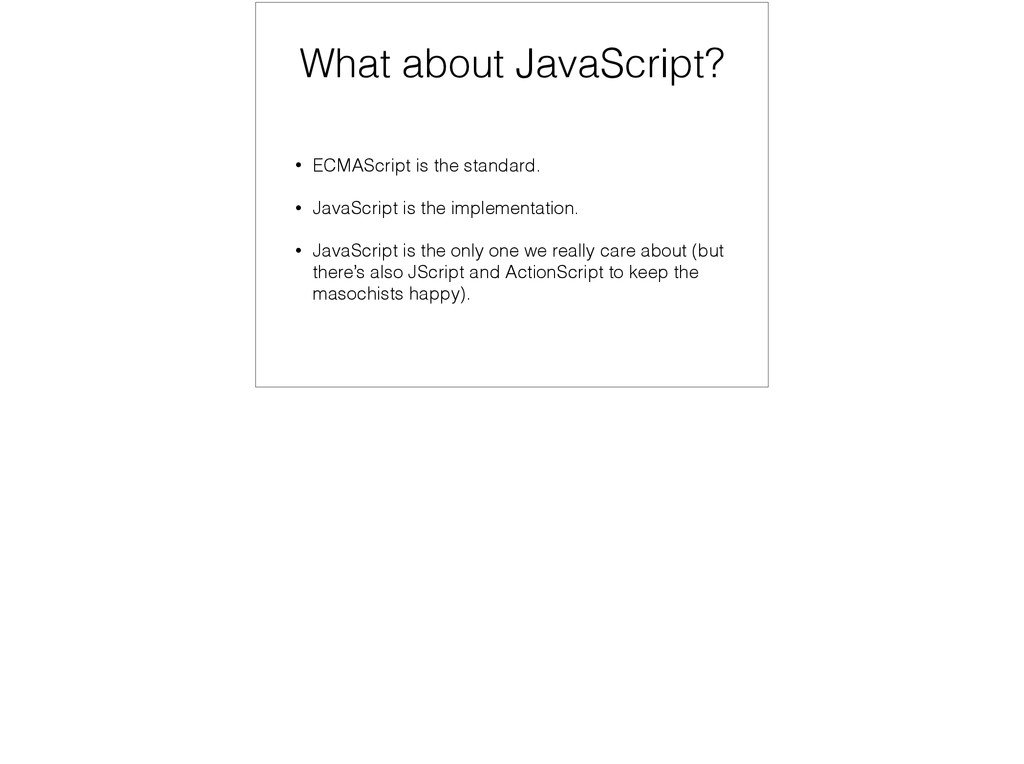
Microsoft did a “me too” in 1996 with JScript. • We all loved Microsoft for it. • Netscape then moved JavaScript to Ecma for standardisation, creating the ECMA-262 spec.
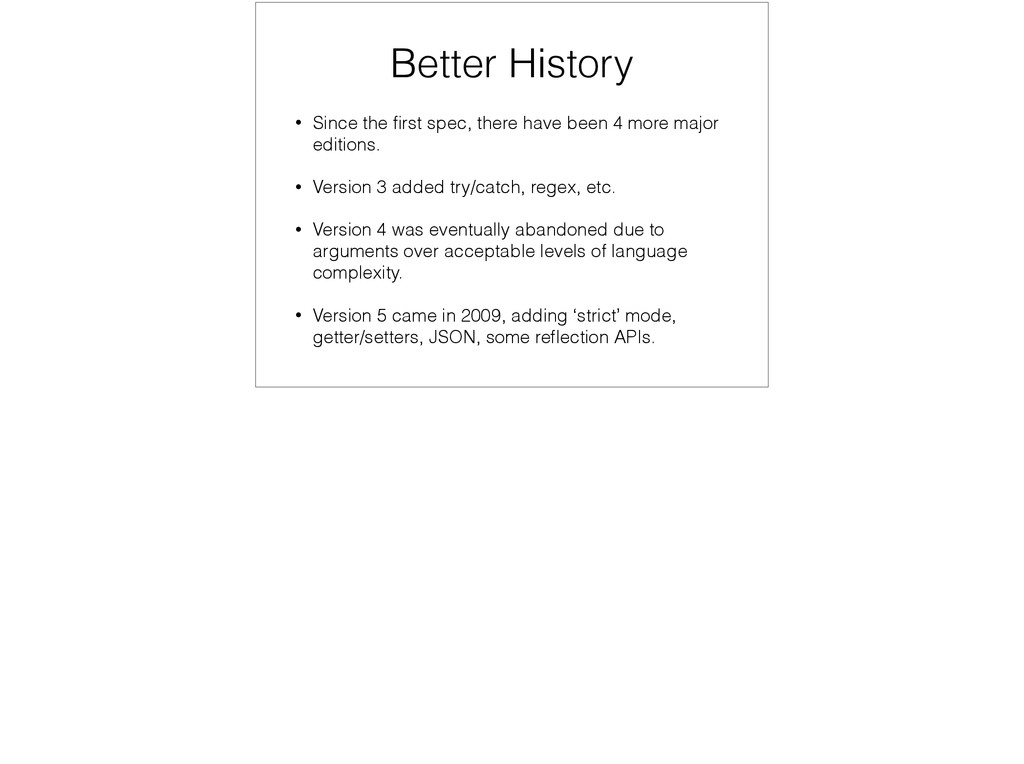
4 more major editions. • Version 3 added try/catch, regex, etc. • Version 4 was eventually abandoned due to arguments over acceptable levels of language complexity. • Version 5 came in 2009, adding ‘strict’ mode, getter/setters, JSON, some reflection APIs.
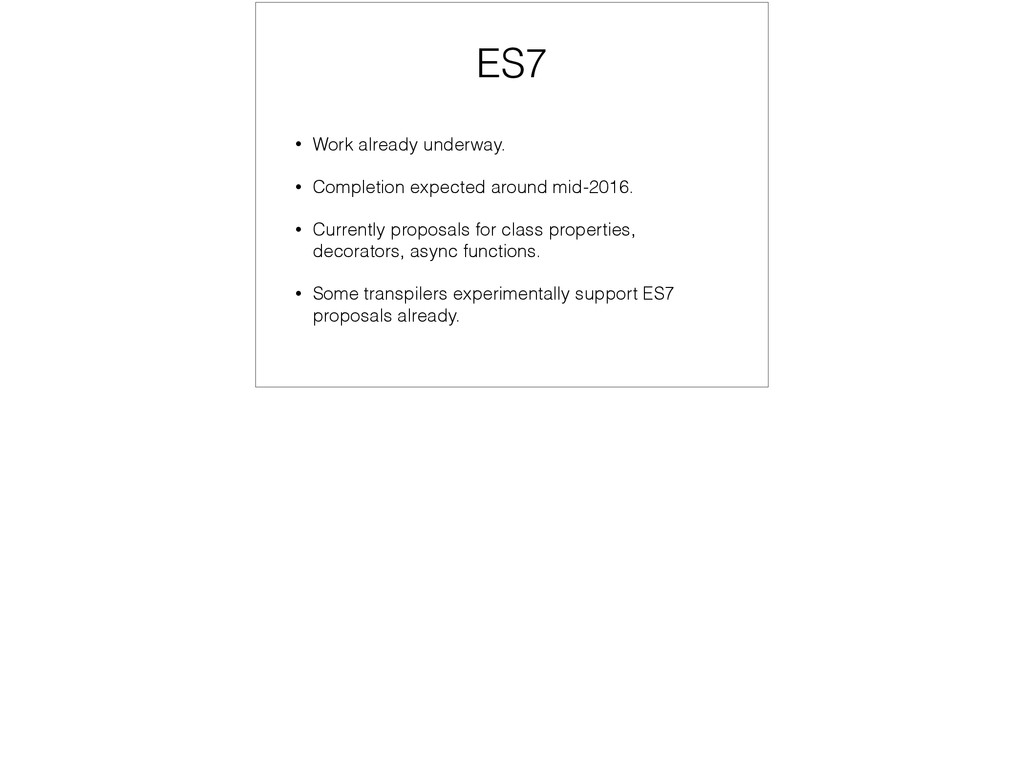
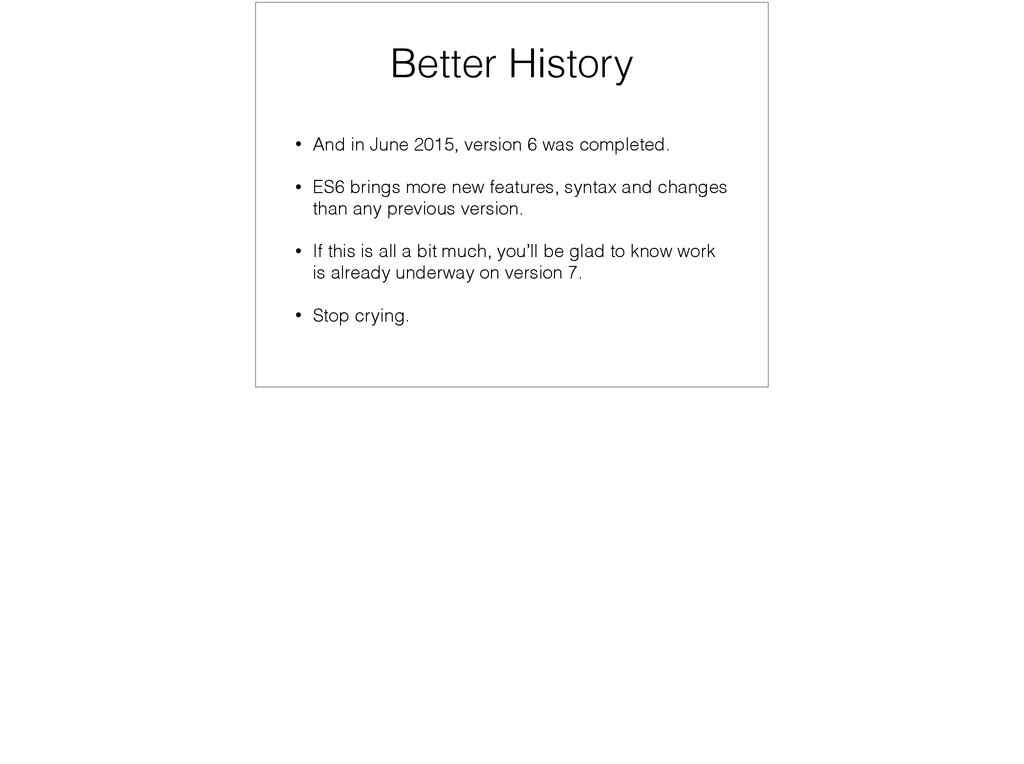
completed. • ES6 brings more new features, syntax and changes than any previous version. • If this is all a bit much, you’ll be glad to know work is already underway on version 7. • Stop crying.
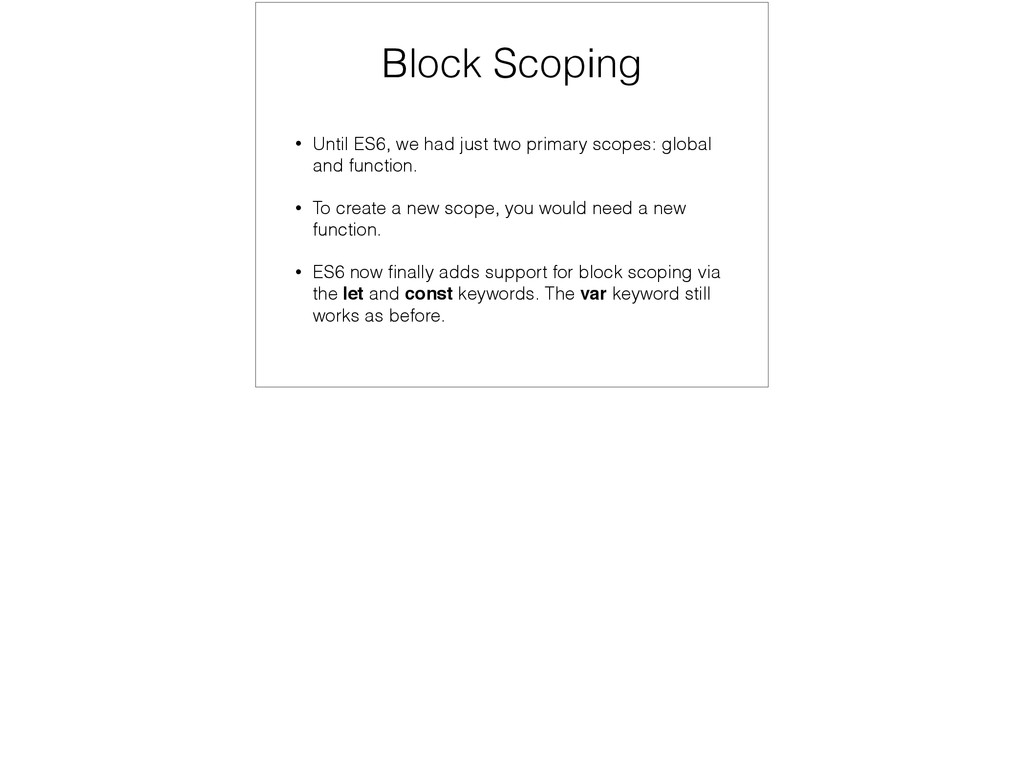
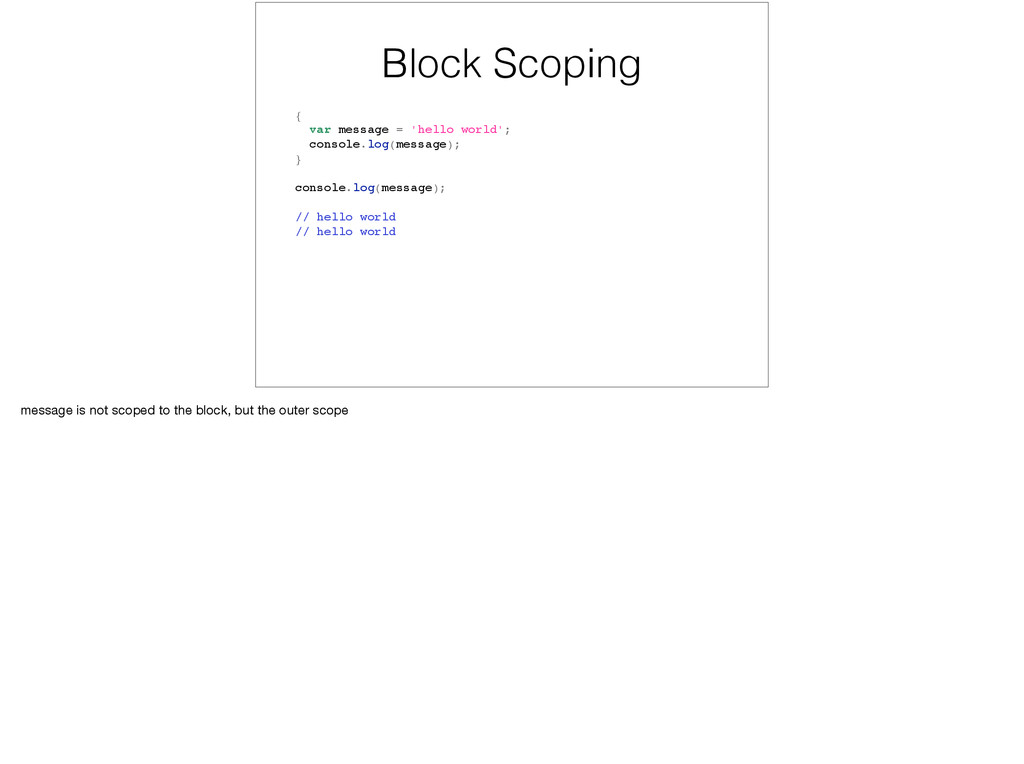
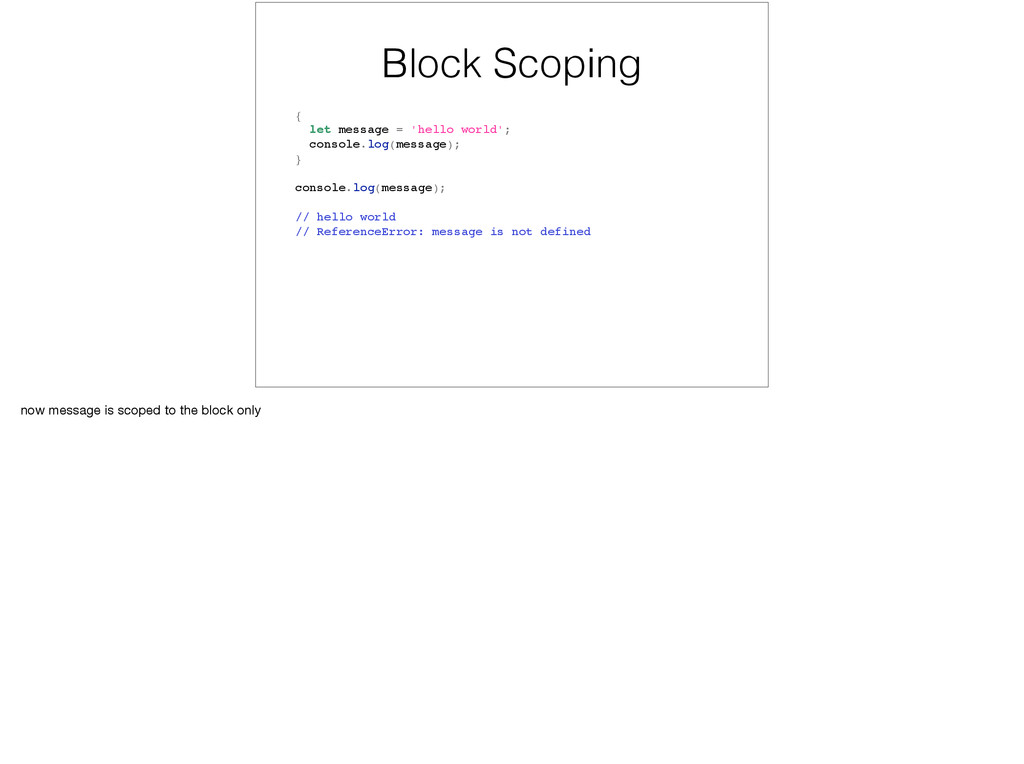
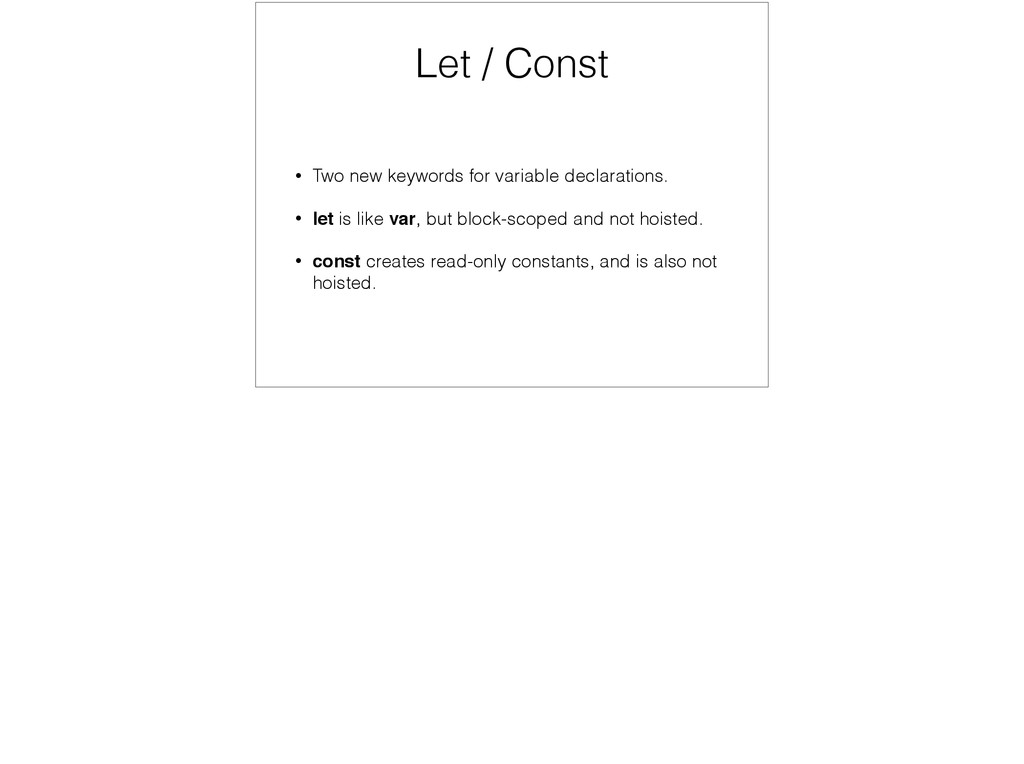
scopes: global and function. • To create a new scope, you would need a new function. • ES6 now finally adds support for block scoping via the let and const keywords. The var keyword still works as before.
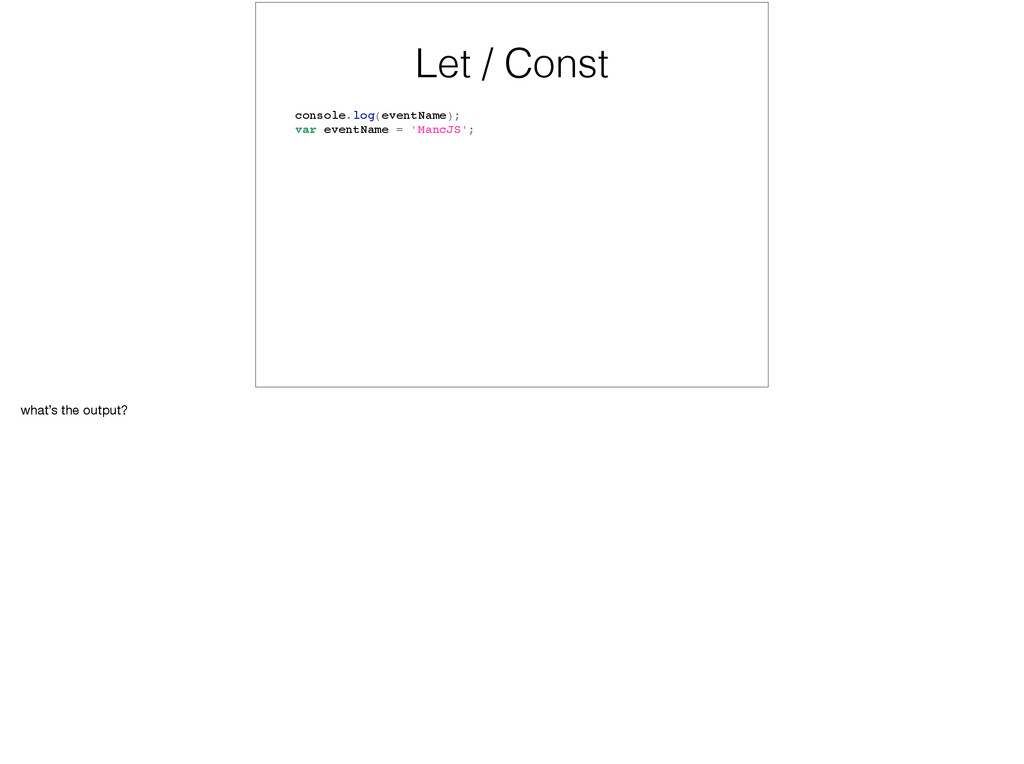
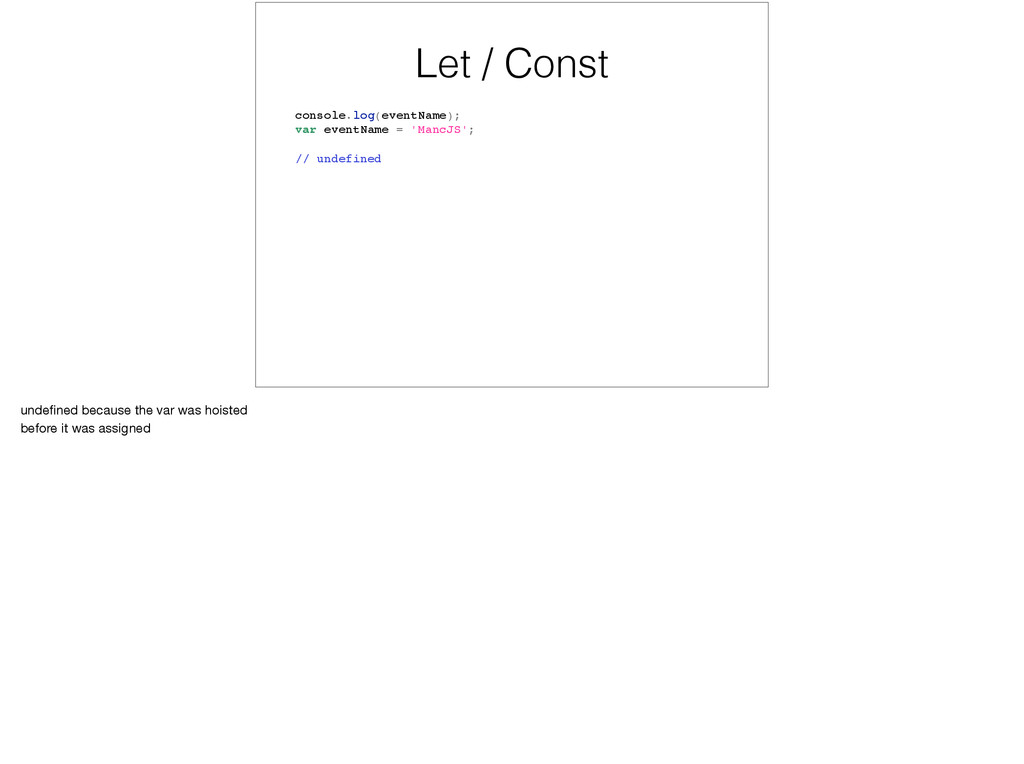
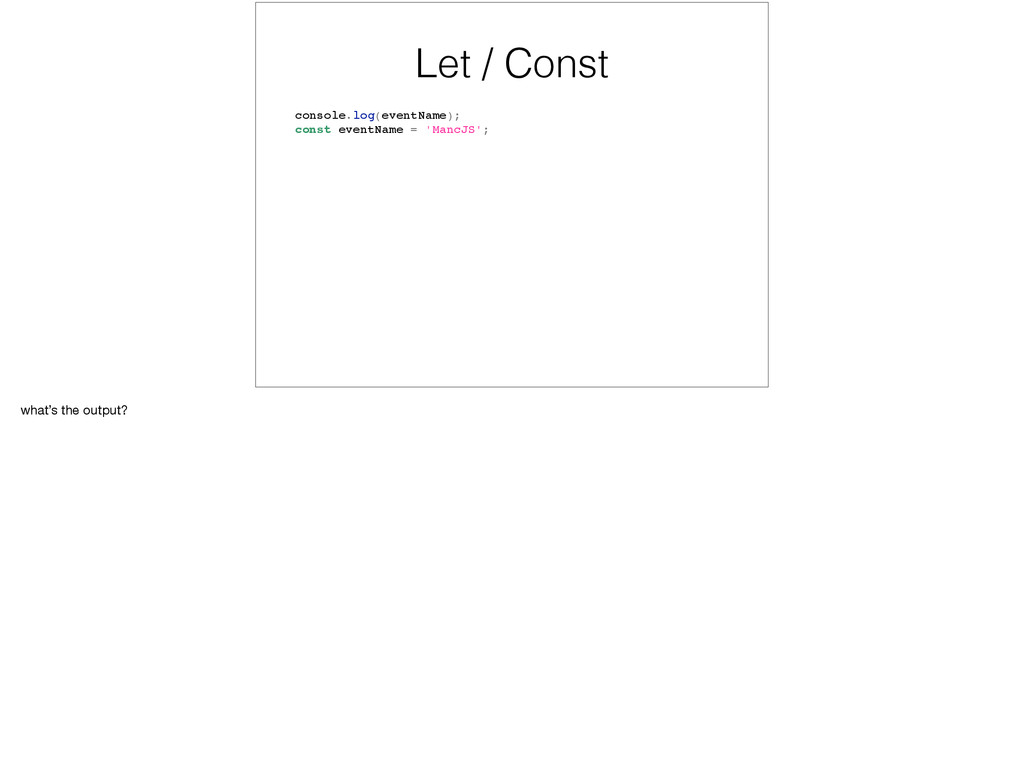
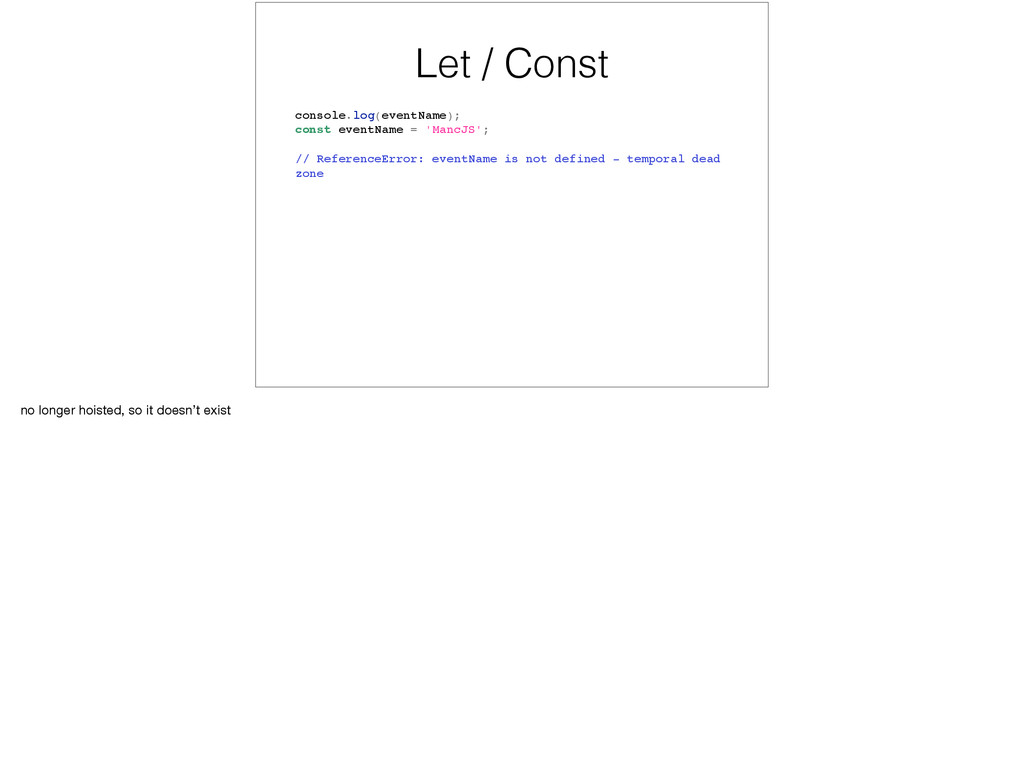
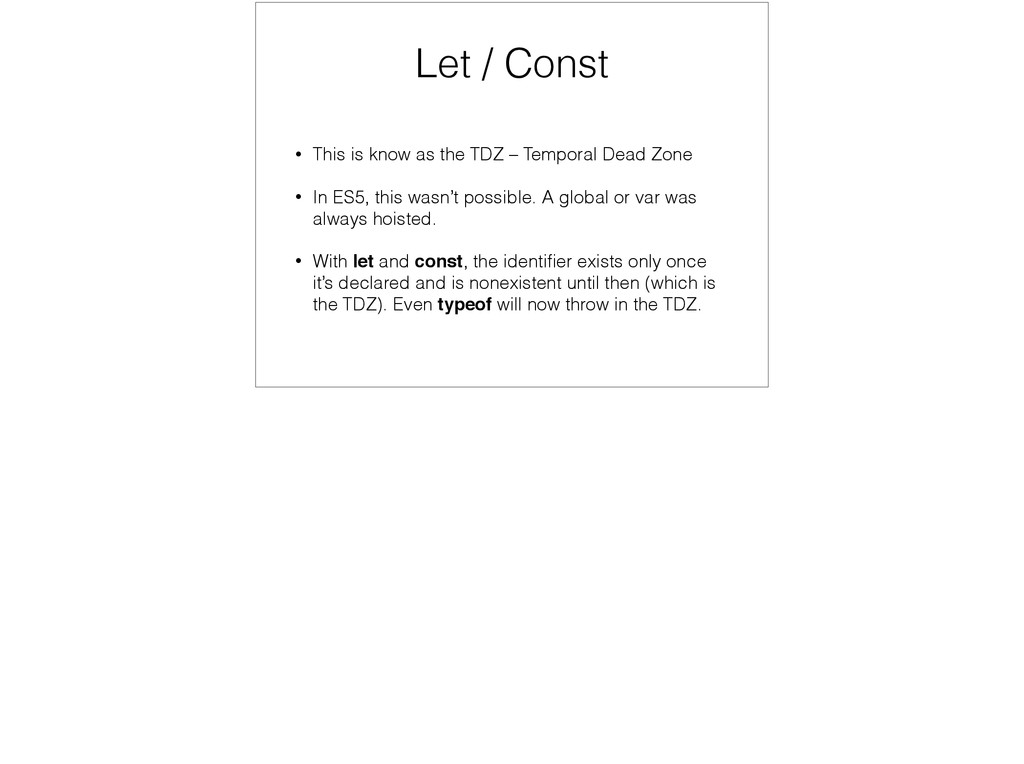
– Temporal Dead Zone • In ES5, this wasn’t possible. A global or var was always hoisted. • With let and const, the identifier exists only once it’s declared and is nonexistent until then (which is the TDZ). Even typeof will now throw in the TDZ.
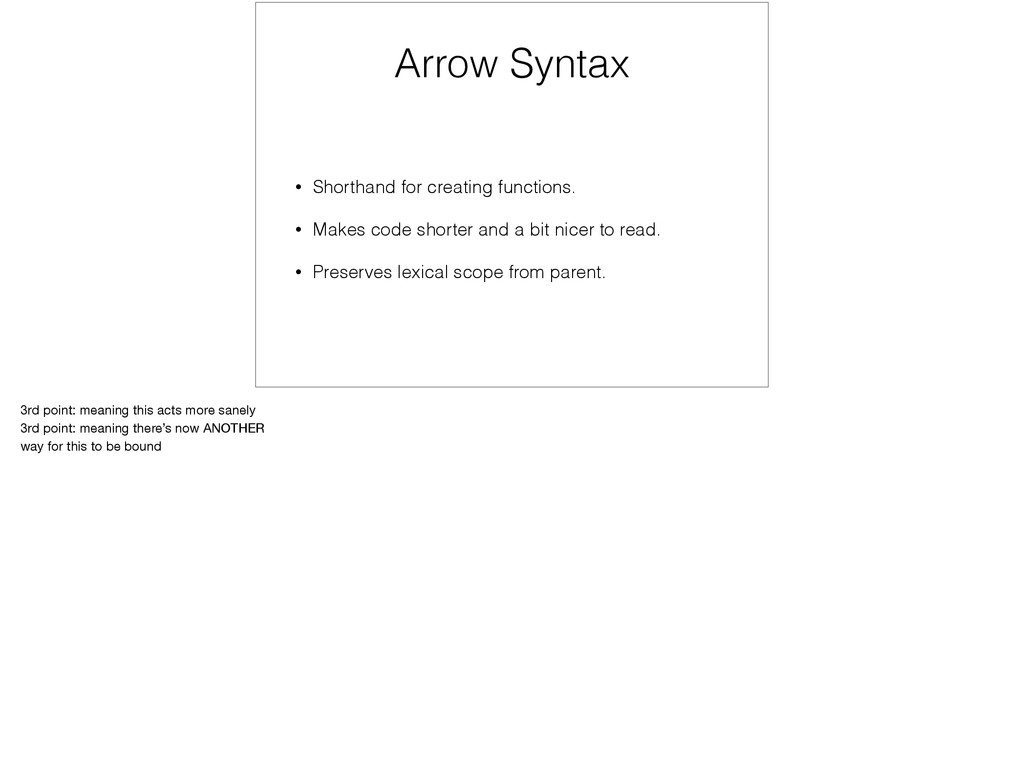
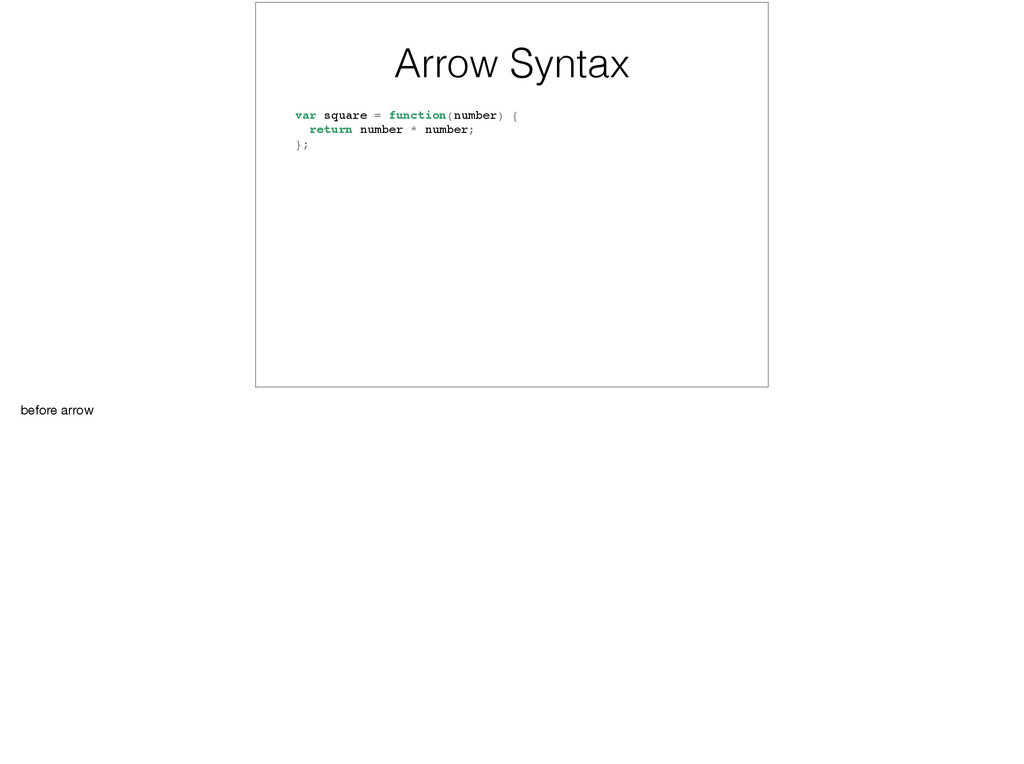
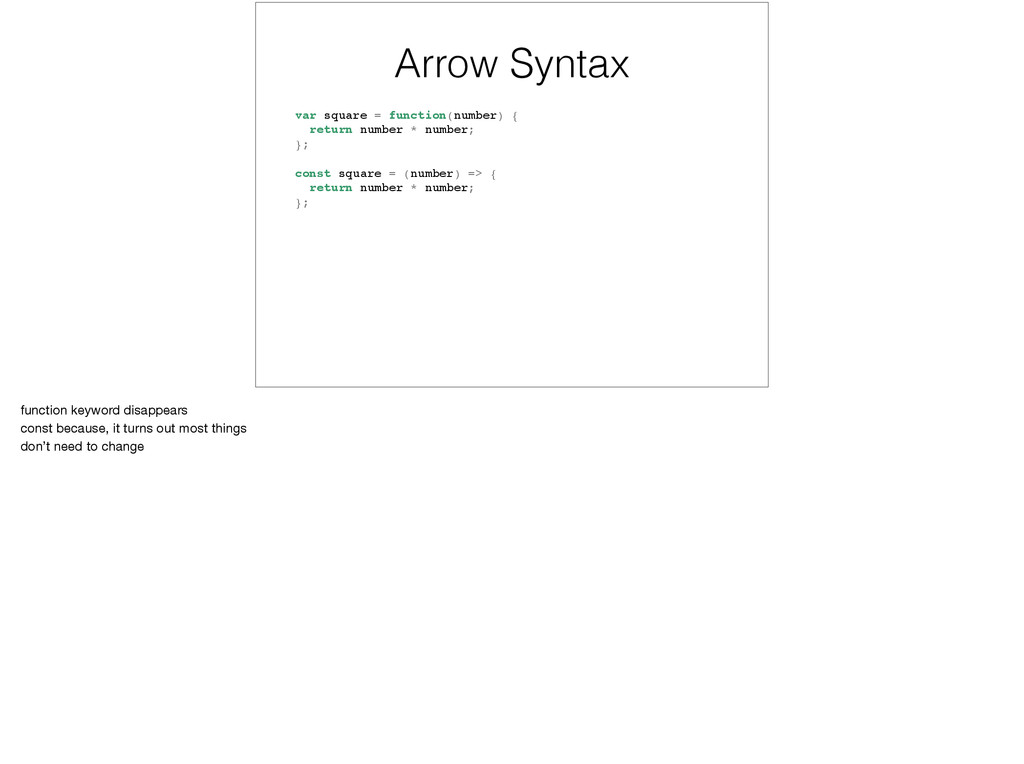
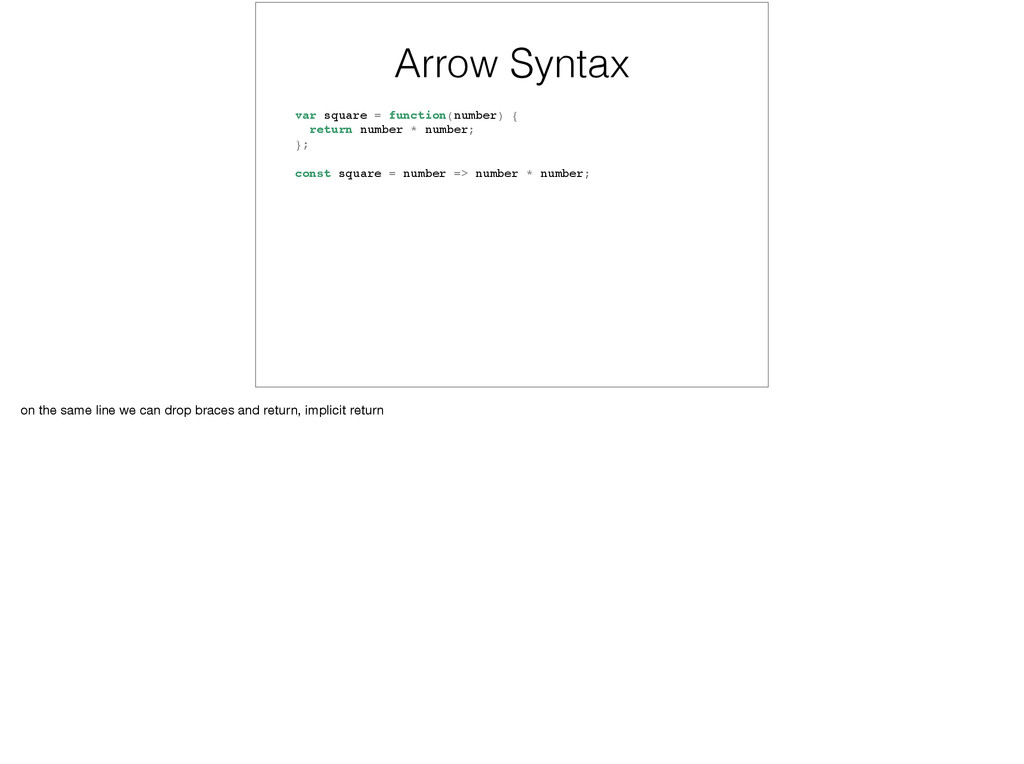
shorter and a bit nicer to read. • Preserves lexical scope from parent. 3rd point: meaning this acts more sanely 3rd point: meaning there’s now ANOTHER way for this to be bound
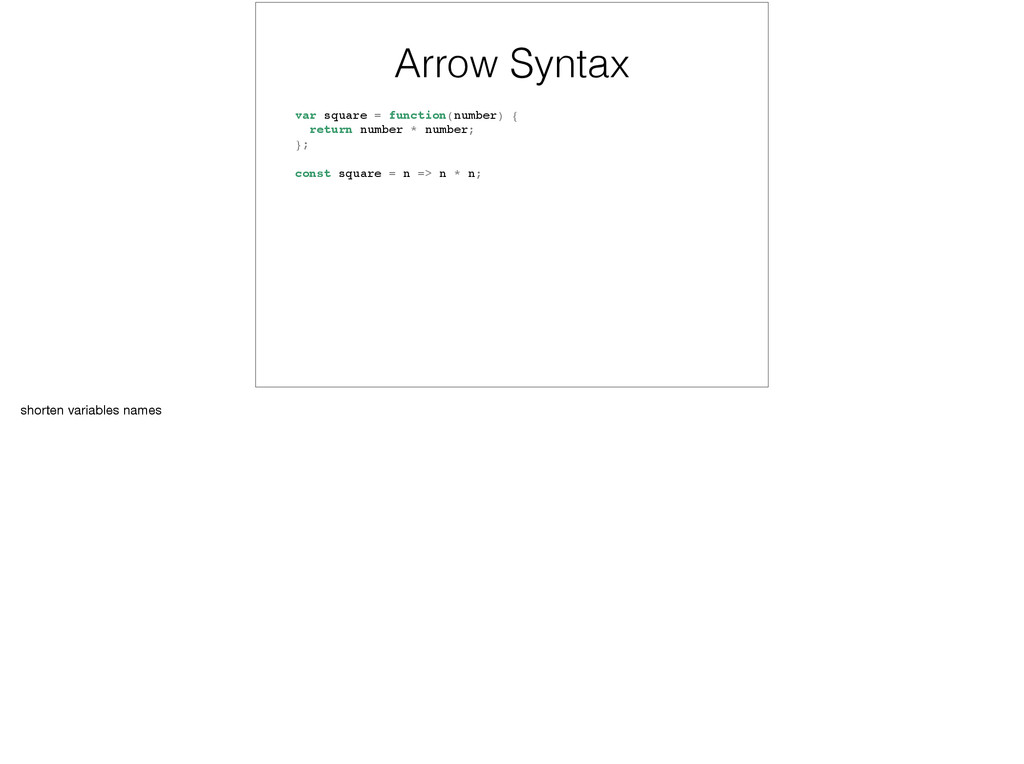
number; }; const square = (number) => { return number * number; }; function keyword disappears const because, it turns out most things don’t need to change
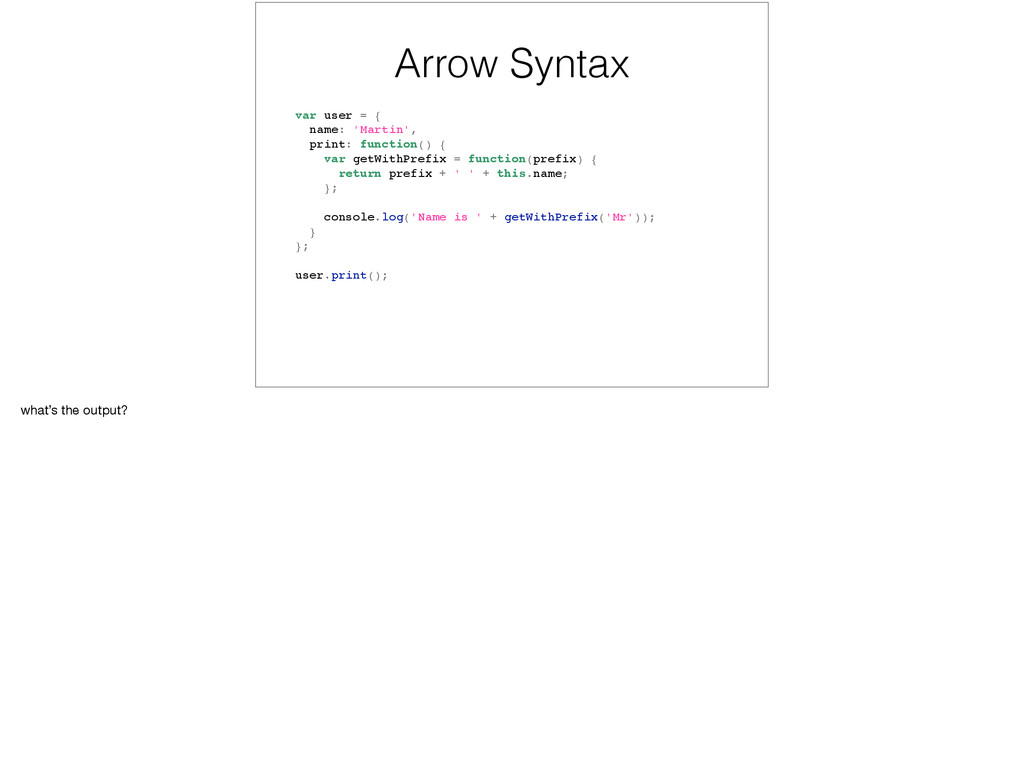
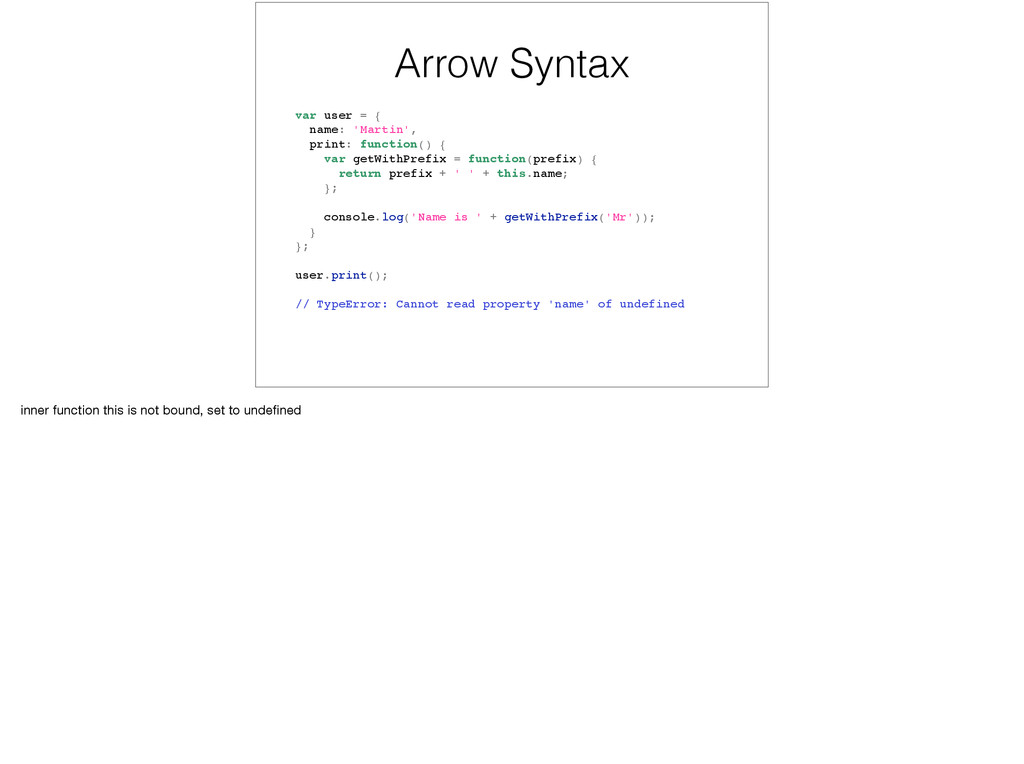
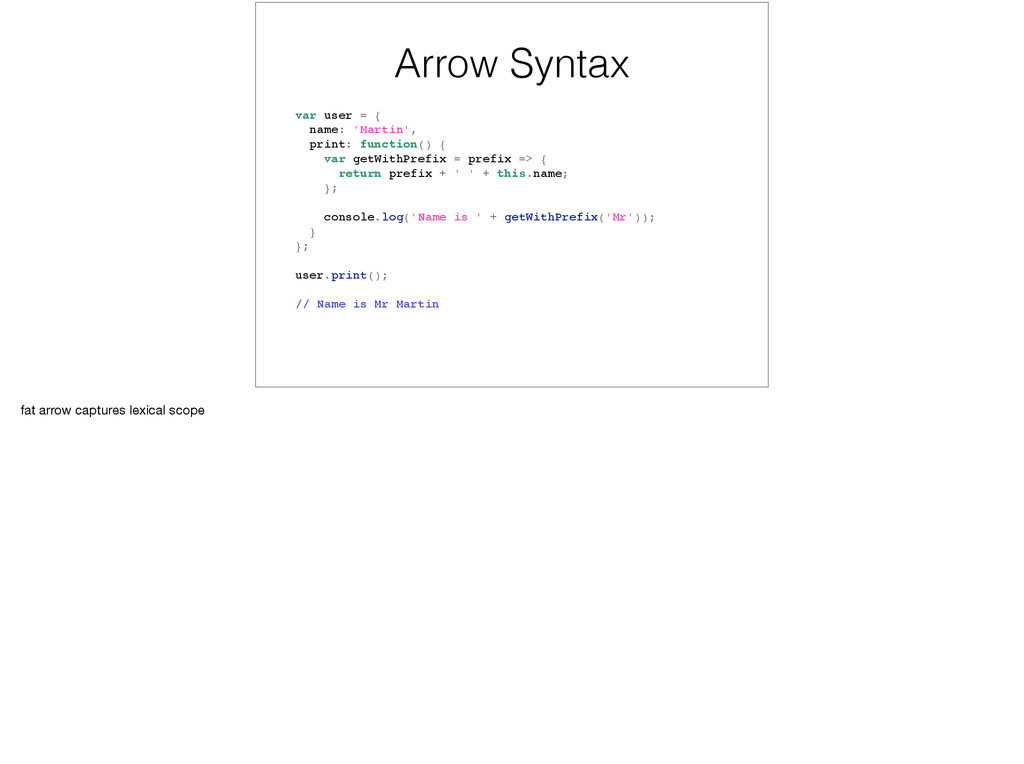
{ var getWithPrefix = function(prefix) { return prefix + ' ' + this.name; }; console.log('Name is ' + getWithPrefix('Mr')); } }; user.print(); // TypeError: Cannot read property 'name' of undefined inner function this is not bound, set to undefined
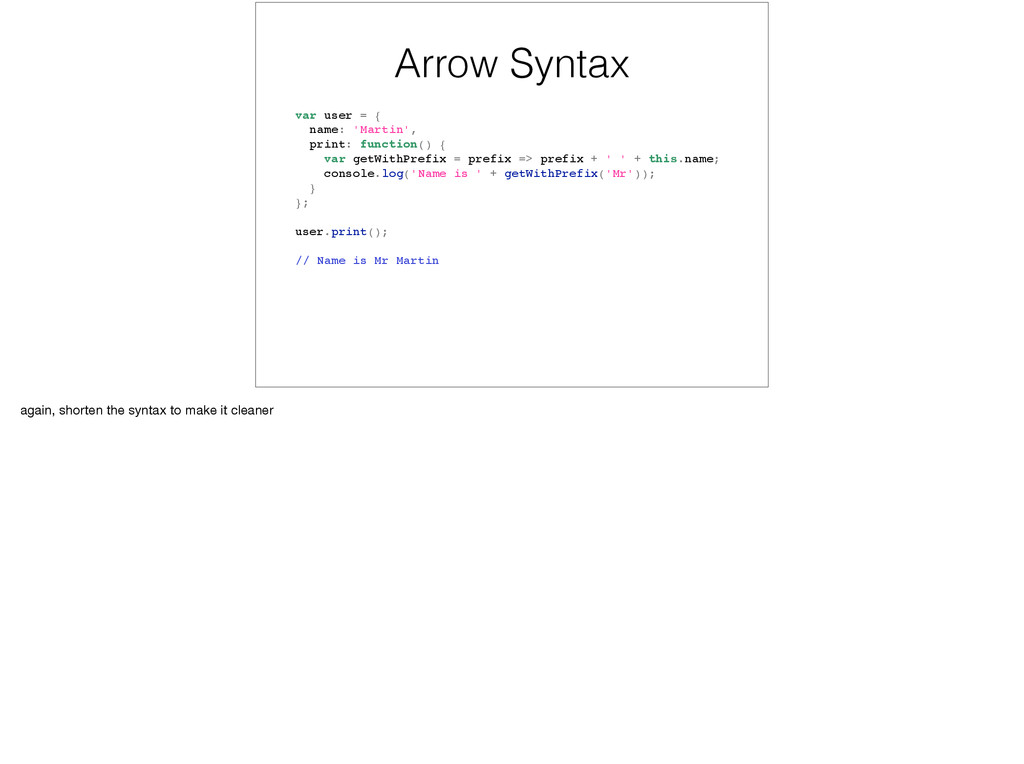
{ var getWithPrefix = prefix => prefix + ' ' + this.name; console.log('Name is ' + getWithPrefix('Mr')); } }; user.print(); // Name is Mr Martin again, shorten the syntax to make it cleaner
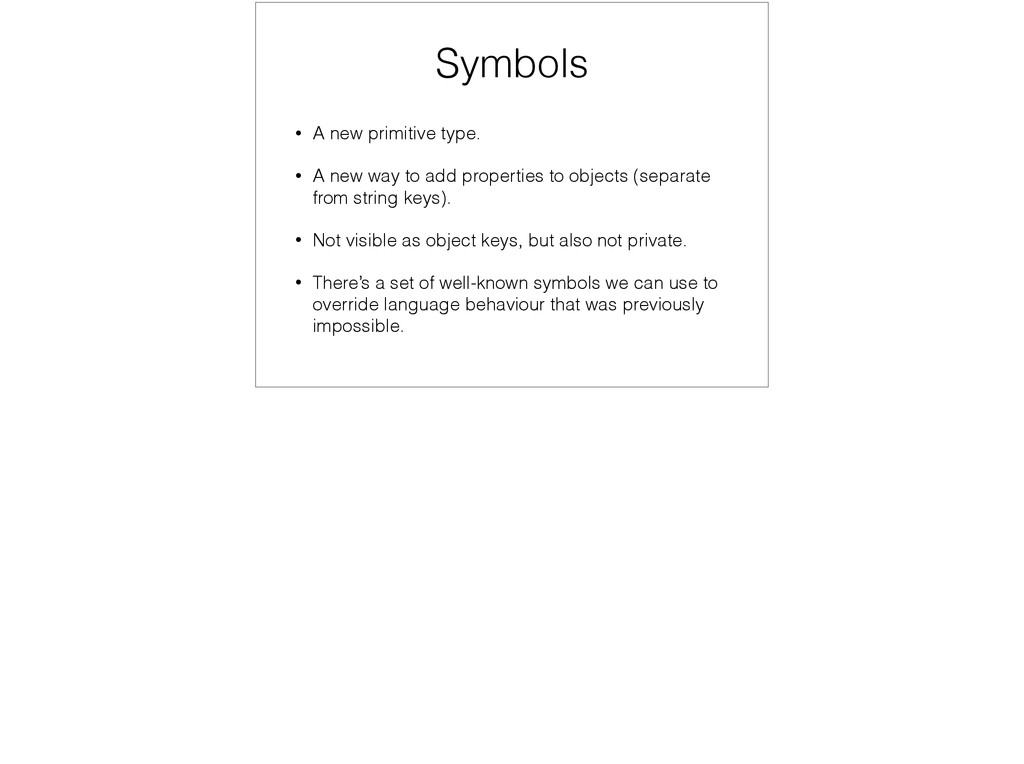
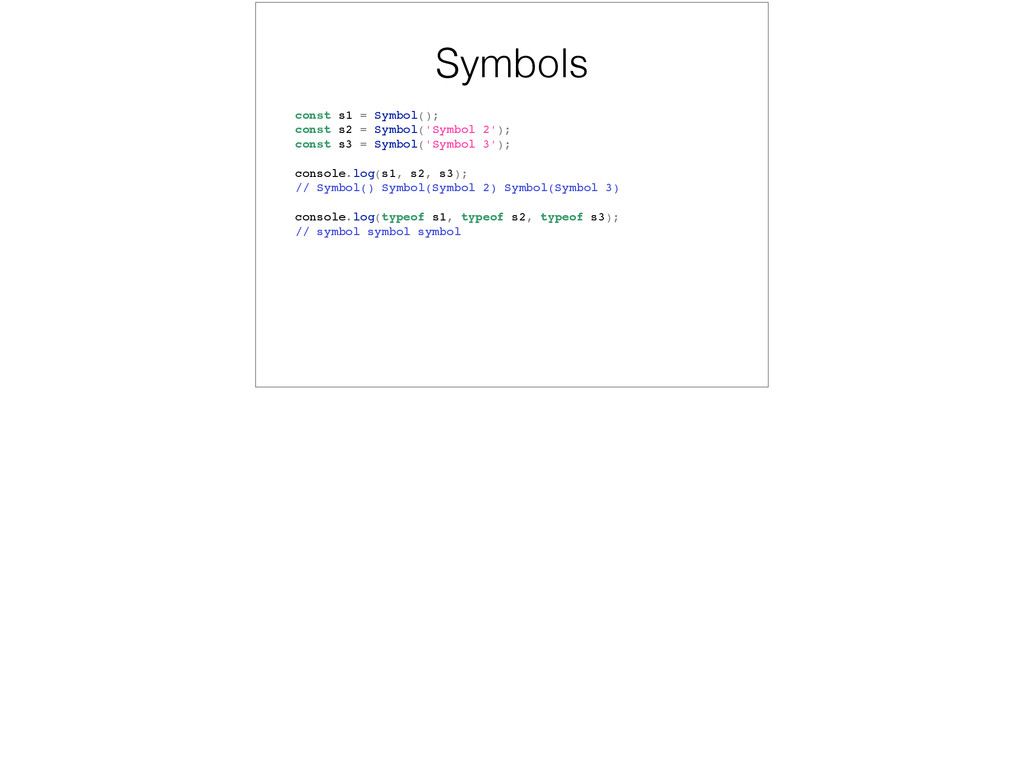
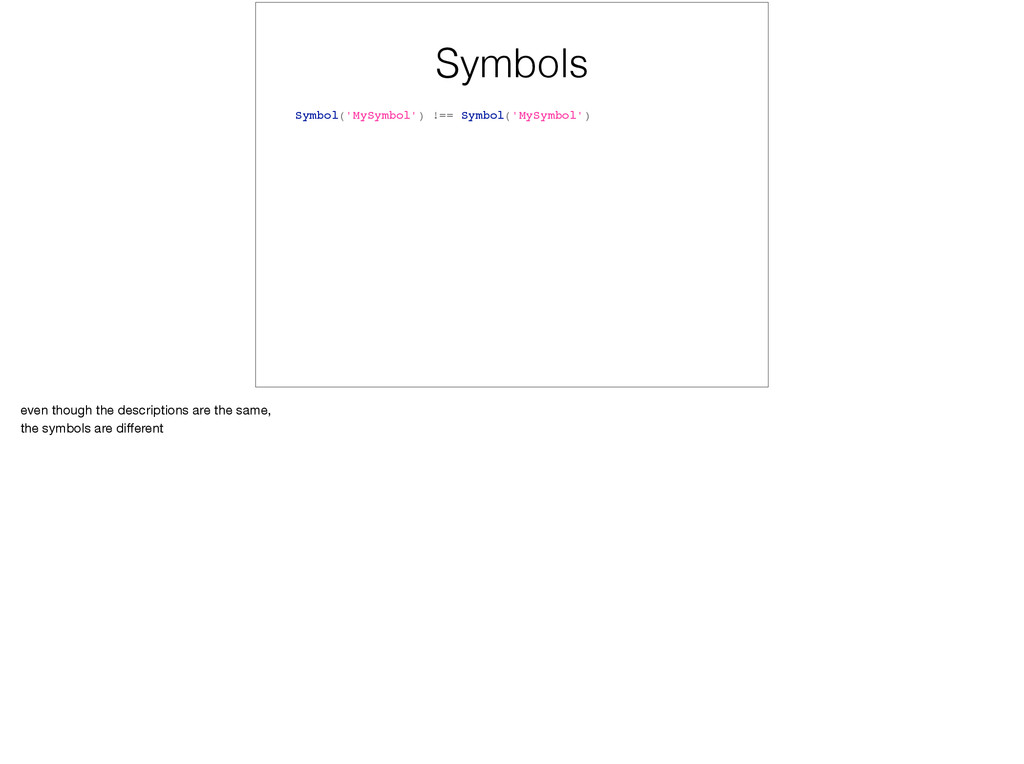
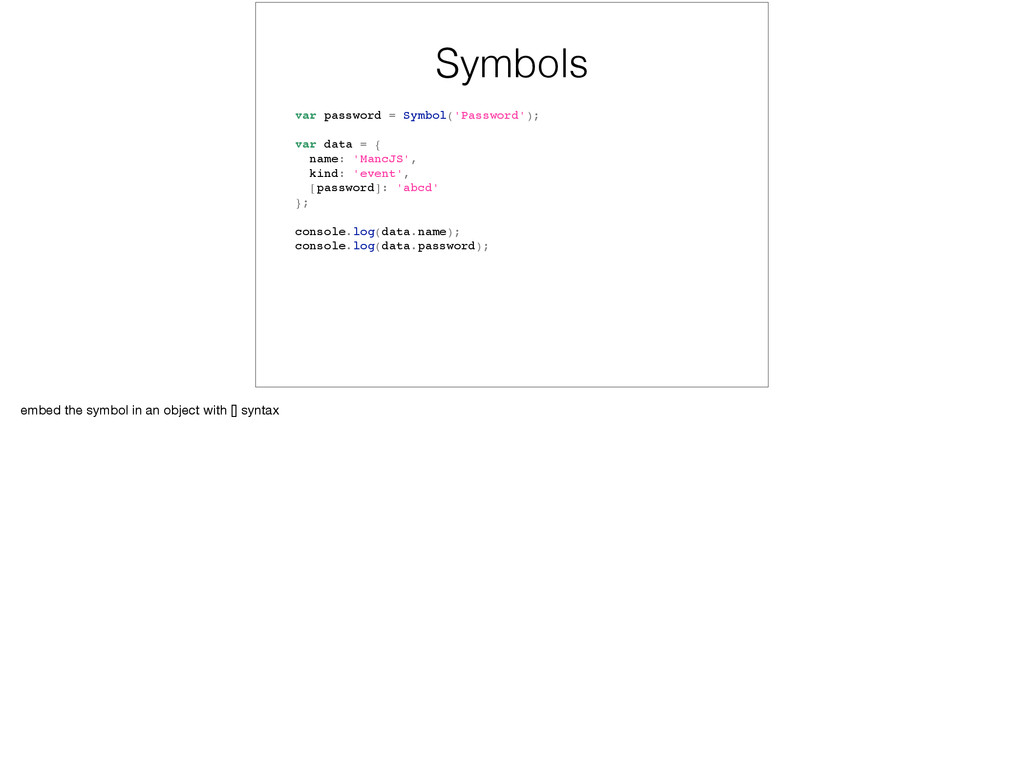
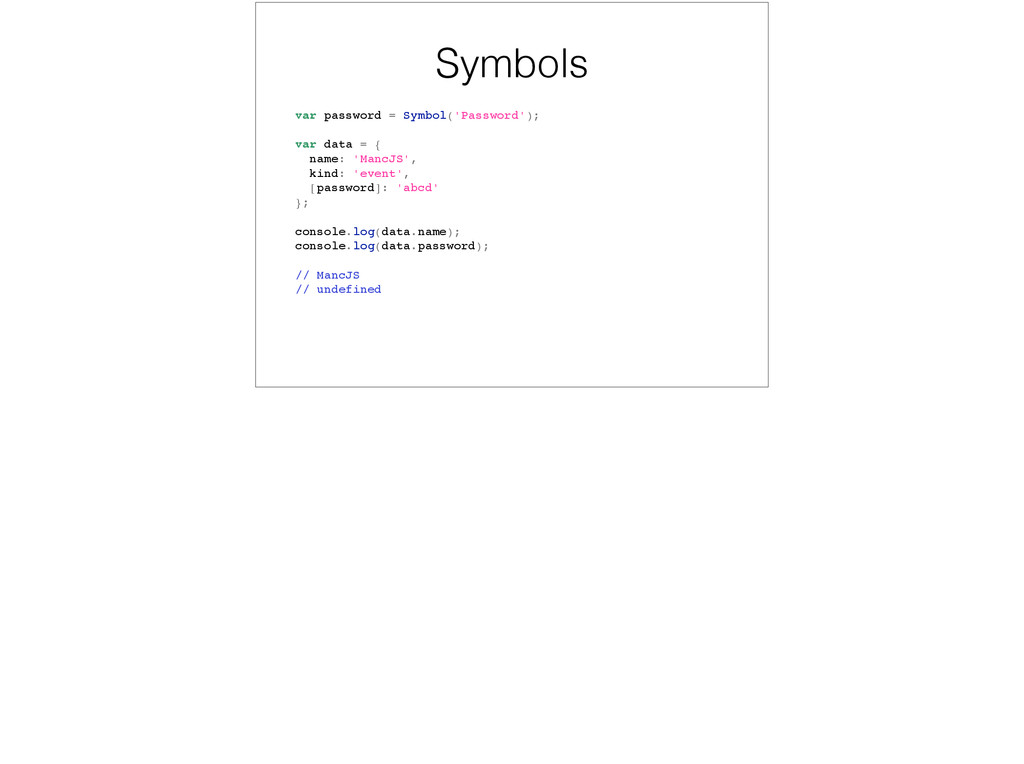
to add properties to objects (separate from string keys). • Not visible as object keys, but also not private. • There’s a set of well-known symbols we can use to override language behaviour that was previously impossible.
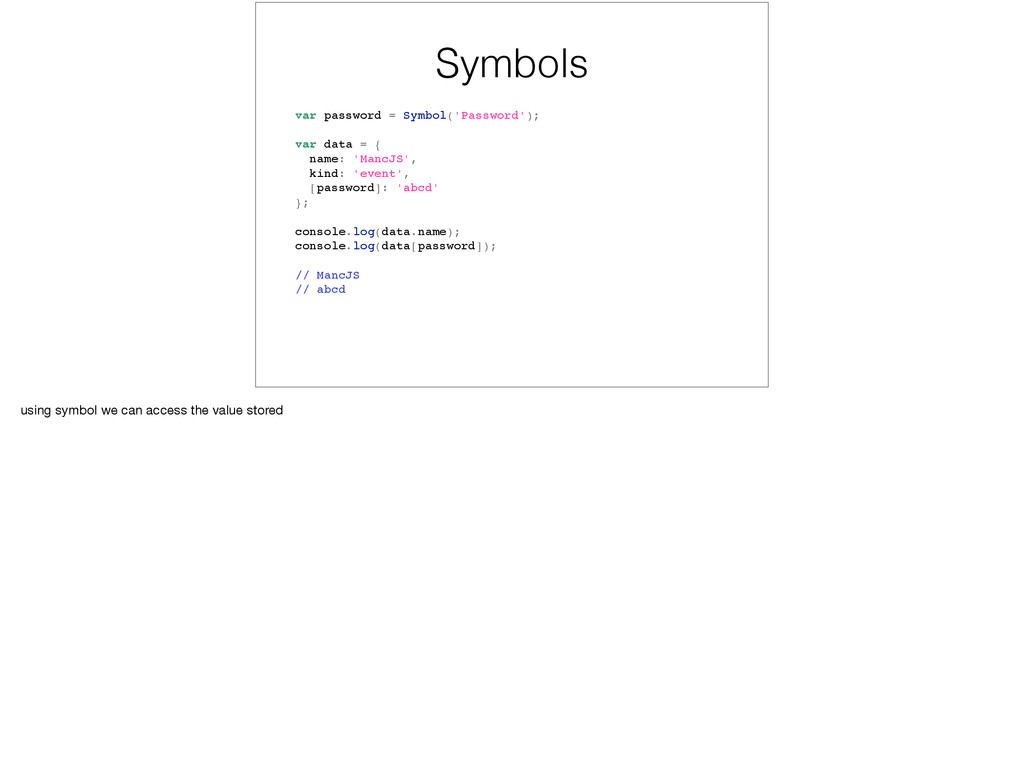
'MancJS', kind: 'event', [password]: 'abcd' }; console.log(data.name); console.log(data[password]); // MancJS // abcd using symbol we can access the value stored
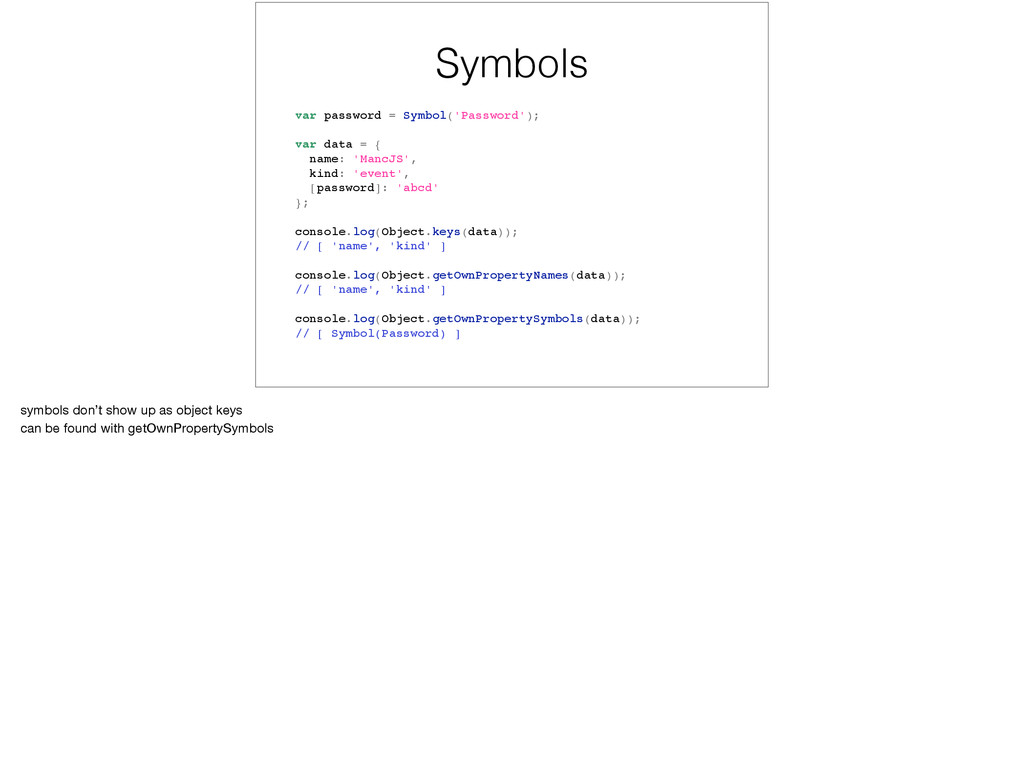
'MancJS', kind: 'event', [password]: 'abcd' }; console.log(Object.keys(data)); // [ 'name', 'kind' ] console.log(Object.getOwnPropertyNames(data)); // [ 'name', 'kind' ] console.log(Object.getOwnPropertySymbols(data)); // [ Symbol(Password) ] symbols don’t show up as object keys can be found with getOwnPropertySymbols
for (let number of numbers) { console.log(number); } // 1, 2, 3, 4, 5 for..of loop which use iterators underneath no more accidental array indexes instead of values
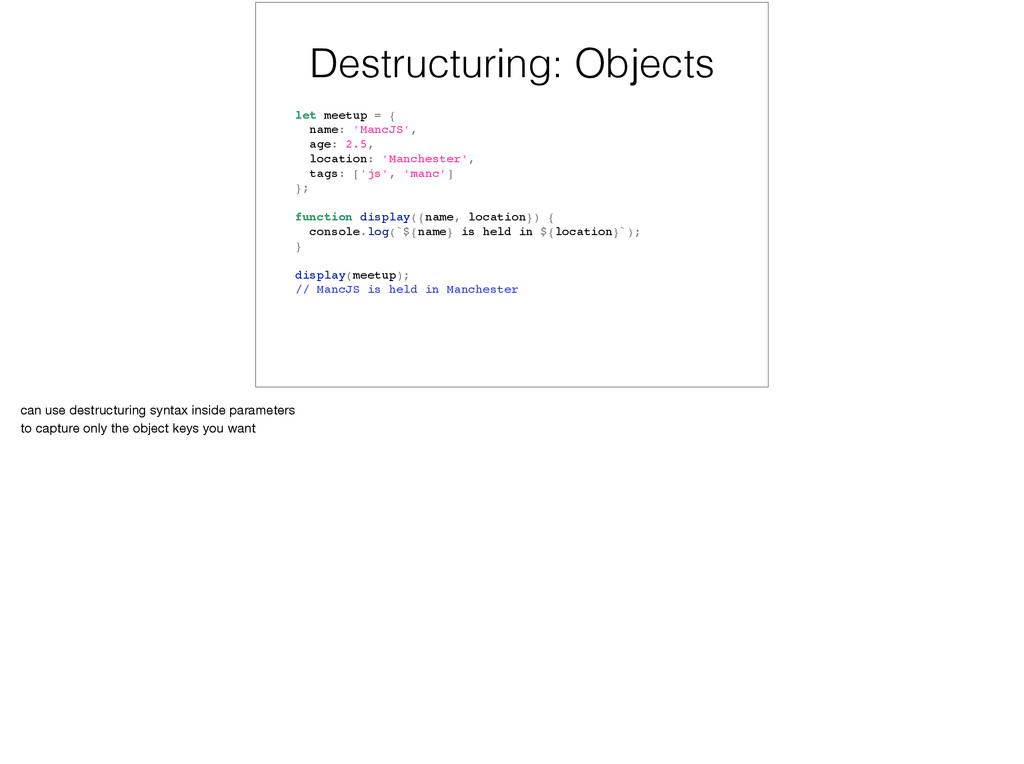
location: 'Manchester', tags: ['js', 'manc'] }; function display({name, location}) { console.log(`${name} is held in ${location}`); } display(meetup); // MancJS is held in Manchester can use destructuring syntax inside parameters to capture only the object keys you want
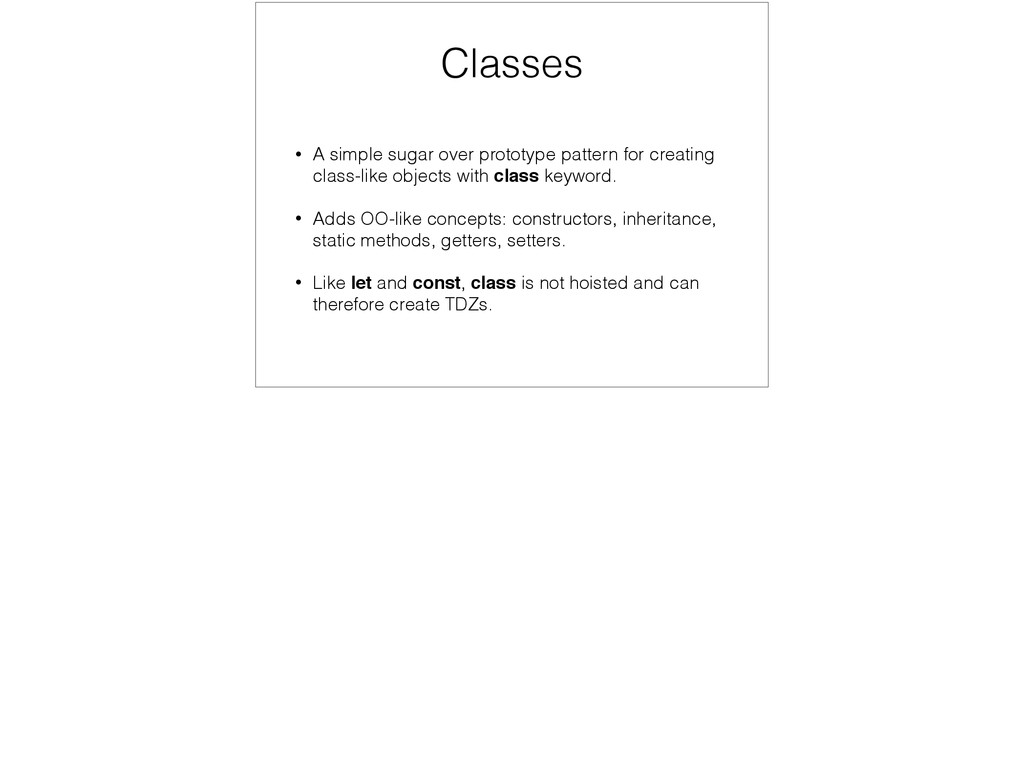
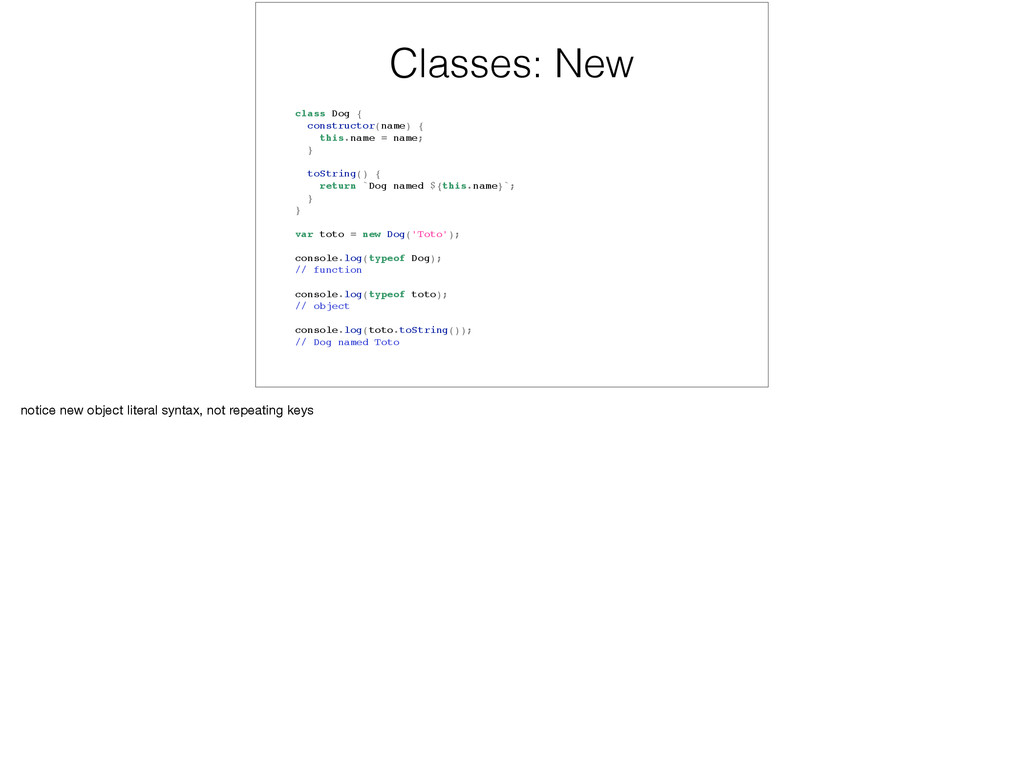
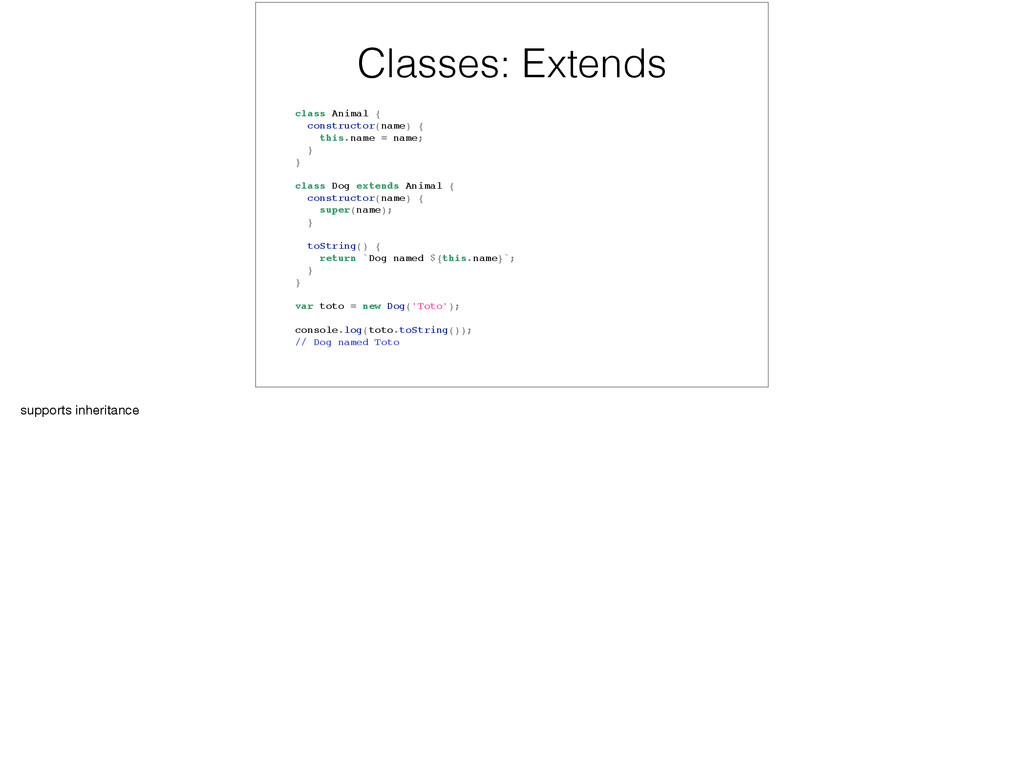
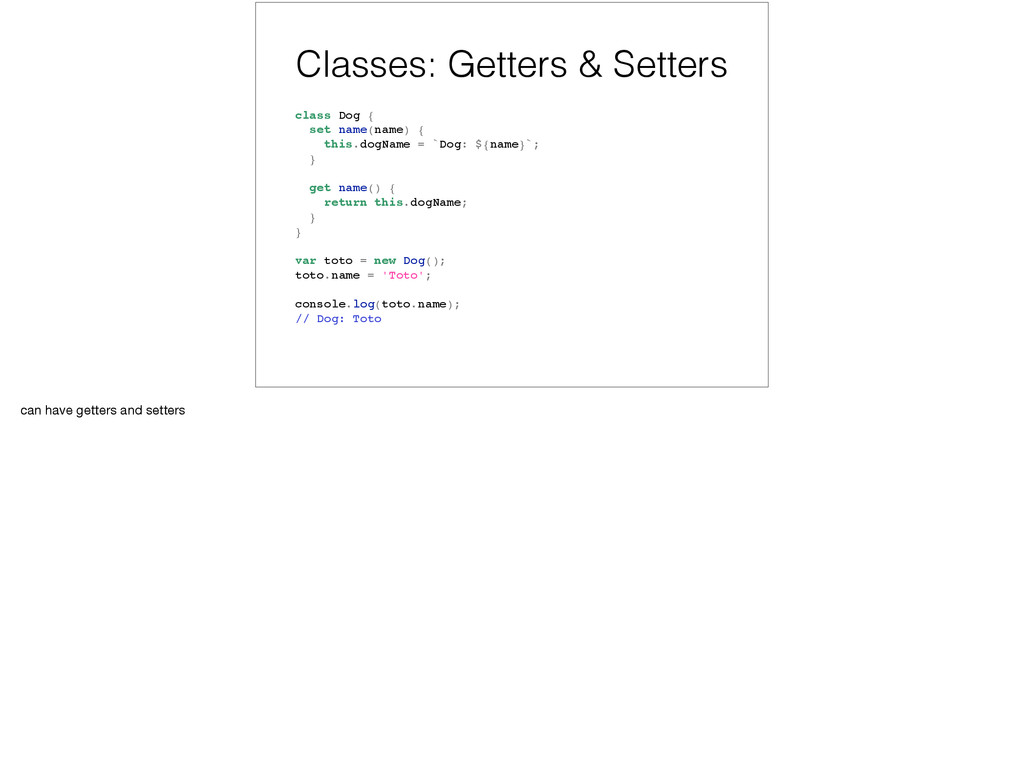
class-like objects with class keyword. • Adds OO-like concepts: constructors, inheritance, static methods, getters, setters. • Like let and const, class is not hoisted and can therefore create TDZs.
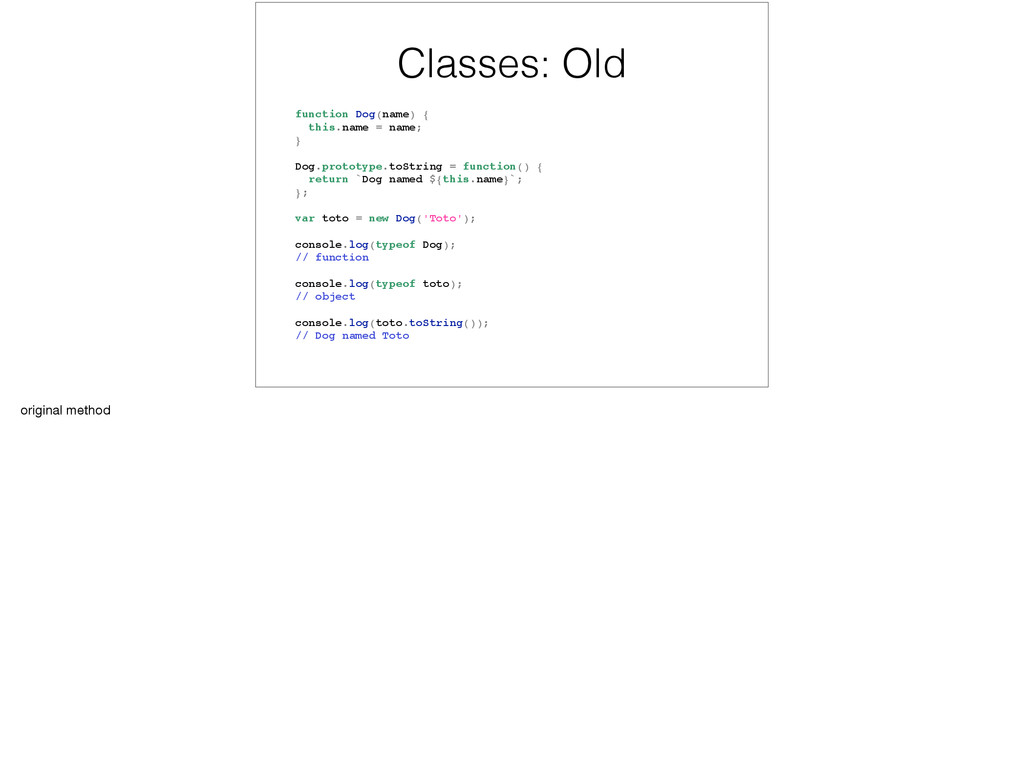
= function() { return `Dog named ${this.name}`; }; var toto = new Dog('Toto'); console.log(typeof Dog); // function console.log(typeof toto); // object console.log(toto.toString()); // Dog named Toto original method
} toString() { return `Dog named ${this.name}`; } } var toto = new Dog('Toto'); console.log(typeof Dog); // function console.log(typeof toto); // object console.log(toto.toString()); // Dog named Toto notice new object literal syntax, not repeating keys
} } class Dog extends Animal { constructor(name) { super(name); } toString() { return `Dog named ${this.name}`; } } var toto = new Dog('Toto'); console.log(toto.toString()); // Dog named Toto supports inheritance
this.dogName = `Dog: ${name}`; } get name() { return this.dogName; } } var toto = new Dog(); toto.name = 'Toto'; console.log(toto.name); // Dog: Toto can have getters and setters
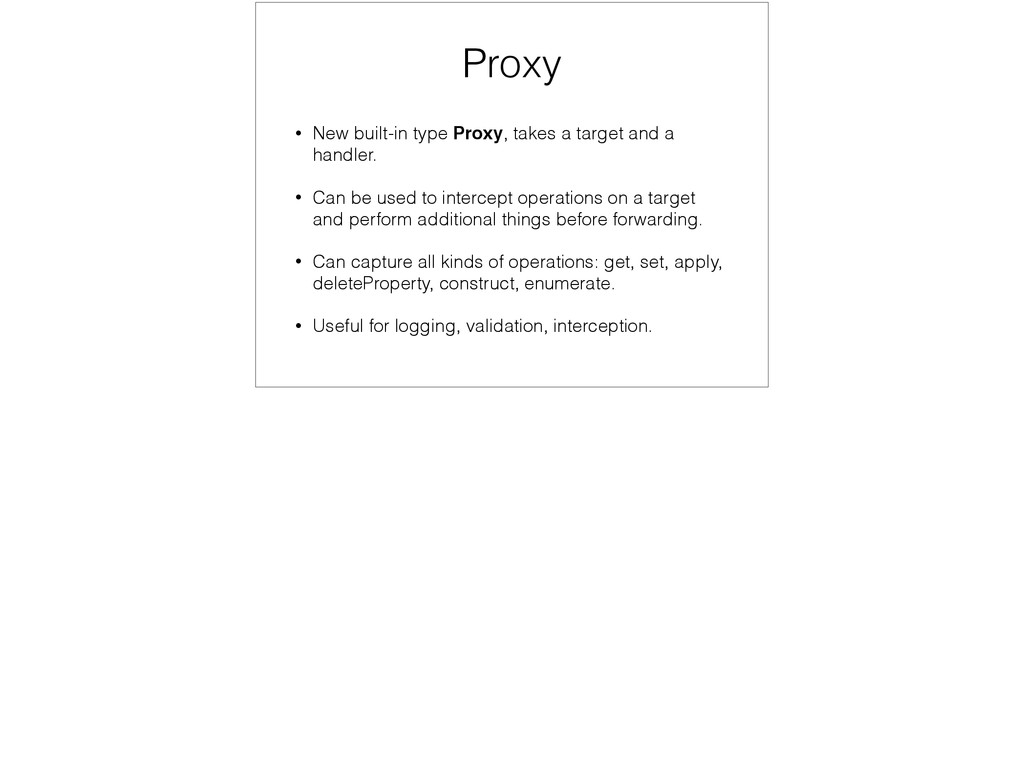
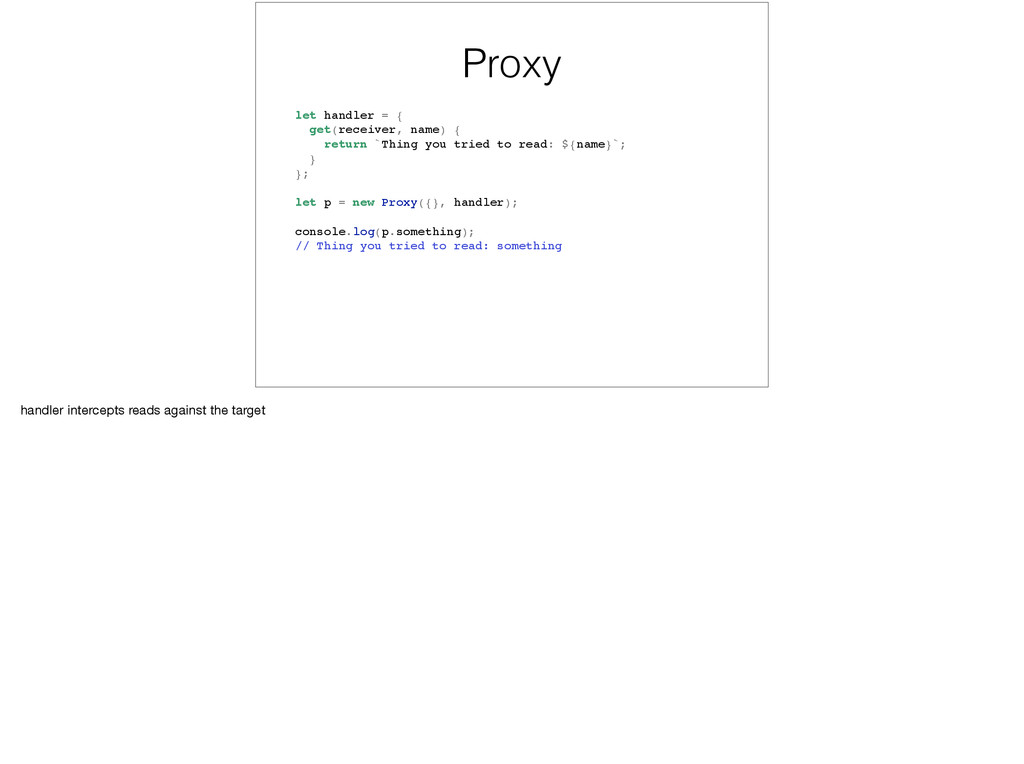
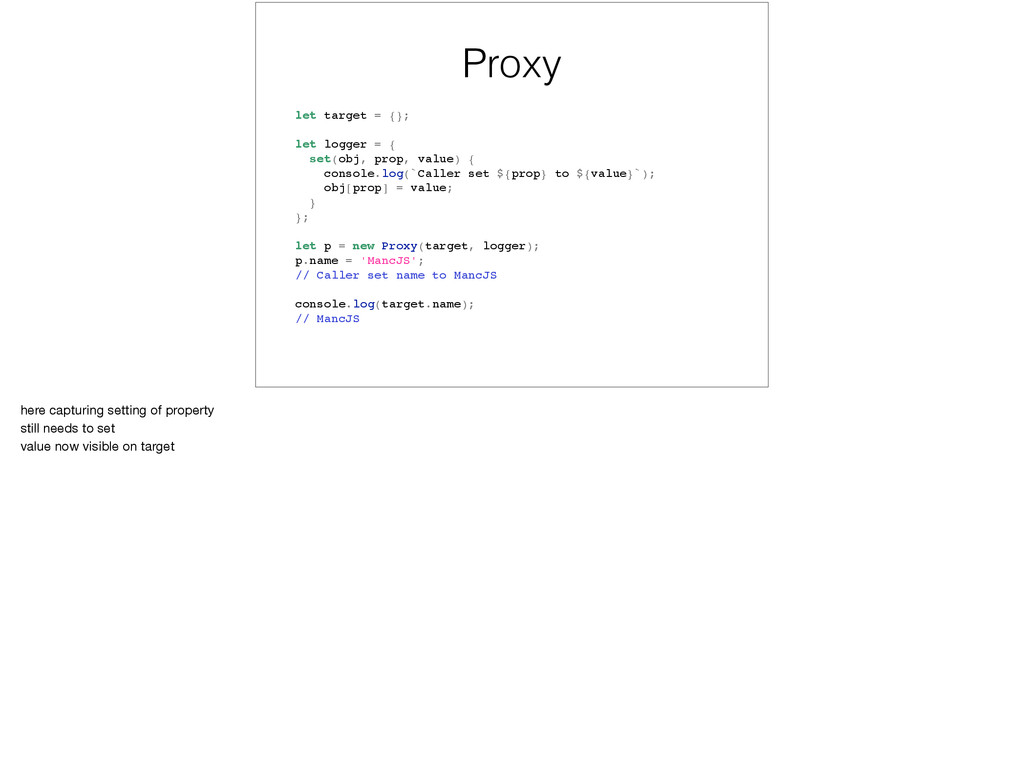
a handler. • Can be used to intercept operations on a target and perform additional things before forwarding. • Can capture all kinds of operations: get, set, apply, deleteProperty, construct, enumerate. • Useful for logging, validation, interception.
you tried to read: ${name}`; } }; let p = new Proxy({}, handler); console.log(p.something); // Thing you tried to read: something handler intercepts reads against the target
prop, value) { console.log(`Caller set ${prop} to ${value}`); obj[prop] = value; } }; let p = new Proxy(target, logger); p.name = 'MancJS'; // Caller set name to MancJS console.log(target.name); // MancJS here capturing setting of property still needs to set value now visible on target
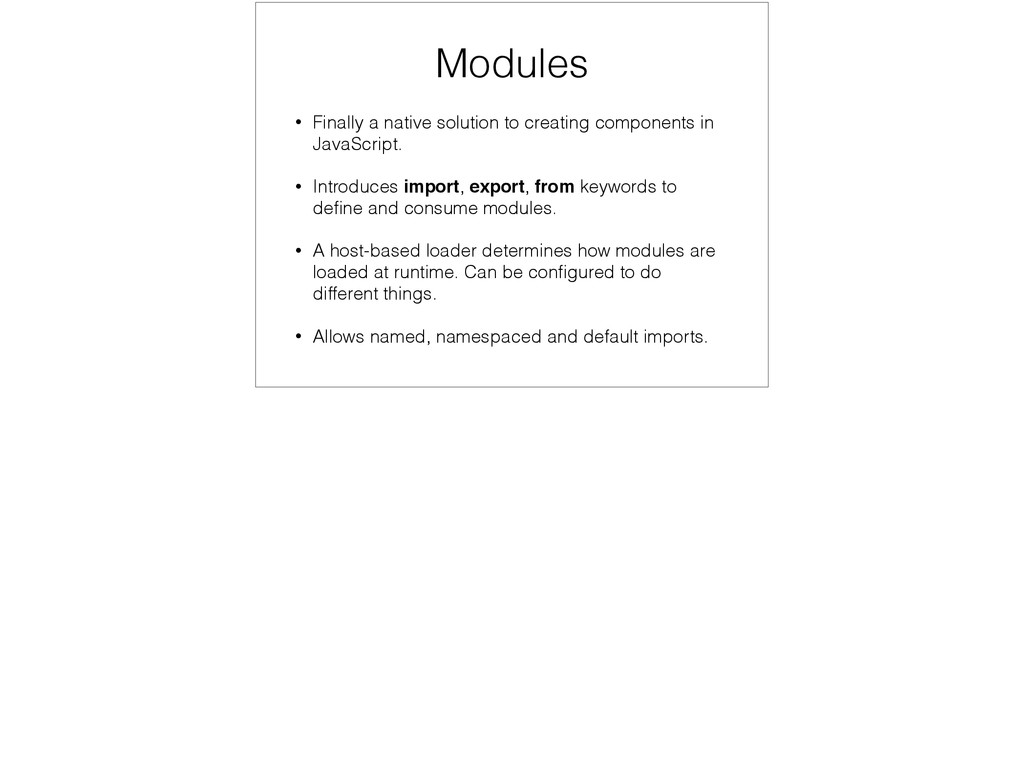
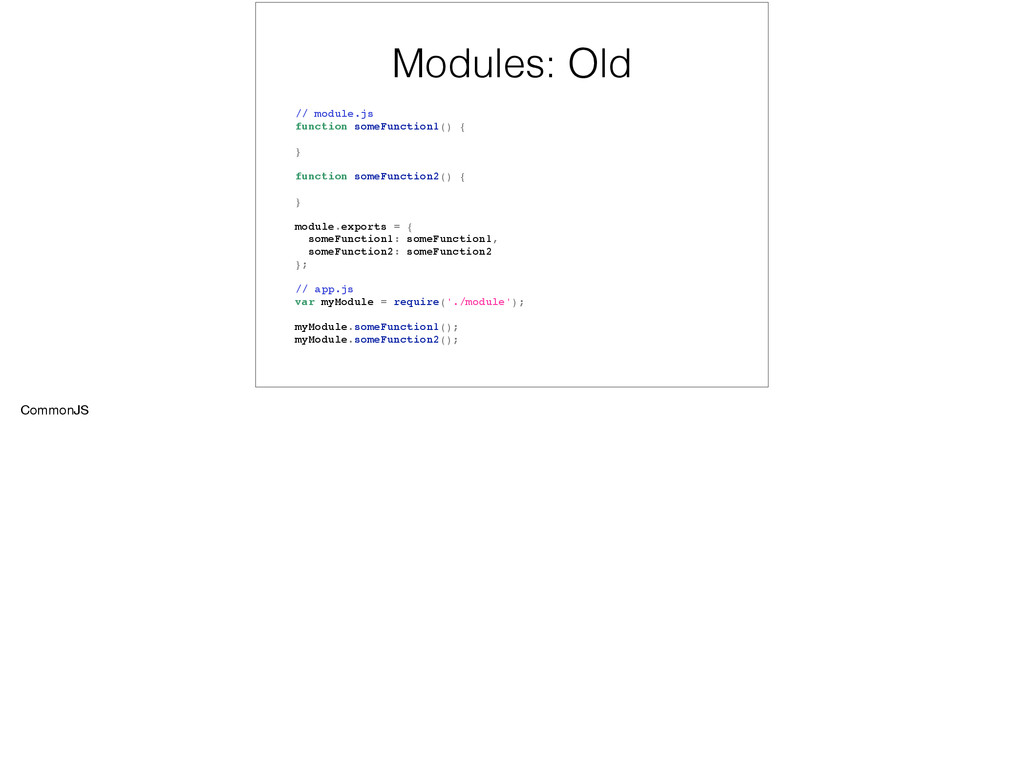
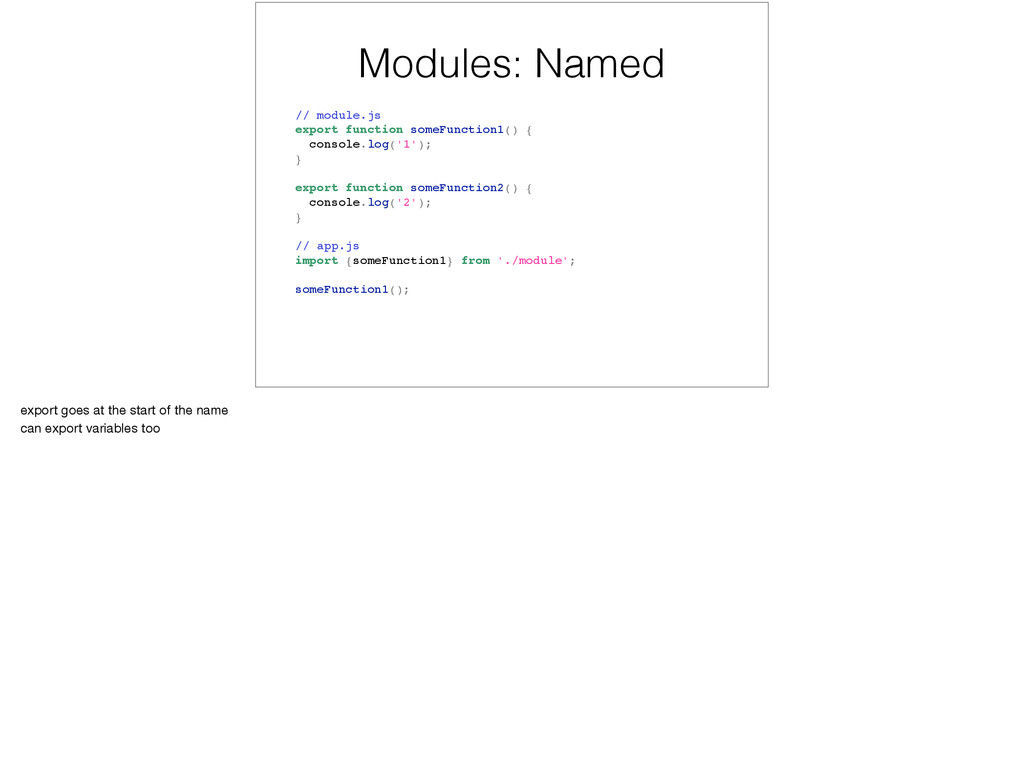
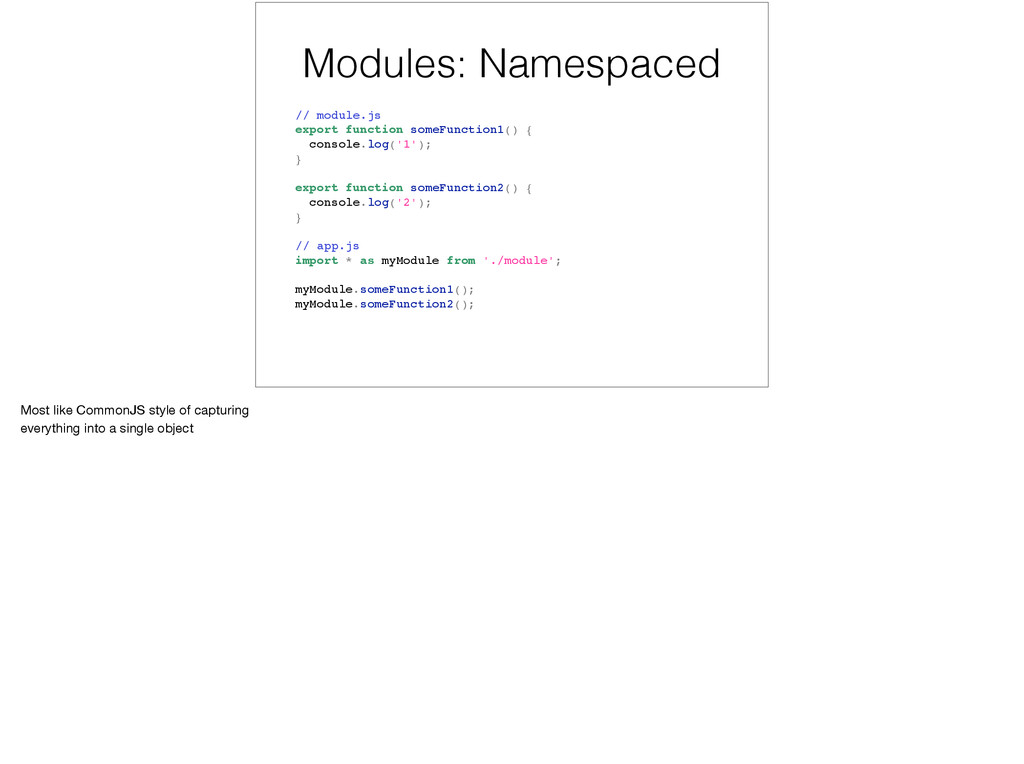
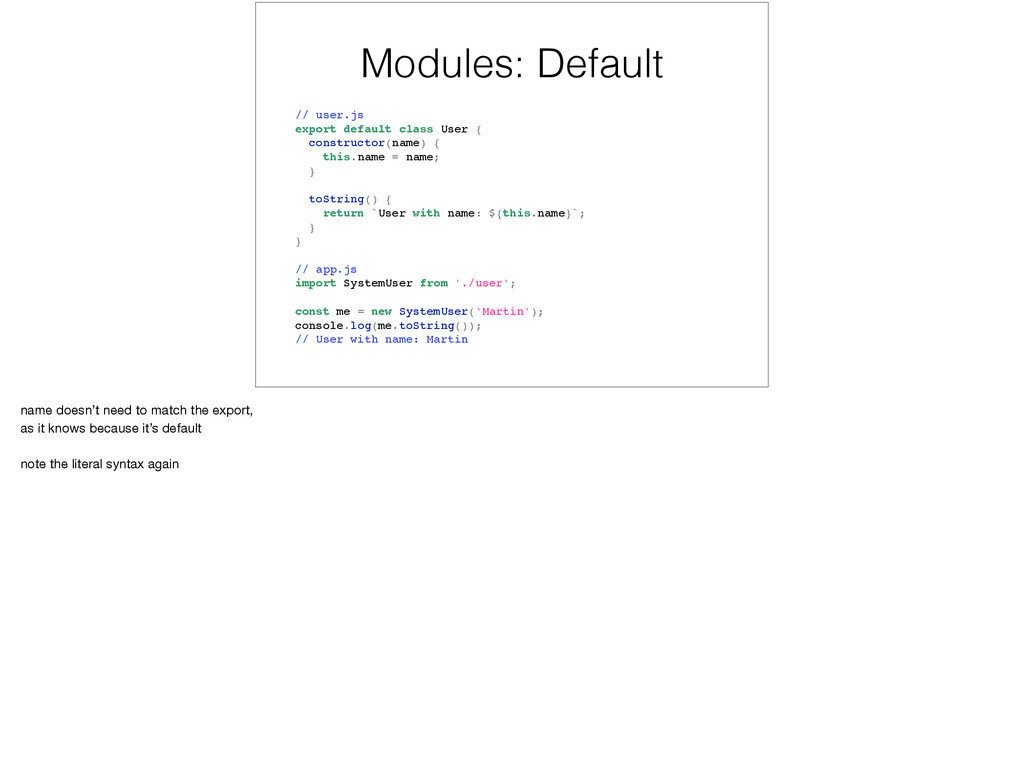
JavaScript. • Introduces import, export, from keywords to define and consume modules. • A host-based loader determines how modules are loaded at runtime. Can be configured to do different things. • Allows named, namespaced and default imports.
export function someFunction2() { console.log('2'); } // app.js import {someFunction1} from './module'; someFunction1(); export goes at the start of the name can export variables too
export function someFunction2() { console.log('2'); } // app.js import * as myModule from './module'; myModule.someFunction1(); myModule.someFunction2(); Most like CommonJS style of capturing everything into a single object
{ this.name = name; } toString() { return `User with name: ${this.name}`; } } // app.js import SystemUser from './user'; const me = new SystemUser('Martin'); console.log(me.toString()); // User with name: Martin name doesn’t need to match the export, as it knows because it’s default note the literal syntax again
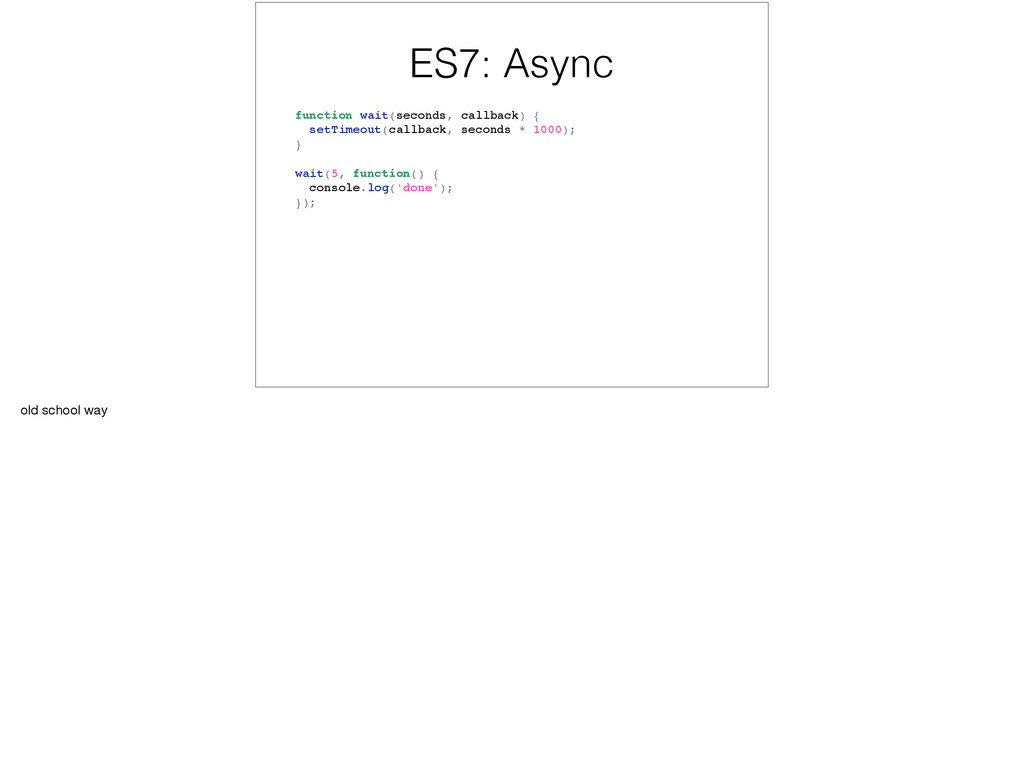
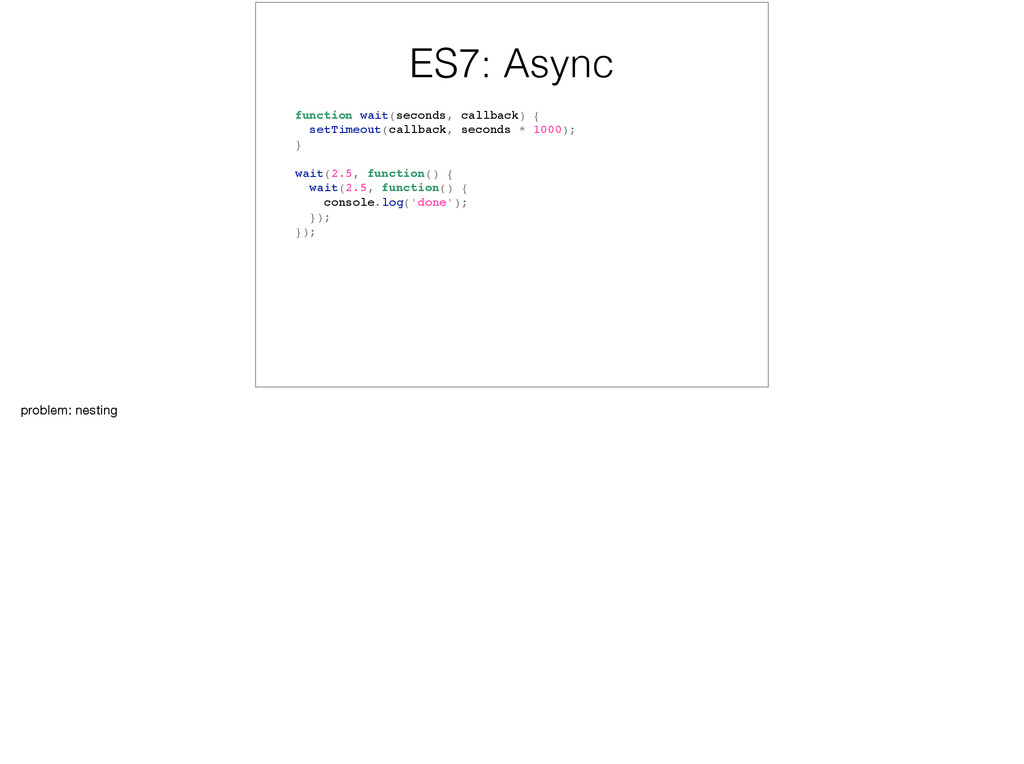
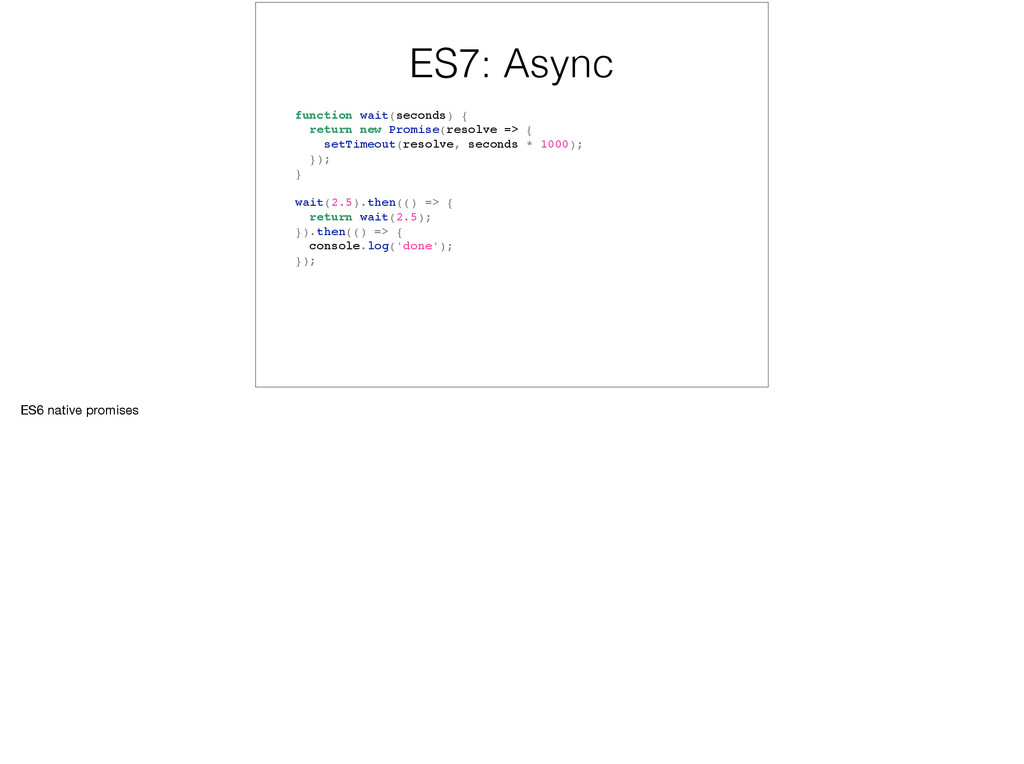
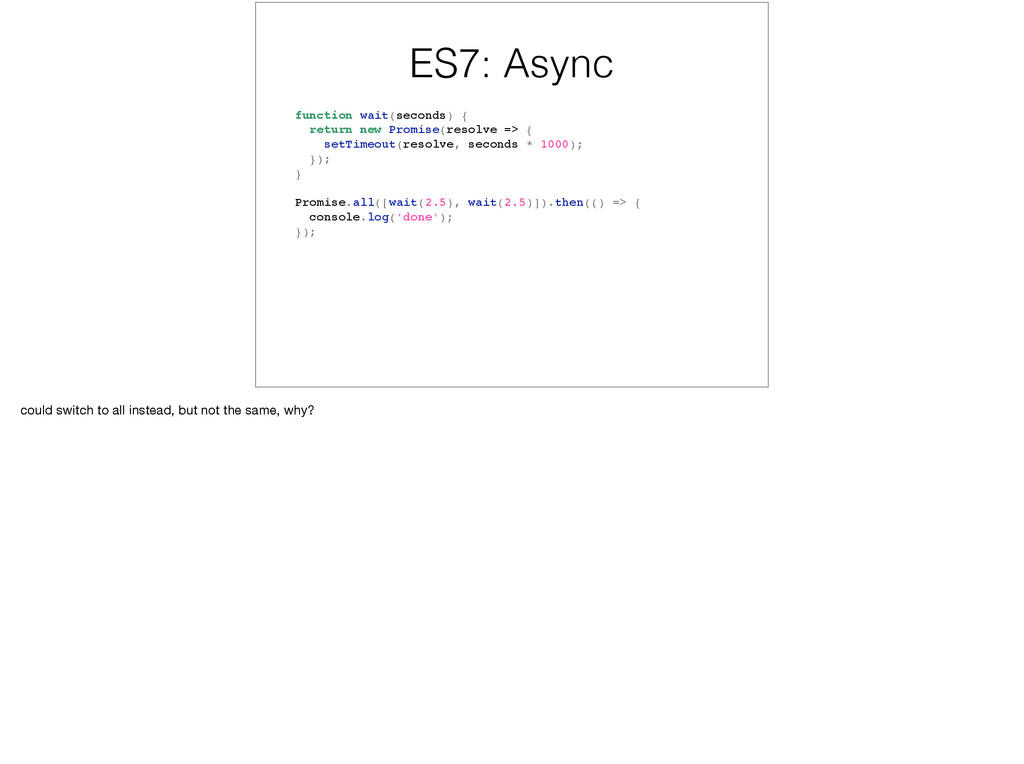
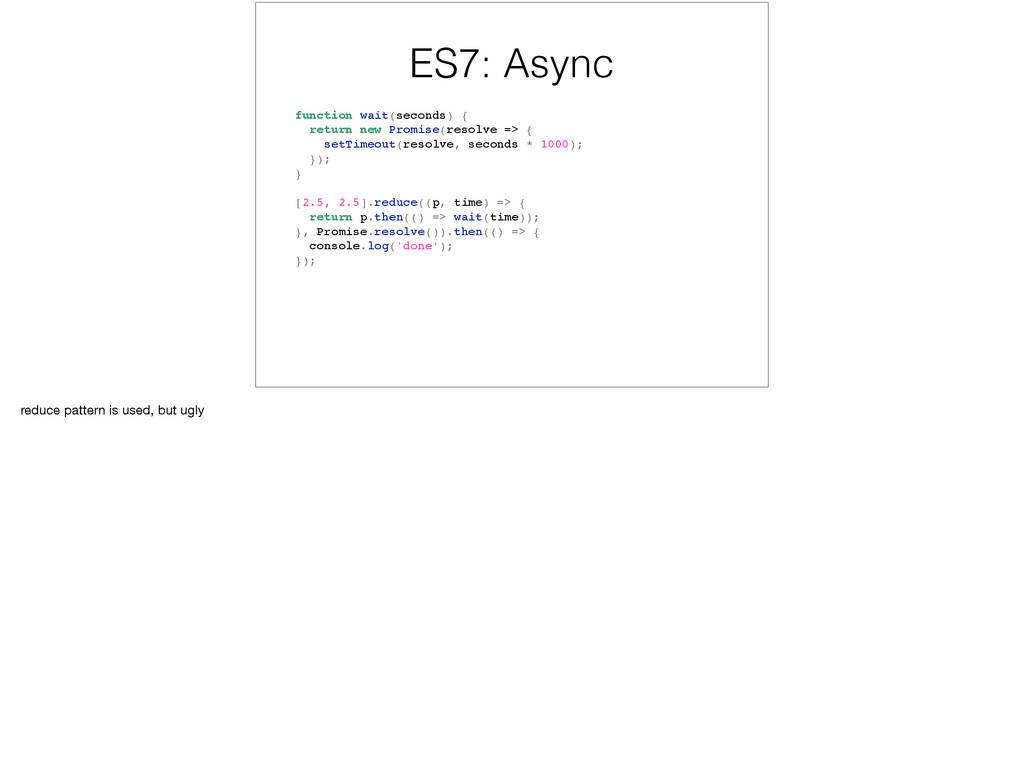
setTimeout(resolve, seconds * 1000); }); } Promise.all([wait(2.5), wait(2.5)]).then(() => { console.log('done'); }); could switch to all instead, but not the same, why?
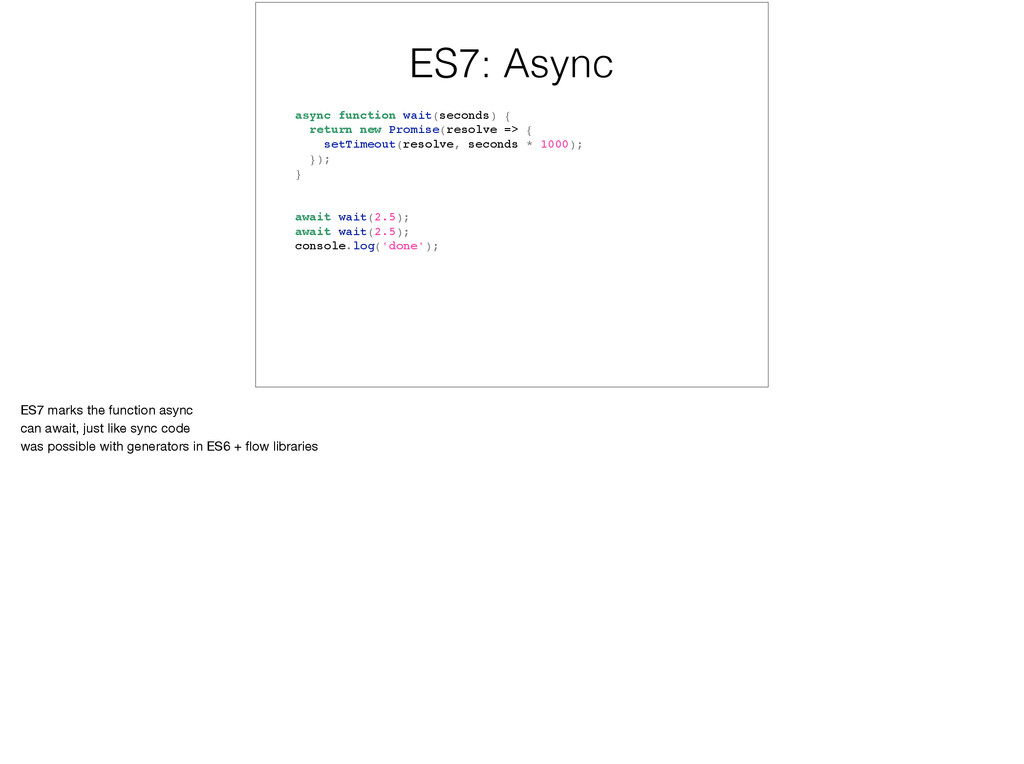
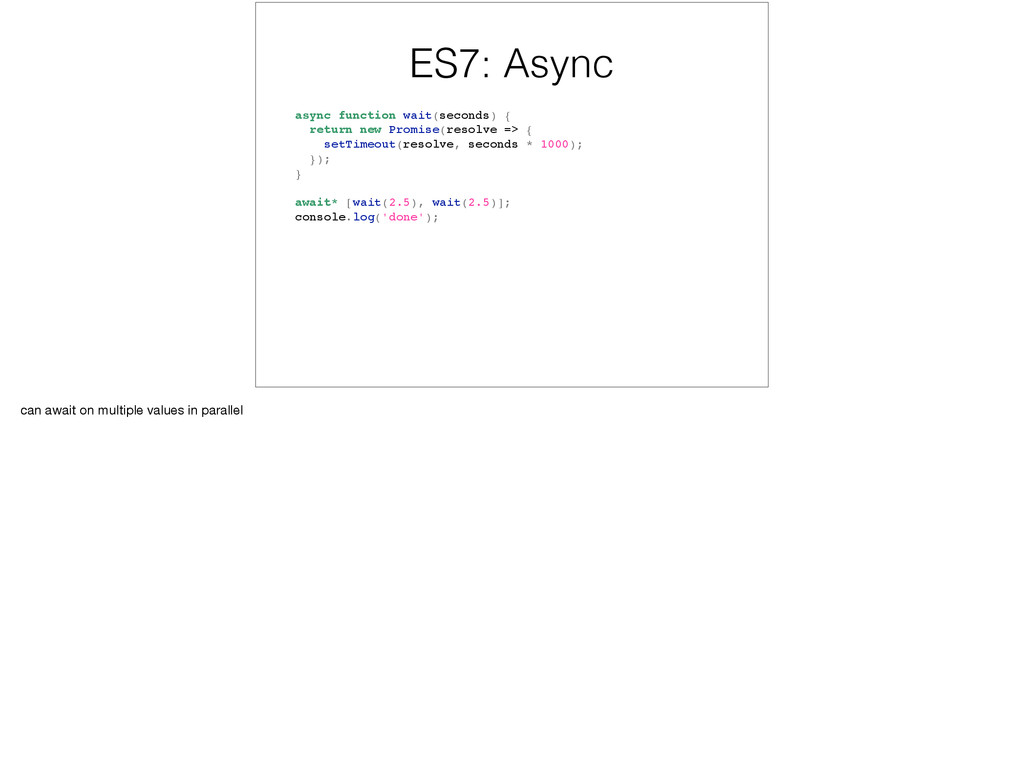
{ setTimeout(resolve, seconds * 1000); }); } await wait(2.5); await wait(2.5); console.log('done'); ES7 marks the function async can await, just like sync code was possible with generators in ES6 + flow libraries


 timakin
 siroemk
 kishida
 akase244
 lef237
 marcoroth
 jame2408
 optim
optim
 iwatsukayura
 suneo3476
 shihochan
 yutobara
 twada
twada
 jdejongh
 palkan
 vanstee
 iamctodd
 cassininazir
 jakevdp
 holman
.jpg) cargoodrich
cargoodrich
 codingconduct
 trallard
 gr2m
gr2m
![Arrow Syntax [1, 2, 3, 4].map(n => n * n);](https://files.speakerdeck.com/presentations/3e6bbe966ad54513a32c4b8faf722bed/slide_21.jpg)
![Symbols: for..of const numbers = [1, 2, 3, 4, 5];](https://files.speakerdeck.com/presentations/3e6bbe966ad54513a32c4b8faf722bed/slide_34.jpg)
![Symbols: for..of const numbers = { [Symbol.iterator]() { let current](https://files.speakerdeck.com/presentations/3e6bbe966ad54513a32c4b8faf722bed/slide_35.jpg)
![Destructuring: Arrays const numbers = [1, 2, 3, 4, 5];](https://files.speakerdeck.com/presentations/3e6bbe966ad54513a32c4b8faf722bed/slide_37.jpg)
![Destructuring: Arrays const numbers = [1, 2, 3, 4, 5];](https://files.speakerdeck.com/presentations/3e6bbe966ad54513a32c4b8faf722bed/slide_38.jpg)
![Destructuring: Arrays const numbers = [1, 2, 3, 4, 5];](https://files.speakerdeck.com/presentations/3e6bbe966ad54513a32c4b8faf722bed/slide_39.jpg)
![Destructuring: Arrays function doSomething() { return [null, 42]; } let](https://files.speakerdeck.com/presentations/3e6bbe966ad54513a32c4b8faf722bed/slide_40.jpg)
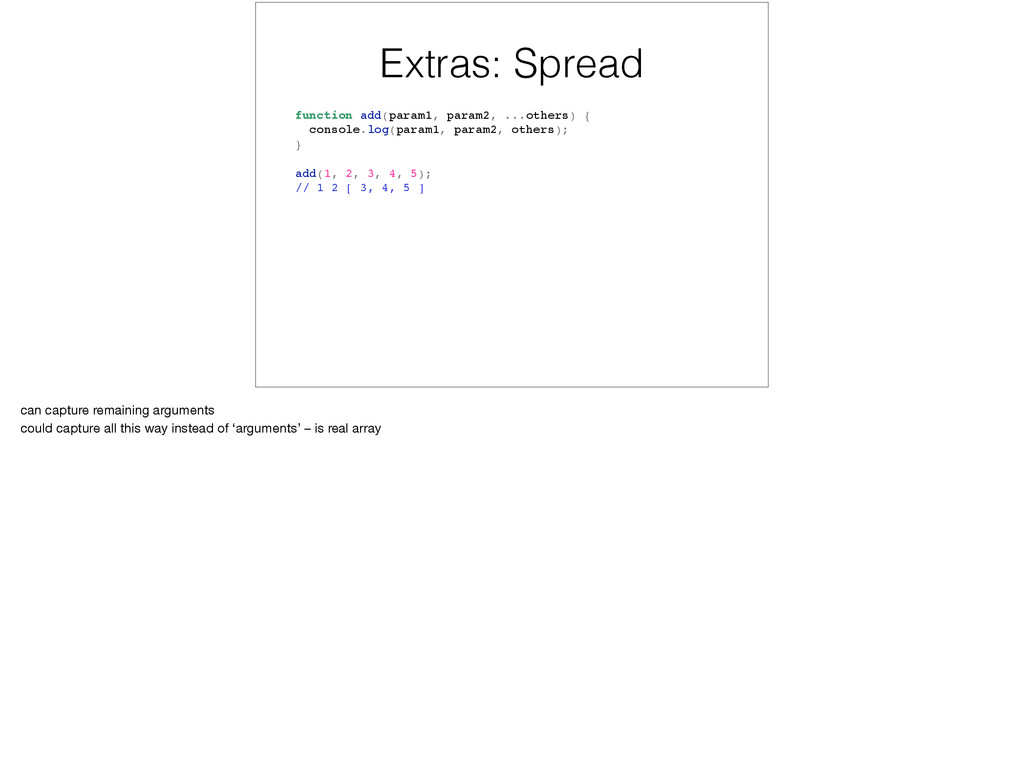
![Extras: Spread const todaysScores = [42, 43]; const yesterdaysScores =](https://files.speakerdeck.com/presentations/3e6bbe966ad54513a32c4b8faf722bed/slide_59.jpg)
![Extras: Spread const todaysScores = [42, 43]; const yesterdaysScores =](https://files.speakerdeck.com/presentations/3e6bbe966ad54513a32c4b8faf722bed/slide_60.jpg)