Upgrade to Pro — share decks privately, control downloads, hide ads and more …

PSConf Asia 2018 - Monitoring 101 With Windows ...

PSConf Asia 2018 - Monitoring 101 With Windows and PowerShell

The talk starts with some basic monitoring concepts and then applies these concepts to Microsoft Active Directory using PowerShell. Datadog is used as the monitoring tool.

Avatar for Matthew Hodgkins

Matthew Hodgkins

October 19, 2018

Other Decks in Technology

Transcript

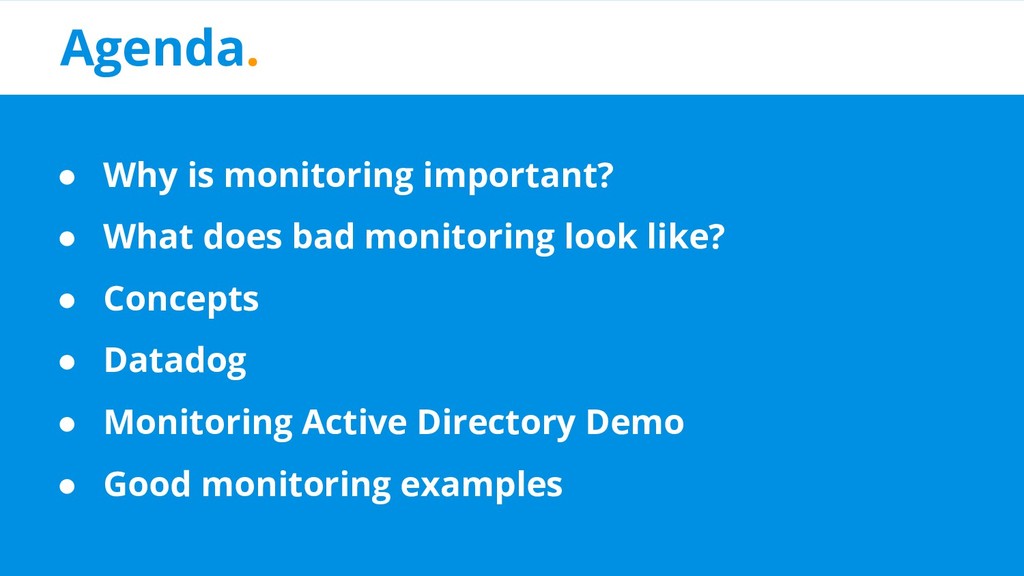
  1. Agenda. • Why is monitoring important? • What does bad

    monitoring look like? • Concepts • Datadog • Monitoring Active Directory Demo • Good monitoring examples
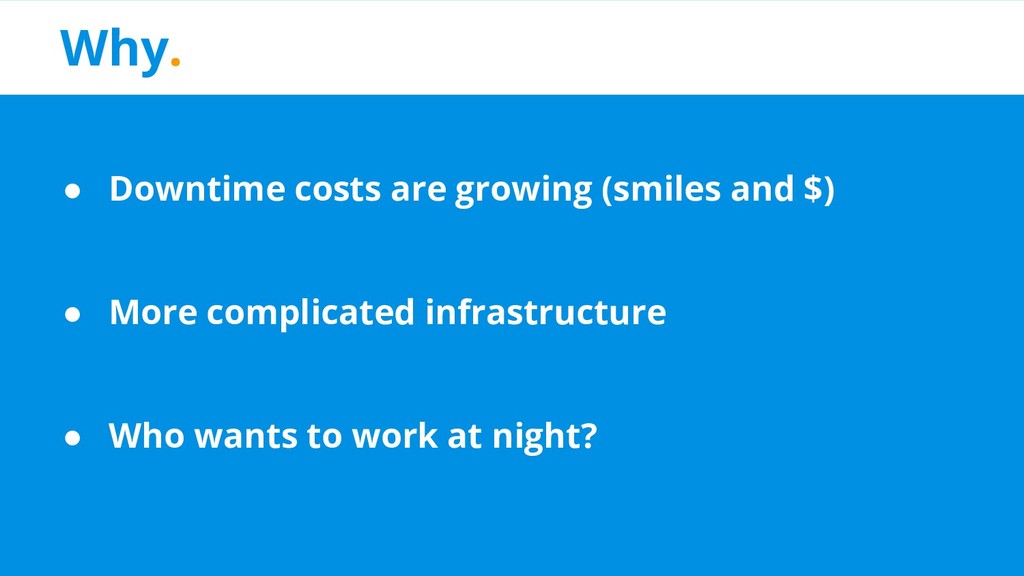
  2. Why. • Downtime costs are growing (smiles and $) •

    More complicated infrastructure • Who wants to work at night?
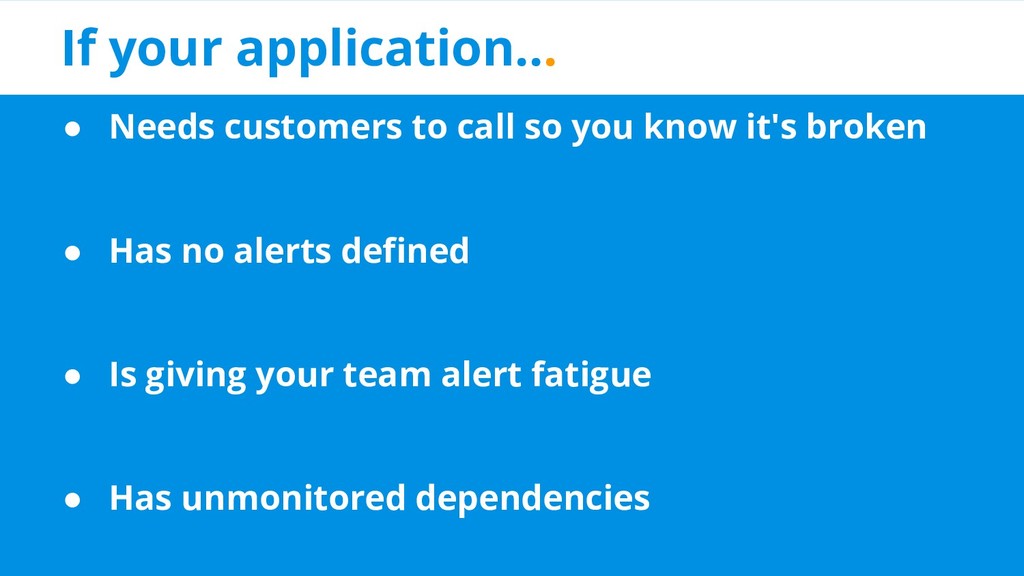
  3. If your application... • Needs customers to call so you

    know it's broken • Has no alerts defined • Is giving your team alert fatigue • Has unmonitored dependencies
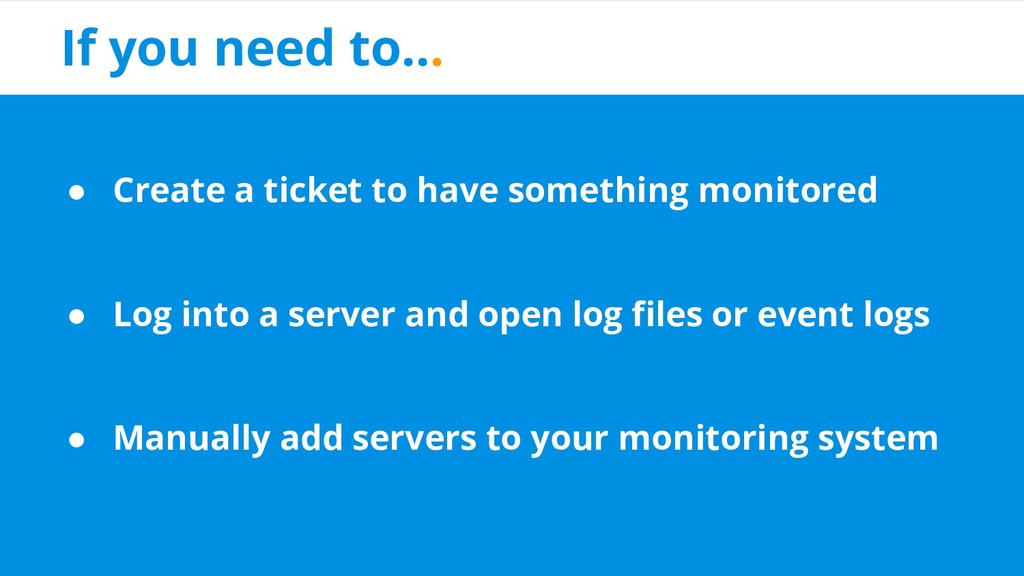
  4. If you need to... • Create a ticket to have

    something monitored • Log into a server and open log files or event logs • Manually add servers to your monitoring system
  5. The whole point. Are the things I own doing the

    business-y thing that they are supposed to be doing?
  6. Concepts. • Logs vs Metrics • Causes vs Symptoms •

    Golden Metrics • Dependencies • Service Level Objectives
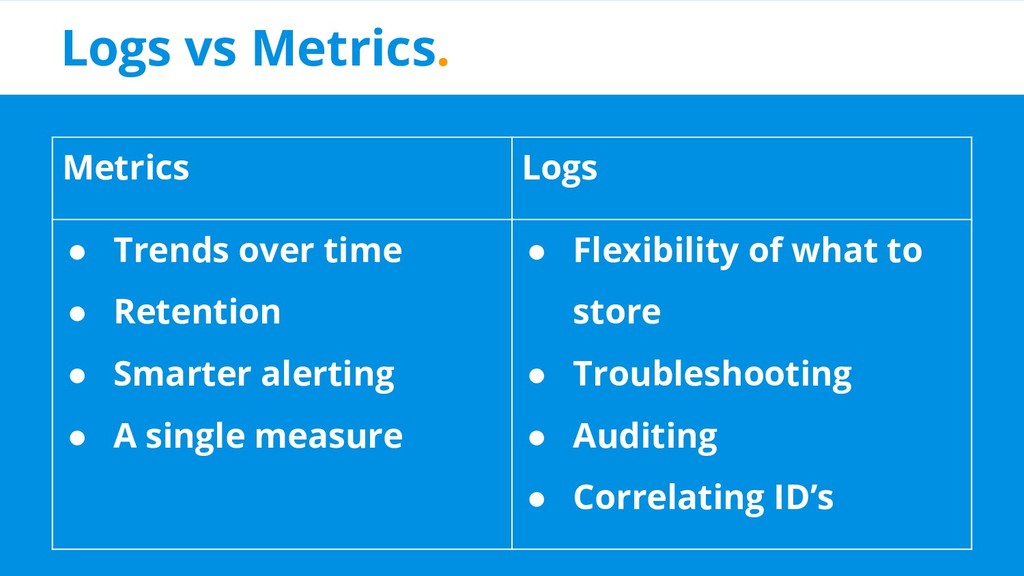
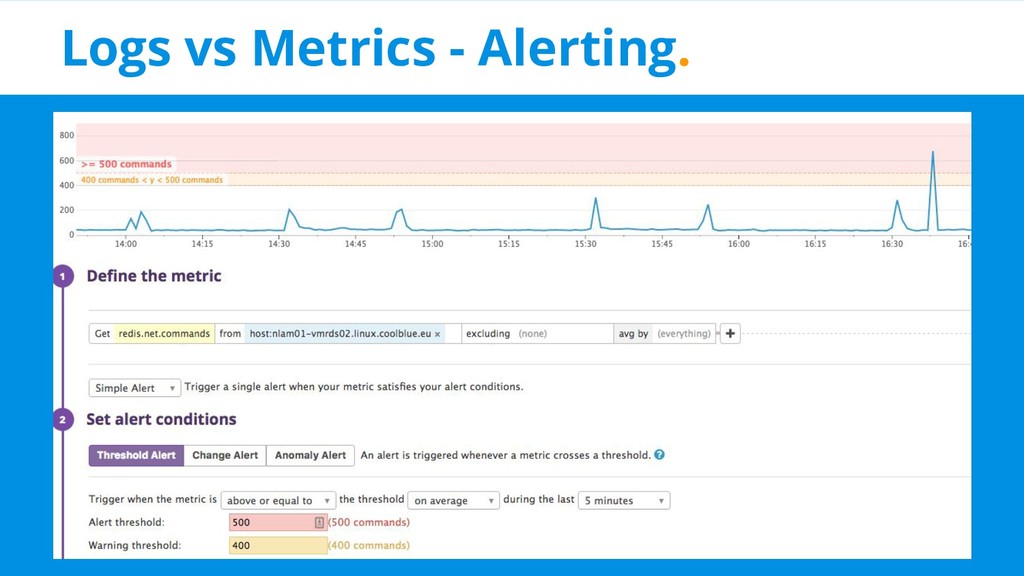
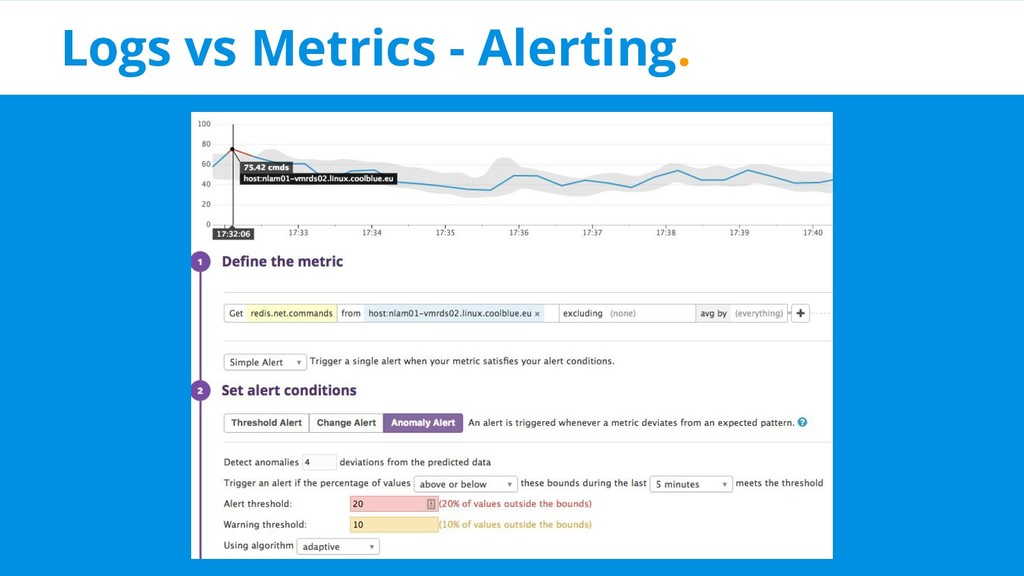
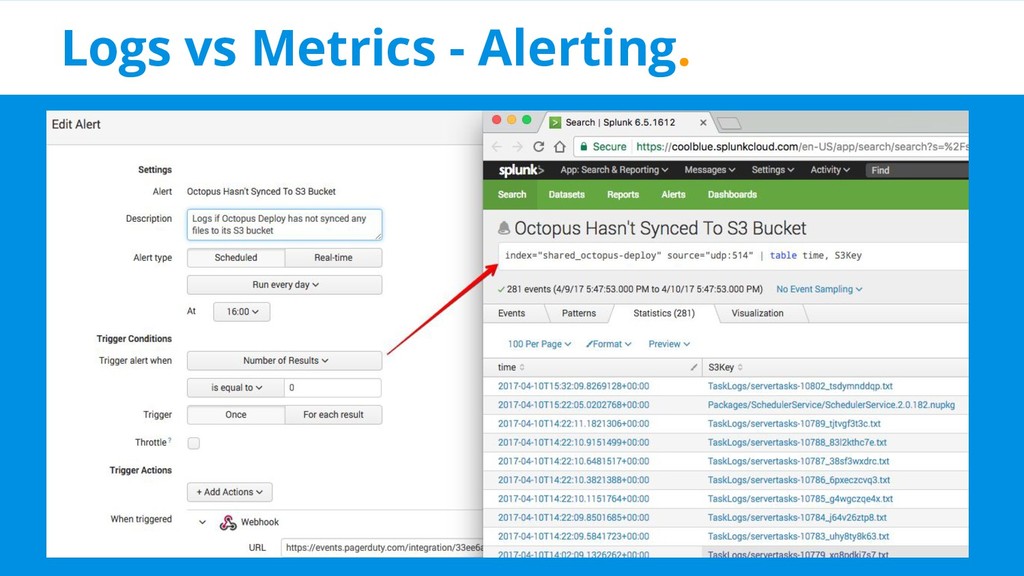
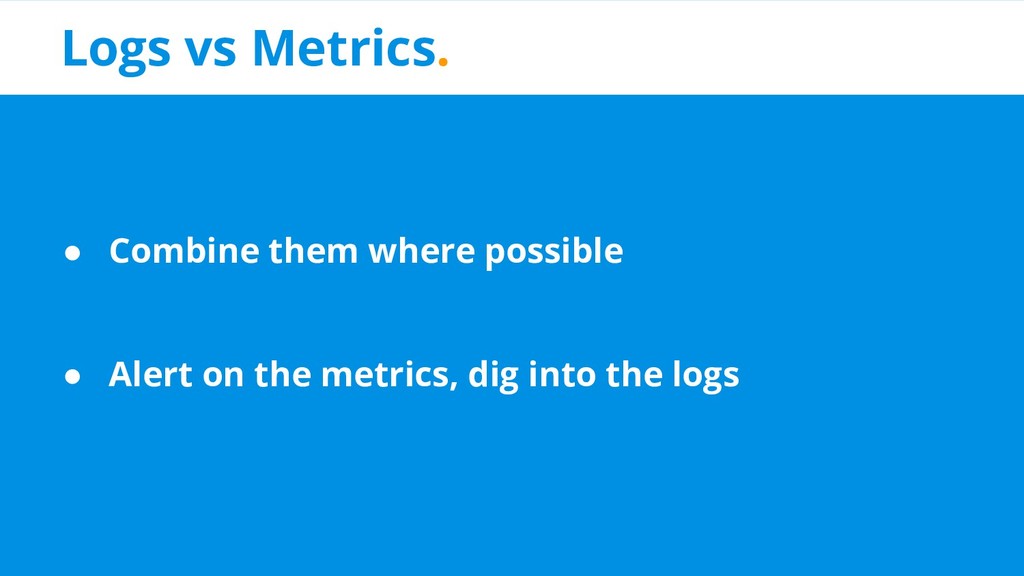
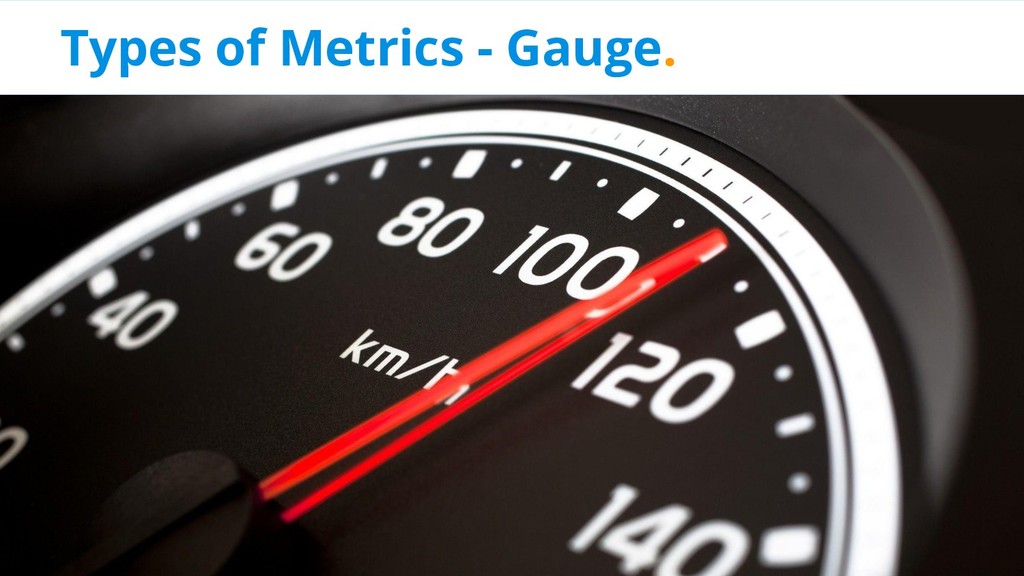
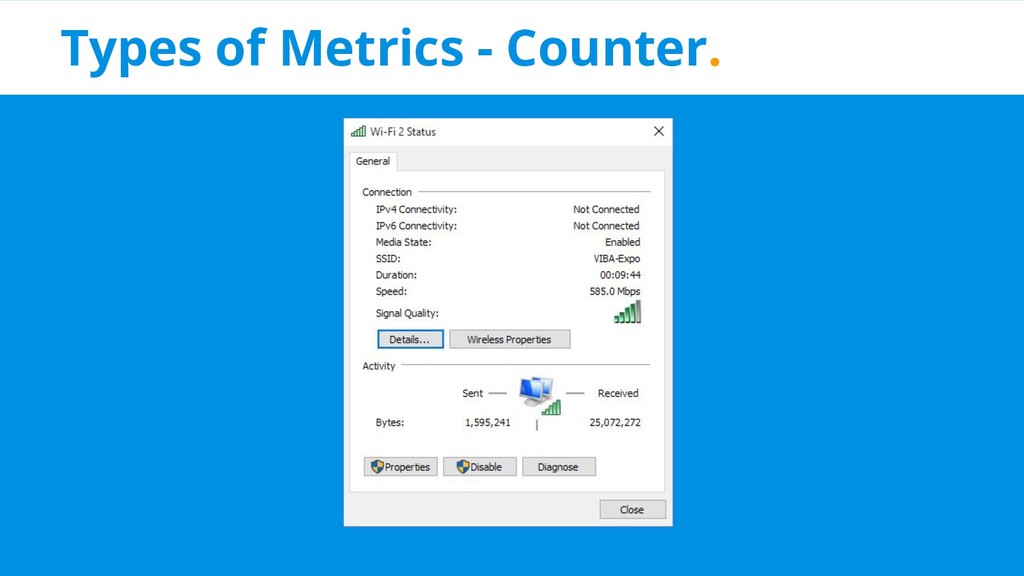
  7. Logs vs Metrics. Metrics Logs • Trends over time •

    Retention • Smarter alerting • A single measure • Flexibility of what to store • Troubleshooting • Auditing • Correlating ID’s
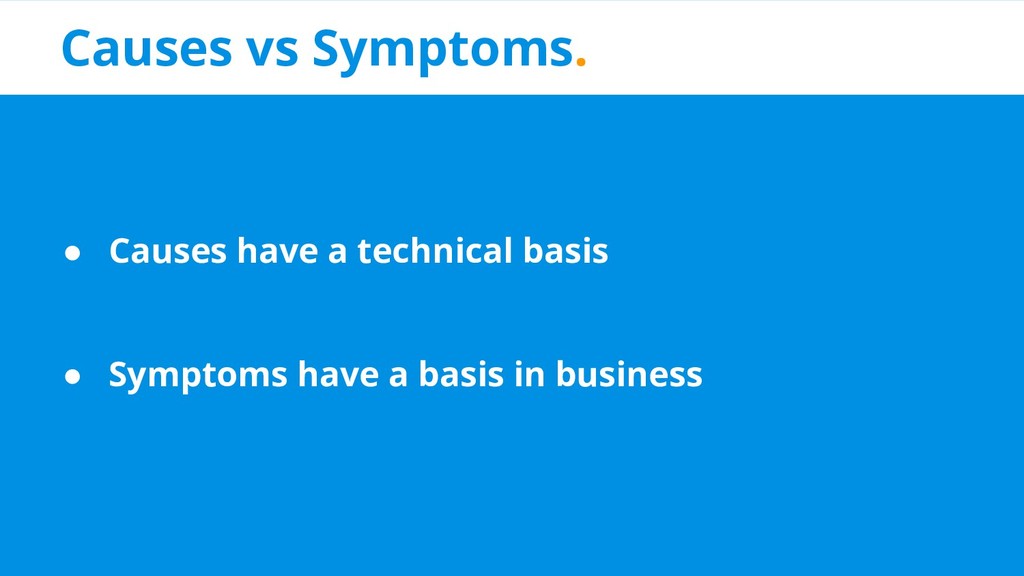
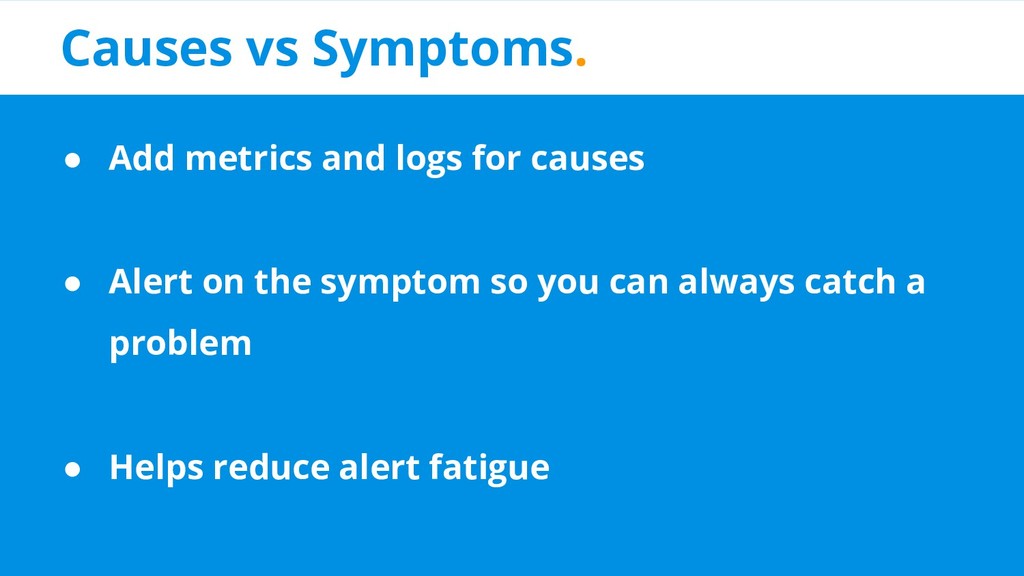
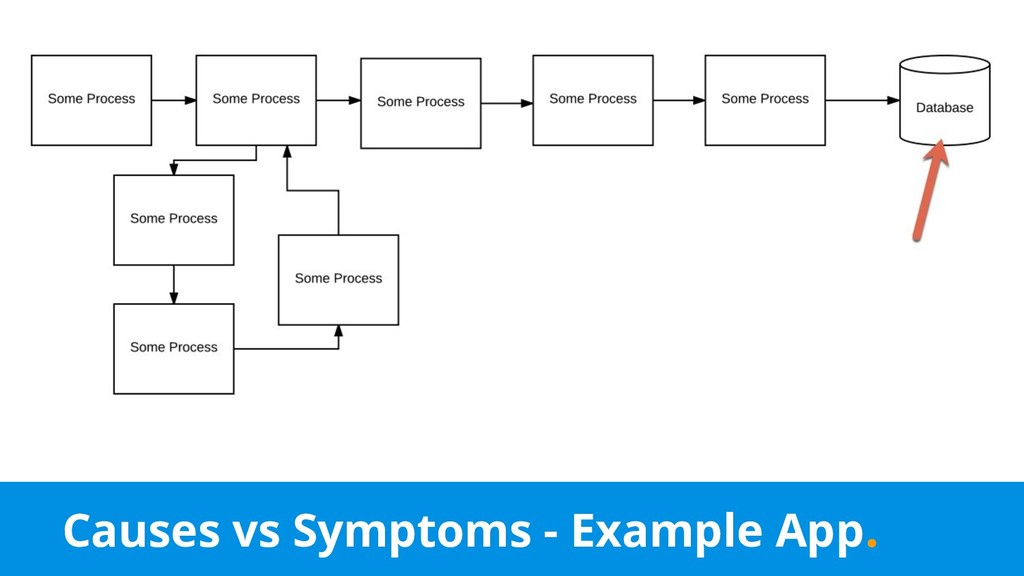
  8. Causes vs Symptoms. • Add metrics and logs for causes

    • Alert on the symptom so you can always catch a problem • Helps reduce alert fatigue
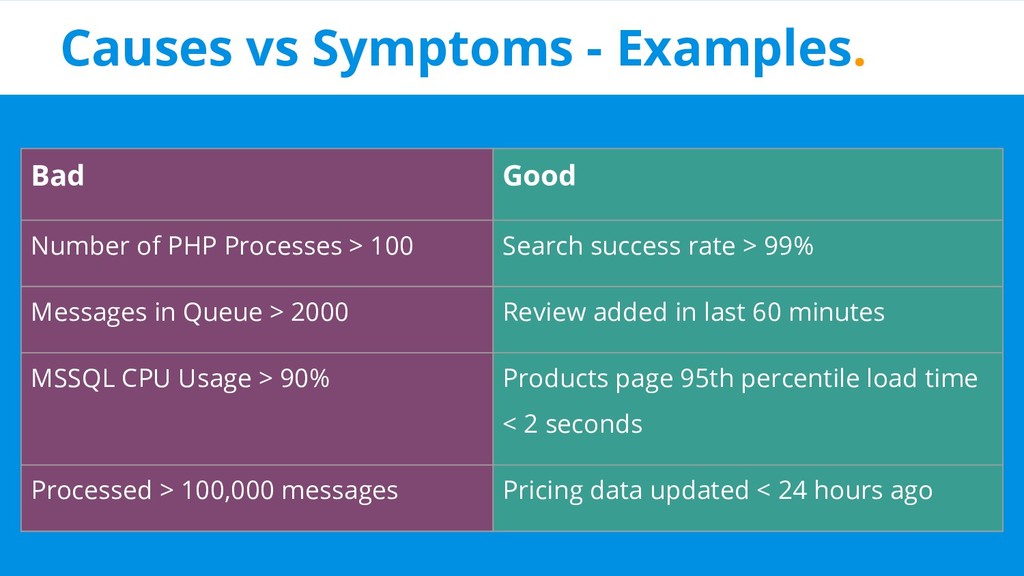
  9. Causes vs Symptoms - Examples. Bad Good Number of PHP

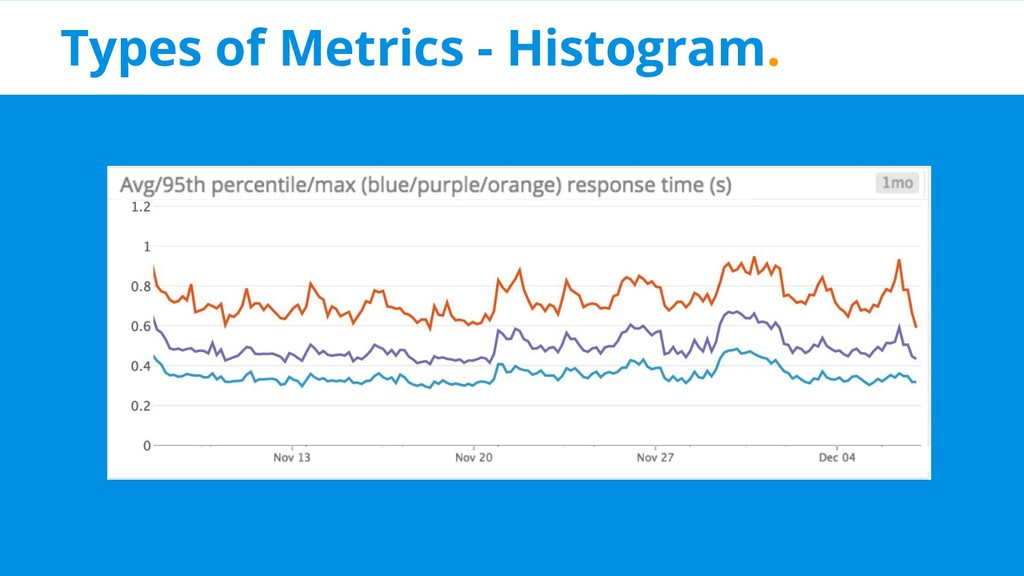
    Processes > 100 Search success rate > 99% Messages in Queue > 2000 Review added in last 60 minutes MSSQL CPU Usage > 90% Products page 95th percentile load time < 2 seconds Processed > 100,000 messages Pricing data updated < 24 hours ago
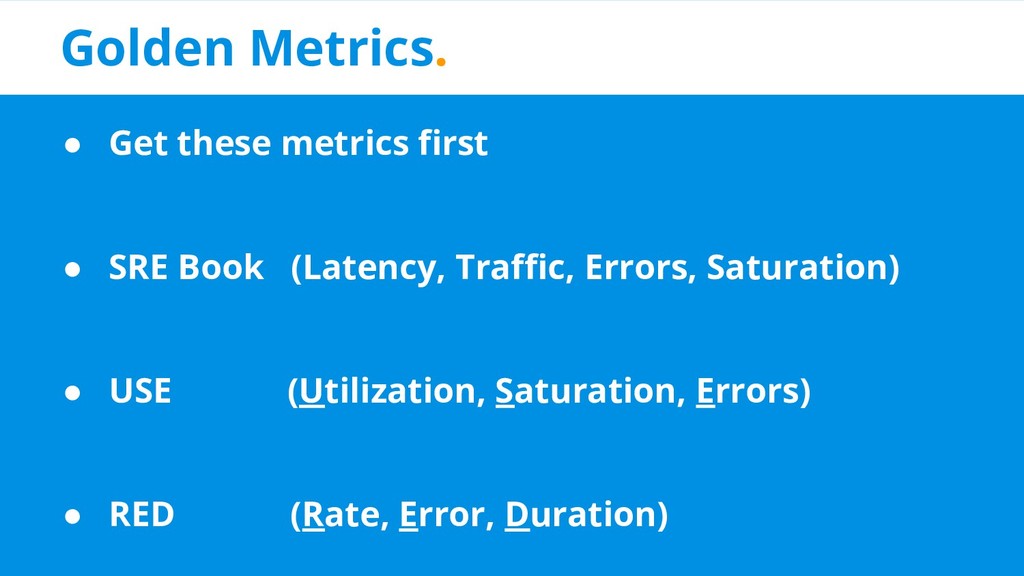
  10. Golden Metrics. • Get these metrics first • SRE Book

    (Latency, Traffic, Errors, Saturation) • USE (Utilization, Saturation, Errors) • RED (Rate, Error, Duration)
  11. Dependencies. • You’re probably going to have them • Measure

    them from your applications perspective • Stop with “it feels slow”
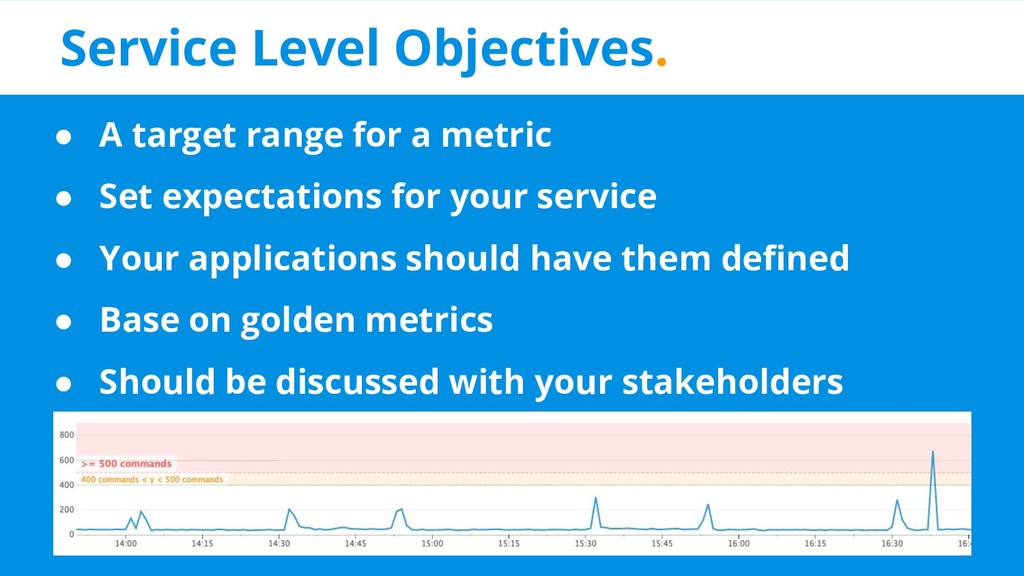
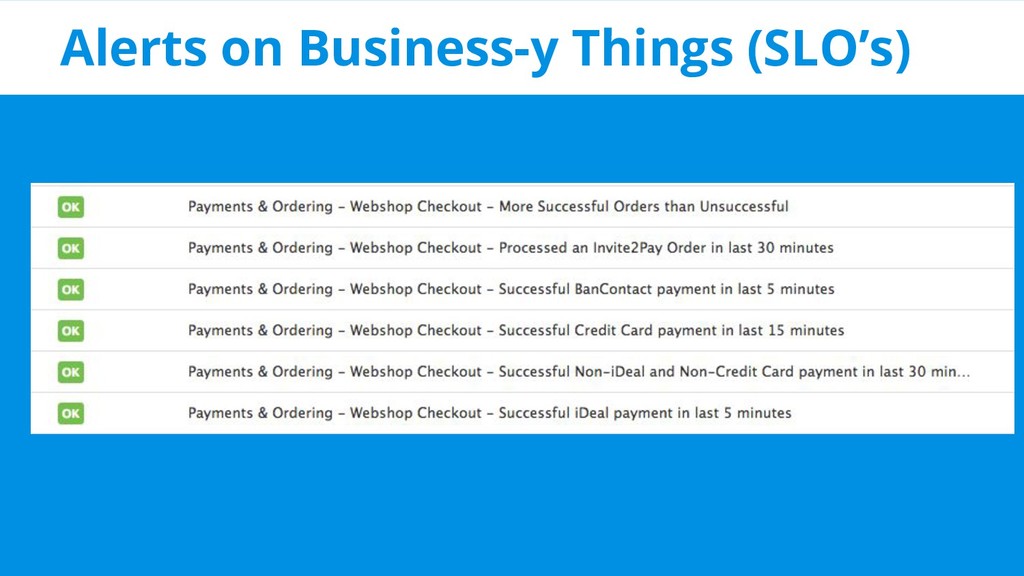
  12. Service Level Objectives. • A target range for a metric

    • Set expectations for your service • Your applications should have them defined • Base on golden metrics • Should be discussed with your stakeholders
  13. Concepts. • Logs vs Metrics ✅ • Causes vs Symptoms

    ✅ • Golden Metrics ✅ • Dependencies ✅ • Service Level Objectives ✅
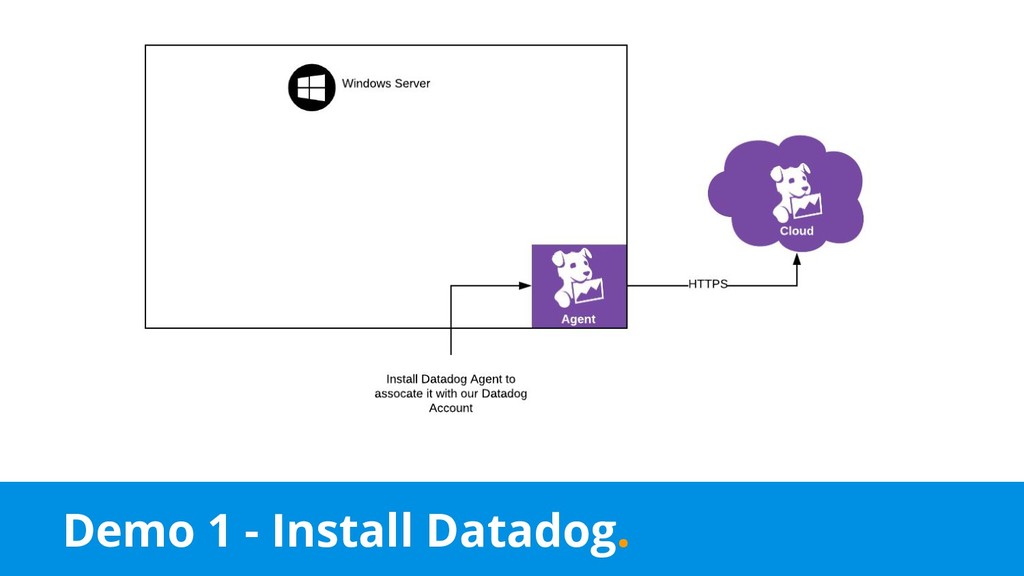
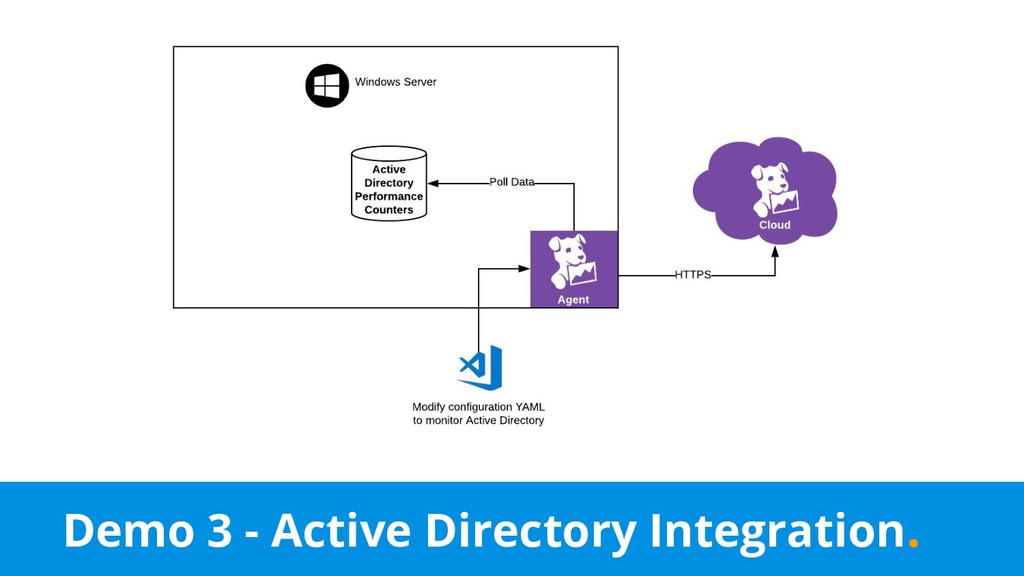
  14. Datadog. • Cloud based • Single binary to install an

    agent • Dashboarding, alerting, metrics, logs • Simple • Free for 5 instances
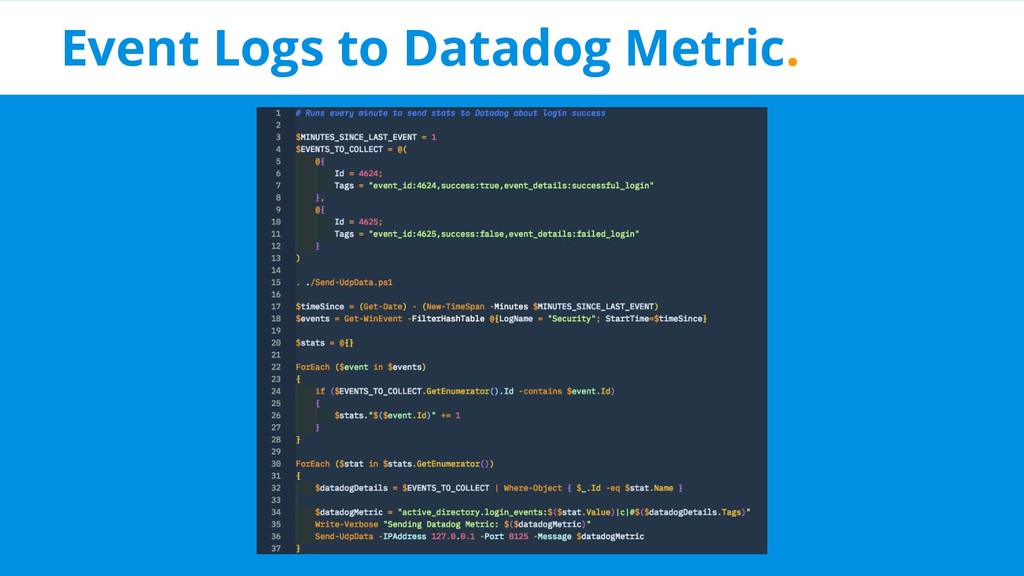
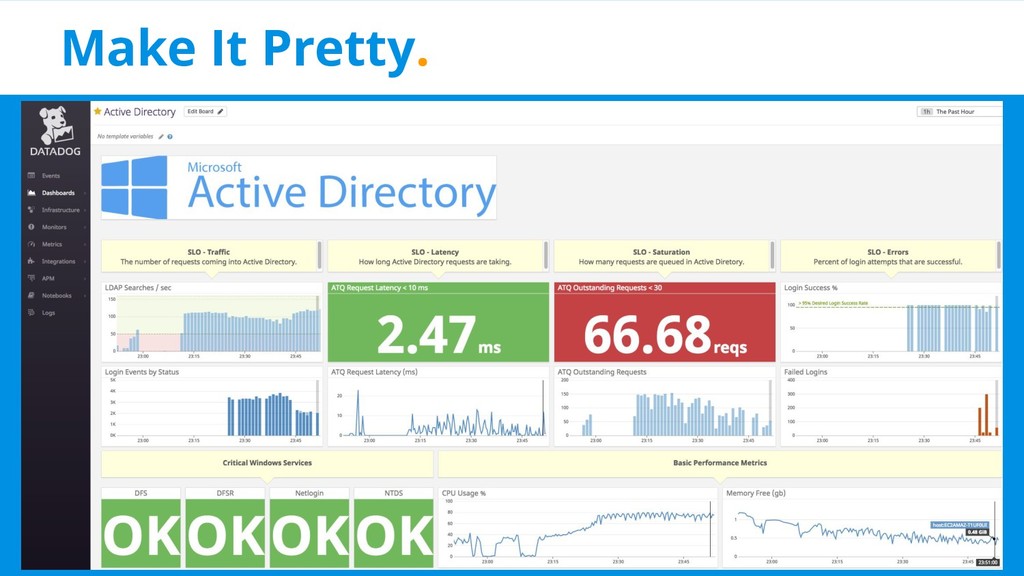
  15. SLO - Login Success Rate %. • No in-built counters

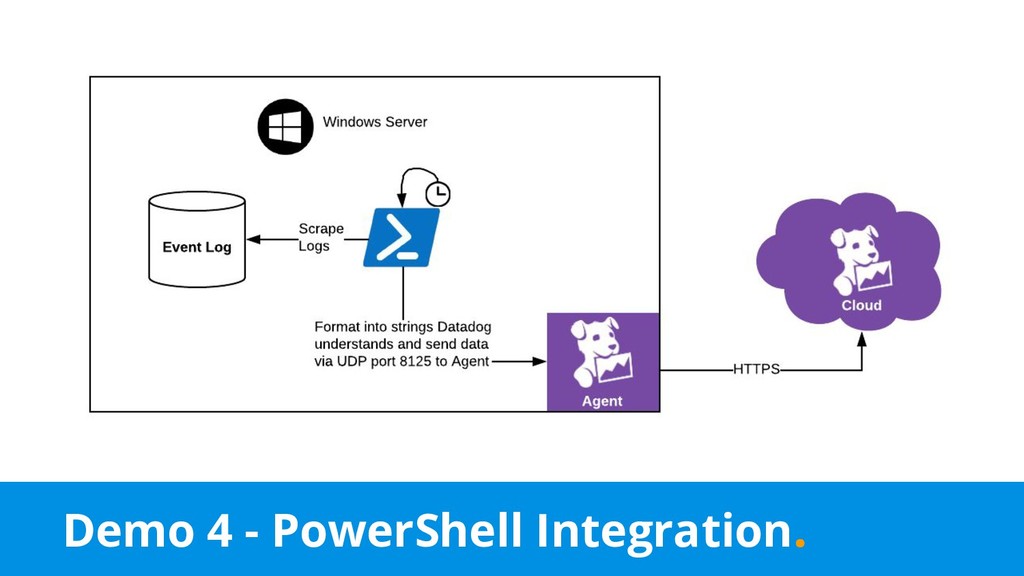
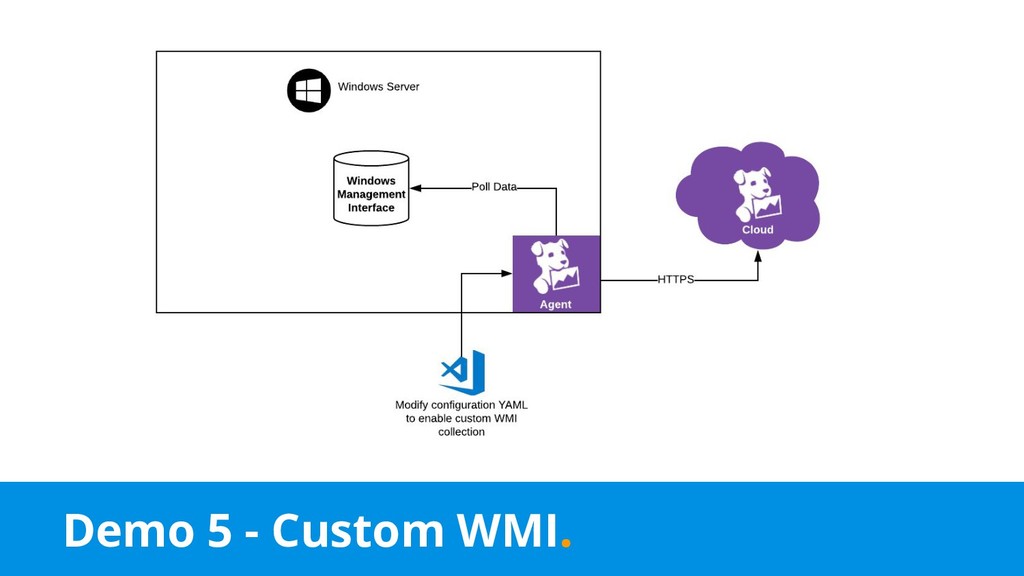
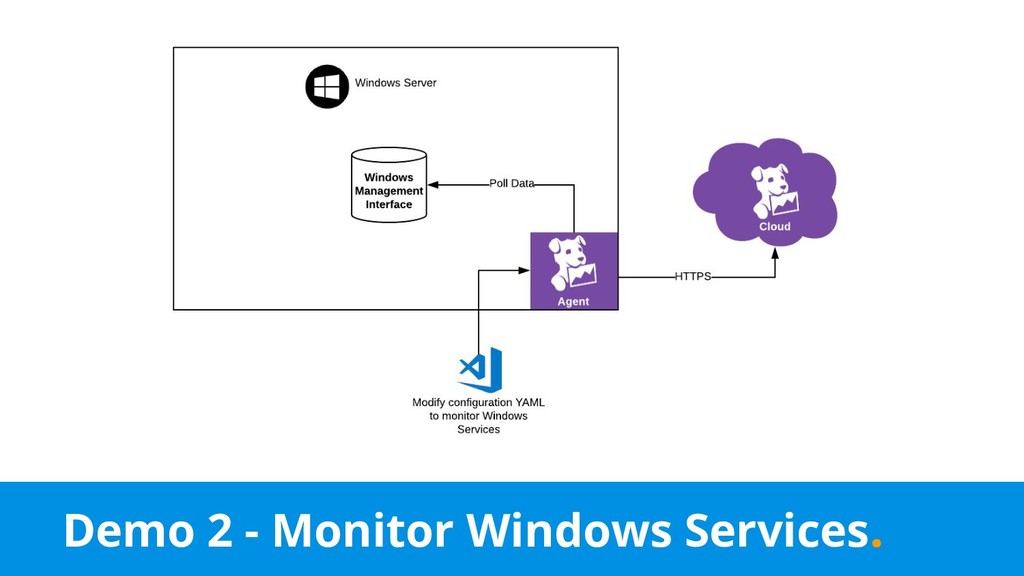
    for this • Two Windows Event Logs: ◦ 4624 - Account was successfully logged on ◦ 4625 - Account failed to log on • So how do we get this to Datadog?
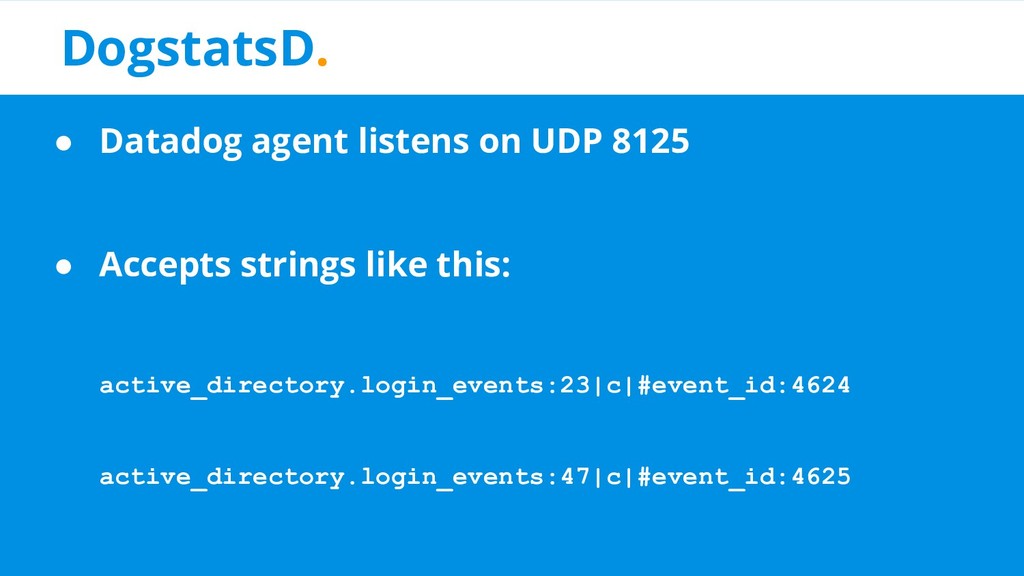
  16. DogstatsD. • Datadog agent listens on UDP 8125 • Accepts

    strings like this: active_directory.login_events:23|c|#event_id:4624 active_directory.login_events:47|c|#event_id:4625
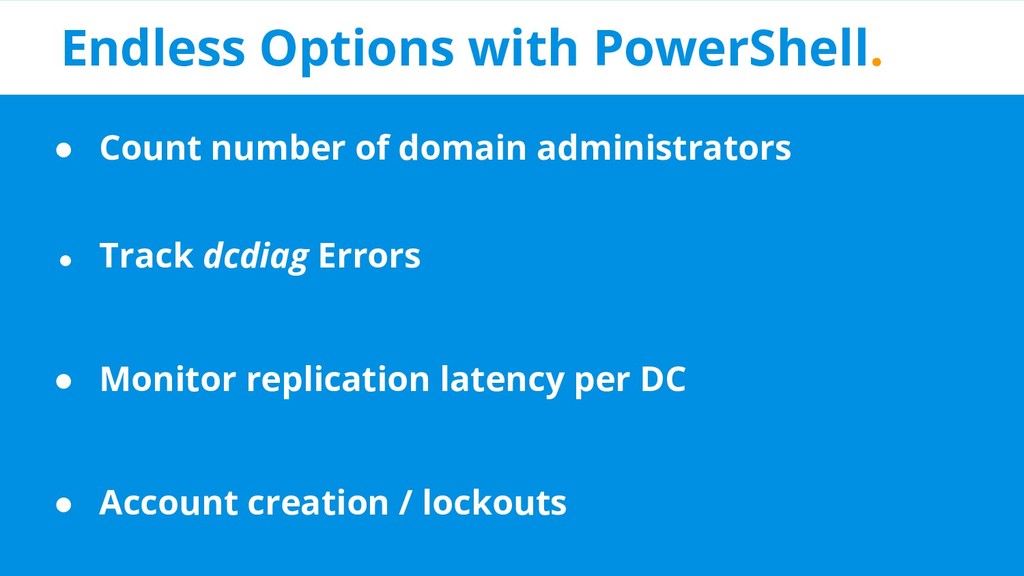
  17. Endless Options with PowerShell. • Count number of domain administrators

    • Track dcdiag Errors • Monitor replication latency per DC • Account creation / lockouts
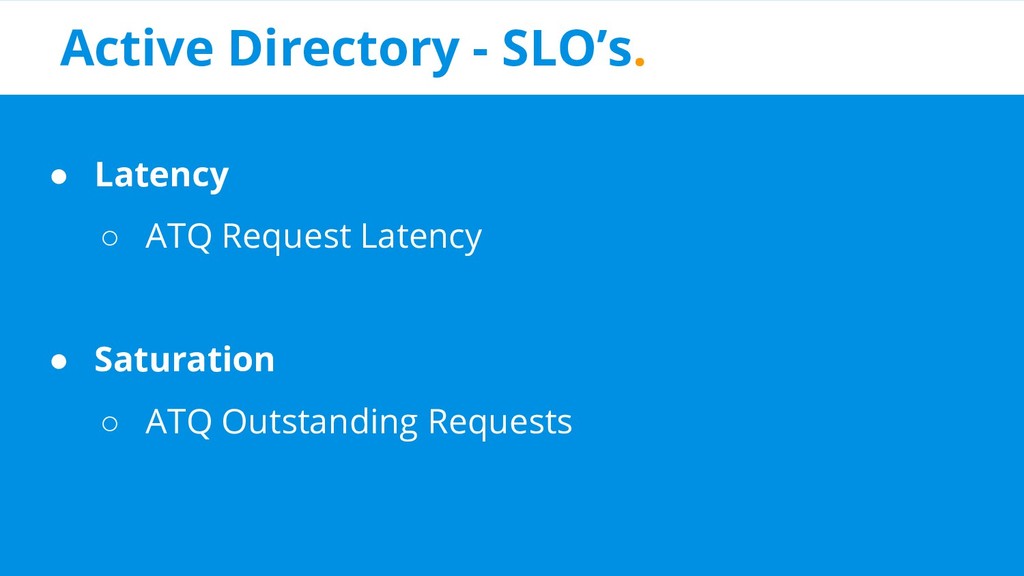
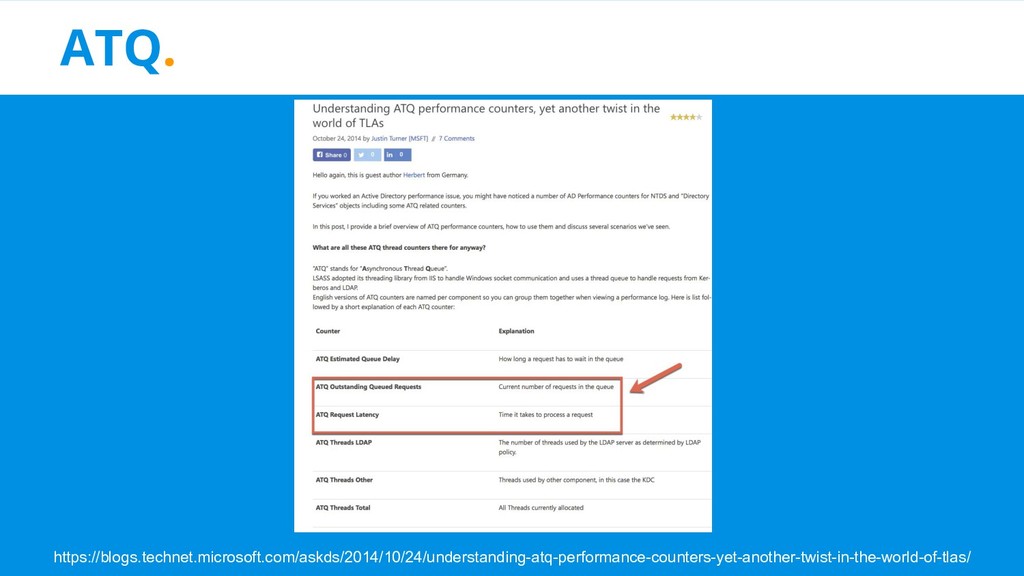
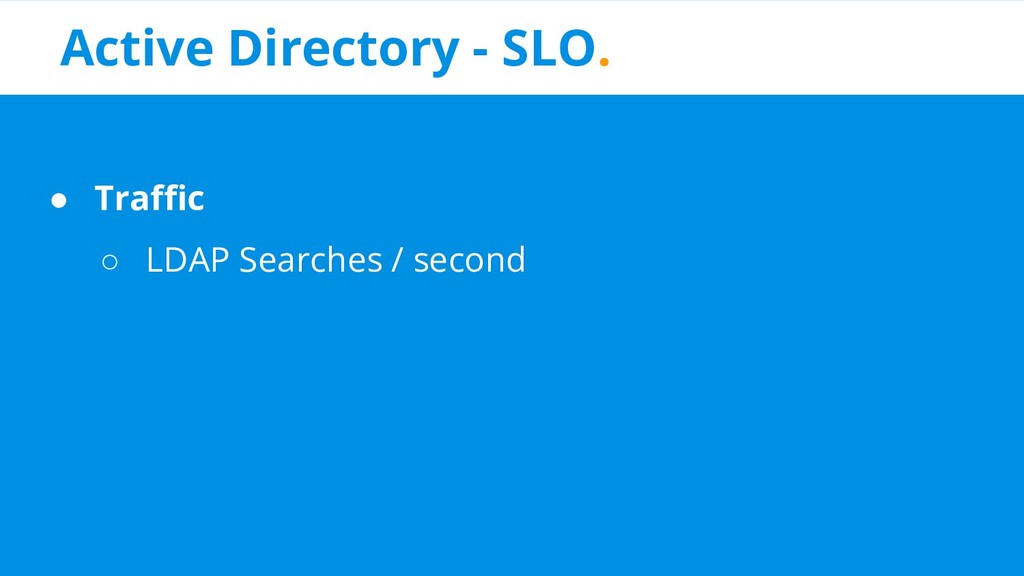
  18. Active Directory - SLO’s. • Latency ◦ ATQ Request Latency

    • Saturation ◦ ATQ Outstanding Requests
  19. Summary. • Why is monitoring important? ✅ • What does

    bad monitoring look like? ✅ • Concepts ✅ • Datadog ✅ • Monitoring Active Directory Demo ✅ • Good monitoring examples ✅