Upgrade to Pro — share decks privately, control downloads, hide ads and more …

Contributing To WordPress Community

Contributing To WordPress Community

This presentation talks about 17 different areas, where an individual can contribute to WordPress Community.

Everyone can contribute including Developers / Designers / Writers / Teachers (who teach WordPress) / Blogger / User.

Avatar for Meher K Bala

Meher K Bala

November 24, 2017

Other Decks in Technology

Transcript

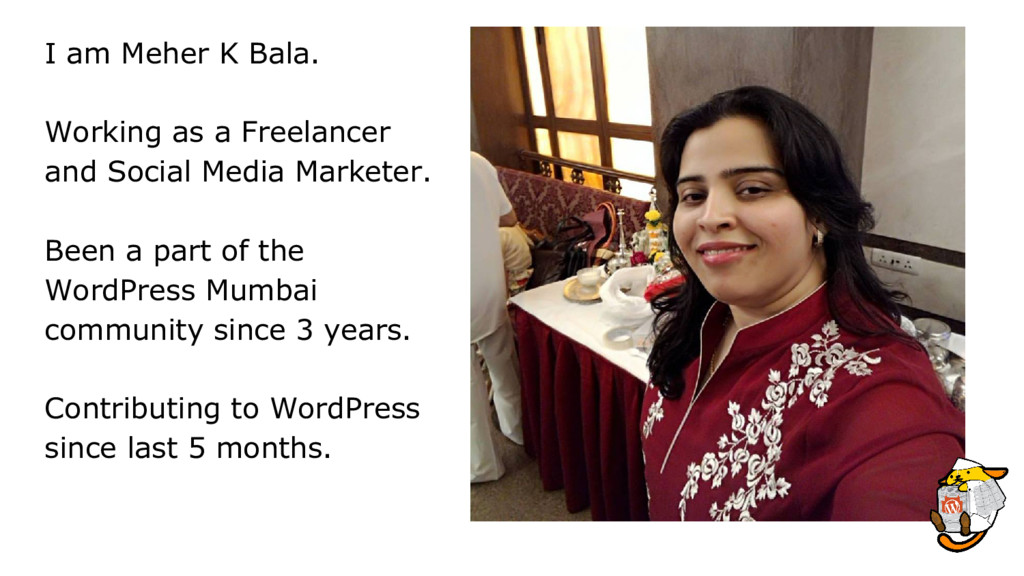
  1. I am Meher K Bala. Working as a Freelancer and

    Social Media Marketer. Been a part of the WordPress Mumbai community since 3 years. Contributing to WordPress since last 5 months.
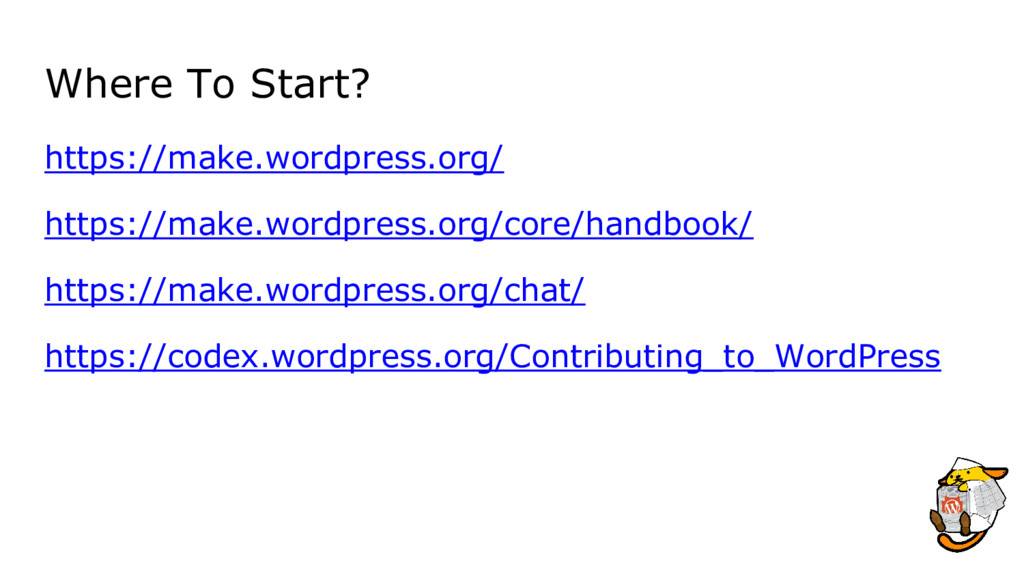
  2. Slack Login with wordpress.org a/c on this link https://make.wordpress.org/chat/. Scroll

    on that second which say “Joining the WordPress team on Slack”. Enter Email Address. Check Your Email. You will have a “user@…” account. Activate your account. (wordpress.slack.com) Find the channel you’d like to contribute to and join.
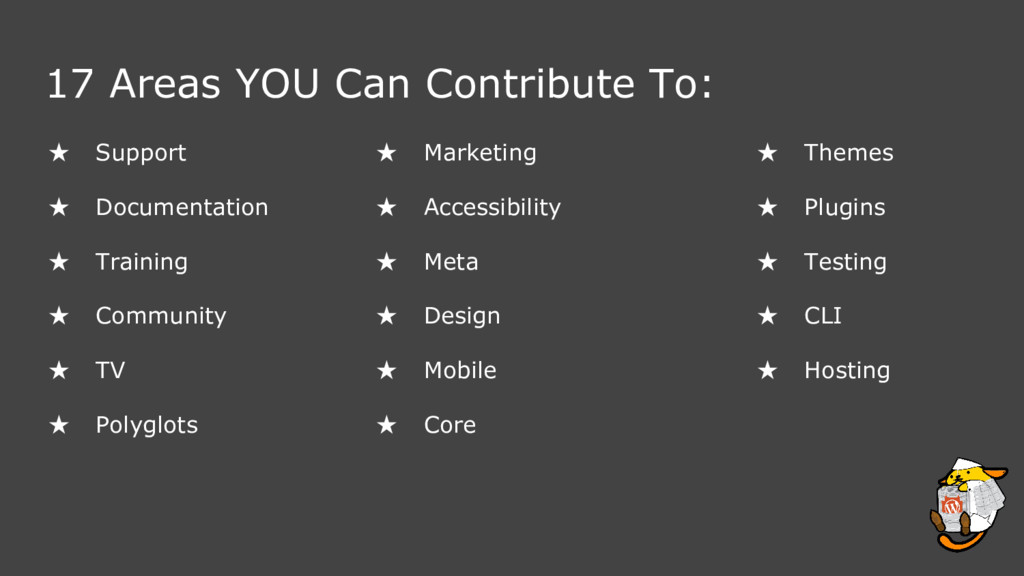
  3. 17 Areas YOU Can Contribute To: ★ Support ★ Documentation

    ★ Training ★ Community ★ TV ★ Polyglots ★ Marketing ★ Accessibility ★ Meta ★ Design ★ Mobile ★ Core ★ Themes ★ Plugins ★ Testing ★ CLI ★ Hosting
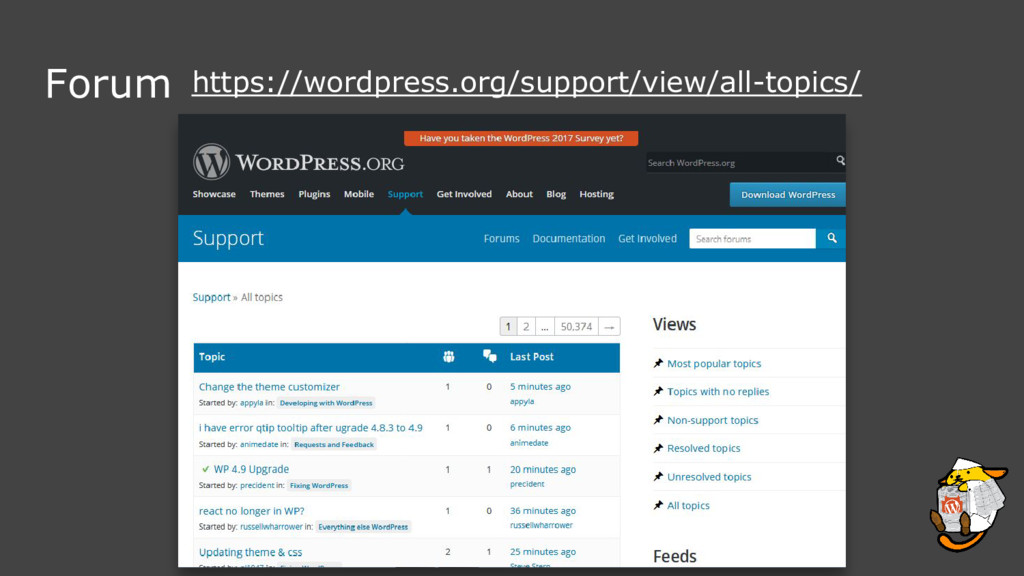
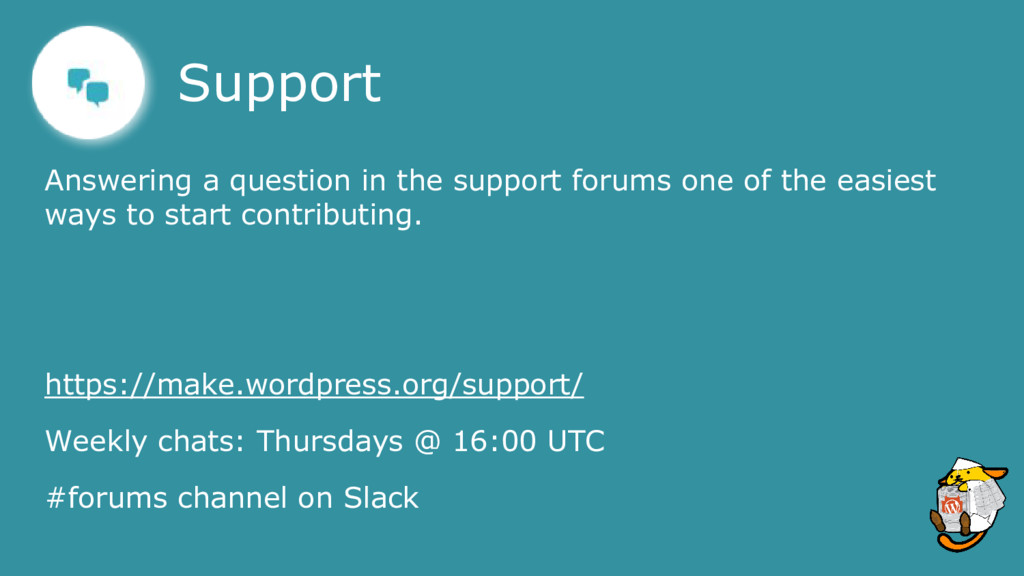
  4. Support Answering a question in the support forums one of

    the easiest ways to start contributing. https://make.wordpress.org/support/ Weekly chats: Thursdays @ 16:00 UTC #forums channel on Slack
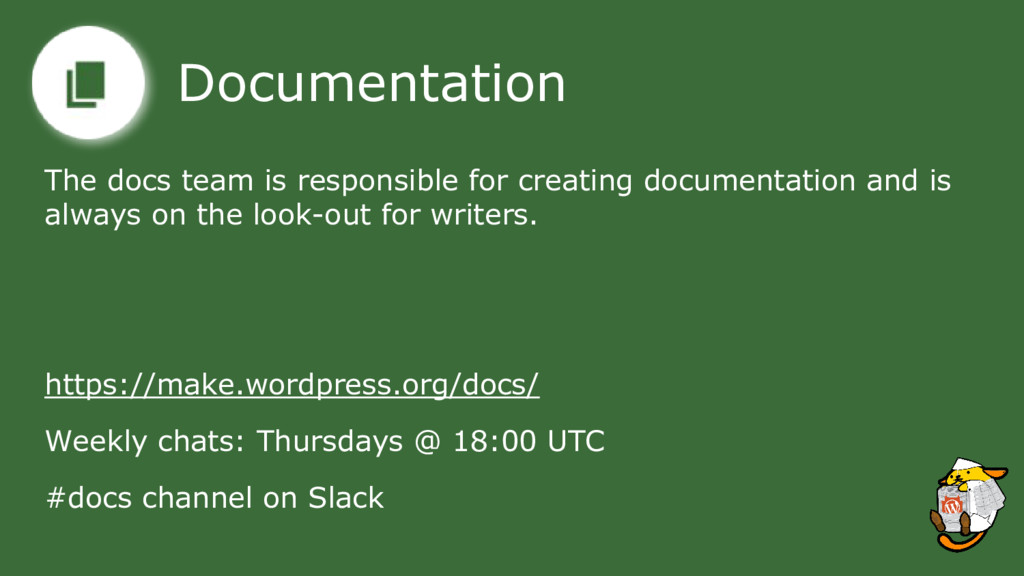
  5. Documentation The docs team is responsible for creating documentation and

    is always on the look-out for writers. https://make.wordpress.org/docs/ Weekly chats: Thursdays @ 18:00 UTC #docs channel on Slack
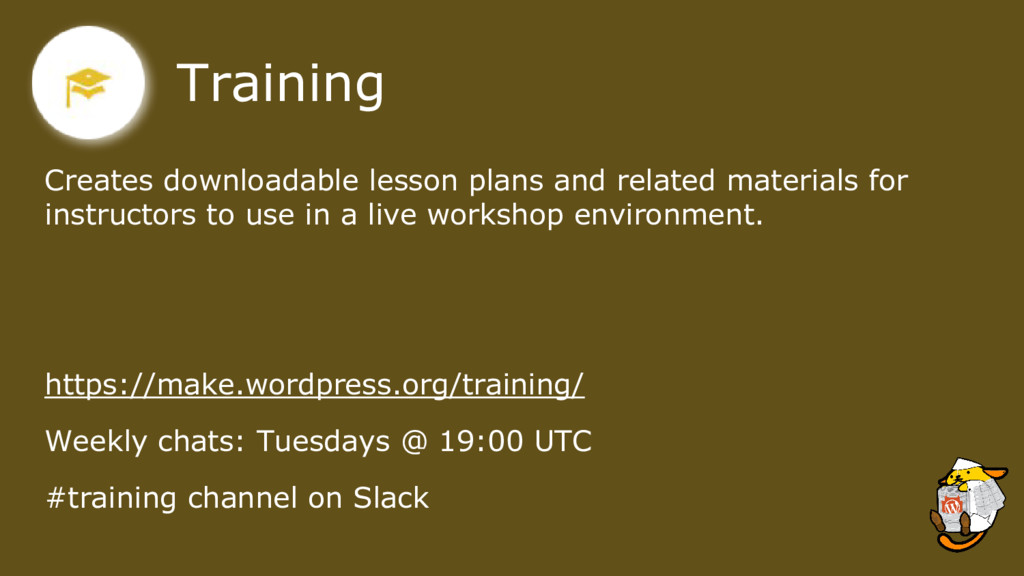
  6. Training Creates downloadable lesson plans and related materials for instructors

    to use in a live workshop environment. https://make.wordpress.org/training/ Weekly chats: Tuesdays @ 19:00 UTC #training channel on Slack
  7. Community Interested in organizing a meetup or a WordCamp. WPMumbai

    will very shortly start looking for volunteers for WCMumbai 2018. Join different channel on WPMumbai Slack and stay up-to-date. https://wpmumbai.org/join-slack/
  8. TV The TV team reviews and approves every video including

    WordCamps submitted to WordPress.tv. https://make.wordpress.org/tv/ Weekly chats: Thursdays @ 17:00 UTC #wptv channel on Slack
  9. Polyglots Help out by translating WordPress into your own language

    Hindi, Marathi, Gujrati. Also assist with creating the tools that make translations easier. https://make.wordpress.org/polyglots/ Weekly chats: Wednesdays @ 10:00 UTC #polyglots channel on Slack
  10. Polyglots - India Saurabh is planning to create a resource

    on wpindia.org where demo versions of WP will be installed in different languages and available for everyone to test. Want to know more, join the #polyglots channel on WPIndia slack. https://wpindia.slack.com
  11. Marketing The marketing team oversees materials which help people sell

    and market WordPress the software and the community. https://make.wordpress.org/marketing/ Weekly chats: Wednesdays @ 17:00 UTC #marketing channel on Slack
  12. Accessibility Make WordPress and everything on WordPress.org accessible to people

    of all abilities. https://make.wordpress.org/accessibility/ Weekly chats: Mondays @ 17:00 UTC #accessibility channel on Slack
  13. Meta The Meta team is responsible for maintaining and managing

    WordPress.org websites. https://make.wordpress.org/meta/ #meta channel on Slack
  14. Design The design group is focused on the designing and

    developing the user interface. https://make.wordpress.org/design/ Weekly chats: Thursdays @ 16:00 UTC #design channel on Slack
  15. Mobile The mobile team builds the iOS and Android apps.

    https://make.wordpress.org/mobile/ Weekly chats: Mondays @ 16:00 UTC #mobile channel on Slack
  16. Core Support The Core team makes the WordPress software. Write

    code, fix bugs, debate decisions, and help with development in the core product. https://make.wordpress.org/core/ Weekly chats: Wednesdays @ 20:00 UTC #core channel in Slack
  17. Themes The Theme Review team reviews and approves every Theme

    submitted to the WordPress Theme repository. https://make.wordpress.org/themes/ Weekly chats: Tuesdays @ 18:00 UTC #themereview channel on Slack
  18. Plugin The Plugin Review team acts as gate-keepers and fresh

    eyes on newly submitted plugins, as well as reviewing any reported security or guideline violations. https://make.wordpress.org/plugins/ #pluginreview channel on Slack
  19. Testing The Test team patrols flow across the entire WordPress

    ecosystem on every device we have at hand. Test, document, and report on the WordPress user experience. https://make.wordpress.org/core-flow/ #core-flow channel on Slack
  20. Test Gutenberg! New drag and drop block editor for WordPress.

    Install the new editor and test it! https://wordpress.org/plugins/gutenberg/ All feedback is welcome. The more testers the merrier!
  21. CLI WP-CLI is the official command line tool for interacting

    with and managing your WordPress sites. https://make.wordpress.org/cli/ Weekly chats: Tuesdays @ 1600 UTC #cli channel on Slack
  22. Hosting Discussion about the best hosting practices and tools for

    the community. This channel is mostly for people who are in the hosting company. https://make.wordpress.org/hosting/ Weekly chats: Wednesdays @ 17:00 UTC #hosting-community channel on Slack