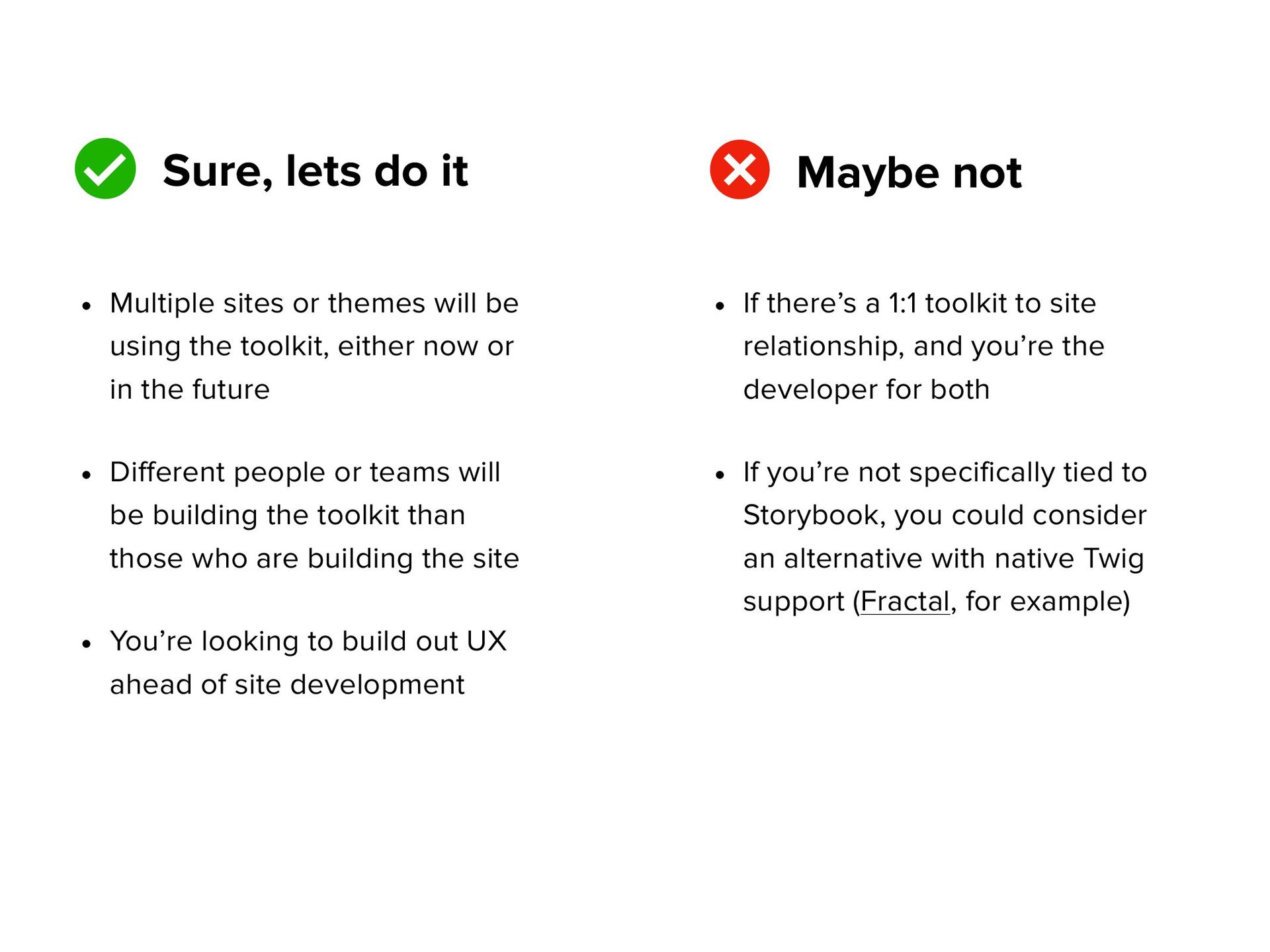
themes will be using the toolkit, either now or in the future • Different people or teams will be building the toolkit than those who are building the site • You’re looking to build out UX ahead of site development • If there’s a 1:1 toolkit to site relationship, and you’re the developer for both • If you’re not specifically tied to Storybook, you could consider an alternative with native Twig support (Fractal, for example)
from the ground up, rather than stripping down an existing project. • You want more to organize the toolkit as you see fit for any unique or special needs. • You want to understand how it all works and be able to extend and customize the platform. Why DIY?
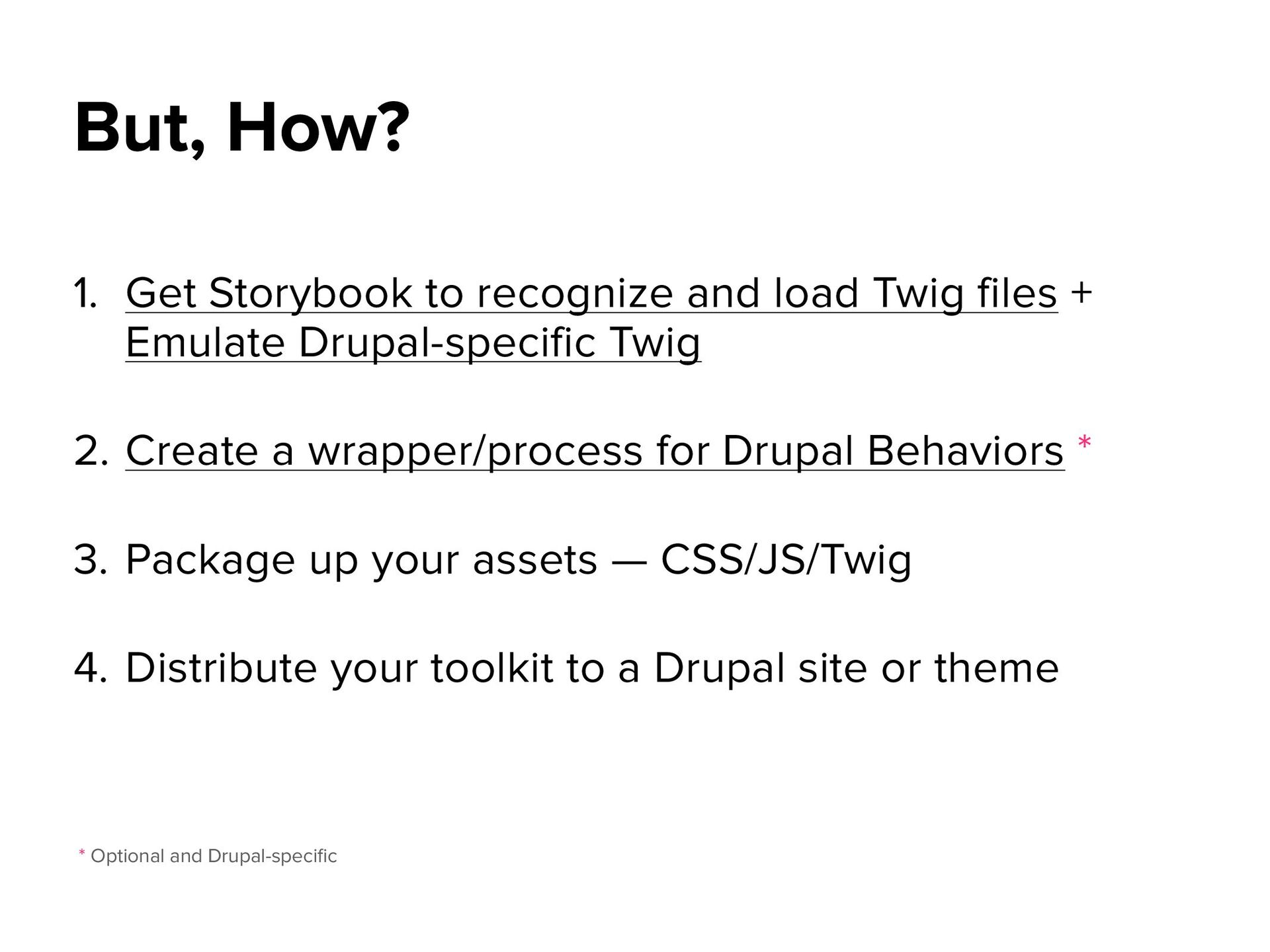
Emulate Drupal-specific Twig 2. Create a wrapper/process for Drupal Behaviors * 3. Package up your assets — CSS/JS/Twig 4. Distribute your toolkit to a Drupal site or theme But, How? * Optional and Drupal-speci fi c
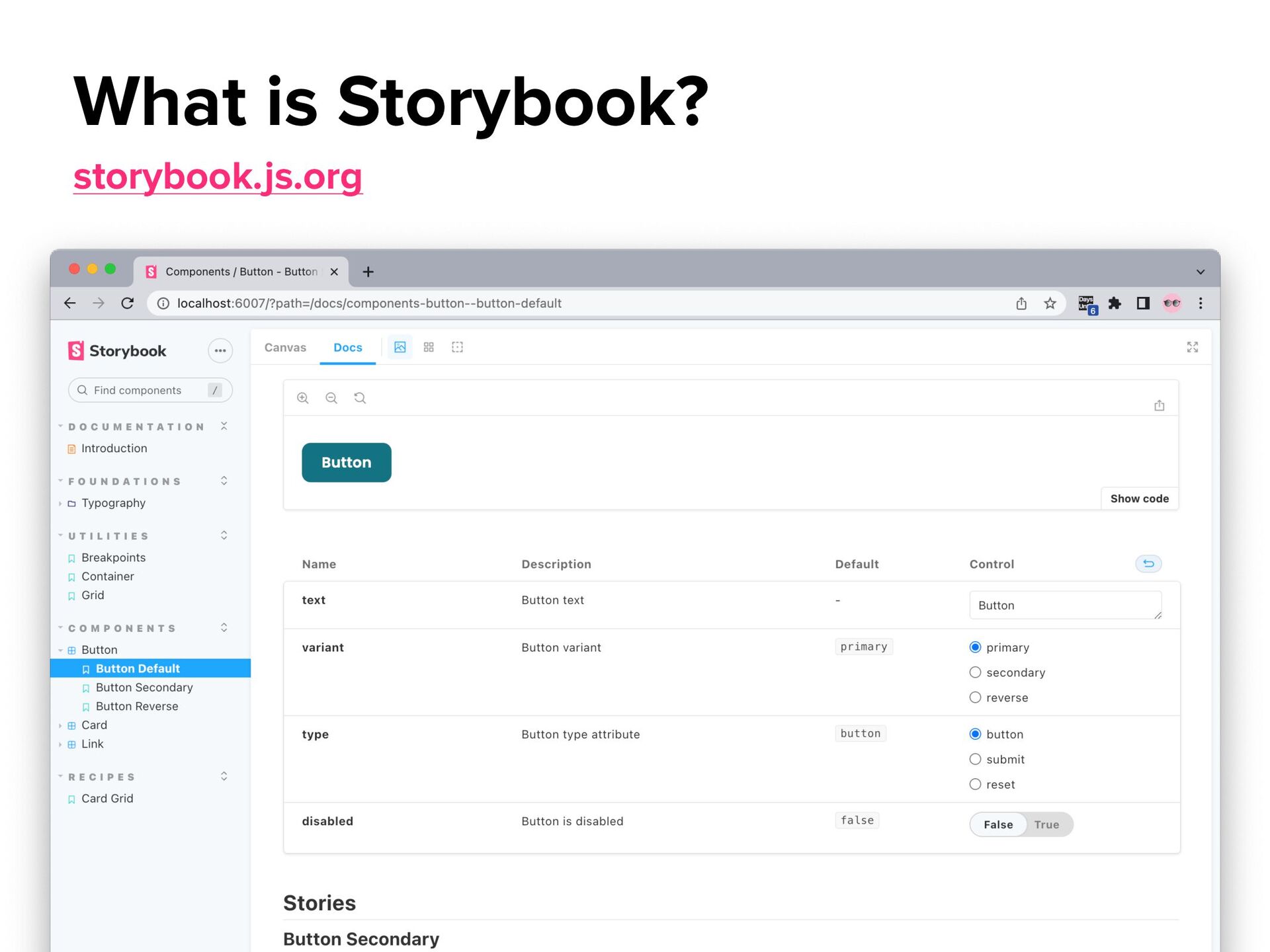
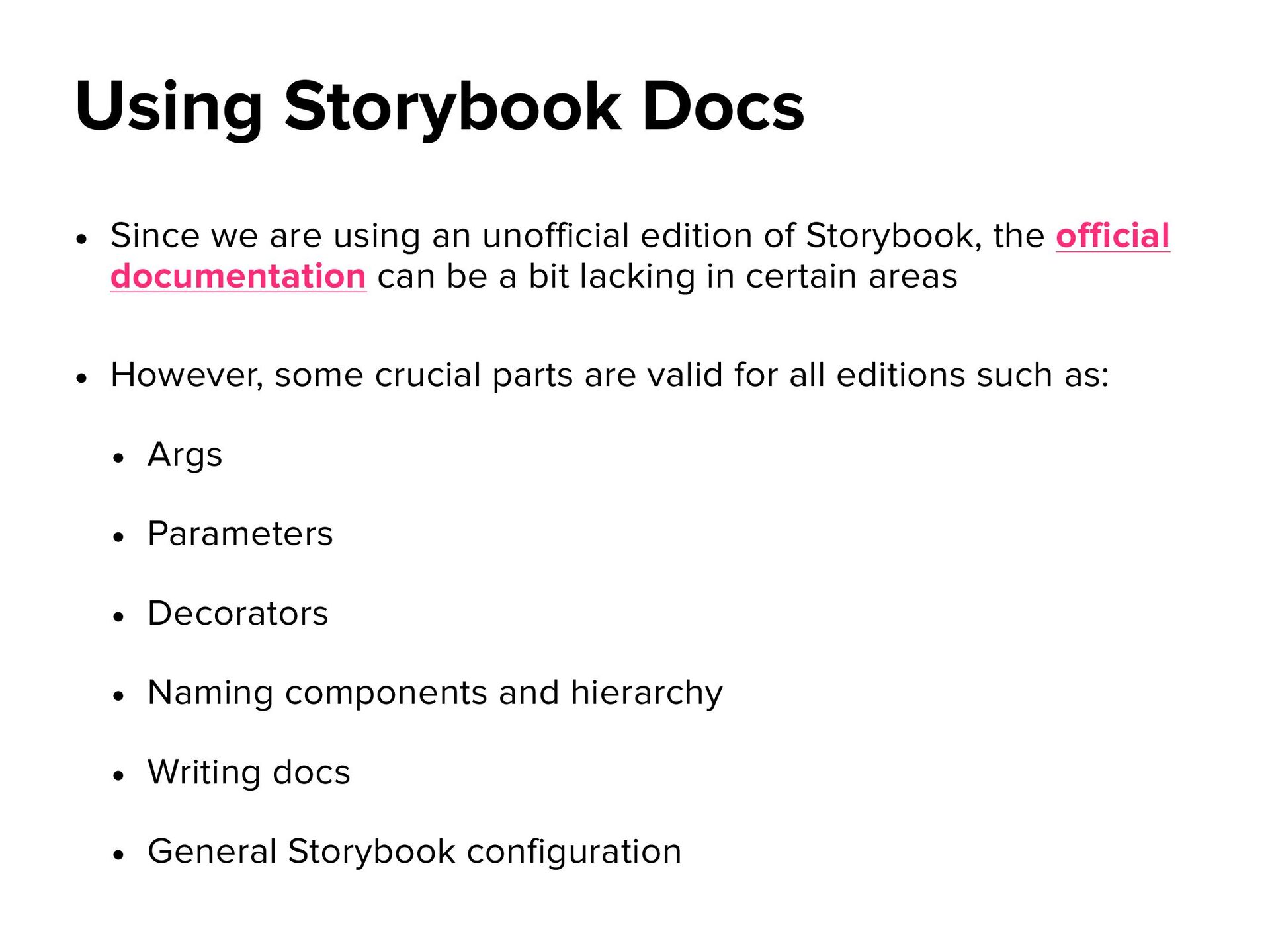
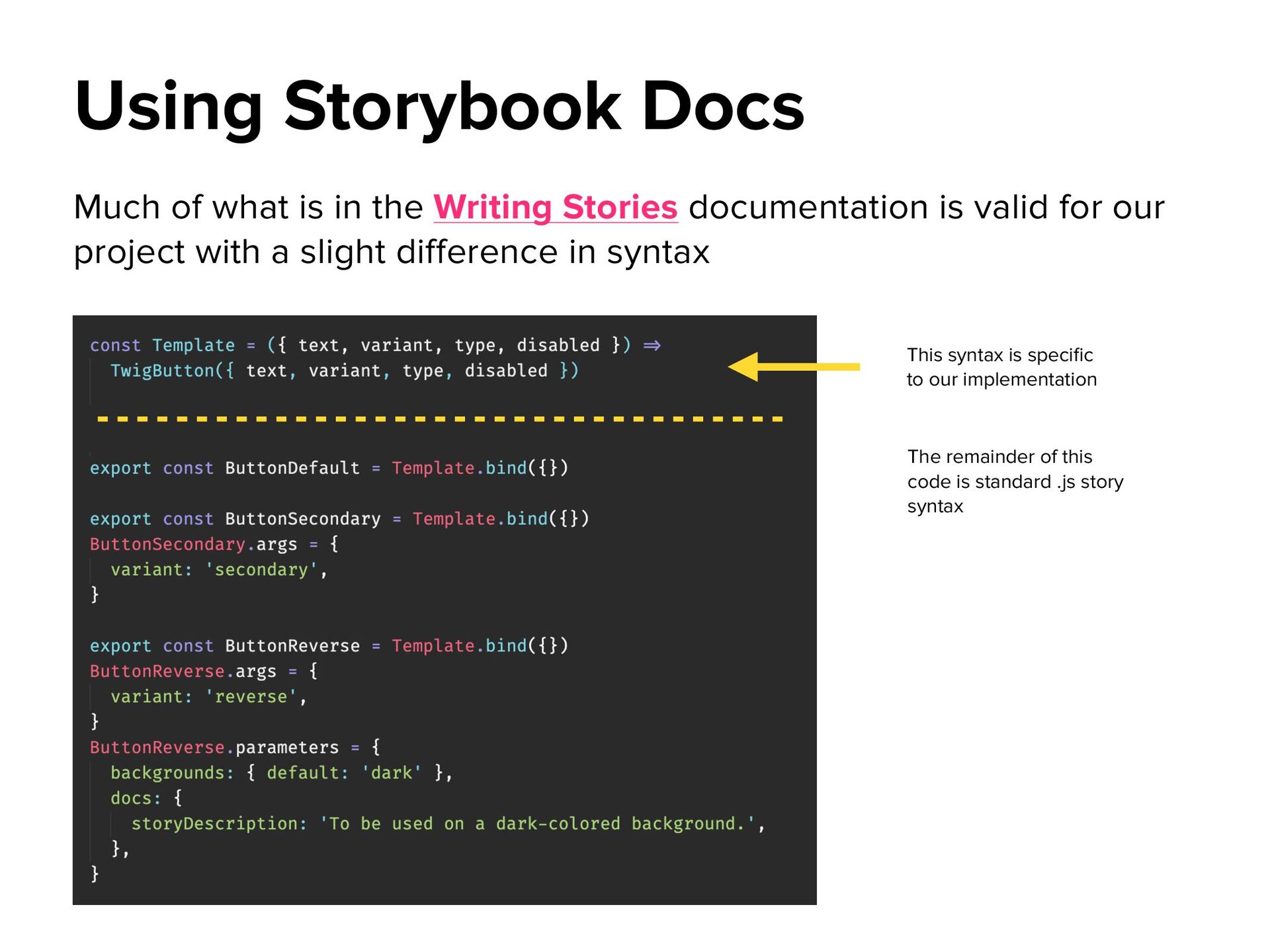
the official documentation can be a bit lacking in certain areas • However, some crucial parts are valid for all editions such as: • Args • Parameters • Decorators • Naming components and hierarchy • Writing docs • General Storybook configuration Using Storybook Docs
valid for our project with a slight difference in syntax Using Storybook Docs This syntax is speci fi c to our implementation The remainder of this code is standard .js story syntax
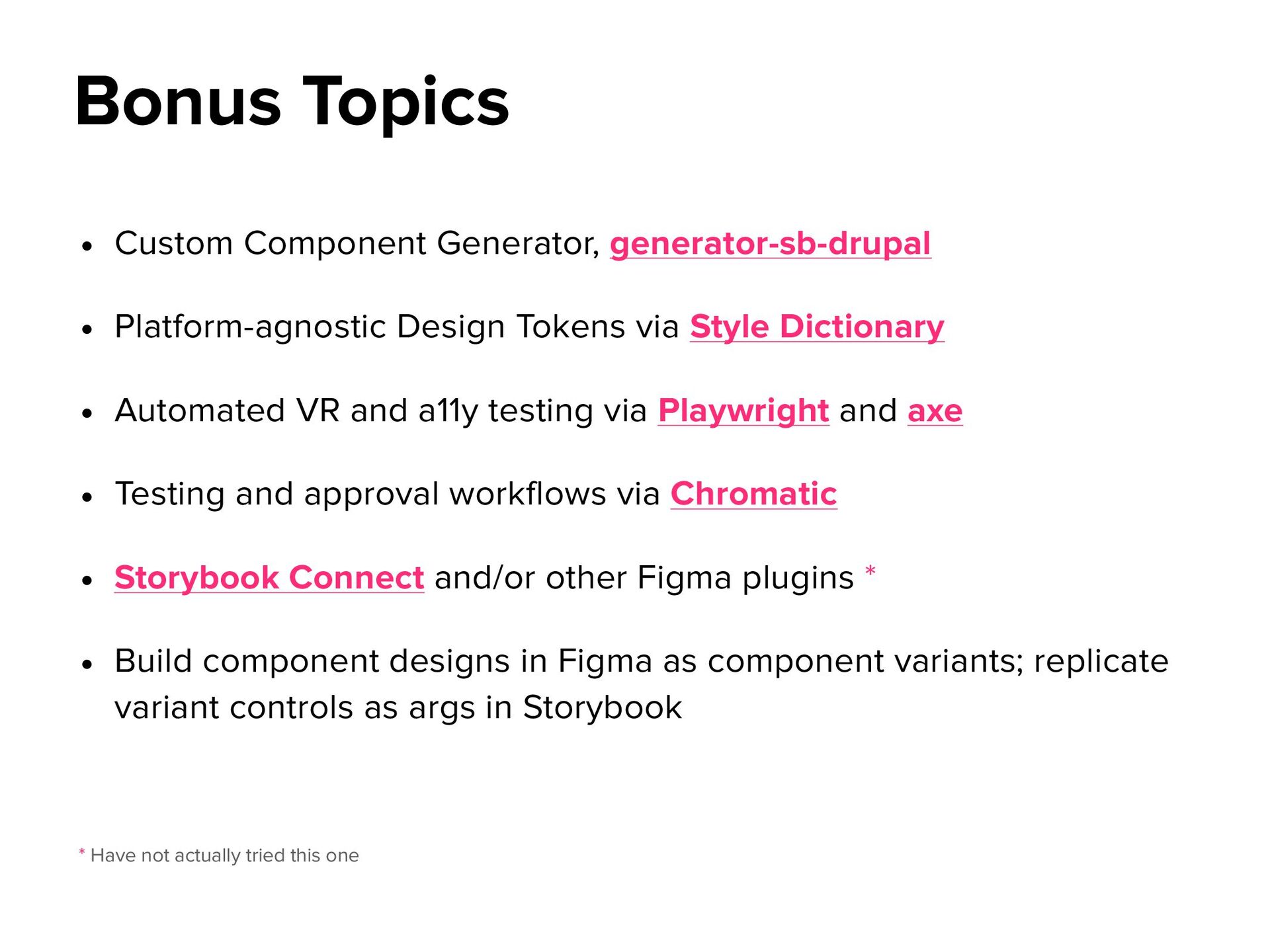
Style Dictionary • Automated VR and a11y testing via Playwright and axe • Testing and approval workflows via Chromatic • Storybook Connect and/or other Figma plugins * • Build component designs in Figma as component variants; replicate variant controls as args in Storybook Bonus Topics * Have not actually tried this one


 melmiller
 aleyda
 sferik
 jct
jct
 zakiyama
 oripsolob
 reverentgeek
 inesmontani
 cassininazir
 jnunemaker
 szymonslowik
 dugsong
 jacobian