following by a official document • Enable Google Sign In following by the official documentation • npm install firebase to install the library for Web ◦ Use the version 9 of JS SDK
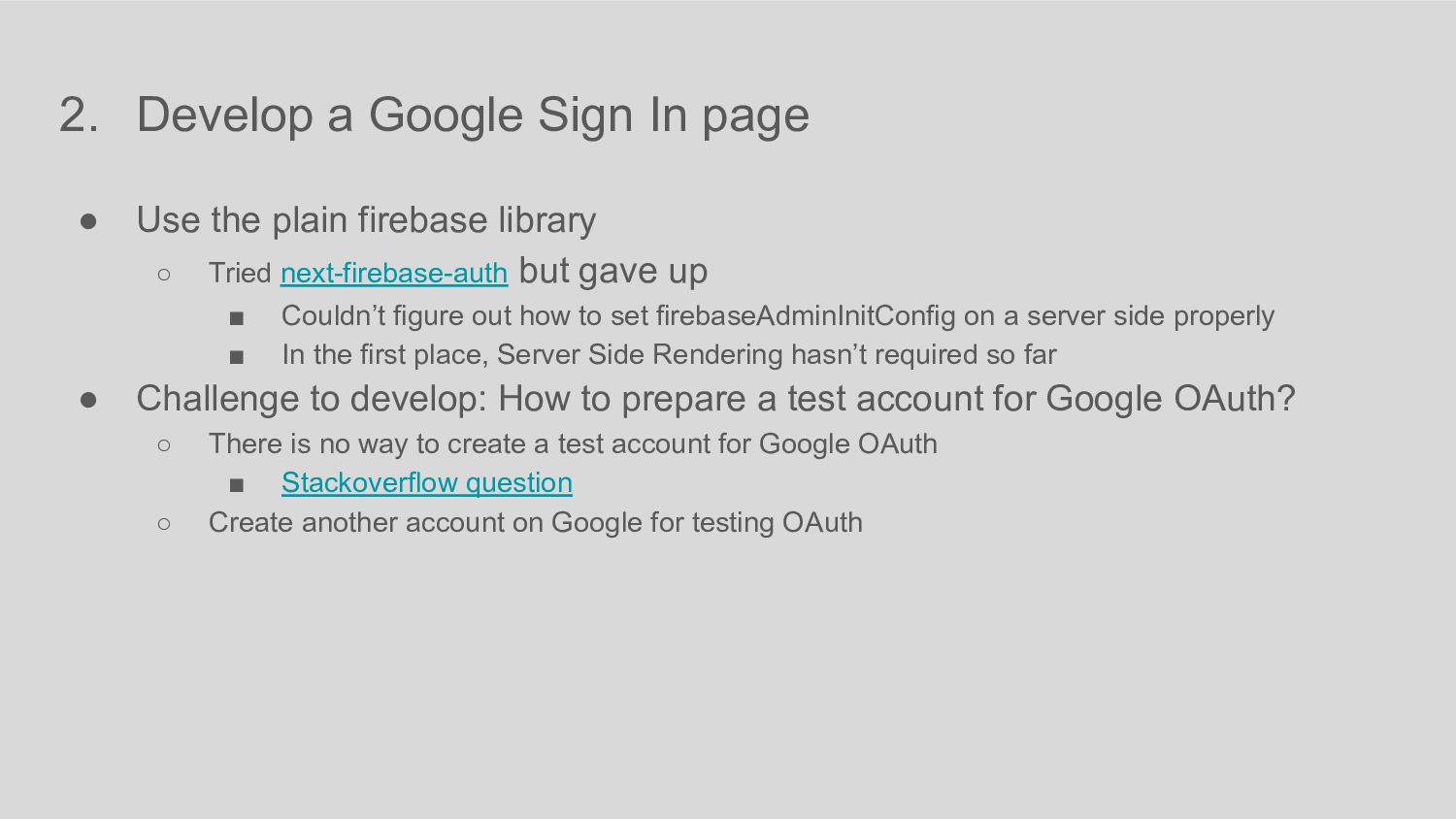
plain firebase library ◦ Tried next-firebase-auth but gave up ▪ Couldn’t figure out how to set firebaseAdminInitConfig on a server side properly ▪ In the first place, Server Side Rendering hasn’t required so far • Challenge to develop: How to prepare a test account for Google OAuth? ◦ There is no way to create a test account for Google OAuth ▪ Stackoverflow question ◦ Create another account on Google for testing OAuth
auth and Provider ◦ getAuth ◦ GoogleAuthProvider • Sign In on Pop up ◦ signInWithPopup import { getAuth, signInWithPopup, GoogleAuthProvider } from "firebase/auth"; const app = initializeApp(firebaseConfig); const auth = getAuth(app); const provider = new GoogleAuthProvider(); // https://developers.google.com/identity/protocols/oauth2/scopes#people provider.addScope('https://www.googleapis.com/auth/contacts.readonly'); try { const result = await signInWithPopup(auth, provider); // This gives you a Google Access Token. You can use it to access the Google API. const credential = GoogleAuthProvider.credentialFromResult(result); if (credential == null) { console.error("Unexpected error: credential is null"); return; } const token = credential.accessToken; // The signed-in user info. const user = result.user; } catch (error) { // handle error
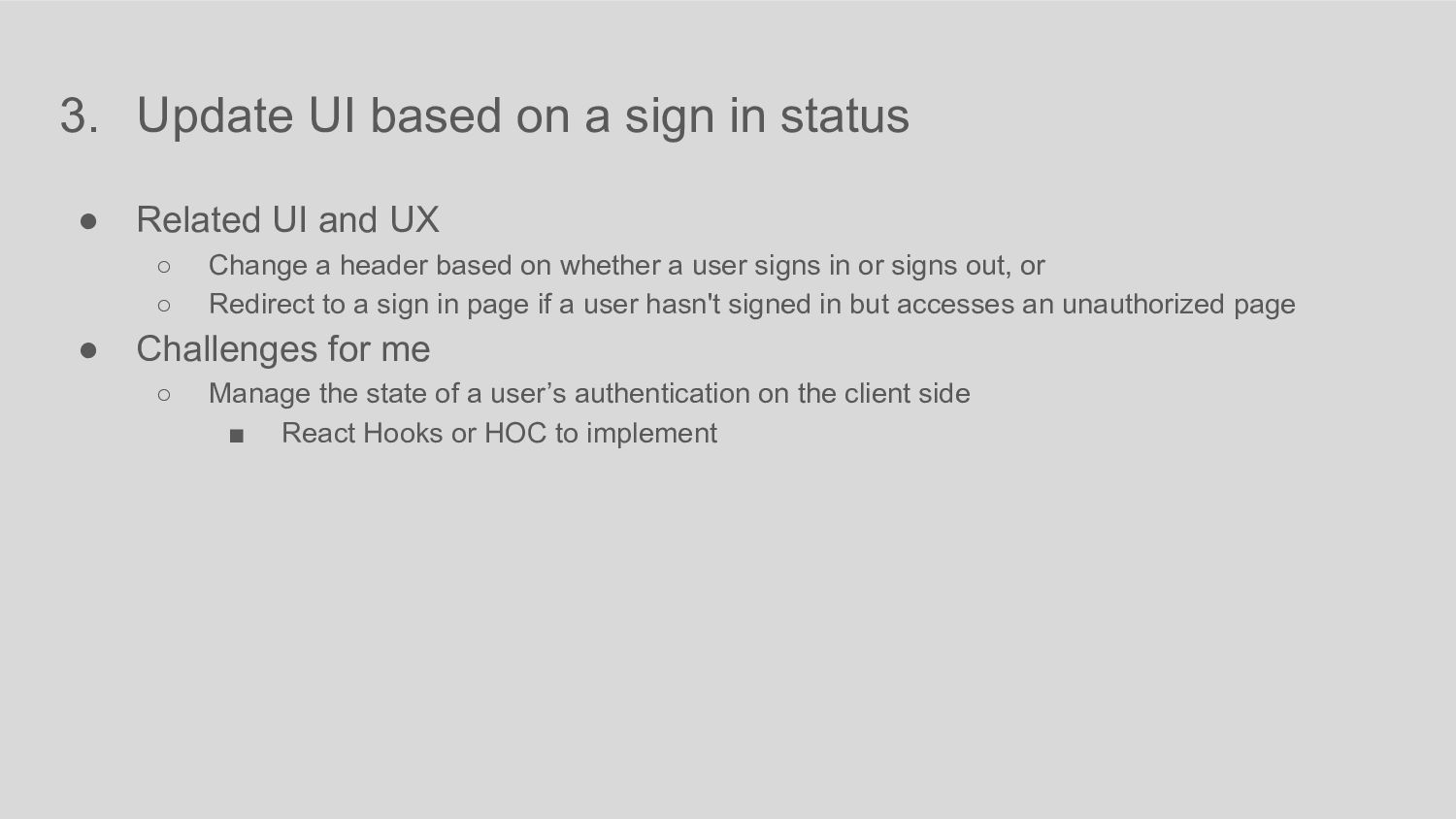
Related UI and UX ◦ Change a header based on whether a user signs in or signs out, or ◦ Redirect to a sign in page if a user hasn't signed in but accesses an unauthorized page • Challenges for me ◦ Manage the state of a user’s authentication on the client side ▪ React Hooks or HOC to implement
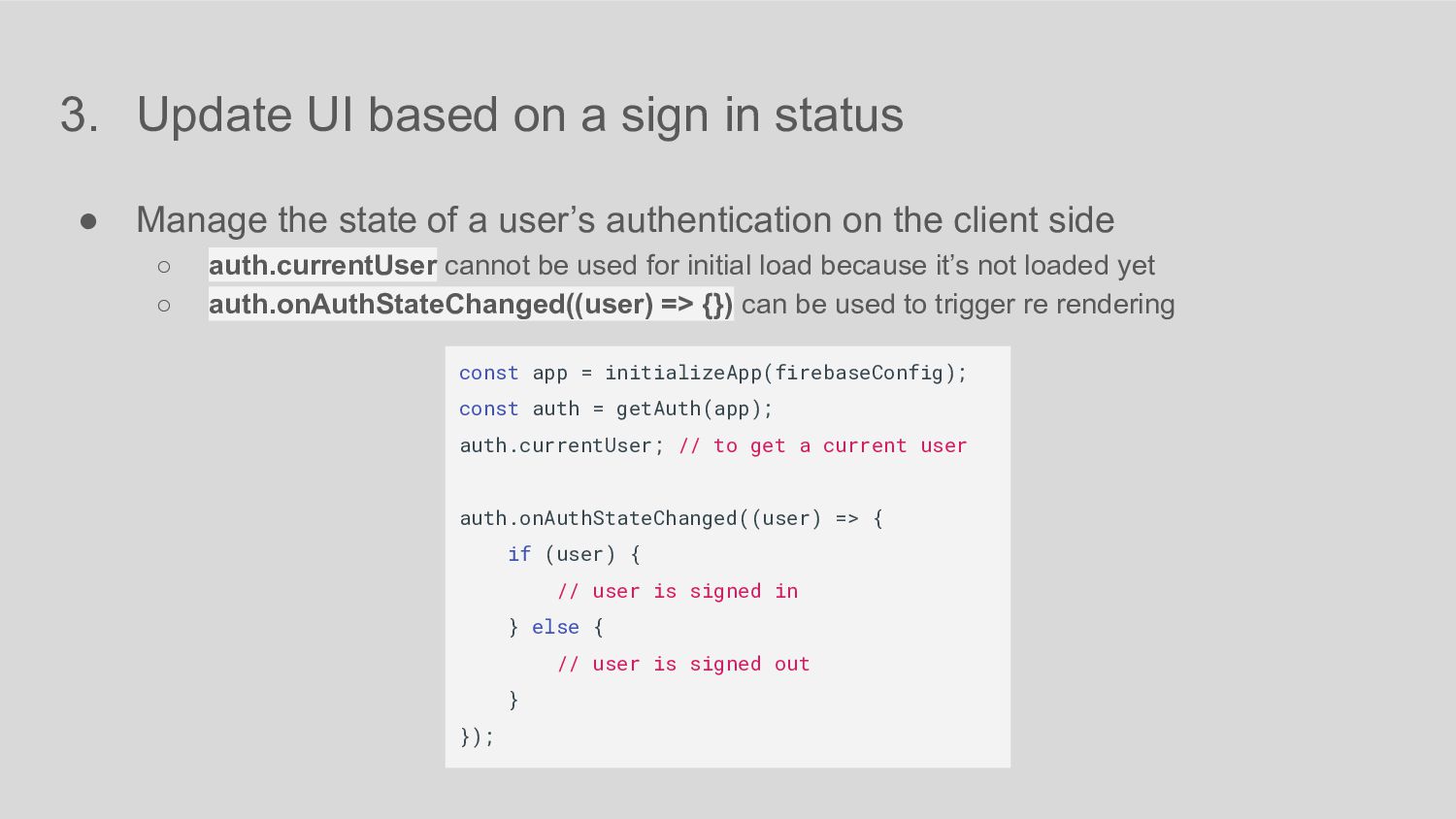
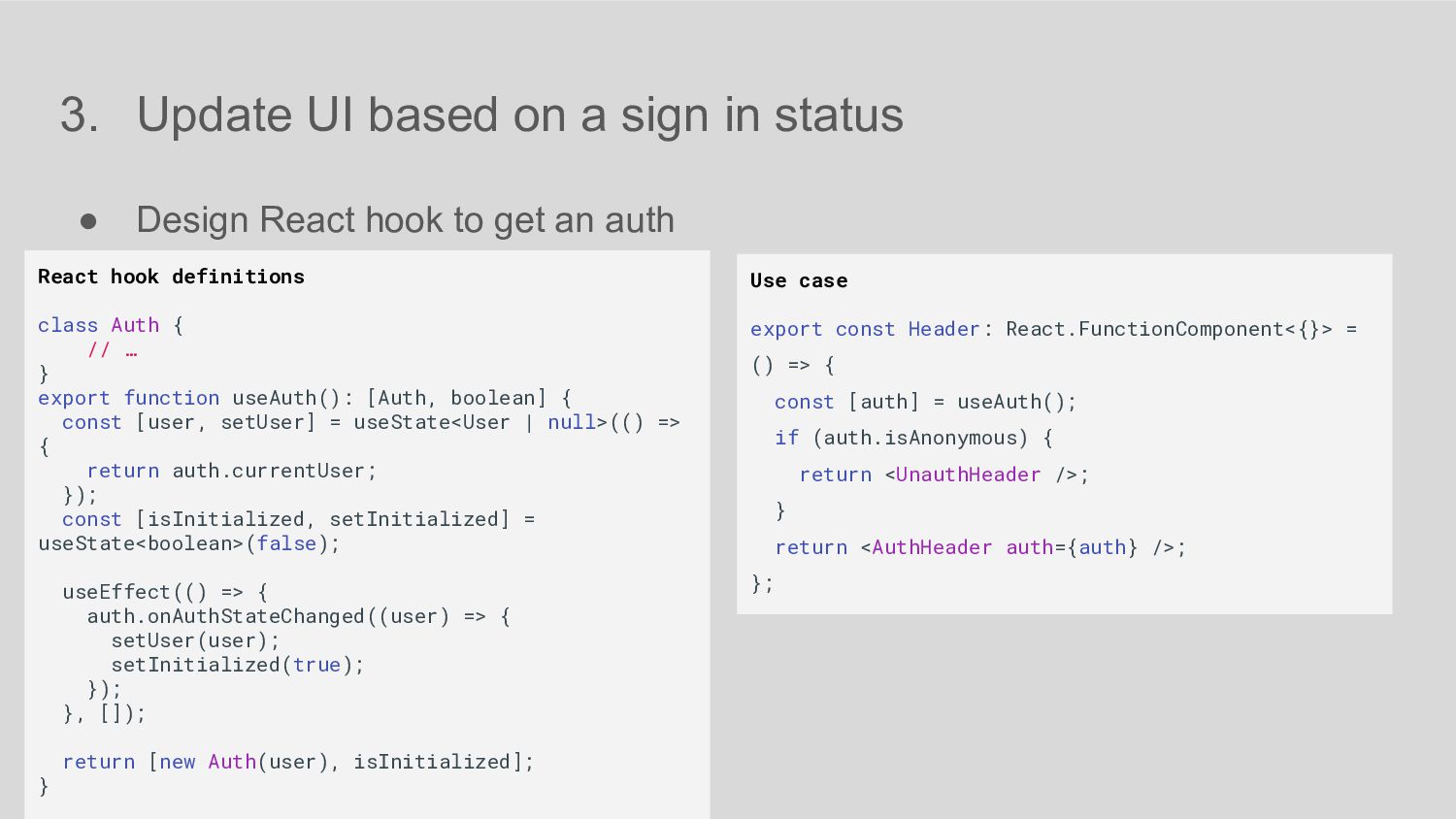
Manage the state of a user’s authentication on the client side ◦ auth.currentUser cannot be used for initial load because it’s not loaded yet ◦ auth.onAuthStateChanged((user) => {}) can be used to trigger re rendering const app = initializeApp(firebaseConfig); const auth = getAuth(app); auth.currentUser; // to get a current user auth.onAuthStateChanged((user) => { if (user) { // user is signed in } else { // user is signed out } });
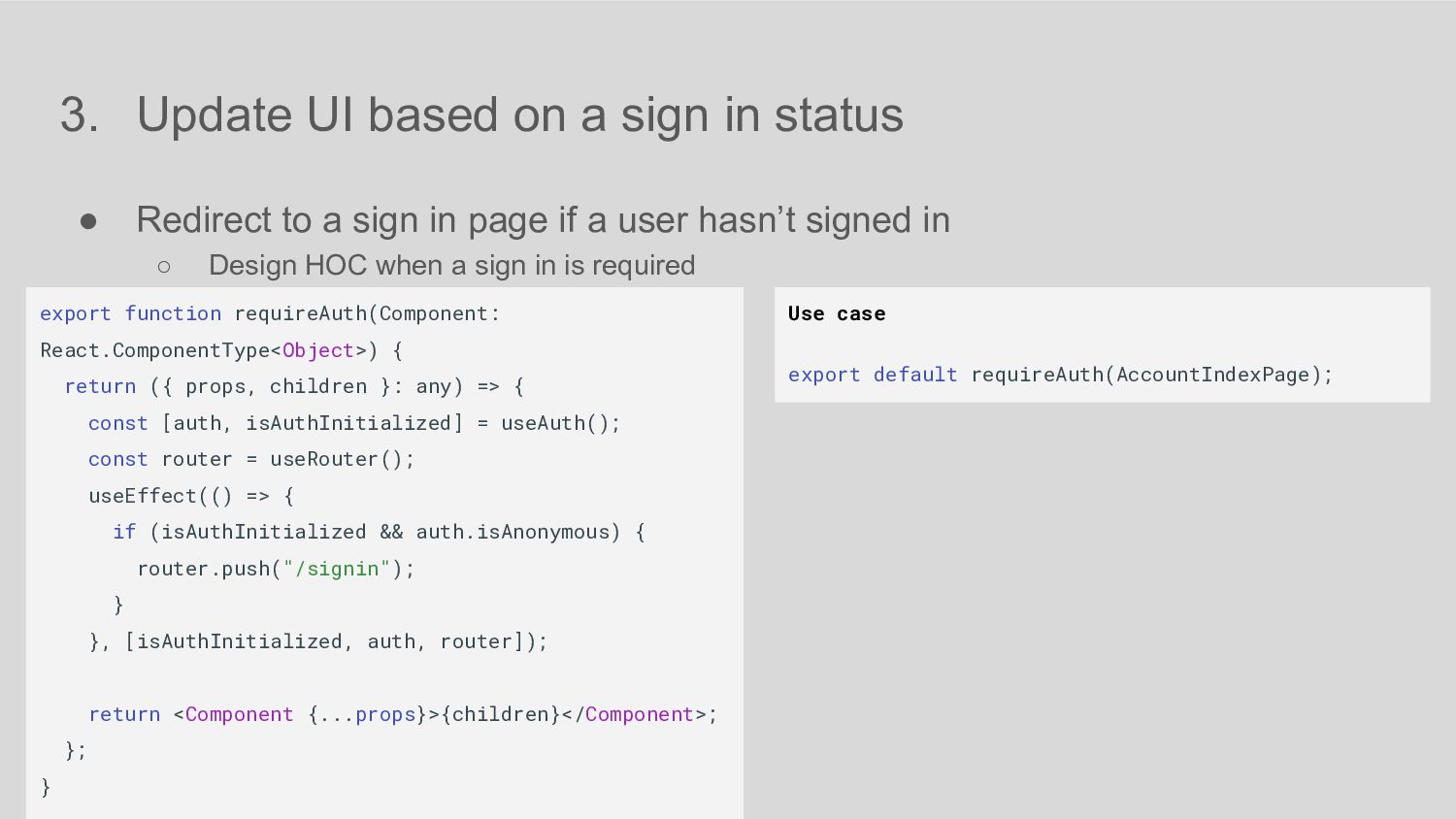
Redirect to a sign in page if a user hasn’t signed in ◦ Design HOC when a sign in is required Use case export default requireAuth(AccountIndexPage); export function requireAuth(Component: React.ComponentType<Object>) { return ({ props, children }: any) => { const [auth, isAuthInitialized] = useAuth(); const router = useRouter(); useEffect(() => { if (isAuthInitialized && auth.isAnonymous) { router.push("/signin"); } }, [isAuthInitialized, auth, router]); return <Component {...props}>{children}</Component>; }; }

 SiteGround - Reliable hosting with speed, security, and support you can count on.


 michaelfreling
 hollycummins
 rollbear
.jpg) yumnumm
yumnumm
 eed3si9n
 oniak3ibm
 sylph01
 shihochan
 satoshi256kbyte
 nokomoro3
 y0hgi
y0hgi
 akihisaikeda
 o0h
o0h
 chrislema
 reverentgeek
 tomoyanonymous
 smashingmag
 danielanewman
 inesmontani
 moore
moore
 skipperchong
 tmiket
 techseoconnect
 aleyda
 nonsquared