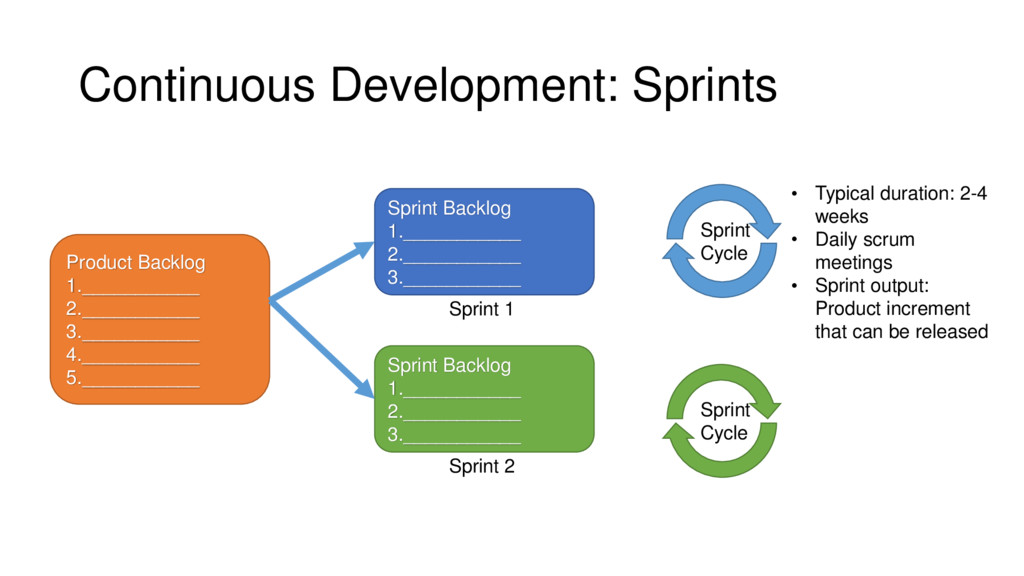
Provide a high-level overview of DevOps • Identify the components involved in a DevOps practice • Discuss organizational cultures that aid in embracing the DevOps approach • Discuss strategies for incorporating DevOps practices
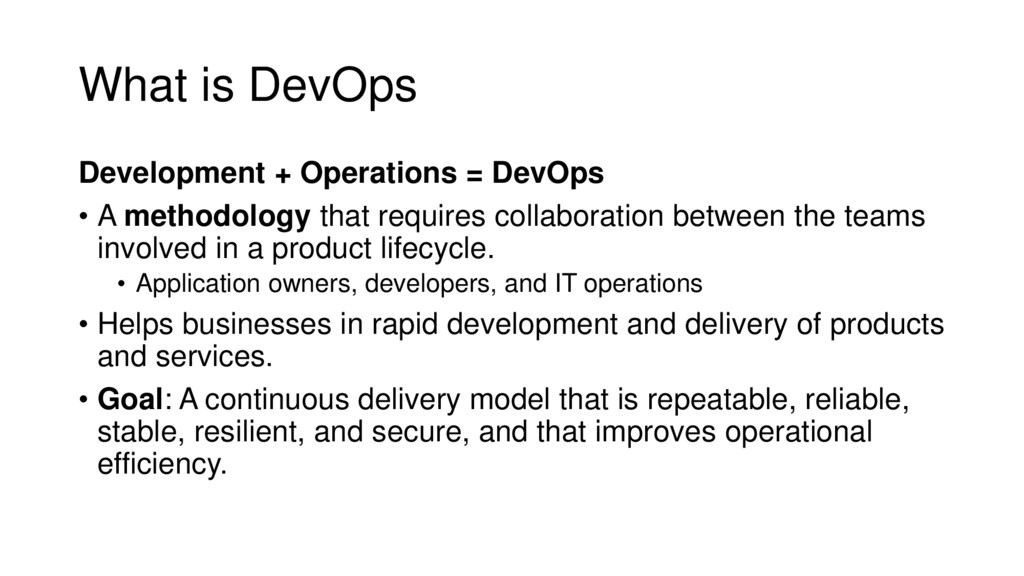
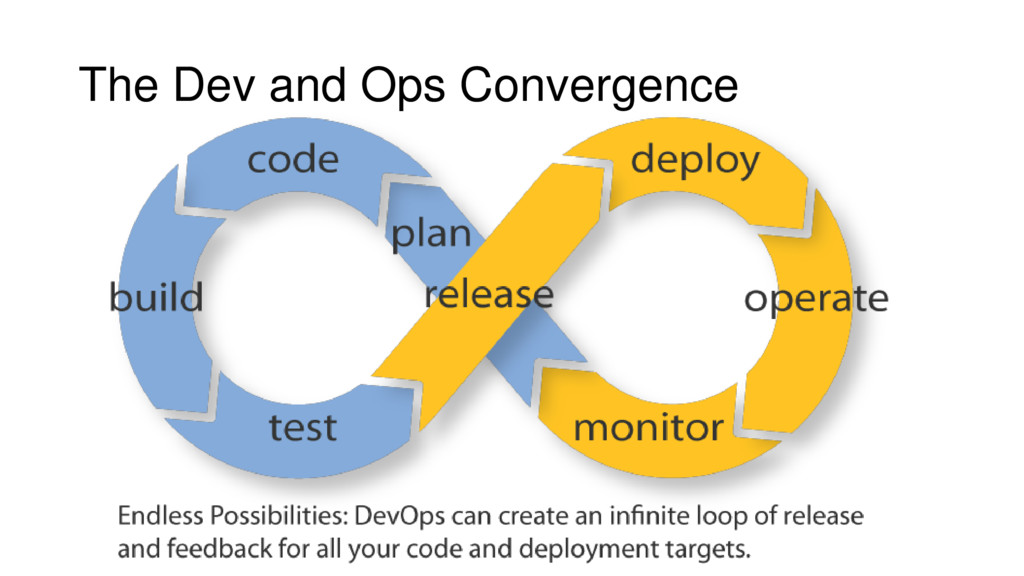
methodology that requires collaboration between the teams involved in a product lifecycle. • Application owners, developers, and IT operations • Helps businesses in rapid development and delivery of products and services. • Goal: A continuous delivery model that is repeatable, reliable, stable, resilient, and secure, and that improves operational efficiency.
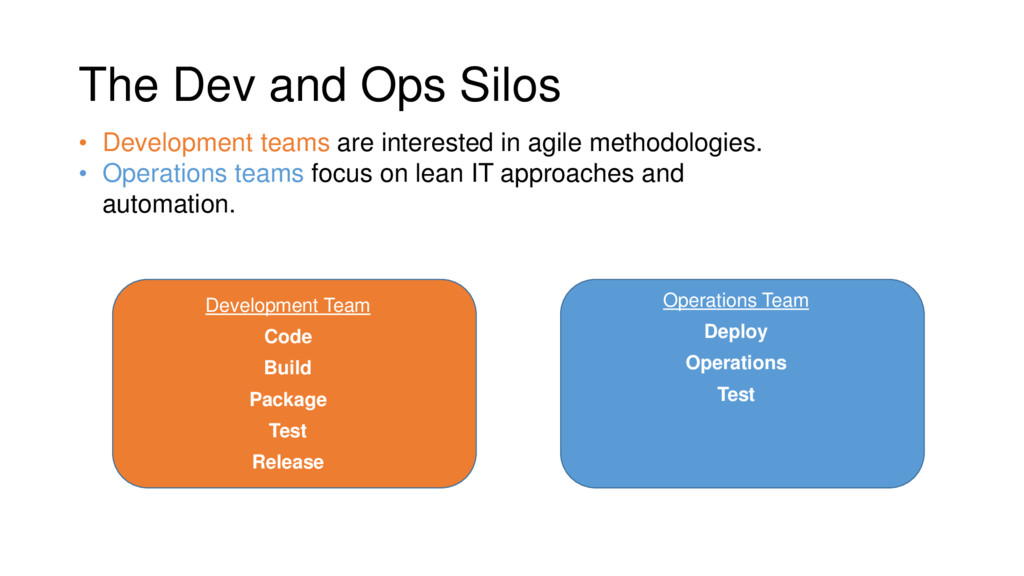
Test Release Operations Team Deploy Operations Test • Development teams are interested in agile methodologies. • Operations teams focus on lean IT approaches and automation.
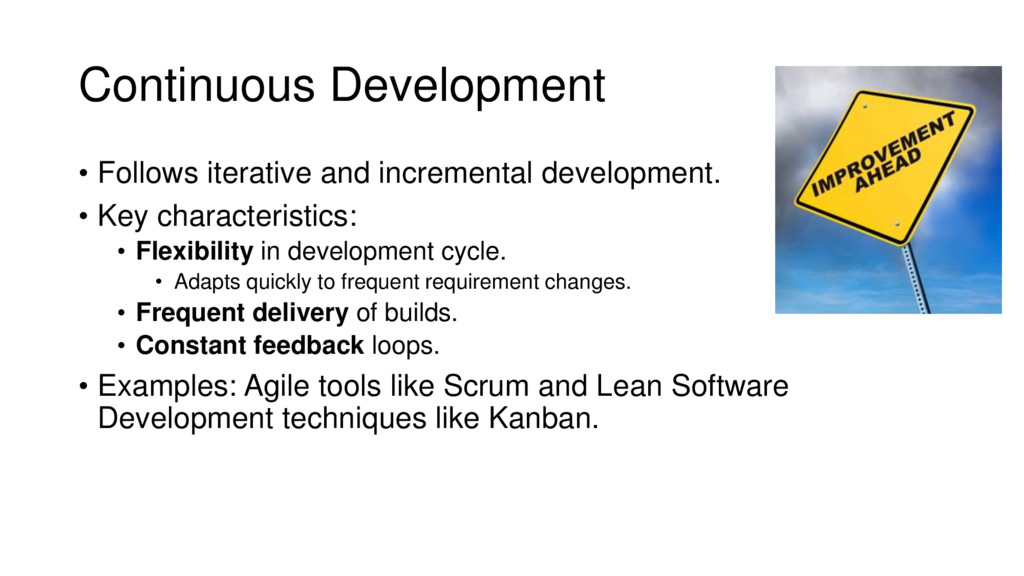
characteristics: • Flexibility in development cycle. • Adapts quickly to frequent requirement changes. • Frequent delivery of builds. • Constant feedback loops. • Examples: Agile tools like Scrum and Lean Software Development techniques like Kanban.
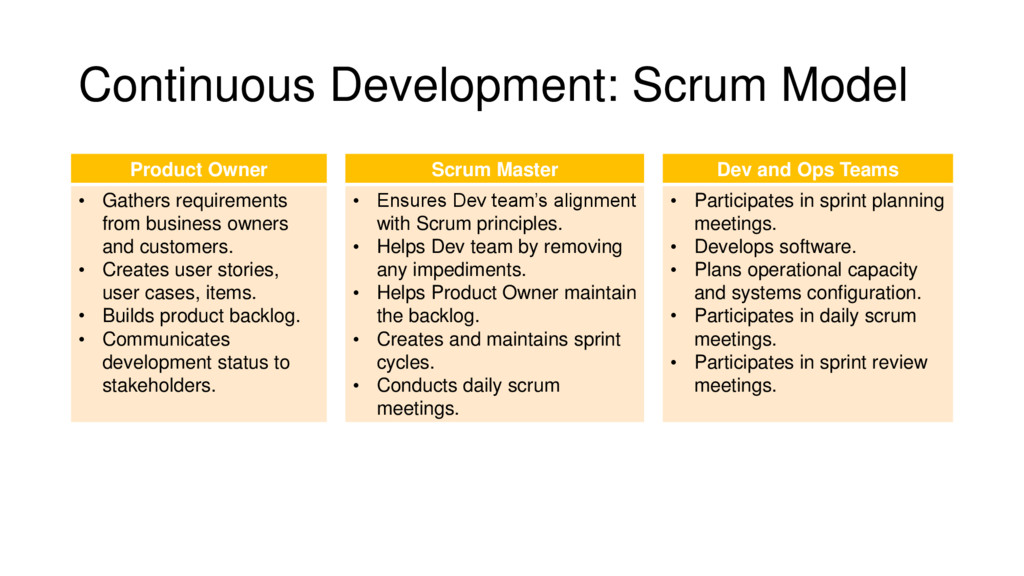
Ops Teams • Gathers requirements from business owners and customers. • Creates user stories, user cases, items. • Builds product backlog. • Communicates development status to stakeholders. • Ensures Dev team’s alignment with Scrum principles. • Helps Dev team by removing any impediments. • Helps Product Owner maintain the backlog. • Creates and maintains sprint cycles. • Conducts daily scrum meetings. • Participates in sprint planning meetings. • Develops software. • Plans operational capacity and systems configuration. • Participates in daily scrum meetings. • Participates in sprint review meetings.
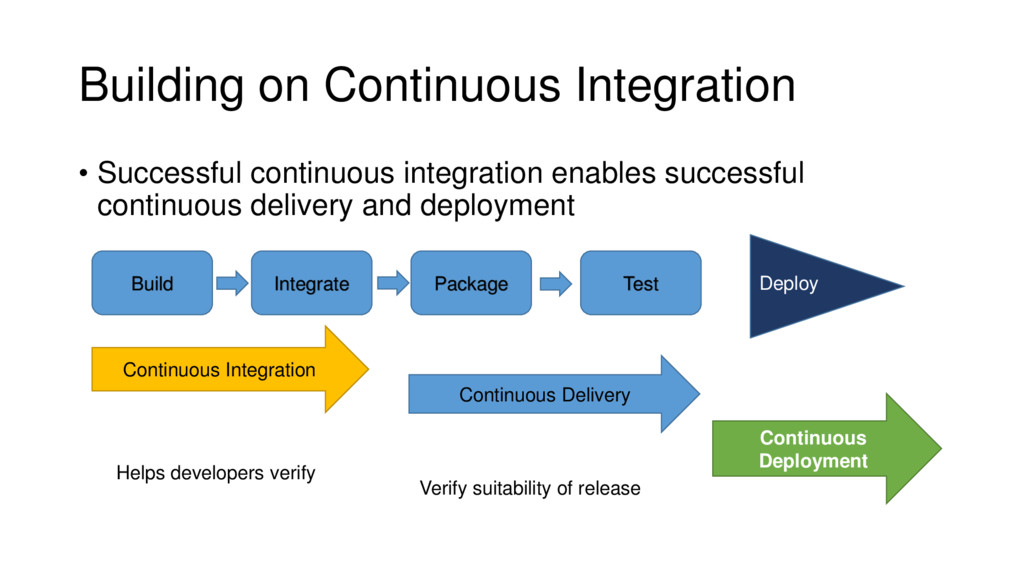
builds. • How do you ensure code integrity when multiple development teams are working simultaneously on the source code? • Answer: Continuous Integration
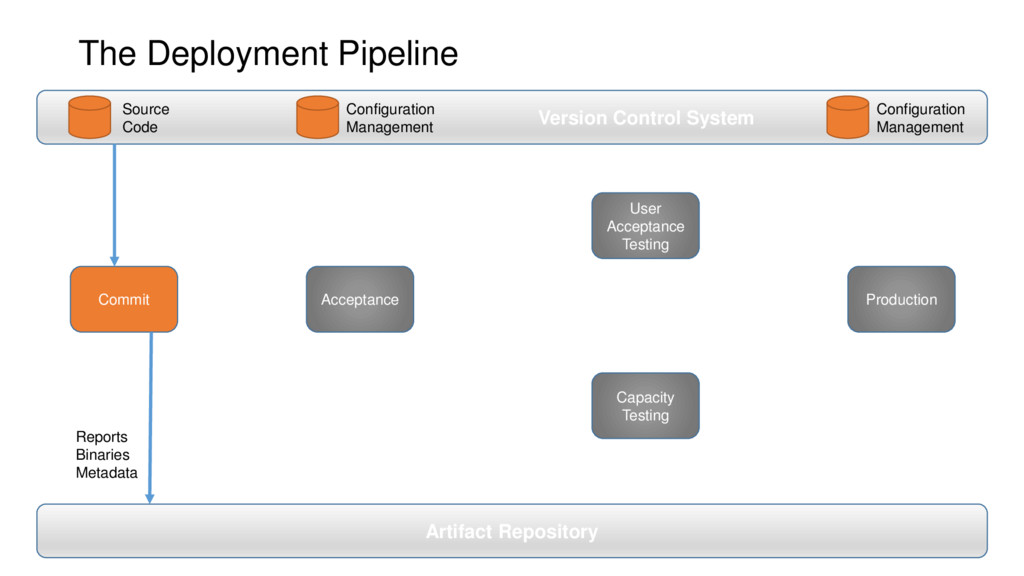
times a day. • Use code repositories to maintain the code. • Commit your code very frequently – several times per day. • Automate code commit to trigger the build phase. • Build, package, register to package repository. • What is the best approach? • Automation
Check out from mainline and work on the local copy (branch). • Ensure that your local copy is in a working condition before committing it. • Test at every step to ensure code integrity. • Run unit tests before every check-in. • Goal: No broken builds on the mainline.
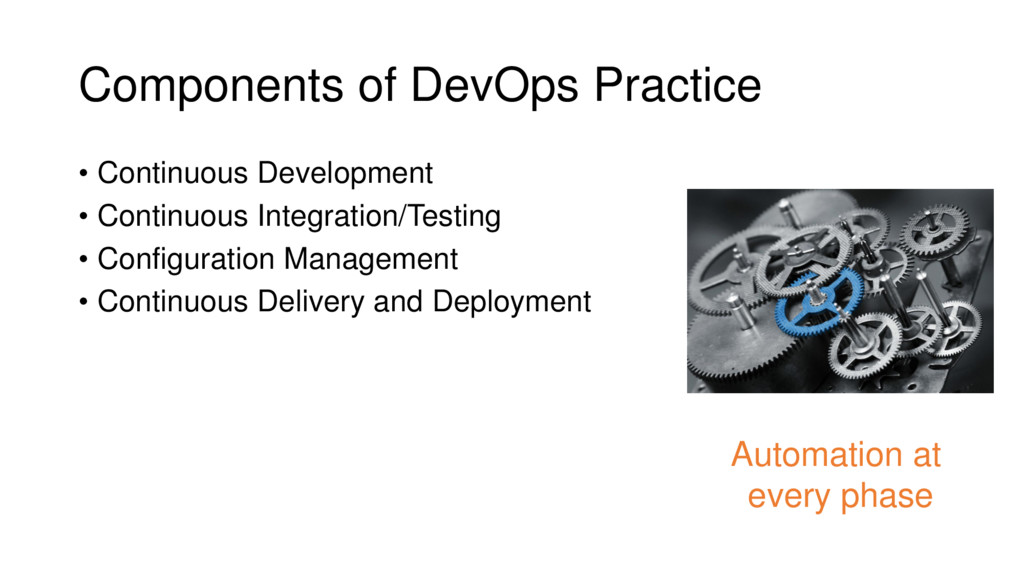
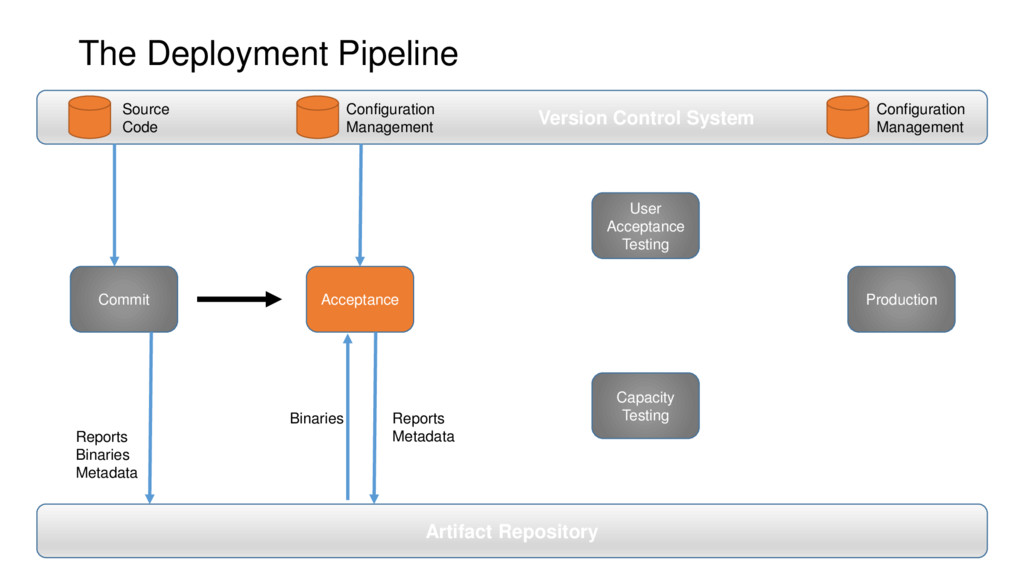
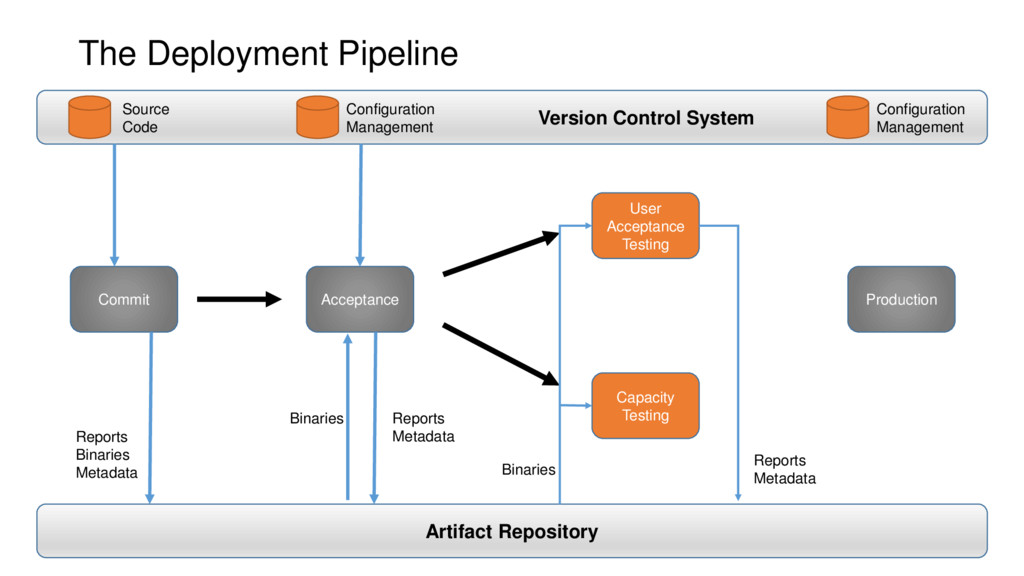
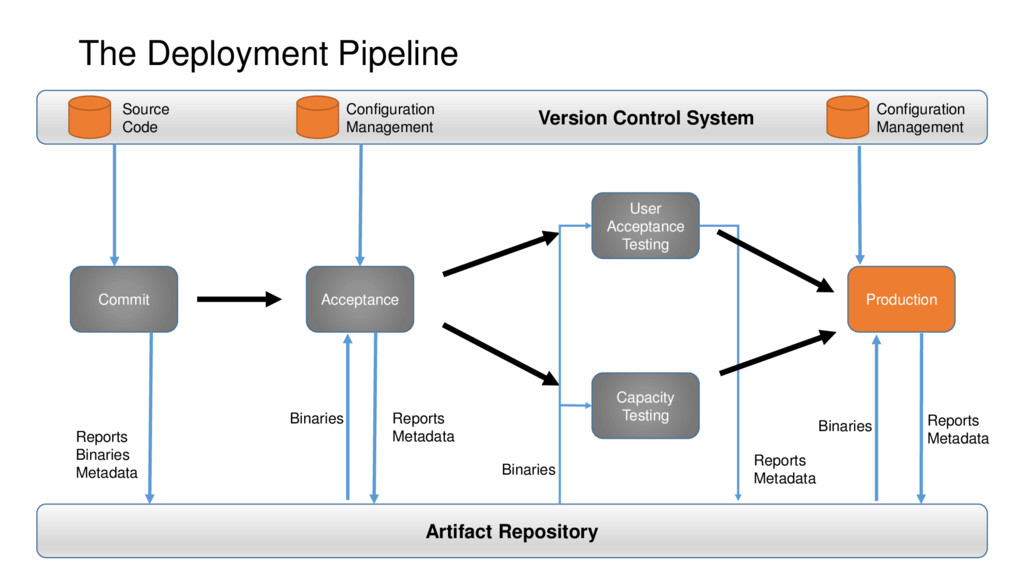
testing and releasing builds in an automated fashion. • Involves deploying and configuring the infrastructure and installing, configuring, and testing the software. • Goal: Deliver more frequently in an automated fashion to enable continuous deployment (“push-button” deployment). • Tools: Infrastructure as Code; Configuration Management
Servers, OS, networking, storage • Transforms typical IT operations into code, especially with PaaS. • Use code repository to store and maintain the code. • Use Configuration Management to automate resource configuration.
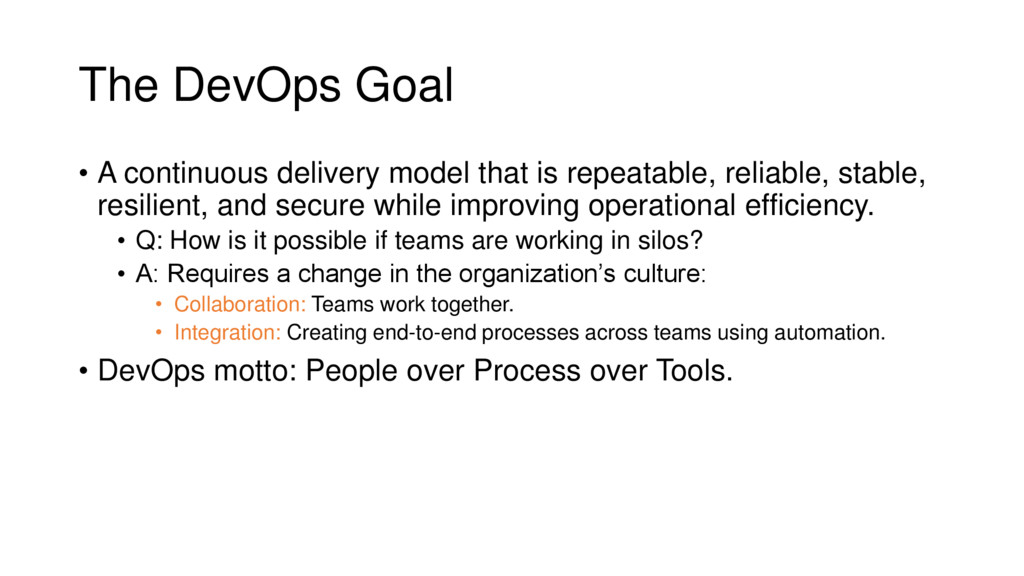
repeatable, reliable, stable, resilient, and secure while improving operational efficiency. • Q: How is it possible if teams are working in silos? • A: Requires a change in the organization’s culture: • Collaboration: Teams work together. • Integration: Creating end-to-end processes across teams using automation. • DevOps motto: People over Process over Tools.
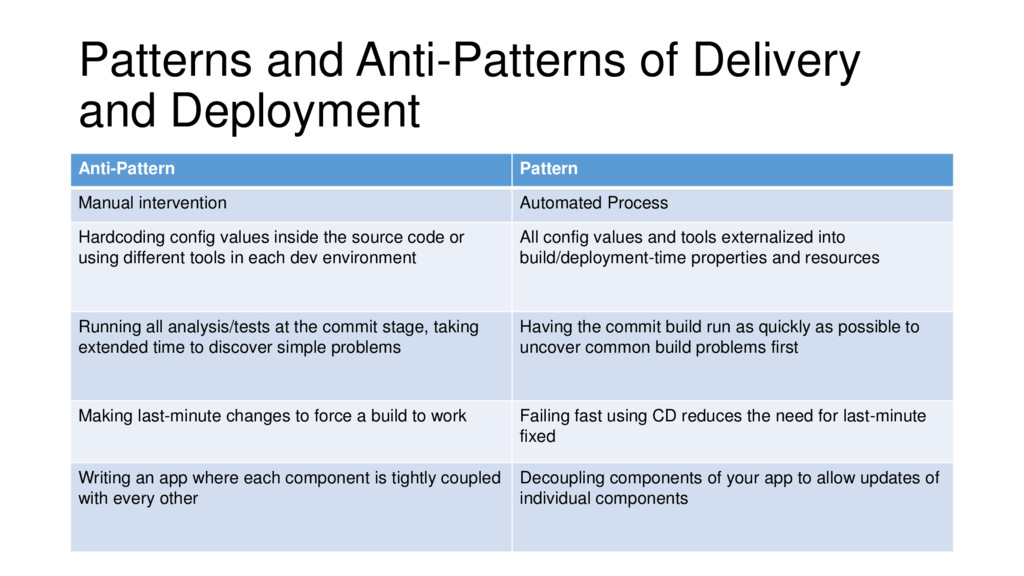
intervention Automated Process Hardcoding config values inside the source code or using different tools in each dev environment All config values and tools externalized into build/deployment-time properties and resources Running all analysis/tests at the commit stage, taking extended time to discover simple problems Having the commit build run as quickly as possible to uncover common build problems first Making last-minute changes to force a build to work Failing fast using CD reduces the need for last-minute fixed Writing an app where each component is tightly coupled with every other Decoupling components of your app to allow updates of individual components
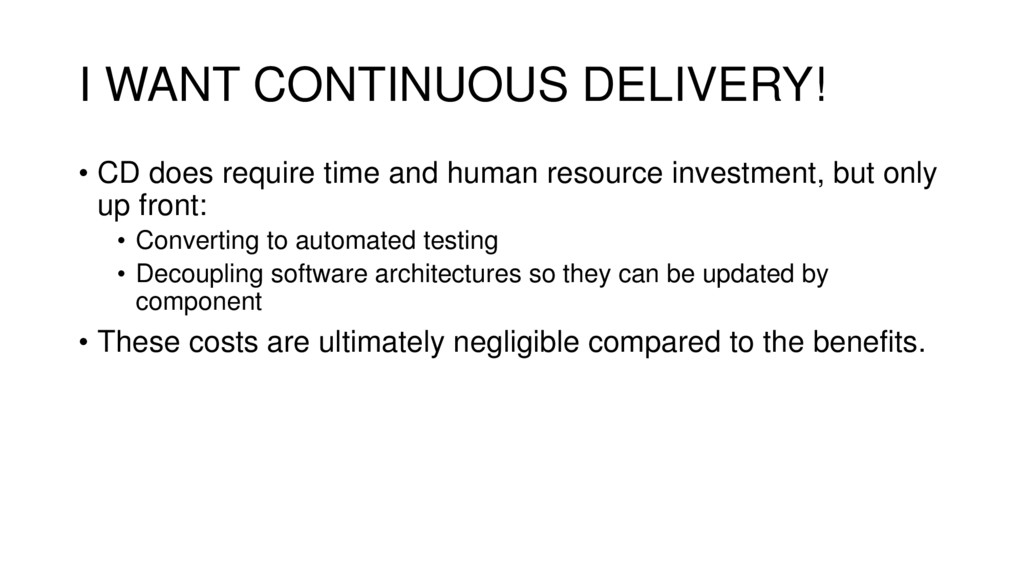
human resource investment, but only up front: • Converting to automated testing • Decoupling software architectures so they can be updated by component • These costs are ultimately negligible compared to the benefits.
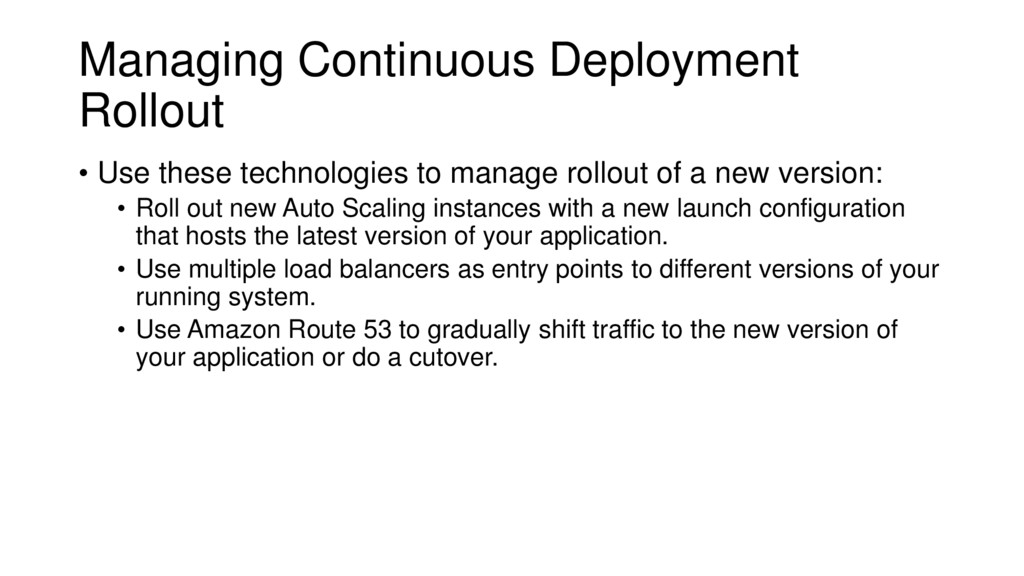
rollout of a new version: • Roll out new Auto Scaling instances with a new launch configuration that hosts the latest version of your application. • Use multiple load balancers as entry points to different versions of your running system. • Use Amazon Route 53 to gradually shift traffic to the new version of your application or do a cutover.
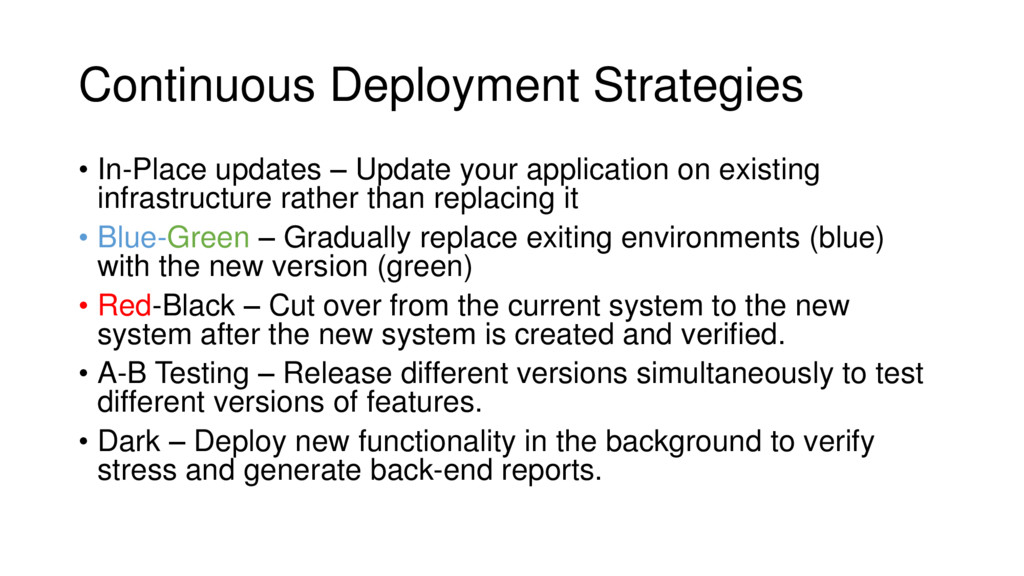
on existing infrastructure rather than replacing it • Blue-Green – Gradually replace exiting environments (blue) with the new version (green) • Red-Black – Cut over from the current system to the new system after the new system is created and verified. • A-B Testing – Release different versions simultaneously to test different versions of features. • Dark – Deploy new functionality in the background to verify stress and generate back-end reports.
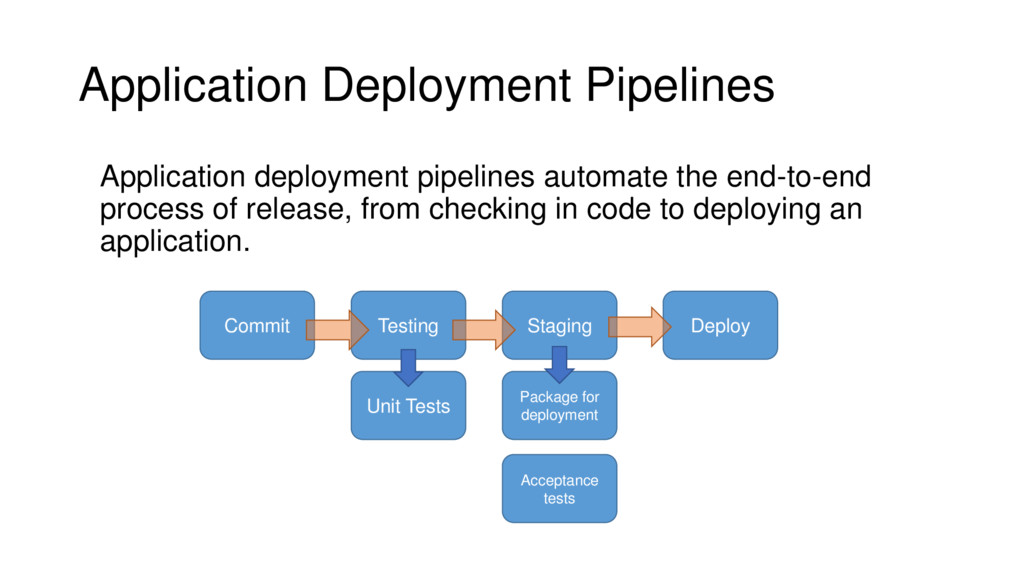
Any issues discovered during deployment can be fixed and incorporated into the release process in an automated fashion. • Builds become stable and predictable. • Releases become more frequent. • Enables leveraging of process and tools from one project to future projects.
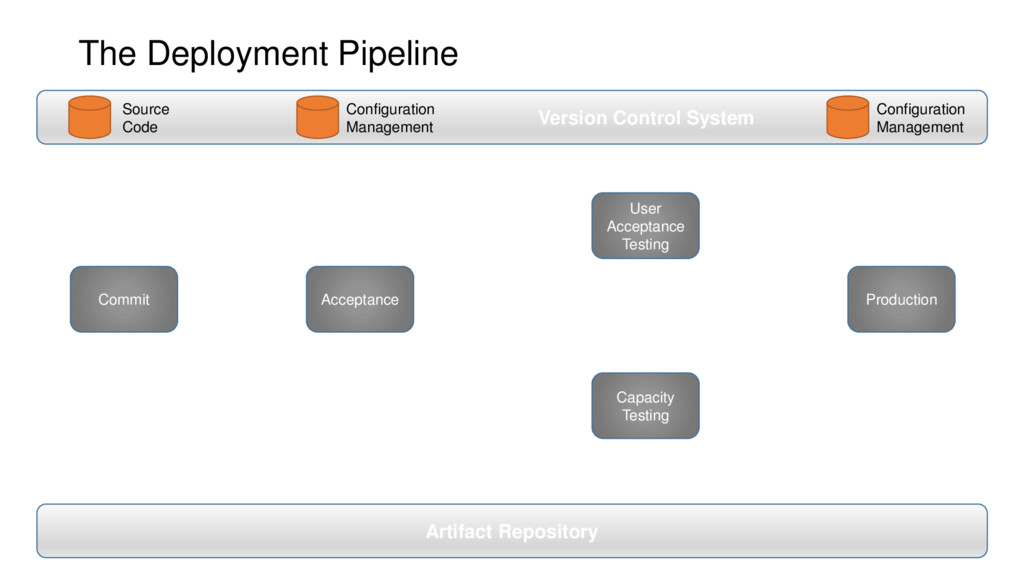
• Which tasks are automated, and which are manual? • How will infrastructure be created? • Initializing machines: Scripts, or a configuration management system? • How will our application be deployed? • Using which deployment technology? • How will failures be reported? • Who is responsible for integrating them into the pipeline.


 riyaamemiya
 ivry_presentationmaterials
 maimyyym
 mohab1
 syuchimu
 moznion
 terurou
 shumei_ito
 kizawa2020
 carta_engineering
 daidaidai
 ludicmind
 kastner
 tammyeverts
 katarinadahlin
 deanohume
 rasmusluckow
 auna
auna
 mlcsv
mlcsv
 andyhume
 pedronauck
 coloredviolet
 thirion
 stuffmc