Upgrade to Pro — share decks privately, control downloads, hide ads and more …

SPA like user experience without a client side ...

SPA like user experience without a client side framework (in Ruby on Rails)

- Fast in-app navigation with Turbolinks
- Ajax requests created with rails-ujs and Server-generated JavaScript Responses (SJR)
- Interactive HTML with Stimulus JS

Avatar for Patrik Bóna

Patrik Bóna

November 21, 2019

Other Decks in Programming

Transcript

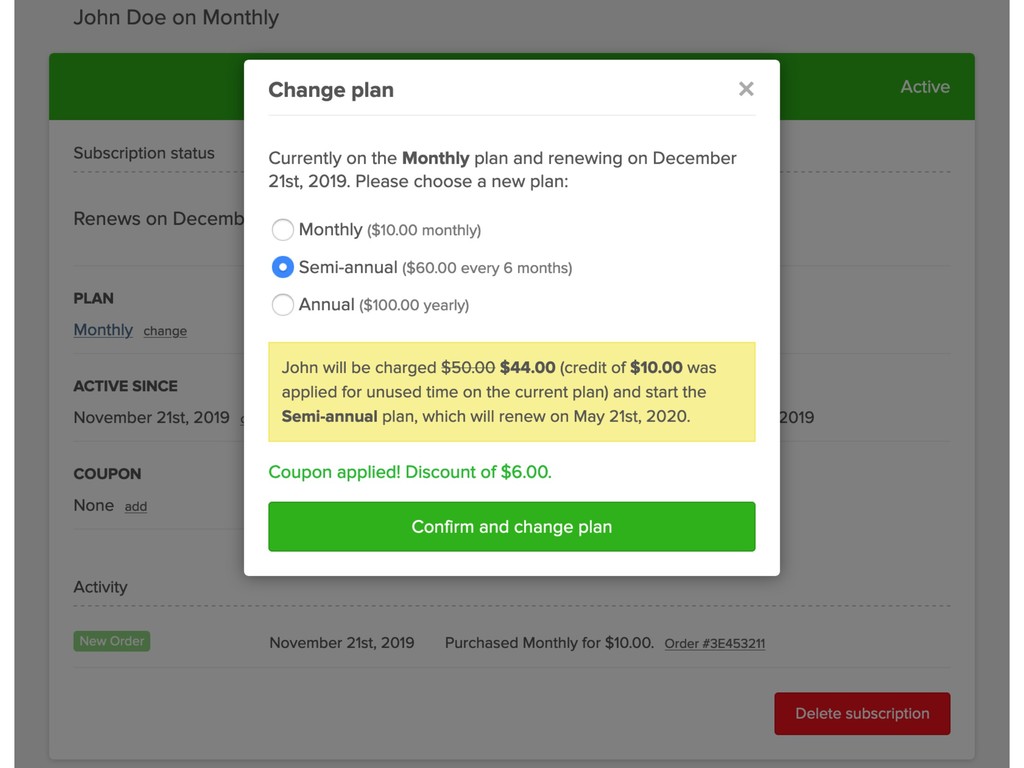
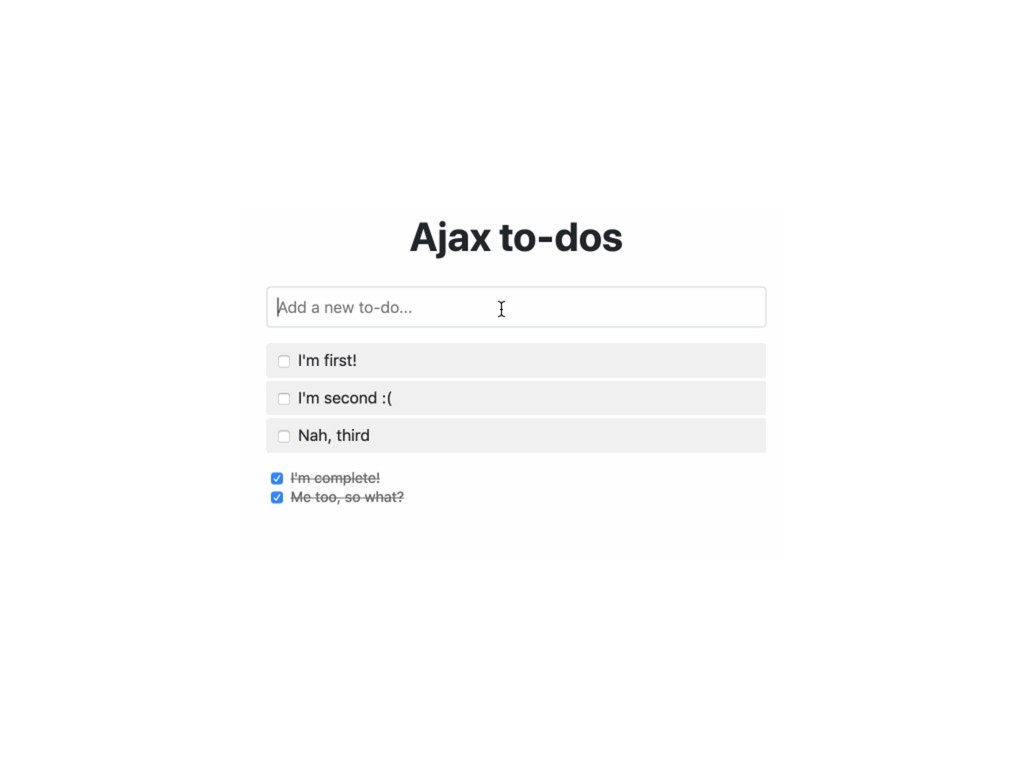
  1. SPA like user experience • Fast in-app navigation • Ajax

    requests (forms, buttons, check-boxes, links, etc.) • Interactive HTML
  2. Turbolinks How does it work? • Intercepts all clicks on

    <a href> links to the same domain • Prevents the default click action and creates an Ajax request instead • Replaces the current <body> element and merges <head> element
  3. Turbolinks Other features • Browser history management • Page caching

    • Asset monitoring • Redirects after Ajax form submission
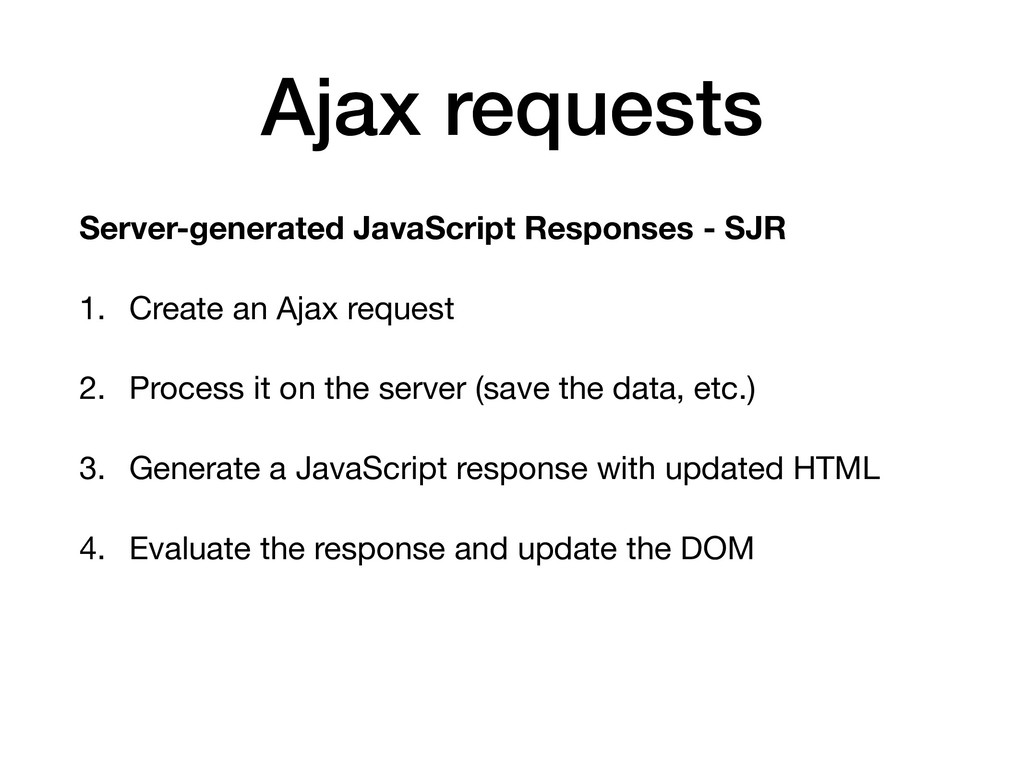
  4. Ajax requests Server-generated JavaScript Responses - SJR 1. Create an

    Ajax request 2. Process it on the server (save the data, etc.) 3. Generate a JavaScript response with updated HTML 4. Evaluate the response and update the DOM
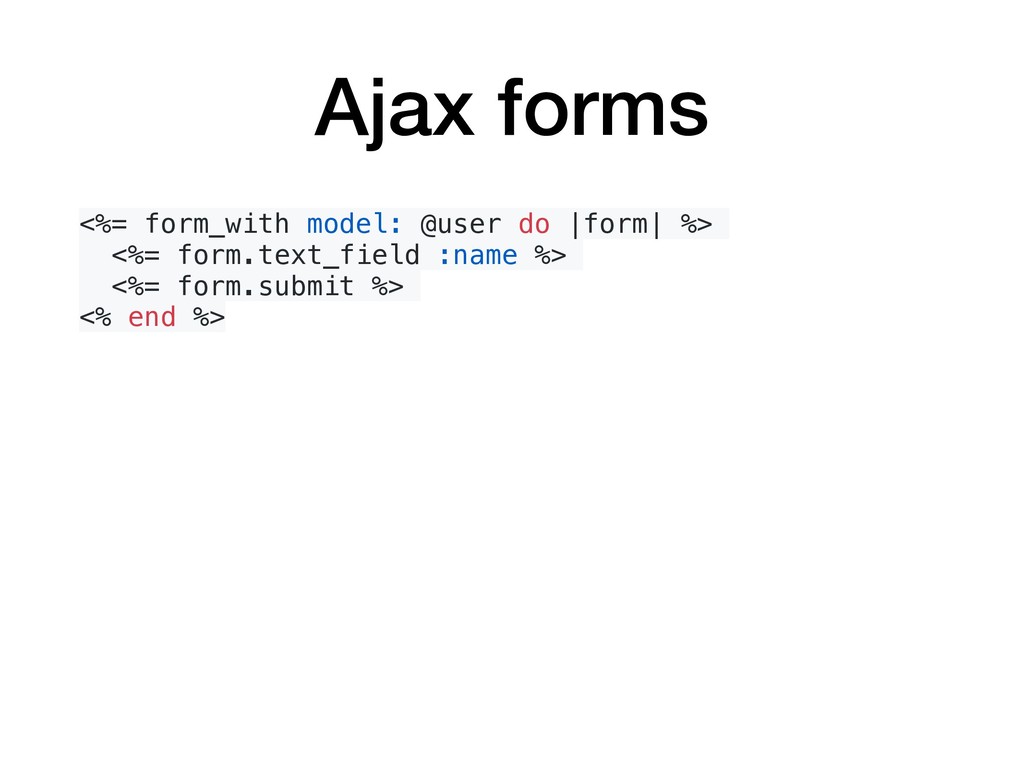
  5. Ajax forms <%= form_with model: @user do |form| %> <%=

    form.text_field :name %> <%= form.submit %> <% end %>
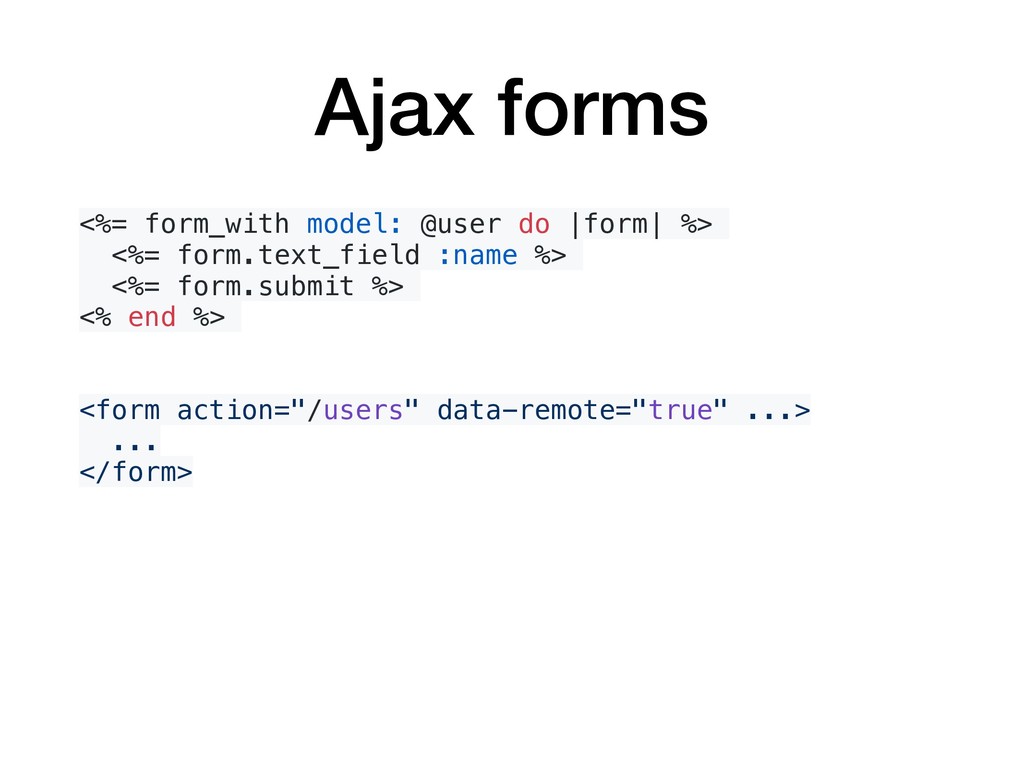
  6. Ajax forms <%= form_with model: @user do |form| %> <%=

    form.text_field :name %> <%= form.submit %> <% end %> <form action="/users" data-remote="true" ...> ... </form>
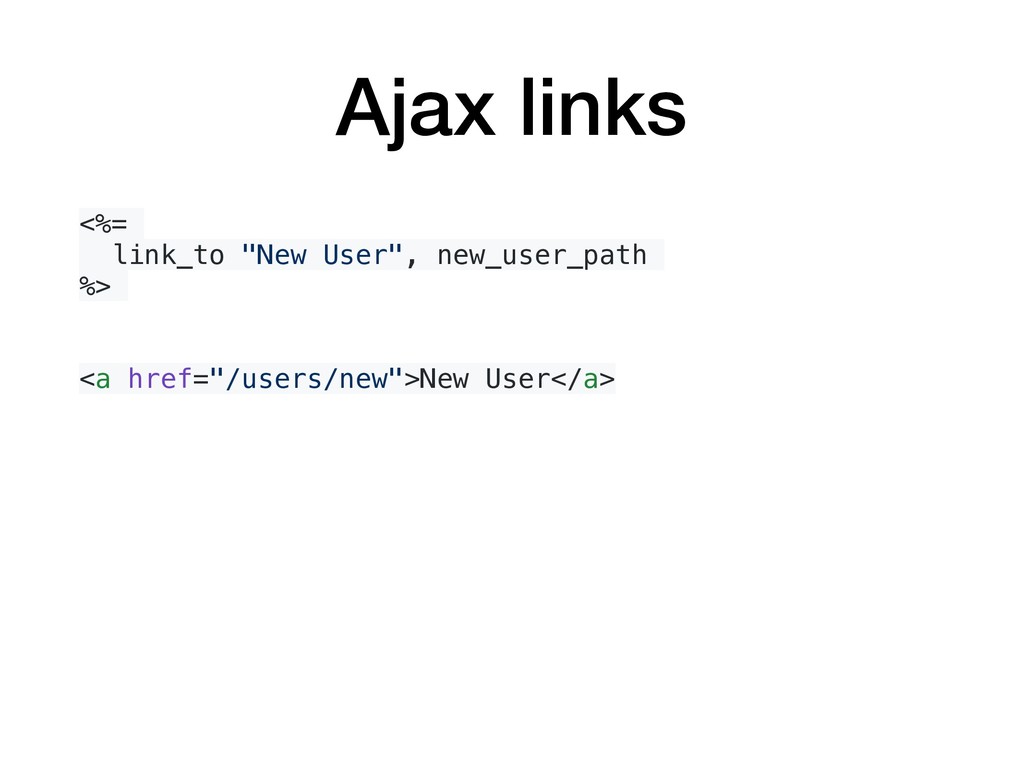
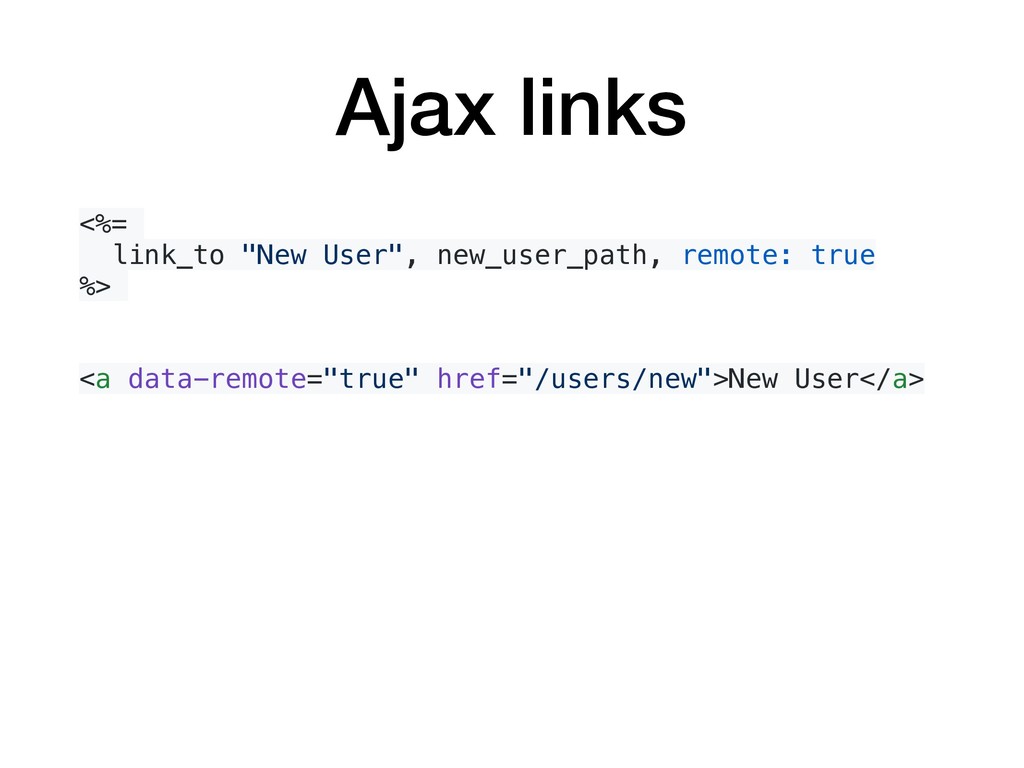
  7. Ajax links <%= link_to "New User", new_user_path, remote: true %>

    <a data-remote="true" href="/users/new">New User</a>
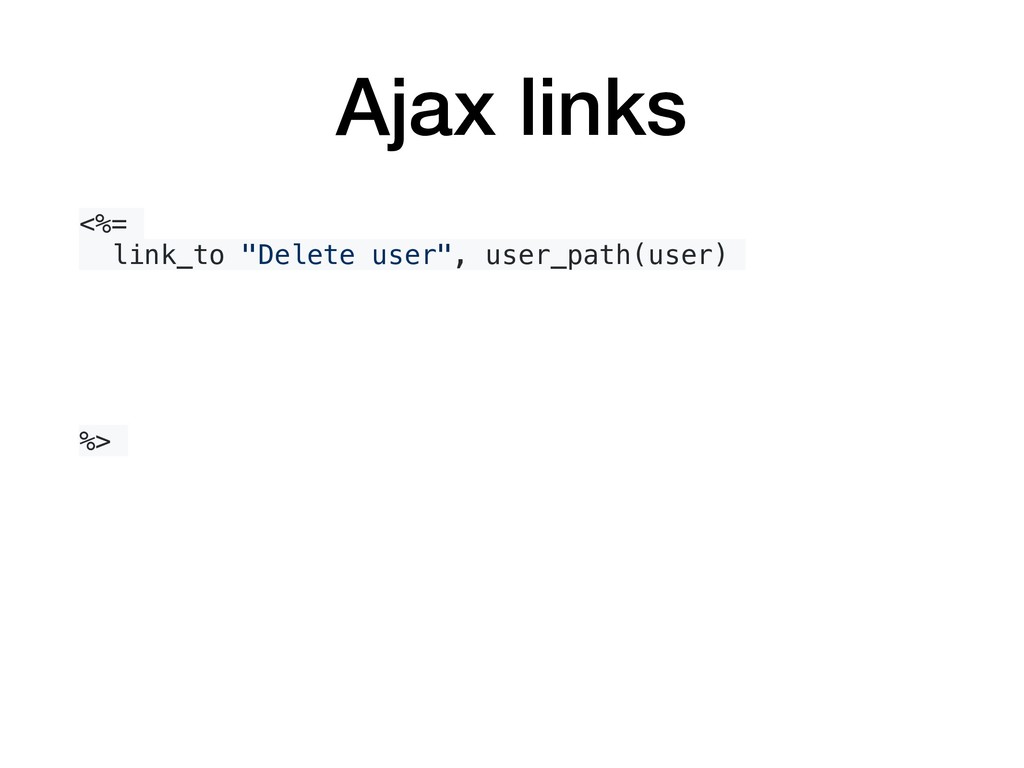
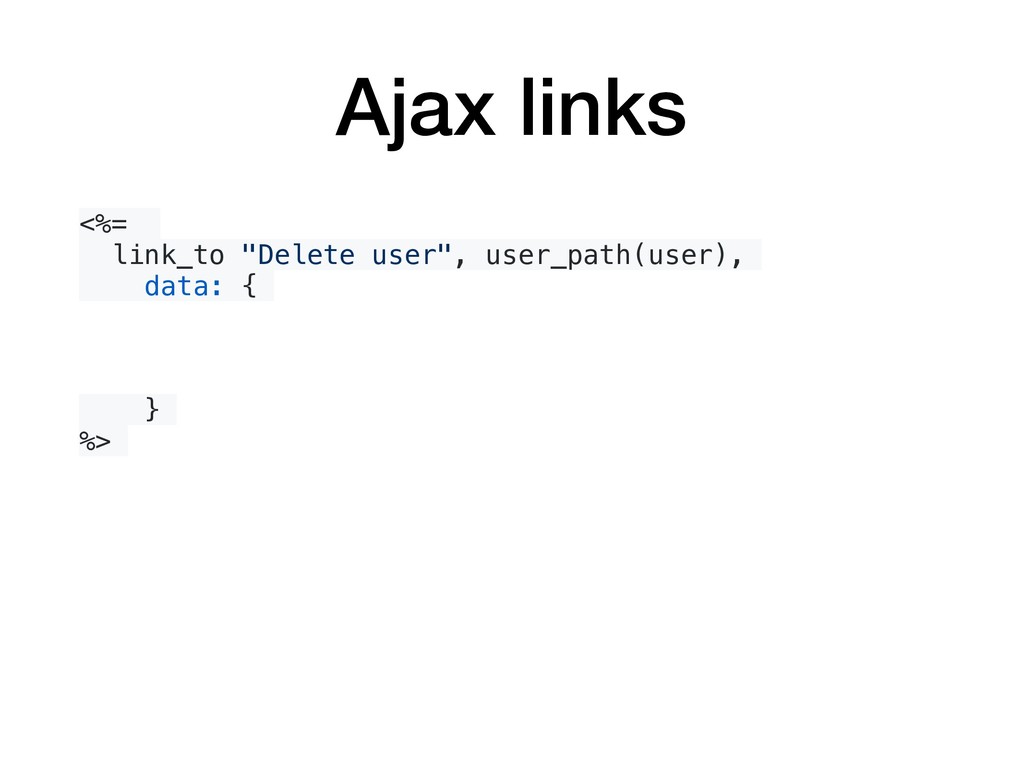
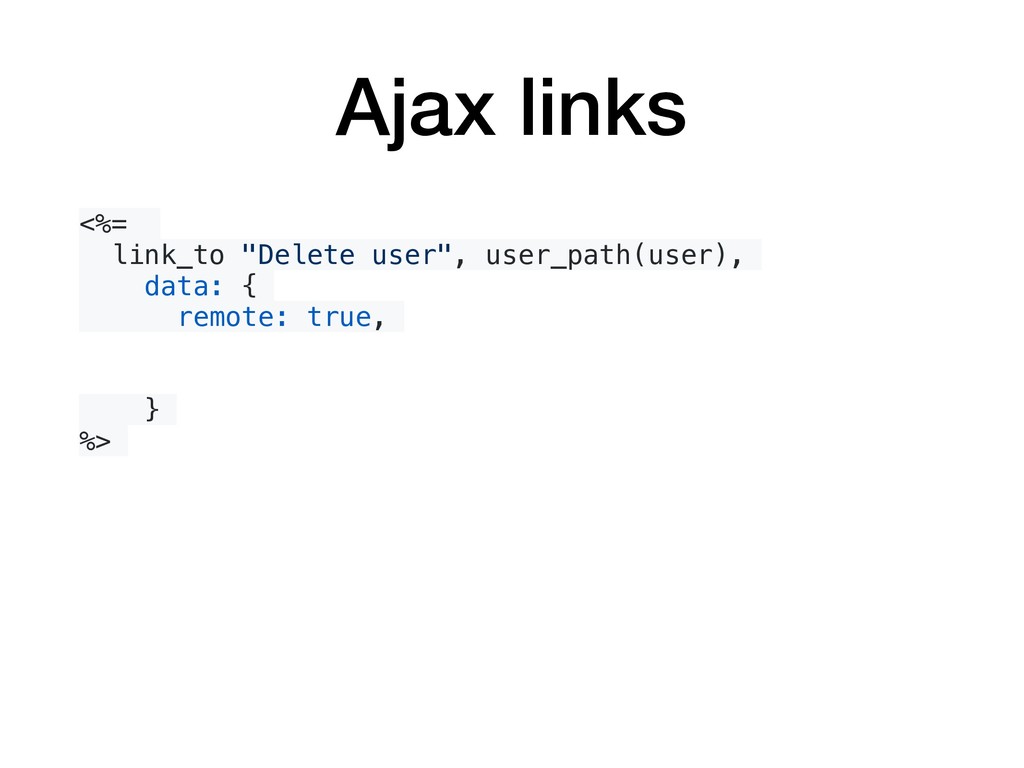
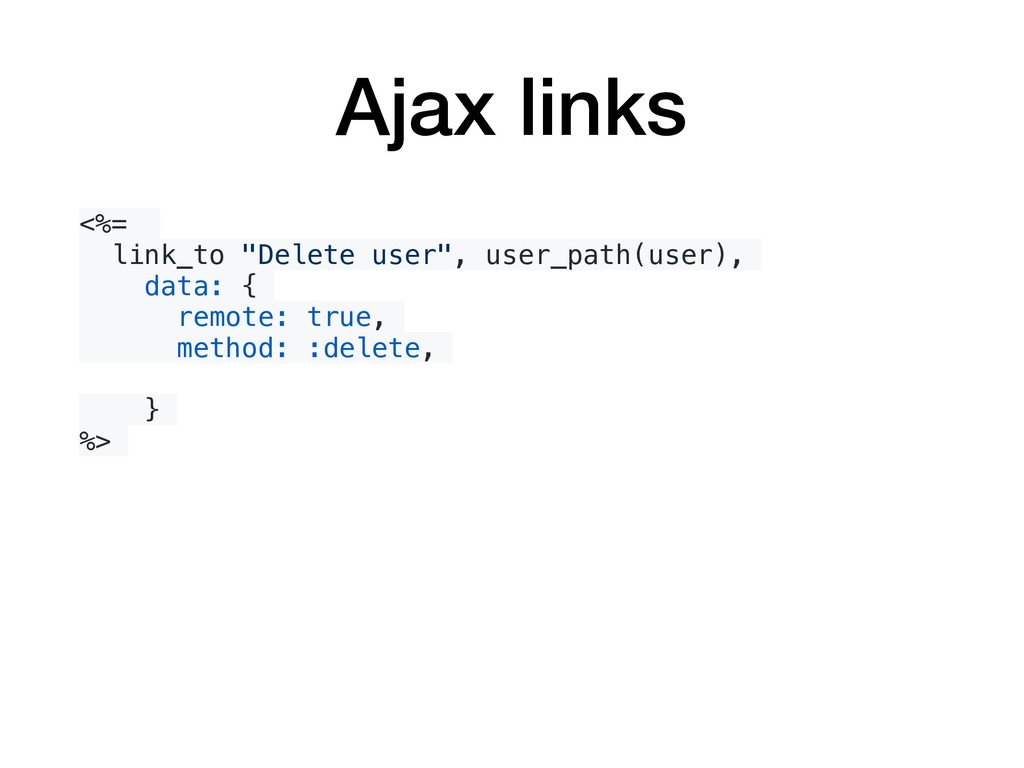
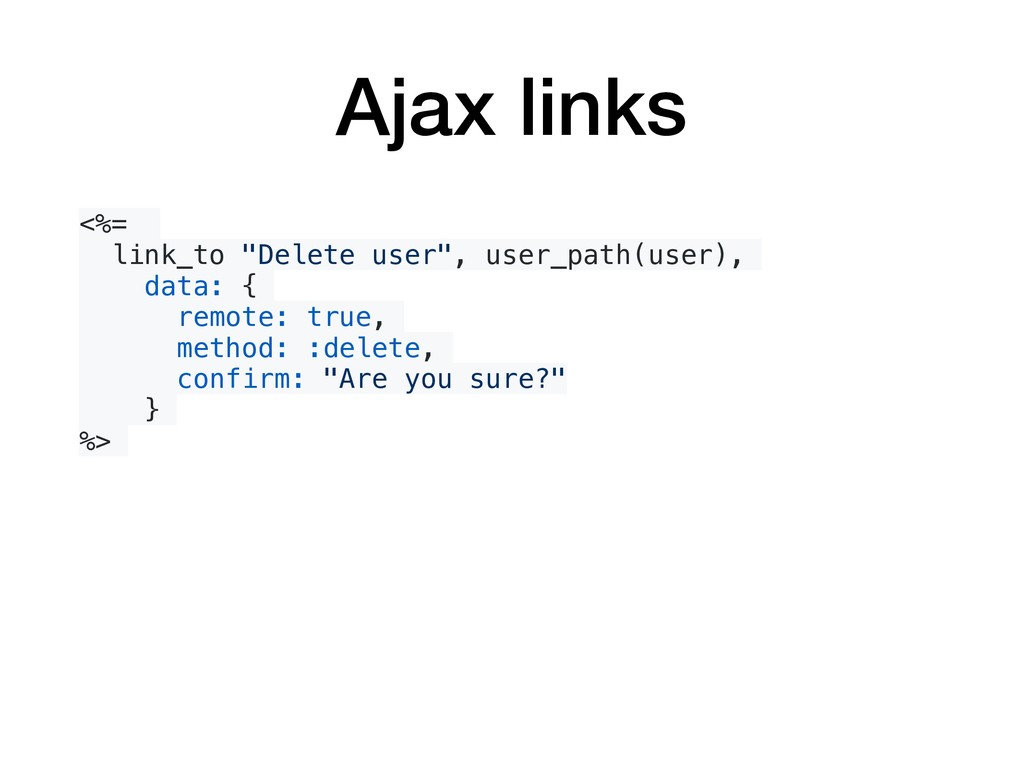
  8. Ajax links <%= link_to "Delete user", user_path(user), data: { remote:

    true, method: :delete, confirm: "Are you sure?" } %>
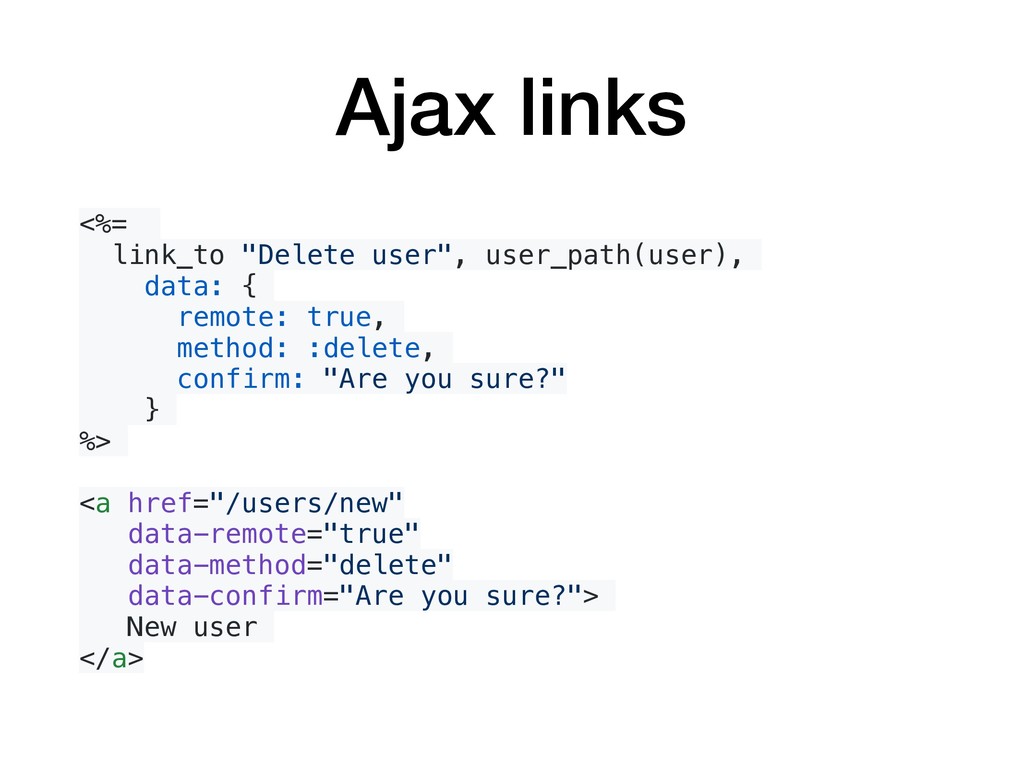
  9. Ajax links <%= link_to "Delete user", user_path(user), data: { remote:

    true, method: :delete, confirm: "Are you sure?" } %> <a href="/users/new" data-remote="true" data-method="delete" data-confirm="Are you sure?"> New user </a>
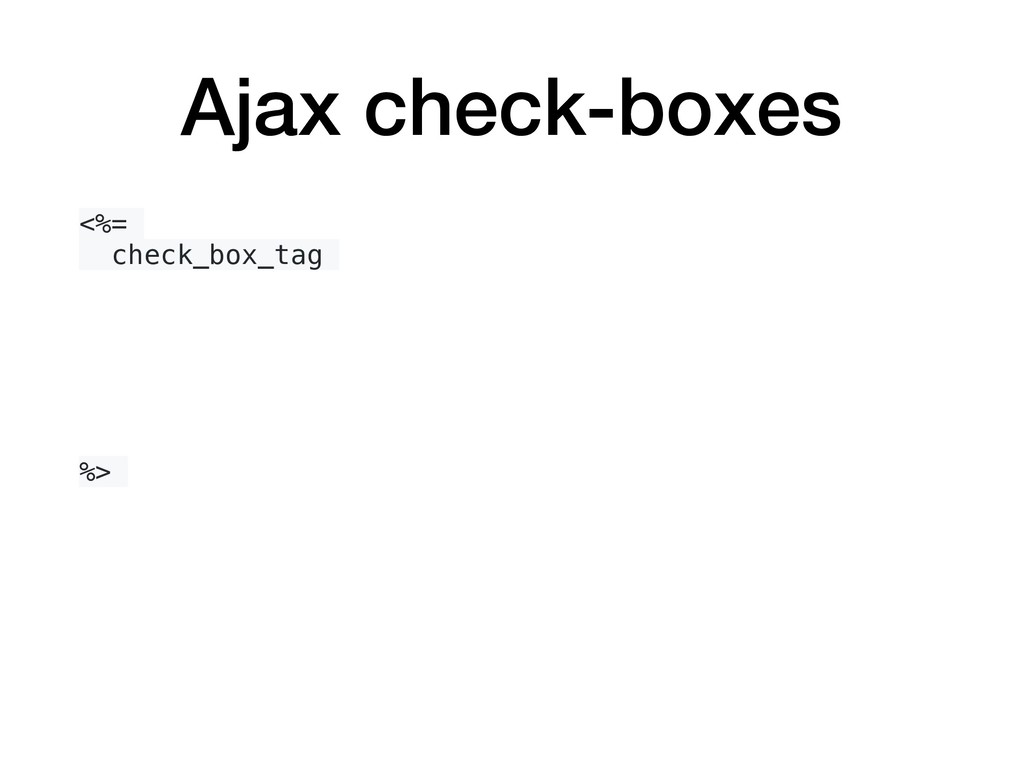
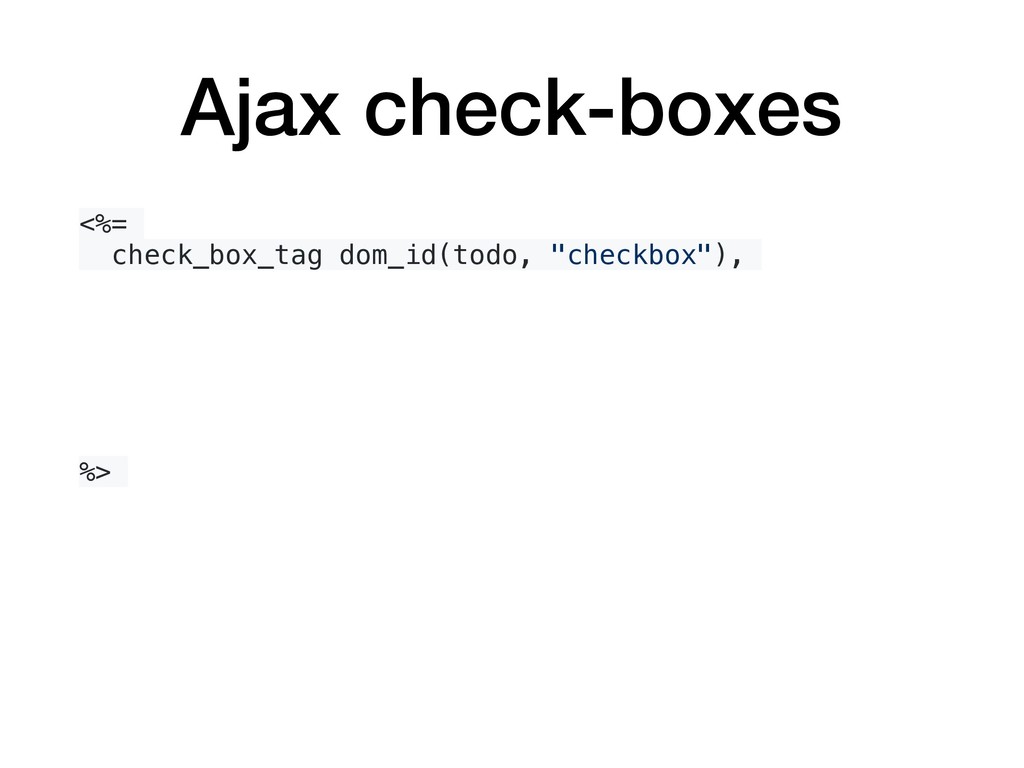
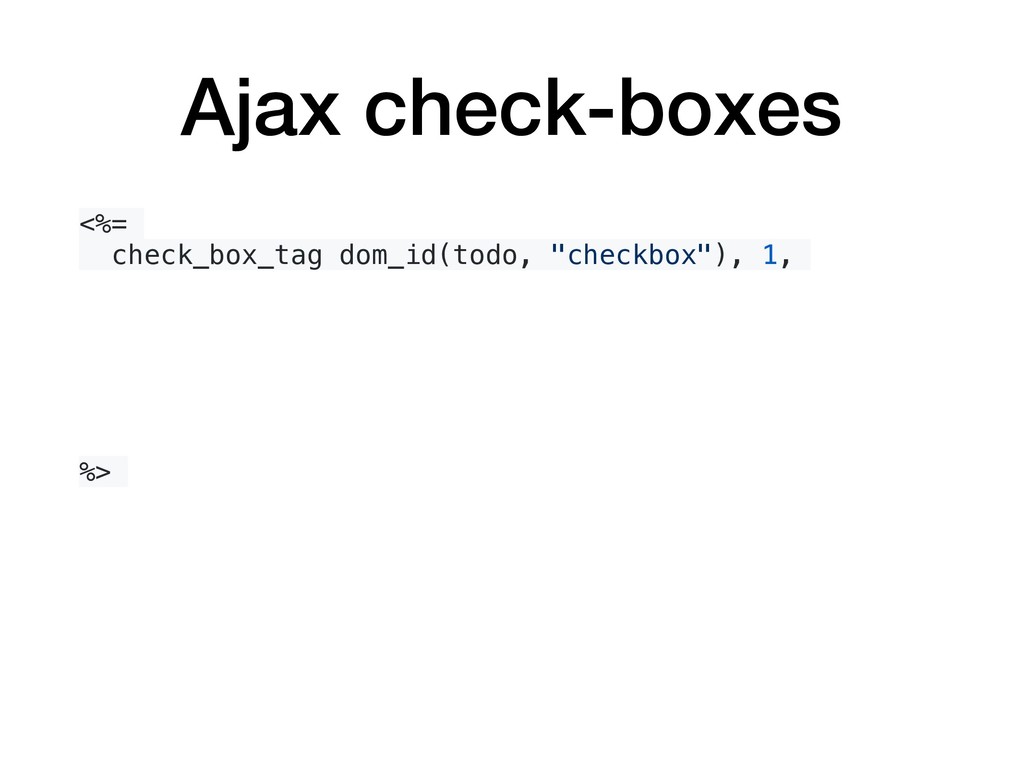
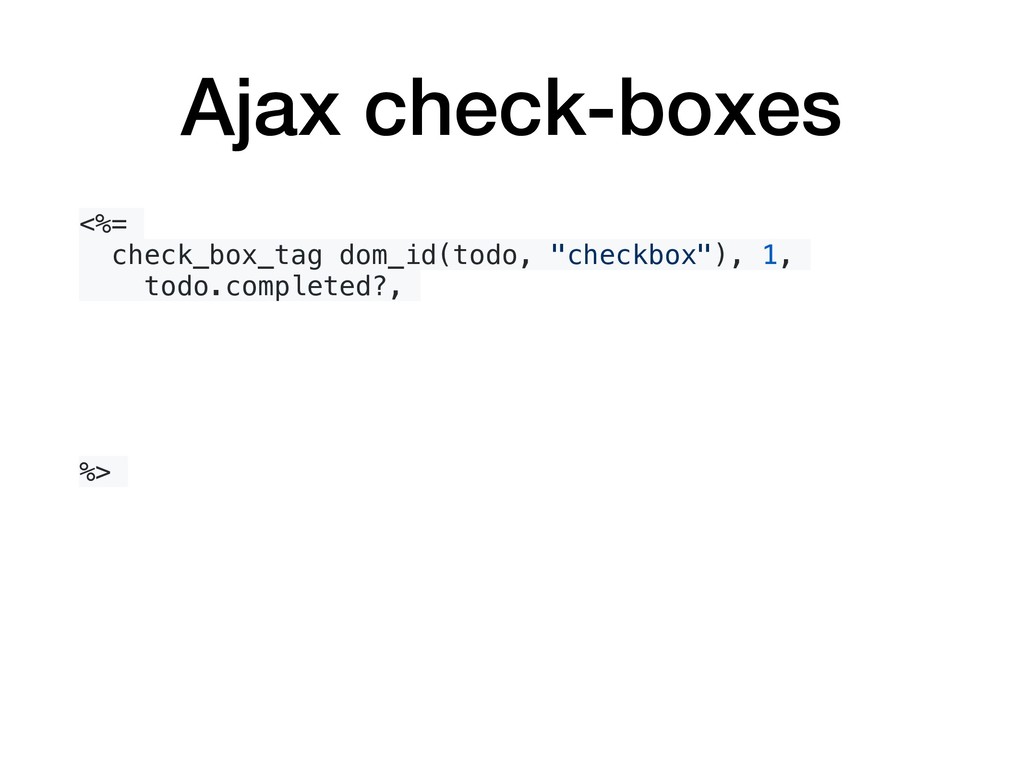
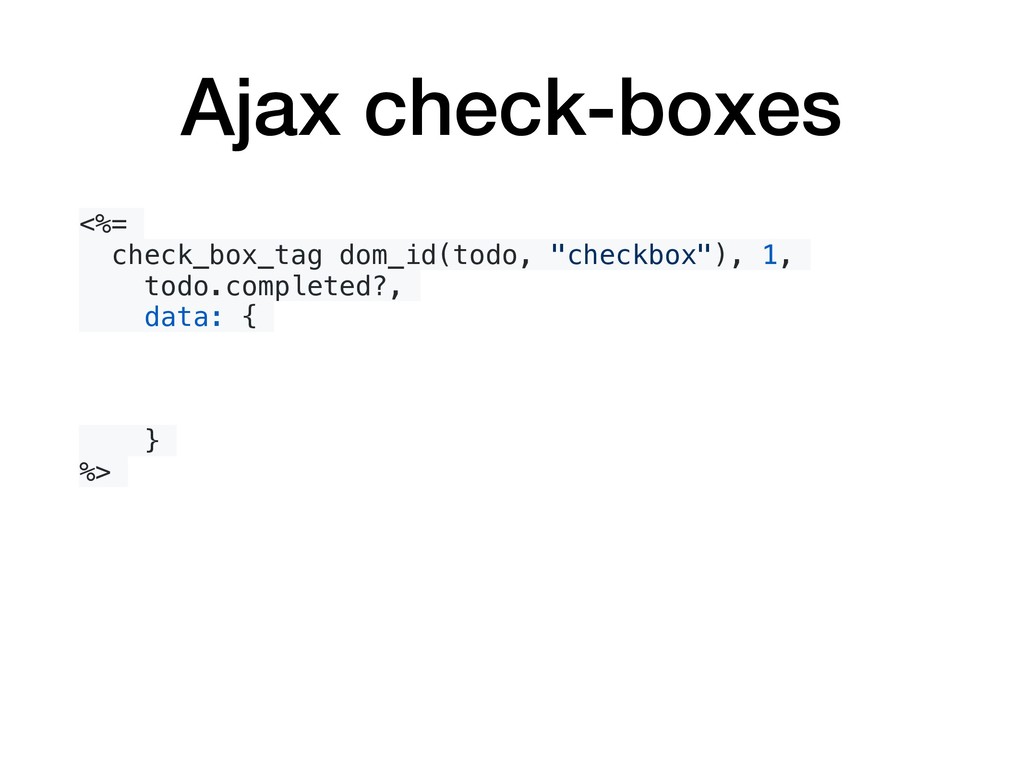
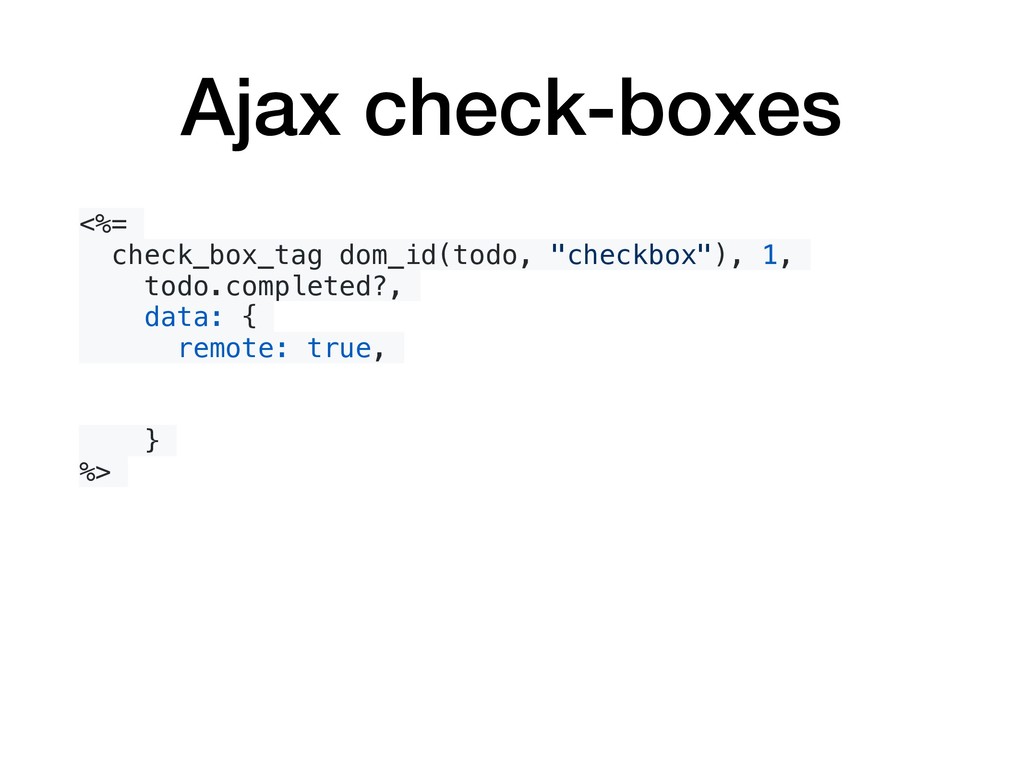
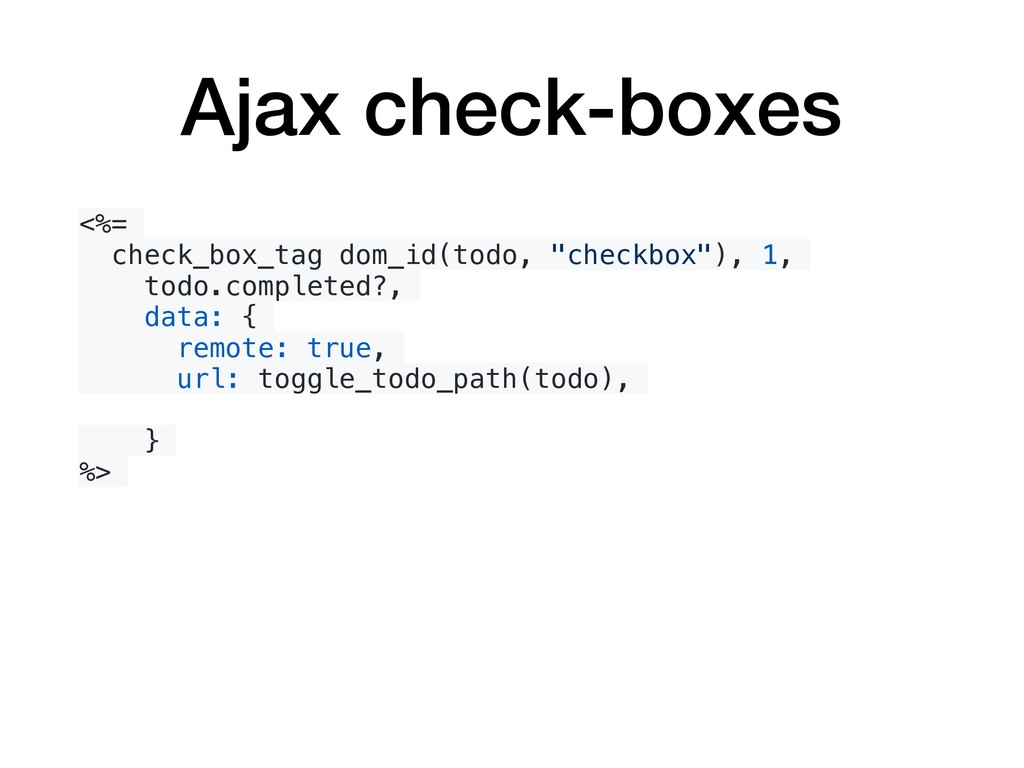
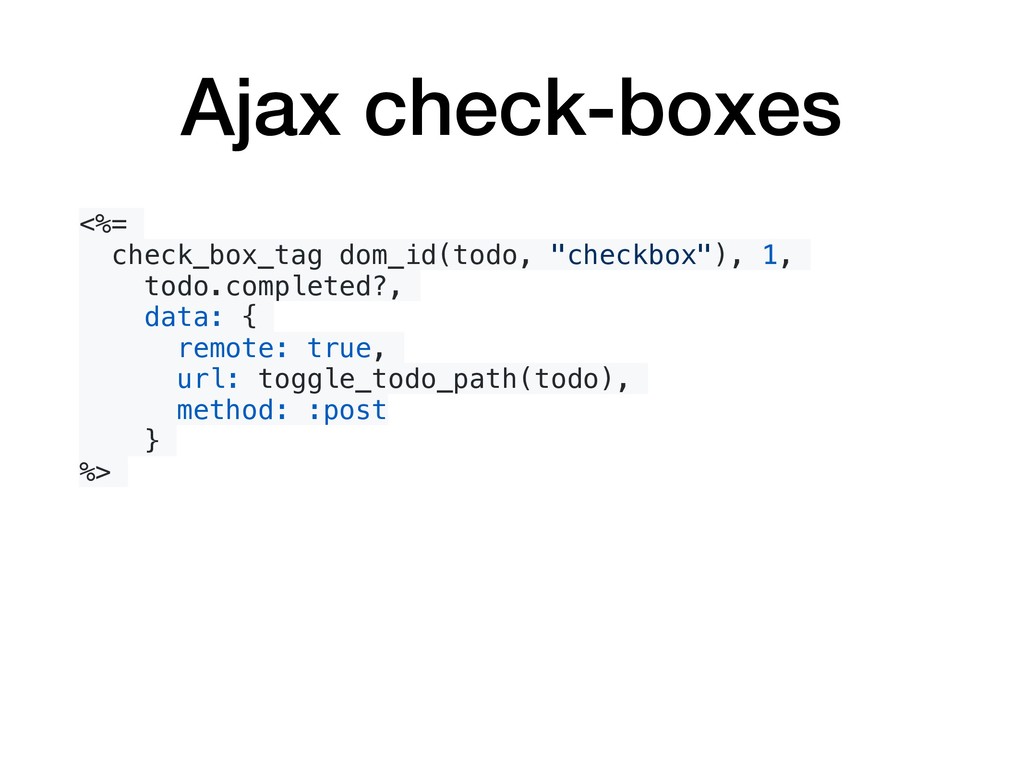
  10. Ajax check-boxes <%= check_box_tag dom_id(todo, "checkbox"), 1, todo.completed?, data: {

    remote: true, url: toggle_todo_path(todo), method: :post } %>
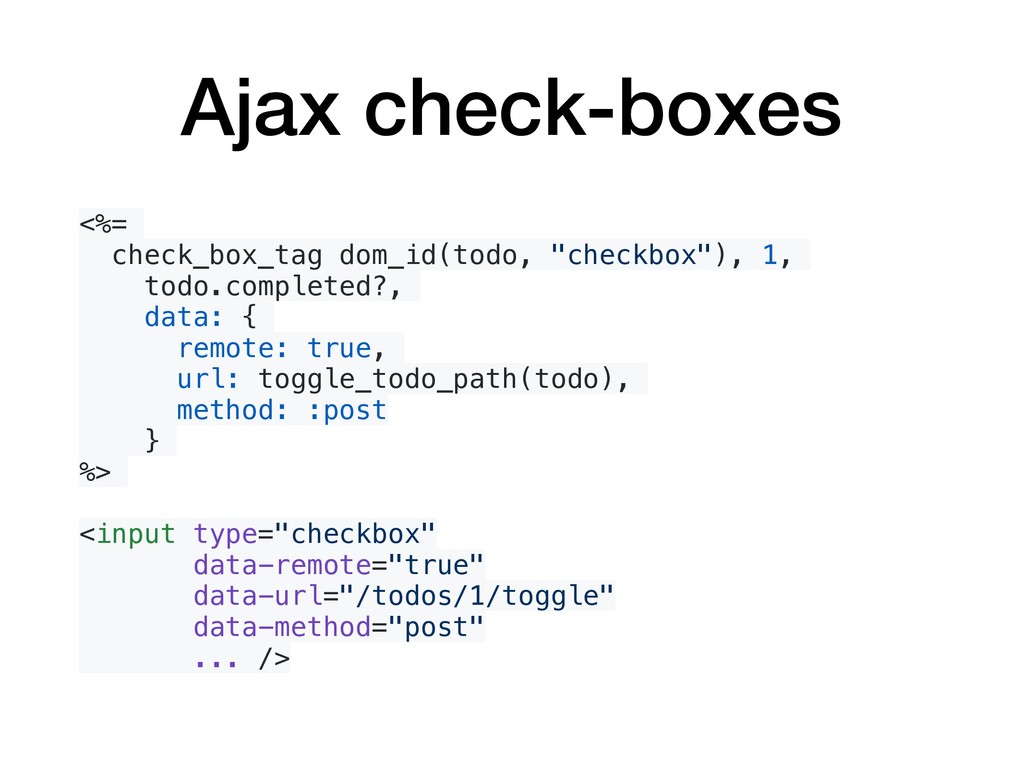
  11. Ajax check-boxes <%= check_box_tag dom_id(todo, "checkbox"), 1, todo.completed?, data: {

    remote: true, url: toggle_todo_path(todo), method: :post } %> <input type="checkbox" data-remote="true" data-url="/todos/1/toggle" data-method="post" ... />
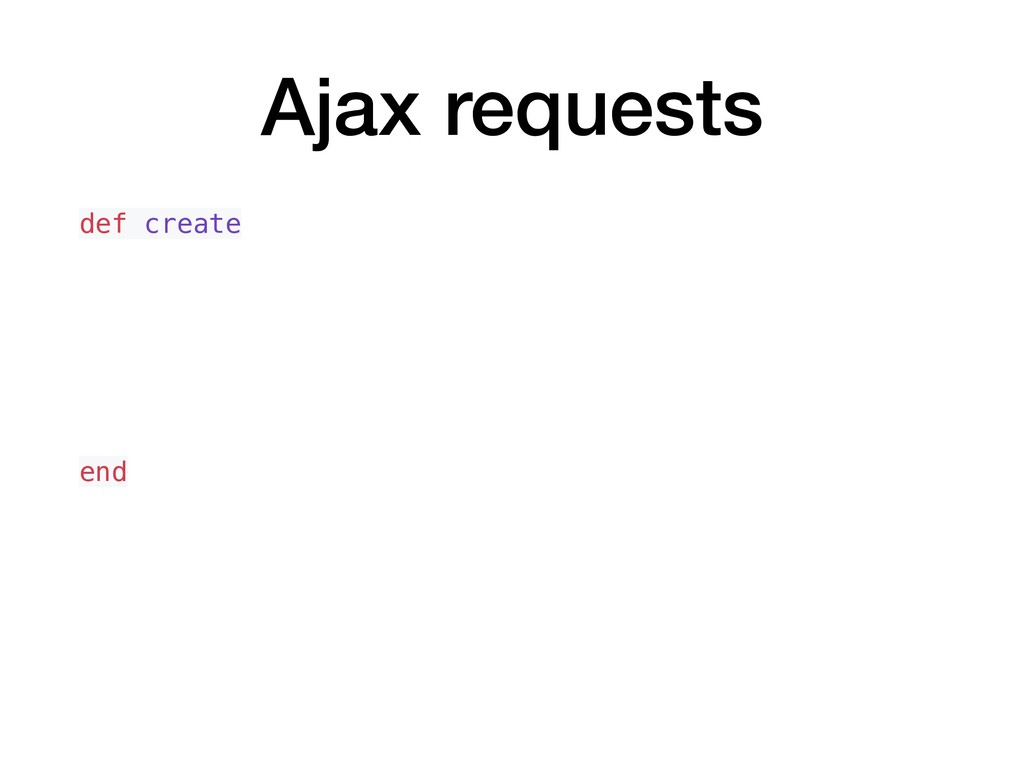
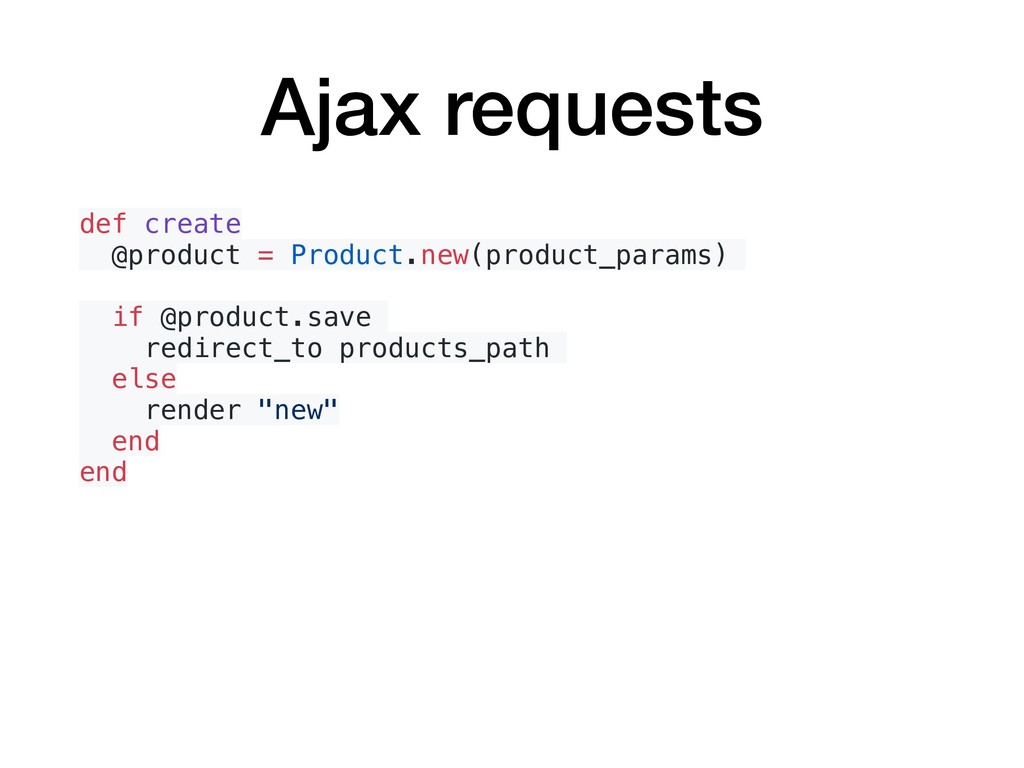
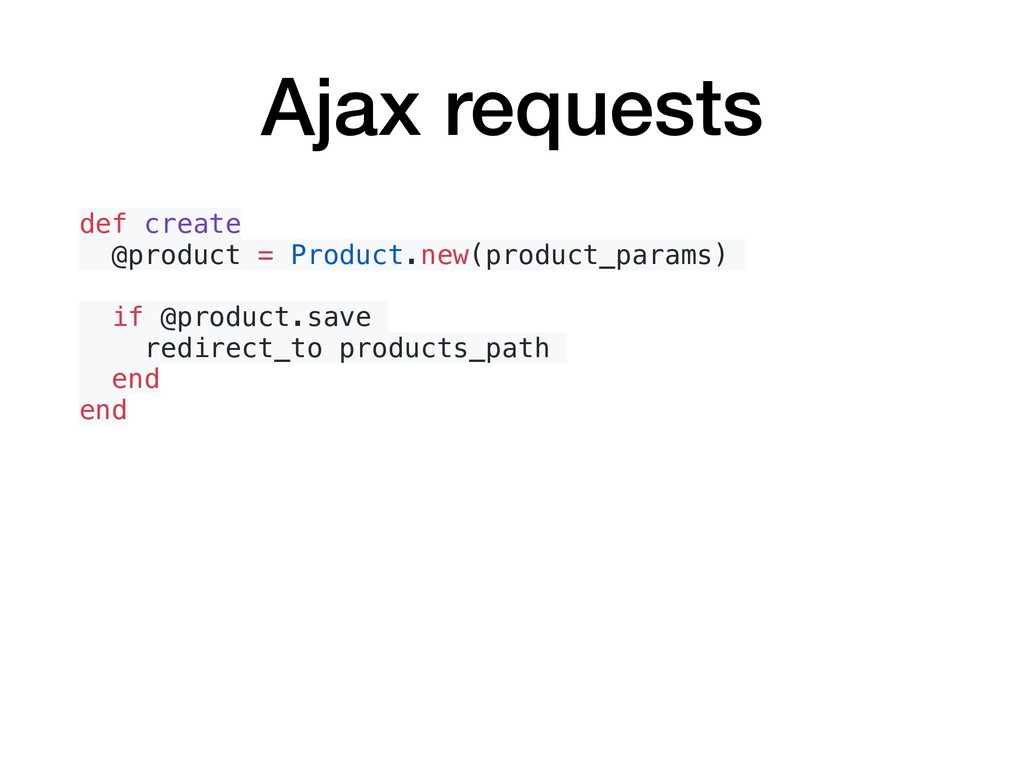
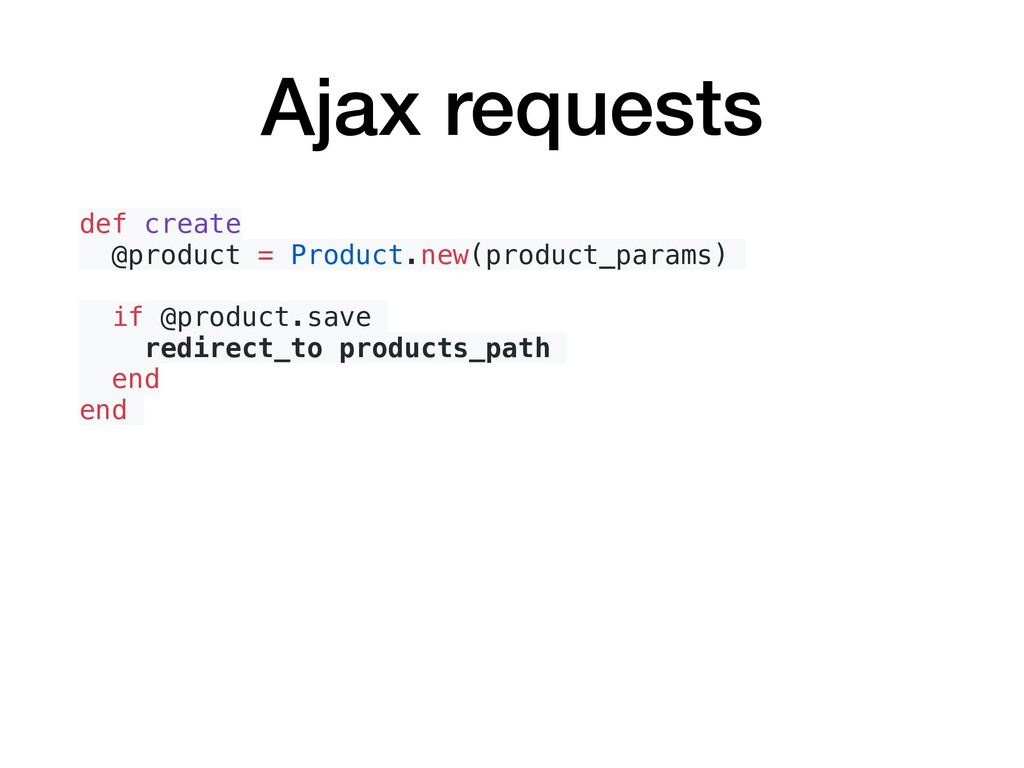
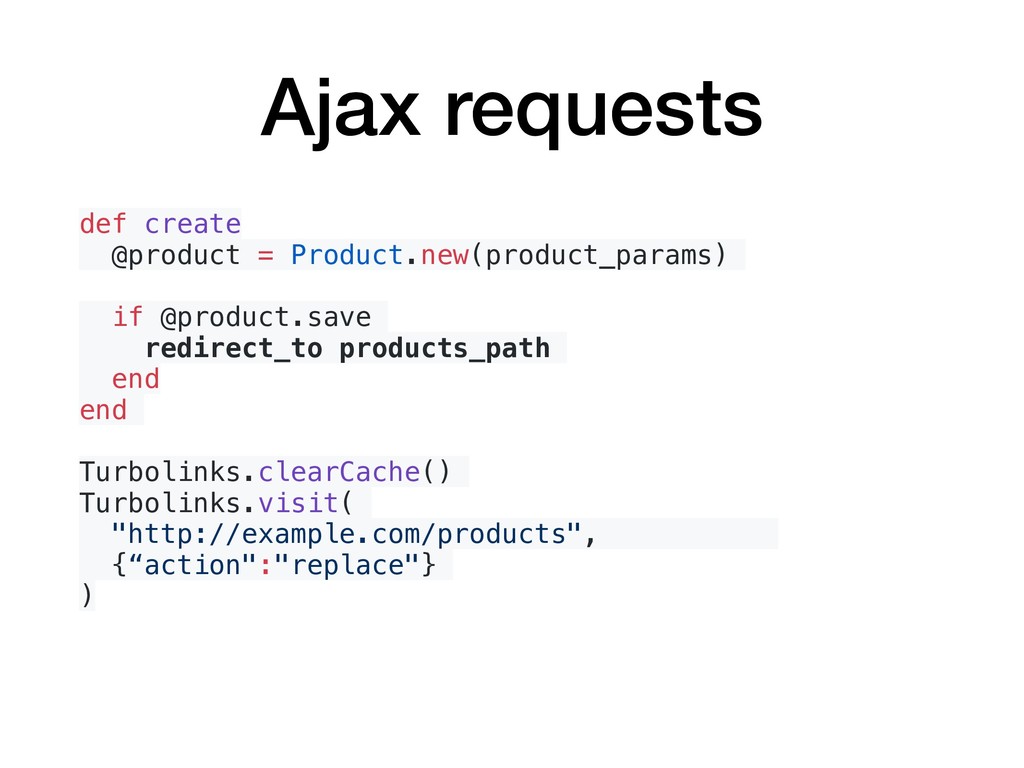
  12. Ajax requests def create @product = Product.new(product_params) if @product.save redirect_to

    products_path end end Turbolinks.clearCache() Turbolinks.visit( "http://example.com/products", {“action":"replace"} )
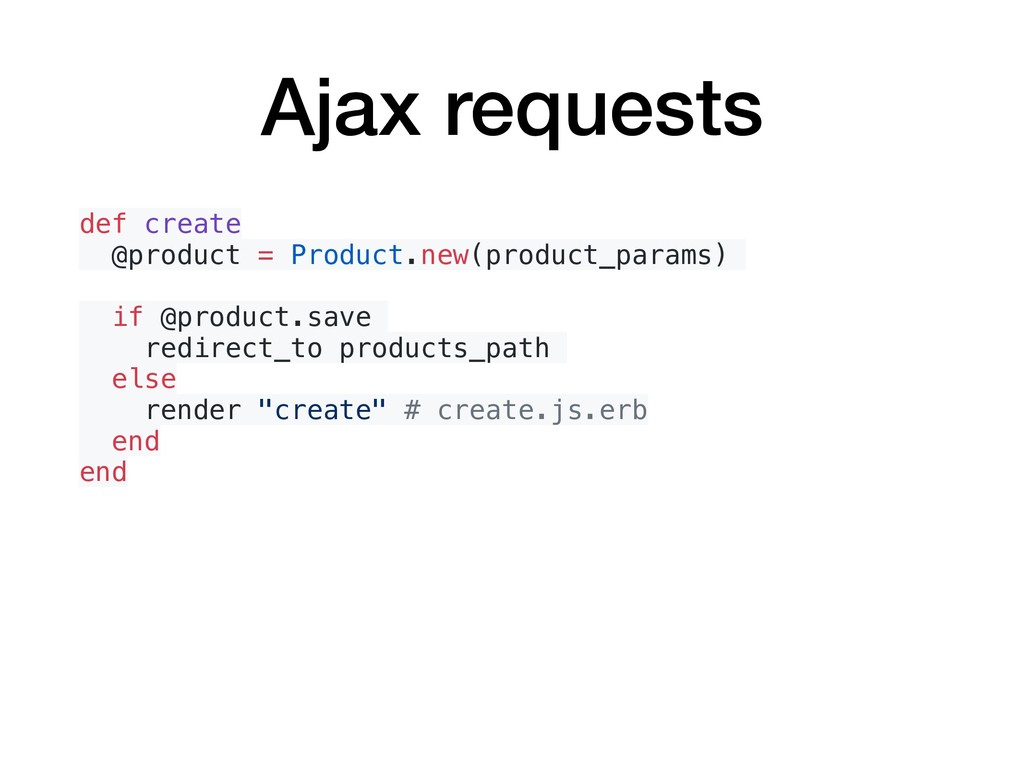
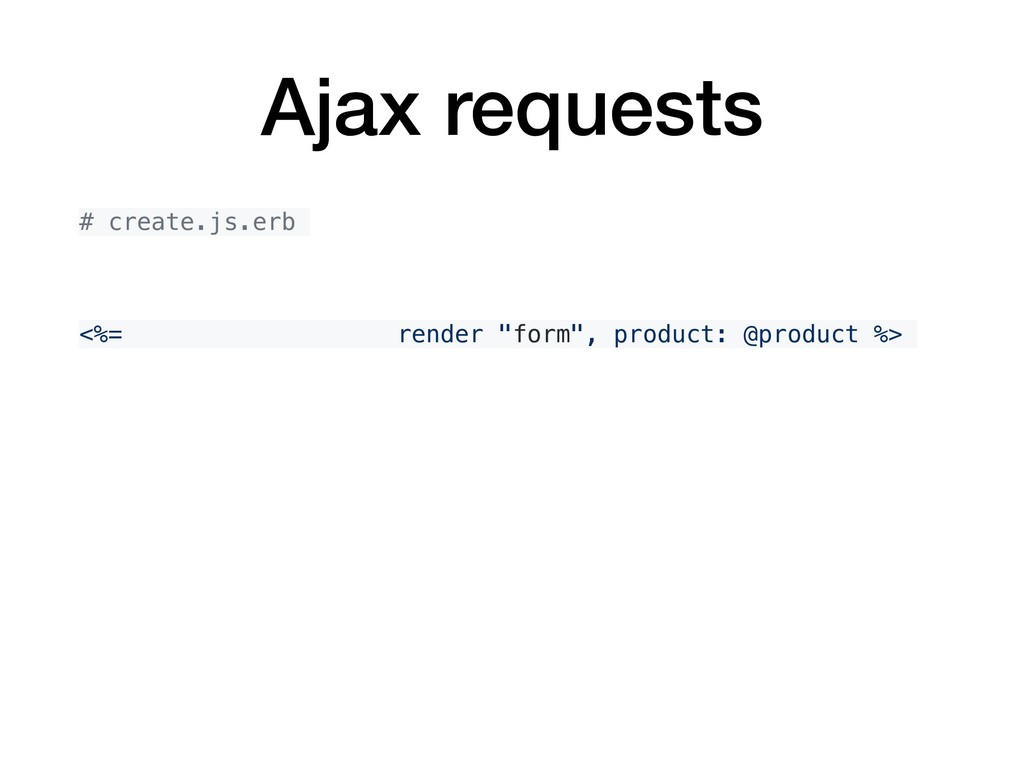
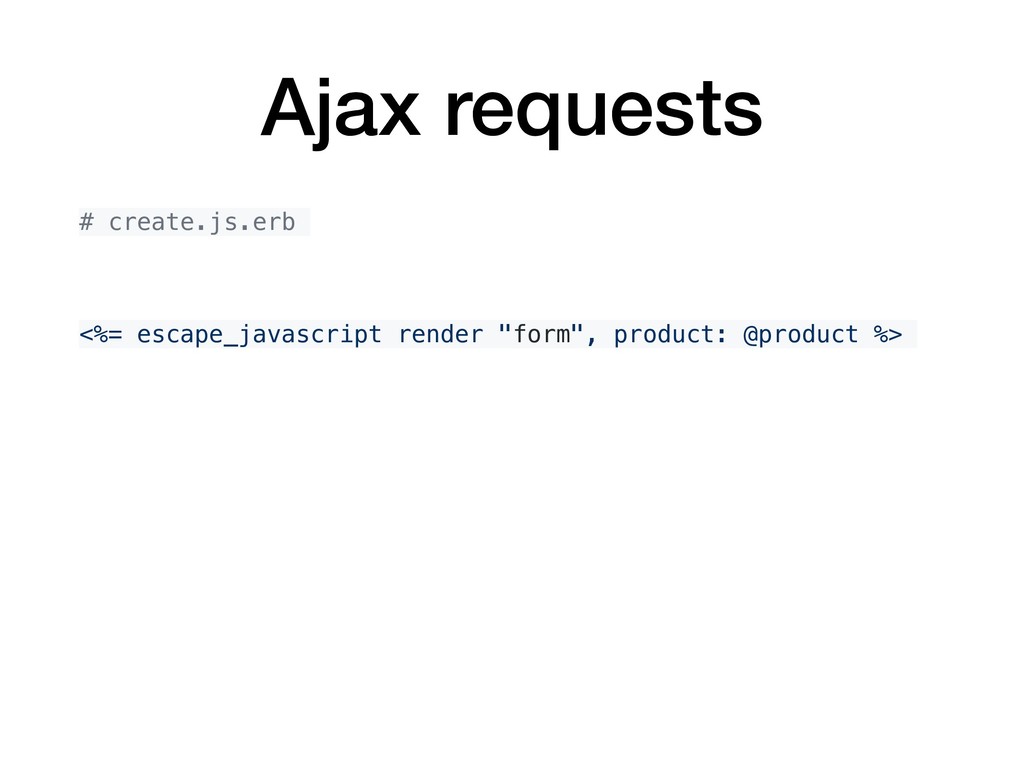
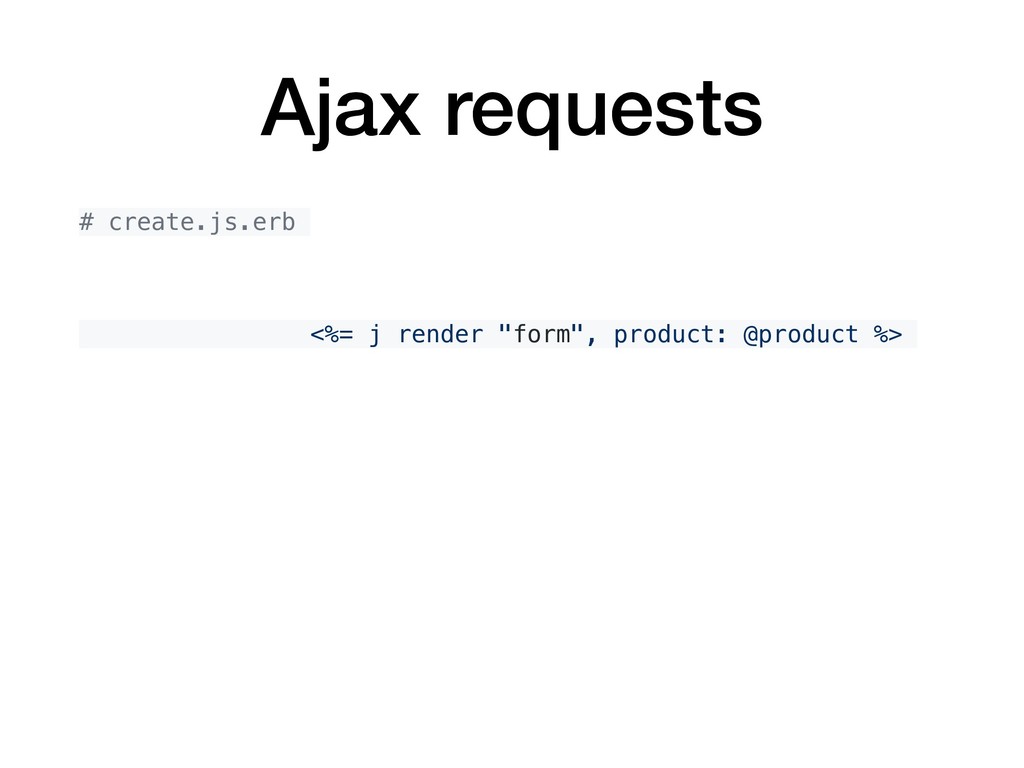
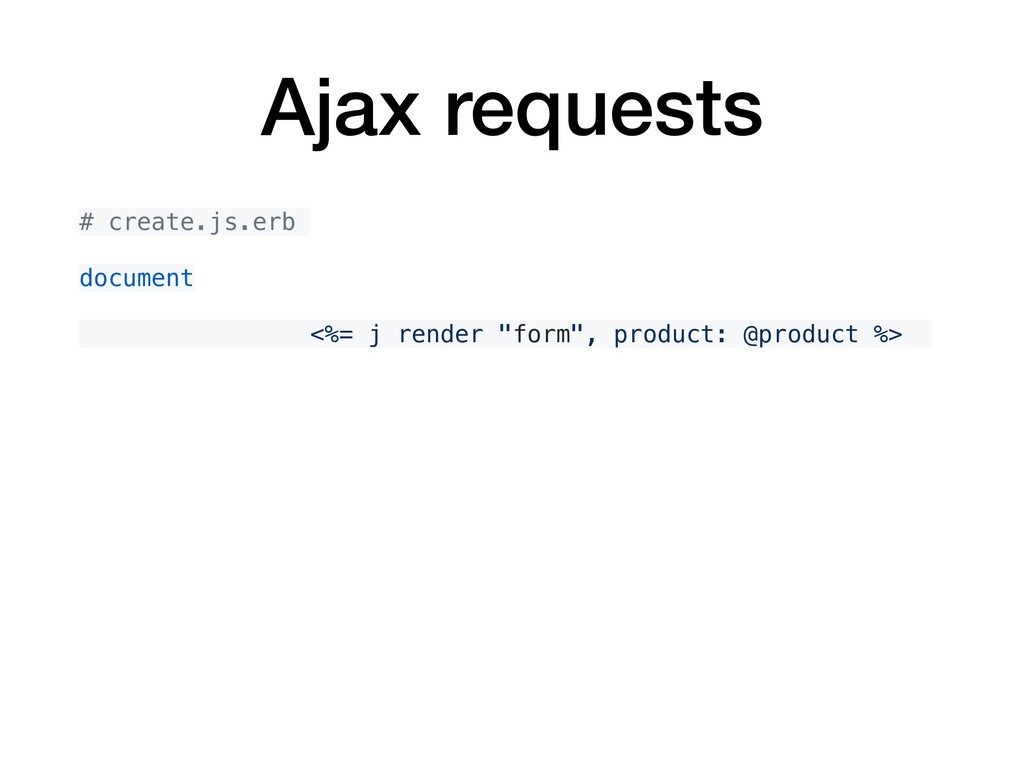
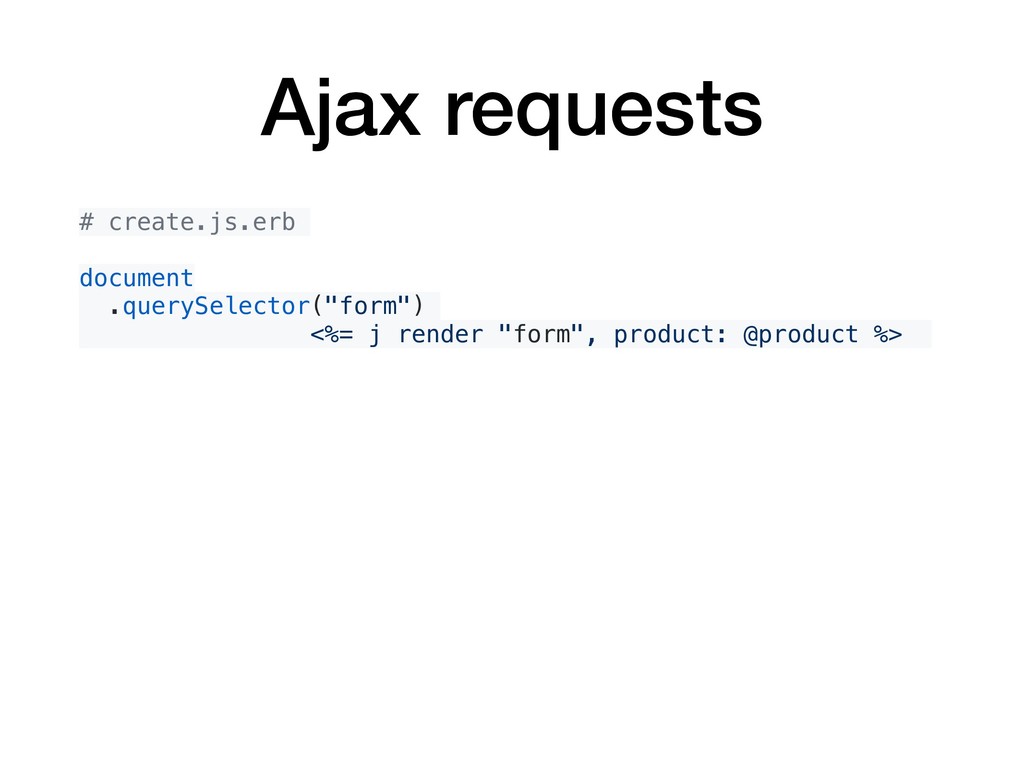
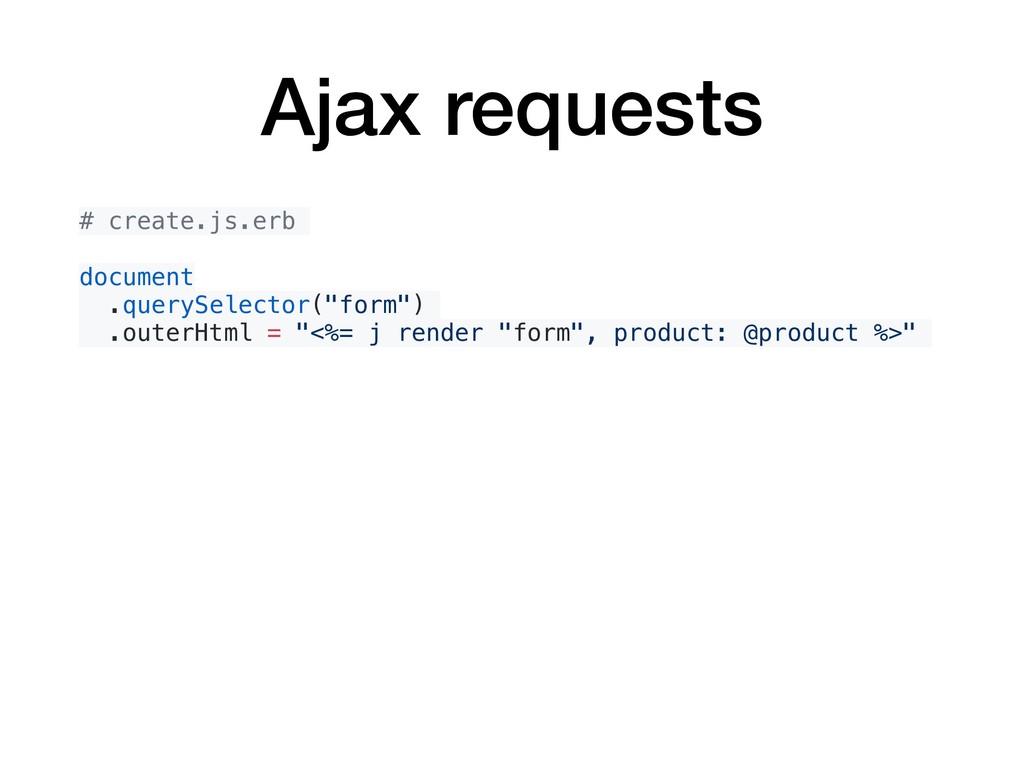
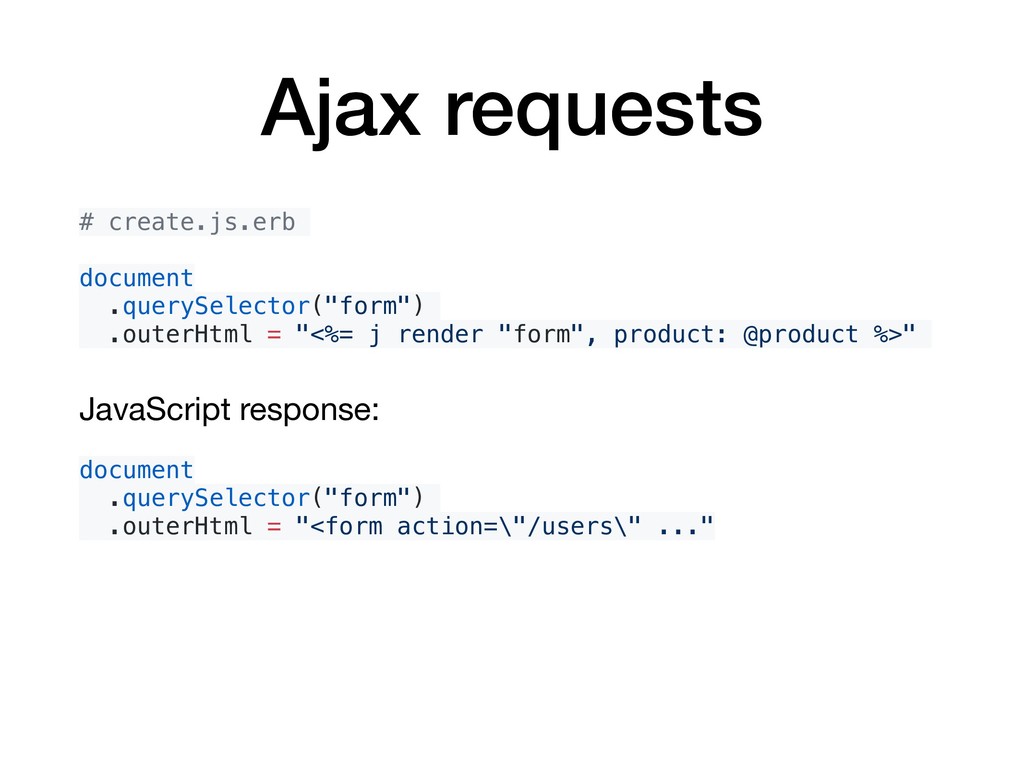
  13. Ajax requests # create.js.erb document .querySelector("form") .outerHtml = "<%= j

    render "form", product: @product %>" JavaScript response: document .querySelector("form") .outerHtml = "<form action=\"/users\" ..."
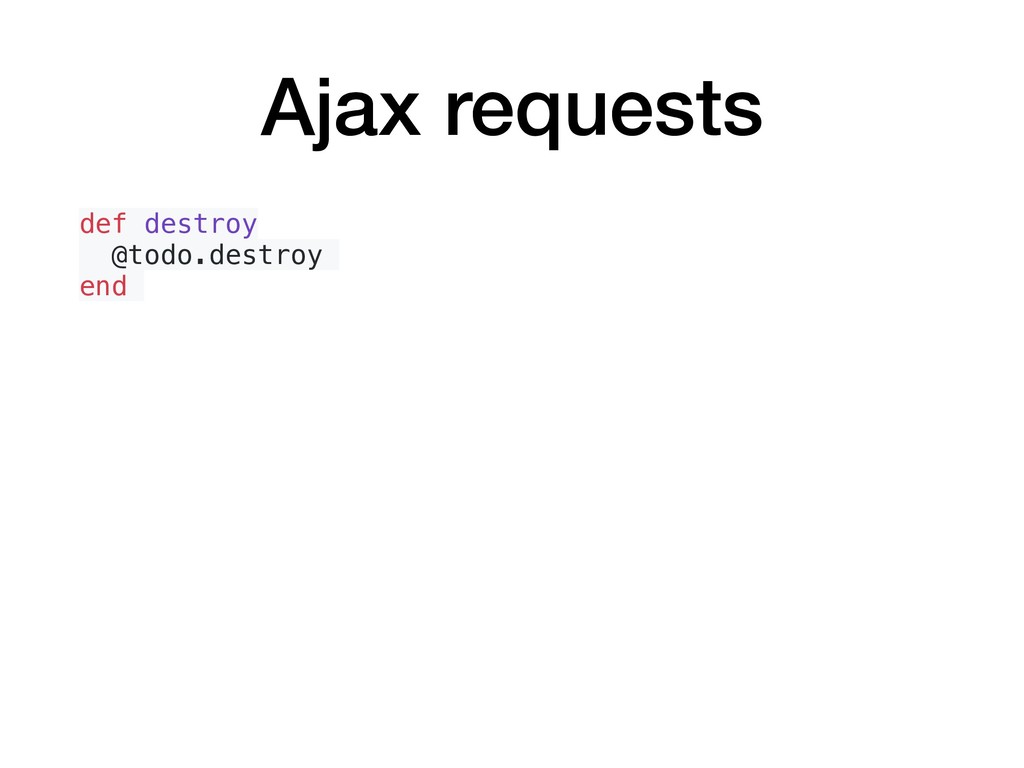
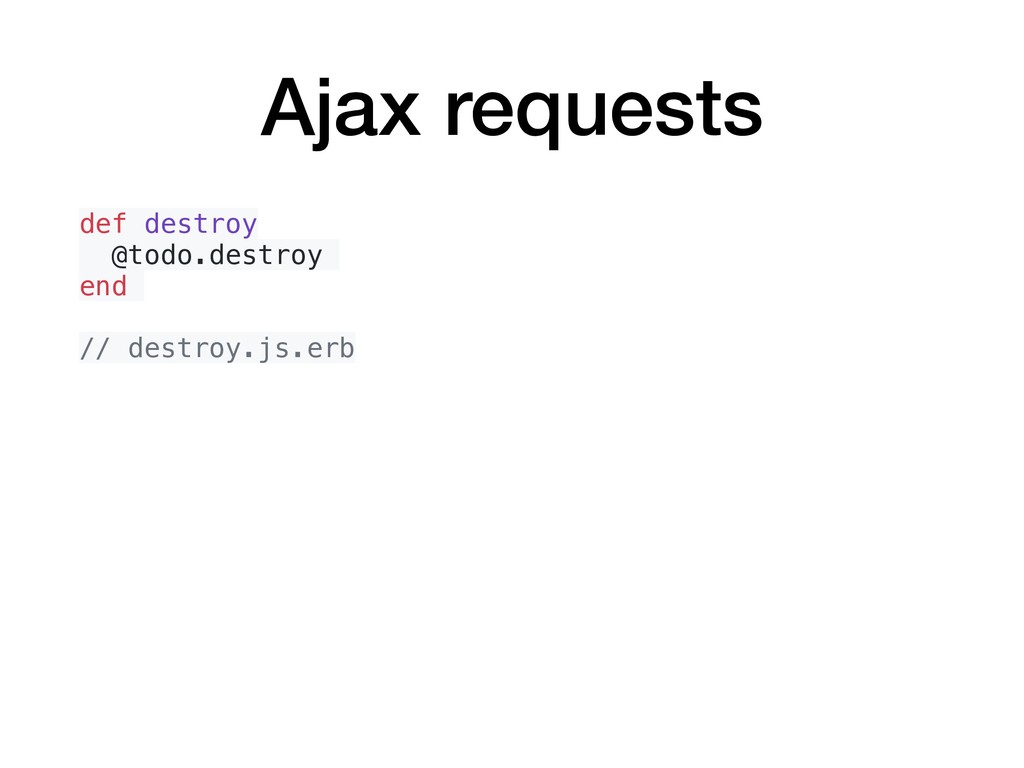
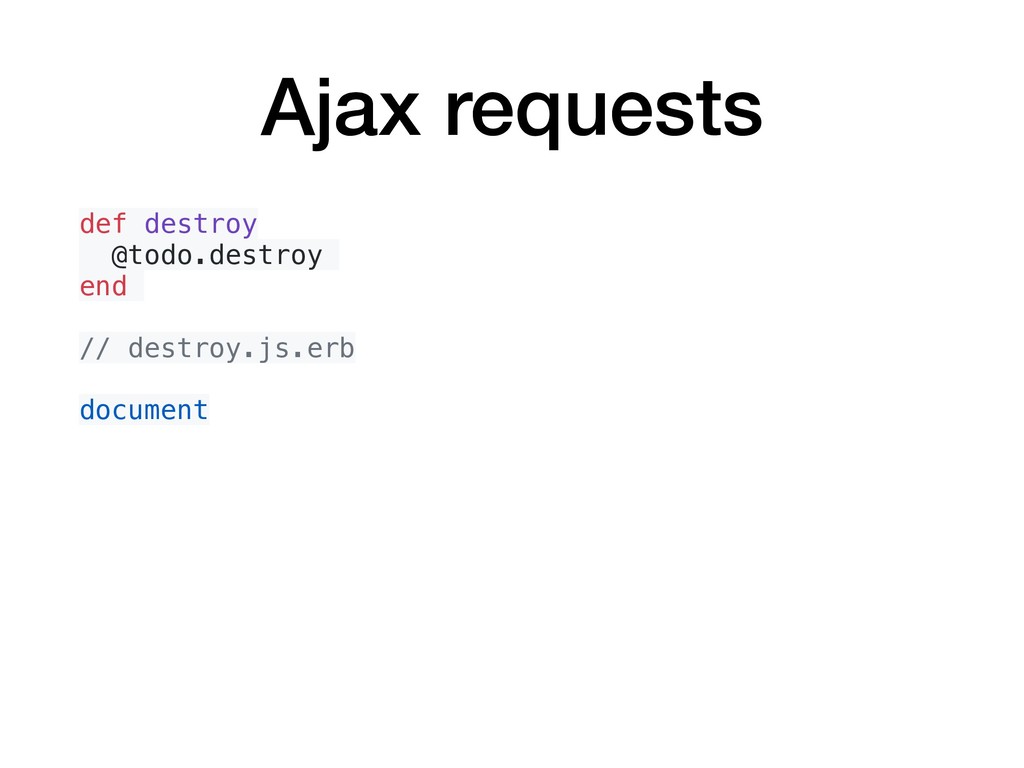
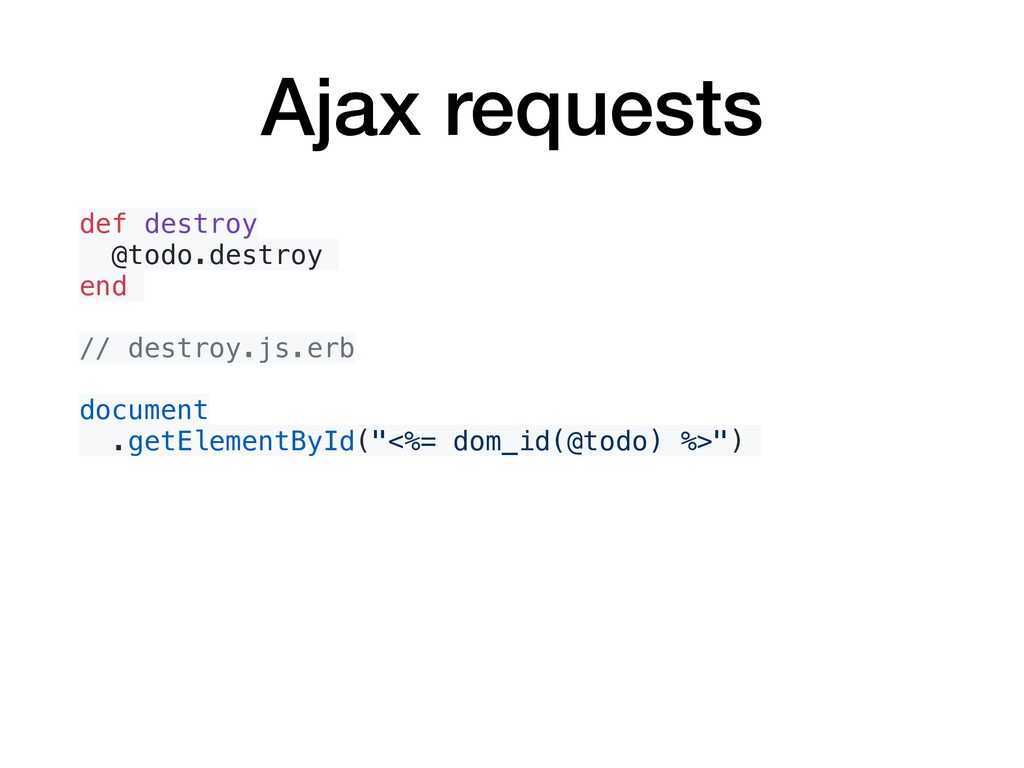
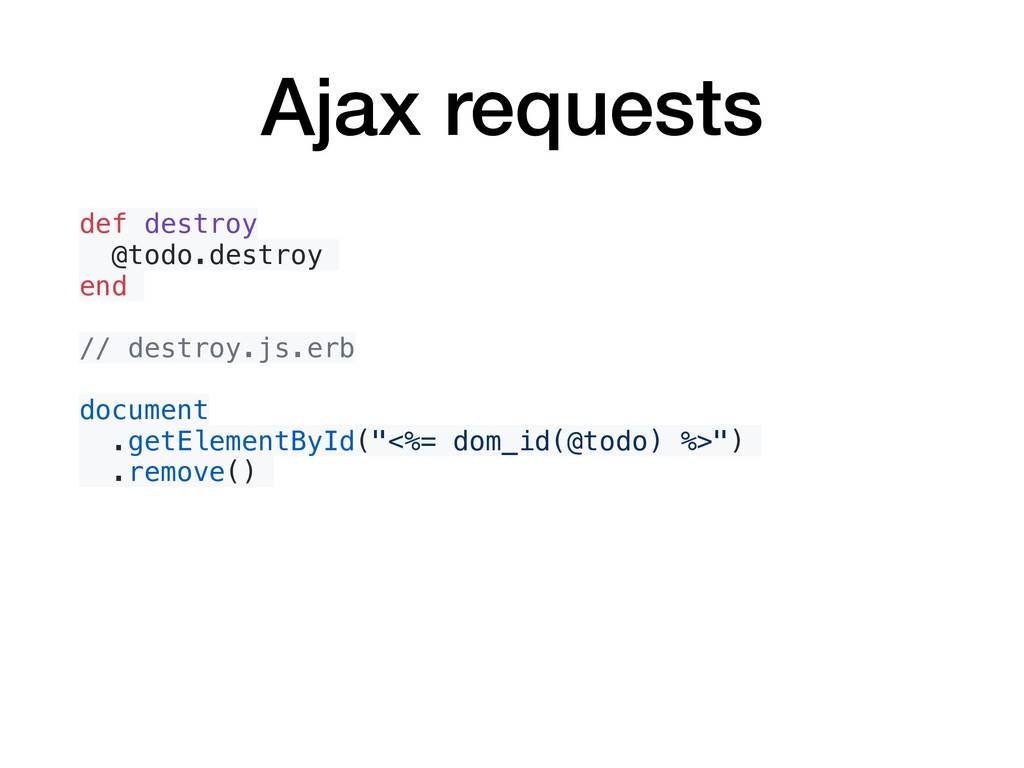
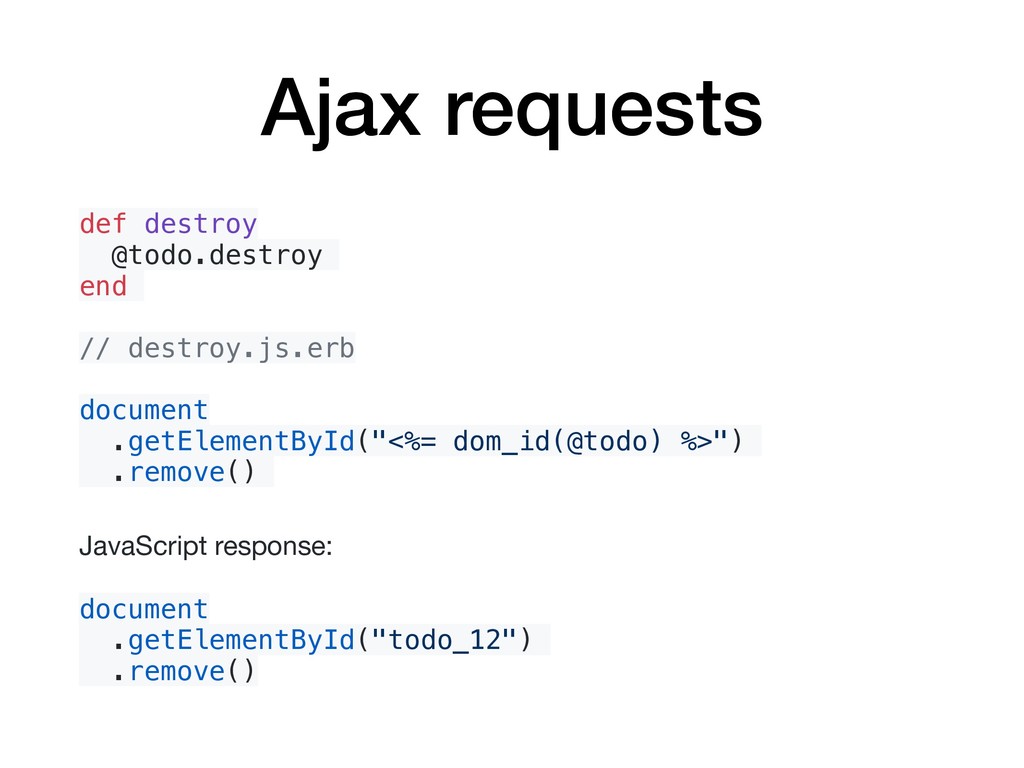
  14. Ajax requests def destroy @todo.destroy end // destroy.js.erb document .getElementById("<%=

    dom_id(@todo) %>") .remove() JavaScript response: document .getElementById("todo_12") .remove()
  15. Ajax requests • https://guides.rubyonrails.org/working_with_javascript_in_rails.html • https://signalvnoise.com/posts/3697-server-generated-javascript- responses • https://m.patrikonrails.com/do-you-really-need-that-fancy- javascript-framework-e6f2531f8a38

    • https://m.patrikonrails.com/how-to-make-ajax-calls-the-rails- way-20174715d176 • https://m.patrikonrails.com/a-definitive-guide-to-railss- unobtrusive-javascript-adapter-ef13bd047fff
  16. Interactive HTML Stimulus JS • A modest JavaScript framework for

    the HTML you already have. • https://stimulusjs.org/
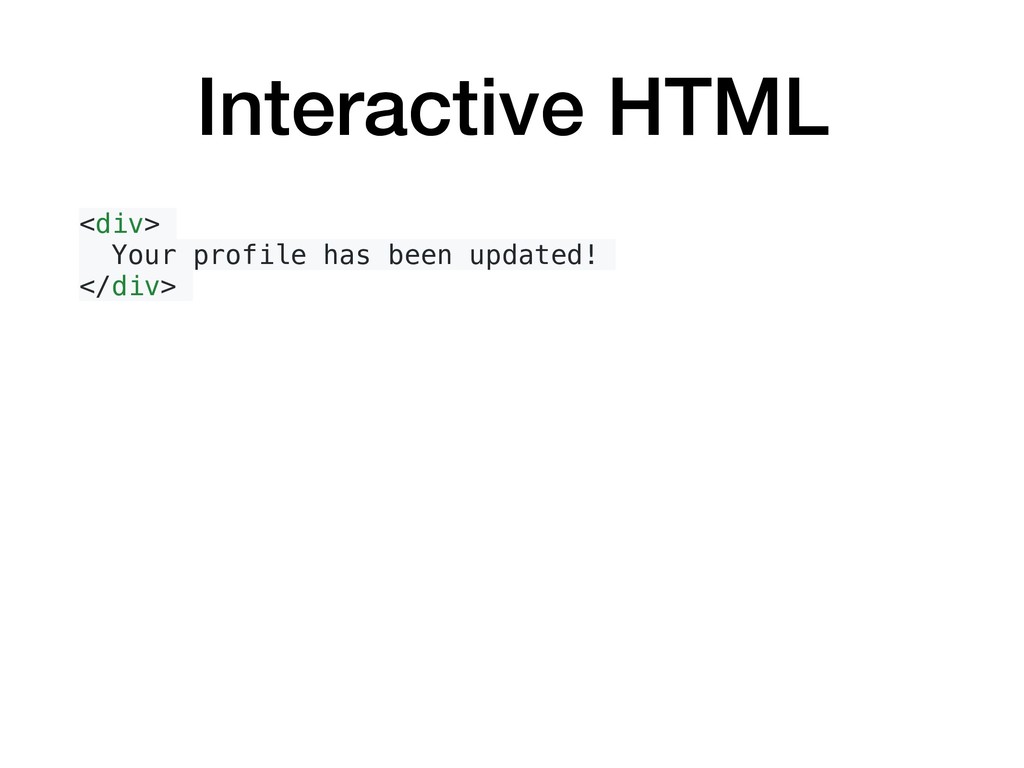
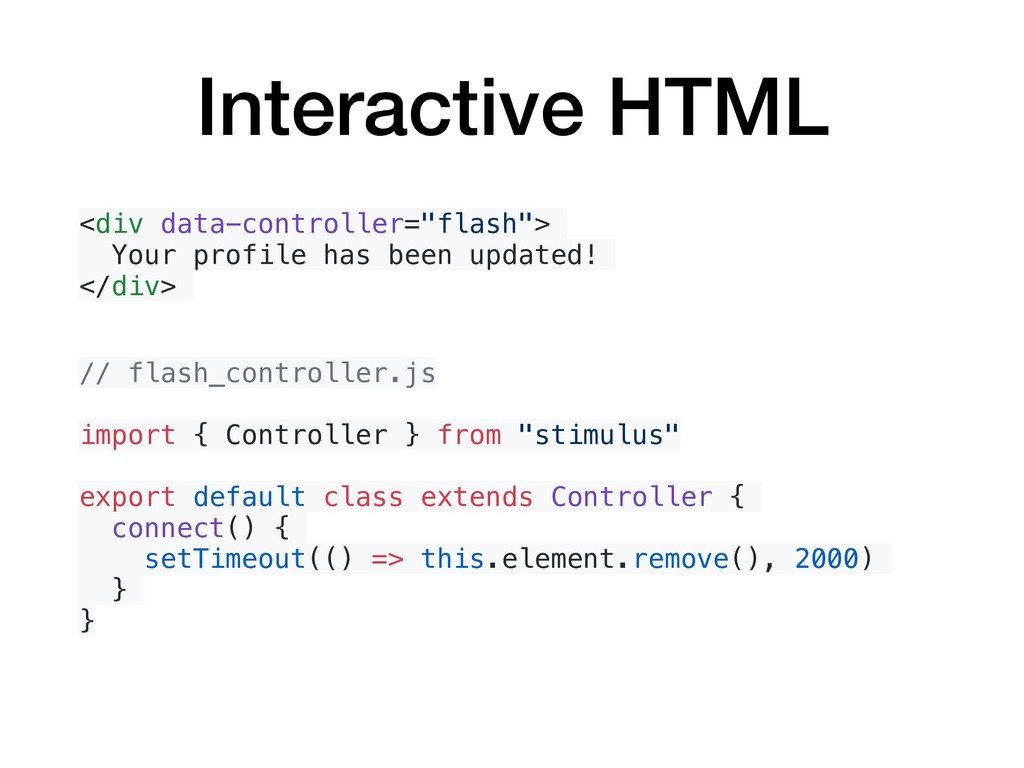
  17. Interactive HTML <div data-controller="flash"> Your profile has been updated! </div>

    // flash_controller.js import { Controller } from "stimulus" export default class extends Controller { }
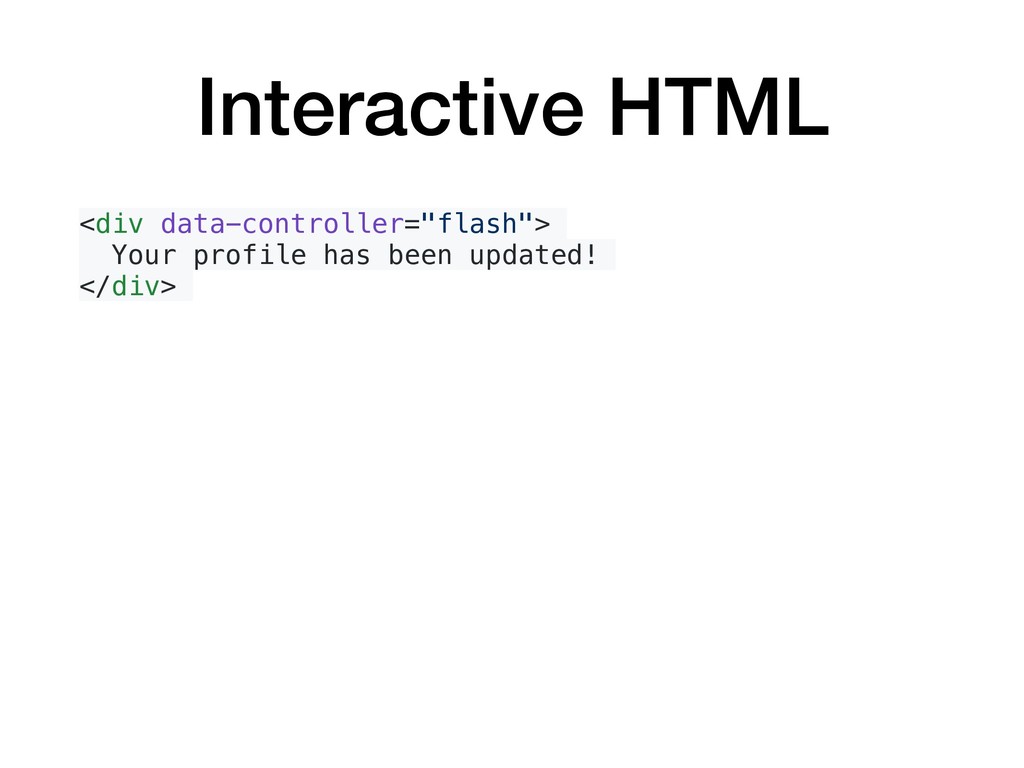
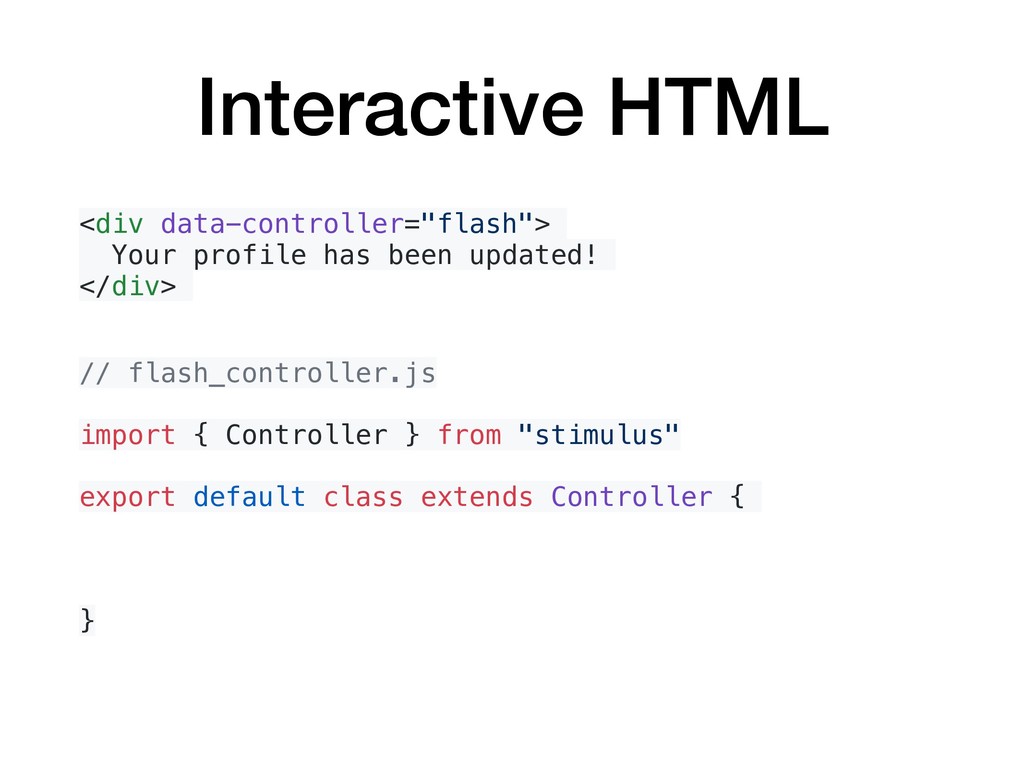
  18. Interactive HTML <div data-controller="flash"> Your profile has been updated! </div>

    // flash_controller.js import { Controller } from "stimulus" export default class extends Controller { connect() { setTimeout(() => this.element.remove(), 2000) } }
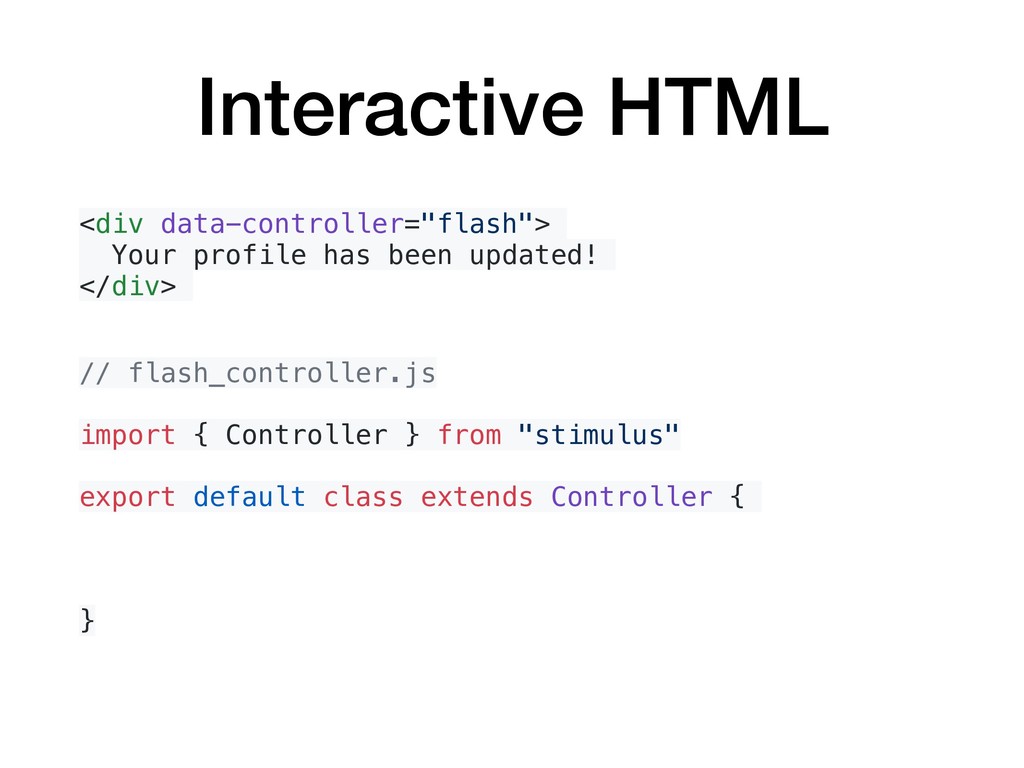
  19. Interactive HTML <div data-controller="flash"> Your profile has been updated! </div>

    // flash_controller.js import { Controller } from "stimulus" export default class extends Controller { }
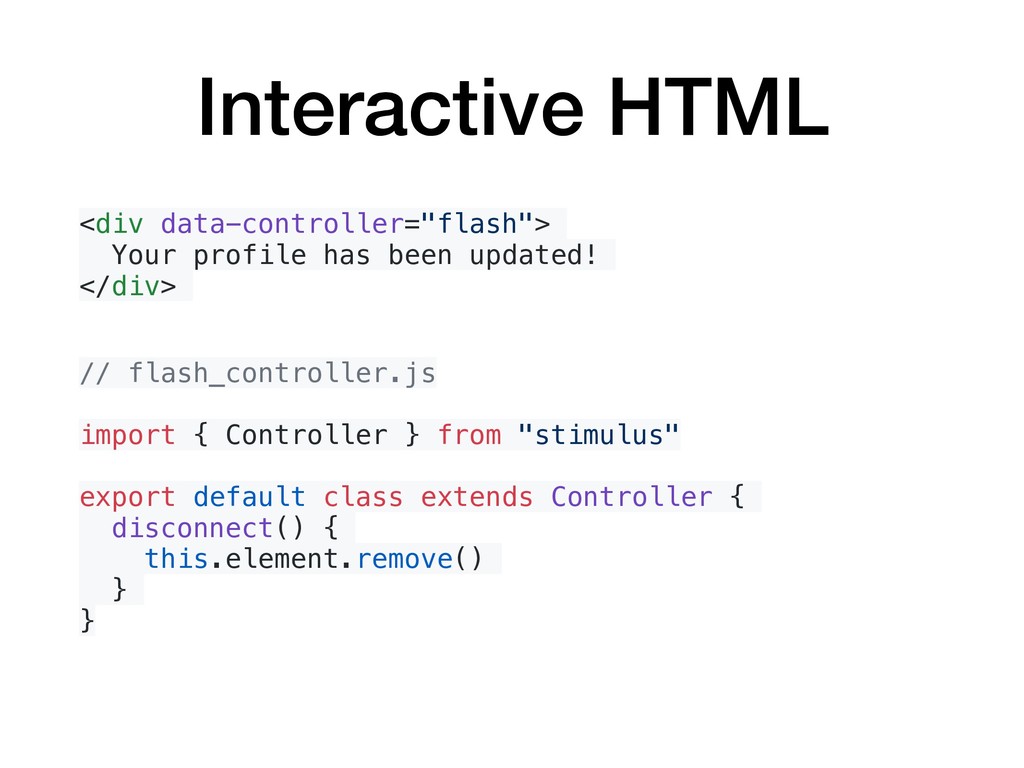
  20. Interactive HTML <div data-controller="flash"> Your profile has been updated! </div>

    // flash_controller.js import { Controller } from "stimulus" export default class extends Controller { disconnect() { this.element.remove() } }
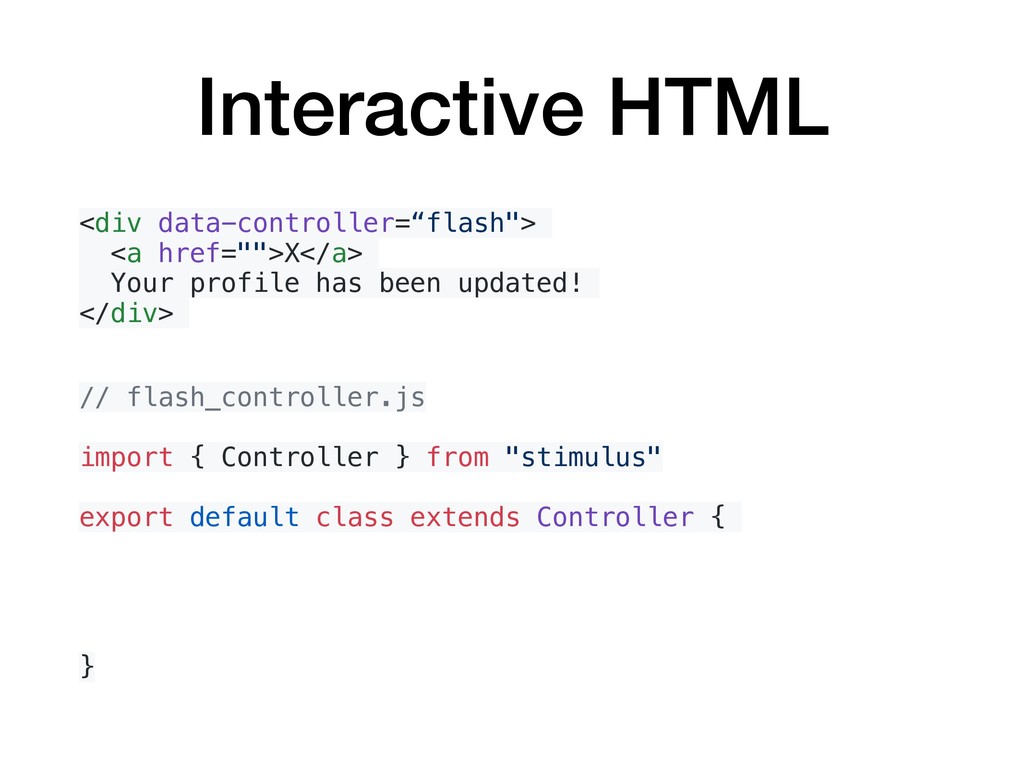
  21. Interactive HTML <div data-controller=“flash"> <a href="">X</a> Your profile has been

    updated! </div> // flash_controller.js import { Controller } from "stimulus" export default class extends Controller { }
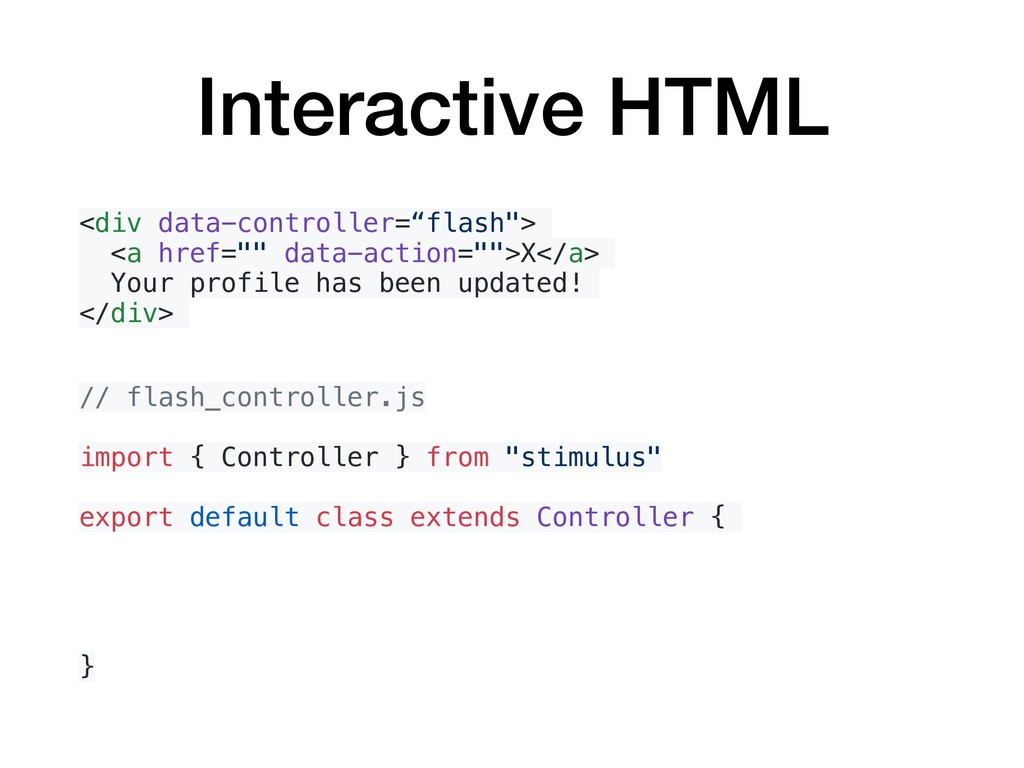
  22. Interactive HTML <div data-controller=“flash"> <a href="" data-action="">X</a> Your profile has

    been updated! </div> // flash_controller.js import { Controller } from "stimulus" export default class extends Controller { }
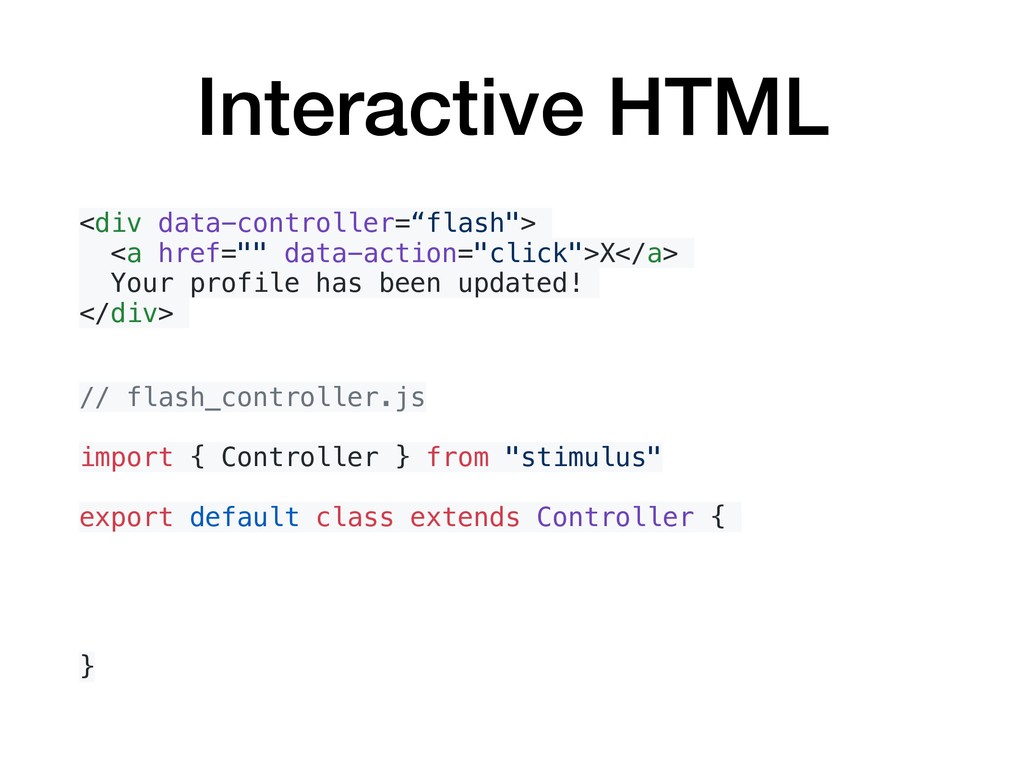
  23. Interactive HTML <div data-controller=“flash"> <a href="" data-action="click">X</a> Your profile has

    been updated! </div> // flash_controller.js import { Controller } from "stimulus" export default class extends Controller { }
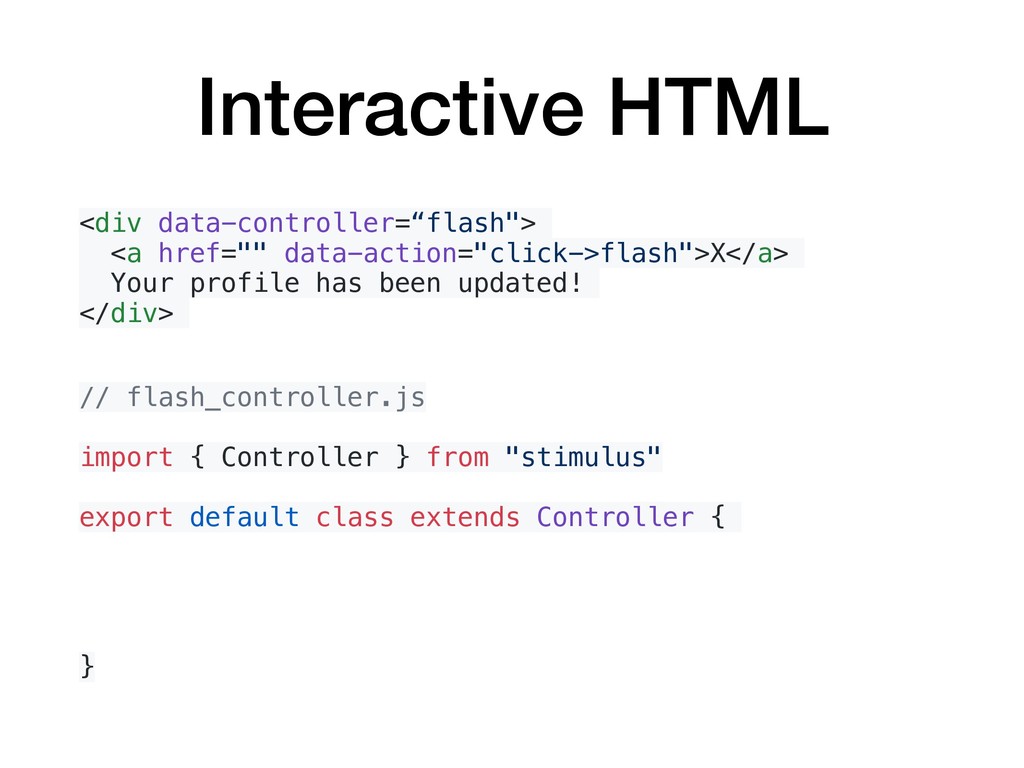
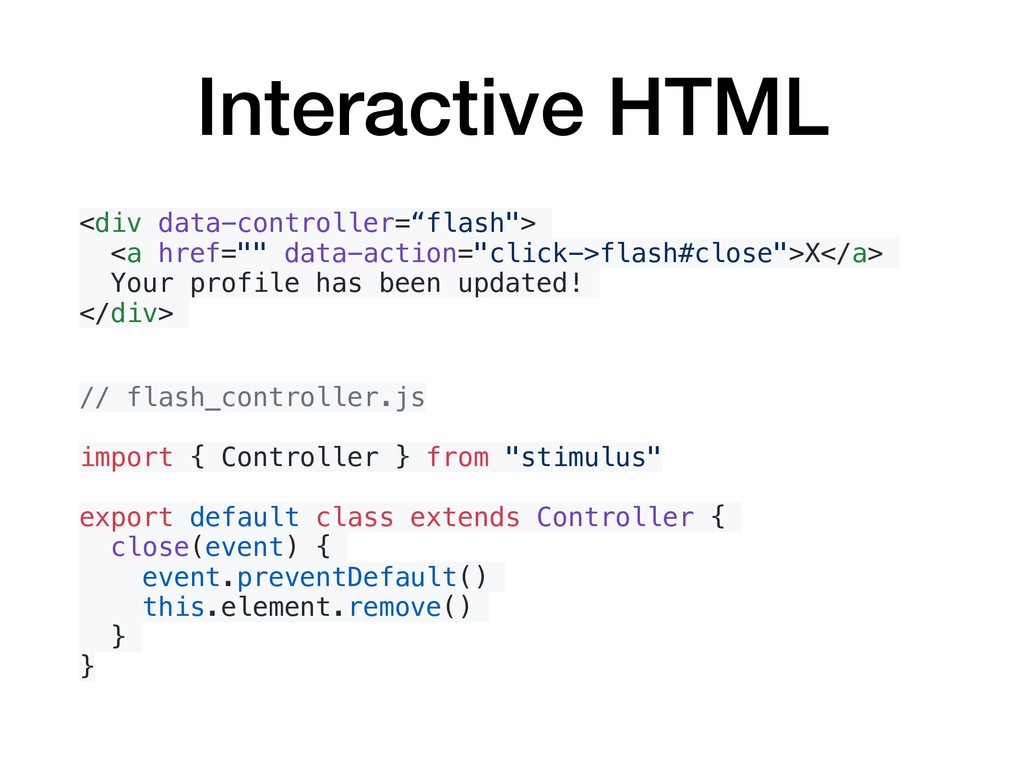
  24. Interactive HTML <div data-controller=“flash"> <a href="" data-action="click->flash">X</a> Your profile has

    been updated! </div> // flash_controller.js import { Controller } from "stimulus" export default class extends Controller { }
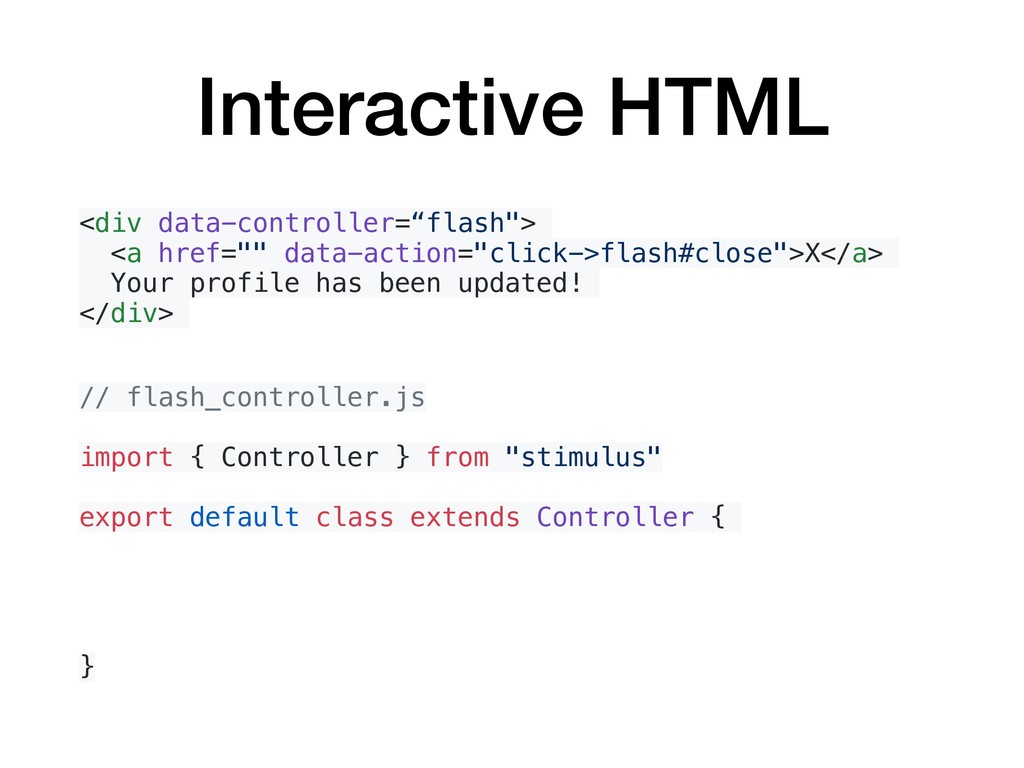
  25. Interactive HTML <div data-controller=“flash"> <a href="" data-action="click->flash#close">X</a> Your profile has

    been updated! </div> // flash_controller.js import { Controller } from "stimulus" export default class extends Controller { }
  26. Interactive HTML <div data-controller=“flash"> <a href="" data-action="click->flash#close">X</a> Your profile has

    been updated! </div> // flash_controller.js import { Controller } from "stimulus" export default class extends Controller { close(event) { event.preventDefault() this.element.remove() } }
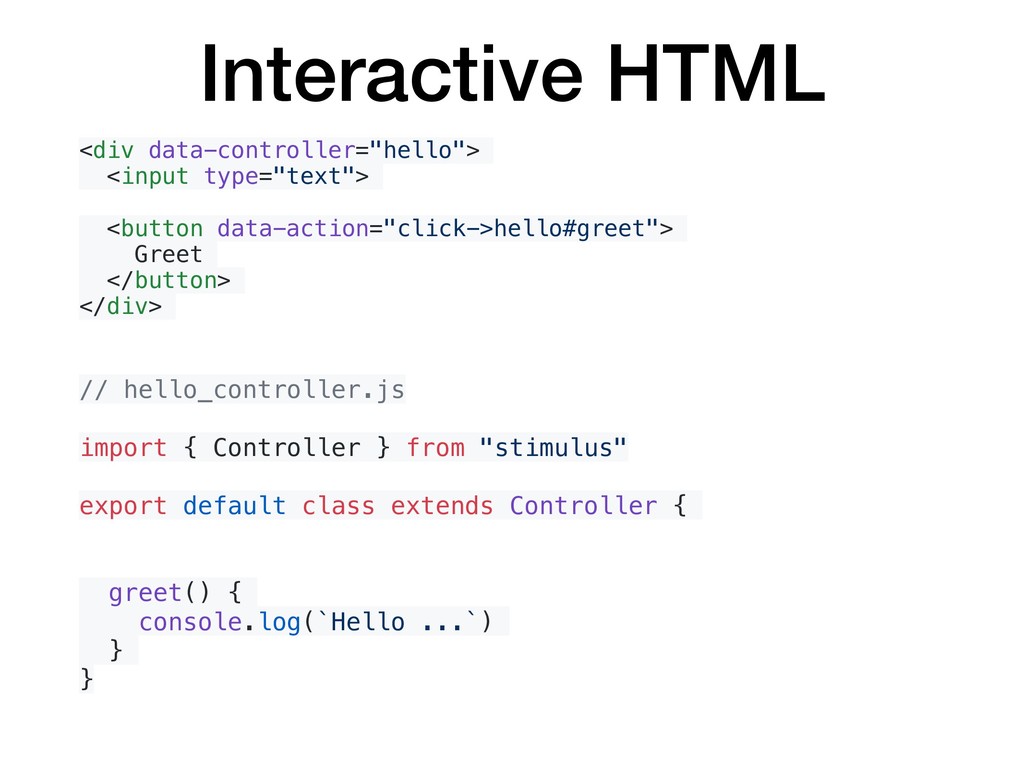
  27. Interactive HTML <div data-controller="hello"> <input type="text"> <button data-action="click->hello#greet"> Greet </button>

    </div> // hello_controller.js import { Controller } from "stimulus" export default class extends Controller { greet() { console.log(`Hello ...`) } }
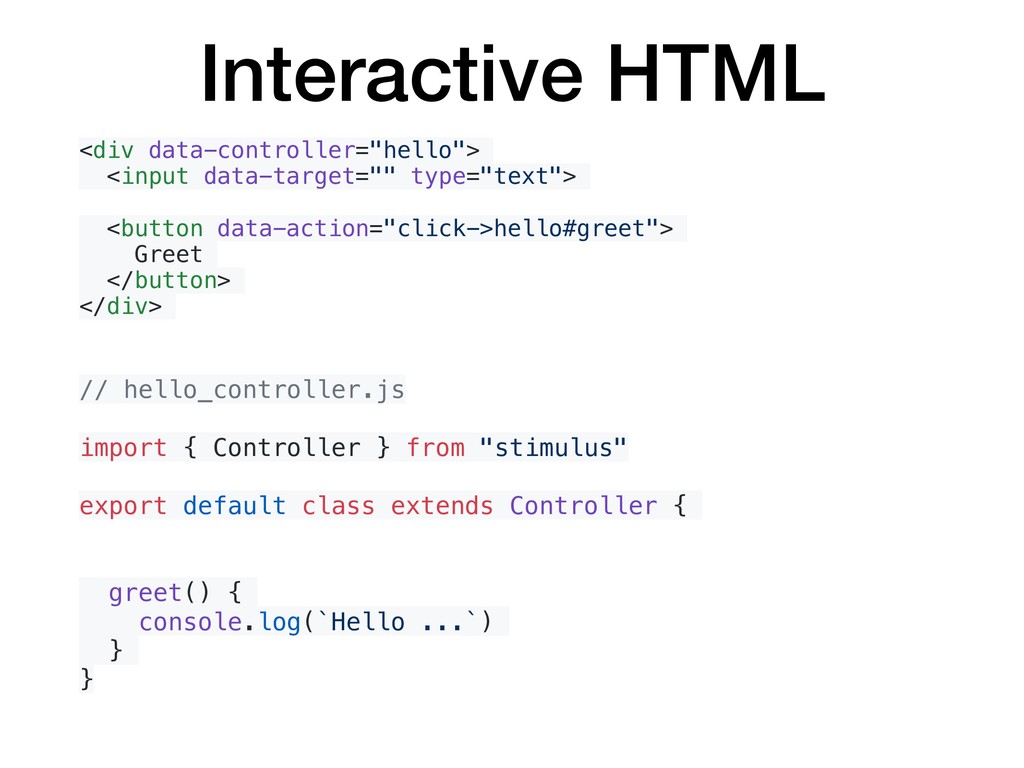
  28. Interactive HTML <div data-controller="hello"> <input data-target="" type="text"> <button data-action="click->hello#greet"> Greet

    </button> </div> // hello_controller.js import { Controller } from "stimulus" export default class extends Controller { greet() { console.log(`Hello ...`) } }
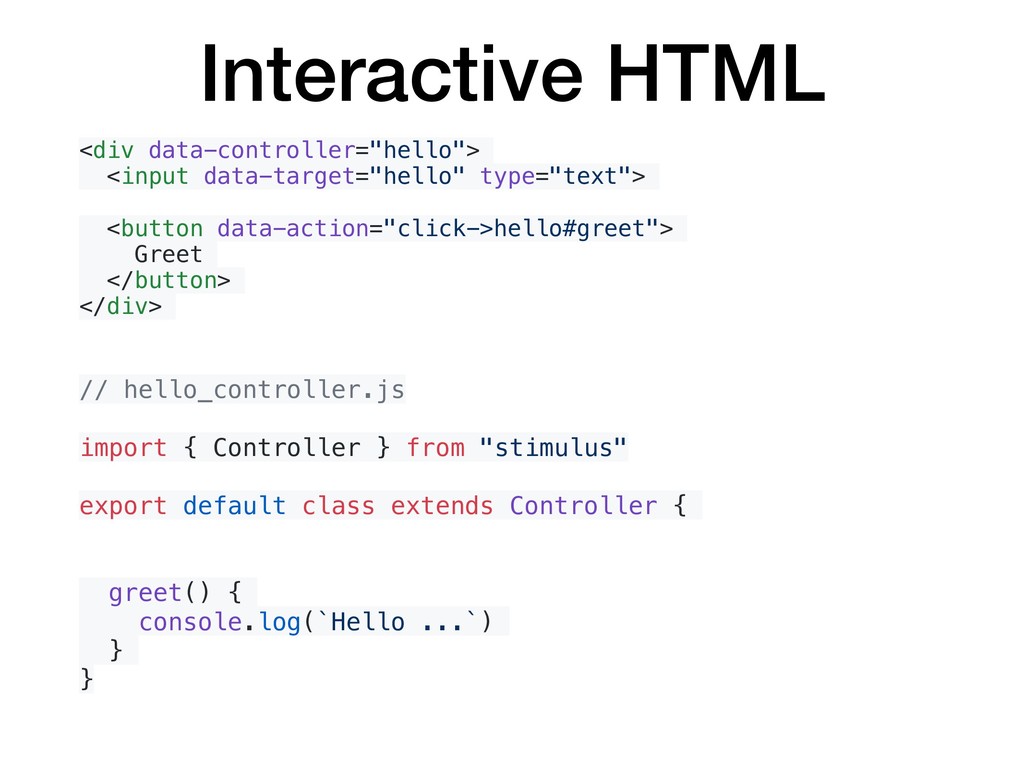
  29. Interactive HTML <div data-controller="hello"> <input data-target="hello" type="text"> <button data-action="click->hello#greet"> Greet

    </button> </div> // hello_controller.js import { Controller } from "stimulus" export default class extends Controller { greet() { console.log(`Hello ...`) } }
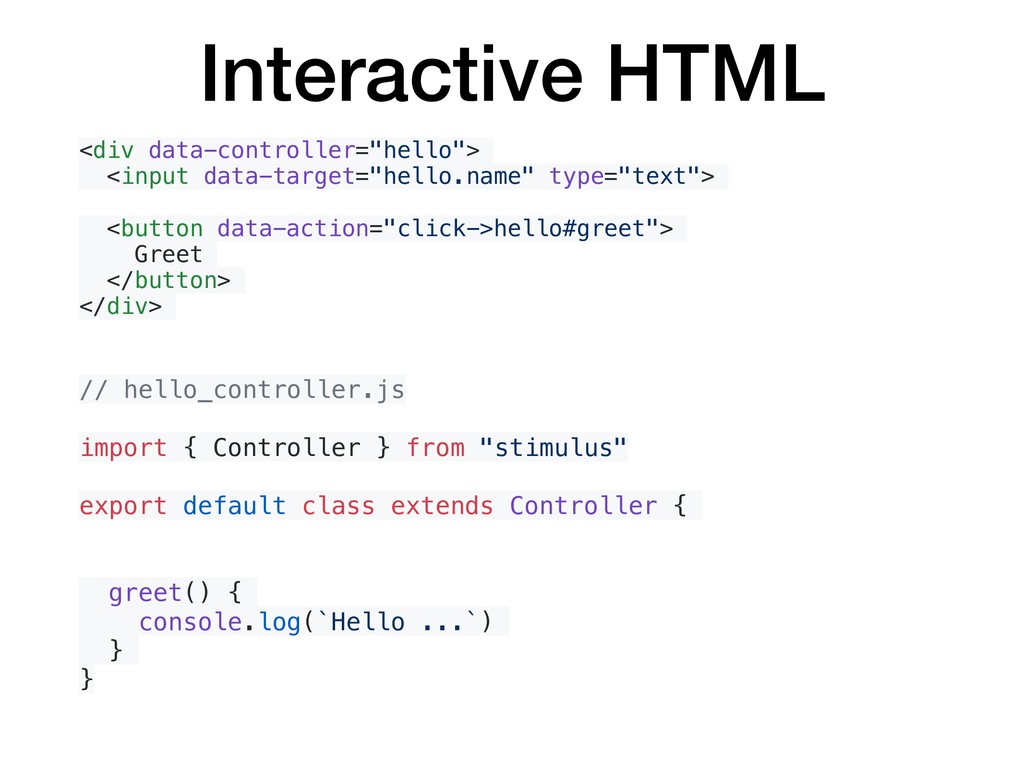
  30. Interactive HTML <div data-controller="hello"> <input data-target="hello.name" type="text"> <button data-action="click->hello#greet"> Greet

    </button> </div> // hello_controller.js import { Controller } from "stimulus" export default class extends Controller { greet() { console.log(`Hello ...`) } }
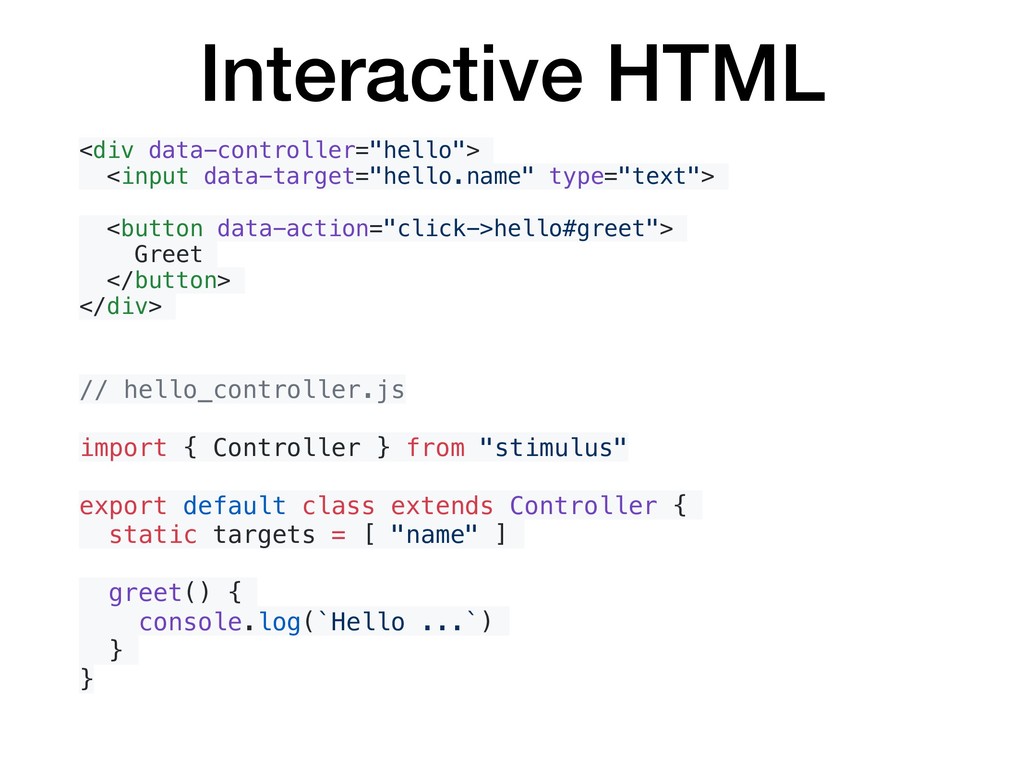
  31. Interactive HTML <div data-controller="hello"> <input data-target="hello.name" type="text"> <button data-action="click->hello#greet"> Greet

    </button> </div> // hello_controller.js import { Controller } from "stimulus" export default class extends Controller { static targets = [ "name" ] greet() { console.log(`Hello ...`) } }
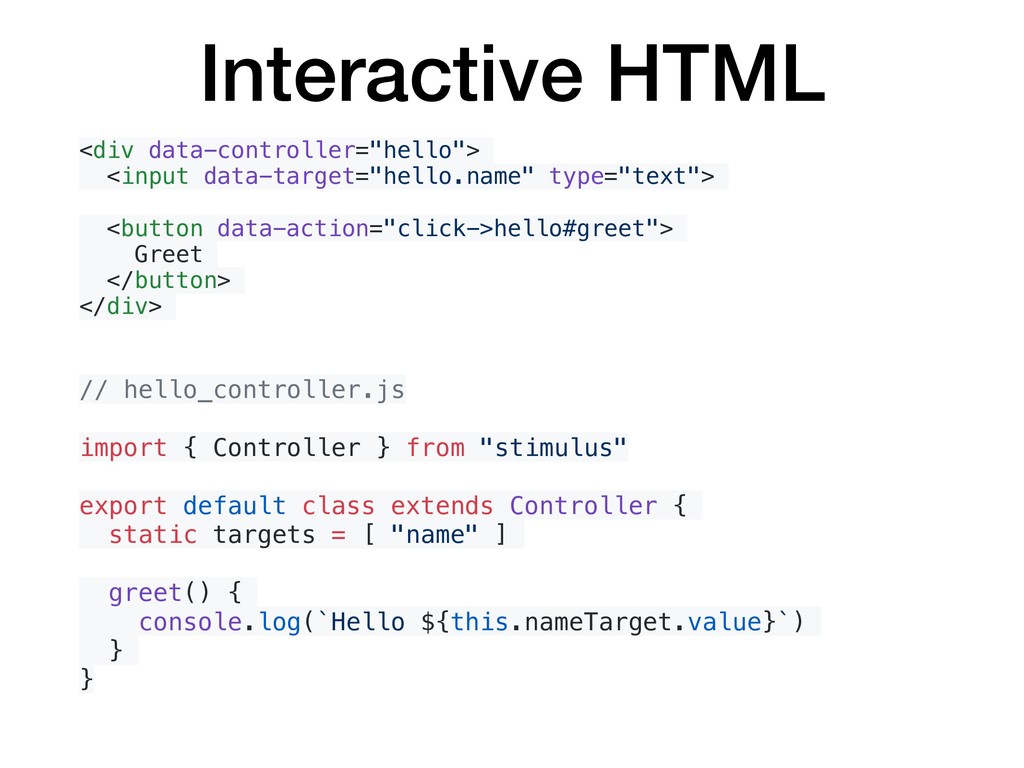
  32. Interactive HTML <div data-controller="hello"> <input data-target="hello.name" type="text"> <button data-action="click->hello#greet"> Greet

    </button> </div> // hello_controller.js import { Controller } from "stimulus" export default class extends Controller { static targets = [ "name" ] greet() { console.log(`Hello ${this.nameTarget.value}`) } }