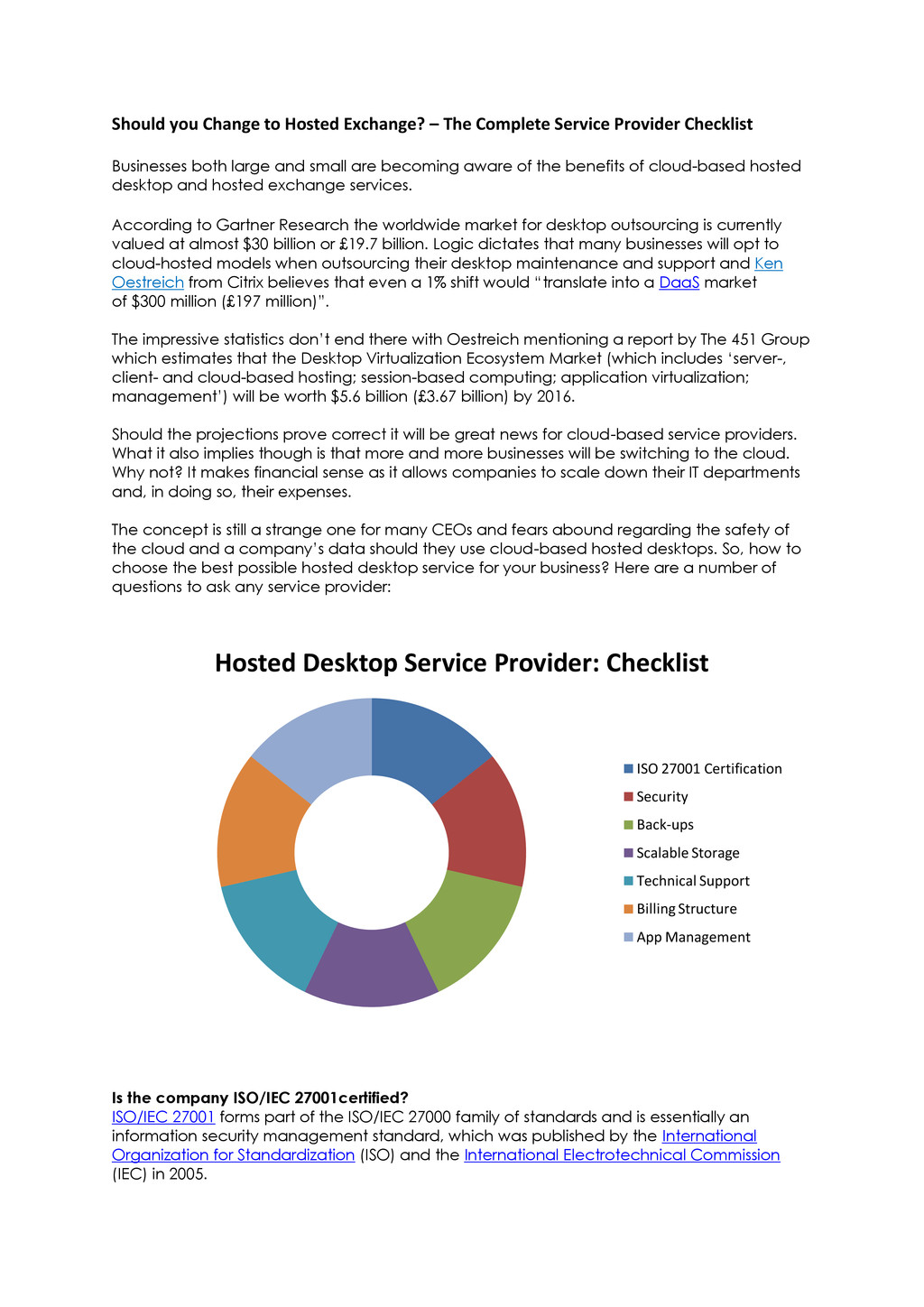
Provider Checklist Businesses both large and small are becoming aware of the benefits of cloud-based hosted desktop and hosted exchange services. According to Gartner Research the worldwide market for desktop outsourcing is currently valued at almost $30 billion or £19.7 billion. Logic dictates that many businesses will opt to cloud-hosted models when outsourcing their desktop maintenance and support and Ken Oestreich from Citrix believes that even a 1% shift would “translate into a DaaS market of $300 million (£197 million)”. The impressive statistics don’t end there with Oestreich mentioning a report by The 451 Group which estimates that the Desktop Virtualization Ecosystem Market (which includes ‘server-, client- and cloud-based hosting; session-based computing; application virtualization; management’) will be worth $5.6 billion (£3.67 billion) by 2016. Should the projections prove correct it will be great news for cloud-based service providers. What it also implies though is that more and more businesses will be switching to the cloud. Why not? It makes financial sense as it allows companies to scale down their IT departments and, in doing so, their expenses. The concept is still a strange one for many CEOs and fears abound regarding the safety of the cloud and a company’s data should they use cloud-based hosted desktops. So, how to choose the best possible hosted desktop service for your business? Here are a number of questions to ask any service provider: Is the company ISO/IEC 27001certified? ISO/IEC 27001 forms part of the ISO/IEC 27000 family of standards and is essentially an information security management standard, which was published by the International Organization for Standardization (ISO) and the International Electrotechnical Commission (IEC) in 2005. Hosted Desktop Service Provider: Checklist ISO 27001 Certification Security Back-ups Scalable Storage Technical Support Billing Structure App Management
of the computer facilities and human resources security (i.e. employee access) amongst other matters. Essentially, a hosted desktop service provider worth its salt will have ISO/IEC 27001 certification. Security on offer A service provider with ISO 27001certification is already a pretty safe option but also look at what else the company is doing to ensure your business’ data is secure in terms of environmental and system security as well as system availability. Jamie Laridon, Sales Manager at Hosted Exchange, explains that their servers are located at a data centre with 24 hour security where access is controlled by photo id, a card scanner, two pin codes and a biometric (handprint) scanner. “We’ve also taken electronic security very seriously and use Cisco Adaptive Security Appliance (ASA) firewalls, Intrusion Protection Software (IPS) as well as anti-virus (AV) services in order to ensure that our clients’ data is as secure as possible, as any good hosted desktop service provider would”. Laridon points out that another security element businesses need to ask about is that of system availability saying that it is critical that a network’s infrastructure is designed in such a way that a single point of failure won’t bring it crashing down. Hosted Exchange’s servers are designed with N+1 capacity in mind so that hardware failure doesn’t impact on the quality of service delivered, and the company uses monitoring software to ensure that any issues are picked up timeously. How, and how often, do they do back-ups? Any business using computers is well aware of the importance of regularly backing up information. The same goes for a hosted service provider. Ideally back-ups need to be done incrementally on a daily, weekly and monthly basis. It’s also important to ask your service provider where the data is being stored (preferably it will be stored at various different locations) and how quickly access to it can be gained if needed. Do they offer scalable storage? Data storage doesn’t come cheap so it is worth understanding exactly how much storage a service provider is offering and what it will cost per month. “With Nasstar Hosted Desktop, we allow the customer to use as much storage as they like, billing them on their actual per GB usage, instead of charging them a flat rate regardless of usage fluctuation”, says Jamie.” How supportive is the technical support? Normally the first line of technical support is provided by the company the end customer has a contractual relationship with. In these cases a company like Hosted Exchange will provide 2nd and 3rd line assistance. If there is no middle man a cloud-based service provider will need to provide all three levels of assistance. It’s useful to ask whether the provider allows for certain, urgent queries to be escalated and whether or not they have engineers who are on call 24 hours for emergencies. How is the billing structured? While security concerns may be highest on the list when it comes to using hosted desktop services, the financial cost certainly comes second. When deciding to use these kinds of services it’s critical to understand exactly how billing will be done.
with additional charges being levied for an office productivity suite, additional data storage and extra applications. Knowing exactly what the nominal charge as well as the extra charges amount to is critical before signing on with a hosted desktop service. What is their approach to app (applications) management? When using a hosted desktop service it’s important to note that most of these services control the application (App) management for all computers covered. This is great in that the rollout of a new application which normally takes one to two hours per user, can now be rolled out to all users within minutes by the service provider’s dedicated account manager. Jamie Laridon believes that this time saving’s element is one of the biggest reasons businesses switch to hosted desktops. “The fact is that using a service like ours means that a business can scale down their IT departments significantly, their data is secure (and off-site) and their costs tend to go down exponentially. It just makes business sense”.

 SiteGround - Reliable hosting with speed, security, and support you can count on.


 nasstar2013
 hiracky16
 teamlab
 kash1064
 akhino
 genda
genda
 raspython3
 daidaidai
 ykanoh
 syuchimu
 kizawa2020
 grimoh
 geoffreycrofte
 jct
jct
 csswizardry
 ryanjones
 tammyeverts
 skipperchong
 aleyda
 retrage
 codingconduct
 chikuwait
 elsirapls