Upgrade to Pro — share decks privately, control downloads, hide ads and more …

How_to_use_autoppt-8550.pdf

Avatar for NHA THOI NHA THOI
January 15, 2025
5

 How_to_use_autoppt-8550.pdf

Creating eye-catching PowerPoint presentations can often be time-consuming and challenging. Whether you need slides for business, school, or creative projects, Autoppt makes the process easier and faster. With just a few steps, you can generate a professional presentation in minutes. Let me show you how!

https://autoppt.com/ is a powerful tool for anyone who wants to save time and still create amazing presentations. Whether you’re preparing for a business meeting, a class project, or a creative pitch, Autoppt has you covered. Try it today and turn your ideas into stunning slides effortlessly!

Avatar for NHA THOI

NHA THOI

January 15, 2025
Tweet

Transcript

  1. Navigating to Autoppt's Homepage for Account Access Begin by visiting

    the official Autoppt website, where you can either sign in or create a new account. User Account Setup for Enhanced Experience If you’re new to Autoppt, follow the straightforward sign-up process to enjoy full access to features. Visit the Autoppt website and sign in easily
  2. Utilizing AI for Efficient Outline Creation Enter your topic ideas

    into Autoppt to leverage AI for generating a structured outline that organizes your thoughts. Guided Input for Optimal Outline Results Provide clear and concise topic input to assist the AI in creating the most relevant and coherent outline. Input your topic ideas for automatic outline generation
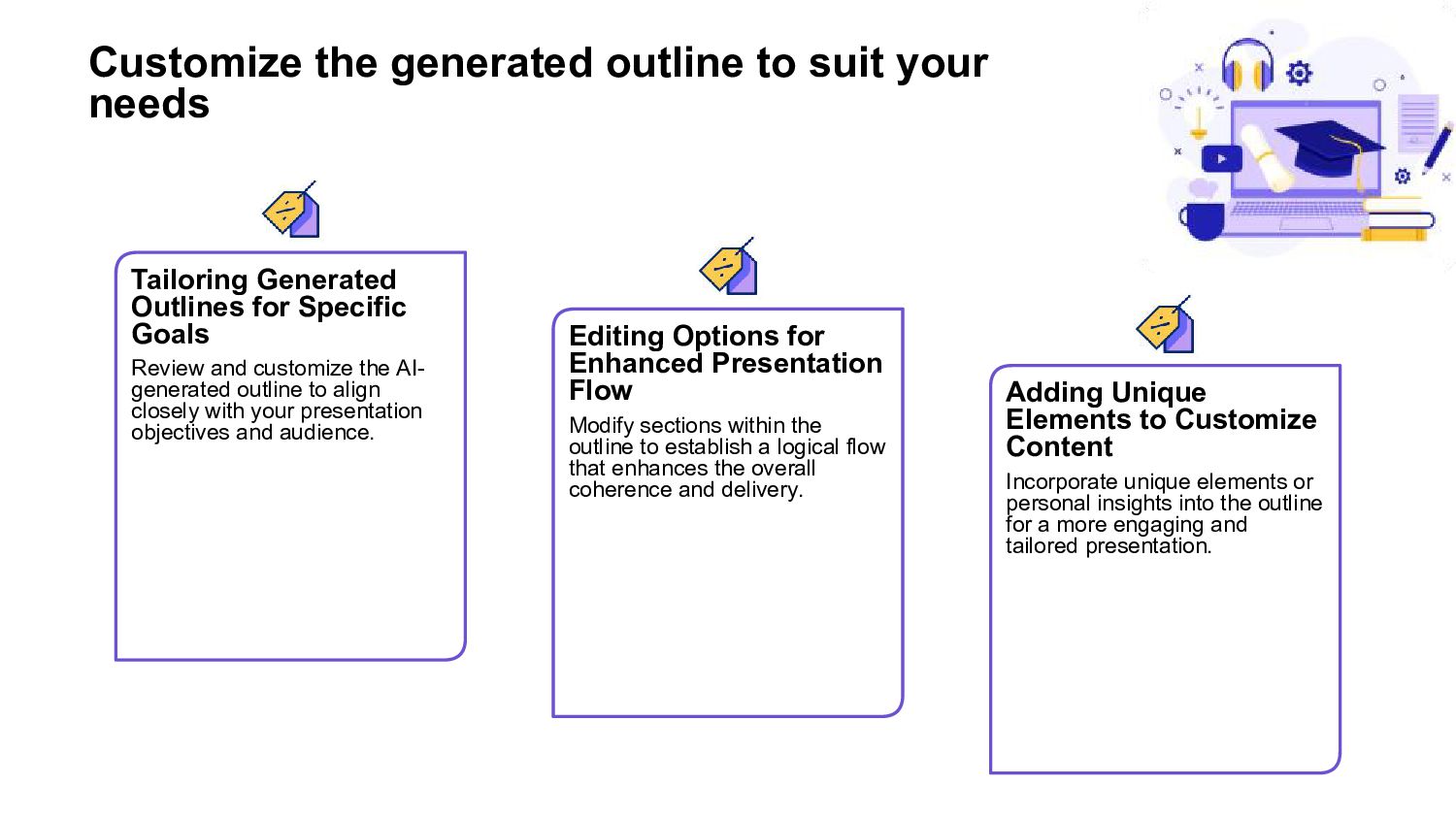
  3. Customize the generated outline to suit your needs Tailoring Generated

    Outlines for Specific Goals Review and customize the AI- generated outline to align closely with your presentation objectives and audience. Editing Options for Enhanced Presentation Flow Modify sections within the outline to establish a logical flow that enhances the overall coherence and delivery. Adding Unique Elements to Customize Content Incorporate unique elements or personal insights into the outline for a more engaging and tailored presentation.
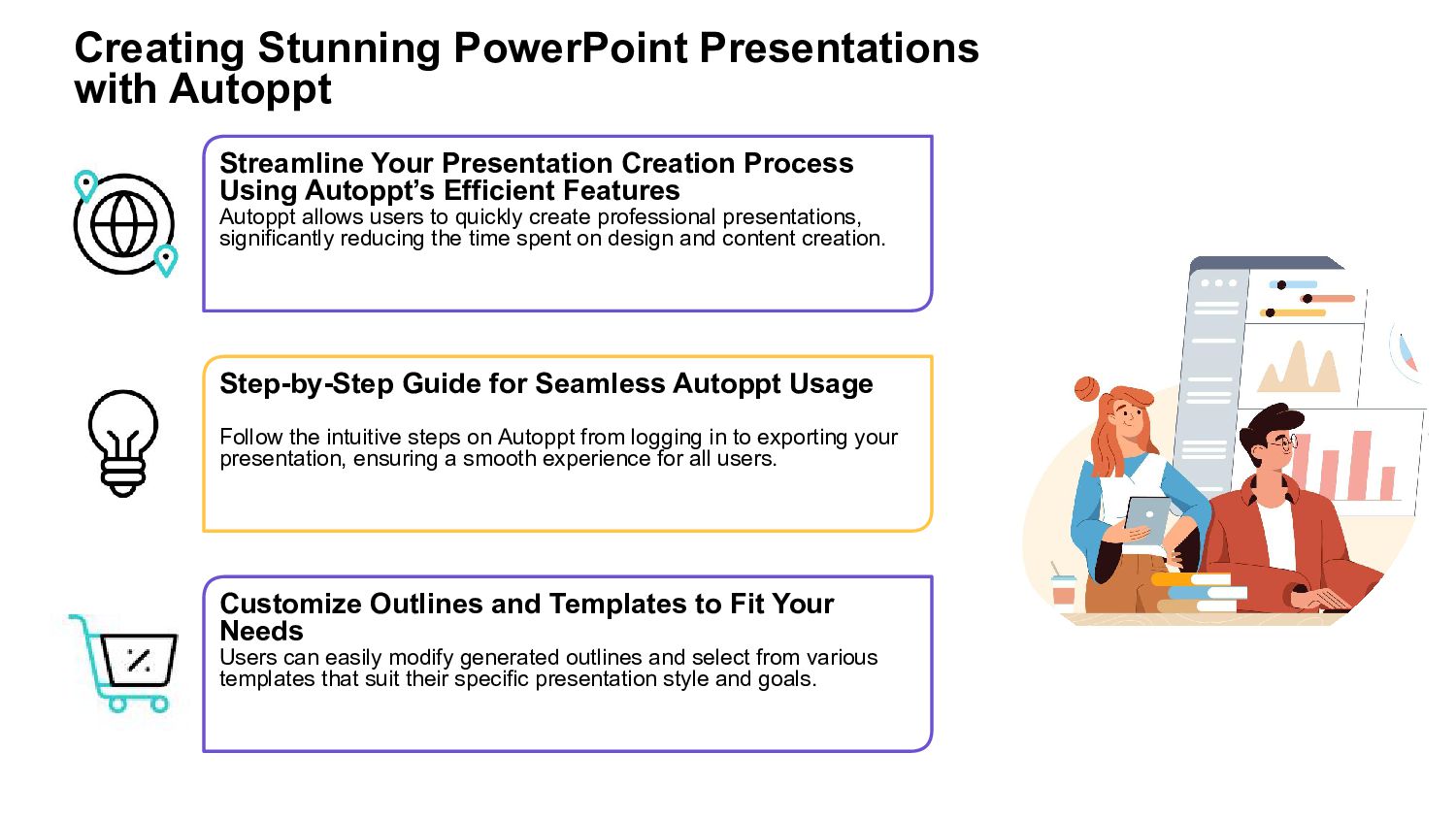
  4. Creating Stunning PowerPoint Presentations with Autoppt Streamline Your Presentation Creation

    Process Using Autoppt’s Efficient Features Autoppt allows users to quickly create professional presentations, significantly reducing the time spent on design and content creation. Step-by-Step Guide for Seamless Autoppt Usage Follow the intuitive steps on Autoppt from logging in to exporting your presentation, ensuring a smooth experience for all users. Customize Outlines and Templates to Fit Your Needs Users can easily modify generated outlines and select from various templates that suit their specific presentation style and goals.
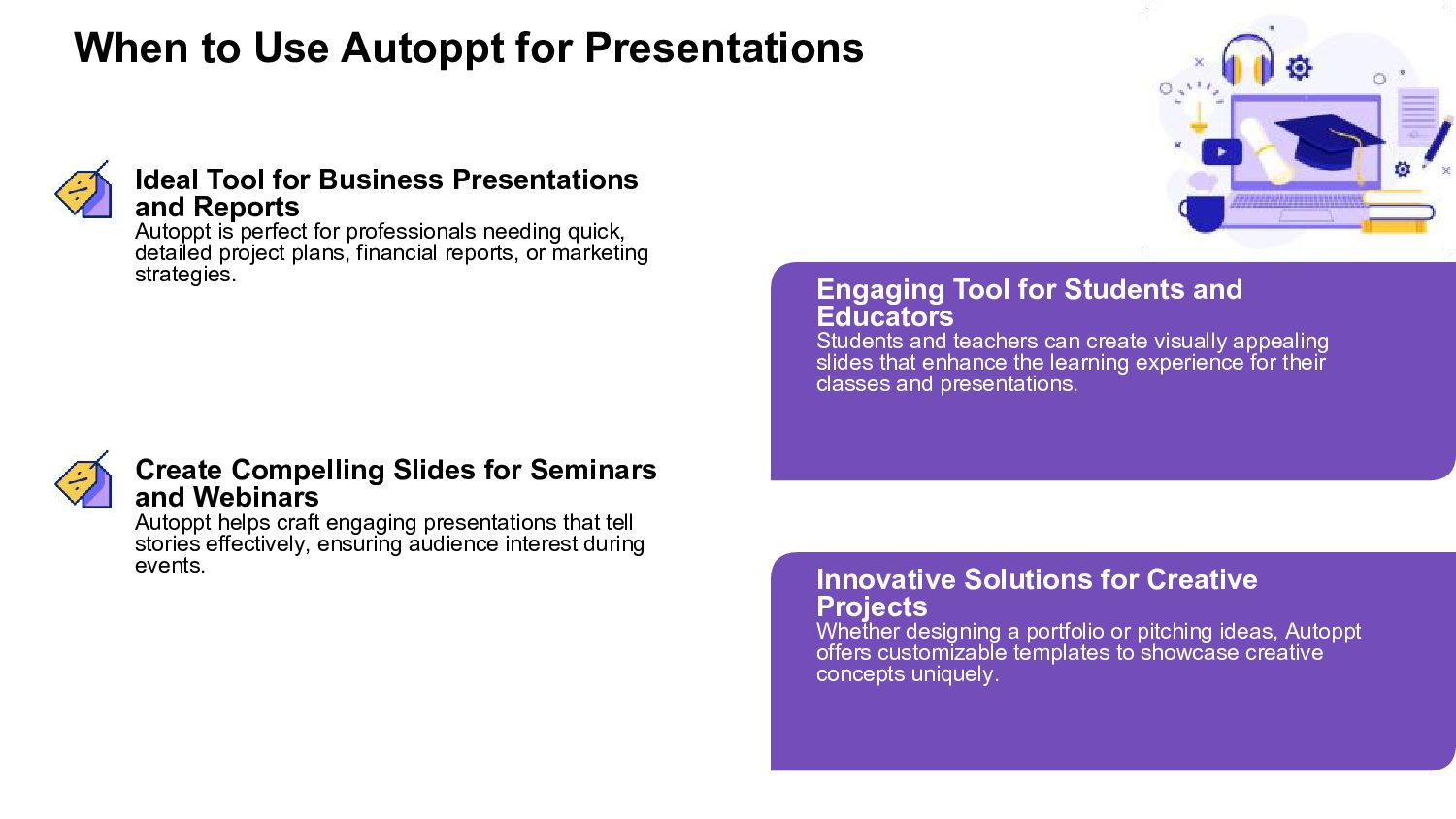
  5. When to Use Autoppt for Presentations Ideal Tool for Business

    Presentations and Reports Autoppt is perfect for professionals needing quick, detailed project plans, financial reports, or marketing strategies. Engaging Tool for Students and Educators Students and teachers can create visually appealing slides that enhance the learning experience for their classes and presentations. Create Compelling Slides for Seminars and Webinars Autoppt helps craft engaging presentations that tell stories effectively, ensuring audience interest during events. Innovative Solutions for Creative Projects Whether designing a portfolio or pitching ideas, Autoppt offers customizable templates to showcase creative concepts uniquely.
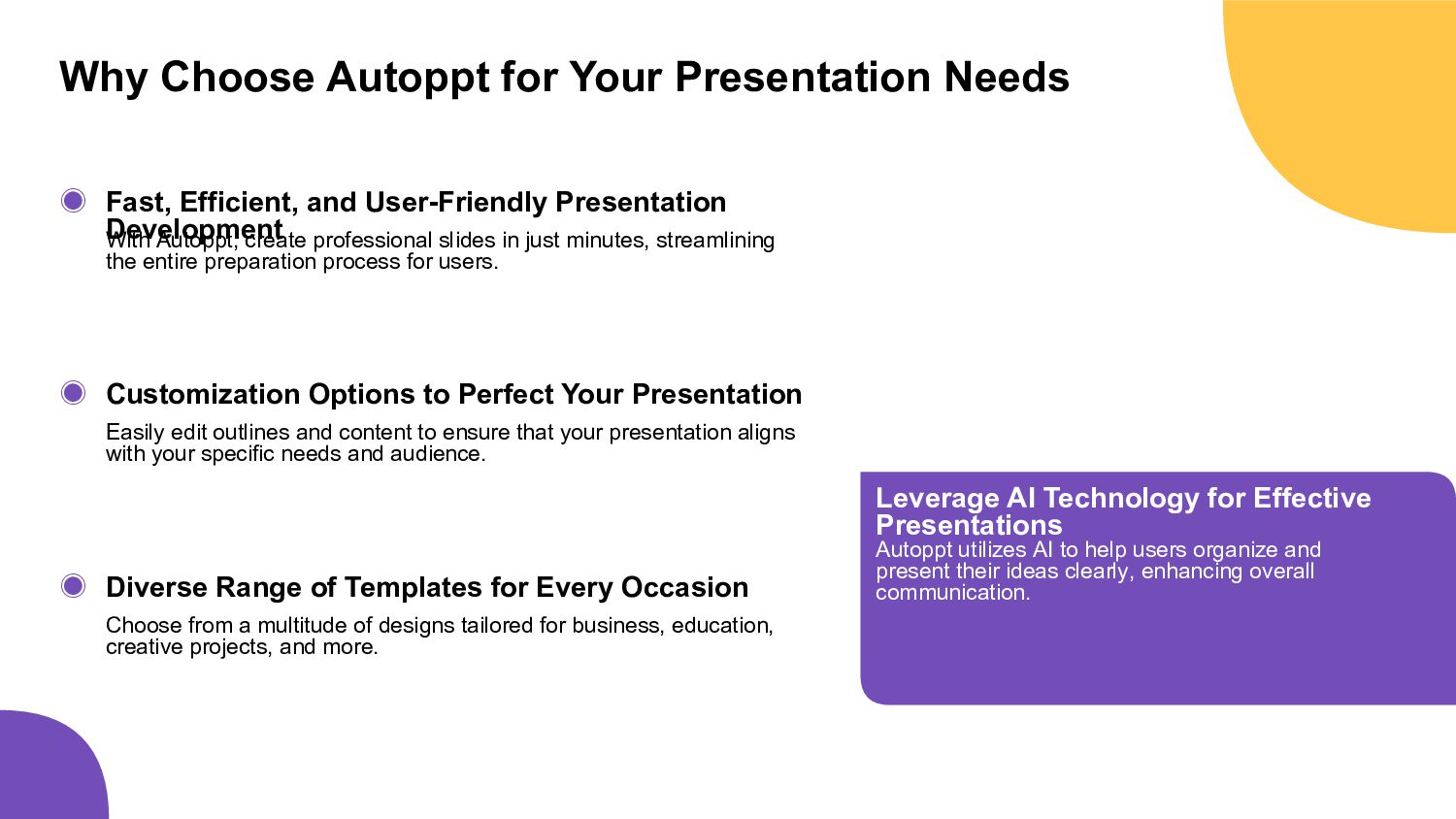
  6. Why Choose Autoppt for Your Presentation Needs ◉ ◉ ◉

    Fast, Efficient, and User-Friendly Presentation Development With Autoppt, create professional slides in just minutes, streamlining the entire preparation process for users. Customization Options to Perfect Your Presentation Easily edit outlines and content to ensure that your presentation aligns with your specific needs and audience. Diverse Range of Templates for Every Occasion Choose from a multitude of designs tailored for business, education, creative projects, and more. Leverage AI Technology for Effective Presentations Autoppt utilizes AI to help users organize and present their ideas clearly, enhancing overall communication.
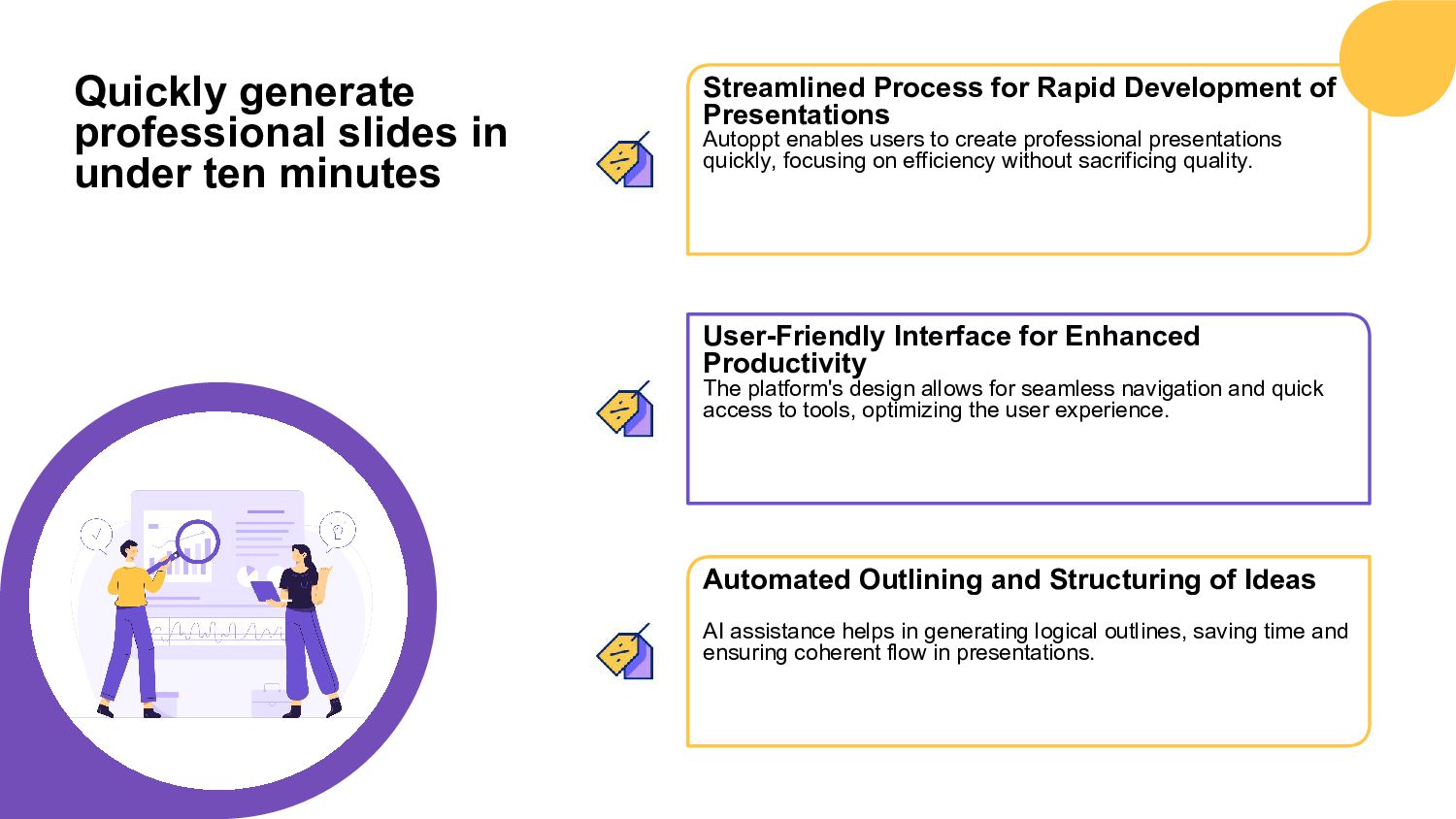
  7. Quickly generate professional slides in under ten minutes Streamlined Process

    for Rapid Development of Presentations Autoppt enables users to create professional presentations quickly, focusing on efficiency without sacrificing quality. User-Friendly Interface for Enhanced Productivity The platform's design allows for seamless navigation and quick access to tools, optimizing the user experience. Automated Outlining and Structuring of Ideas AI assistance helps in generating logical outlines, saving time and ensuring coherent flow in presentations.
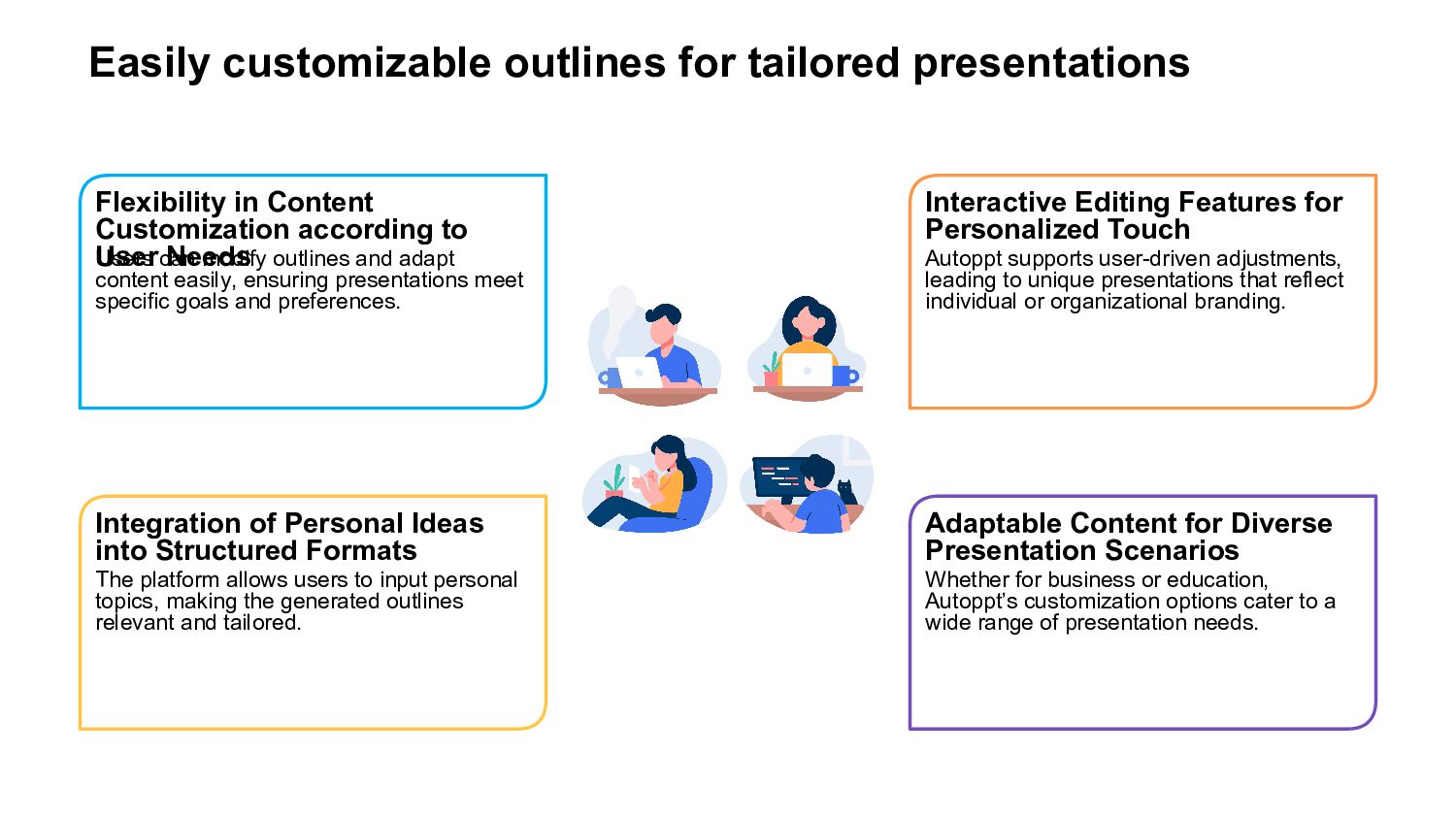
  8. Easily customizable outlines for tailored presentations Flexibility in Content Customization

    according to User Needs Users can modify outlines and adapt content easily, ensuring presentations meet specific goals and preferences. Integration of Personal Ideas into Structured Formats The platform allows users to input personal topics, making the generated outlines relevant and tailored. Interactive Editing Features for Personalized Touch Autoppt supports user-driven adjustments, leading to unique presentations that reflect individual or organizational branding. Adaptable Content for Diverse Presentation Scenarios Whether for business or education, Autoppt’s customization options cater to a wide range of presentation needs.
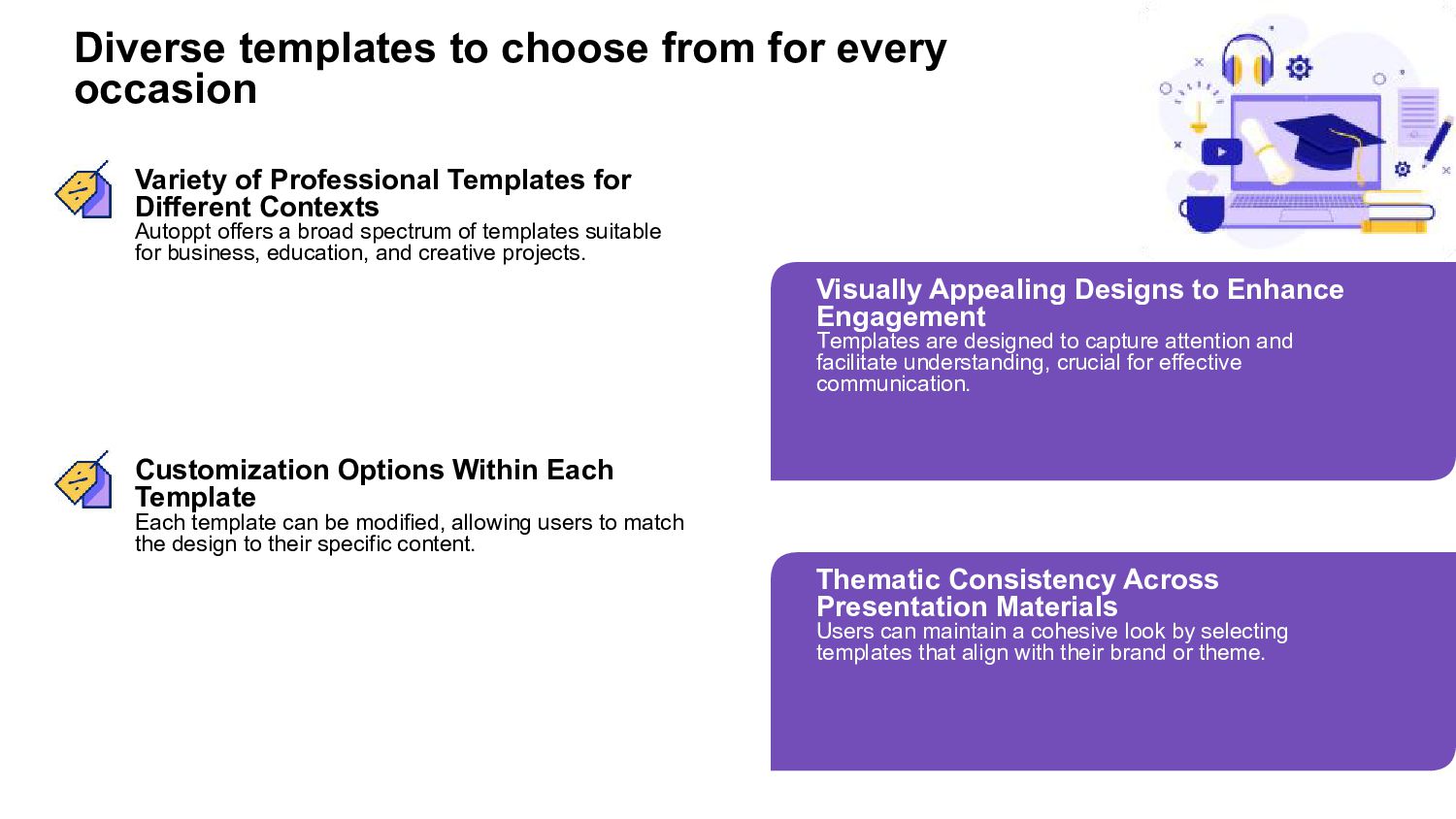
  9. Diverse templates to choose from for every occasion Variety of

    Professional Templates for Different Contexts Autoppt offers a broad spectrum of templates suitable for business, education, and creative projects. Visually Appealing Designs to Enhance Engagement Templates are designed to capture attention and facilitate understanding, crucial for effective communication. Customization Options Within Each Template Each template can be modified, allowing users to match the design to their specific content. Thematic Consistency Across Presentation Materials Users can maintain a cohesive look by selecting templates that align with their brand or theme.
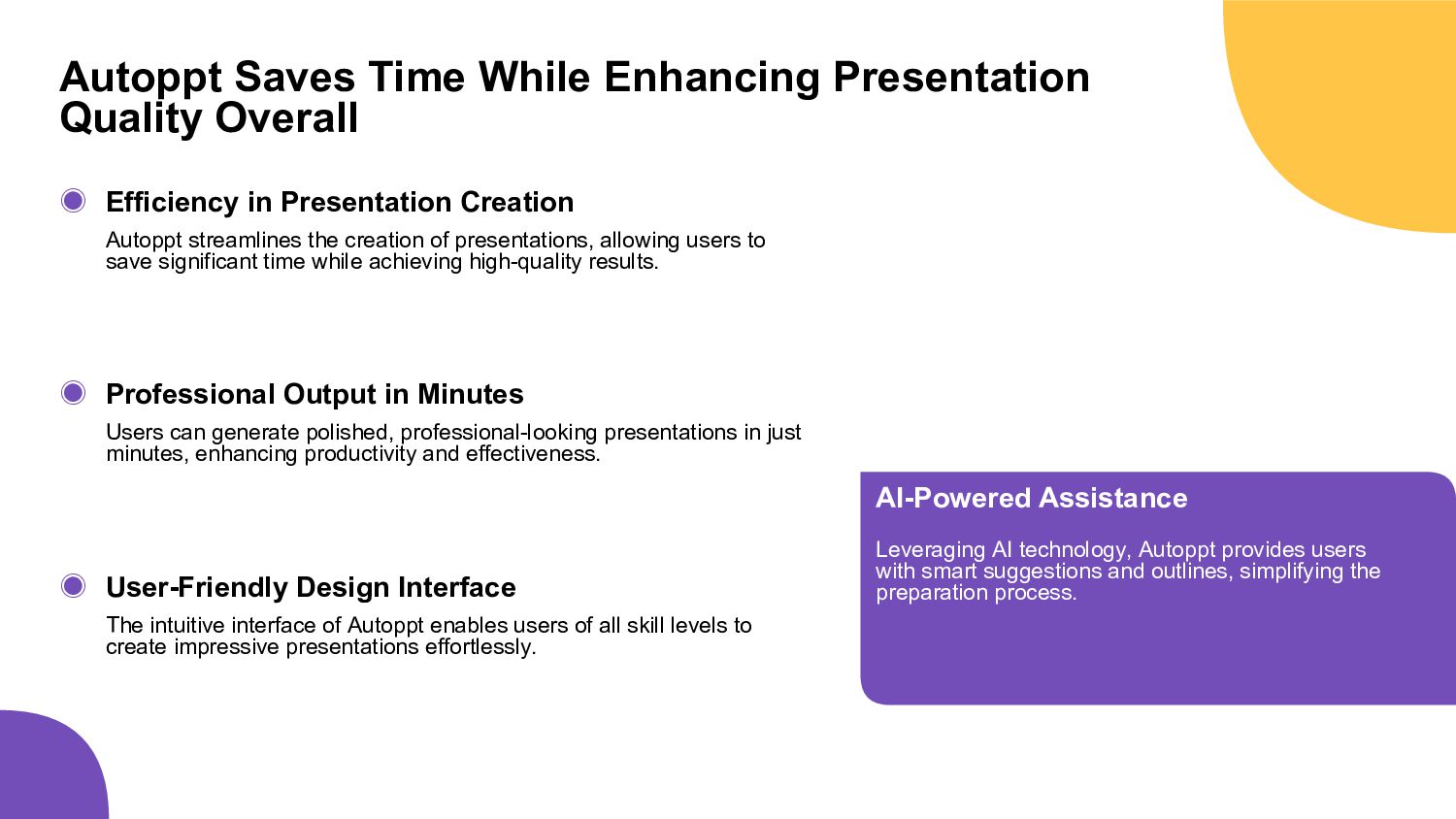
  10. Autoppt Saves Time While Enhancing Presentation Quality Overall ◉ ◉

    ◉ Efficiency in Presentation Creation Autoppt streamlines the creation of presentations, allowing users to save significant time while achieving high-quality results. Professional Output in Minutes Users can generate polished, professional-looking presentations in just minutes, enhancing productivity and effectiveness. User-Friendly Design Interface The intuitive interface of Autoppt enables users of all skill levels to create impressive presentations effortlessly. AI-Powered Assistance Leveraging AI technology, Autoppt provides users with smart suggestions and outlines, simplifying the preparation process.
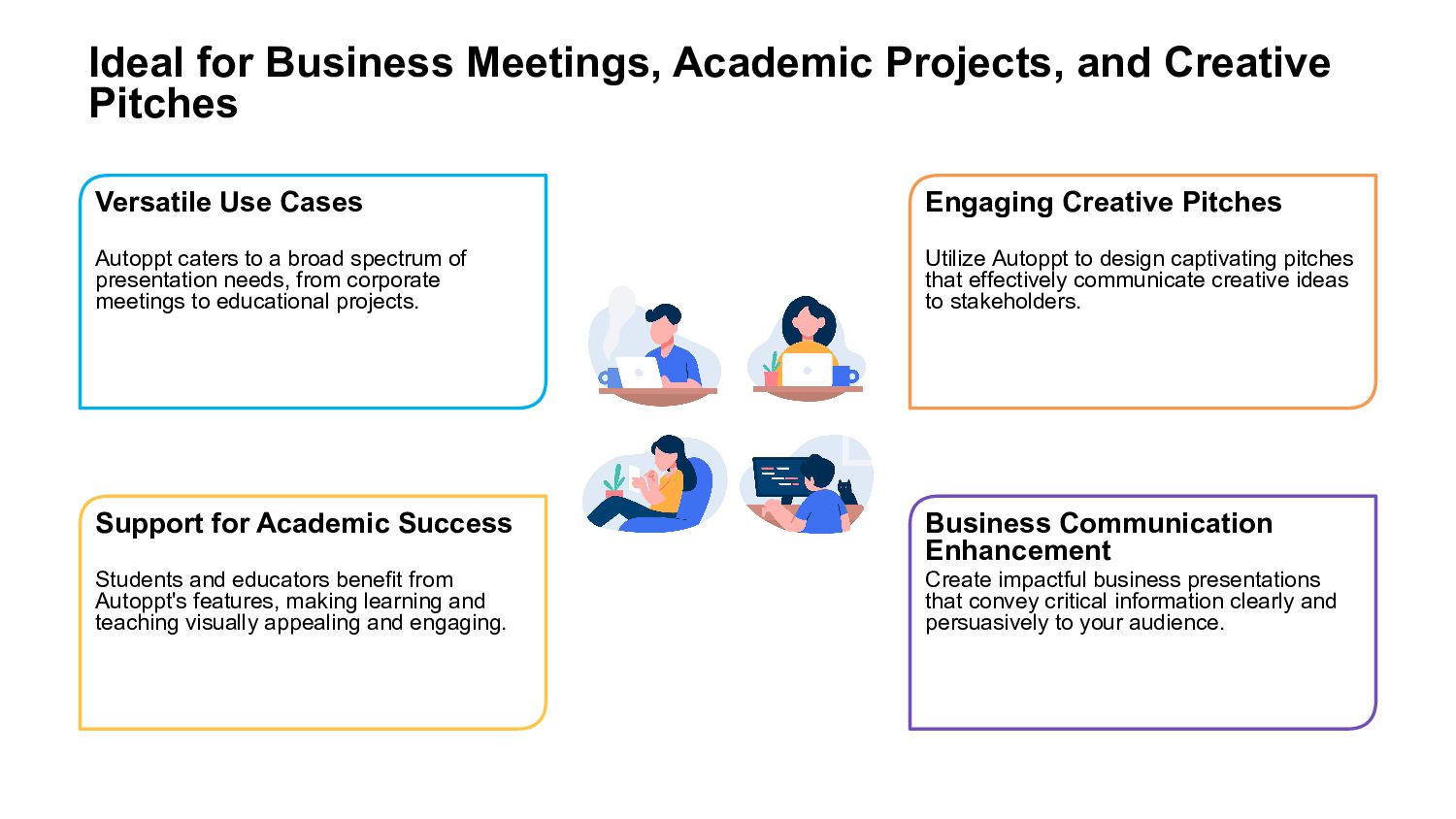
  11. Ideal for Business Meetings, Academic Projects, and Creative Pitches Versatile

    Use Cases Autoppt caters to a broad spectrum of presentation needs, from corporate meetings to educational projects. Support for Academic Success Students and educators benefit from Autoppt's features, making learning and teaching visually appealing and engaging. Engaging Creative Pitches Utilize Autoppt to design captivating pitches that effectively communicate creative ideas to stakeholders. Business Communication Enhancement Create impactful business presentations that convey critical information clearly and persuasively to your audience.
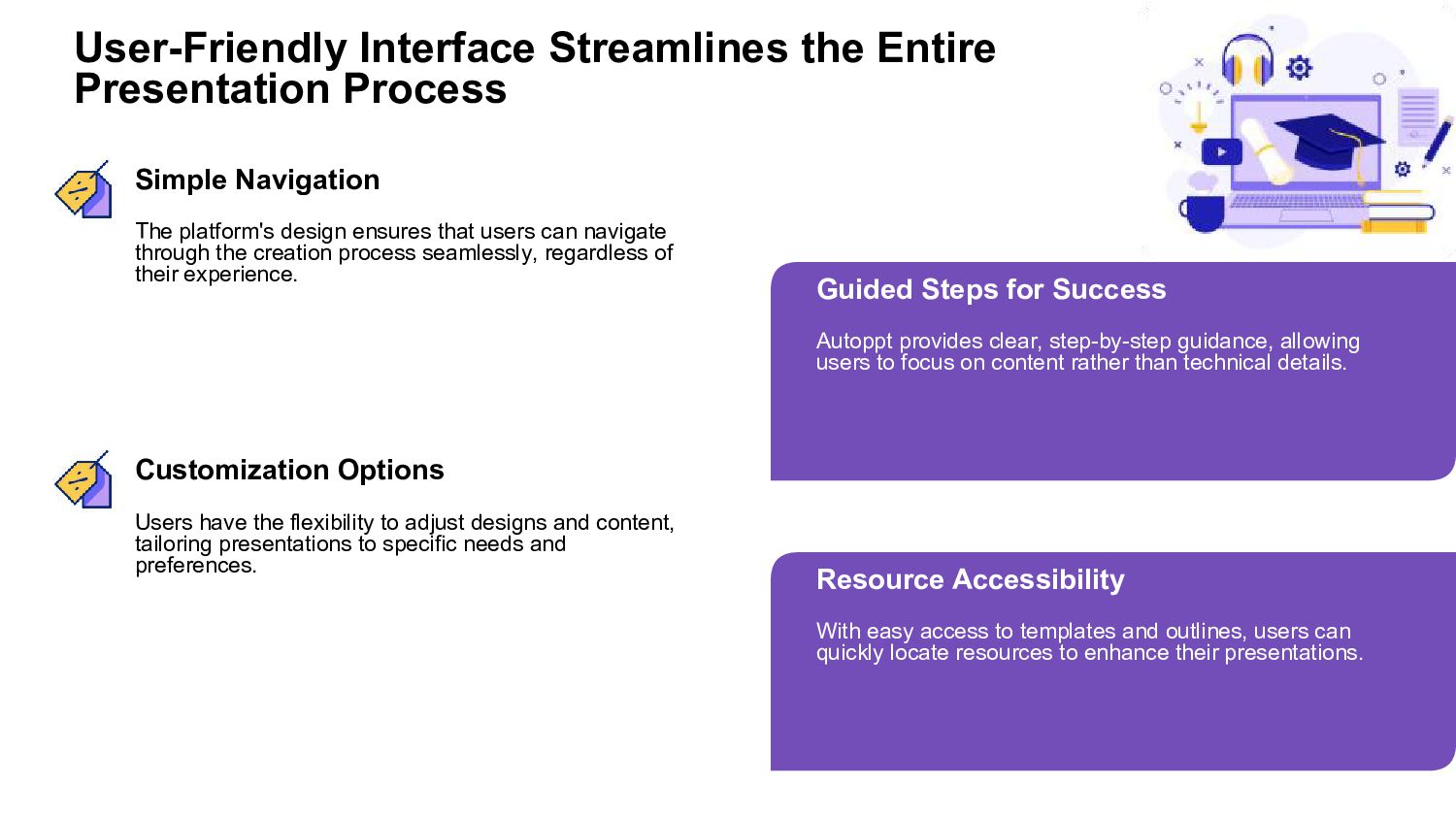
  12. User-Friendly Interface Streamlines the Entire Presentation Process Simple Navigation The

    platform's design ensures that users can navigate through the creation process seamlessly, regardless of their experience. Guided Steps for Success Autoppt provides clear, step-by-step guidance, allowing users to focus on content rather than technical details. Customization Options Users have the flexibility to adjust designs and content, tailoring presentations to specific needs and preferences. Resource Accessibility With easy access to templates and outlines, users can quickly locate resources to enhance their presentations.