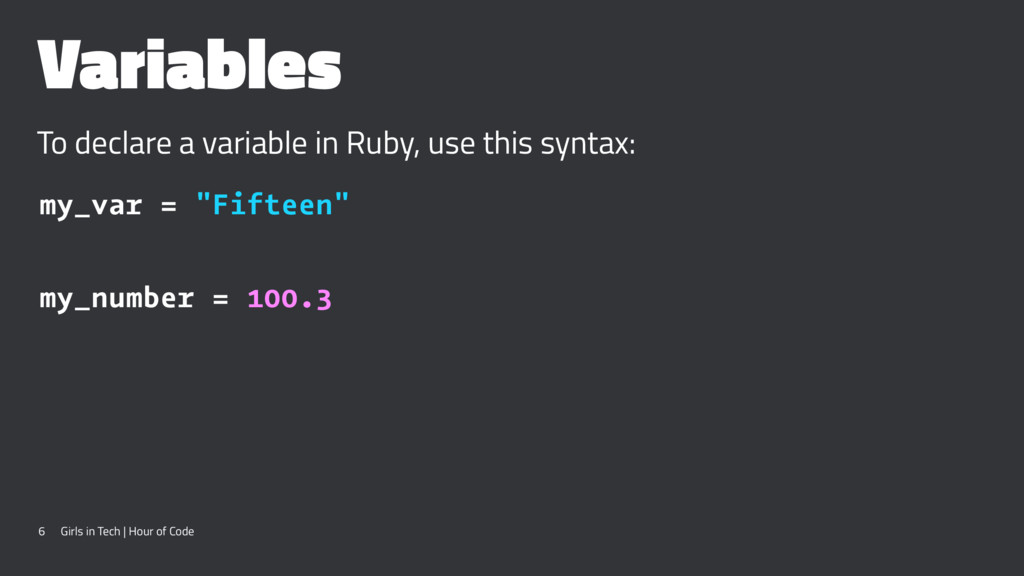
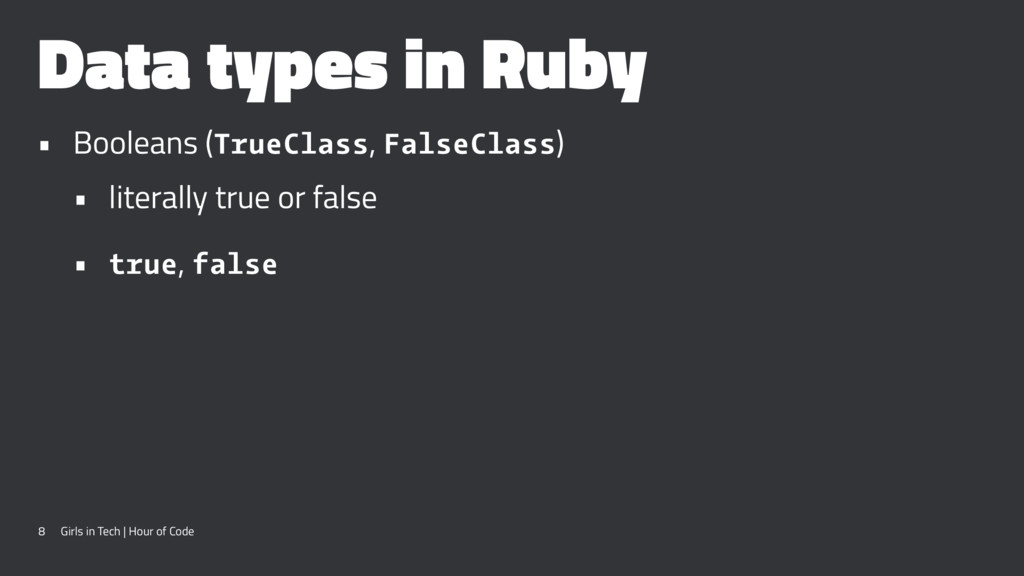
the mid 1990s • "I hope to see Ruby help every programmer in the world to be productive, and to enjoy programming, and to be happy. That is the primary purpose of Ruby language."' - Matz • Known for the Ruby on Rails web development framework 3 Girls in Tech | Hour of Code
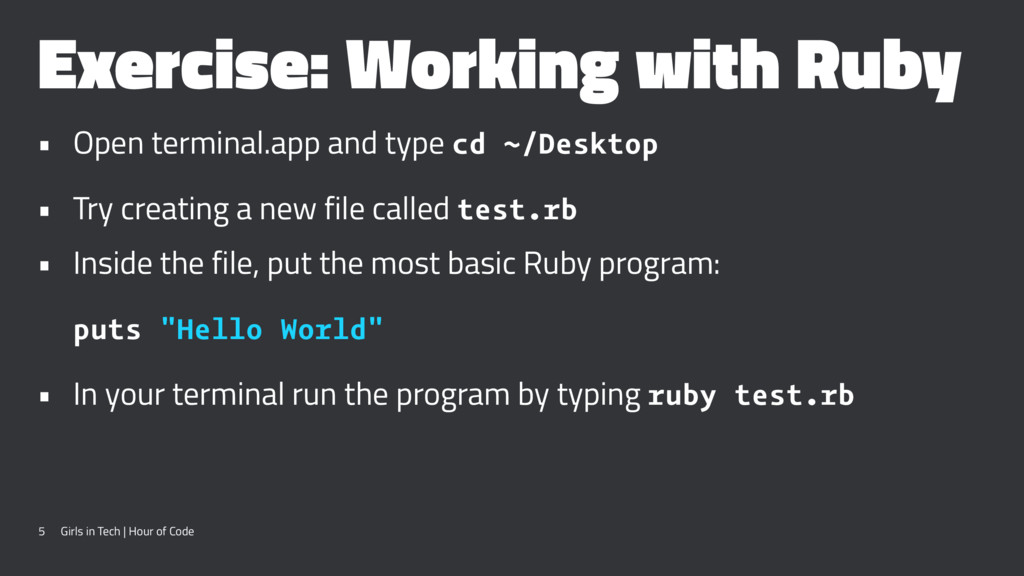
~/Desktop • Try creating a new file called test.rb • Inside the file, put the most basic Ruby program: puts "Hello World" • In your terminal run the program by typing ruby test.rb 5 Girls in Tech | Hour of Code
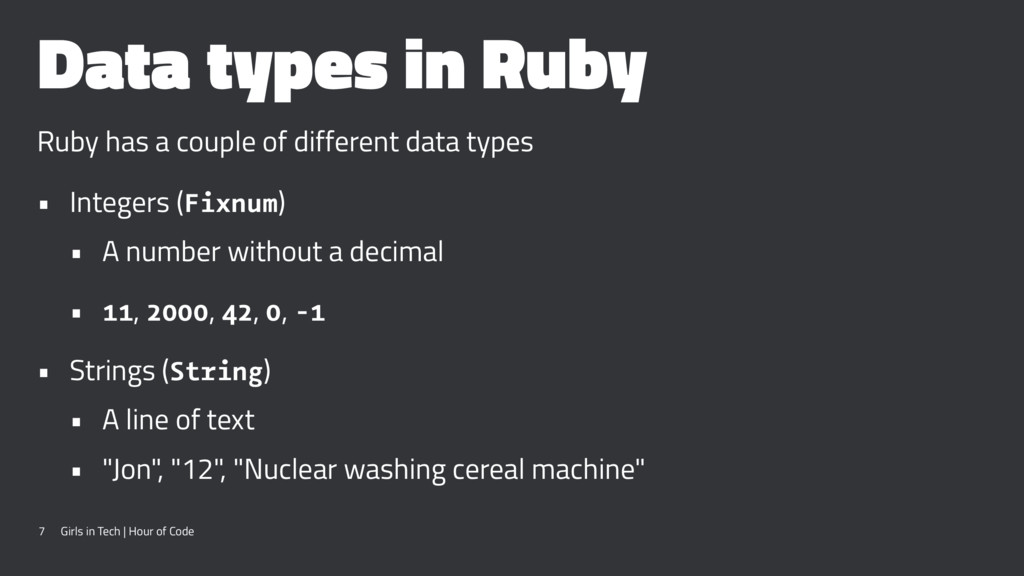
data types • Integers (Fixnum) • A number without a decimal • 11, 2000, 42, 0, -1 • Strings (String) • A line of text • "Jon", "12", "Nuclear washing cereal machine" 7 Girls in Tech | Hour of Code
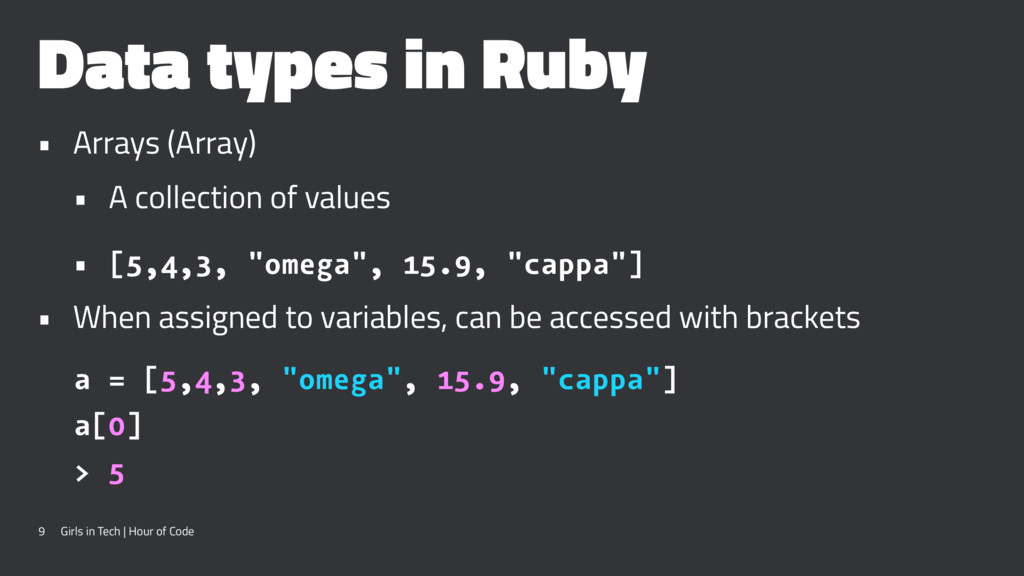
of values • [5,4,3, "omega", 15.9, "cappa"] • When assigned to variables, can be accessed with brackets a = [5,4,3, "omega", 15.9, "cappa"] a[0] > 5 9 Girls in Tech | Hour of Code
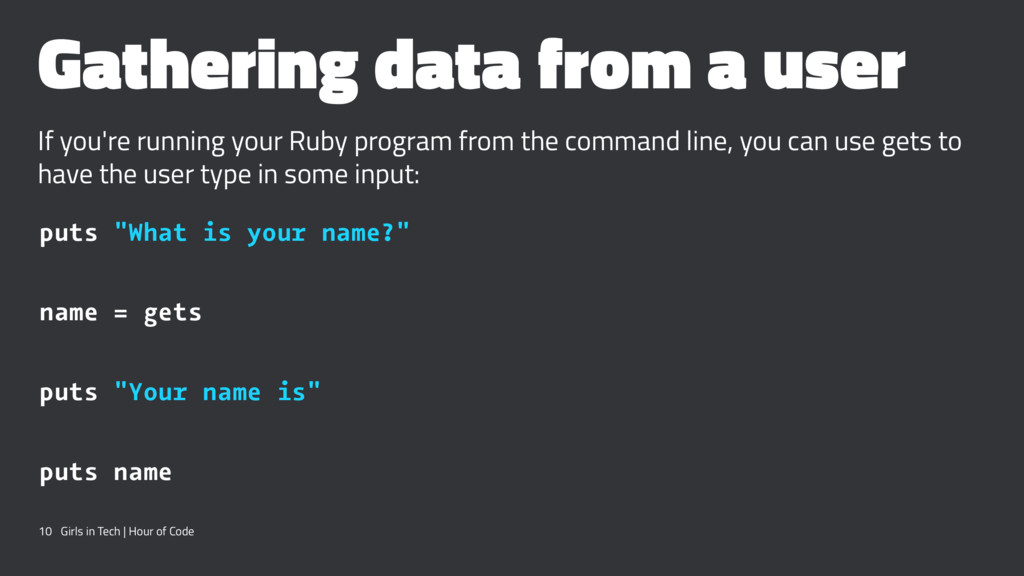
program from the command line, you can use gets to have the user type in some input: puts "What is your name?" name = gets puts "Your name is" puts name 10 Girls in Tech | Hour of Code
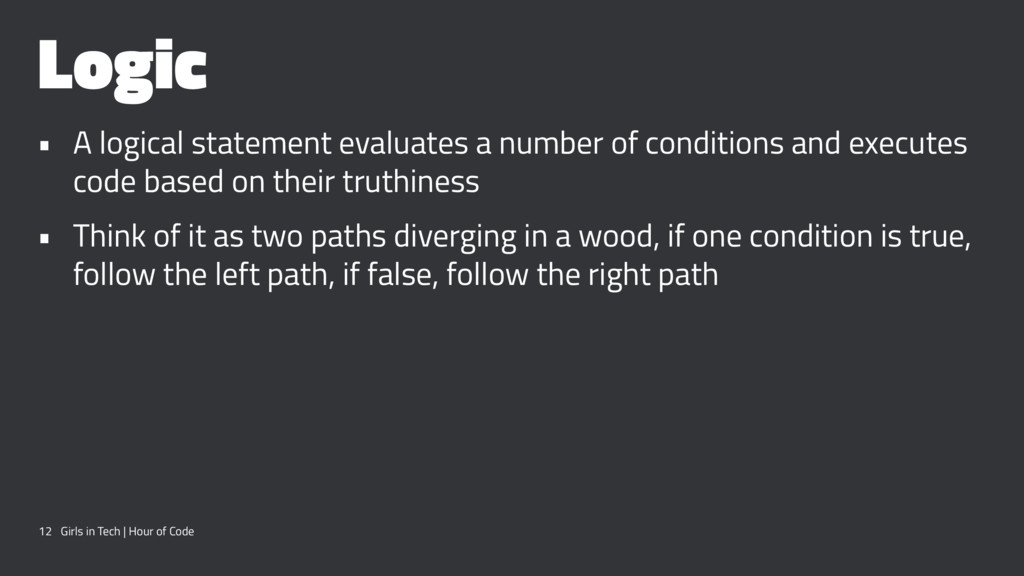
and executes code based on their truthiness • Think of it as two paths diverging in a wood, if one condition is true, follow the left path, if false, follow the right path 12 Girls in Tech | Hour of Code
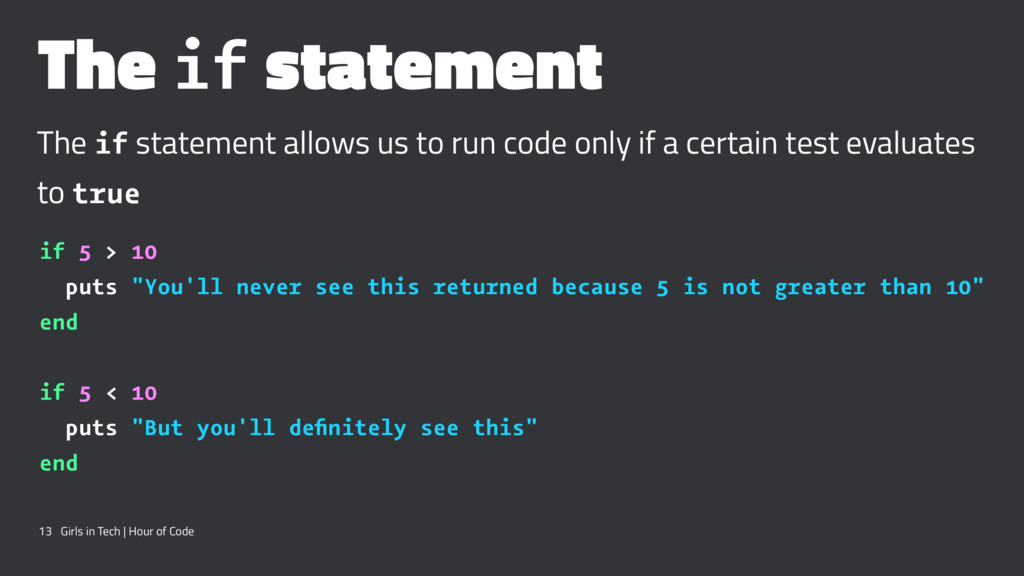
code only if a certain test evaluates to true if 5 > 10 puts "You'll never see this returned because 5 is not greater than 10" end if 5 < 10 puts "But you'll definitely see this" end 13 Girls in Tech | Hour of Code
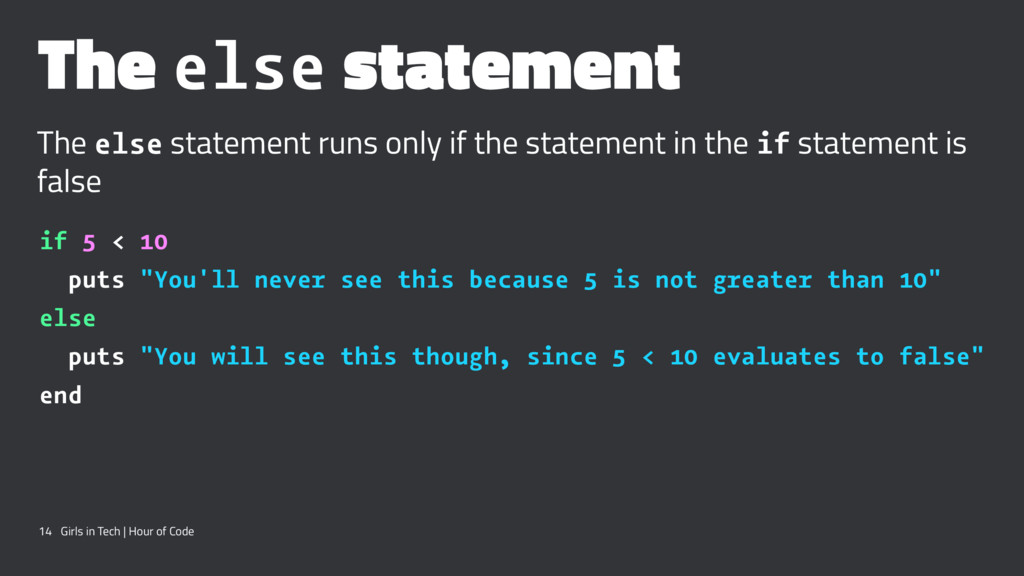
statement in the if statement is false if 5 < 10 puts "You'll never see this because 5 is not greater than 10" else puts "You will see this though, since 5 < 10 evaluates to false" end 14 Girls in Tech | Hour of Code
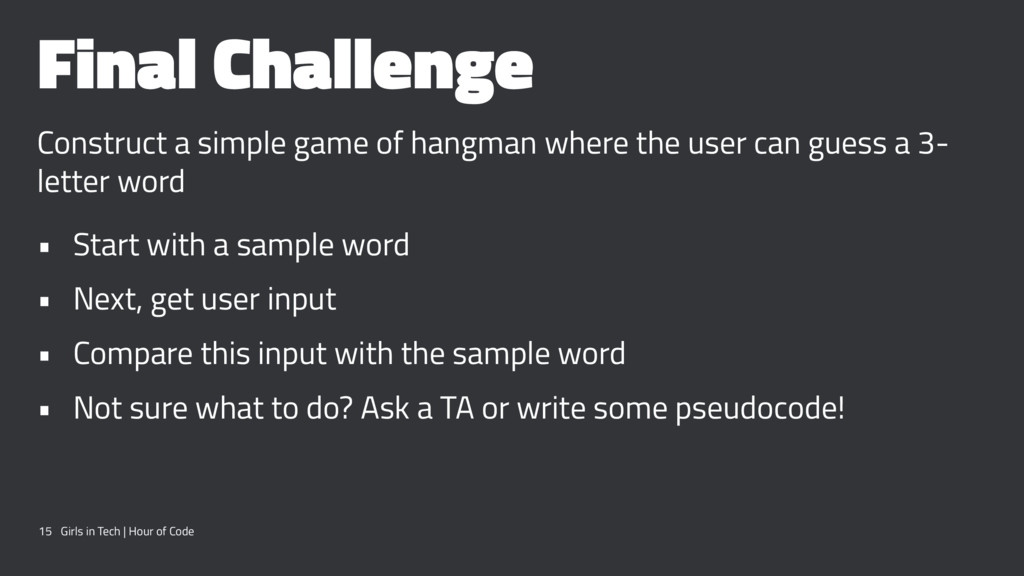
user can guess a 3- letter word • Start with a sample word • Next, get user input • Compare this input with the sample word • Not sure what to do? Ask a TA or write some pseudocode! 15 Girls in Tech | Hour of Code


 tammyeverts
 danielanewman
 letsgokoyo
 tamaranovitovic
 katiecoart
 thekraken
 helmedeiros
 tenderlove
 shlominoach
 geshan
 mongodb
 nmsamuel