Upgrade to Pro
— share decks privately, control downloads, hide ads and more …
Speaker Deck
Sign up for free
Menu
Search
Features
All features
Private URLs
Password Protection
Custom URLS
Scheduled publishing
Remove Branding
Restrict embedding
Deck Collections
Notes
Features
All features
Private URLs
Password Protection
Custom URLS
Scheduled publishing
Remove Branding
Restrict embedding
Deck Collections
Notes
Explore
Featured decks
Featured speakers
Programming
Technology
Storyboards
Explore
Featured decks
Featured speakers
Programming
Technology
Storyboards
Pricing
Search
Sign in
Sign up for free
フロントのキャッシュ
Search
Sponsored
·
Your Podcast. Everywhere. Effortlessly.
Share. Educate. Inspire. Entertain. You do you. We'll handle the rest.
→
nikawa2161
July 08, 2025
21
0
Share
Embed
Copy iframe code
Copy JS code
Copy link
Start on current slide
フロントのキャッシュ
nikawa2161
July 08, 2025
More Decks by nikawa2161
See All by nikawa2161
Node.js Subpath imports
nikawa2161
0
44
Sagaパターン入門(続編)
nikawa2161
0
52
Sagaパターン入門
nikawa2161
0
65
沖縄観光とPostgreSQL排他制約の話
nikawa2161
0
41
20251209_プログラミング原則の学び
nikawa2161
0
41
自分のコードを数年ぶりに読んだら
nikawa2161
0
26
ユーザーインタビュー分析に参加して得られたことと気づき
nikawa2161
0
44
oEmbedとは?
nikawa2161
0
250
はじめまして、にかわです
nikawa2161
0
29
Featured
See All Featured
We Analyzed 250 Million AI Search Results: Here's What I Found
joshbly
2
2k
It's Worth the Effort
3n
188
29k
The World Runs on Bad Software
bkeepers
PRO
72
12k
Helping Users Find Their Own Way: Creating Modern Search Experiences
danielanewman
31
3.4k
Templates, Plugins, & Blocks: Oh My! Creating the theme that thinks of everything
marktimemedia
31
2.9k
Unlocking the hidden potential of vector embeddings in international SEO
frankvandijk
0
980
Refactoring Trust on Your Teams (GOTO; Chicago 2020)
rmw
35
3.8k
No one is an island. Learnings from fostering a developers community.
thoeni
21
3.9k
A brief & incomplete history of UX Design for the World Wide Web: 1989–2019
jct
2
530
Building Better People: How to give real-time feedback that sticks.
wjessup
370
20k
SEO in 2025: How to Prepare for the Future of Search
ipullrank
3
3.9k
Art, The Web, and Tiny UX
lynnandtonic
304
22k
Transcript
キャッシュについて知る 1
背景 ネットワークを見ていると、 「disk cache」と「memory cache」という表記に気づく ことがある。 正直、 「ふーん」で終わってたので 実際の違いをちゃんと理解していなかったので、調べてみました 2
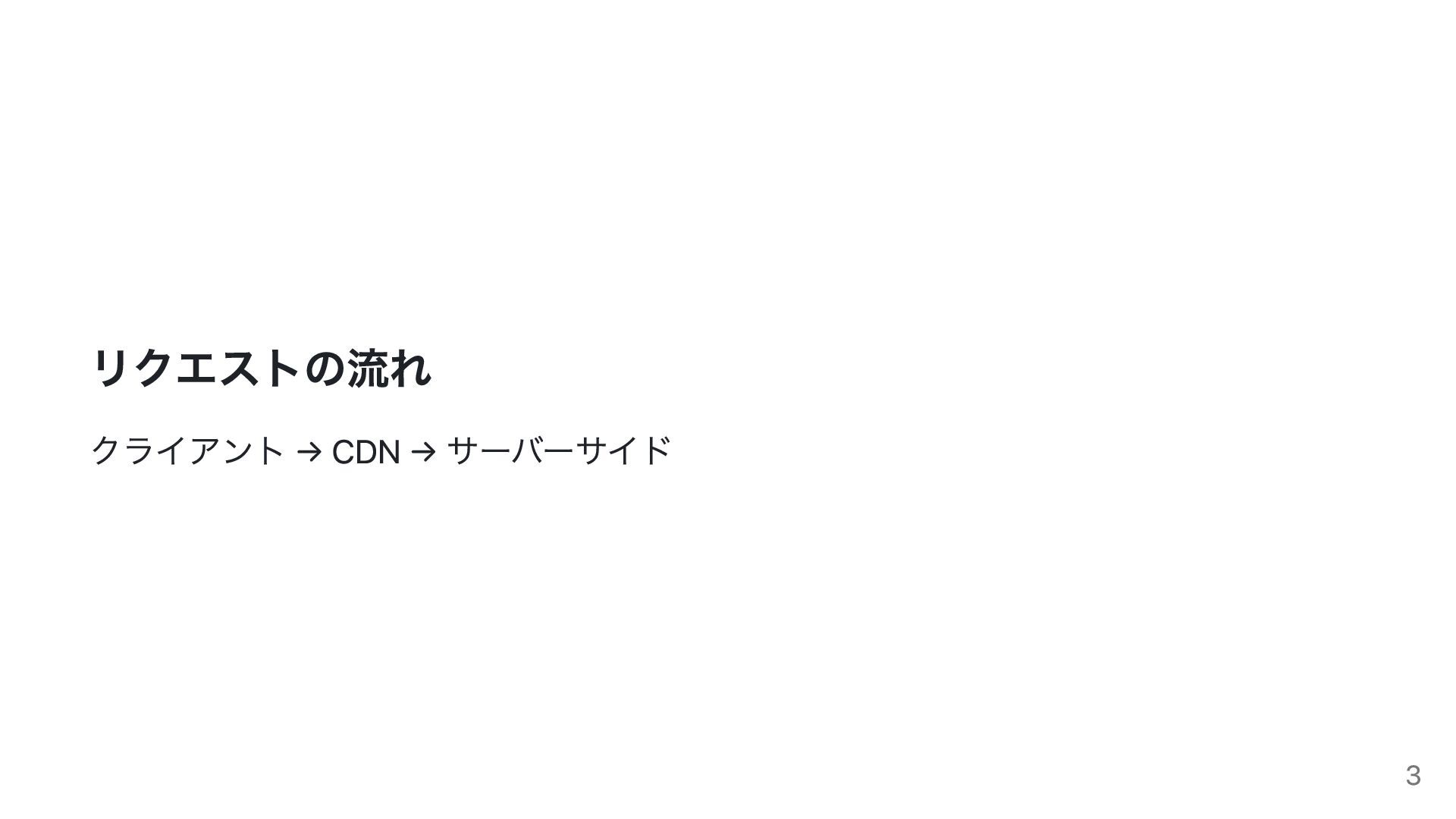
リクエストの流れ クライアント → CDN → サーバーサイド 3
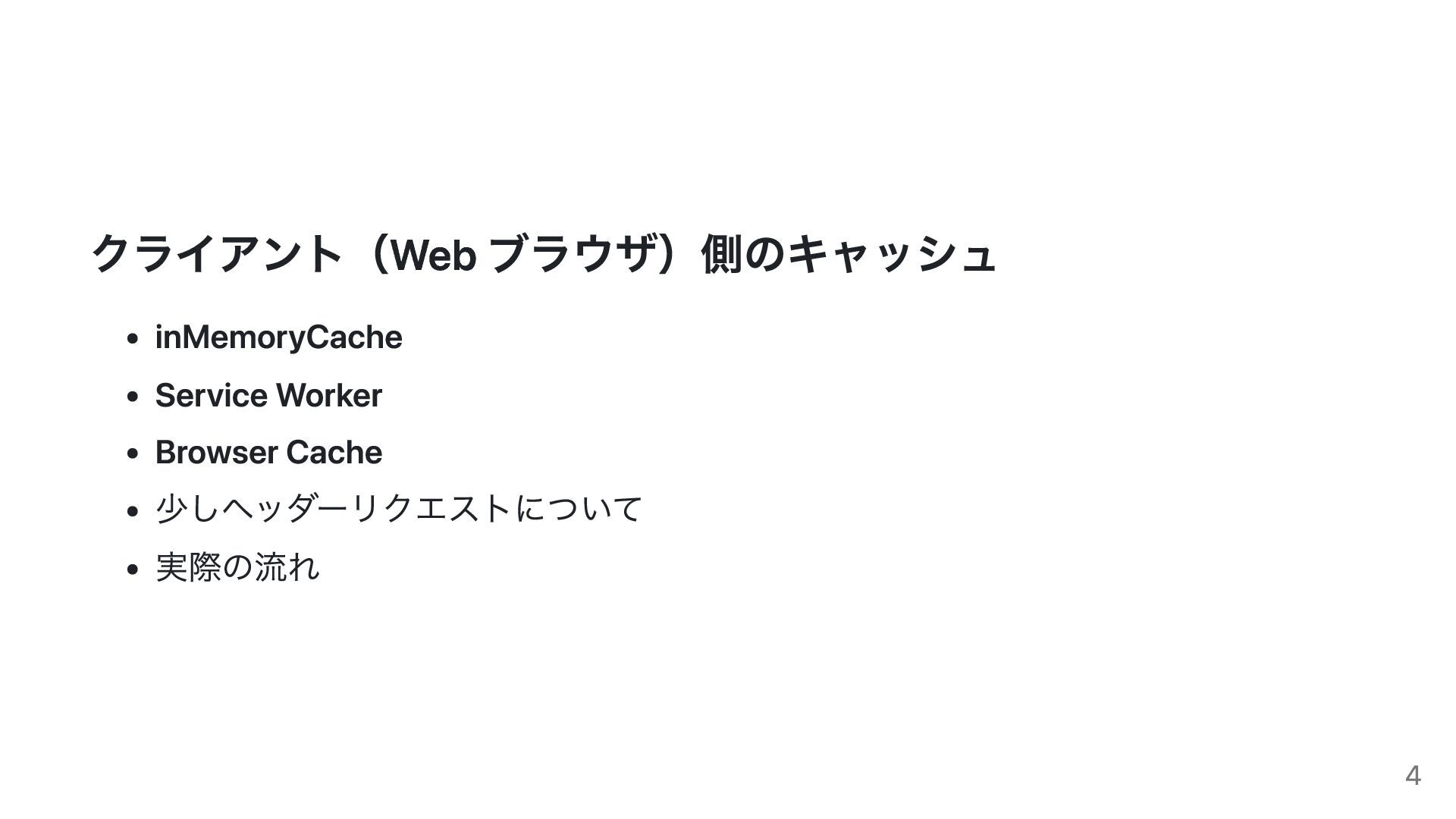
クライアント(Web ブラウザ)側のキャッシュ inMemoryCache Service Worker Browser Cache 少しヘッダーリクエストについて 実際の流れ 4
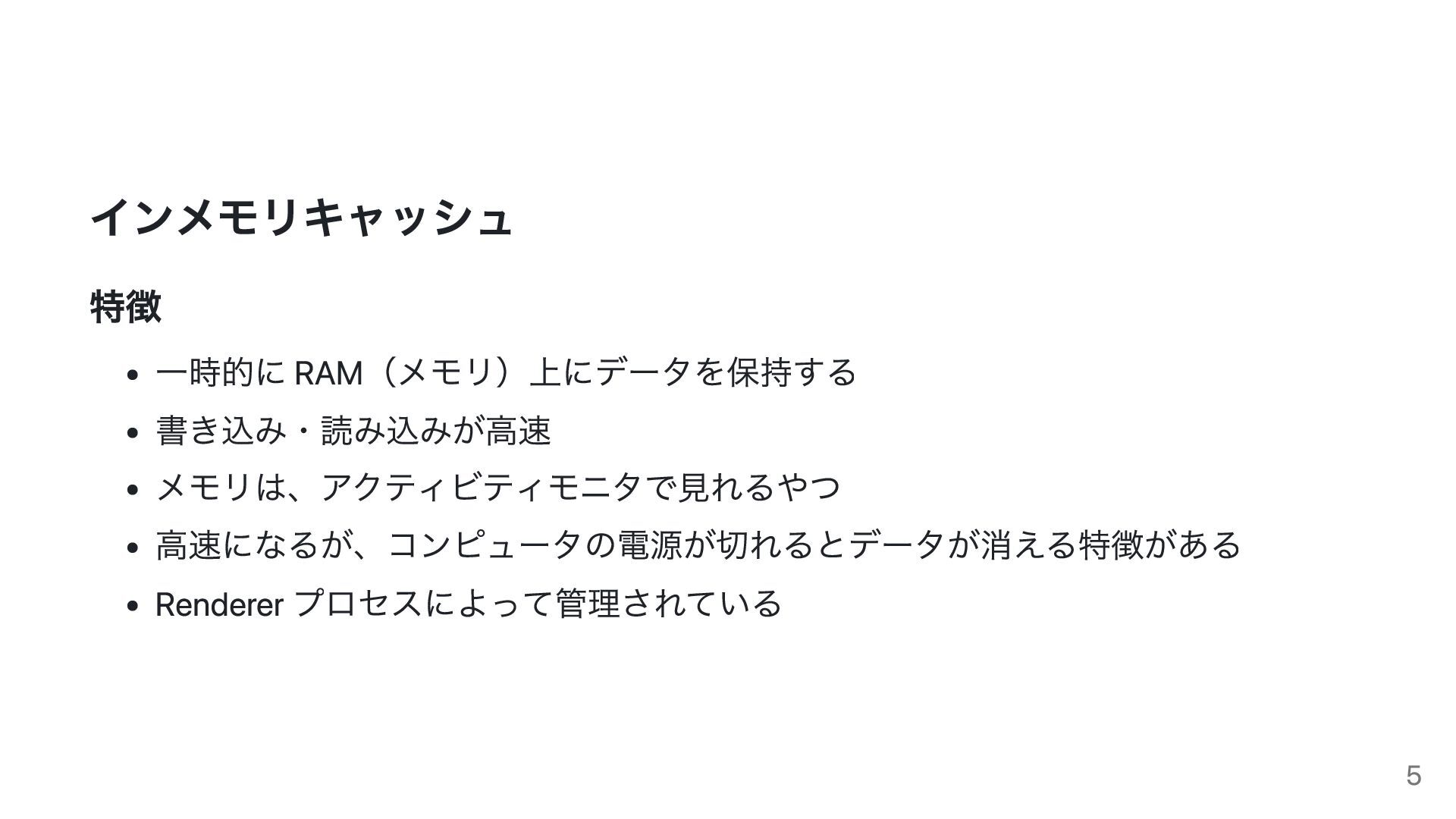
インメモリキャッシュ 特徴 一時的に RAM(メモリ)上にデータを保持する 書き込み・読み込みが高速 メモリは、アクティビティモニタで見れるやつ 高速になるが、コンピュータの電源が切れるとデータが消える特徴がある Renderer プロセスによって管理されている 5
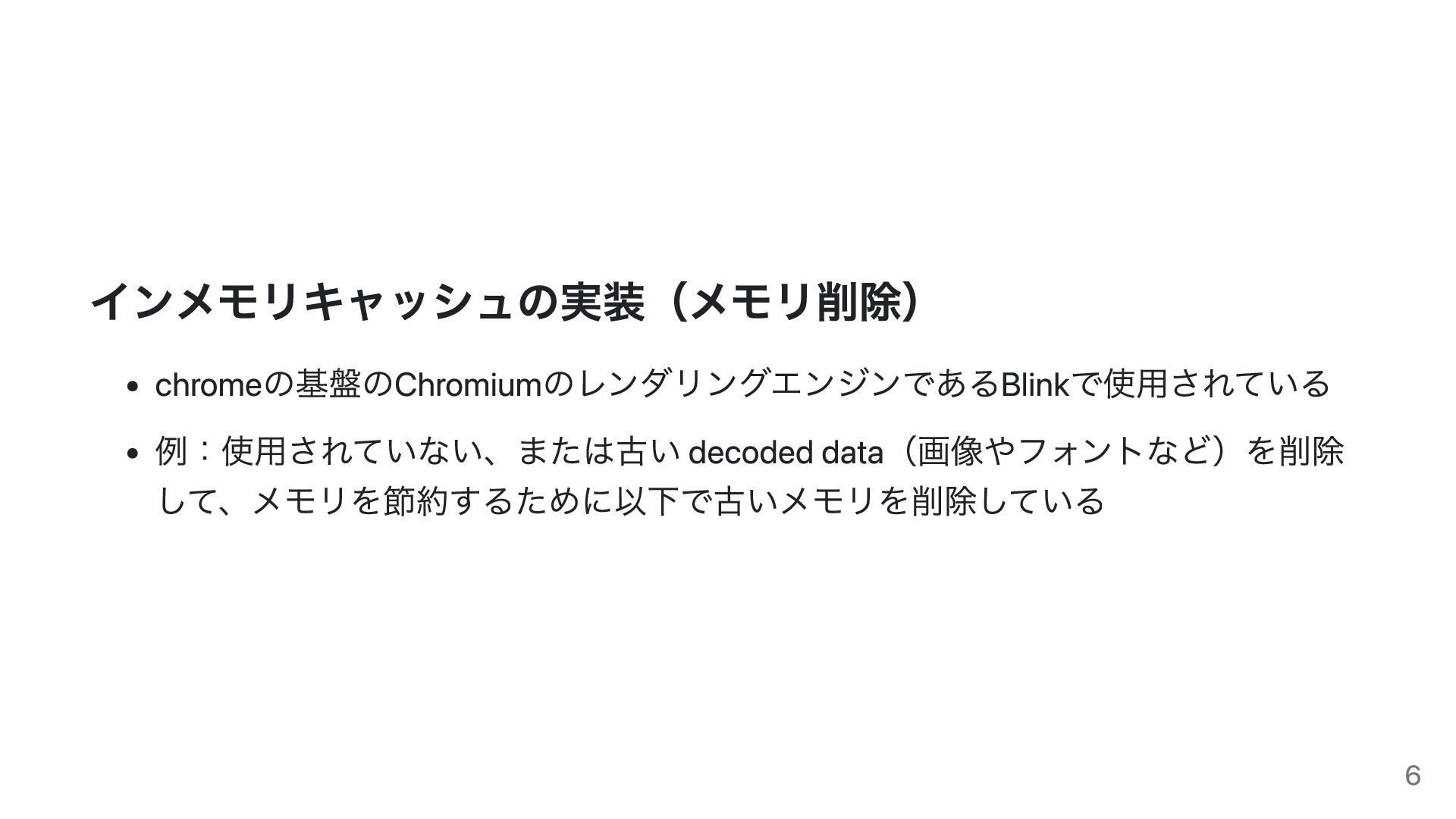
インメモリキャッシュの実装(メモリ削除) chromeの基盤のChromiumのレンダリングエンジンであるBlinkで使用されている 例:使用されていない、または古い decoded data(画像やフォントなど)を削除 して、メモリを節約するために以下で古いメモリを削除している 6
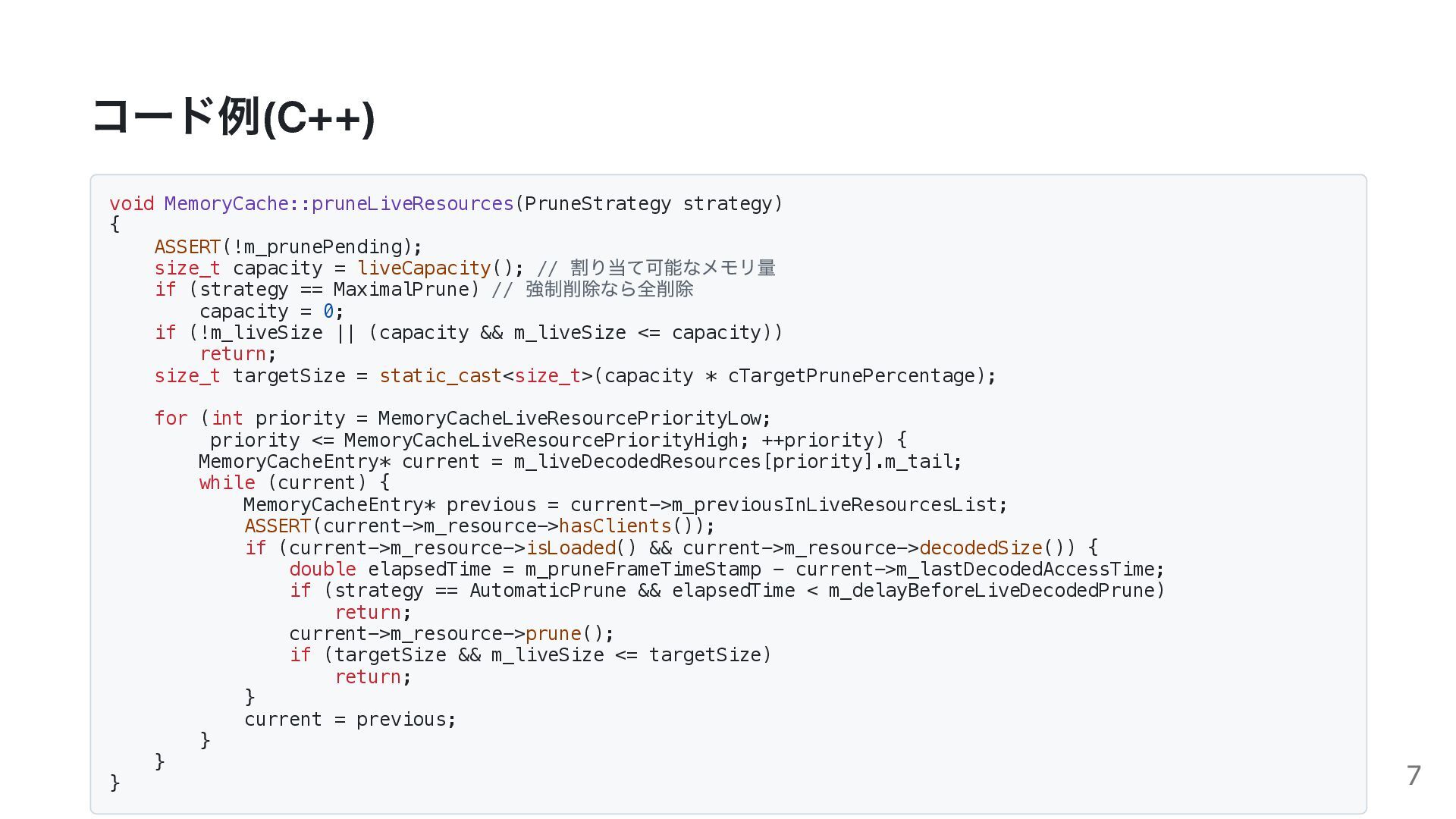
コード例(C++) void MemoryCache::pruneLiveResources(PruneStrategy strategy) { ASSERT(!m_prunePending); size_t capacity = liveCapacity();
// 割り当て可能なメモリ量 if (strategy == MaximalPrune) // 強制削除なら全削除 capacity = 0; if (!m_liveSize || (capacity && m_liveSize <= capacity)) return; size_t targetSize = static_cast<size_t>(capacity * cTargetPrunePercentage); for (int priority = MemoryCacheLiveResourcePriorityLow; priority <= MemoryCacheLiveResourcePriorityHigh; ++priority) { MemoryCacheEntry* current = m_liveDecodedResources[priority].m_tail; while (current) { MemoryCacheEntry* previous = current->m_previousInLiveResourcesList; ASSERT(current->m_resource->hasClients()); if (current->m_resource->isLoaded() && current->m_resource->decodedSize()) { double elapsedTime = m_pruneFrameTimeStamp - current->m_lastDecodedAccessTime; if (strategy == AutomaticPrune && elapsedTime < m_delayBeforeLiveDecodedPrune) return; current->m_resource->prune(); if (targetSize && m_liveSize <= targetSize) return; } current = previous; } } } 7
https://chromium.googlesource.com/chromium/blink/+/refs/heads/main/Source/core/fetch /MemoryCache.cpp 8
サービスワーカーのキャッシュ ブラウザの Application タブの「Cache Storage」 に保存され、ディスク上に保存 PC やブラウザを再起動しても消えない プッシュ通知とかオフライン対応で使うもので、ブラウザを早くする用途ではあ んまり使われない?かなと思った
9
ブラウザキャッシュ 特徴 ディスク上に保存されるキャッシュ 再訪問時の読み込みを高速化してくれる 検証ツールの disk cache がこれ メモリ上ではなくディスクに保存されるので PC
の電源が切れても消えない インメモリキャッシュが使われない場合の代わりとして機能する ハードリロード(Ctrl+Shift+R など)では無視される 10
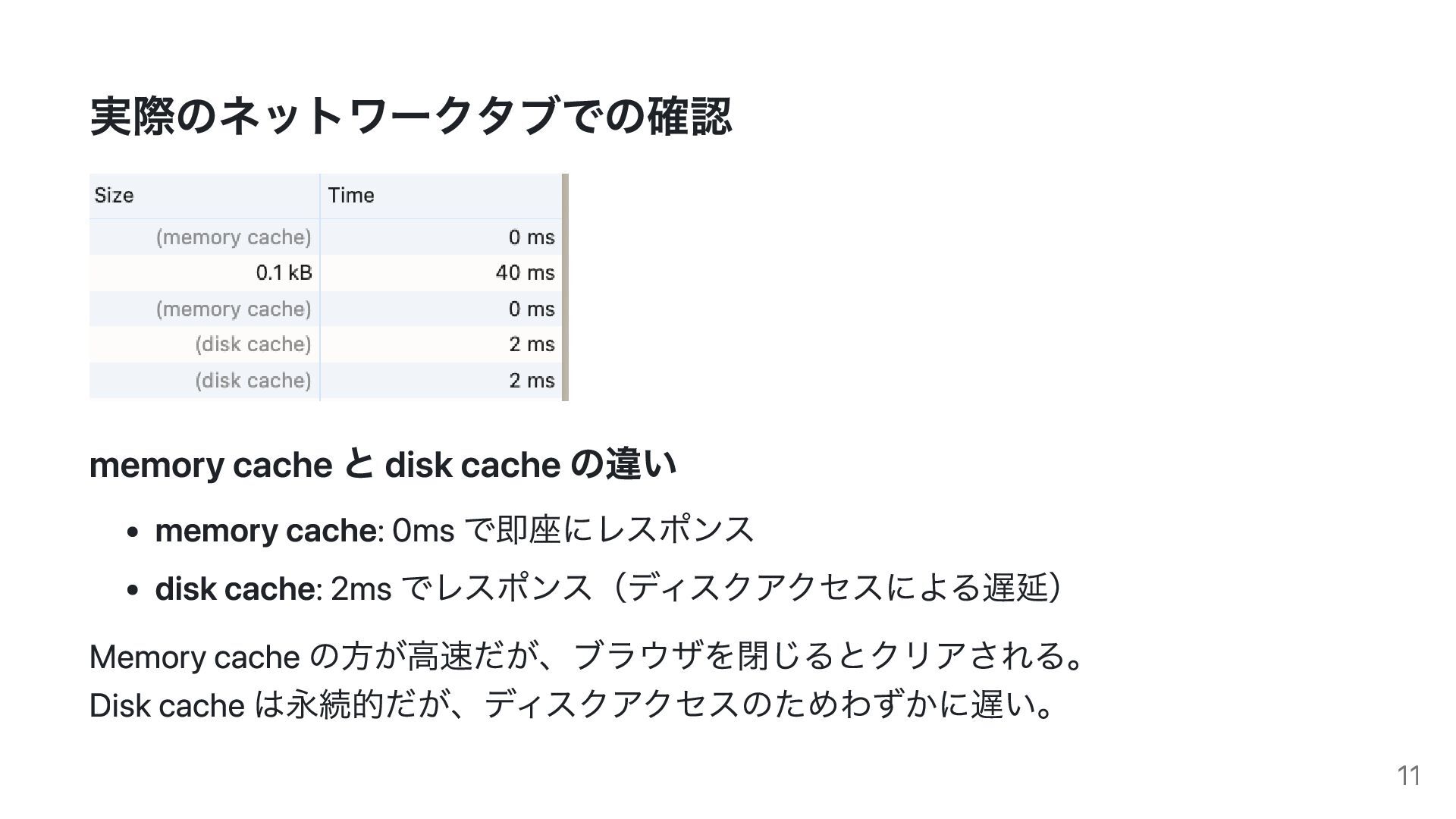
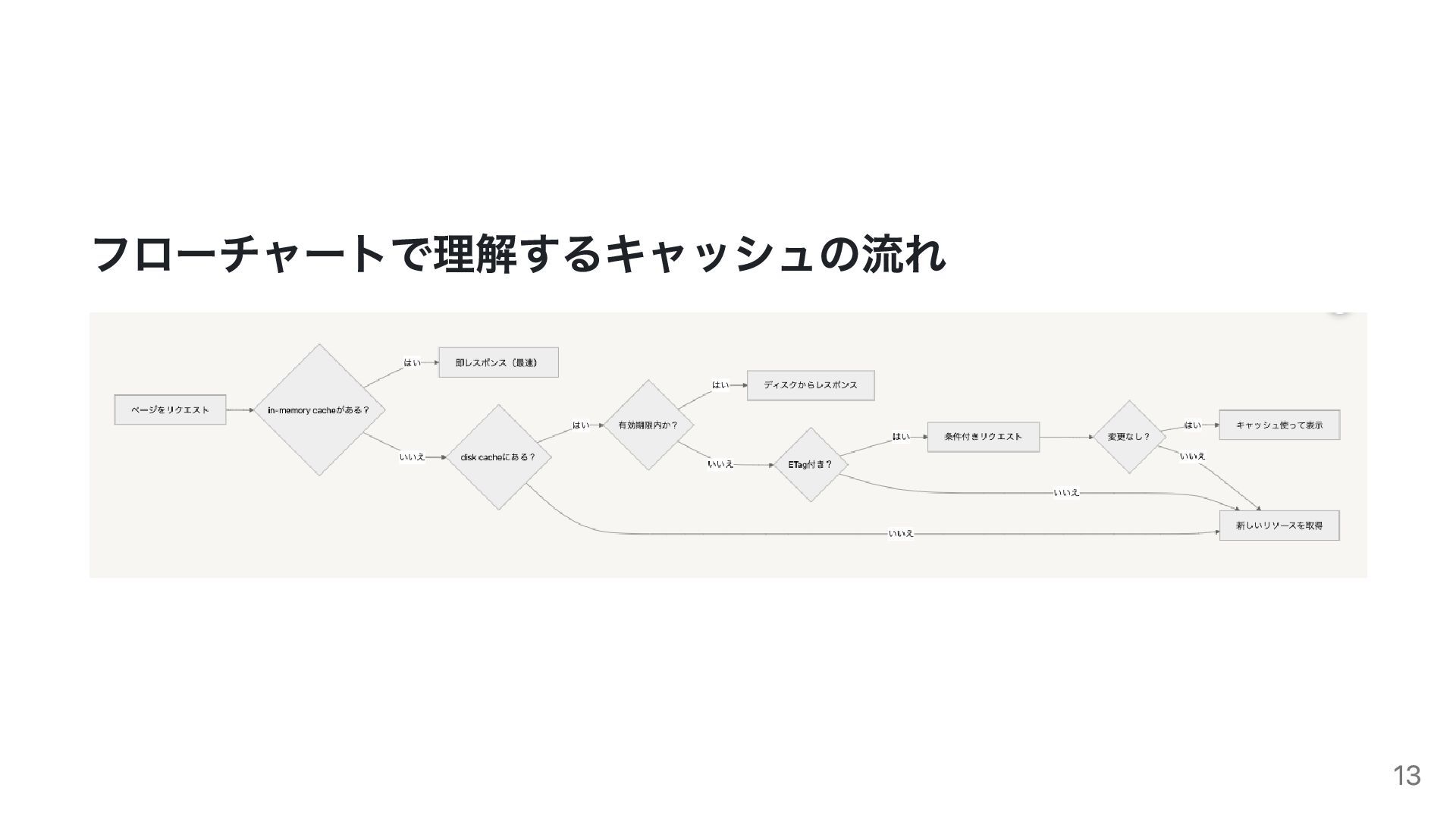
実際のネットワークタブでの確認 memory cache と disk cache の違い memory cache: 0ms
で即座にレスポンス disk cache: 2ms でレスポンス(ディスクアクセスによる遅延) Memory cache の方が高速だが、ブラウザを閉じるとクリアされる。 Disk cache は永続的だが、ディスクアクセスのためわずかに遅い。 11
HTTPヘッダーについて Etagヘッダとは ブラウザキャッシュの仕組みの中で使用される、リクエストのヘッダーの一つ 1. 初回のリソースの取得の際に、サーバーからのレスポンスのヘッダーに含まれる 2. 受け取ったEtagやリソースをキャッシュに保存 3. 再取得の際に、キャッシュに保存されたEtagをリクエストのヘッダーに含める 4.
Etagハッシュが一致した場合は、304が返ってきて、キャッシュから取得する 12
フローチャートで理解するキャッシュの流れ 13
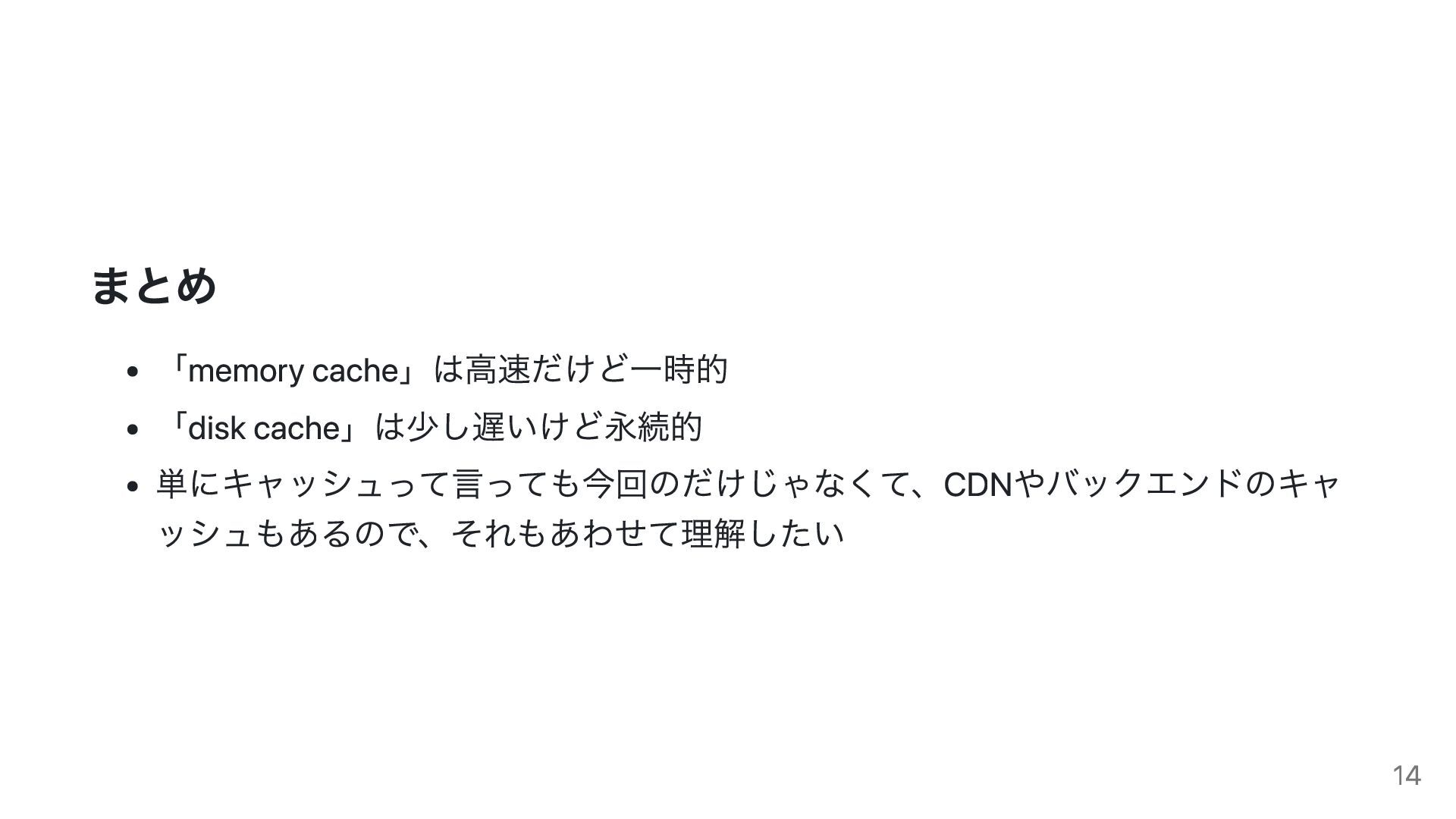
まとめ 「memory cache」は高速だけど一時的 「disk cache」は少し遅いけど永続的 単にキャッシュって言っても今回のだけじゃなくて、CDNやバックエンドのキャ ッシュもあるので、それもあわせて理解したい 14


 nikawa2161
 joshbly
 3n
3n
 bkeepers
 danielanewman
 marktimemedia
 frankvandijk
 rmw
rmw
 thoeni
 jct
jct
 wjessup
 ipullrank
 lynnandtonic