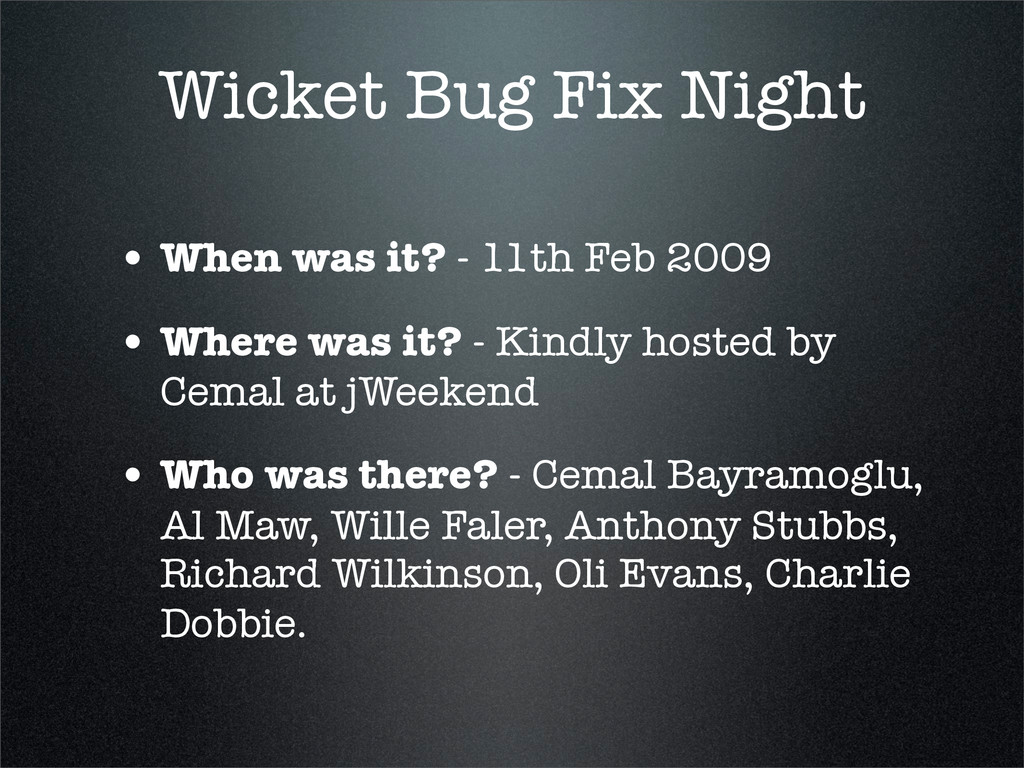
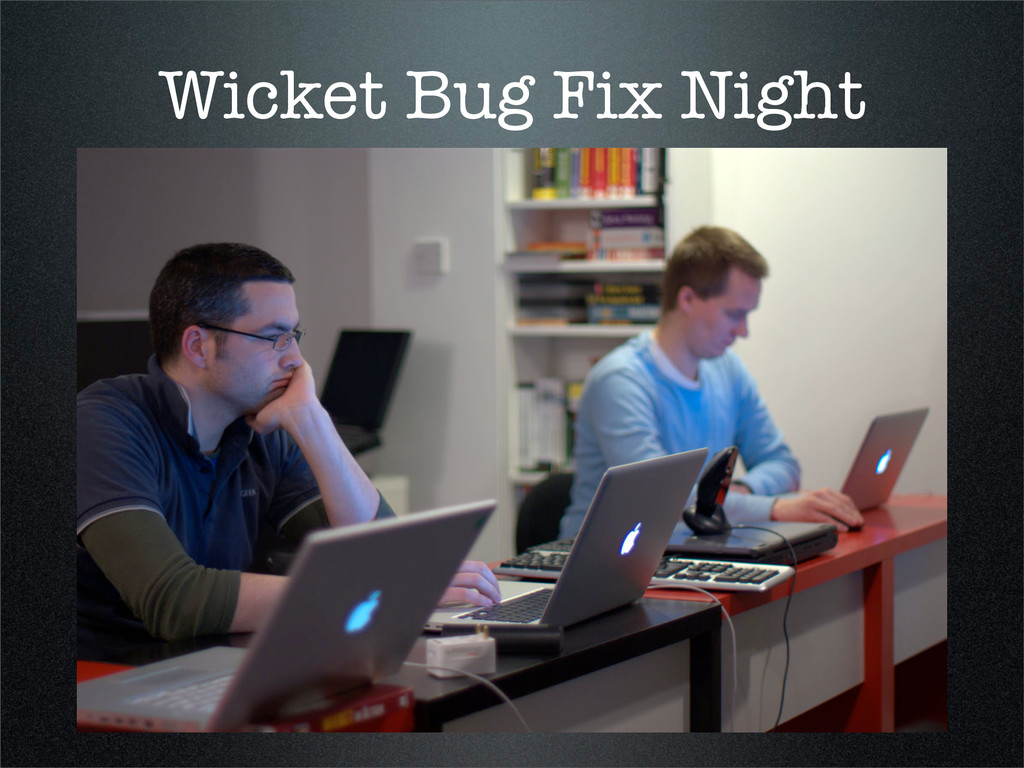
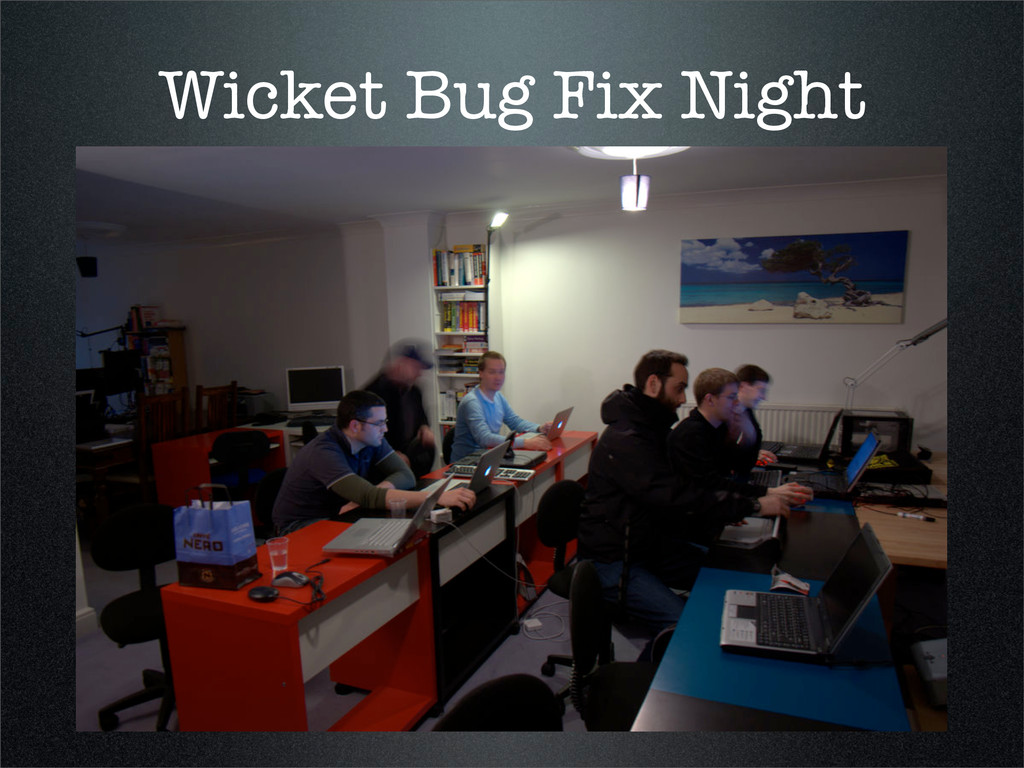
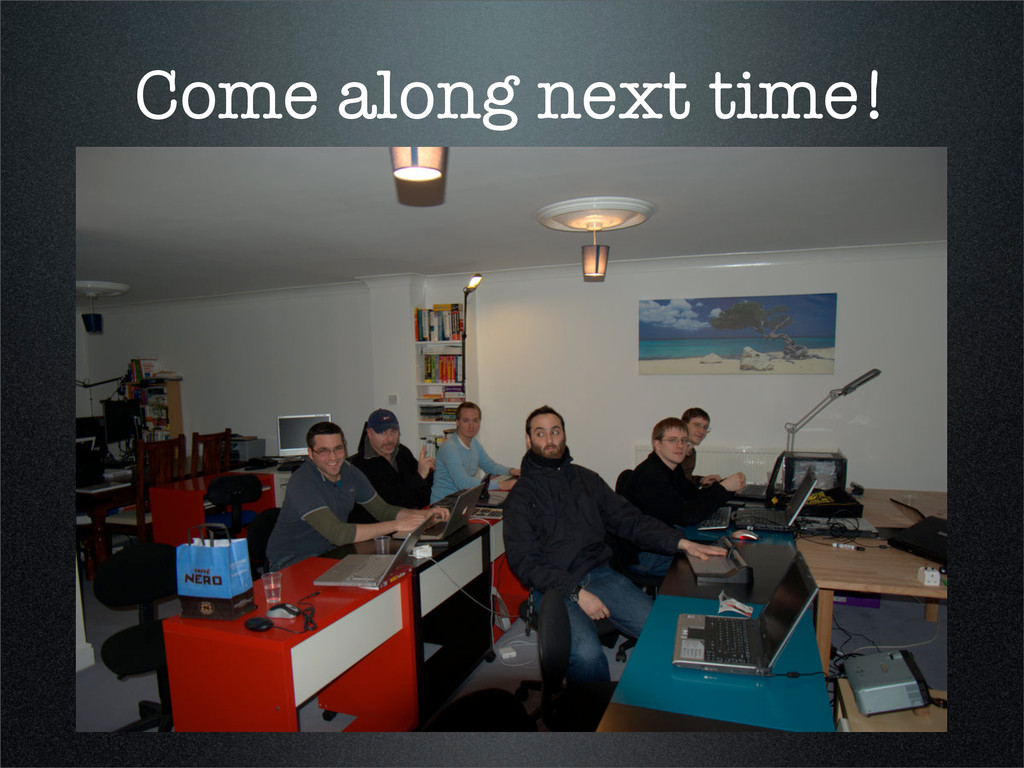
Feb 2009 • Where was it? - Kindly hosted by Cemal at jWeekend • Who was there? - Cemal Bayramoglu, Al Maw, Wille Faler, Anthony Stubbs, Richard Wilkinson, Oli Evans, Charlie Dobbie.
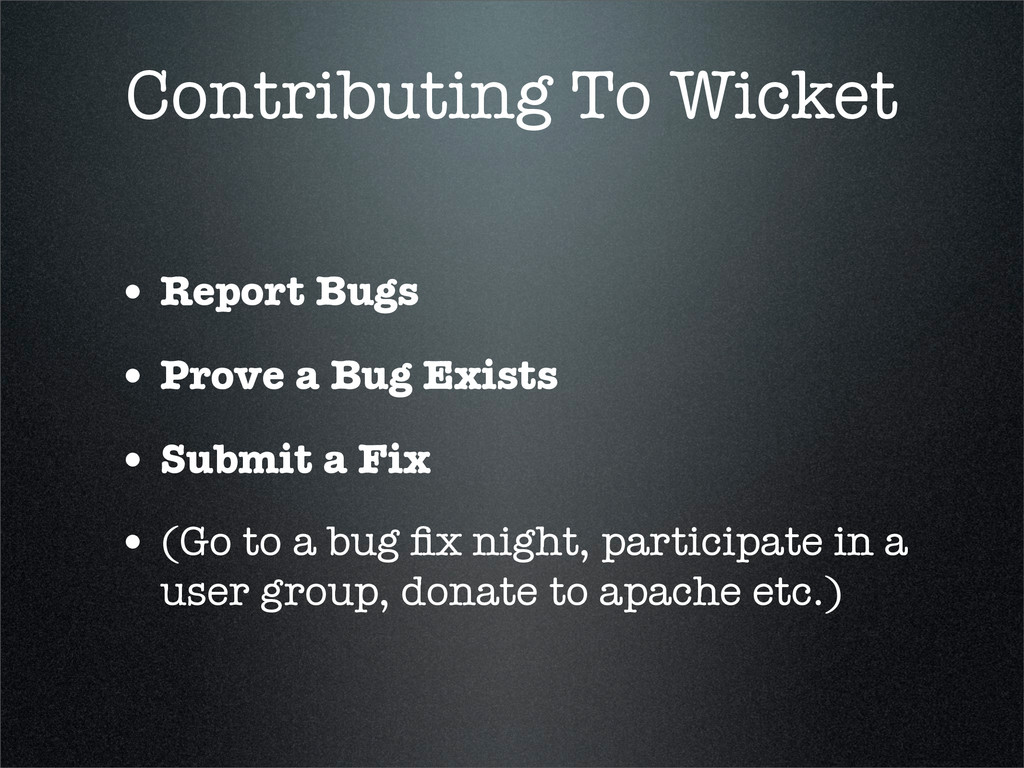
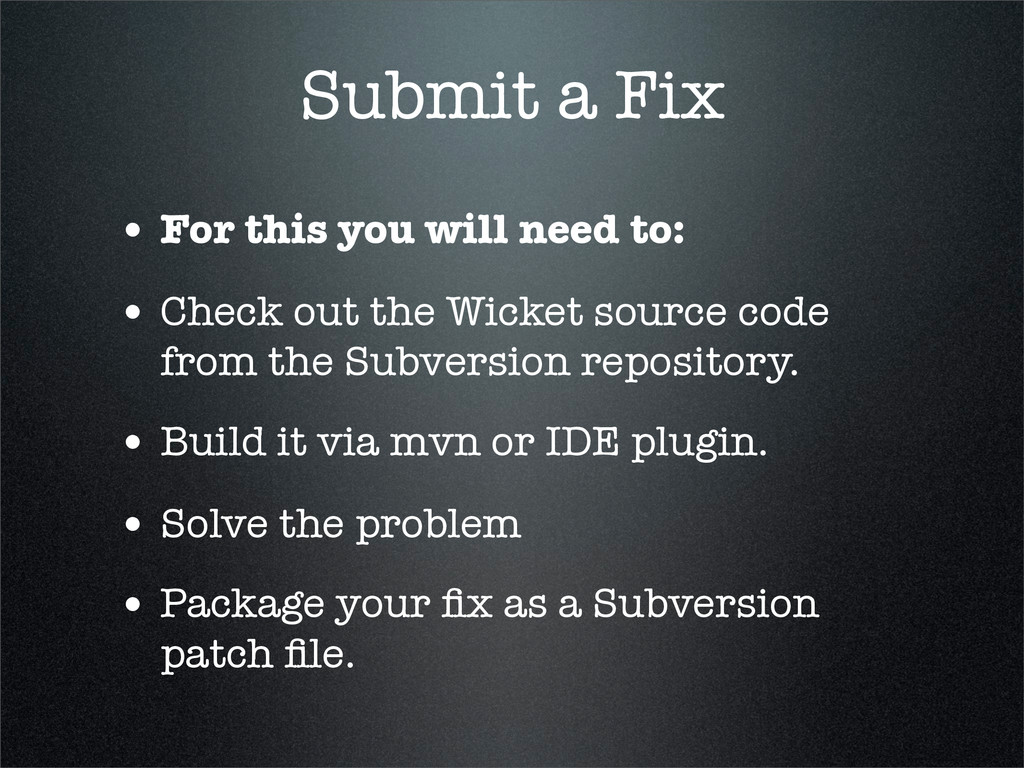
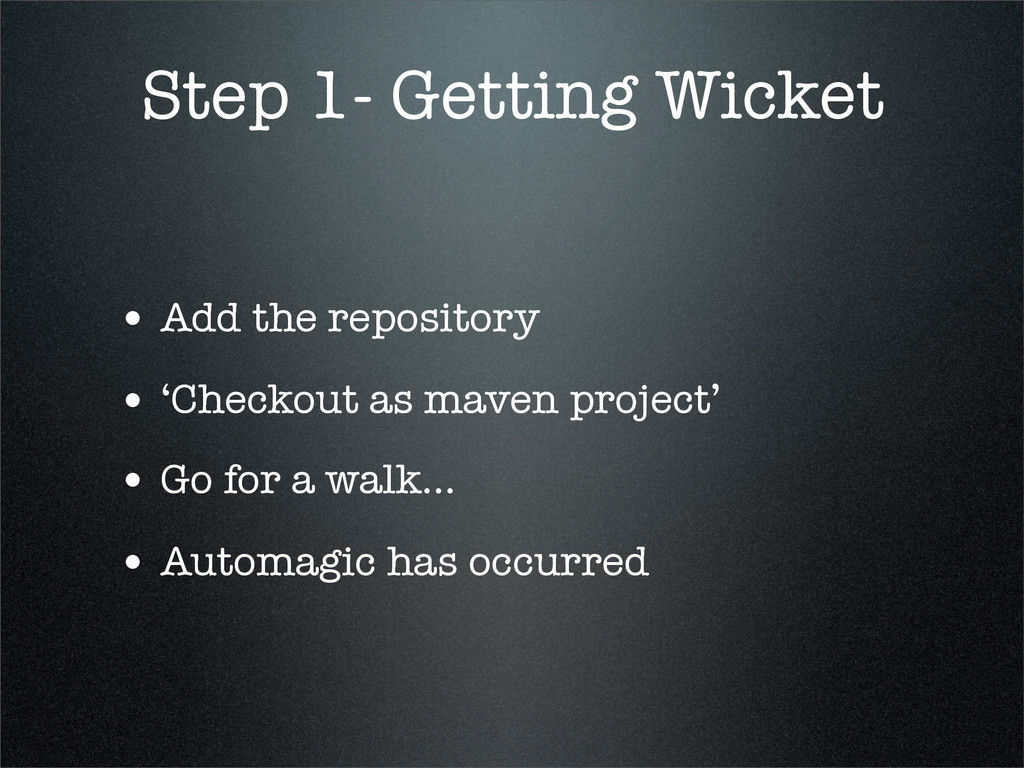
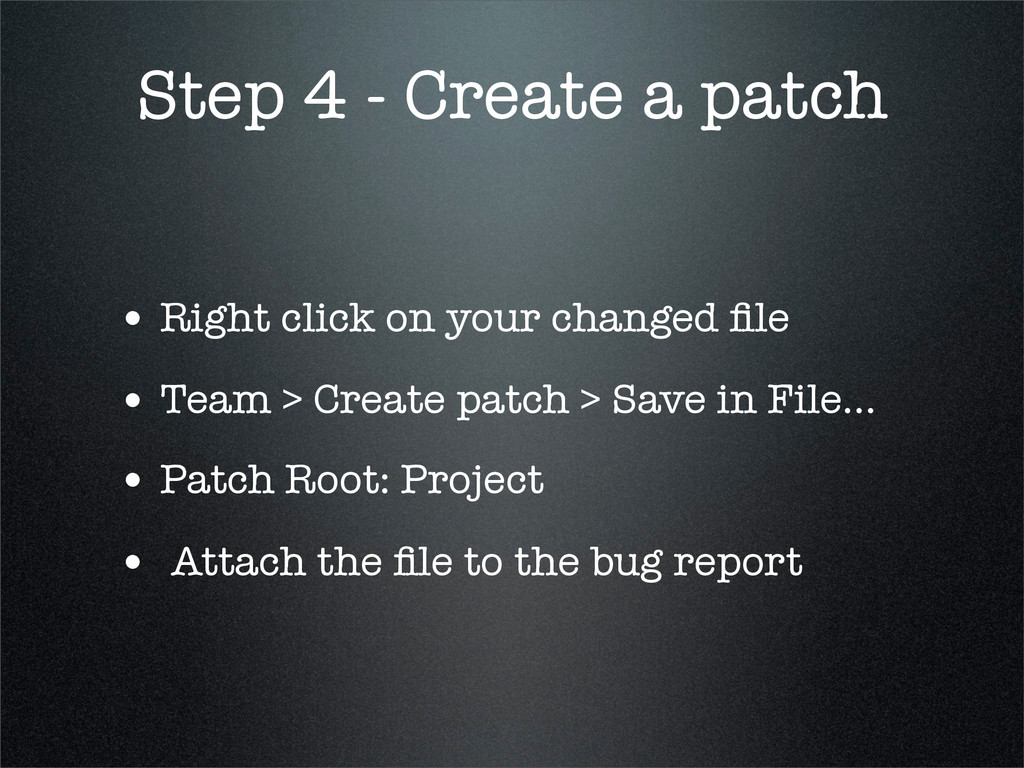
• Check out the Wicket source code from the Subversion repository. • Build it via mvn or IDE plugin. • Solve the problem • Package your fix as a Subversion patch file.
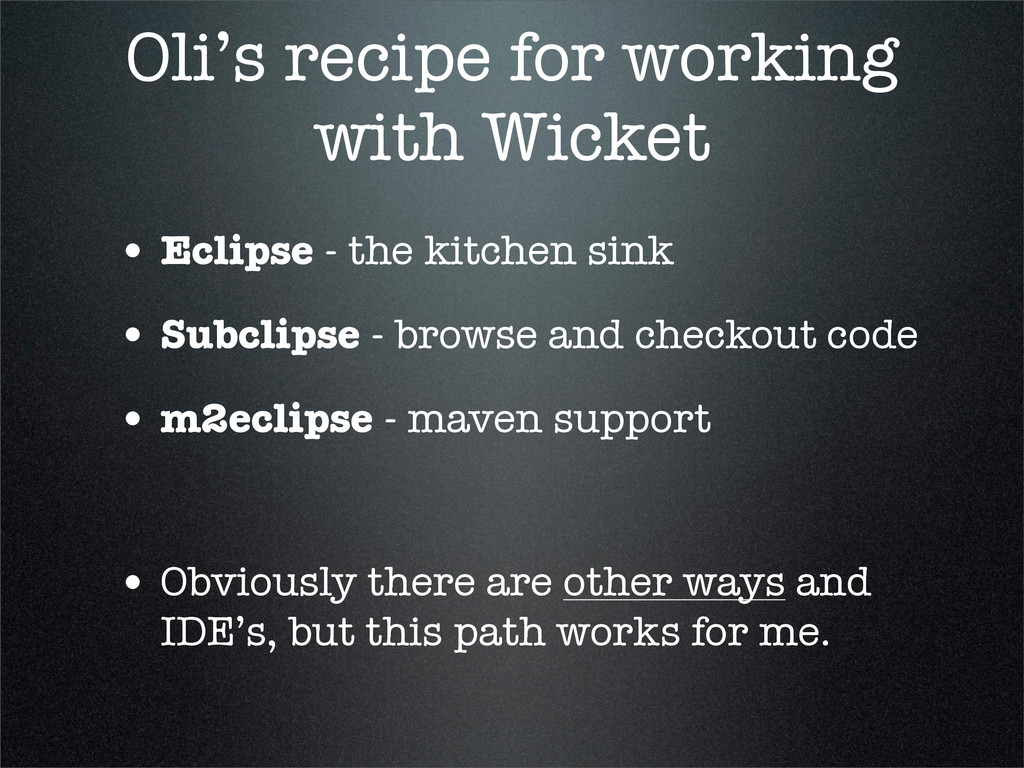
kitchen sink • Subclipse - browse and checkout code • m2eclipse - maven support • Obviously there are other ways and IDE’s, but this path works for me.
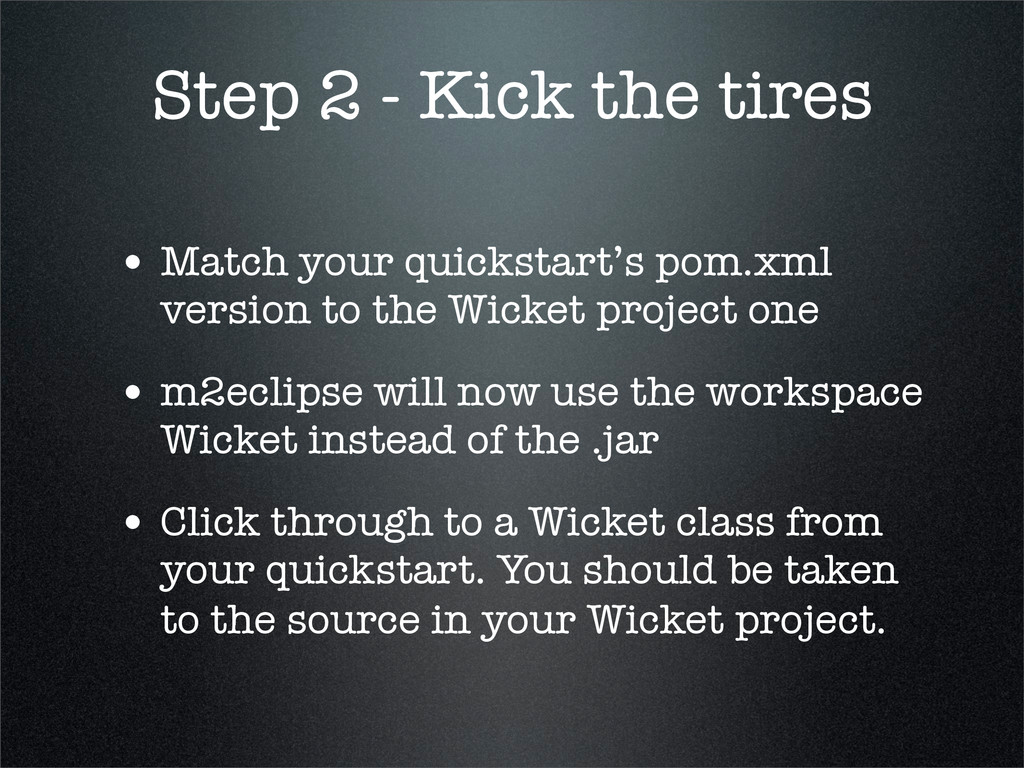
pom.xml version to the Wicket project one • m2eclipse will now use the workspace Wicket instead of the .jar • Click through to a Wicket class from your quickstart. You should be taken to the source in your Wicket project.
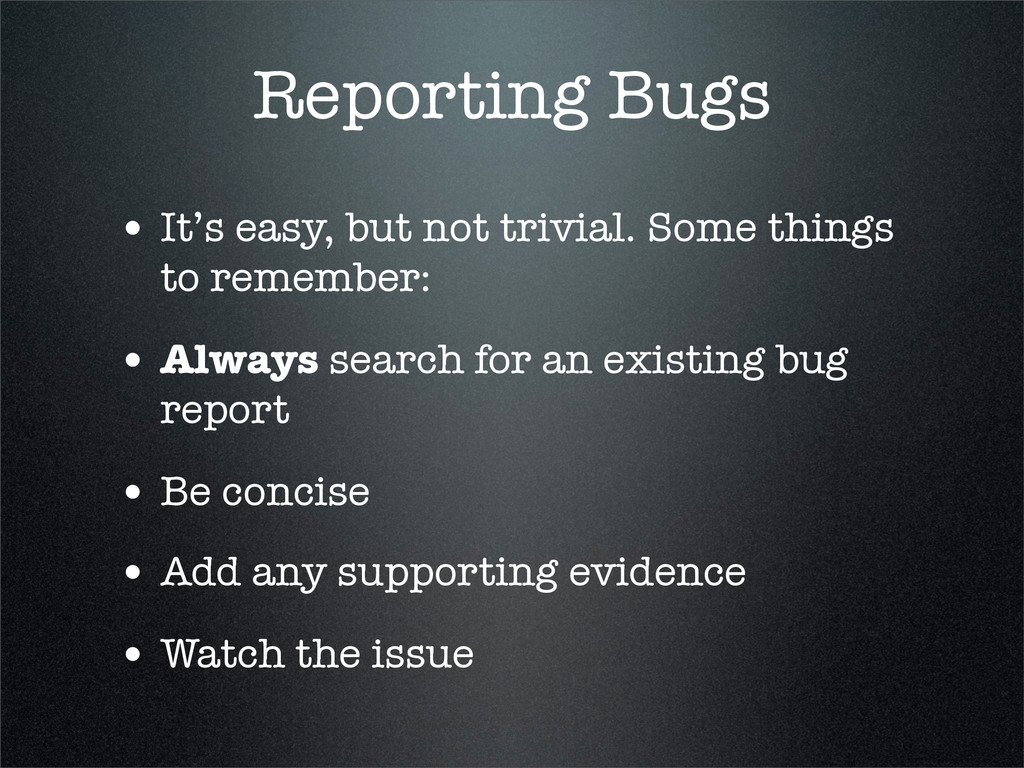
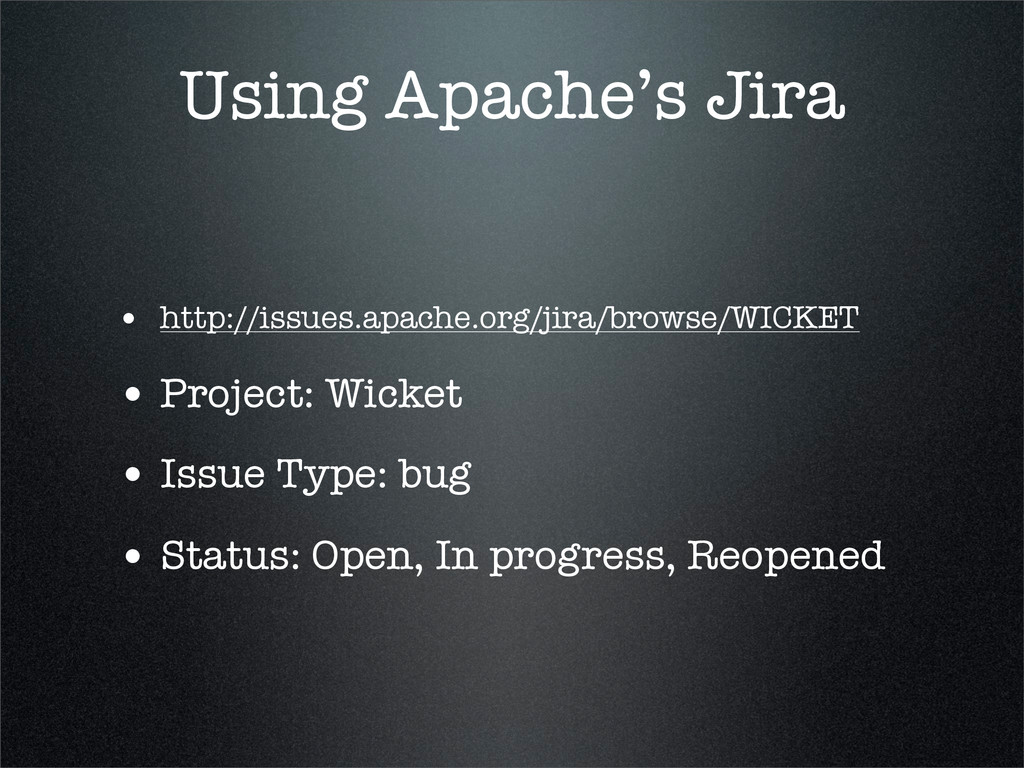
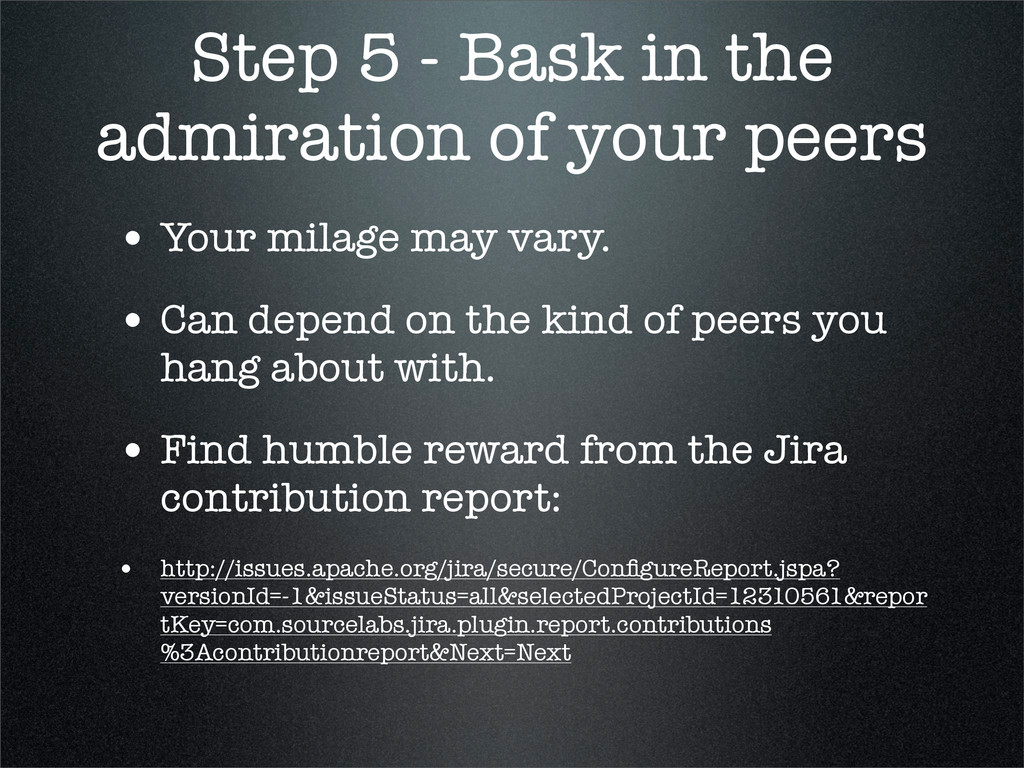
• Your milage may vary. • Can depend on the kind of peers you hang about with. • Find humble reward from the Jira contribution report: • http://issues.apache.org/jira/secure/ConfigureReport.jspa? versionId=-1&issueStatus=all&selectedProjectId=12310561&repor tKey=com.sourcelabs.jira.plugin.report.contributions %3Acontributionreport&Next=Next
the Wicket Wiki - http://cwiki.apache.org/WICKET/ contributing-to-wickethtml • Talk by Oli Evans, on behalf of the London Wicket User Group • http://code.google.com/p/londonwicket/ • http://oli.needleandthread.org


 sudoakiy
 glaforge
 kentarofujii
 codmoninc
 kash1064
 bitkey
 tetsuya28
 puhitaku
 kentapapa
 taketakekaho
 tomokusaba
 teamlab
 reverentgeek
 axbom
axbom
 lindahogenes
 mayunak
 tmiket
 uxyall
 codingconduct
 addyosmani
 chrislema
 jonoalderson
 lcolladotor