Upgrade to Pro — share decks privately, control downloads, hide ads and more …

Basic Python Programing Session 1

Sponsored · Ship Features Fearlessly Turn features on and off without deploys. Used by thousands of Ruby developers. →
Avatar for pailus pailus
March 15, 2014

Basic Python Programing Session 1

Python is a widely used general-purpose, high-level programming language.Python supports multiple programming paradigms, including object-oriented, imperative and functional programming or procedural styles. It features a dynamic type system and automatic memory management and has a large and comprehensive standard library

Avatar for pailus

pailus

March 15, 2014

Other Decks in Programming

Transcript

  1. Me Danang Heriyadi – Open Source Addict – Information Security

    Trainer @hatsecure – Penetration tester – Security Engineer – Security Researcher
  2. 0x01 Short History ◾ Created by Guido van Rossum ◾

    Python was conceived in the late 1980s ◾ Implementation was started in December 1989 ◾ Python 2.0 – We are still using v2.x ◾ Python 3.0 – Future
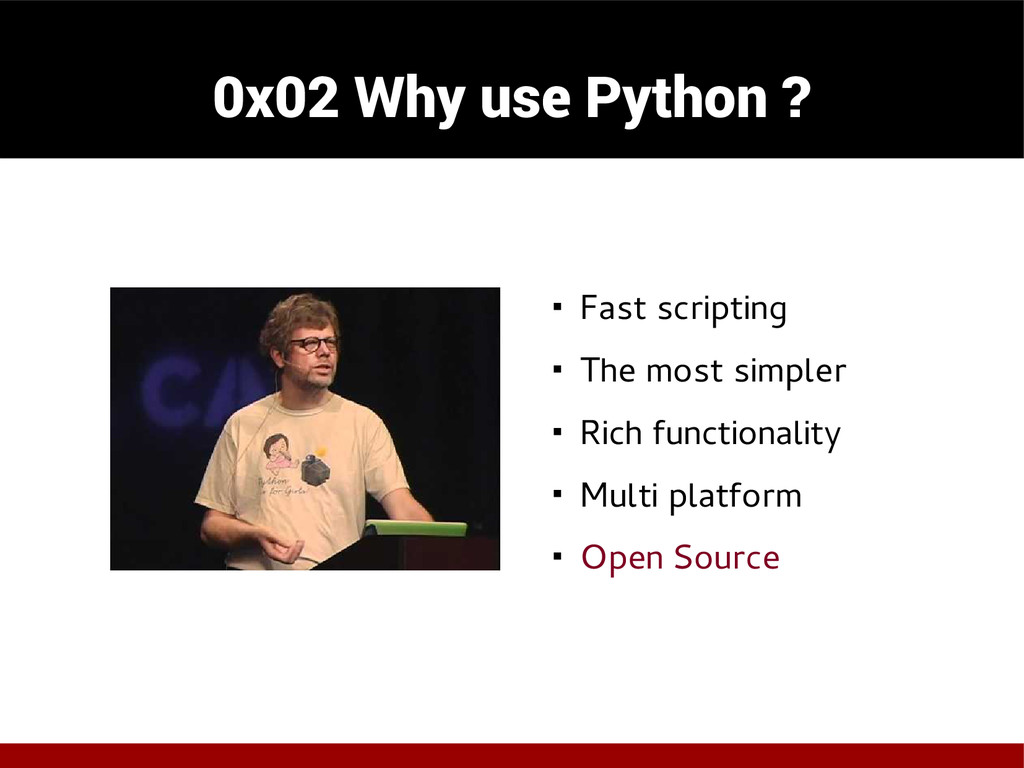
  3. 0x02 Why use Python ? ◾ Fast scripting ◾ The

    most simpler ◾ Rich functionality ◾ Multi platform ◾ Open Source
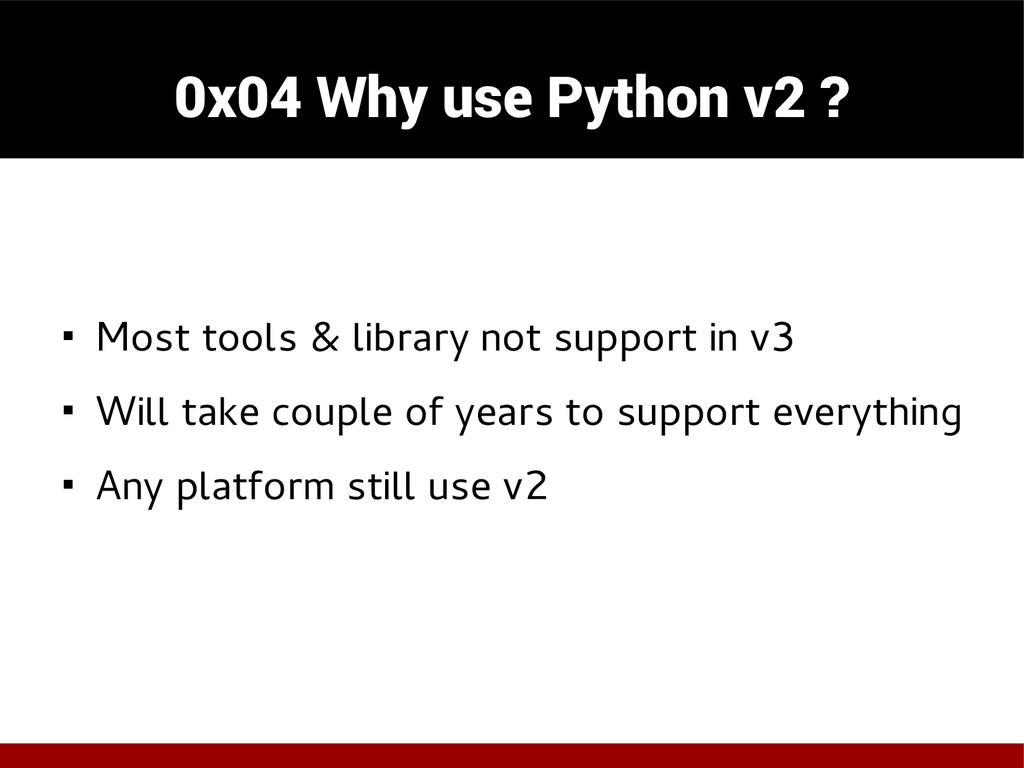
  4. 0x04 Why use Python v2 ? ◾ Most tools &

    library not support in v3 ◾ Will take couple of years to support everything ◾ Any platform still use v2
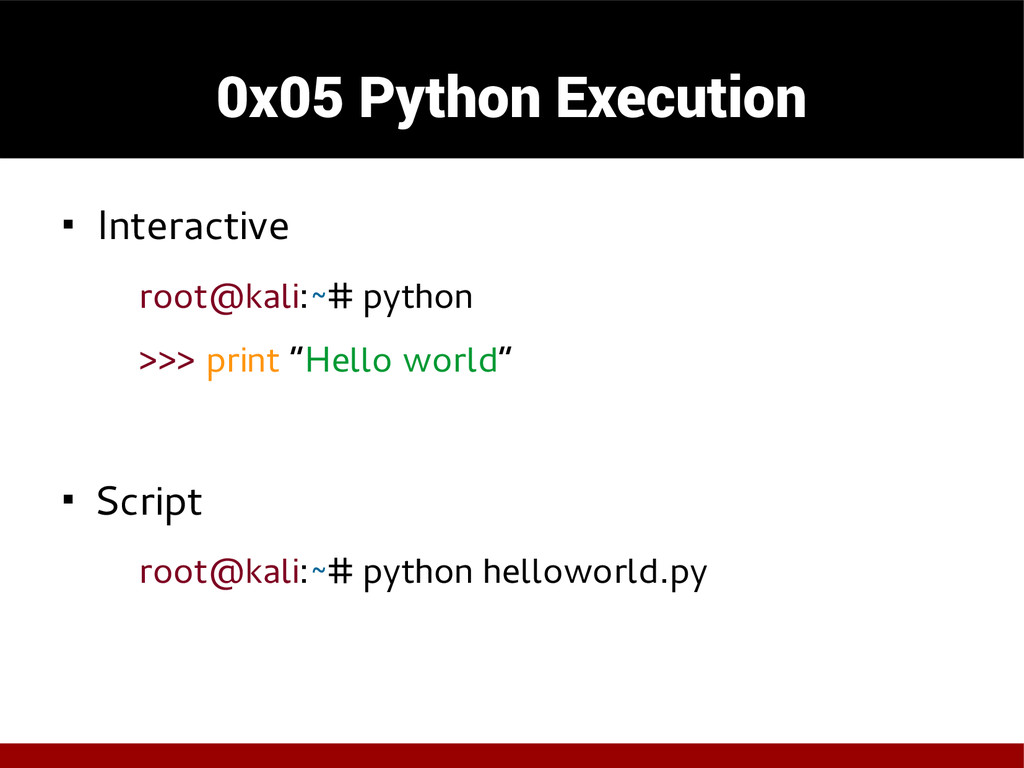
  5. 0x05 Python Execution ◾ Interactive root@kali:~# python >>> print “Hello

    world” ◾ Script root@kali:~# python helloworld.py
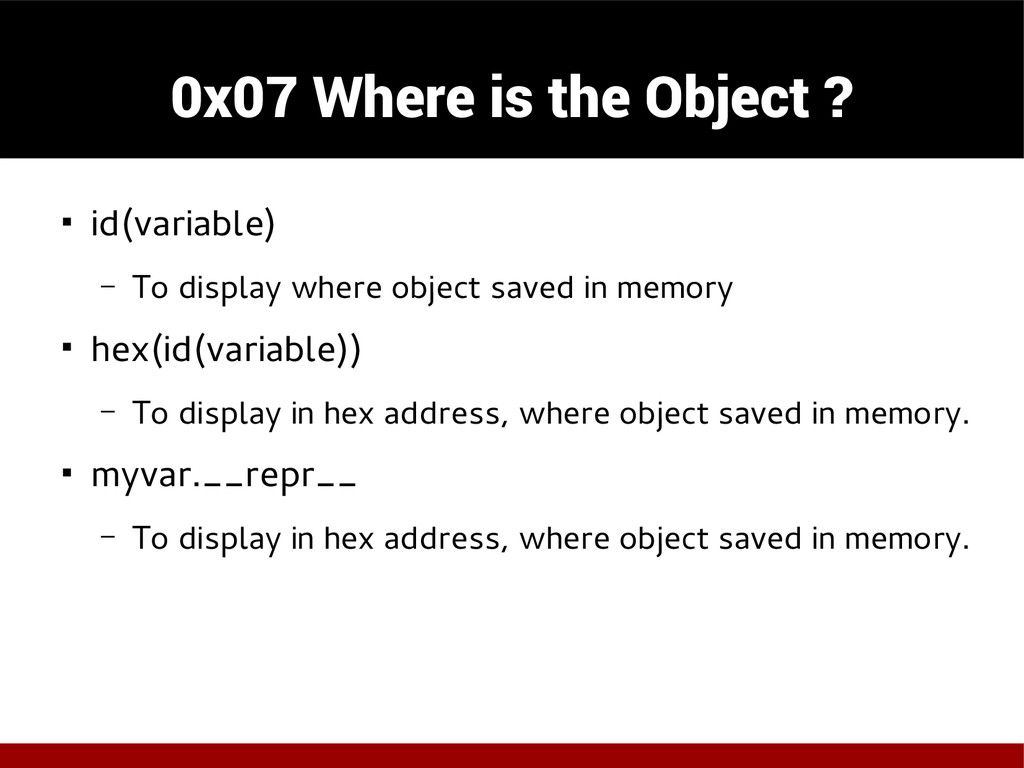
  6. 0x07 Where is the Object ? ◾ id(variable) – To

    display where object saved in memory ◾ hex(id(variable)) – To display in hex address, where object saved in memory. ◾ myvar.__repr__ – To display in hex address, where object saved in memory.
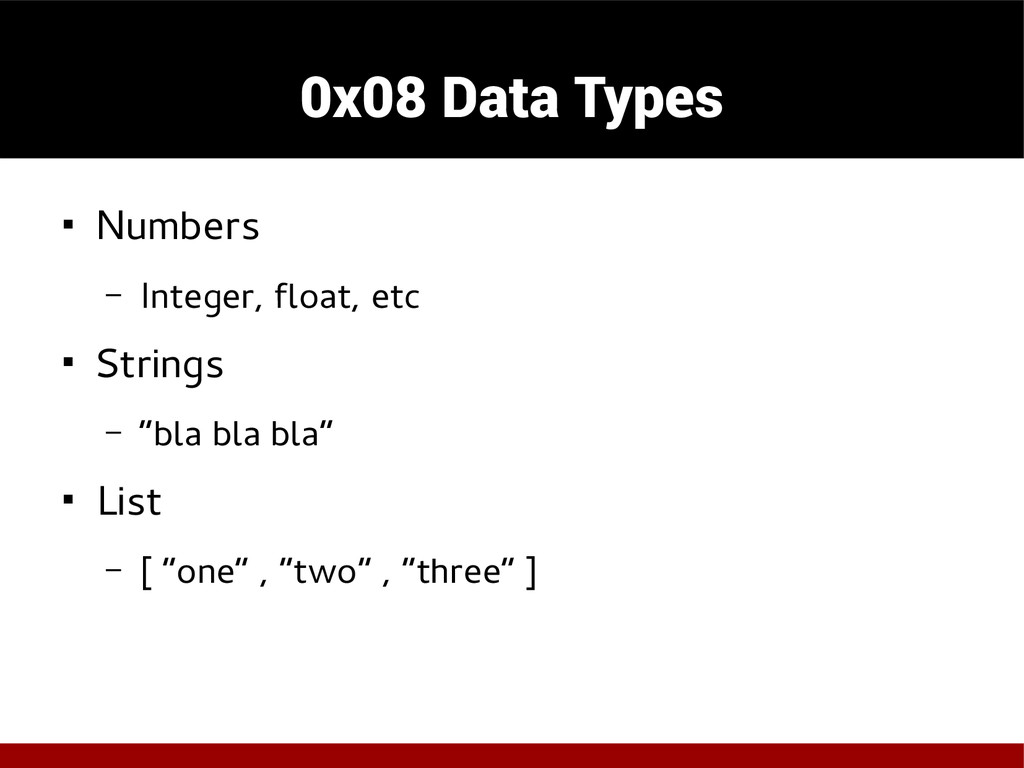
  7. 0x08 Data Types ◾ Numbers – Integer, float, etc ◾

    Strings – “bla bla bla” ◾ List – [ “one” , ”two” , ”three” ]
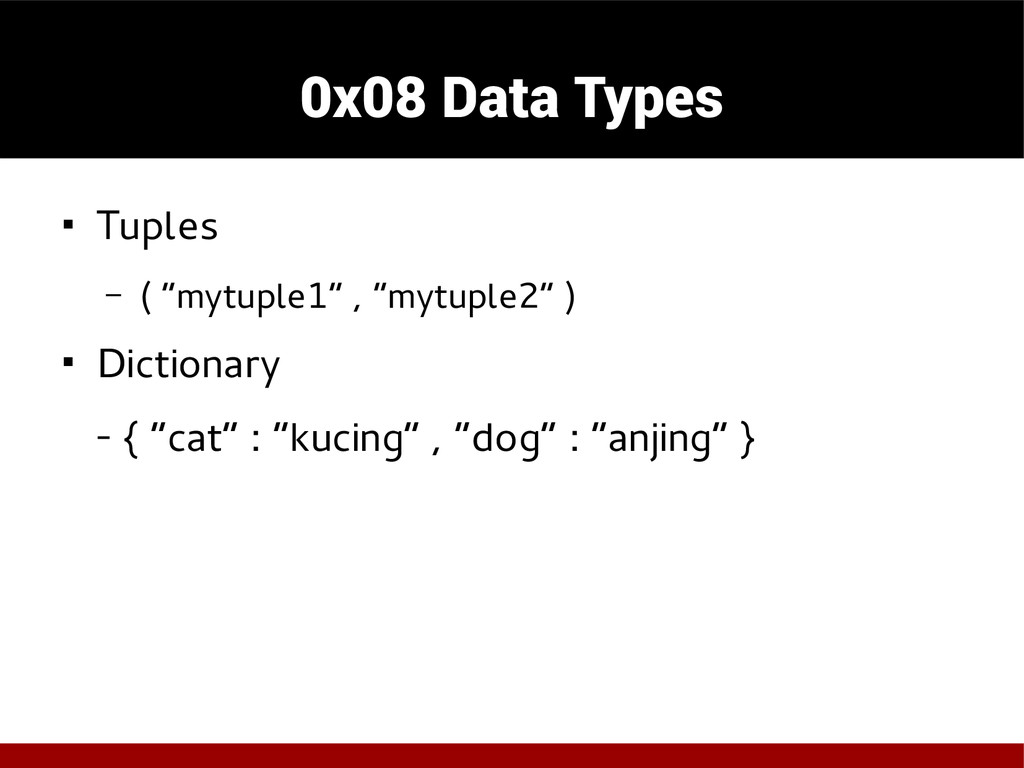
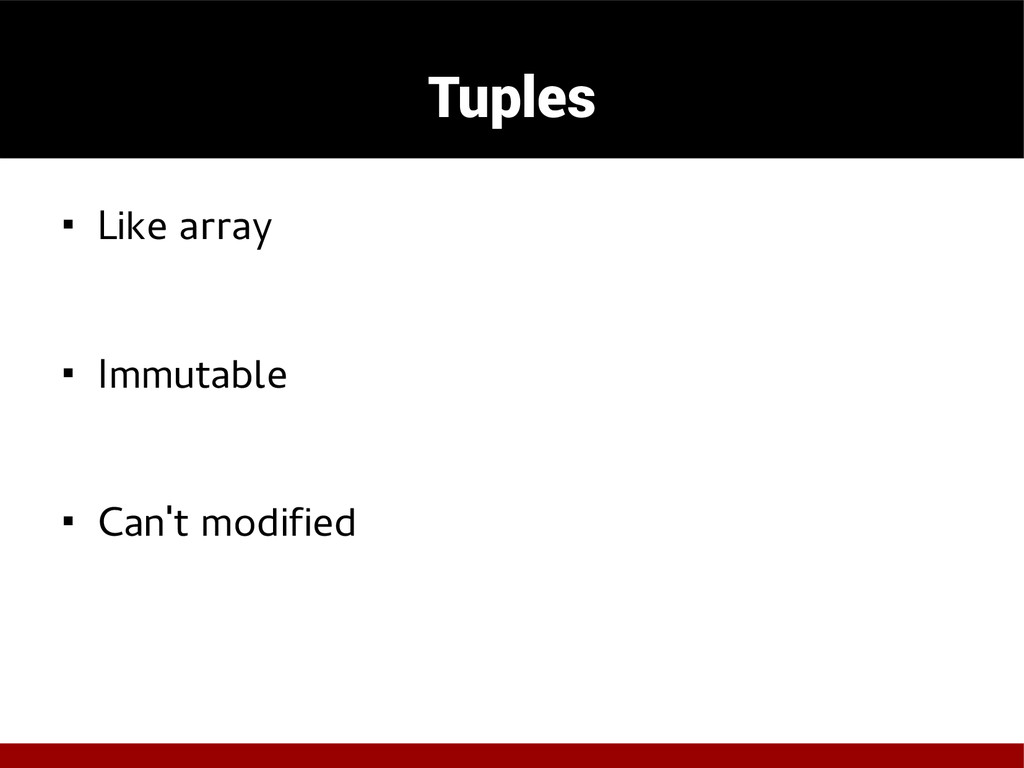
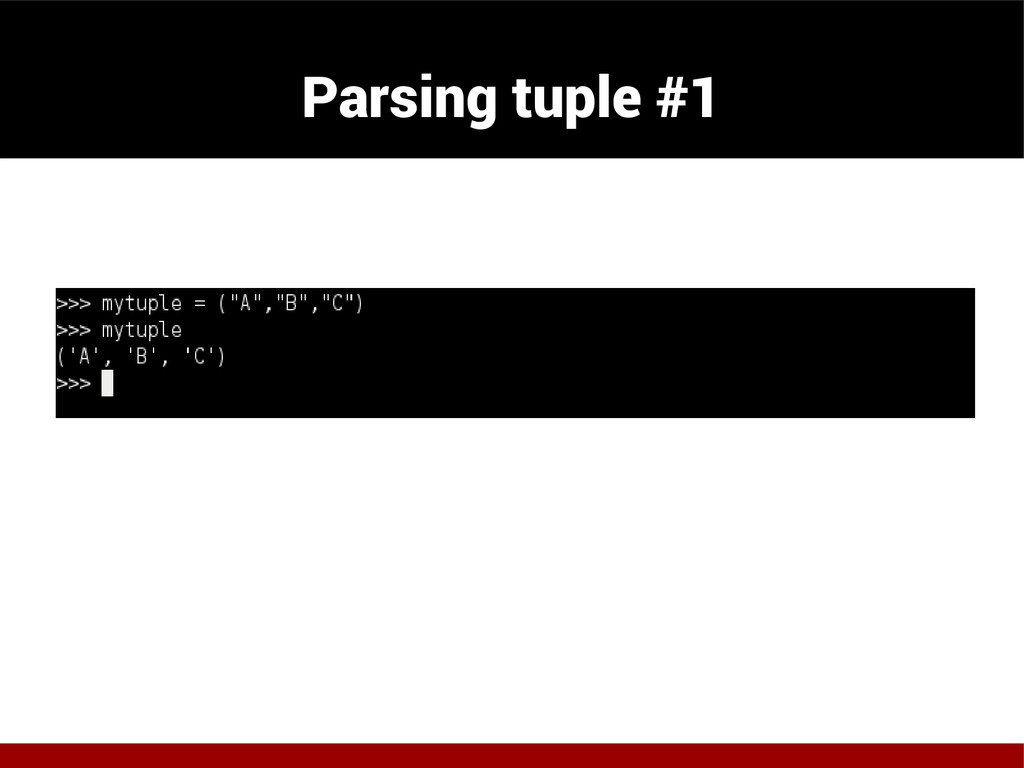
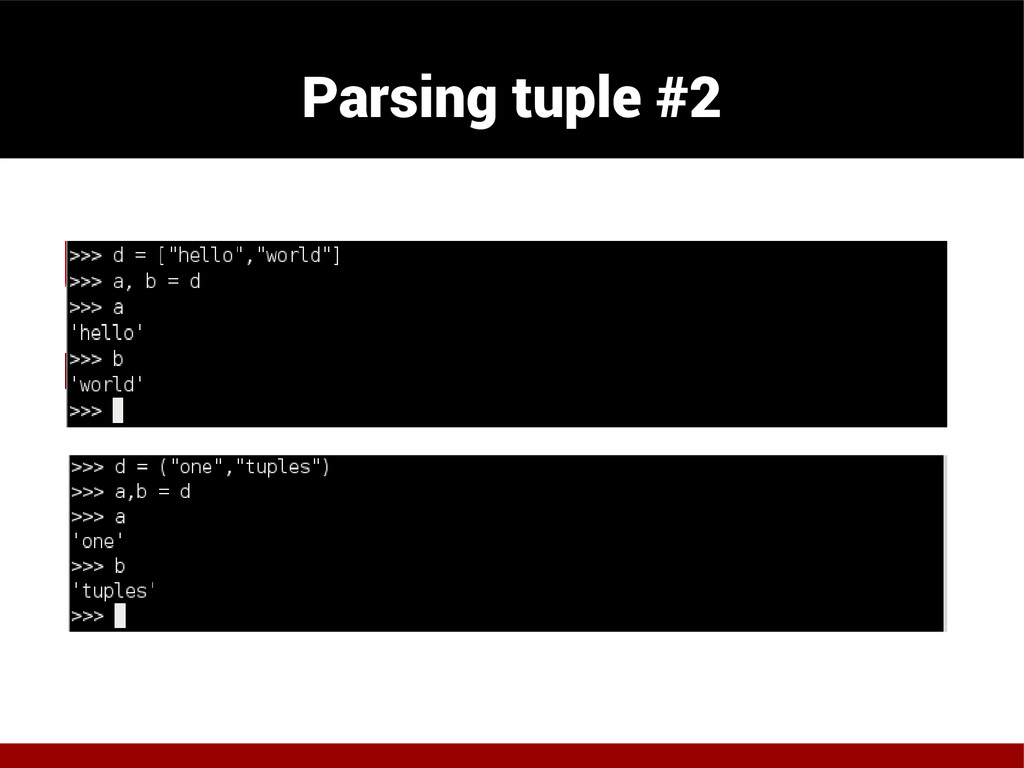
  8. 0x08 Data Types ◾ Tuples – ( “mytuple1” , “mytuple2”

    ) ◾ Dictionary - { “cat” : “kucing” , “dog” : “anjing” }
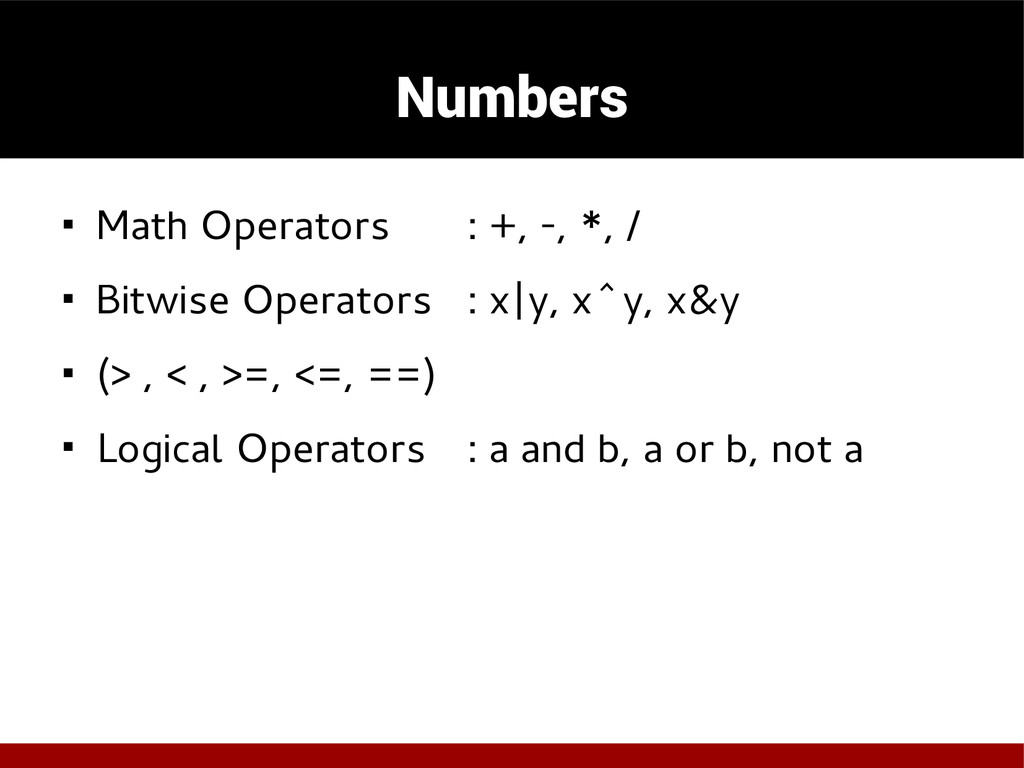
  9. Numbers ◾ Math Operators : +, -, *, / ◾

    Bitwise Operators : x|y, x^y, x&y ◾ (> , < , >=, <=, ==) ◾ Logical Operators : a and b, a or b, not a
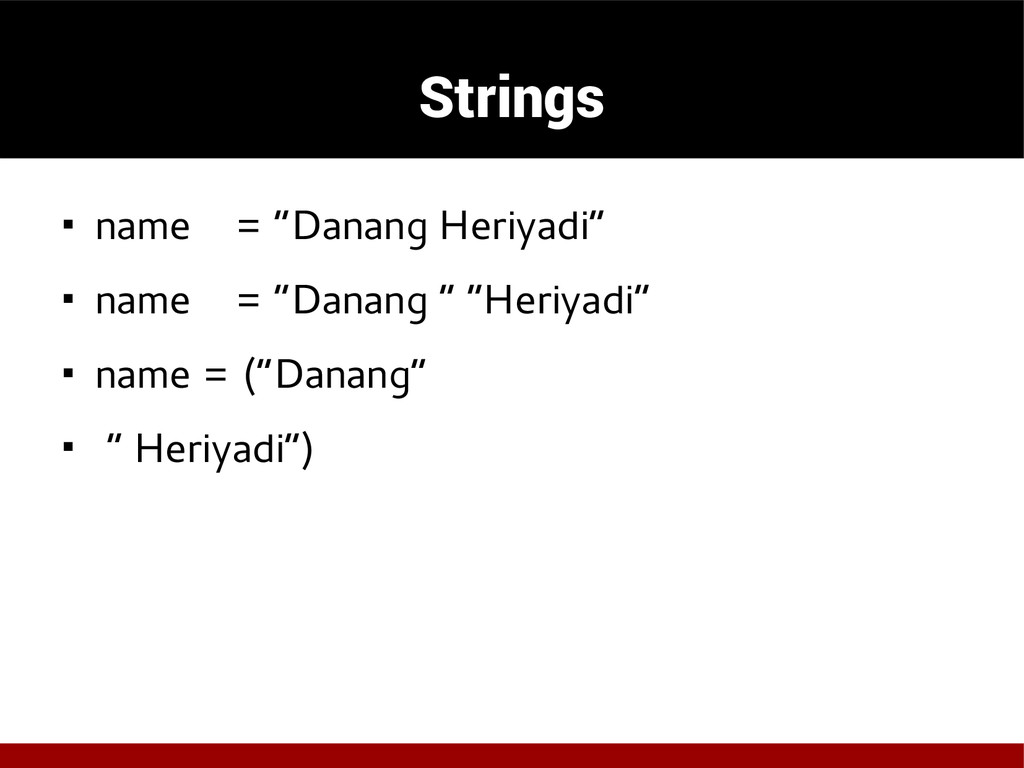
  10. Strings ◾ name = “Danang Heriyadi” ◾ name = “Danang

    ” “Heriyadi” ◾ name = (“Danang” ◾ “ Heriyadi”)
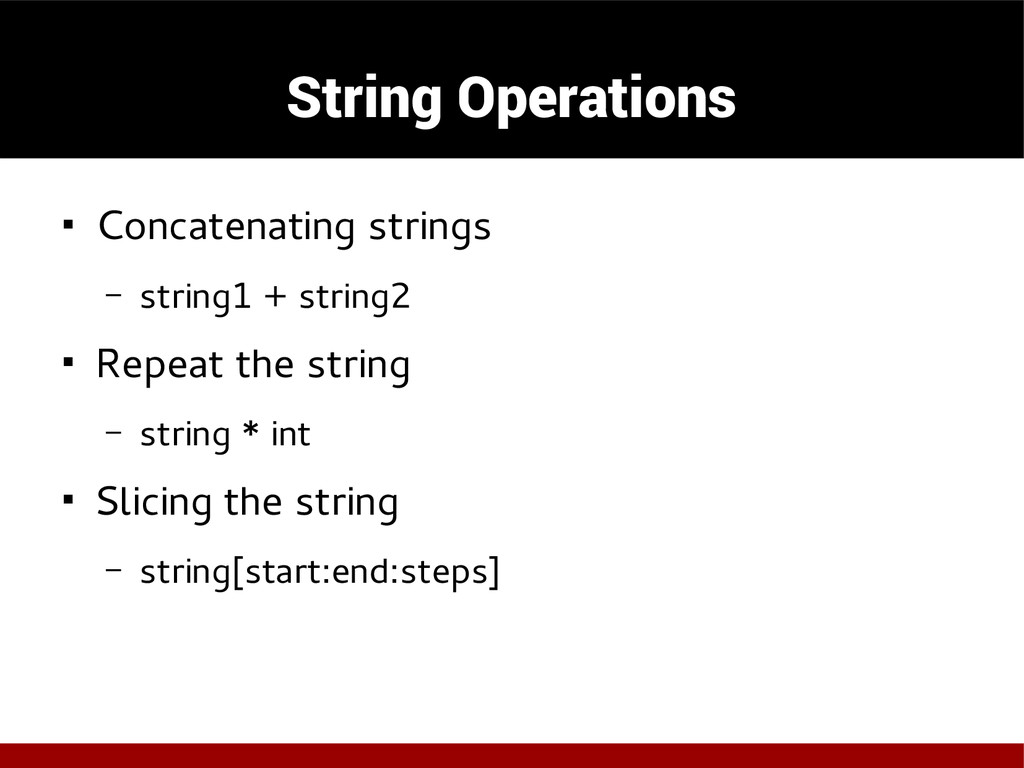
  11. String Operations ◾ Concatenating strings – string1 + string2 ◾

    Repeat the string – string * int ◾ Slicing the string – string[start:end:steps]
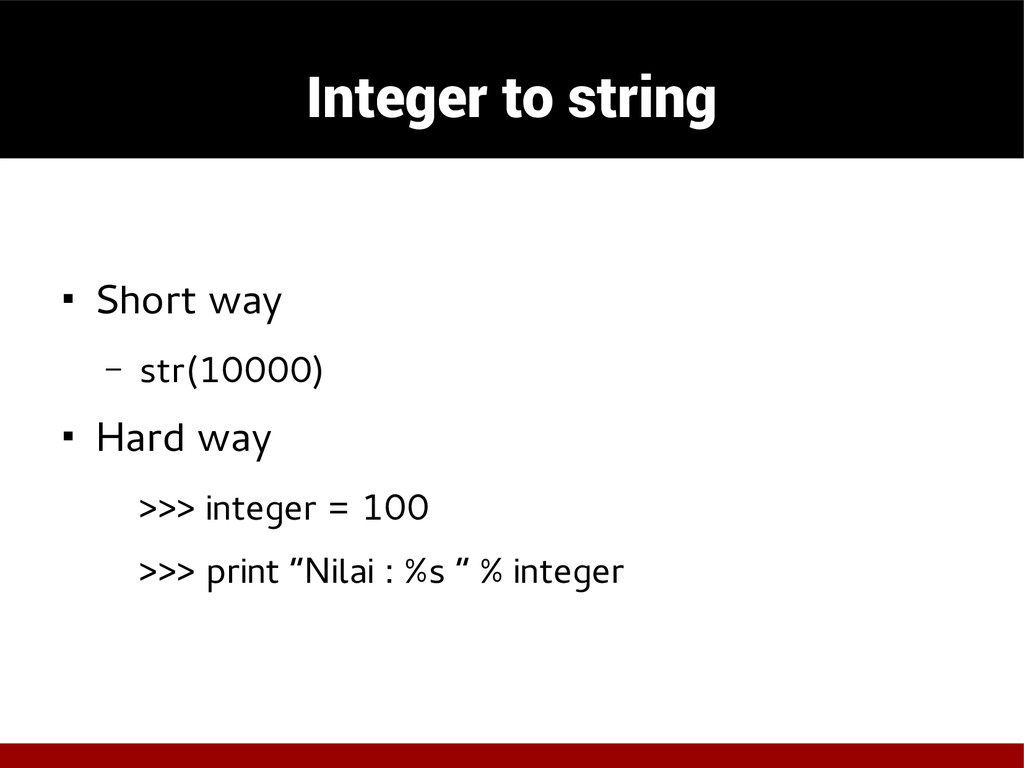
  12. Integer to string ◾ Short way – str(10000) ◾ Hard

    way >>> integer = 100 >>> print “Nilai : %s “ % integer
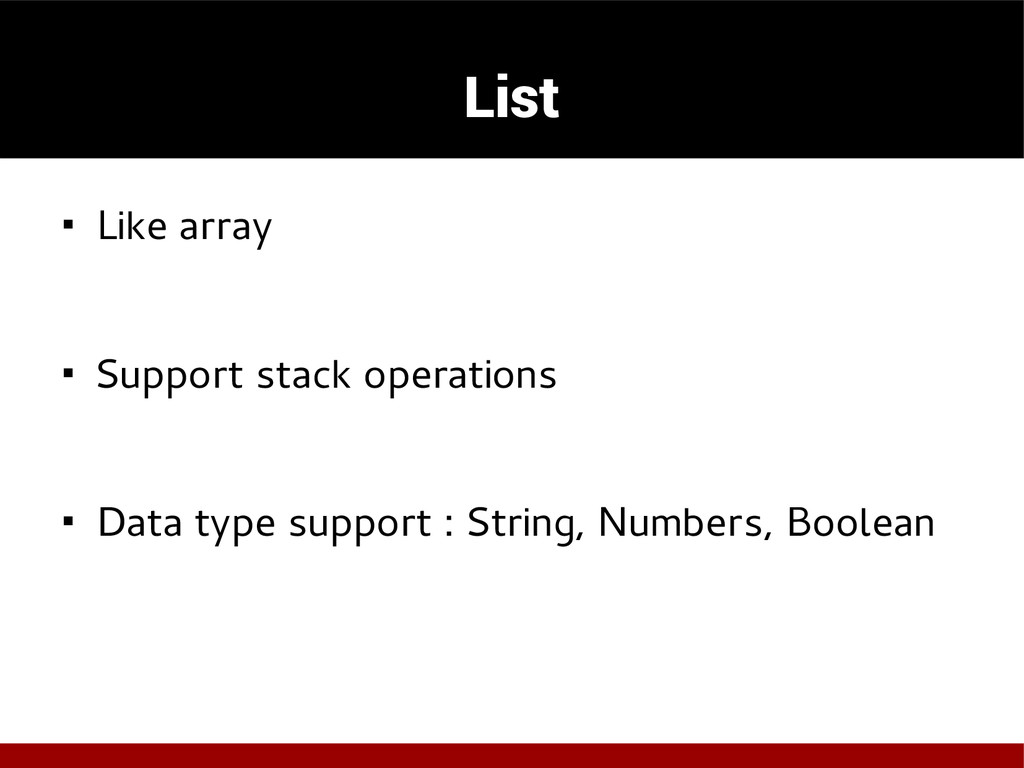
  13. List ◾ Like array ◾ Support stack operations ◾ Data

    type support : String, Numbers, Boolean
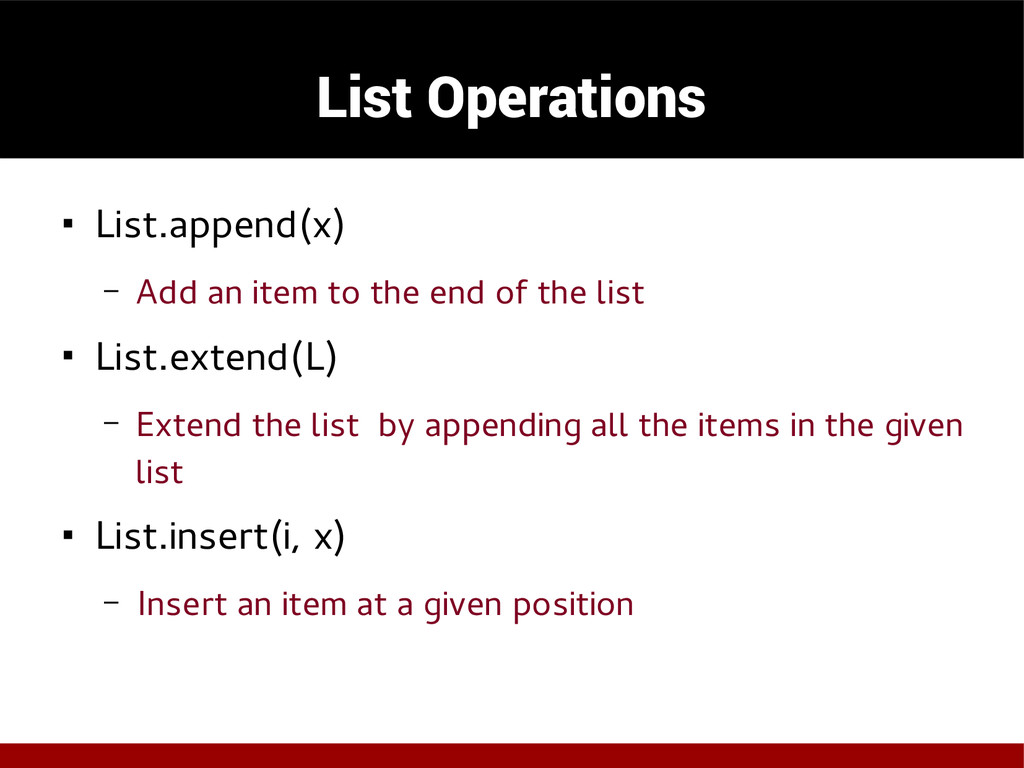
  14. List Operations ◾ List.append(x) – Add an item to the

    end of the list ◾ List.extend(L) – Extend the list by appending all the items in the given list ◾ List.insert(i, x) – Insert an item at a given position
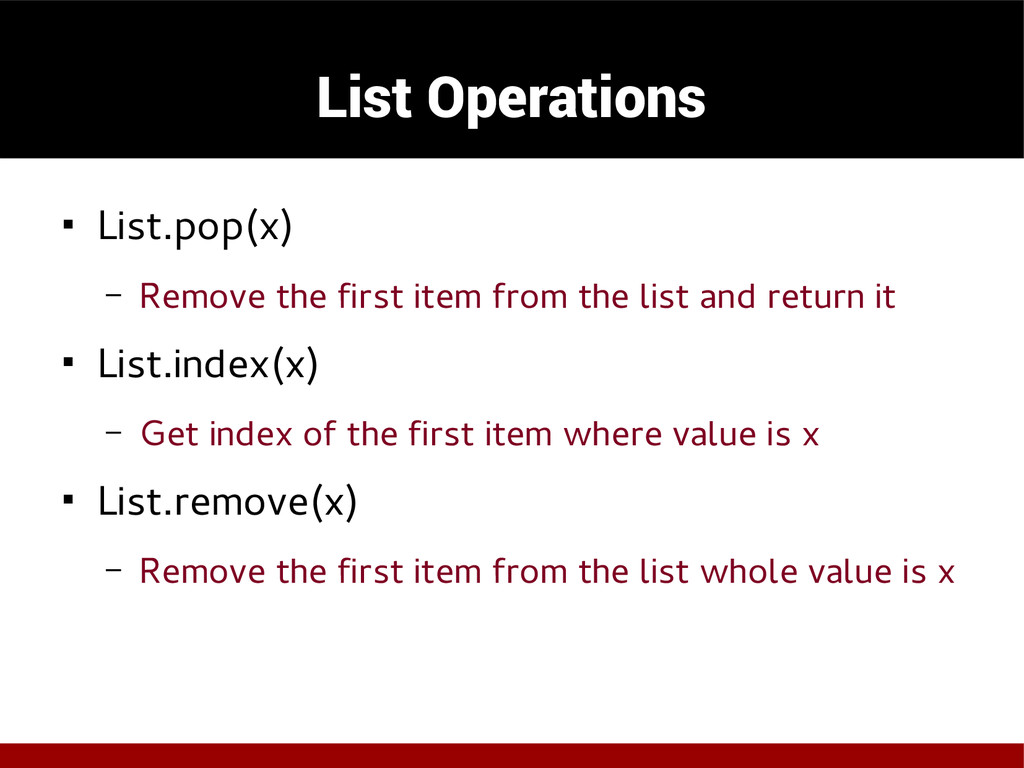
  15. List Operations ◾ List.pop(x) – Remove the first item from

    the list and return it ◾ List.index(x) – Get index of the first item where value is x ◾ List.remove(x) – Remove the first item from the list whole value is x
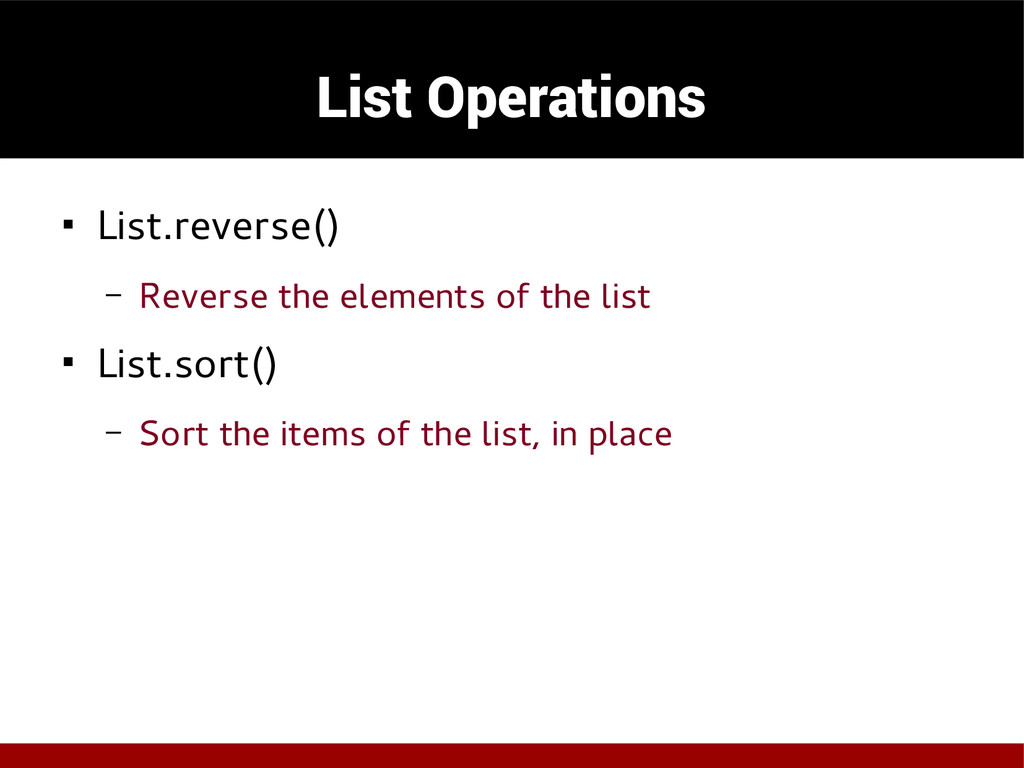
  16. List Operations ◾ List.reverse() – Reverse the elements of the

    list ◾ List.sort() – Sort the items of the list, in place
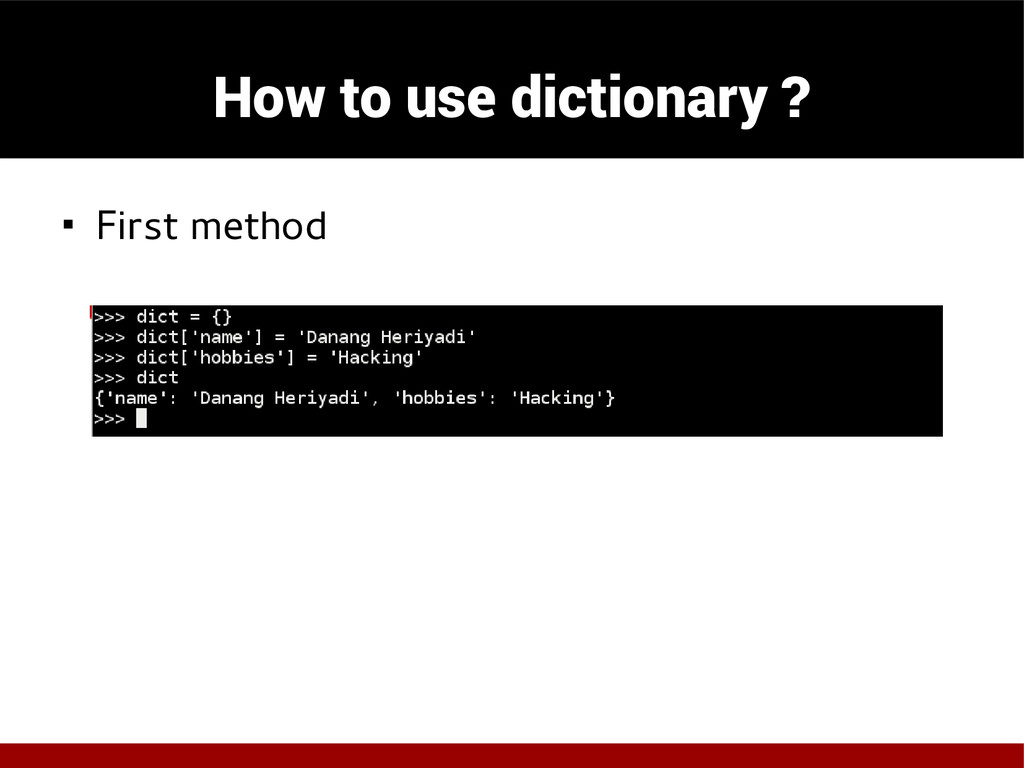
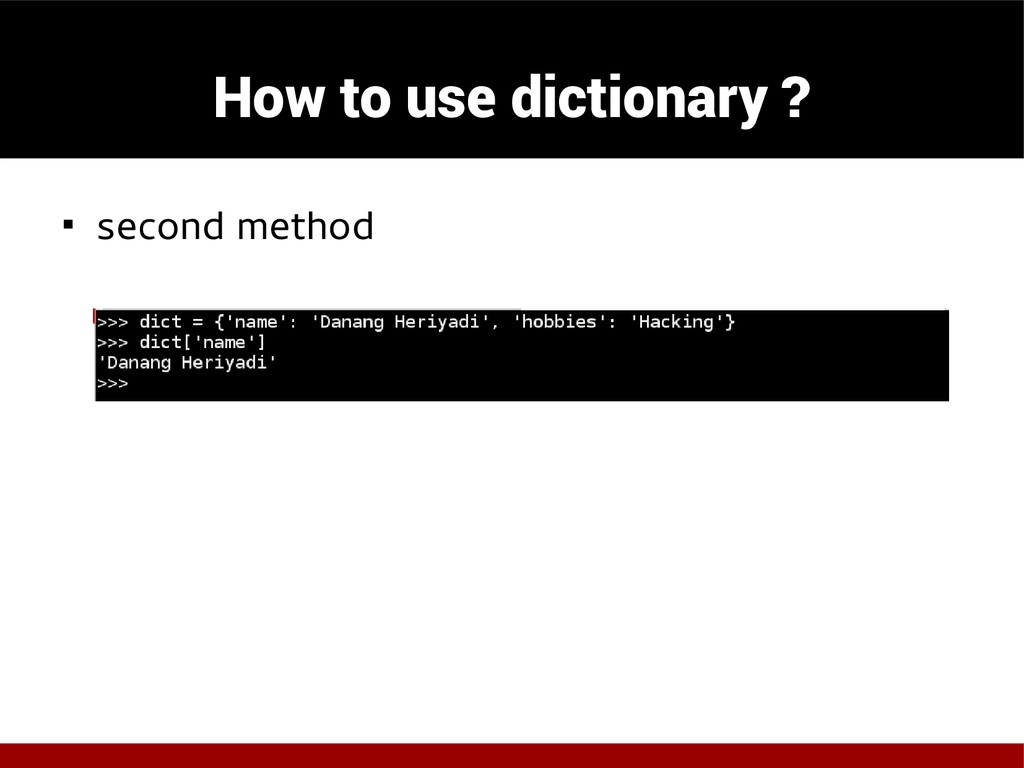
  17. Dictionary ◾ Associative memory or arrays ◾ Indexed by a

    keys ◾ The keys are immutable object
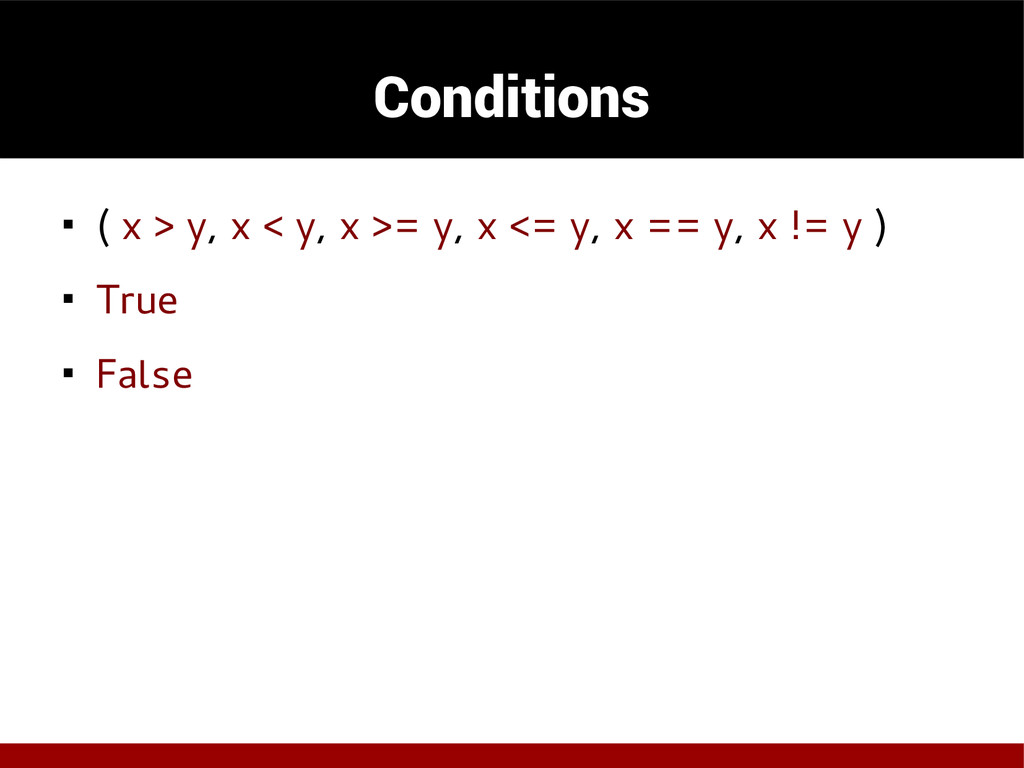
  18. Conditions ◾ ( x > y, x < y, x

    >= y, x <= y, x == y, x != y ) ◾ True ◾ False
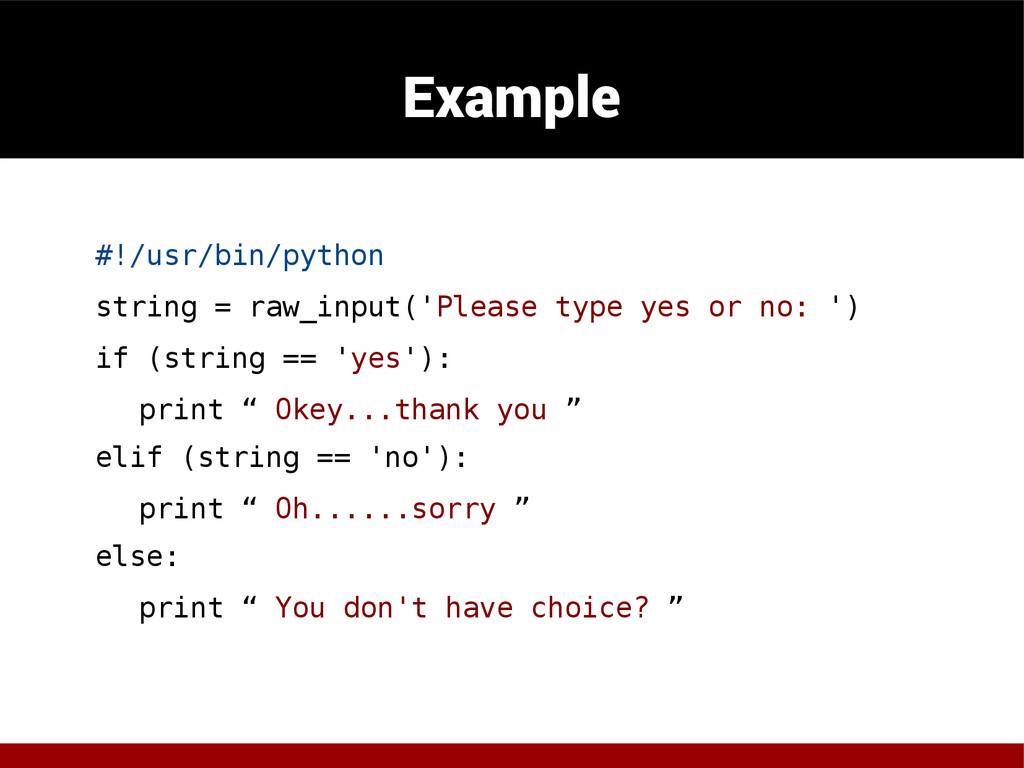
  19. Example #!/usr/bin/python string = raw_input('Please type yes or no: ')

    if (string == 'yes'): print “ Okey...thank you ” elif (string == 'no'): print “ Oh......sorry ” else: print “ You don't have choice? ”
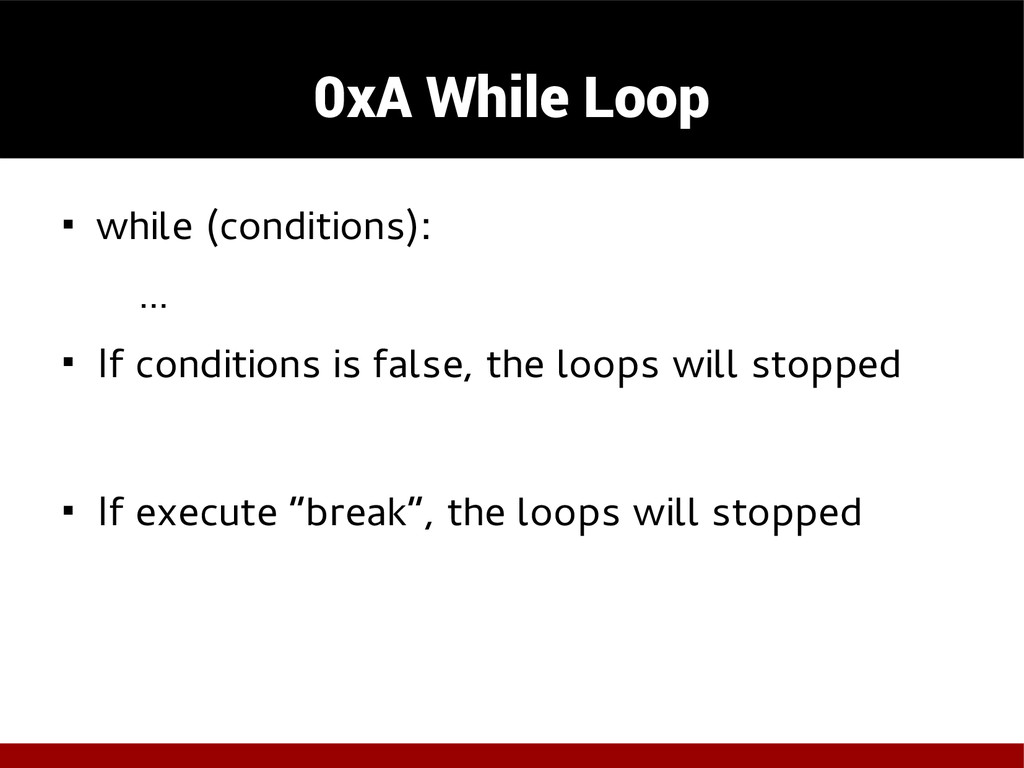
  20. 0xA While Loop ◾ while (conditions): … ◾ If conditions

    is false, the loops will stopped ◾ If execute “break”, the loops will stopped
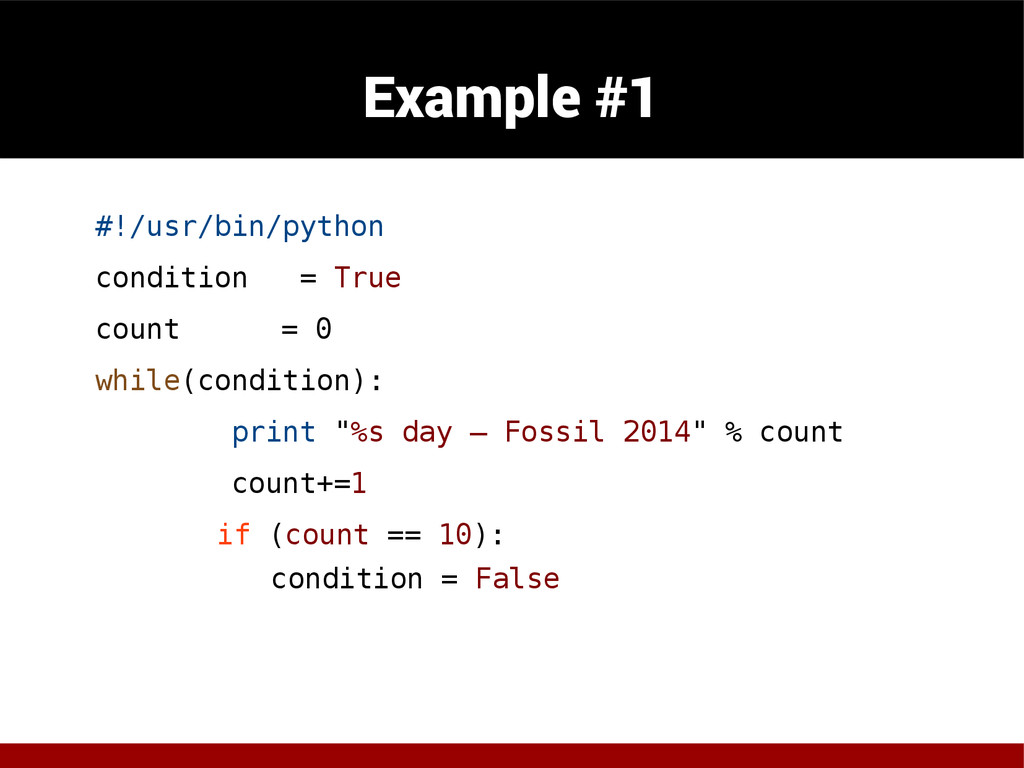
  21. Example #1 #!/usr/bin/python condition = True count = 0 while(condition):

    print "%s day – Fossil 2014" % count count+=1 if (count == 10): condition = False
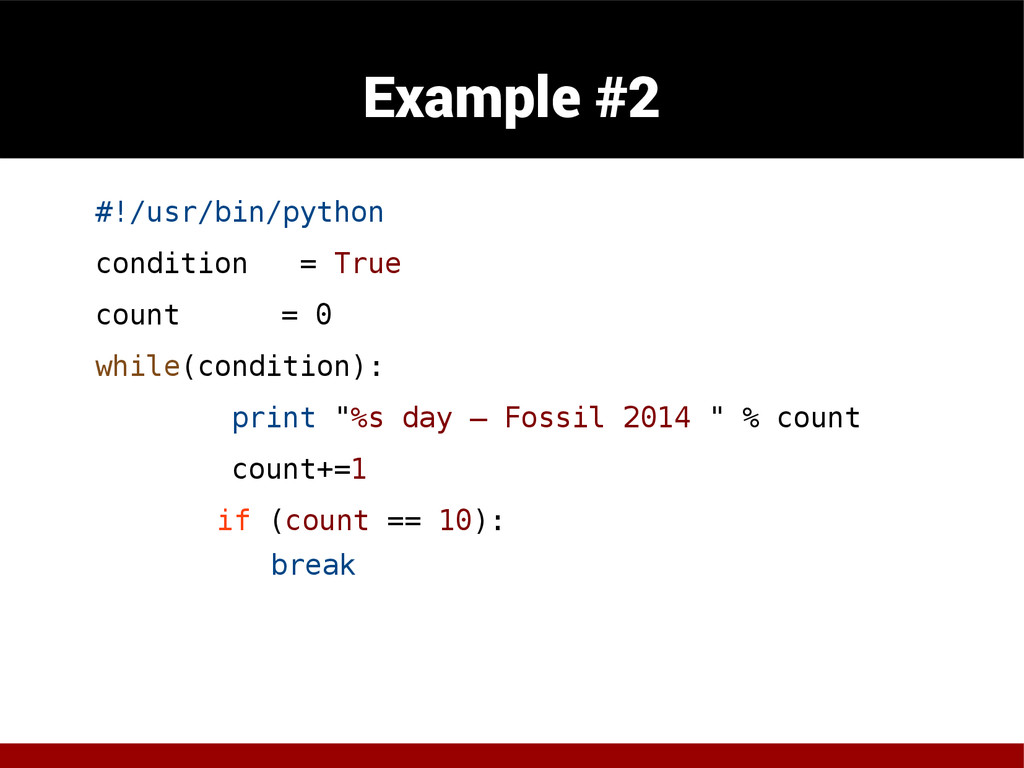
  22. Example #2 #!/usr/bin/python condition = True count = 0 while(condition):

    print "%s day – Fossil 2014 " % count count+=1 if (count == 10): break
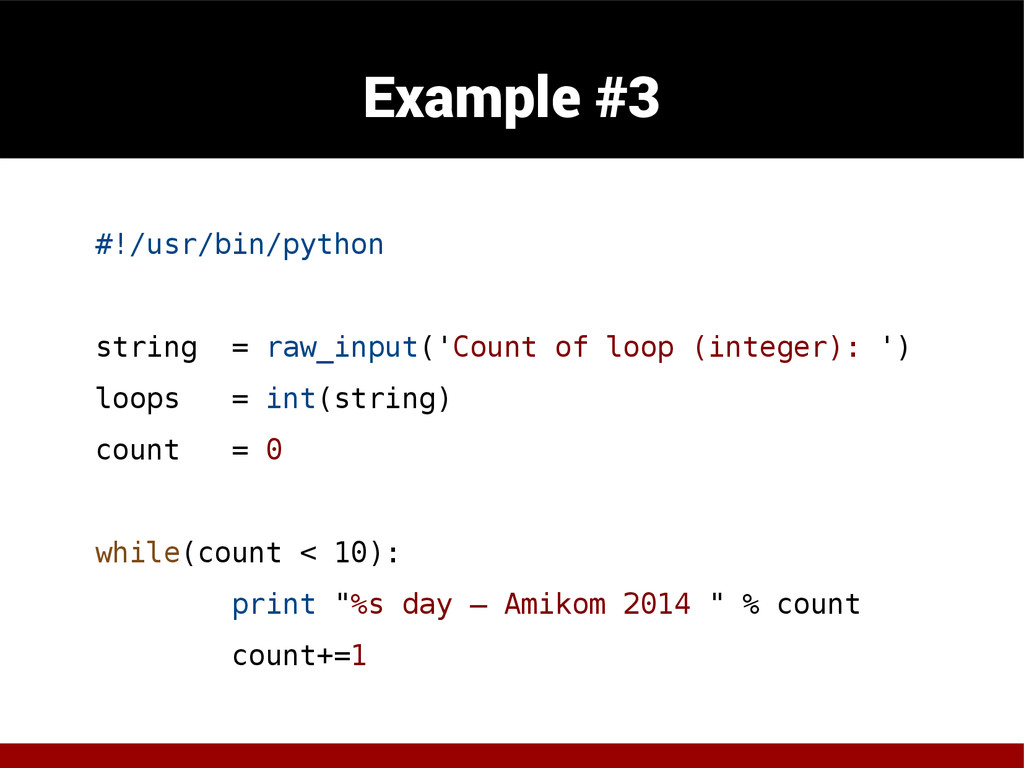
  23. Example #3 #!/usr/bin/python string = raw_input('Count of loop (integer): ')

    loops = int(string) count = 0 while(count < 10): print "%s day – Amikom 2014 " % count count+=1
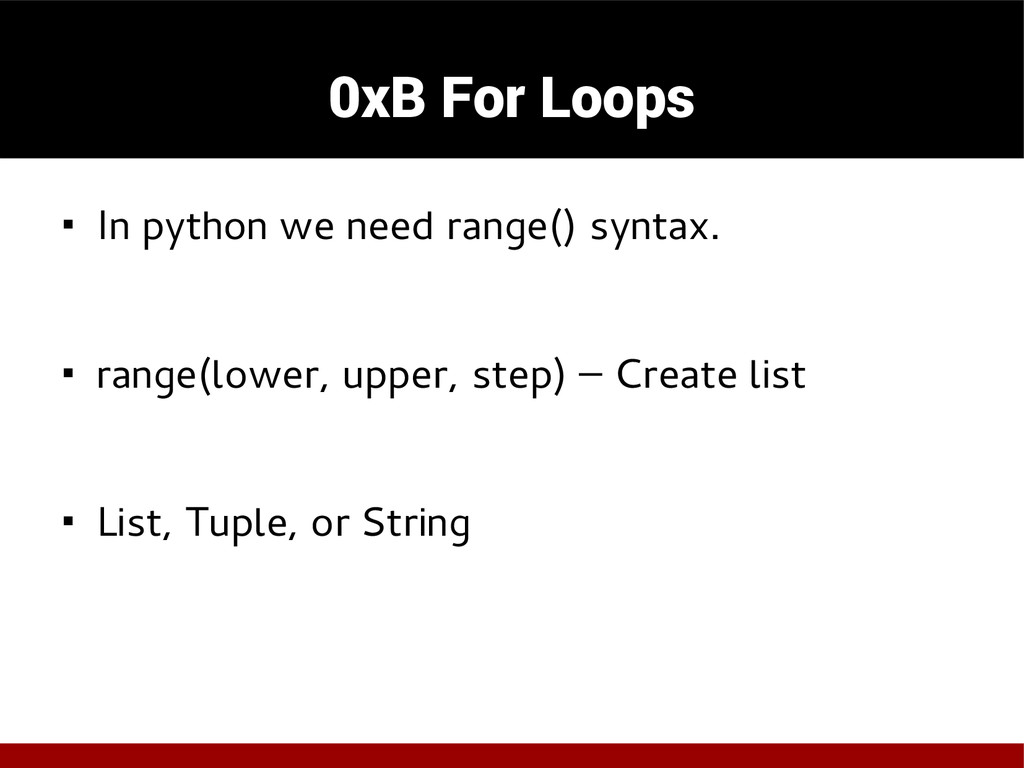
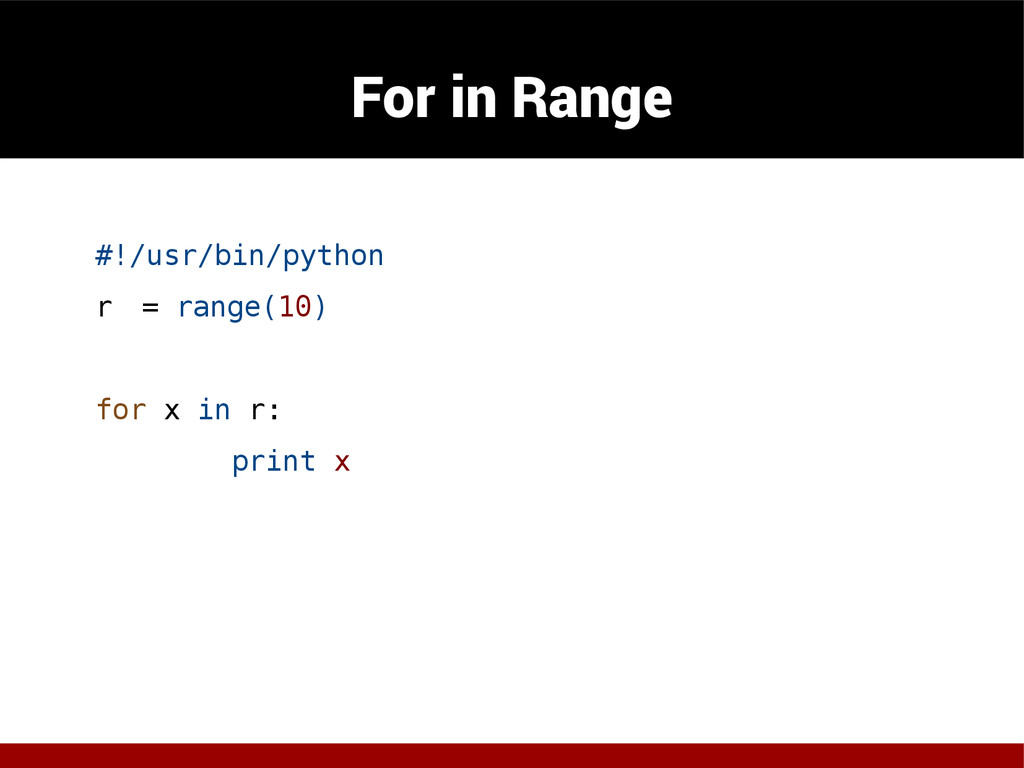
  24. 0xB For Loops ◾ In python we need range() syntax.

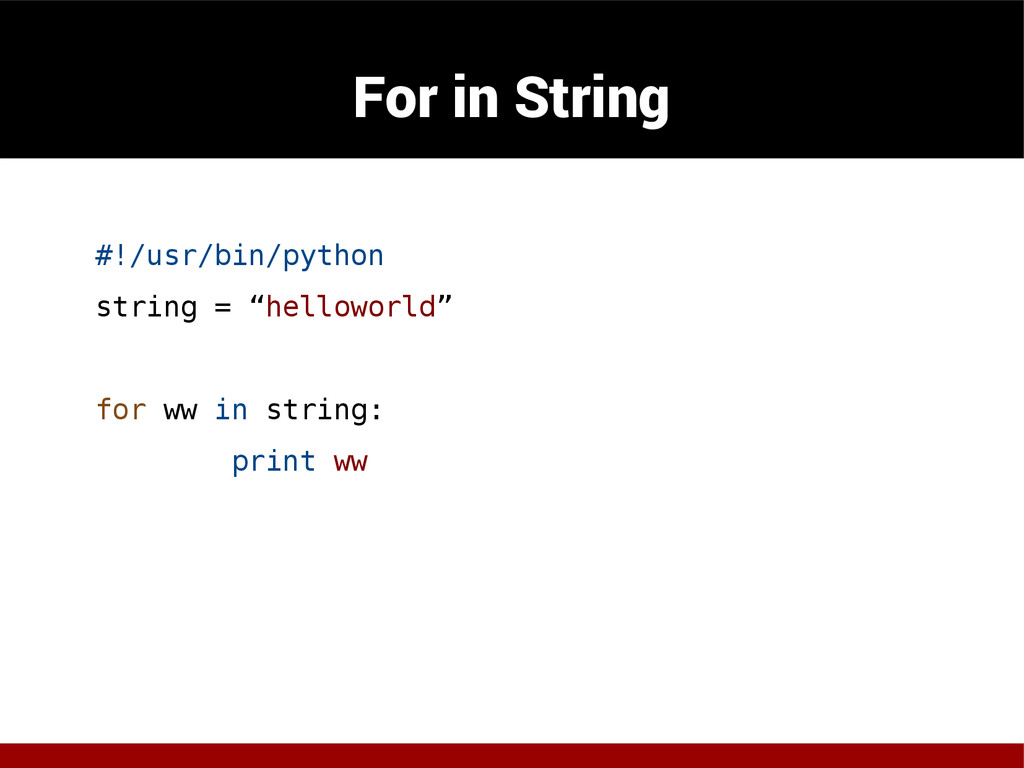
    ◾ range(lower, upper, step) – Create list ◾ List, Tuple, or String
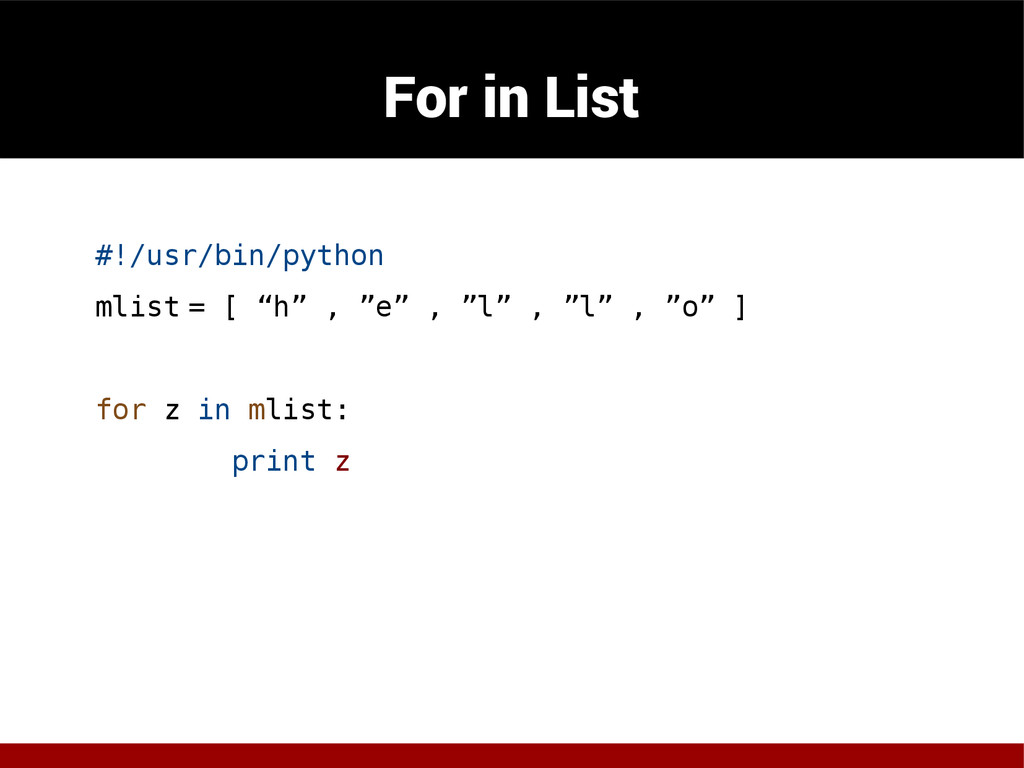
  25. For in List #!/usr/bin/python mlist = [ “h” , ”e”

    , ”l” , ”l” , ”o” ] for z in mlist: print z
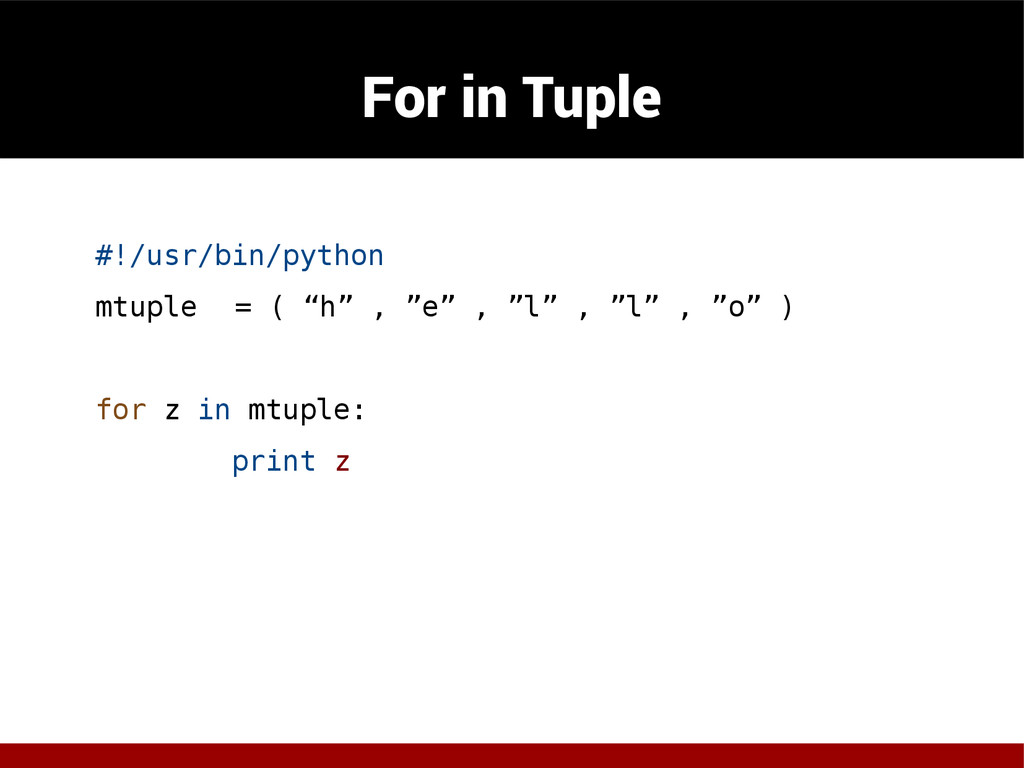
  26. For in Tuple #!/usr/bin/python mtuple = ( “h” , ”e”

    , ”l” , ”l” , ”o” ) for z in mtuple: print z
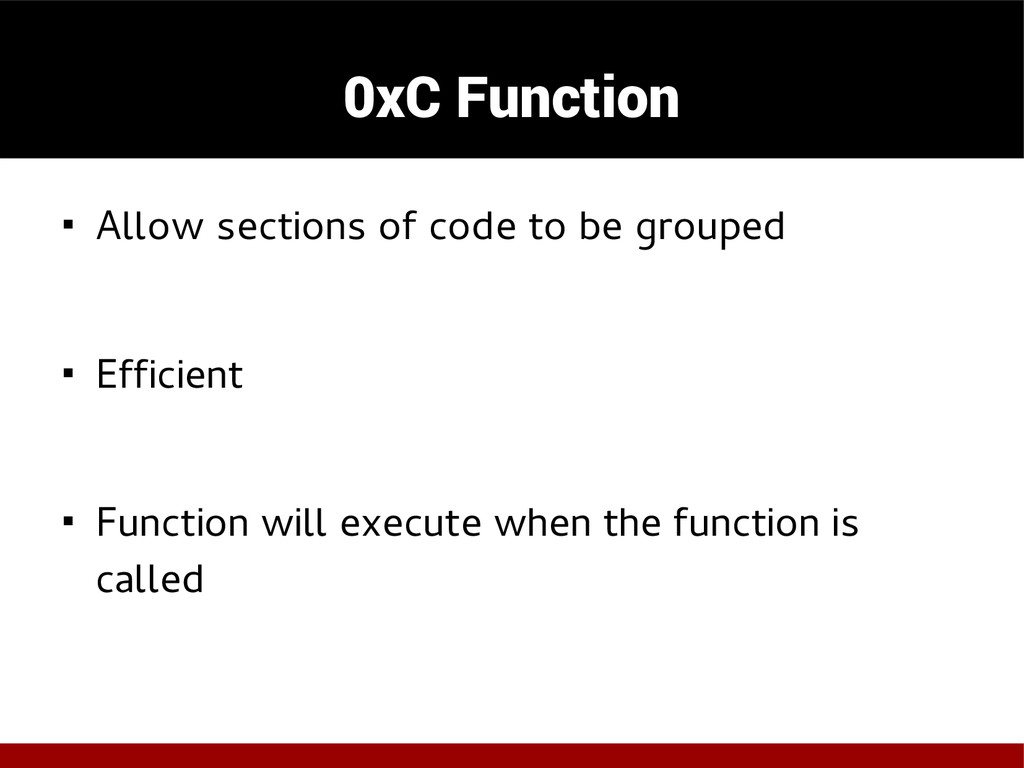
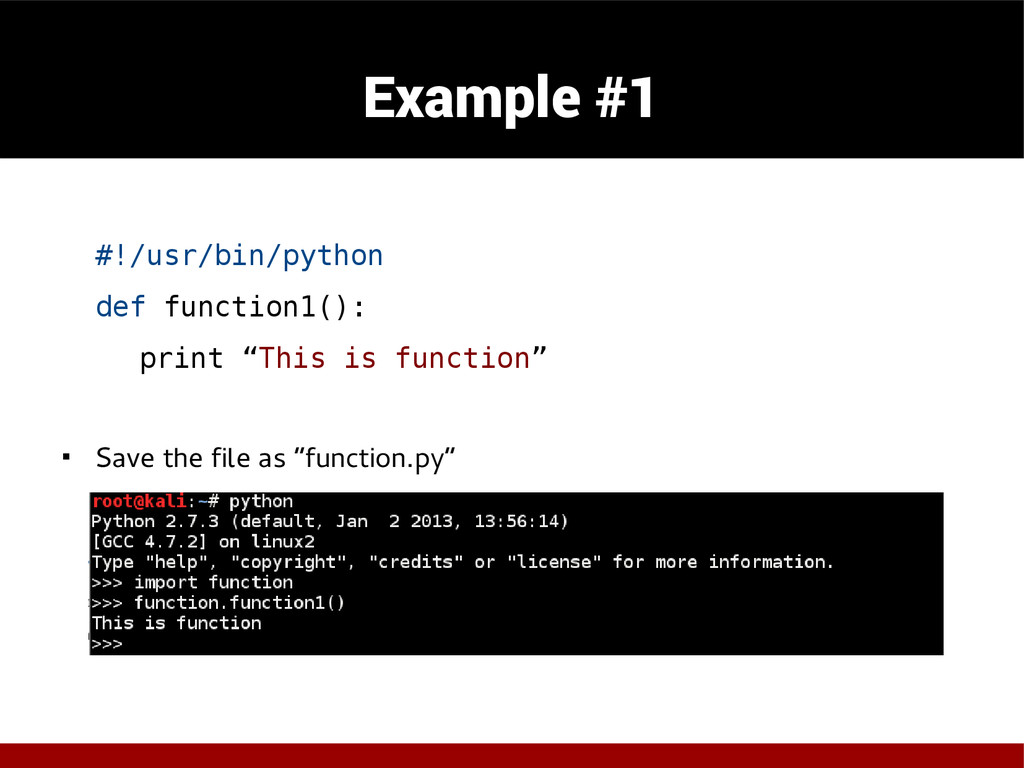
  27. 0xC Function ◾ Allow sections of code to be grouped

    ◾ Efficient ◾ Function will execute when the function is called
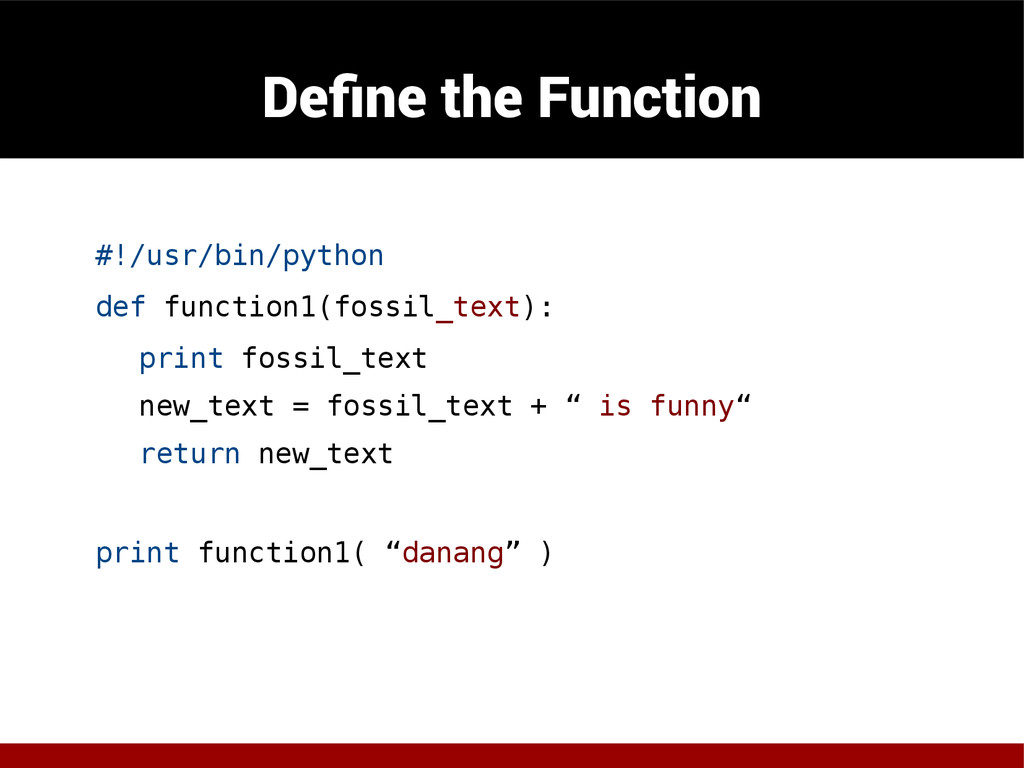
  28. Define the Function #!/usr/bin/python def function1(fossil_text): print fossil_text new_text =

    fossil_text + “ is funny“ return new_text print function1( “danang” )
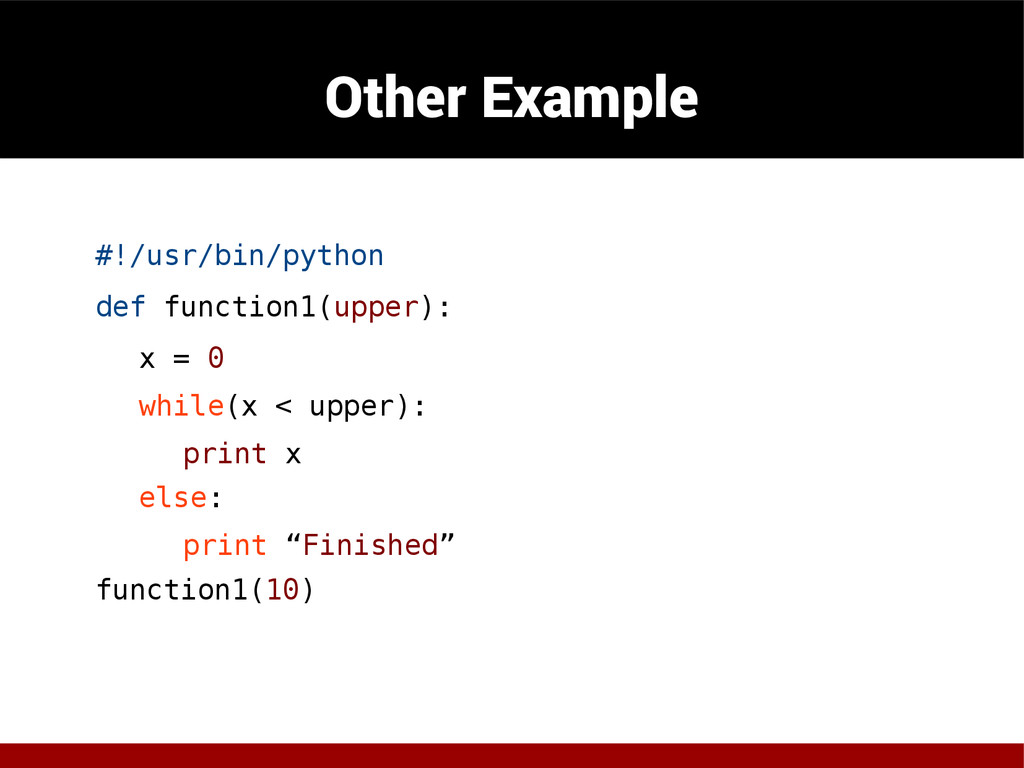
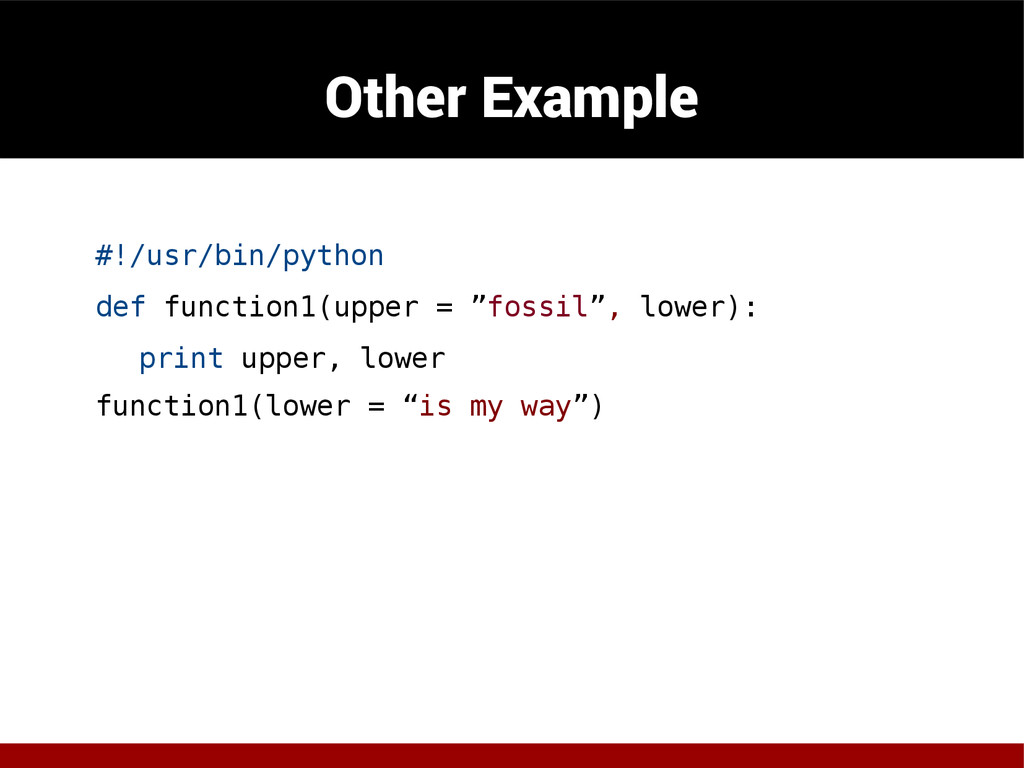
  29. Other Example #!/usr/bin/python def function1(upper): x = 0 while(x <

    upper): print x else: print “Finished” function1(10)
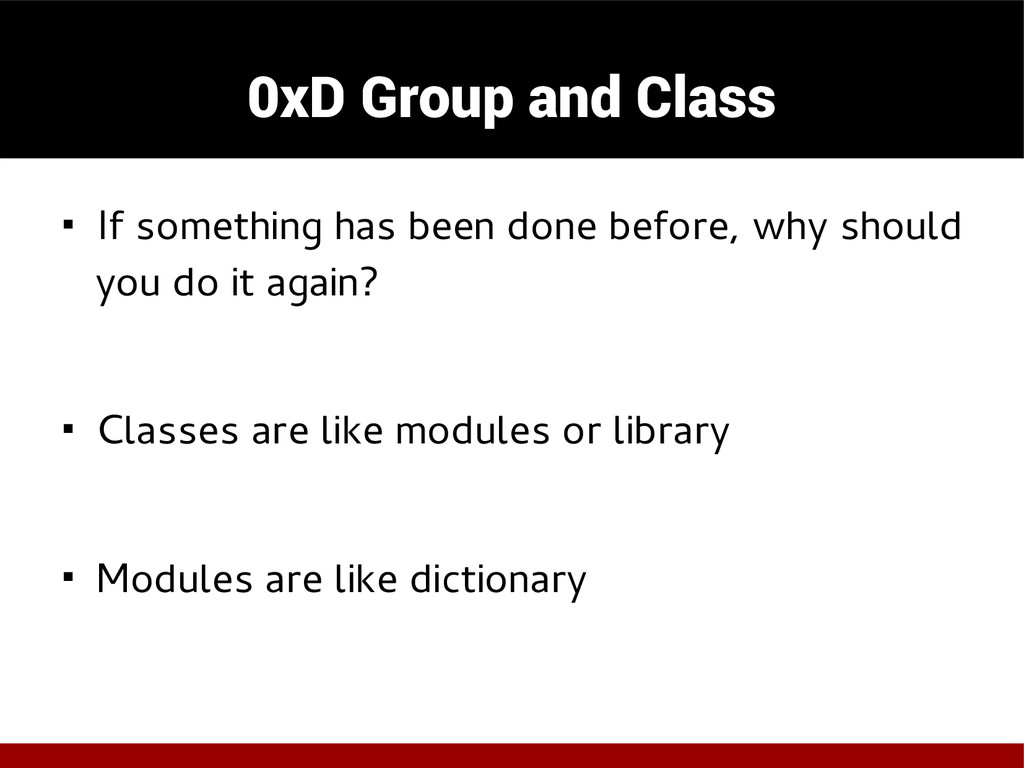
  30. 0xD Group and Class ◾ If something has been done

    before, why should you do it again? ◾ Classes are like modules or library ◾ Modules are like dictionary
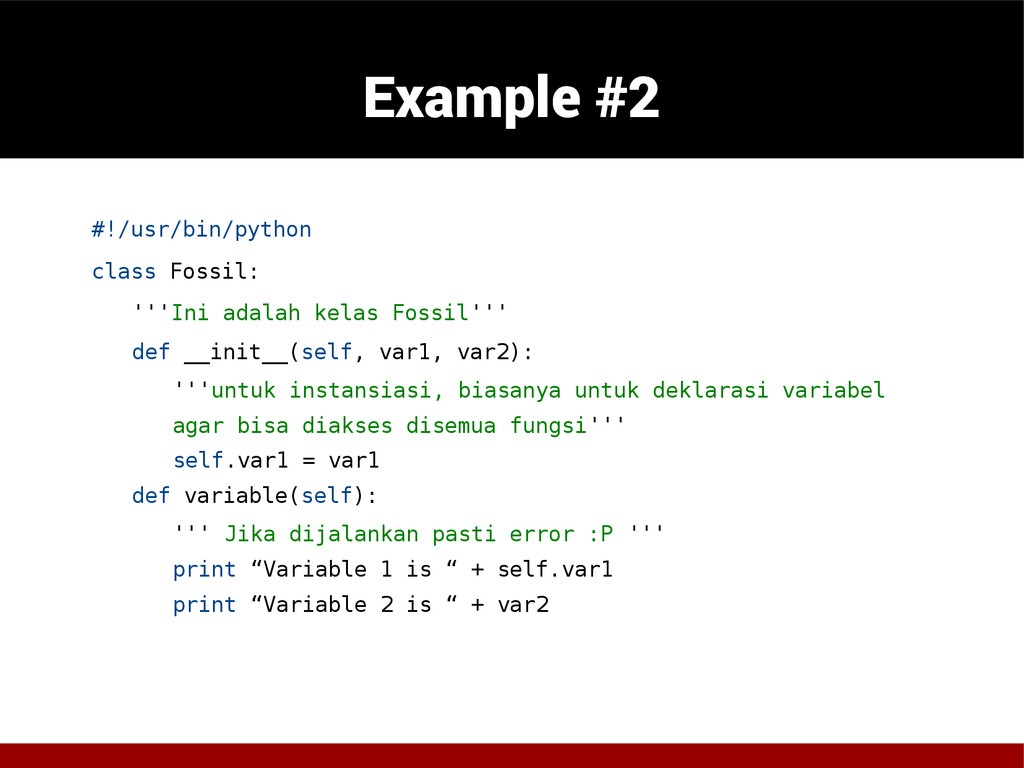
  31. Example #2 #!/usr/bin/python class Fossil: '''Ini adalah kelas Fossil''' def

    __init__(self, var1, var2): '''untuk instansiasi, biasanya untuk deklarasi variabel agar bisa diakses disemua fungsi''' self.var1 = var1 def variable(self): ''' Jika dijalankan pasti error :P ''' print “Variable 1 is “ + self.var1 print “Variable 2 is “ + var2
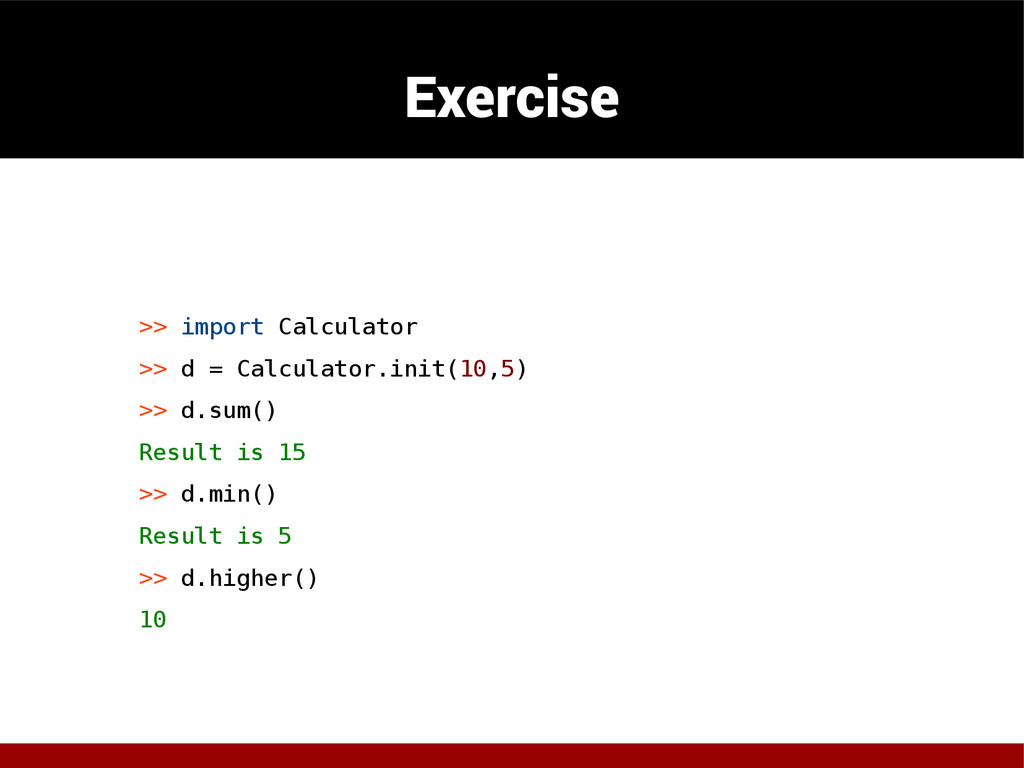
  32. Exercise >> import Calculator >> d = Calculator.init(10,5) >> d.sum()

    Result is 15 >> d.min() Result is 5 >> d.higher() 10