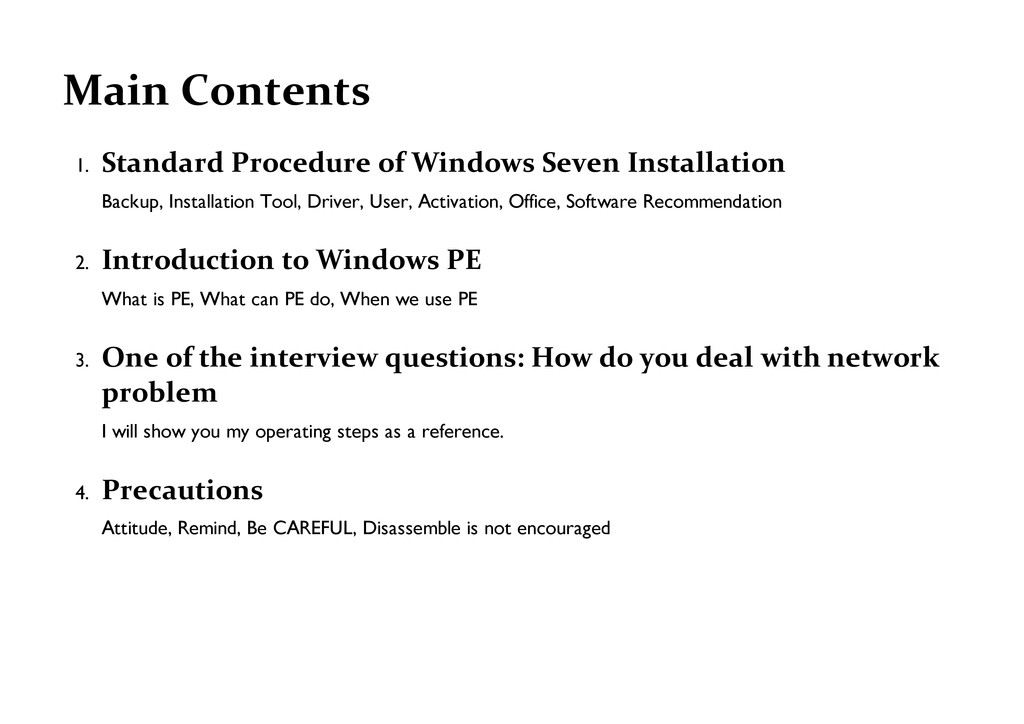
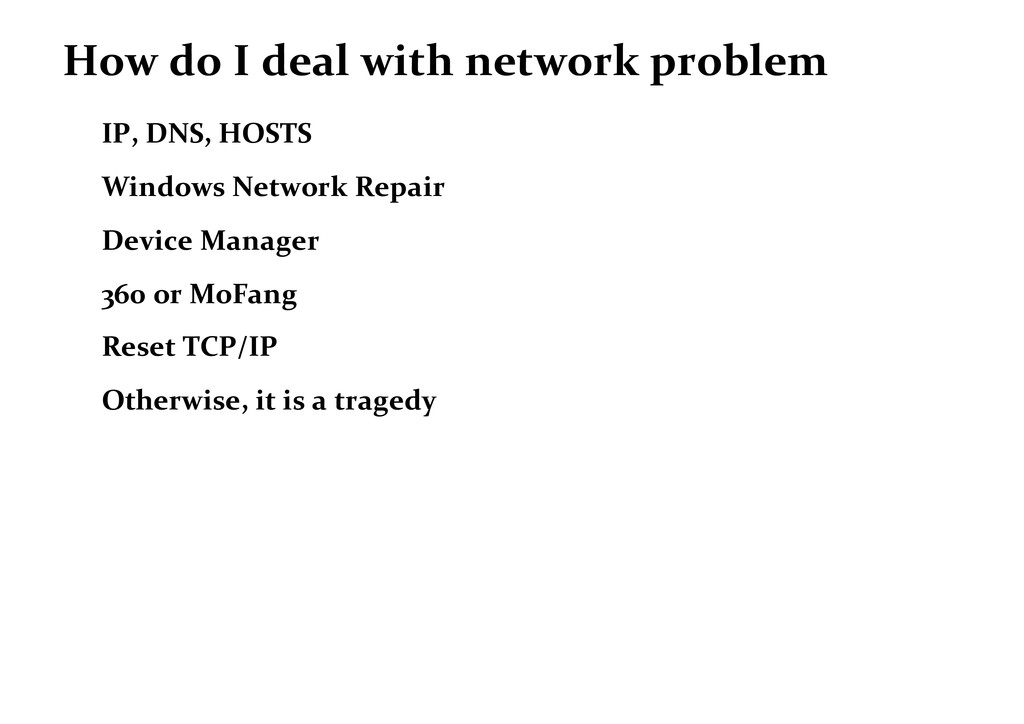
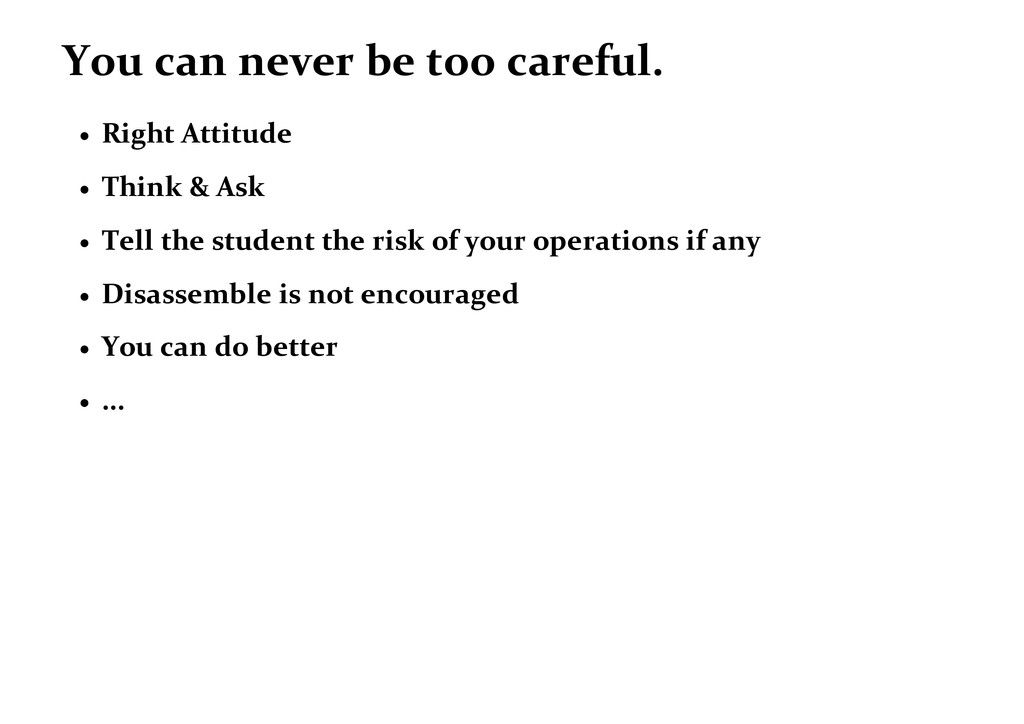
Installation Tool, Driver, User, Activation, Office, Software Recommendation 2. Introduction to Windows PE What is PE, What can PE do, When we use PE 3. One of the interview questions: How do you deal with network problem I will show you my operating steps as a reference. 4. Precautions Attitude, Remind, Be CAREFUL, Disassemble is not encouraged
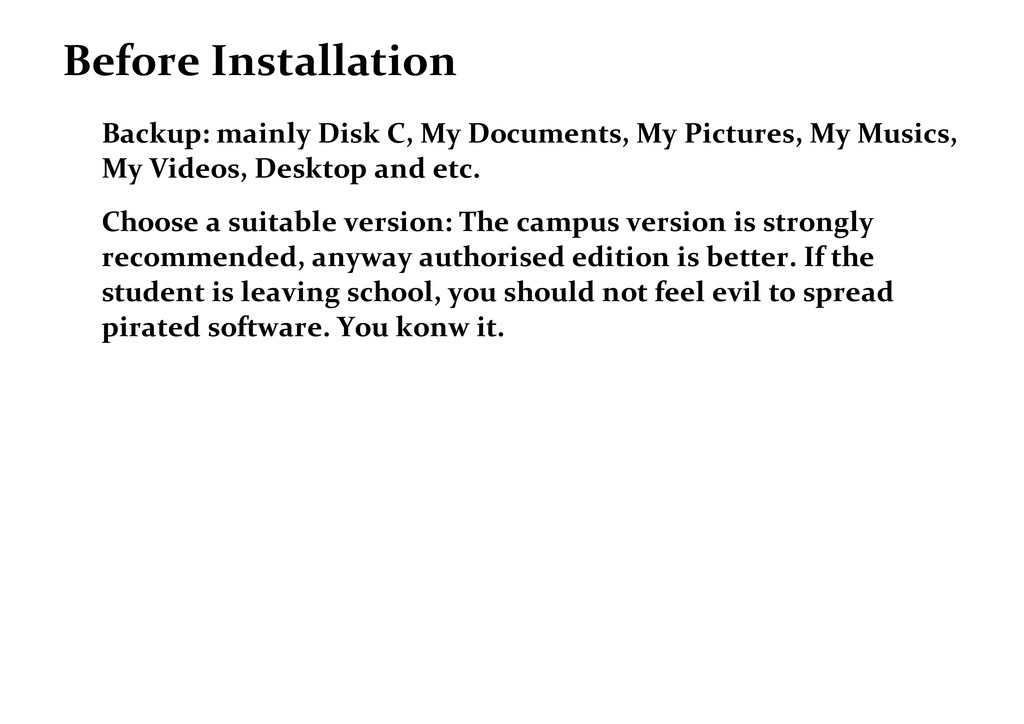
My Musics, My Videos, Desktop and etc. Choose a suitable version: The campus version is strongly recommended, anyway authorised edition is better. If the student is leaving school, you should not feel evil to spread pirated software. You konw it.
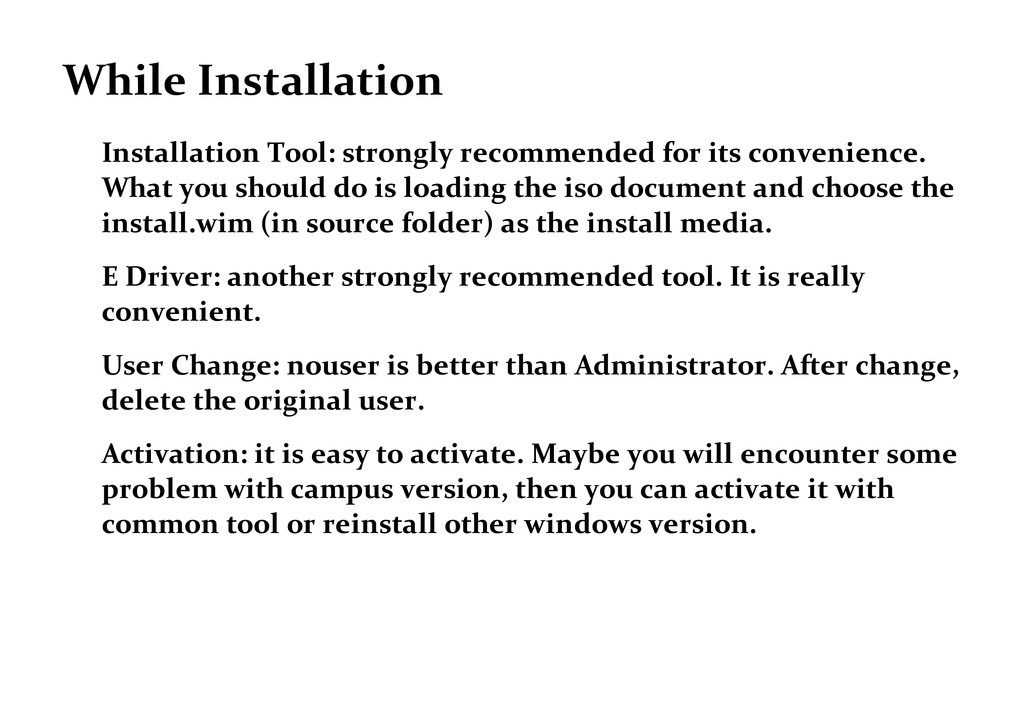
you should do is loading the iso document and choose the install.wim (in source folder) as the install media. E Driver: another strongly recommended tool. It is really convenient. User Change: nouser is better than Administrator. After change, delete the original user. Activation: it is easy to activate. Maybe you will encounter some problem with campus version, then you can activate it with common tool or reinstall other windows version.
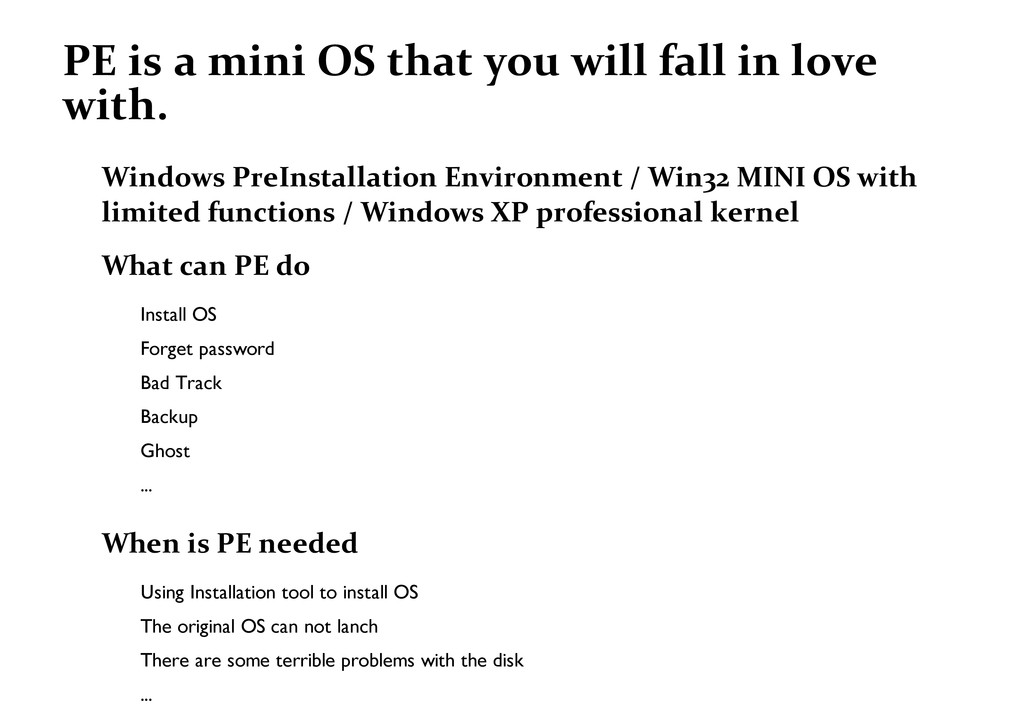
love with. Windows PreInstallation Environment / Win32 MINI OS with limited functions / Windows XP professional kernel What can PE do Install OS Forget password Bad Track Backup Ghost ... When is PE needed Using Installation tool to install OS The original OS can not lanch There are some terrible problems with the disk ...


 pantaovay
 persolserverworks
 jozono
 kzkhykw1991
 terapyon
 maimyyym
 akhino
 tetsuya28
 terurou
 gogutan
 mhrtech
 nttcom
 ymotongpoo
 morganepeng
 eileencodes
 marktimemedia
 cromwellryan
 addyosmani
 axbom
axbom
 holman
 reverentgeek
 frankvandijk
 baasie
 cassininazir
 samlambert