CoreOS on Google Compute Engine (and how to scale Wordpress in 5 minutes).
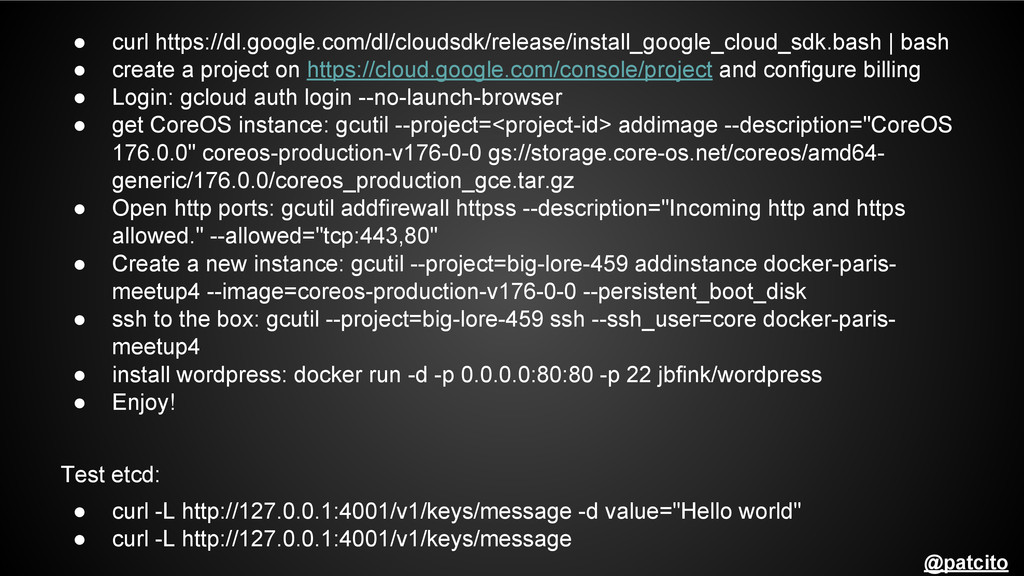
How to use CoreOS on GCE to run and easily scale wordpress on docker in 5 minutes. The Google presentation version looks better with working links so check it out here http://goo.gl/FvQwPT
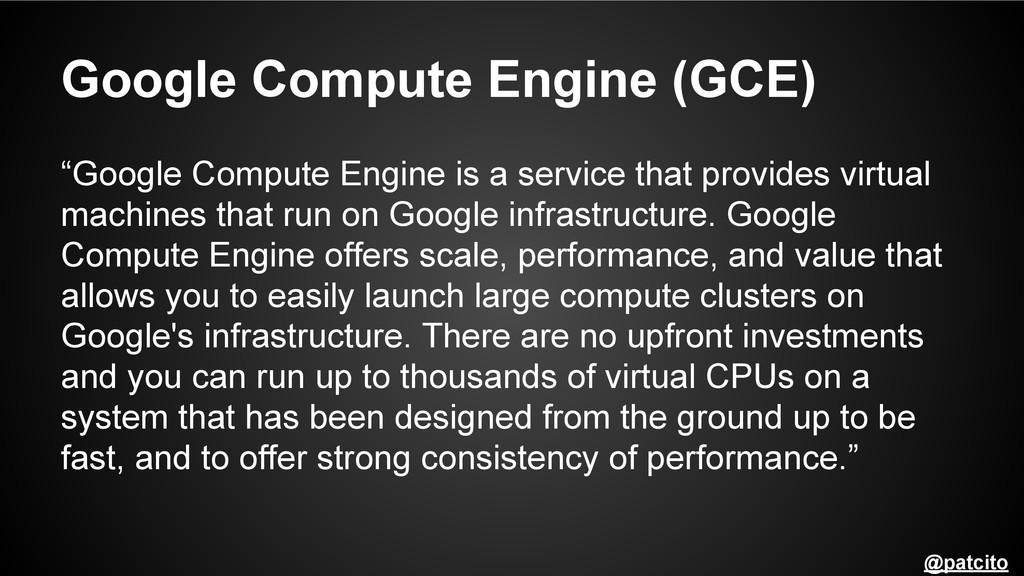
that provides virtual machines that run on Google infrastructure. Google Compute Engine offers scale, performance, and value that allows you to easily launch large compute clusters on Google's infrastructure. There are no upfront investments and you can run up to thousands of virtual CPUs on a system that has been designed from the ground up to be fast, and to offer strong consistency of performance.” @patcito
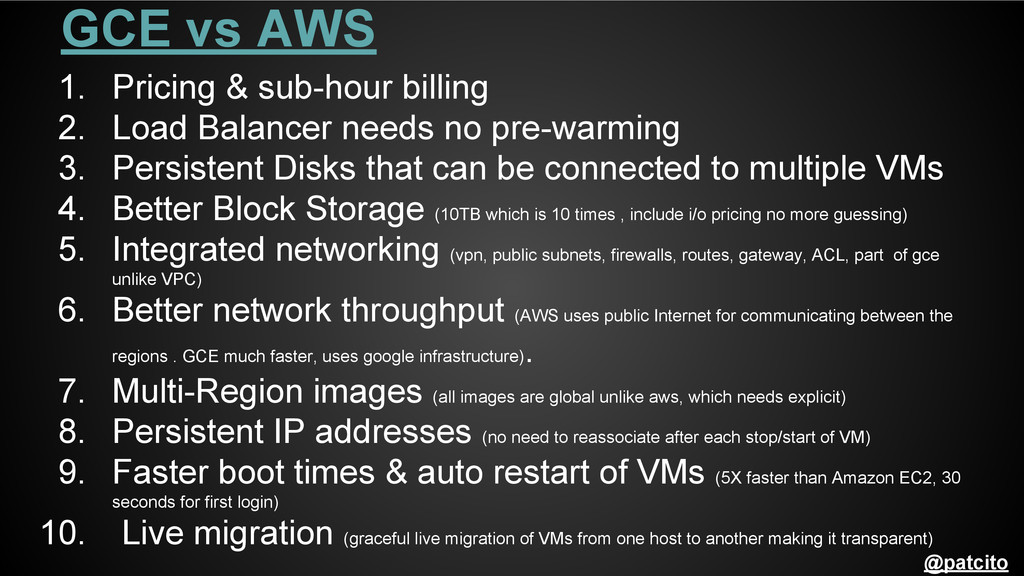
Balancer needs no pre-warming 3. Persistent Disks that can be connected to multiple VMs 4. Better Block Storage (10TB which is 10 times , include i/o pricing no more guessing) 5. Integrated networking (vpn, public subnets, firewalls, routes, gateway, ACL, part of gce unlike VPC) 6. Better network throughput (AWS uses public Internet for communicating between the regions . GCE much faster, uses google infrastructure) . 7. Multi-Region images (all images are global unlike aws, which needs explicit) 8. Persistent IP addresses (no need to reassociate after each stop/start of VM) 9. Faster boot times & auto restart of VMs (5X faster than Amazon EC2, 30 seconds for first login) 10. Live migration (graceful live migration of VMs from one host to another making it transparent) @patcito
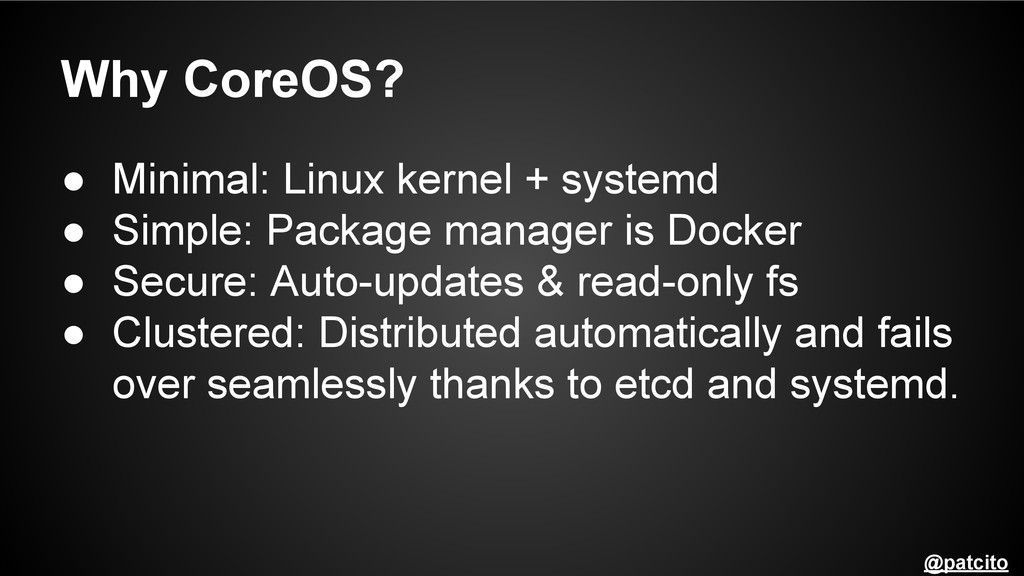
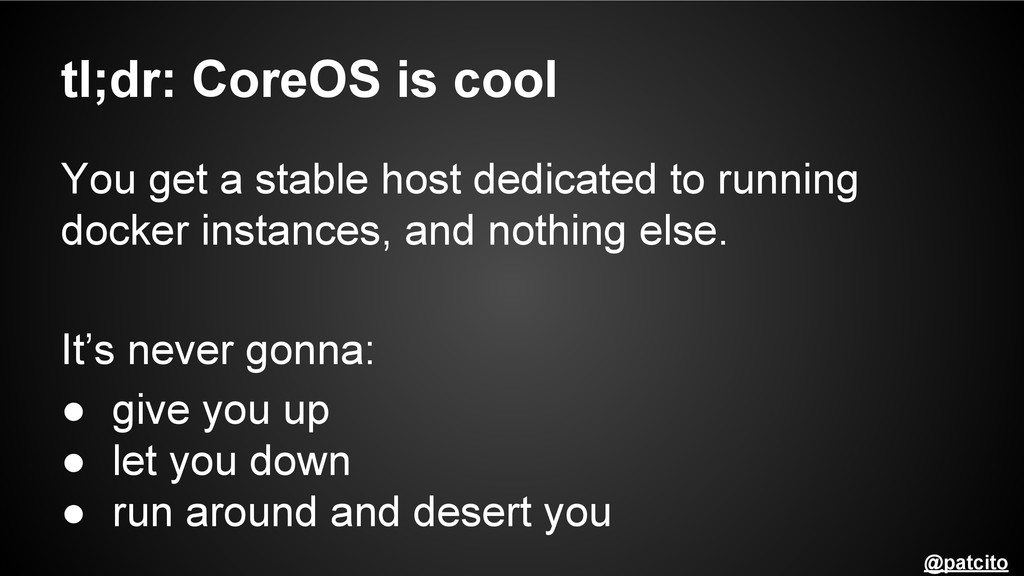
Package manager is Docker • Secure: Auto-updates & read-only fs • Clustered: Distributed automatically and fails over seamlessly thanks to etcd and systemd. @patcito
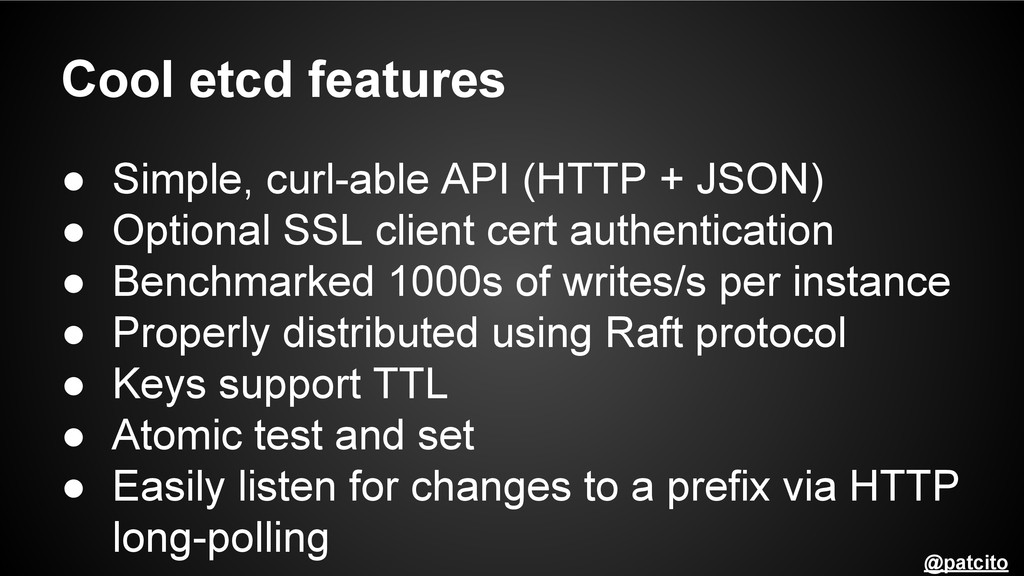
• Optional SSL client cert authentication • Benchmarked 1000s of writes/s per instance • Properly distributed using Raft protocol • Keys support TTL • Atomic test and set • Easily listen for changes to a prefix via HTTP long-polling @patcito


 oniak3ibm
 palkan
 sorah
sorah
 kasacchiful
 hollycummins
 neuecc
 akihisaikeda
 satoshi256kbyte
 taiseiue
 gam0022
 suneo3476
 rollbear
 marketingsoph
 mojombo
 jonoalderson
 mraible
 tmiket
 mfonobong
 speakerdeck
 lara
lara
 stephenakadiri
 bcantrill
 elsirapls
 varn
varn