Upgrade to Pro — share decks privately, control downloads, hide ads and more …

Think Your Postgres Backups and Disaster Recove...

Avatar for Payal Payal
March 27, 2015

Think Your Postgres Backups and Disaster Recovery Are Safe? Let's Talk.

Basic things to keep in mind when managing backups and restores - Types, guidelines, alerts, validation, testing, storage, automation etc.

Avatar for Payal

Payal

March 27, 2015

Other Decks in Technology

Transcript

  1. / Think Your Postgres Backups And Disaster Recovery Are Safe?

    Let's talk. Payal Singh Database Administrator OmniTI 1
  2. Who am I ? DBA@OmniTI for the past 1.5 years

    Interned @ OmniTI in summer of 2012 M.S. in Computer Science from UMBC B.E. in Computer Science, Panjab University, India Blog: http://penningpence.blogspot.com Twitter: @pallureshu Email: [email protected] 2
  3. Agenda Need for different types of backups Backups storage Backups

    management Automation How to validate backups External tools 3
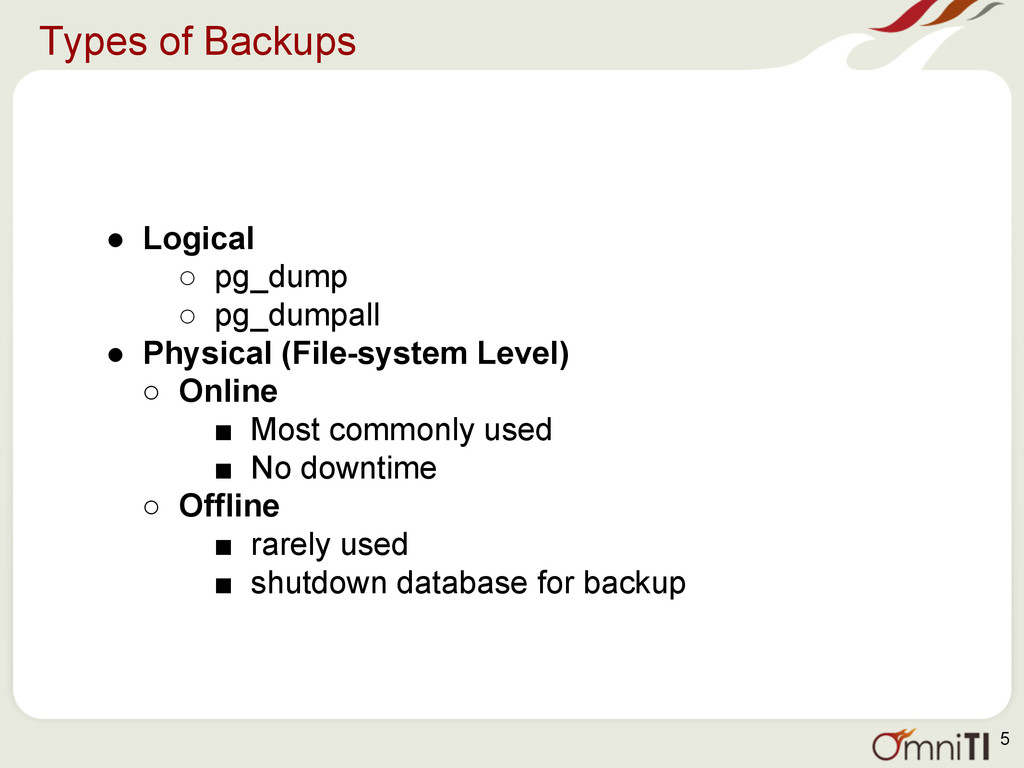
  4. Types of Backups • Logical ◦ pg_dump ◦ pg_dumpall •

    Physical (File-system Level) ◦ Online ▪ Most commonly used ▪ No downtime ◦ Offline ▪ rarely used ▪ shutdown database for backup 5
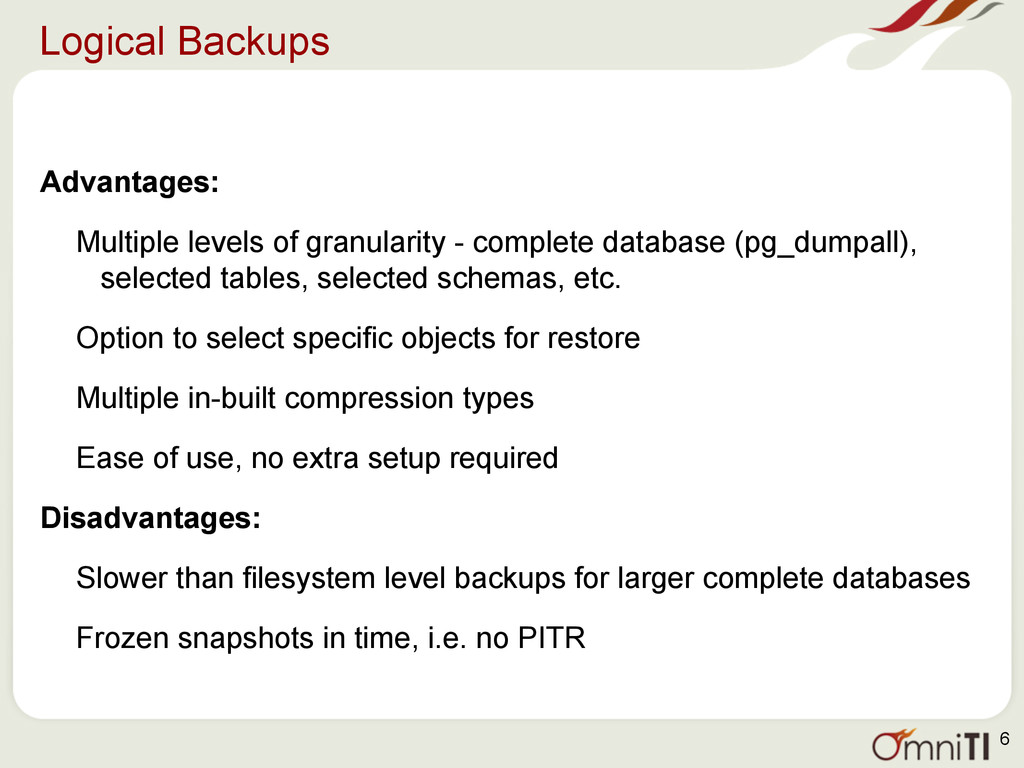
  5. Logical Backups Advantages: Multiple levels of granularity - complete database

    (pg_dumpall), selected tables, selected schemas, etc. Option to select specific objects for restore Multiple in-built compression types Ease of use, no extra setup required Disadvantages: Slower than filesystem level backups for larger complete databases Frozen snapshots in time, i.e. no PITR 6
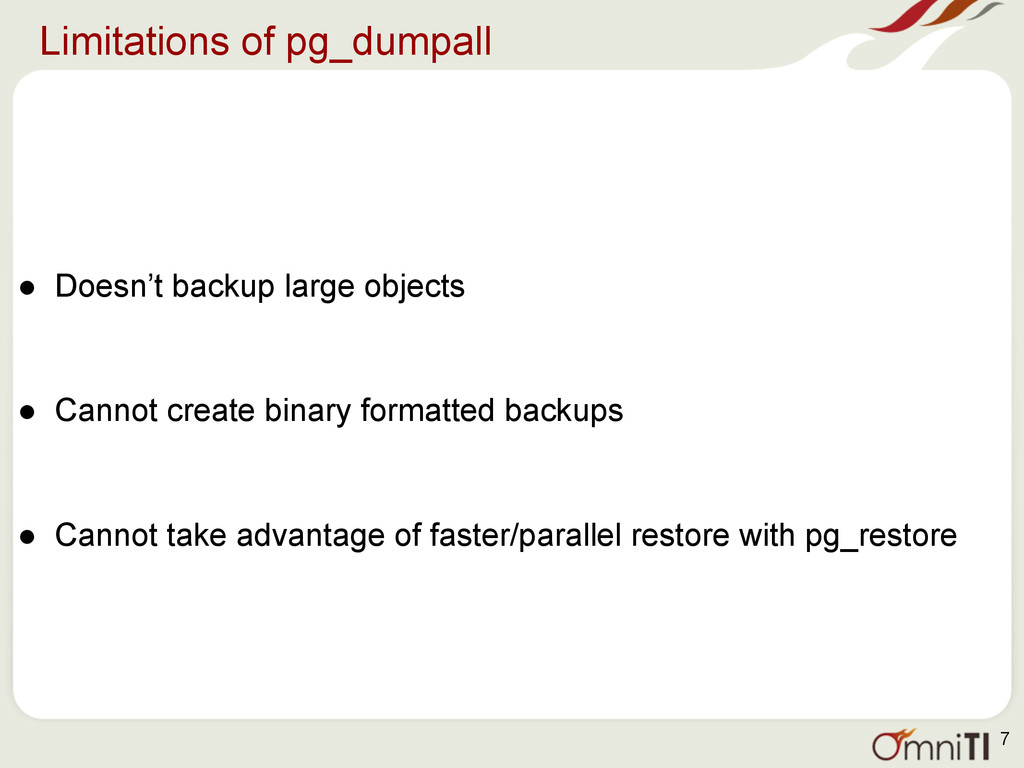
  6. Limitations of pg_dumpall • Doesn’t backup large objects • Cannot

    create binary formatted backups • Cannot take advantage of faster/parallel restore with pg_restore 7
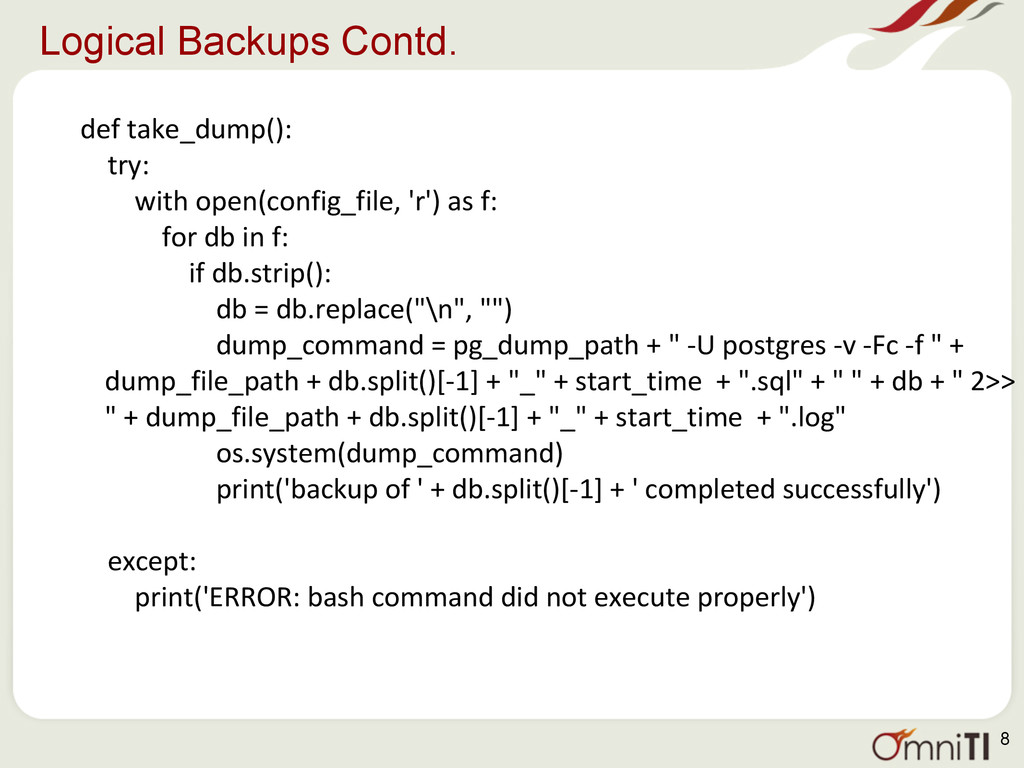
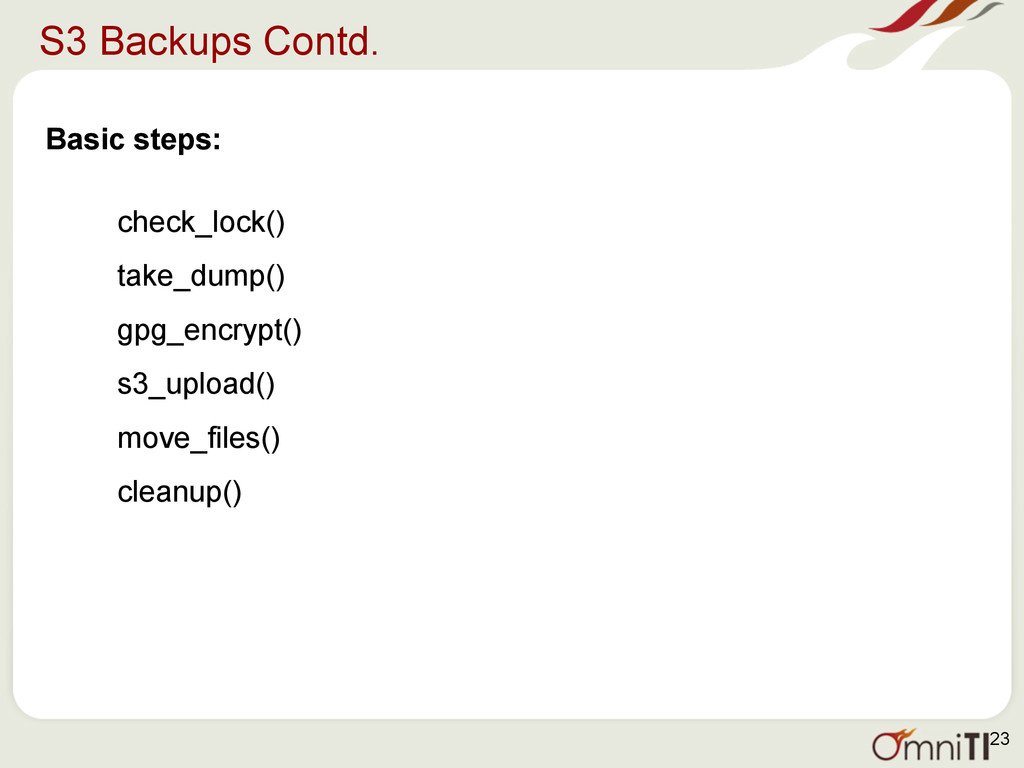
  7. Logical Backups Contd. def take_dump(): try: with open(config_file, 'r') as

    f: for db in f: if db.strip(): db = db.replace("\n", "") dump_command = pg_dump_path + " -U postgres -v -Fc -f " + dump_file_path + db.split()[-1] + "_" + start_time + ".sql" + " " + db + " 2>> " + dump_file_path + db.split()[-1] + "_" + start_time + ".log" os.system(dump_command) print('backup of ' + db.split()[-1] + ' completed successfully') except: print('ERROR: bash command did not execute properly') 8
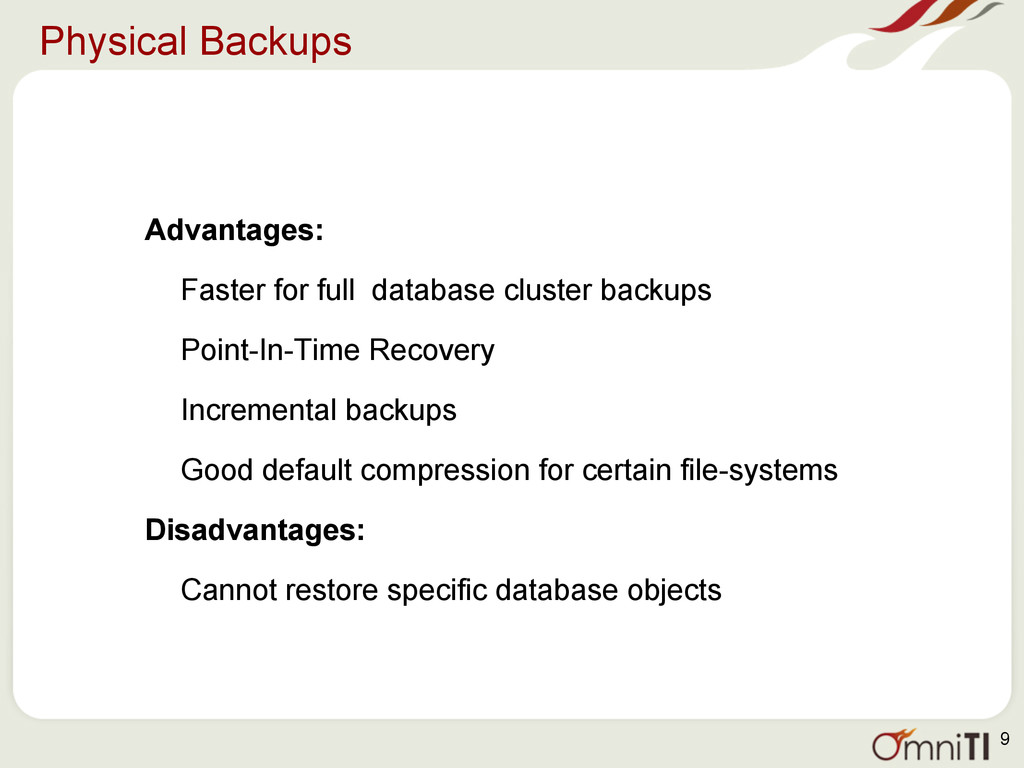
  8. Physical Backups Advantages: Faster for full database cluster backups Point-In-Time

    Recovery Incremental backups Good default compression for certain file-systems Disadvantages: Cannot restore specific database objects 9
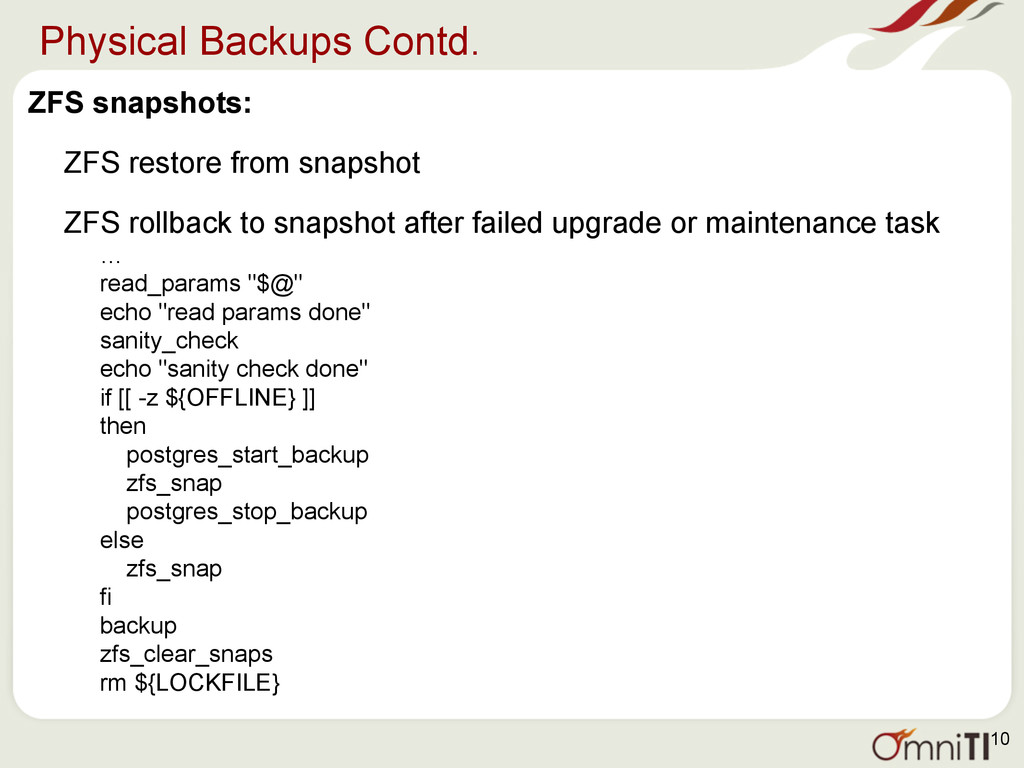
  9. Physical Backups Contd. ZFS snapshots: ZFS restore from snapshot ZFS

    rollback to snapshot after failed upgrade or maintenance task … read_params "$@" echo "read params done" sanity_check echo "sanity check done" if [[ -z ${OFFLINE} ]] then postgres_start_backup zfs_snap postgres_stop_backup else zfs_snap fi backup zfs_clear_snaps rm ${LOCKFILE} 10
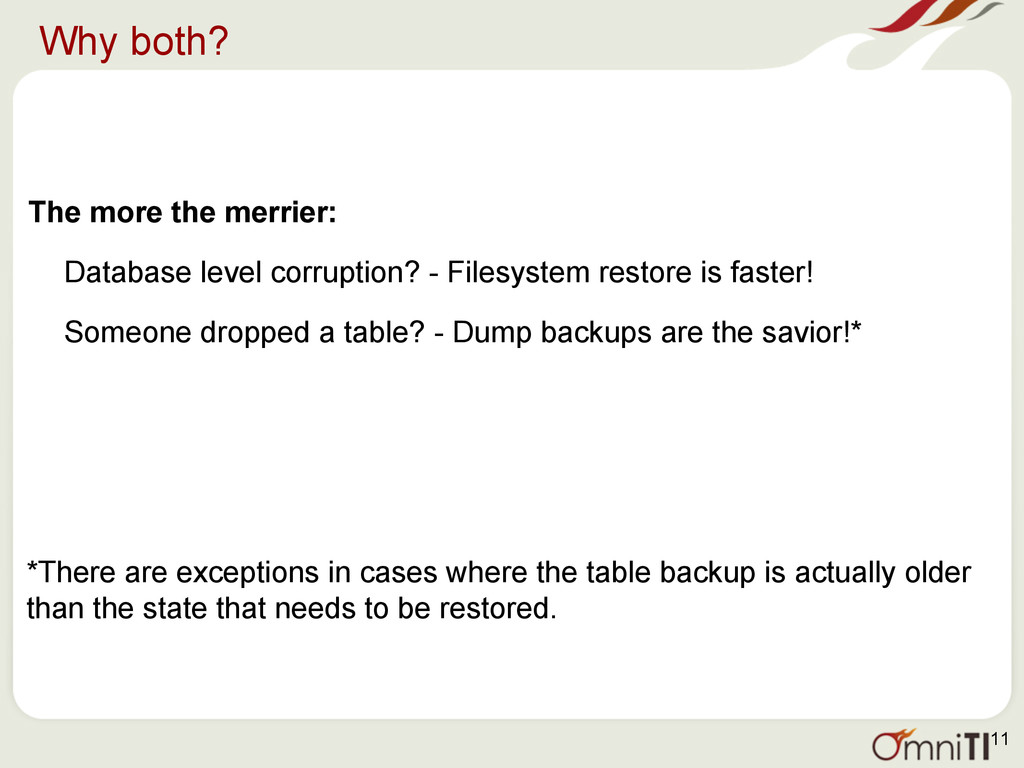
  10. Why both? The more the merrier: Database level corruption? -

    Filesystem restore is faster! Someone dropped a table? - Dump backups are the savior!* *There are exceptions in cases where the table backup is actually older than the state that needs to be restored. 11
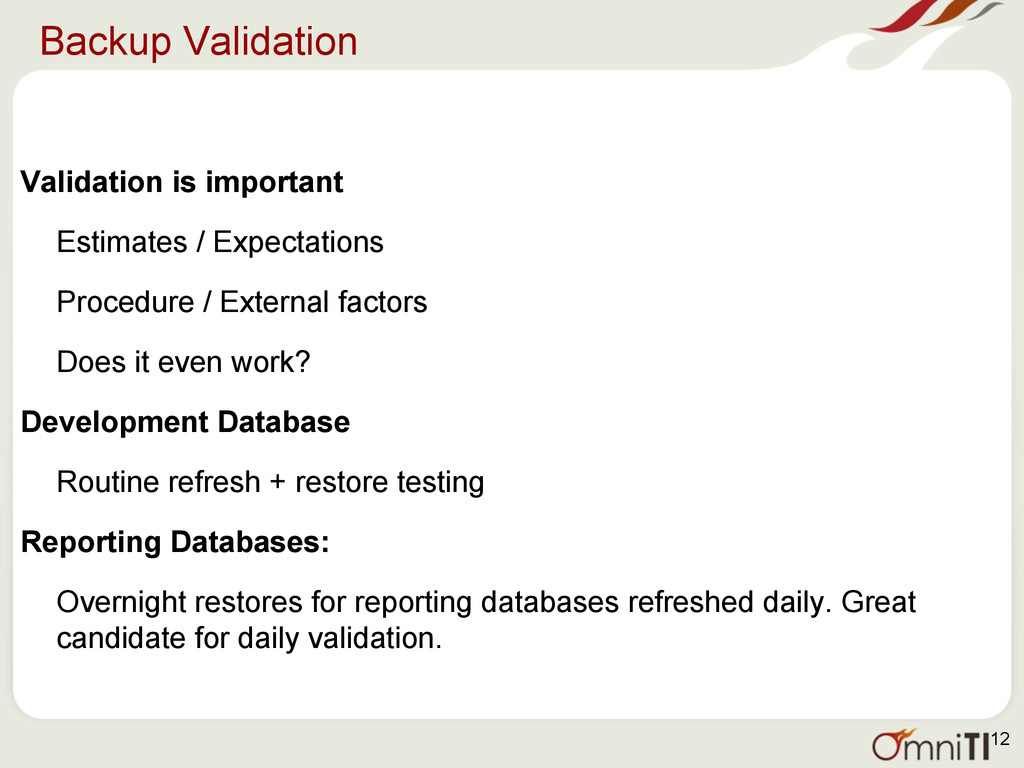
  11. Backup Validation Validation is important Estimates / Expectations Procedure /

    External factors Does it even work? Development Database Routine refresh + restore testing Reporting Databases: Overnight restores for reporting databases refreshed daily. Great candidate for daily validation. 12
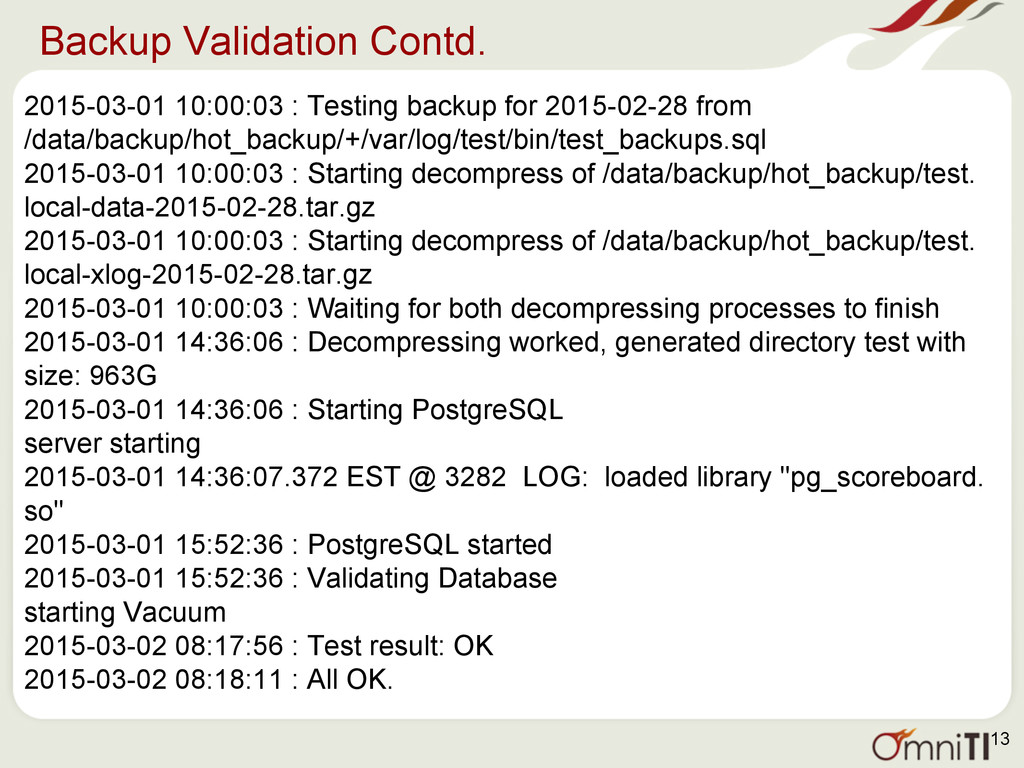
  12. Backup Validation Contd. 2015-03-01 10:00:03 : Testing backup for 2015-02-28

    from /data/backup/hot_backup/+/var/log/test/bin/test_backups.sql 2015-03-01 10:00:03 : Starting decompress of /data/backup/hot_backup/test. local-data-2015-02-28.tar.gz 2015-03-01 10:00:03 : Starting decompress of /data/backup/hot_backup/test. local-xlog-2015-02-28.tar.gz 2015-03-01 10:00:03 : Waiting for both decompressing processes to finish 2015-03-01 14:36:06 : Decompressing worked, generated directory test with size: 963G 2015-03-01 14:36:06 : Starting PostgreSQL server starting 2015-03-01 14:36:07.372 EST @ 3282 LOG: loaded library "pg_scoreboard. so" 2015-03-01 15:52:36 : PostgreSQL started 2015-03-01 15:52:36 : Validating Database starting Vacuum 2015-03-02 08:17:56 : Test result: OK 2015-03-02 08:18:11 : All OK. 13
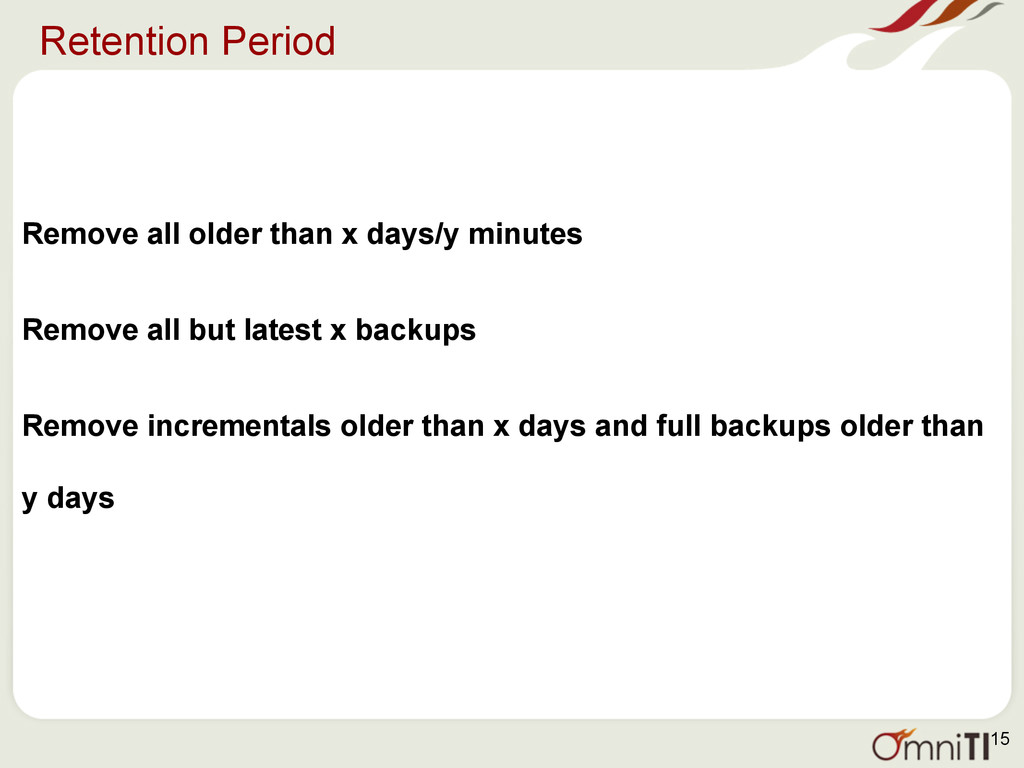
  13. Retention Period Remove all older than x days/y minutes Remove

    all but latest x backups Remove incrementals older than x days and full backups older than y days 15
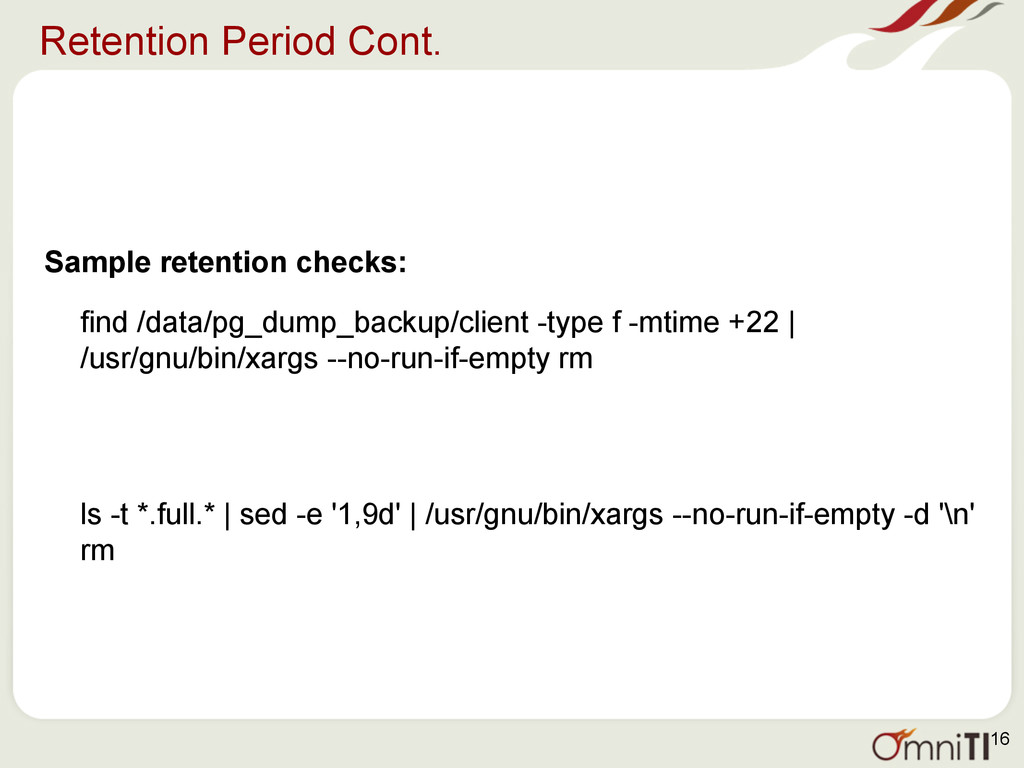
  14. Retention Period Cont. Sample retention checks: find /data/pg_dump_backup/client -type f

    -mtime +22 | /usr/gnu/bin/xargs --no-run-if-empty rm ls -t *.full.* | sed -e '1,9d' | /usr/gnu/bin/xargs --no-run-if-empty -d '\n' rm 16
  15. Security Transfer of backups between production and backup server Multi-hosting

    environment: Multiple clients on one global machine One backup server One way communication to ensure adequate security 17
  16. Off-server VS Off-site Off-server - same datacentre but separate from

    production machine Backup server residing locally Off-site - Physically located away from production machines Tapes Amazon S3, etc. 18
  17. Alerts Alert on backup scripts/ cronjobs • To detect errors

    within script, or change in system/user environments • Immediate • Cron emails Alert on storage/retention: • Error in retention logic/implementation • Secondary/Delayed • Cron’ned script, external monitoring Alert on backup validation: • On routine refreshes/ restores 19
  18. S3 Backups Ideal for long term backups: • Cheap •

    Ample space • Transfer in parts, can pick up where you left off in case of errors • Speed depends on bandwidth Secure: • Buckets , Users, Policies Communication: • AWS cli / s3cmd • Access keys • PGP encryption 20
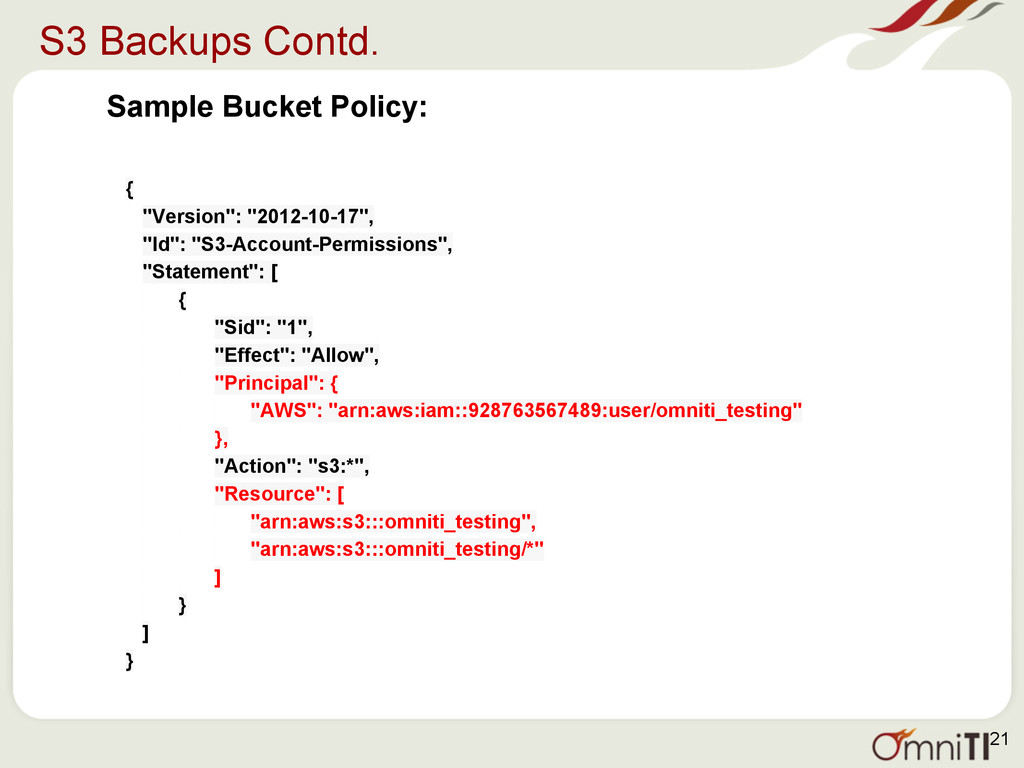
  19. S3 Backups Contd. Sample Bucket Policy: { "Version": "2012-10-17", "Id":

    "S3-Account-Permissions", "Statement": [ { "Sid": "1", "Effect": "Allow", "Principal": { "AWS": "arn:aws:iam::928763567489:user/omniti_testing" }, "Action": "s3:*", "Resource": [ "arn:aws:s3:::omniti_testing", "arn:aws:s3:::omniti_testing/*" ] } ] } 21
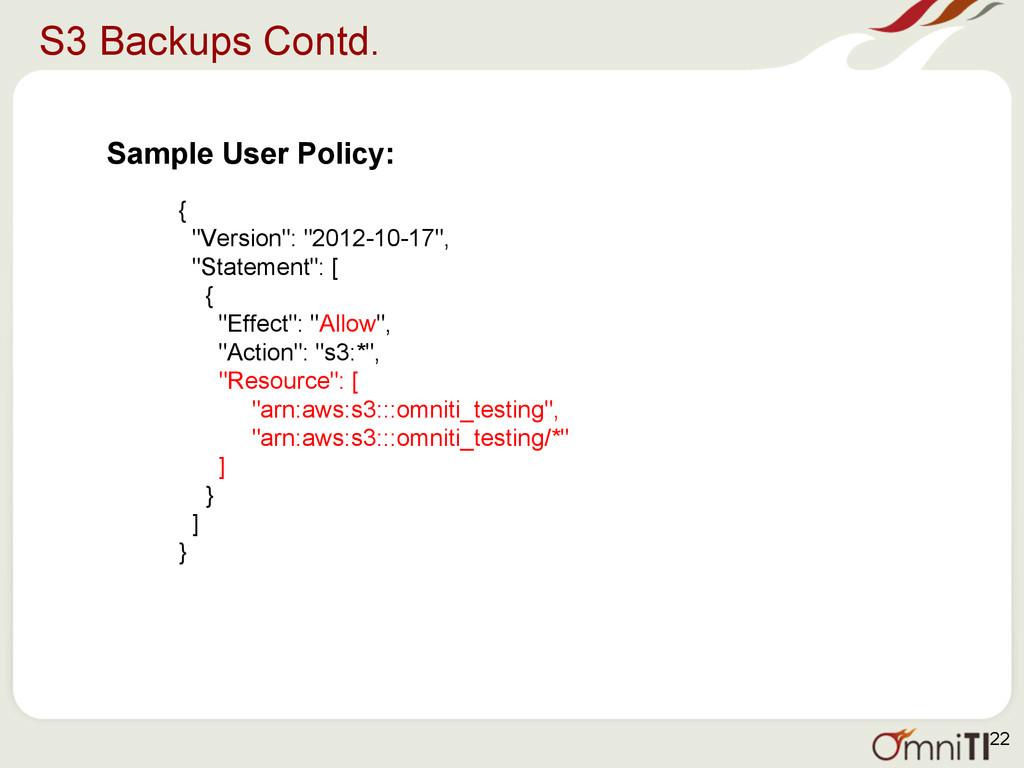
  20. S3 Backups Contd. Sample User Policy: { "Version": "2012-10-17", "Statement":

    [ { "Effect": "Allow", "Action": "s3:*", "Resource": [ "arn:aws:s3:::omniti_testing", "arn:aws:s3:::omniti_testing/*" ] } ] } 22
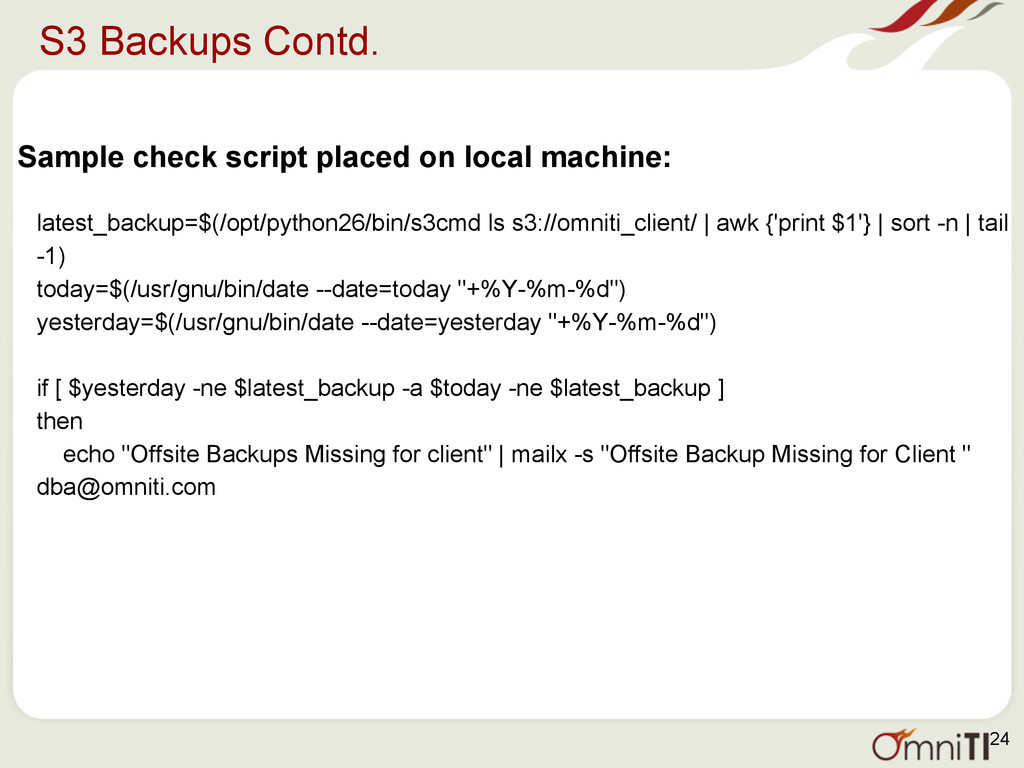
  21. S3 Backups Contd. Sample check script placed on local machine:

    latest_backup=$(/opt/python26/bin/s3cmd ls s3://omniti_client/ | awk {'print $1'} | sort -n | tail -1) today=$(/usr/gnu/bin/date --date=today "+%Y-%m-%d") yesterday=$(/usr/gnu/bin/date --date=yesterday "+%Y-%m-%d") if [ $yesterday -ne $latest_backup -a $today -ne $latest_backup ] then echo "Offsite Backups Missing for client" | mailx -s "Offsite Backup Missing for Client " [email protected] 24
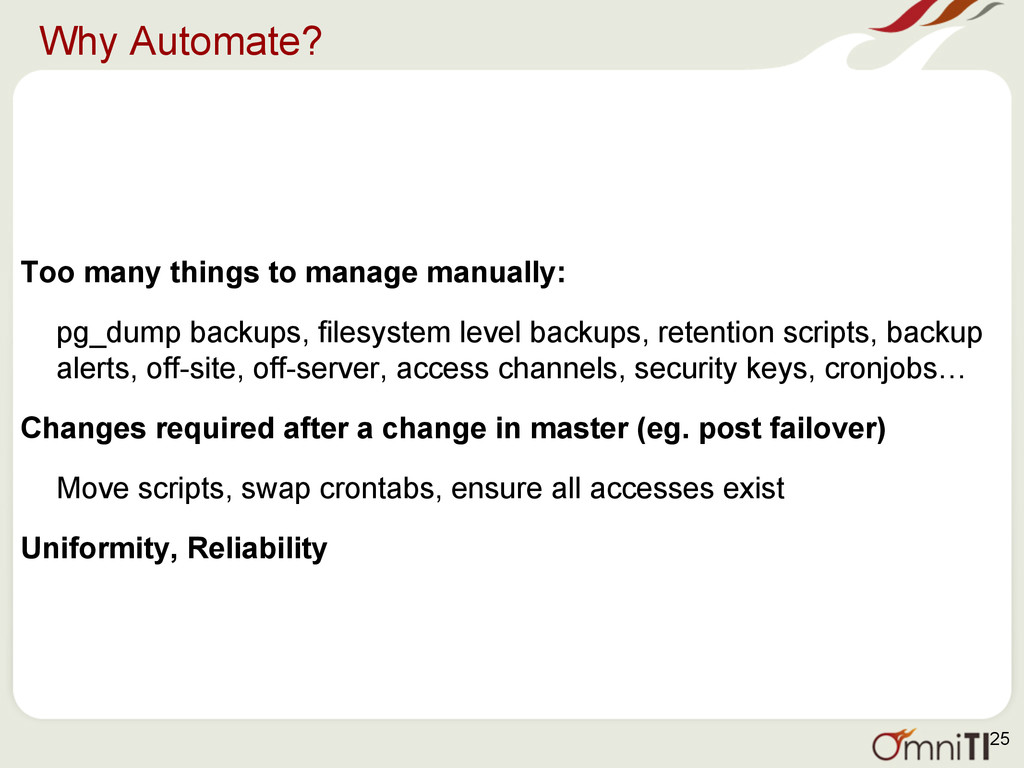
  22. Why Automate? Too many things to manage manually: pg_dump backups,

    filesystem level backups, retention scripts, backup alerts, off-site, off-server, access channels, security keys, cronjobs… Changes required after a change in master (eg. post failover) Move scripts, swap crontabs, ensure all accesses exist Uniformity, Reliability 25
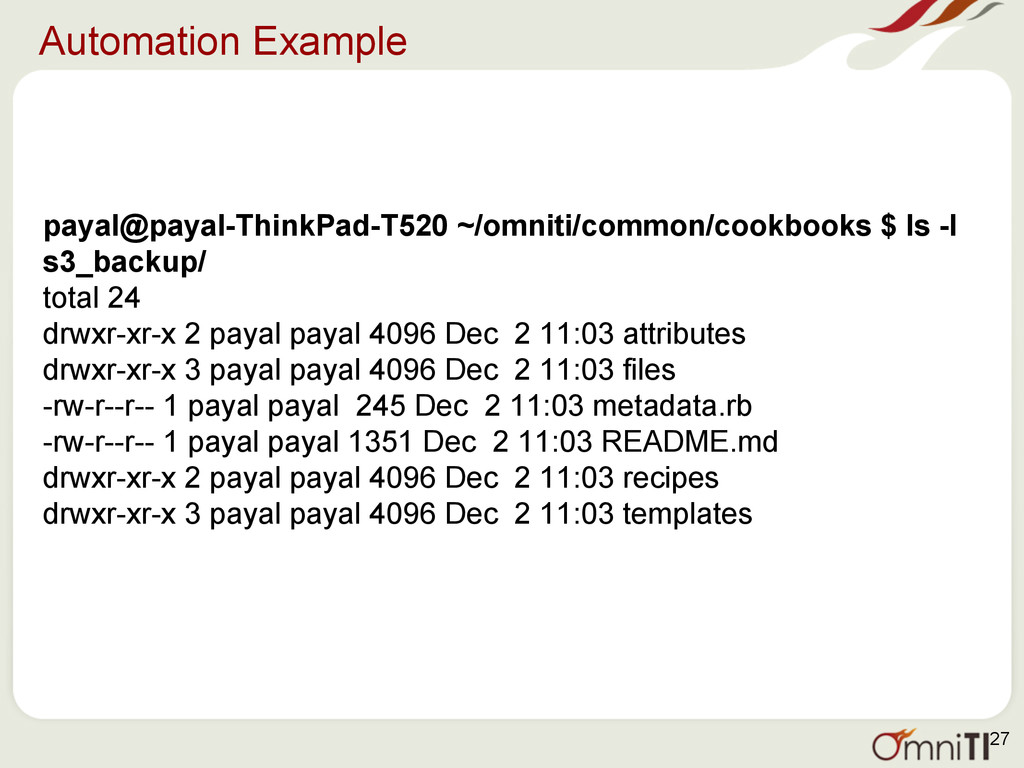
  23. Automation Example payal@payal-ThinkPad-T520 ~/omniti/common/cookbooks $ ls -l s3_backup/ total 24

    drwxr-xr-x 2 payal payal 4096 Dec 2 11:03 attributes drwxr-xr-x 3 payal payal 4096 Dec 2 11:03 files -rw-r--r-- 1 payal payal 245 Dec 2 11:03 metadata.rb -rw-r--r-- 1 payal payal 1351 Dec 2 11:03 README.md drwxr-xr-x 2 payal payal 4096 Dec 2 11:03 recipes drwxr-xr-x 3 payal payal 4096 Dec 2 11:03 templates 27
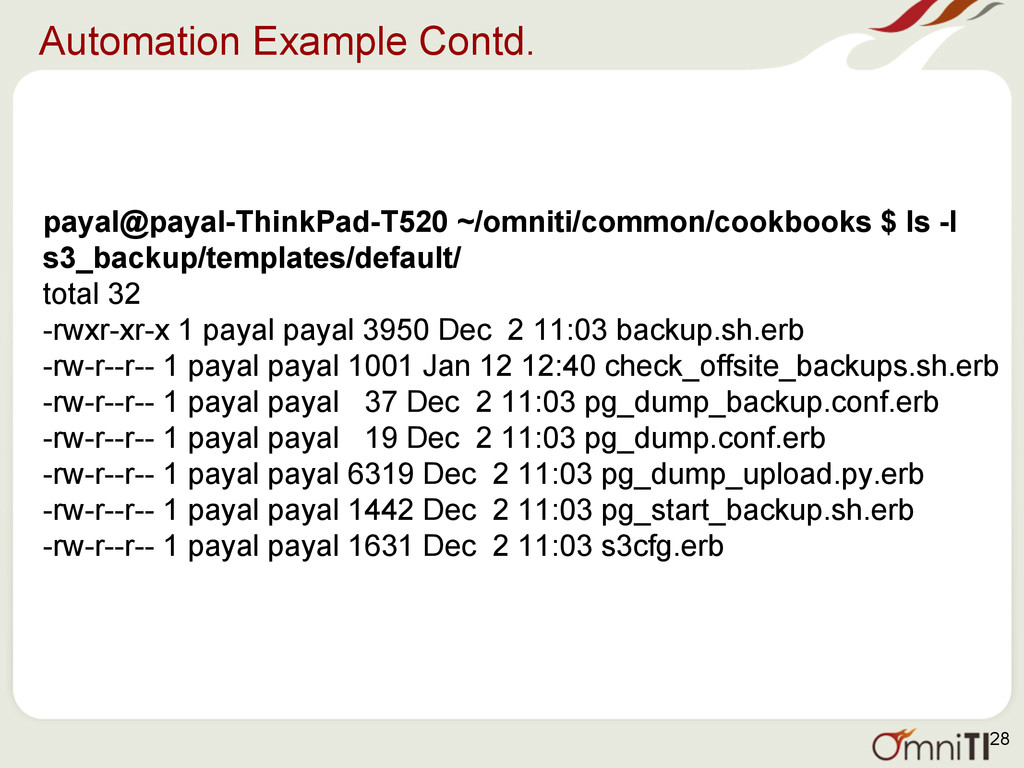
  24. Automation Example Contd. payal@payal-ThinkPad-T520 ~/omniti/common/cookbooks $ ls -l s3_backup/templates/default/ total

    32 -rwxr-xr-x 1 payal payal 3950 Dec 2 11:03 backup.sh.erb -rw-r--r-- 1 payal payal 1001 Jan 12 12:40 check_offsite_backups.sh.erb -rw-r--r-- 1 payal payal 37 Dec 2 11:03 pg_dump_backup.conf.erb -rw-r--r-- 1 payal payal 19 Dec 2 11:03 pg_dump.conf.erb -rw-r--r-- 1 payal payal 6319 Dec 2 11:03 pg_dump_upload.py.erb -rw-r--r-- 1 payal payal 1442 Dec 2 11:03 pg_start_backup.sh.erb -rw-r--r-- 1 payal payal 1631 Dec 2 11:03 s3cfg.erb 28
  25. pg_basebackup • Great alternative to implementing external filesystem based snapshots/base

    backups • internally manages to take consistent base backup without need for start/stop backup commands • Can run multiple pg_basebackups, say, for rebuilding more than one slaves concurrently, although not advisable from performance perspective. • Backups can be made on master as well as standby Disadvantage: • Slower when compared to snapshot file-system technologies • Backups are always of the entire cluster 29
  26. pg_basebackup Requirements • A superuser or a user with REPLICATION

    permissions can be used • archive_command parameter should be set to true • max_wal_senders should be at least 1 30
  27. Delayed Replicas as Backups • In situations where accidental damage

    was done that was realized in a short period of time. • For e.g. - Someone updates a table with no where clause, someone drop a table, etc. • May still result in some data loss post recovery, but it depends on the importance of table, other objects. 31
  28. Version Controlled DDL • Committing daily changes to schema design,

    functions, triggers etc. into source control • Can go back to any state • pg_extractor (https://github.com/omniti-labs/pg_extractor) facilitates this by creating files for each database object, followed by integration with git, svn, etc. 32
  29. Documentation • Chart / table of backup information - types,

    locations, retention periods • Steps/procedures to setup new machines • Analysis/ estimation time for recovery • Ways to recover 33