Upgrade to Pro — share decks privately, control downloads, hide ads and more …

GWT architectures and lessons learned

Sponsored · SiteGround - Reliable hosting with speed, security, and support you can count on.

GWT architectures and lessons learned

Slides from my talk at the JAX 2013 conference.
Other Decks in Technology

Transcript

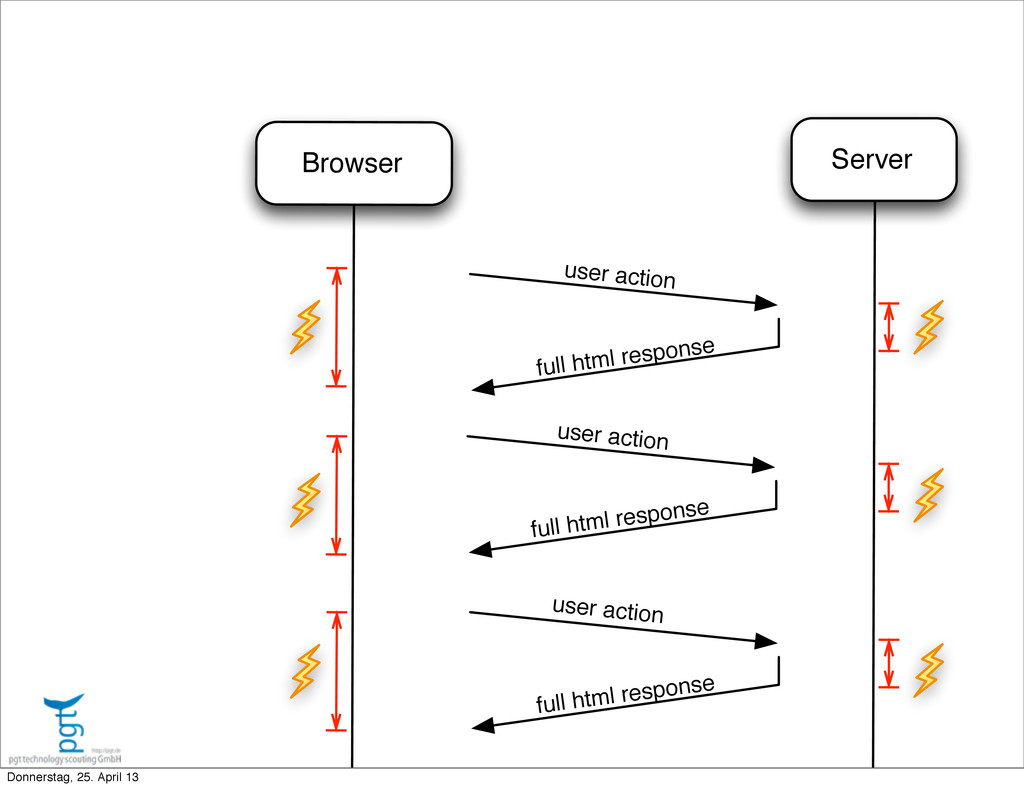
  1. Browser Server user action full html response full html response

    full html response user action user action Donnerstag, 25. April 13
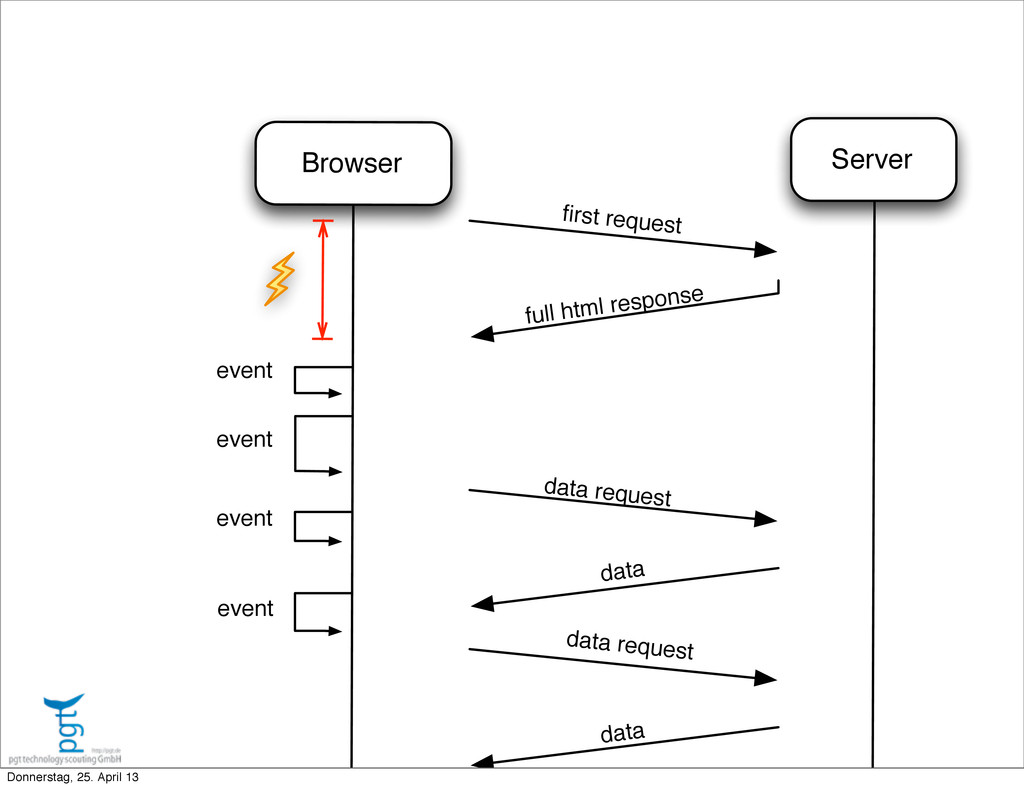
  2. Browser Server event first request full html response data data

    request data data request event event event Donnerstag, 25. April 13
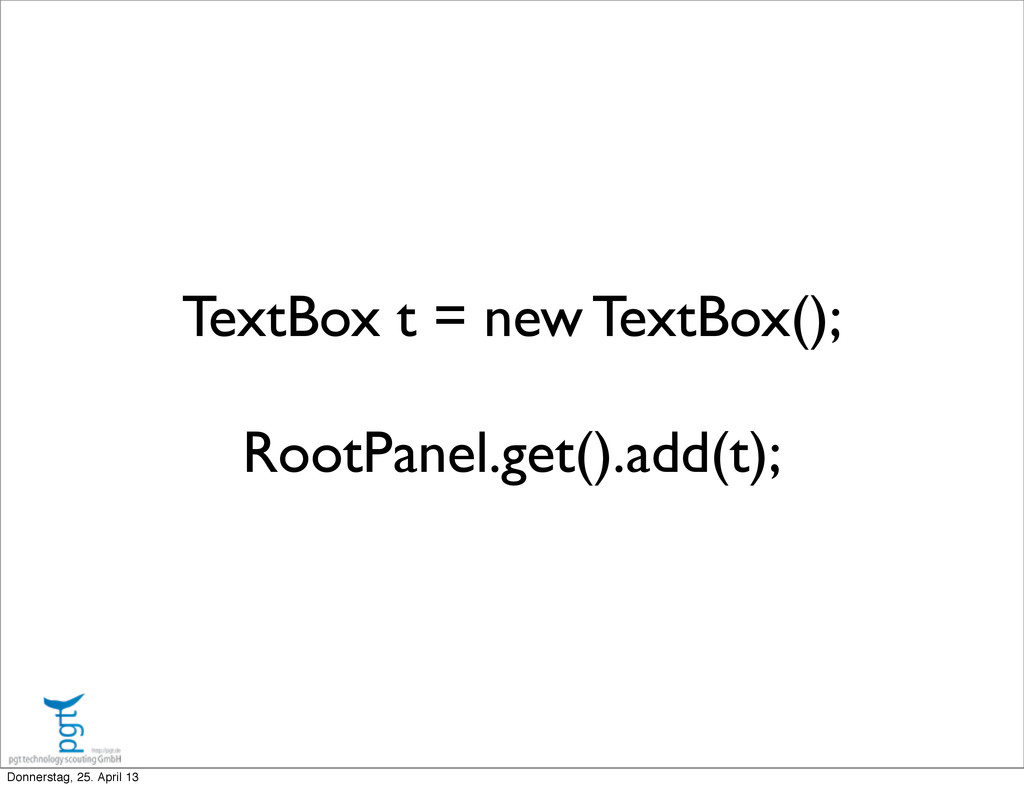
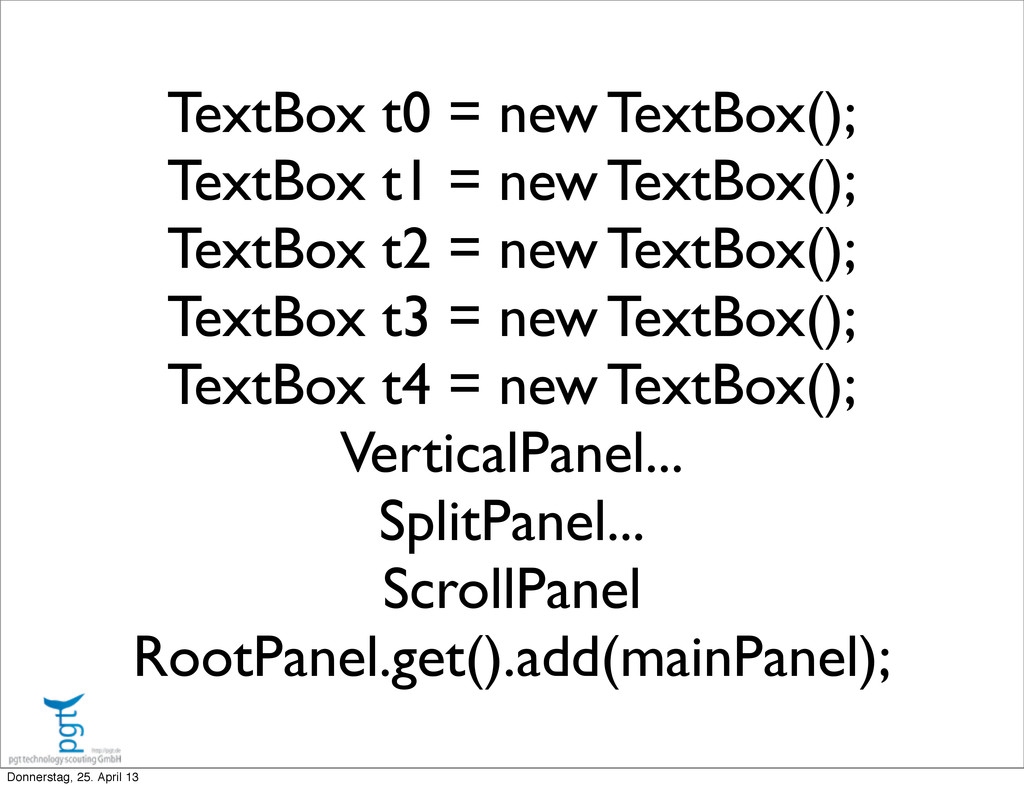
  3. TextBox t0 = new TextBox(); TextBox t1 = new TextBox();

    TextBox t2 = new TextBox(); TextBox t3 = new TextBox(); TextBox t4 = new TextBox(); VerticalPanel... SplitPanel... ScrollPanel RootPanel.get().add(mainPanel); Donnerstag, 25. April 13
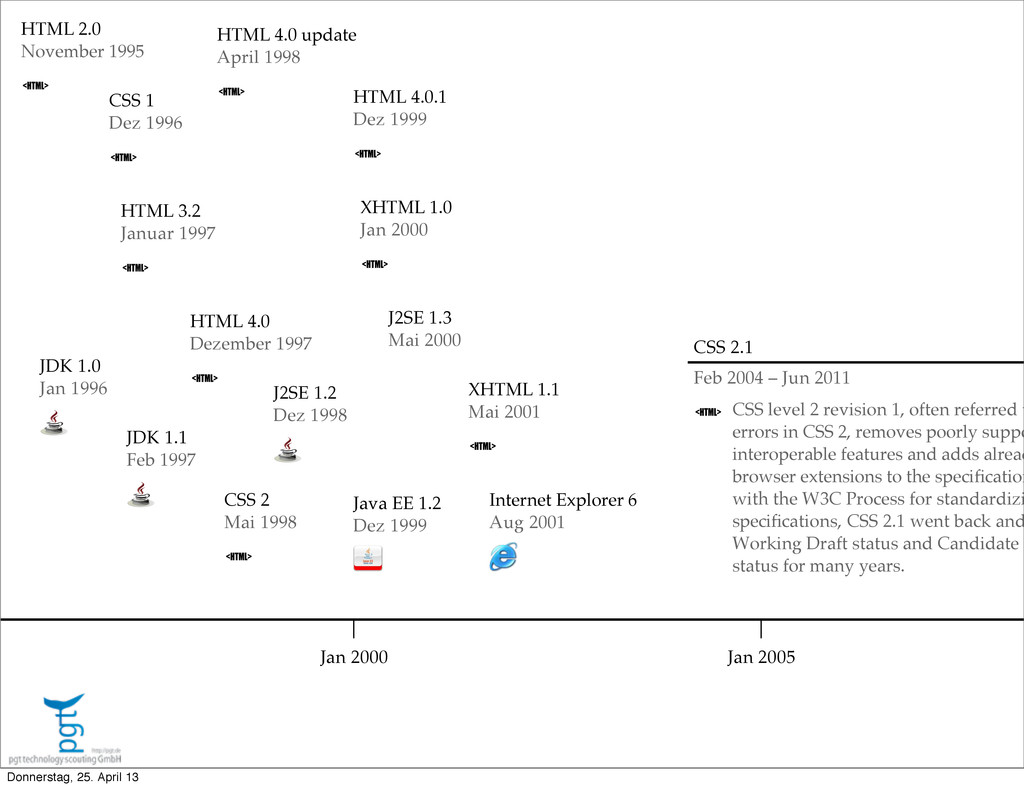
  4. Jan 2000 Jan 2005 XHTML 1.0 Jan 2000 HTML 4.0.1

    Dez 1999 CSS 2 Mai 1998 HTML 4.0 update April 1998 XHTML 1.1 Mai 2001 HTML 2.0 November 1995 HTML 4.0 Dezember 1997 Java EE 1.2 Dez 1999 JDK 1.1 Feb 1997 Internet Explorer 6 Aug 2001 JDK 1.0 Jan 1996 CSS 2.1 Feb 2004 – Jun 2011 CSS level 2 revision 1, often referred t errors in CSS 2, removes poorly suppo interoperable features and adds alread browser extensions to the specification with the W3C Process for standardizi specifications, CSS 2.1 went back and Working Draft status and Candidate R status for many years. J2SE 1.2 Dez 1998 J2SE 1.3 Mai 2000 CSS 1 Dez 1996 HTML 3.2 Januar 1997 Donnerstag, 25. April 13
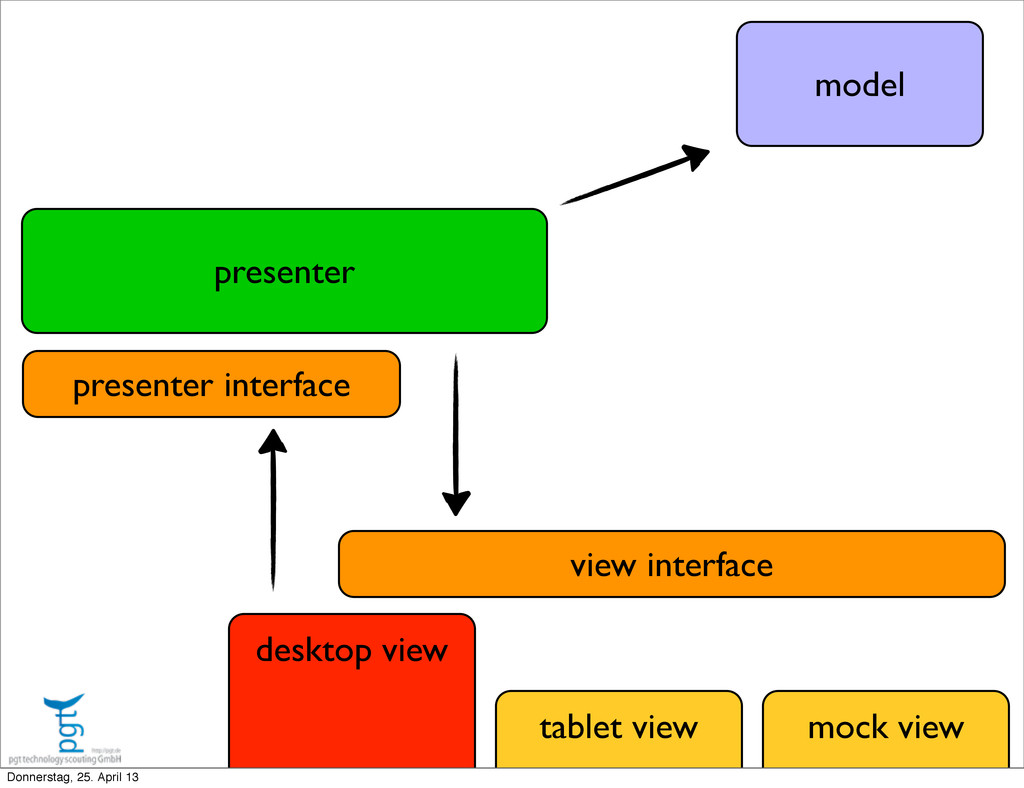
  5. public interface LoginView extends View { void setPresenter(LoginView.Presenter currentPresenter); void

    presetEmailFieldWith(String email); void doShowApplicationMetadata(AppData params); public interface Presenter extends LemniscusPresenter { void userLoginWith(String username, String password); void userDidAskForRegistrationPlace(); void userWantsToChangePassword( int verificationCode, String userEmail, String newPasswordToUse); void userRequestedVerificationCodeForPasswordChange(String email); } } Donnerstag, 25. April 13
  6. public interface LoginView extends View { void setPresenter(LoginView.Presenter currentP void

    presetEmailFieldWith(String email); void doShowApplicationMetadata(AppData params) public interface Presenter extends LemniscusPr void userLoginWith(String username, String void userDidAskForRegistrationPlace(); void userWantsToChangePassword( int verificationCode, String userEmail, MyDesktopViewImpl extends Composite implements LoginView Donnerstag, 25. April 13
  7. public interface LoginView extends View { void setPresenter(LoginView.Presenter currentPresenter) void

    presetEmailFieldWith(String email); void doShowApplicationMetadata(AppData params); public interface Presenter extends LemniscusPresenter { void userLoginWith(String username, String password void userDidAskForRegistrationPlace(); void userWantsToChangePassword( int verificationCode, String userEmail, String ne void userRequestedVerificationCodeForPasswordChange } } MyLoginPresenter extends AA... implements LoginView.Presenter Donnerstag, 25. April 13
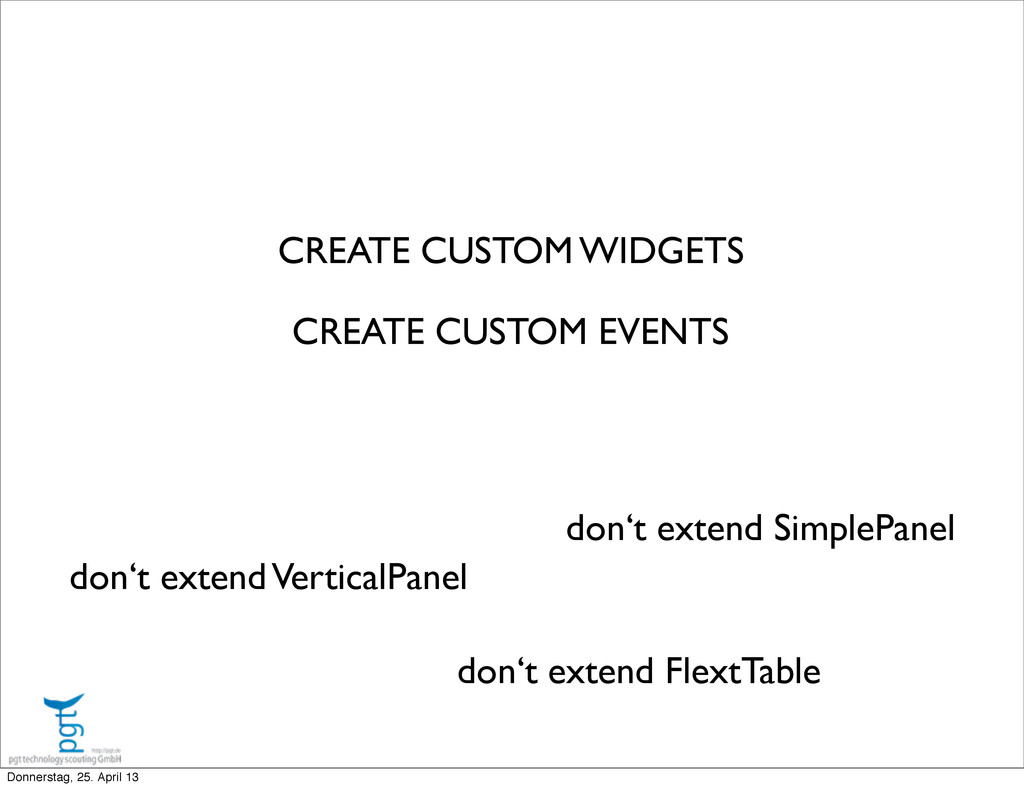
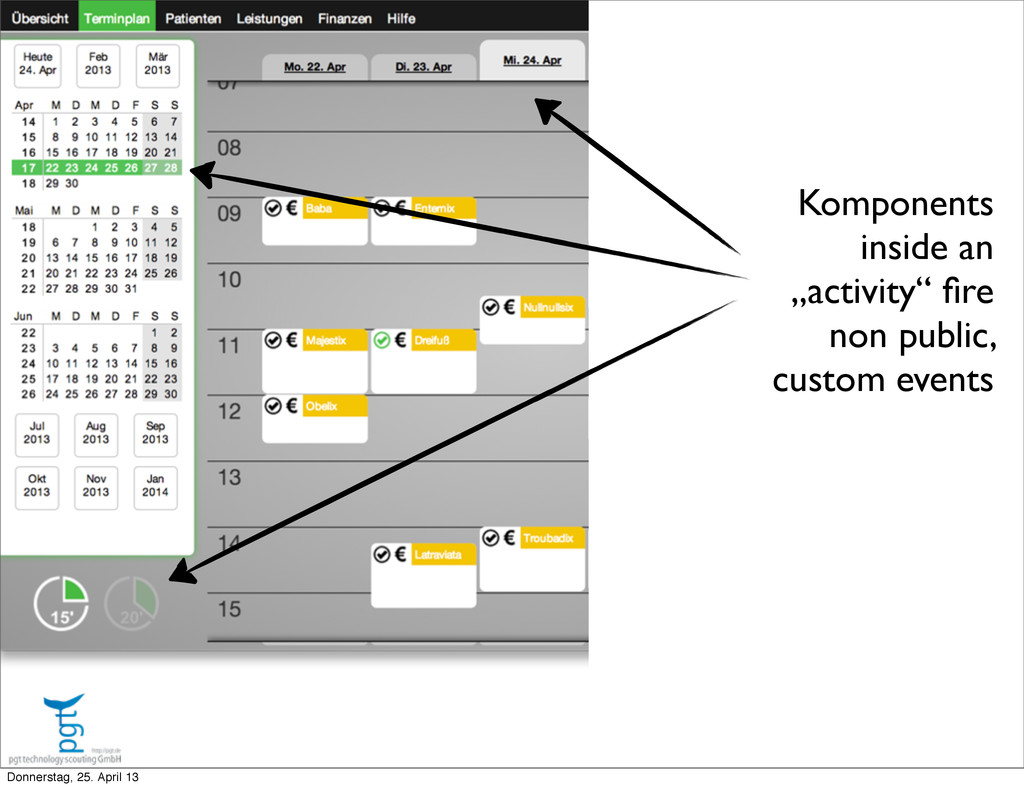
  8. CREATE CUSTOM WIDGETS don‘t extend FlextTable don‘t extend VerticalPanel don‘t

    extend SimplePanel CREATE CUSTOM EVENTS Donnerstag, 25. April 13
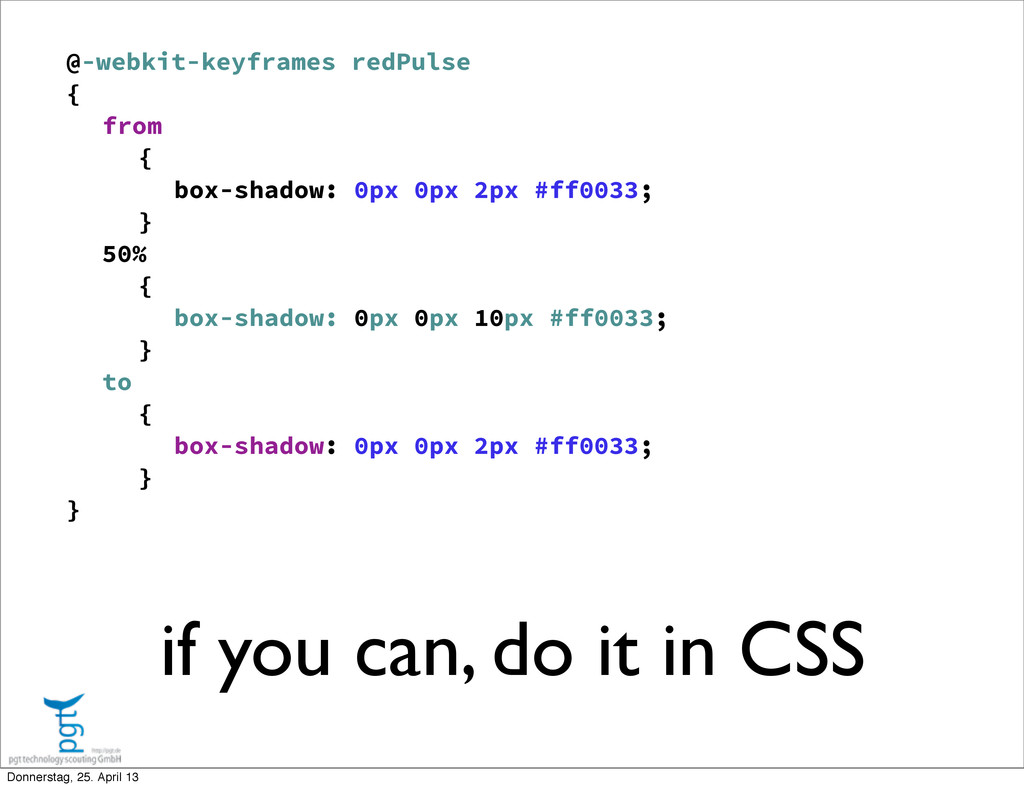
  9. if you can, do it in CSS @-webkit-keyframes redPulse {

    from { box-shadow: 0px 0px 2px #ff0033; } 50% { box-shadow: 0px 0px 10px #ff0033; } to { box-shadow: 0px 0px 2px #ff0033; } } Donnerstag, 25. April 13
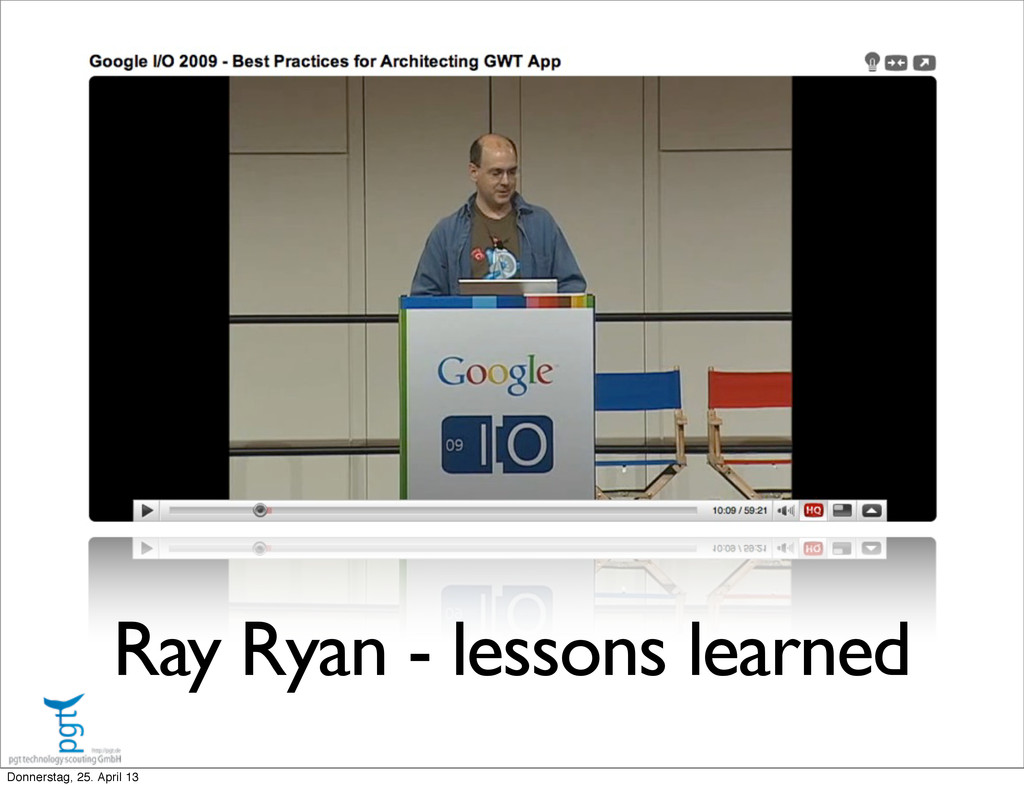
  10. use CSS layout <g:LayoutPanel styleName="{B.style.mainContent}"> <g:layer left="0" right="340px" top="0" height="50%">

    <g:SimpleLayoutPanel styleName="{B.style.mainWidget}" addStyleNa <ux:DashboardTermineDataGrid ui:field="terminetable" styleName </g:SimpleLayoutPanel> </g:layer> <g:layer right="0" width="340px" top="0" height="50%"> <g:SimpleLayoutPanel styleName="{B.style.mainWidget}" addStyleNa <ux:KWStatsDataGrid ui:field="statstable" styleName="{B.style. </g:SimpleLayoutPanel> </g:layer> <g:layer right="0" left="0" bottom="0" height="50%"> <g:SimpleLayoutPanel styleName="{B.style.mainWidget}" addStyleNa <ux:WartelisteDataGrid ui:field="wartelistetable" styleName="{ </g:SimpleLayoutPanel> </g:layer> </g:LayoutPanel> Donnerstag, 25. April 13
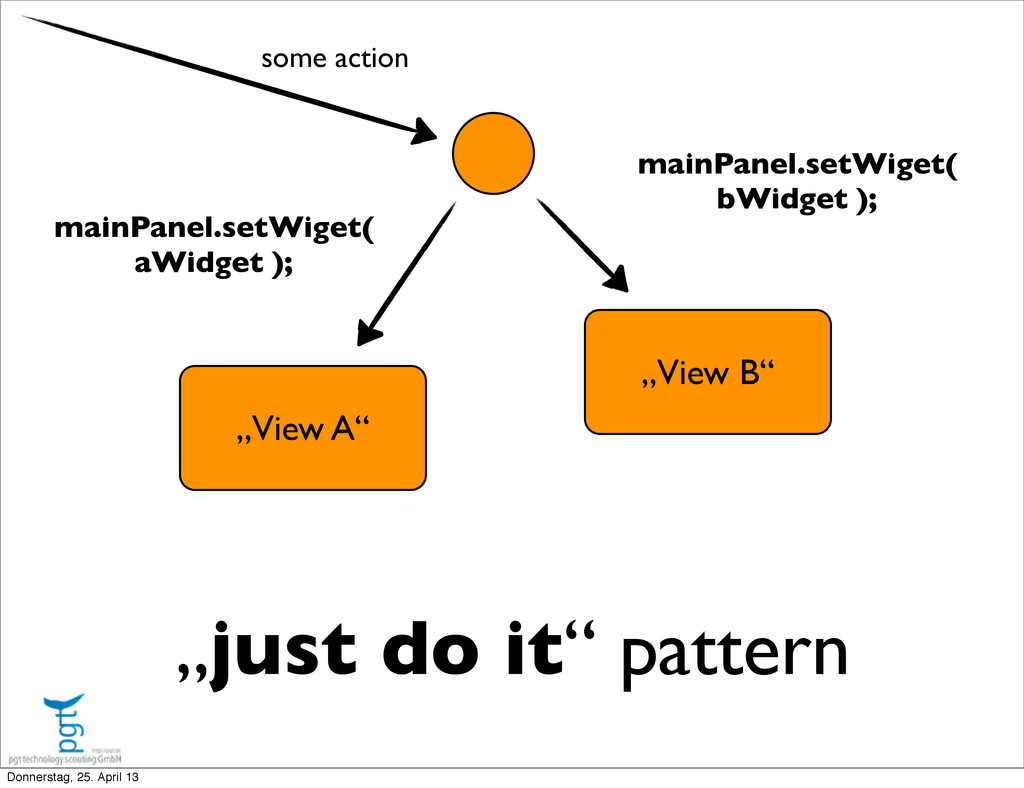
  11. „just do it“ pattern „View A“ „View B“ mainPanel.setWiget( aWidget

    ); mainPanel.setWiget( bWidget ); some action Donnerstag, 25. April 13
  12. history management from day one! back button and refresh as

    a feature (not a catastrophe) Donnerstag, 25. April 13
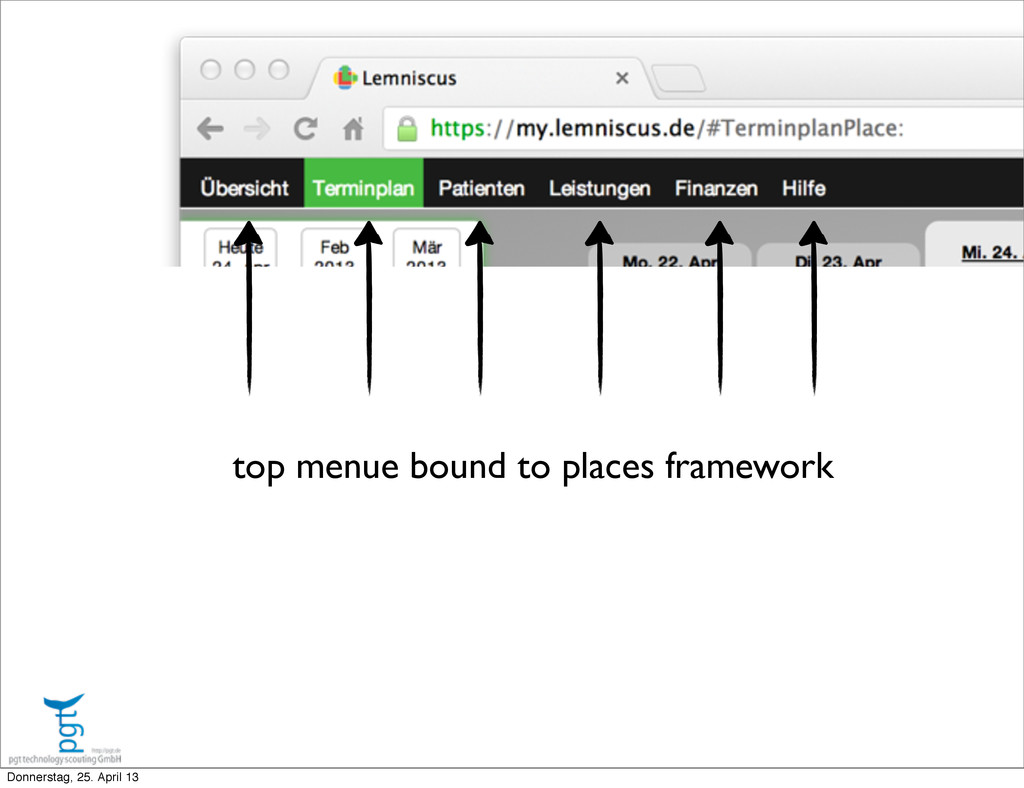
  13. keep it stupid simple • use PLACES framework for main

    level navigation • if you really need to, nest activities for a second level. try not to. • use dialogs for user input, showing data. dialogs are easily reused. Donnerstag, 25. April 13
  14. Once upon a time, a good designer does good a

    good looking design... ‣ he will be using photoshop or dreamweaver ‣ he will not use the software ‣ he will not build the software ‣ he will not maintain the software Donnerstag, 25. April 13
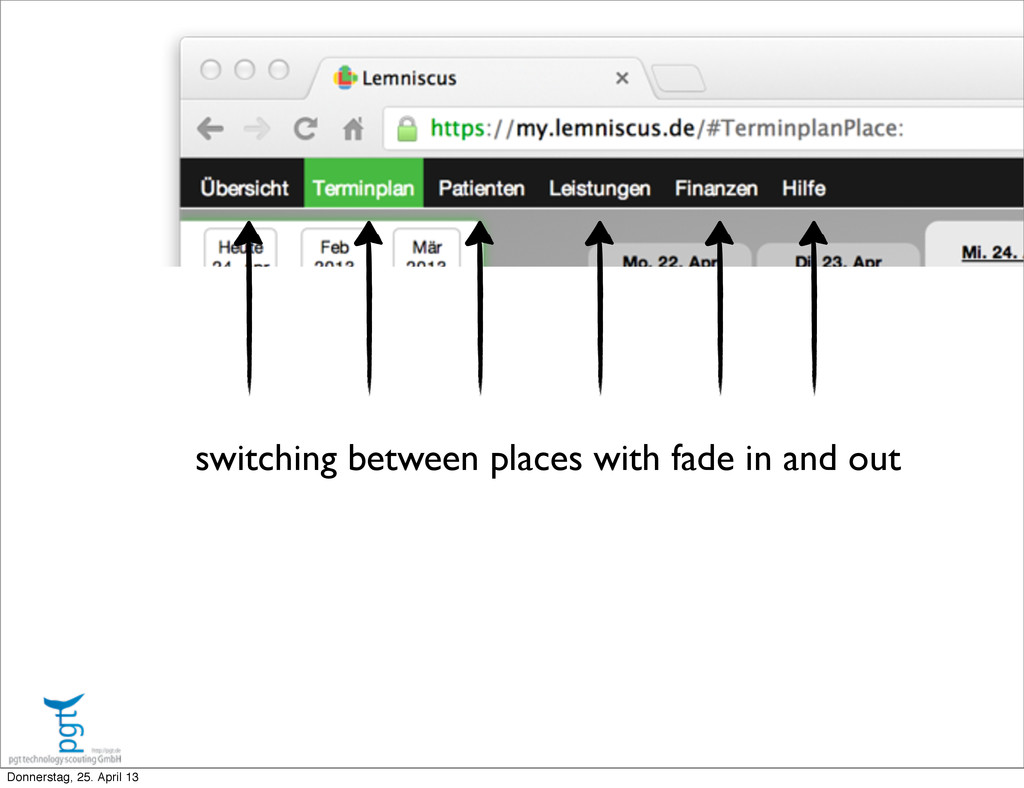
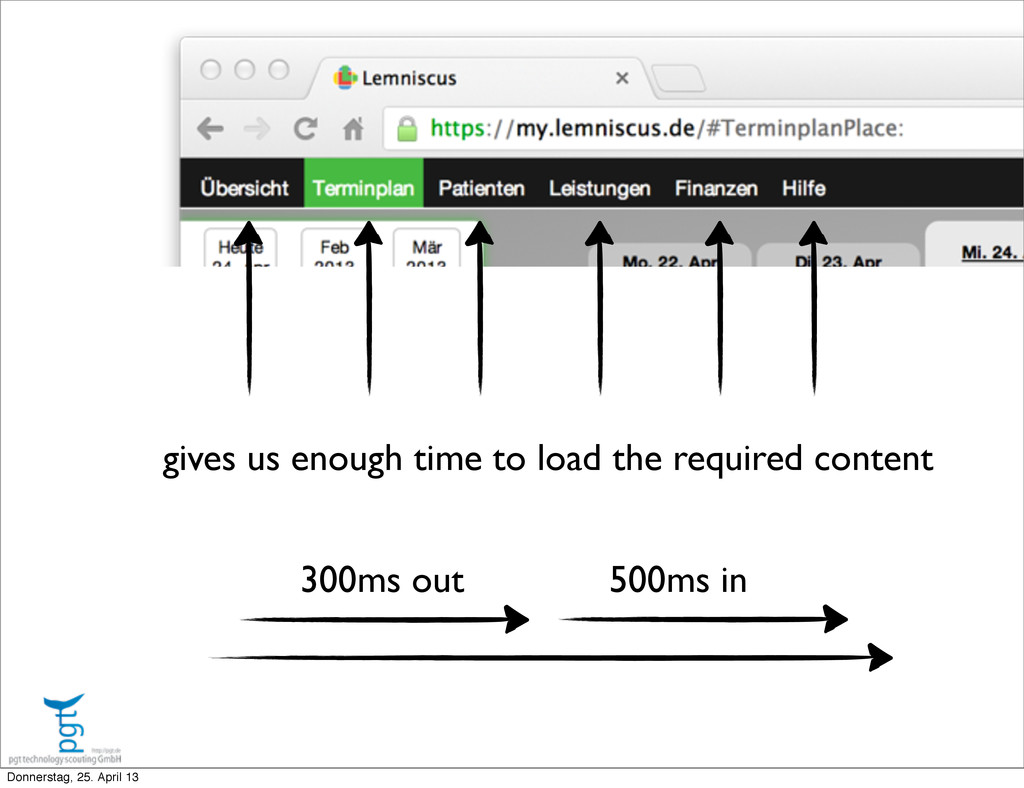
  15. gives us enough time to load the required content 300ms

    out 500ms in Donnerstag, 25. April 13
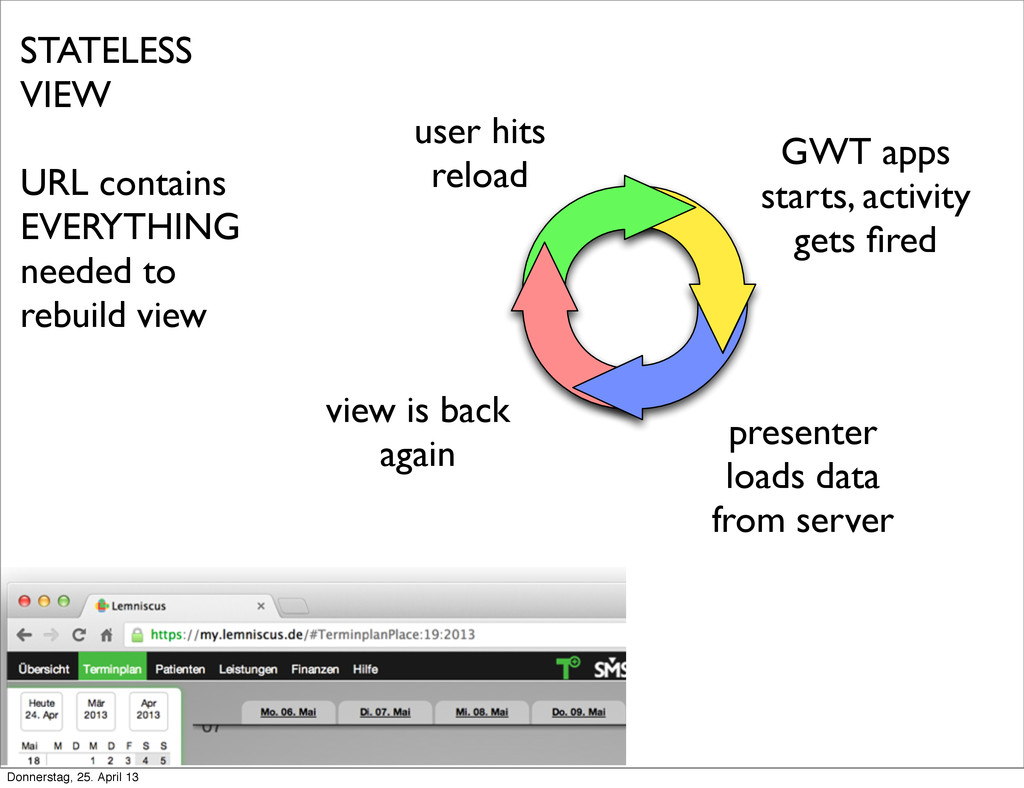
  16. STATELESS VIEW URL contains EVERYTHING needed to rebuild view user

    hits reload GWT apps starts, activity gets fired presenter loads data from server view is back again Donnerstag, 25. April 13
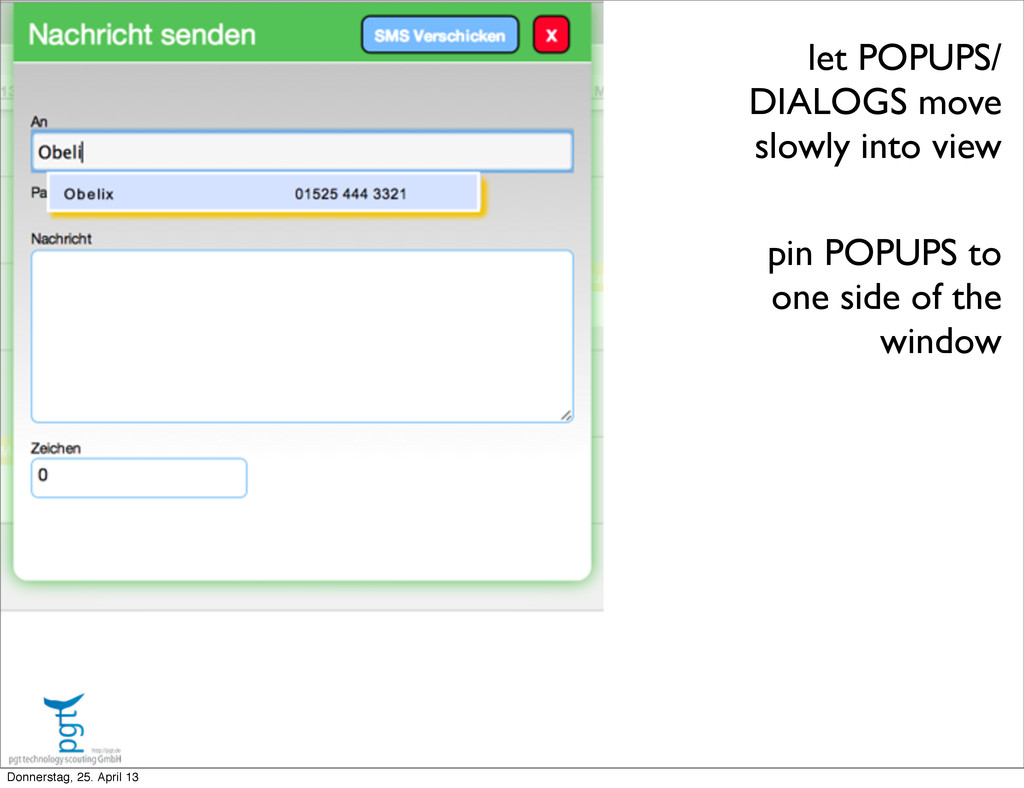
  17. let POPUPS/ DIALOGS move slowly into view pin POPUPS to

    one side of the window Donnerstag, 25. April 13
  18. let POPUPS/ DIALOGS move slowly into view pin POPUPS to

    one side of the window Donnerstag, 25. April 13
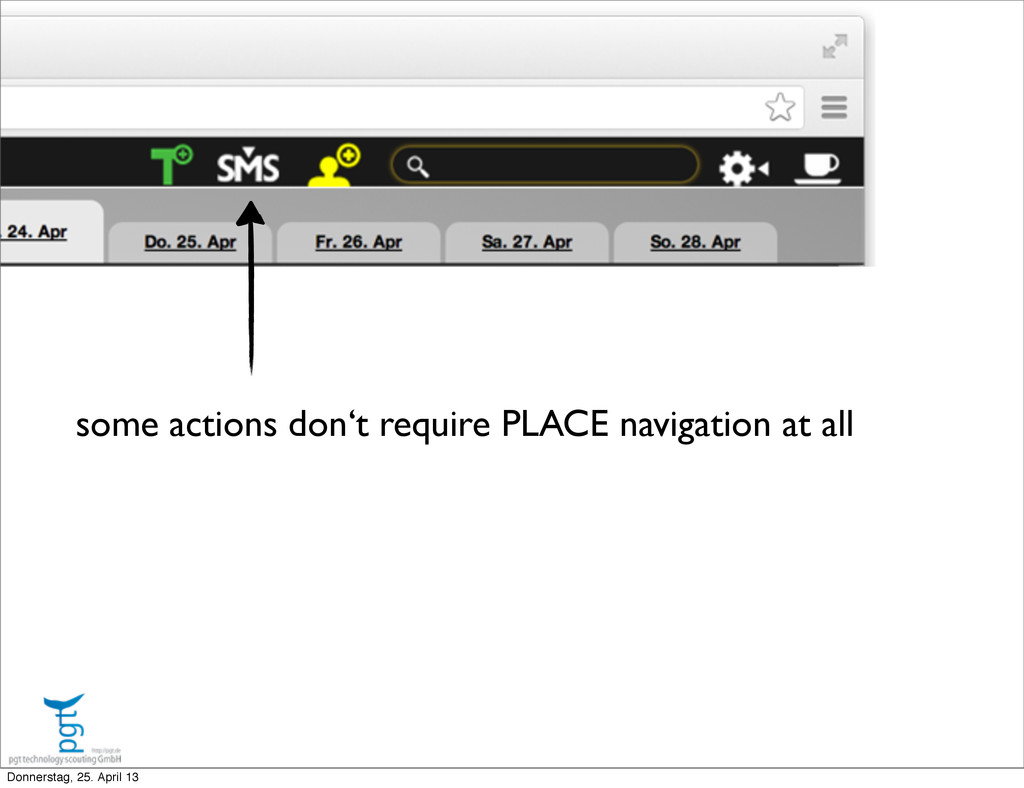
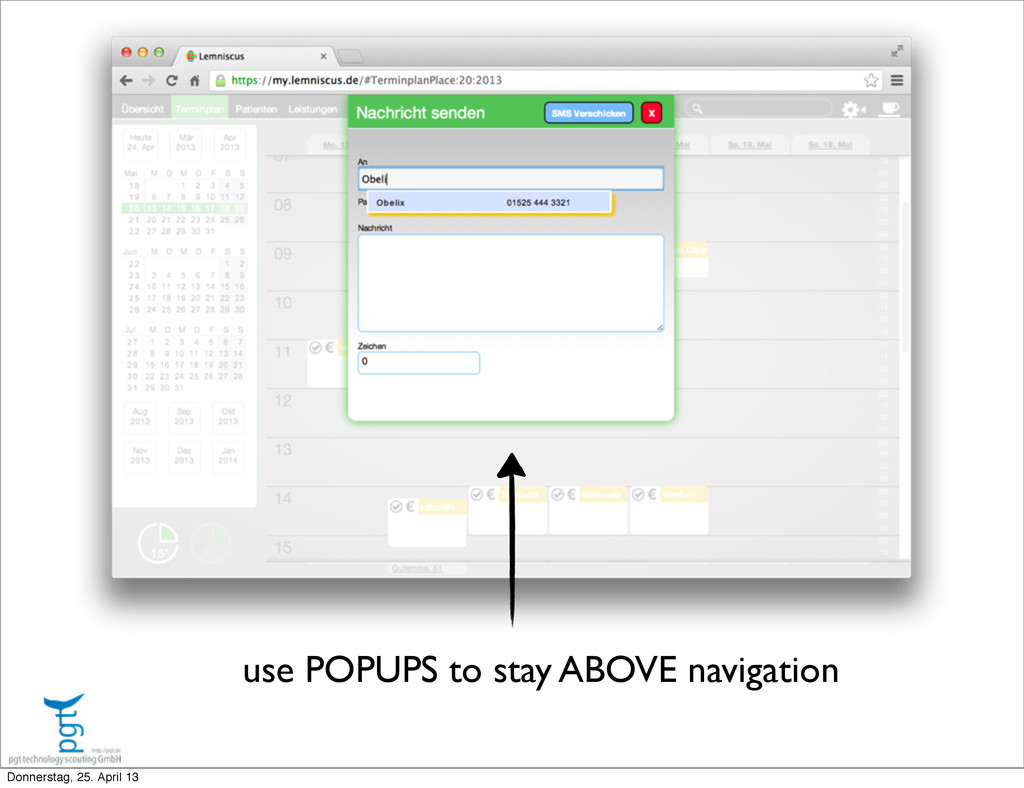
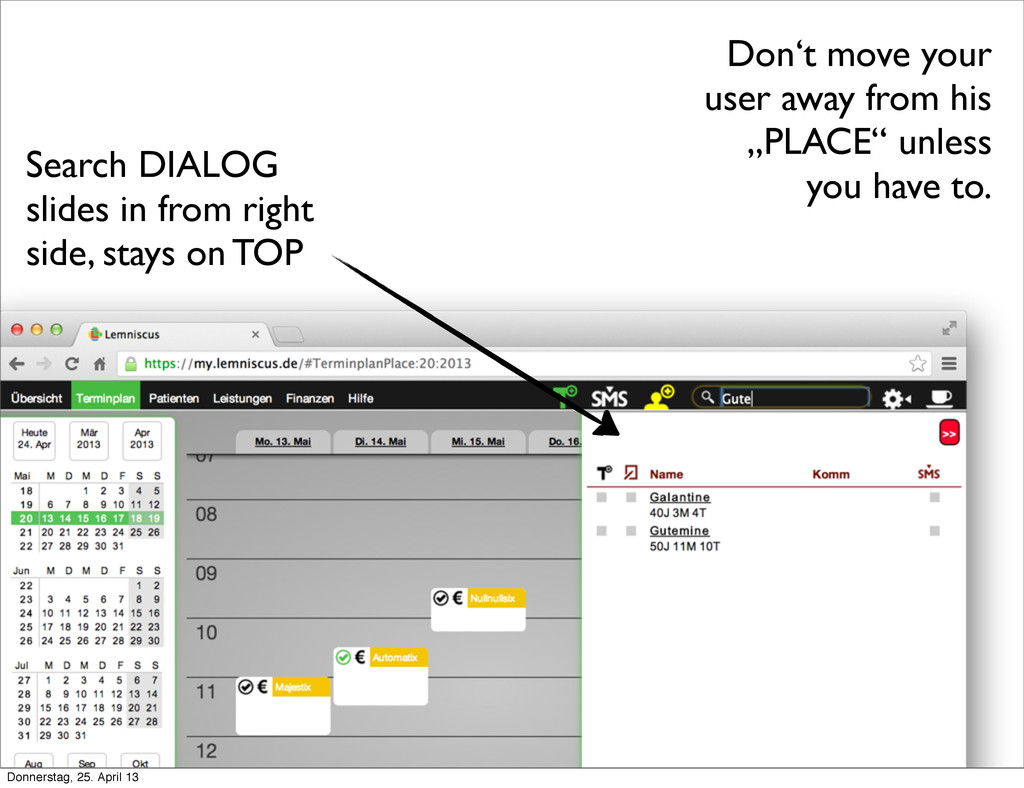
  19. Don‘t move your user away from his „PLACE“ unless you

    have to. Search DIALOG slides in from right side, stays on TOP Donnerstag, 25. April 13
  20. Navigation must not hurt • The application shown uses only

    3 levels of navigation, DOES NOT NEED MORE • PLACES used for bookmarkable entry points/ back button navigation consistency • Activities should be STATELESS, to survive page reloads • Learn from OTHERS Donnerstag, 25. April 13
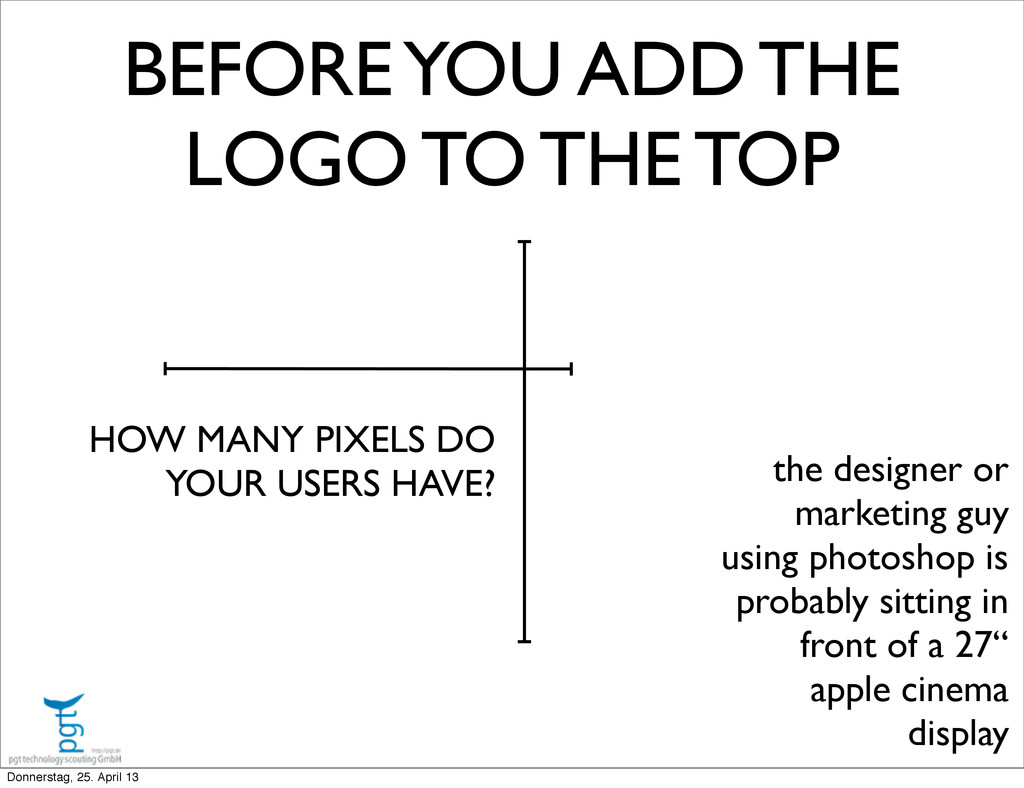
  21. BEFORE YOU ADD THE LOGO TO THE TOP HOW MANY

    PIXELS DO YOUR USERS HAVE? the designer or marketing guy using photoshop is probably sitting in front of a 27“ apple cinema display Donnerstag, 25. April 13
  22. Honor the A in AJAX ‣ Javascript does not block

    Get over it ‣ Latency is not a myth ‣ Results must not arrive in the call order Donnerstag, 25. April 13
  23. DON‘T BIND YOU NEXT 3 YEARS OF WORK AGAINST SOME

    COMMUNICATION PROTOCOLL Donnerstag, 25. April 13
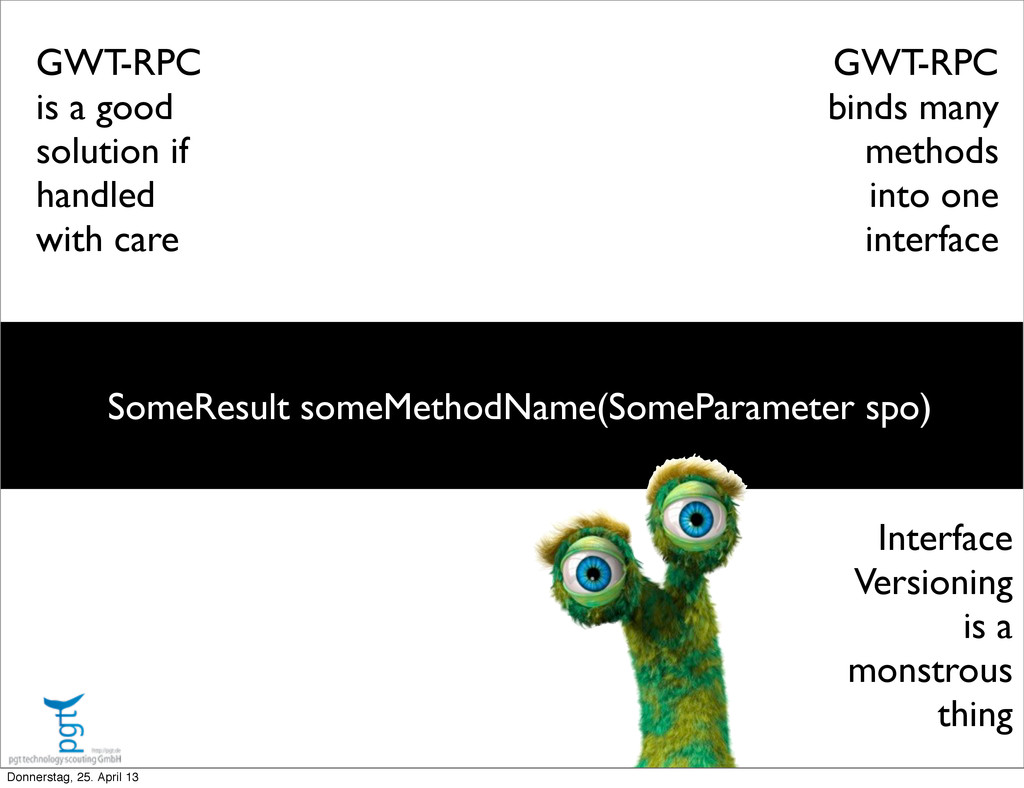
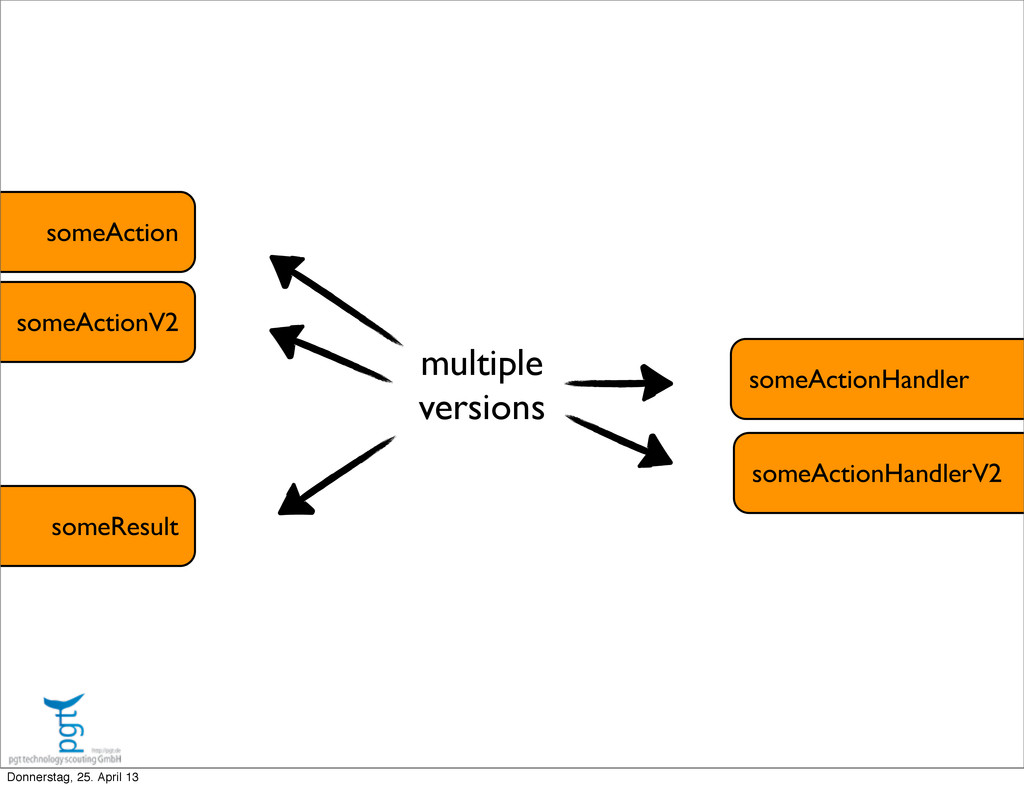
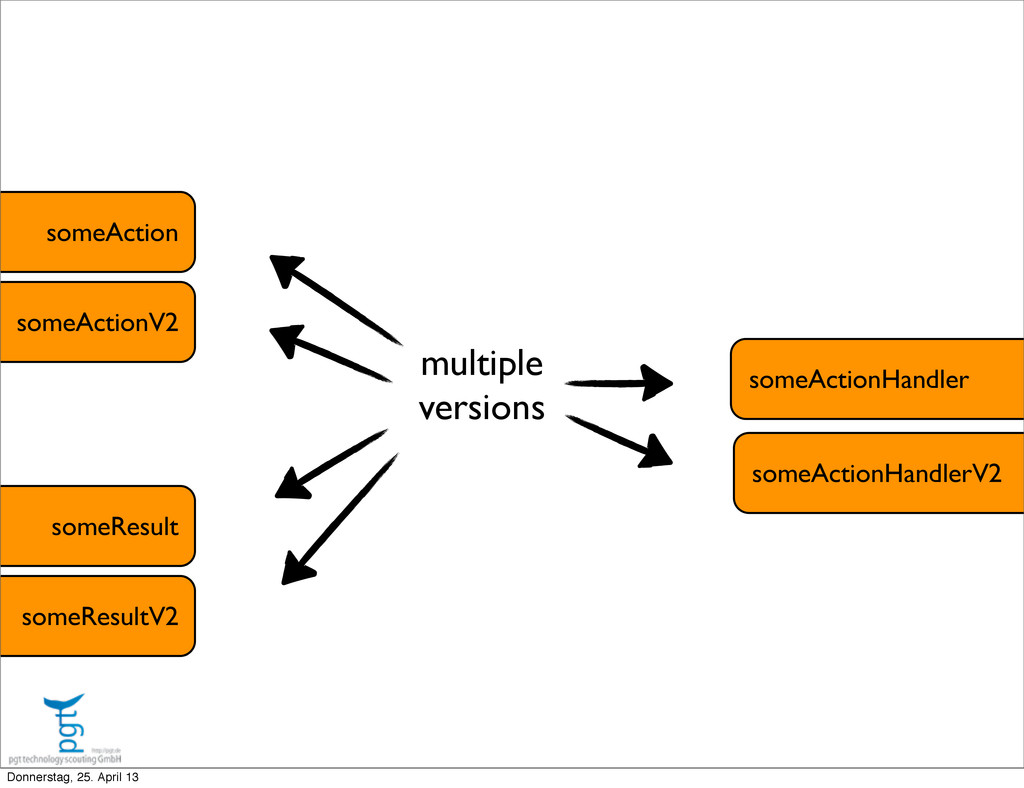
  24. GWT-RPC is a good solution if handled with care SomeResult

    someMethodName(SomeParameter spo) GWT-RPC binds many methods into one interface Interface Versioning is a monstrous thing Donnerstag, 25. April 13
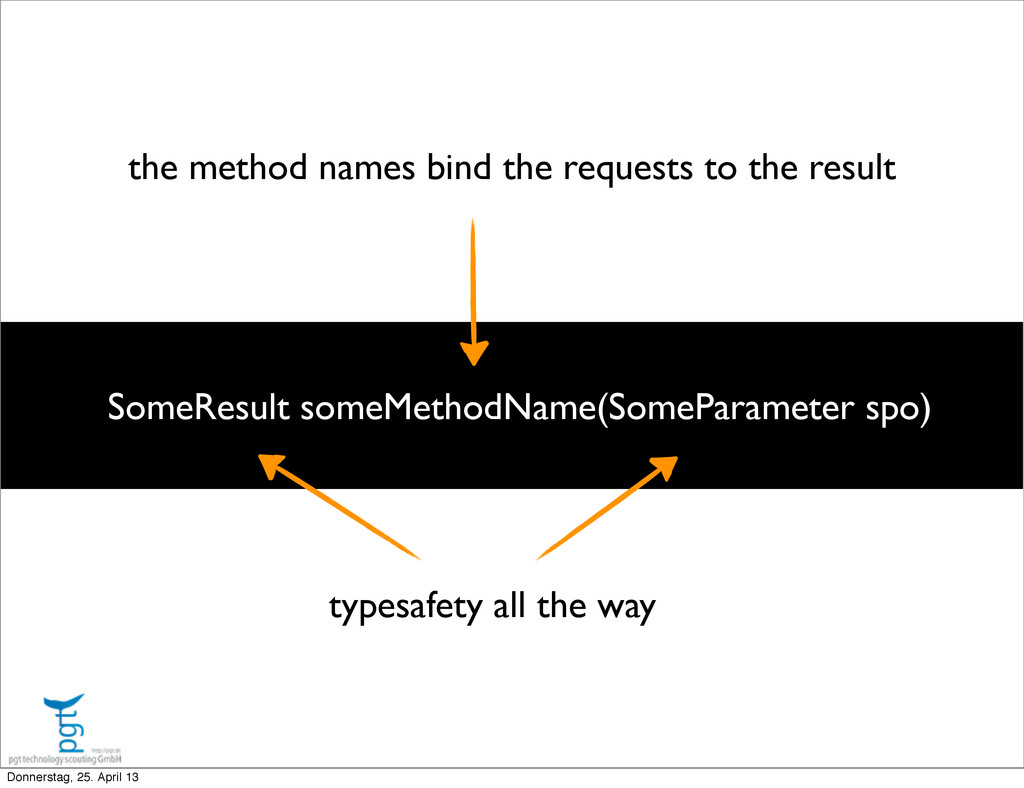
  25. SomeResult someMethodName(SomeParameter spo) the method names bind the requests to

    the result typesafety all the way Donnerstag, 25. April 13
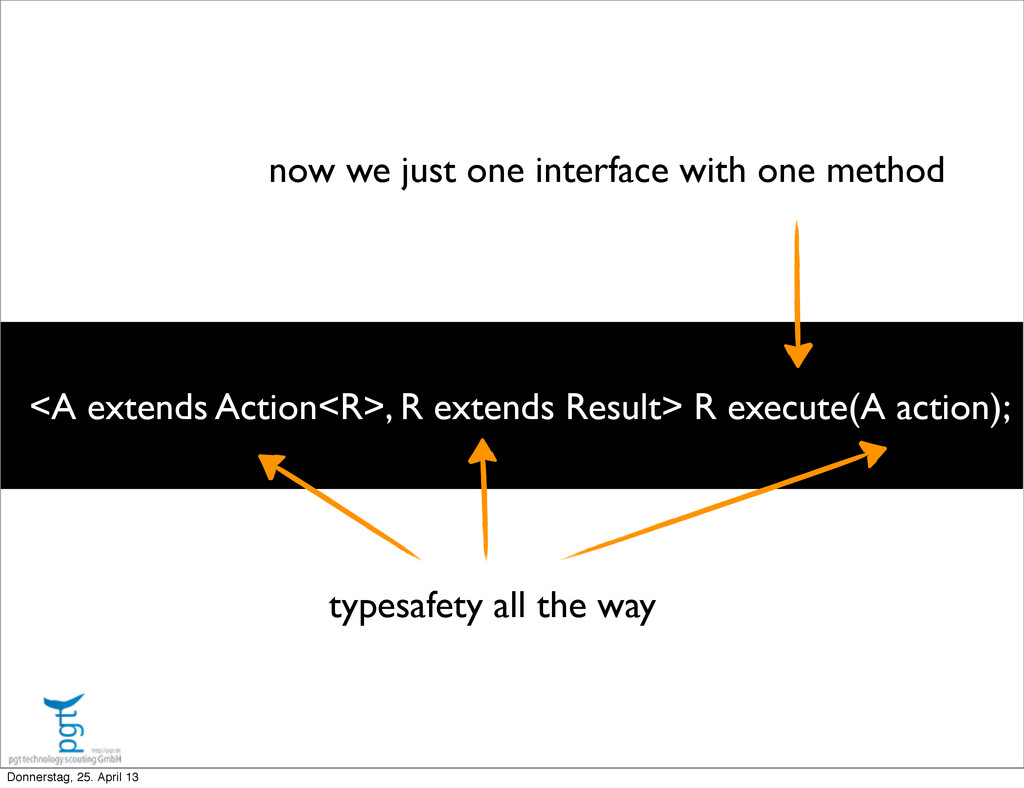
  26. <A extends Action<R>, R extends Result> R execute(A action); now

    we just one interface with one method typesafety all the way Donnerstag, 25. April 13
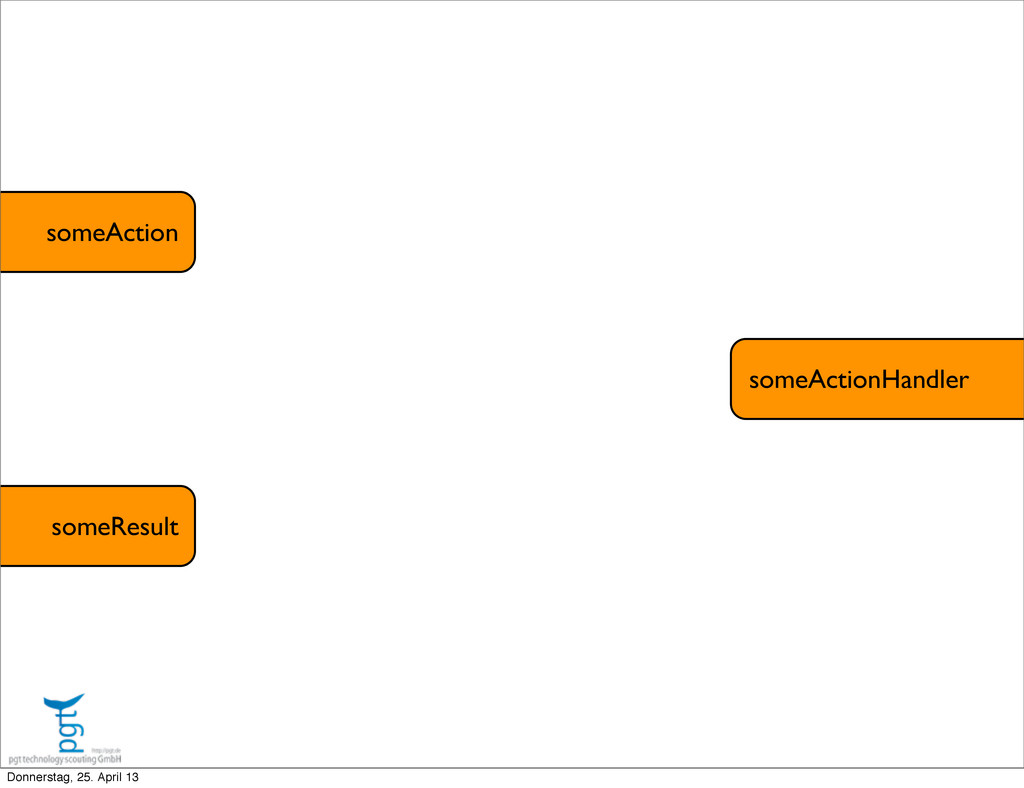
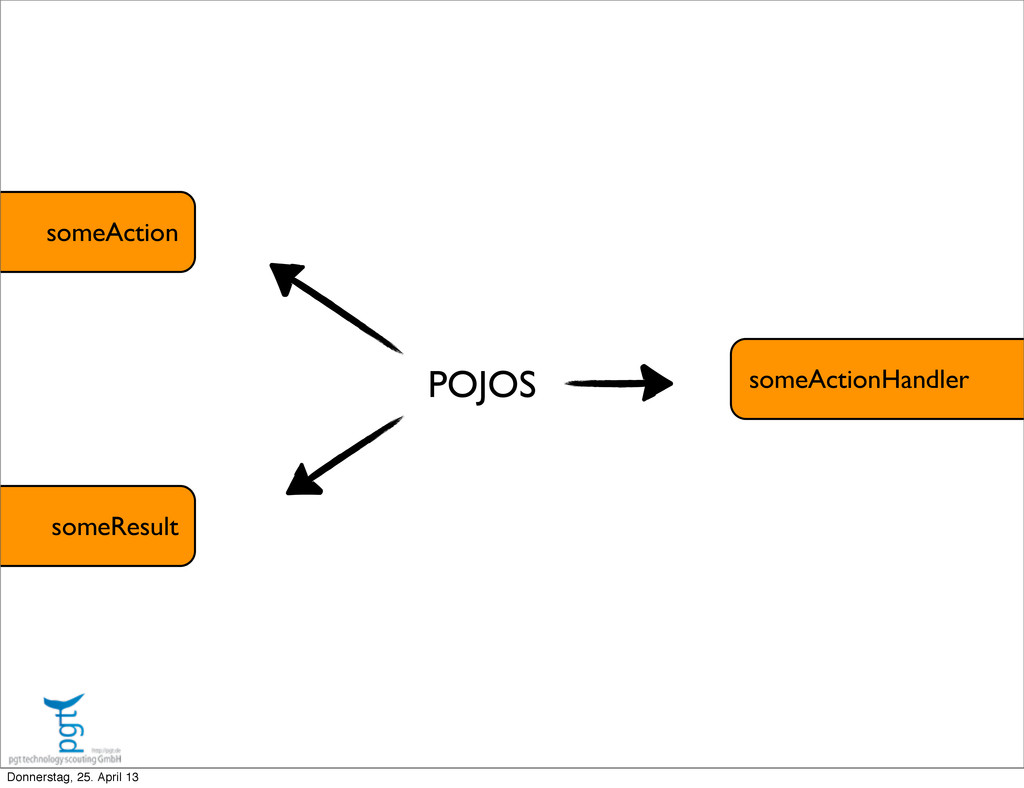
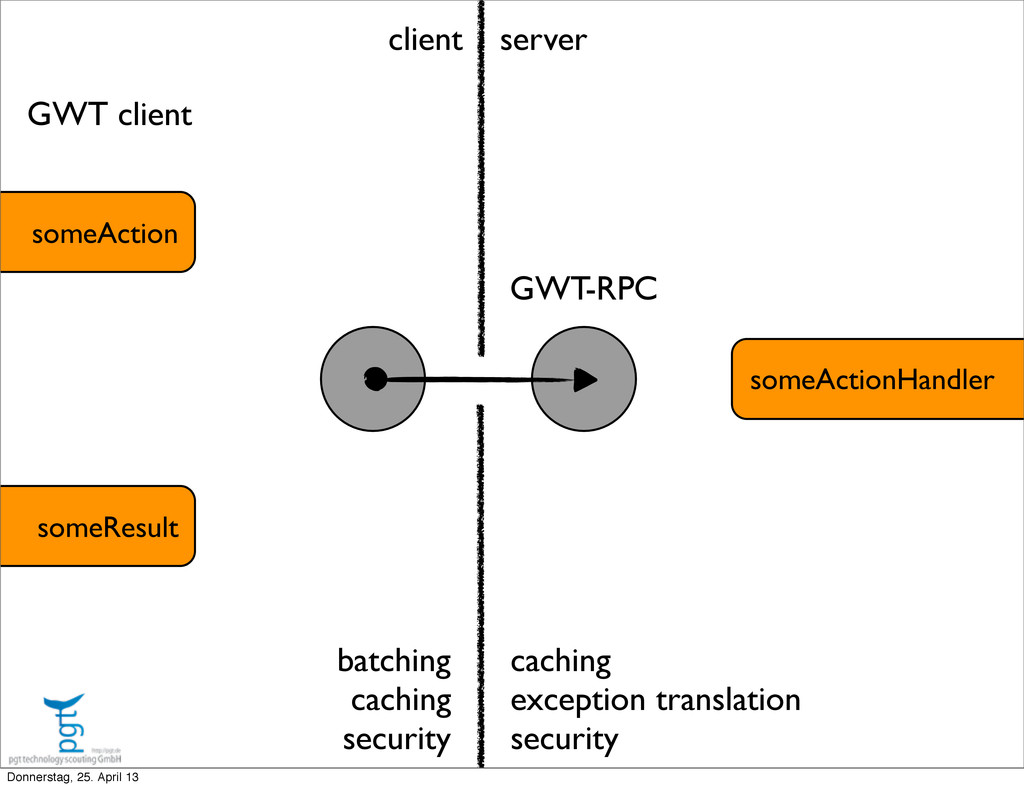
  27. someAction someResult someActionHandler GWT-RPC client server batching caching security caching

    exception translation security GWT client Donnerstag, 25. April 13
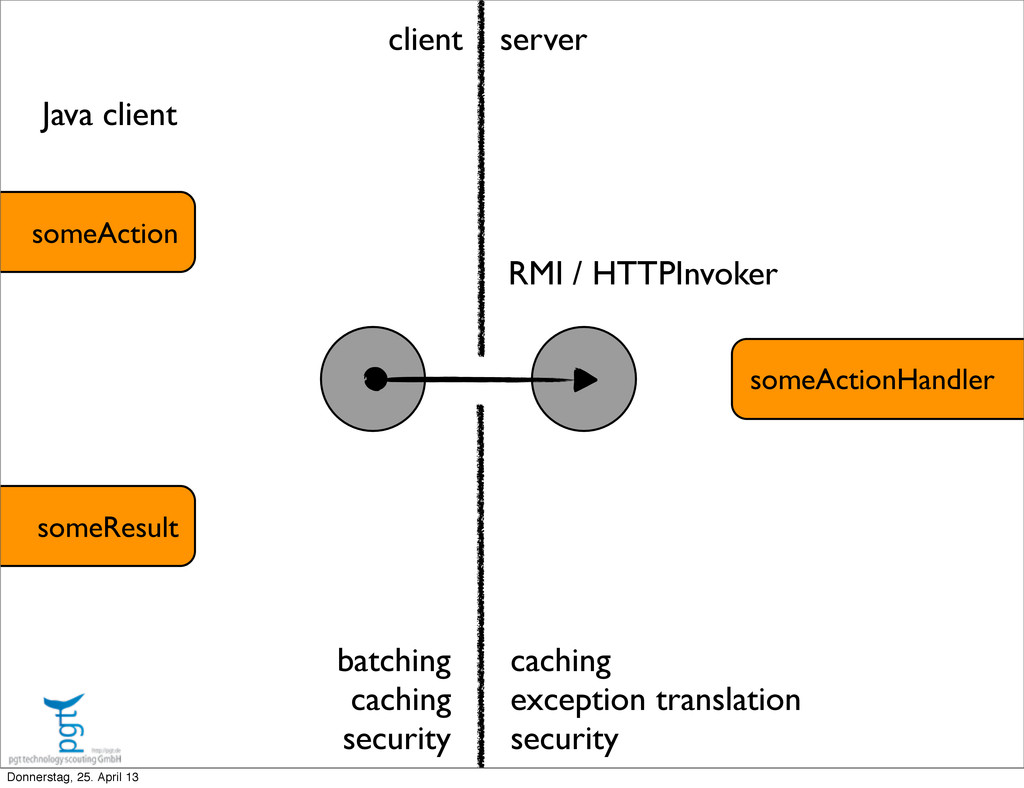
  28. someAction someResult someActionHandler RMI / HTTPInvoker client server batching caching

    security caching exception translation security Java client Donnerstag, 25. April 13
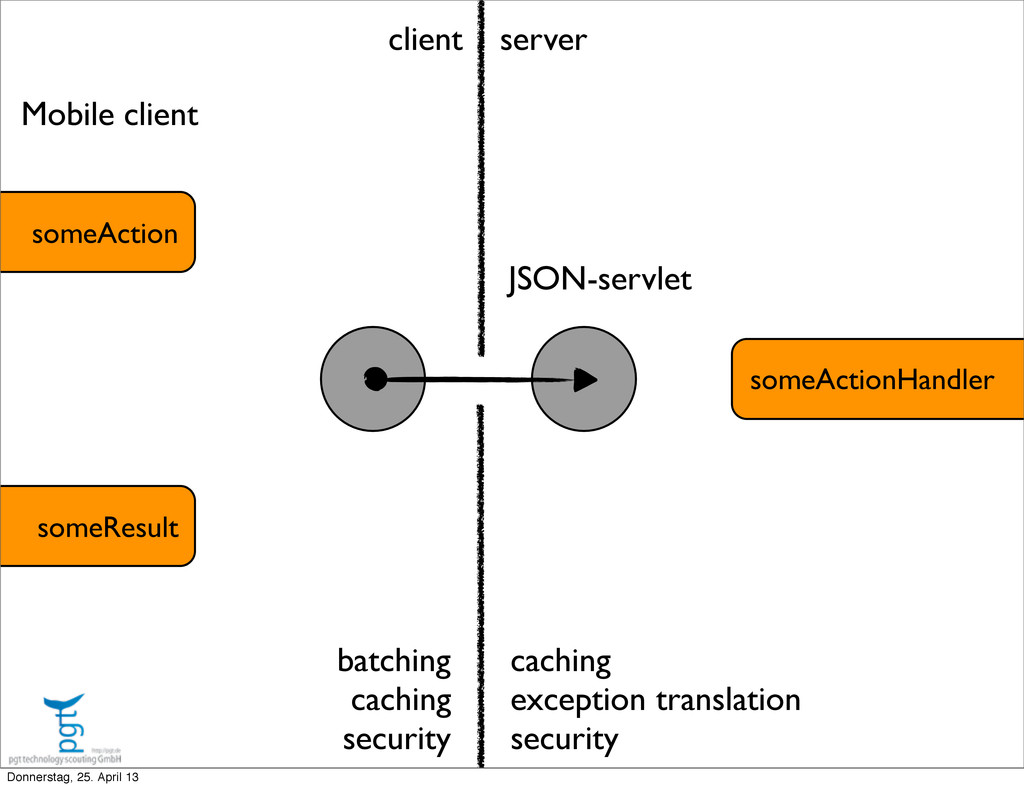
  29. someAction someResult someActionHandler JSON-servlet client server batching caching security caching

    exception translation security Mobile client Donnerstag, 25. April 13
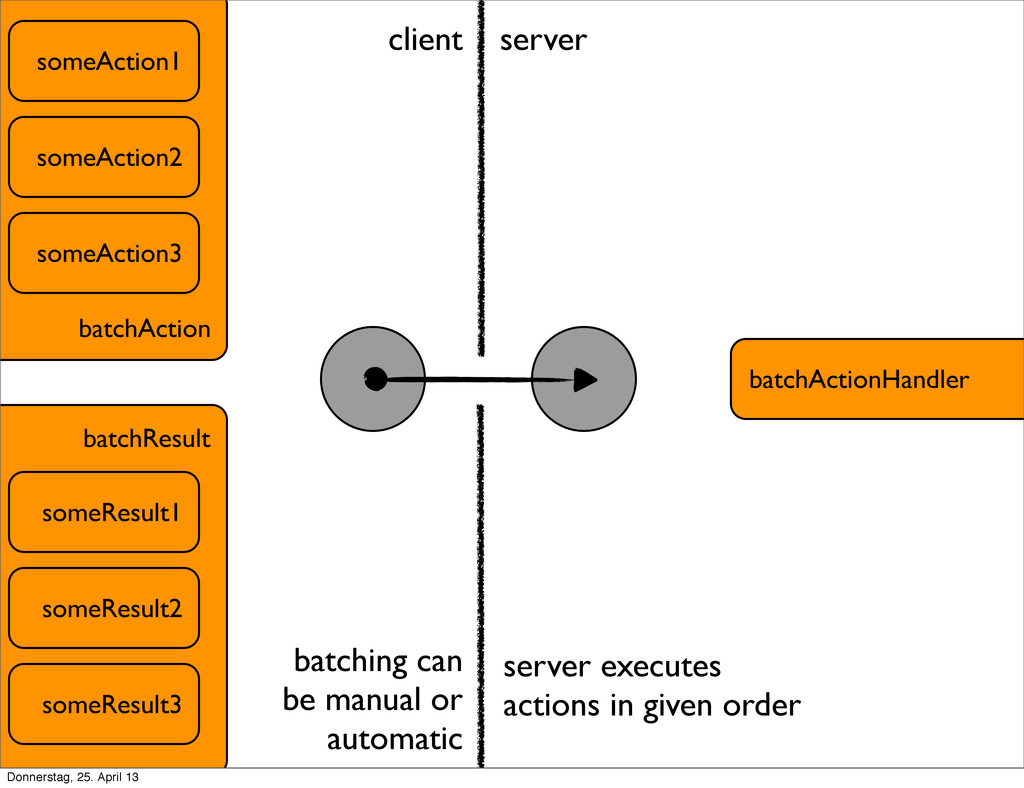
  30. batchAction someAction1 batchActionHandler someAction2 someAction3 batchResult someResult1 someResult2 someResult3 client

    server batching can be manual or automatic server executes actions in given order Donnerstag, 25. April 13
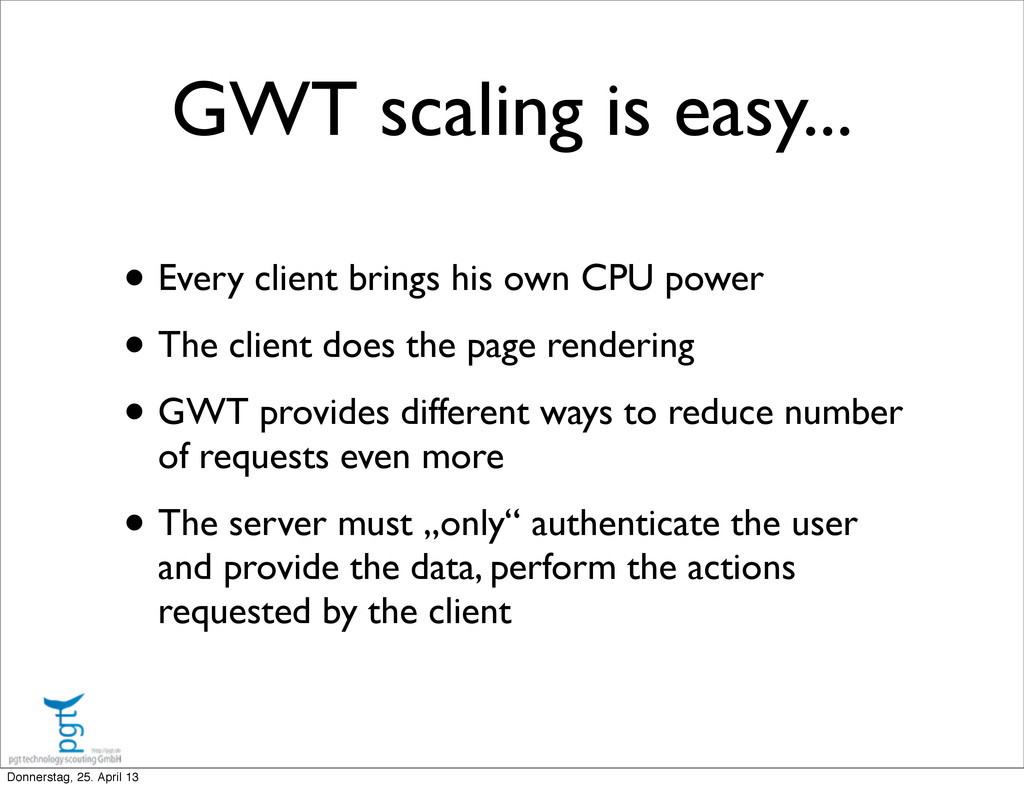
  31. • Every client brings his own CPU power • The

    client does the page rendering • GWT provides different ways to reduce number of requests even more • The server must „only“ authenticate the user and provide the data, perform the actions requested by the client GWT scaling is easy... Donnerstag, 25. April 13
  32. LETS TALK HIGH TRAFFIC... HIGH TRAFFIC IS WHEN ONE SERVER

    IS NOT ENOUGH Donnerstag, 25. April 13
  33. • Bandwith issues • Connection pool bottlenecks • Thread pool

    bottlenecks • CPU bottlenecks caused by reflection API calls • High JVM garbage collection CPU usage HIGH TRAFFIC PROBLEMS Donnerstag, 25. April 13
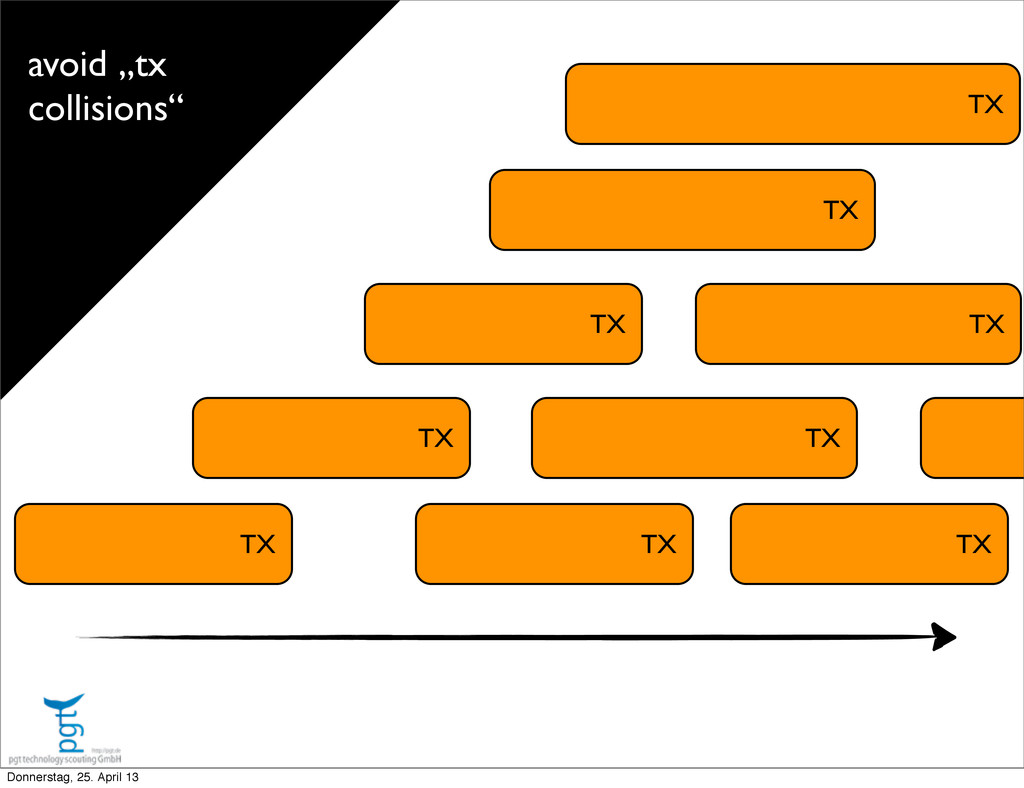
  34. TX TX TX TX TX TX TX TX TX avoid

    „tx collisions“ Donnerstag, 25. April 13
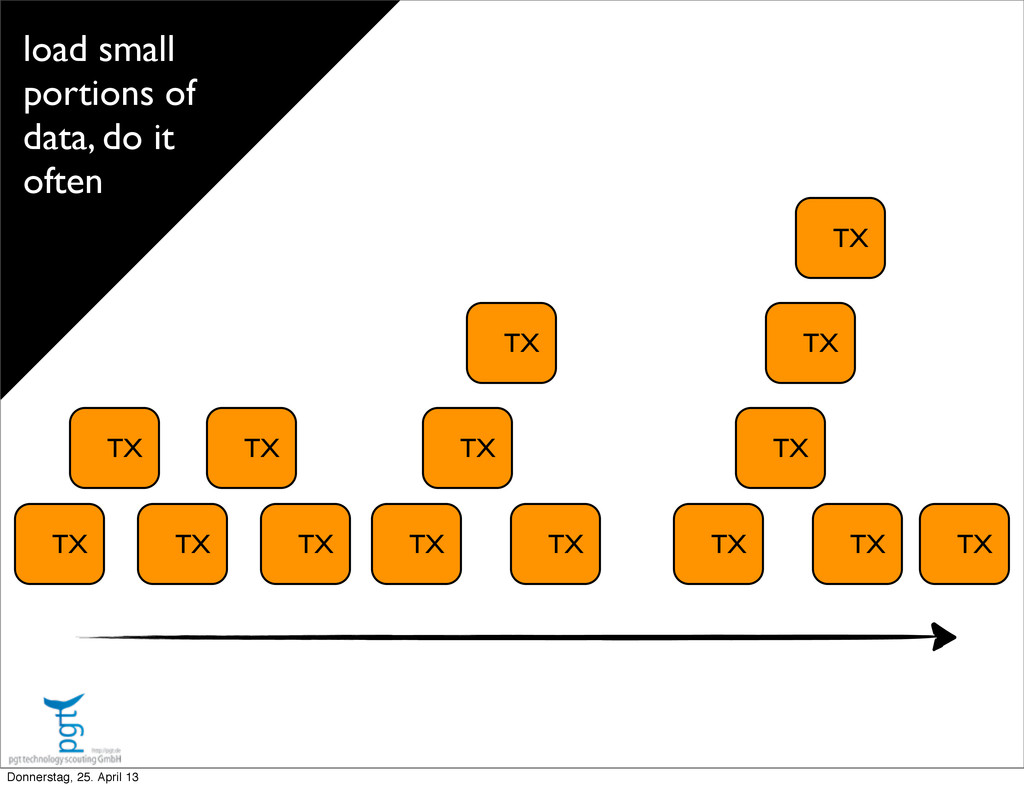
  35. TX TX TX TX TX TX TX TX TX TX

    TX TX TX TX TX load small portions of data, do it often Donnerstag, 25. April 13
  36. IMPLEMENT REAL LOAD BALANCING EACH REQUEST GOES TO THE NEXT

    AVAILABLE SERVER Donnerstag, 25. April 13
  37. • Don‘t stick a session to a server. Why send

    a user over and over again to a possible overloaded server? • Don‘t store anything on the HTTP session. Let the load balancer balance the load. • Session replication is expensive and does not scale well SCALING HOW-TO Donnerstag, 25. April 13
  38. Session Cache Session state should not change, just expire Session

    state could contain user id, client id, session id, user roles If session cache becomes bottleneck, use distributed cache, eg. memcached Session Cache Session Cache Donnerstag, 25. April 13