Upgrade to Pro
— share decks privately, control downloads, hide ads and more …
Speaker Deck
Sign up for free
Menu
Search
Features
All features
Private URLs
Password Protection
Custom URLS
Scheduled publishing
Remove Branding
Restrict embedding
Deck Collections
Notes
Features
All features
Private URLs
Password Protection
Custom URLS
Scheduled publishing
Remove Branding
Restrict embedding
Deck Collections
Notes
Explore
Featured decks
Featured speakers
Programming
Technology
Storyboards
Explore
Featured decks
Featured speakers
Programming
Technology
Storyboards
Pricing
Search
Sign in
Sign up for free
Introduction to D3.js
Search
Philip Davis
June 21, 2014
Technology
430
0
Share
Embed
Copy iframe code
Copy JS code
Copy link
Start on current slide
Introduction to D3.js
Resources can be found at
https://github.com/philipcdavis/intro-to-d3
Philip Davis
June 21, 2014
More Decks by Philip Davis
See All by Philip Davis
Responsive Web Design
philipcdavis
0
430
Other Decks in Technology
See All in Technology
WasmをRustにする
sansantech
PRO
0
250
QA4AI 2026-Oct 生成AI時代の品質保証
tokuty
1
860
TinyGoでオブザーバビリティ?OpenTelemetryはTinyGoで使えるのか / Is OpenTelemetry available in TinyGo environment?
ymotongpoo
2
140
Conditional PED-ANOVA: Hyperparameter Importance in Hierarchical & Dynamic Search Spaces
pfn
PRO
0
130
Temporal 最高!でも改めて「日付」について調べたら人類の負債すぎる件
riyaamemiya
0
150
1つのリクエストを追って理解する - llm-dのP/D分離
akhino
1
160
Claude の新機能を、 出た日に触って社内に届けるまで
rfdnxbro
1
180
hackers_champloo_2026_tidb
makocchi
0
160
サブエージェントと Claude Mods で作る独自 Advisor ツールの話
kenichiodo
2
160
Metadata - Section 1: HTML Basics
mohab1
0
120
スキマバイトという雇用形態は存在しないので、雇用期間1日のアルバイト契約を事業者とワーカーが結ぶ手続きを支えるのがタイミーなんです
akitoshiga
0
200
「事実」を「計測」して、「解釈」する 〜AWS Lambdaのメモリ最適解の見つけ方〜
maimyyym
0
170
Featured
See All Featured
A Soul's Torment
seathinner
8
3.8k
SEO for Brand Visibility & Recognition
aleyda
0
4.8k
We Analyzed 250 Million AI Search Results: Here's What I Found
joshbly
2
2k
実際に使うSQLの書き方 徹底解説 / pgcon21j-tutorial
soudai
PRO
203
77k
Design of three-dimensional binary manipulators for pick-and-place task avoiding obstacles (IECON2024)
konakalab
0
620
Navigating Weather and Climate Data
rabernat
0
560
How to Ace a Technical Interview
jacobian
280
24k
From π to Pie charts
rasagy
1
400
Odyssey Design
rkendrick25
PRO
2
870
Visualizing Your Data: Incorporating Mongo into Loggly Infrastructure
mongodb
50
10k
30 Presentation Tips
portentint
PRO
1
430
Done Done
chrislema
187
17k
Transcript
Introduction to D3 P H I L I P D
A V I S
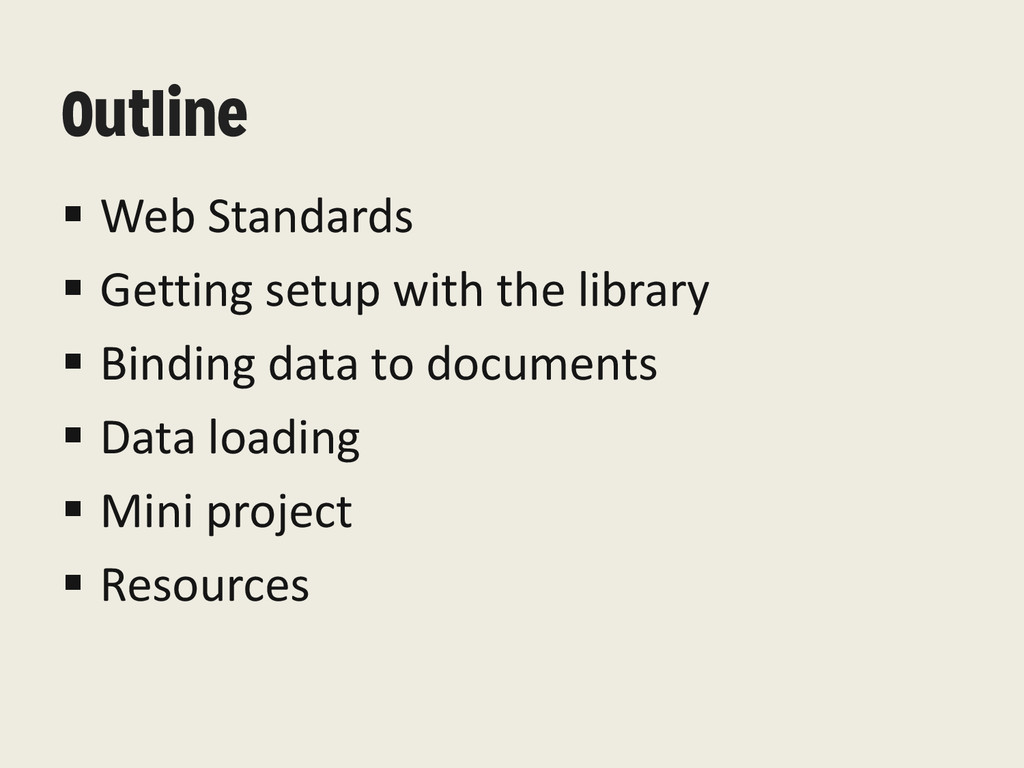
Outline Web Standards Getting setup with the library
Binding data to documents Data loading Mini project Resources
Web Standards JS [BEHAVIOR] HTML [CONTENT] CSS [STYLE] SVG [
SHAPES & VECTORS ]
The Library “D3 solves the crux of the problem: efficient
manipulation of documents based on data. This avoids proprietary representation and affords extraordinary flexibility” Mike Bostock
Binding Data to Documents Selections d3.select(“#element”) d3.selectAll(“element”) .data([1,2,3,4]) Data Joins
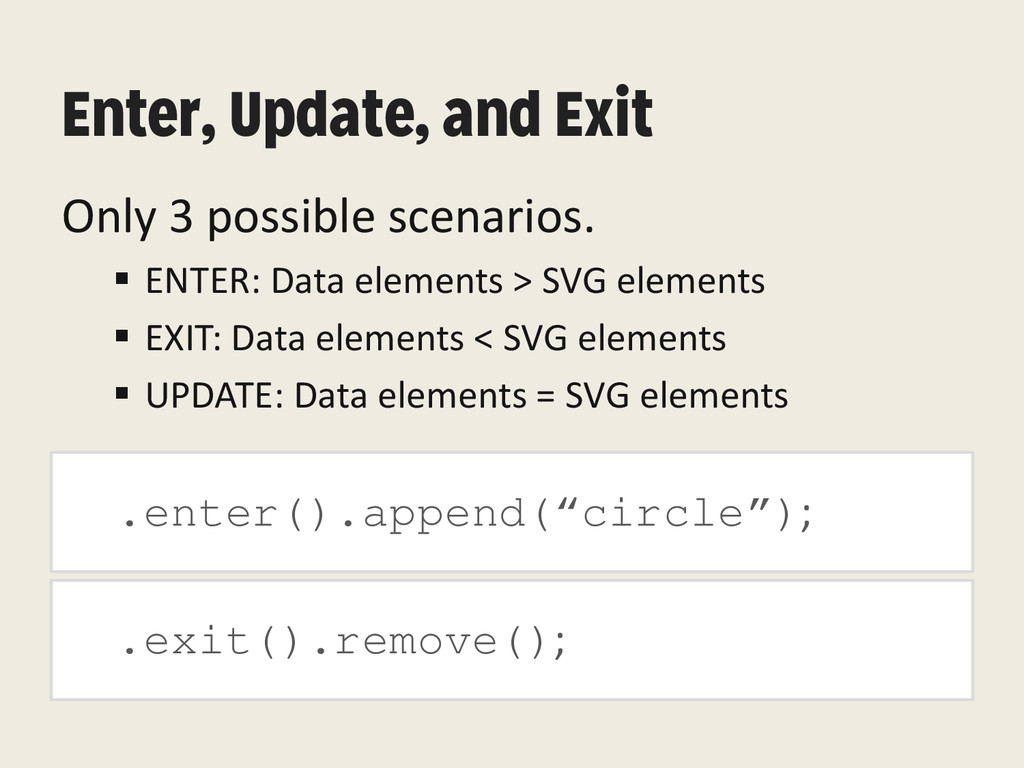
Enter, Update, and Exit .enter().append(“circle”); Only 3 possible scenarios.
ENTER: Data elements > SVG elements EXIT: Data elements < SVG elements UPDATE: Data elements = SVG elements .exit().remove();
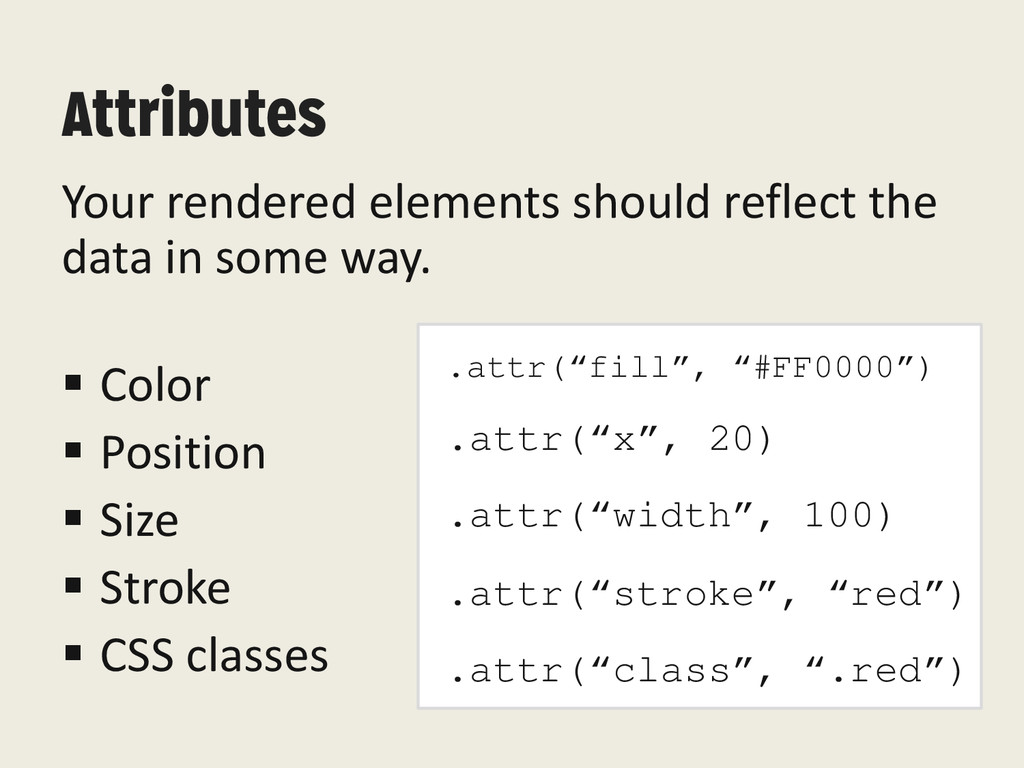
Attributes Your rendered elements should reflect the data in some
way. Color Position Size Stroke CSS classes .attr(“fill”, “#FF0000”) .attr(“x”, 20) .attr(“width”, 100) .attr(“stroke”, “red”) .attr(“class”, “.red”)
Putting it Together var circle = svg.selectAll("circle") .data([1,2,3]) .enter() .append("circle")
.attr("r", 10) .attr("cx", 10) .attr("cy", 10) .attr("fill", "green");
Demos
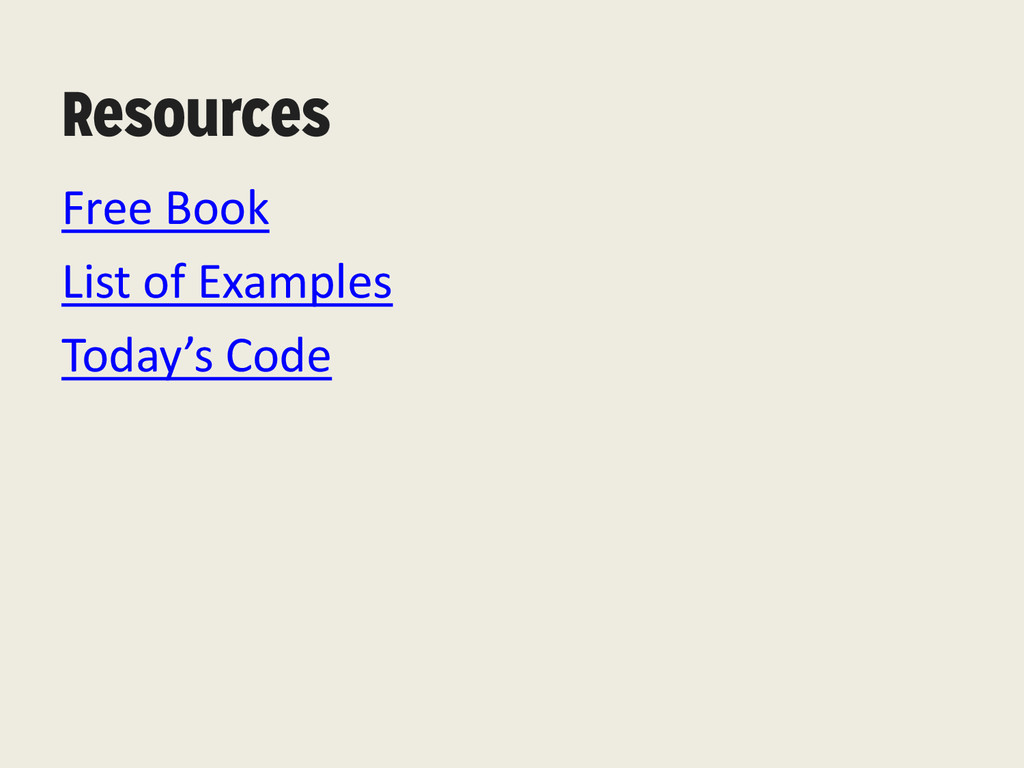
Resources Free Book List of Examples Today’s Code


 philipcdavis
 sansantech
 tokuty
 ymotongpoo
 pfn
pfn
 riyaamemiya
 akhino
 rfdnxbro
 makocchi
 kenichiodo
 mohab1
 akitoshiga
 maimyyym
 seathinner
 aleyda
 joshbly
 soudai
 konakalab
 rabernat
 jacobian
 rasagy
 rkendrick25
 mongodb
 portentint
 chrislema
![Web Standards JS [BEHAVIOR] HTML [CONTENT] CSS [STYLE] SVG [](https://files.speakerdeck.com/presentations/665e6300db9d013120db6ac6a01a1f60/slide_2.jpg)

![Binding Data to Documents Selections d3.select(“#element”) d3.selectAll(“element”) .data([1,2,3,4]) Data Joins](https://files.speakerdeck.com/presentations/665e6300db9d013120db6ac6a01a1f60/slide_4.jpg)
![Putting it Together var circle = svg.selectAll("circle") .data([1,2,3]) .enter() .append("circle")](https://files.speakerdeck.com/presentations/665e6300db9d013120db6ac6a01a1f60/slide_7.jpg)