Upgrade to Pro — share decks privately, control downloads, hide ads and more …

Automate your React Native world with fastlane

Sponsored · Ship Features Fearlessly Turn features on and off without deploys. Used by thousands of Ruby developers. →

Automate your React Native world with fastlane

Coming from the web world, building iOS and Android apps are a pain.It takes time, there are a ton of different tools or services to use and jump between to get to the end point and it is just a loss of time that could be used to fix that weird UI element you did not have the time to finish, or that code that hasn’t been tested but really should be. Thankfully, fastlane is here to help us and makes it incredibly easy to automate Android and iOS builds, deployment, screenshots and far more. This talk will present how to get started and build and deploy a React-native project to Testflight (iOS) and the Android Play store beta track and will present in more details a subset of the tools provided by fastlane.

Avatar for Philippe Trépanier

Philippe Trépanier

September 07, 2017

Other Decks in Technology

Transcript

  1. / Automate your React Native world with fastlane React Native

    EU 2017 Good afternoon everyone! Today I’m going to talk about how to Automate your React Native world with fastlane. By the end of this talk, you should enough information to start using fastlane for your next project.
  2. Philippe Trépanier @PhilTrepanier Full Stack Developer React Native EU 2017

    A little bit about myself before we get started, my name is Philippe Trépanier, I’m a full stack developer at the Osedea, a Software Development agency based in Montreal, Canada.
  3. Mobile Deployment Hell React Native EU 2017 Our agency has

    been developing mobile applications for quite a while, and among the inconveniences that we’ve encountered the most significant ones are often directly or indirectly related to application deployment.
  4. • Different workflows for iOS and Android • Code Signing

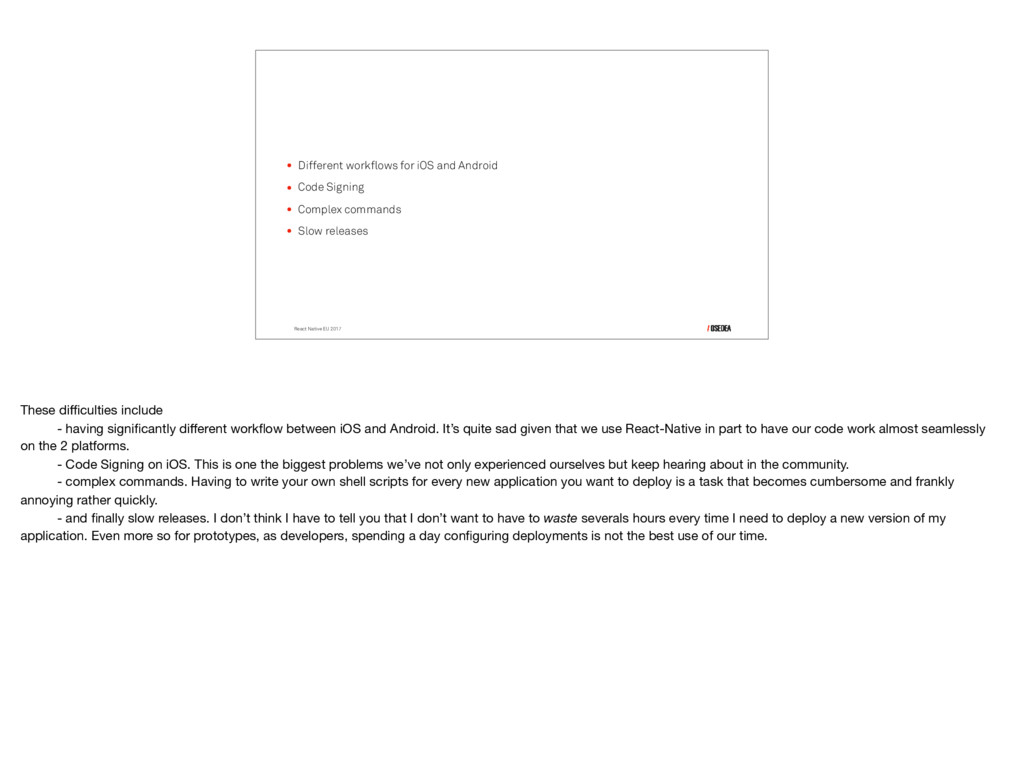
    • Complex commands • Slow releases React Native EU 2017 These difficulties include
 - having significantly different workflow between iOS and Android. It’s quite sad given that we use React-Native in part to have our code work almost seamlessly on the 2 platforms. - Code Signing on iOS. This is one the biggest problems we’ve not only experienced ourselves but keep hearing about in the community. - complex commands. Having to write your own shell scripts for every new application you want to deploy is a task that becomes cumbersome and frankly annoying rather quickly. - and finally slow releases. I don’t think I have to tell you that I don’t want to have to waste severals hours every time I need to deploy a new version of my application. Even more so for prototypes, as developers, spending a day configuring deployments is not the best use of our time.
  5. / fastlane to the Rescue Luckily for us, there’s a

    solution that comes in the form of a software called (you’ve probably guessed already): Fastlane!
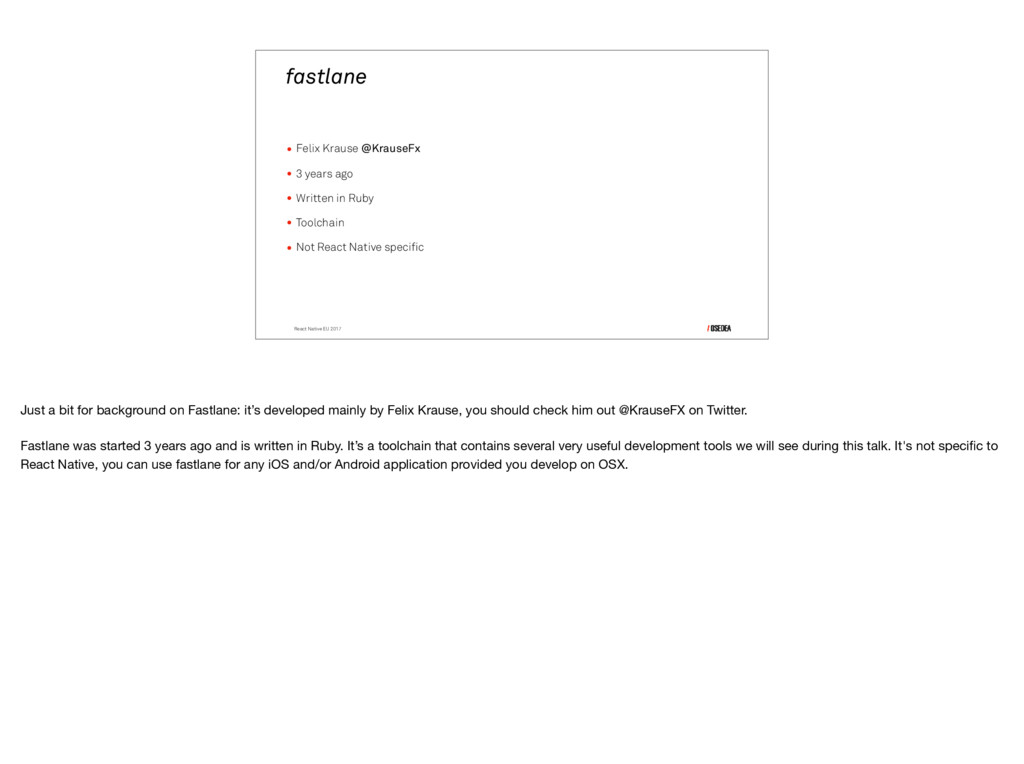
  6. fastlane • Felix Krause @KrauseFx • 3 years ago •

    Written in Ruby • Toolchain • Not React Native specific React Native EU 2017 Just a bit for background on Fastlane: it’s developed mainly by Felix Krause, you should check him out @KrauseFX on Twitter. Fastlane was started 3 years ago and is written in Ruby. It’s a toolchain that contains several very useful development tools we will see during this talk. It's not specific to React Native, you can use fastlane for any iOS and/or Android application provided you develop on OSX.
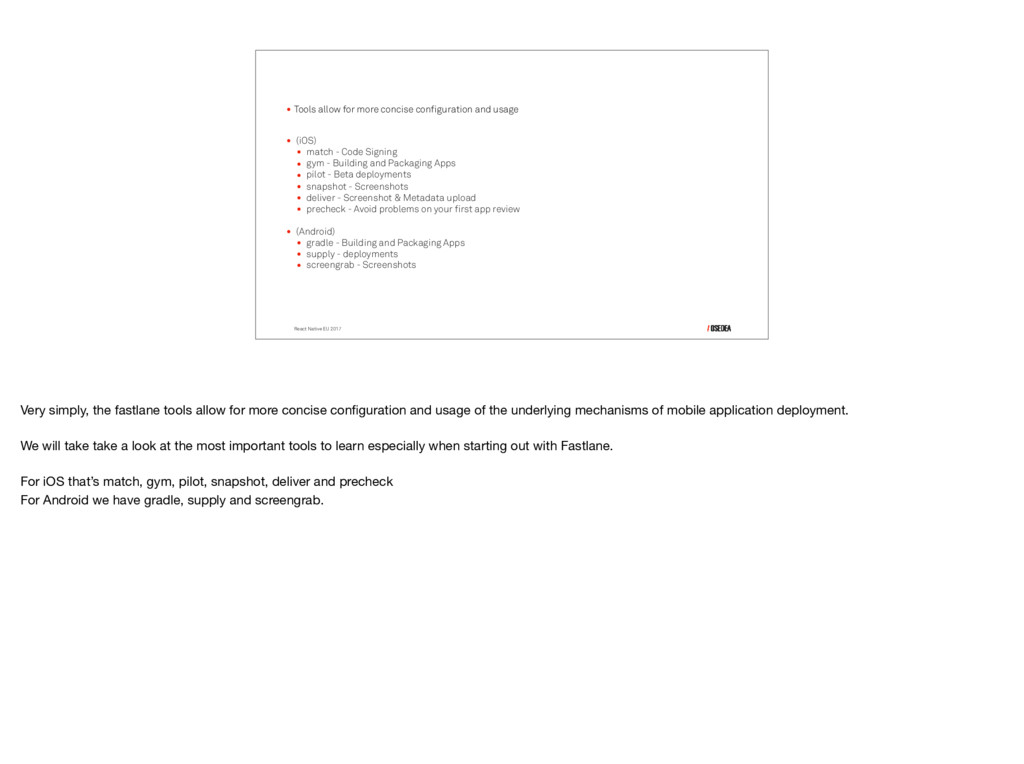
  7. • Tools allow for more concise configuration and usage •

    (iOS) • match - Code Signing • gym - Building and Packaging Apps • pilot - Beta deployments • snapshot - Screenshots • deliver - Screenshot & Metadata upload • precheck - Avoid problems on your first app review • (Android) • gradle - Building and Packaging Apps • supply - deployments • screengrab - Screenshots React Native EU 2017 Very simply, the fastlane tools allow for more concise configuration and usage of the underlying mechanisms of mobile application deployment. We will take take a look at the most important tools to learn especially when starting out with Fastlane. For iOS that’s match, gym, pilot, snapshot, deliver and precheck For Android we have gradle, supply and screengrab.
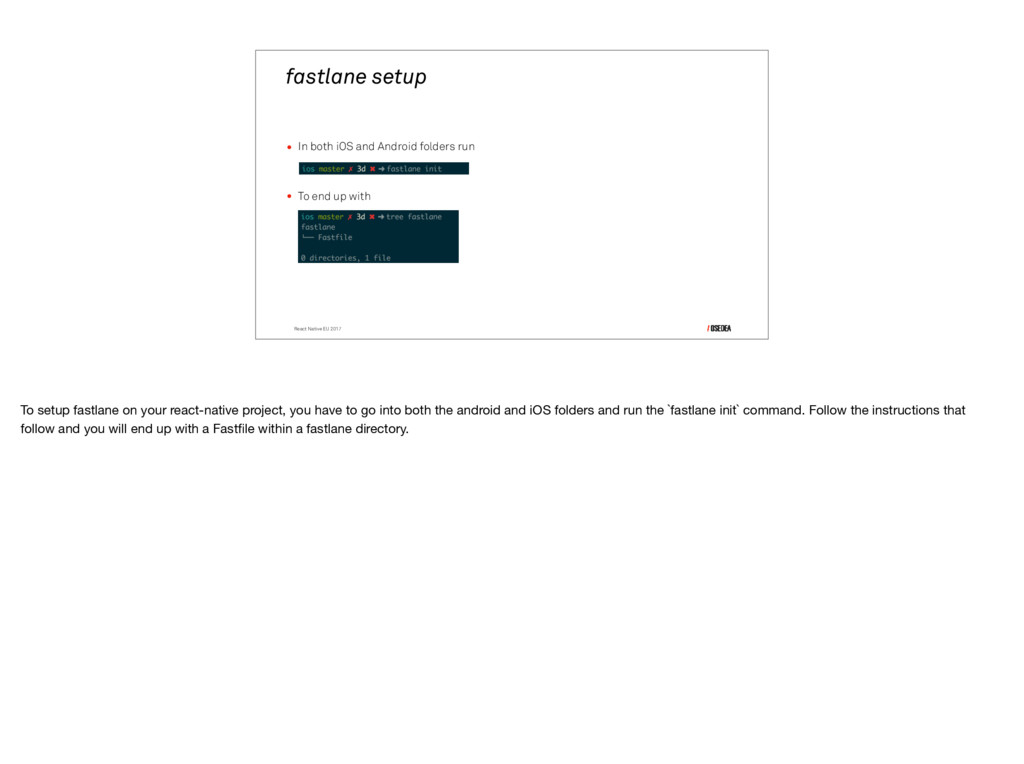
  8. fastlane setup • In both iOS and Android folders run

    • To end up with


 React Native EU 2017 To setup fastlane on your react-native project, you have to go into both the android and iOS folders and run the `fastlane init` command. Follow the instructions that follow and you will end up with a Fastfile within a fastlane directory.
  9. fastlane for iOS React Native EU 2017 So lets take

    a look at the fastlane tools for iOS
  10. React Native EU 2017 • Single code signing identity •

    Certificates stored in git repository • Manages certificates The first tool we’re looking at is match. Instead of using separate code signing identities for every developer, match is used to create a single identity and store it in a central place. The certificates are stored in a private repository accessible by the entire team. Match also manages the certificates on the development machine, fetching the required ones whenever need. 

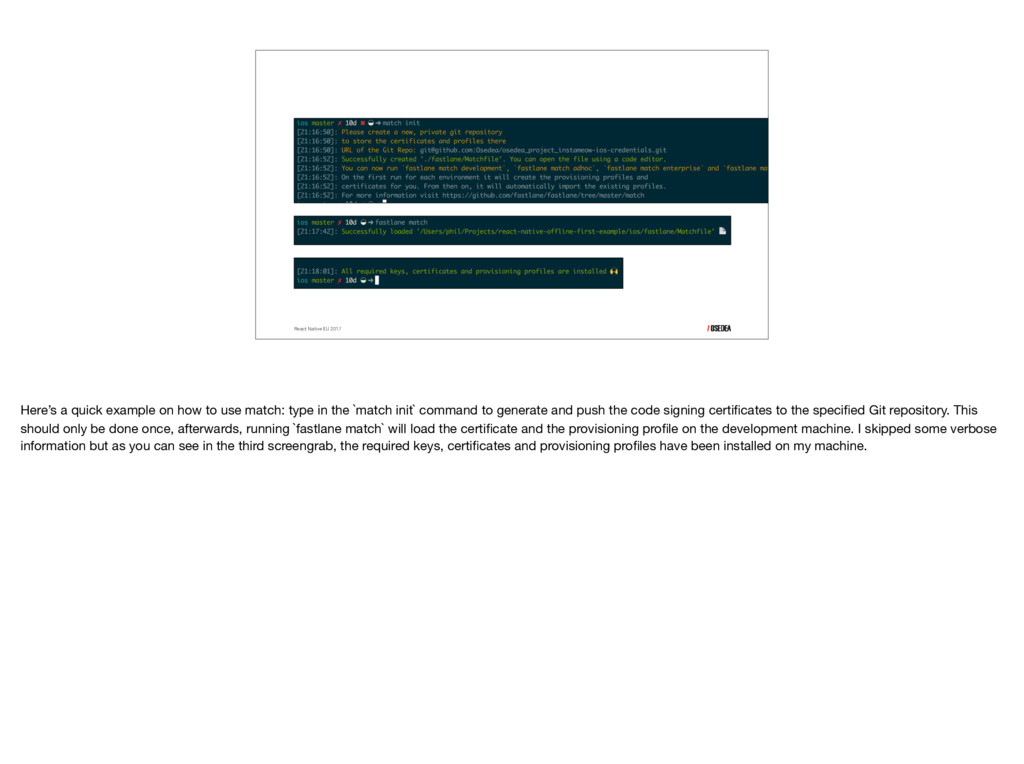
  11. React Native EU 2017 Here’s a quick example on how

    to use match: type in the `match init` command to generate and push the code signing certificates to the specified Git repository. This should only be done once, afterwards, running `fastlane match` will load the certificate and the provisioning profile on the development machine. I skipped some verbose information but as you can see in the third screengrab, the required keys, certificates and provisioning profiles have been installed on my machine.
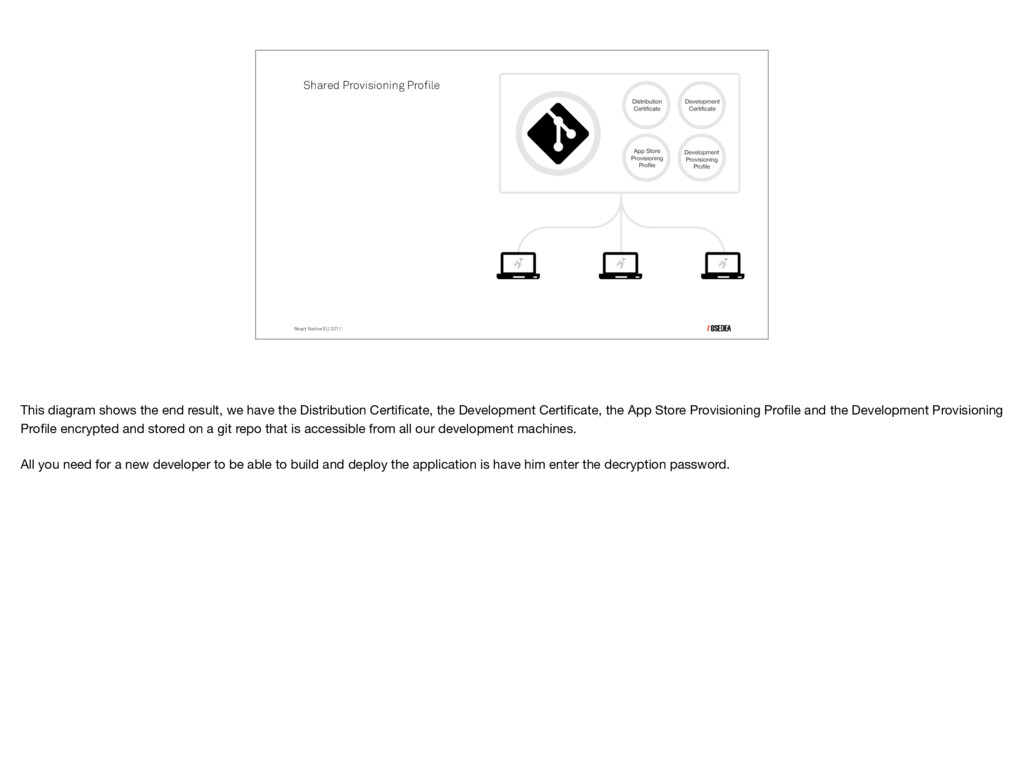
  12. React Native EU 2017 Shared Provisioning Profile This diagram shows

    the end result, we have the Distribution Certificate, the Development Certificate, the App Store Provisioning Profile and the Development Provisioning Profile encrypted and stored on a git repo that is accessible from all our development machines. All you need for a new developer to be able to build and deploy the application is have him enter the decryption password.
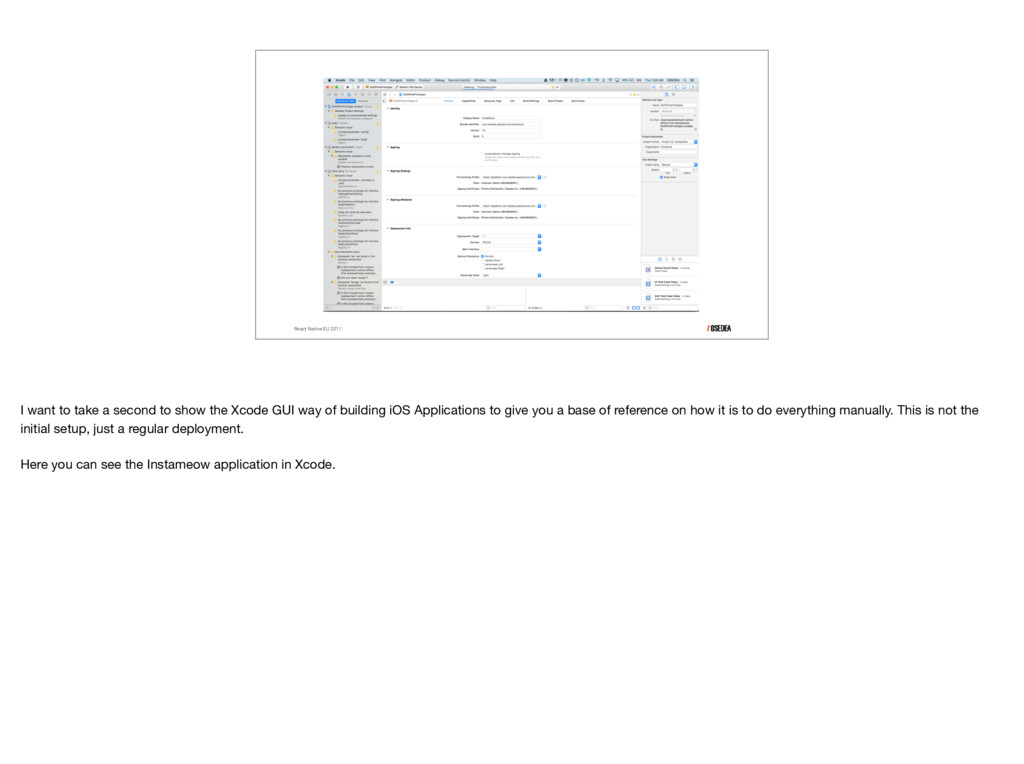
  13. React Native EU 2017 I want to take a second

    to show the Xcode GUI way of building iOS Applications to give you a base of reference on how it is to do everything manually. This is not the initial setup, just a regular deployment. Here you can see the Instameow application in Xcode.
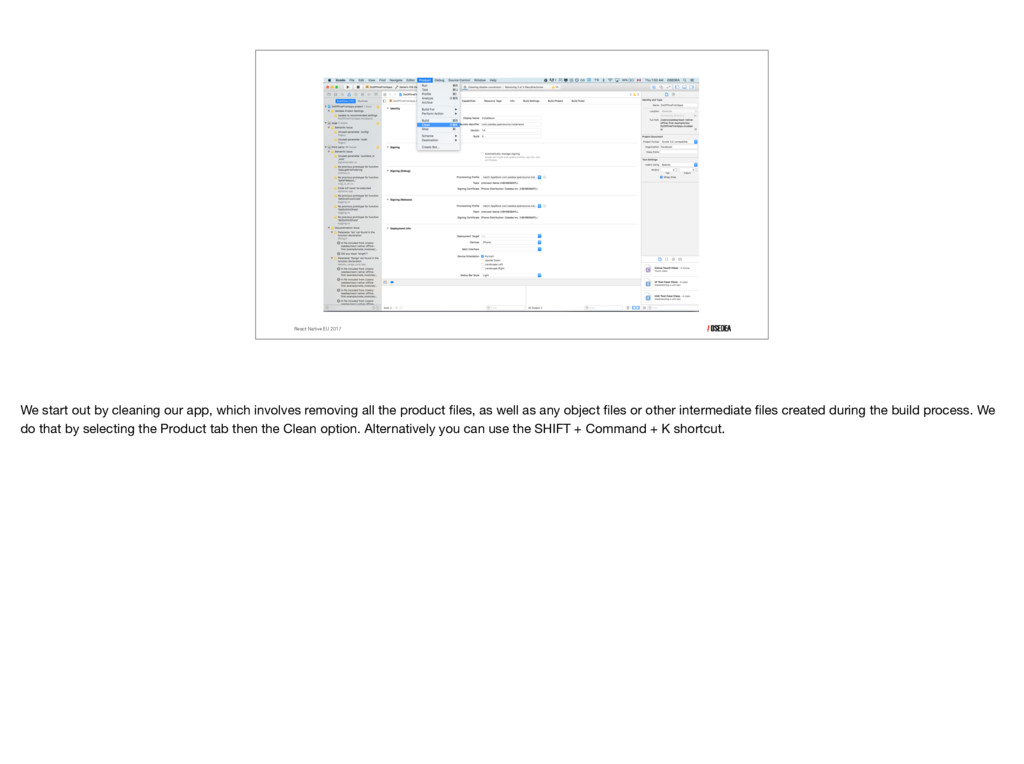
  14. React Native EU 2017 We start out by cleaning our

    app, which involves removing all the product files, as well as any object files or other intermediate files created during the build process. We do that by selecting the Product tab then the Clean option. Alternatively you can use the SHIFT + Command + K shortcut.
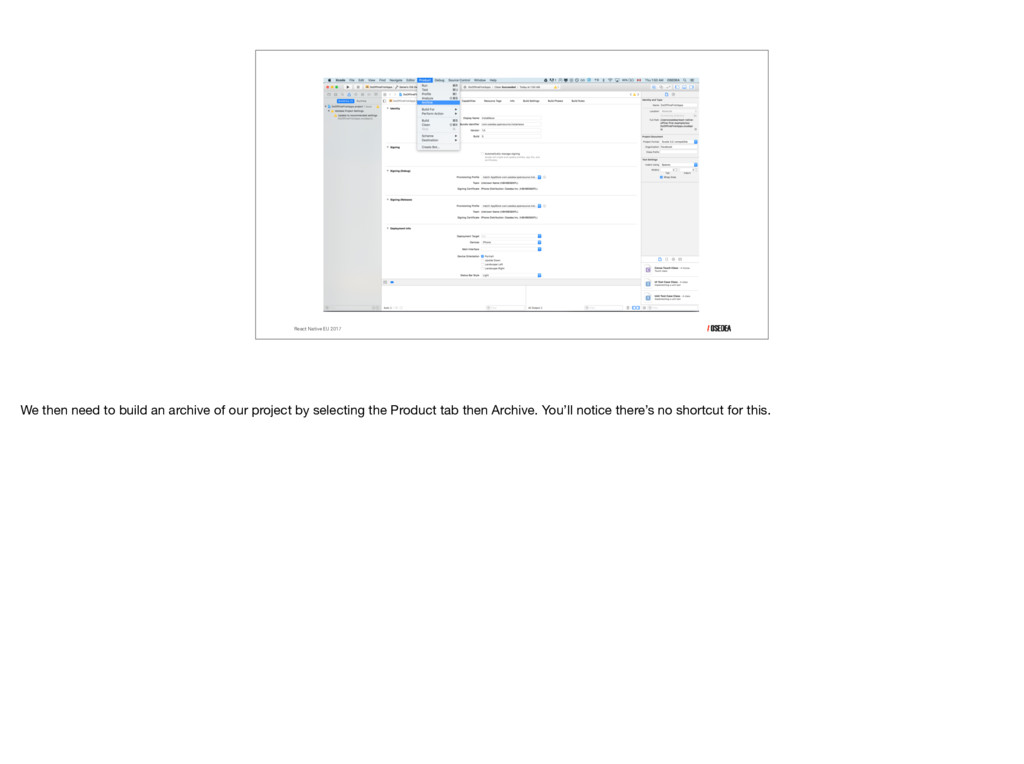
  15. React Native EU 2017 We then need to build an

    archive of our project by selecting the Product tab then Archive. You’ll notice there’s no shortcut for this.
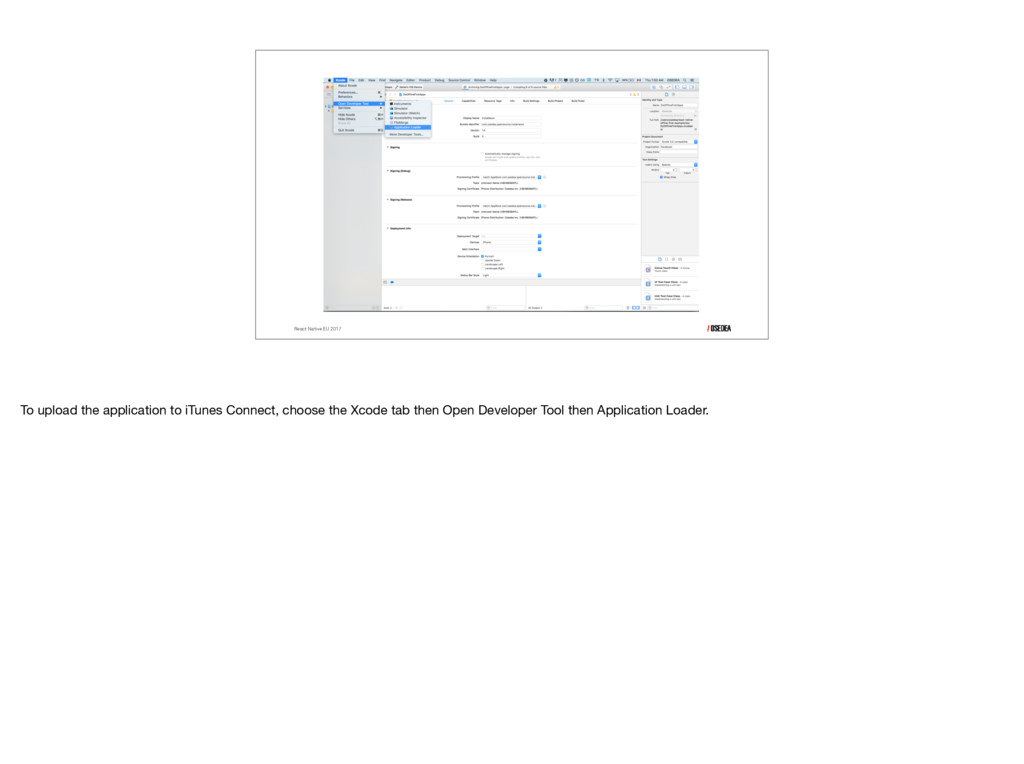
  16. React Native EU 2017 To upload the application to iTunes

    Connect, choose the Xcode tab then Open Developer Tool then Application Loader.
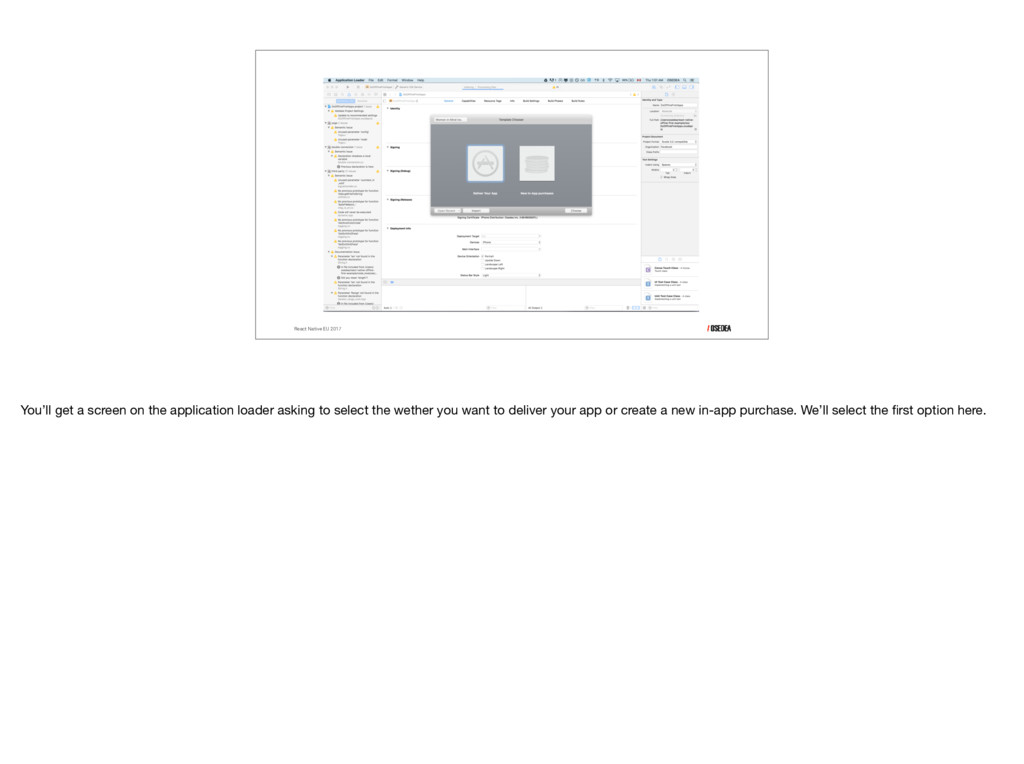
  17. React Native EU 2017 You’ll get a screen on the

    application loader asking to select the wether you want to deliver your app or create a new in-app purchase. We’ll select the first option here.
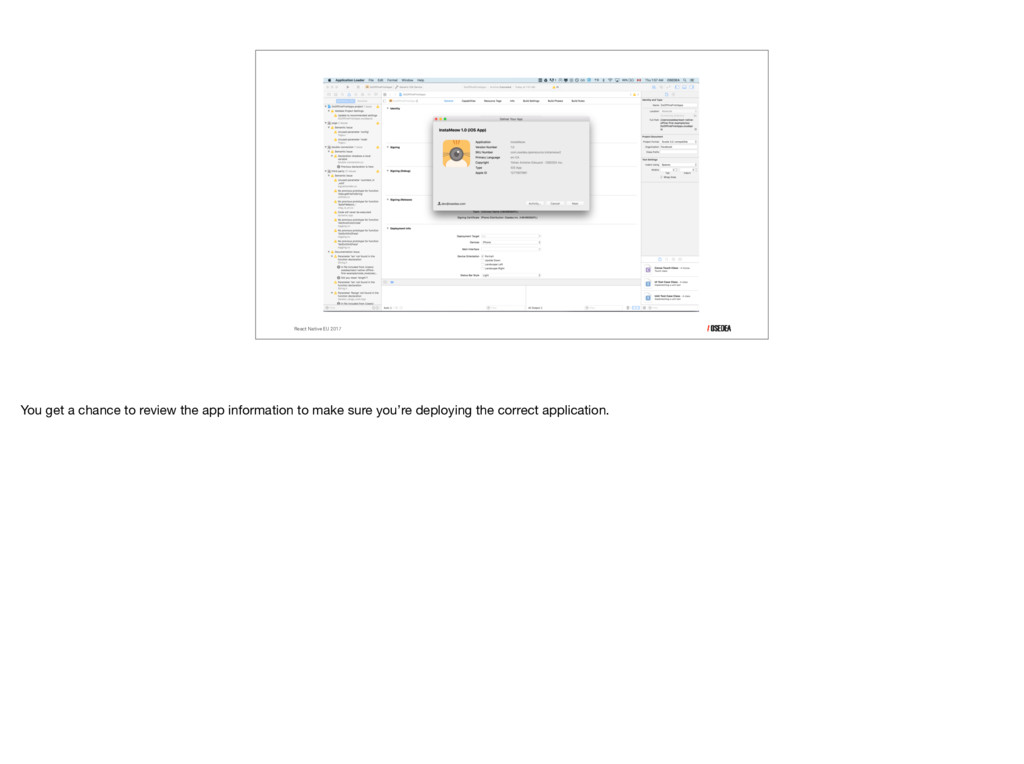
  18. React Native EU 2017 You get a chance to review

    the app information to make sure you’re deploying the correct application.
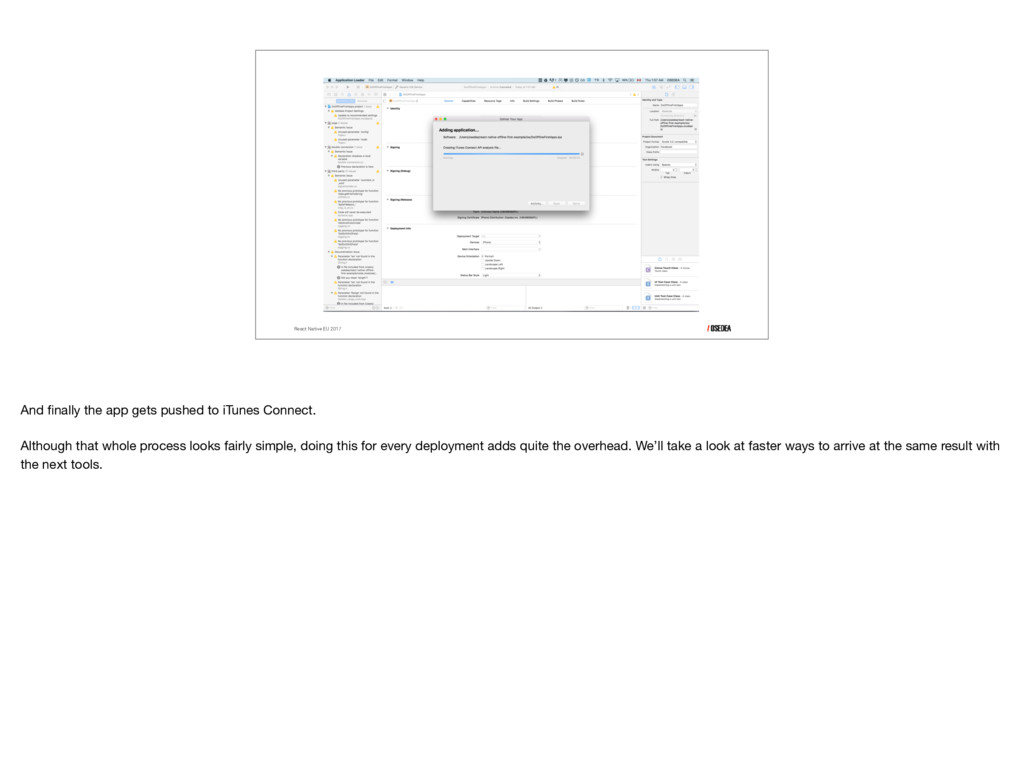
  19. React Native EU 2017 And finally the app gets pushed

    to iTunes Connect. Although that whole process looks fairly simple, doing this for every deployment adds quite the overhead. We’ll take a look at faster ways to arrive at the same result with the next tools.
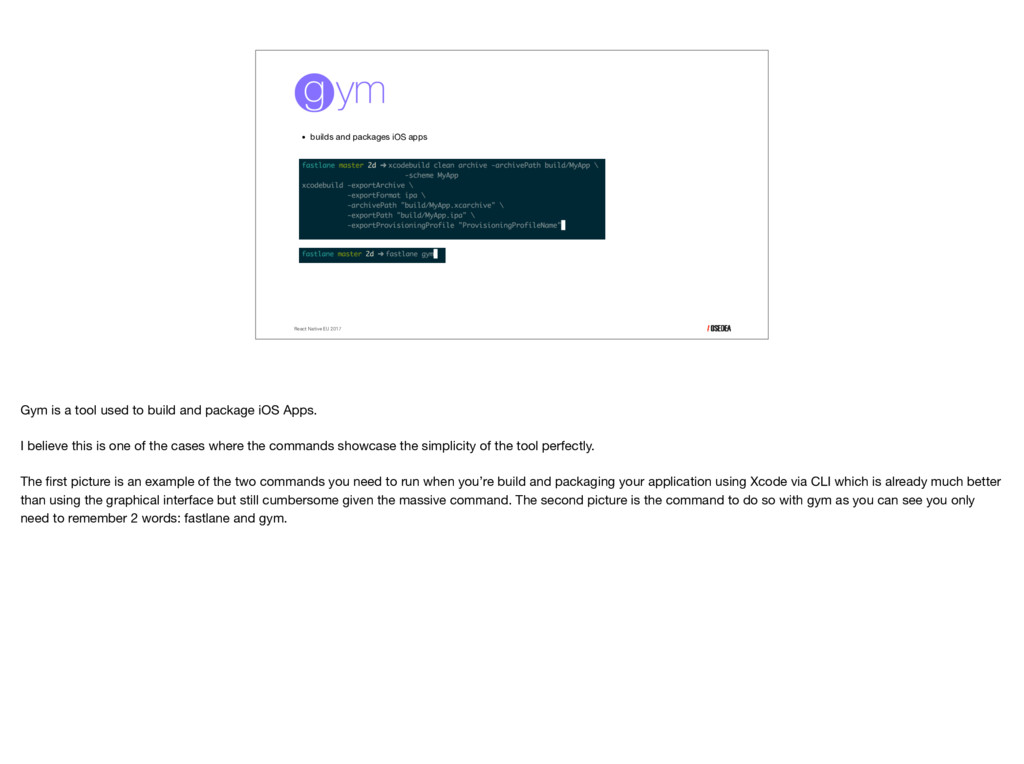
  20. • builds and packages iOS apps React Native EU 2017

    Gym is a tool used to build and package iOS Apps. I believe this is one of the cases where the commands showcase the simplicity of the tool perfectly. The first picture is an example of the two commands you need to run when you’re build and packaging your application using Xcode via CLI which is already much better than using the graphical interface but still cumbersome given the massive command. The second picture is the command to do so with gym as you can see you only need to remember 2 words: fastlane and gym.
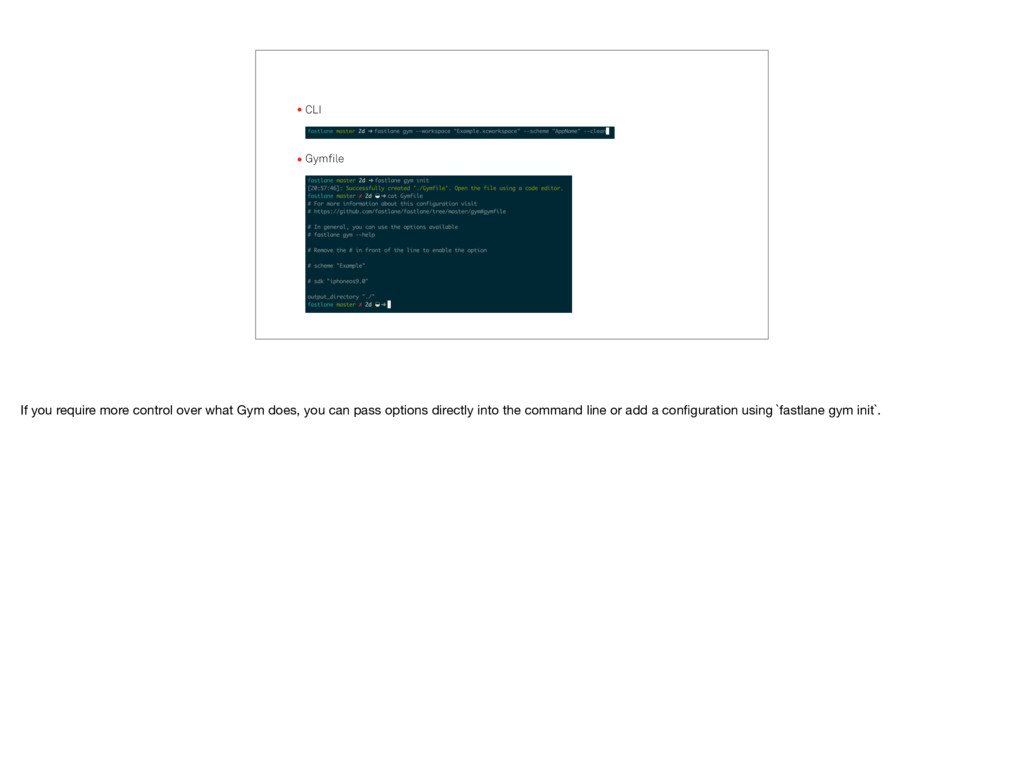
  21. •CLI •Gymfile If you require more control over what Gym

    does, you can pass options directly into the command line or add a configuration using `fastlane gym init`.
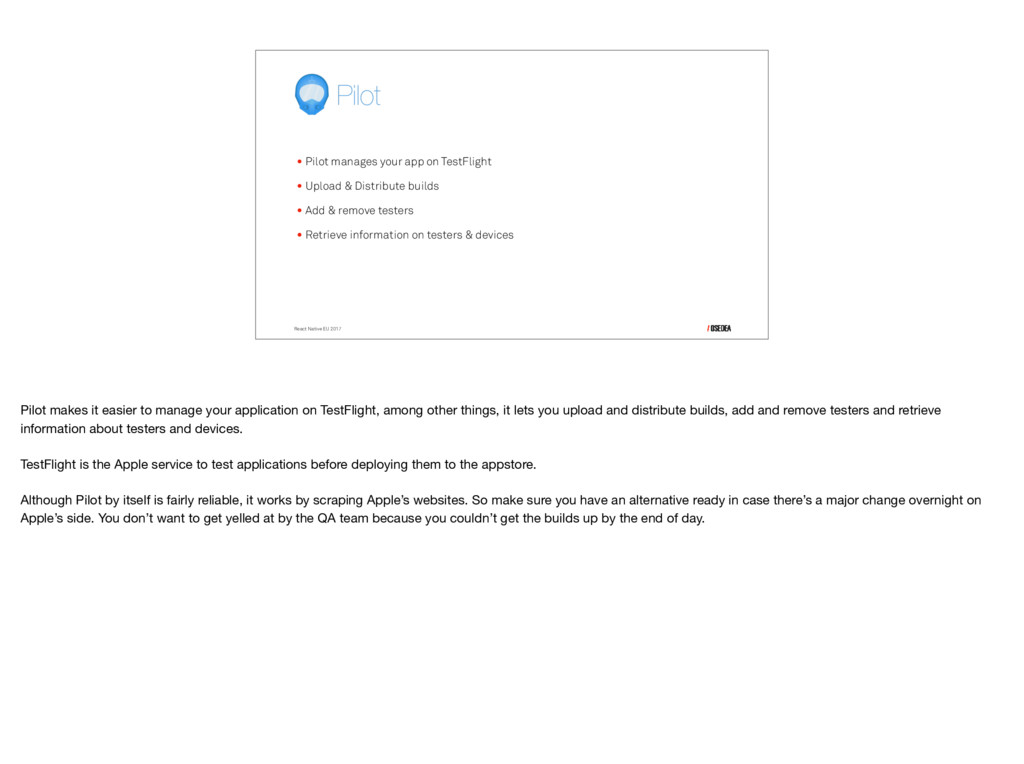
  22. React Native EU 2017 •Pilot manages your app on TestFlight

    •Upload & Distribute builds •Add & remove testers •Retrieve information on testers & devices Pilot makes it easier to manage your application on TestFlight, among other things, it lets you upload and distribute builds, add and remove testers and retrieve information about testers and devices. TestFlight is the Apple service to test applications before deploying them to the appstore. Although Pilot by itself is fairly reliable, it works by scraping Apple’s websites. So make sure you have an alternative ready in case there’s a major change overnight on Apple’s side. You don’t want to get yelled at by the QA team because you couldn’t get the builds up by the end of day.
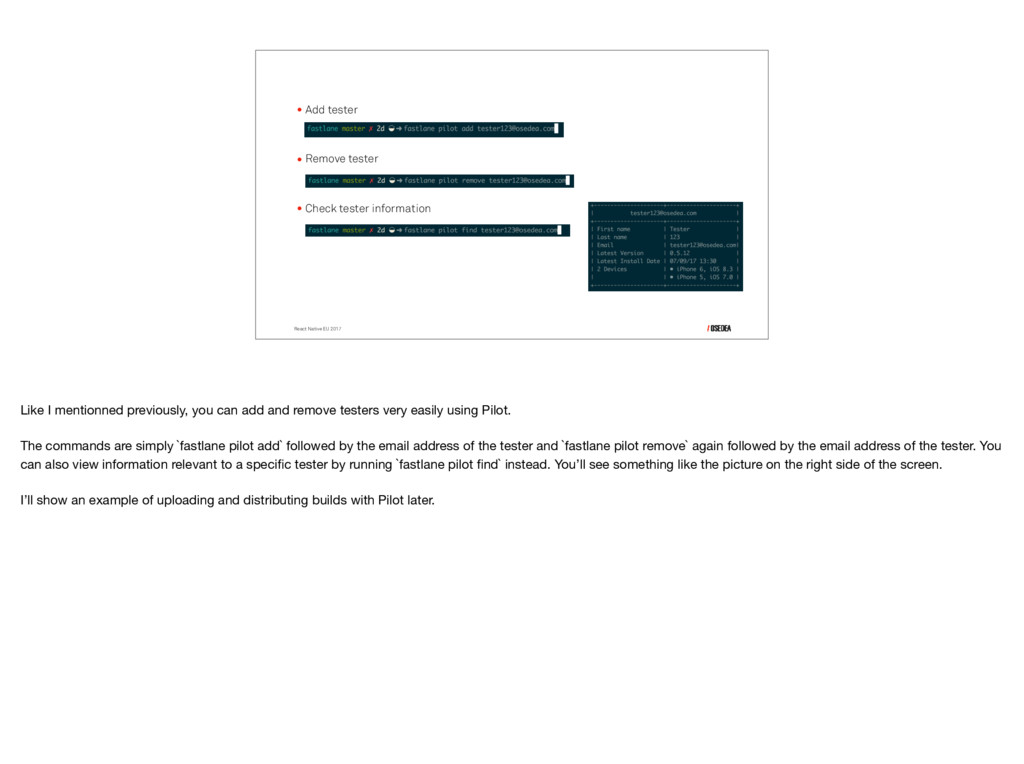
  23. •Add tester •Remove tester •Check tester information React Native EU

    2017 Like I mentionned previously, you can add and remove testers very easily using Pilot. The commands are simply `fastlane pilot add` followed by the email address of the tester and `fastlane pilot remove` again followed by the email address of the tester. You can also view information relevant to a specific tester by running `fastlane pilot find` instead. You’ll see something like the picture on the right side of the screen. I’ll show an example of uploading and distributing builds with Pilot later.
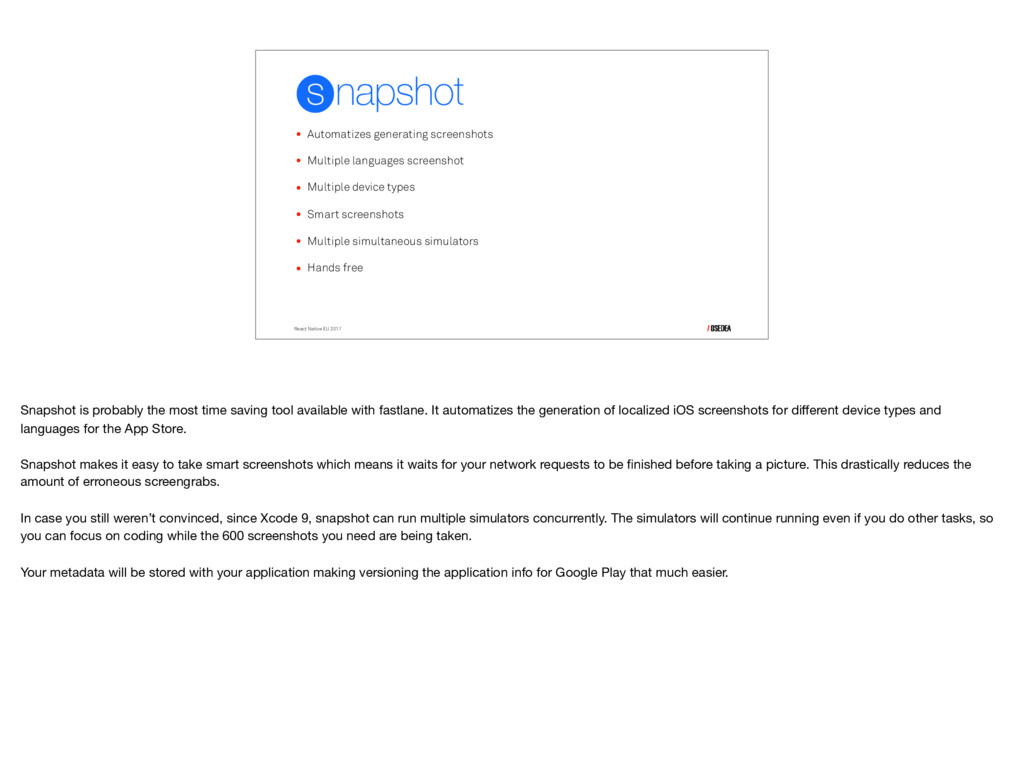
  24. • Automatizes generating screenshots • Multiple languages screenshot • Multiple

    device types • Smart screenshots • Multiple simultaneous simulators • Hands free React Native EU 2017 Snapshot is probably the most time saving tool available with fastlane. It automatizes the generation of localized iOS screenshots for different device types and languages for the App Store. Snapshot makes it easy to take smart screenshots which means it waits for your network requests to be finished before taking a picture. This drastically reduces the amount of erroneous screengrabs. In case you still weren’t convinced, since Xcode 9, snapshot can run multiple simulators concurrently. The simulators will continue running even if you do other tasks, so you can focus on coding while the 600 screenshots you need are being taken. Your metadata will be stored with your application making versioning the application info for Google Play that much easier.
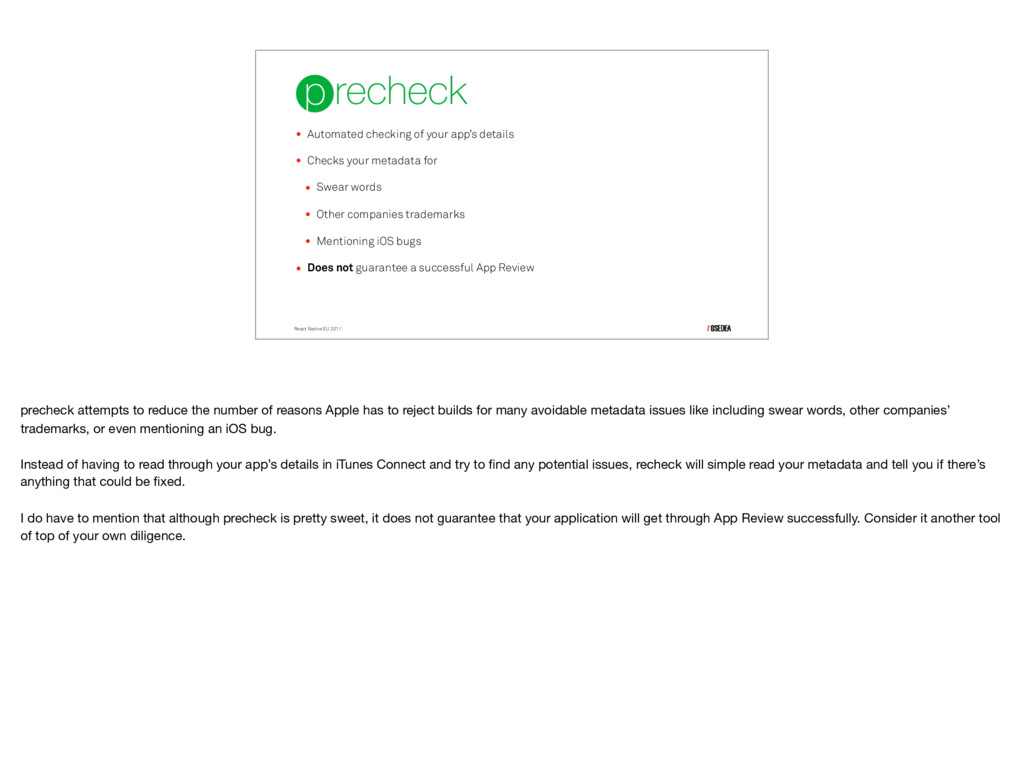
  25. React Native EU 2017 • Automated checking of your app’s

    details • Checks your metadata for • Swear words • Other companies trademarks • Mentioning iOS bugs • Does not guarantee a successful App Review precheck attempts to reduce the number of reasons Apple has to reject builds for many avoidable metadata issues like including swear words, other companies’ trademarks, or even mentioning an iOS bug. Instead of having to read through your app’s details in iTunes Connect and try to find any potential issues, recheck will simple read your metadata and tell you if there’s anything that could be fixed. I do have to mention that although precheck is pretty sweet, it does not guarantee that your application will get through App Review successfully. Consider it another tool of top of your own diligence.
  26. React Native EU 2017 • Upload screenshots, metadata and binaries

    to iTunes Connect • Submit app for App Store review • Automatically upload snapshot screenshots • HTML Preview of metadata deliver is at the end of the deployment process. It uploads screenshots, metadata and binaries to iTunes Connect. You can also use deliver to submit your app for App Store review. If you use it with snapshot, it will automatically upload screenshots from snapshot to iTunes Connect. A very helpful feature is the ability to generate a HTML preview of the fetched metadata before uploading the app metadata and screenshots to iTunes Connect. You can also use it to upload a new ipa or pkg file to iTunes Connect without Xcode. deliver will also automatically use precheck to ensure your app has the highest chances of passing app review the first time it’s submitted.
  27. fastlane for android React Native EU 2017 We’re done with

    the iOS tools for now, so lets take a look at the fastlane tools for Android
  28. React Native EU 2017 • Fastlane wrapper around gradle •

    Used as `gradlew` • Build tool • Automation • Multi-apk • Local Fastlane supplies a Gradle wrapper that makes the vast majority of gradle functionalities available to fastlane. In case you don’t know what Gradle is, it’s a build tool used to build android applications by managing dependencies and providing custom build logic. It supports the creation of multiple apks for different device types while reusing parts of the same code. If you’ve ever built any android application even through Android Studio, you’ve used Gradle. You can use Gradle to test android applications directly on your phone connected through USB. Gradle creates a signed apk file, pushes it to the device using the Android Debug Bridge and executes it.
  29. React Native EU 2017 The role of gradle on Android

    is in many ways similar to that of gym on iOS when working with fastlane. However, gradle does much more such as registering the dependencies for other fastlane tools such as screengrab and allowing easy testing on local devices.
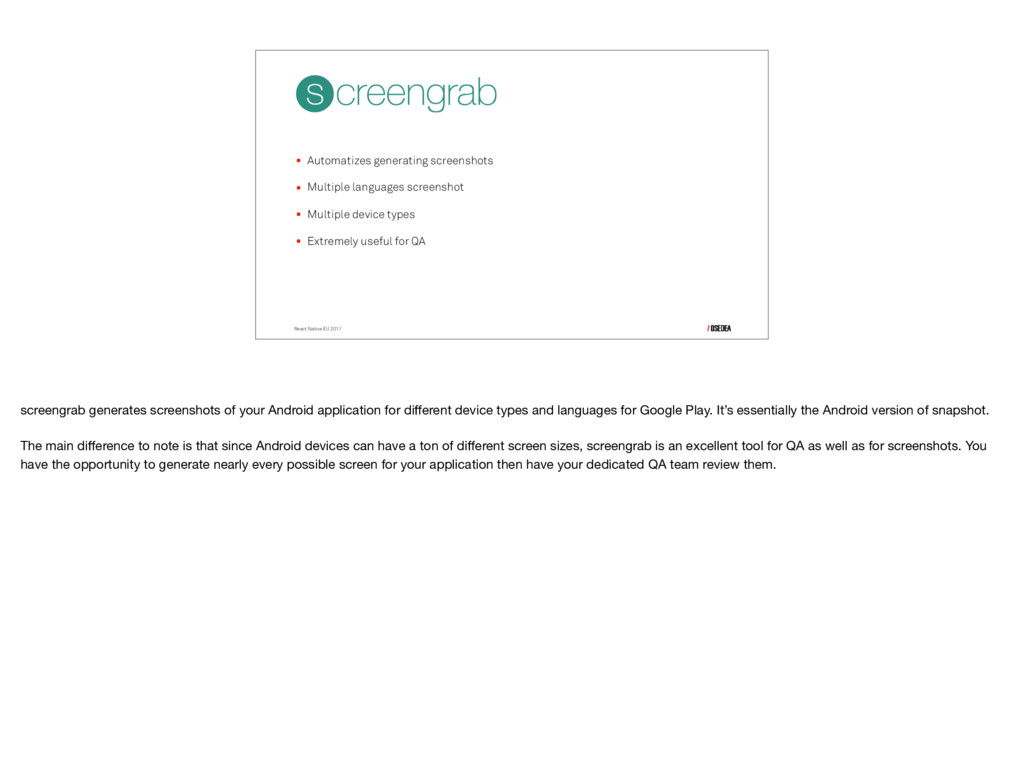
  30. React Native EU 2017 • Automatizes generating screenshots • Multiple

    languages screenshot • Multiple device types • Extremely useful for QA screengrab generates screenshots of your Android application for different device types and languages for Google Play. It’s essentially the Android version of snapshot. The main difference to note is that since Android devices can have a ton of different screen sizes, screengrab is an excellent tool for QA as well as for screenshots. You have the opportunity to generate nearly every possible screen for your application then have your dedicated QA team review them.
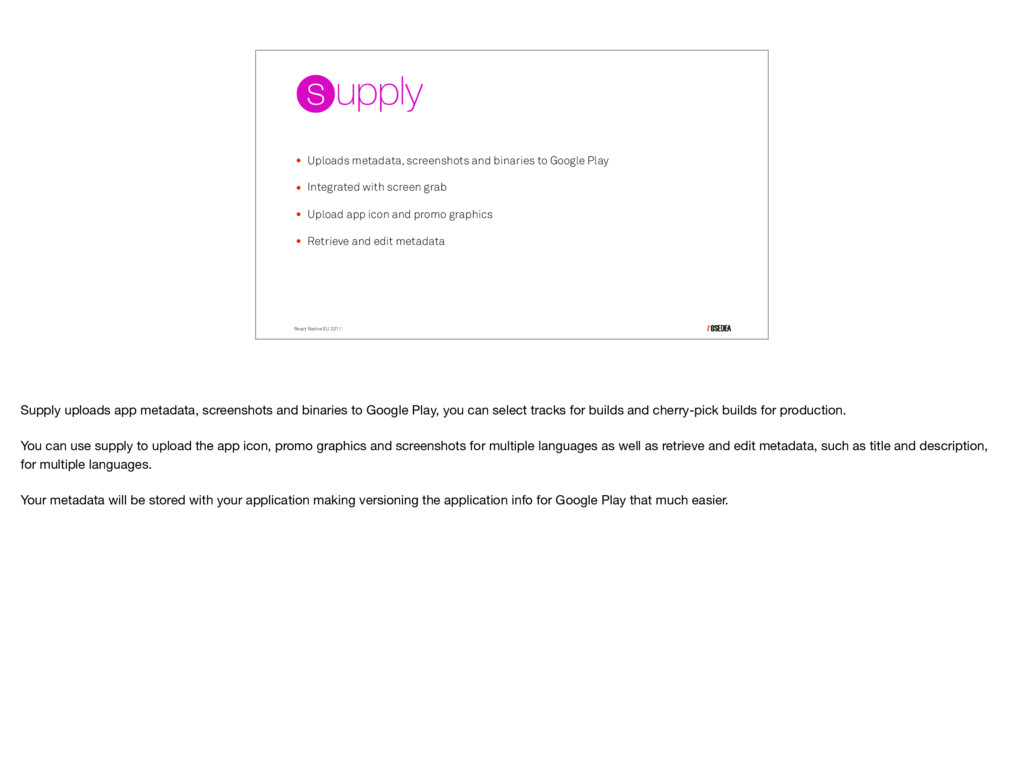
  31. React Native EU 2017 • Uploads metadata, screenshots and binaries

    to Google Play • Integrated with screen grab • Upload app icon and promo graphics • Retrieve and edit metadata Supply uploads app metadata, screenshots and binaries to Google Play, you can select tracks for builds and cherry-pick builds for production. You can use supply to upload the app icon, promo graphics and screenshots for multiple languages as well as retrieve and edit metadata, such as title and description, for multiple languages. Your metadata will be stored with your application making versioning the application info for Google Play that much easier.
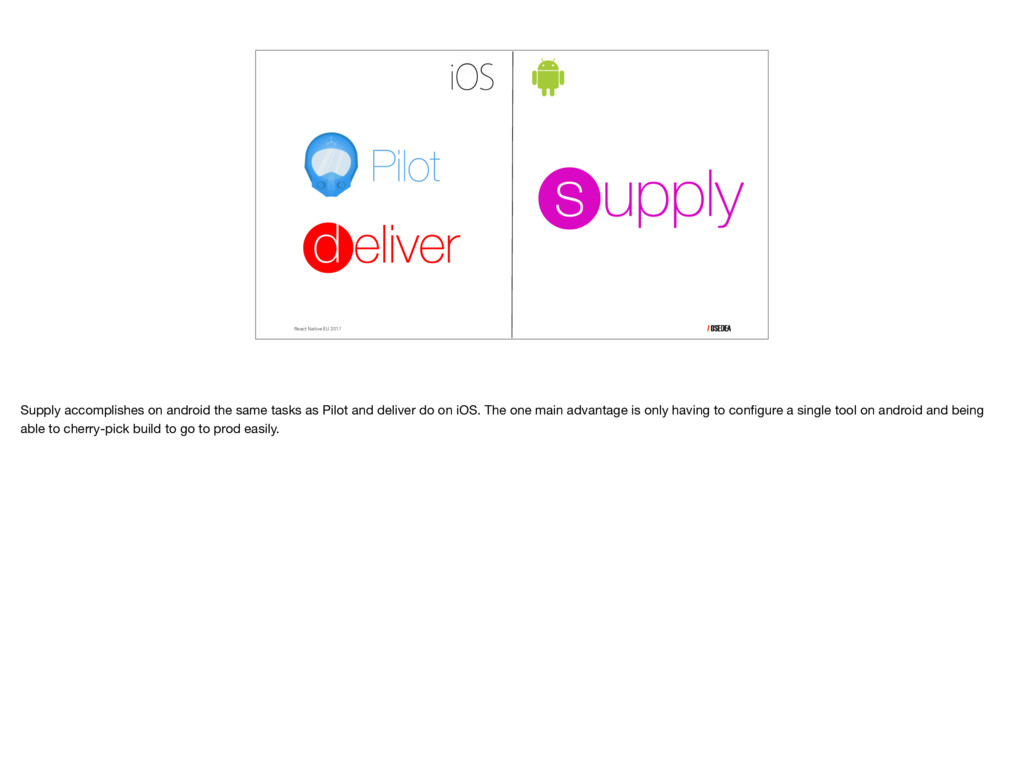
  32. React Native EU 2017 Supply accomplishes on android the same

    tasks as Pilot and deliver do on iOS. The one main advantage is only having to configure a single tool on android and being able to cherry-pick build to go to prod easily.
  33. automation React Native EU 2017 We’ve seen the tools that

    we can use from the fastlane toolchain but we still want everything to be automated. We don’t want to have to manually use each tool and remember all the commands. Luckily for us, the solution is extremely simple: lanes!
  34. lanes React Native EU 2017 • Release processes • Configured

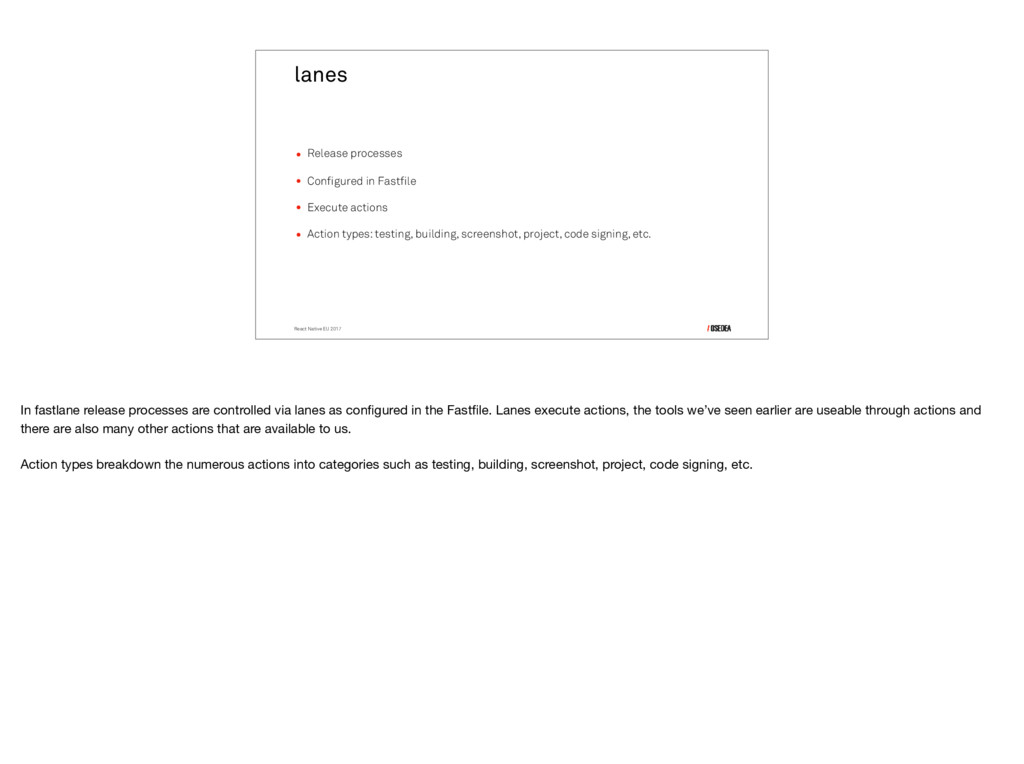
    in Fastfile • Execute actions • Action types: testing, building, screenshot, project, code signing, etc. In fastlane release processes are controlled via lanes as configured in the Fastfile. Lanes execute actions, the tools we’ve seen earlier are useable through actions and there are also many other actions that are available to us. Action types breakdown the numerous actions into categories such as testing, building, screenshot, project, code signing, etc.
  35. Building lanes React Native EU 2017 • a beta lane

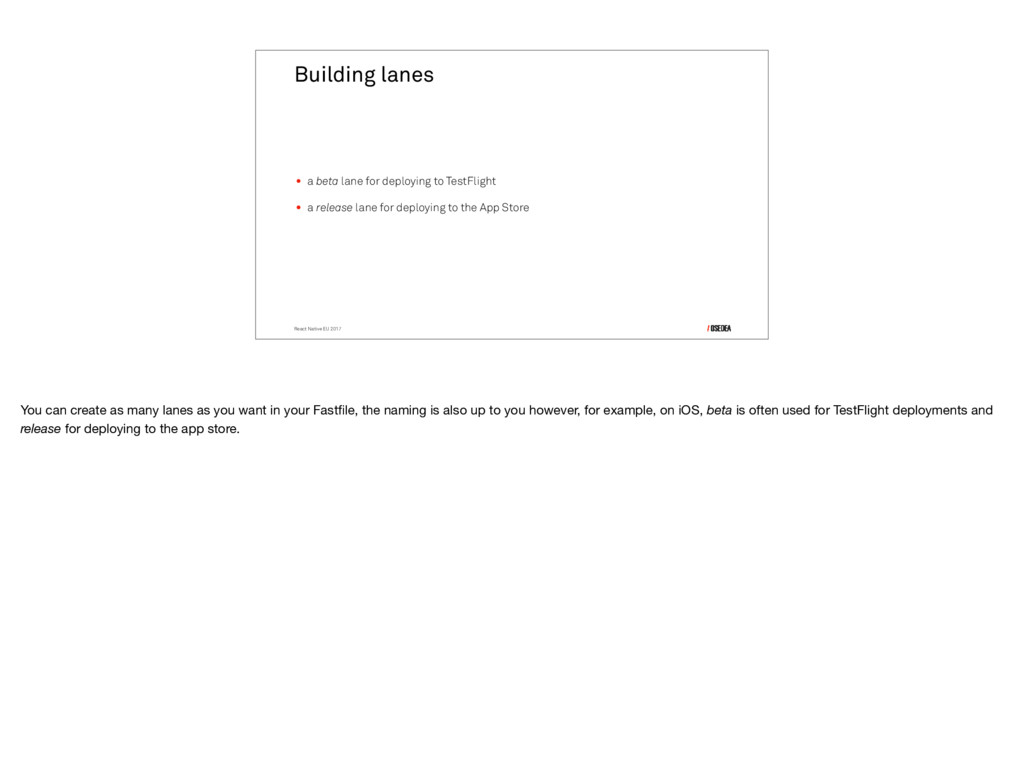
    for deploying to TestFlight • a release lane for deploying to the App Store You can create as many lanes as you want in your Fastfile, the naming is also up to you however, for example, on iOS, beta is often used for TestFlight deployments and release for deploying to the app store.
  36. React Native EU 2017 This is an example of what

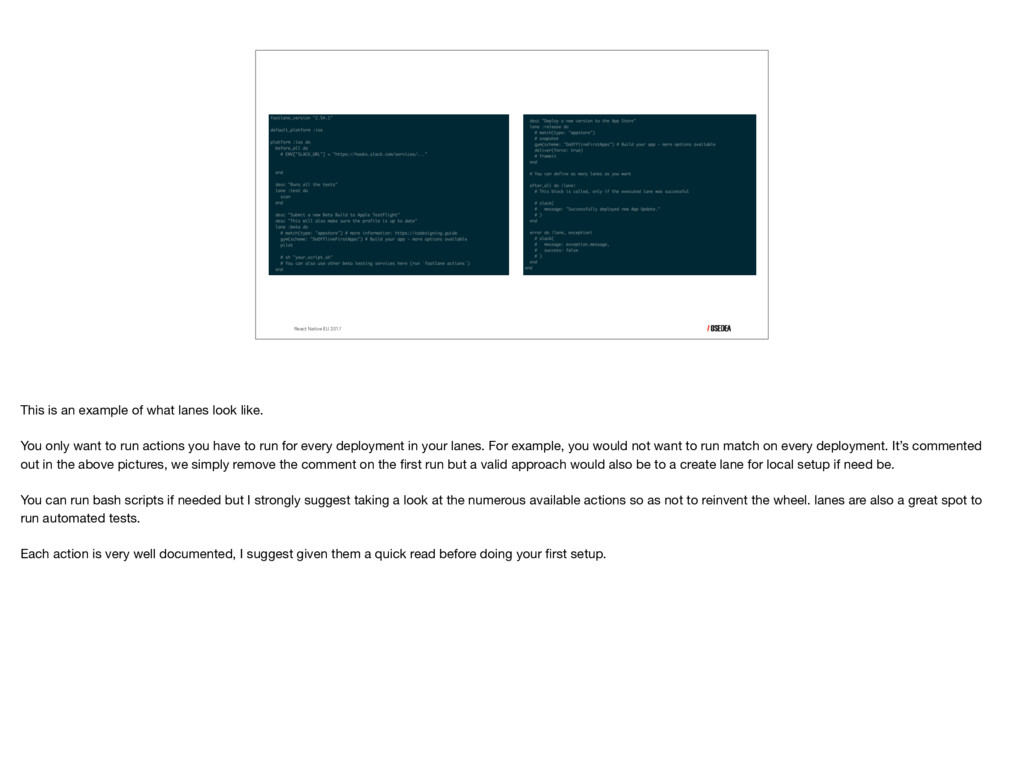
    lanes look like. You only want to run actions you have to run for every deployment in your lanes. For example, you would not want to run match on every deployment. It’s commented out in the above pictures, we simply remove the comment on the first run but a valid approach would also be to a create lane for local setup if need be. You can run bash scripts if needed but I strongly suggest taking a look at the numerous available actions so as not to reinvent the wheel. lanes are also a great spot to run automated tests. Each action is very well documented, I suggest given them a quick read before doing your first setup.
  37. I already have my setup… React Native EU 2017 If

    you have to maintain an existing application with an already working setup or don’t want to delve into fastlane completely, you can at least cherry-pick some tools to make your life easier.
  38. • sigh for code signing • screenshot and screengrab •

    precheck Some of the time savers you can use by themselves are sigh which I have not talked about yet since it runs behind the scenes when using match but it allows for easier management of code signing on iOS. If you cannot use match, sigh is the next best thing. Both screenshot and screengrab can be easily used independently from the rest of fastlane, at the very least they will simplify the generation of screenshots and you can integrate them as a extra quality control tools. precheck is a must use in my opinion. Worst case scenario, the minute it takes to run it will have been for extra assurance that your application should be approved. Best case scenario, it will save you a day of waiting for a app review that turns out negative.
  39. I have a short video showcasing the building, signing and

    deployment of an iOS application to TestFlight. It’s sped up to about 2 minutes but the entire process usually takes around 17 minutes. <play> The longest part is the building of the application. The code signing and deployment are extremely fast. This is usually a good moment for a short coffee break. <wait for finish> Like it mentioned at the end of the video, using fastlane saved us 14 minutes not including the time it would have taken to manually do each of the steps.
  40. Not all perfect yet React Native EU 2017 We’ve seen

    the cool things that fastlane can do, however even with a fully fledged setup there are still some inconveniences to deploying apps that cannot be avoided.
  41. • registration on Google Play Console • registration on Apple

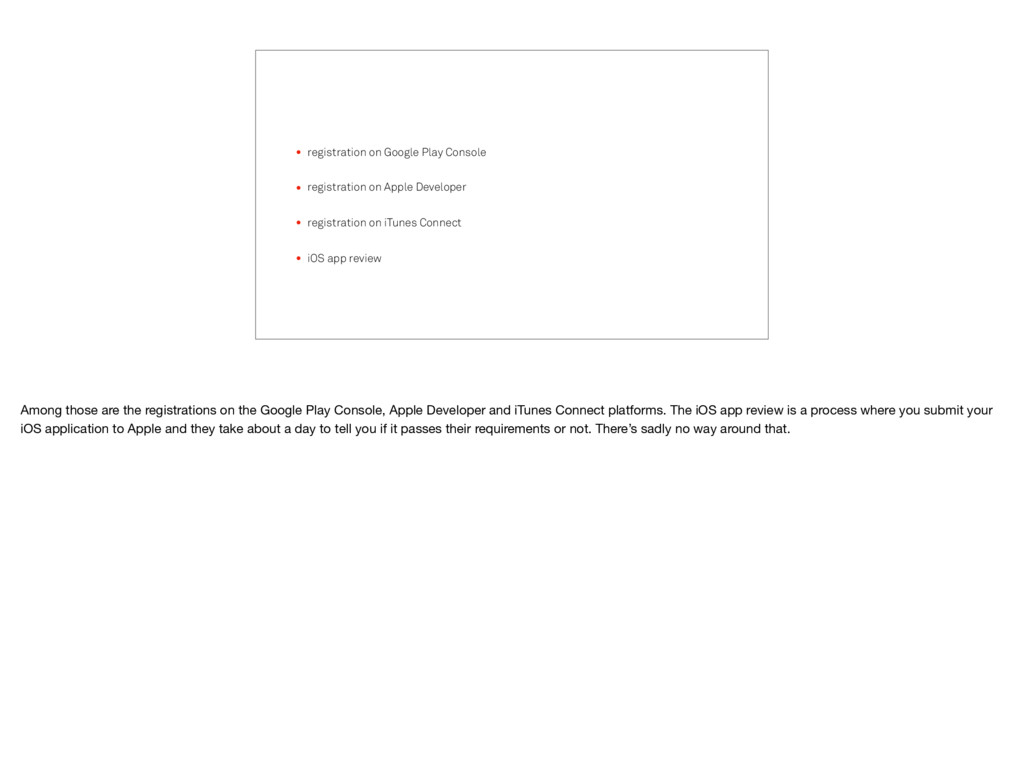
    Developer • registration on iTunes Connect • iOS app review Among those are the registrations on the Google Play Console, Apple Developer and iTunes Connect platforms. The iOS app review is a process where you submit your iOS application to Apple and they take about a day to tell you if it passes their requirements or not. There’s sadly no way around that.
  42. React Native EU 2017 Try it out! InstaMeow on Github

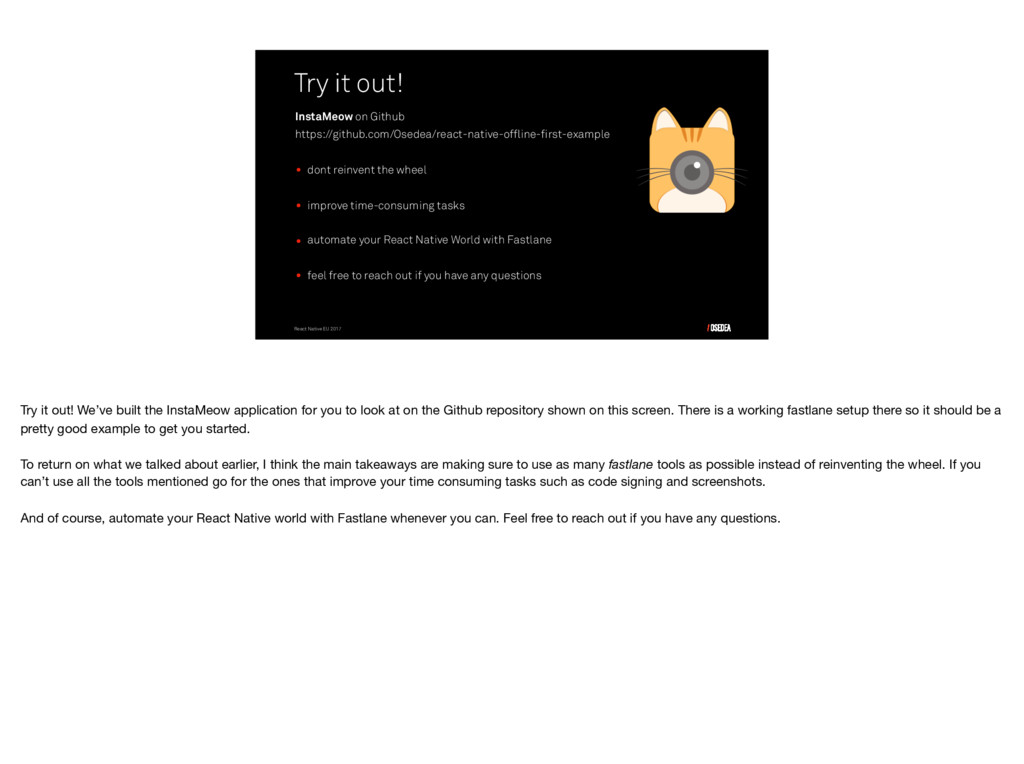
    https://github.com/Osedea/react-native-offline-first-example • dont reinvent the wheel • improve time-consuming tasks • automate your React Native World with Fastlane • feel free to reach out if you have any questions Try it out! We’ve built the InstaMeow application for you to look at on the Github repository shown on this screen. There is a working fastlane setup there so it should be a pretty good example to get you started. To return on what we talked about earlier, I think the main takeaways are making sure to use as many fastlane tools as possible instead of reinventing the wheel. If you can’t use all the tools mentioned go for the ones that improve your time consuming tasks such as code signing and screenshots. And of course, automate your React Native world with Fastlane whenever you can. Feel free to reach out if you have any questions.