Upgrade to Pro — share decks privately, control downloads, hide ads and more …

Offline Wordpress - Introduction to Wordpress f...

Offline Wordpress - Introduction to Wordpress for beginners

Slides from the event Offline Wordpress held in Ljubljana, Slovenia. Facebook: https://www.facebook.com/events/168602160008254/

It introduces Wordpresss to total beginners and covers tips and tricks for more efficient writing, creation of galleries, changing settings of the selected theme and plugin introduction.

Avatar for Maja Kraljic

Maja Kraljic

October 19, 2013

Other Decks in Technology

Transcript

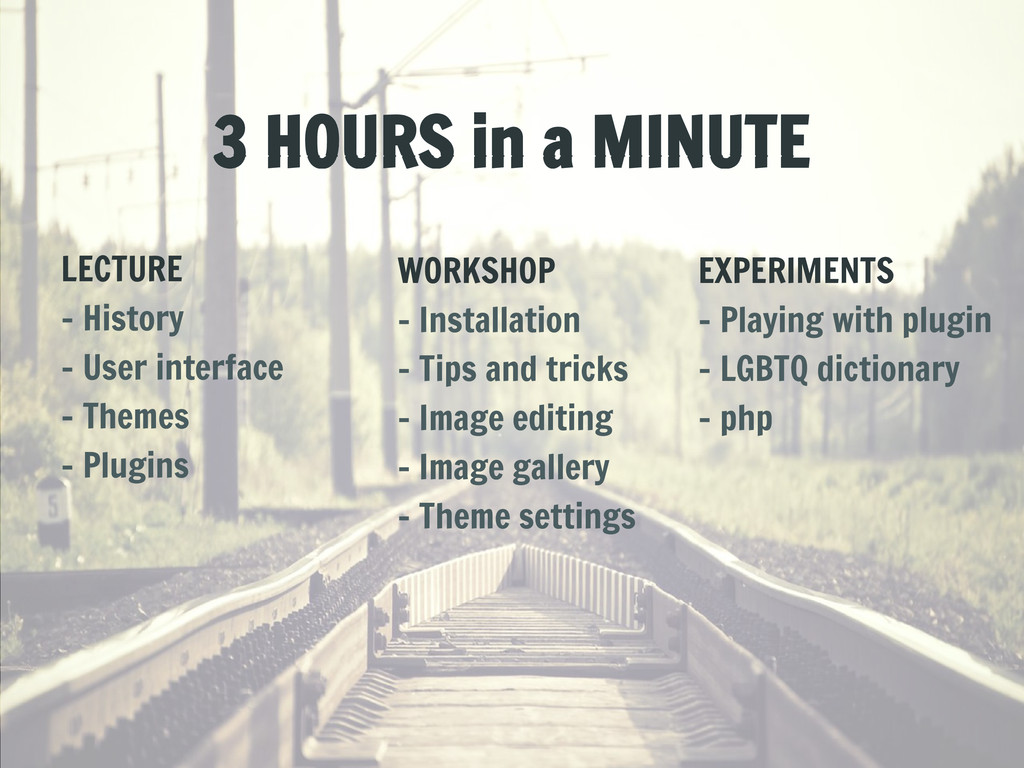
  1. 3 HOURS in a MINUTE LECTURE - History - User

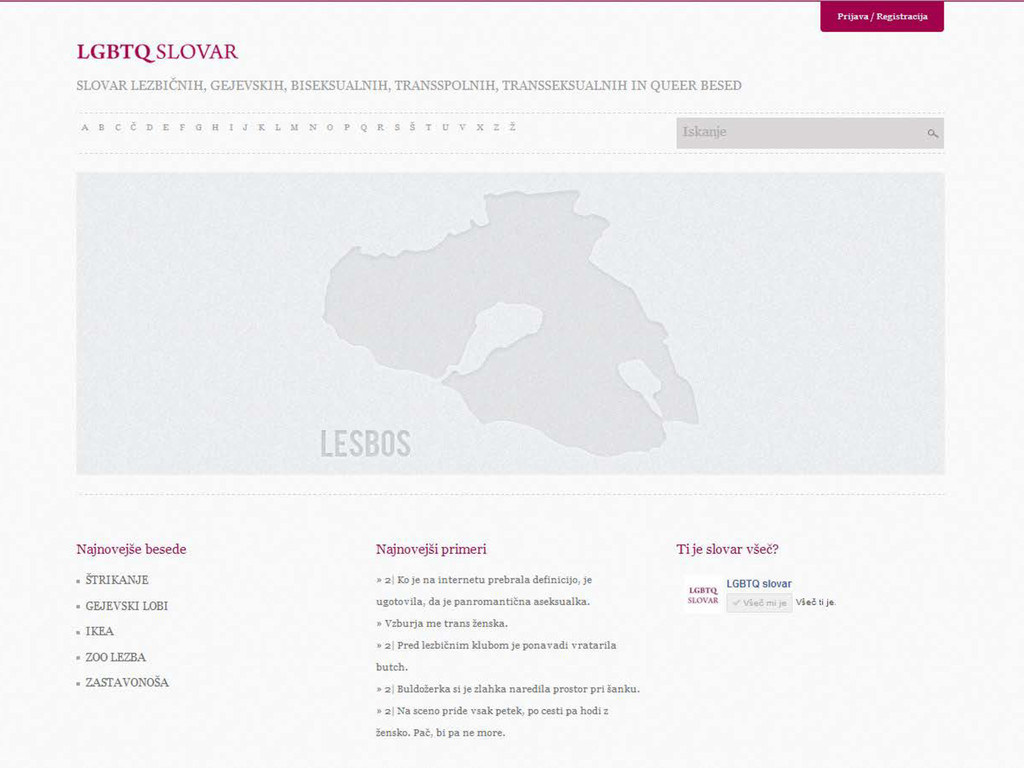
    interface - Themes - Plugins EXPERIMENTS - Playing with plugin - LGBTQ dictionary - php WORKSHOP - Installation - Tips and tricks - Image editing - Image gallery - Theme settings
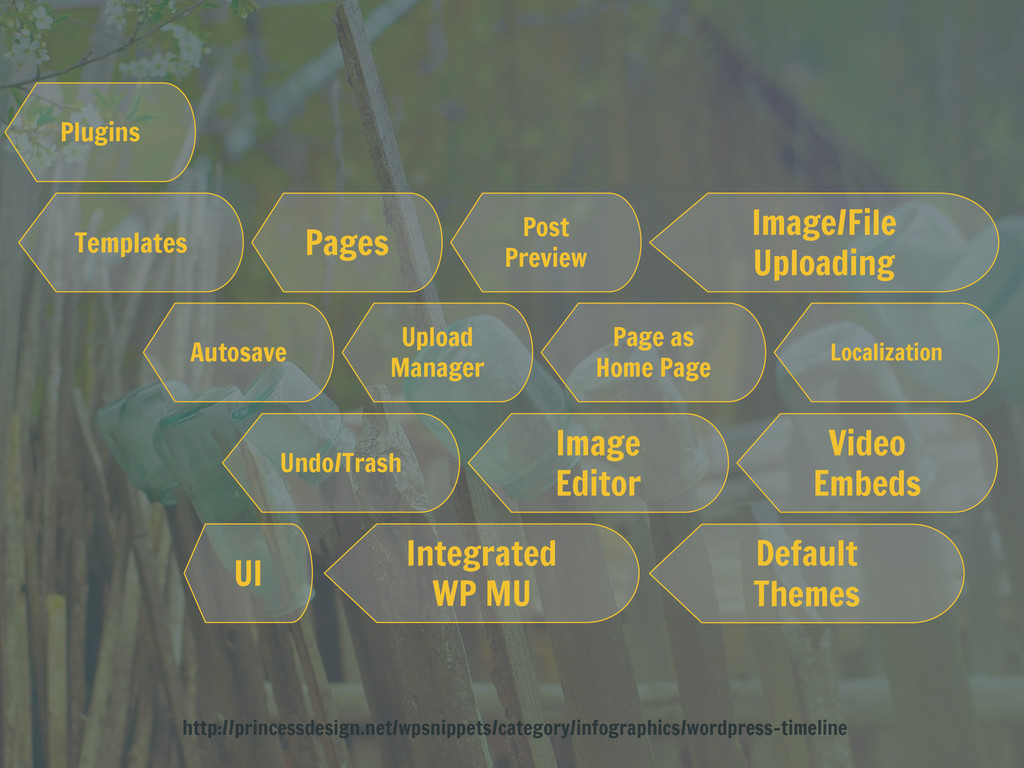
  2. Plugins Templates Pages Autosave Upload Manager Post Preview Page as

    Home Page Localization Image Editor Video Embeds Undo/Trash Image/File Uploading Integrated WP MU Default Themes UI http://princessdesign.net/wpsnippets/category/infographics/wordpress-timeline
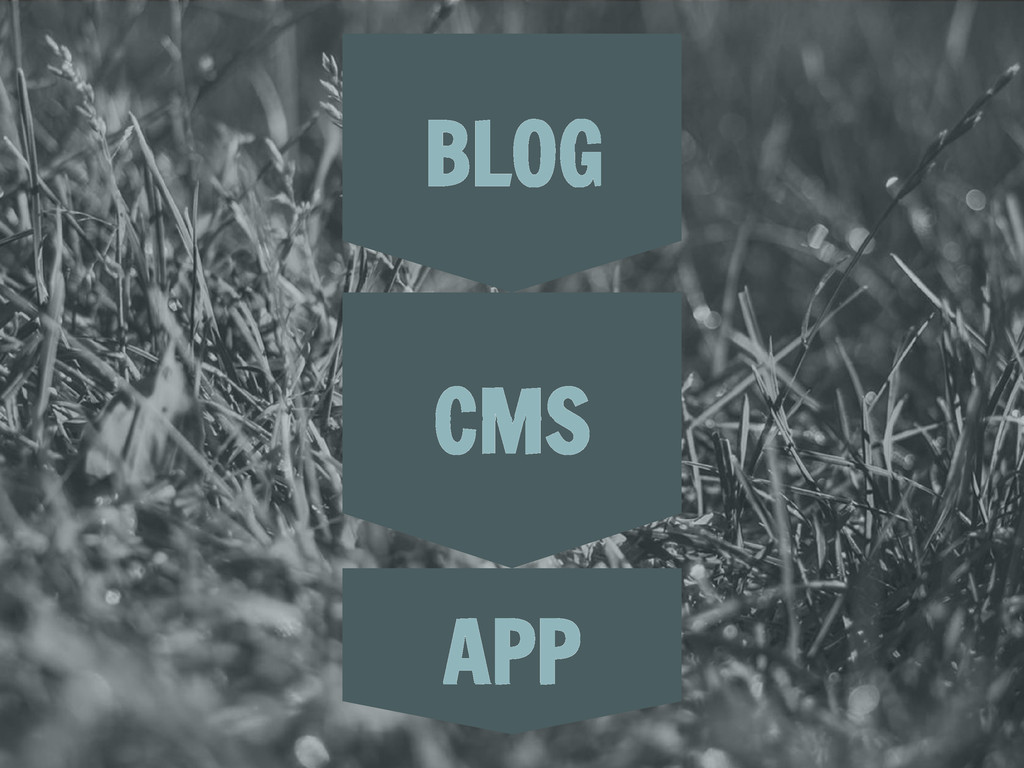
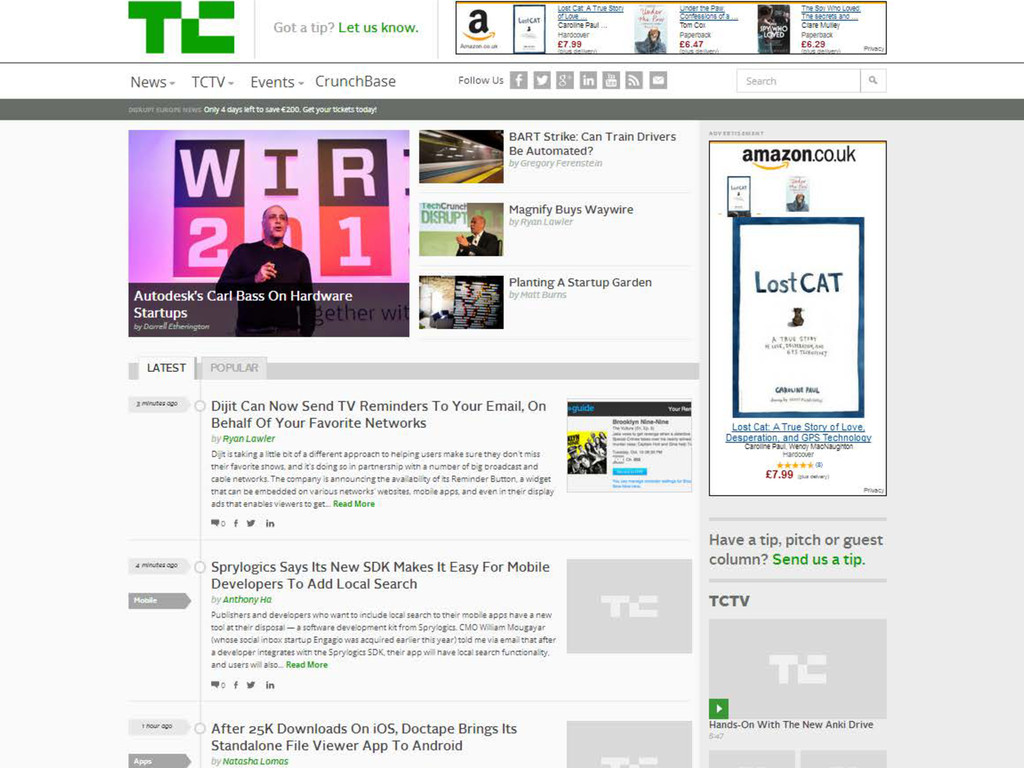
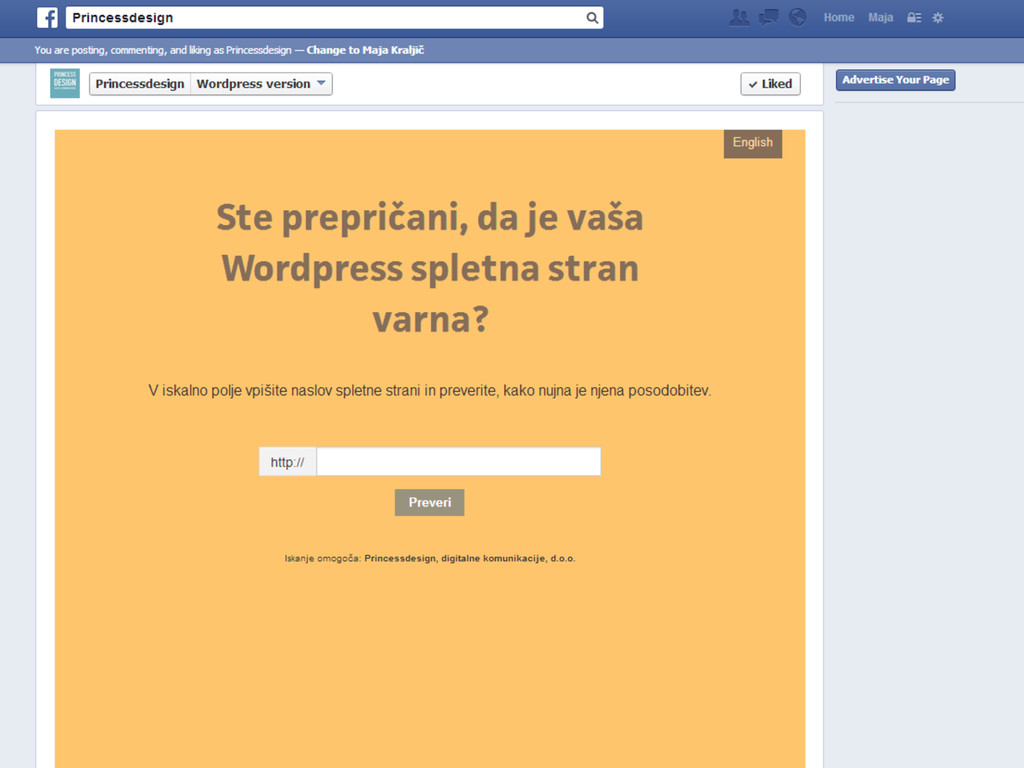
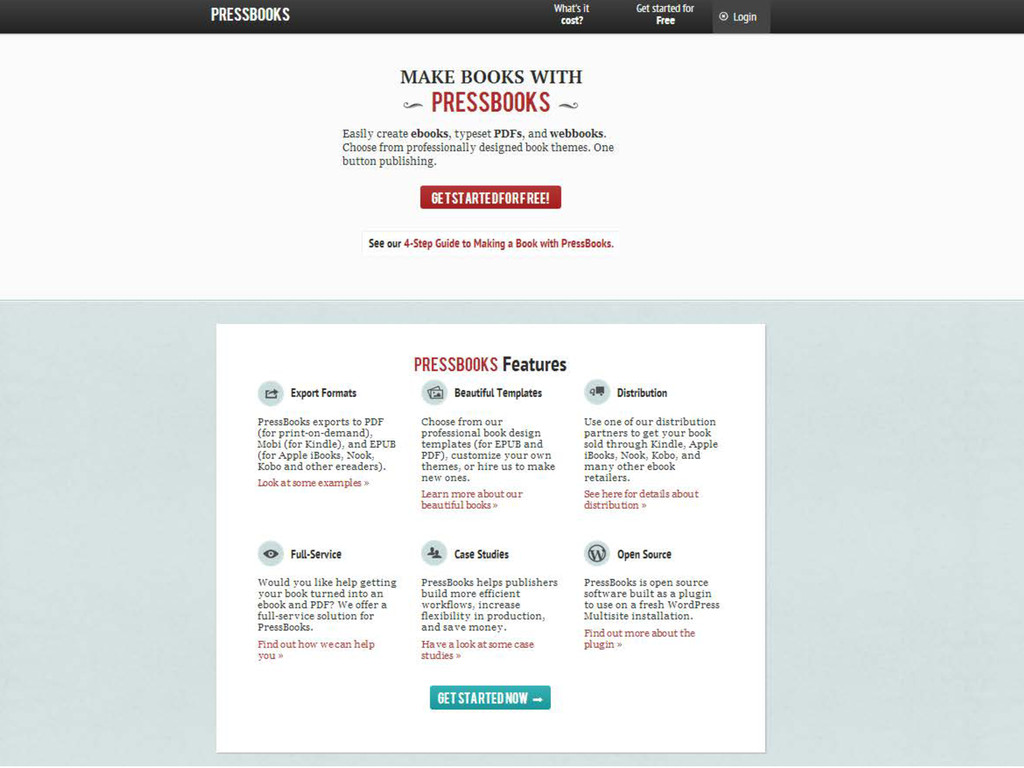
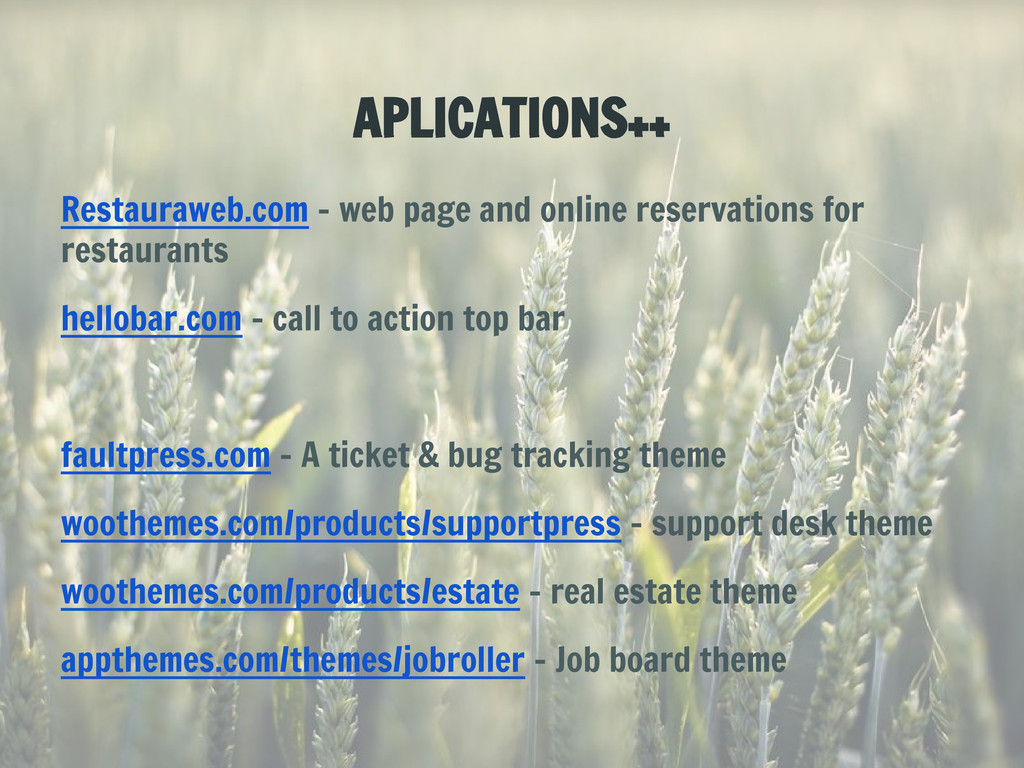
  3. APLICATIONS++ Restauraweb.com - web page and online reservations for restaurants
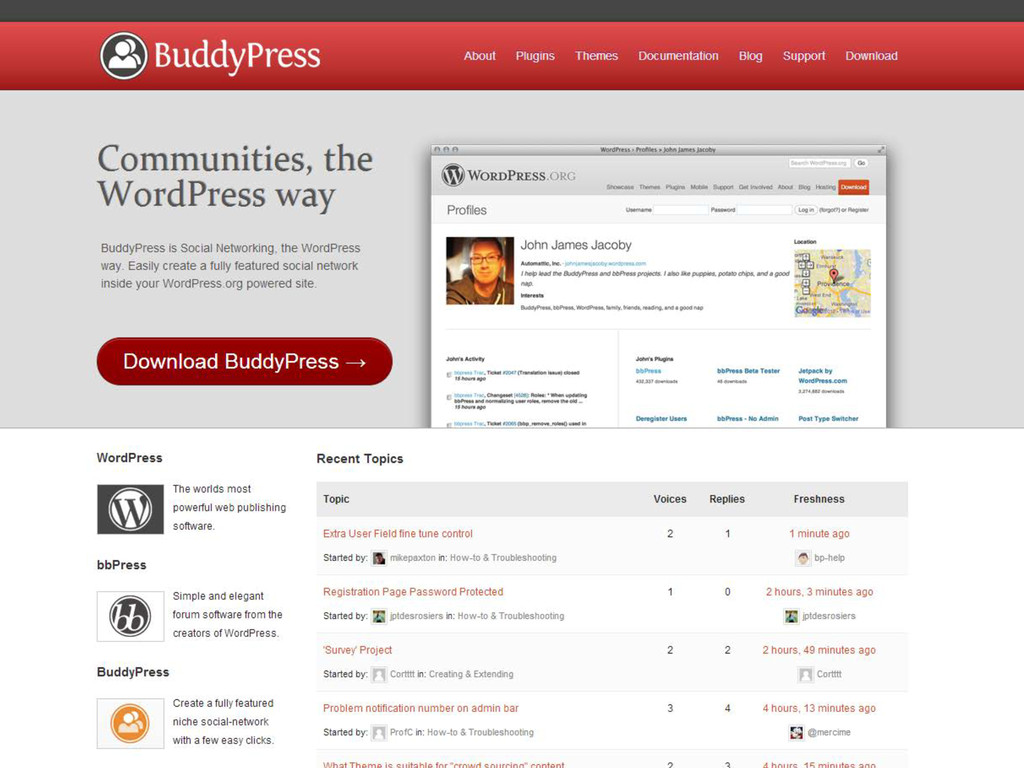
    hellobar.com - call to action top bar faultpress.com - A ticket & bug tracking theme woothemes.com/products/supportpress - support desk theme woothemes.com/products/estate - real estate theme appthemes.com/themes/jobroller - Job board theme
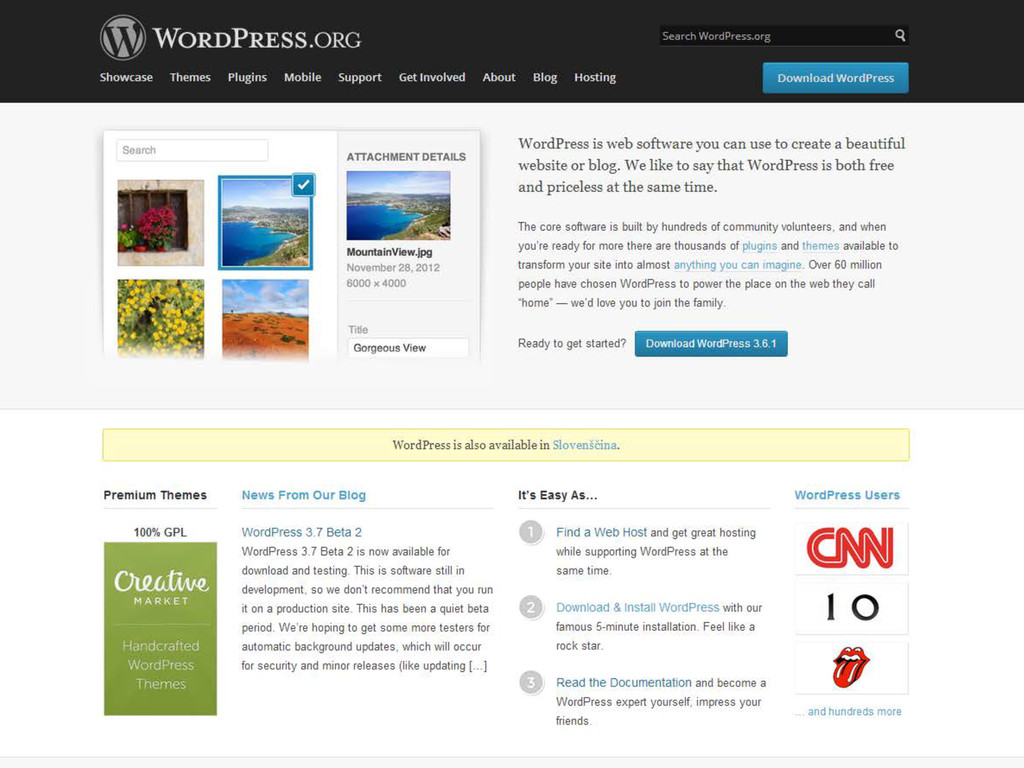
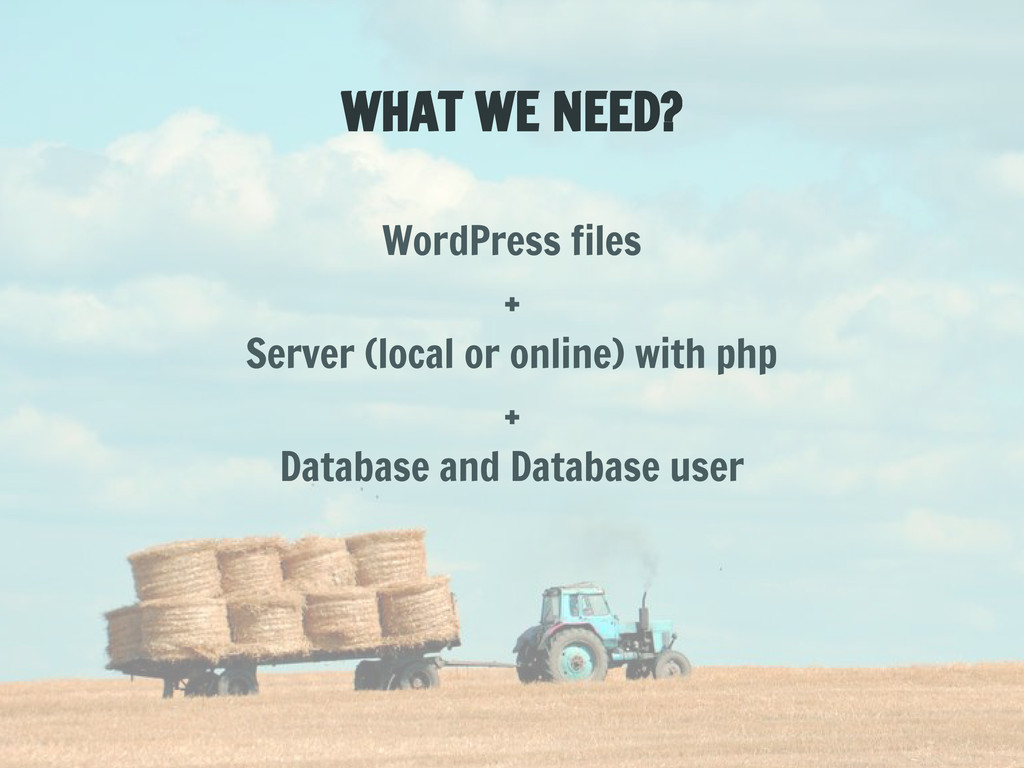
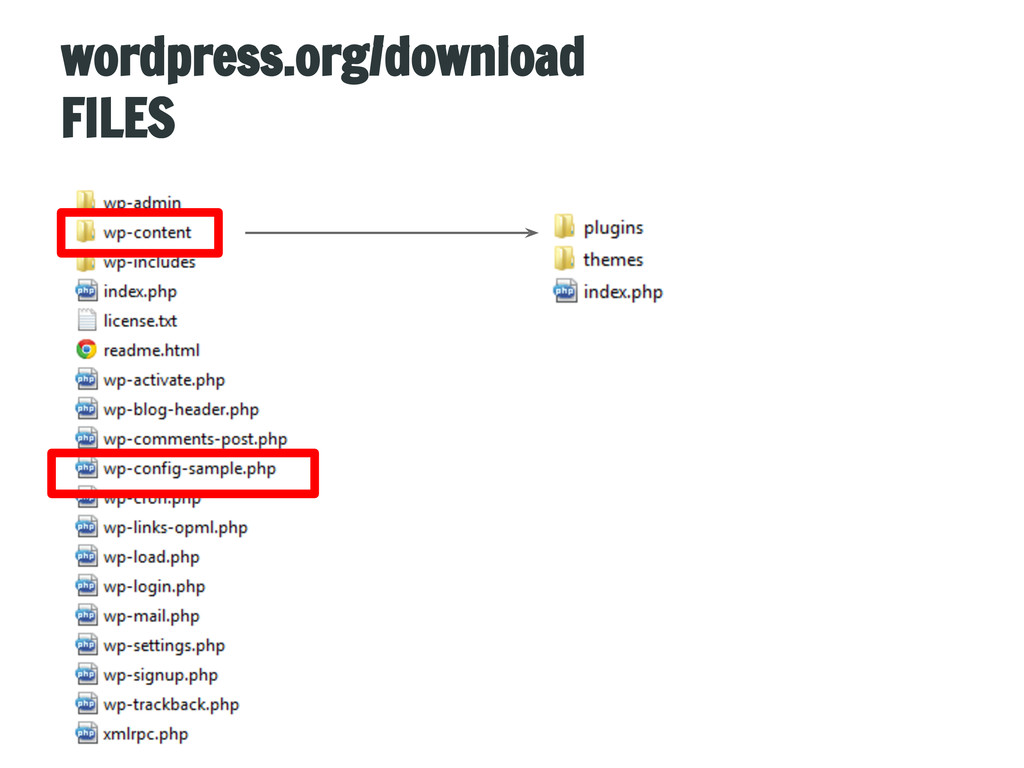
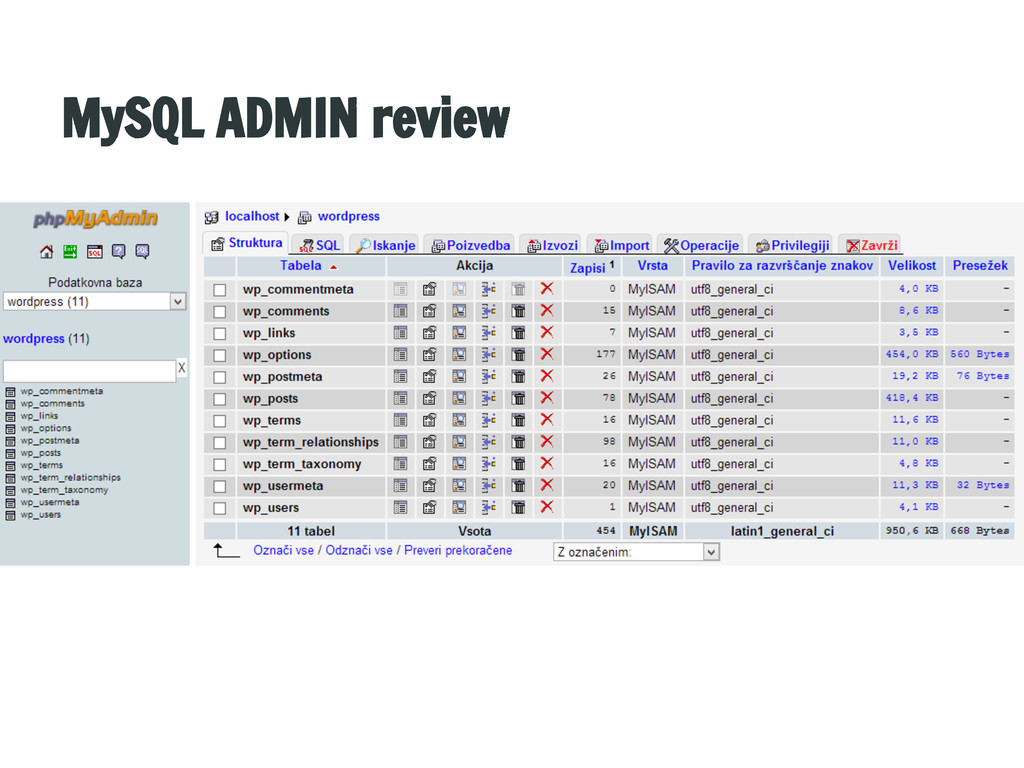
  4. WHAT WE NEED? WordPress files + Server (local or online)

    with php + Database and Database user
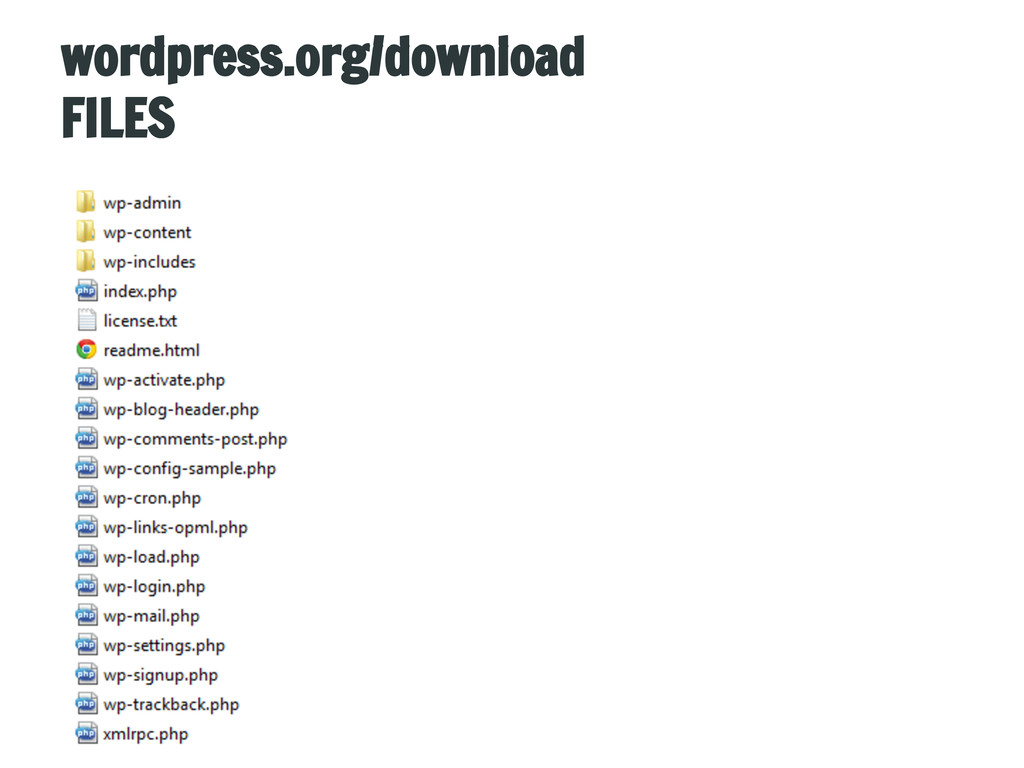
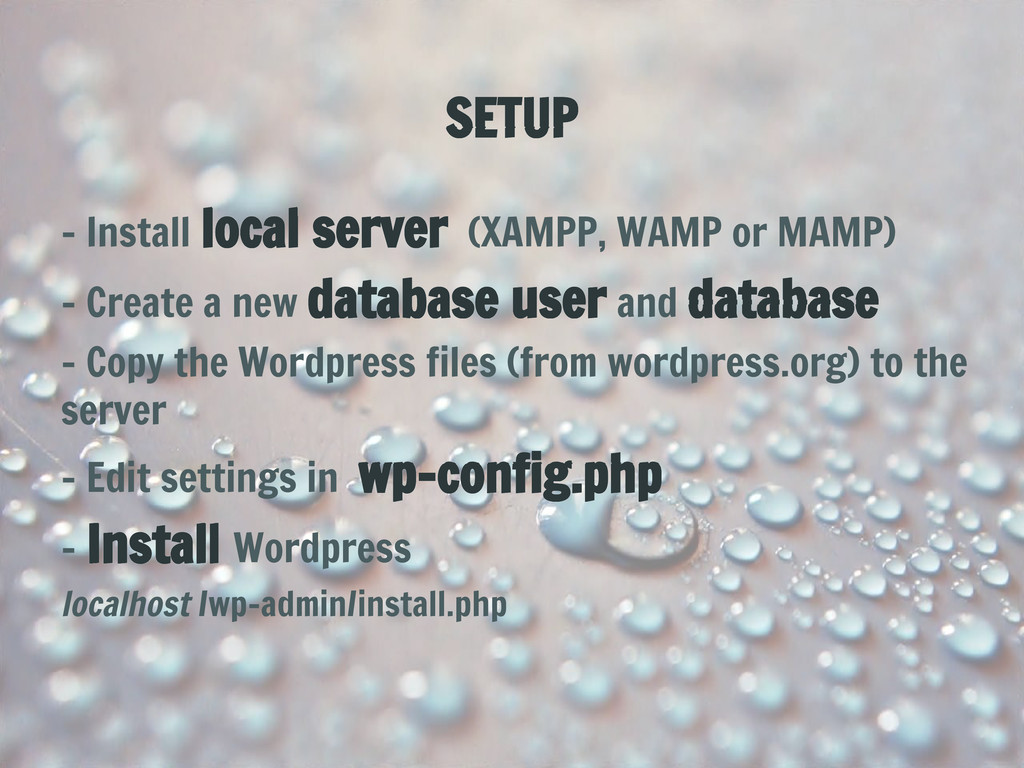
  5. SETUP - Install local server (XAMPP, WAMP or MAMP) -

    Create a new database user and database - Copy the Wordpress files (from wordpress.org) to the server - Edit settings in wp-config.php - Install Wordpress localhost /wp-admin/install.php
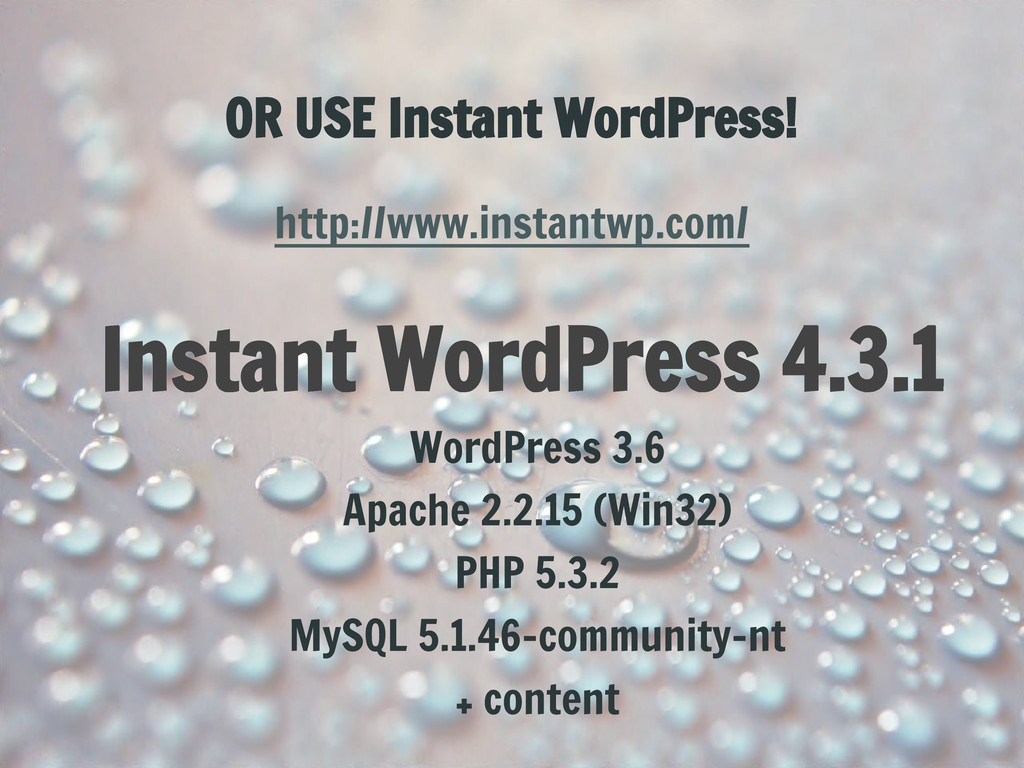
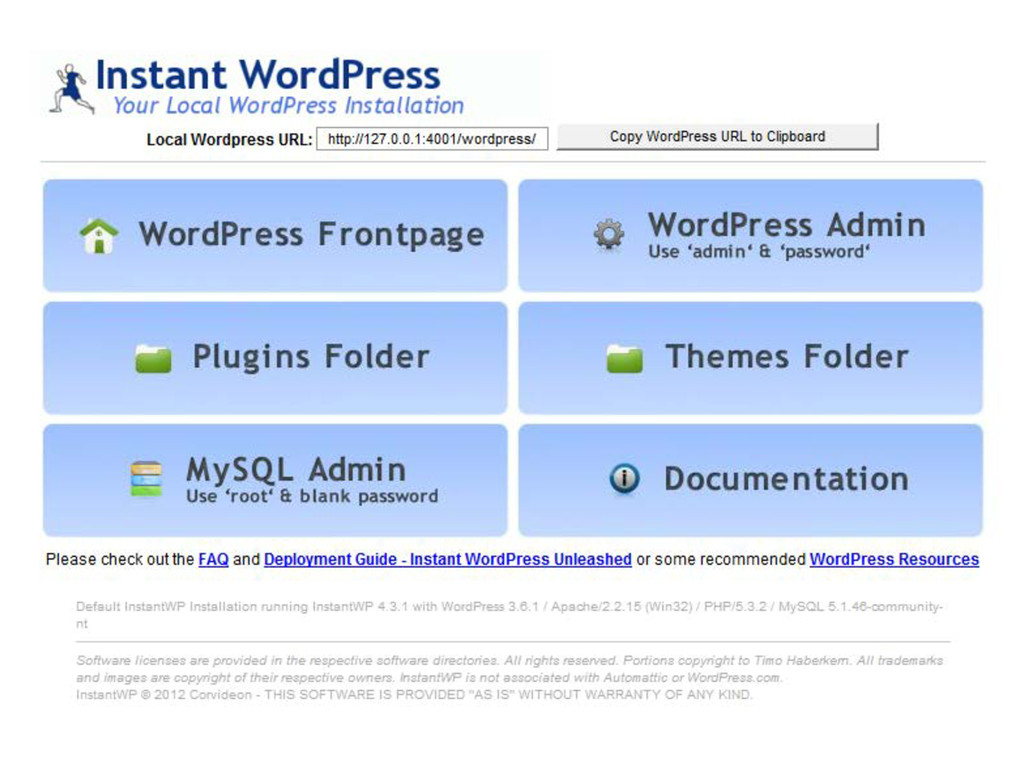
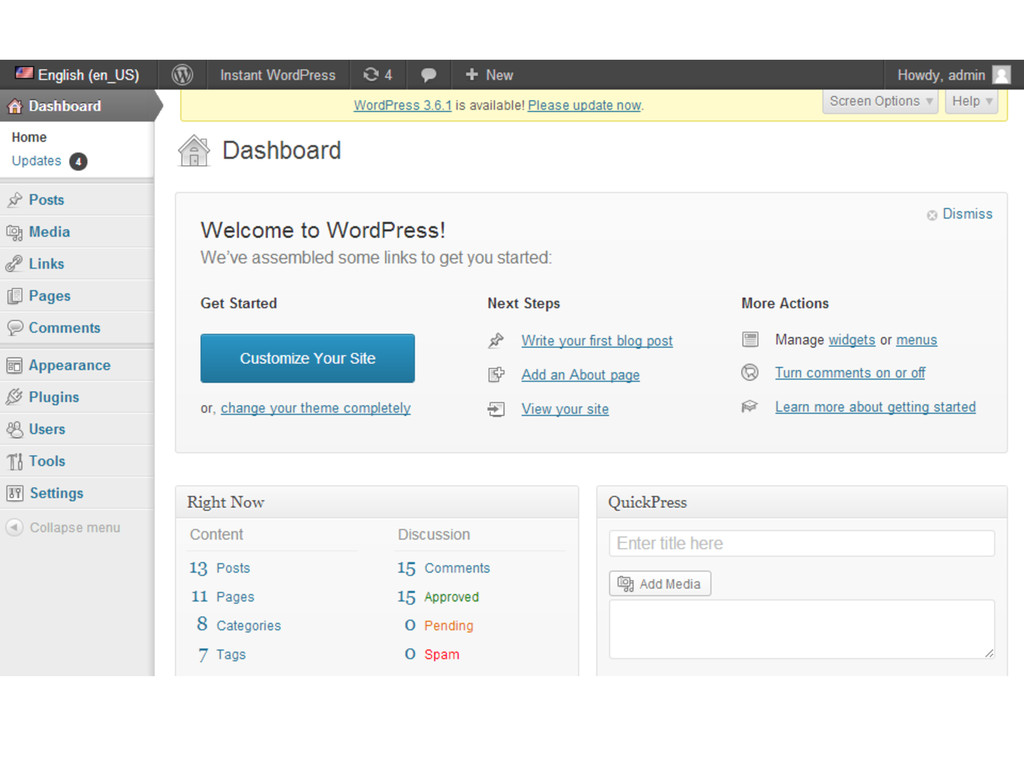
  6. OR USE Instant WordPress! http://www.instantwp.com/ Instant WordPress 4.3.1 WordPress 3.6

    Apache 2.2.15 (Win32) PHP 5.3.2 MySQL 5.1.46-community-nt + content
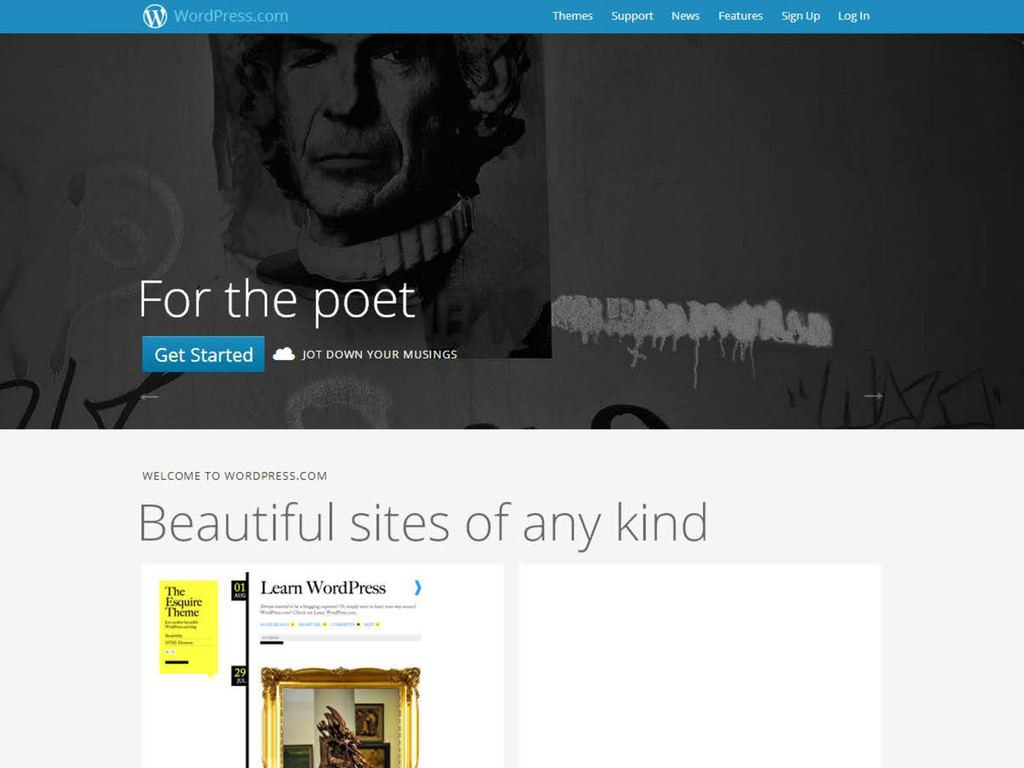
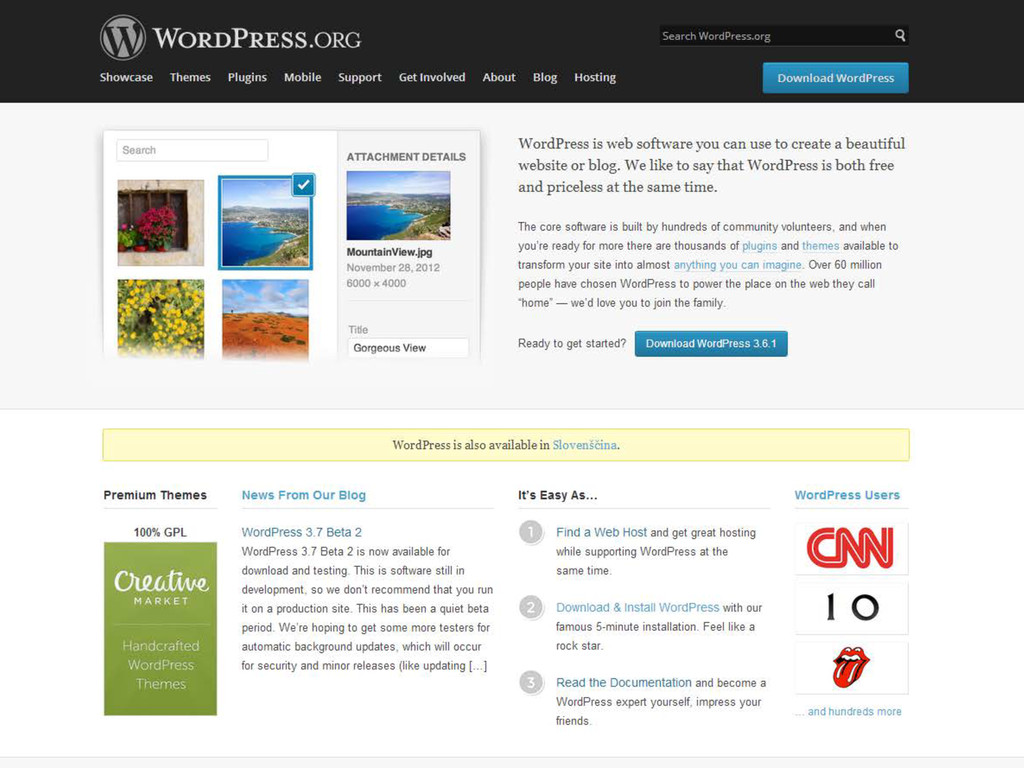
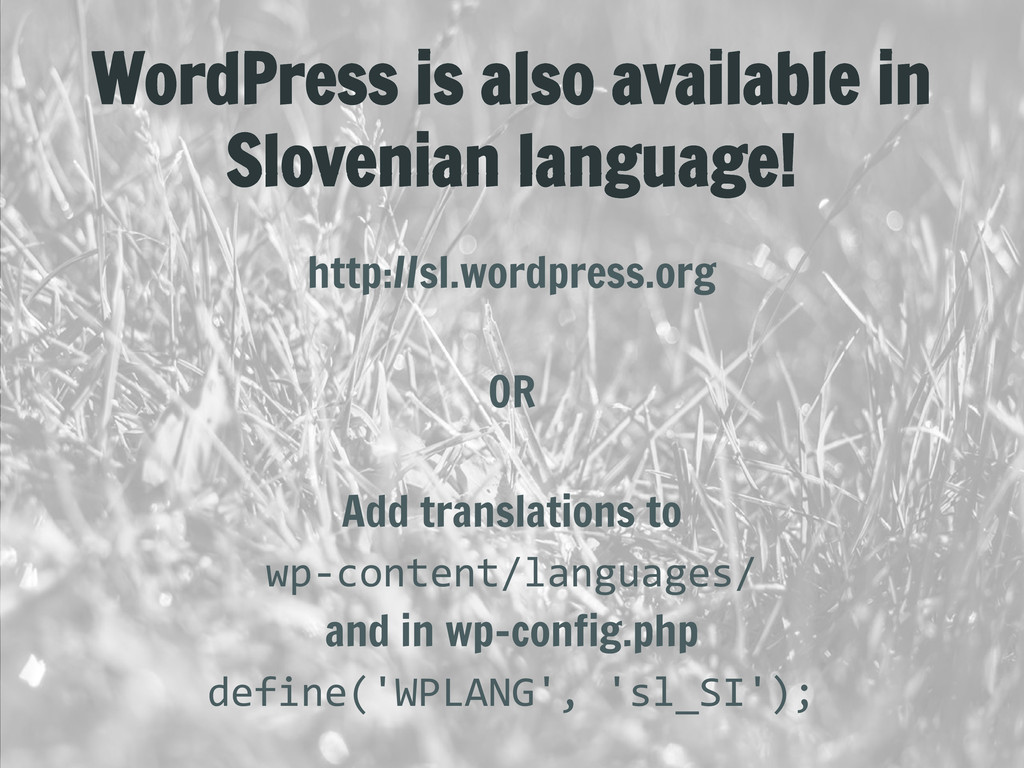
  7. WordPress is also available in Slovenian language! http://sl.wordpress.org OR Add

    translations to wp-content/languages/ and in wp-config.php define('WPLANG', 'sl_SI');
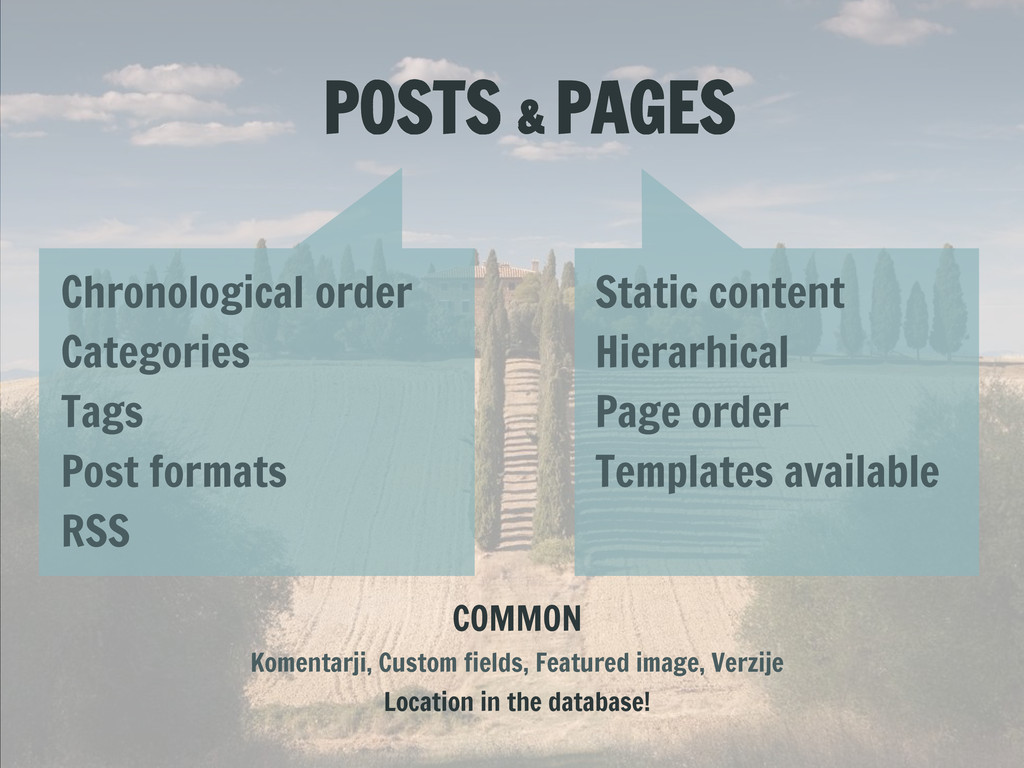
  8. POSTS & PAGES Chronological order Categories Tags Post formats RSS

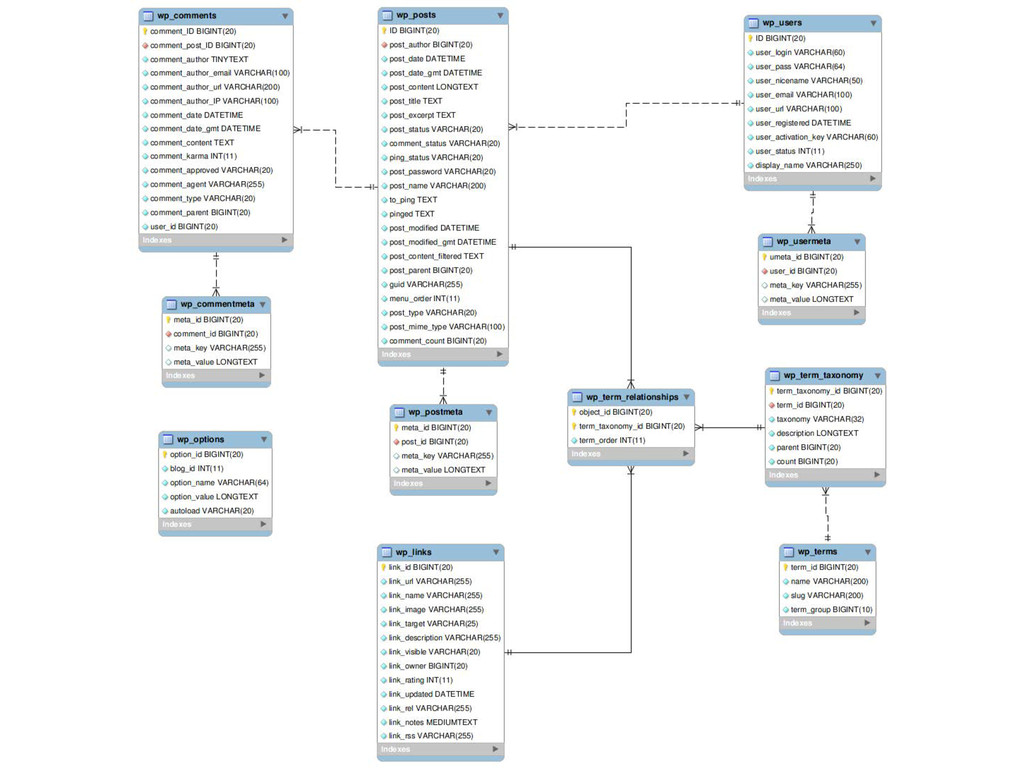
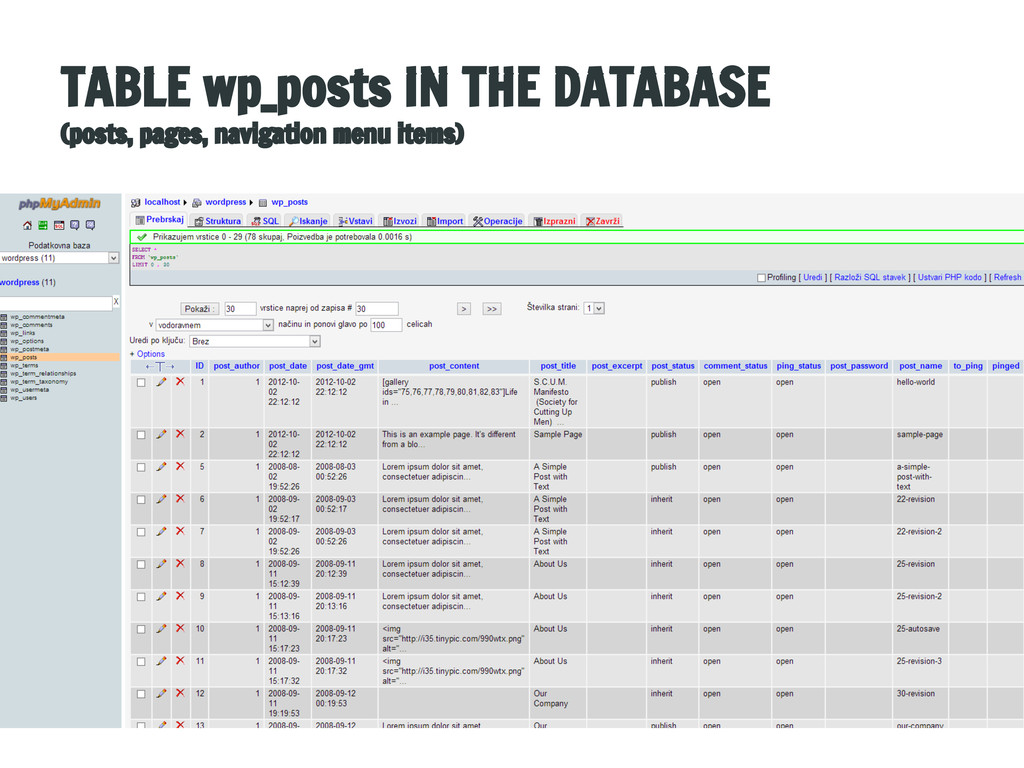
    Static content Hierarhical Page order Templates available COMMON Komentarji, Custom fields, Featured image, Verzije Location in the database!
  9. TIP: Auto embeds http://www.youtube.com/watch?v=DxlLibzteHs [instagram url=http://instagram. com/p/beLxubxpSf/ width=150px] Youtube, Twitter,

    Flickr, Scribd, SlideShare, Soundcloud, Vimeo, Wordpress.tv, Qik, Hulu, Viddler ... http://codex.wordpress.org/Embeds
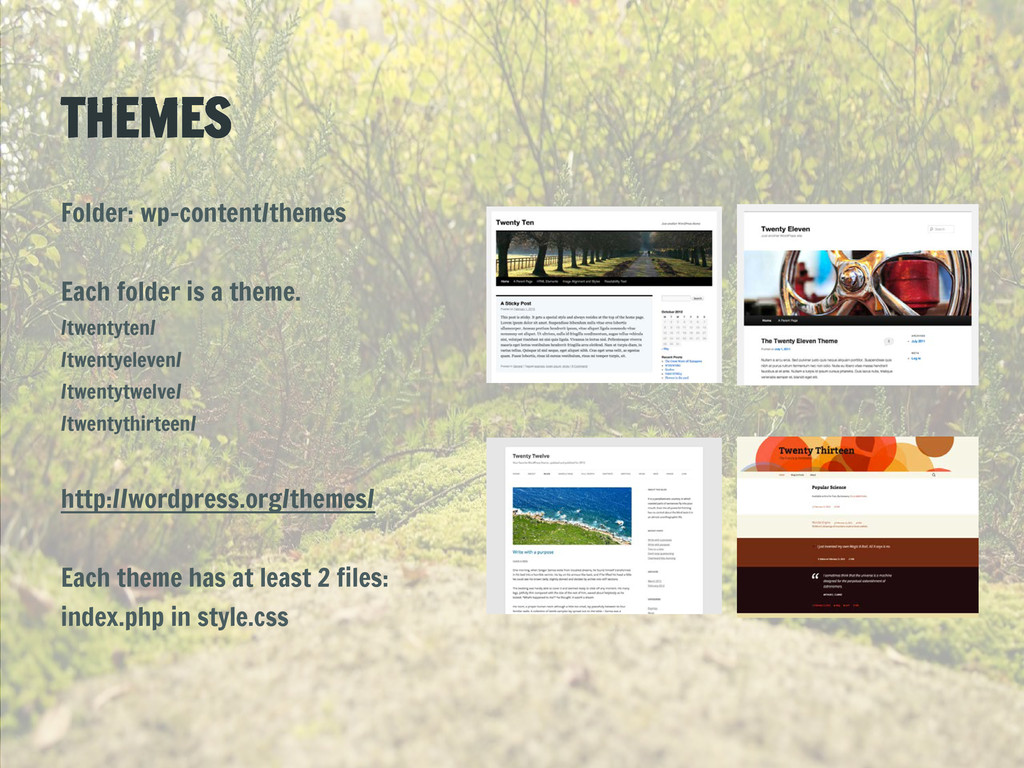
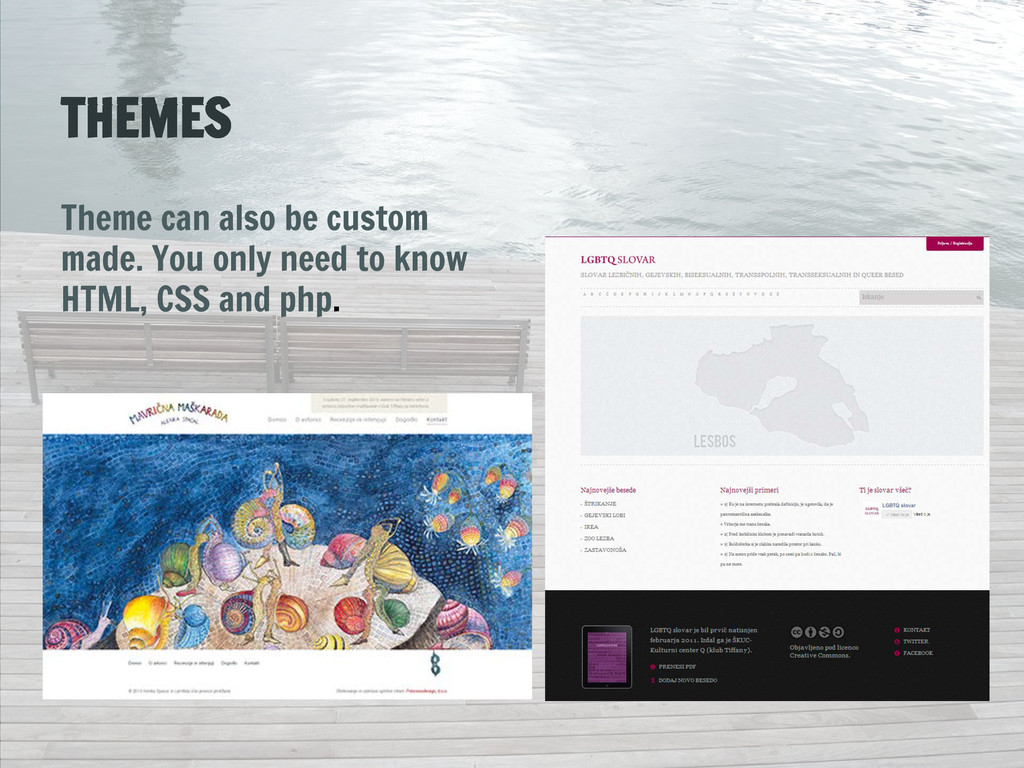
  10. THEMES Folder: wp-content/themes Each folder is a theme. /twentyten/ /twentyeleven/

    /twentytwelve/ /twentythirteen/ http://wordpress.org/themes/ Each theme has at least 2 files: index.php in style.css
  11. THEME CAN ALSO HAVE - post formats (image, video, quote,

    audio, …) - featured image - menu - gravatar - sidebar and widgets - functions.php
  12. MOST POPULAR PLUGINS - WordPress SEO by Yoast - Jetpack

    by WordPress.com - Google XML Sitemaps - Akismet - NextGEN Gallery - Contact Form 7 - All in One SEO Pack - WordPress Importer - Fast Secure Contact Form - WooCommerce - excelling eCommerce - Captcha - Contact Form - Yet Another Related Posts Plugin (YARPP) - WPtouch Mobile Plugin - Facebook - W3 Total Cache - Ultimate TinyMCE - Share Buttons by AddThis