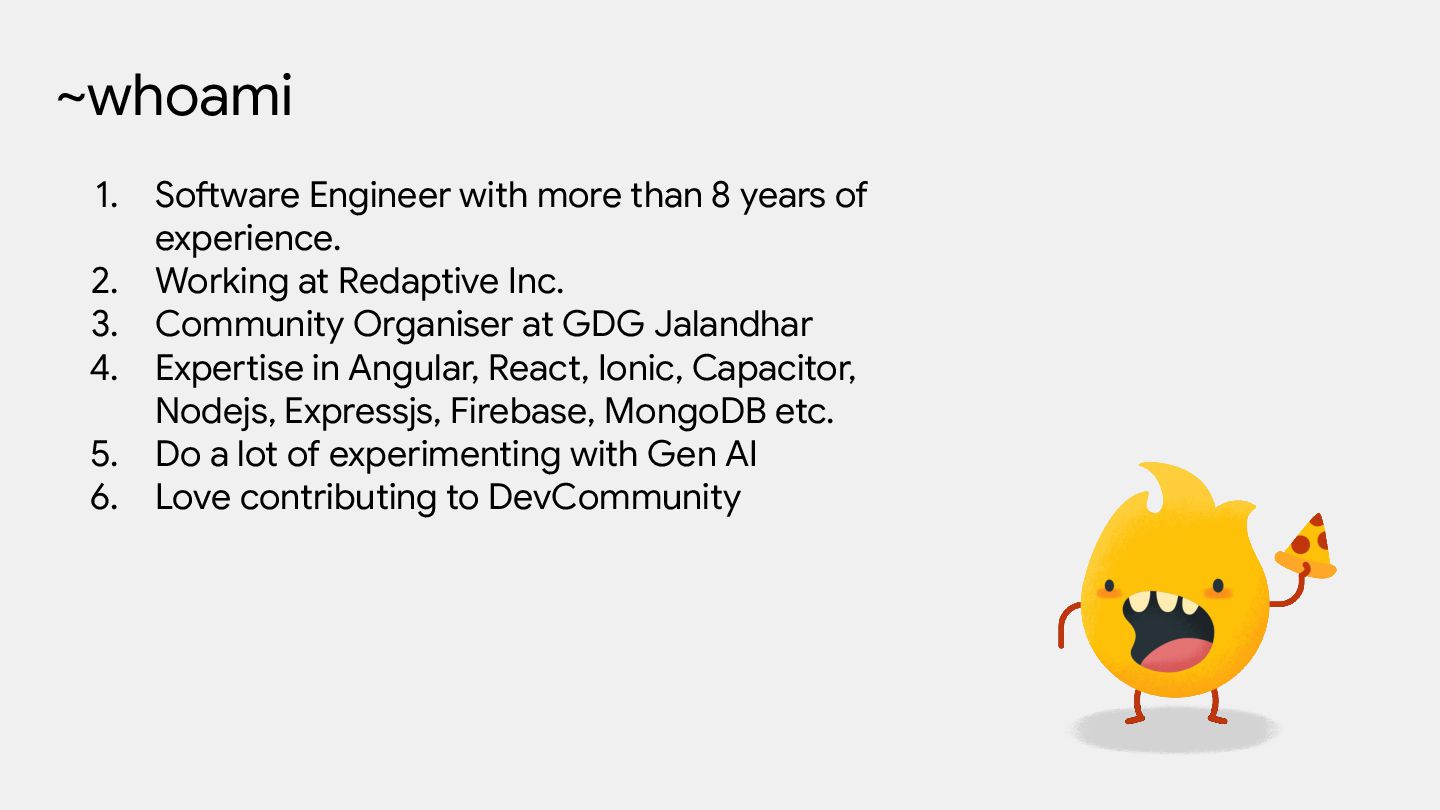
experience. 2. Working at Redaptive Inc. 3. Community Organiser at GDG Jalandhar 4. Expertise in Angular, React, Ionic, Capacitor, Nodejs, Expressjs, Firebase, MongoDB etc. 5. Do a lot of experimenting with Gen AI 6. Love contributing to DevCommunity
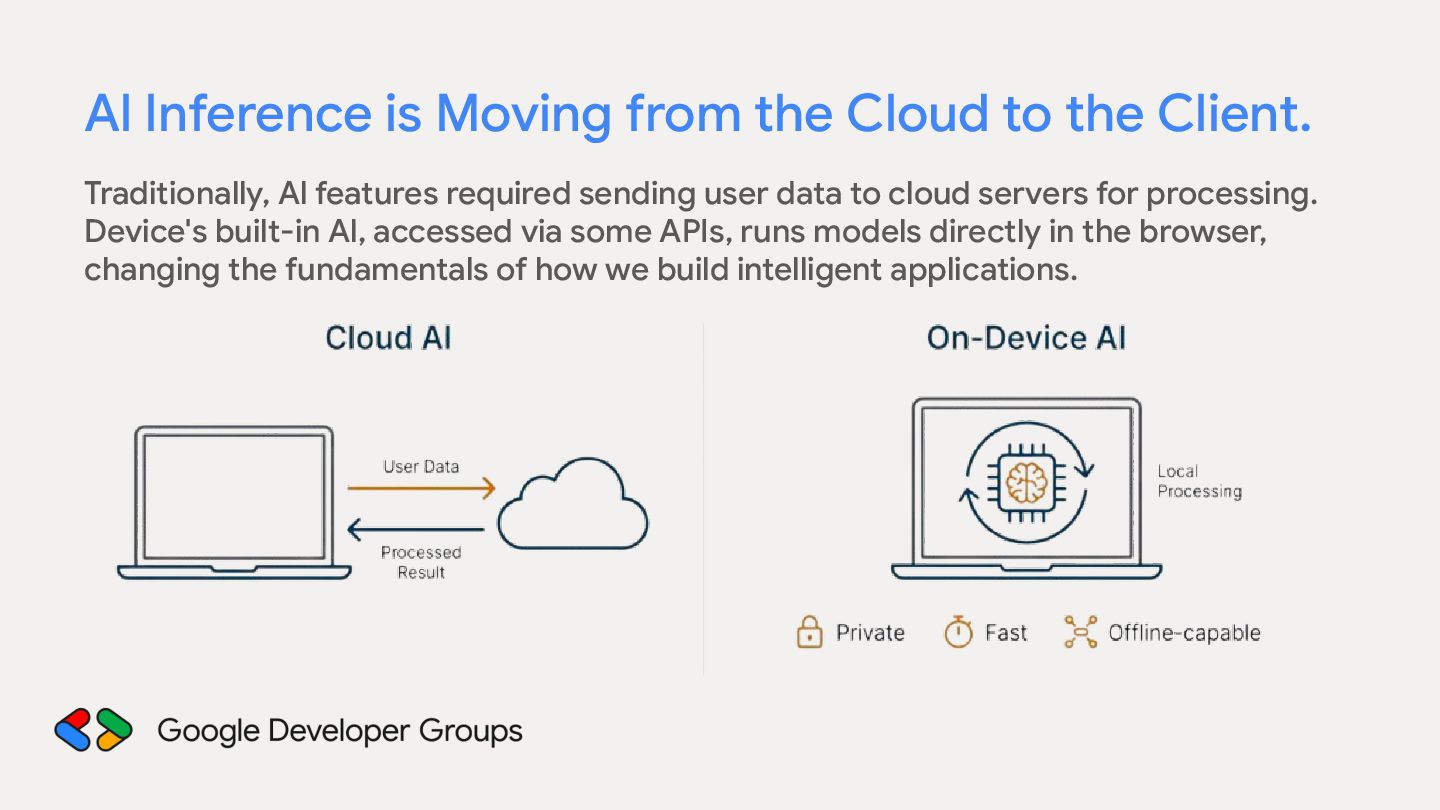
Traditionally, Al features required sending user data to cloud servers for processing. Device's built-in Al, accessed via some APIs, runs models directly in the browser, changing the fundamentals of how we build intelligent applications.
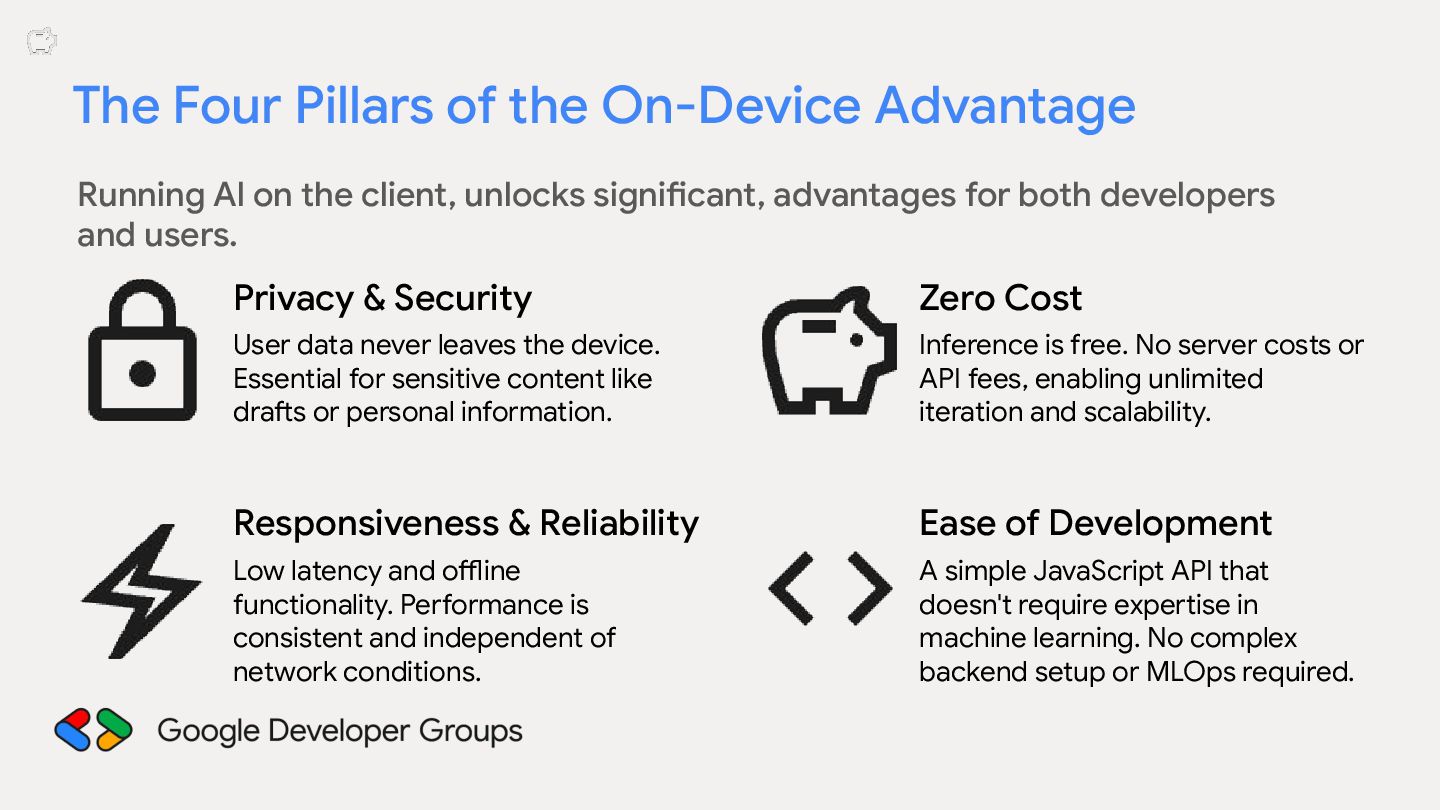
the client, unlocks significant, advantages for both developers and users. Privacy & Security User data never leaves the device. Essential for sensitive content like drafts or personal information.
the client, unlocks significant, advantages for both developers and users. Privacy & Security Zero Cost User data never leaves the device. Essential for sensitive content like drafts or personal information. Inference is free. No server costs or API fees, enabling unlimited iteration and scalability.
the client, unlocks significant, advantages for both developers and users. Privacy & Security Zero Cost User data never leaves the device. Essential for sensitive content like drafts or personal information. Inference is free. No server costs or API fees, enabling unlimited iteration and scalability. Responsiveness & Reliability Low latency and offline functionality. Performance is consistent and independent of network conditions.
the client, unlocks significant, advantages for both developers and users. Privacy & Security Zero Cost User data never leaves the device. Essential for sensitive content like drafts or personal information. Inference is free. No server costs or API fees, enabling unlimited iteration and scalability. Responsiveness & Reliability Ease of Development Low latency and offline functionality. Performance is consistent and independent of network conditions. A simple JavaScript API that doesn't require expertise in machine learning. No complex backend setup or MLOps required.
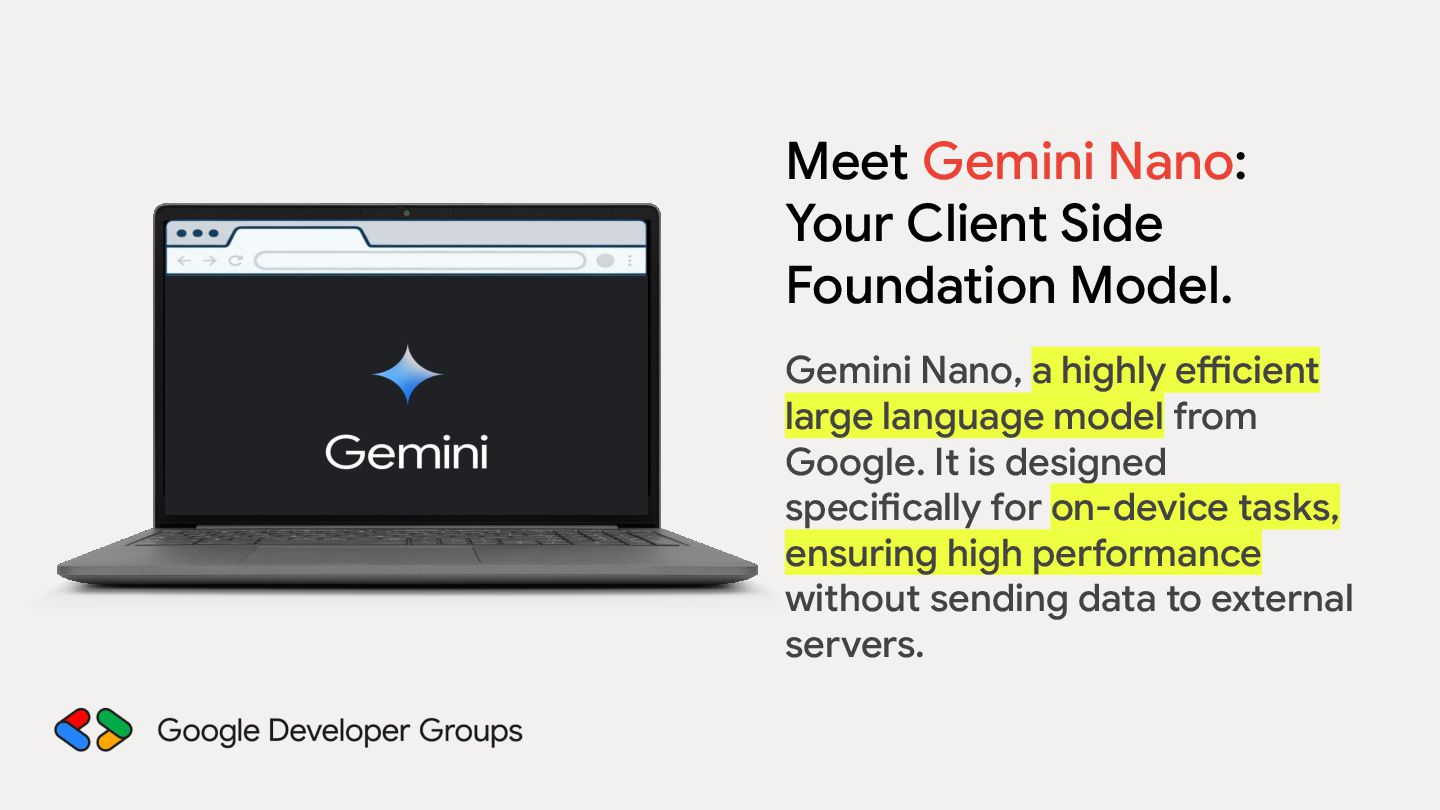
a highly efficient large language model from Google. It is designed specifically for on-device tasks, ensuring high performance without sending data to external servers.
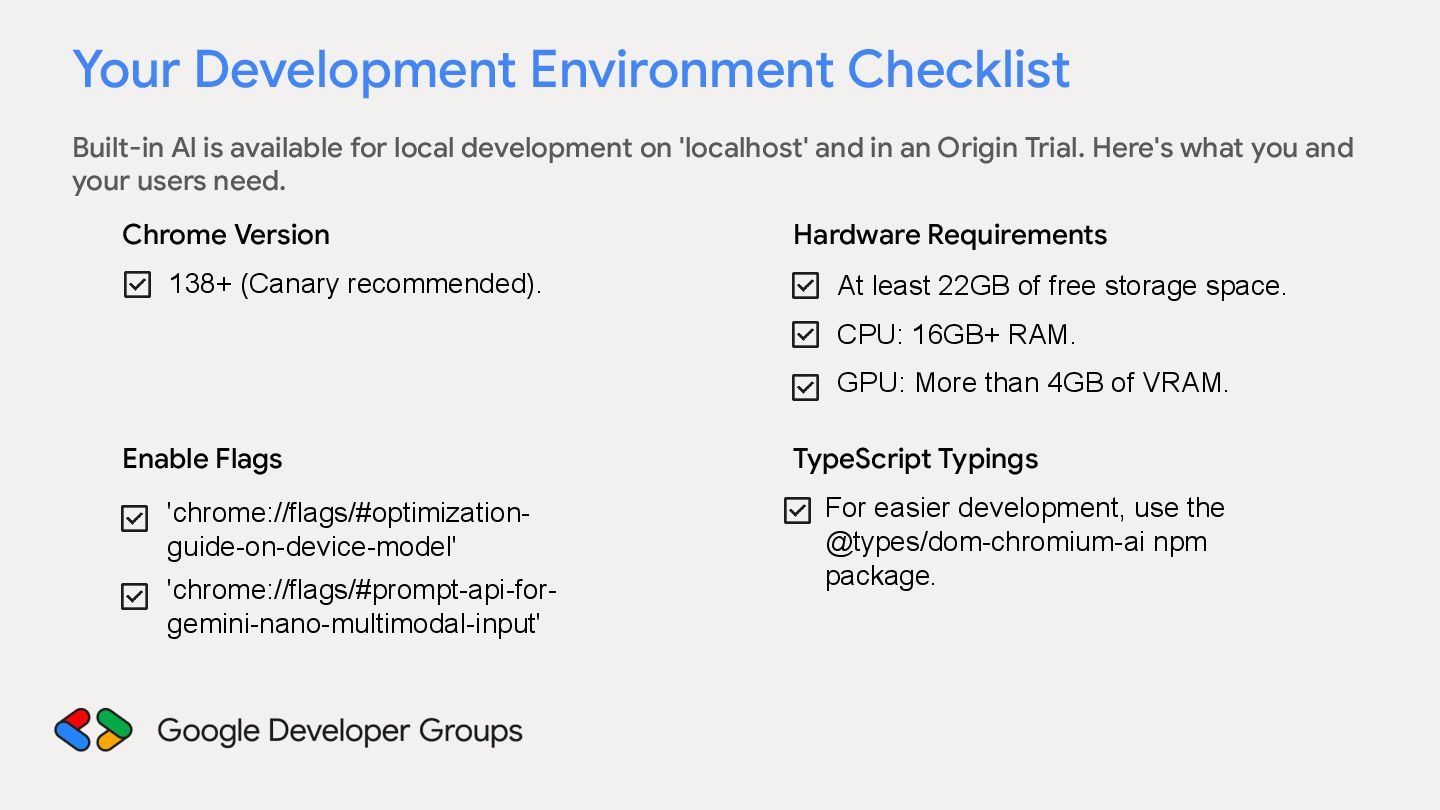
development on 'localhost' and in an Origin Trial. Here's what you and your users need. Chrome Version 138+ (Canary recommended). Hardware Requirements At least 22GB of free storage space. CPU: 16GB+ RAM. GPU: More than 4GB of VRAM.
development on 'localhost' and in an Origin Trial. Here's what you and your users need. Chrome Version 138+ (Canary recommended). Hardware Requirements At least 22GB of free storage space. CPU: 16GB+ RAM. GPU: More than 4GB of VRAM. Enable Flags 'chrome://flags/#optimizationguide-on-device-model' 'chrome://flags/#prompt-api-forgemini-nano-multimodal-input'
development on 'localhost' and in an Origin Trial. Here's what you and your users need. Chrome Version 138+ (Canary recommended). Hardware Requirements At least 22GB of free storage space. CPU: 16GB+ RAM. GPU: More than 4GB of VRAM. Enable Flags 'chrome://flags/#optimizationguide-on-device-model' 'chrome://flags/#prompt-api-forgemini-nano-multimodal-input' TypeScript Typings For easier development, use the @types/dom-chromium-ai npm package.
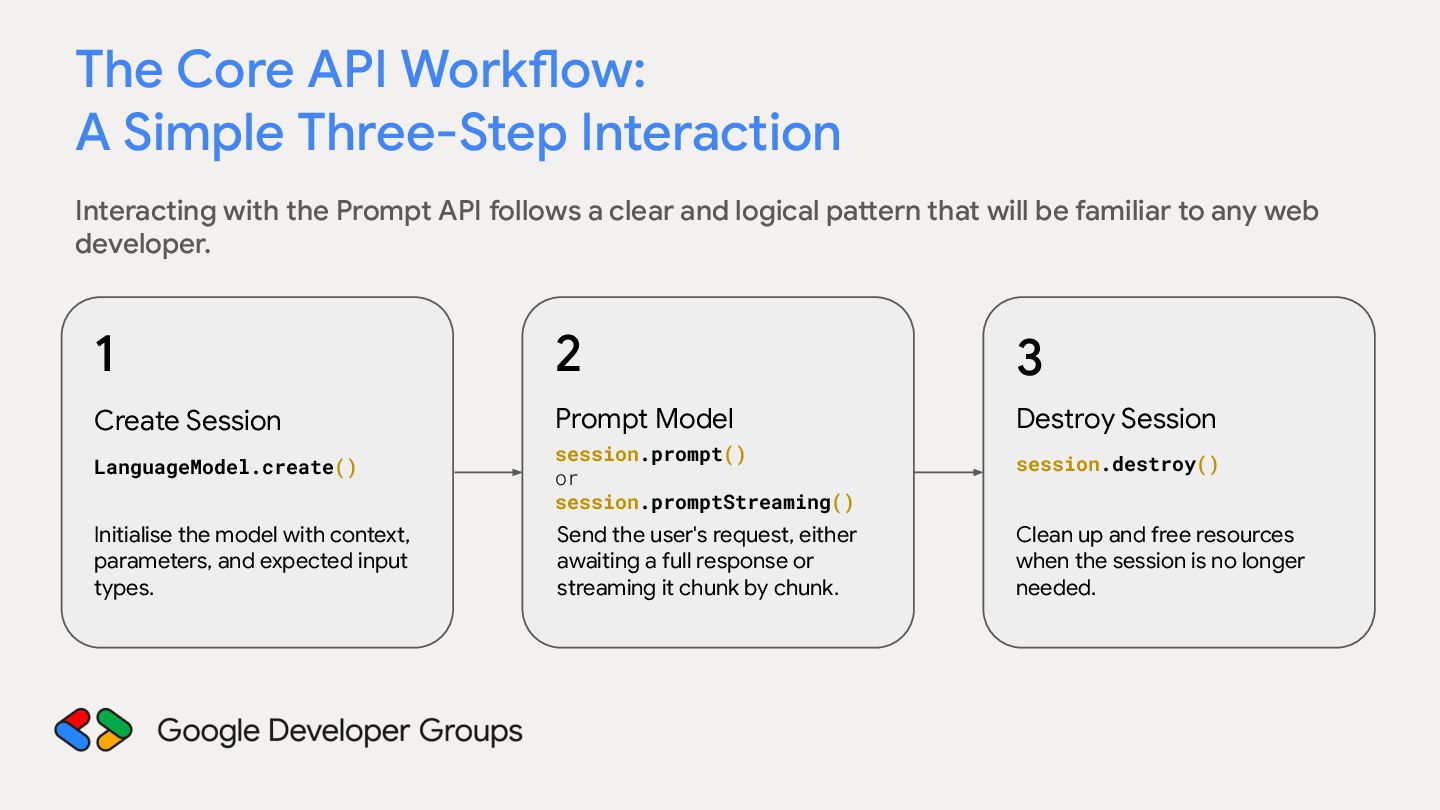
the Prompt API follows a clear and logical pattern that will be familiar to any web developer. 1 Create Session LanguageModel.create() Initialise the model with context, parameters, and expected input types.
the Prompt API follows a clear and logical pattern that will be familiar to any web developer. 1 2 Create Session Prompt Model LanguageModel.create() Initialise the model with context, parameters, and expected input types. session.prompt() or session.promptStreaming() Send the user's request, either awaiting a full response or streaming it chunk by chunk.
the Prompt API follows a clear and logical pattern that will be familiar to any web developer. 1 2 3 Create Session Prompt Model Destroy Session session.prompt() or session.promptStreaming() session.destroy() Send the user's request, either awaiting a full response or streaming it chunk by chunk. Clean up and free resources when the session is no longer needed. LanguageModel.create() Initialise the model with context, parameters, and expected input types.
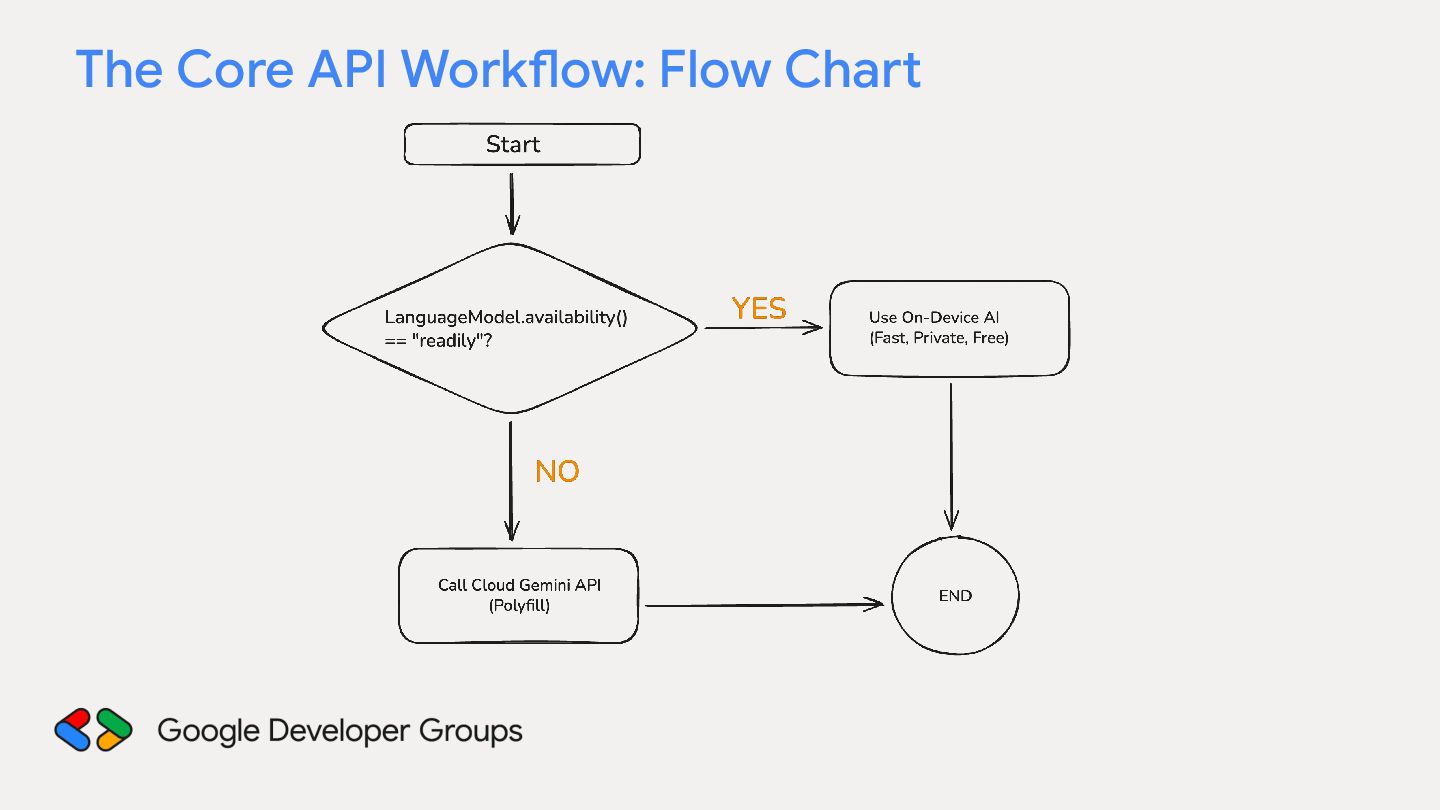
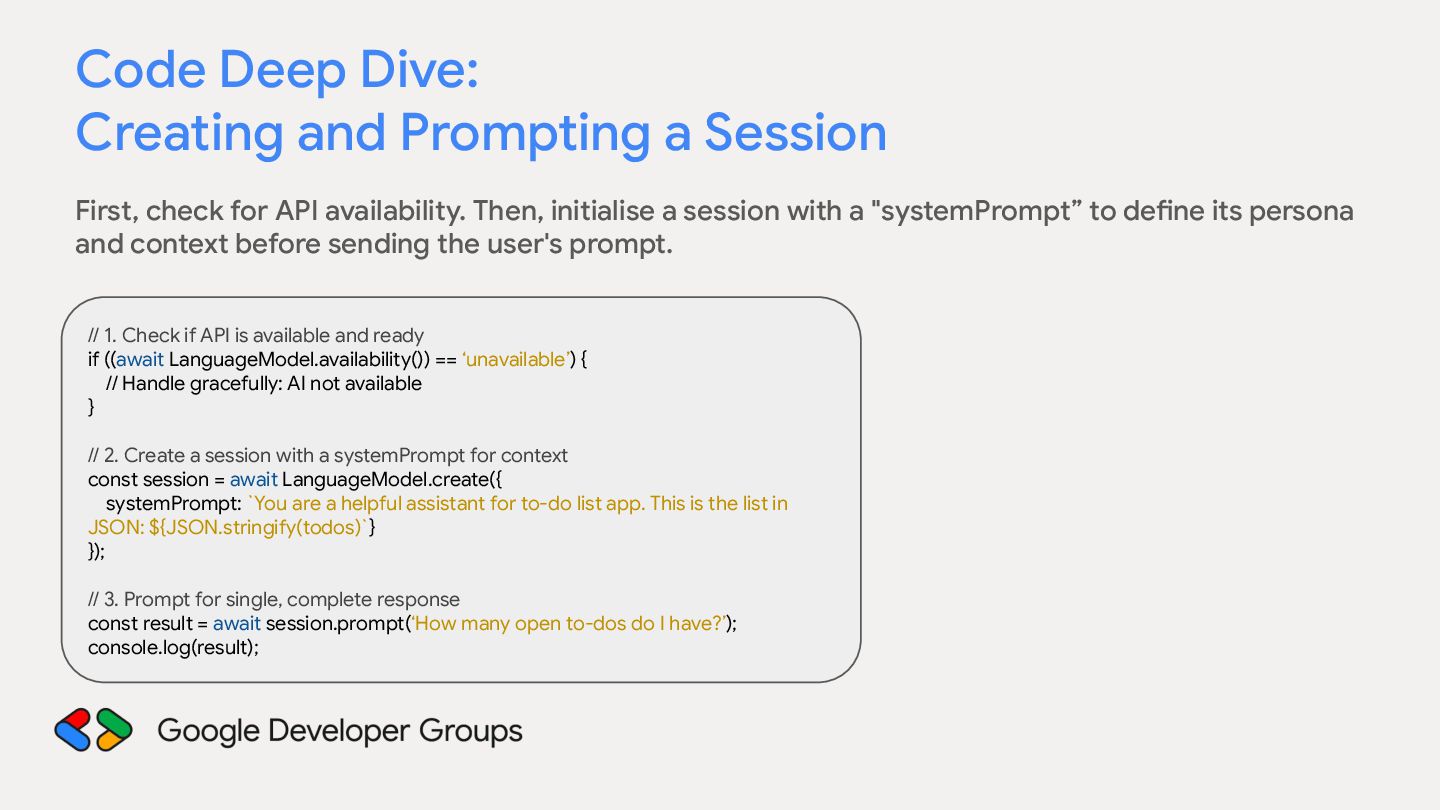
for API availability. Then, initialise a session with a "systemPrompt” to define its persona and context before sending the user's prompt. // 1. Check if API is available and ready if ((await LanguageModel.availability()) == ‘unavailable’) { // Handle gracefully: AI not available } // 2. Create a session with a systemPrompt for context const session = await LanguageModel.create({ systemPrompt: `You are a helpful assistant for to-do list app. This is the list in JSON: ${JSON.stringify(todos)`} }); // 3. Prompt for single, complete response const result = await session.prompt(‘How many open to-dos do I have?’); console.log(result);
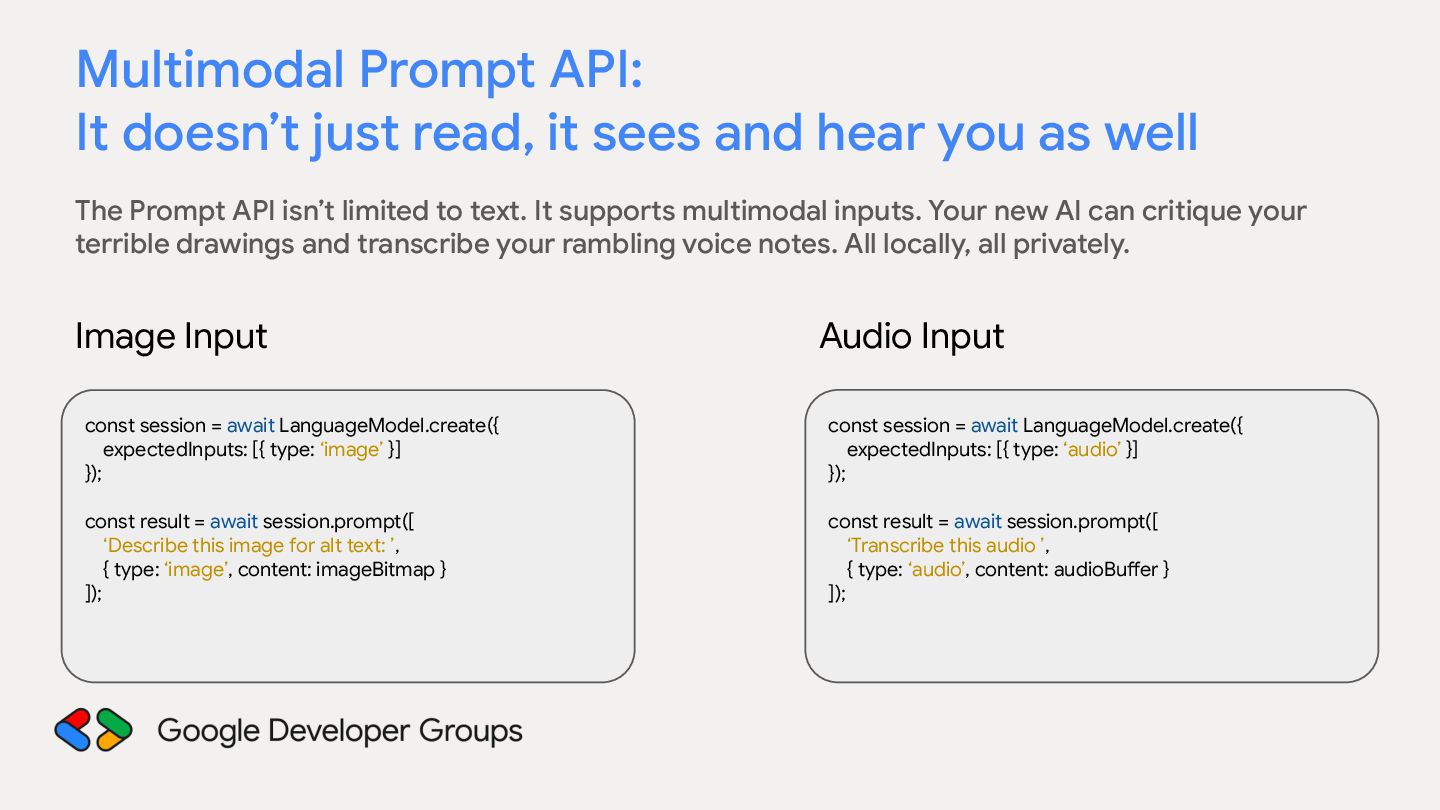
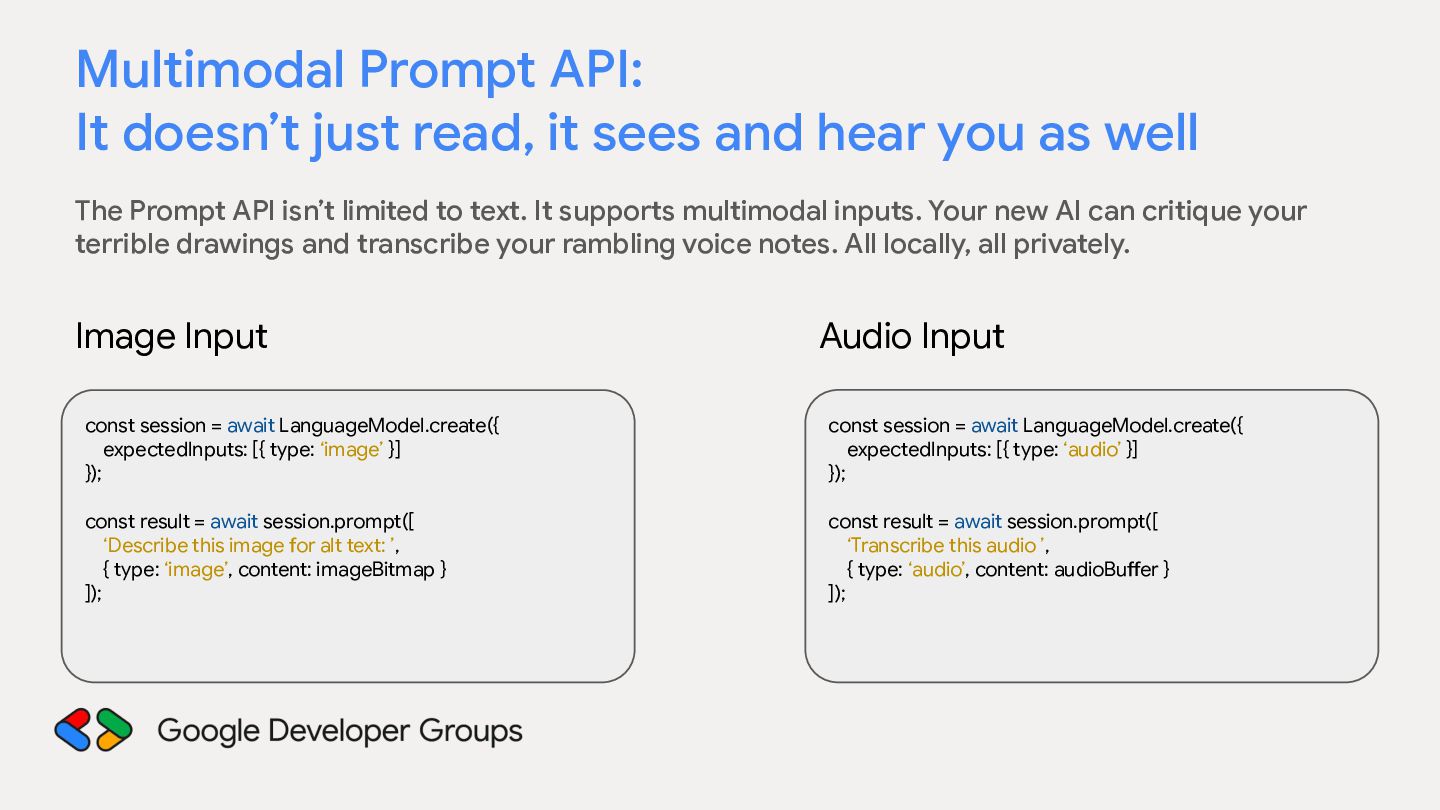
hear you as well The Prompt API isn’t limited to text. It supports multimodal inputs. Your new AI can critique your terrible drawings and transcribe your rambling voice notes. All locally, all privately. Image Input Audio Input const session = await LanguageModel.create({ expectedInputs: [{ type: ‘image’ }] }); const session = await LanguageModel.create({ expectedInputs: [{ type: ‘audio’ }] }); const result = await session.prompt([ ‘Describe this image for alt text: ’, { type: ‘image’, content: imageBitmap } ]); const result = await session.prompt([ ‘Transcribe this audio ’, { type: ‘audio’, content: audioBuffer } ]);
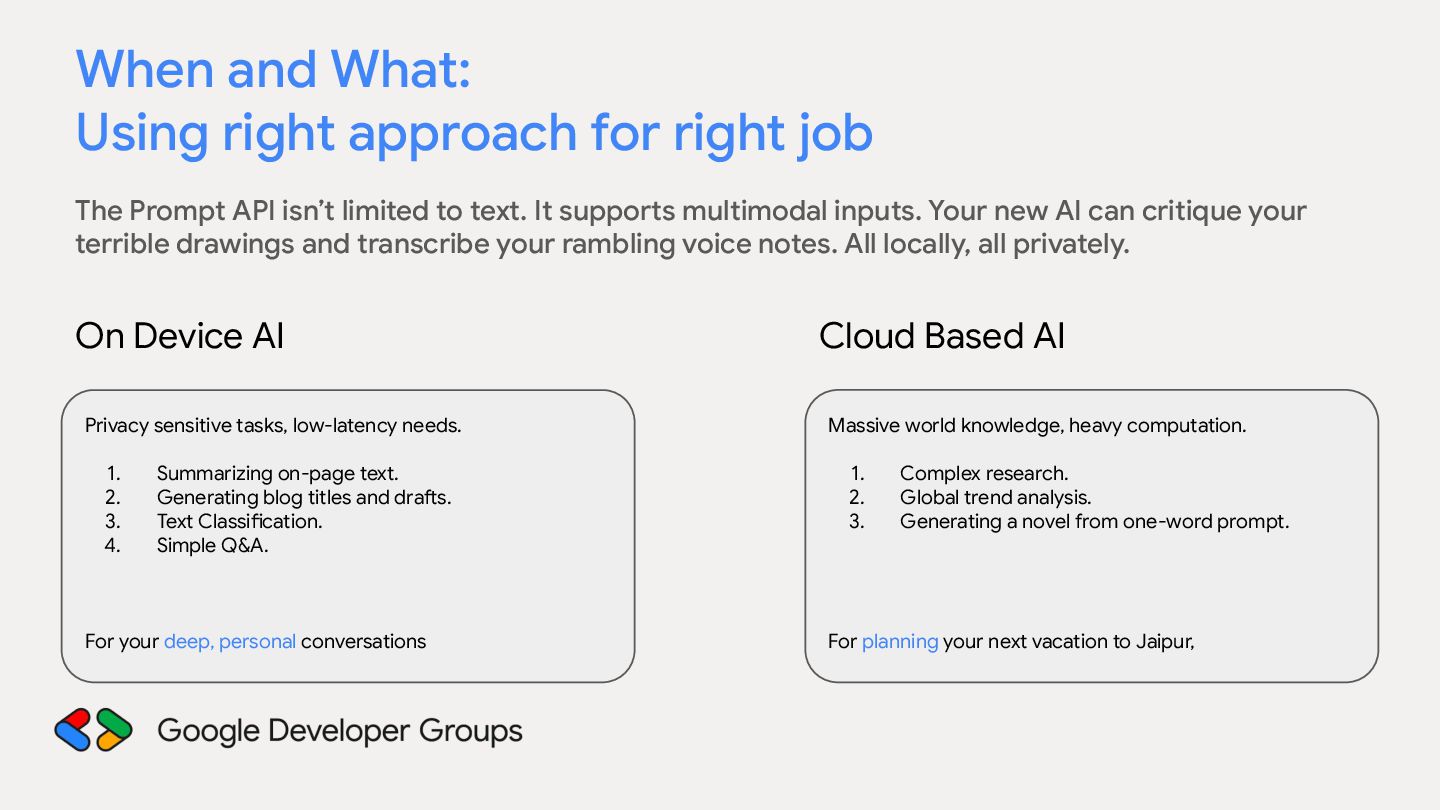
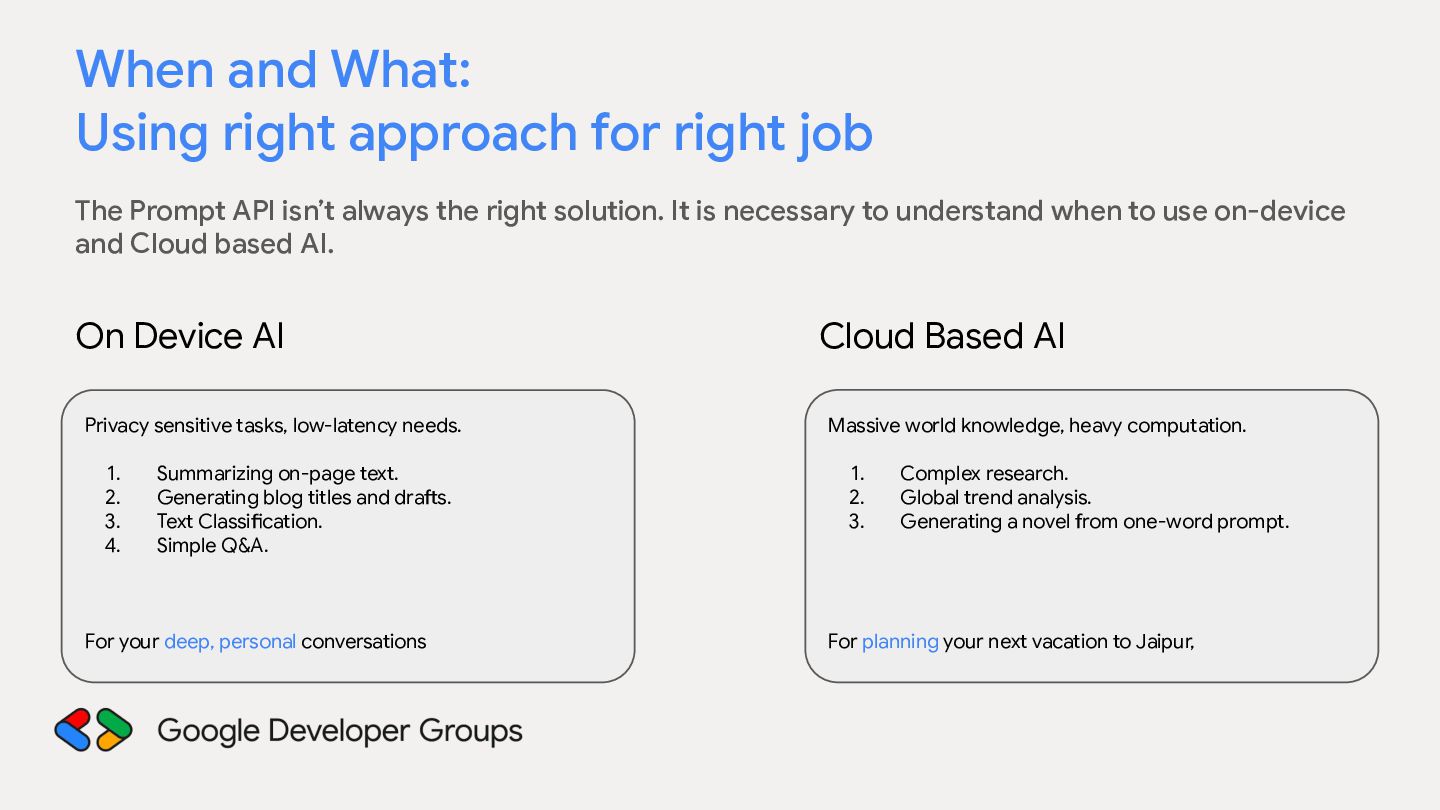
Prompt API isn’t always the right solution. It is necessary to understand when to use on-device and Cloud based AI. On Device AI Cloud Based AI Privacy sensitive tasks, low-latency needs. Massive world knowledge, heavy computation. 1. 2. 3. 4. Summarizing on-page text. Generating blog titles and drafts. Text Classification. Simple Q&A. For your deep, personal conversations 1. 2. 3. Complex research. Global trend analysis. Generating a novel from one-word prompt. For planning your next vacation to Jaipur,
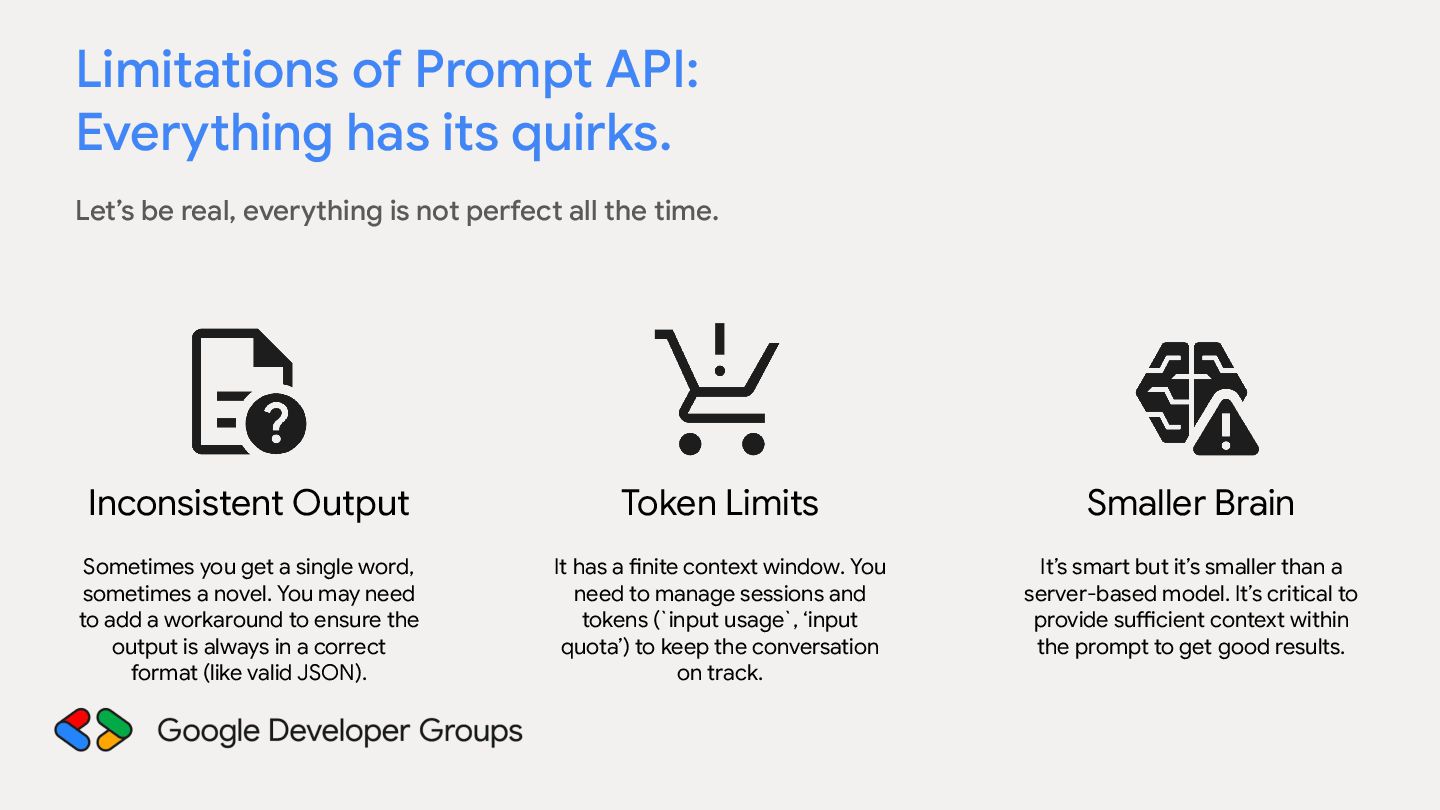
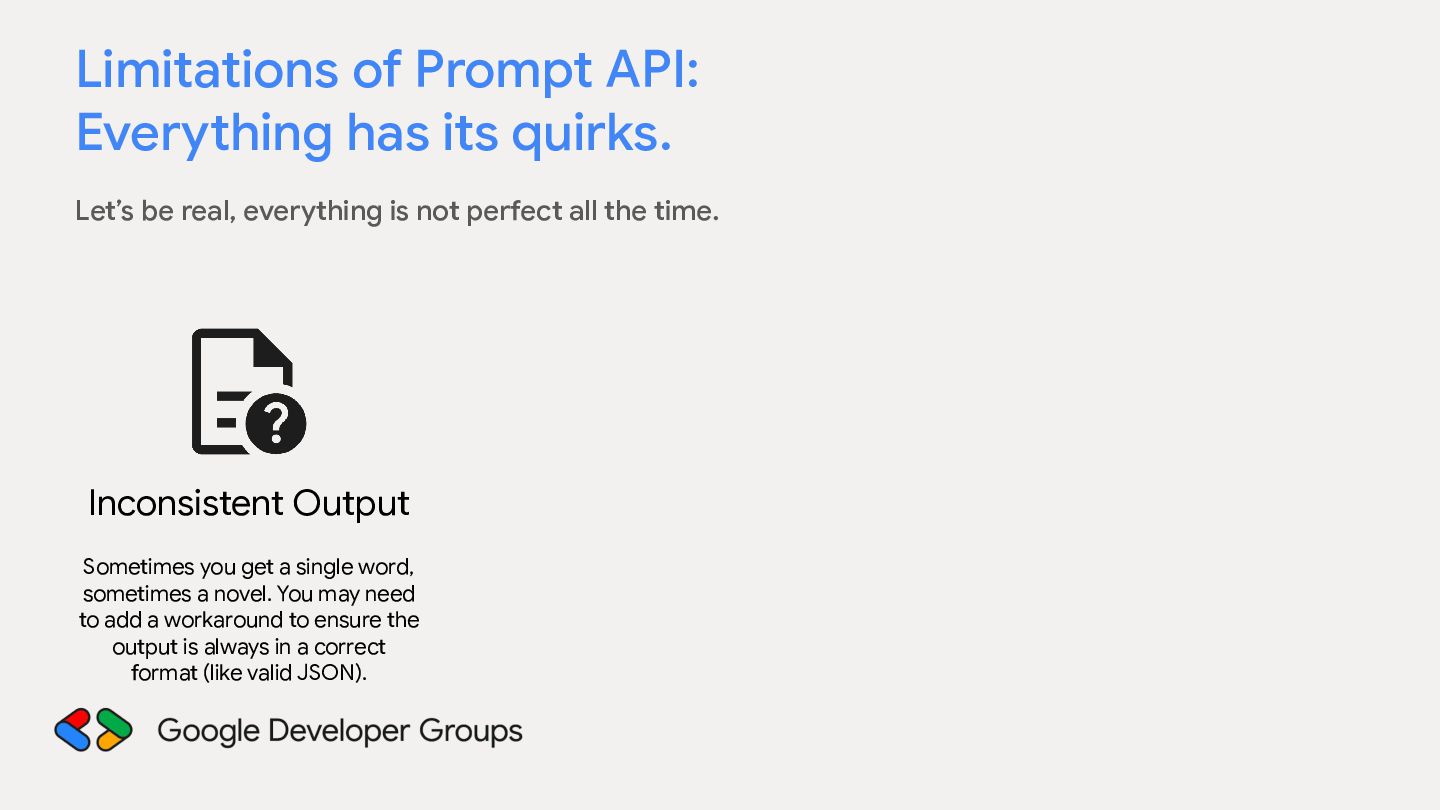
real, everything is not perfect all the time. Inconsistent Output Sometimes you get a single word, sometimes a novel. You may need to add a workaround to ensure the output is always in a correct format (like valid JSON).
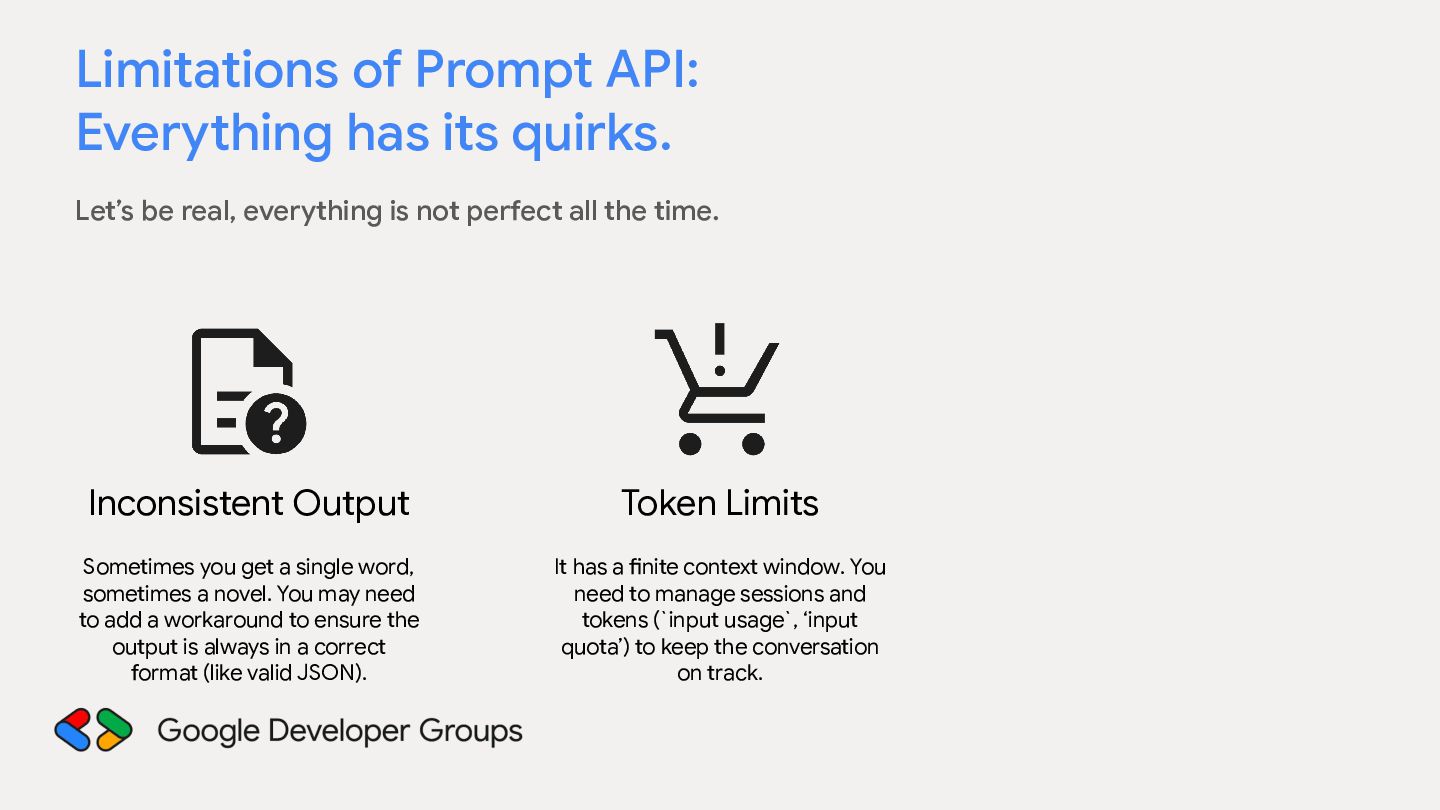
real, everything is not perfect all the time. Inconsistent Output Token Limits Sometimes you get a single word, sometimes a novel. You may need to add a workaround to ensure the output is always in a correct format (like valid JSON). It has a finite context window. You need to manage sessions and tokens (`input usage`, ‘input quota’) to keep the conversation on track.
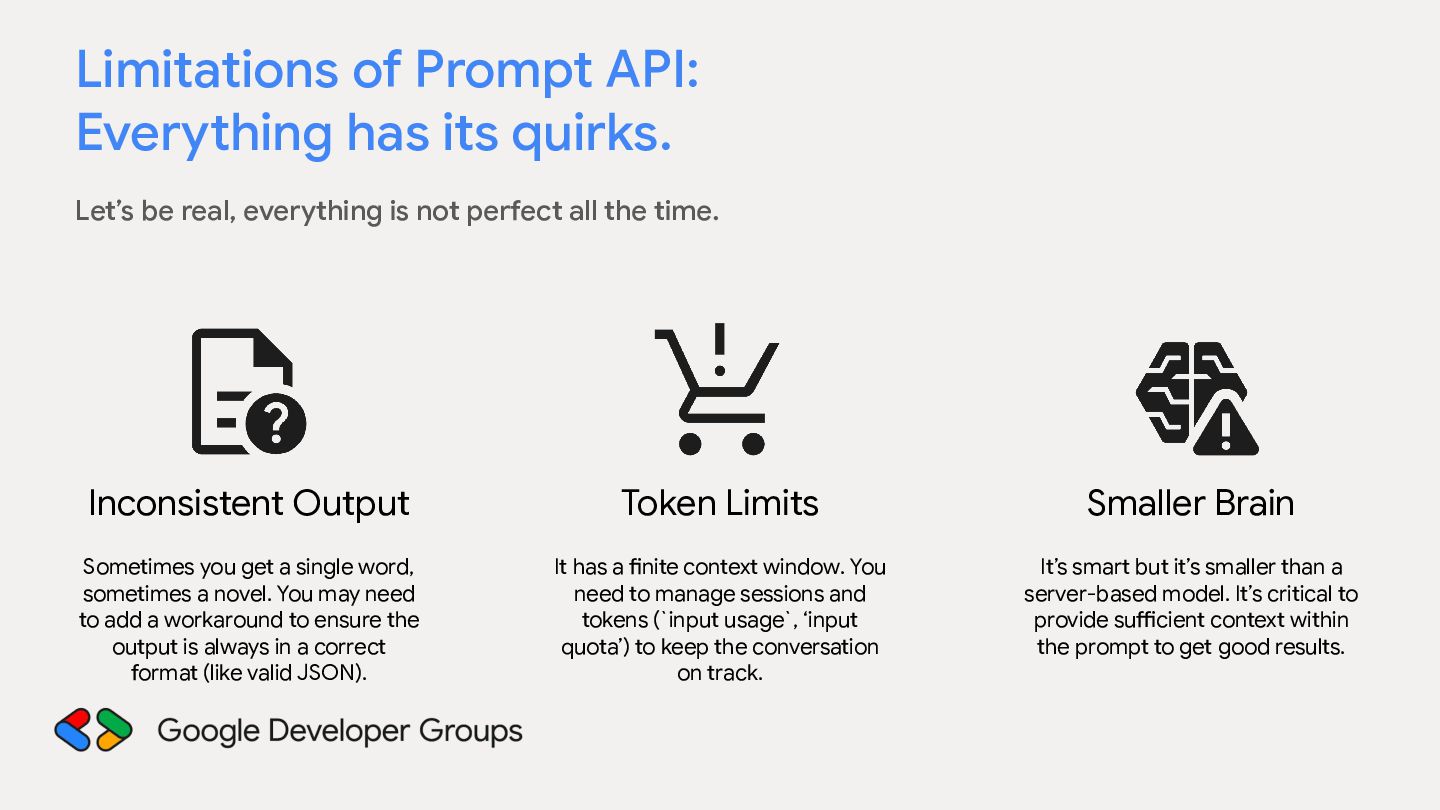
real, everything is not perfect all the time. Inconsistent Output Token Limits Smaller Brain Sometimes you get a single word, sometimes a novel. You may need to add a workaround to ensure the output is always in a correct format (like valid JSON). It has a finite context window. You need to manage sessions and tokens (`input usage`, ‘input quota’) to keep the conversation on track. It’s smart but it’s smaller than a server-based model. It’s critical to provide sufficient context within the prompt to get good results.
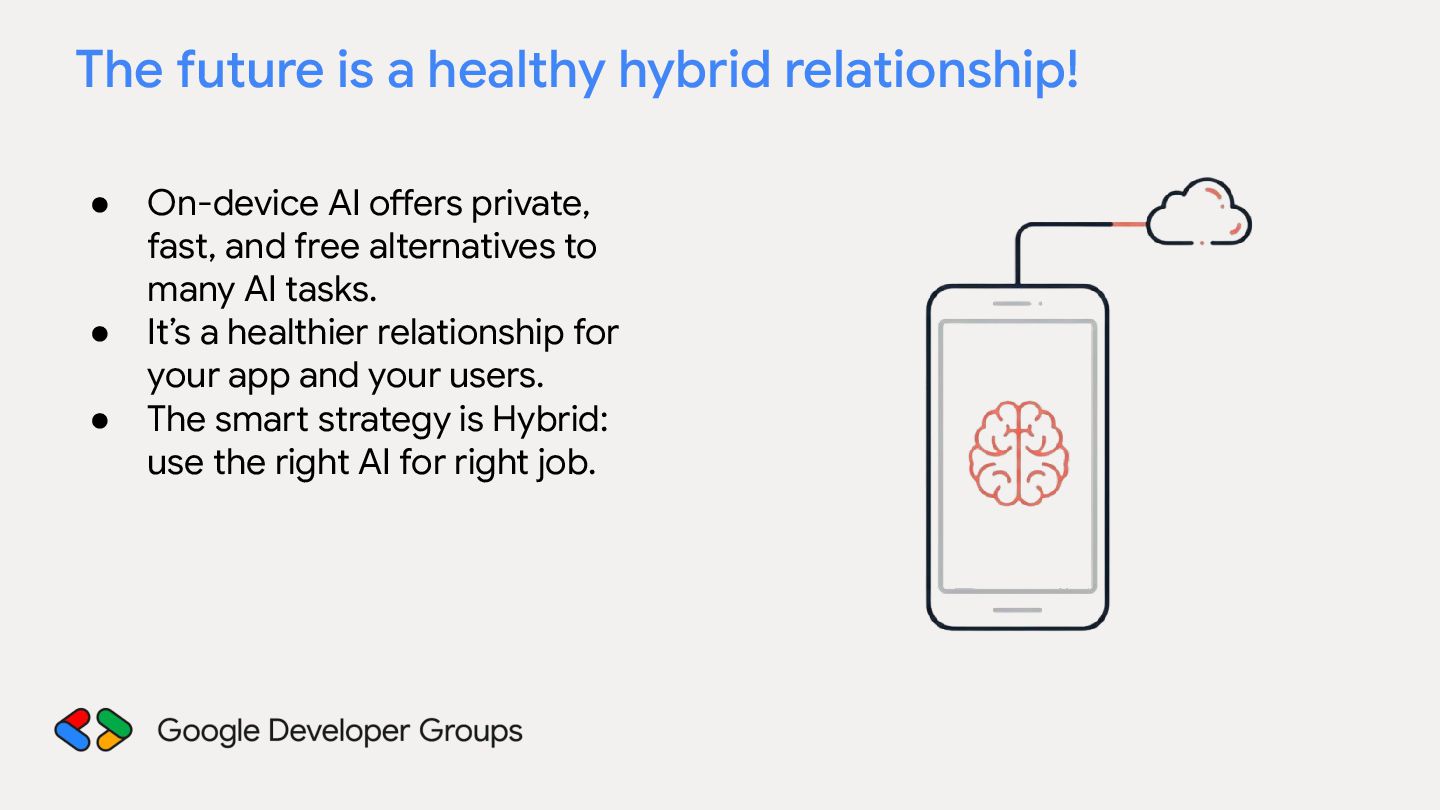
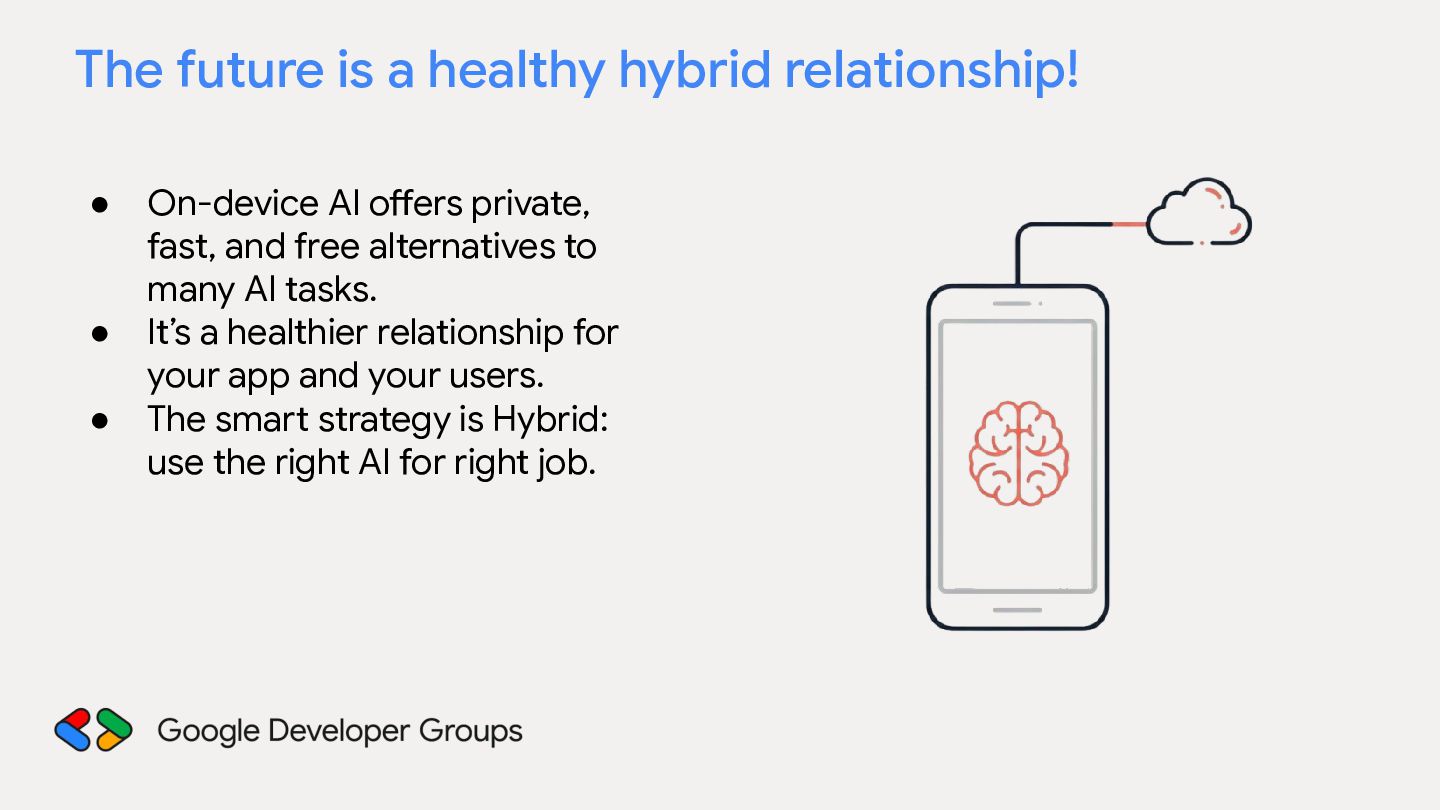
On-device AI offers private, fast, and free alternatives to many AI tasks. It’s a healthier relationship for your app and your users. The smart strategy is Hybrid: use the right AI for right job.


.jpg)
.jpg)
.jpg) programmersingh
programmersingh
 lynnswap
 chobishiba
 rkaga
rkaga
 oku053
 drumath2237
 syumai
 siroemk
 colorful12
 hollycummins
 tomokon
 yuta_onishi_97
 tanahiro2010
 tapps
tapps
 aleyda
 techseoconnect
 geoffreycrofte
 katarinadahlin
 iamctodd
 soysaucechin
 helmedeiros
 tanoku
 chrisshort