Upgrade to Pro
— share decks privately, control downloads, hide ads and more …
Speaker Deck
Sign up for free
Menu
Search
Features
All features
Private URLs
Password Protection
Custom URLS
Scheduled publishing
Remove Branding
Restrict embedding
Deck Collections
Notes
Features
All features
Private URLs
Password Protection
Custom URLS
Scheduled publishing
Remove Branding
Restrict embedding
Deck Collections
Notes
Explore
Featured decks
Featured speakers
Programming
Technology
Storyboards
Explore
Featured decks
Featured speakers
Programming
Technology
Storyboards
Pricing
Search
Sign in
Sign up for free
Git (Meet.US())
Search
Patrício dos Santos
September 13, 2014
Programming
720
2
Share
Embed
Copy iframe code
Copy JS code
Copy link
Start on current slide
Git (Meet.US())
Apresentação usada no evento Meet.Us() - 13 de Setembro de 2014
Patrício dos Santos
September 13, 2014
More Decks by Patrício dos Santos
See All by Patrício dos Santos
Docker for Rubyists
psantos
1
48
Instalação do CentOS 7.0
psantos
0
39
Passos para a criação de um protótipo funcional
psantos
0
73
Git
psantos
0
210
Other Decks in Programming
See All in Programming
Ghostty + Neovimで作る 透明でカッコ良い開発環境
j341nono
0
140
JPUG勉強会 OSSデータベースの内部構造を理解しよう(第2回)
oga5
0
280
Go × SIMDで高速化するベクトル検索 ~ルーフラインモデルでSIMDが効く境界を探れ! ~
po3rin
1
4.9k
C#の現在地 進化の歴史と、AI時代の.NET Everywhere
neuecc
5
4.4k
選挙速報を多くのユーザーへ 届ける Live Activities 設計
hamayokokuririn
0
190
Everything will be SERVERLESS — 信じて運用した10年の経験値 / Everything Will be Serverless — Lessons Learned from 10 Years of Operational Experience
seike460
PRO
1
570
iOSDCのペンライトを自動制御したい!
akkeylab
0
170
wkhtmltopdfの次どうするか問題2026
willnet
2
1.8k
仕様駆動開発による爆速プロダクト開発 / Bakusoku Spec Driven Development
kobakei
0
140
標準パッケージに uuid が追加された 背景から見る Go らしい意思決定 / go_127_uuid_decision
convto
5
9.1k
Streamlitで実現する自然言語データアプリ開発
ayumu_yamaguchi
1
320
AI時代のコードレビューは人に向けるな、仕組みに向けろ
texmeijin
5
2.9k
Featured
See All Featured
Paper Plane (Part 1)
katiecoart
PRO
2
11k
From Legacy to Launchpad: Building Startup-Ready Communities
dugsong
0
340
Imperfection Machines: The Place of Print at Facebook
scottboms
270
14k
How Fast Is Fast Enough? [PerfNow 2025]
tammyeverts
3
910
Navigating Weather and Climate Data
rabernat
0
540
Digital Ethics as a Driver of Design Innovation
axbom
PRO
1
440
Agile Actions for Facilitating Distributed Teams - ADO2019
mkilby
0
290
Game over? The fight for quality and originality in the time of robots
wayneb77
1
290
Creating an realtime collaboration tool: Agile Flush - .NET Oxford
marcduiker
35
2.6k
Balancing Empowerment & Direction
lara
6
1.3k
SEOcharity - Dark patterns in SEO and UX: How to avoid them and build a more ethical web
sarafernandez
0
290
Taking LLMs out of the black box: A practical guide to human-in-the-loop distillation
inesmontani
PRO
3
2.4k
Transcript
A ferramenta indispensável na bagagem do programador
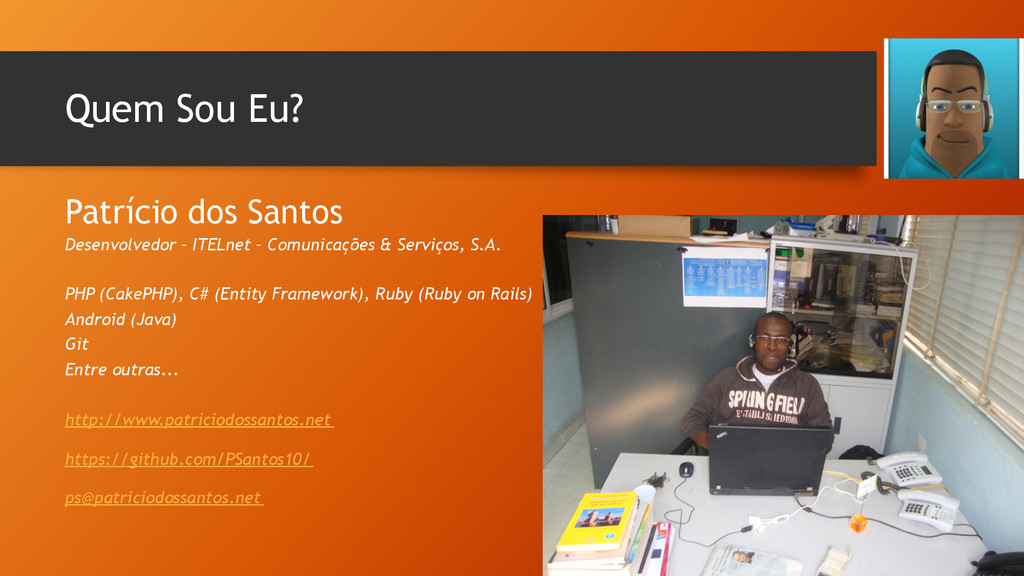
Quem Sou Eu? Patrício dos Santos Desenvolvedor – ITELnet –
Comunicações & Serviços, S.A. PHP (CakePHP), C# (Entity Framework), Ruby (Ruby on Rails) Android (Java) Git Entre outras... http://www.patriciodossantos.net https://github.com/PSantos10/
[email protected]
Comunidade AngoDev • Portal • Fórum • eLearning • Portal
de Empregos • Organização de Eventos • Apoiar os Programadores Angolanos http://www.angodev.com
Git – O que é? • Sistema de controle de
versão distribuído; • Sistema de Gestão de Código Fonte; • Rápido e Eficiente; • Escrito pelo Linus Torvalds • Inicialmente escrito para o desenvolvimento do Kernel Linux.
Principais vantagens • Controlo do Histórico • Trabalho em Equipa
• Produtividade • Branchs privadas • Segurança (Backup)
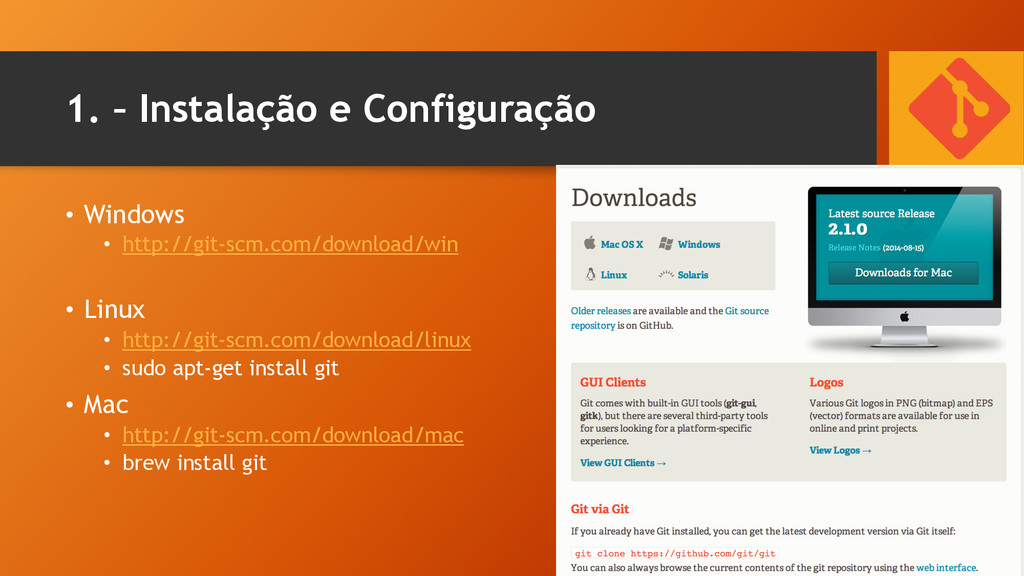
1. – Instalação e Configuração • Windows • http://git-scm.com/download/win •
Linux • http://git-scm.com/download/linux • sudo apt-get install git • Mac • http://git-scm.com/download/mac • brew install git
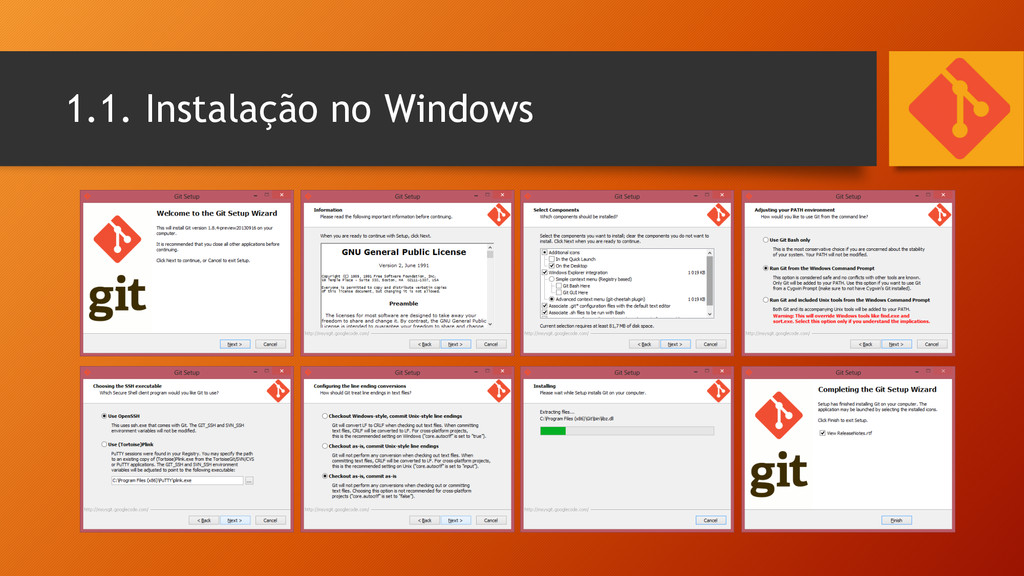
1.1. Instalação no Windows
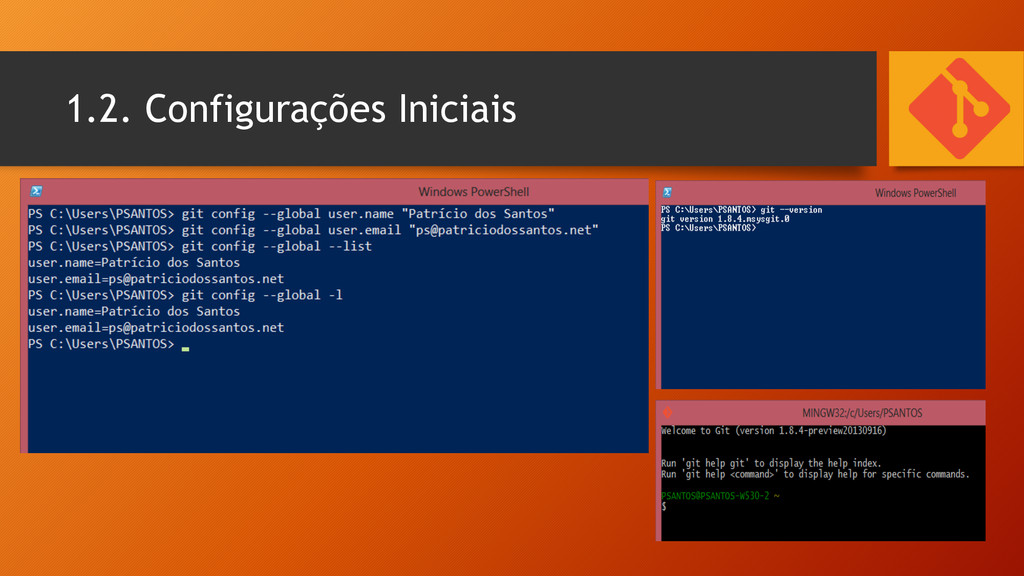
1.2. Configurações Iniciais
We are Ready to Start!
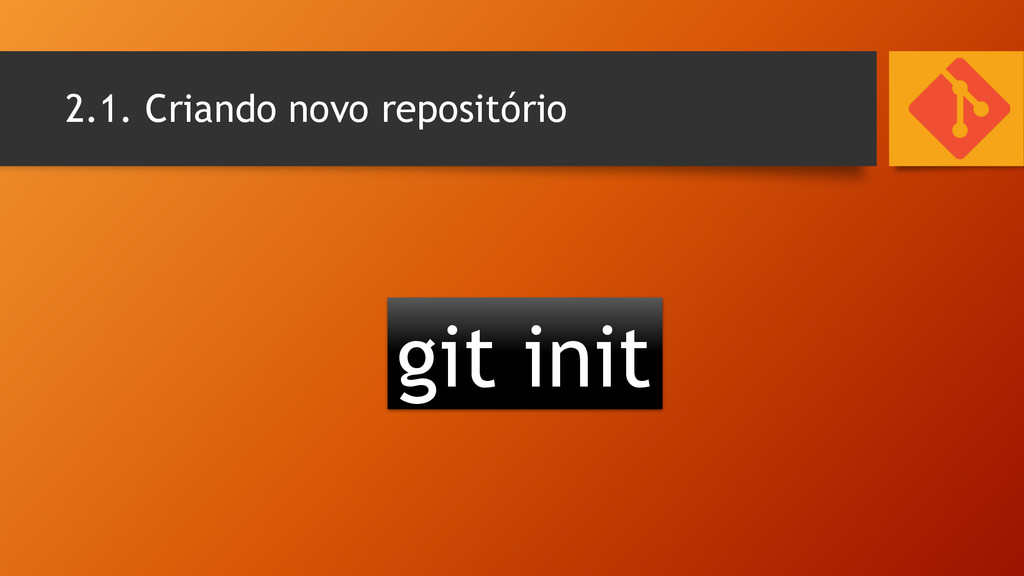
2.1. Criando novo repositório git init
2.2. Copiar um repositório git clone c:\repositório_a git clone
[email protected]
:PSantos10/minha_pagina.git
Let’s do It!
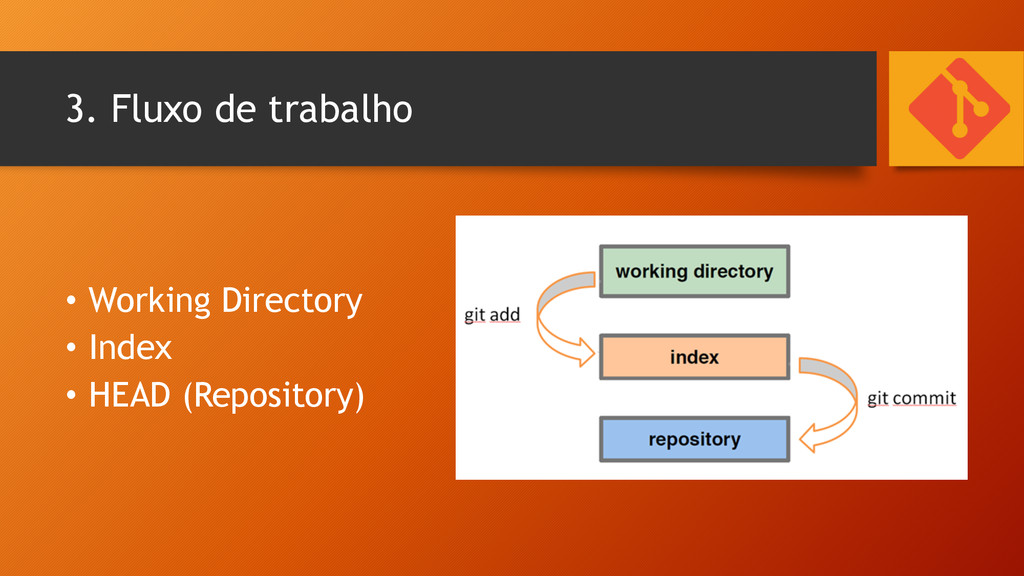
3. Fluxo de trabalho • Working Directory • Index •
HEAD (Repository)
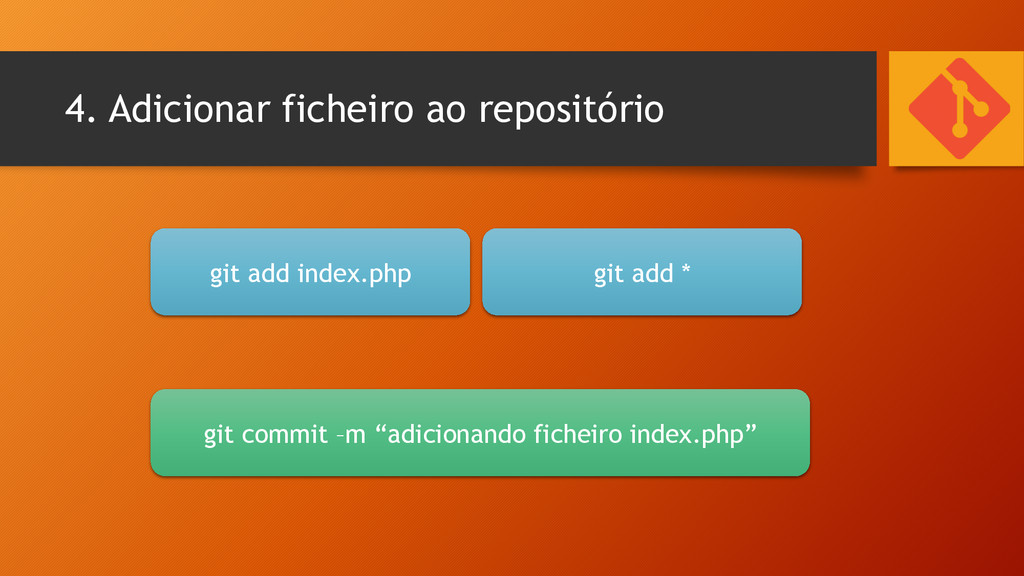
4. Adicionar ficheiro ao repositório git add index.php git add
* git commit –m “adicionando ficheiro index.php”
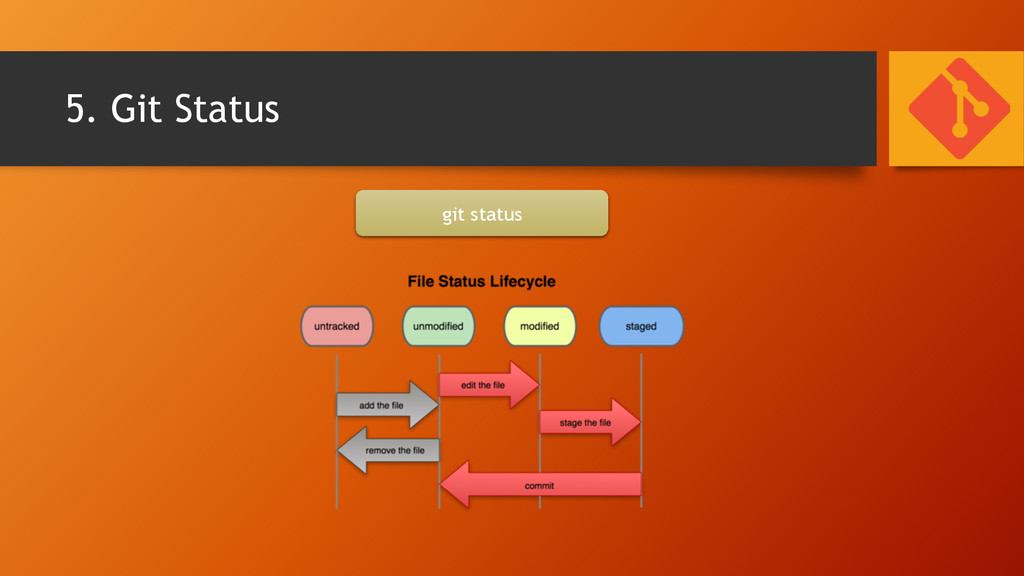
5. Git Status git status
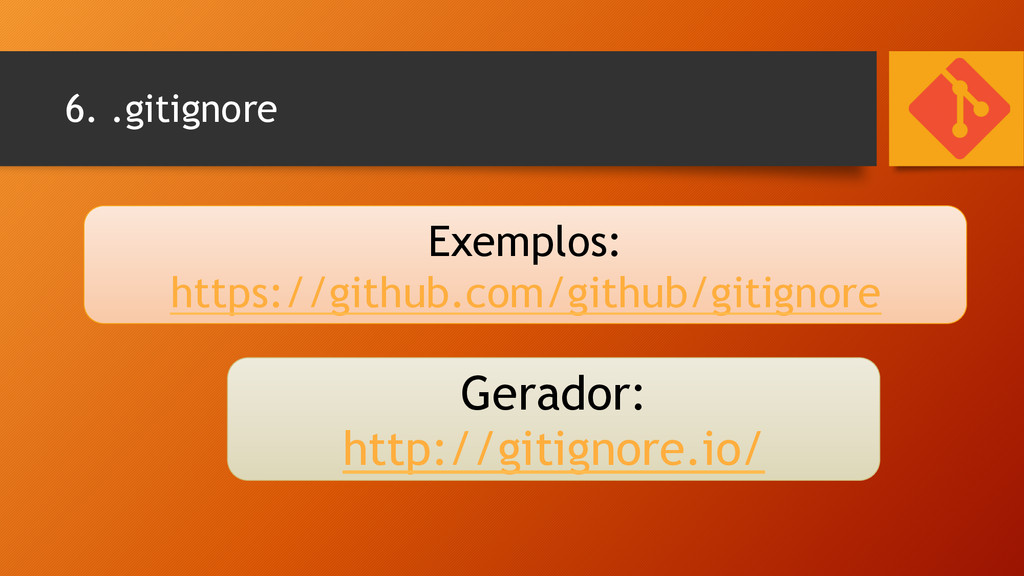
6. .gitignore Exemplos: https://github.com/github/gitignore Gerador: http://gitignore.io/
Let’s do It!
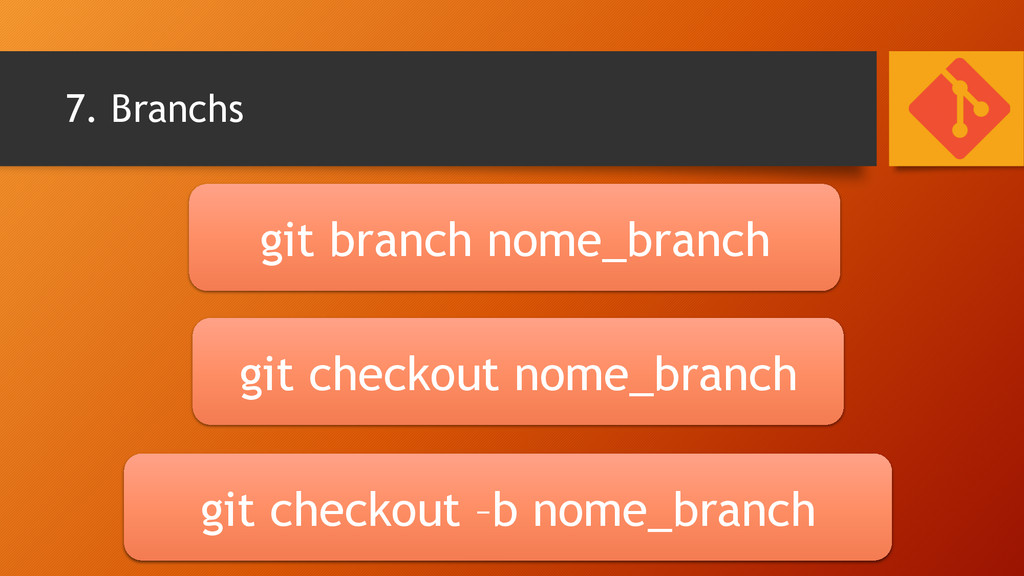
7. Branchs git branch nome_branch git checkout nome_branch git checkout
–b nome_branch
Let’s do It!
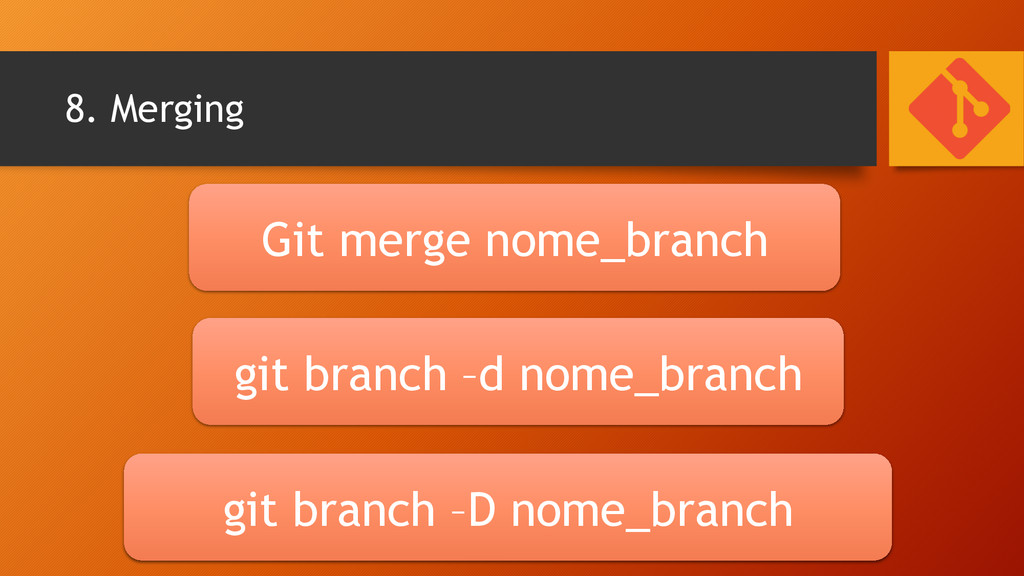
8. Merging Git merge nome_branch git branch –d nome_branch git
branch –D nome_branch
Let’s do It!
9. Repositório Remoto
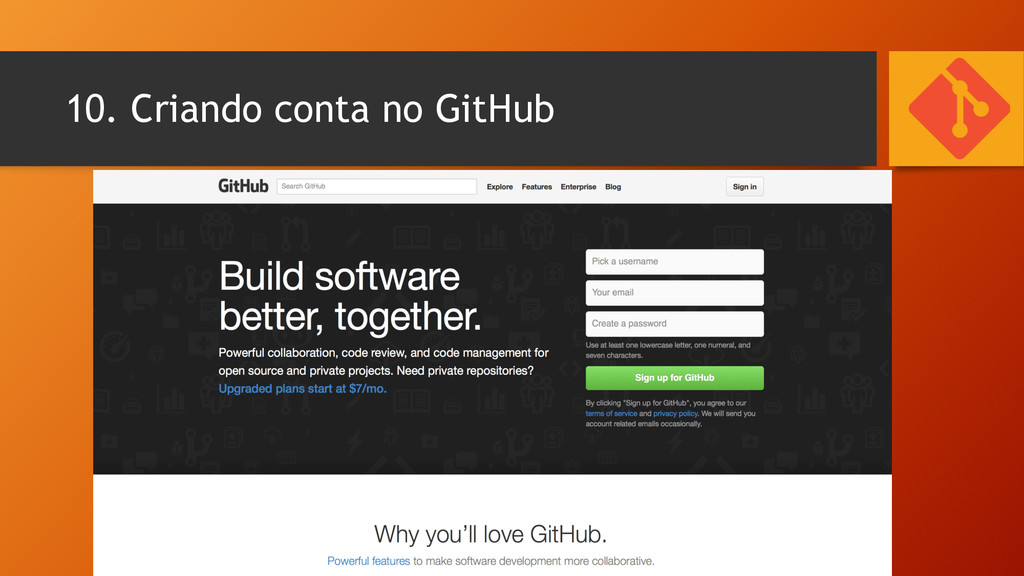
10. Criando conta no GitHub
10.1. Adicionar Repositório Remoto git remote add origin
[email protected]
:PSantos10/ minha_pagina.git
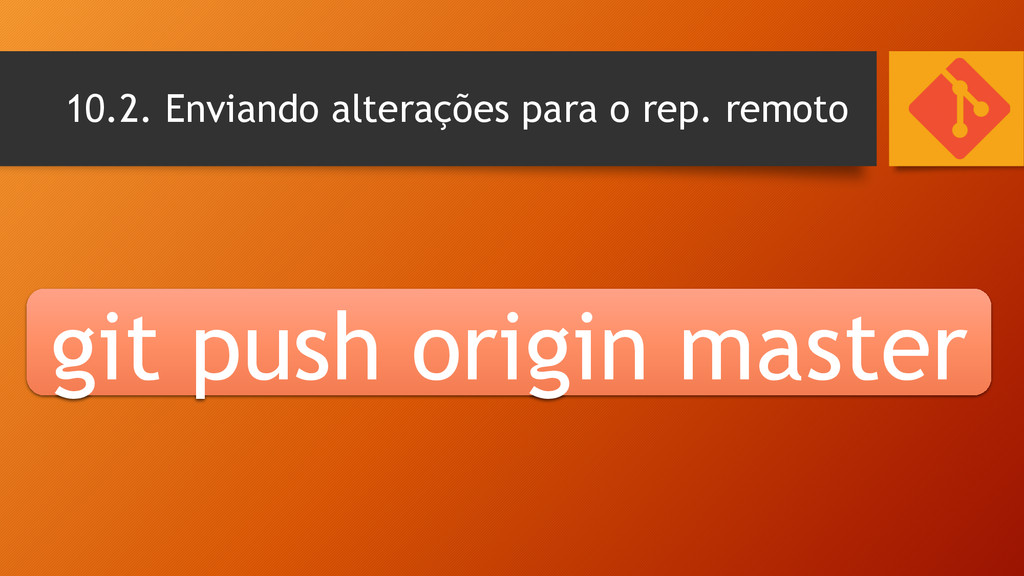
10.2. Enviando alterações para o rep. remoto git push origin
master
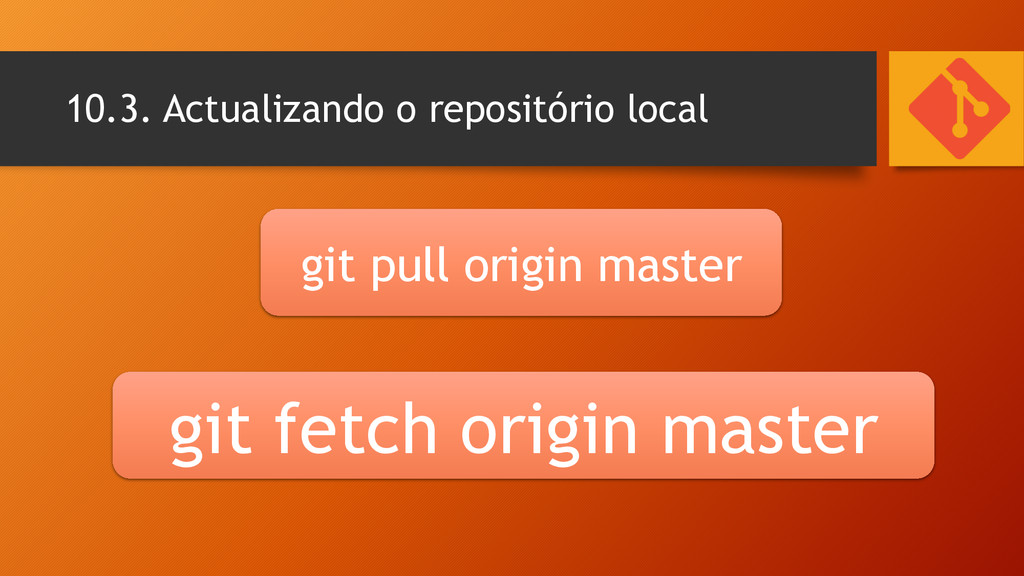
10.3. Actualizando o repositório local git pull origin master git
fetch origin master
Let’s do It!
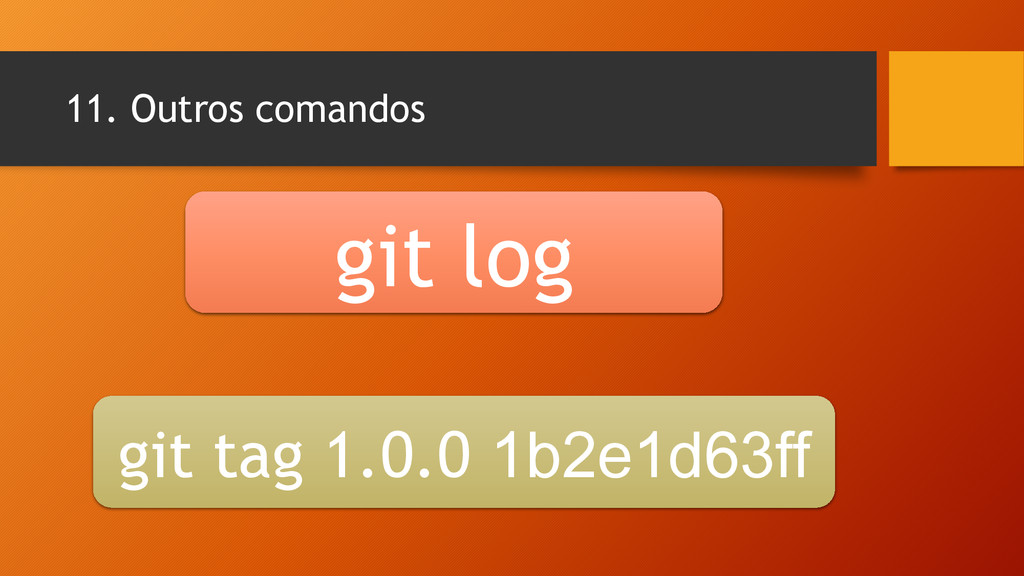
11. Outros comandos git log git tag 1.0.0 1b2e1d63ff
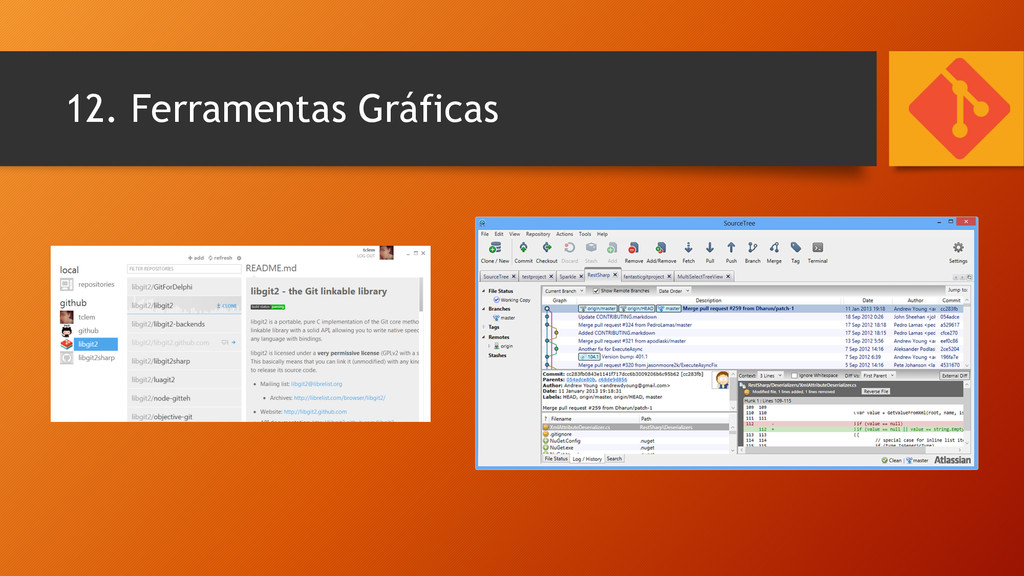
12. Ferramentas Gráficas
Links Úteis • http://www.angodev.com (Portal / Fórum) • http://gitimmersion.com • http://www.codeschool.com/ • http://www.alura.com.br • http://webvisao.github.com
None
FIM Obrigado!


 psantos
 j341nono
 oga5
oga5
 po3rin
 neuecc
 hamayokokuririn
 seike460
 akkeylab
 willnet
 kobakei
 convto
 ayumu_yamaguchi
 texmeijin
 katiecoart
 dugsong
 scottboms
 tammyeverts
 rabernat
 axbom
axbom
 mkilby
 wayneb77
 marcduiker
 lara
lara
 sarafernandez
 inesmontani


![2.2. Copiar um repositório git clone c:\repositório_a git clone [email protected]:PSantos10/minha_pagina.git](https://files.speakerdeck.com/presentations/82184d201e1c013299017e6feed6723a/slide_10.jpg)




![10.1. Adicionar Repositório Remoto git remote add origin [email protected]:PSantos10/ minha_pagina.git](https://files.speakerdeck.com/presentations/82184d201e1c013299017e6feed6723a/slide_23.jpg)