Upgrade to Pro
— share decks privately, control downloads, hide ads and more …
Speaker Deck
Sign up for free
Menu
Search
Features
All features
Private URLs
Password Protection
Custom URLS
Scheduled publishing
Remove Branding
Restrict embedding
Deck Collections
Notes
Features
All features
Private URLs
Password Protection
Custom URLS
Scheduled publishing
Remove Branding
Restrict embedding
Deck Collections
Notes
Explore
Featured decks
Featured speakers
Programming
Technology
Storyboards
Explore
Featured decks
Featured speakers
Programming
Technology
Storyboards
Pricing
Search
Sign in
Sign up for free
screenWidthDpちょっと 怖いかも、、??
Search
takarabe-hamuyatti
December 02, 2023
500
0
Share
Embed
Copy iframe code
Copy JS code
Copy link
Start on current slide
screenWidthDpちょっと 怖いかも、、??
dpとかpxに関する話です。
takarabe-hamuyatti
December 02, 2023
More Decks by takarabe-hamuyatti
See All by takarabe-hamuyatti
Performance Classを触ってみよう
rabeyatti
0
380
Featured
See All Featured
ReactJS: Keep Simple. Everything can be a component!
pedronauck
666
130k
Bash Introduction
62gerente
615
220k
[Rails World 2023 - Day 1 Closing Keynote] - The Magic of Rails
eileencodes
38
3.1k
We Have a Design System, Now What?
morganepeng
55
8.4k
The Limits of Empathy - UXLibs8
cassininazir
2
720
Lessons Learnt from Crawling 1000+ Websites
charlesmeaden
PRO
1
1.6k
Exploring the Power of Turbo Streams & Action Cable | RailsConf2023
kevinliebholz
37
6.6k
The Director’s Chair: Orchestrating AI for Truly Effective Learning
tmiket
1
330
A better future with KSS
kneath
240
18k
The Myth of the Modular Monolith - Day 2 Keynote - Rails World 2024
eileencodes
28
3.7k
Facilitating Awesome Meetings
lara
57
7.2k
From π to Pie charts
rasagy
1
400
Transcript
screenWidthDpちょっと 怖いかも、、??
目次 • 自己紹介 • 結論 • 基礎知識 • screenWidthDpについて •
何が落とし穴? • screenWidthDpをもとにpxを作ると? • 改めて結論
自己紹介 財部彰太 twitter : rabe_hamuyatti 株式会社ZOZO 2023新卒 ZOZOTOWNのAndroidアプリを作って います。 旅行とか、服とか、音楽が好きです。
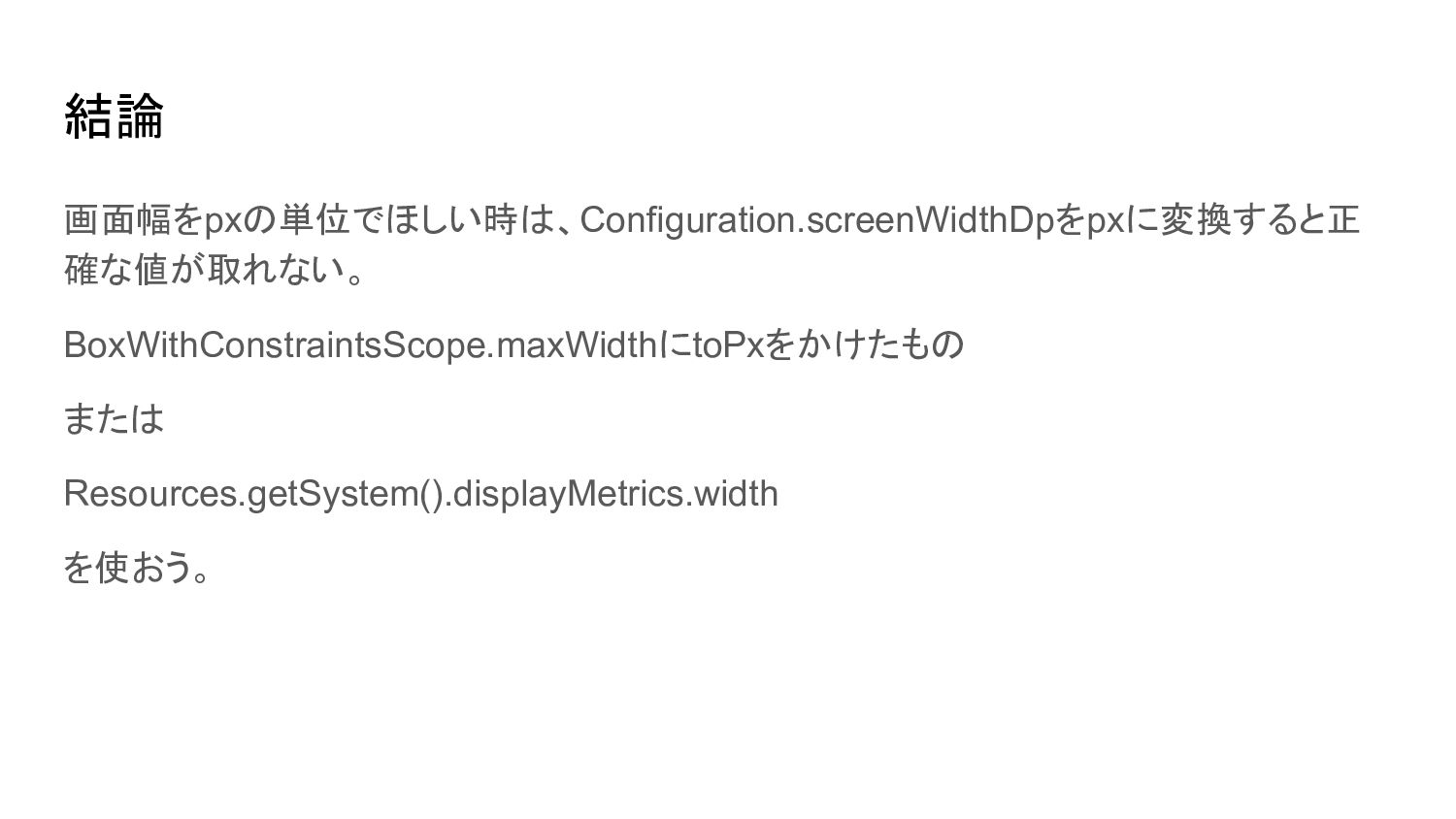
結論 画面幅をpxの単位でほしい時は、Configuration.screenWidthDpをpxに変換すると正 確な値が取れない。 BoxWithConstraintsScope.maxWidthにtoPxをかけたもの または Resources.getSystem().displayMetrics.width を使おう。
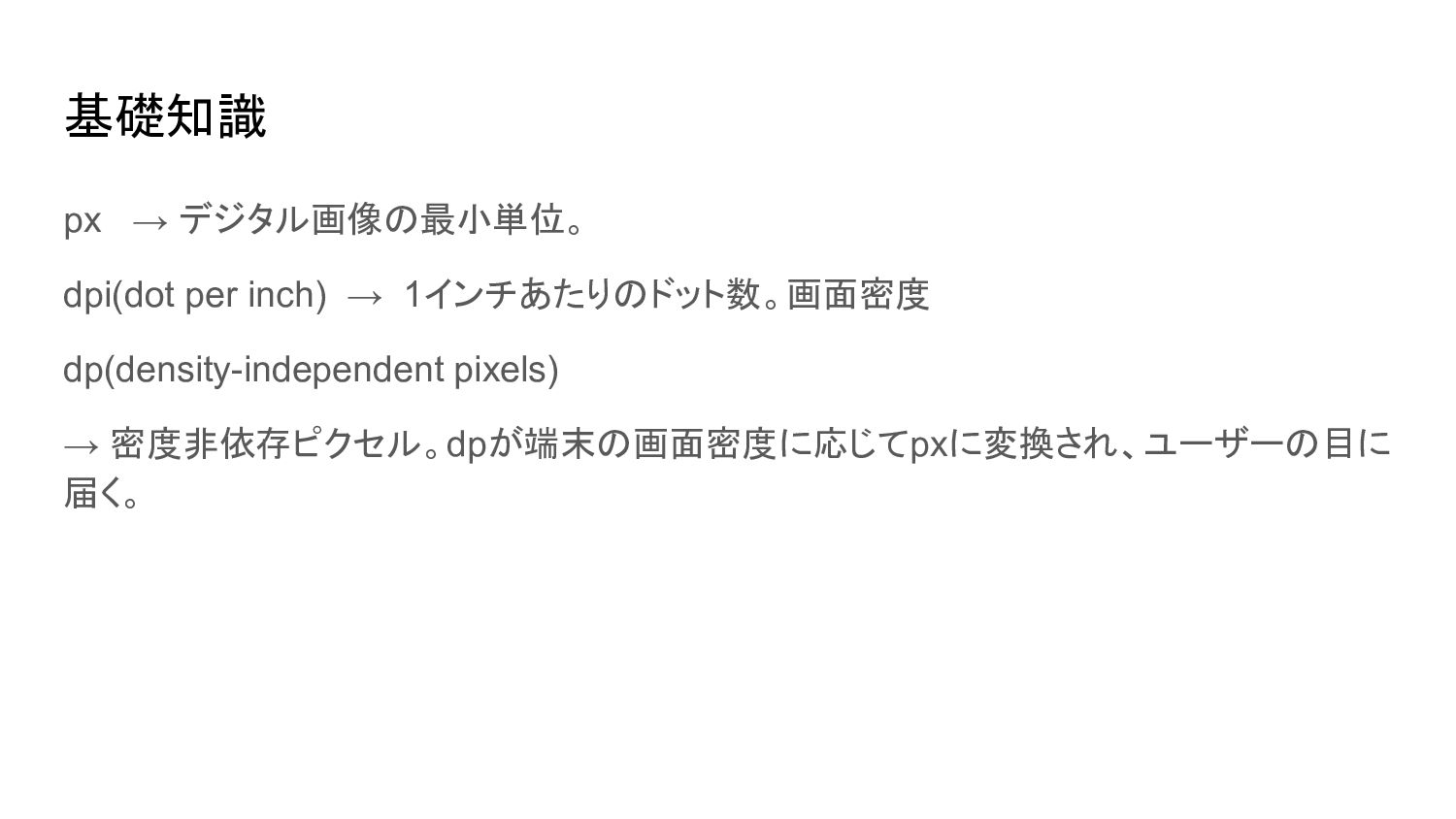
基礎知識 px → デジタル画像の最小単位。 dpi(dot per inch) → 1インチあたりのドット数。画面密度 dp(density-independent
pixels) → 密度非依存ピクセル。dpが端末の画面密度に応じてpxに変換され、ユーザーの目に 届く。
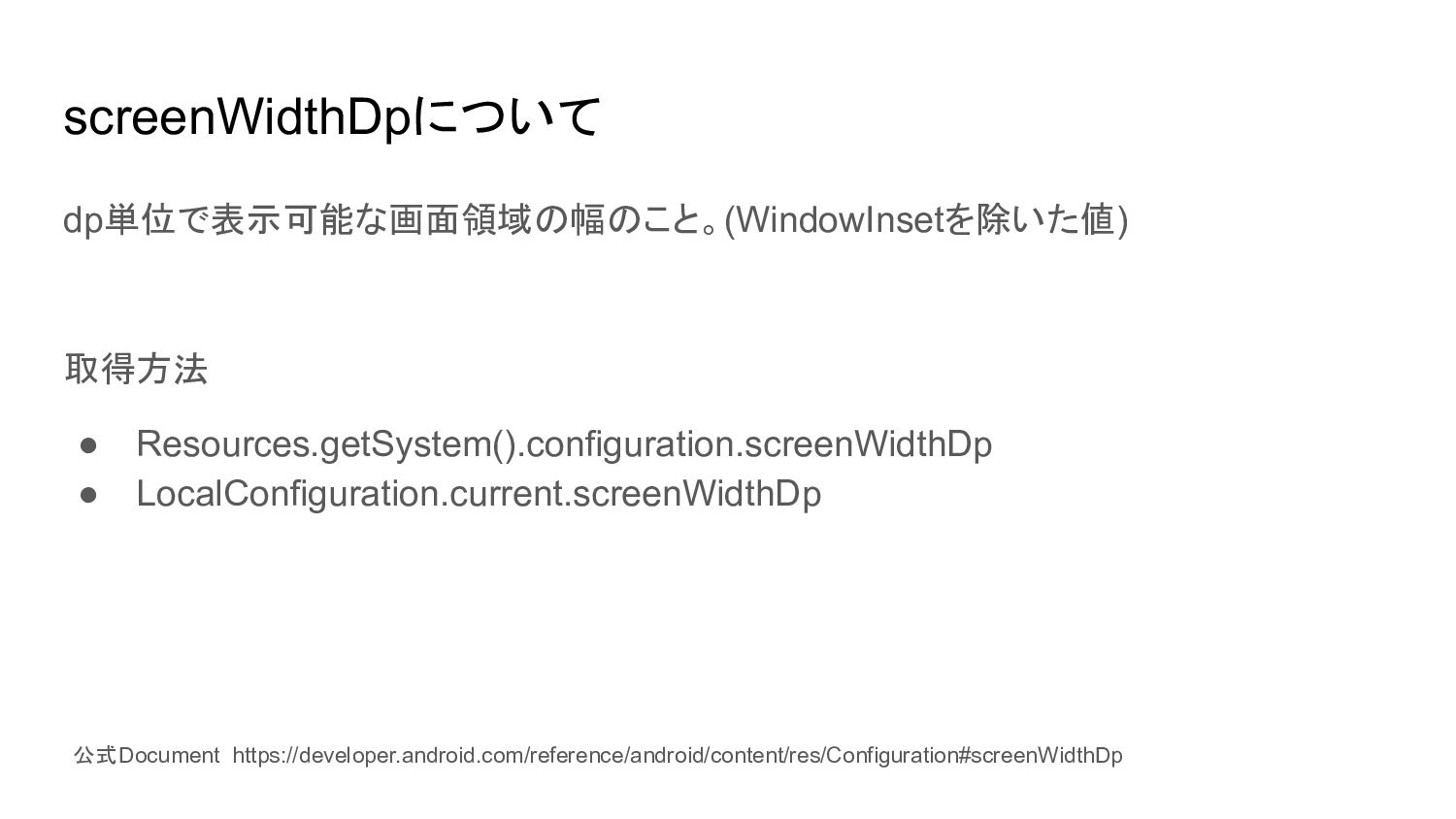
screenWidthDpについて dp単位で表示可能な画面領域の幅のこと。(WindowInsetを除いた値) 取得方法 • Resources.getSystem().configuration.screenWidthDp • LocalConfiguration.current.screenWidthDp 公式Document https://developer.android.com/reference/android/content/res/Configuration#screenWidthDp
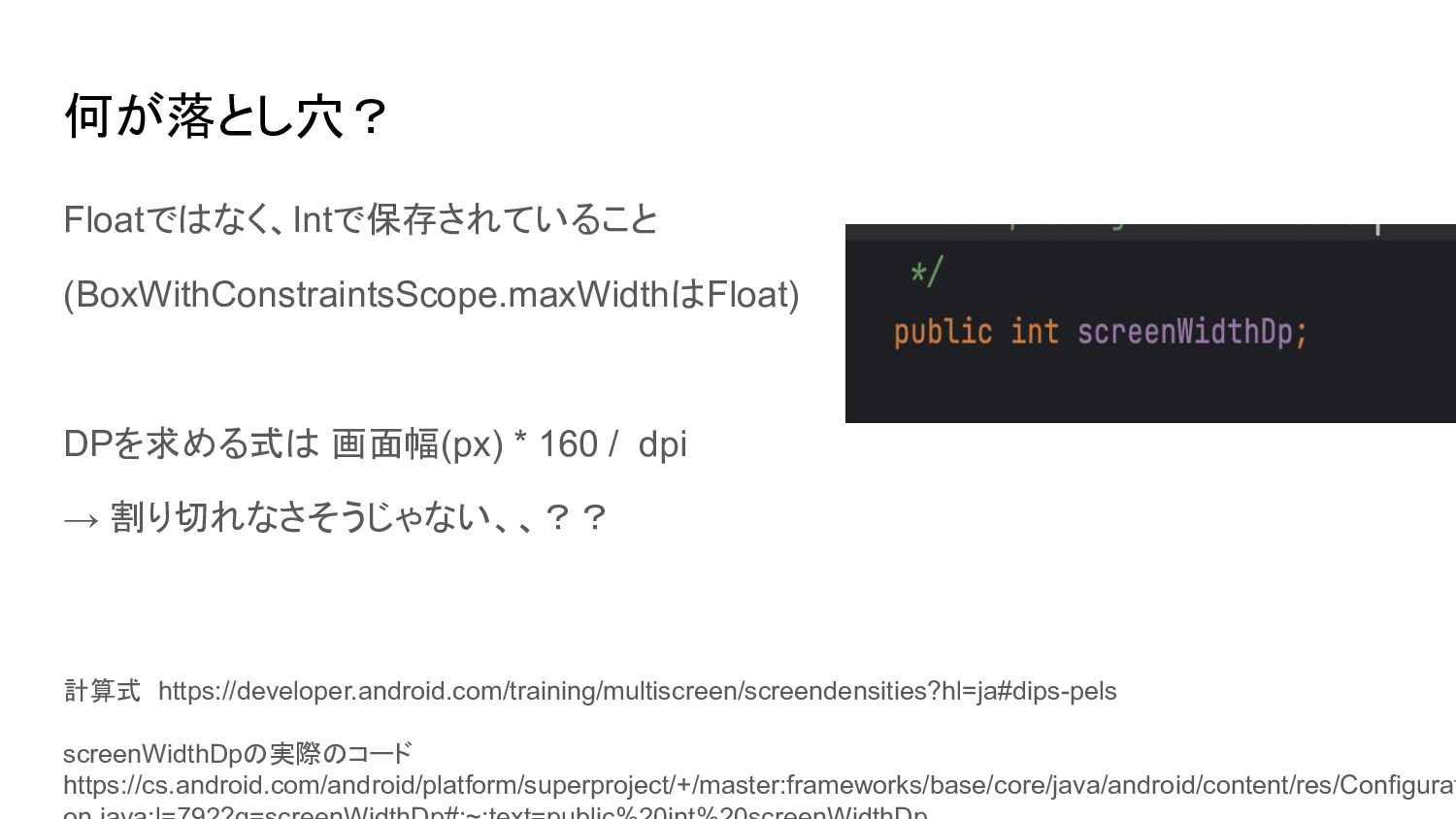
何が落とし穴? Floatではなく、Intで保存されていること (BoxWithConstraintsScope.maxWidthはFloat) DPを求める式は 画面幅(px) * 160 / dpi →
割り切れなさそうじゃない、、?? 計算式 https://developer.android.com/training/multiscreen/screendensities?hl=ja#dips-pels screenWidthDpの実際のコード https://cs.android.com/android/platform/superproject/+/master:frameworks/base/core/java/android/content/res/Configurat
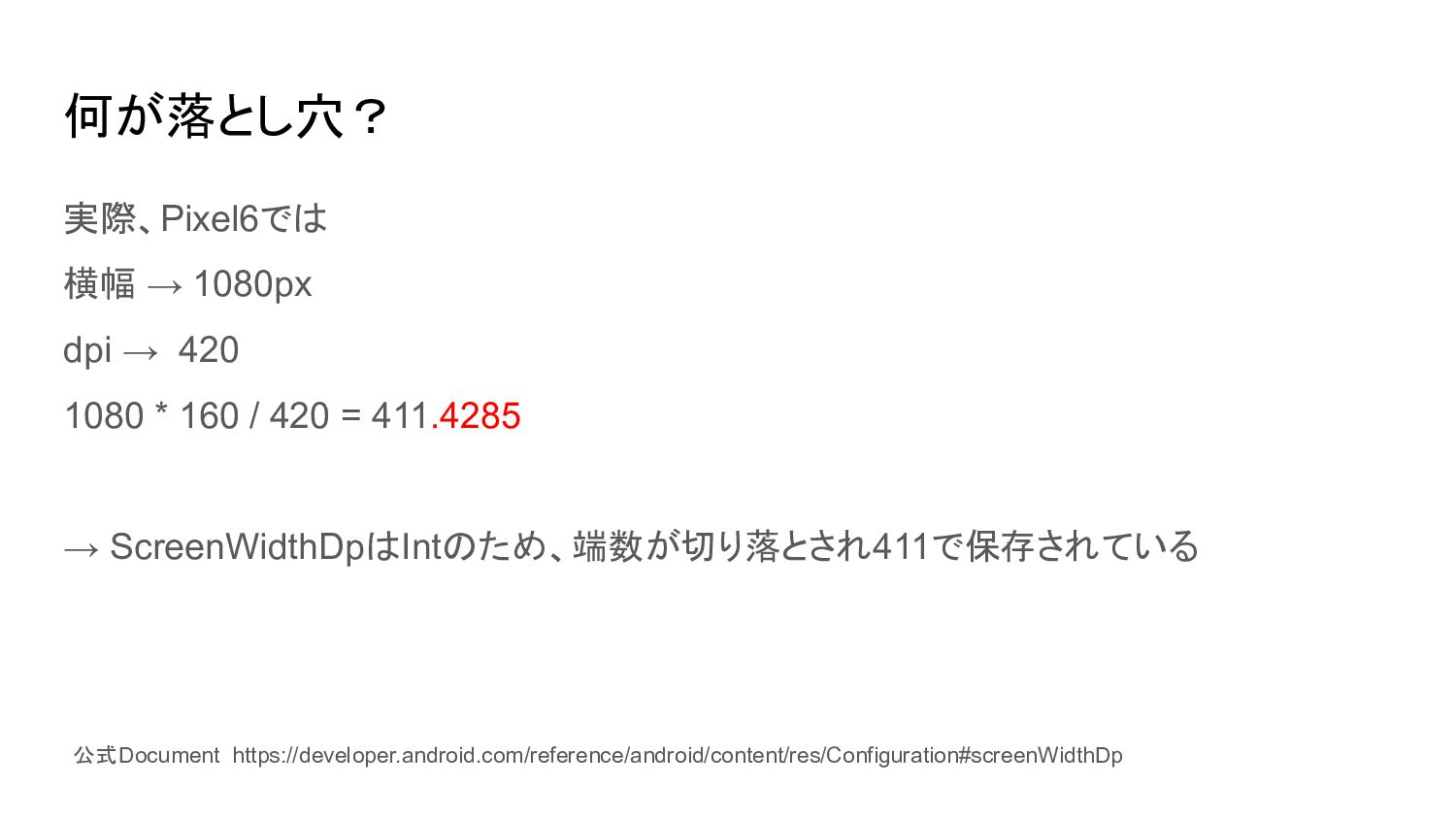
何が落とし穴? 実際、Pixel6では 横幅 → 1080px dpi → 420 1080 *
160 / 420 = 411.4285 → ScreenWidthDpはIntのため、端数が切り落とされ411で保存されている 公式Document https://developer.android.com/reference/android/content/res/Configuration#screenWidthDp
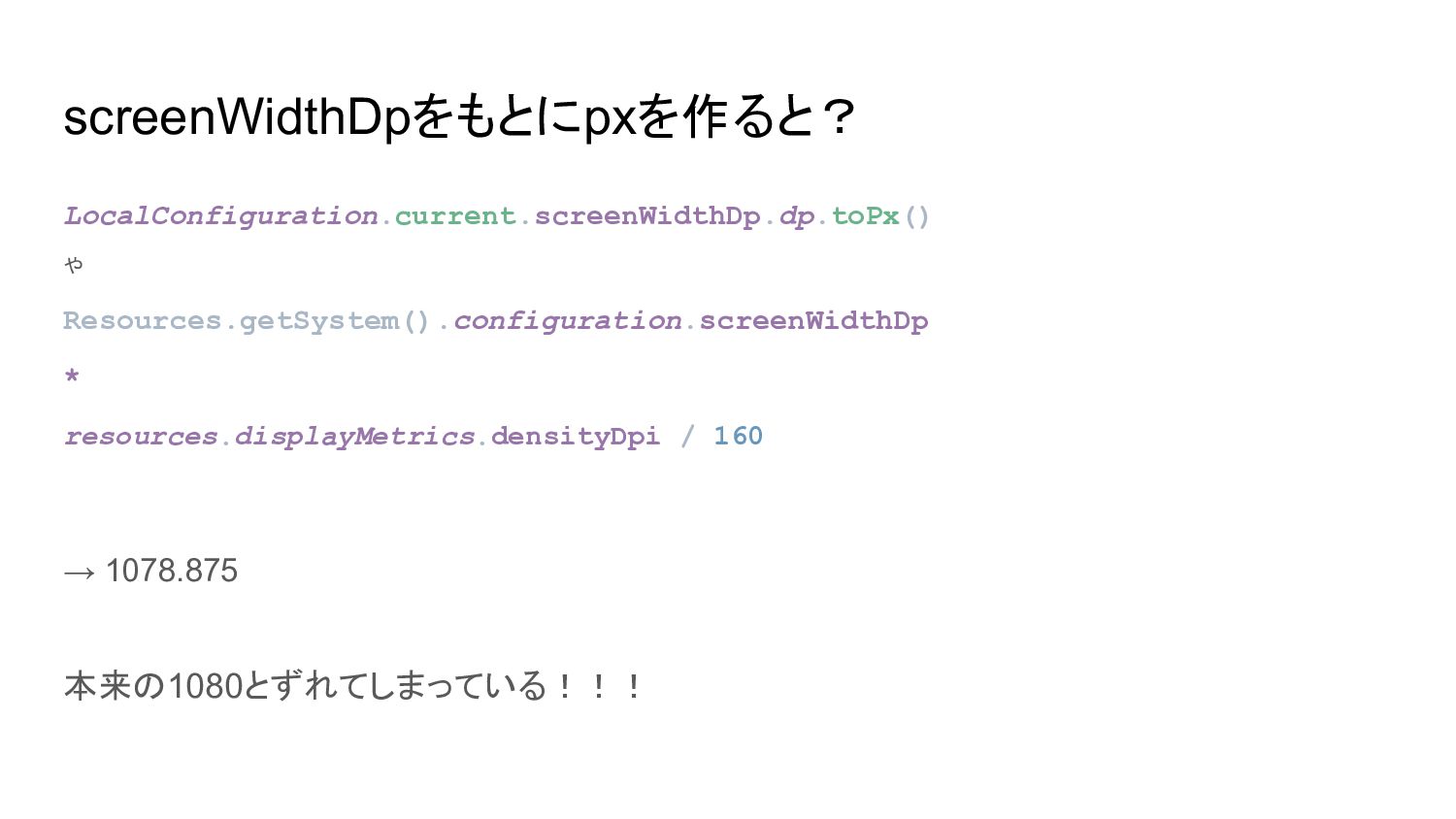
screenWidthDpをもとにpxを作ると? LocalConfiguration.current.screenWidthDp.dp.toPx() や Resources.getSystem().configuration.screenWidthDp * resources.displayMetrics.densityDpi / 160 → 1078.875
本来の1080とずれてしまっている!!!
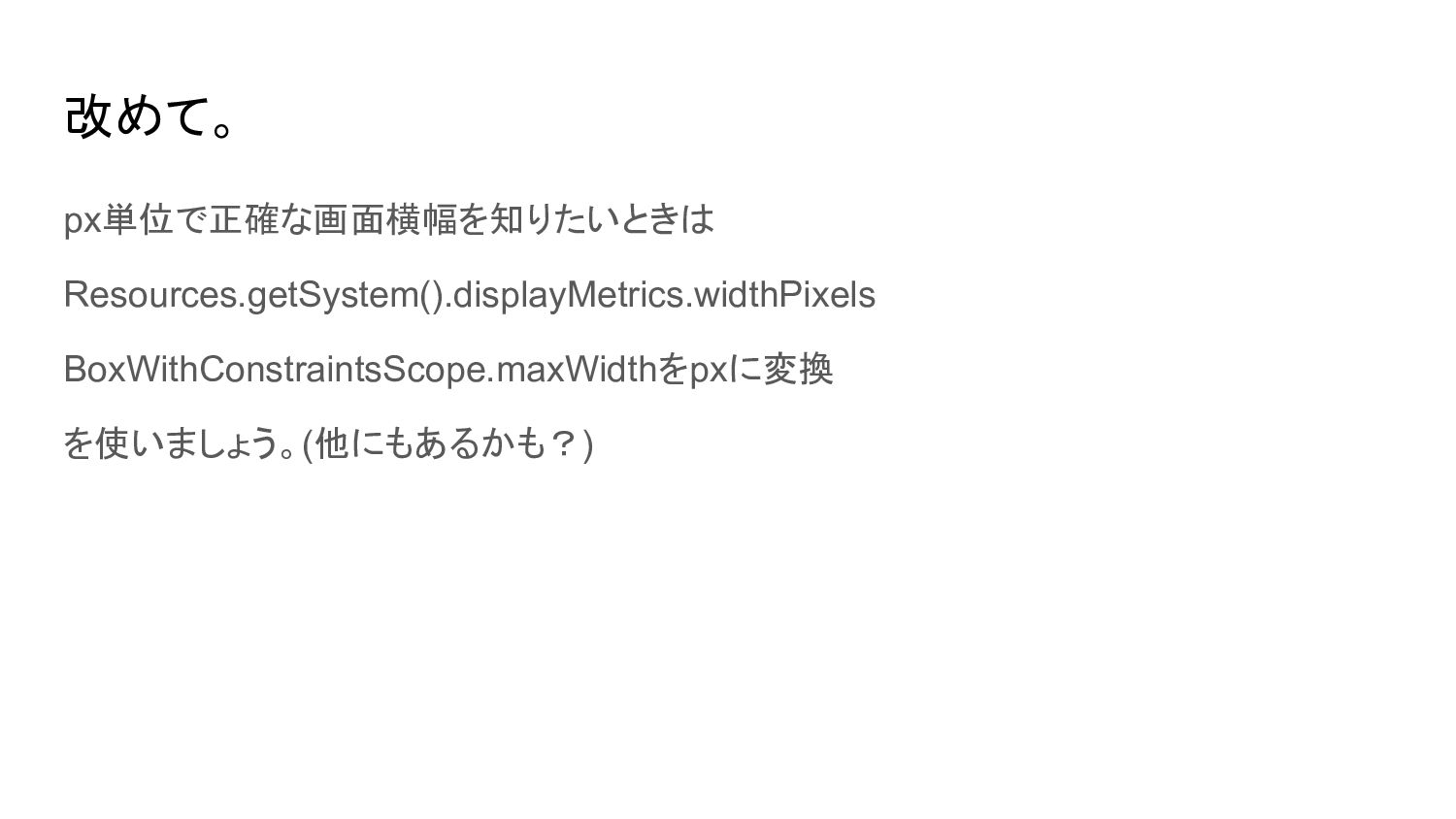
改めて。 px単位で正確な画面横幅を知りたいときは Resources.getSystem().displayMetrics.widthPixels BoxWithConstraintsScope.maxWidthをpxに変換 を使いましょう。(他にもあるかも?)
おしまい!


 rabeyatti
 pedronauck
 62gerente
 eileencodes
 morganepeng
 cassininazir
 charlesmeaden
 kevinliebholz
 tmiket
 kneath
 lara
lara
 rasagy