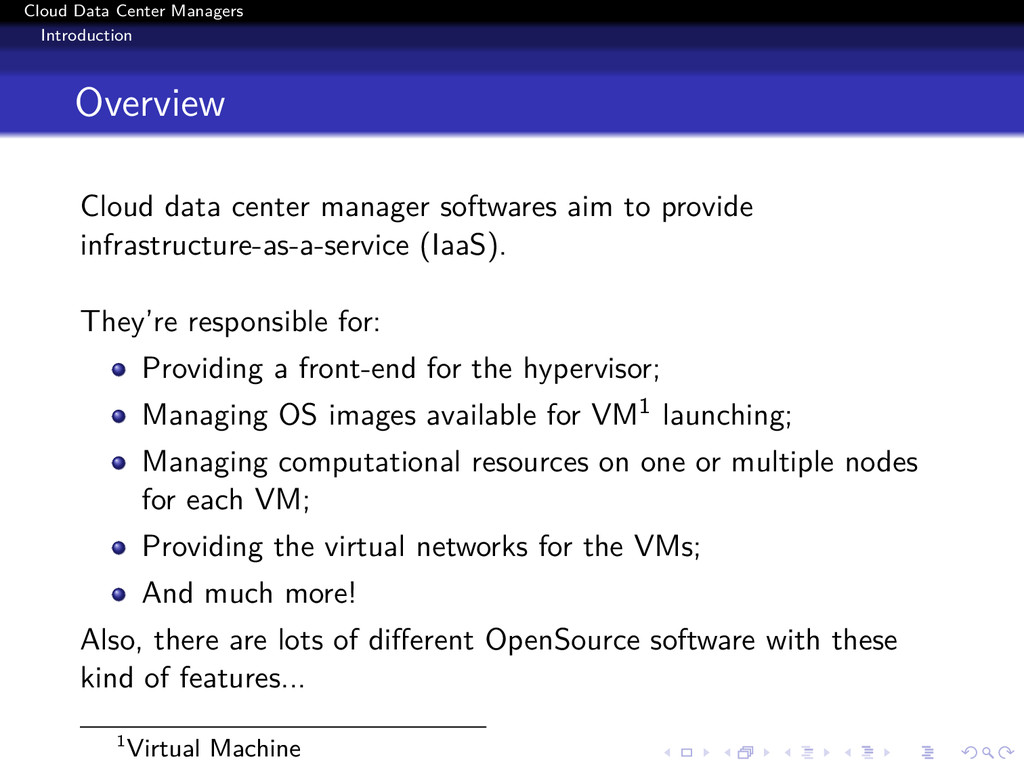
softwares aim to provide infrastructure-as-a-service (IaaS). They’re responsible for: Providing a front-end for the hypervisor; Managing OS images available for VM1 launching; Managing computational resources on one or multiple nodes for each VM; Providing the virtual networks for the VMs; And much more! Also, there are lots of different OpenSource software with these kind of features... 1Virtual Machine
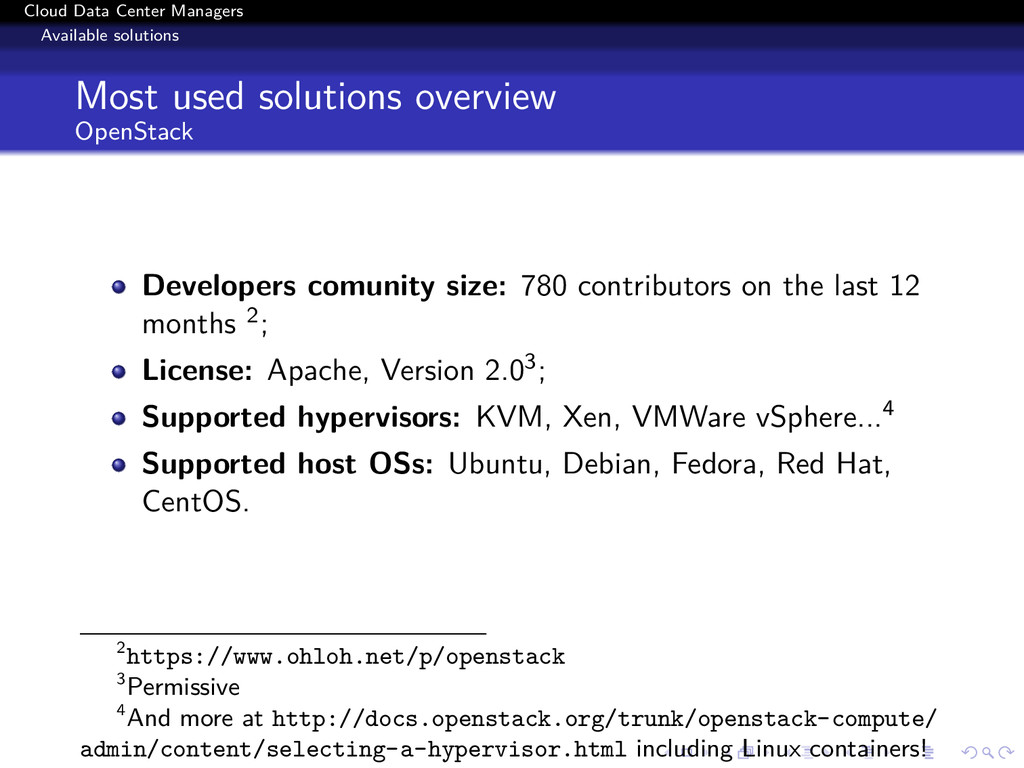
OpenStack Developers comunity size: 780 contributors on the last 12 months 2; License: Apache, Version 2.03; Supported hypervisors: KVM, Xen, VMWare vSphere...4 Supported host OSs: Ubuntu, Debian, Fedora, Red Hat, CentOS. 2https://www.ohloh.net/p/openstack 3Permissive 4And more at http://docs.openstack.org/trunk/openstack-compute/ admin/content/selecting-a-hypervisor.html including Linux containers!
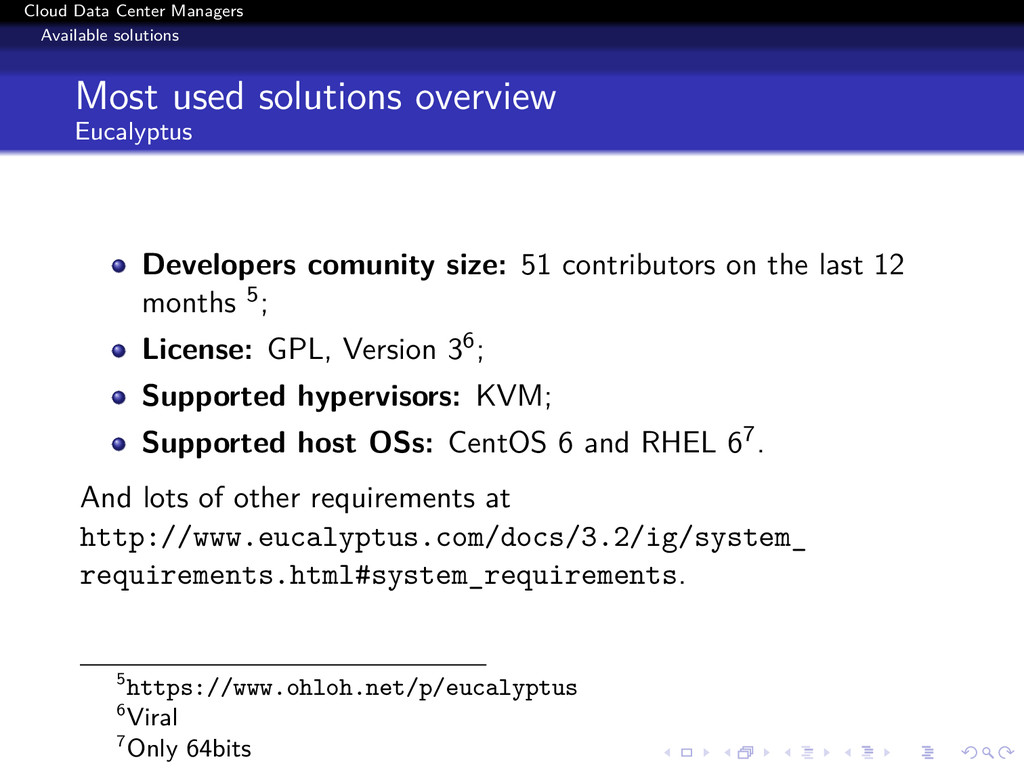
Eucalyptus Developers comunity size: 51 contributors on the last 12 months 5; License: GPL, Version 36; Supported hypervisors: KVM; Supported host OSs: CentOS 6 and RHEL 67. And lots of other requirements at http://www.eucalyptus.com/docs/3.2/ig/system_ requirements.html#system_requirements. 5https://www.ohloh.net/p/eucalyptus 6Viral 7Only 64bits
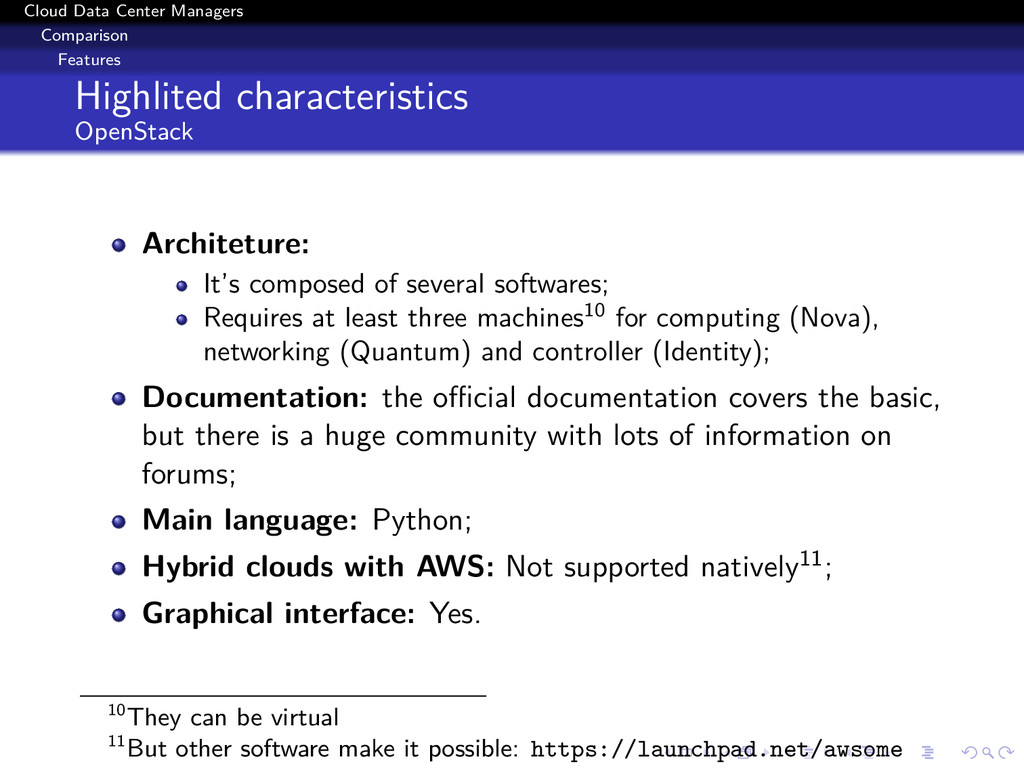
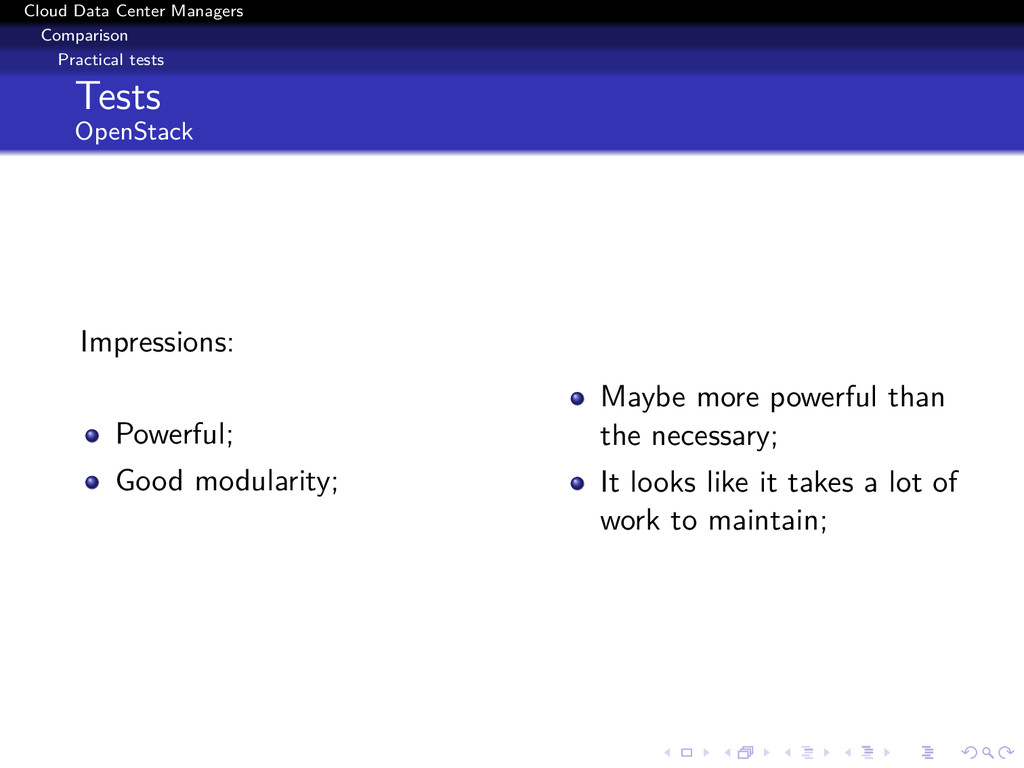
It’s composed of several softwares; Requires at least three machines10 for computing (Nova), networking (Quantum) and controller (Identity); Documentation: the official documentation covers the basic, but there is a huge community with lots of information on forums; Main language: Python; Hybrid clouds with AWS: Not supported natively11; Graphical interface: Yes. 10They can be virtual 11But other software make it possible: https://launchpad.net/awsome
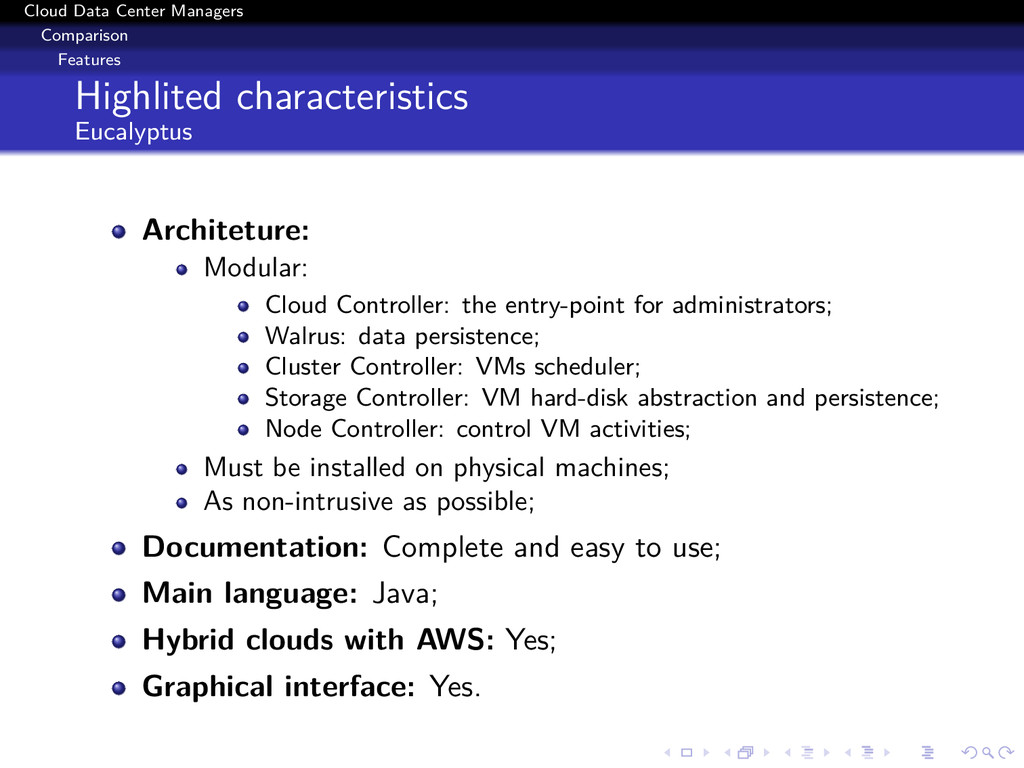
Modular: Cloud Controller: the entry-point for administrators; Walrus: data persistence; Cluster Controller: VMs scheduler; Storage Controller: VM hard-disk abstraction and persistence; Node Controller: control VM activities; Must be installed on physical machines; As non-intrusive as possible; Documentation: Complete and easy to use; Main language: Java; Hybrid clouds with AWS: Yes; Graphical interface: Yes.
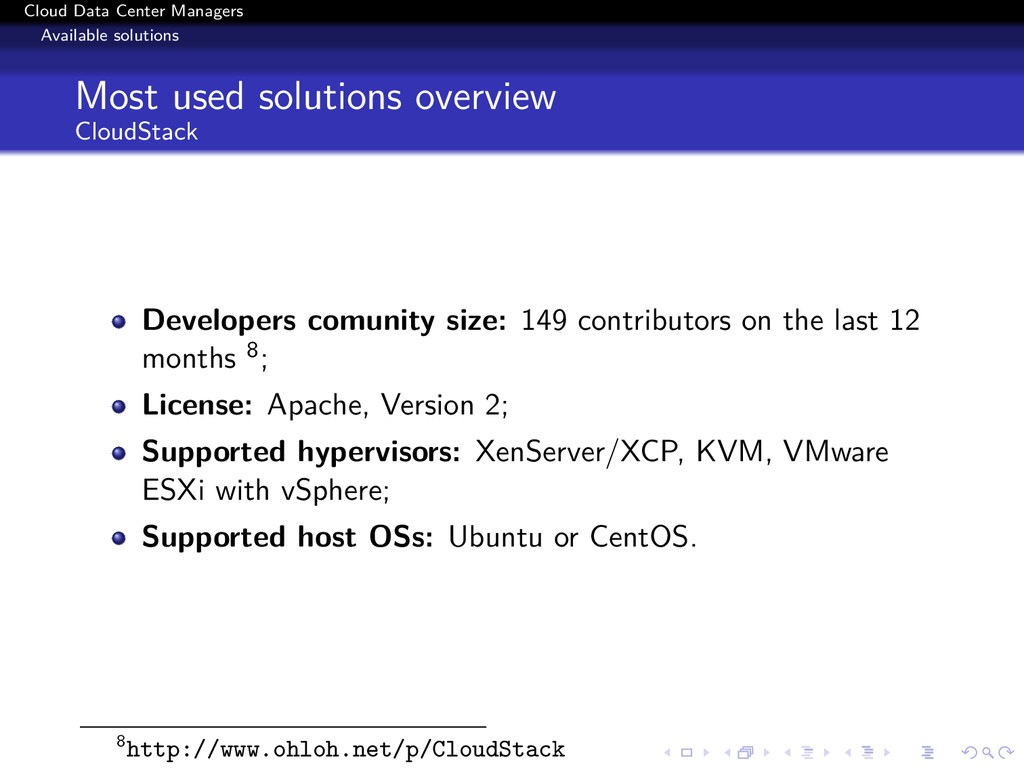
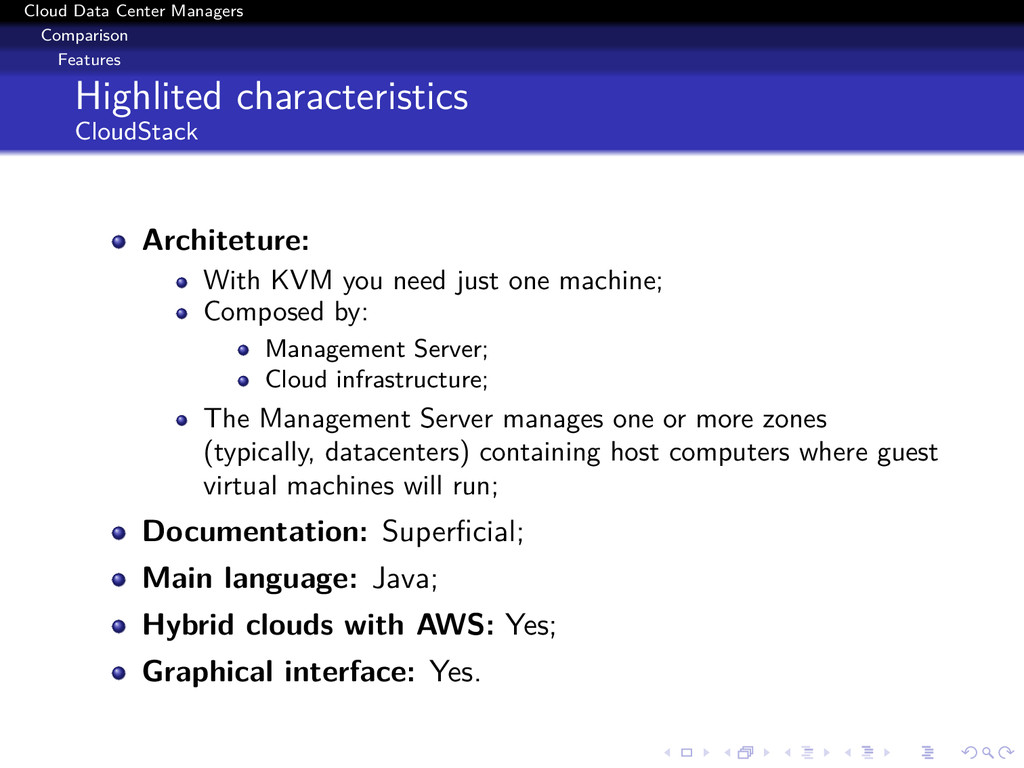
With KVM you need just one machine; Composed by: Management Server; Cloud infrastructure; The Management Server manages one or more zones (typically, datacenters) containing host computers where guest virtual machines will run; Documentation: Superficial; Main language: Java; Hybrid clouds with AWS: Yes; Graphical interface: Yes.
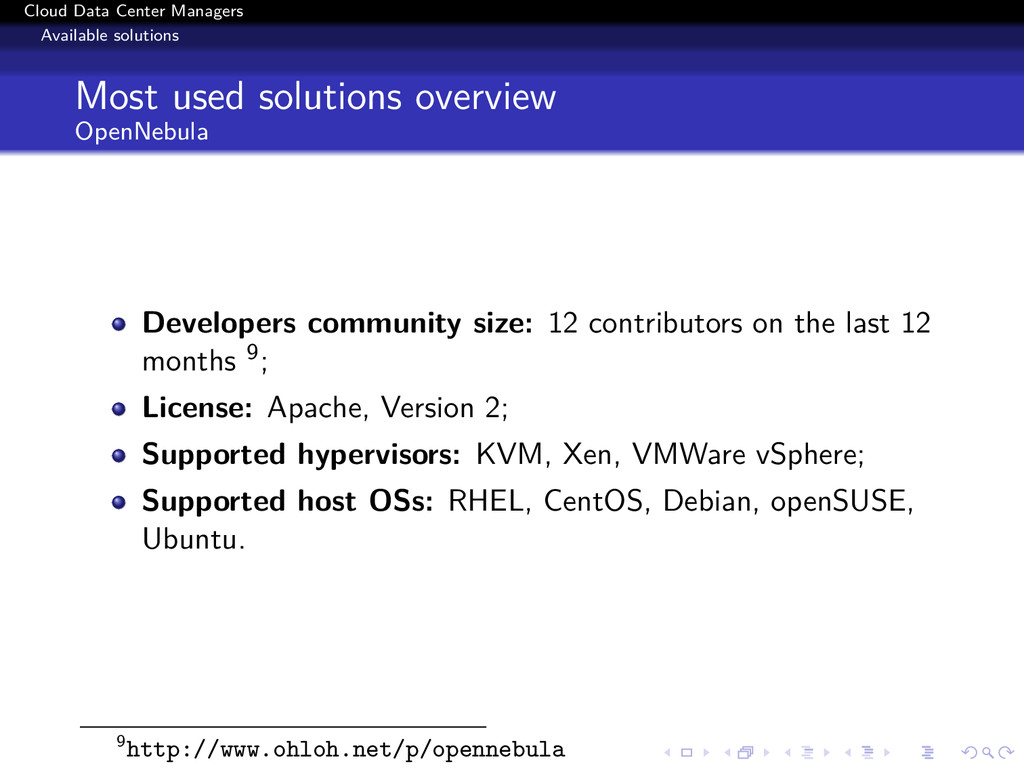
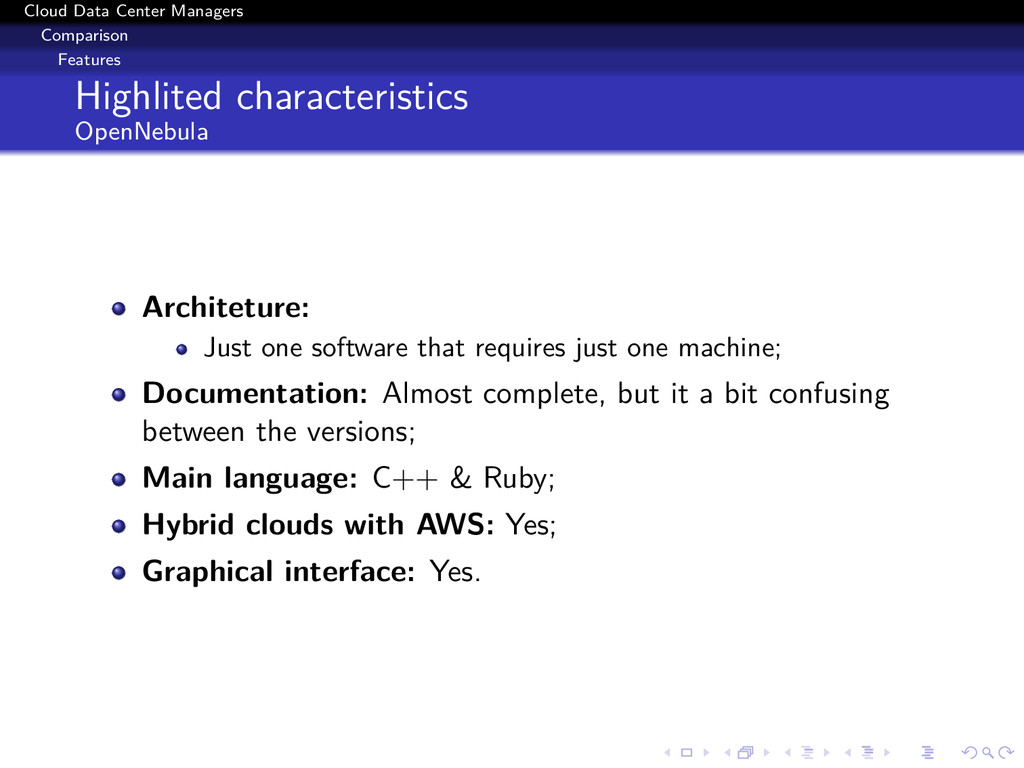
Just one software that requires just one machine; Documentation: Almost complete, but it a bit confusing between the versions; Main language: C++ & Ruby; Hybrid clouds with AWS: Yes; Graphical interface: Yes.
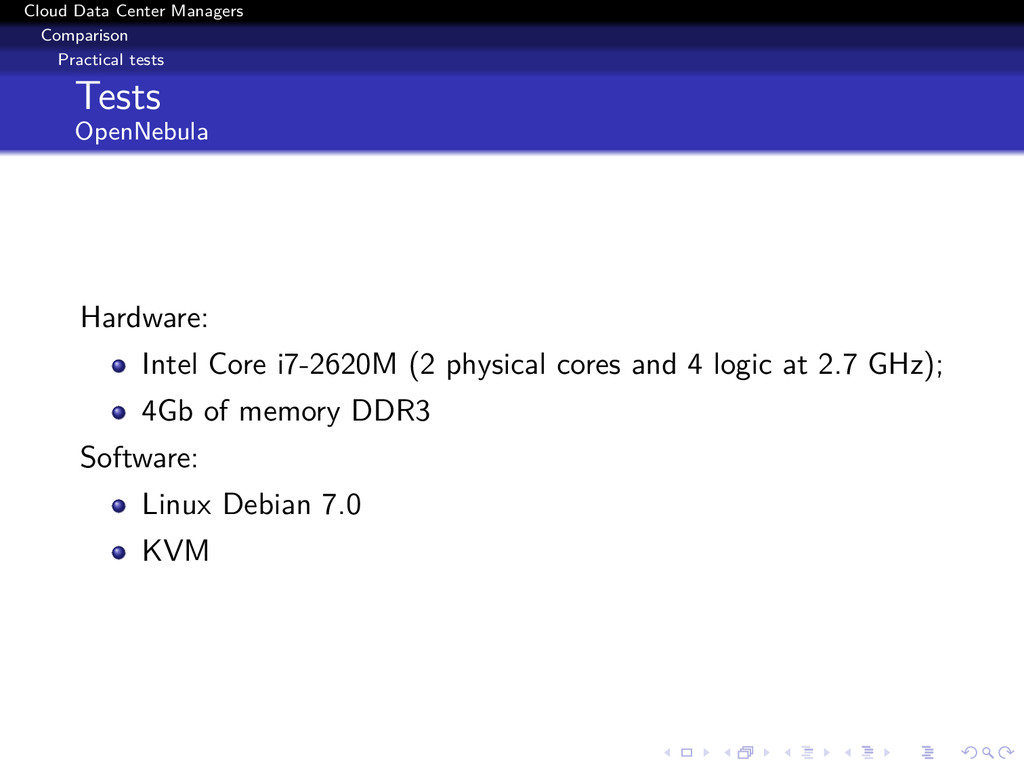
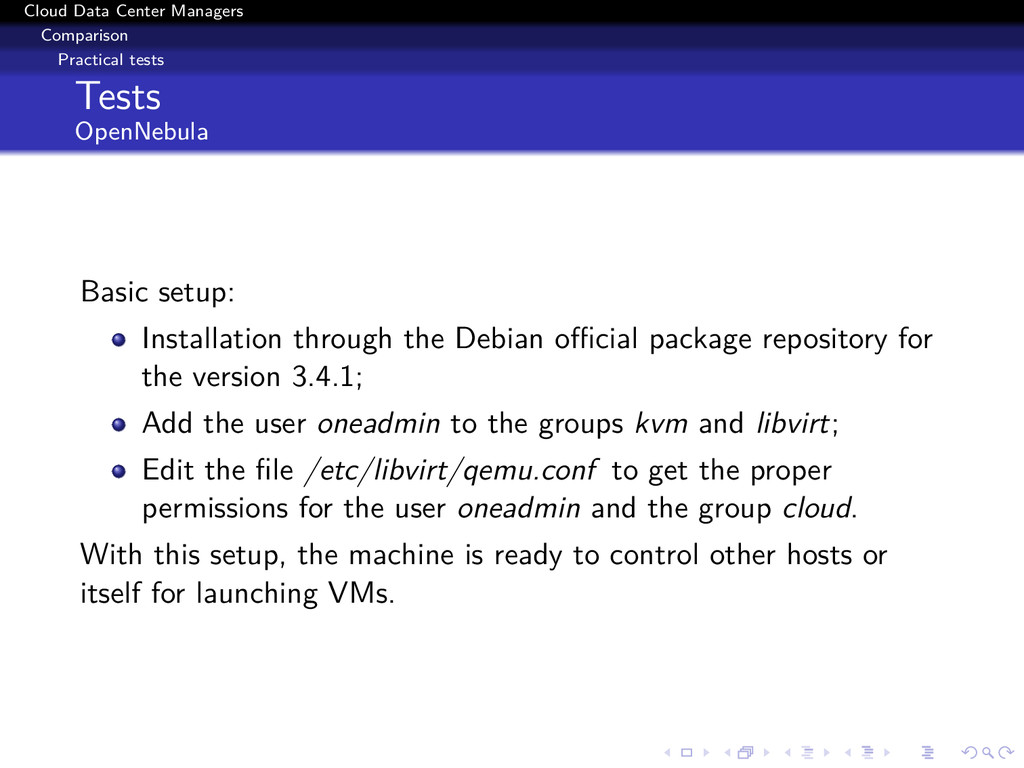
setup: Installation through the Debian official package repository for the version 3.4.1; Add the user oneadmin to the groups kvm and libvirt; Edit the file /etc/libvirt/qemu.conf to get the proper permissions for the user oneadmin and the group cloud. With this setup, the machine is ready to control other hosts or itself for launching VMs.
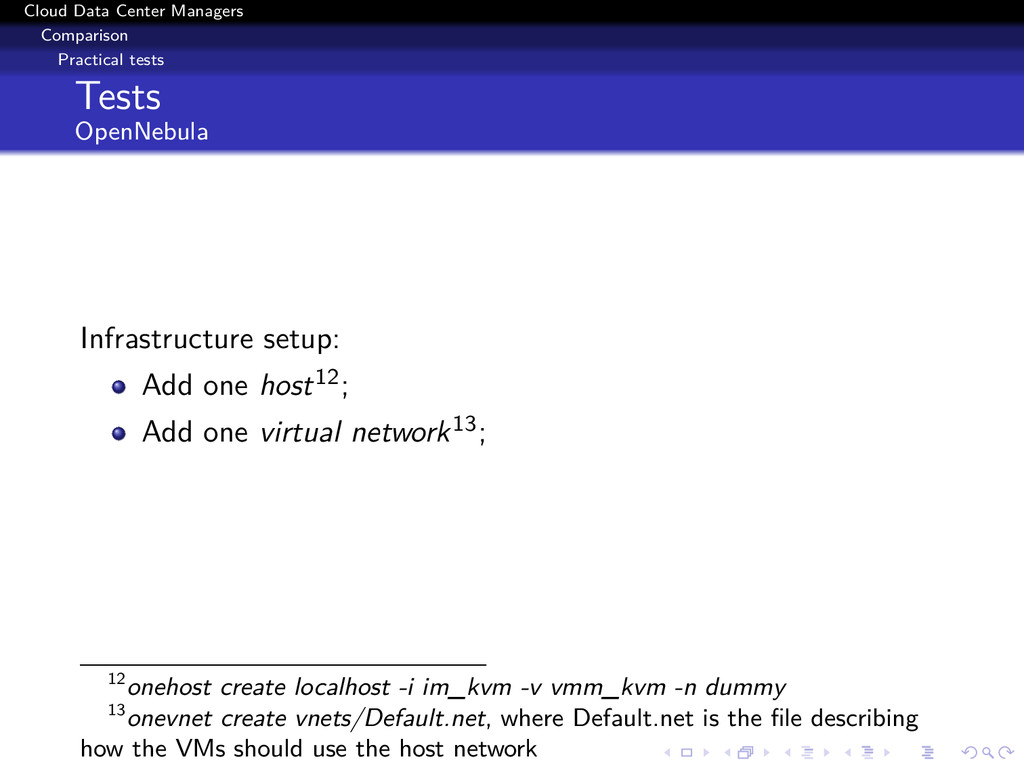
setup: Add one host12; Add one virtual network13; 12onehost create localhost -i im_kvm -v vmm_kvm -n dummy 13onevnet create vnets/Default.net, where Default.net is the file describing how the VMs should use the host network
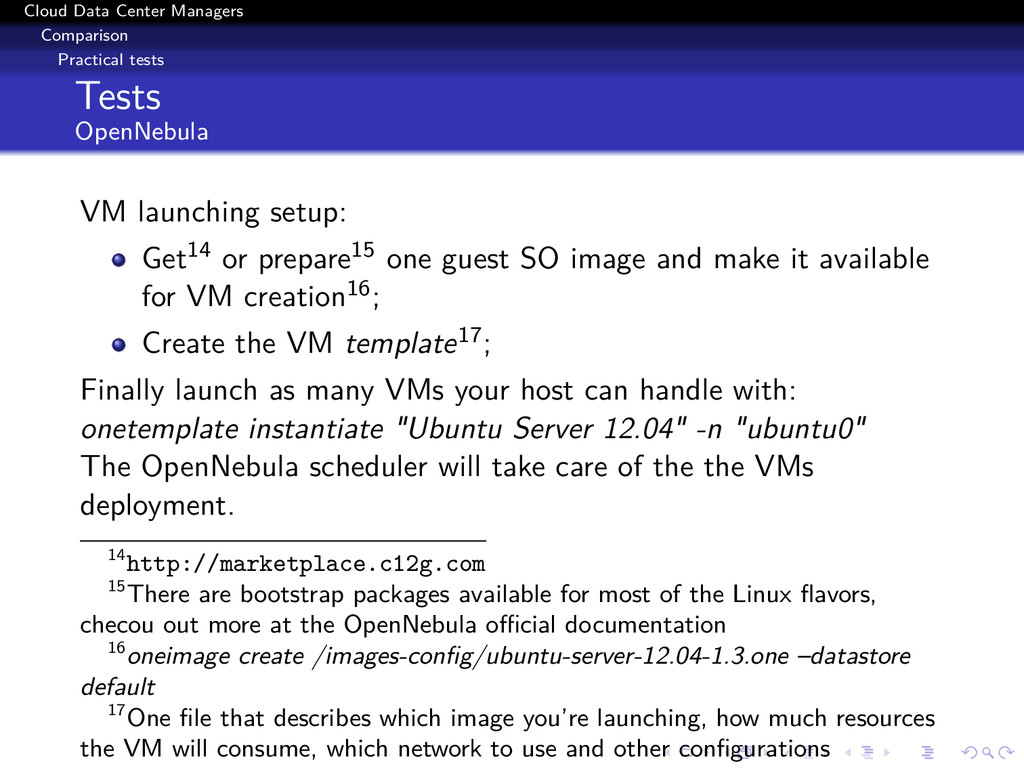
launching setup: Get14 or prepare15 one guest SO image and make it available for VM creation16; Create the VM template17; Finally launch as many VMs your host can handle with: onetemplate instantiate "Ubuntu Server 12.04" -n "ubuntu0" The OpenNebula scheduler will take care of the the VMs deployment. 14http://marketplace.c12g.com 15There are bootstrap packages available for most of the Linux flavors, checou out more at the OpenNebula official documentation 16oneimage create /images-config/ubuntu-server-12.04-1.3.one –datastore default 17One file that describes which image you’re launching, how much resources the VM will consume, which network to use and other configurations
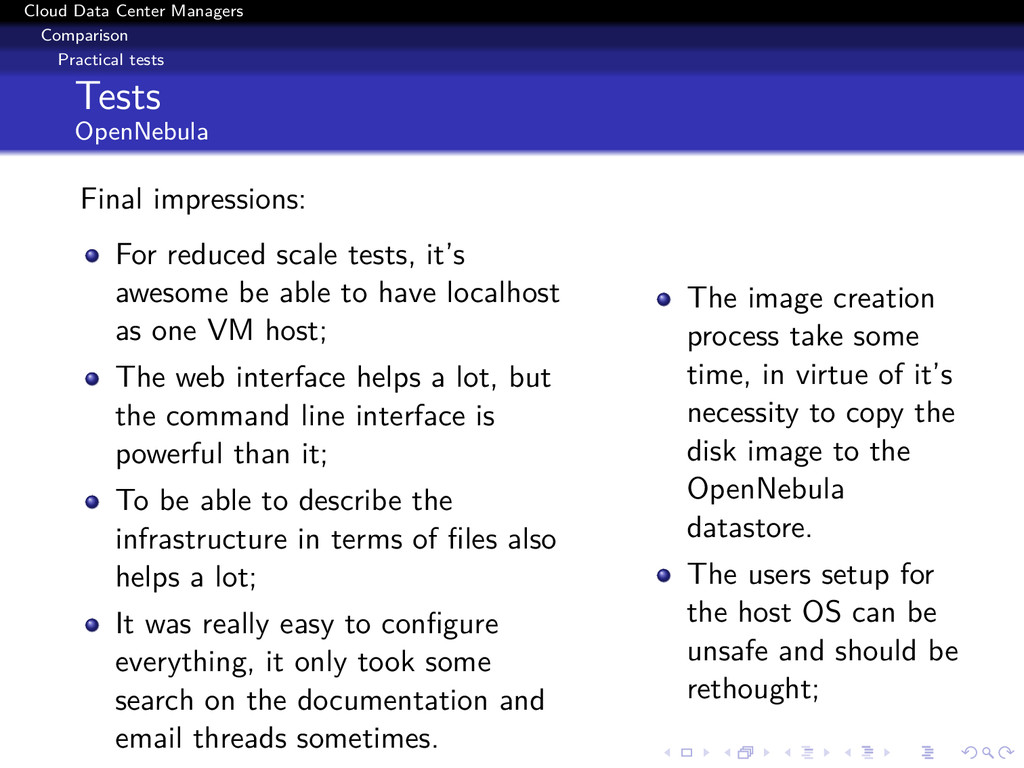
impressions: For reduced scale tests, it’s awesome be able to have localhost as one VM host; The web interface helps a lot, but the command line interface is powerful than it; To be able to describe the infrastructure in terms of files also helps a lot; It was really easy to configure everything, it only took some search on the documentation and email threads sometimes. The image creation process take some time, in virtue of it’s necessity to copy the disk image to the OpenNebula datastore. The users setup for the host OS can be unsafe and should be rethought;
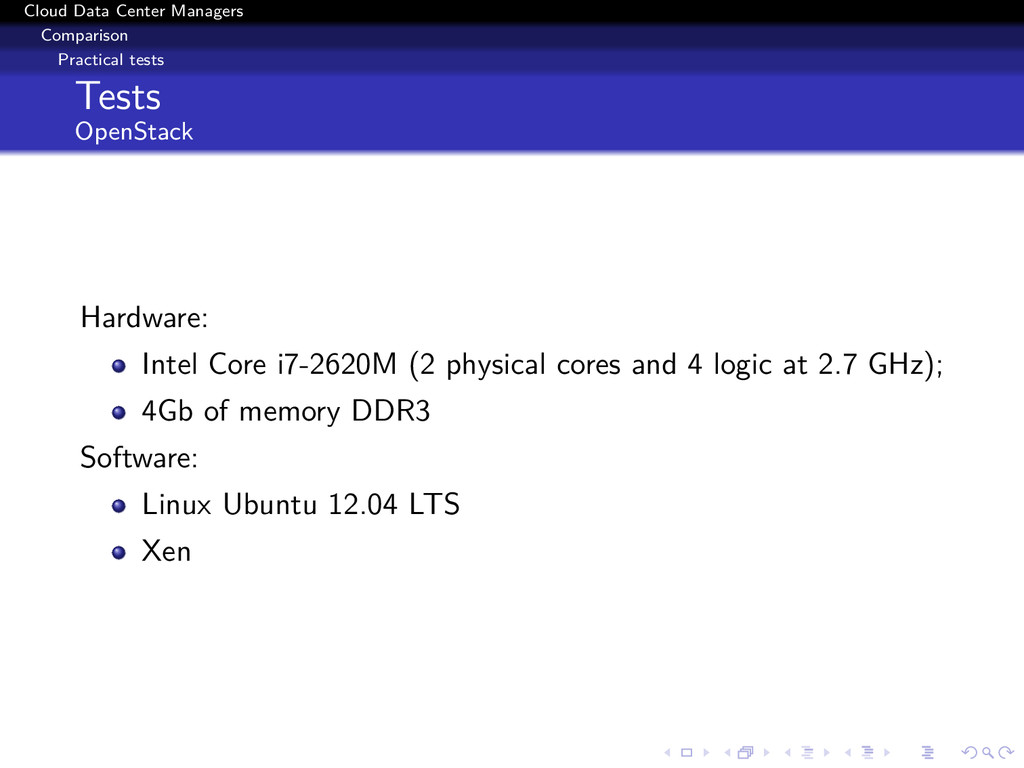
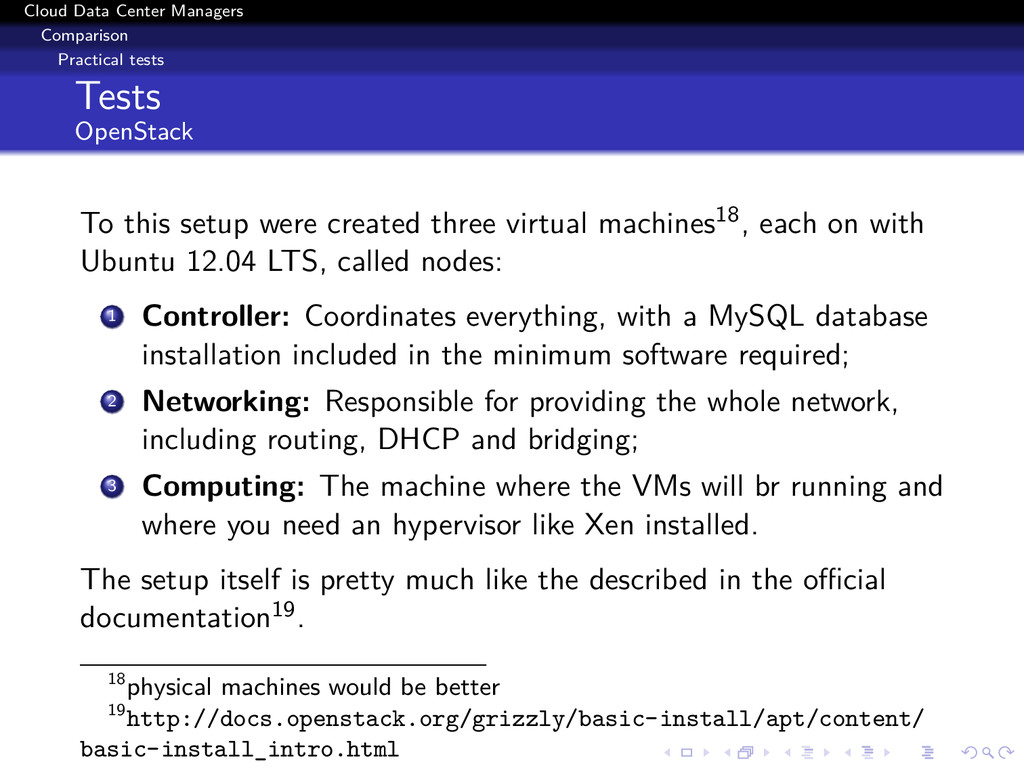
this setup were created three virtual machines18, each on with Ubuntu 12.04 LTS, called nodes: 1 Controller: Coordinates everything, with a MySQL database installation included in the minimum software required; 2 Networking: Responsible for providing the whole network, including routing, DHCP and bridging; 3 Computing: The machine where the VMs will br running and where you need an hypervisor like Xen installed. The setup itself is pretty much like the described in the official documentation19. 18physical machines would be better 19http://docs.openstack.org/grizzly/basic-install/apt/content/ basic-install_intro.html
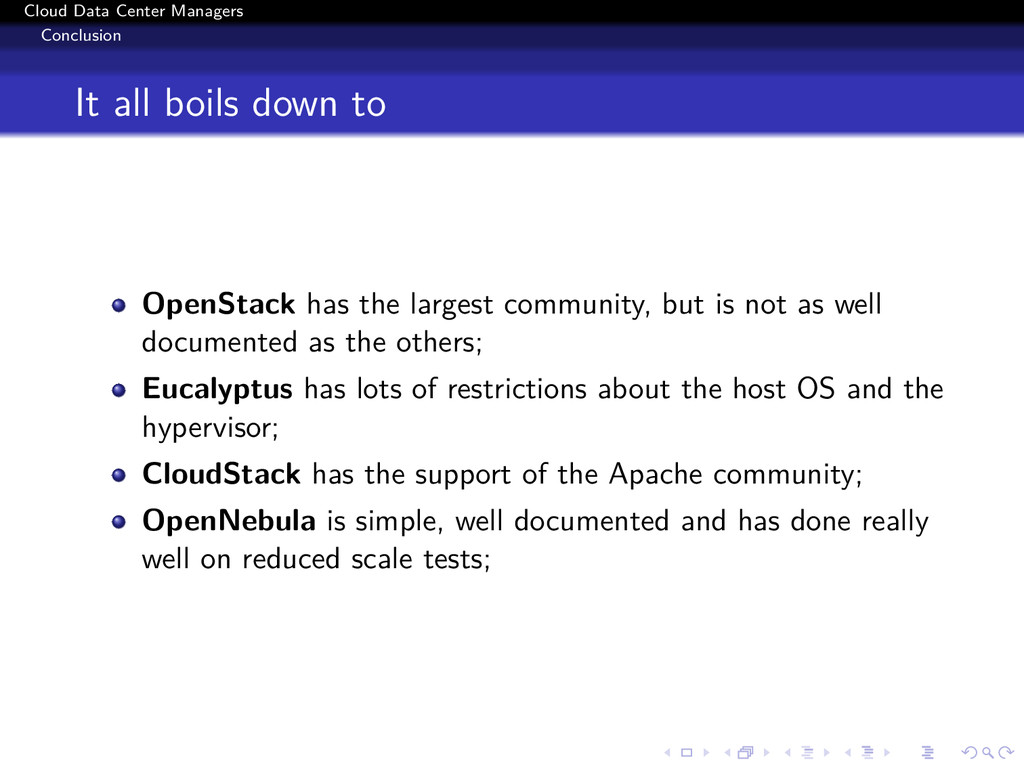
OpenStack has the largest community, but is not as well documented as the others; Eucalyptus has lots of restrictions about the host OS and the hypervisor; CloudStack has the support of the Apache community; OpenNebula is simple, well documented and has done really well on reduced scale tests;

 SiteGround - Reliable hosting with speed, security, and support you can count on.


 rafamanzo
 koic
koic
 n_takehata
 tanahiro2010
 ryu1013
 tosite
 uyuki234
 guaca
guaca
 iwiwi
iwiwi
 suneo3476
 rollbear
 seike460
 tammyeverts
 signer
 auna
auna
 nmsamuel
 leimatthew05
 tamaranovitovic
 swwweet
 deanohume
 jonoalderson
 greggifford
 trallard
 keavy
keavy