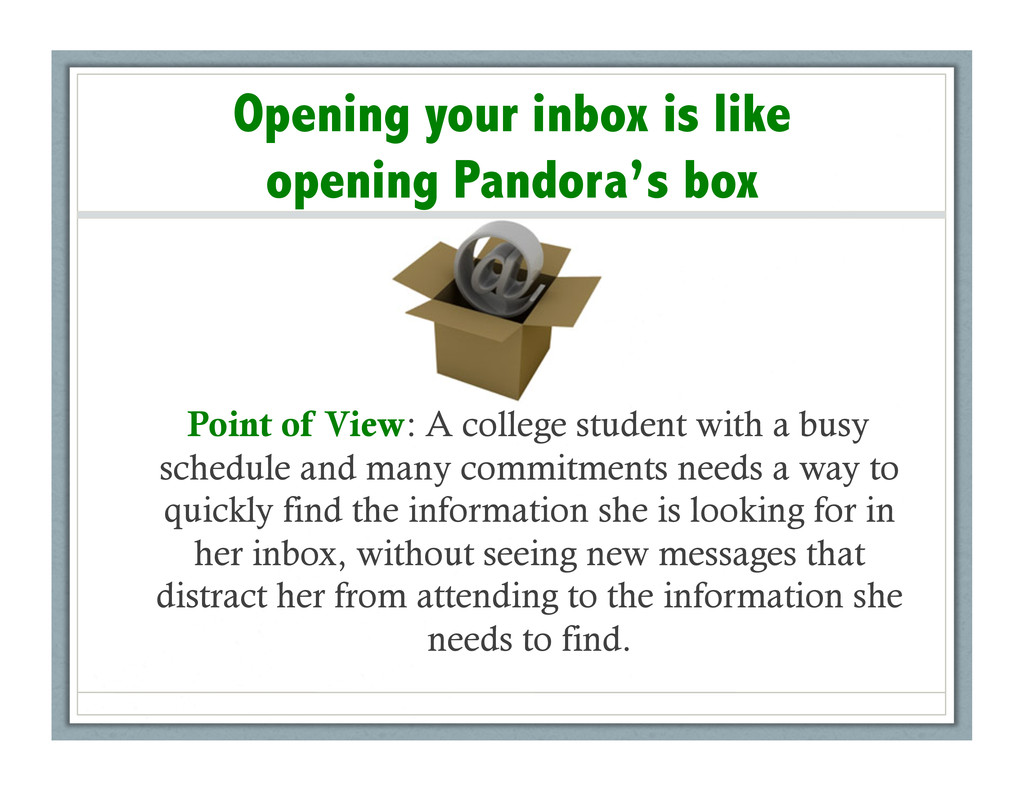
View: A college student with a busy schedule and many commitments needs a way to quickly find the information she is looking for in her inbox, without seeing new messages that distract her from attending to the information she needs to find.
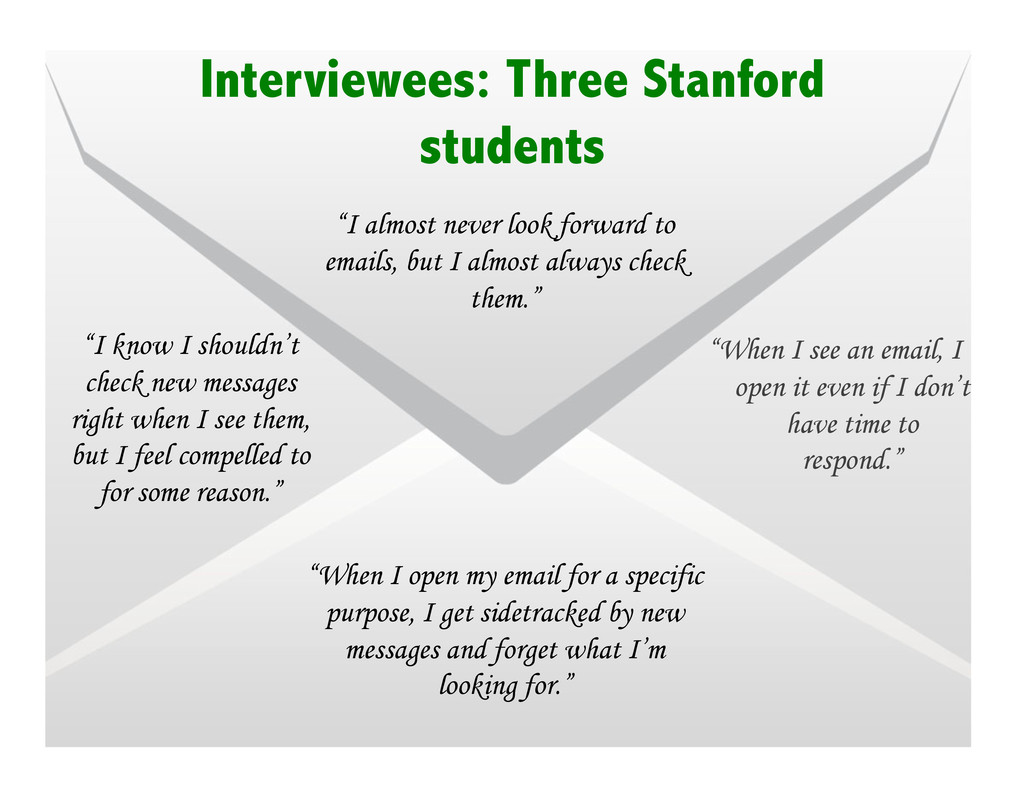
open it even if I don’t have time to respond.” “When I open my email for a specific purpose, I get sidetracked by new messages and forget what I’m looking for.” “I know I shouldn’t check new messages right when I see them, but I feel compelled to for some reason.” “I almost never look forward to emails, but I almost always check them.”
she needs to look up the due date for her course proposal. • She opens the browser, types in the Stanford webmail address. • When the email inbox loads, she’s surprised that she received 14 new messages since 2 hours ago when she last checked. • She then proceeds to read through all the messages. • There are 3 to-do’s that she needs to follow-up on, and she tries to keep them in her memory as she moves on to read the other emails. • After reading through all the new messages, she breaths a sigh of relief and then closes the browser tab. • Oh, wait! She remembers that she had an original intention when she opened her email. She re-opens the browser and navigates to the same page. • She searches for her advisor’s name, and finds 20 messages that he has sent previously. • She looks through all the messages until she locates the one with the course proposal deadline. • When she finds it, she writes it on her calendar and closes the email tab.


 apolaine
 szymonslowik
 codingconduct
 uxyall
 swwweet
 thoeni
 addyosmani
 jonyablonski
 akademiya2063
 bryan
bryan
 samtorres
 emna__ayadi