Upgrade to Pro
— share decks privately, control downloads, hide ads and more …
Speaker Deck
Sign up for free
Menu
Search
Features
All features
Private URLs
Password Protection
Custom URLS
Scheduled publishing
Remove Branding
Restrict embedding
Deck Collections
Notes
Features
All features
Private URLs
Password Protection
Custom URLS
Scheduled publishing
Remove Branding
Restrict embedding
Deck Collections
Notes
Explore
Featured decks
Featured speakers
Programming
Technology
Storyboards
Explore
Featured decks
Featured speakers
Programming
Technology
Storyboards
Pricing
Search
Sign in
Sign up for free
テストPDF
Search
Rel1cstyle
October 05, 2025
48
0
Share
Embed
Copy iframe code
Copy JS code
Copy link
Start on current slide
テストPDF
テストです
Rel1cstyle
October 05, 2025
Featured
See All Featured
Sam Torres - BigQuery for SEOs
techseoconnect
PRO
0
580
Prompt Engineering for Job Search
mfonobong
0
520
How to make the Groovebox
asonas
2
2.5k
Build The Right Thing And Hit Your Dates
maggiecrowley
39
3.5k
What’s in a name? Adding method to the madness
productmarketing
PRO
24
4.2k
Visual Storytelling: How to be a Superhuman Communicator
reverentgeek
2
710
Navigating the Design Leadership Dip - Product Design Week Design Leaders+ Conference 2024
apolaine
2
480
Unsuck your backbone
ammeep
672
58k
Exploring anti-patterns in Rails
aemeredith
4
540
The Illustrated Children's Guide to Kubernetes
chrisshort
51
53k
Faster Mobile Websites
deanohume
310
32k
Testing 201, or: Great Expectations
jmmastey
46
8.3k
Transcript
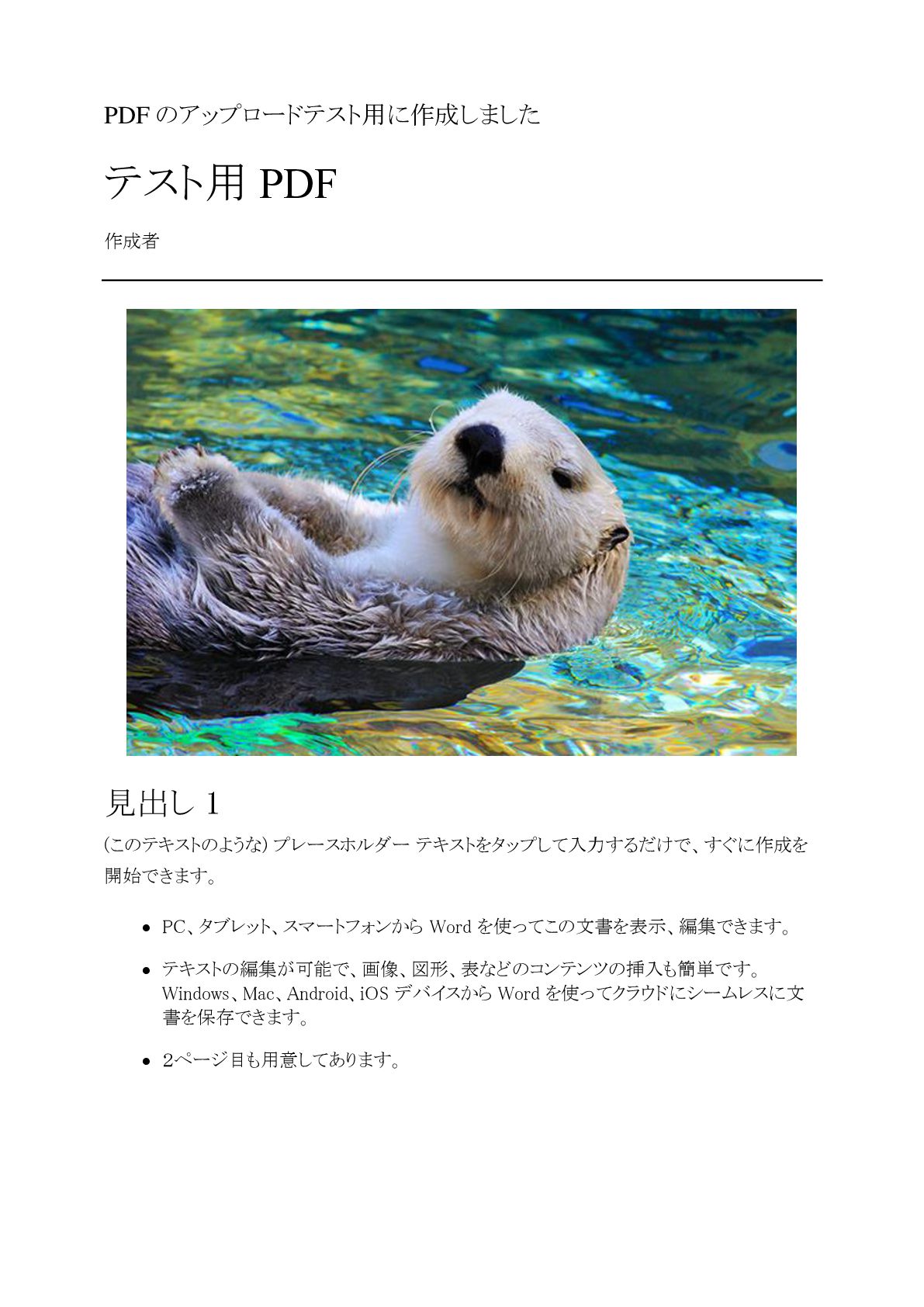
PDF のアップロードテスト用に作成しました テスト用 PDF 作成者 見出し 1 (このテキストのような) プレースホルダー テキストをタップして入力するだけで、すぐに作成を
開始できます。 • PC、タブレット、スマートフォンから Word を使ってこの文書を表示、編集できます。 • テキストの編集が可能で、画像、図形、表などのコンテンツの挿入も簡単です。 Windows、Mac、Android、iOS デバイスから Word を使ってクラウドにシームレスに文 書を保存できます。 • 2ページ目も用意してあります。
2 見出し 2 ファイルから画像を挿入したり、または図形、テキスト ボックス、表を追加をしたいとします。そ の場合は、リボンの [挿入] タブで、必要なオプションをタップするだけです。 「引用文」 このページに表示されている文字列の書式は、リボンの
[ホーム] タブ上にある [スタイル] か ら 1 タップで簡単に設定できます。 列見出し 列見出し 行見出し テキスト 123.45 行見出し テキスト 123.45


 techseoconnect
 mfonobong
 asonas
 maggiecrowley
 productmarketing
 reverentgeek
 apolaine
 ammeep
 aemeredith
 chrisshort
 deanohume
 jmmastey
![2 見出し 2 ファイルから画像を挿入したり、または図形、テキスト ボックス、表を追加をしたいとします。そ の場合は、リボンの [挿入] タブで、必要なオプションをタップするだけです。 「引用文」 このページに表示されている文字列の書式は、リボンの](https://files.speakerdeck.com/presentations/273a870159984d75b718fd4a204533ac/slide_1.jpg)