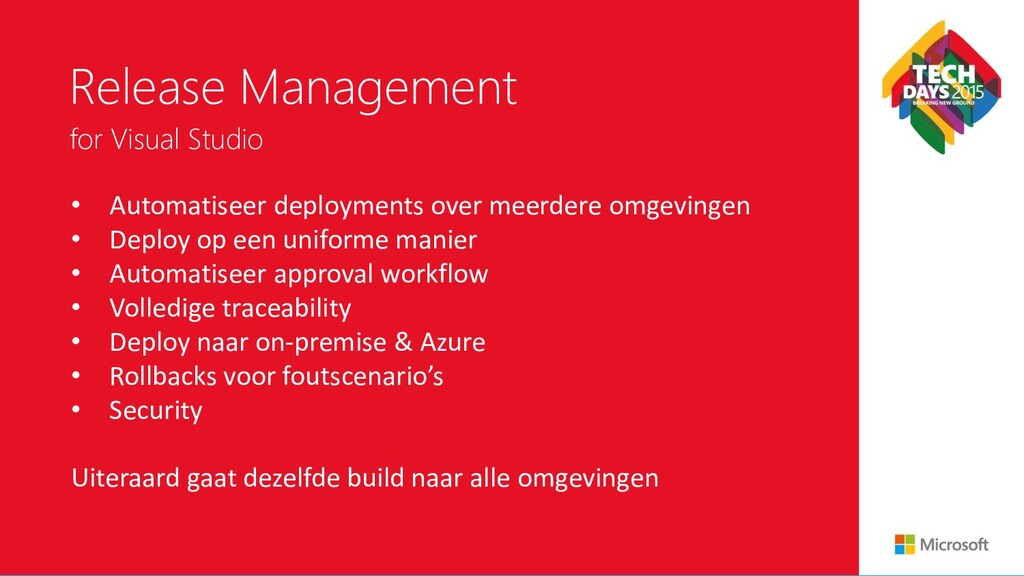
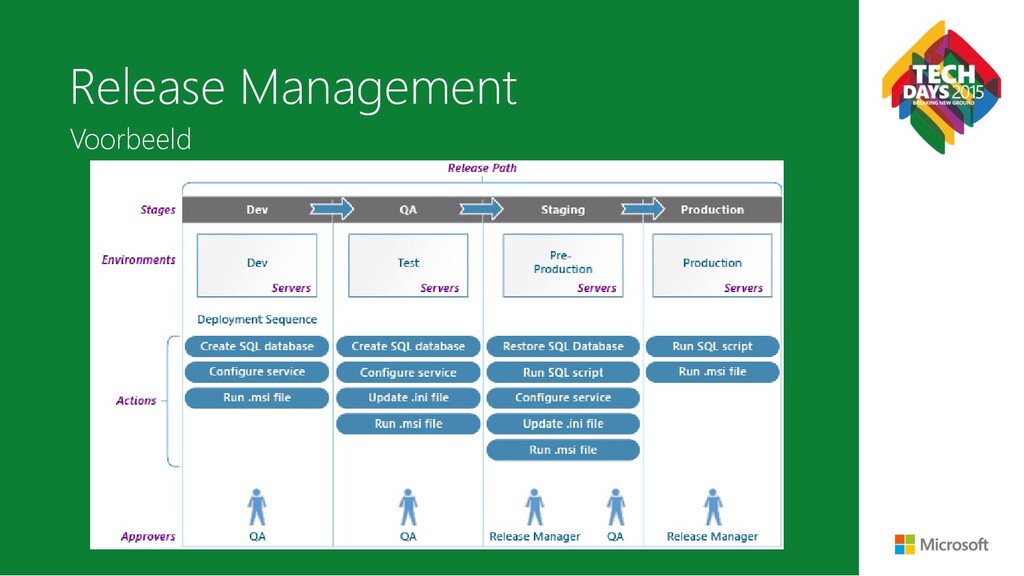
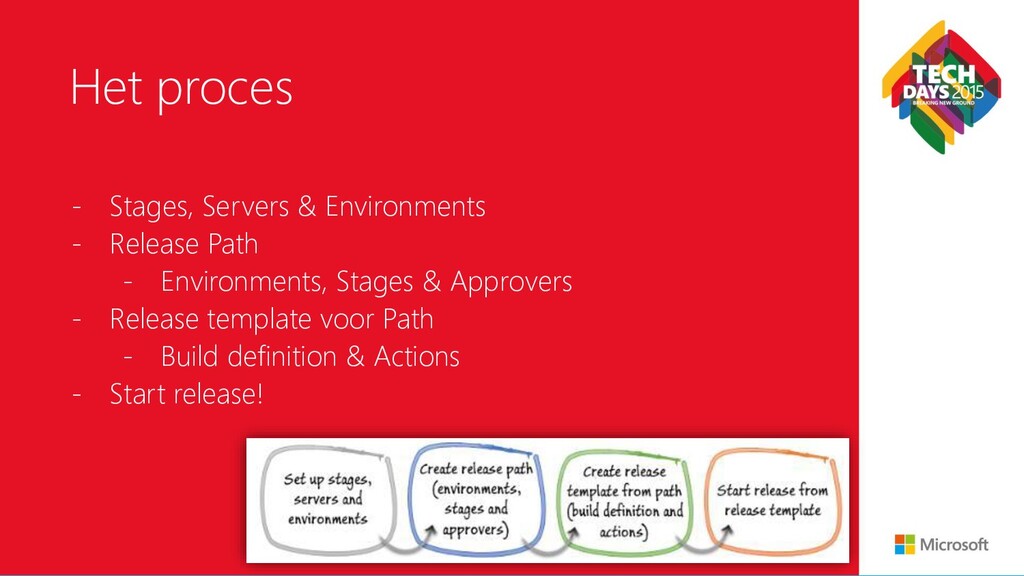
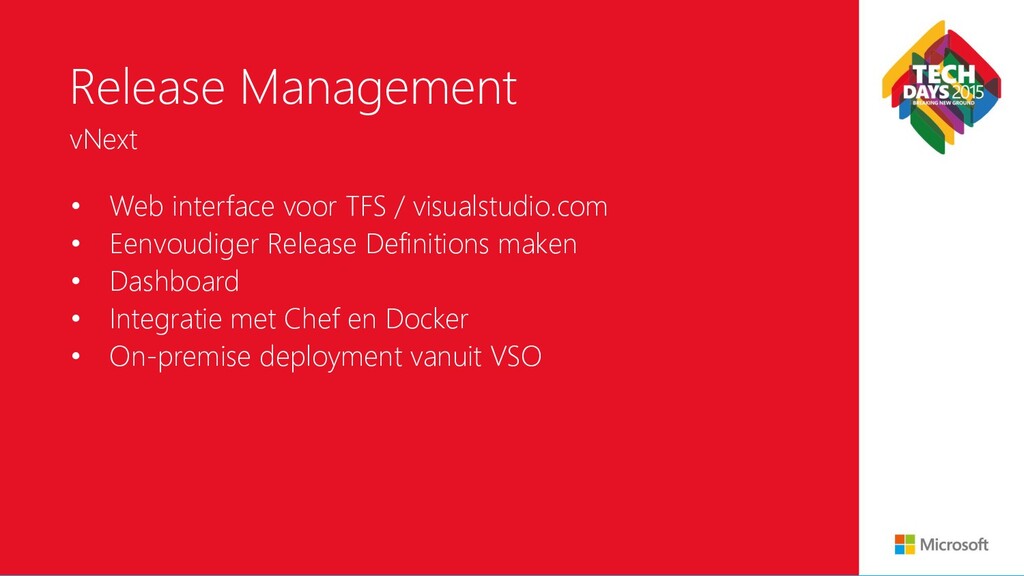
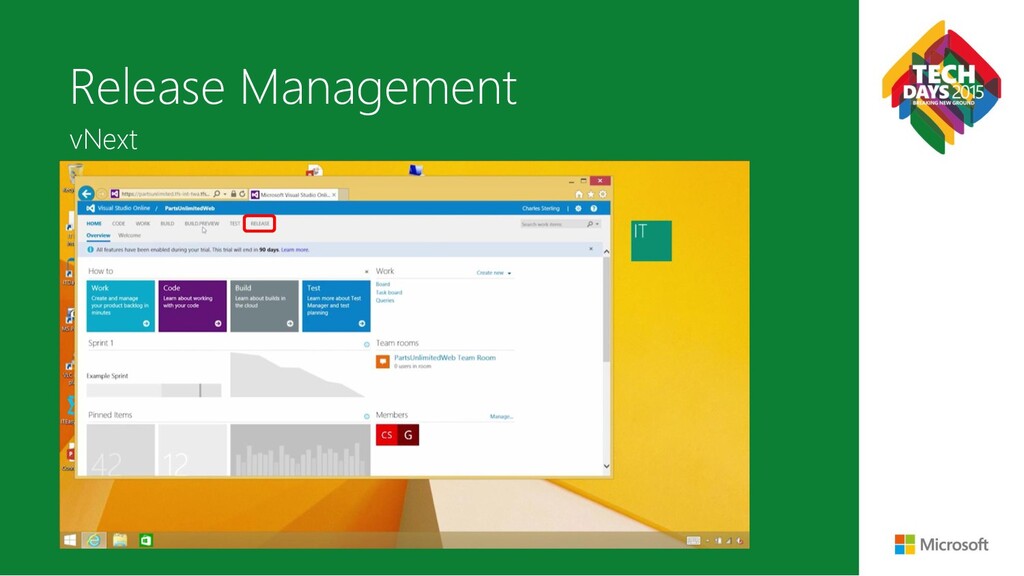
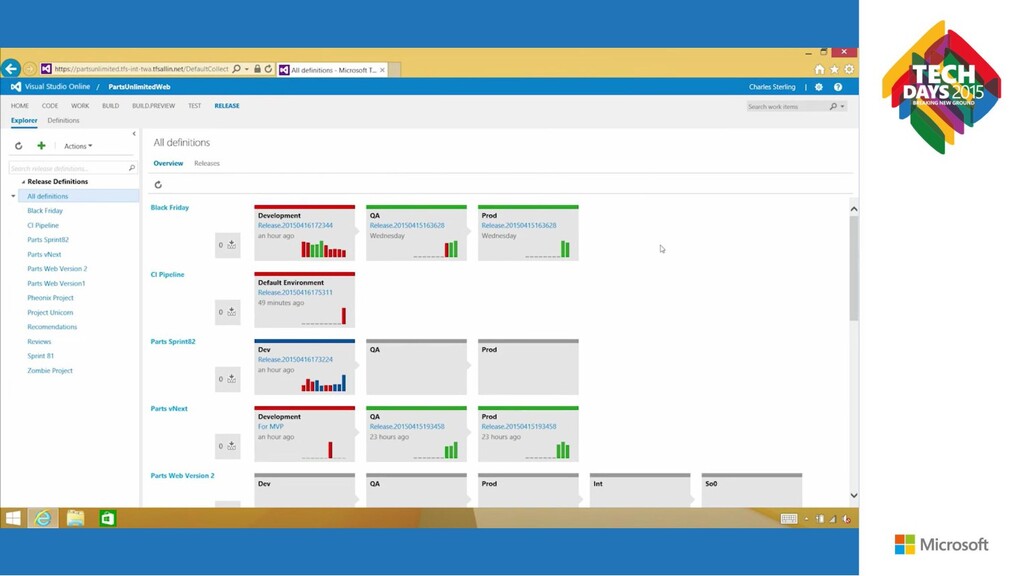
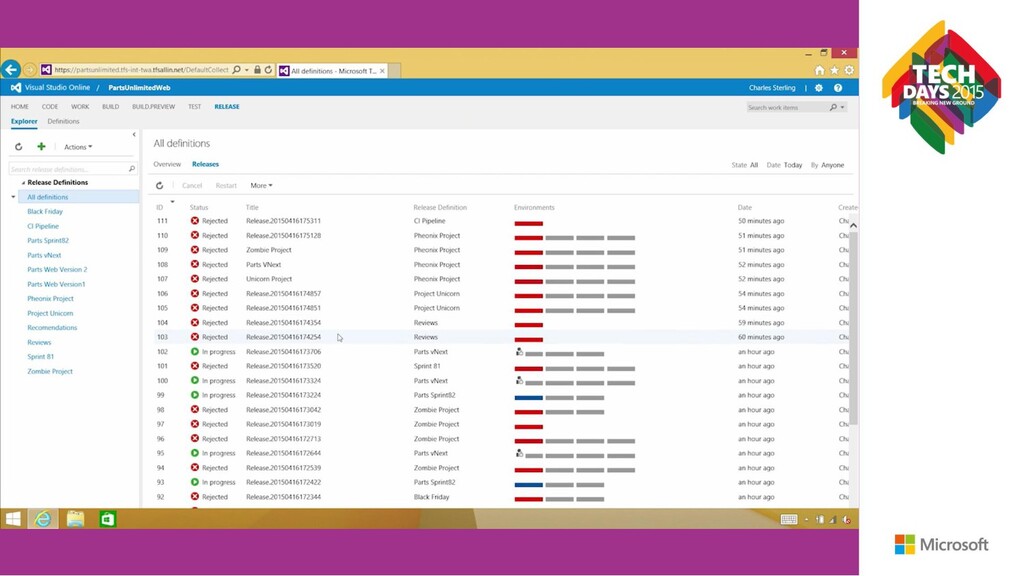
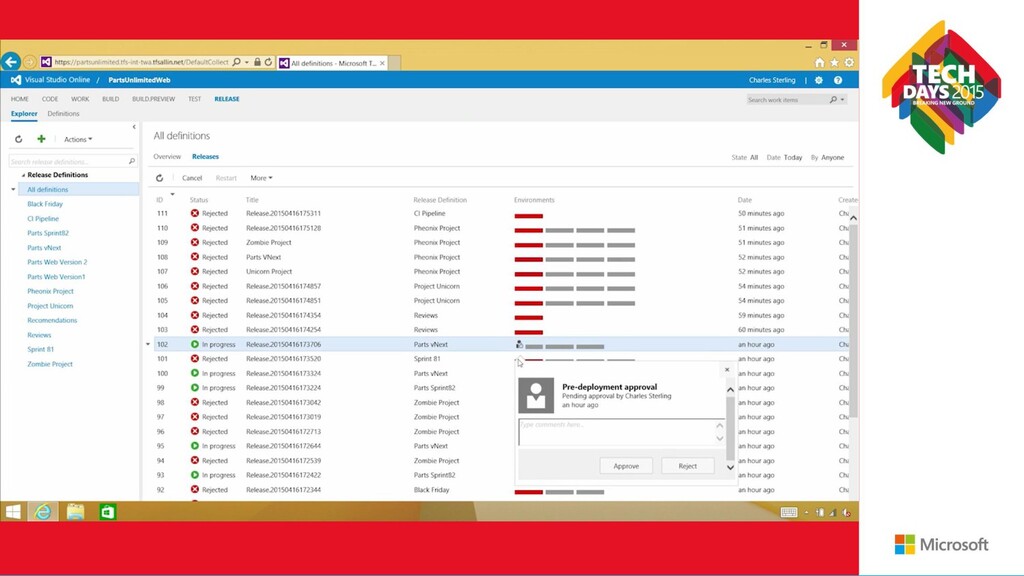
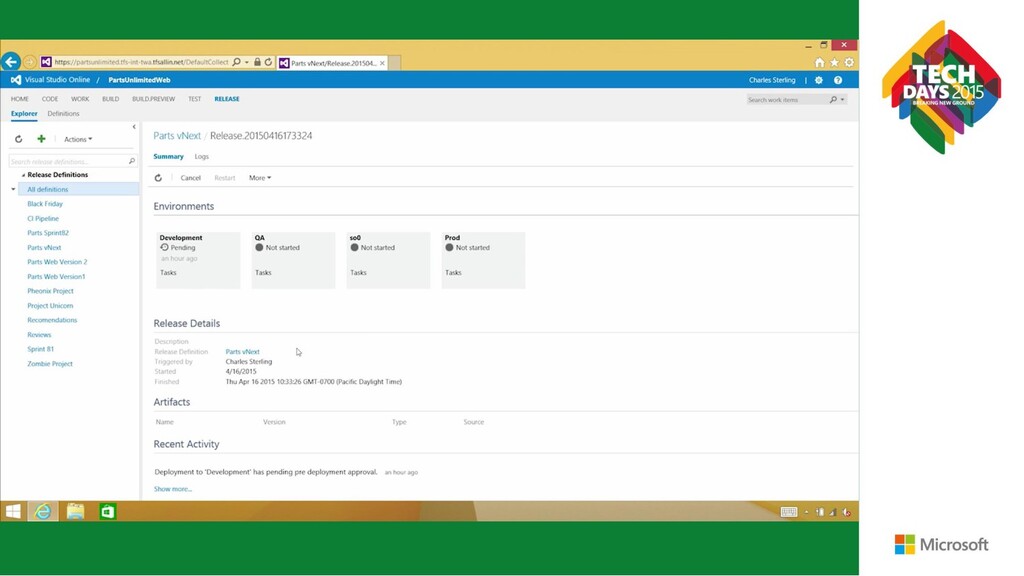
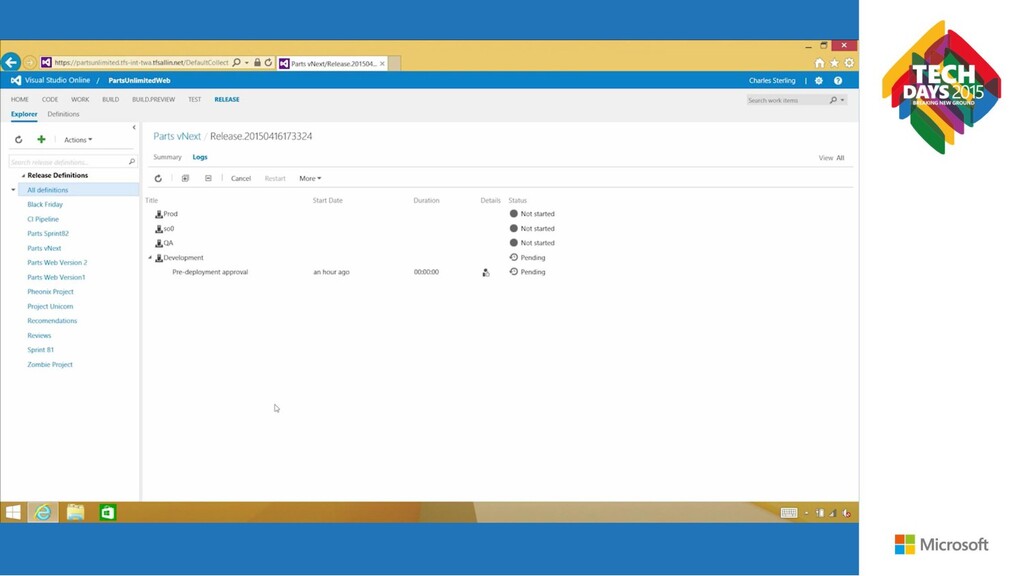
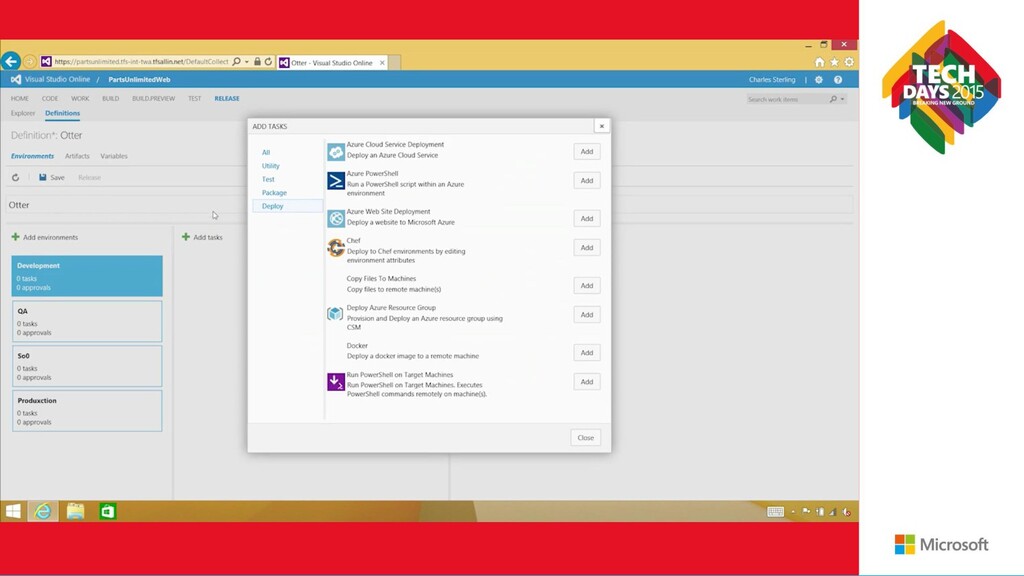
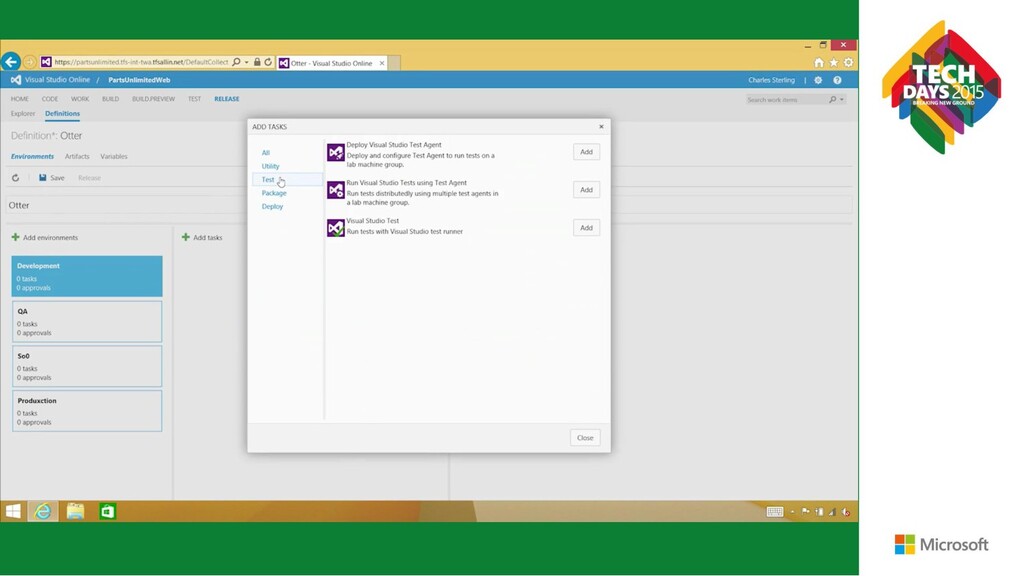
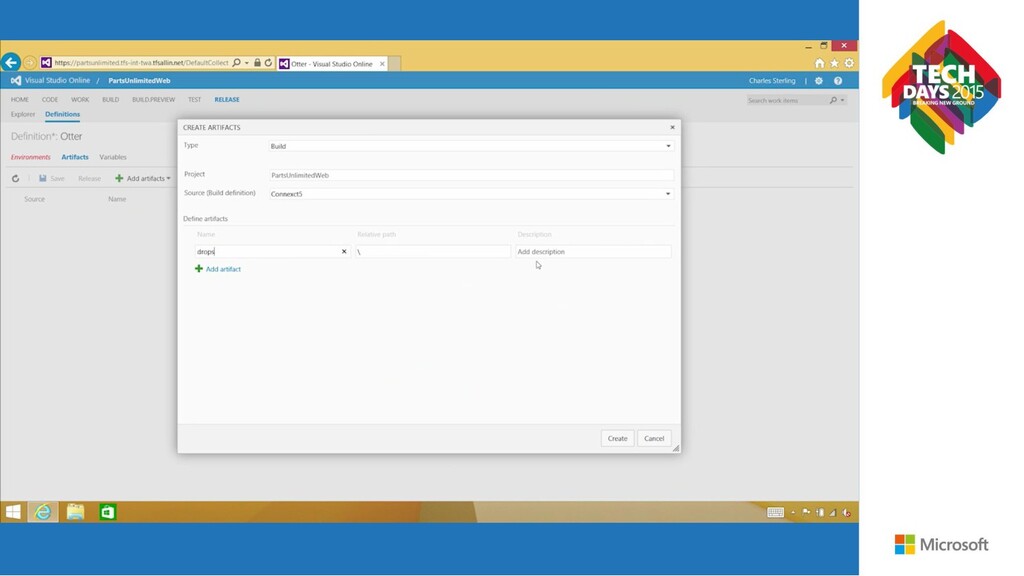
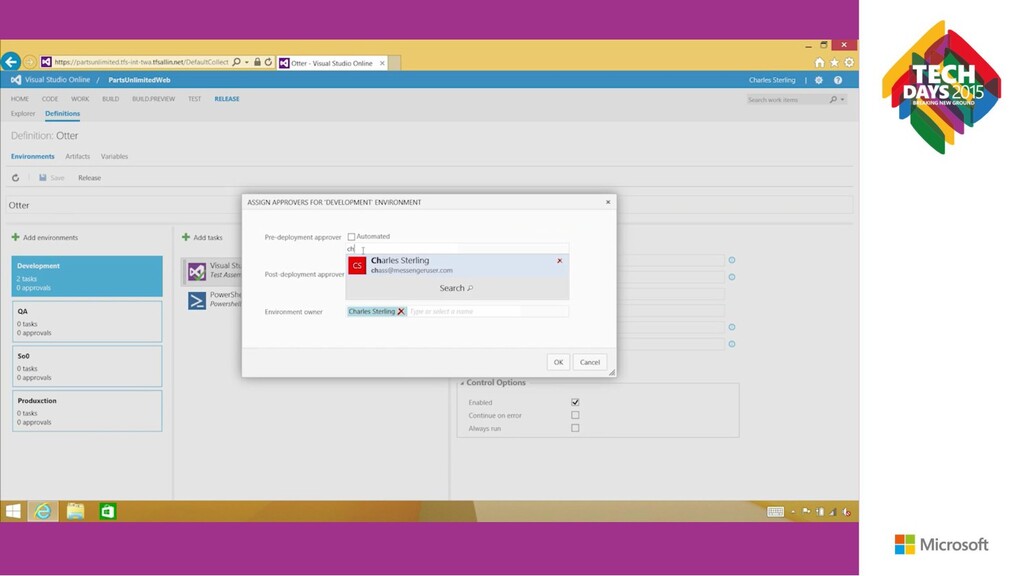
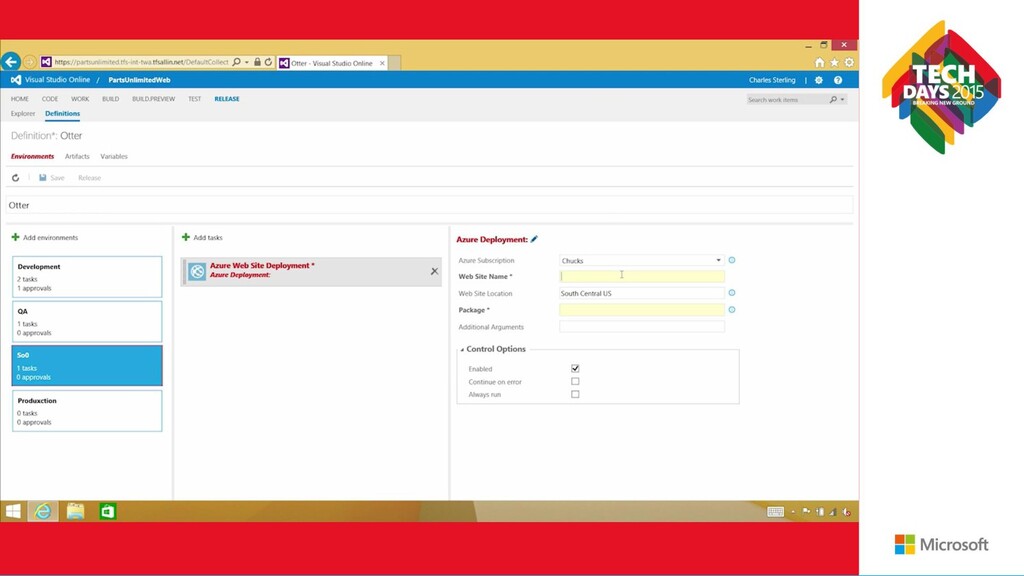
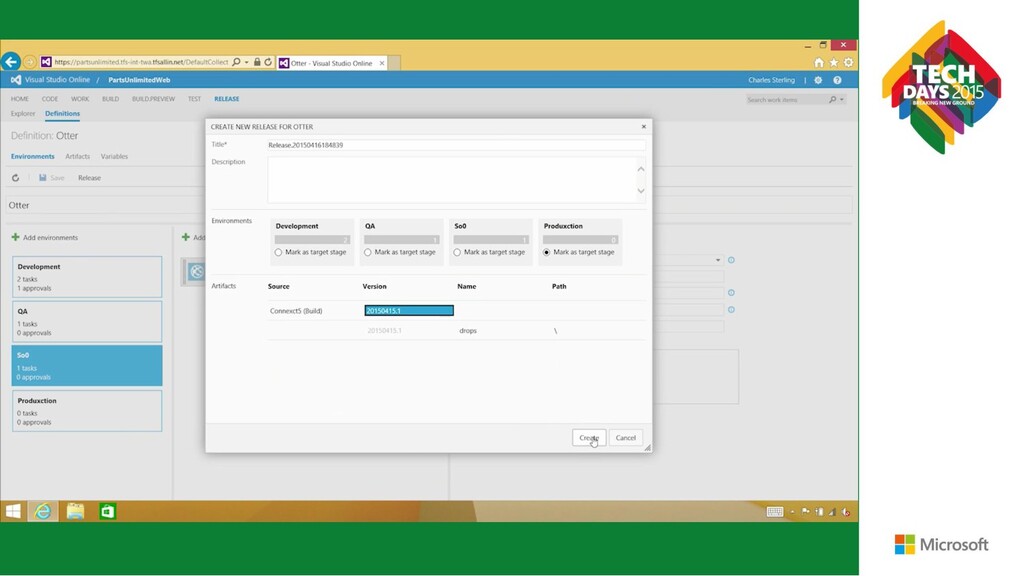
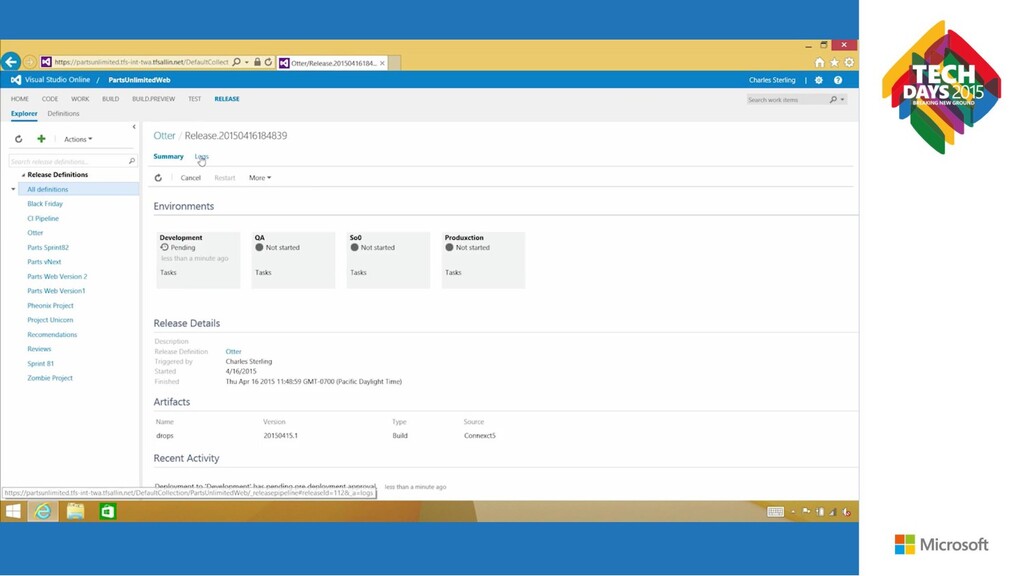
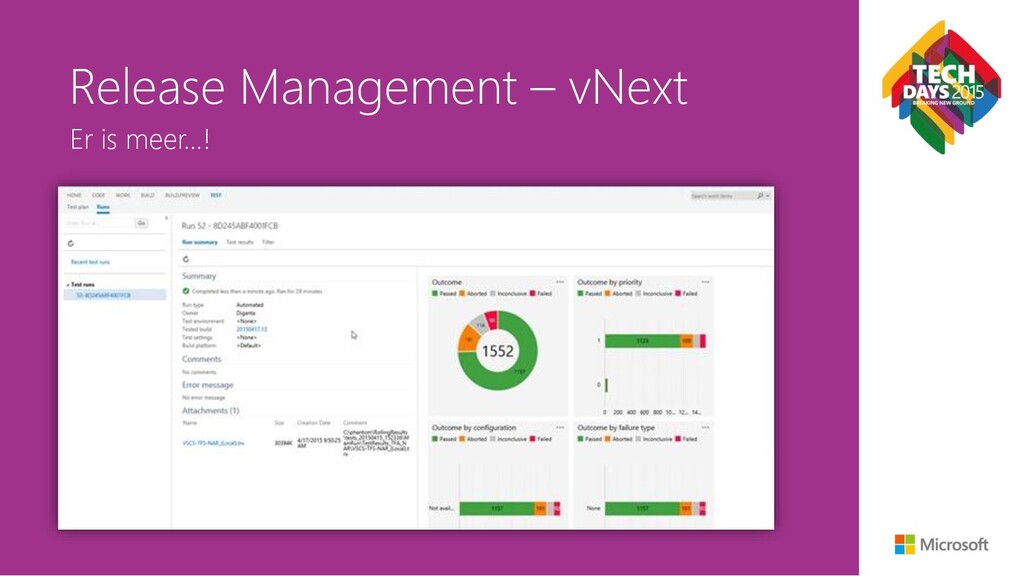
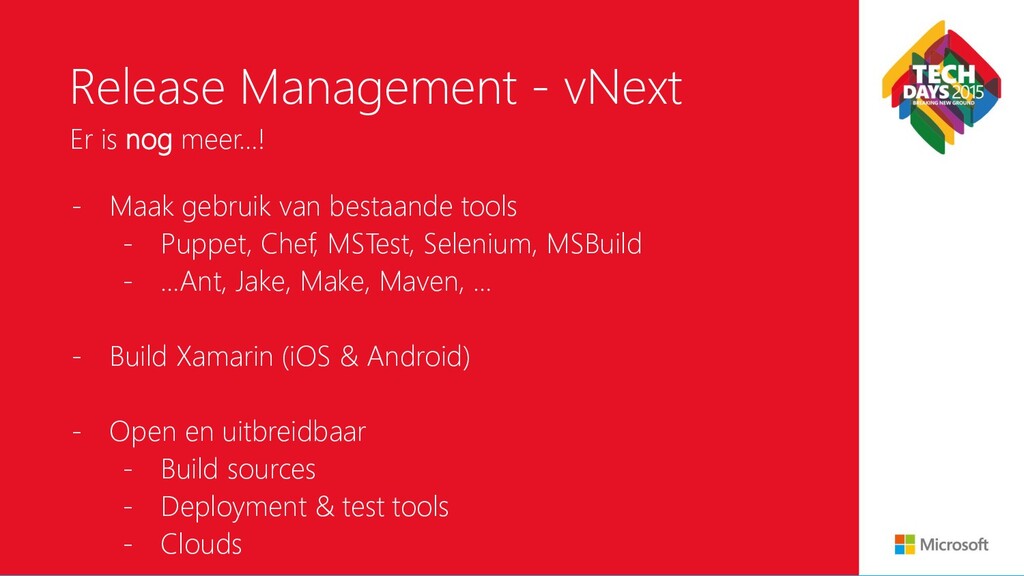
op een uniforme manier • Automatiseer approval workflow • Volledige traceability • Deploy naar on-premise & Azure • Rollbacks voor foutscenario’s • Security for Visual Studio Uiteraard gaat dezelfde build naar alle omgevingen
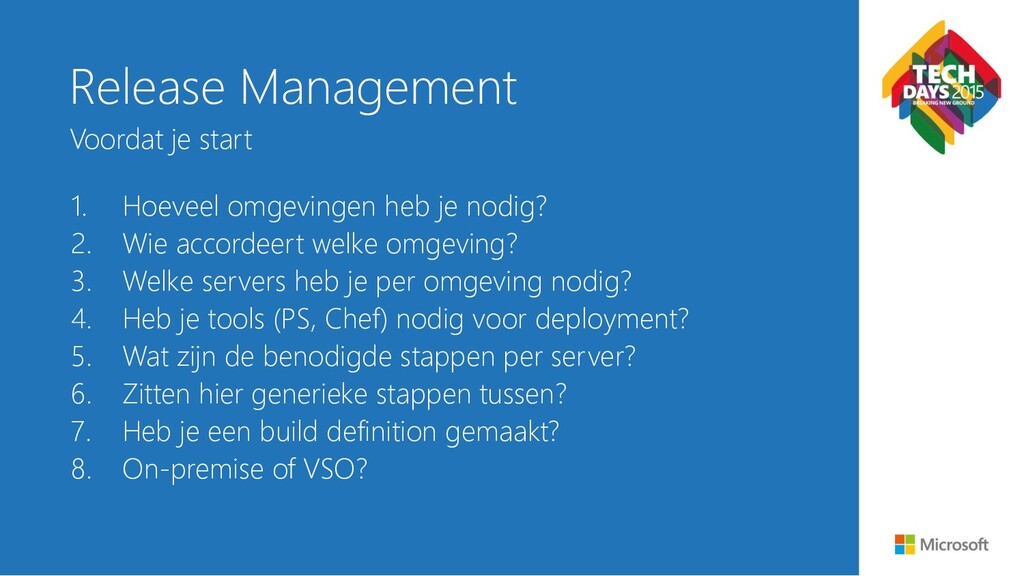
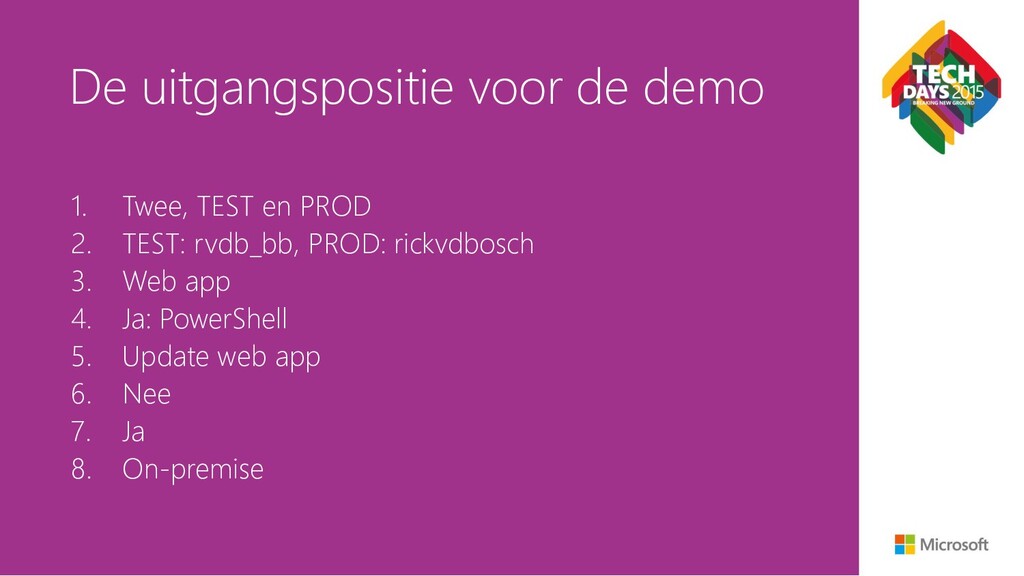
accordeert welke omgeving? 3. Welke servers heb je per omgeving nodig? 4. Heb je tools (PS, Chef) nodig voor deployment? 5. Wat zijn de benodigde stappen per server? 6. Zitten hier generieke stappen tussen? 7. Heb je een build definition gemaakt? 8. On-premise of VSO? Voordat je start
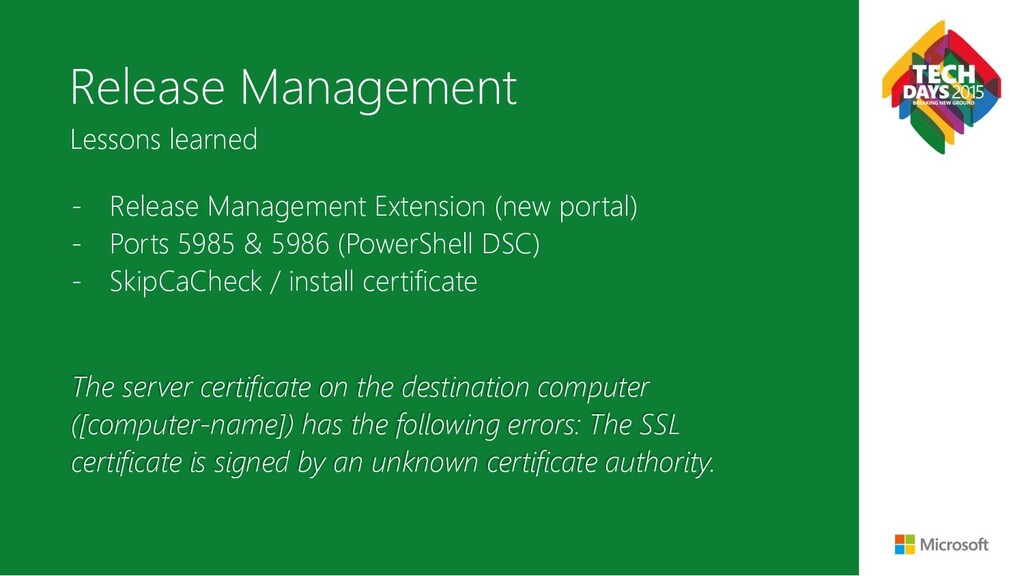
5985 & 5986 (PowerShell DSC) - SkipCaCheck / install certificate Lessons learned The server certificate on the destination computer ([computer-name]) has the following errors: The SSL certificate is signed by an unknown certificate authority.
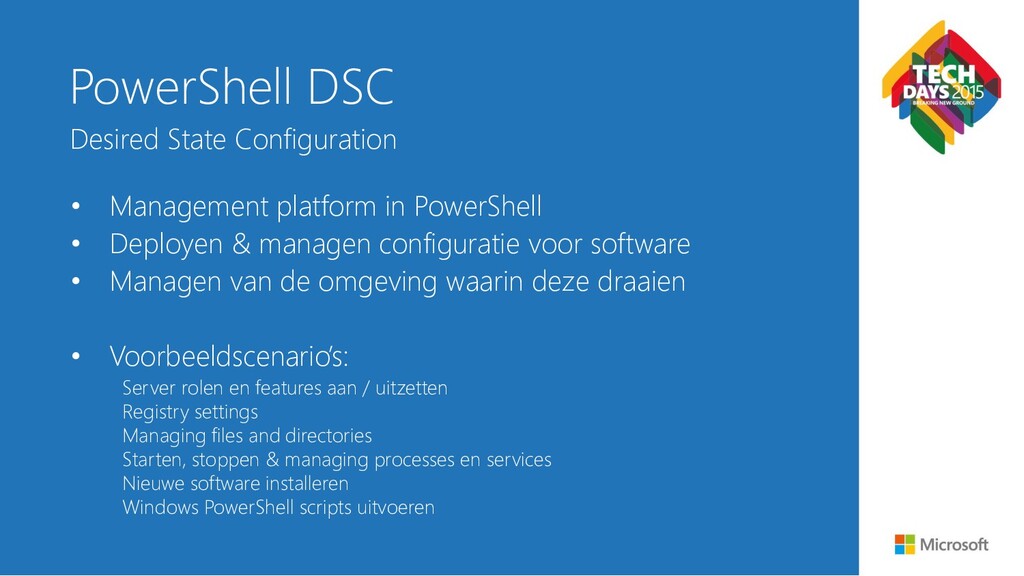
managen configuratie voor software • Managen van de omgeving waarin deze draaien • Voorbeeldscenario’s: Server rolen en features aan / uitzetten Registry settings Managing files and directories Starten, stoppen & managing processes en services Nieuwe software installeren Windows PowerShell scripts uitvoeren Desired State Configuration
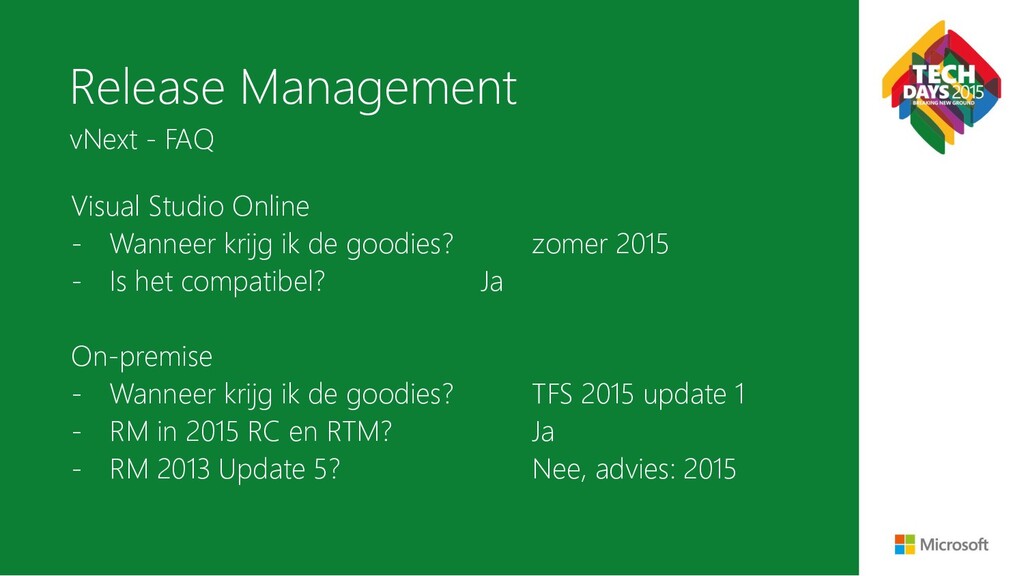
goodies? zomer 2015 - Is het compatibel? Ja On-premise - Wanneer krijg ik de goodies? TFS 2015 update 1 - RM in 2015 RC en RTM? Ja - RM 2013 Update 5? Nee, advies: 2015 vNext - FAQ
us know via the TechDays App. Laat ons weten wat u van de sessie vindt via de TechDays App! Scan de QR Code. Bent u al lid van de Microsoft Virtual Academy?! Op MVA kunt u altijd iets nieuws leren over de laatste technologie van Microsoft. Meld u vandaag aan op de MVA Stand. MVA biedt 7/24 gratis online training on-demand voor IT- Professionals en Ontwikkelaars.


 raspython3
 yazm
yazm
 maimyyym
 gionn
gionn
 camiha
 carta_engineering
 yuuuuuuu168
.png) codatum
codatum
 teamlab
 genda
genda
 y0hgi
y0hgi
 axbom
axbom
 afnizarnur
 holman
 aleyda
 nikkihalliwell
 cassininazir
 danielanewman
 varn
varn
 skipperchong
 rasmusluckow
 bkeepers
 skoyamalab