Upgrade to Pro — share decks privately, control downloads, hide ads and more …

Visualisation for Data Scientists

Visualisation for Data Scientists

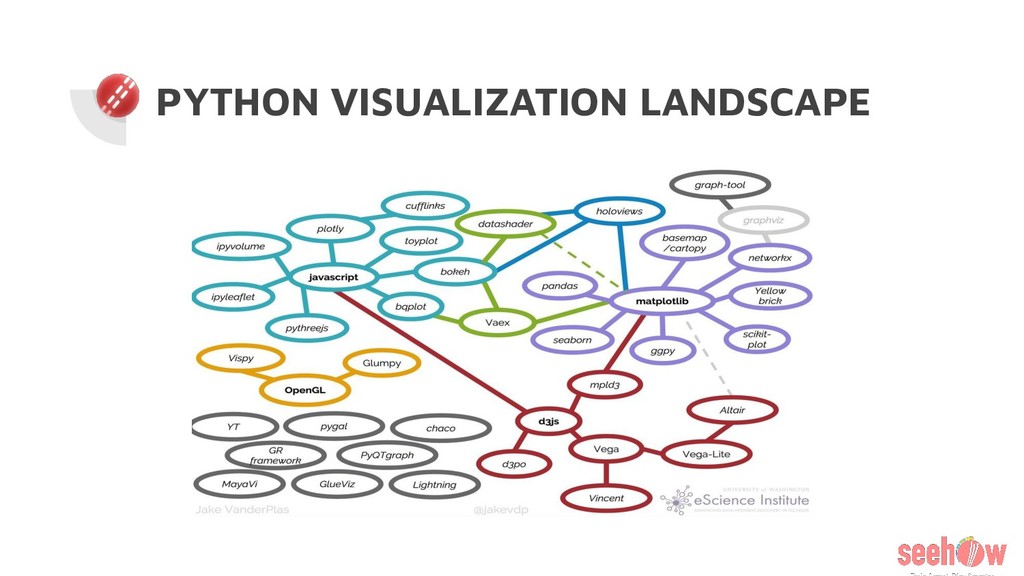
Currently, there are many scattered resources and libraries for data visualization with varying difficulty. This talk focuses on creating graphs from basic to advance level and comparing libraries for the same. It covers following topics:

- Current visualization landscape
- Visualization examples using Jupyter Notebook
- Interactive visualizations
- Intro to plotly
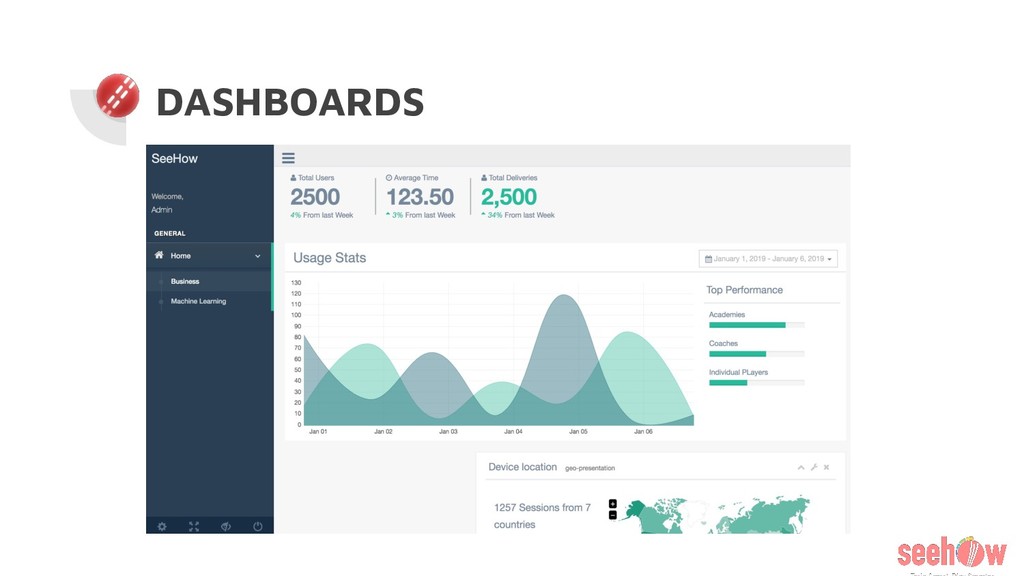
- Creating dashboards using Plotly Dash

Avatar for Rishabh Makhija

Rishabh Makhija

June 01, 2019

Other Decks in Programming

Transcript

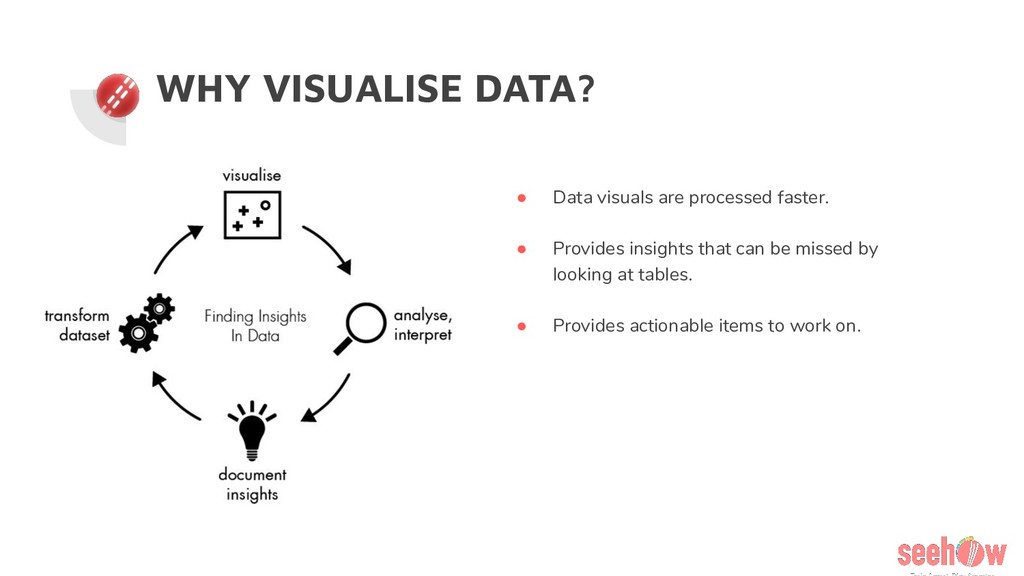
  1. WHY VISUALISE DATA? • Data visuals are processed faster. •

    Provides insights that can be missed by looking at tables. • Provides actionable items to work on.
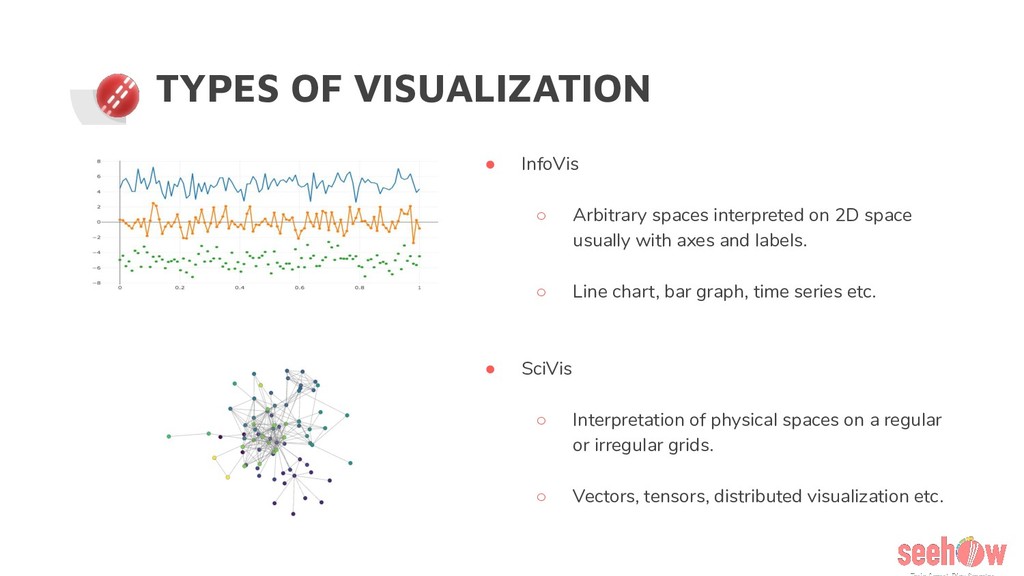
  2. TYPES OF VISUALIZATION • InfoVis ◦ Arbitrary spaces interpreted on

    2D space usually with axes and labels. ◦ Line chart, bar graph, time series etc. • SciVis ◦ Interpretation of physical spaces on a regular or irregular grids. ◦ Vectors, tensors, distributed visualization etc.
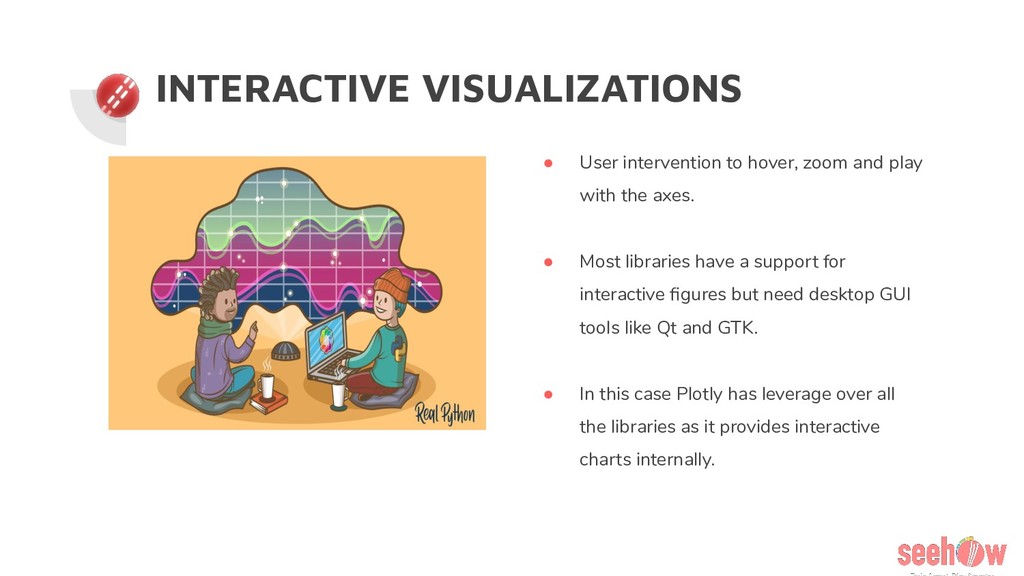
  3. INTERACTIVE VISUALIZATIONS • User intervention to hover, zoom and play

    with the axes. • Most libraries have a support for interactive figures but need desktop GUI tools like Qt and GTK. • In this case Plotly has leverage over all the libraries as it provides interactive charts internally.
  4. WHY PLOTLY? • Support for interactive charts. • Not much

    learning curve. • Active community and easy to understand docs. • Have support for multiple languages with examples for each.
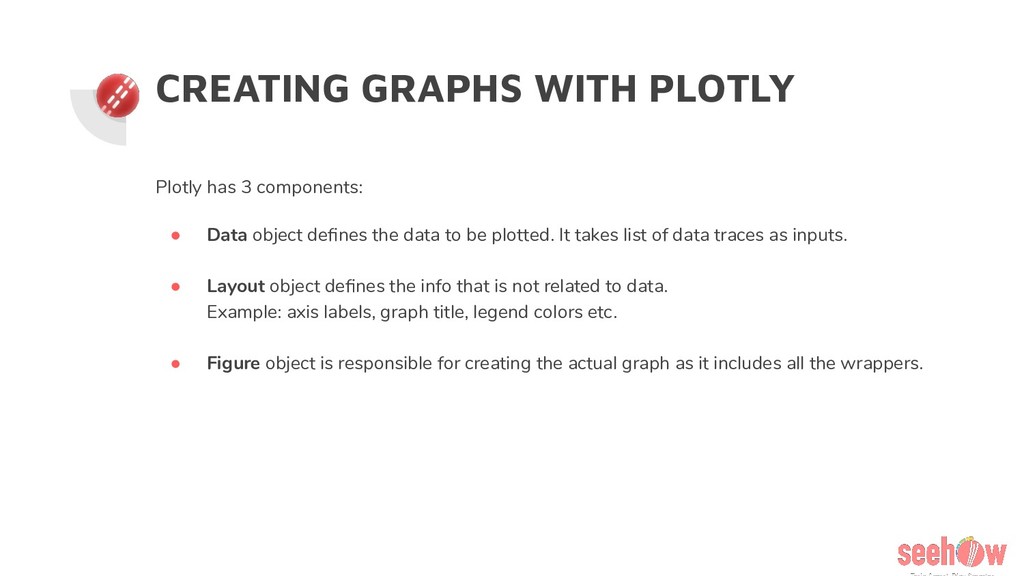
  5. CREATING GRAPHS WITH PLOTLY Plotly has 3 components: • Data

    object defines the data to be plotted. It takes list of data traces as inputs. • Layout object defines the info that is not related to data. Example: axis labels, graph title, legend colors etc. • Figure object is responsible for creating the actual graph as it includes all the wrappers.
  6. DASHBOARDS MADE EASY • Most of the dashboard applications use

    D3.js library for visualization. ◦ Steep learning curve. Knowledge of Javascript required. ◦ Uses SVG and requires DOM manipulation. • Here comes Plotly Dash to the rescue. ◦ Create web based charts using python only. ◦ React wrapper and uses D3.js internally. ◦ Uses WebGL, much faster than SVG.
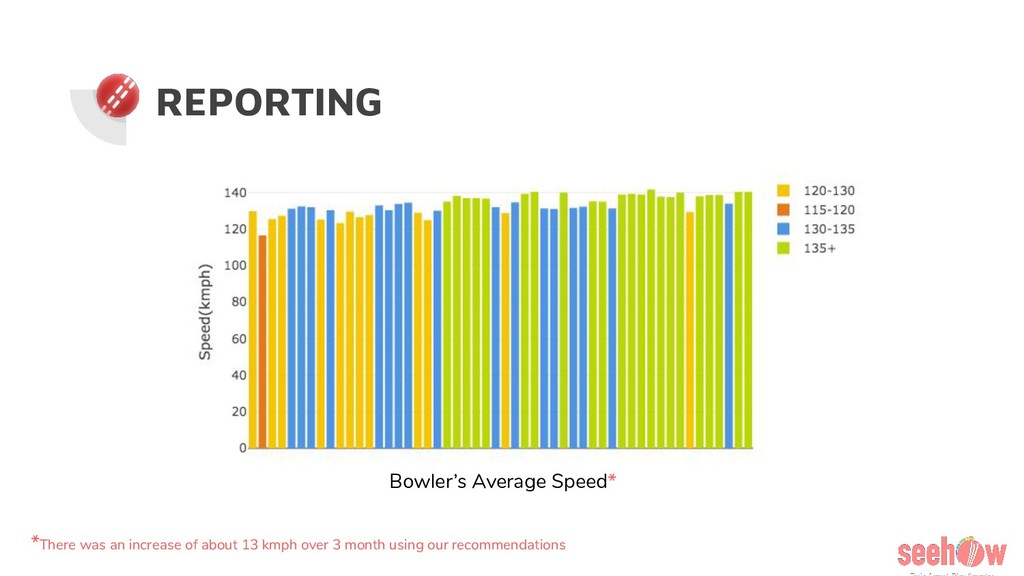
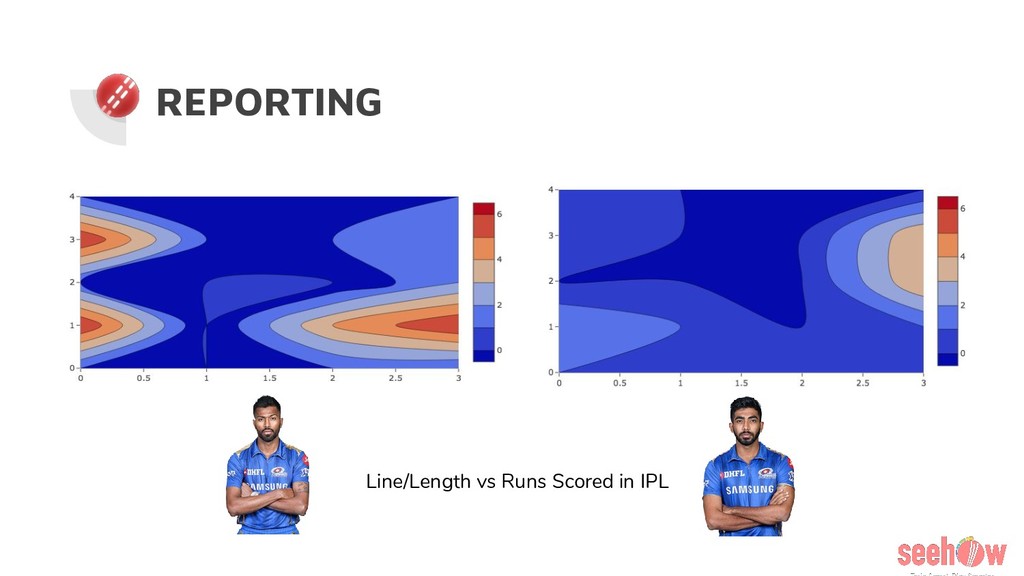
  7. REPORTING Bowler’s Average Speed* *There was an increase of about

    13 kmph over 3 month using our recommendations