Upgrade to Pro — share decks privately, control downloads, hide ads and more …

AI Native Development with Xcode

Avatar for Sam Jarman Sam Jarman
July 17, 2026
6

AI Native Development with Xcode

AI Native developers do not simply use AI tools. They learn to brief, direct, review, and improve AI agents with the judgment of a good technical leader.

Using Xcode 27’s latest agentic features, this talk explores the shift from writing every line yourself to managing the development loop. We’ll look at how to onboard AI into a codebase, give clearer briefs, split work into useful chunks, delegate safely, and review the result with confidence.

You’ll leave with practical habits for working more AI-natively in Xcode, while keeping the craft, accountability, and satisfaction that make software development worth doing.

Avatar for Sam Jarman

Sam Jarman

July 17, 2026

Transcript

  1. AI Native Development with Xcode Sam Jarman • /dev/world On

    Tour • @samjarman Building apps with the latest tools and mindsets
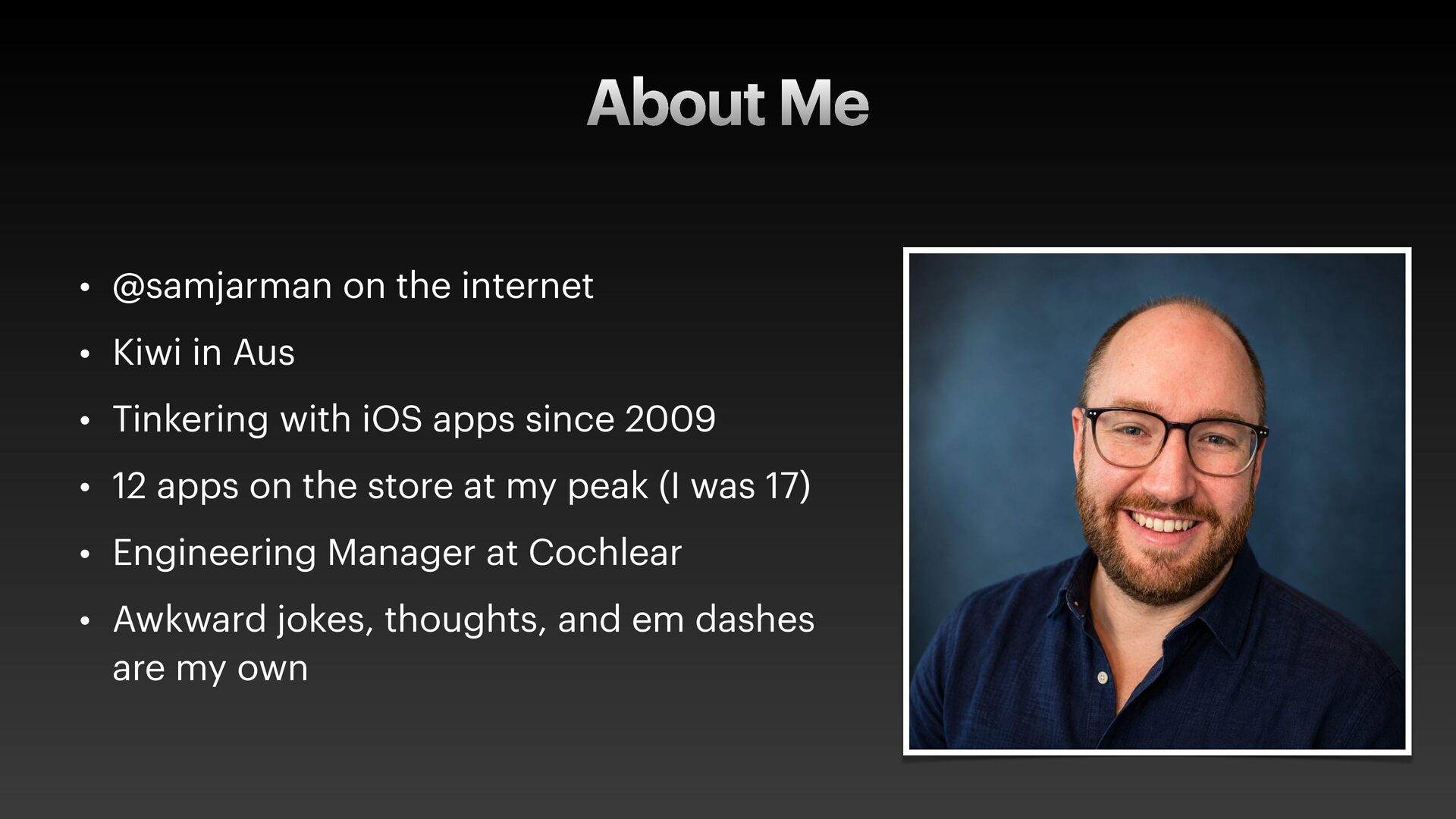
  2. About Me • @samjarman on the internet • Kiwi in

    Aus • Tinkering with iOS apps since 2009 • 12 apps on the store at my peak (I was 17) • Engineering Manager at Cochlear • Awkward jokes, thoughts, and em dashes are my own
  3. Today • De f ining ‘AI Native’ • You are

    a manager now. • This all feels a bit weird, doesn’t it? FYI: For this talk, “Agent” means: an AI System that can inspect context, use tools and work towards a goal.
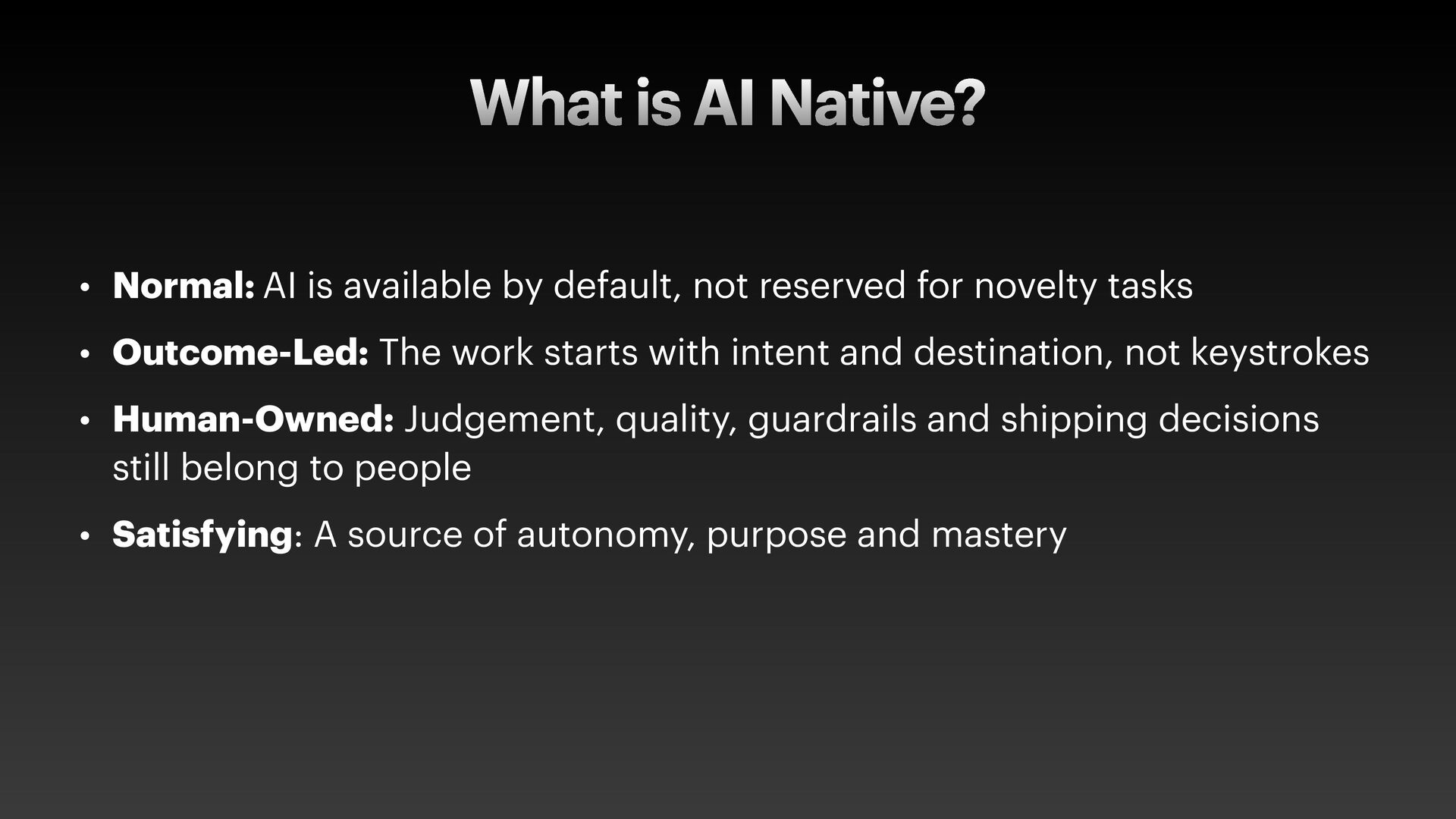
  4. What is AI Native? • Normal: AI is available by

    default, not reserved for novelty tasks • Outcome-Led: The work starts with intent and destination, not keystrokes • Human-Owned: Judgement, quality, guardrails and shipping decisions still belong to people • Satisfying: A source of autonomy, purpose and mastery
  5. AI Native Developers act like managers to get the best

    results for themselves, their products and their company
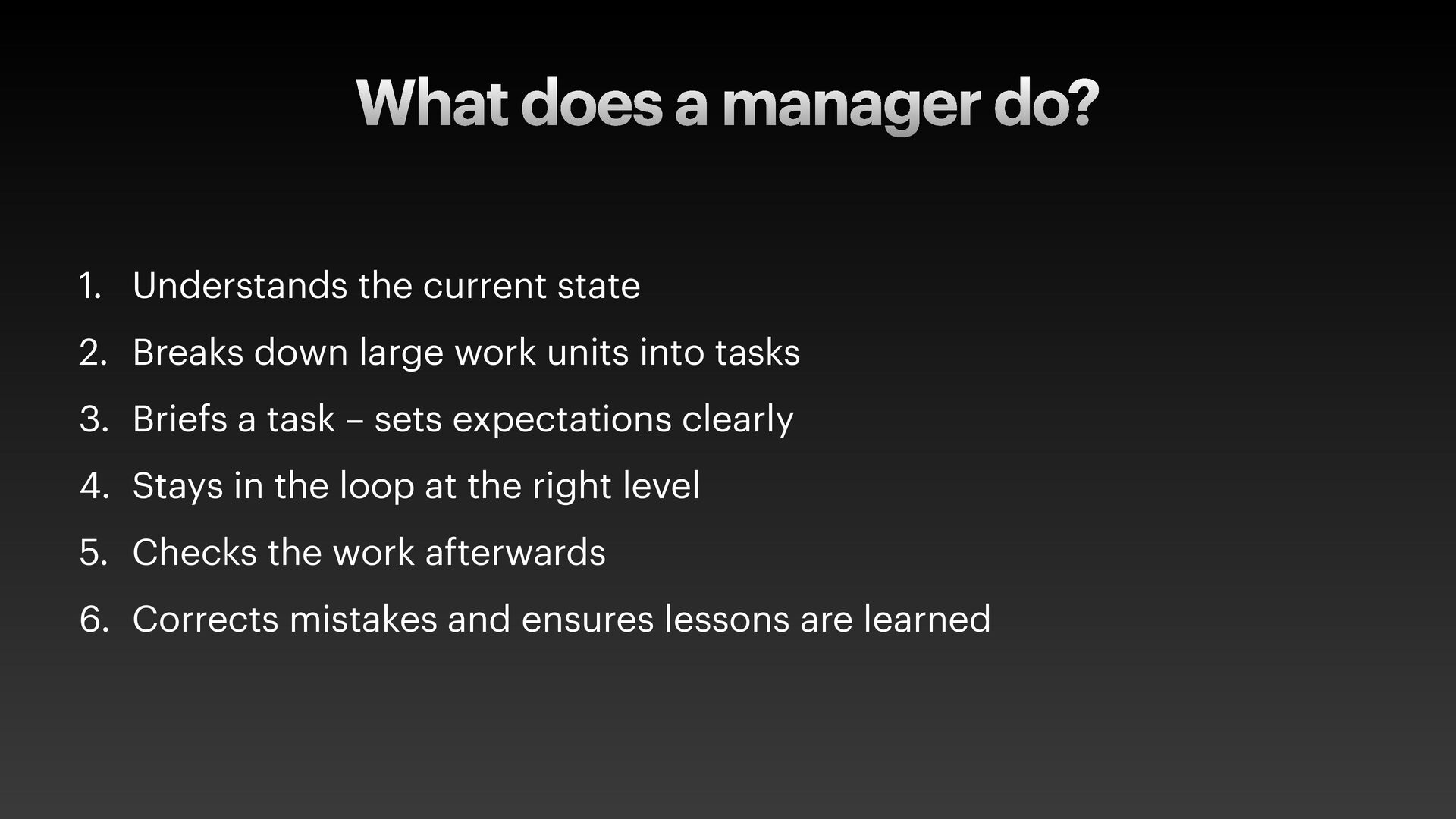
  6. What does a manager do? 1. Understands the current state

    2. Breaks down large work units into tasks 3. Briefs a task – sets expectations clearly 4. Stays in the loop at the right level 5. Checks the work afterwards 6. Corrects mistakes and ensures lessons are learned
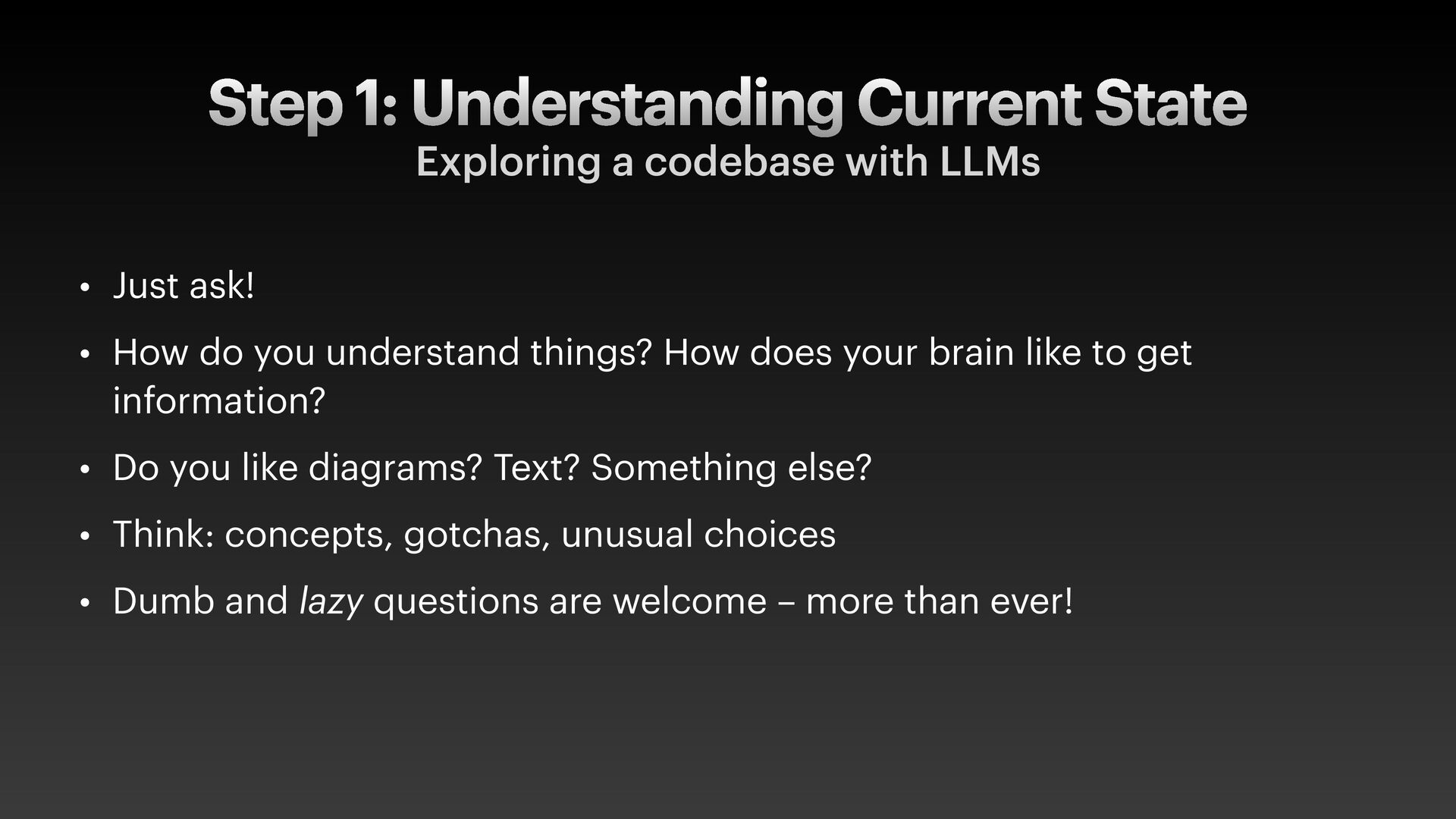
  7. Step 1: Understanding Current State Exploring a codebase with LLMs

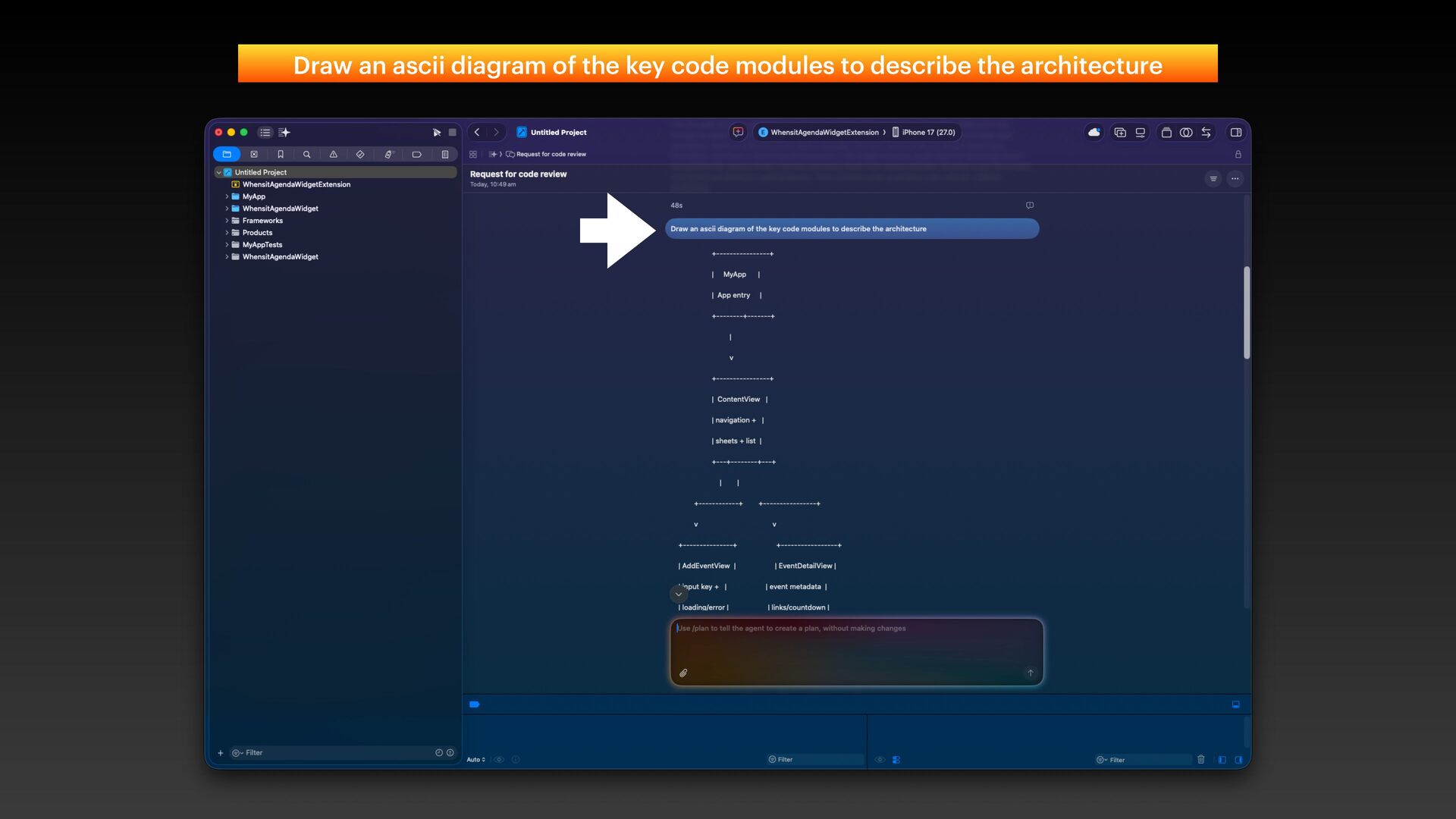
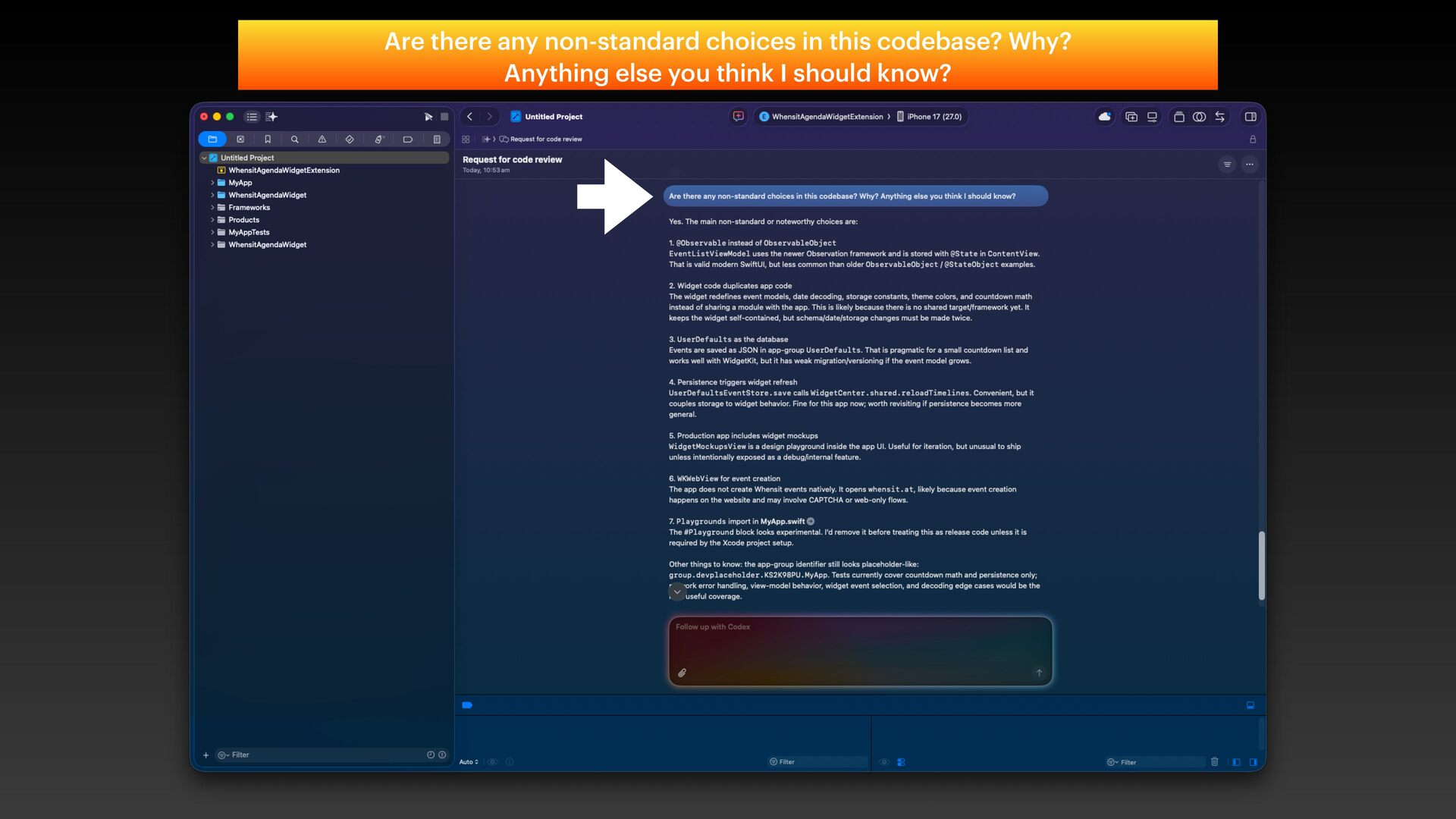
    • Just ask! • How do you understand things? How does your brain like to get information? • Do you like diagrams? Text? Something else? • Think: concepts, gotchas, unusual choices • Dumb and lazy questions are welcome – more than ever!
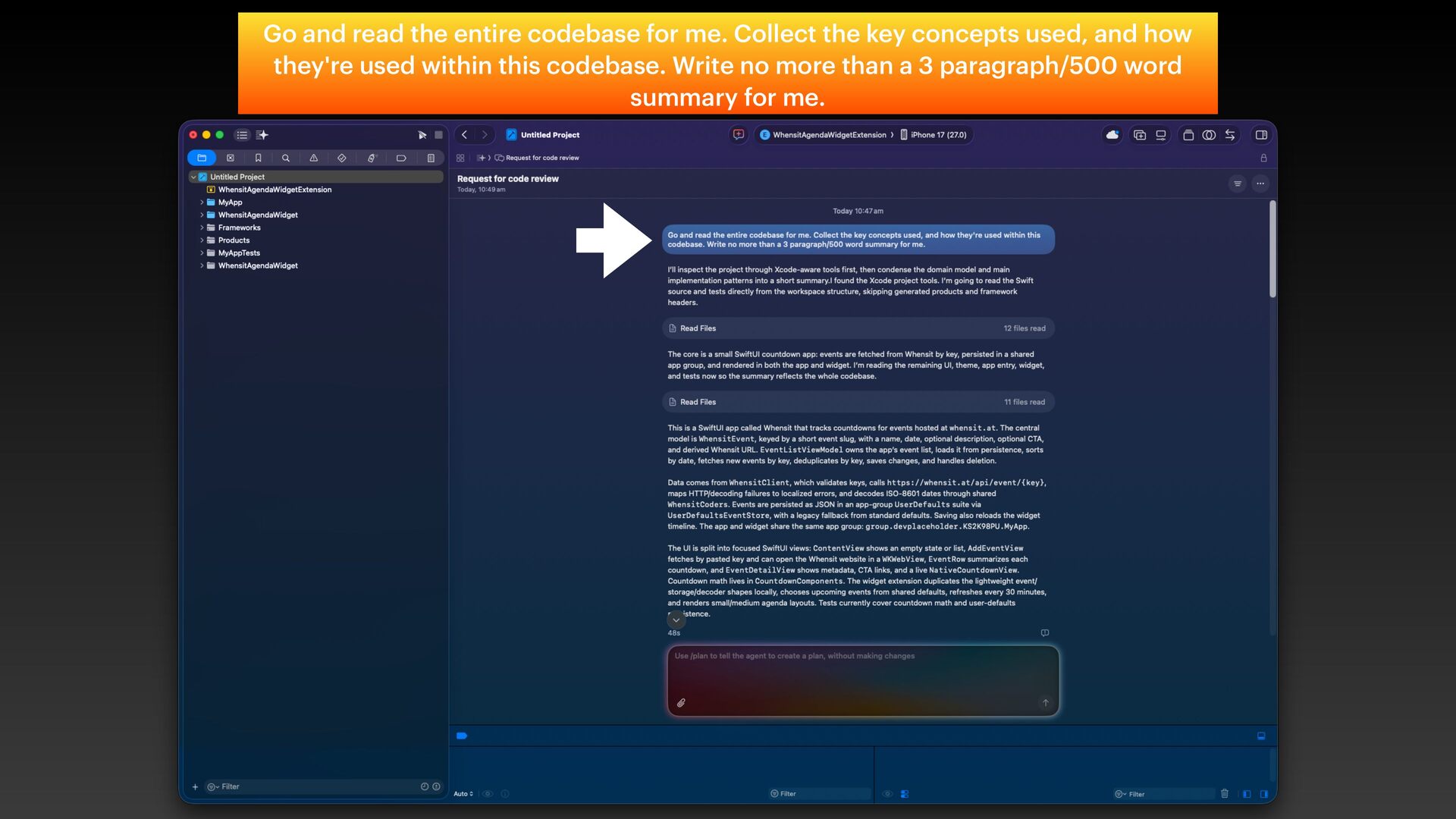
  8. Go and read the entire codebase for me. Collect the

    key concepts used, and how they're used within this codebase. Write no more than a 3 paragraph/500 word summary for me.
  9. AI is an in f inite tutor. Ask the dumb,

    lazy questions. Use that.
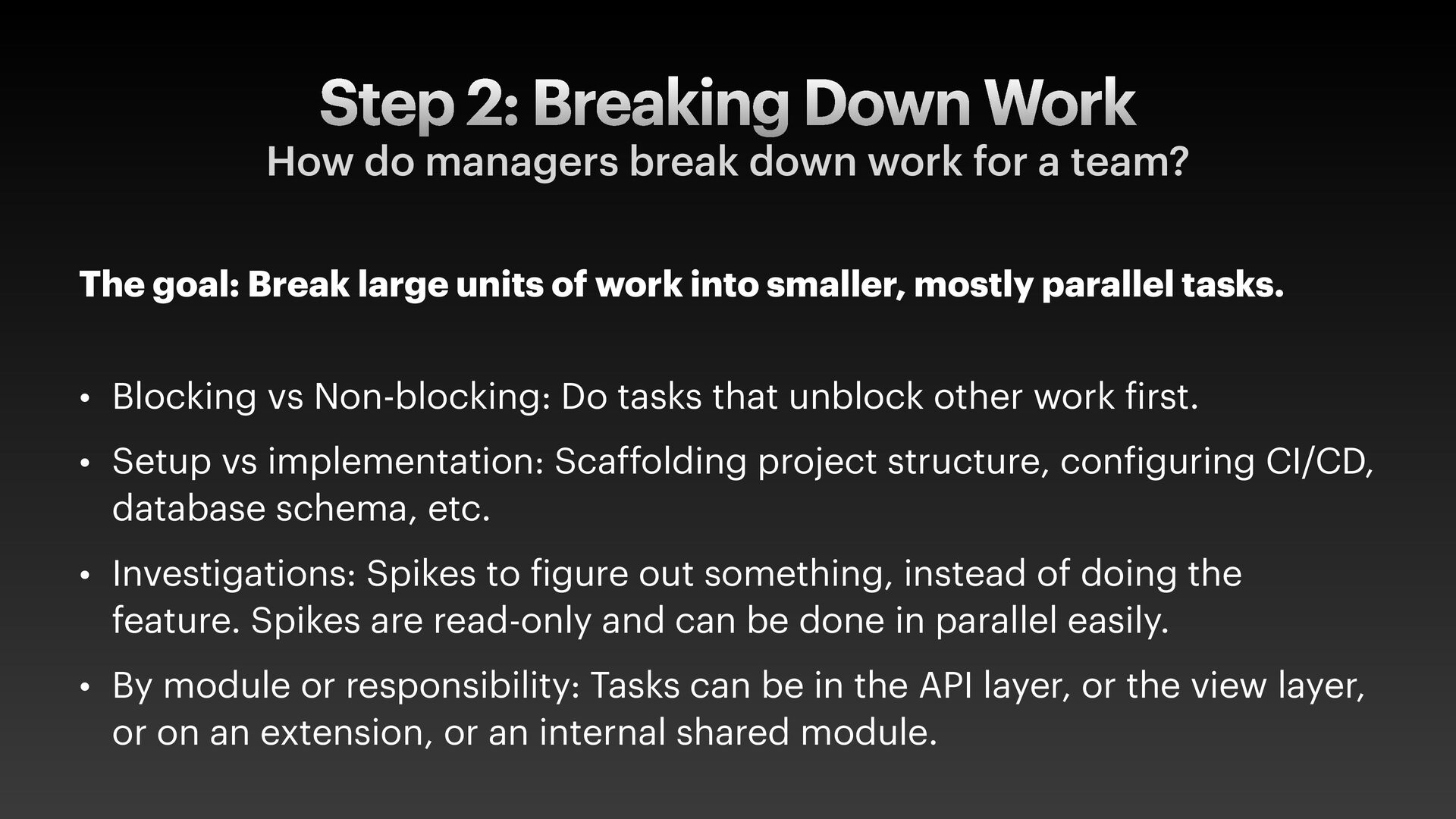
  10. Step 2: Breaking Down Work How do managers break down

    work for a team? The goal: Break large units of work into smaller, mostly parallel tasks. • Blocking vs Non-blocking: Do tasks that unblock other work f irst. • Setup vs implementation: Scaffolding project structure, con f iguring CI/CD, database schema, etc. • Investigations: Spikes to f igure out something, instead of doing the feature. Spikes are read-only and can be done in parallel easily. • By module or responsibility: Tasks can be in the API layer, or the view layer, or on an extension, or an internal shared module.
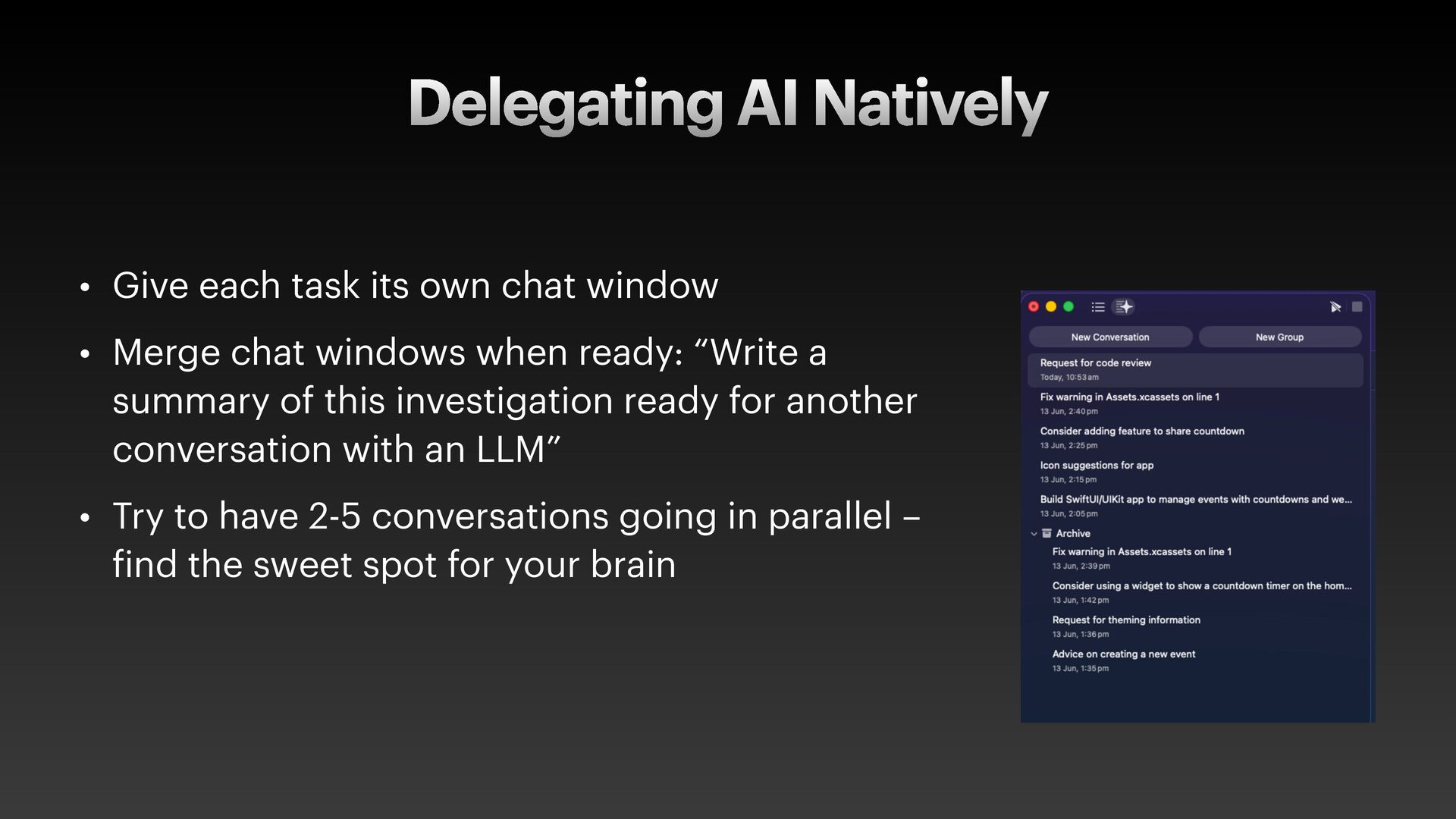
  11. Delegating AI Natively • Give each task its own chat

    window • Merge chat windows when ready: “Write a summary of this investigation ready for another conversation with an LLM” • Try to have 2-5 conversations going in parallel – f ind the sweet spot for your brain
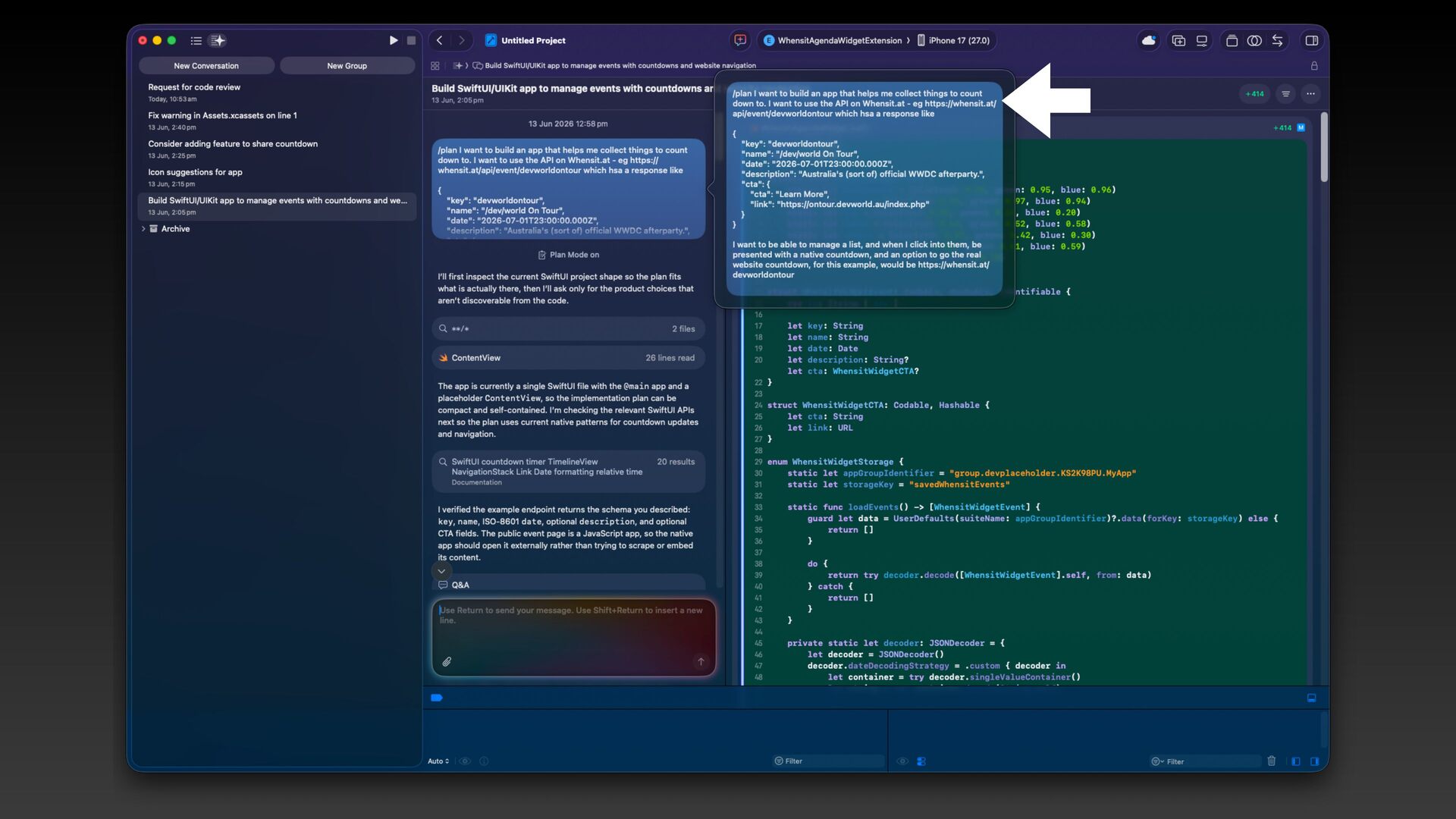
  12. Step 3: Brie f ing Saying exactly what you want

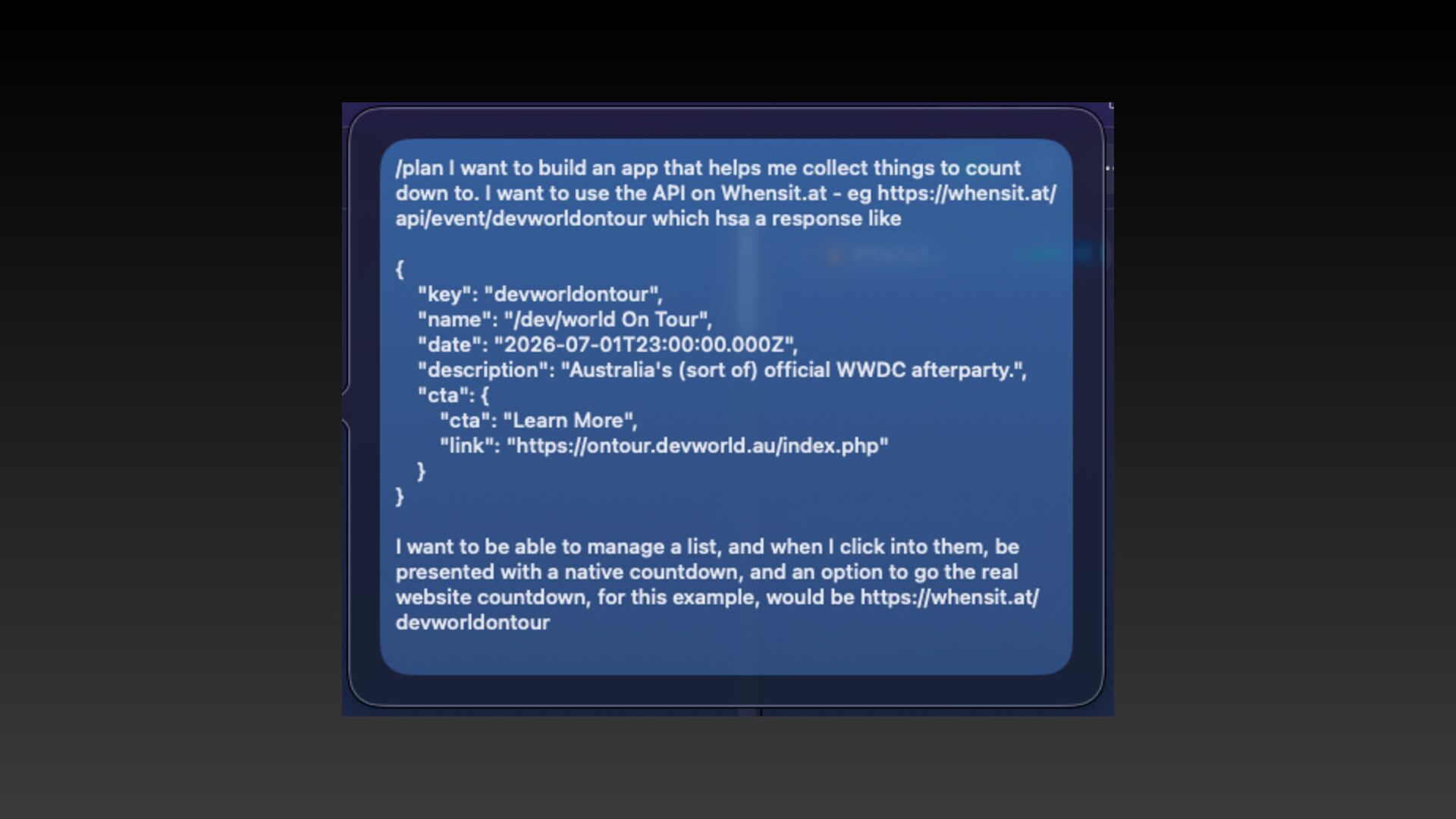
    without typing forever The goal: Get your vision across as precisely and ef f iciently as possible. • /plan mode in Xcode 27 • Useful, not magic • Will ask you to review the plan before starting • Good for read-only exploration and safer f irst passes
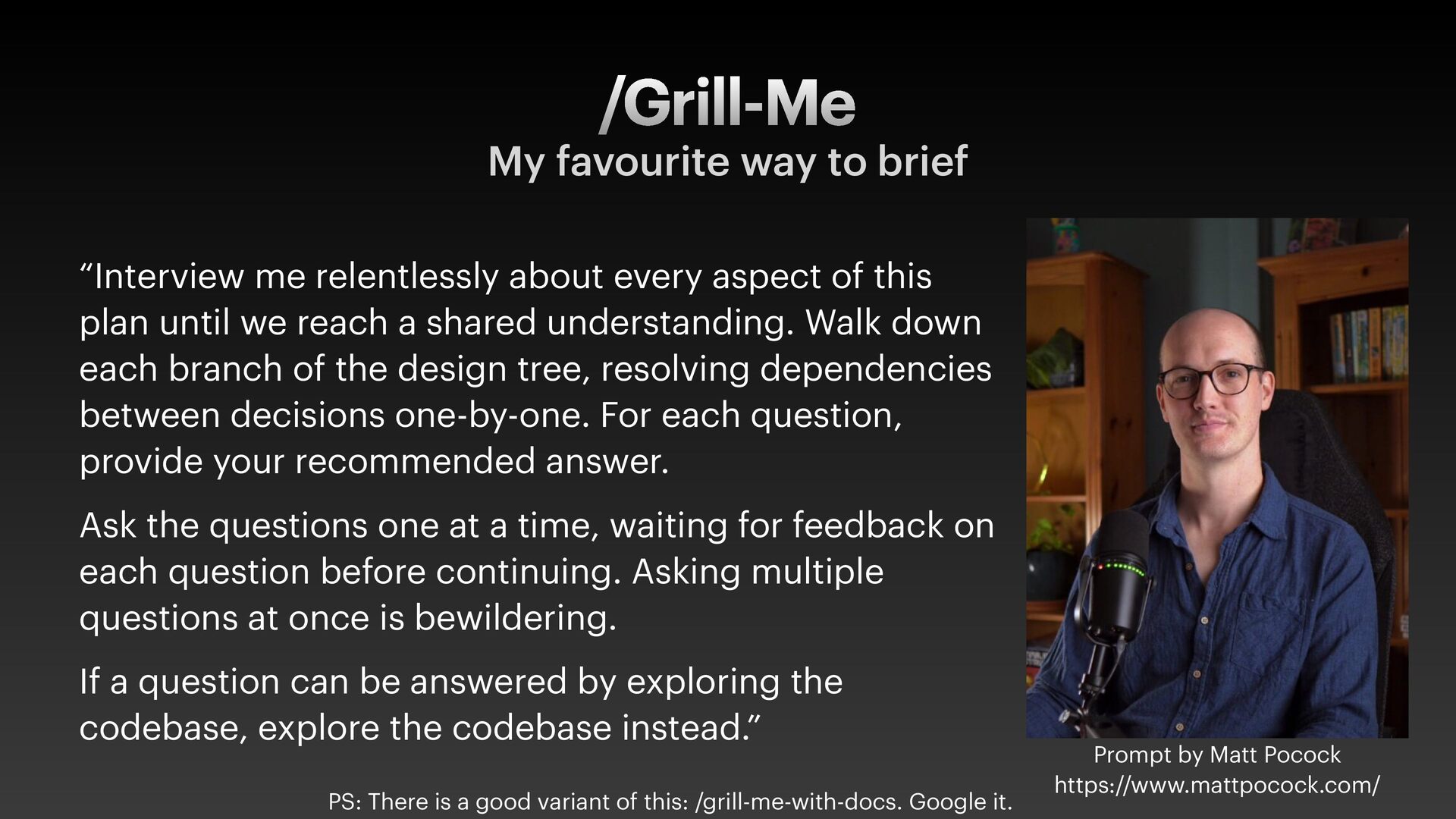
  13. /Grill-Me My favourite way to brief “Interview me relentlessly about

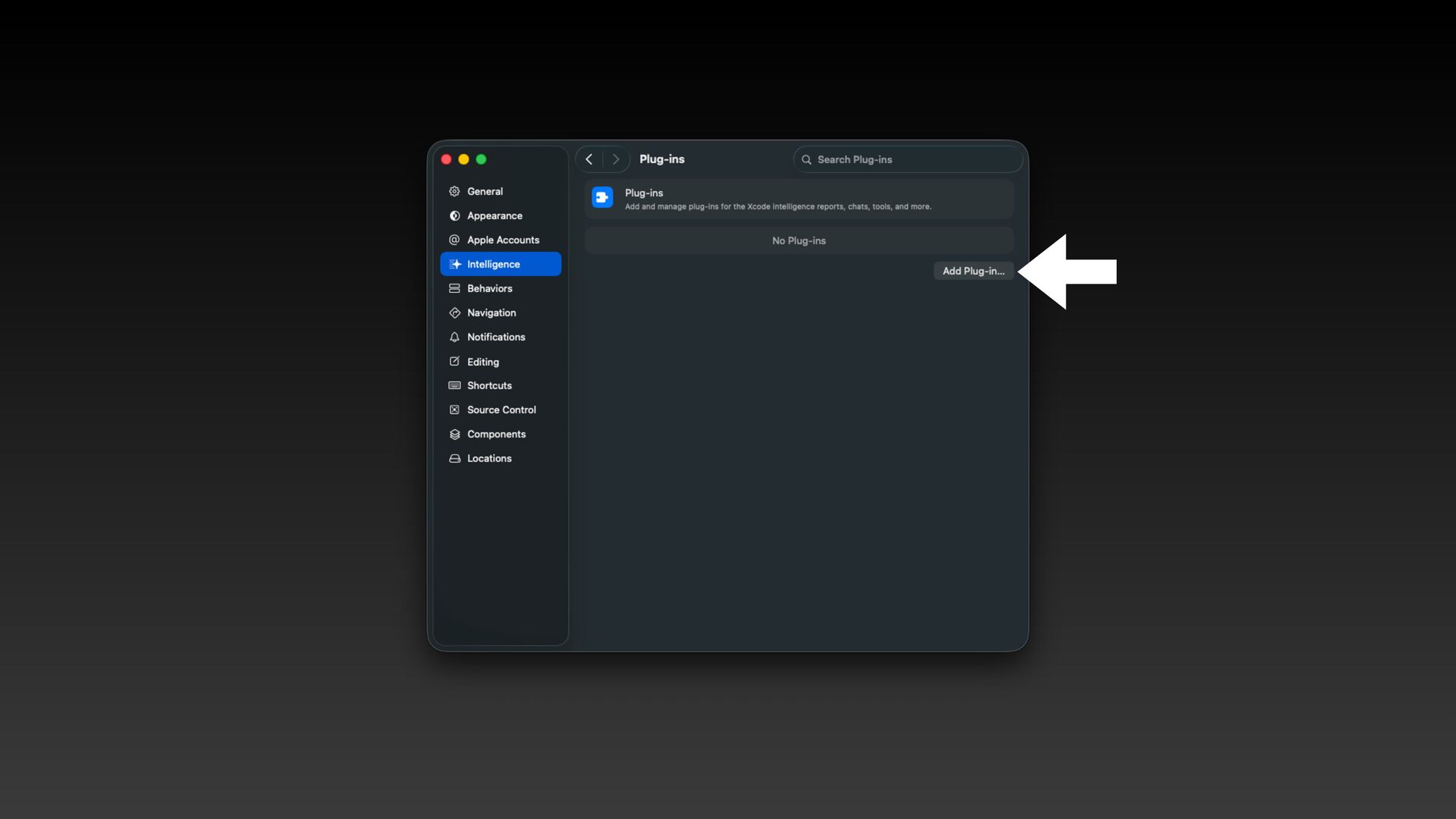
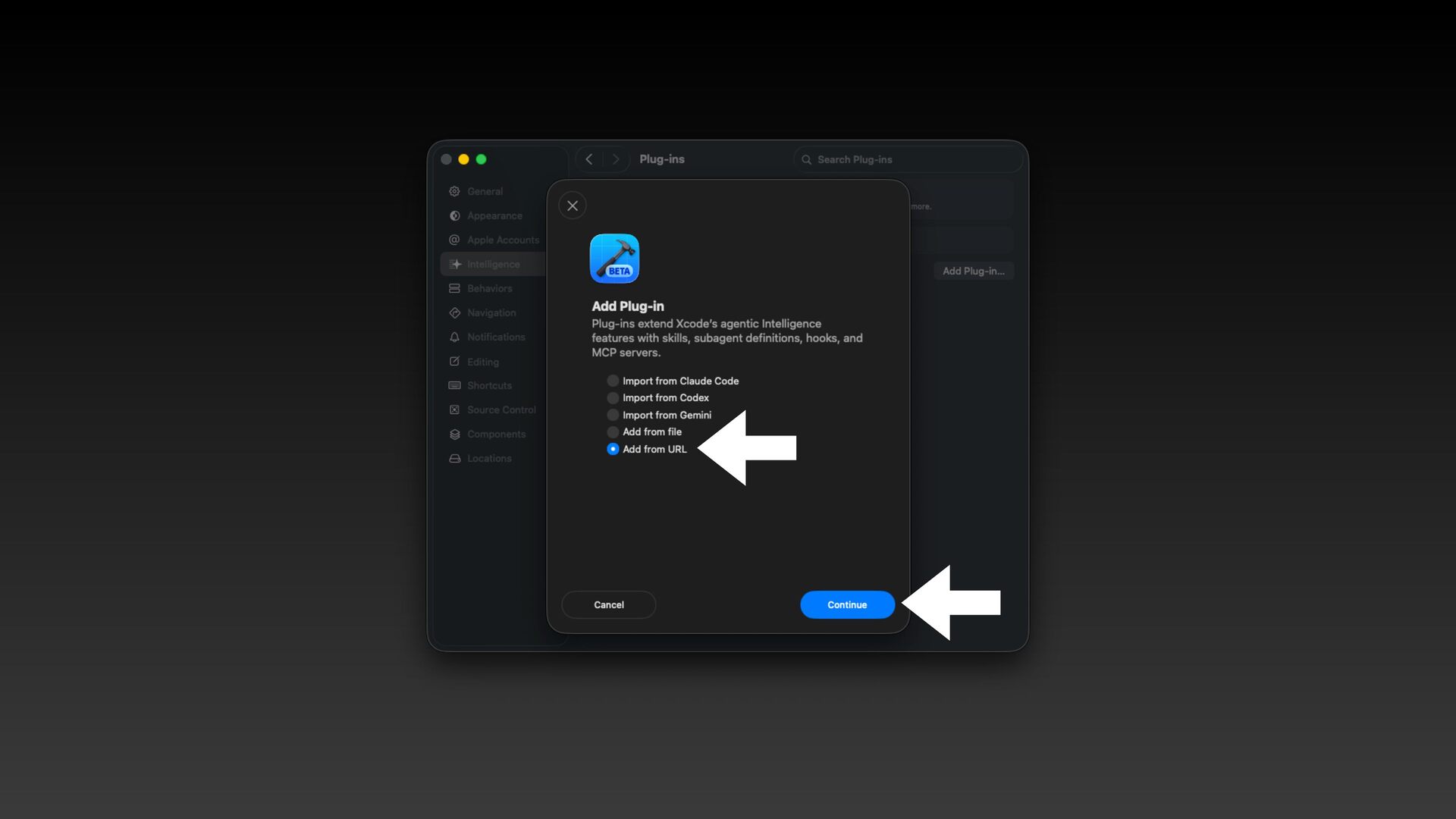
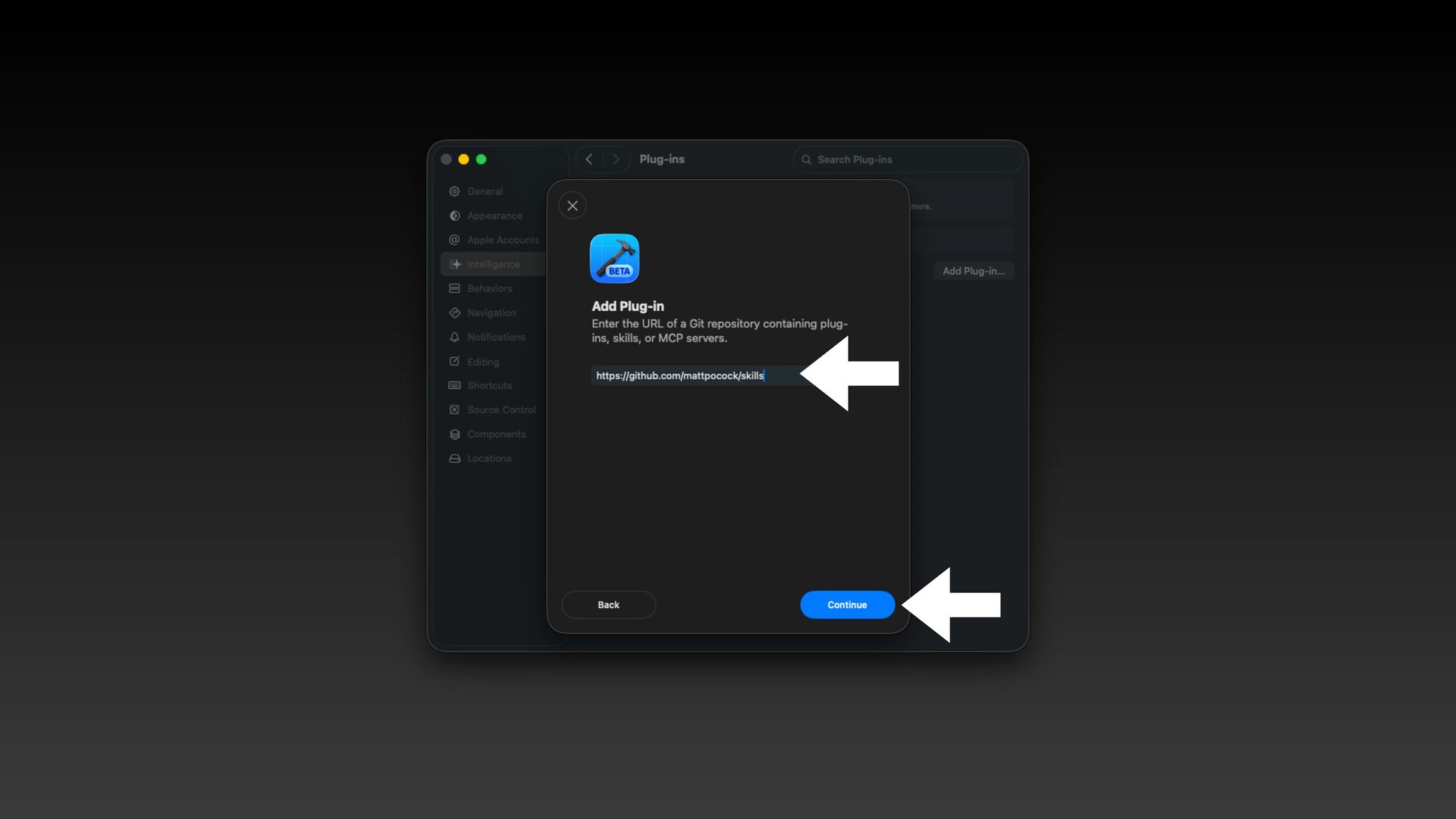
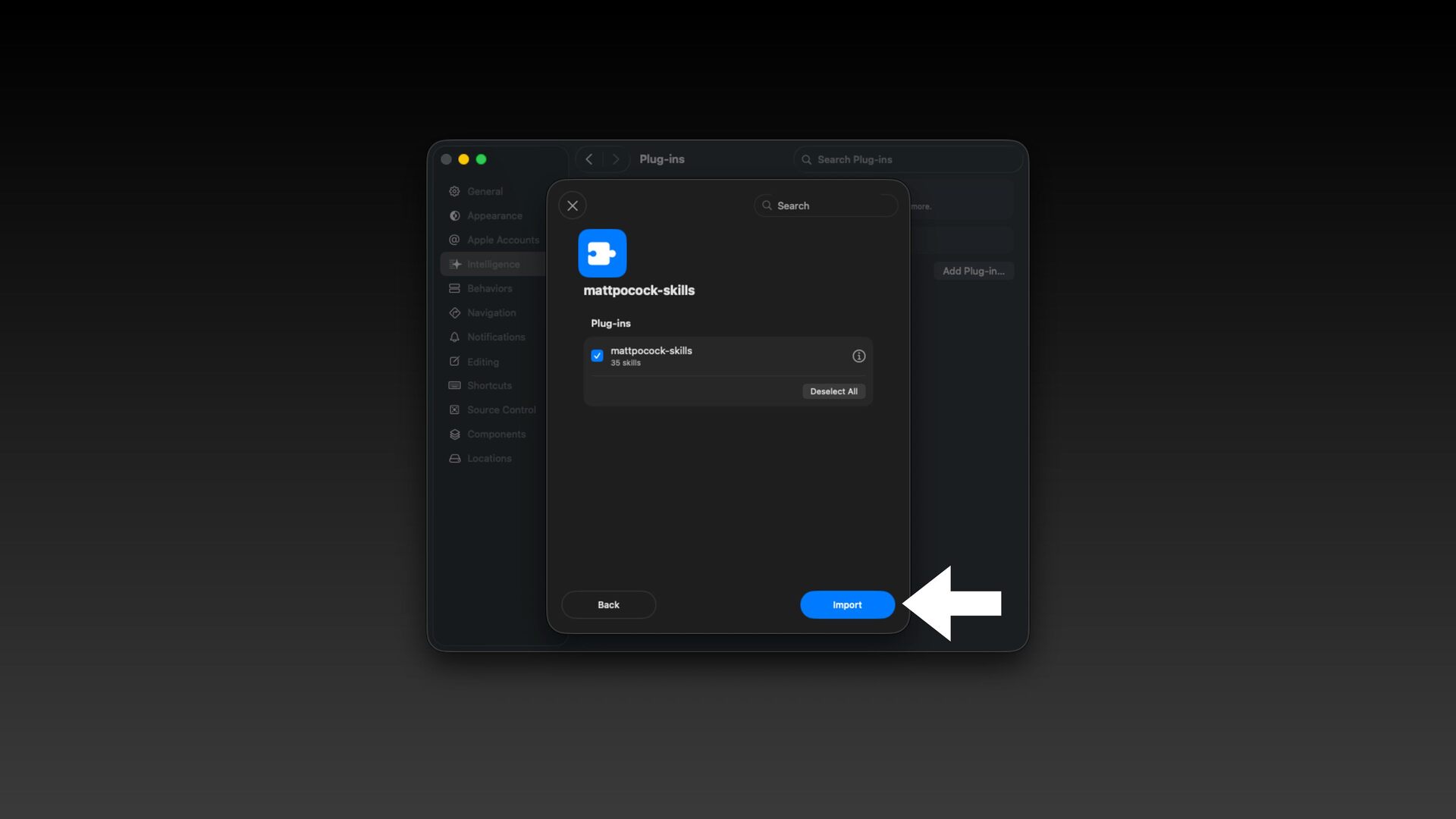
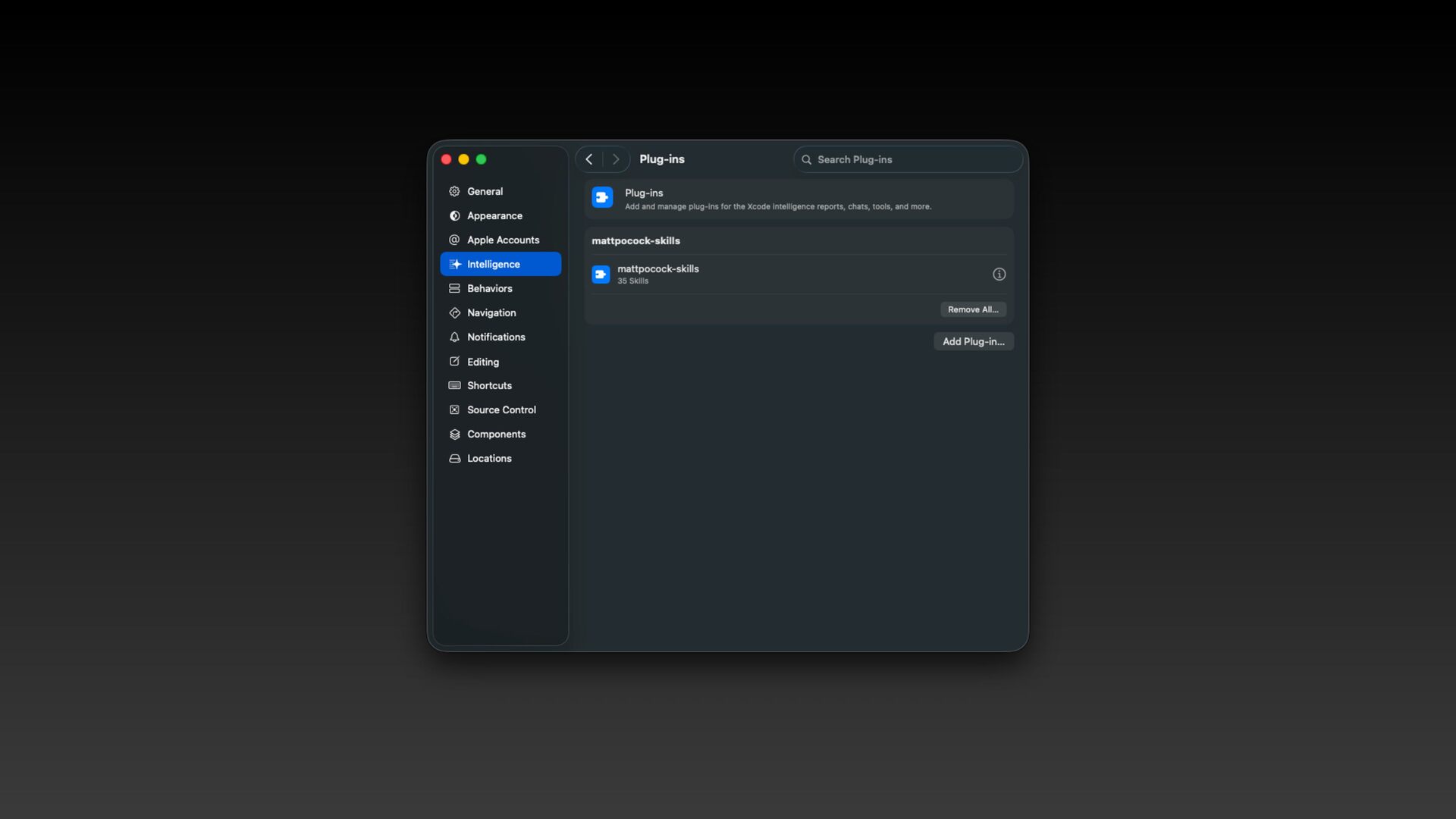
    every aspect of this plan until we reach a shared understanding. Walk down each branch of the design tree, resolving dependencies between decisions one-by-one. For each question, provide your recommended answer. Ask the questions one at a time, waiting for feedback on each question before continuing. Asking multiple questions at once is bewildering. If a question can be answered by exploring the codebase, explore the codebase instead.” Prompt by Matt Pocock https://www.mattpocock.com/ PS: There is a good variant of this: /grill-me-with-docs. Google it.
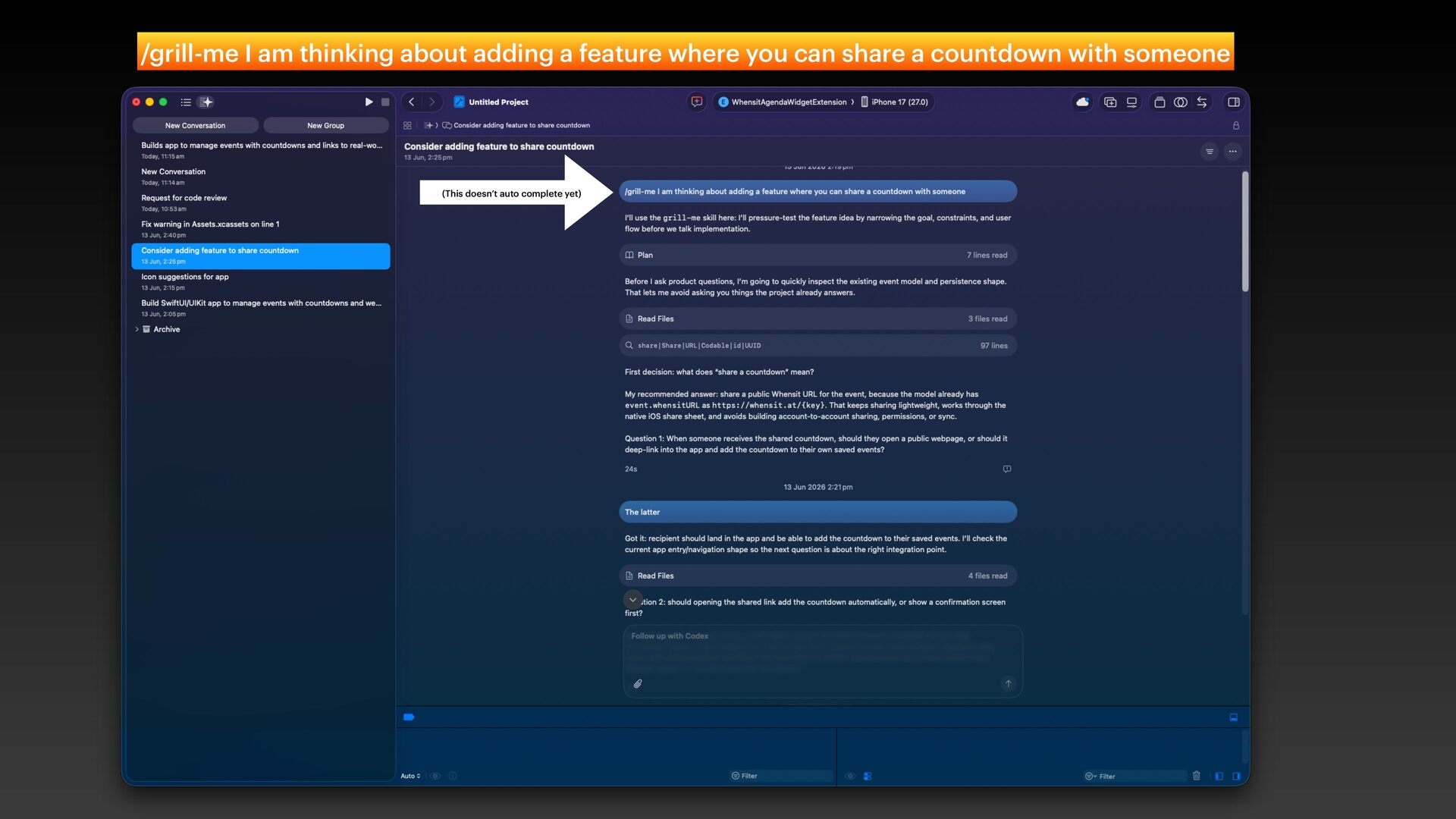
  14. (This doesn’t auto complete yet) /grill-me I am thinking about

    adding a feature where you can share a countdown with someone
  15. Step 4: Stay in the Loop As required • Human-in-the-loop

    ≈ micro-managing • Human-out-of-the-loop = trusted delegation • It’s a spectrum. Optimise for f lexibility, not one end or the other.
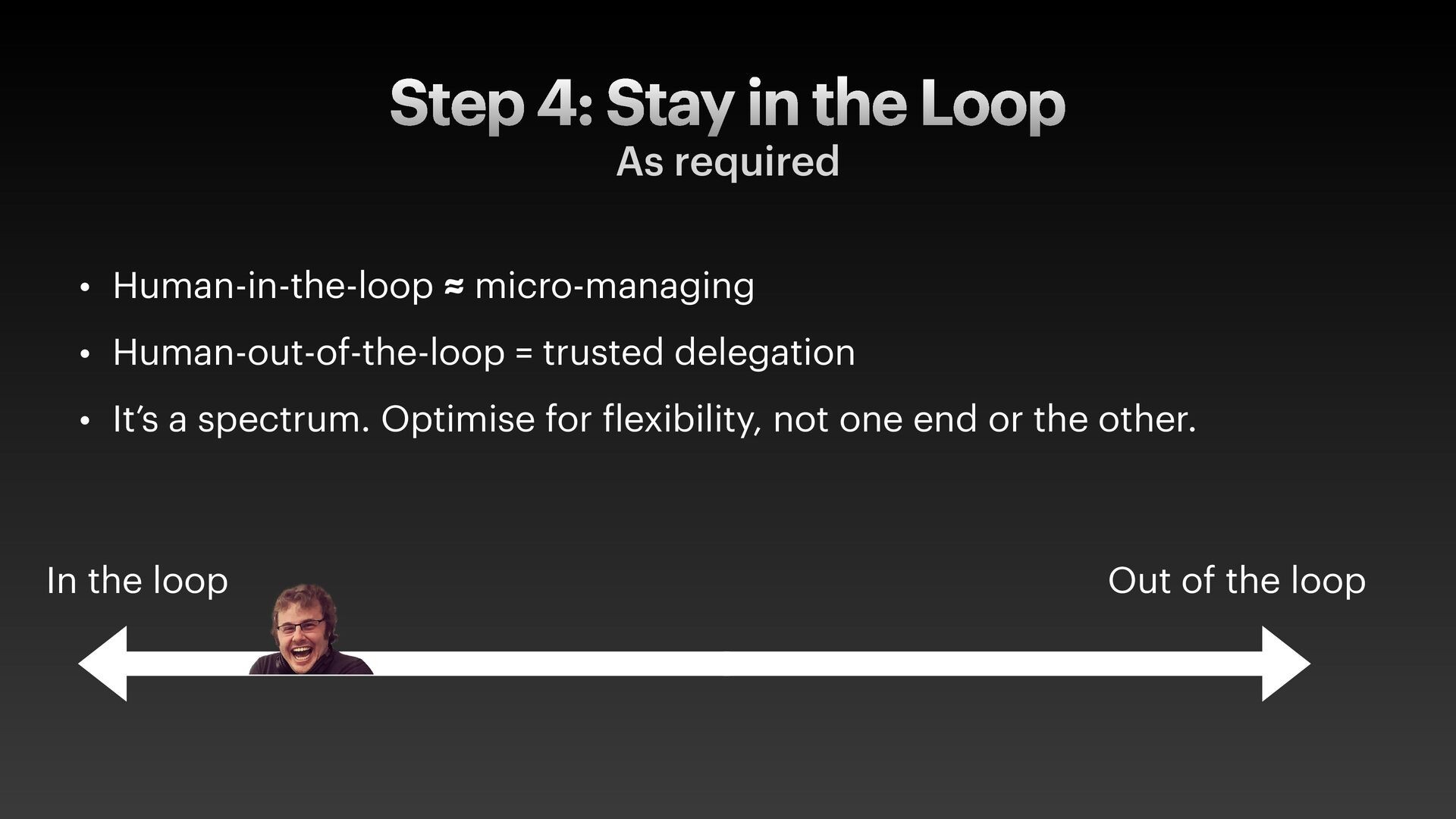
  16. Step 4: Stay in the Loop As required • Human-in-the-loop

    ≈ micro-managing • Human-out-of-the-loop = trusted delegation • It’s a spectrum. Optimise for f lexibility, not one end or the other. Out of the loop In the loop
  17. Step 5: Quality Control • This is the weird one.

    Quality checking all at once, not line by line. • … that takes some getting used to.
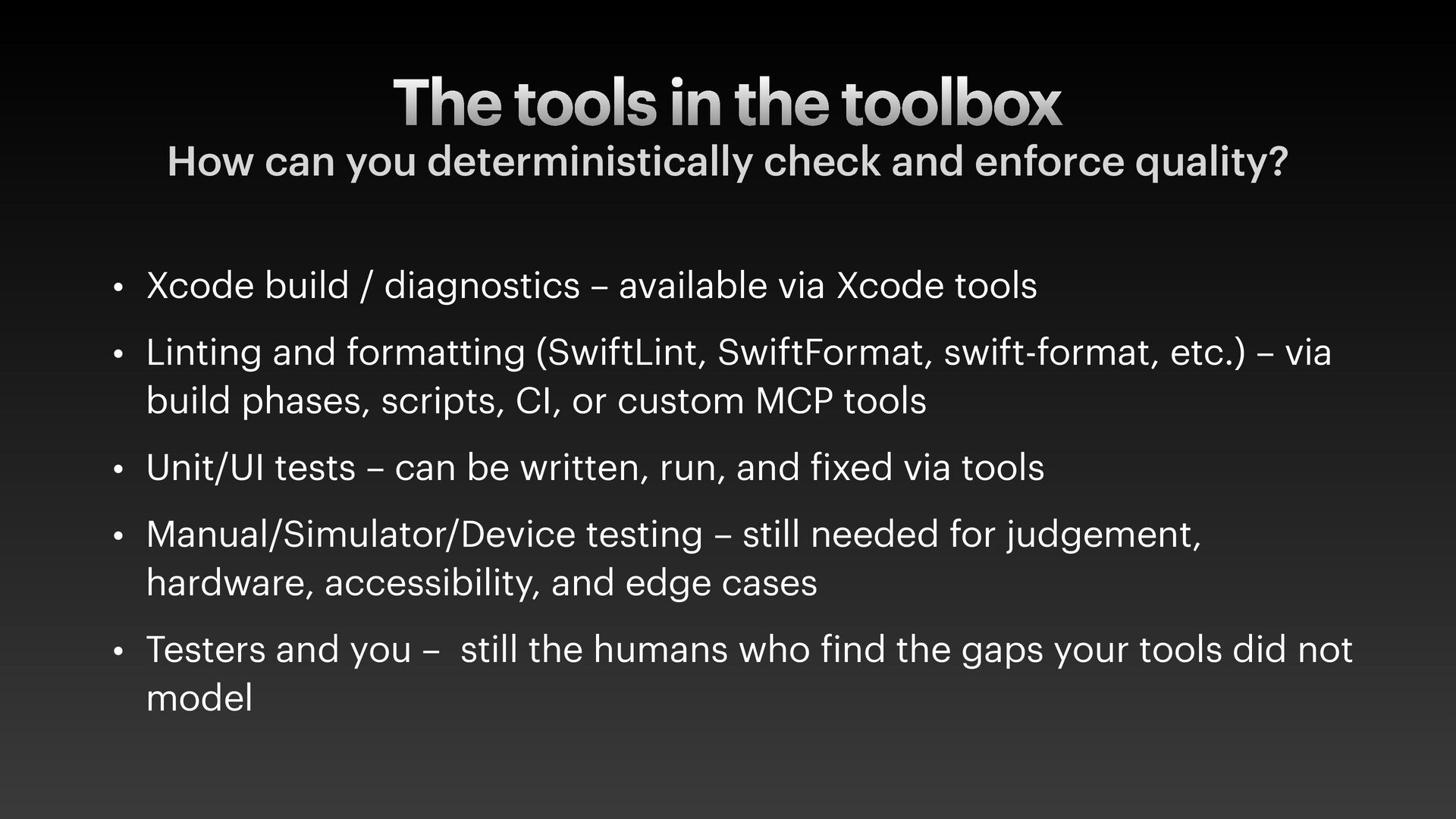
  18. The tools in the toolbox How can you deterministically check

    and enforce quality? • Xcode build / diagnostics – available via Xcode tools • Linting and formatting (SwiftLint, SwiftFormat, swift-format, etc.) – via build phases, scripts, CI, or custom MCP tools • Unit/UI tests – can be written, run, and f ixed via tools • Manual/Simulator/Device testing – still needed for judgement, hardware, accessibility, and edge cases • Testers and you – still the humans who f ind the gaps your tools did not model
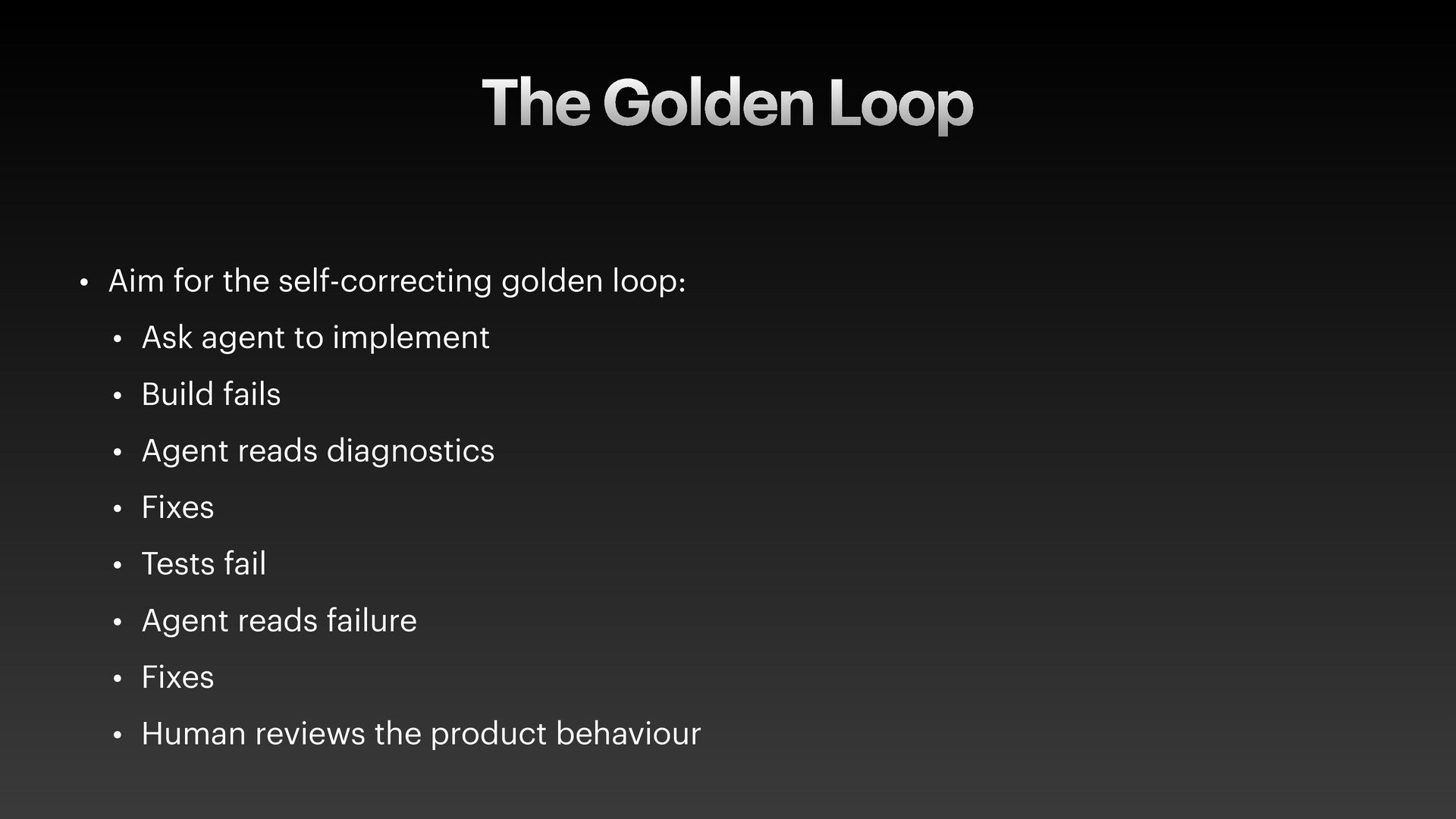
  19. The Golden Loop • Aim for the self-correcting golden loop:

    • Ask agent to implement • Build fails • Agent reads diagnostics • Fixes • Tests fail • Agent reads failure • Fixes • Human reviews the product behaviour
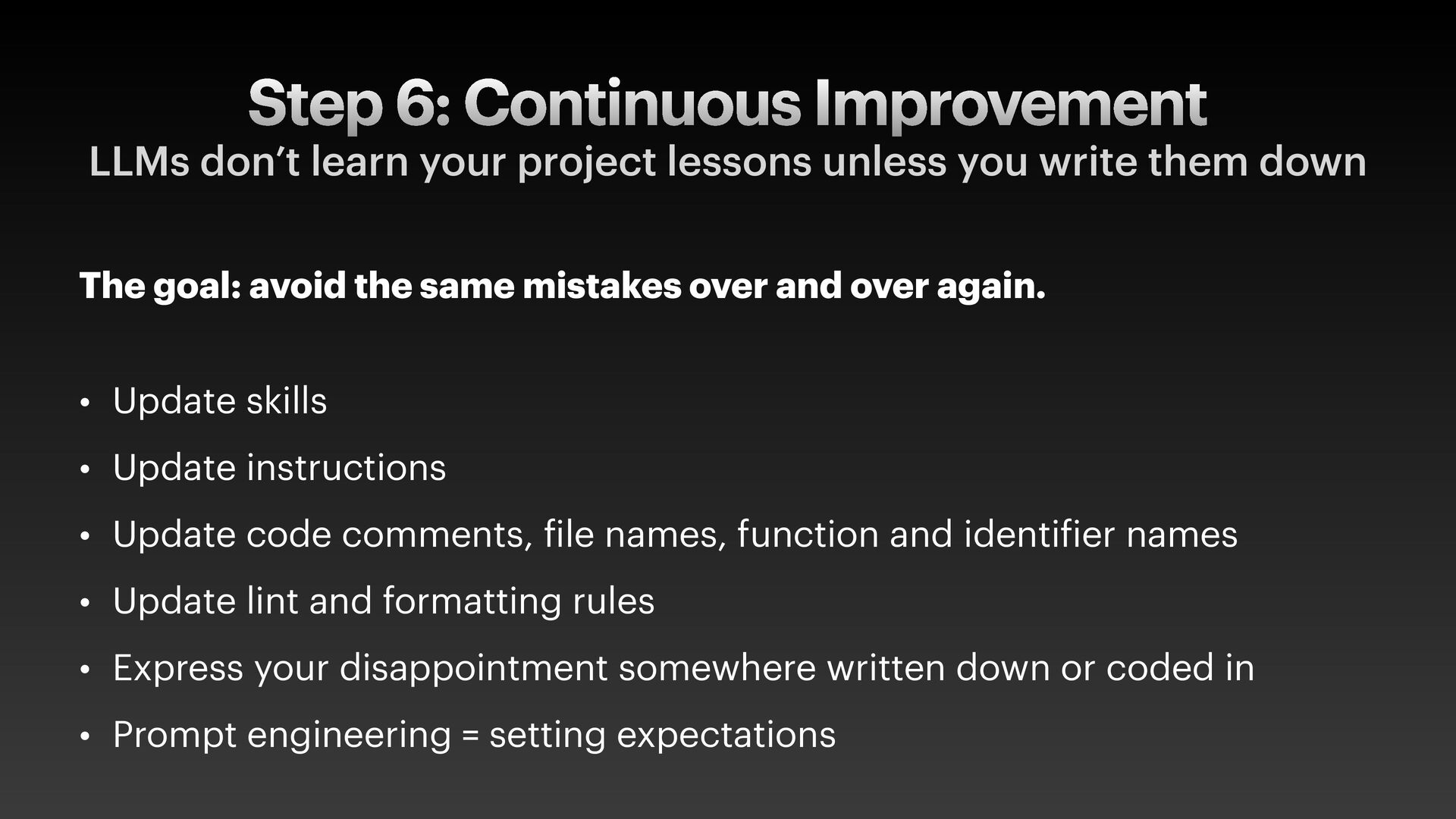
  20. Step 6: Continuous Improvement LLMs don’t learn your project lessons

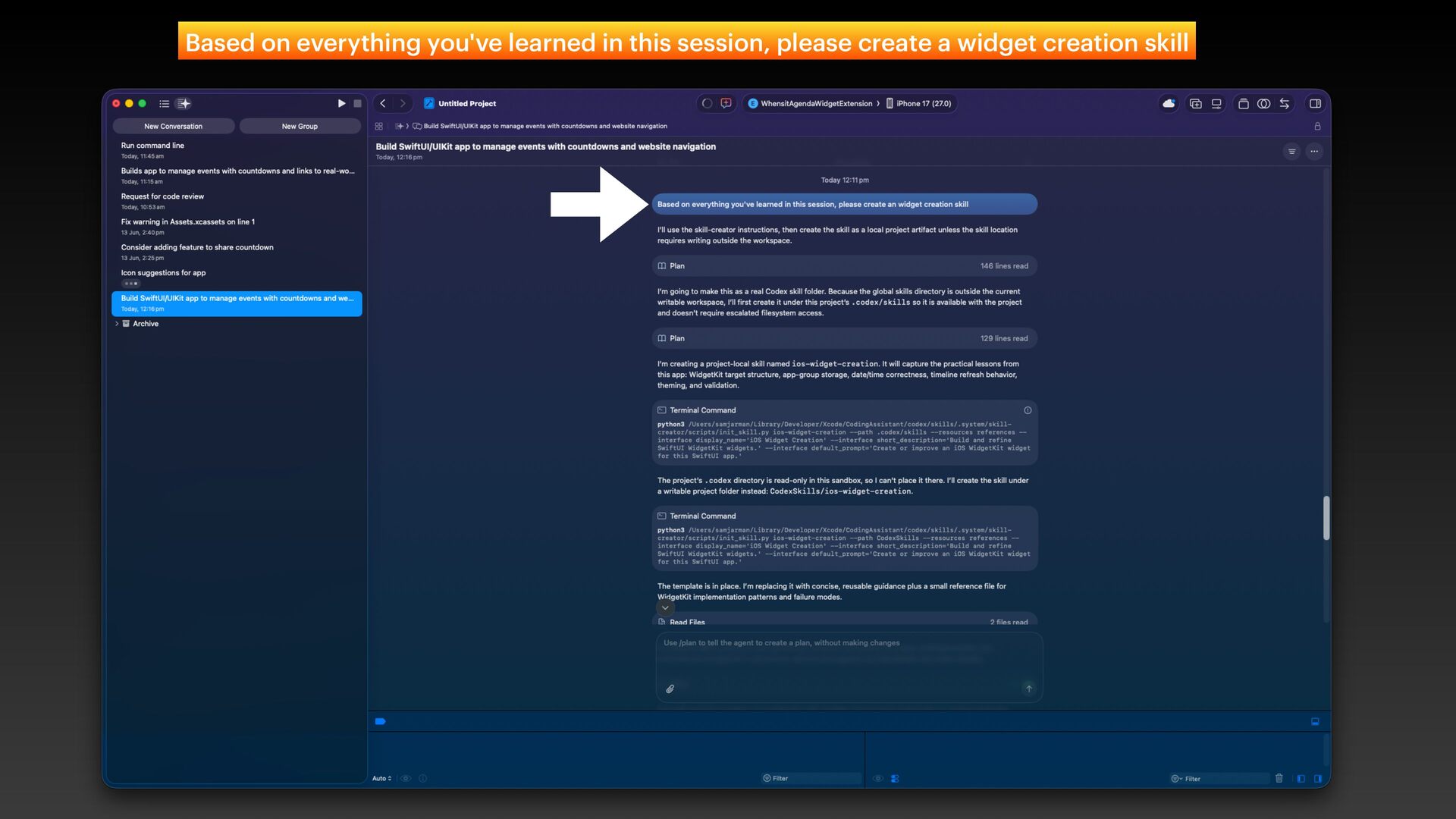
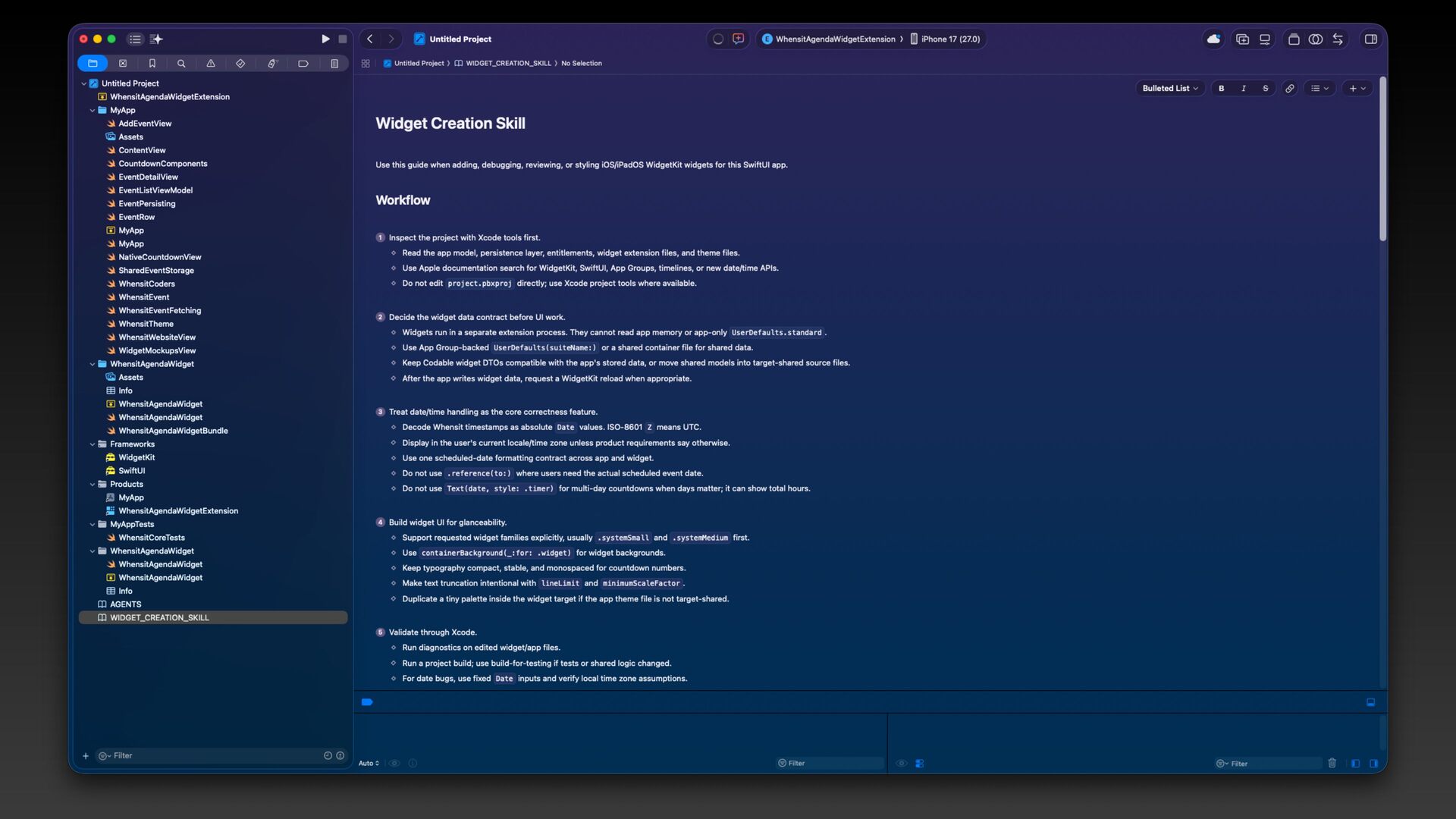
    unless you write them down The goal: avoid the same mistakes over and over again. • Update skills • Update instructions • Update code comments, f ile names, function and identi f ier names • Update lint and formatting rules • Express your disappointment somewhere written down or coded in • Prompt engineering = setting expectations
  21. Share the learnings • Share these markdown f iles with

    your team • Improve them together quickly. Use lightweight review. • Favour agreed-upon deterministic checks • Some markdown will save tokens and cost, but can become a duplicate source of truth.
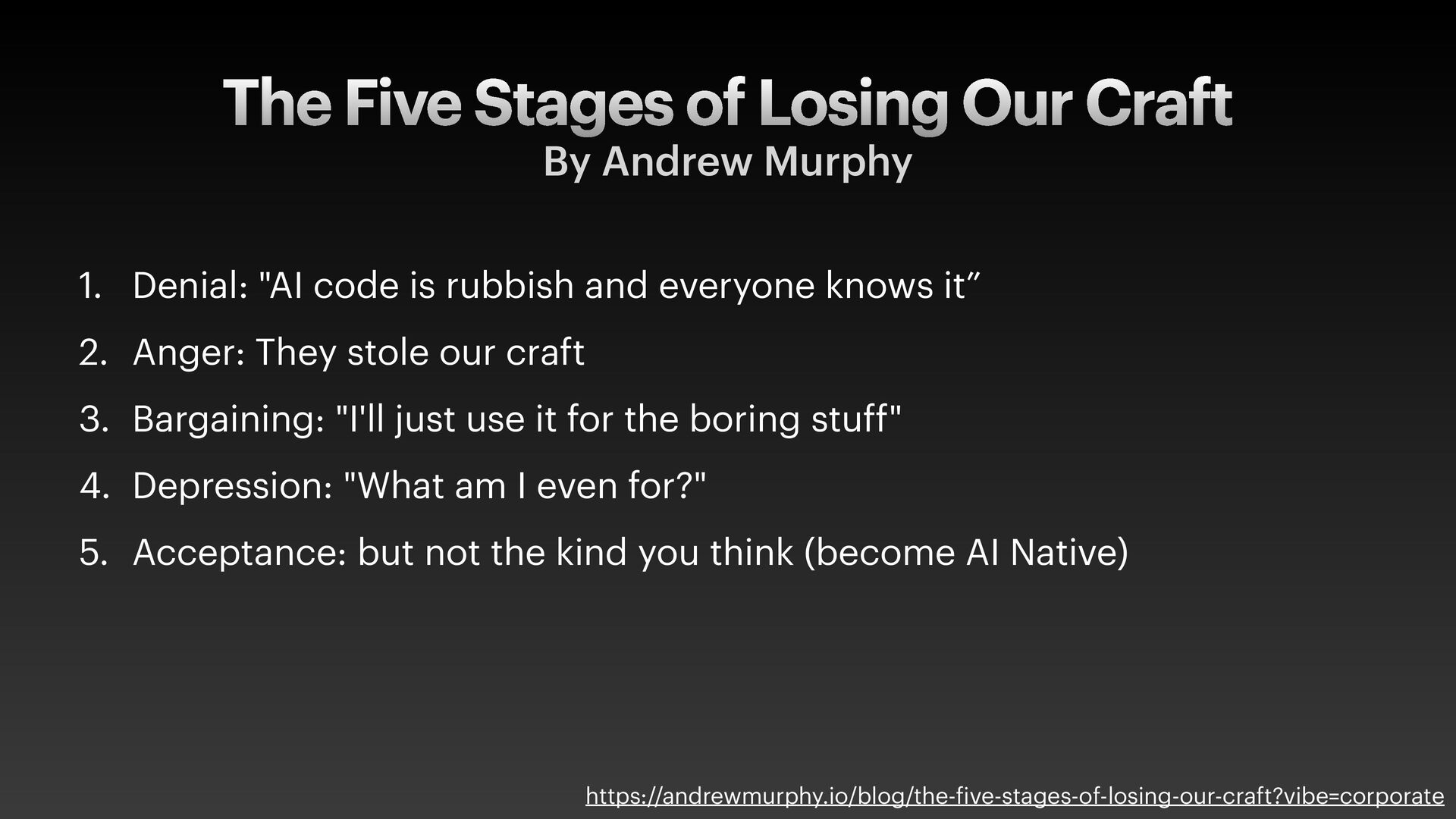
  22. The Five Stages of Losing Our Craft By Andrew Murphy

    1. Denial: "AI code is rubbish and everyone knows it” 2. Anger: They stole our craft 3. Bargaining: "I'll just use it for the boring stuff" 4. Depression: "What am I even for?" 5. Acceptance: but not the kind you think (become AI Native) https://andrewmurphy.io/blog/the- f ive-stages-of-losing-our-craft?vibe=corporate
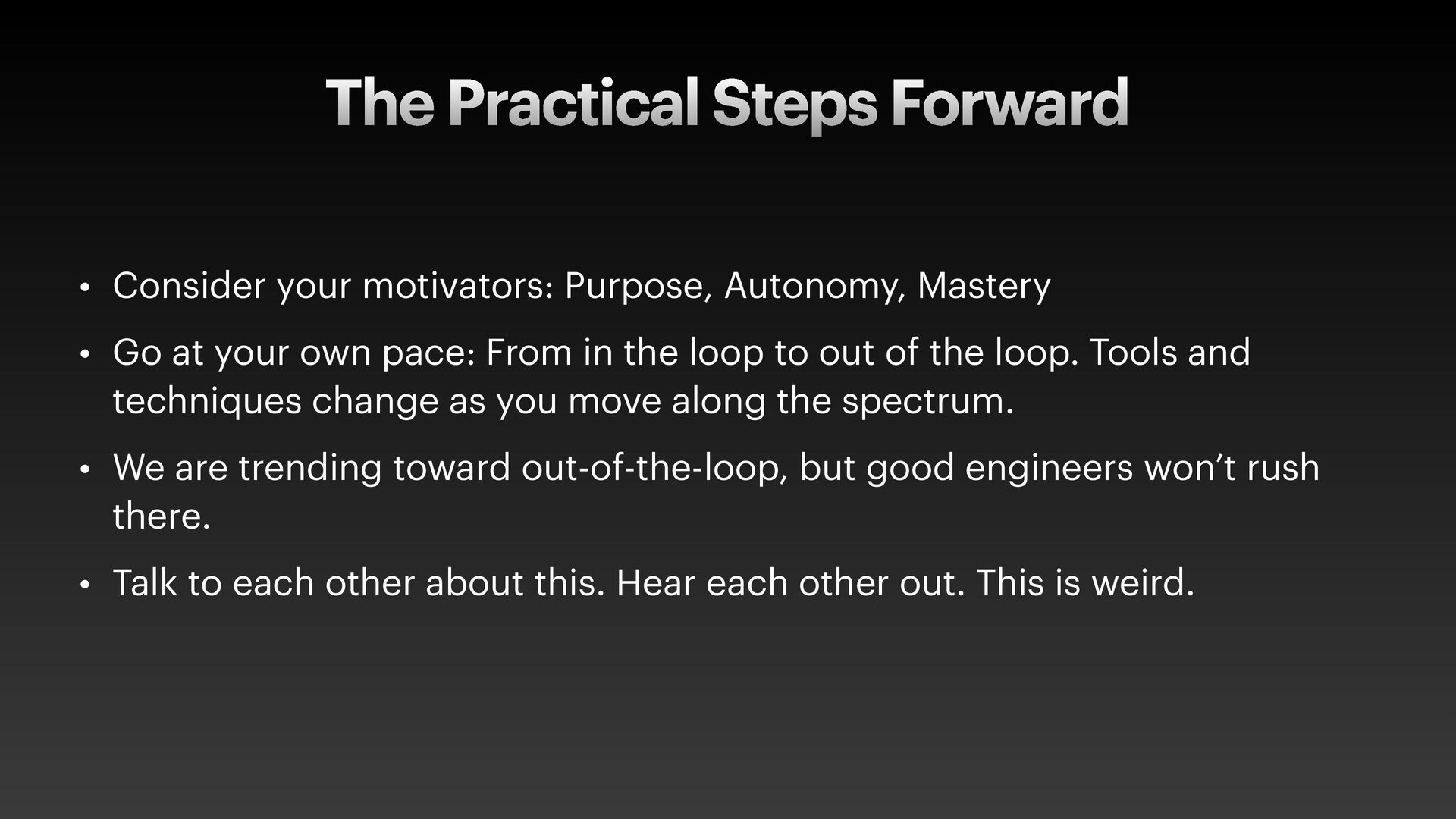
  23. The Practical Steps Forward • Consider your motivators: Purpose, Autonomy,

    Mastery • Go at your own pace: From in the loop to out of the loop. Tools and techniques change as you move along the spectrum. • We are trending toward out-of-the-loop, but good engineers won’t rush there. • Talk to each other about this. Hear each other out. This is weird.
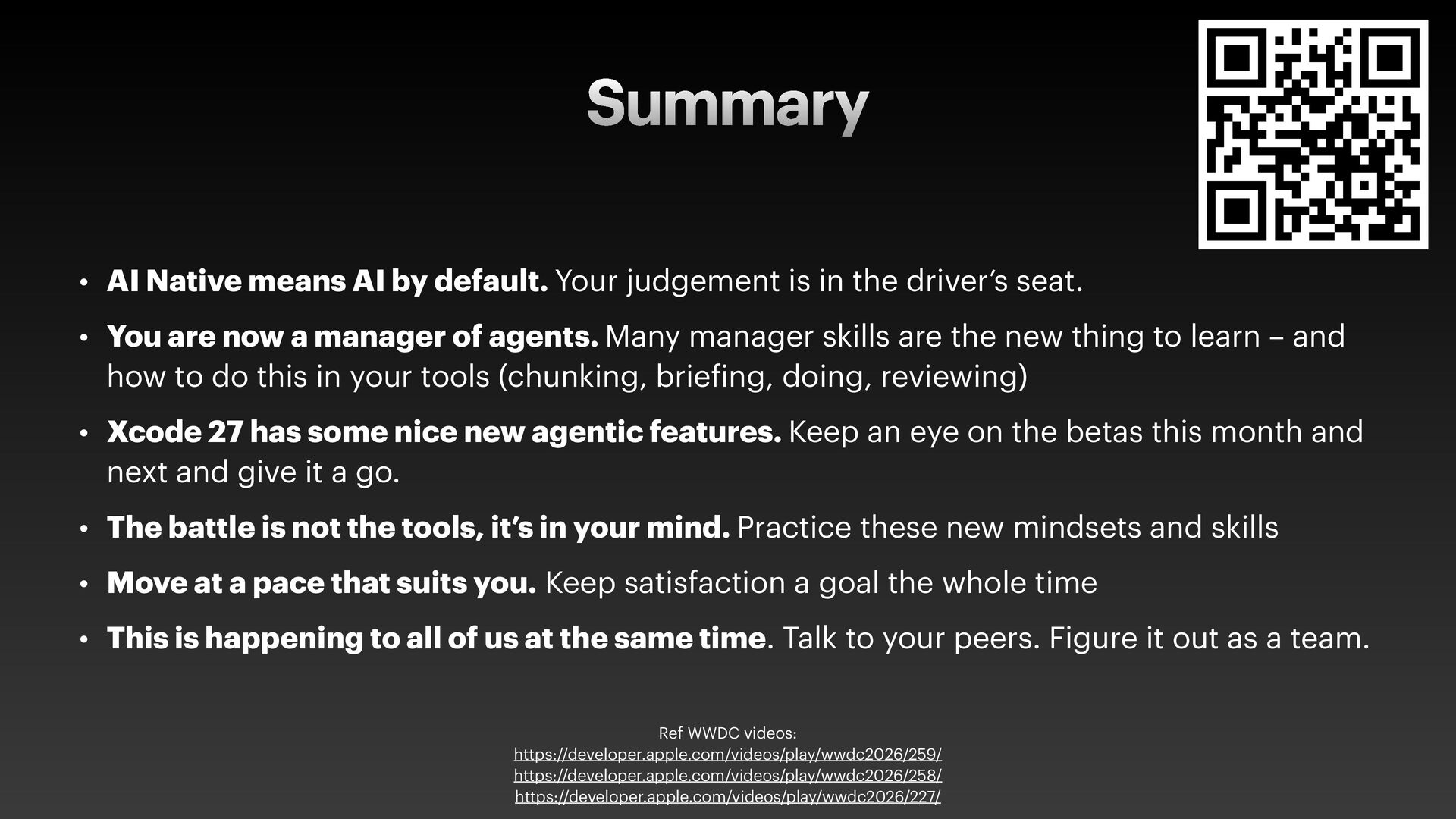
  24. Summary • AI Native means AI by default. Your judgement

    is in the driver’s seat. • You are now a manager of agents. Many manager skills are the new thing to learn – and how to do this in your tools (chunking, brie f ing, doing, reviewing) • Xcode 27 has some nice new agentic features. Keep an eye on the betas this month and next and give it a go. • The battle is not the tools, it’s in your mind. Practice these new mindsets and skills • Move at a pace that suits you. Keep satisfaction a goal the whole time • This is happening to all of us at the same time. Talk to your peers. Figure it out as a team. Ref WWDC videos: https://developer.apple.com/videos/play/wwdc2026/259/ https://developer.apple.com/videos/play/wwdc2026/258/ https://developer.apple.com/videos/play/wwdc2026/227/