Upgrade to Pro — share decks privately, control downloads, hide ads and more …

Digital Forensics and Incident Response in The ...

Avatar for Michael Cohen Michael Cohen
September 26, 2018

Digital Forensics and Incident Response in The Cloud

Cloud technologies have made it easier for organizations to adapt rapidly to changing IT needs. Teams may acquire (and destroy) new computing resources at a press of a button providing for very flexible deployment environment. While this capability is generally useful, it does come at the cost of increasing management overheads and particularly degraded security posture. Traditionally, IT managers have provided visibility into organizational inventories and could use this information to enforce org wide standard operating environments (SOEs), institute patching regimes etc. However, with the advent of cloud computing, every team can create new VMs and containers on a whim for both production and development use, typically consisting of the cloud service provider's SOE offering.

In this tutorial we explore open source tools available for managing cloud deployments. In particular we look at the endpoint monitoring solutions provided by Google's Rekall Agent and Facebook's OSQuery and how these can be integrated into typical cloud deployments. Delegates should be able to walk away from this tutorial being able to install and manage a cloud deployment of Rekall Agent and OSQuery on their VM endpoints.

These solutions allow the administrators to gain insight into their enterprise wide deployment. For example, one could ask questions such as:

What is the current patch level of all my cloud VM's and containers for each software package? Which VM's are in need of patching? Which VMs have been created recently, and do they comply with minimum security hardening standards?
Who has remote access to my VM's? E.g. via ssh authorized_keys? Via cloud IAM's security policy?
Do any VM's contain a particular indicator of compromise? E.g. Run a YARA signature over all executables on my virtual machines and tell me which ones match.

Avatar for Michael Cohen

Michael Cohen

September 26, 2018

More Decks by Michael Cohen

Other Decks in Technology

Transcript

  1. Digital Forensics and Incident Response in the Cloud Dr. Michael

    Cohen Velocidex Innovations. https://www.velocidex.com/ Slides and materials on https://tinyurl.com/Auscert2018cloud
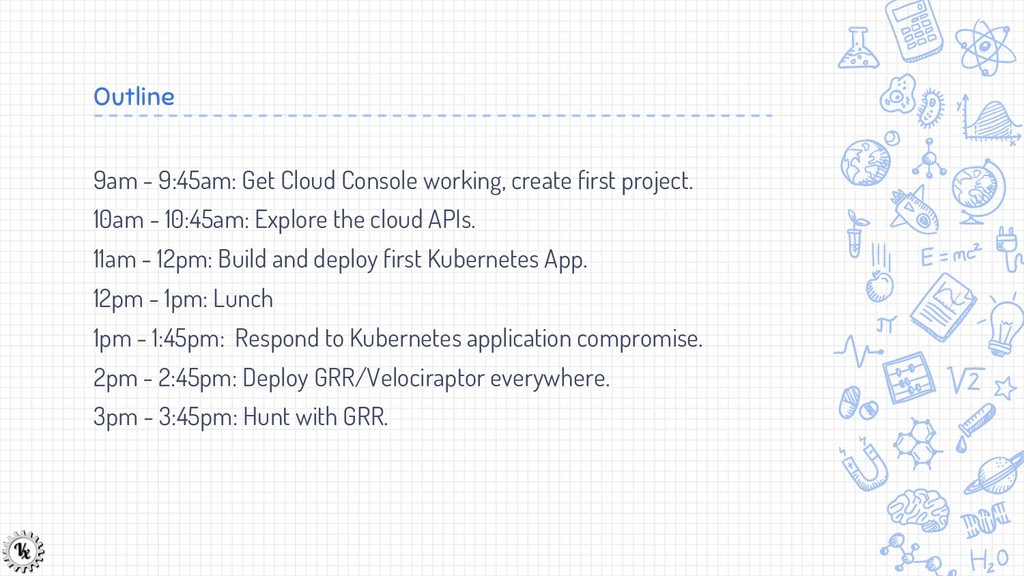
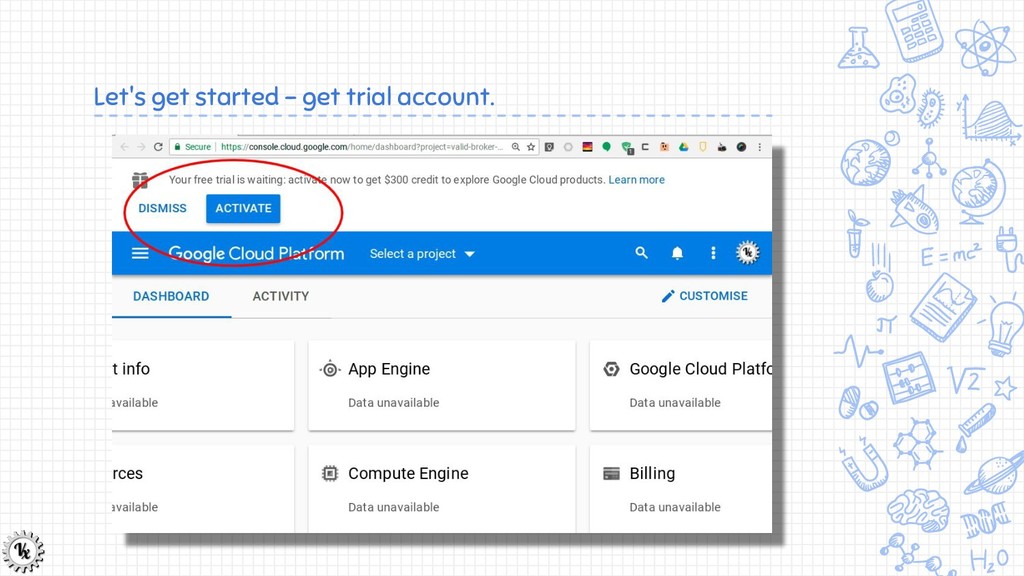
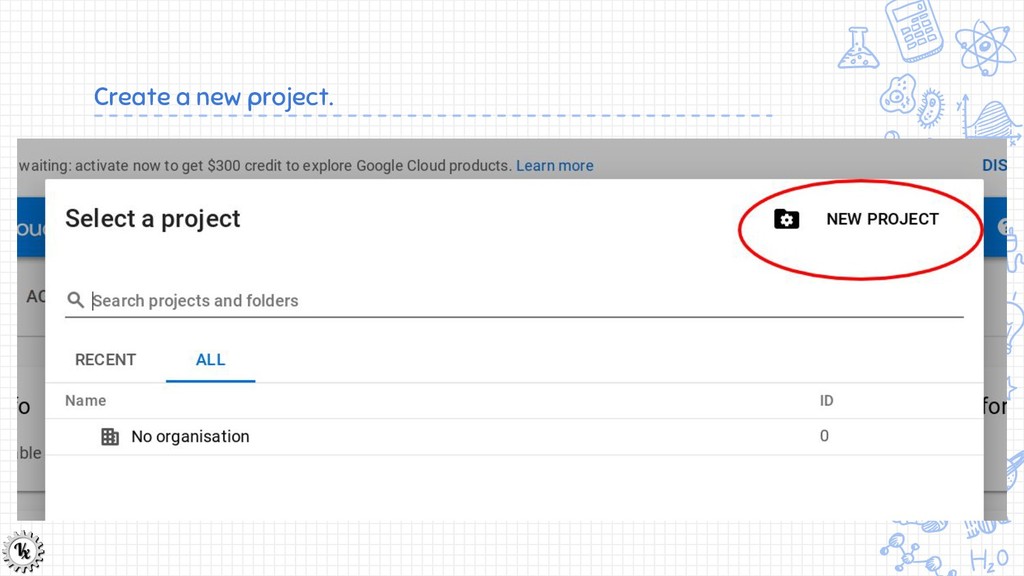
  2. Outline 9am - 9:45am: Get Cloud Console working, create first

    project. 10am - 10:45am: Explore the cloud APIs. 11am - 12pm: Build and deploy first Kubernetes App. 12pm - 1pm: Lunch 1pm - 1:45pm: Respond to Kubernetes application compromise. 2pm - 2:45pm: Deploy GRR/Velociraptor everywhere. 3pm - 3:45pm: Hunt with GRR.
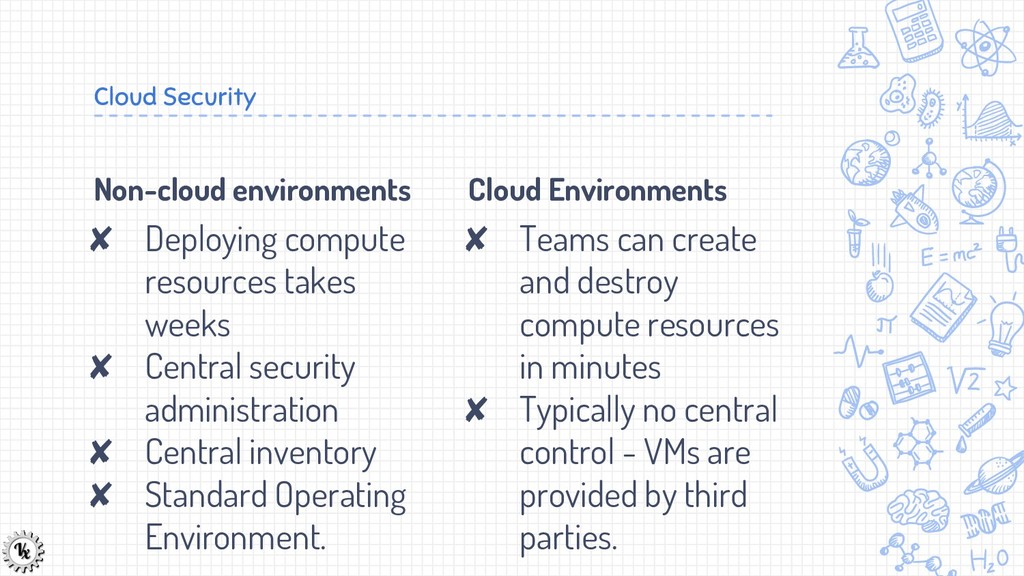
  3. Non-cloud environments ✘ Deploying compute resources takes weeks ✘ Central

    security administration ✘ Central inventory ✘ Standard Operating Environment. Cloud Security Cloud Environments ✘ Teams can create and destroy compute resources in minutes ✘ Typically no central control - VMs are provided by third parties.
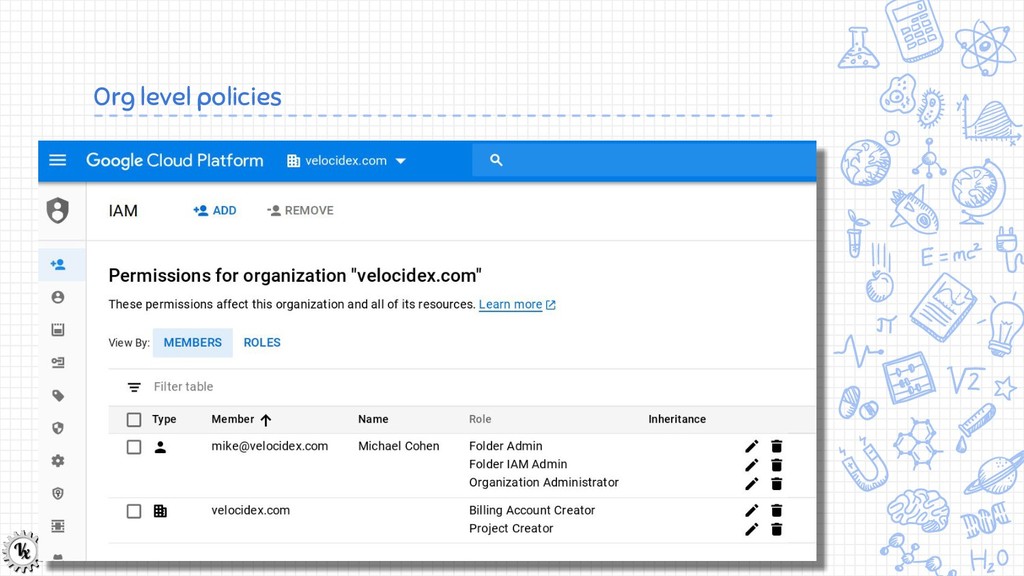
  4. What is a security policy? How is the security policy

    used in Google cloud? What is a resource hierarchy?
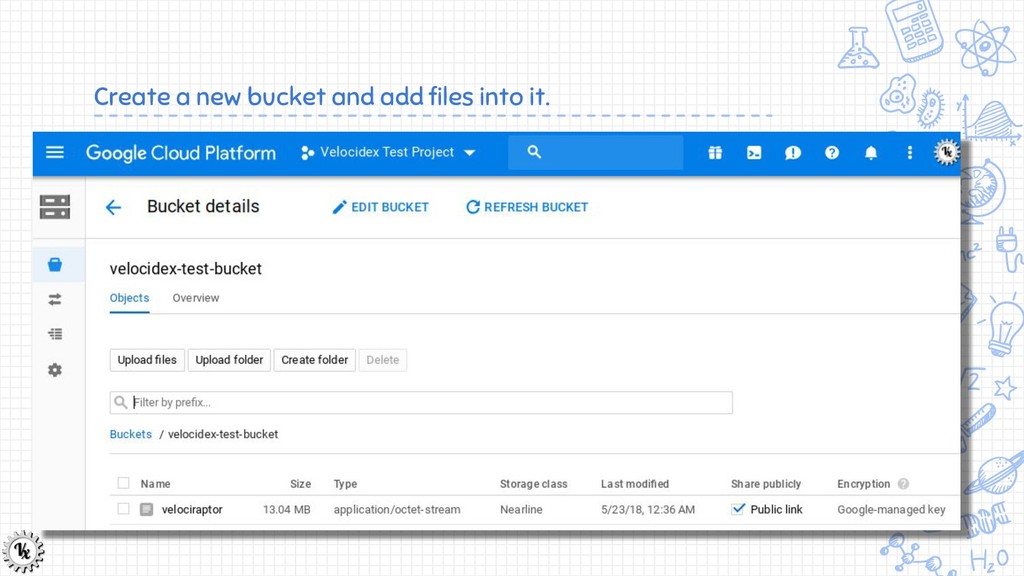
  5. What is a cloud bucket? What would you use it

    for? What operations can cloud storage perform?
  6. What is a service account? ✘ How can we authenticate

    a service account? (2 main ways) ✘ What permissions does a SA have? ✘ What would we use a SA for?
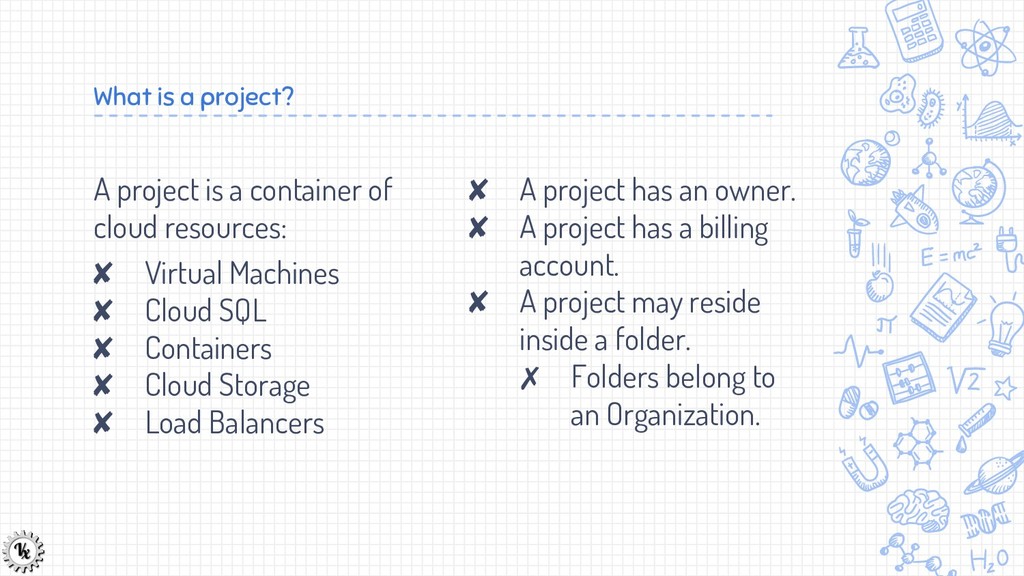
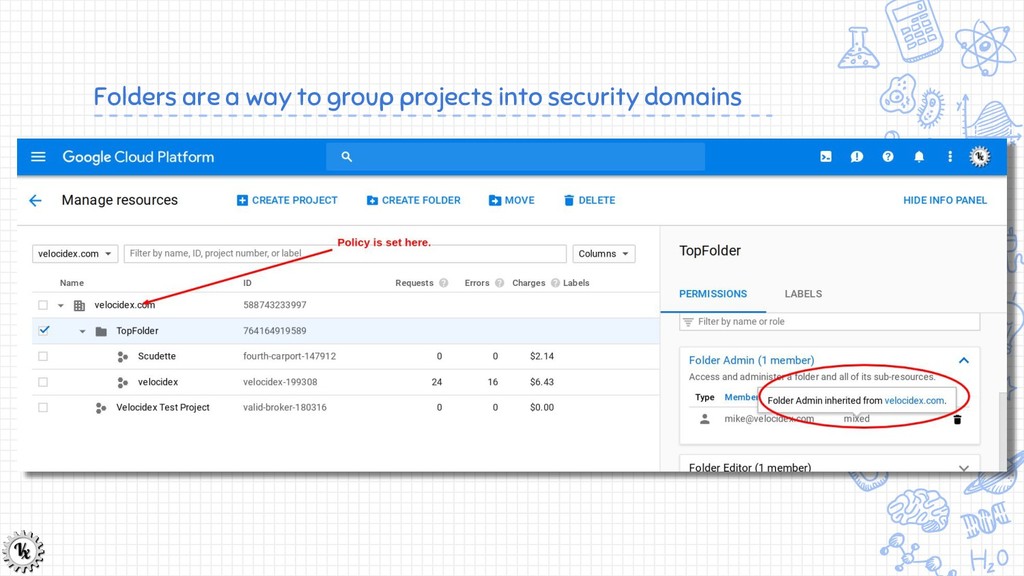
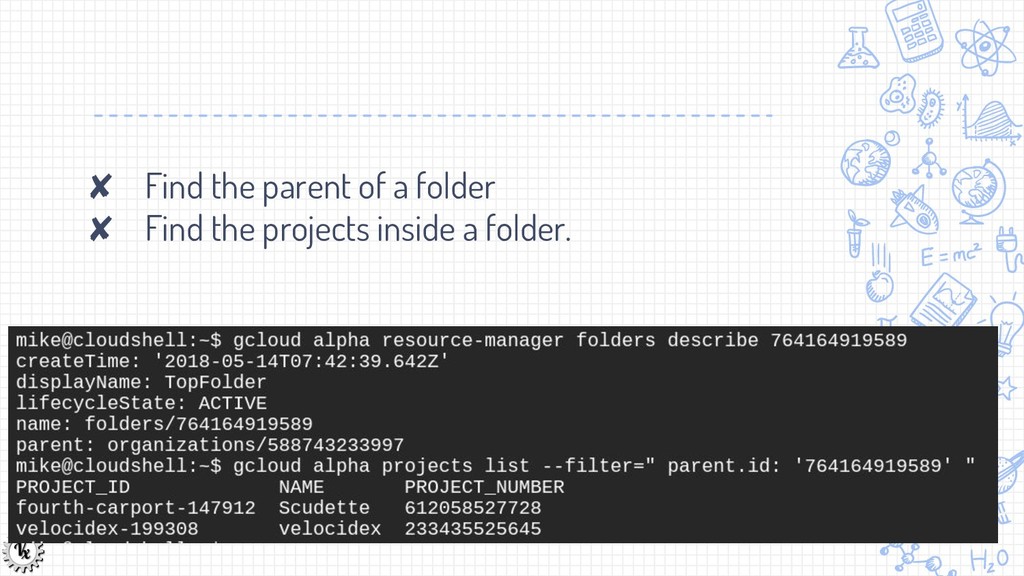
  7. What is a project? A project is a container of

    cloud resources: ✘ Virtual Machines ✘ Cloud SQL ✘ Containers ✘ Cloud Storage ✘ Load Balancers ✘ A project has an owner. ✘ A project has a billing account. ✘ A project may reside inside a folder. ✗ Folders belong to an Organization.
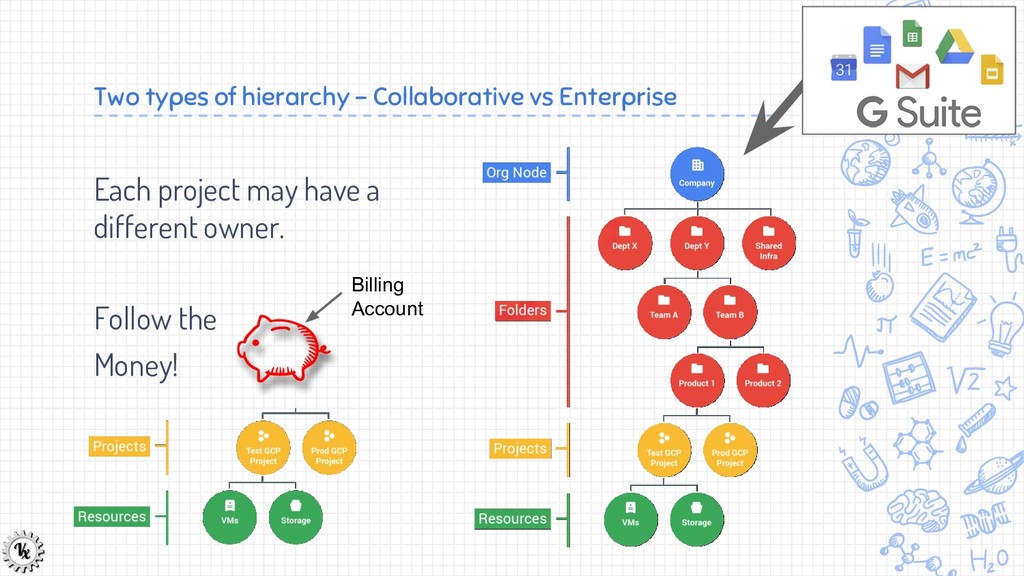
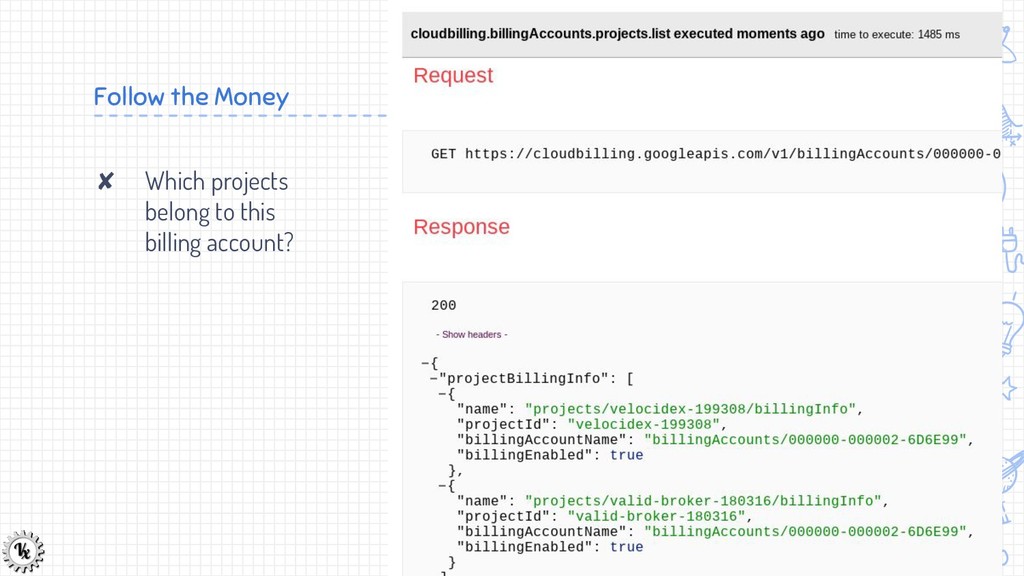
  8. Two types of hierarchy - Collaborative vs Enterprise Each project

    may have a different owner. Follow the Money! Billing Account
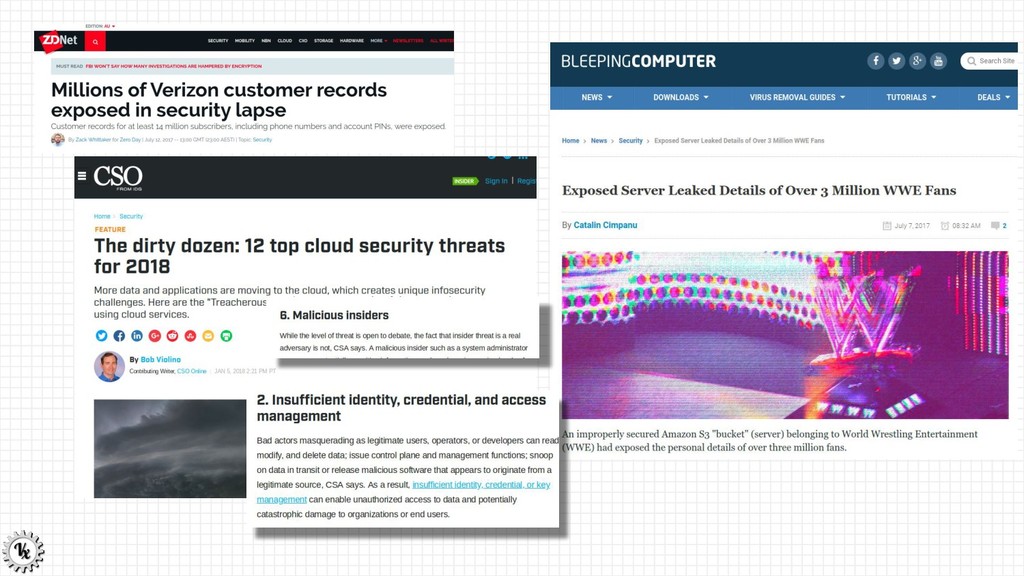
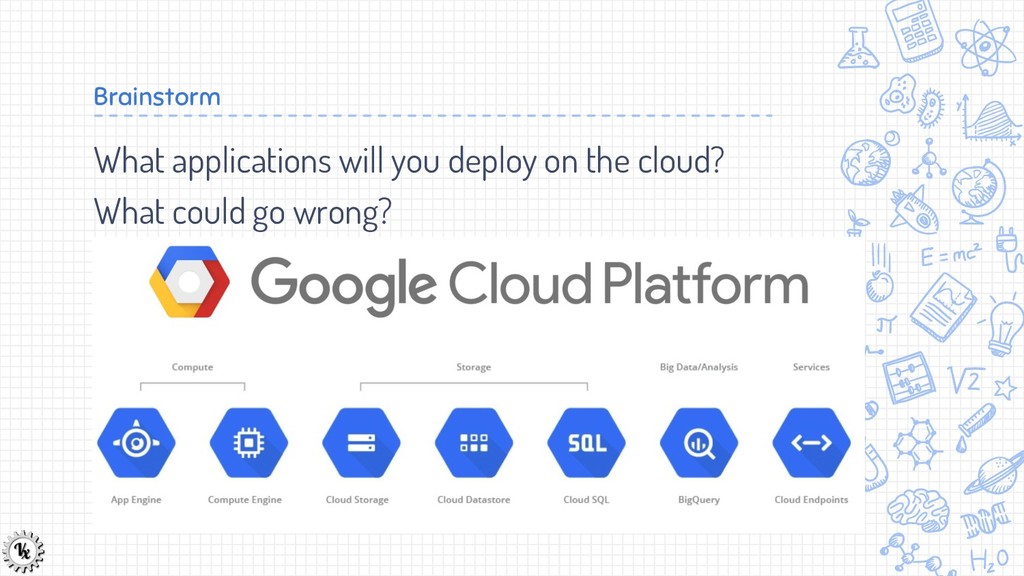
  9. Security challenges You are a security admin for a cloud

    organization and the bosses told you we will be moving everything to the cloud! ✘ What do we have to worry about?
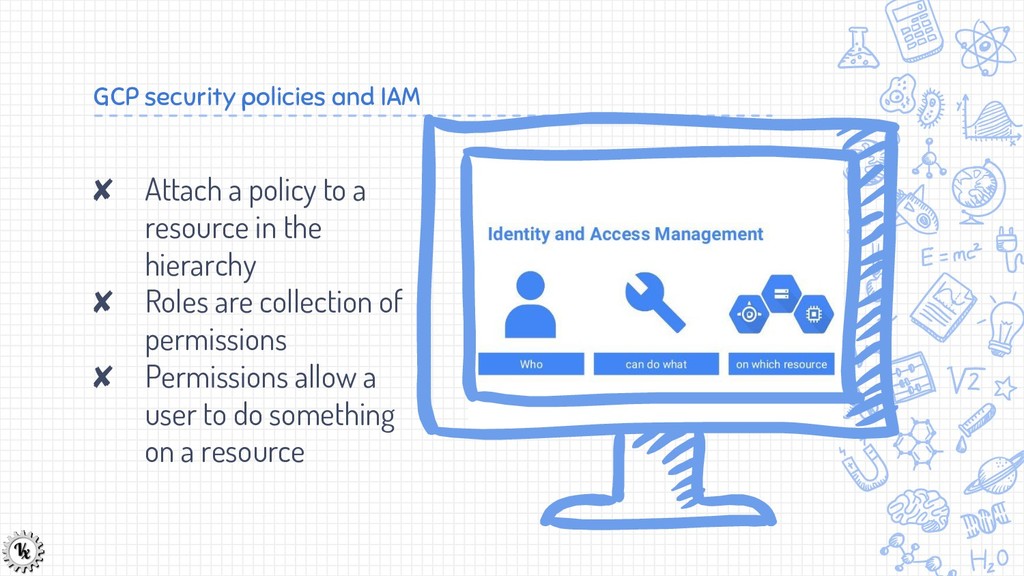
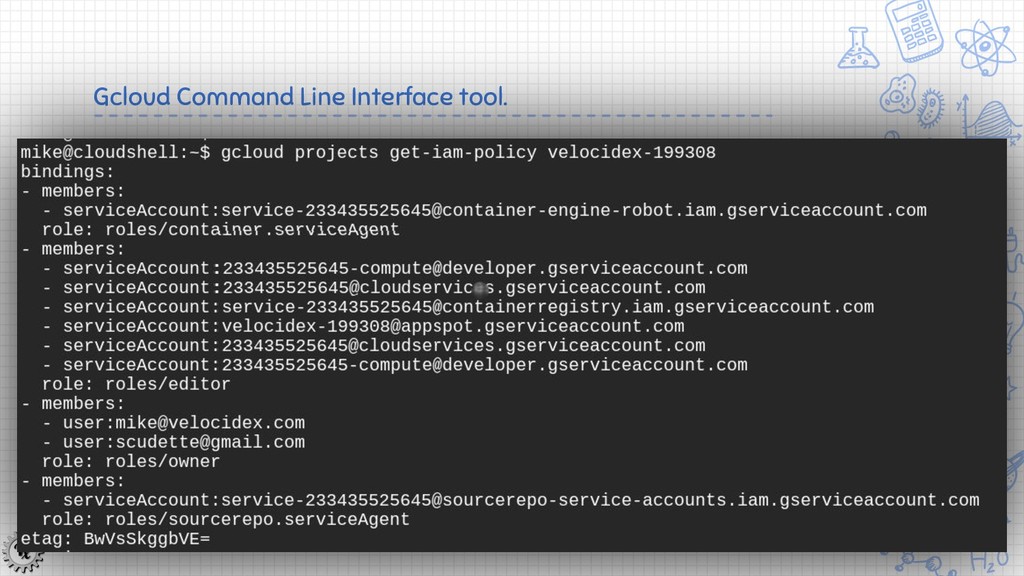
  10. GCP security policies and IAM ✘ Attach a policy to

    a resource in the hierarchy ✘ Roles are collection of permissions ✘ Permissions allow a user to do something on a resource
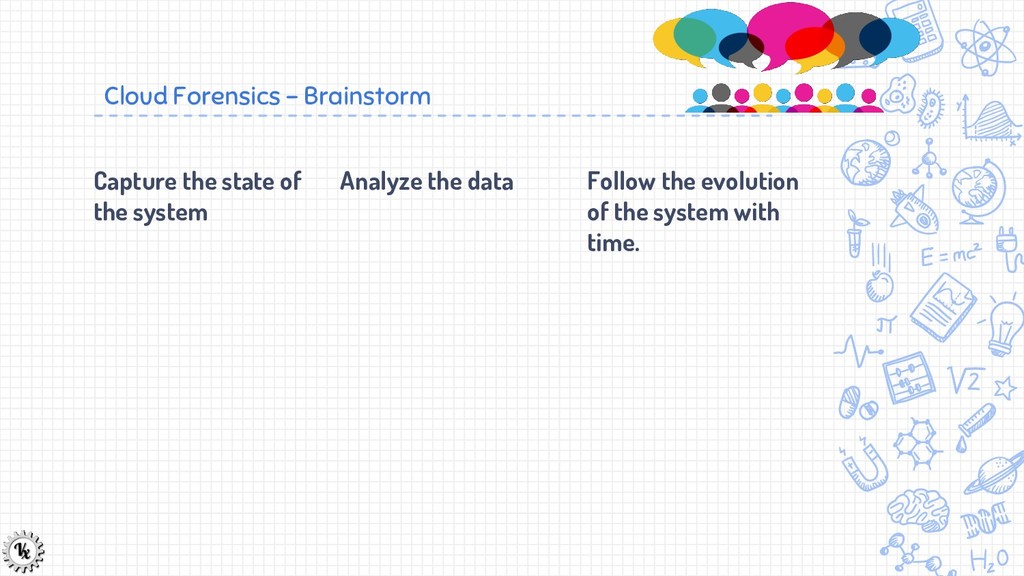
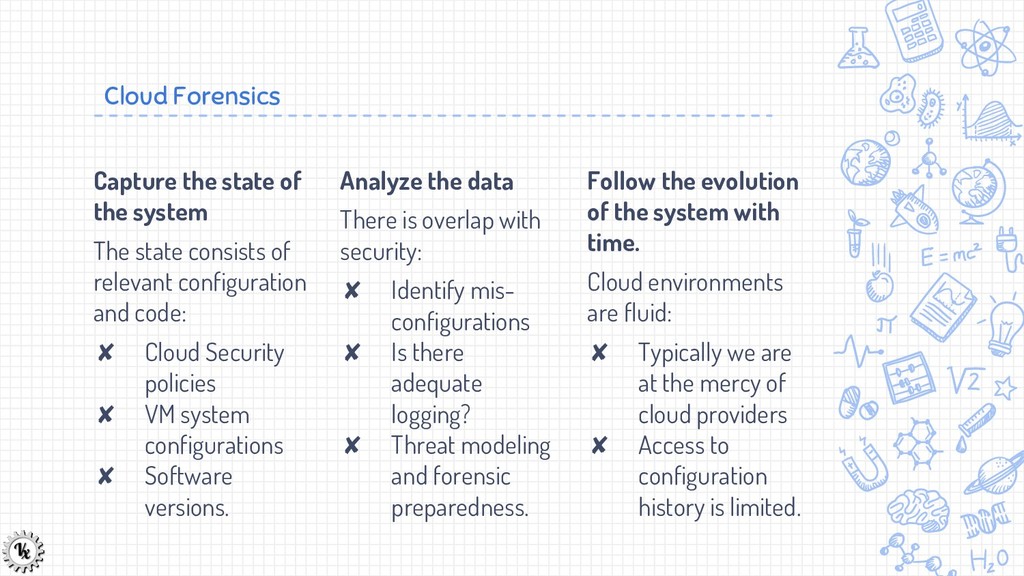
  11. Cloud Forensics - Brainstorm Capture the state of the system

    Analyze the data Follow the evolution of the system with time.
  12. ✘ We have already experienced three different tools for gathering

    information about the state of the cloud deployment: a. The cloud console UI b. The gcloud command line tool. c. The API and API explorer. How to collect data
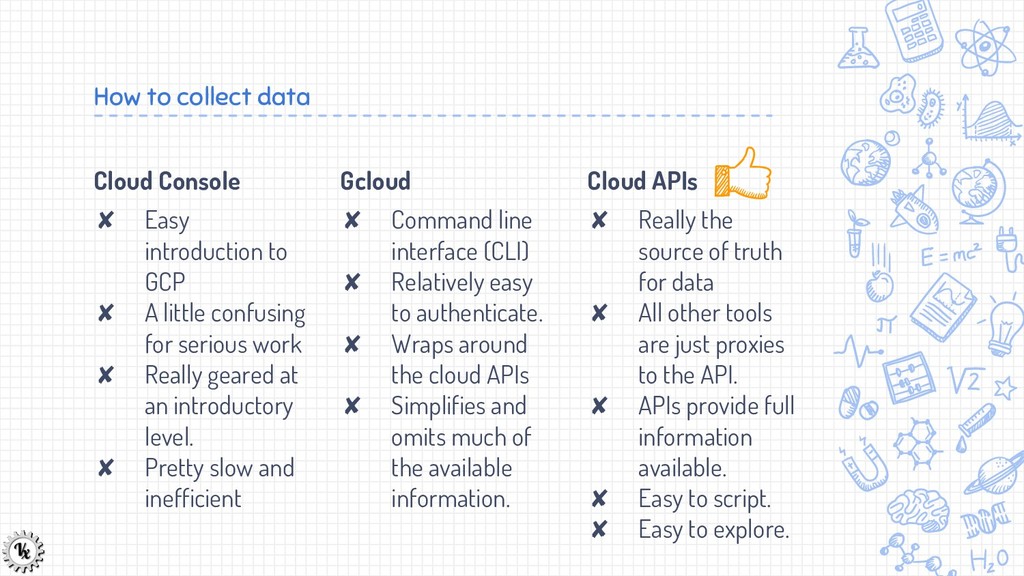
  13. Which one do you think is useful for what type

    of collection? Cloud console Gcloud CLI API Explorer
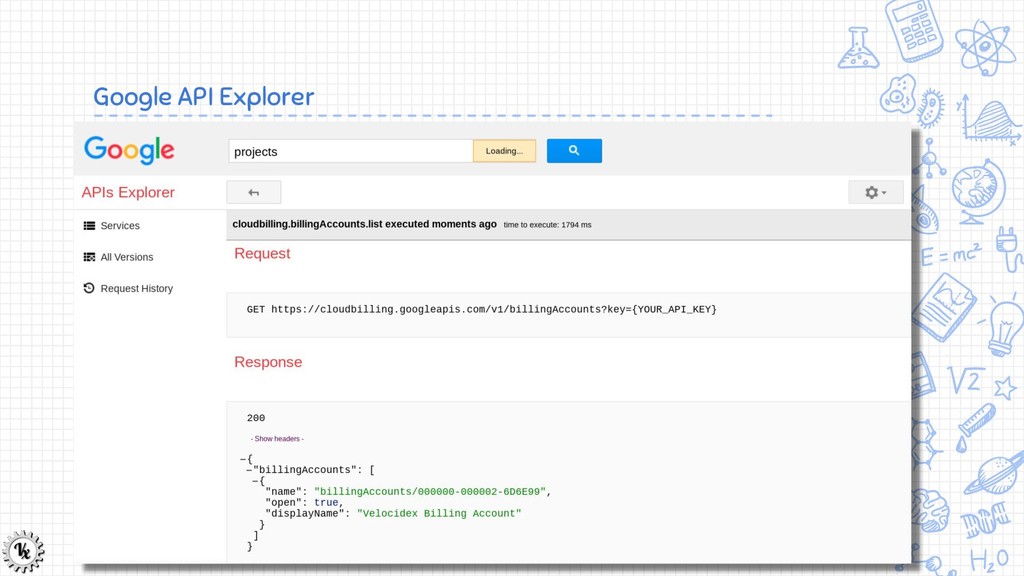
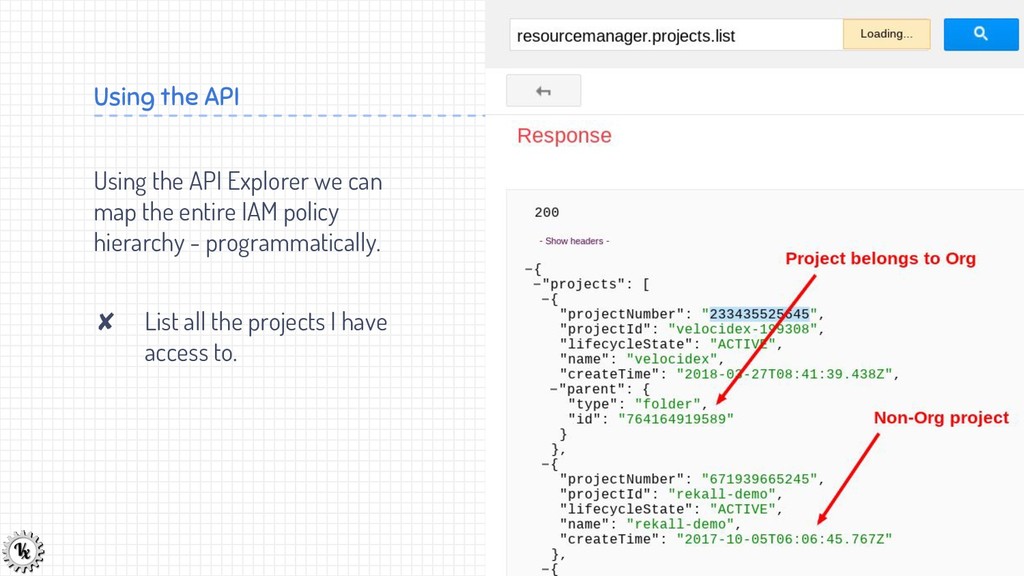
  14. Using the API Using the API Explorer we can map

    the entire IAM policy hierarchy - programmatically. ✘ List all the projects I have access to.
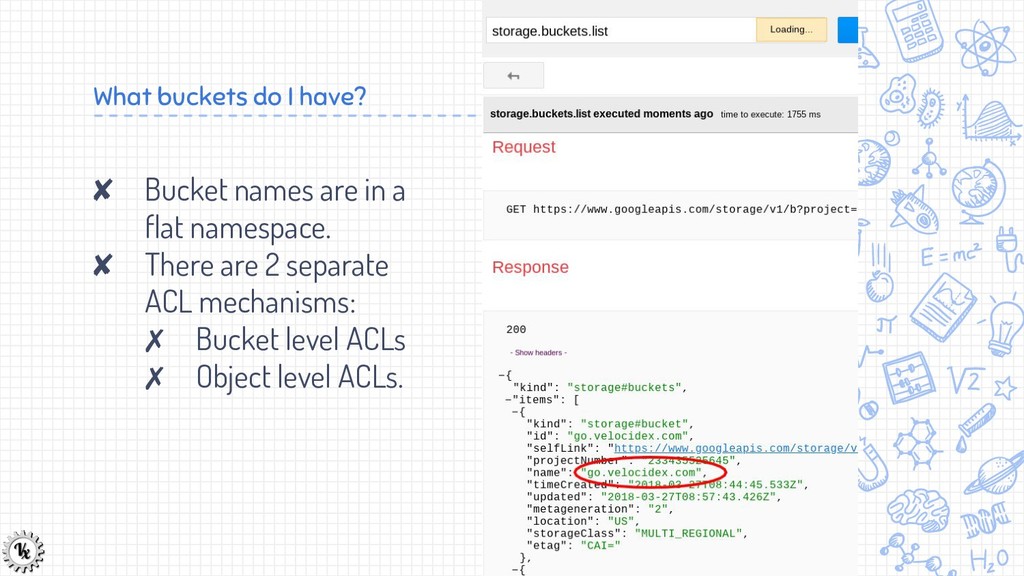
  15. What buckets do I have? ✘ Bucket names are in

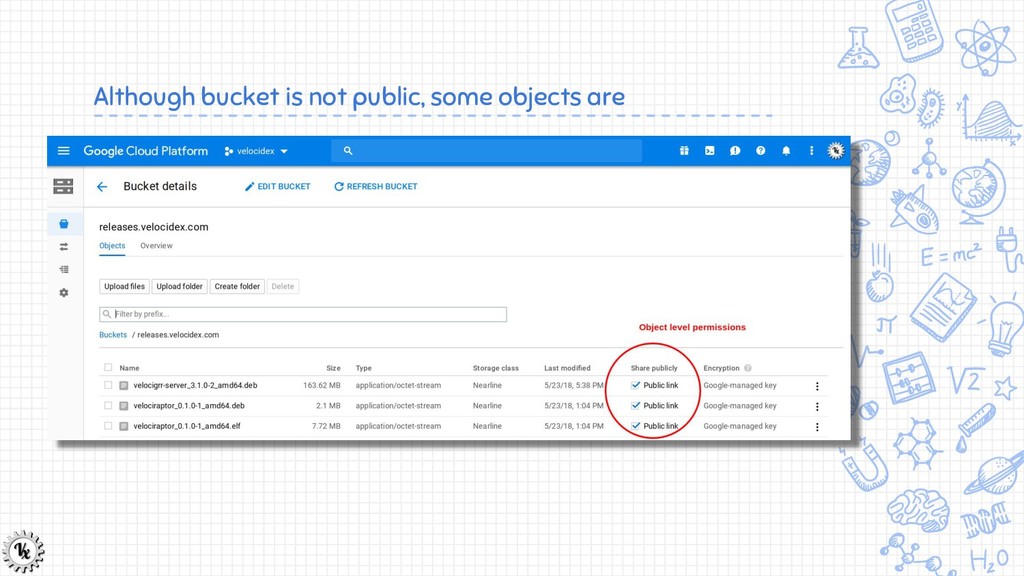
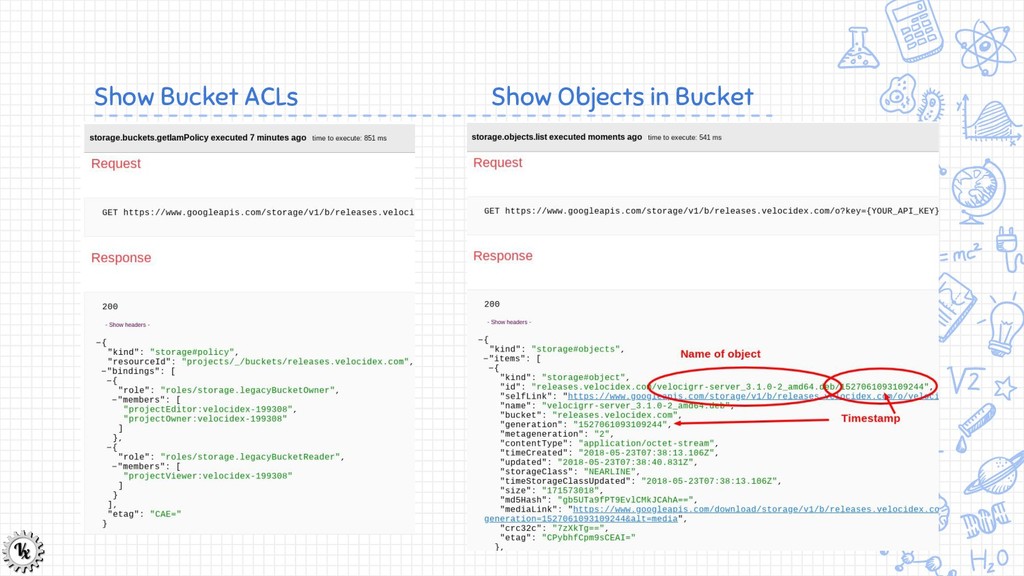
    a flat namespace. ✘ There are 2 separate ACL mechanisms: ✗ Bucket level ACLs ✗ Object level ACLs.
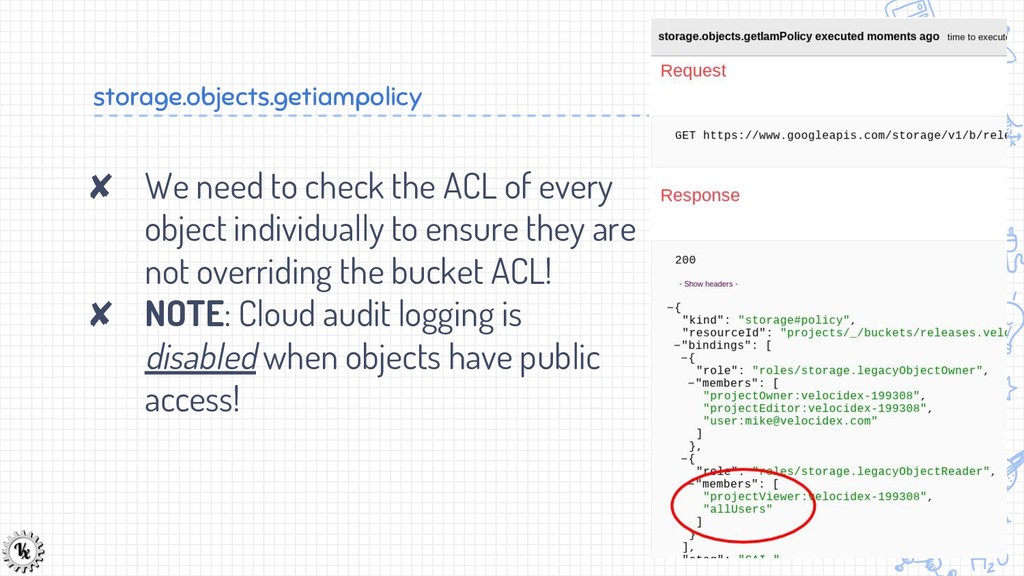
  16. storage.objects.getiampolicy ✘ We need to check the ACL of every

    object individually to ensure they are not overriding the bucket ACL! ✘ NOTE: Cloud audit logging is disabled when objects have public access!
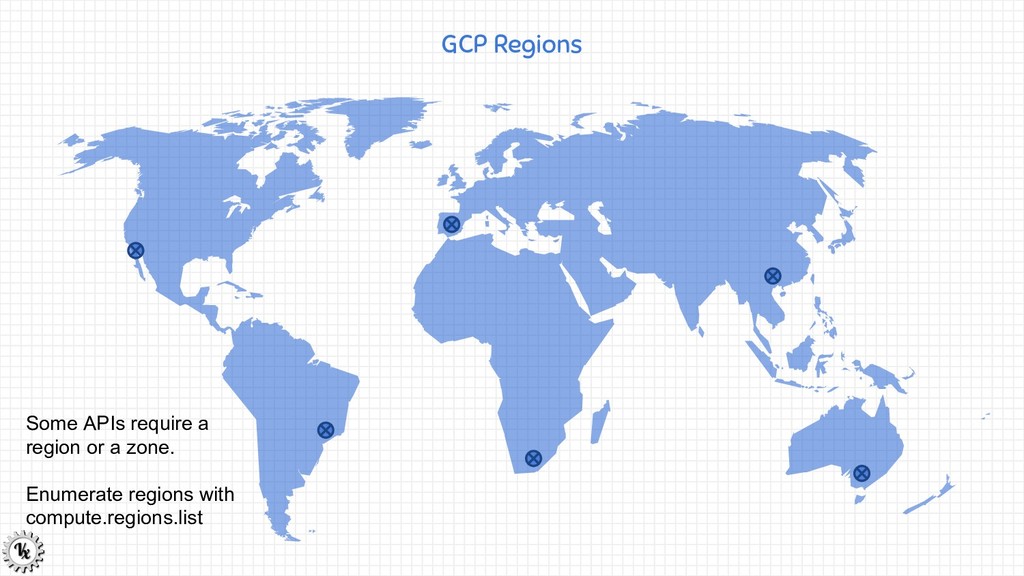
  17. GCP Regions Some APIs require a region or a zone.

    Enumerate regions with compute.regions.list
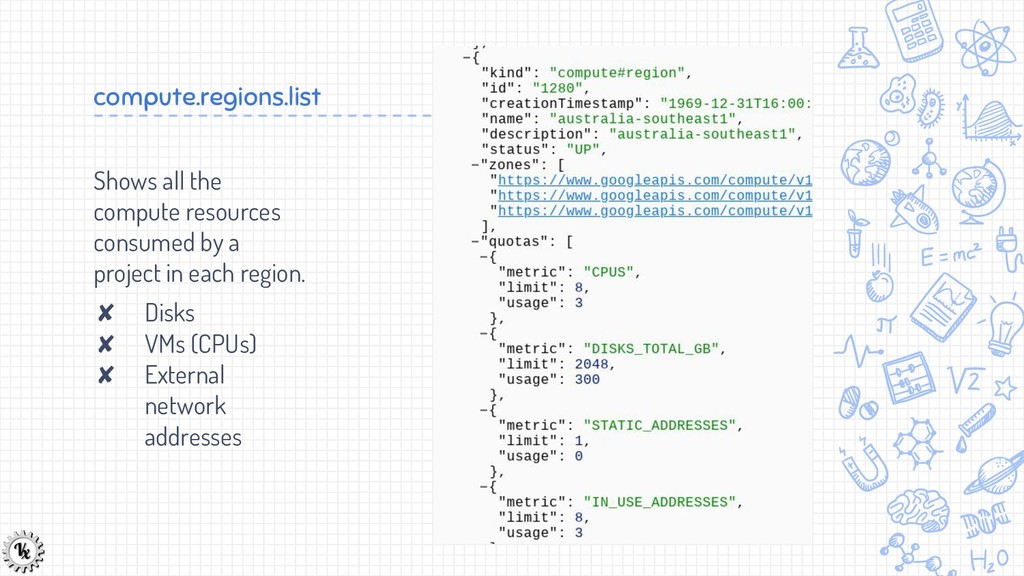
  18. compute.regions.list Shows all the compute resources consumed by a project

    in each region. ✘ Disks ✘ VMs (CPUs) ✘ External network addresses
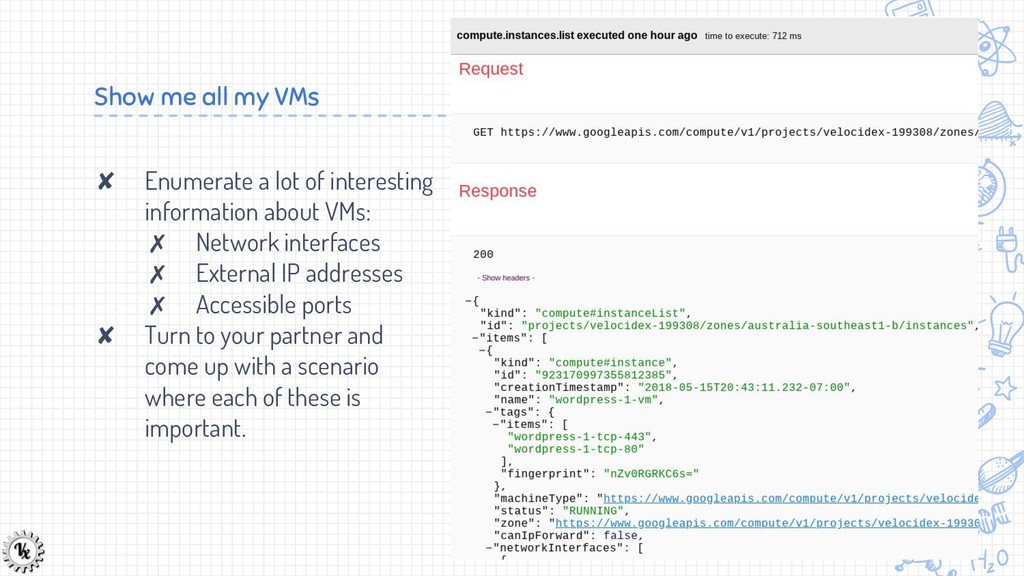
  19. Show me all my VMs ✘ Enumerate a lot of

    interesting information about VMs: ✗ Network interfaces ✗ External IP addresses ✗ Accessible ports ✘ Turn to your partner and come up with a scenario where each of these is important.
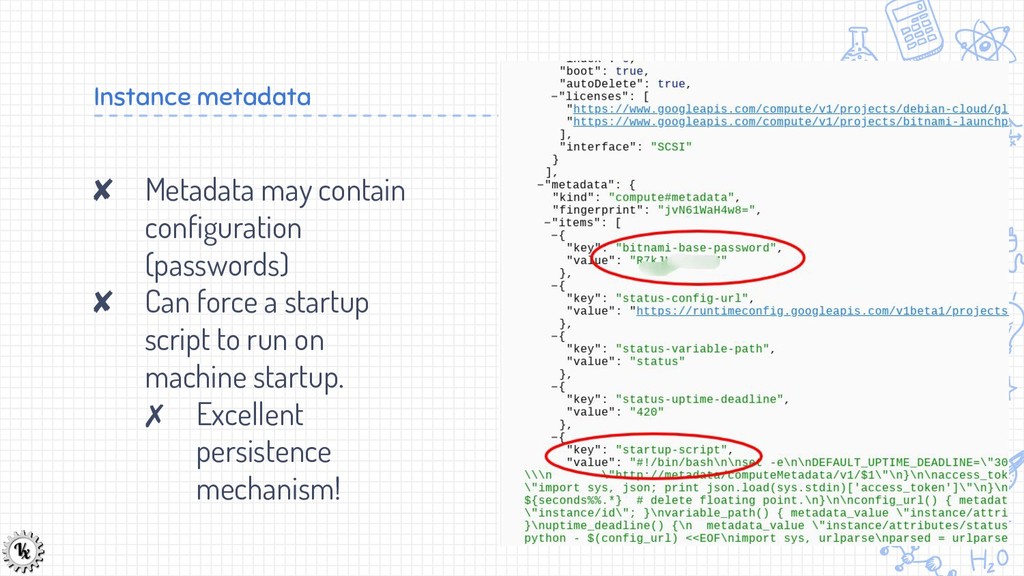
  20. Instance metadata ✘ Metadata may contain configuration (passwords) ✘ Can

    force a startup script to run on machine startup. ✗ Excellent persistence mechanism!
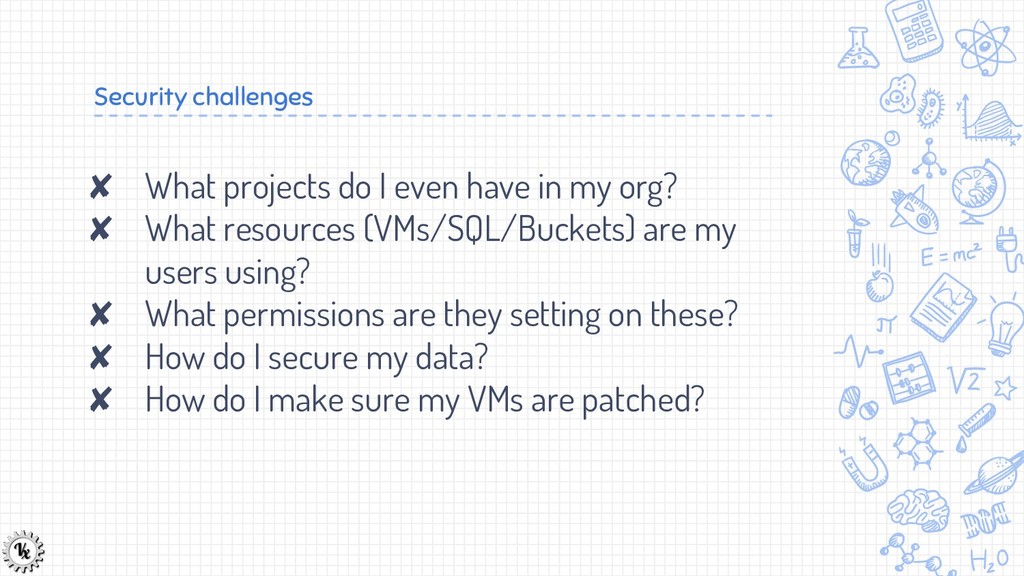
  21. Security challenges ✘ What projects do I even have in

    my org? ✘ What resources (VMs/SQL/Buckets) are my users using? ✘ What permissions are they setting on these? ✘ How do I secure my data? ✘ How do I make sure my VMs are patched?
  22. Cloud Forensics Capture the state of the system The state

    consists of relevant configuration and code: ✘ Cloud Security policies ✘ VM system configurations ✘ Software versions. Analyze the data There is overlap with security: ✘ Identify mis- configurations ✘ Is there adequate logging? ✘ Threat modeling and forensic preparedness. Follow the evolution of the system with time. Cloud environments are fluid: ✘ Typically we are at the mercy of cloud providers ✘ Access to configuration history is limited.
  23. Cloud Console ✘ Easy introduction to GCP ✘ A little

    confusing for serious work ✘ Really geared at an introductory level. ✘ Pretty slow and inefficient How to collect data Gcloud ✘ Command line interface (CLI) ✘ Relatively easy to authenticate. ✘ Wraps around the cloud APIs ✘ Simplifies and omits much of the available information. Cloud APIs ✘ Really the source of truth for data ✘ All other tools are just proxies to the API. ✘ APIs provide full information available. ✘ Easy to script. ✘ Easy to explore.